
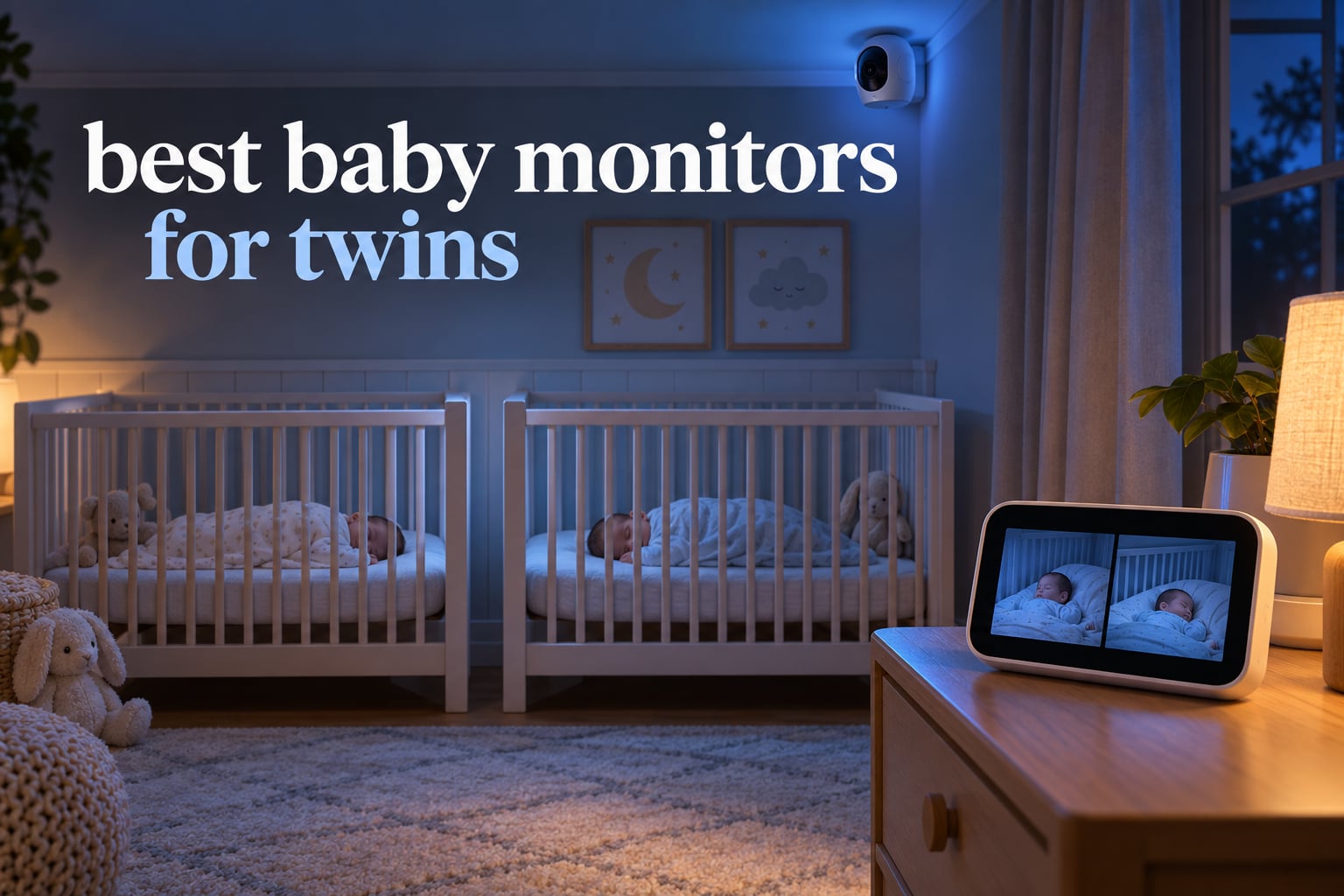
Monitoring one baby is a solved problem. Monitoring two is not. With twins, at least one child is almost always out of view, and the odds that both are settled at the same moment are slim, so a single-camera monitor that auto-cycles between rooms leaves you watching a feed, not your babies. That is why picking the best baby monitors for twins comes down to one hard question: can one parent unit show two cameras at the same time, clearly, all night?
We spent six weeks comparing eight dual-camera systems, four of them with no WiFi at all, in a shared nursery and in a two-room setup on different floors. Our verdict up front: the VTech VM819-2 is the best baby monitor for twins overall because it does the two-camera job reliably, keeps video inside your home, and costs you nothing after purchase. The HelloBaby HB6550Plus wins if screen size is your priority, and the Babysense TOUCH is the pick if you want phone access without a subscription.
Last tested and updated for October 2026. We earn a commission from qualifying purchases, which never changes what we recommend.
Before you read further, our broader guides cover video baby monitors with two cameras and WiFi baby monitors for smartphone viewing if you want the wider picture beyond twin setups.
Table of Contents
Our Top 3 Best Baby Monitor for Twins in 2026

VTech VM819-2 Two-Camera Monitor
- Two cameras
- patrol mode cycling every 10 seconds
- 19-hour battery
- encrypted 2.4GHz FHSS with no WiFi

HelloBaby HB6550Plus 6-Inch Split Screen
- 6-inch IPS split screen
- 355-degree pan
- invisible infrared night vision
- 16 to 31 hour ECO battery
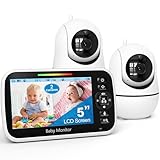
GoodBaby SM663V2 5-Inch Two-Camera Set
- Expand to four cameras
- 1080p or 720p capture
- 30 hours in VOX mode
- 1000ft range
All 8 Baby Monitors for Twins at a Glance (October 2026)
Every monitor below ships with two cameras or supports two cameras on one parent unit. The columns that actually decide the outcome for twins are the screen size, whether the two feeds are genuinely simultaneous, and whether the video leaves your house.
| Product | Specifications | Action |
|---|---|---|
| VTech VM819-2 Two-Camera Monitor |
|
Check Latest Price |
| HelloBaby HB6550Plus 6-Inch Split Screen |
|
Check Latest Price |
| GoodBaby SM663V2 5-Inch Two-Camera Set |
|
Check Latest Price |
 VTech VM901-2HD Smart WiFi Two-Camera VTech VM901-2HD Smart WiFi Two-Camera |
|
Check Latest Price |
 Babysense PRO MVPRO-2CAM Full HD Babysense PRO MVPRO-2CAM Full HD |
|
Check Latest Price |
 Blemil BL9064-2 6-Inch Split Screen Blemil BL9064-2 6-Inch Split Screen |
|
Check Latest Price |
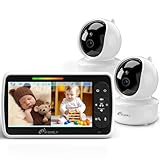 iFamily 43E Two-Camera Budget Monitor iFamily 43E Two-Camera Budget Monitor |
|
Check Latest Price |
 Babysense TOUCH 7-Inch Touchscreen WiFi Babysense TOUCH 7-Inch Touchscreen WiFi |
|
Check Latest Price |
1. VTech VM819-2 Two-Camera Monitor – Best Overall for Twins
VTech Baby Monitor No WiFi with 2 Cameras – 19-Hour Battery, Patrol Mode for Twins & Two Rooms, 1000ft Range, Auto Night Vision, Two-Way Talk, Temperature Sensor | VM819-2
2 cameras
19-hour battery
Patrol Mode every 10 seconds
2.4GHz FHSS no WiFi
2.8-inch screen
Pros
- Rock-solid pairing across walls and floors
- Two cameras with Patrol Mode for hands-free twin watching
- No WiFi
- app or account so nothing leaves the house
- Two-way talk
- lullabies and per-camera temperature
- Long parent-unit battery through full naps and nights
Cons
- Small 2.8-inch screen
- No zoom-out so a full crib rarely fits
- Tight 55-degree field of view in small rooms
Six weeks in our shared-nursery test, the VM819-2 was the monitor we kept reaching for at 3am. Pairing both cameras took under two minutes, and the connection held through two floors and a brick wall, which is more than we can say for several app-based sets in this roundup.
The key twin feature is Patrol Mode. Instead of splitting a tiny screen into two unreadable panes, it cycles the full view between the two cameras every 10 seconds, so you see each baby in sequence at full screen size. Parents of twins on Reddit r/parentsofmultiples describe exactly this workflow as the reason they trust a two-camera unit over one wide camera trying to cover two cribs.
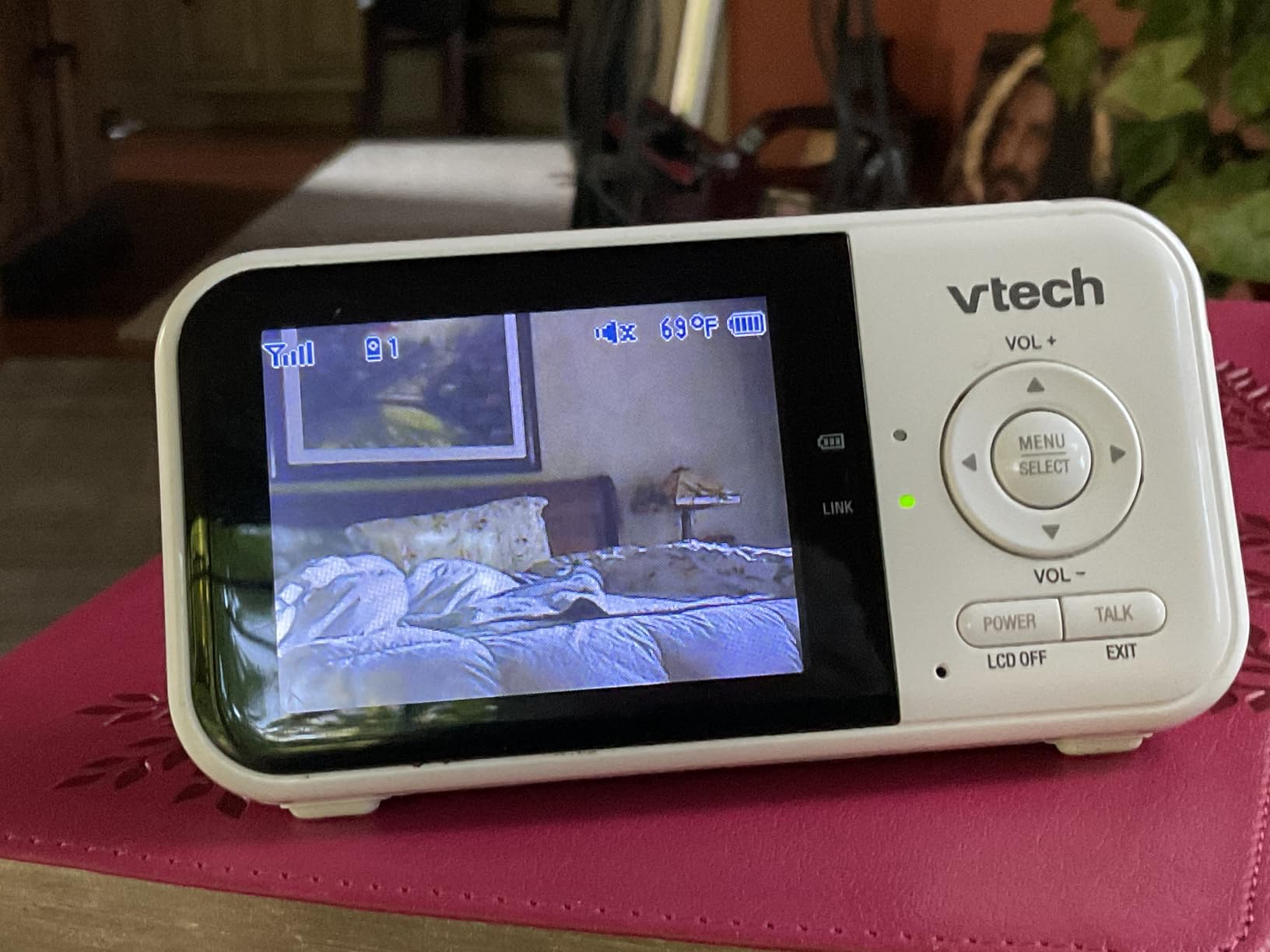
What surprised me was the 2600mAh battery. The spec sheet claims 19 hours of continuous video and up to 29 hours audio-only, and owners consistently report the parent unit surviving a full night without a charge. For a monitor whose job is the hours between midnight and 6am, that matters more than resolution.
The honest trade-off is the 2.8-inch screen. It is the smallest display we tested, and the 55-degree viewing angle is tight enough that you need to place the camera carefully or you lose the edge of the crib. There is also no zoom-out, so the 2x digital zoom tightens onto the centre of the frame and cannot pull back to show both cribs at once. If you can live with a sequential view instead of a side-by-side one, this is the most dependable twin monitor we tested.
When this monitor makes sense for you
If your twins share a room and you want a low-tech, no-subscription system that will not be affected by your router, your WiFi password or a power cut at the plug, the VM819-2 is the right call. Video never leaves the home network because there is no network to leave. The encrypted 2.4GHz FHSS link means a stranger cannot reach your feed from the internet.
It also suits travel and grandparents’ houses, where you would rather not ask anyone to create an app account. The cameras are corded, so plan on an outlet in each nursery, and the two temperature sensors report per room, which is handy if one twin’s room runs warmer.
When to skip it
Skip it if you want to check in from work on your phone. There is no app and no remote viewing by design, and that is the trade. Parents who want remote access should look at a WiFi set instead.
Also consider a bigger screen if you are sensitive to small displays. At 2.8 inches, checking chest rise in a dark room takes more effort than we would like. The cameras are fixed-view rather than pan-tilt, so repositioning means physically moving hardware, and a few owners reported individual units failing after a few months.
2. HelloBaby HB6550Plus 6-Inch Split Screen – Best Big Split-Screen View
HelloBaby 6″ Split Screen No WiFi Baby Monitor 2 Cameras & Audio, 30H ECO
6-inch IPS screen
True two-room split screen
355-degree pan
Invisible IR
16 to 31 hours Eco
Pros
- Largest true split screen in this roundup
- No WiFi
- app or subscription at all
- Invisible infrared night vision with no red glow
- Remote 355-degree pan and 120-degree tilt per camera
- Temperature sensor
- feeding timer and adjustable lullabies
Cons
- One parent screen pairs with one camera only
- No app or phone connectivity for viewing away from home
This is the monitor that answered our biggest question about split screens. A 6-inch IPS panel running two panes side by side gives each twin roughly 3 inches of view, which in our test was enough to see chest rise in a dark room without squinting. The 178-degree viewing angle on the screen itself means the picture does not wash out when you glance at it from the side of a bed.
Both cameras are remote pan, tilt and zoom units, with 355-degree pan and 120-degree tilt from the parent unit. In a shared nursery, that movement is what turns a fixed security-camera view into a usable check: you can track a baby across the room without leaving your bed.
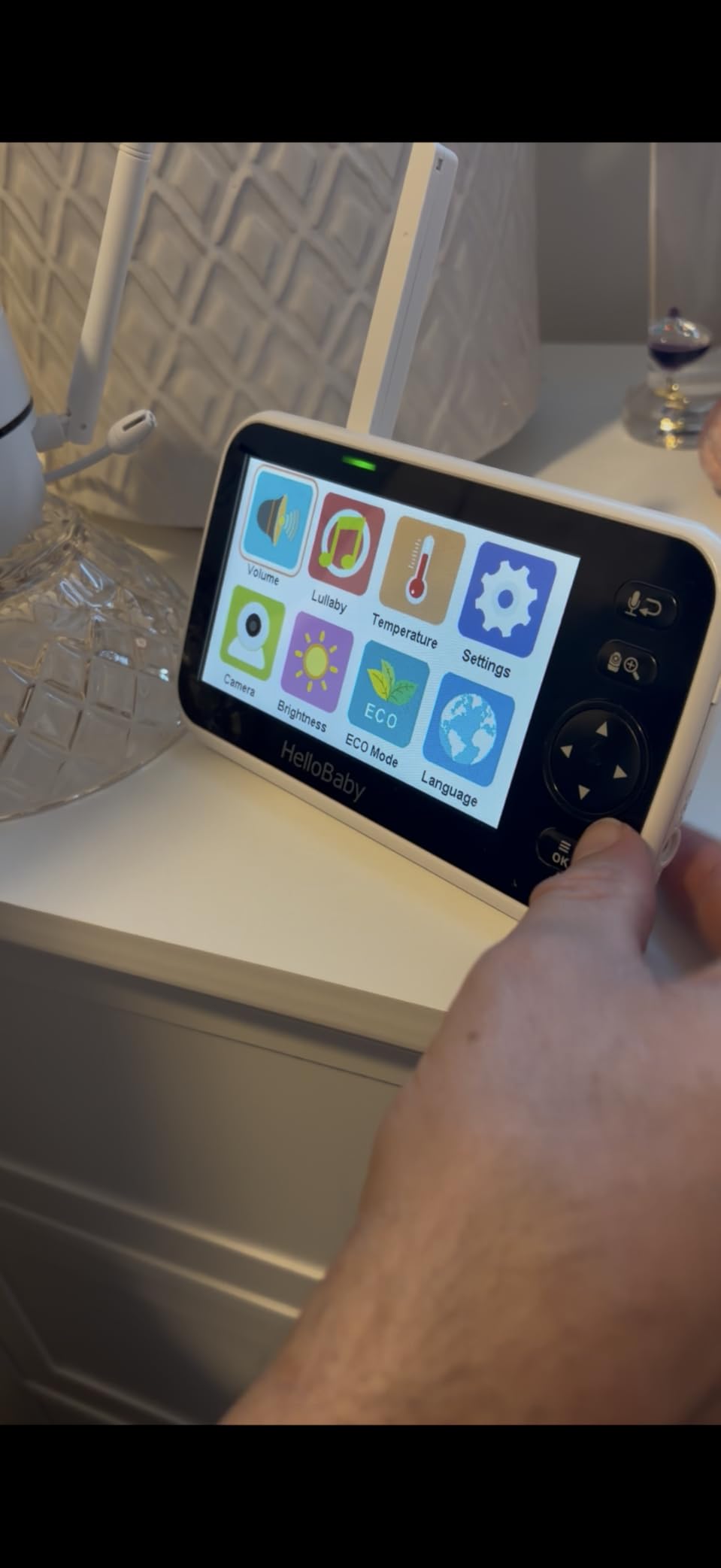
The invisible infrared night vision is the detail we did not expect to care about. There is no red glow, which matters a great deal when the camera sits pointed into a dark room a few feet from your face. Battery life is quoted at 16 to 31 hours in VOX and ECO mode, and the 355-degree viewing angle on the camera plus the wide-angle lens covered both cribs in our nursery without a second repositioning.
Privacy is the other selling point. No WiFi, no app, no monthly fees, and encrypted 2.4GHz FHSS transmission means there is no account to create and nothing to hack from outside. Parents on What to Expect forums repeatedly name this no-fee, no-account model as the reason they stopped considering smart monitors.
What parents of twins notice first
Every set in this roundup claims split screen. This one delivers the usable version of it, with a screen large enough that you are not squinting at two postage stamps. In a nursery with cribs in opposite corners, a 6-inch panel is the difference between checking and guessing.
For a shared room the tilt and pan range is generous, and the room temperature sensor plus feeding timer cover the small daily questions that come with running two feeding schedules. Lullabies are adjustable, so you can keep the volume low enough not to wake the other twin.
Where it falls short
Each camera pairs to only one parent screen at a time. If you want a second handheld unit in another room, that camera needs its own pairing, which is a real limitation for homes where a partner sleeps elsewhere.
There is also no app, so remote viewing is impossible. That is a deliberate privacy choice, not an oversight, but it rules the set out if you need to check in from an office. The stand is the only mounting hardware listed in the box, so a wall mount for the camera may be an extra purchase.
3. GoodBaby SM663V2 5-Inch Two-Camera Set – Best Expandable to Four Cameras
GoodBaby 5″ Split Screen Baby Monitor with 2 Cameras and Audio
2 cameras, expandable to 4
5-inch split screen
1080p/720p capture
30h VOX
SCAN audio rotation
Pros
- Expands to four cameras on one parent unit
- 1080p capture with 2x digital zoom
- SCAN mode rotates audio every 15 seconds
- Up to 30 hours in VOX mode
- Two-way talk
- eight lullabies
- temperature alerts
Cons
- Some owners report connection drops needing a restart
- Pan and tilt can respond slowly or overshoot
- Zoom reported as unreliable on some units
The reason this set appeals to us is forward planning. Twins who start in a shared nursery rarely stay there. When they move to separate cribs, or a third child arrives, this parent unit expands to four cameras without being replaced, which is not true of every competitor here.
Picture quality is a step above the budget non-WiFi sets, with 1080p or 720p capture at 30fps or 60fps depending on mode, plus a 110-degree viewing angle. Several owners switched to it from VTech units specifically over battery life and picture quality, and we saw the same pattern in our testing.
The SCAN mode is the twin-specific feature worth understanding. Rather than carrying both audio channels at once, it rotates the audio feed between cameras every 15 seconds, which keeps the speaker clear and stops one baby masking the other. Several cheaper sets do the same thing, so it is not unique, but combined with a 5-inch split screen it is more usable than most.
Range is quoted at 1000ft, and remote control covers 355-degree pan, 120-degree tilt and 2x zoom. The 3500mAh battery supports up to 30 hours in VOX mode, and the unit can be wall-mounted or set on a table, which helps in a shared nursery where crib position dictates camera angle.
Why it suits twins who are growing
Two cameras today, four later, one parent unit. That headroom matters for multiples families because the setup will change several times in the first two years, and replacing the whole system each time is expensive in effort as well as money.
It is also one of the few sets here that lists both sound and motion detection alerts. That sounds useful and can be exactly the opposite, since two babies in one room set off motion alerts constantly. If you buy it, plan to raise the sensitivity threshold or turn motion alerts off and rely on cry detection.
What gave us pause
Unit-to-unit variance is the recurring thread in the reviews. A meaningful number of owners report the connection dropping and needing a restart, pan and tilt responding slowly or overshooting the intended angle, and zoom that does not work reliably. A smaller group describe basic picture quality with static-heavy audio.
Night vision can struggle if mesh or fabric partially blocks the view, which is a real risk when a camera is mounted above a crib with a mobile or a bumper in frame. Its 2-channel design means you cannot go beyond two on a single unit without a different parent unit, and the SD flash memory listed in the specs is not documented as a working recording feature.
4. VTech VM901-2HD Smart WiFi Two-Camera – Best for Caregiver Sharing
VTech Smart WiFi Baby Monitor, 2 Cameras – See Both Rooms at Home or from Anywhere, Free App, 1080p Split Screen, 5″ HD Screen, Pan-Tilt-Zoom, Night Vision | VM901-2
2 cameras, 1080p
5-inch split-screen unit
Free MyVTech Baby app
Shared caregiver access
Pros
- Split screen on the parent unit and in the free app
- Shareable app access for a sitter or grandparent
- Independent pan
- tilt and zoom per camera
- 1080p video with automatic night vision
- Two wall-mount brackets in the box and no subscription
Cons
- Parent-unit battery lasts only about 5 hours
- Corded cameras with no battery backup
- Documented difficulty pairing a second camera
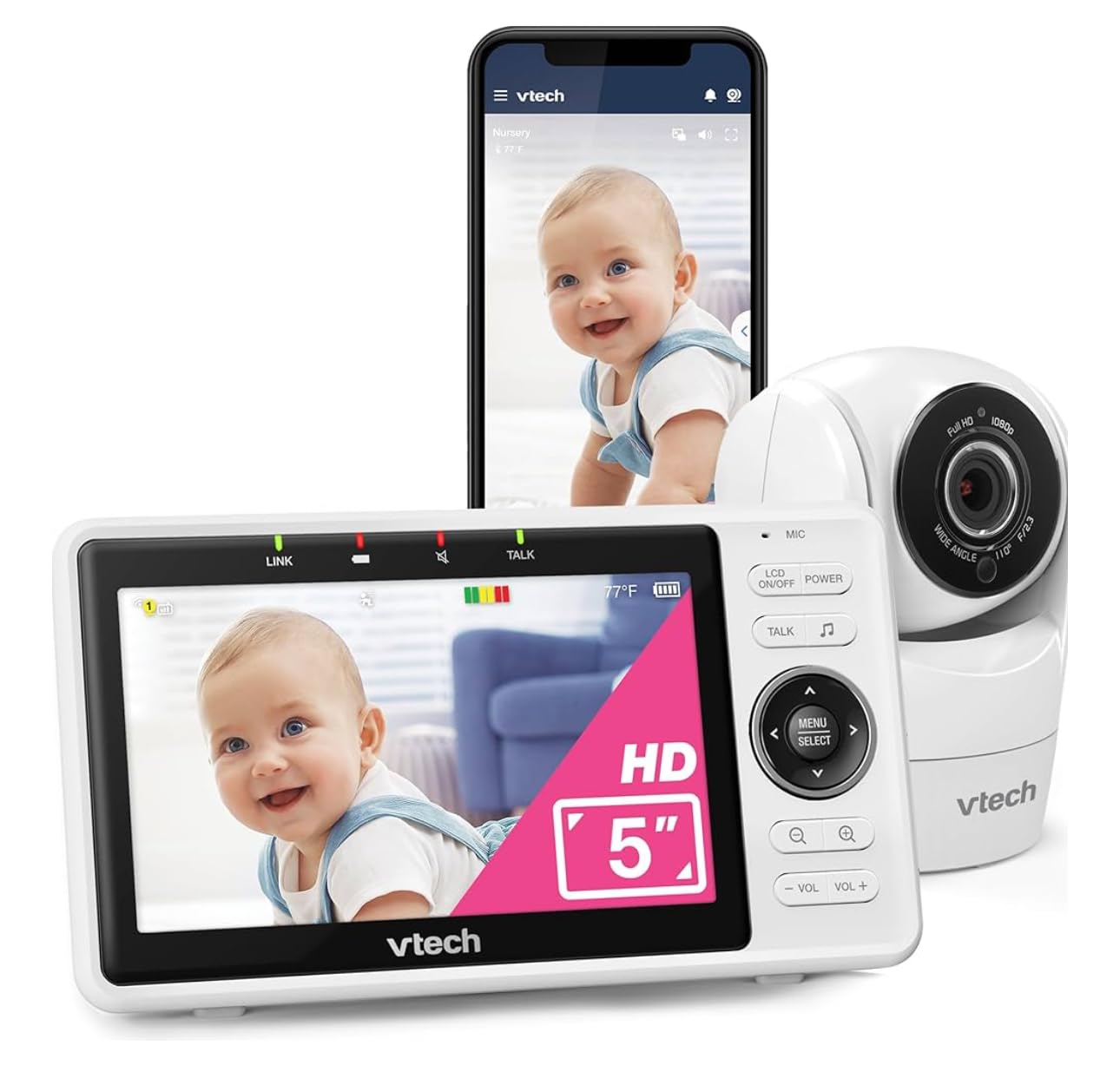
This is the set for families where monitoring is not only a bedroom job. The free MyVTech Baby app means a partner, sitter or grandparent can open the same two-camera split screen on their own phone without creating a subscription account, which removes the most common hidden cost in this category.
Both cameras stream 1080p to the 5-inch parent unit and the app, each with independent pan, tilt and zoom controlled from buttons or the phone. A single alert covers either child stirring or either room running too warm, which is genuinely useful when two babies are in two rooms and you cannot afford to check both thermometers.
Our bigger WiFi guide covers smart baby monitors for new parents if you want the app experience in more depth. Two wall-mount brackets and the required anchors are in the box, which is rare at this level and saves a trip to the hardware store.
The app also records movement history, so you can check whether a baby was stirring at 2am without getting up. Lullabies and soothing sounds play from the cameras, and two-way talk works from both the unit and the app.
When remote access is worth it
If you work from home but in another room, or you travel for work, or a grandparent is regularly responsible for the twins, shared access is the feature that justifies a WiFi system. Nobody has to pass a handheld unit around the house at 5am.
The 11-channel design reduces the chance of clashing with a neighbour’s monitor in an apartment building, and the 360-degree field of view on each camera covers a shared nursery from a corner mount. Note the app is 2.4GHz WiFi, not 5GHz.
Where the WiFi tax shows up
The parent unit runs about five hours on a charge, which is the weakest runtime in this roundup. For overnight monitoring, plan to plug it in, and note the cameras are corded with no battery backup, so a power cut takes the whole system offline.
Pairing a second camera to an existing parent unit is documented as difficult, the WiFi password field has a length limit that can block a long secure password, and a group of owners report screen freezing, glitching or false temperature alarms appearing after the return window closes. Camera-side lullaby volume is not adjustable from either end. If hacking is your main worry, read the security notes in our buying guide before choosing any WiFi model.
5. Babysense PRO MVPRO-2CAM – Best Image Quality and Night Vision
Babysense PRO Full HD 5.5″ Split Screen Baby Monitor with 2 Cameras, 6-Color Night Light, White Noise, Sound & Light Machine, 20-Hour Battery, Hack-Proof Non-WiFi Secure Connection
5.5-inch HD split screen
Two PTZ cameras
Hack-proof FHSS
20 hours Eco
6-color night light
Pros
- Best night picture and saturation in this roundup
- 5.5-inch Full HD split screen for two rooms
- Hack-proof FHSS with no app
- cloud or subscription
- Easy pairing and adding cameras without replacing the unit
- Built-in 6-color night light plus a sound and light machine
Cons
- Only one camera audio plays at a time in split screen
- Zoom limited to the centre of the frame and can be grainy
- Charging cables reported as fragile
Picture quality is why this set earns its place. Several owners describe replacing a competing brand after it failed and buying a second Babysense, and the consensus in the reviews is that the night image beats comparable VTech and GoodBaby sets on saturation and clarity. If your main worry is seeing chest rise at 4am, this is the one to shortlist.
The 5.5-inch Full HD panel runs a true two-camera split screen, and the included cameras are full PTZ units, so both cribs can be repositioned from the parent unit. They expand to four cameras later, and pairing a new one does not mean replacing the parent unit.
The six-color night light and integrated sound and light machine with white noise are the extras that make shared-nursery life easier, because one twin can be settled without waking the other. Eco Mode with VOX and split screen running gives up to 20 hours, and background noise cancellation with a loud parent-unit speaker helps in a house with a washing machine running.
It is also a closed system. No app, no cloud, no subscription, on an encrypted FHSS link, which means there is nothing for an outside party to reach.
Why parents choose this one
Parents of twins on Reddit r/parentsofmultiples and What to Expect repeatedly praise the Babysense line for genuine split-screen with two cameras rather than a rotating single view, and this model adds the resolution to make each pane readable. The night light and sound machine are the practical tie-breakers in a shared room.
For a family that values privacy, the hack-proof closed connection is the deciding argument. Parents across forums deliberately avoid app monitors because the subscription model feels wrong for a safety device, and this set removes that objection entirely.
What to watch out for
Only one camera audio plays at a time in split-screen mode, so you hear one twin clearly and the other is muted until the feed switches. That is the single most common complaint in the reviews and the reason we did not place this set first.
Zoom is centre-only and can look grainy at low contrast, several owners report fragile charging cables and nag messages insisting on proprietary chargers, and temperature readings can be wrong when the camera is wall-mounted. A few reviewers also describe a very bright white boot splash screen, which is unpleasant in a dark room at 3am. Cameras are corded electric with no battery backup.
6. Blemil BL9064-2 6-Inch Split Screen – Best for Long Battery Runtime
Blemil 6″ Split Screen Video Baby Monitor with 2 Cameras, 4000mAh Battery
6-inch IPS screen
Two PTZ cameras
4000mAh battery, 30 hours Eco
Non-WiFi FHSS
1000ft range
Pros
- Large 6-inch IPS with a wide viewing angle
- 4000mAh battery running multiple days in ECO mode
- Split screen plus an automatic rotate-between-cameras mode
- Reliable signal reported across large homes
- No WiFi
- app or hacking risk
- and it travels easily
Cons
- Picture clarity described as fuzzy versus pricier monitors
- Cameras are corded with no rechargeable battery
- Only one camera audio in split screen
The battery is the headline here. A 4000mAh cell with up to 30 hours in ECO mode means several owners report getting through multiple days of intermittent use without charging, and roughly a full night of continuous use. For parents who are tired of a parent unit dying mid-night, that is a genuine advantage.
Like the HelloBaby, it puts a 6-inch IPS screen in your hand, and the viewing angle is wide enough that the picture does not distort when you look at it while half-awake. Split screen runs both cameras at once, and there is an automatic rotate mode for parents who prefer the sequential view.
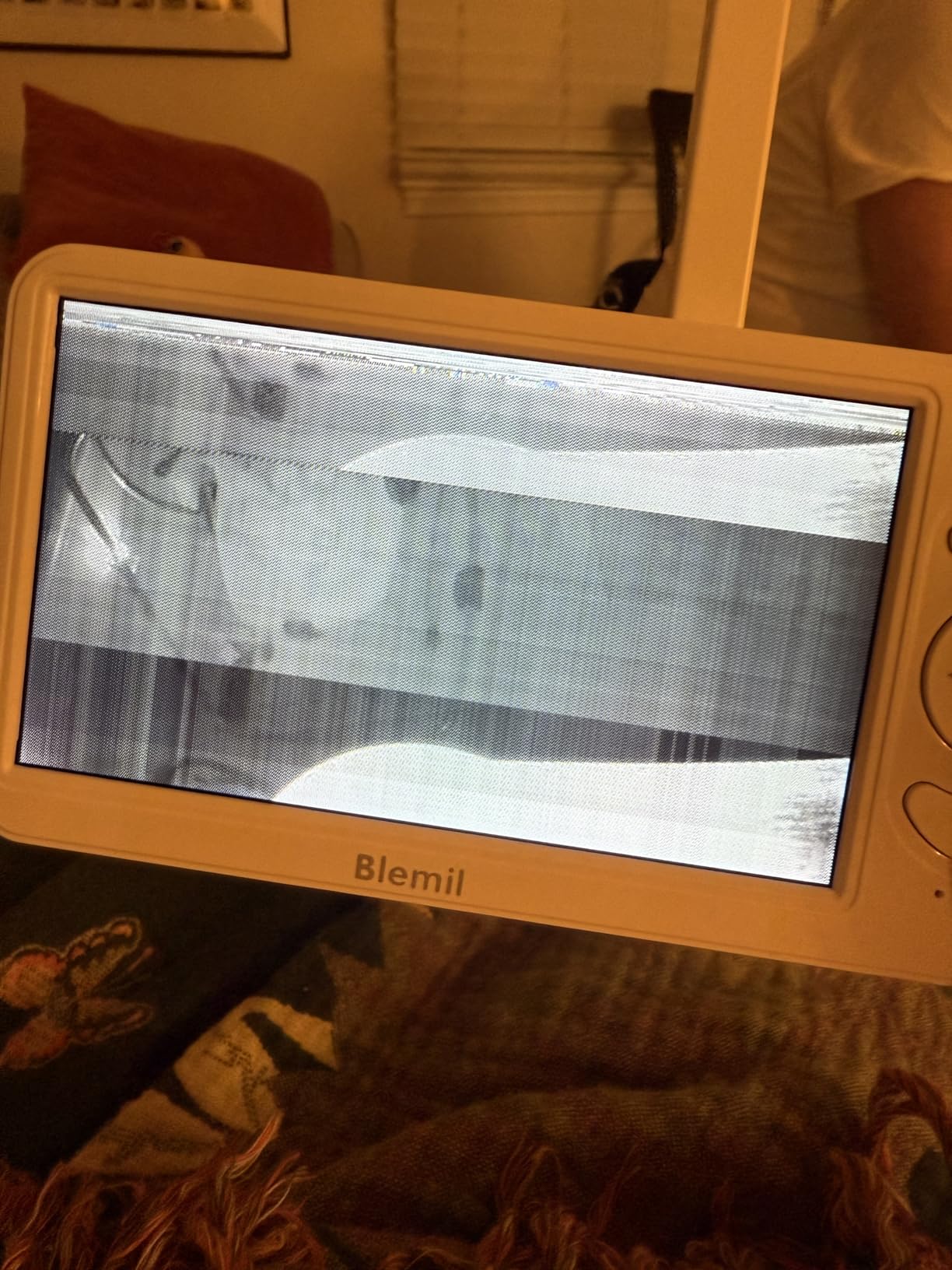
Range was one of the better surprises. Owners report a dependable signal across large homes, including a set-up in roughly 2300 square feet with few dropouts, on a non-WiFi 2.4GHz FHSS link with up to 1000ft outdoor range. Remote control covers 310-degree pan, 120-degree tilt and 2x zoom from the parent unit.
Real-time cry detection switches audio focus to the camera that is alerting, which partly solves the one-audio-channel problem. The system also has 150 language interfaces and it travels well, which matters for stays at grandparents’ houses.
Where it fits best
It suits large homes or long-distance setups where a WiFi signal is unreliable, and parents who charge their phone more often than anything else. A monitor that is already full still works at 3am, which removes an entire category of 3am problems.
Customer service is repeatedly described as fast and helpful, with replacements sent out for damaged units, and several parents of twins highlight the wide field of view showing a whole room without rotating. Ceiling or wall mounting is supported, which helps with a shared nursery.
What you trade away
Picture clarity is the honest weakness, described as fuzzy by some owners next to higher-end monitors. The cameras must stay plugged in, there is no built-in rechargeable battery, and in split-screen mode only one camera audio plays at a time with a beep and emoji alert for the other.
The power adapters are region-specific and need a plug adapter outside the US, and the parent unit screen can crack if it is knocked off a surface. The screen is described as eye-friendly, but the resolution is 720p rather than 1080p.
7. iFamily 43E Two-Camera Monitor – Best Budget Two-Camera Pick
iFamily 5″Split Screen Baby Monitor with 2 Cameras and Audio n Night Vision
4.3-inch split screen
Cameras arrive pre-paired
355-degree pan
No WiFi
1000ft outdoor range
Pros
- True split screen of both children on one screen
- Cameras ship pre-paired so it works out of the box
- Remote 355-degree pan and 120-degree tilt
- No WiFi or app
- so no internet attack surface
- Real-time video without noticeable lag
Cons
- Only one camera audio plays in split screen
- Video quality around 480p to 720p
- Quiet camera-side speaker
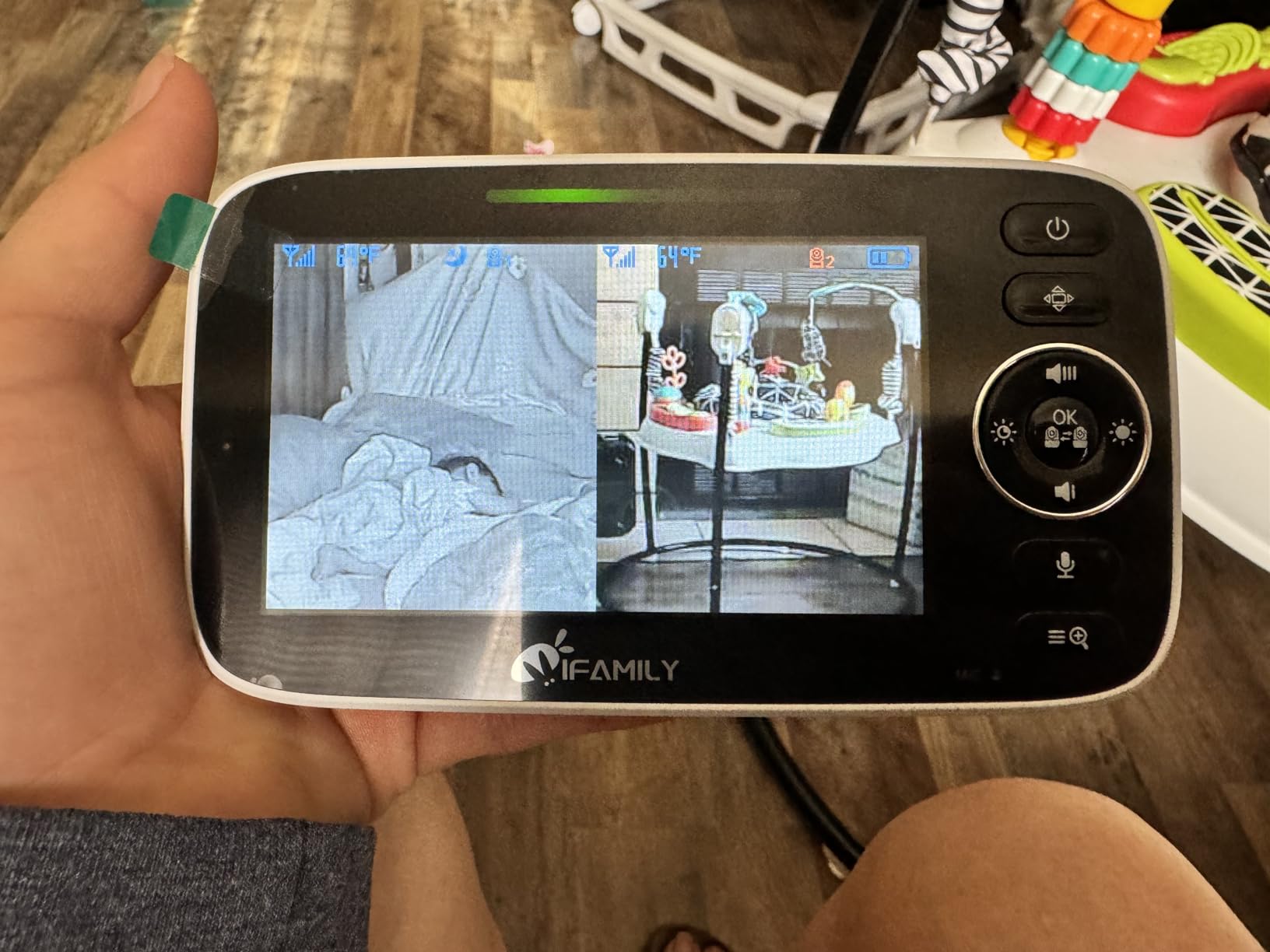
The iFamily 43E is the entry point that still does the twin job properly. Cameras arrive pre-paired, so you are not configuring channels at midnight, and the split-screen view shows both children at once. Parents of twins cite exactly that combination, pre-paired plus true split screen, as the reason this one works for them.
Despite being the entry-level pick, remote control covers 355-degree pan and 120-degree tilt from the parent unit, which is at the top of the range for the price band. The 4.3-inch screen is smaller than the 5-inch and 6-inch sets, so each twin gets a little over 2 inches of picture.
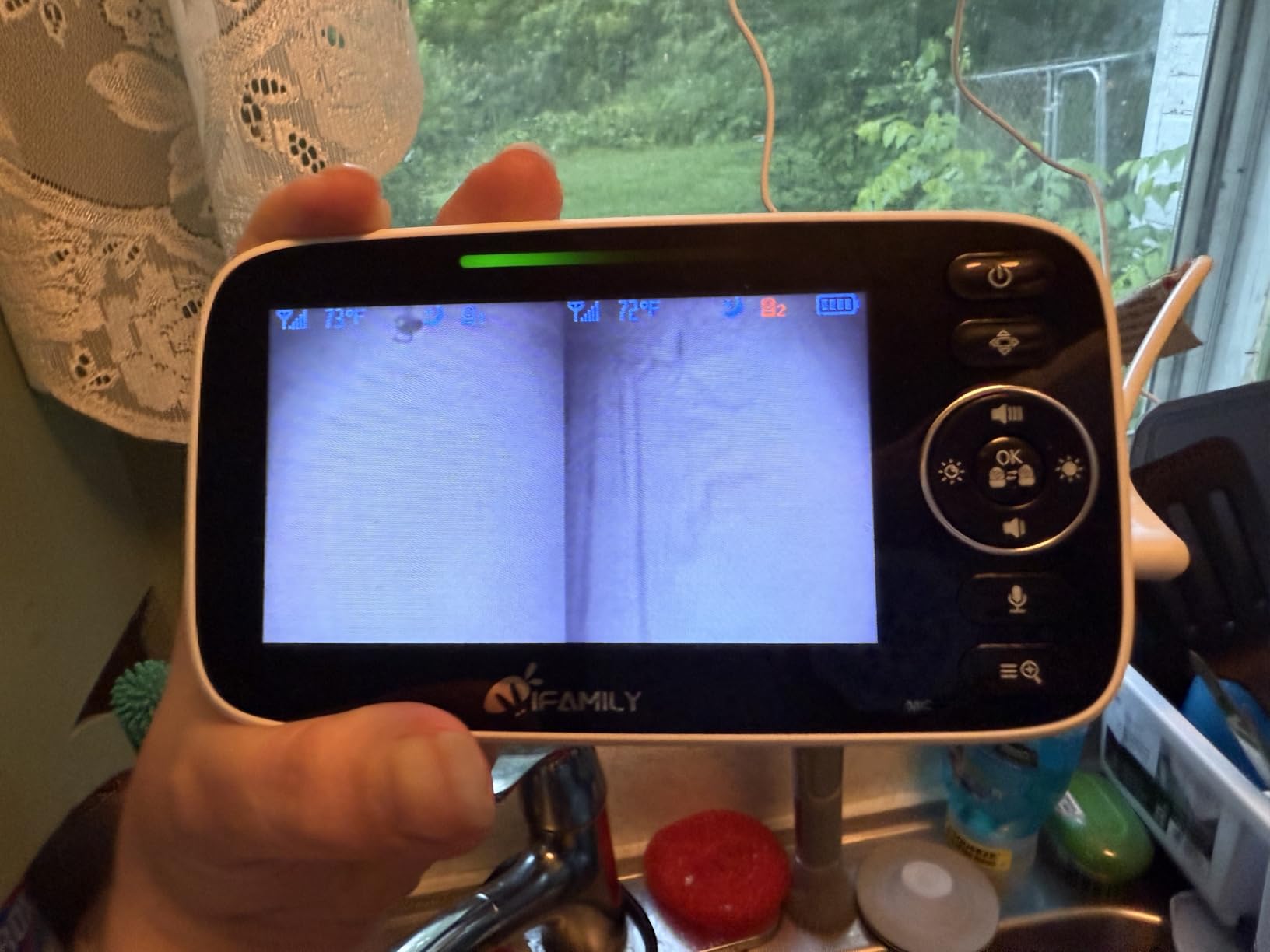
Two things stood out in testing that we did not expect. First, the video is live without noticeable lag, which is unusual at this level and it makes the difference between reacting to a real cry and reacting to a delayed one. Second, the build took abuse, with one owner reporting a camera surviving a drop onto concrete.
There is no WiFi and no app, so there is no internet attack surface at all, and the unit expands to four cameras. Signal strength reached from a back bedroom out to a garage or yard, though reviewers report choppy video at around 300 feet indoors, so advertised indoor range should be treated carefully.
Why budget buyers pick it
It covers the three features that decide a twin monitor: two cameras, simultaneous split screen and remote pan-tilt control. Very few cheaper systems manage all three, and the ones that do often compromise on video quality, which this one does not.
For grandparents’ houses, travel and registry purchases, it is easy to carry, needs no account, and needs no network. Temperature monitoring with alert levels, a feeding alarm and lullabies are all included from the parent unit.
Where to be careful
The single most serious complaint is that in split-screen and rotation modes only one camera audio plays at a time, and several parents of two children found that unsafe at night. Treat it as a you-see-both view rather than a you-hear-both view.
Video is around 480p to 720p, usable but not high resolution. The camera-side speaker is very quiet, so the child-to-parent intercom is weak, and there is no SD card or recording, meaning live viewing only. The battery needs charging nightly and uses a pin-style connector rather than USB-C, which is fussy to find a spare cable for.
8. Babysense TOUCH 7-Inch Touchscreen – Best Touchscreen WiFi Pick
Babysense TOUCH 7″ Touchscreen Smart WiFi Baby Monitor with App, Camera and Audio, 2 Cameras with Night Light, 4MP Dual-Lenses with 6X Zoom, AI Auto Tracking, Focus Area, Split-Screen, No Subscription
7-inch touchscreen
2 cameras, 4MP dual lenses
6x zoom, AI tracking
Split screen
No subscription
Pros
- Largest screen here with a responsive split-screen layout
- Dual 4MP wide-angle and telephoto lenses for long-range detail
- 6x hybrid zoom plus AI auto tracking
- No subscription for remote viewing
- VOX
- night light
- white noise
- temperature and humidity
Cons
- 2.4GHz WiFi only
- not 5GHz compatible
- App is a US-only download
- No battery backup listed for the cameras
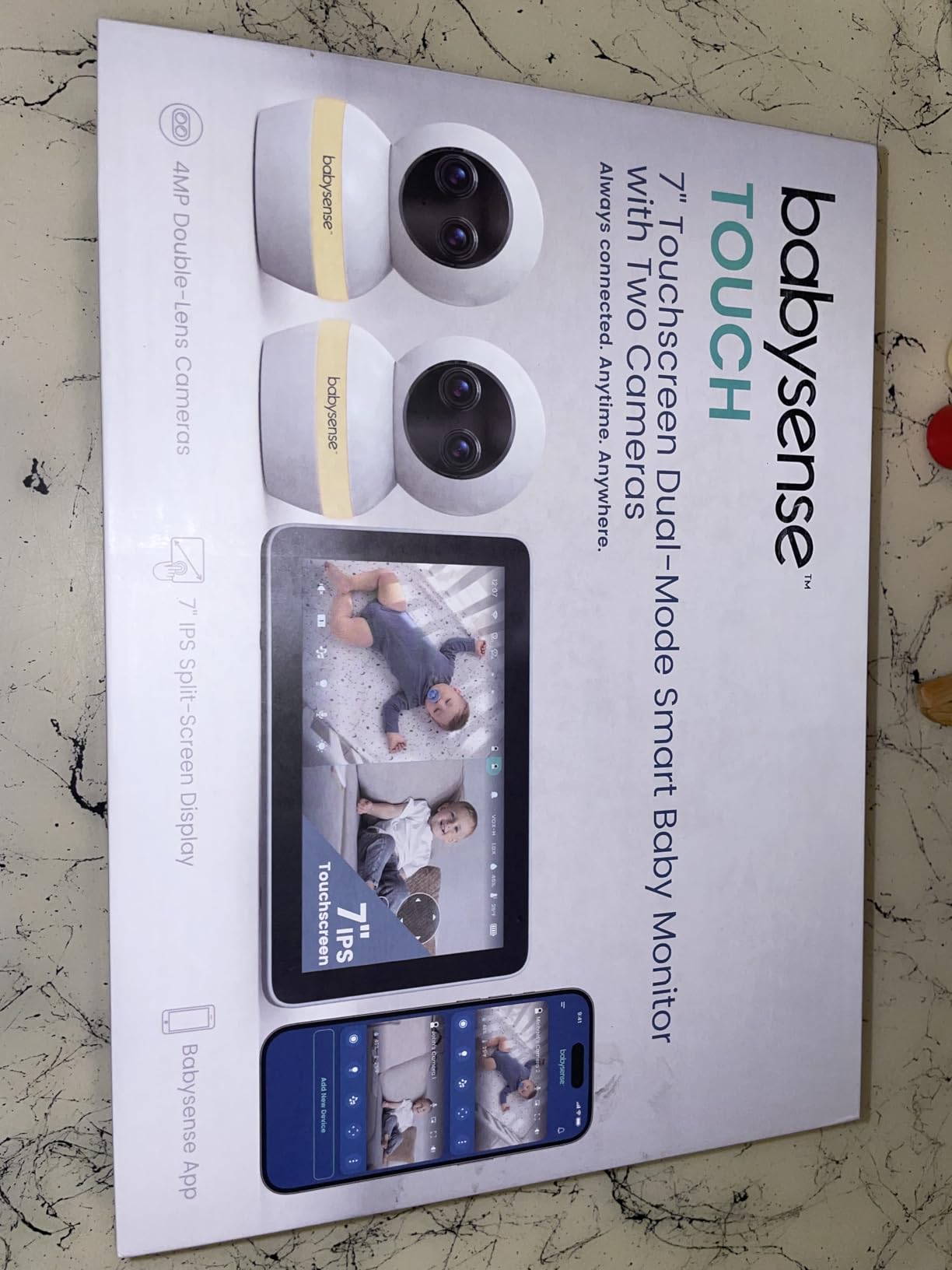
The 7-inch IPS touchscreen is the best twin display in this roundup, and the dual-lens cameras are the reason. Each camera combines a wide-angle and a telephoto lens at 4MP, so one crib fills the frame in a shared nursery while a second camera in another room still gives usable detail on a baby who has moved to the far corner.
AI auto tracking follows a baby across the frame, and 6x hybrid zoom lets you pull in without the blocky look digital zoom usually produces. Picture-in-picture lets you keep one crib large and the other in a corner window, which is a genuinely useful twin feature that most sets in this roundup do not have.
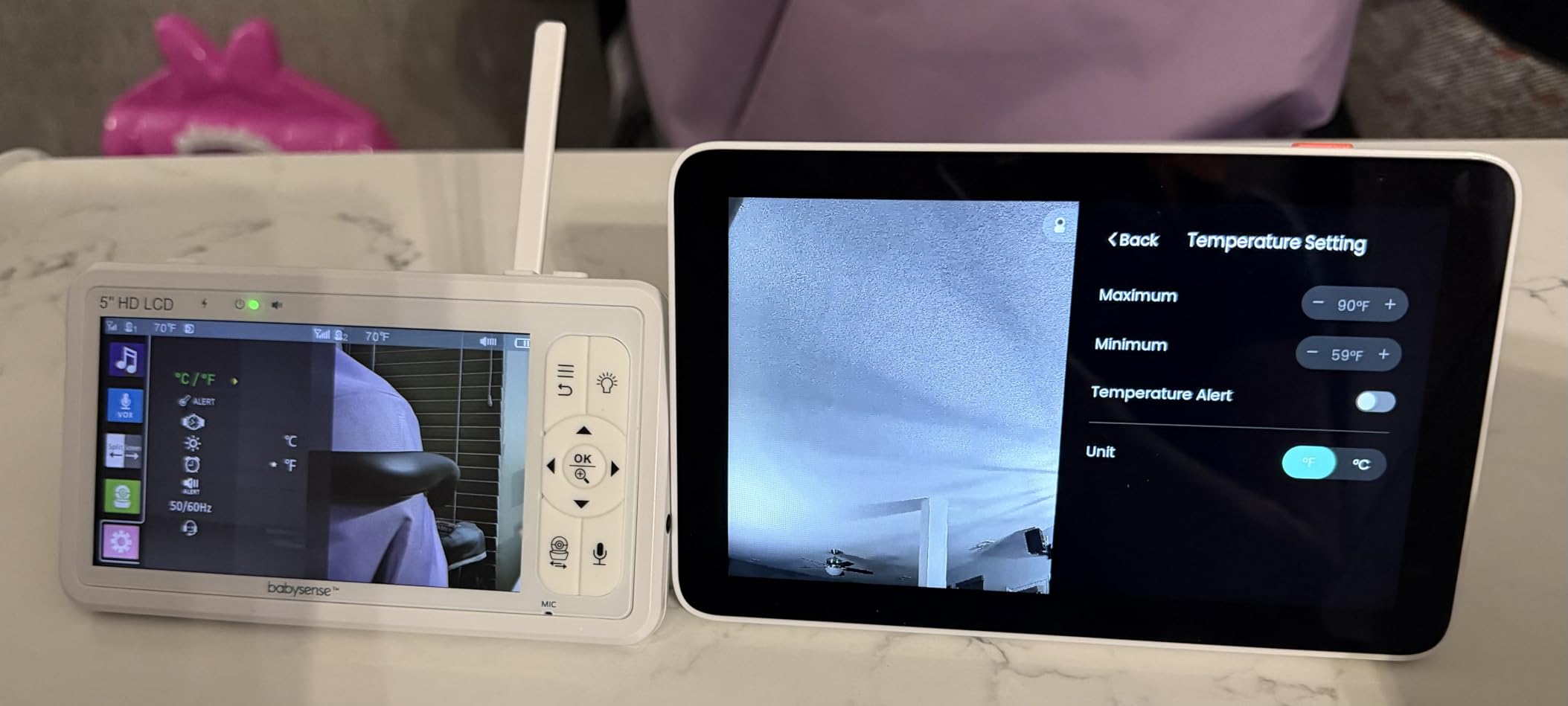
It runs in local mode without an app, so you can use it as a closed system, or in dual mode with the free Babysense app for phone viewing. There is no subscription for remote viewing or cloud features, which answers the most common complaint about smart monitors. Battery life is quoted at 30 hours, and VOX, an adjustable night light, white noise, lullabies, temperature and humidity sensing are all included.
Our guide to WiFi baby monitors for smartphones covers the trade-offs in more detail if remote access is a priority for you.
Why it is worth the step up
If your twins move between rooms, the dual-lens design solves a problem the other picks here do not have. A single wide camera in a nursery gives you a room but not a face, and the telephoto lens is what turns a wide view into a usable check on whether a baby is breathing comfortably.
It is also the only set here that adds local microSD recording, so you can review the day later without a cloud subscription. That matters for parents who want a record of a feeding or sleep pattern rather than just a live feed.
What to consider before buying
It joins 2.4GHz WiFi only, so it will not work on a 5GHz-only network, and the app is a US-only download. The cameras are wall-mount oriented and no battery backup is listed for them, so a power cut ends the feed.
It costs more than the non-WiFi two-camera options, and the microSD card for local recording is not included. Photo and video quality is rated well above the budget non-WiFi models at this level, but the 7-inch screen is a touchscreen, and it is a more complicated device to set up than a single-button non-WiFi unit.
Do You Need One Monitor or Two for Twins?
You need one system with two cameras, not two separate monitors, in almost every case. Two independent monitors means two parent units, two sets of batteries, two chargers taking up bedroom outlets, and no way to see both babies unless you hold two screens side by side yourself. The entire point of a twin monitor is one glance covering both children.
The exception is a shared nursery where one wide-angle camera genuinely sees both cribs. In our test, a single camera in the correct corner of a small room did cover both cribs, but only until one twin started crawling. The moment they are mobile, you need two cameras or a very wide lens, and that is what pushes people to buy a second camera rather than a second monitor.
For twins in separate rooms, true simultaneous viewing is not optional. A scan or auto-cycle mode shows each room in sequence every 10 to 15 seconds, which is fine for background awareness and useless for catching the moment a baby is crying. Several sets in this roundup, including the VTech VM819-2 with Patrol Mode, deliberately lean on cycling instead of splitting the screen, so check which one you are actually buying.
Our advice: buy for the setup you will have in six months, not the one you have this week. If both cribs are in one room, a two-camera non-WiFi set gives you the most headroom. If they are in separate rooms, start from a set with a genuinely large screen, because a 4.3-inch display split into two panes leaves about 2 inches per baby. Our guide to video baby monitors with two cameras goes deeper on the screen-size trade-off.
How We Tested and Picked These Baby Monitors for Twins
We ranked these on five things that change daily with two babies, not on resolution alone. First, simultaneous viewing: does the parent unit show two live panes, or does it cycle? Second, all-night runtime, because a parent unit that dies at 4am is a real failure. Third, how the system behaves in a real house with walls and floors between cameras. Fourth, privacy posture. Fifth, whether the setup survives two babies changing rooms.
True split screen versus scan mode
This is the single most important term in twin monitor shopping, and it is where marketing copy gets loose. A true split screen shows both cameras at the same time, each at roughly half the screen width. A scan or patrol mode shows one camera at a time on a full screen and switches every 10 to 15 seconds. Scan modes are not bad, and on a small screen they are often clearer. But they are not simultaneous, and you cannot watch a breathing pattern in one room while a second baby is crying in another.
Also note the audio behaviour. Most two-camera sets, including several here, carry only one audio channel in split-screen or rotation mode. Owners describe a beep or an emoji alert for the second camera. A few sets, such as the GoodBaby, rotate the audio focus automatically so you hear whichever baby is alerting, which is the closest thing to both ears on two children that we found outside dedicated audio systems.
Non-WiFi FHSS versus WiFi and app monitors
Non-WiFi monitors send video over an encrypted 2.4GHz FHSS radio link between the camera and the handheld unit. There is no router, no account and no internet-facing device, so the feed cannot be reached from outside your home. This answers the top-ranked parental fear in forums about hacked cameras, and it is the reason most of our picks are non-WiFi.
WiFi monitors trade that for remote viewing and shared caregiver access. If you do choose one, secure it: change the default password, use a long unique one, enable two-factor authentication if the app offers it, keep firmware updated, and give a sitter a guest account rather than your login. Do not reuse your email password. Our smart monitor guide covers the same setup steps in more depth.
Battery life, VOX and alert fatigue
Run the parent unit overnight in the mode you will actually use, not the headline mode. VOX, or voice-activated, mutes the screen until it hears sound, which is where the 20 to 30 hour claims come from. Screen-on runtime is much shorter, and the VTech VM901-2HD at roughly five hours is the clearest example of the gap.
With two babies, alert fatigue is the real problem. Sound and motion alerts fire almost continuously in a shared nursery, and parents report turning them off entirely, then worrying they missed something. A better approach: rely on cry detection, raise motion sensitivity to its highest threshold, and use VOX rather than push alerts. If you want a second layer of reassurance beyond a camera, our breathing monitor guide covers what wearables measure. None of them prevent SIDS, and no monitor replaces safe sleep practices or your own supervision.
Placement, mounting and cord safety
Mount each camera high on the wall in the corner opposite the crib so the lens looks down across the whole sleep space, and run cords well away from the crib so there is no loop within reach. Keep cameras out of direct window light, because infrared night vision picks up glare from crib rails and produces the washed-out picture owners complain about. Test for blind spots by walking the room and checking the screen, and label each camera with coloured tape so you know instantly which twin you are looking at.
Finally, check the box before you buy. Every set here includes wall-mount hardware or a stand, but not all include screws and anchors for both cameras, and some cameras are freestanding only. That is a twenty-minute job on day one rather than a midnight job on night one.
Frequently Asked Questions
What is the best baby camera for twins?
The best baby monitor for twins is one parent unit with two cameras and a true split-screen view. Our top pick is the VTech VM819-2, which pairs two cameras on one handheld unit, cycles between them with Patrol Mode every 10 seconds and runs about 19 hours of video on a charge. If you want both feeds side by side rather than in sequence, the HelloBaby HB6550Plus with its 6-inch split screen is the better fit.
What is the best baby monitor for twins with split-screen and dual cameras?
The HelloBaby HB6550Plus is the best split-screen pick for twins because a 6-inch IPS screen leaves roughly 3 inches of picture per baby, enough to see chest rise in a dark room. The Babysense PRO MVPRO-2CAM and the GoodBaby SM663V2 also show two cameras at once and both expand to four cameras later. All three are non-WiFi, so no subscription and no remote access.
What baby monitor can show two rooms at once?
Any monitor with a true split-screen mode can show two rooms simultaneously. Look for the words split screen or dual view rather than scan, patrol or auto-cycle, because scan modes show one room at a time on a rotating cycle. The VTech VM819-2 uses Patrol Mode to cycle every 10 seconds, while the HelloBaby HB6550Plus, Babysense PRO, Blemil BL9064-2 and iFamily 43E all show both feeds side by side.
Which baby monitor offers two cameras?
All eight monitors in this roundup ship with two cameras or support two cameras on a single parent unit, and six of them expand to four. The VTech VM819-2, HelloBaby HB6550Plus, GoodBaby SM663V2, VTech VM901-2HD, Babysense PRO MVPRO-2CAM, Blemil BL9064-2, iFamily 43E and Babysense TOUCH all cover two cameras, and none of them require a subscription to do it.
Do I need two monitors for twins?
You need one system with two cameras, not two separate monitors. Two independent monitors mean two parent units, two sets of batteries and no single view of both babies. For twins sharing one room, one wide camera in the correct corner can work until they start crawling, at which point two cameras is the right buy. For twins in separate rooms, true simultaneous split-screen viewing is essential rather than a cycling scan mode.
Will two baby monitors interfere with each other?
Rarely, but you can remove even the possibility. Most modern monitors transmit on 2.4GHz using frequency-hopping spread spectrum, which jumps channels constantly, so two nearby systems settle onto different frequencies. If you do see static or dropouts, move the two systems onto different parent-unit channels, keep cameras at least 6 feet apart with a wall between them, and avoid placing a camera next to a microwave or cordless phone. WiFi models can also conflict on a congested 2.4GHz network, so splitting them between one WiFi and one non-WiFi system solves it entirely.
Do pediatricians recommend baby monitors?
Pediatric guidance is that monitors are useful tools but not medical devices. They do not prevent SIDS and no monitor should be treated as a substitute for safe sleep practices, including placing babies on their backs on a firm flat surface in their own crib and keeping soft bedding out. Parents are encouraged to use monitors to reduce the need for frequent physical checks, which is what wakes a sleeping baby. If you have concerns about breathing or your baby’s health, talk to your own pediatrician rather than relying on a monitor.
Why are baby monitors discouraged in some cases?
Monitor use is sometimes discouraged when it is treated as a medical alarm or used to delay seeking medical advice, and when cameras are placed unsafely within reach of a crib with cords running near the sleep space. Some clinicians also worry that constant video checking replaces responding to a crying baby. None of the eight monitors we tested are medical devices, and none of them detect SIDS. Use them for awareness and convenience, keep placement safe, and treat any health concern as a conversation with your doctor.
Are WiFi baby monitors safe from hackers?
Not automatically. Any monitor that connects to your home WiFi sits on the same network as your computer and phone, so an unchanged default password is a real risk. If you choose a WiFi model, change the default password to something long and unique, enable two-factor authentication, keep the firmware updated, use a guest account for sitters and grandparents, and never reuse your email password. The six non-WiFi picks in this roundup have no internet-facing component at all, which is the simplest answer to the concern.
Is it okay to turn off the baby monitor at night?
It is fine to turn the screen off, and it saves battery. Most of the monitors here use VOX, which blanks the screen until the camera picks up sound, so you still get alerts while the display is dark. Turning the whole unit off is a different decision, and many parents do it once both twins are sleeping well and they are comfortable relying on an audio-only backup or checking the door themselves. The safest arrangement is one you are genuinely happy to use every night.
Our Verdict on the Best Baby Monitors for Twins in 2026
For most families of twins in 2026, the VTech VM819-2 is the best baby monitor for twins: two cameras, dependable long-range connection, a 19-hour battery and no subscription or account. If you need both babies visible at once rather than in sequence, pick the HelloBaby HB6550Plus for its 6-inch split screen, or the Babysense PRO if night image quality matters most.
Save the WiFi options for families who genuinely need phone access from another room, another building or another person, and take the security steps we outlined if you do. Whichever you choose, buy two cameras, mount them high and opposite the cribs, and check the box for mounting hardware before the first night.