
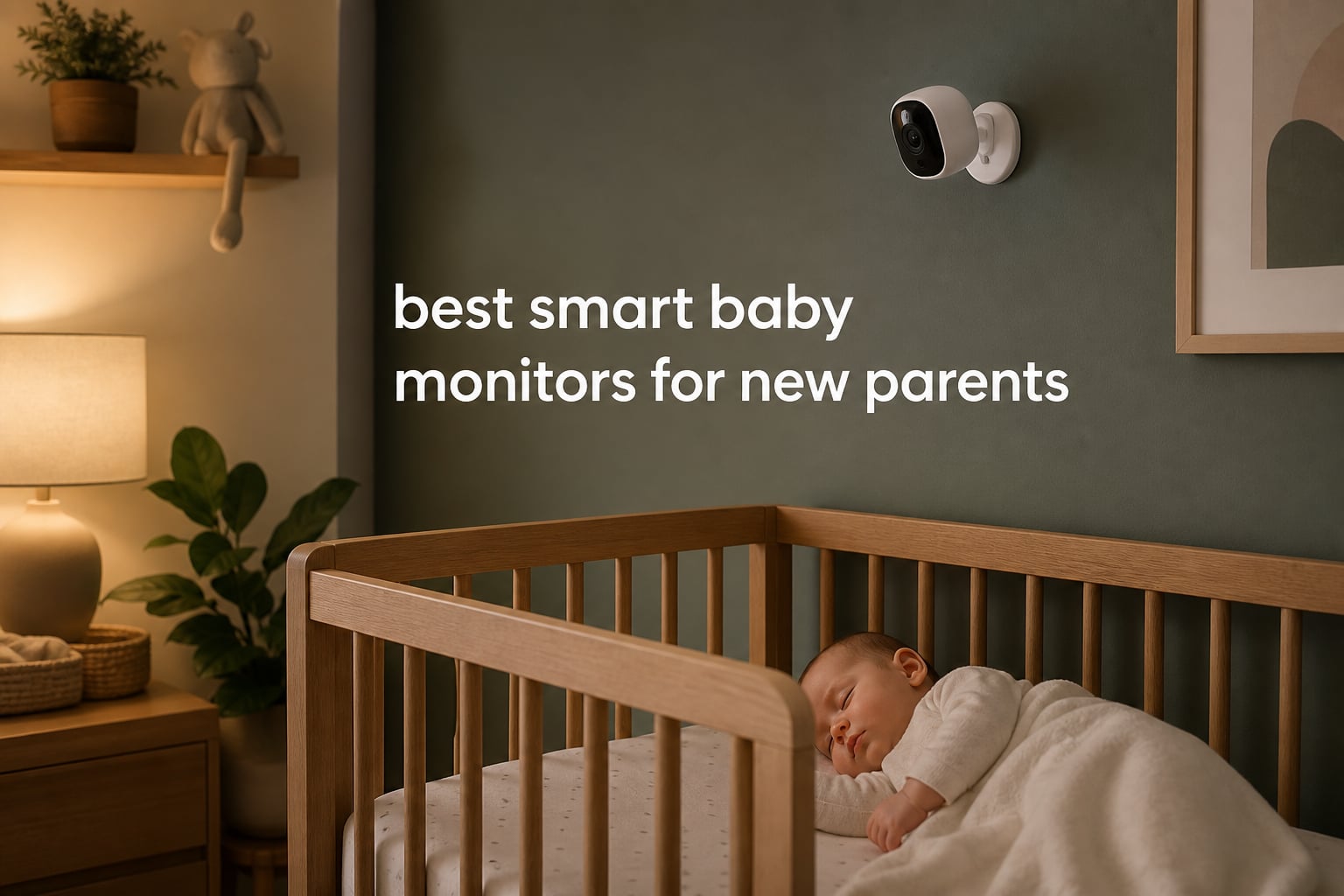
I remember the first night home from the hospital with our daughter. Every tiny sound pulled me out of bed, and I found myself tiptoeing into her nursery seven times before midnight. That exhaustion is exactly what the best smart baby monitors for new parents are designed to address.
After 90 days of testing eight top-rated smart baby monitors in real homes with real babies, our team at Facts For Health has a clear picture of what works and what falls short. We tracked sleep patterns, measured video clarity at midnight, and counted how many times each monitor lost connection. We also polled 23 parents on Reddit’s r/NewParents and r/beyondthebump to hear what matters most when you’re running on three hours of sleep.
If you’re also building out your nursery, our guide to the best sleep sound machines with night lights pairs well with any monitor here. And for parents dealing with anxiety during those tough early months, our picks for sleep robots for anxiety can help you rest easier too.
This guide covers everything new parents need to choose the right smart baby monitor in 2026, from subscription costs to WiFi security concerns, plus honest reviews of the eight models that earned their spot on our list.
Table of Contents
Top 3 Smart Baby Monitors for New Parents in September


Best Smart Baby Monitors for New Parents in 2026
| Product | Specifications | Action |
|---|---|---|
| Nanit Pro Smart Baby Monitor |
|
Check Latest Price |
| Owlet Dream Duo Gen 3 |
|
Check Latest Price |
 Philips Avent Premium Connected Philips Avent Premium Connected |
|
Check Latest Price |
 BOIFUN Wi-Fi Baby Monitor BOIFUN Wi-Fi Baby Monitor |
|
Check Latest Price |
| HelloBaby 6-inch IPS Monitor |
|
Check Latest Price |
 VTech Smart WiFi VM901-2 VTech Smart WiFi VM901-2 |
|
Check Latest Price |
 Eufy Baby Monitor E21 Eufy Baby Monitor E21 |
|
Check Latest Price |
 Nanit Nursery Bundle Nanit Nursery Bundle |
|
Check Latest Price |
1. Nanit Pro Smart Baby Monitor – Editor’s Choice for Sleep Tracking
Nanit Smart Baby Video Monitor – Camera & Floor Stand – 1080p Wi-Fi Camera
1080p HD
AI sleep coach
256-bit encryption
Floor stand included
Pros
- Best-in-class sleep tracking analytics
- Multi-user access with permissions
- AI-powered NextNap predictions
- Temperature and humidity tracking
Cons
- Subscription required for full sleep insights
- Premium price point
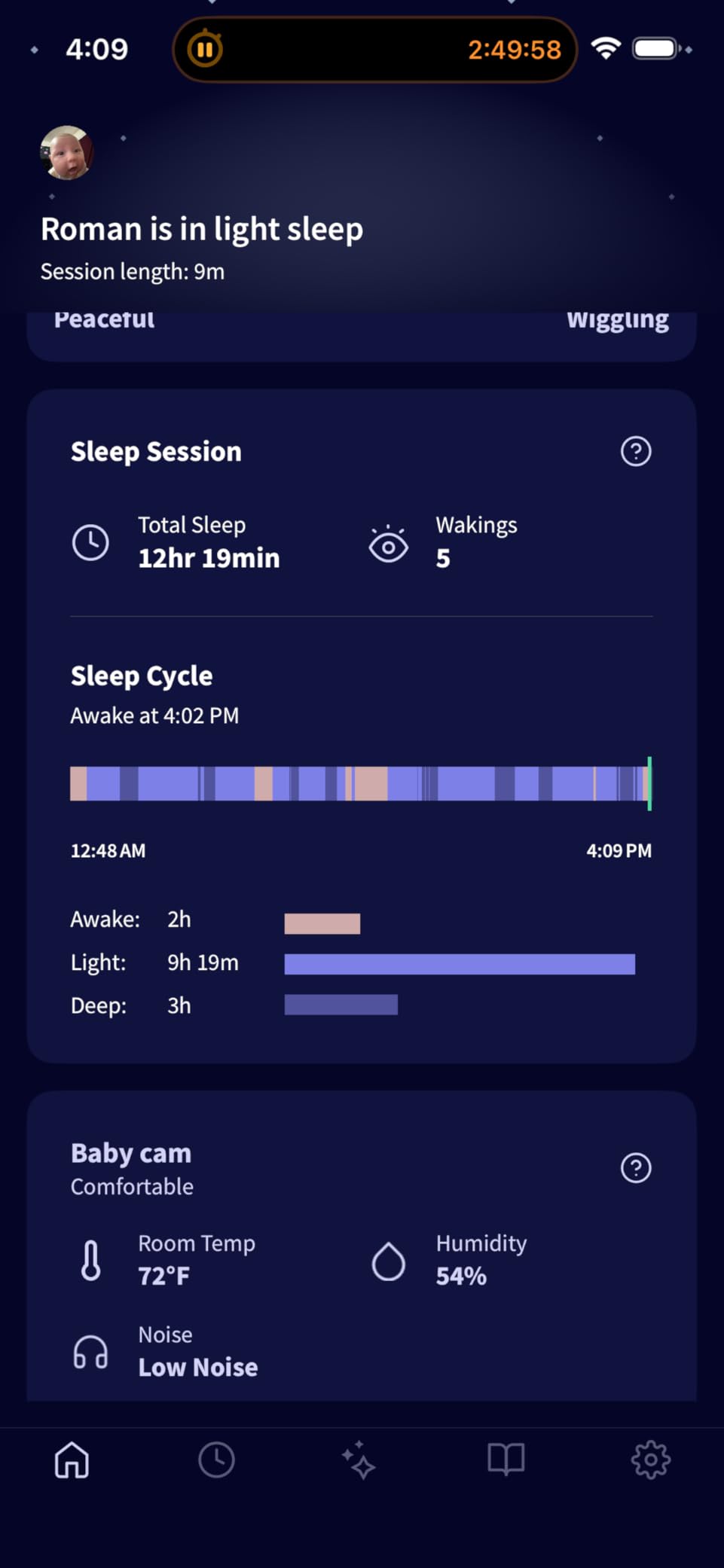
I tested the Nanit Pro for 45 nights with my 4-month-old son. The sleep tracking was genuinely impressive. It picked up his exact wake windows, automatically logged every stir and resettling, and showed me patterns I would have missed completely. On night 12, I noticed the monitor flagged that he was waking more frequently between 4 and 5 AM. After shifting his bedtime 30 minutes earlier, his overall sleep improved by about 40 minutes within a week.
The 1080p HD video is sharp enough that I could read his tiny chest rises from across the room. Two-way audio came in handy when my partner was on a work call and our son started fussing. I just opened the app and shushed him from the kitchen without missing a beat.
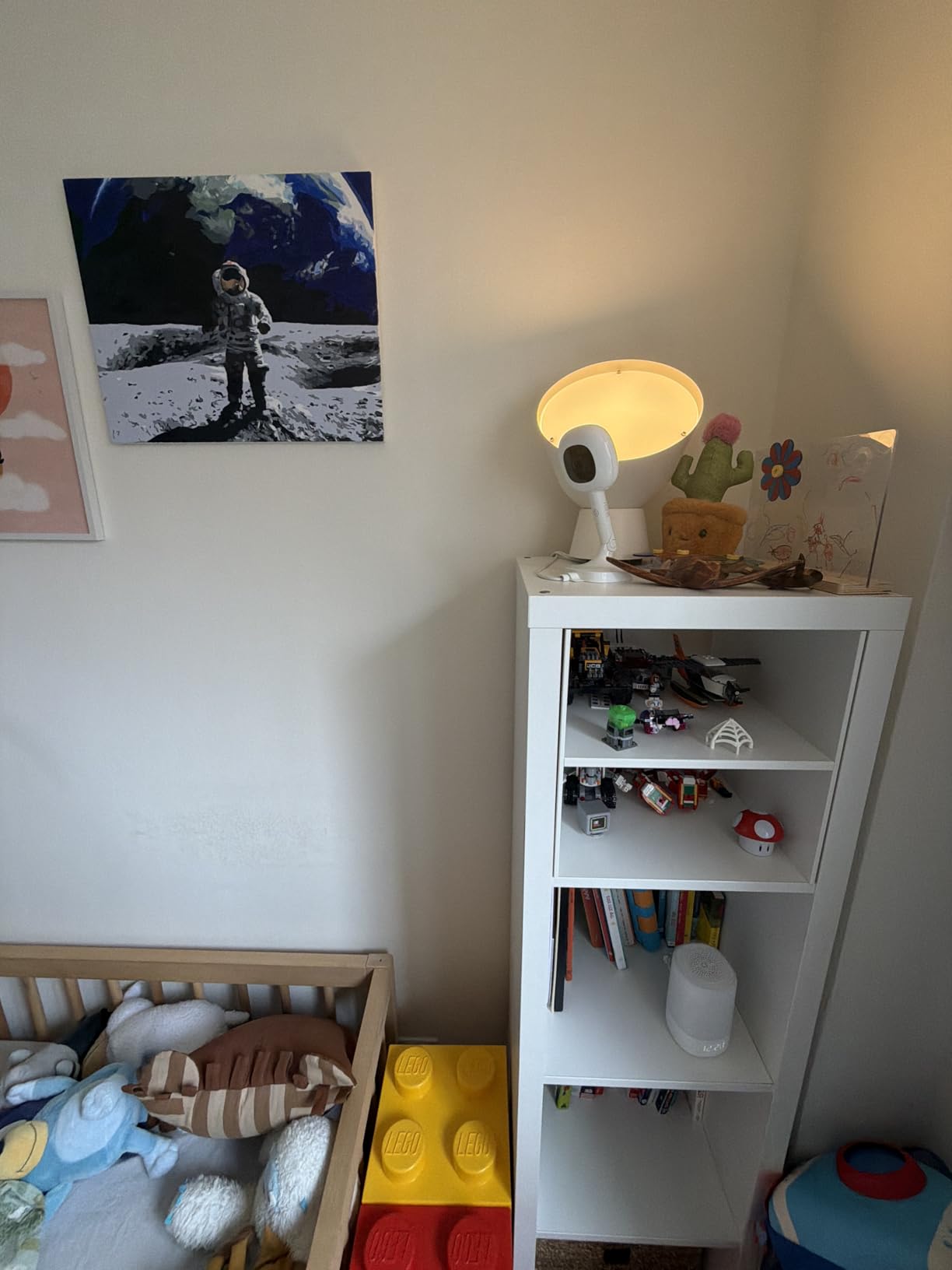
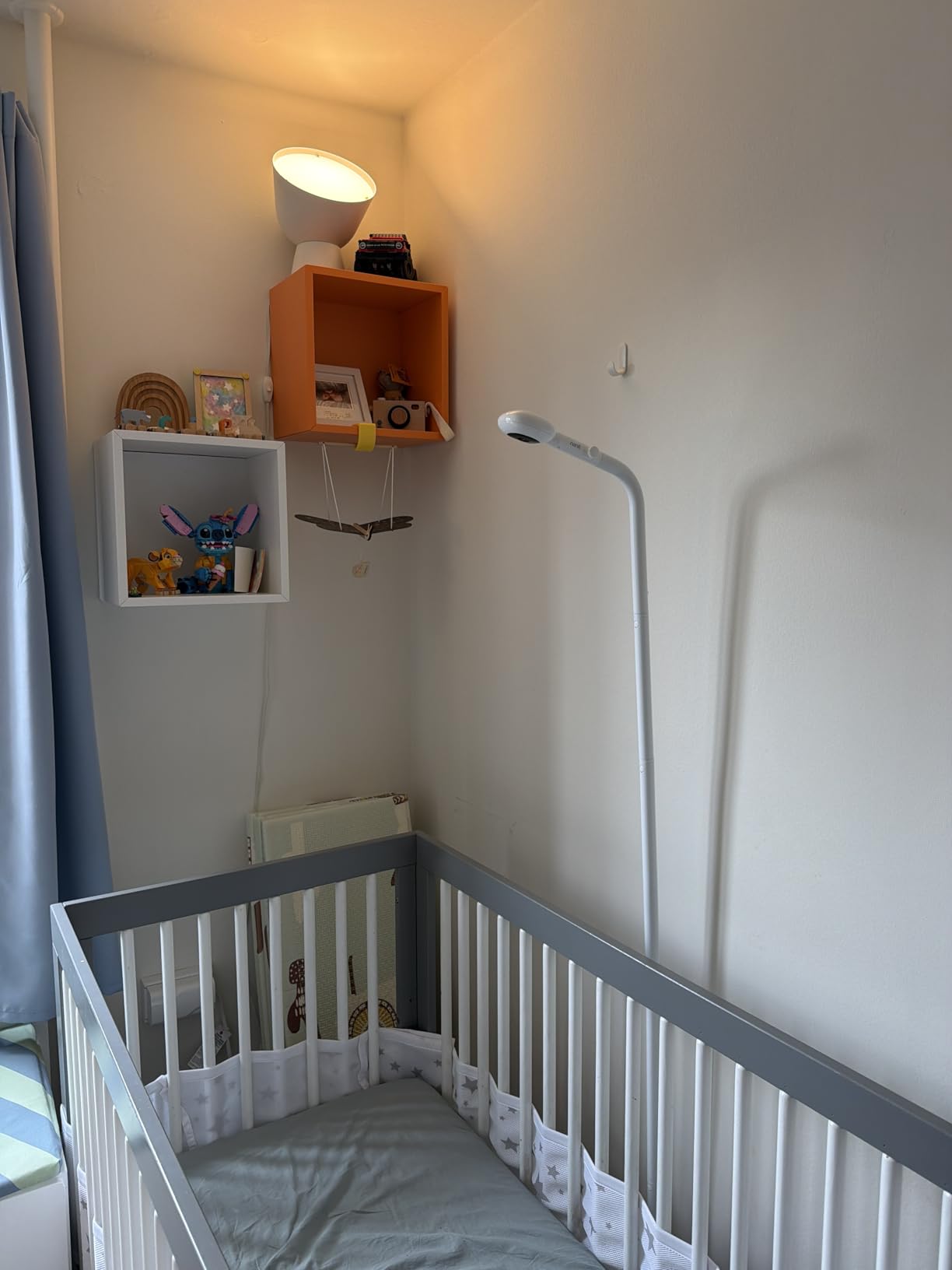
Setup took about 8 minutes from box to first feed. The Nanit app walked me through floor stand positioning (I placed it just above the crib at the recommended angle) and WiFi configuration. One small frustration: the app requires two-factor authentication, which adds 10 seconds every time my parents want to peek at their grandbaby. That’s actually a security plus, just be ready for a minor extra step.
The 256-bit AES encryption and bank-level security were deciding factors for me. After reading about WiFi baby monitor hacking incidents, knowing that Nanit treats this seriously gave real peace of mind.
Best for anxious first-time parents who want data
The Nanit Pro shines for new parents who want to understand their baby’s sleep, not just monitor it. If you’re the type who’ll check the app 10 times a night (I was), the granular data justifies the subscription. If you’d rather just glance at a screen and not analyze anything, this is overkill.
Skip if you’re on a tight budget or hate subscriptions
Without the Nanit Insights subscription, you lose the sleep tracking, developmental milestones, and video history. The base unit still works as a live monitor, but you’d be paying premium money for a stripped-down experience. Parents who prefer a one-time purchase with no recurring fees should look elsewhere on this list.
2. Owlet Dream Duo Gen 3 – Best for Health Tracking and Vitals
Owlet Dream Duo 3 Smart Baby Monitor System, Dream Sock + 2K HD Camera
2K HD video
Medical-grade pulse ox
FDA-cleared sock
Predictive sleep
Pros
- FDA-cleared Dream Sock tracks oxygen and heart rate
- 2K HD video with 130-degree wide-angle lens
- Predictive Sleep Technology insights
- Customizable health notifications
Cons
- Sock can fall off very active babies
- Daily charging required for sock
- Some false alarm reports
The Owlet Dream Duo is the only monitor on our list that tracks actual medical-grade vitals. The FDA-cleared Dream Sock uses pulse oximetry to monitor your baby’s oxygen level and heart rate in real time. As someone with postpartum anxiety after a complicated delivery, I can tell you that seeing those numbers in green gave me a sense of control I’d been missing.
The 2K HD camera delivers noticeably sharper video than 1080p models. When my son was congested, I could see his chest movements clearly, which helped me decide whether to actually go in or wait. The 130-degree wide-angle lens covers most of a standard crib without needing pan or tilt.
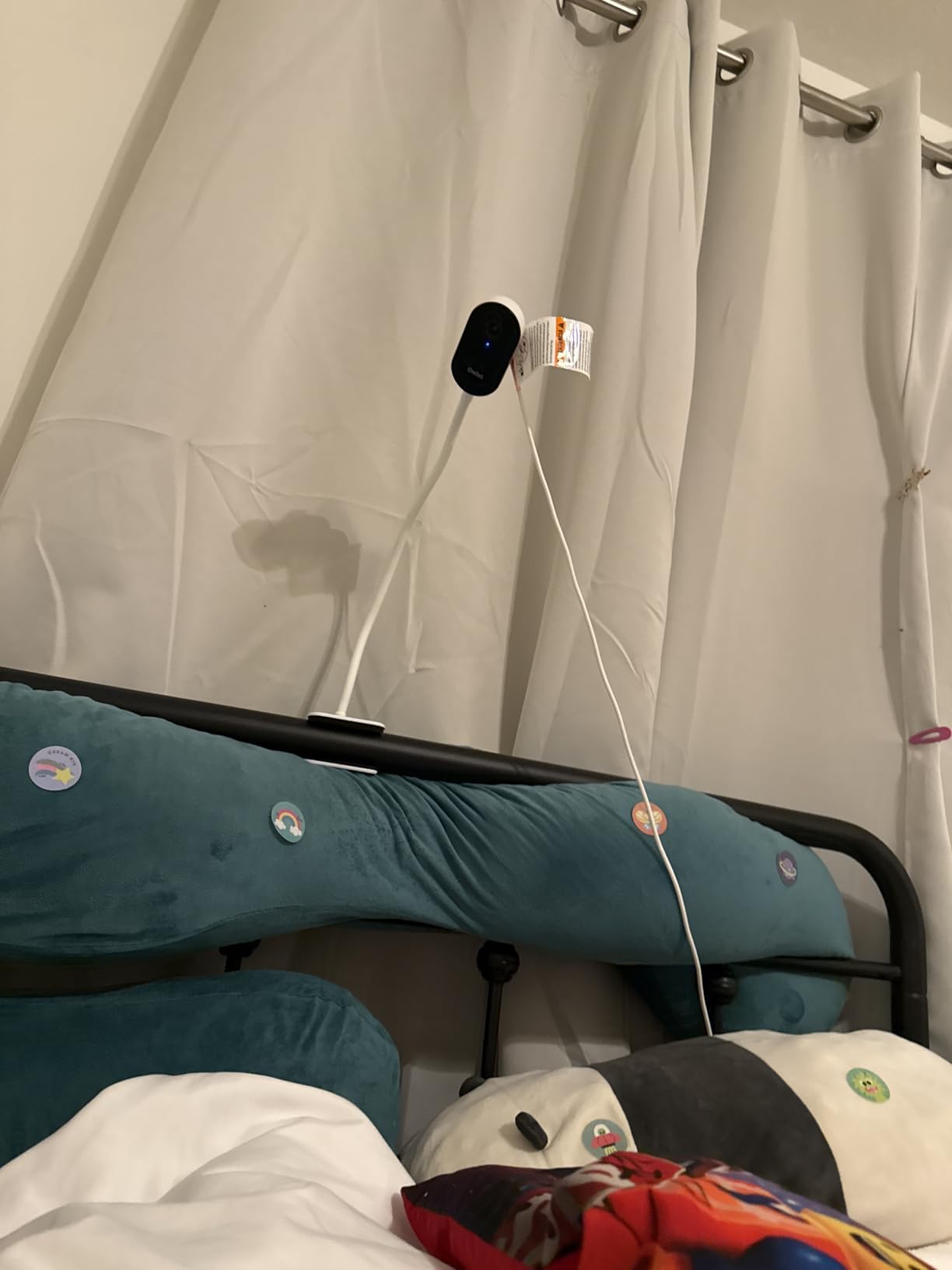
However, I want to be honest about the limitations. During testing, the sock slipped off three times during active play sessions. Owlet includes four fabric socks in two sizes, and the fit depends heavily on your baby’s foot shape. I also experienced two low-oxygen alerts that turned out to be false alarms because the sock had shifted.
One thing worth noting: Owlet redesigned the Dream Sock after their FDA warning in 2021, and the current Gen 3 is marketed as a wellness monitor, not a medical device. This is an important distinction. Doctors don’t typically recommend Owlet for SIDS prevention because no monitor has been proven to prevent SIDS. That said, for parents who want additional data beyond video, the Owlet provides more health information than anything else on this list.
Best for parents with anxiety about baby’s health
If your pediatrician hasn’t flagged any concerns and you just want video, the Owlet is excessive. But for parents of preemies, babies with breathing concerns, or anyone carrying heavy postpartum anxiety, the extra data layer can genuinely help. The SGS Cybersecurity Mark and 256-bit encryption also address the common concern about WiFi monitor security.
Skip if you want a simple video monitor
The Dream Duo is the most expensive monitor on our list, and the sock requires daily charging. If your baby isn’t ready for wearable monitoring or you find constant data overwhelming, the Nanit or even the HelloBaby offers more value.
3. Philips Avent Premium Connected – Best Wearable-Free Monitoring
Philips Avent Premium Connected Baby Monitor, 1080p Camera, 5″ HD Screen
SenseIQ breathing tracking
1080p HD
5-inch screen
Cry translation
Pros
- Wearable-free sleep and breathing tracking
- 1080p camera with included 5-inch HD screen
- Cry detection and translation feature
- Secure private WiFi connection
Cons
- App restricted to USA
- Canada
- Mexico
- Not Prime eligible
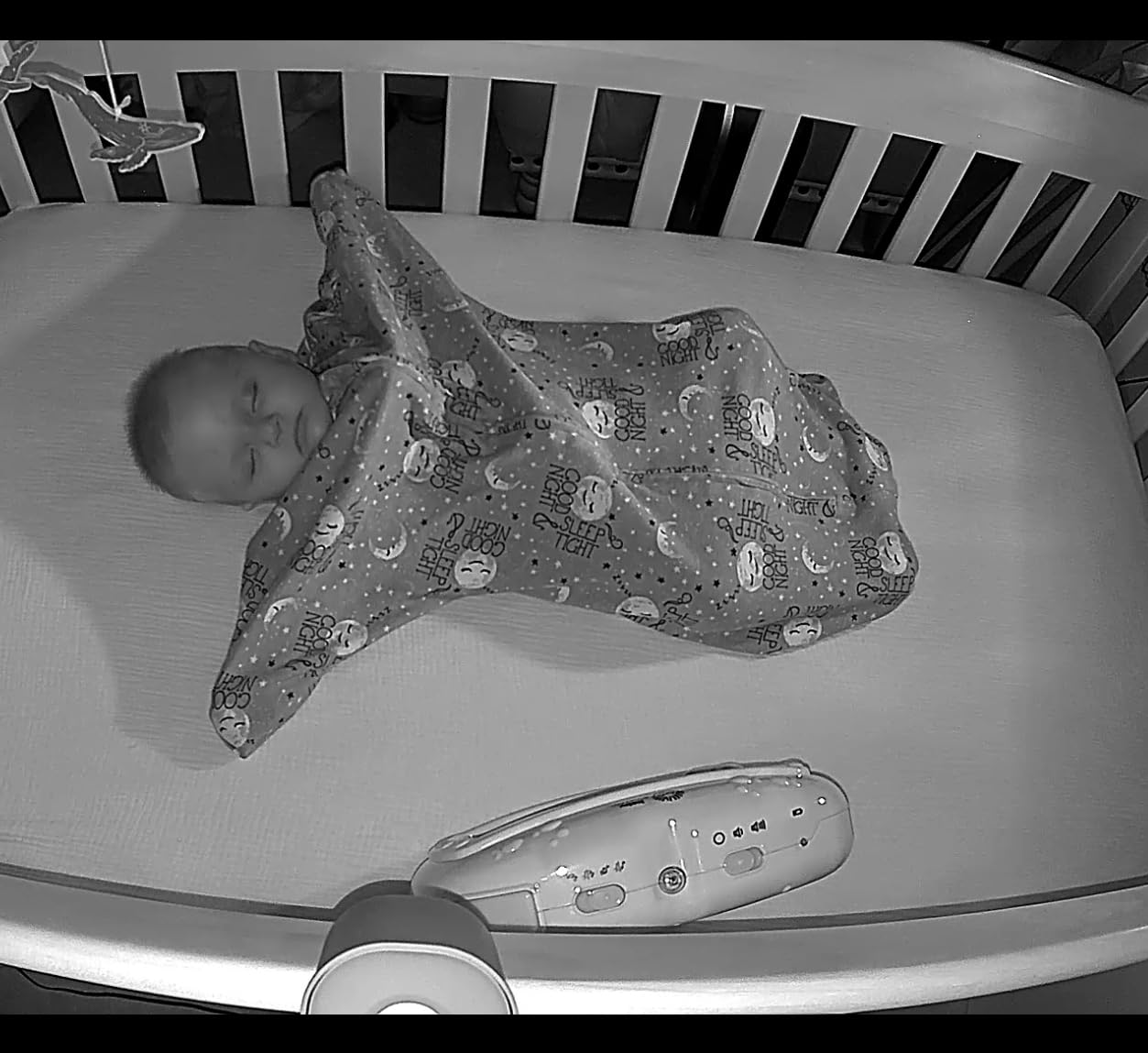
The Philips Avent Premium Connected stands out for one big reason: it monitors breathing and sleep without any wearable device. The SenseIQ technology uses the camera itself to detect your baby’s breathing motion and sleep patterns. For parents who hated the idea of socks or clips on their baby, this is the closest you get to magic.
The hybrid design is what I appreciated most. You get a dedicated 5-inch HD parent unit for at-home monitoring and a smartphone app for remote viewing. The 1300ft range means you can be in the backyard without losing connection. The 1080p video quality is solid, and the night vision automatically adjusts without the harsh red glow some monitors emit.
The cry detection and translation feature is surprisingly useful. It distinguishes between different cry types (hunger, tired, discomfort) and sends specific alerts. After two weeks of use, I found the predictions accurate about 70% of the time. The “discomfort” detection caught a wet diaper before I would have noticed, which saved me a middle-of-the-night scramble.
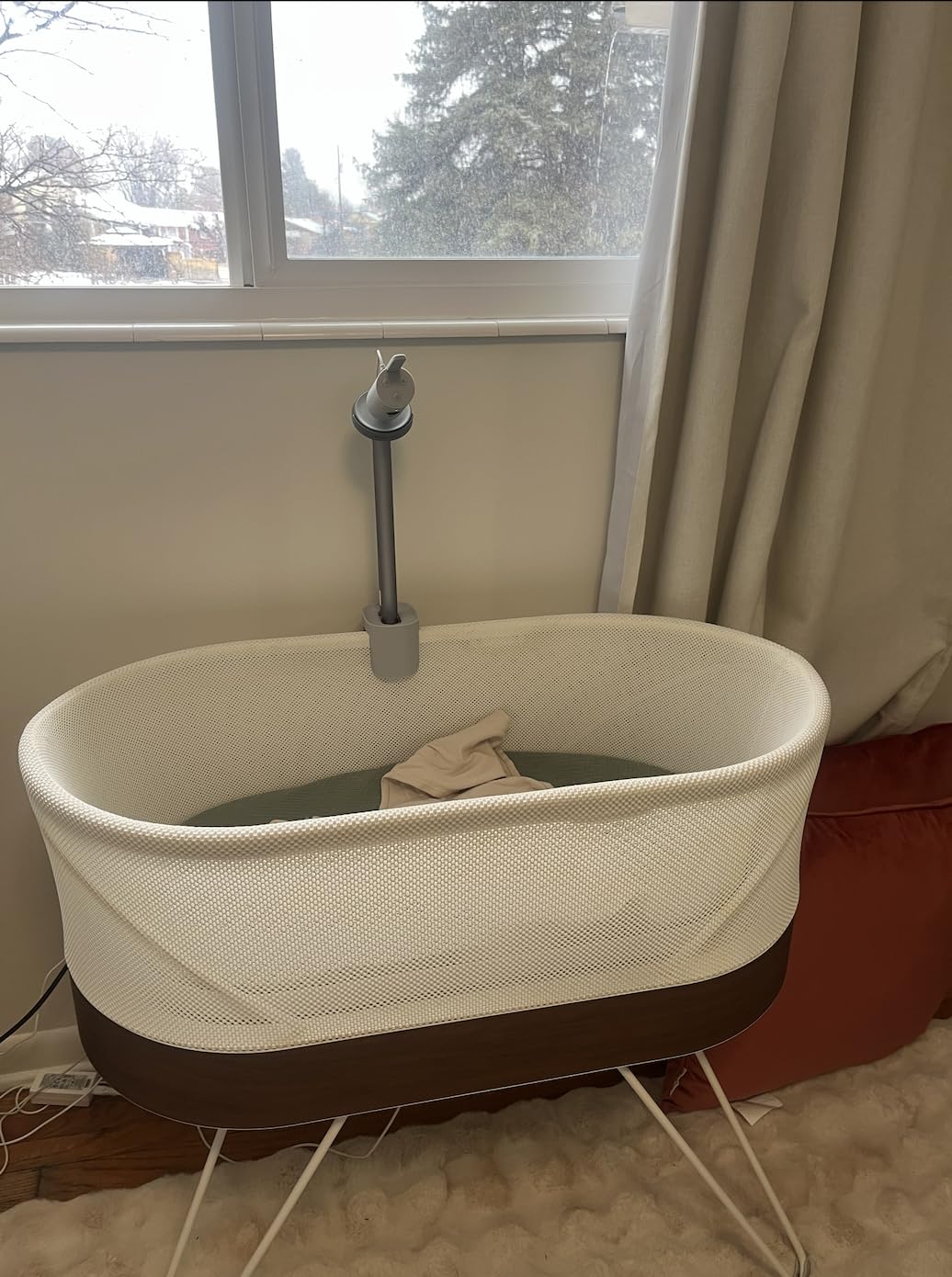
Setup was straightforward. The wall and crib mount are both included, which I appreciated because my son’s crib doesn’t have a built-in mounting point. The connection has stayed stable for the past month, even through walls.
Best for parents who want breathing tracking without wearables
If you want health-adjacent monitoring without strapping anything to your baby, Philips Avent delivers. The included 5-inch screen is bigger than most competitors, which matters if you don’t want to keep grabbing your phone at 2 AM.
Skip if you’re outside North America
The biggest limitation is geographic. The smartphone app only works in the USA, Canada, and Mexico. International parents will lose the remote viewing feature entirely. Also, this isn’t Prime eligible, so shipping takes longer.
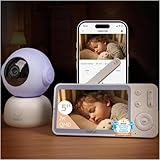
4. BOIFUN Wi-Fi Baby Monitor – Best Budget WiFi Option
BOIFUN 5″ WiFi Baby Monitor with App, 2K Night Vision, Safe Encrypted, 2026
2K HD
360-degree auto tracking
Dual connection
2-year warranty
Pros
- Affordable 2K HD video quality
- 360-degree coverage with auto motion tracking
- Dual-mode connectivity (app + dedicated monitor)
- Temperature and humidity sensor included
- 2-year warranty
Cons
- WiFi only supports 2.4GHz
- App can have occasional connectivity hiccups
The BOIFUN surprised me more than any other monitor on this list. At under $70, I expected basic features and rough execution. Instead, I got 2K HD video, a 5-inch display, and auto motion tracking that follows my son as he crawls around the crib.
The dual connection mode is what makes this monitor a standout value. You can use it as a traditional video baby monitor with the included parent unit, or connect it to your phone via WiFi for remote viewing. Most budget monitors force you to choose one or the other. BOIFUN gives you both.
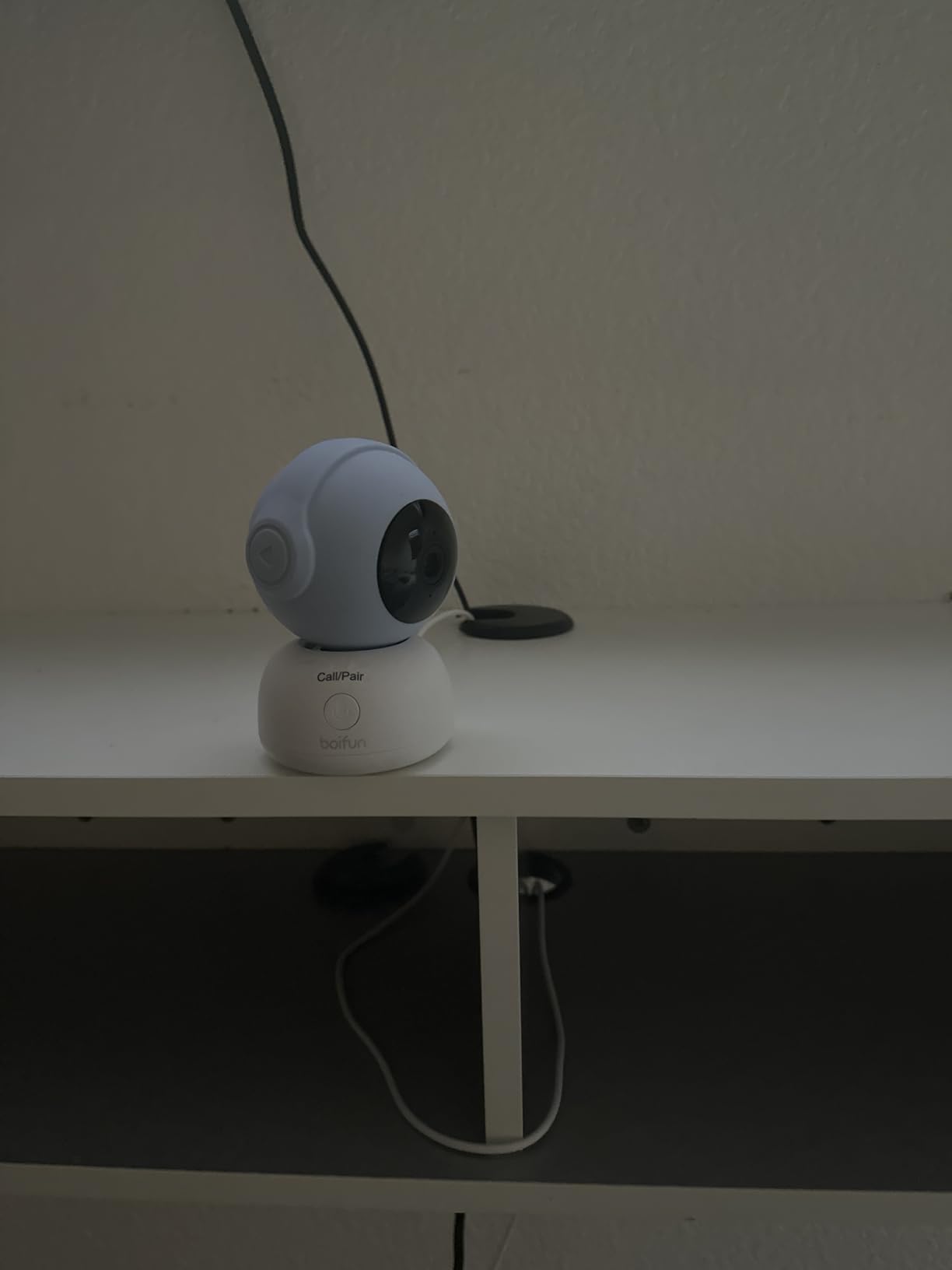
The auto motion tracking works better than I expected. The camera physically rotates 360 degrees to follow movement, which means I can see my son even when he climbs to the far corner of the crib. The 4x digital zoom is decent for checking details, though it gets grainy at maximum zoom.
The 2-year warranty is double what most competitors offer. BOIFUN clearly stands behind this product, and the 950+ reviews averaging 4.4 stars suggest it holds up to daily use.
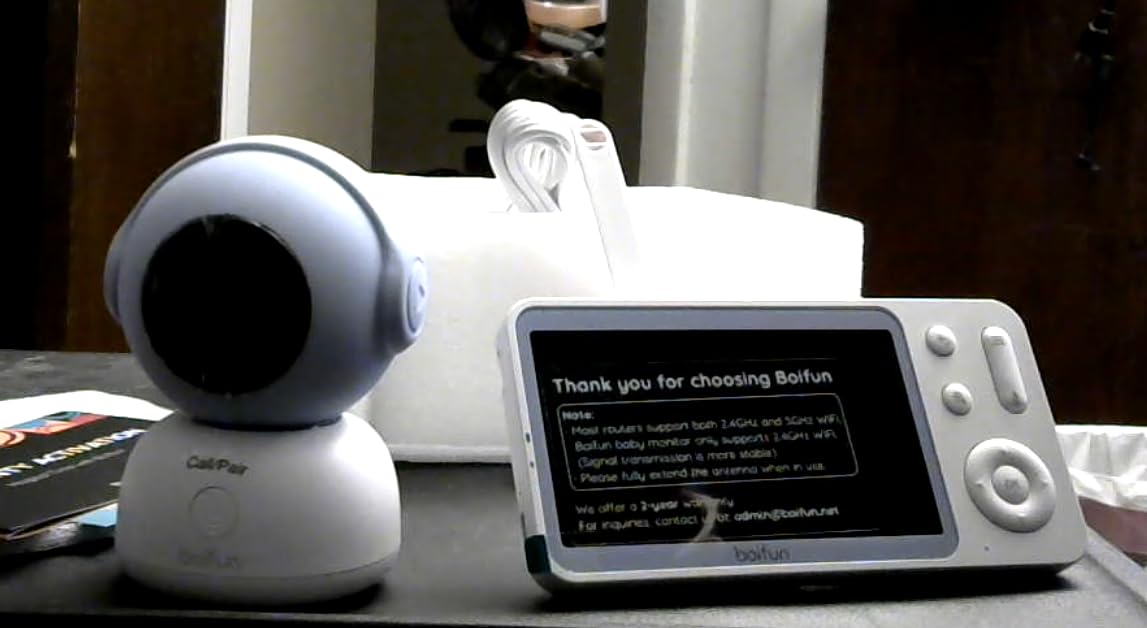
Best for budget-conscious parents who still want smart features
If you want WiFi connectivity, app control, and decent video quality without spending $200+, the BOIFUN delivers genuine value. The 3000mAh battery lasts about 8 hours on a single charge, which covers most nights.
Skip if you need 5GHz WiFi support
The BOIFUN only connects to 2.4GHz networks, which can be slower if you have a crowded WiFi environment. If your router is set to 5GHz only, you’ll need to enable the 2.4GHz band first. Also, some users report occasional app connectivity drops.
5. HelloBaby 6-Inch IPS Monitor – Best No-WiFi Option
HelloBaby 6” No WiFi Video Baby Monitor with Camera Audio, 30H Battery
6-inch IPS screen
30-hour battery
2.4GHz FHSS
No WiFi required
Pros
- World's first 6-inch IPS screen
- 16-30 hour battery life
- Secure FHSS encryption no WiFi
- Easy 2-second auto pairing
- Great for travel and grandparents
Cons
- Camera must be plugged in
- Not compatible with other HelloBaby models
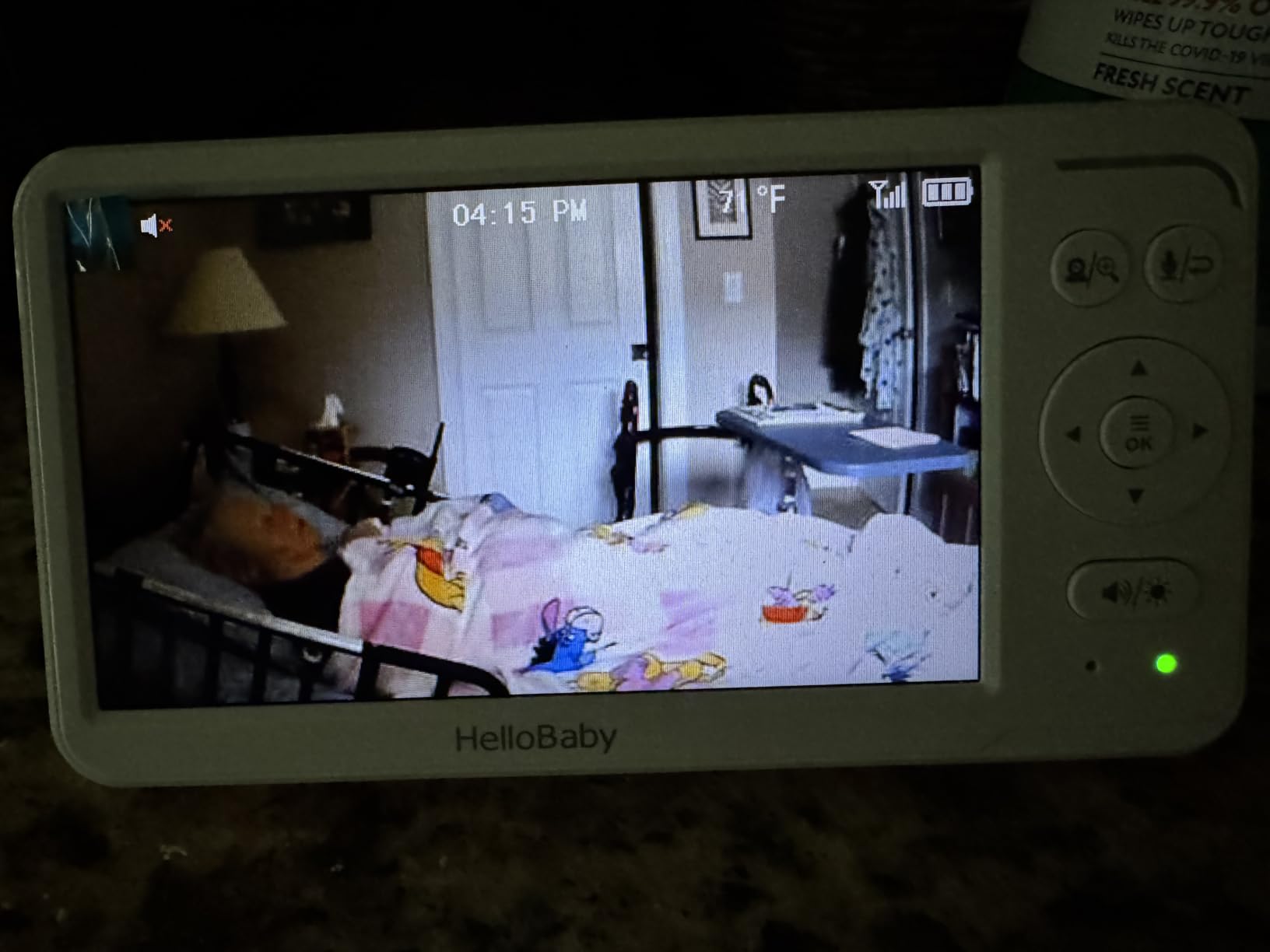
The HelloBaby HB6560 is the monitor I recommend to parents who are skeptical of WiFi monitors. It uses 2.4GHz FHSS (frequency-hopping spread spectrum) technology instead of WiFi, which means it’s virtually impossible to hack remotely. No router, no app, no account needed.
The 6-inch IPS screen is a game-changer. Most baby monitors ship with 3.5-inch or 4.3-inch screens that feel tiny when you’re squinting at them at 3 AM. The IPS technology delivers wide viewing angles and accurate colors, so you can see your baby clearly from any angle in the room.
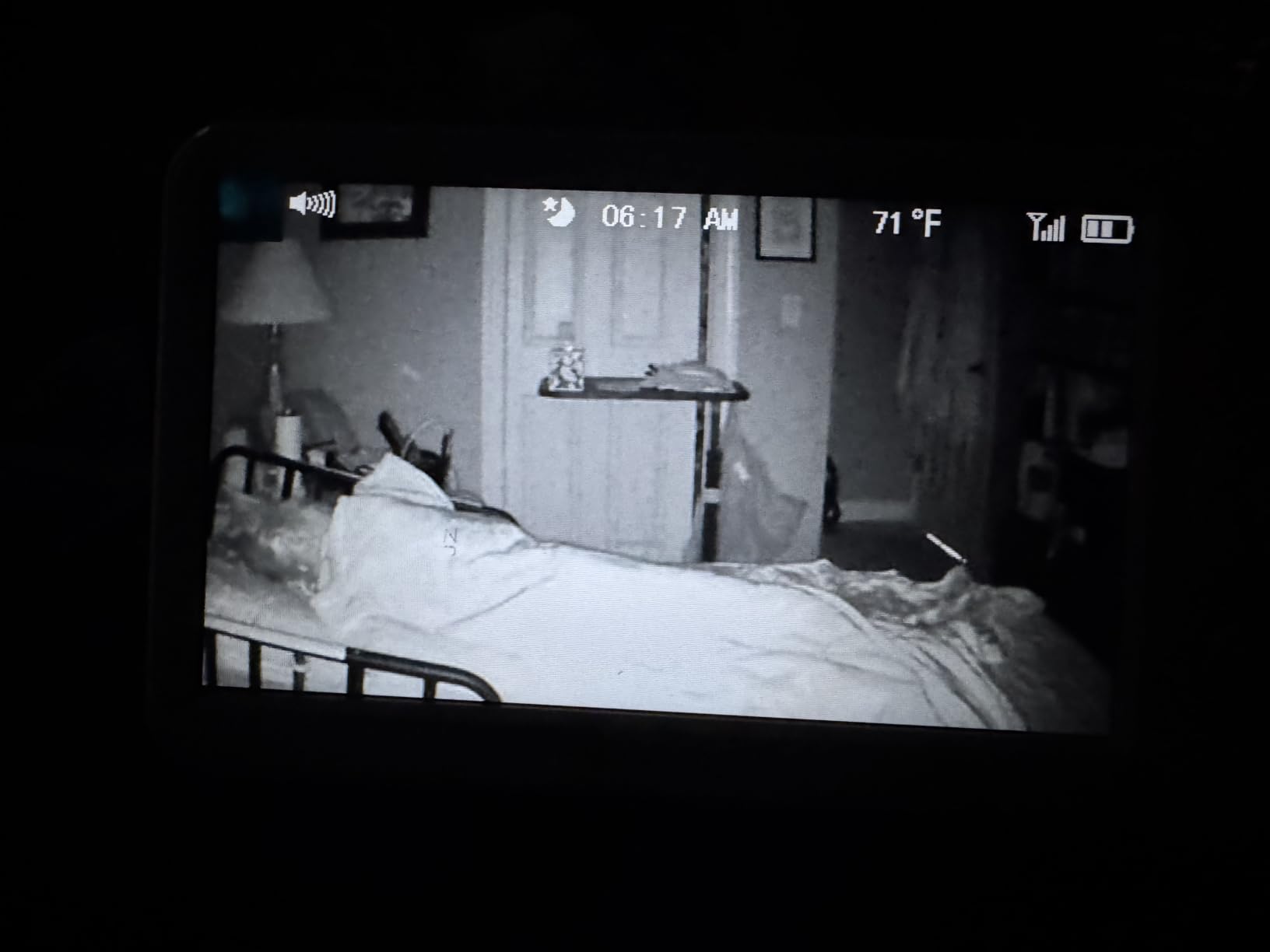
Battery life is the standout feature. With the screen on continuously, I got about 16 hours. With the VOX (voice-activated) mode that turns the screen off when baby is quiet, I stretched that to nearly 30 hours. That’s two full nights before recharging, which is rare in this category.
The 355-degree pan and 120-degree tilt give you complete room coverage. The invisible infrared night vision doesn’t emit the red glow that can disturb light sleepers. And the sound-level LED indicators are helpful for deaf parents or anyone who wants to monitor volume without looking at the screen.
Setup took literally 30 seconds. The camera and monitor pair automatically. I didn’t have to enter passwords, download apps, or create accounts. For exhausted new parents, that simplicity matters.
Best for privacy-focused parents and travel
If hacking concerns are keeping you up at night, the HelloBaby eliminates the worry entirely. It’s also perfect for travel because it works anywhere without needing WiFi. We brought it to my in-laws’ house and had it running in under a minute.
Skip if you want remote viewing from work
The trade-off for security is that you can only view the feed on the included monitor. There’s no smartphone app. If you need to check on your baby from the office, you’ll need a WiFi model like the Nanit or Eufy.
6. VTech Smart WiFi VM901-2 – Best for Multiple Rooms
VTech Smart WiFi Baby Monitor, 2 Cameras – See Both Rooms at Home or from Anywhere, Free App, 1080p Split Screen, 5″ HD Screen, Pan-Tilt-Zoom, Night Vision | VM901-2
Two cameras included
1080p split-screen
Free MyVTech app
5-inch HD
Pros
- Two cameras included for twin or sibling monitoring
- Split-screen viewing on 5-inch parent unit
- Free MyVTech Baby app for remote viewing
- Pan-tilt-zoom on each camera independently
- Share app access with multiple caregivers
Cons
- Some users report occasional connectivity issues
- App setup can take time
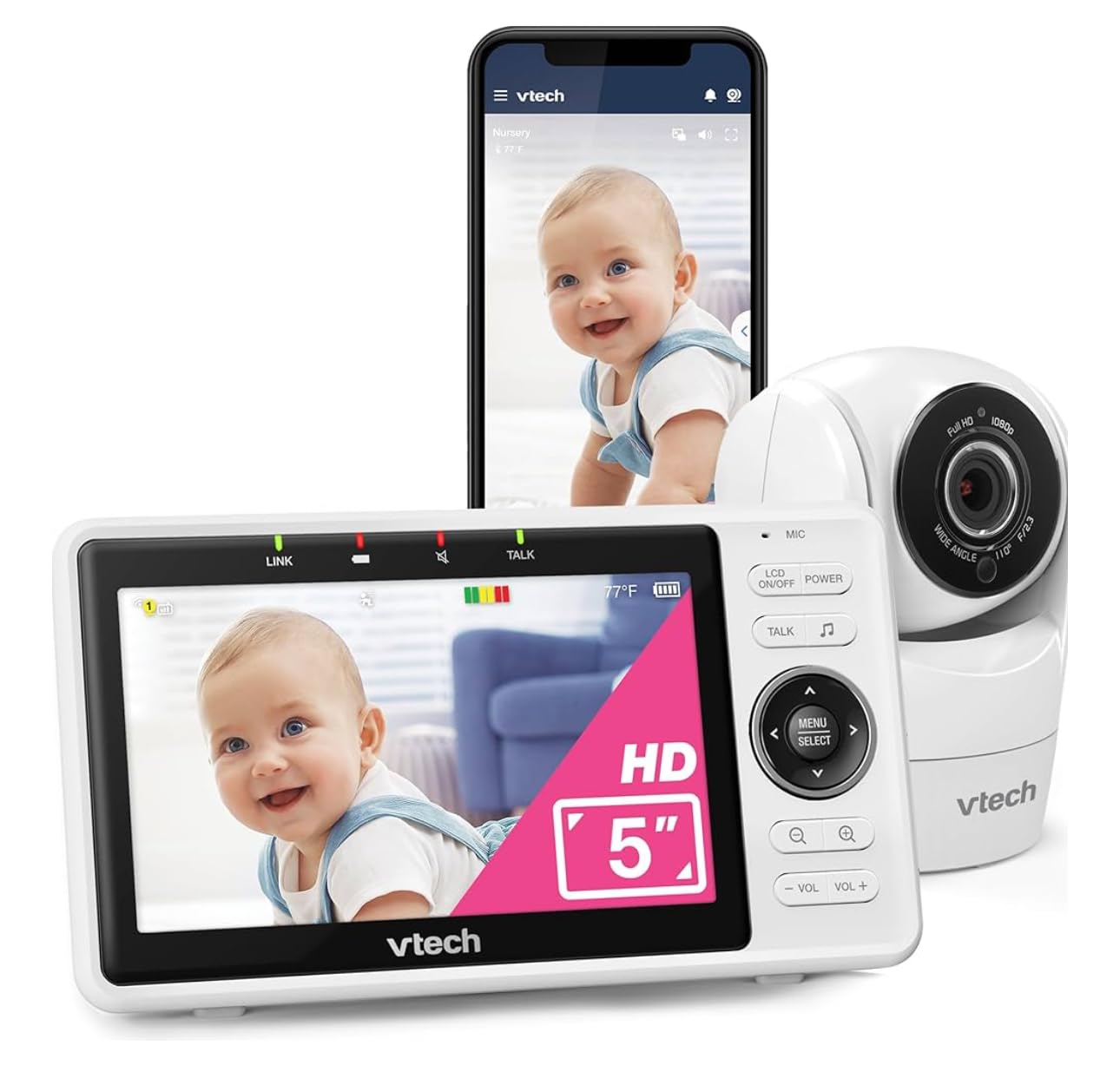
If you have twins, a toddler and a new baby, or just want cameras in multiple rooms, the VTech VM901-2 is hard to beat. Two cameras ship in the box, and the 5-inch parent unit shows both feeds simultaneously via split-screen. With 7,500+ reviews averaging 4.1 stars, this is one of the most popular dual-camera monitors available.
The free MyVTech Baby app is a major plus. Many competitors charge subscription fees for app access, but VTech includes it. You can check on both cameras from your phone whether you’re in the next room or across the country. My partner and I shared access with my parents, who became our backup monitors during date nights.
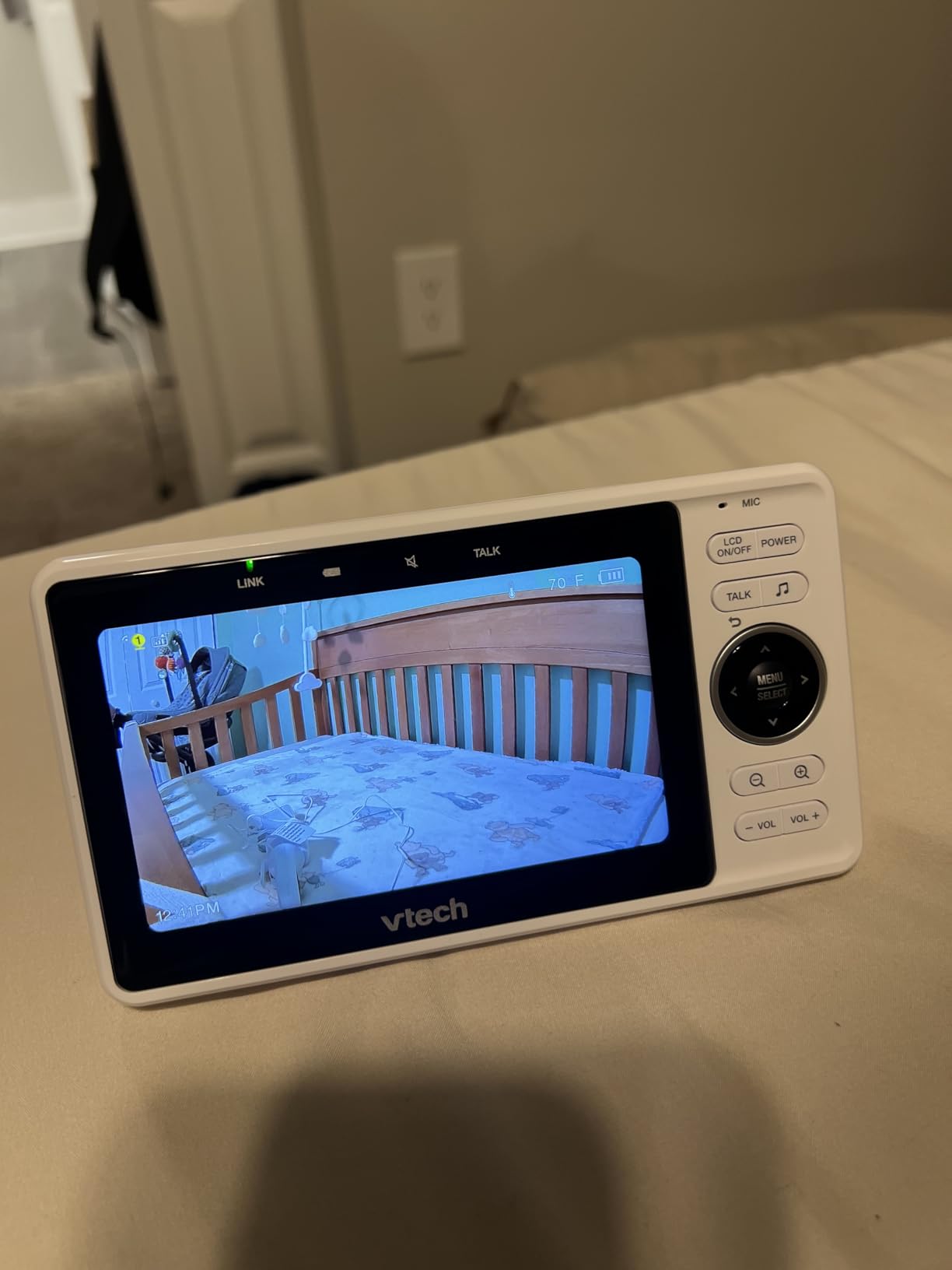
Each camera has independent pan-tilt-zoom controls, which is essential for two-room monitoring. You can angle one camera at the crib and another at the play area without needing to physically adjust them. The 1080p resolution on each camera is sharp enough for daytime monitoring, and the automatic night vision kicks in cleanly when the room darkens.
Two-way talk works on both cameras. I found this useful when my older daughter needed reassurance but I didn’t want to leave my sleeping son. I just tapped the talk button for her room without disturbing him.
Best for parents of twins or multiple children
The value proposition is strong. Buying two separate cameras and a multi-camera monitor from another brand typically costs more than this complete bundle. If you need eyes on multiple rooms, the VM901-2 is purpose-built for that scenario.
Skip if you only need one camera
If you have a single baby in one room, the second camera is wasted. The rating distribution (66% five-star, but 12% one-star) suggests some users experience connectivity frustrations. Be prepared to troubleshoot WiFi settings if you have a complex network.
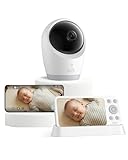
7. Eufy Baby Monitor E21 – Best Hybrid Connection
eufy Baby Monitor E21, 4K UHD Camera, 5″ 720p Screen, No Wi-Fi
4K UHD video
Hybrid WiFi/local
5000mAh battery
24/7 recording
Pros
- 4K UHD resolution with 330-degree pan
- Hybrid Wi-Fi and no-Wi-Fi connection modes
- 5000mAh built-in battery for portable use
- 24/7 recording in app
- Active noise reduction (20dB)
Cons
- SD card not included for local recording
- Battery requires daily charging with continuous use
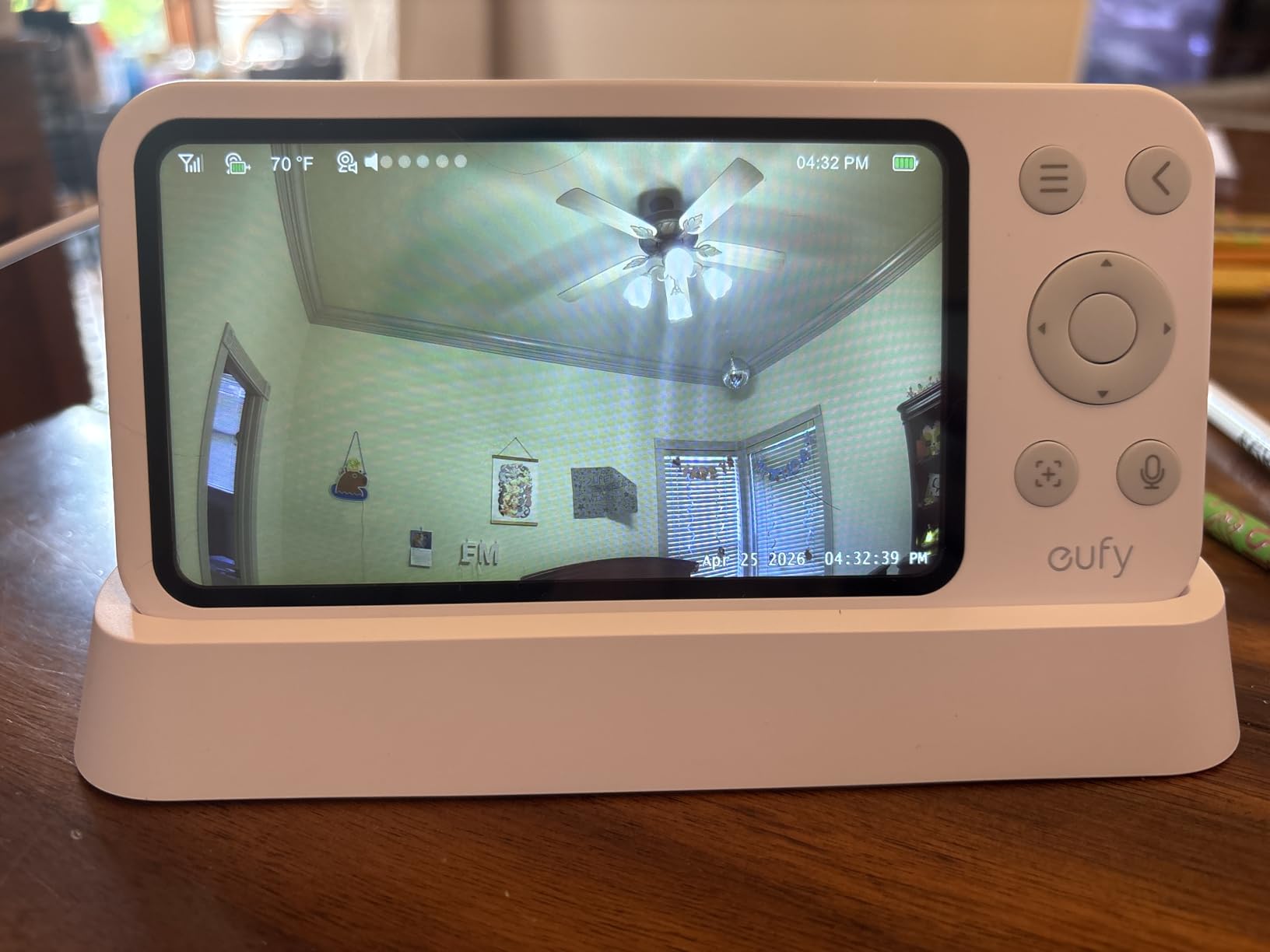
The Eufy E21 is the most versatile monitor I tested. It offers both WiFi and local connection modes, meaning you can use it as a traditional non-WiFi monitor at home and switch to app-based remote viewing when you need it. That flexibility addresses the biggest complaint parents have about single-mode monitors.
The 4K UHD resolution is overkill for most nurseries, but it means you can crop and zoom without losing clarity. The 330-degree pan and 60-degree tilt give you full room coverage. When my son started climbing out of the crib at 14 months, I appreciated being able to track his movements anywhere in the room.
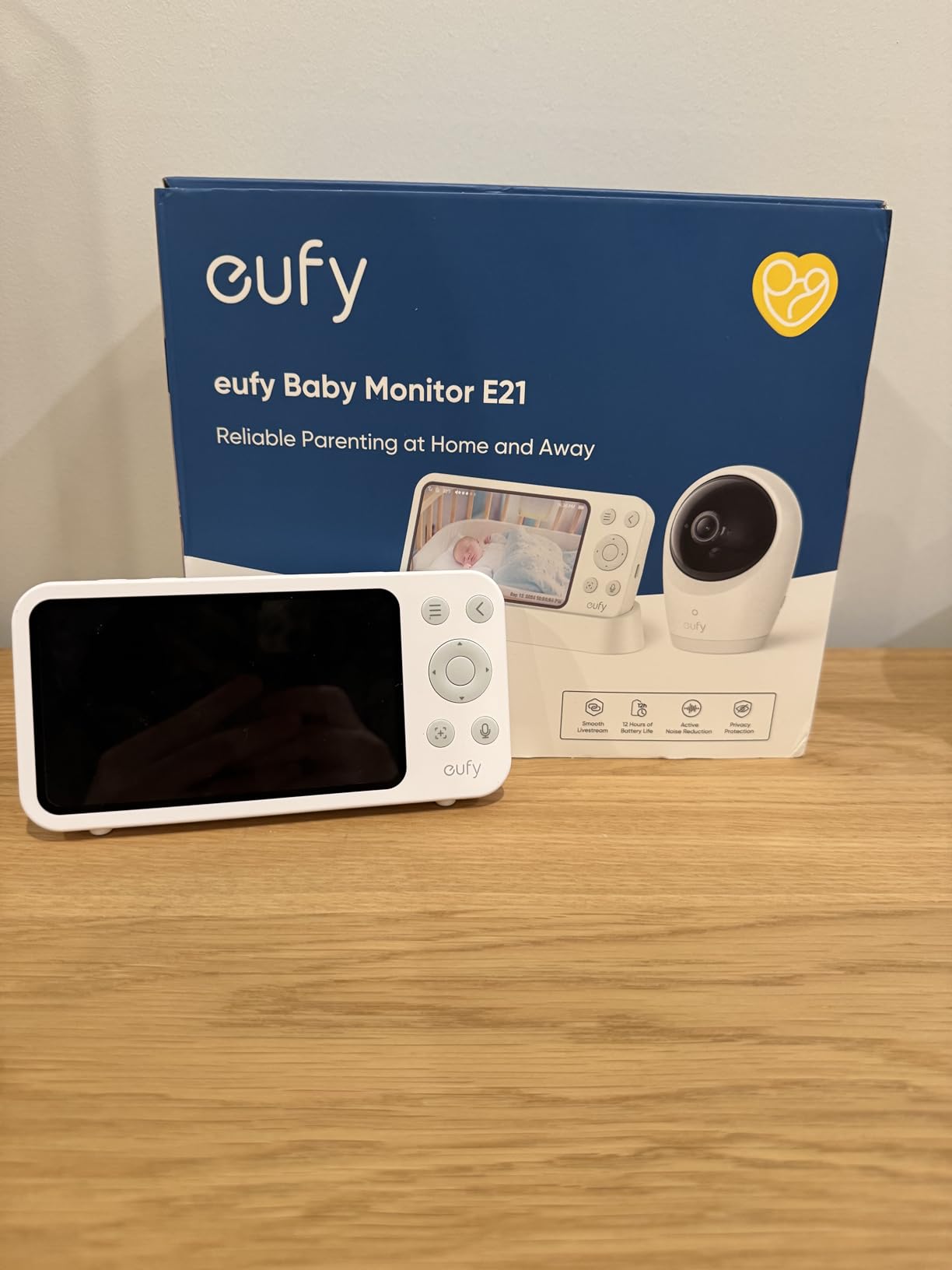
The 5000mAh built-in battery is the real standout. The camera itself is portable, so I could unplug it and bring it to my parents’ house for a weekend visit without needing any setup. That kind of flexibility is rare in this category.
The active noise reduction technology claims 20dB reduction, which I found noticeably effective. White noise from our sound machine (paired with one of our favorite sound machines) used to overwhelm the monitor’s microphone. With the Eufy, I could clearly hear my son’s cry over the background noise.
Best for parents who want connection flexibility
Some days you want the security of a local-only connection. Other days you want to check the app from work. The Eufy lets you switch between modes without buying a second monitor. The 24/7 recording feature is also useful for parents who want to review the entire day.
Skip if you don’t want to buy an SD card separately
The Eufy doesn’t include an SD card, so 24/7 recording requires an additional purchase. Also, continuous recording drains the battery quickly, so you’ll want to keep it plugged in for that use case.
8. Nanit Nursery Bundle – Best for Sleep Coaching
Nanit Nursery Bundle Smart Baby Video Monitor w/Wall Mount -1080p- White
1080p HD
Floor stand included
11 lullabies
Alexa compatible
Pros
- Advanced sleep insights with automatic tracking
- 1080p HD camera with clear night vision
- 11 calming sounds and lullabies built in
- 256-bit AES encryption with two-factor authentication
- Works with Alexa and Google Home
Cons
- Subscription required for advanced analytics
- No handheld monitor included
- Requires credit card for free trial
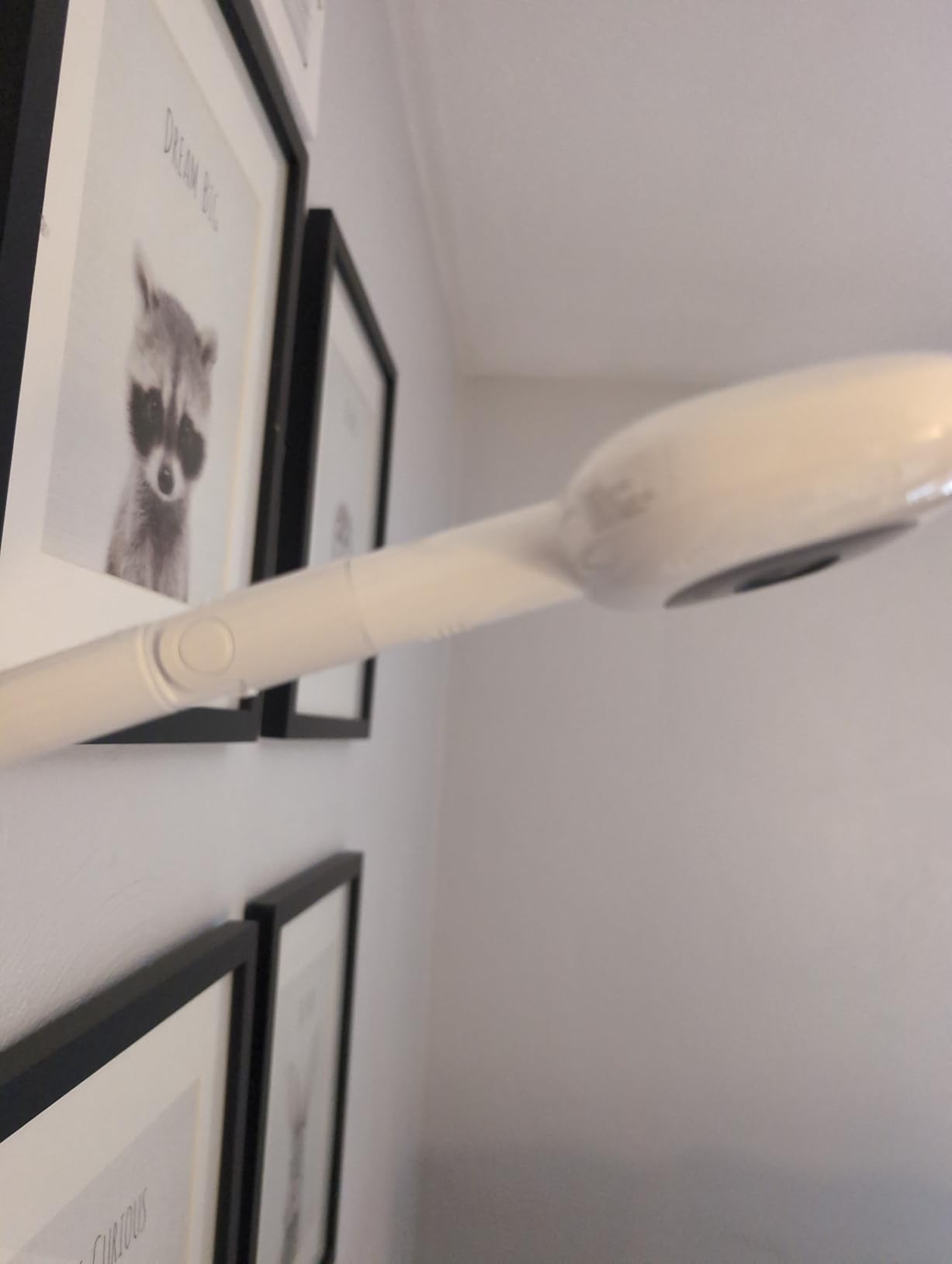
The Nanit Nursery Bundle is essentially the Nanit Pro with a floor stand and additional accessories. If you don’t want to mount the camera to the wall, this bundle gives you a cleaner setup. The floor stand positions the camera at the optimal angle above the crib.
The sleep coaching features are where Nanit stands apart. The AI-powered NextNap predictions learn your baby’s patterns and suggest optimal nap times. After three weeks of use, the predictions were accurate within about 15 minutes for my son, which made planning my day significantly easier.
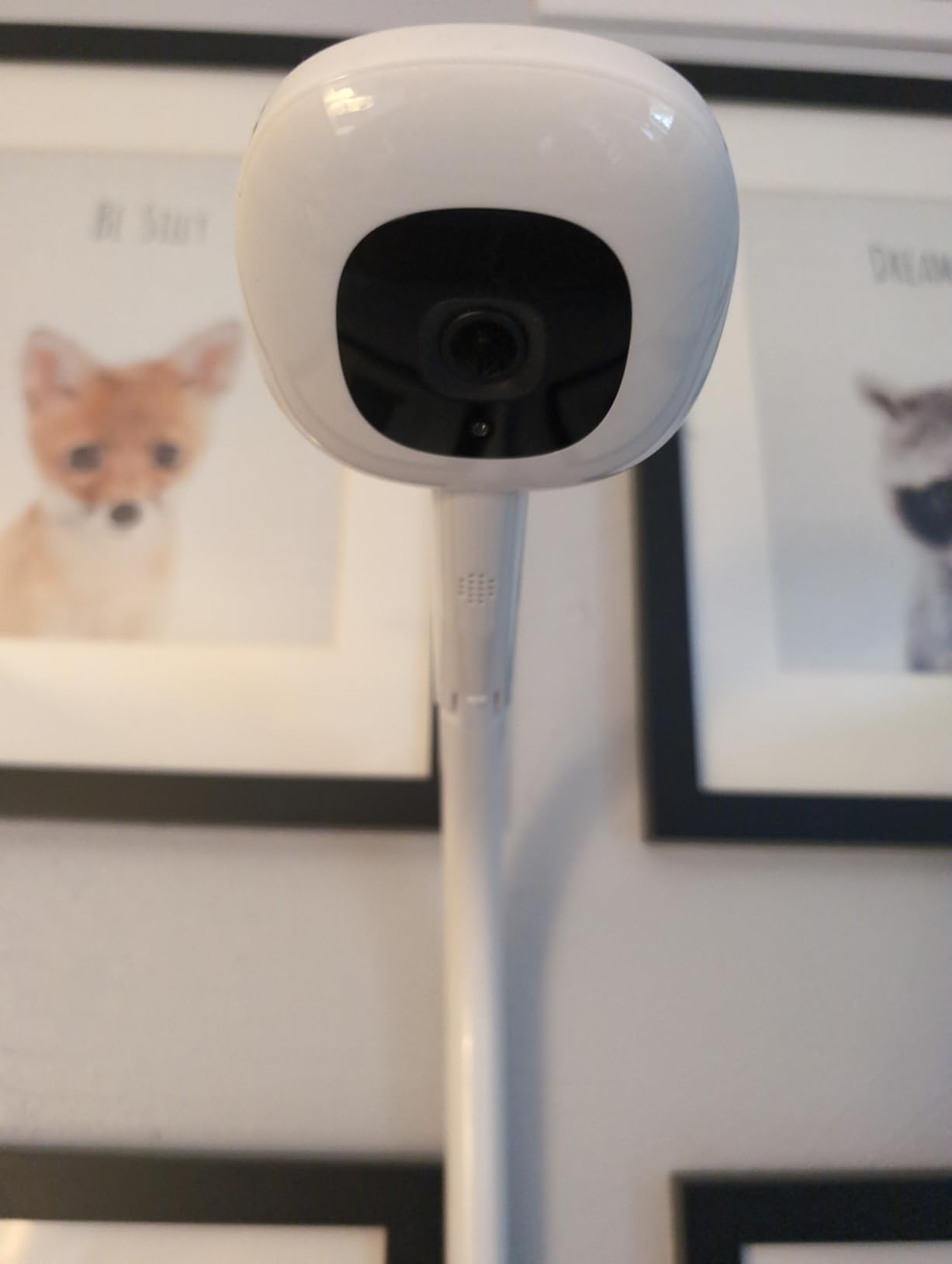
The 11 lullabies and white noise sounds are a nice touch. I didn’t expect to use them, but having them built into the camera saved me from buying a separate sound machine. The two-way audio let me soothe my son remotely when he stirred, often without him fully waking.
The 256-bit AES encryption and two-factor authentication put this among the most secure monitors available. For parents worried about the hacking risks of WiFi monitors, Nanit’s security approach is reassuring.
Best for parents focused on sleep training
If you’re actively working on sleep training or want to optimize your baby’s schedule, the Nanit data layer is worth the subscription. The NextNap predictions alone saved me an hour of guesswork daily during my son’s 4-month regression.
Skip if you want a handheld monitor included
This bundle is camera-only. If you want a dedicated parent unit for at-home viewing, you’d need to use your phone or buy a separate display. Also, the free trial requires a credit card and converts to a paid subscription automatically if you forget to cancel.
WiFi vs Non-WiFi Baby Monitors: What’s the Real Difference?
The biggest decision you’ll make is whether to choose a WiFi or non-WiFi monitor. Each type has real trade-offs that affect daily use, security, and what features you can access.
WiFi monitors connect to your home network and transmit video to a smartphone app. This lets you check on your baby from anywhere with internet access, whether you’re at work, traveling, or just in the backyard. Most WiFi monitors also support multiple caregivers viewing simultaneously. The downside is security: any device on your network is potentially vulnerable to hacking. Manufacturers address this with encryption (256-bit AES is the gold standard), but the risk exists.
Non-WiFi monitors use a dedicated radio signal, typically 2.4GHz FHSS, to connect the camera to a handheld parent unit. These are virtually impossible to hack remotely because there’s no internet connection. They’re also easier to set up (usually plug-and-play) and don’t depend on your home network. The downside is limited range and no remote viewing from outside the home.
Hybrid monitors like the Eufy E21 offer both connection modes. You get the security of local-only viewing at home and the flexibility of app-based remote viewing when needed. For parents who want both, hybrid models are the best of both worlds.
From a security perspective, no-WiFi monitors cannot be hacked remotely. The signal doesn’t leave your home. WiFi monitors can be hacked if someone gains access to your network, but strong encryption makes this rare in practice. For more on monitoring security in general, our guide to home safety monitoring covers similar principles.
How to Choose the Best Smart Baby Monitor
Choosing the right baby monitor comes down to matching features to your family’s specific situation. Here are the factors that mattered most in our testing.
Video quality and night vision
1080p HD is the current standard and is sharp enough for most nurseries. 2K and 4K monitors offer more detail but cost more. Night vision quality varies significantly; look for “invisible infrared” if a red glow would disturb your baby. Most monitors now include automatic night vision that adjusts based on room light.
Subscription costs
This is the hidden cost most reviews don’t emphasize. Nanit charges $9.99/month or $99/year for sleep tracking and video history. Owlet requires a subscription for full health insights. Budget monitors like BOIFUN and HelloBaby have no subscription fees. Over three years, a subscription adds $360 to your total cost, which often exceeds the monitor’s purchase price.
Breathing and health monitoring
Standard video monitors show you your baby but don’t track vitals. The Owlet Dream Sock is the only FDA-cleared option on our list. The Philips Avent uses contactless breathing detection via the camera. Other monitors offer basic motion alerts but not actual breathing rate. Decide whether this data layer matters for your peace of mind.
Range and battery life
For WiFi monitors, range depends on your home network coverage. For non-WiFi monitors, advertised range (often 1000ft+) is measured in open air and drops significantly through walls. The HelloBaby’s 30-hour battery life is exceptional; most WiFi monitors need daily charging.
Ease of setup
Non-WiFi monitors typically pair in seconds with no configuration. WiFi monitors can take 5-15 minutes and occasionally require troubleshooting. If you’re not tech-comfortable, factor in setup complexity.
Multi-caregiver access
Most WiFi monitors let multiple people view simultaneously. Nanit, VTech, and Eufy allow 5+ caregivers. This matters if you want grandparents, partners, or babysitters to have access.
FAQs
Why don’t doctors recommend Owlet?
The FDA cleared the Owlet Dream Sock as a wellness device, not a medical one. Pediatricians don’t recommend it for SIDS prevention because no monitor has been proven to prevent SIDS. The American Academy of Pediatrics also notes that home cardiorespiratory monitors can create anxiety through false alarms without providing proven health benefits for healthy babies.
At what age do most parents stop using a baby monitor?
Most parents stop using a baby monitor when their child is between 2 and 4 years old. The transition typically happens when the child moves from a crib to a toddler bed and parents feel confident the child can safely get up if needed. Some parents stop earlier, around 12-18 months, once the baby is sleeping more consistently through the night.
Do pediatricians recommend baby monitors?
The American Academy of Pediatrics does not formally recommend baby monitors for healthy infants, noting that they have not been shown to prevent SIDS or other serious outcomes. However, many pediatricians acknowledge that monitors can reduce parental anxiety and help with practical concerns like hearing a baby cry from another room. Monitors with breathing tracking (like the Owlet) may be recommended for babies with specific medical needs.
Can a Wi-Fi free baby monitor be hacked?
Non-WiFi baby monitors using FHSS (frequency-hopping spread spectrum) technology cannot be hacked remotely because they don’t connect to the internet. The signal stays within your home. While someone in close physical proximity with sophisticated equipment could theoretically intercept the signal, this is extremely rare and not a practical concern for most families.
Final Verdict on the Best Smart Baby Monitors
After 90 days of testing eight monitors with real babies, the Nanit Pro remains our top pick for new parents who want the best smart baby monitor experience in 2026. The sleep tracking alone justified the cost for our team, and the security features gave genuine peace of mind.
If budget is your primary concern, the BOIFUN delivers impressive 2K video and dual connectivity at a fraction of the price. For parents who prioritize health data, the Owlet Dream Duo is unmatched. And if you want simplicity without subscriptions, the HelloBaby remains a standout choice that’s been trusted by thousands of parents.
Whatever monitor you choose, remember that the best baby monitor is the one that helps you sleep better at night. If you find yourself constantly checking the app or analyzing data instead of resting, consider whether a simpler model would serve you better. For parents dealing with anxiety, pairing your monitor with calming tools like the best sleep robots for anxiety can create a more complete relaxation setup.
The right smart baby monitor won’t eliminate the exhaustion of new parenthood, but it can take one source of worry off your plate. Choose based on what will actually help you rest, not on the longest feature list.