
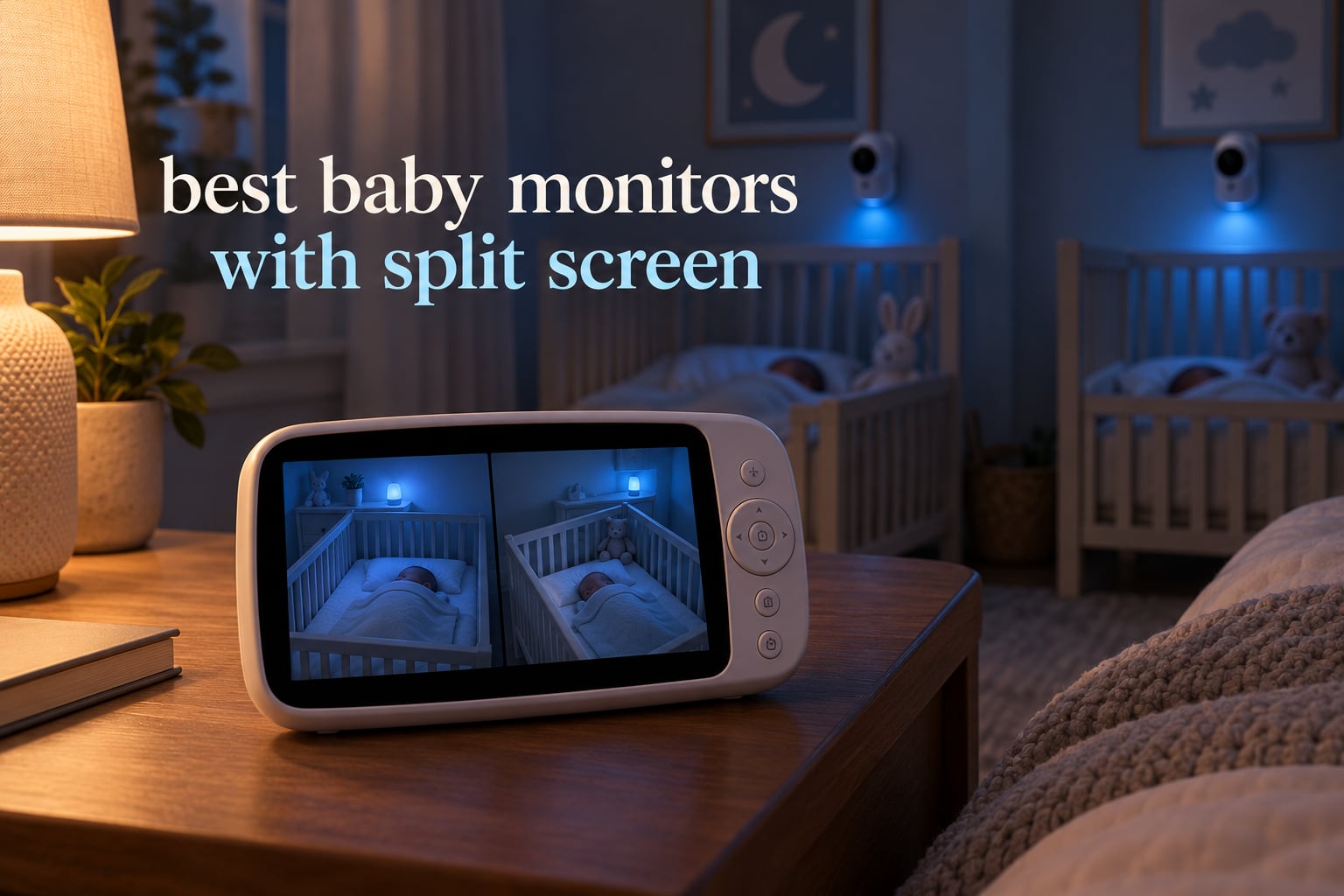
A split-screen baby monitor is a video baby monitor that puts two camera feeds side by side on one parent-unit screen at the same time, so you can watch two children in two separate rooms from a single handheld device. That is the entire difference from a single-camera monitor, and for twins, a newborn plus an older sibling, or a nursery and a toddler room, it is the difference between actually watching both children and hoping you catch the right moment.
Most parents search for “best baby monitors with split screen” because something got lost. A second baby arrives, or a toddler starts sleeping in their own room, and the old single-feed monitor is suddenly solving half a problem. The catch is that “split screen” is used loosely across the category, and plenty of monitors that advertise it are really just cycling between cameras on a timer. Those are not the same thing, and parents who buy one expecting two simultaneous feeds end up disappointed.
We spent this 2026 season reading the spec sheets and digging through owner feedback on every two-camera system we could find, then compared them on the axes that actually change your nights: true simultaneous dual-panel viewing, what happens to the audio, whether the link is closed-circuit or WiFi, and how the halved screen holds up in a dark room. What we found is that the choice splits cleanly into two families. Closed-circuit systems use an encrypted 2.4GHz link between camera and handset with no router, no app and no account, while WiFi systems stream through your home network and an app. Nine of the twelve monitors below are non-WiFi, and that ratio reflects what parents who ask for split screen actually end up buying.
Before you read further, three questions decide most of your shortlist. Do you want a handset that works with no internet at all, or one that streams to your phone? How many cameras do you need now and how many might you need in two years? And how big is the panel once you divide it in half? Answer those and the list below narrows fast.
Table of Contents
Top 3 Best Baby Monitors With Split Screen in 2026
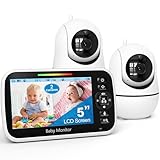
Three systems stand above the rest, and each one wins for a different household. The HelloBaby 6-inch is our overall pick because the largest panel in the group means each half is still big enough to read a crib from across a room. The GoodBaby 5-inch is the value pick, and the iFamily app system is the choice when you need to check in from outside the house.

HelloBaby 6 inch Split Screen
- 6 inch IPS screen
- 2 cameras
- 2.4GHz FHSS no WiFi
- 16-31 hour battery
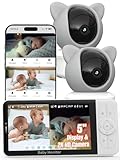
iFamily 5 inch WiFi 2K
- 2K cameras
- 5 inch split display
- app streaming
- no subscription viewing
Is a Split-Screen Baby Monitor Worth It?
Yes, if you are watching two children in two rooms, and no, if you are watching one child. A split-screen baby monitor is worth it whenever a single feed would mean you have to choose which child to check on. Cycling monitors and picture-in-picture layouts give you a glimpse of the second room every fifteen seconds or a thumbnail in a corner, which is not the same as watching both babies breathe at the same time.
The value shows up in three specific situations. Twins in separate cribs are the clearest case, since one baby being unsettled while you watch the other is exactly the failure parents are trying to avoid. A newborn plus a toddler works the same way, with the added complication that the toddler’s room is often further down the hall. And a nursery plus a playroom matters on afternoons when one child is down and the other is not.
It is not worth it for a single baby in a single room. In that case the second half of the screen gives you a second view of the same child, which is occasionally useful for seeing a second angle of the crib but is mostly wasted panel space. The honest answer is that split screen is a household-size feature, not a quality feature, and paying a premium for it on a single-room setup is money spent on a problem you do not have.
There is one more consideration before you decide. Split-screen viewing costs you screen area, and the cost is real. A 5-inch panel halved into two panels gives you roughly the same viewable area per child as a small dedicated screen, so the monitor you buy needs to be physically larger than the single-camera models it competes with. The 4.3-inch models in this roundup are usable, but they are the floor rather than the sweet spot.
All 12 Split-Screen Baby Monitors Side by Side (October 2026)
Every monitor below shows two camera feeds at the same time on the parent unit. The split-screen column tells you whether the layout is a true side-by-side dual panel, whether it can grow past two cameras, and whether the connection stays off your home network.
| Product | Specifications | Action |
|---|---|---|
| HelloBaby 6 inch Split Screen No WiFi Monitor with 2 Cameras |
|
Check Latest Price |
| GoodBaby 5 inch Split Screen Baby Monitor with 2 Cameras |
|
Check Latest Price |
| iFamily 5 inch Split HD Monitor with 2K Cameras and App |
|
Check Latest Price |
 VTech VM901-2 Smart WiFi Monitor with 2 Cameras VTech VM901-2 Smart WiFi Monitor with 2 Cameras |
|
Check Latest Price |
 Babysense HD S2 5 inch Non WiFi Split Screen with 2 Cameras Babysense HD S2 5 inch Non WiFi Split Screen with 2 Cameras |
|
Check Latest Price |
 Babysense PRO Full HD 5.5 inch Split Screen with 2 Cameras Babysense PRO Full HD 5.5 inch Split Screen with 2 Cameras |
|
Check Latest Price |
 ANMEATE 5 inch Split Screen Baby Monitor with 2 Cameras ANMEATE 5 inch Split Screen Baby Monitor with 2 Cameras |
|
Check Latest Price |
 Blemil 6 inch Split Screen Video Baby Monitor with 2 Cameras Blemil 6 inch Split Screen Video Baby Monitor with 2 Cameras |
|
Check Latest Price |
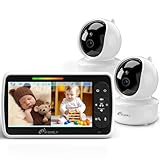 iFamily 4.3 inch Split Screen Baby Monitor with 2 Cameras iFamily 4.3 inch Split Screen Baby Monitor with 2 Cameras |
|
Check Latest Price |
 Babysense TOUCH 7 inch Touchscreen WiFi Monitor with 2 Cameras Babysense TOUCH 7 inch Touchscreen WiFi Monitor with 2 Cameras |
|
Check Latest Price |
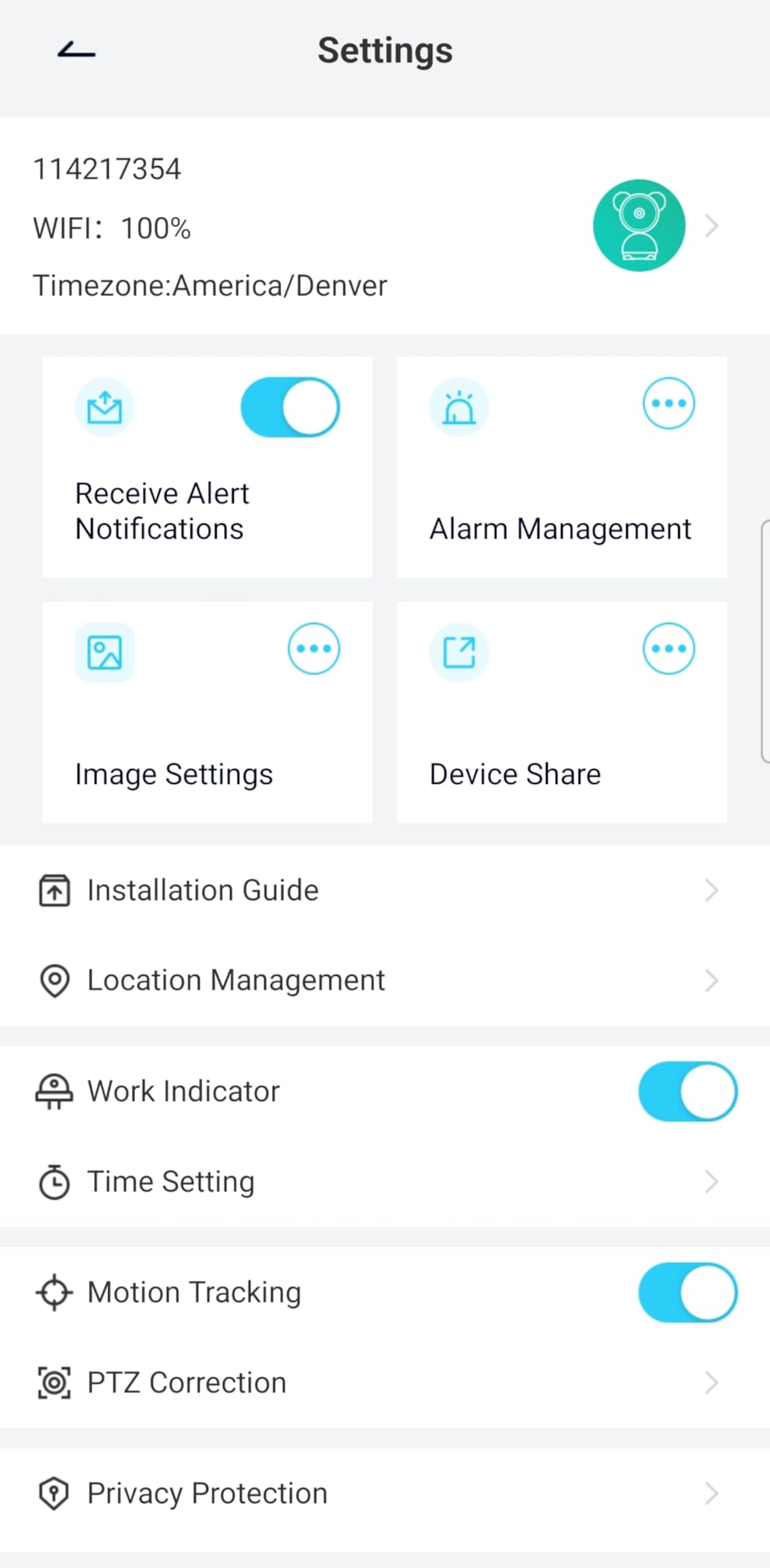
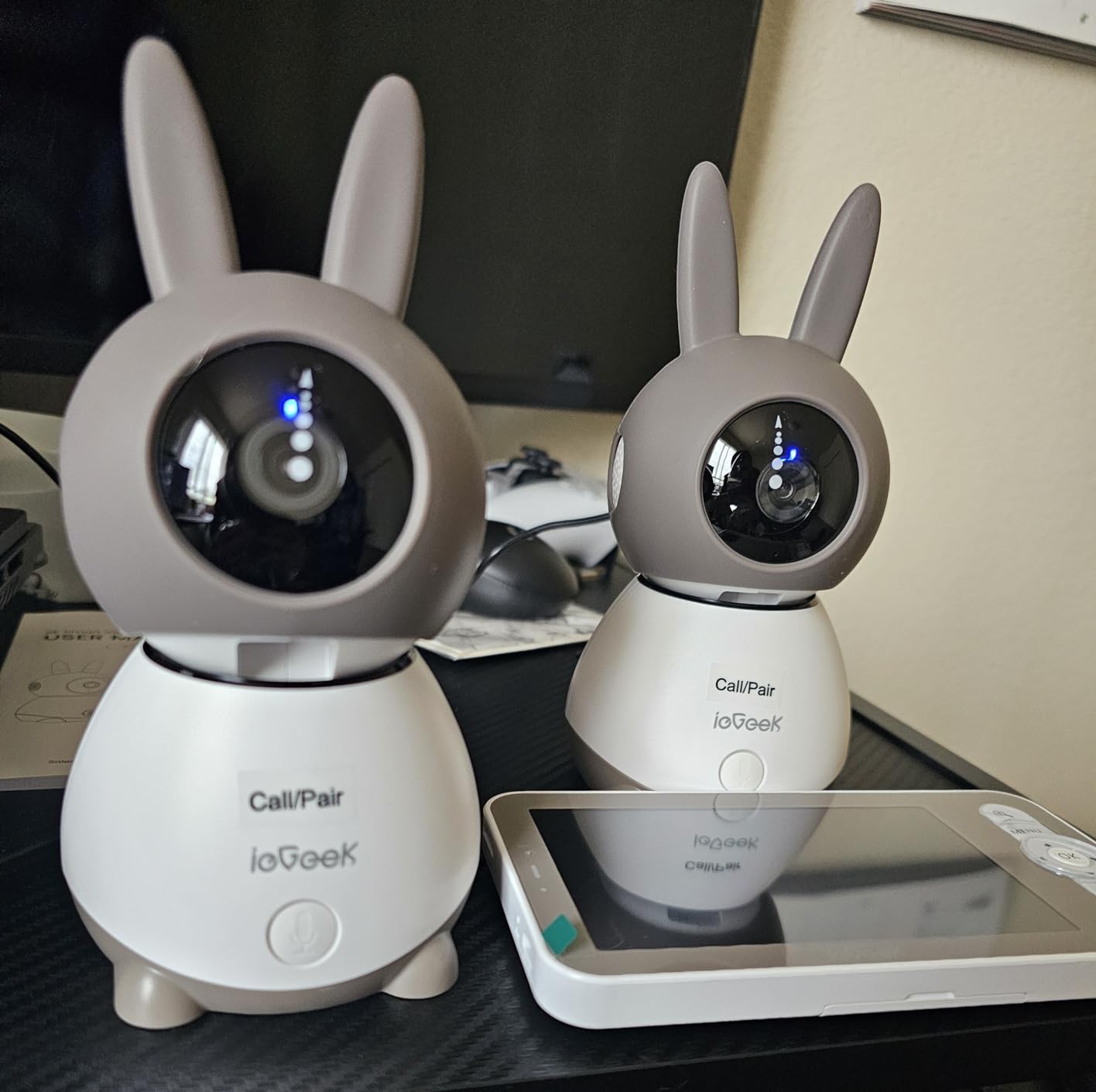
 ieGeek 2K Split-Screen Baby Monitor with 2 Cameras ieGeek 2K Split-Screen Baby Monitor with 2 Cameras |
|
Check Latest Price |
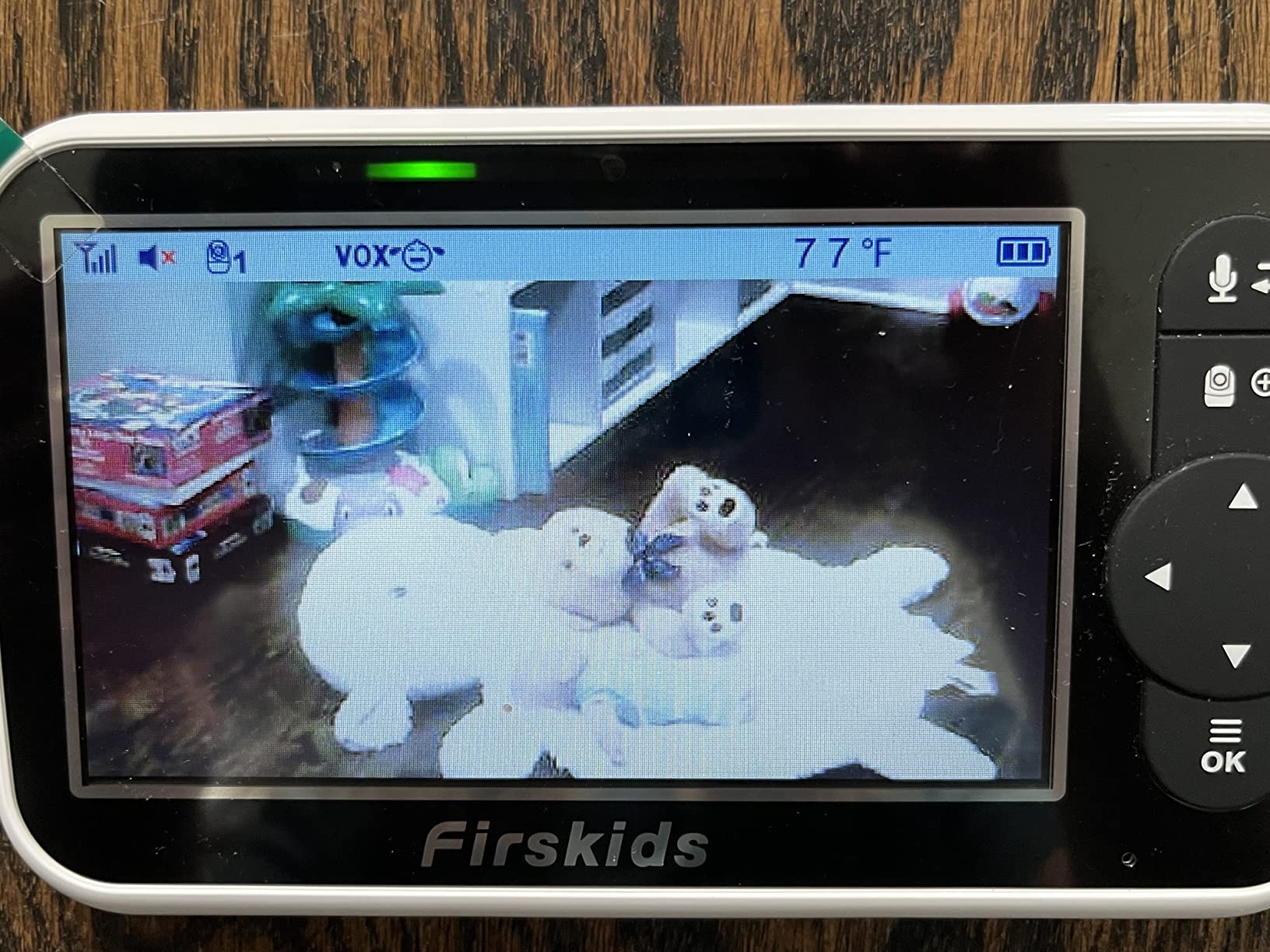
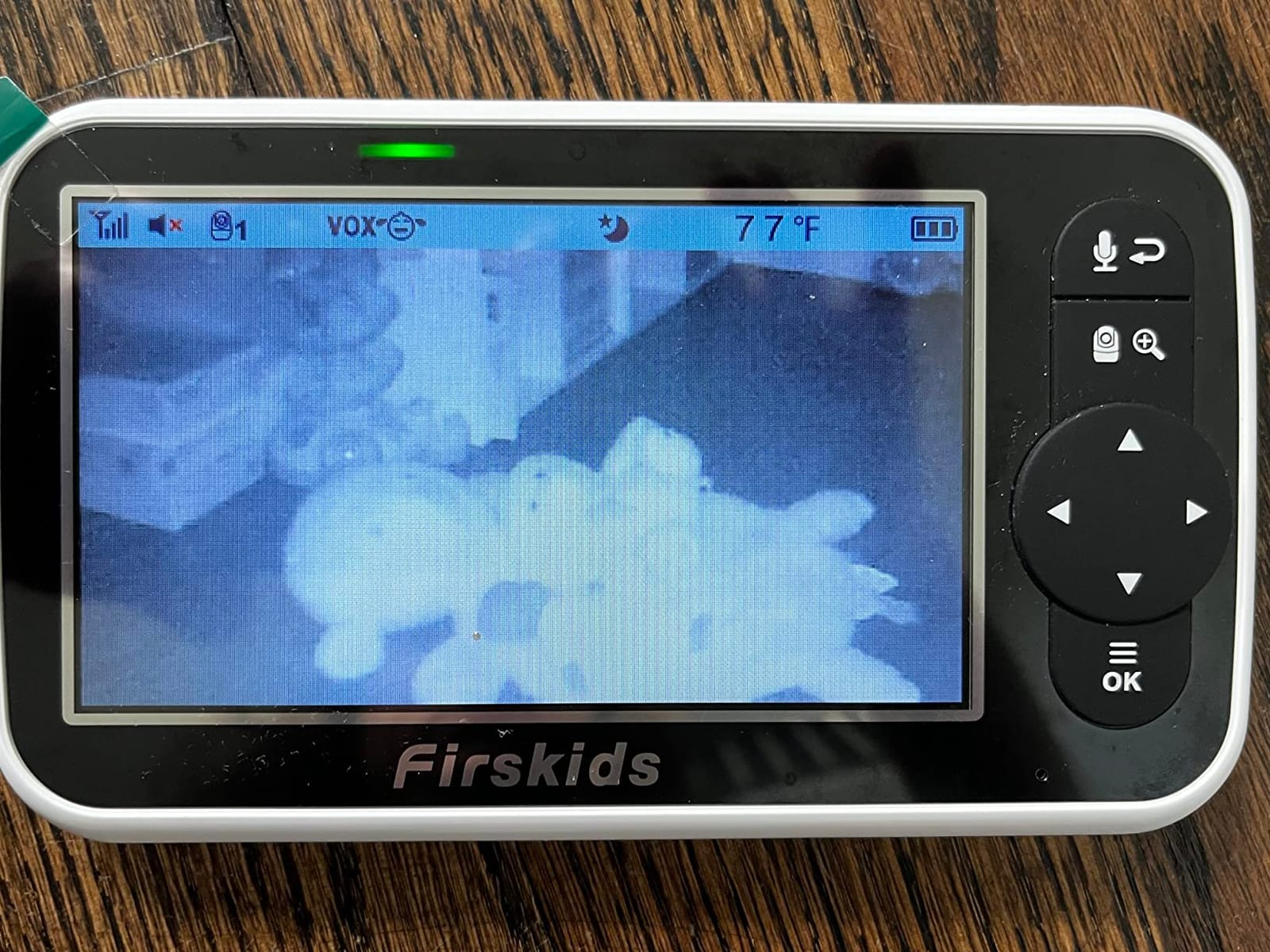
 Firskids 4.3 inch Split Screen Baby Monitor with 2 Cameras Firskids 4.3 inch Split Screen Baby Monitor with 2 Cameras |
|
Check Latest Price |
Split Screen vs Picture-in-Picture vs Camera Cycling
Three different features get marketed as split screen, and telling them apart before you buy saves a lot of disappointment. True split-screen viewing renders both camera feeds at the same time in two equal panels. Picture-in-picture puts one feed full-size with the other reduced to a small inset corner. Camera cycling shows one feed at a time and switches to the other on a timer.
Only the first option lets you watch two children simultaneously. Picture-in-picture is genuinely useful when one room matters more than the other, and some parents like that they can see a small confirmation of the second room. Cycling is the one to be careful with, because a fifteen-second rotation means roughly half of every sound in the second room happens while you are looking elsewhere.
The audio question is separate from the video question and brands rarely explain it. Some monitors in this list monitor both rooms continuously, so you hear a sound in either room at the moment it happens. Others use an audio focus mode that listens to one camera, or a scan mode that alternates which camera is live every fifteen seconds, which sounds like a reasonable compromise until you realize you are relying on a beep and an icon rather than actual sound from the second room. A What to Expect user who has owned a Babysense HD S2 since their first child in 2023 describes split screen as the feature they have leaned on continuously, and the SCAN mode on that unit is the alternating kind, not the continuous kind.
What this means in practice is that a monitor advertising split screen can still only give you one room’s audio at a time. If both children can make noise at once and you need to hear both, that is the single spec line to check on the retailer’s page before you commit, and we note it explicitly in every review below.
HelloBaby 6 inch Split Screen No WiFi Monitor with 2 Cameras
HelloBaby 6″ Split Screen No WiFi Baby Monitor 2 Cameras & Audio, 30H ECO
6 inch IPS split screen with 2 cameras
Encrypted 2.4GHz FHSS, no WiFi
16 to 31 hour battery in VOX and ECO
355 degree pan and 120 degree tilt
Pros
- Largest panel in the group so each half stays readable
- No-WiFi encrypted link keeps video off your network
- Long battery in VOX and ECO mode
- Invisible infrared with no red glow
- Expandable beyond two cameras on four channels
Cons
- Only 2x digital zoom
- Secondary features like lullabies and temperature are less accurate than dedicated devices
Six inches is the number that matters here. Halve a six-inch panel and each child still gets a view you can check from across a room without leaning in, which is not true of the four-inch models lower down this list. The IPS panel carries a 178 degree viewing angle, so both halves stay legible when the handset rests on a nightstand at an angle rather than facing you square.
Our pick for twins and two-room households, and the reason is straightforward arithmetic. A 5-inch split screen gives each child roughly 2.5 inches of diagonal, a 6-inch gives each child 3. The difference is whether you are reading a rising chest at a glance or studying a pixel pattern.
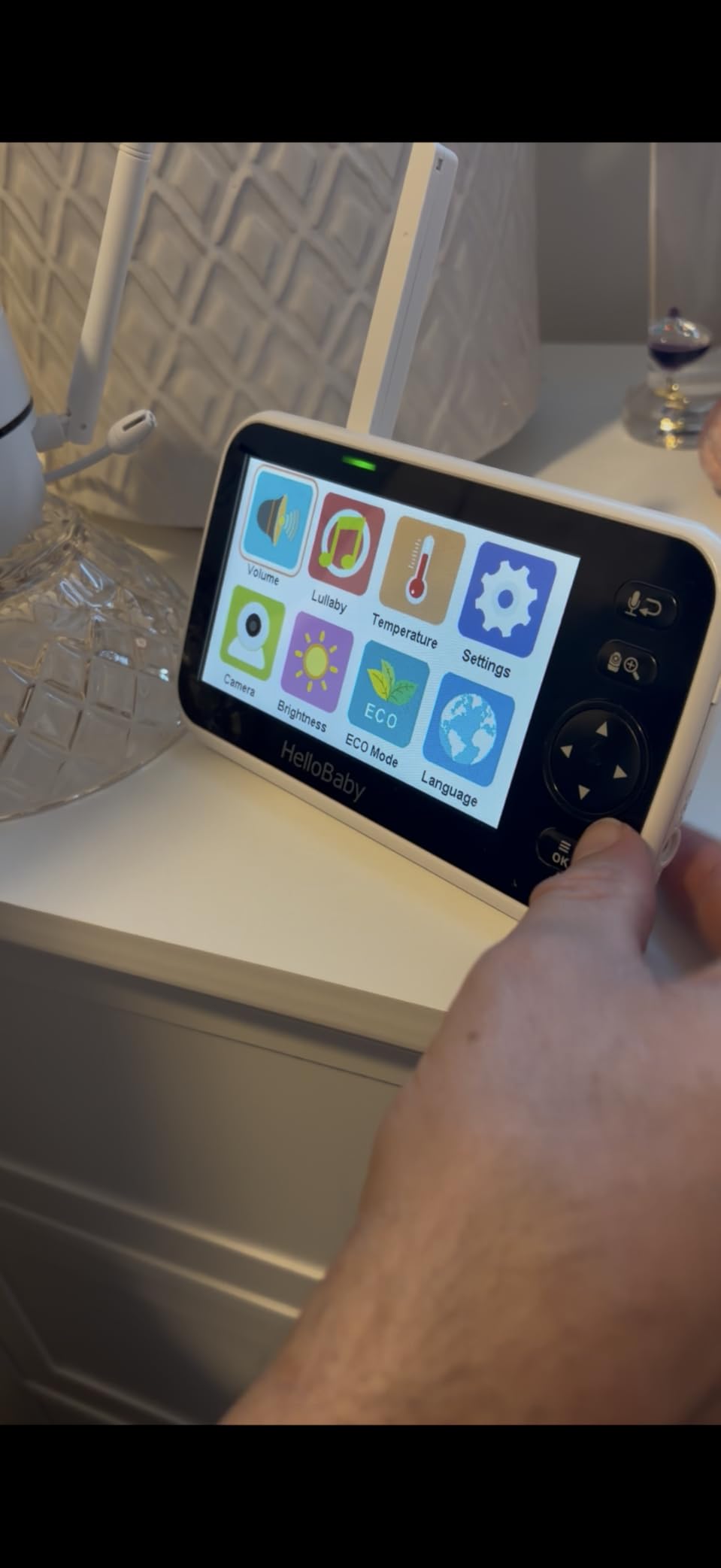
The connection is a closed 2.4GHz FHSS encrypted link with no router, no app and no account, and the video never leaves the house. Owners rank it at number one in video baby monitors with a review base above 17,000, and the praise repeats the same themes: a big display, a private link, and battery that survives a long night in ECO mode.
The zoom is the weak spot. At 2x digital you can confirm a baby is present and roughly how they are positioned, but you will not be reading an expression across the room. Everything else about the viewing experience is more generous, including a 355 degree pan and 120 degree tilt on the camera head, which is usually enough to sweep a whole nursery from a single mount position.
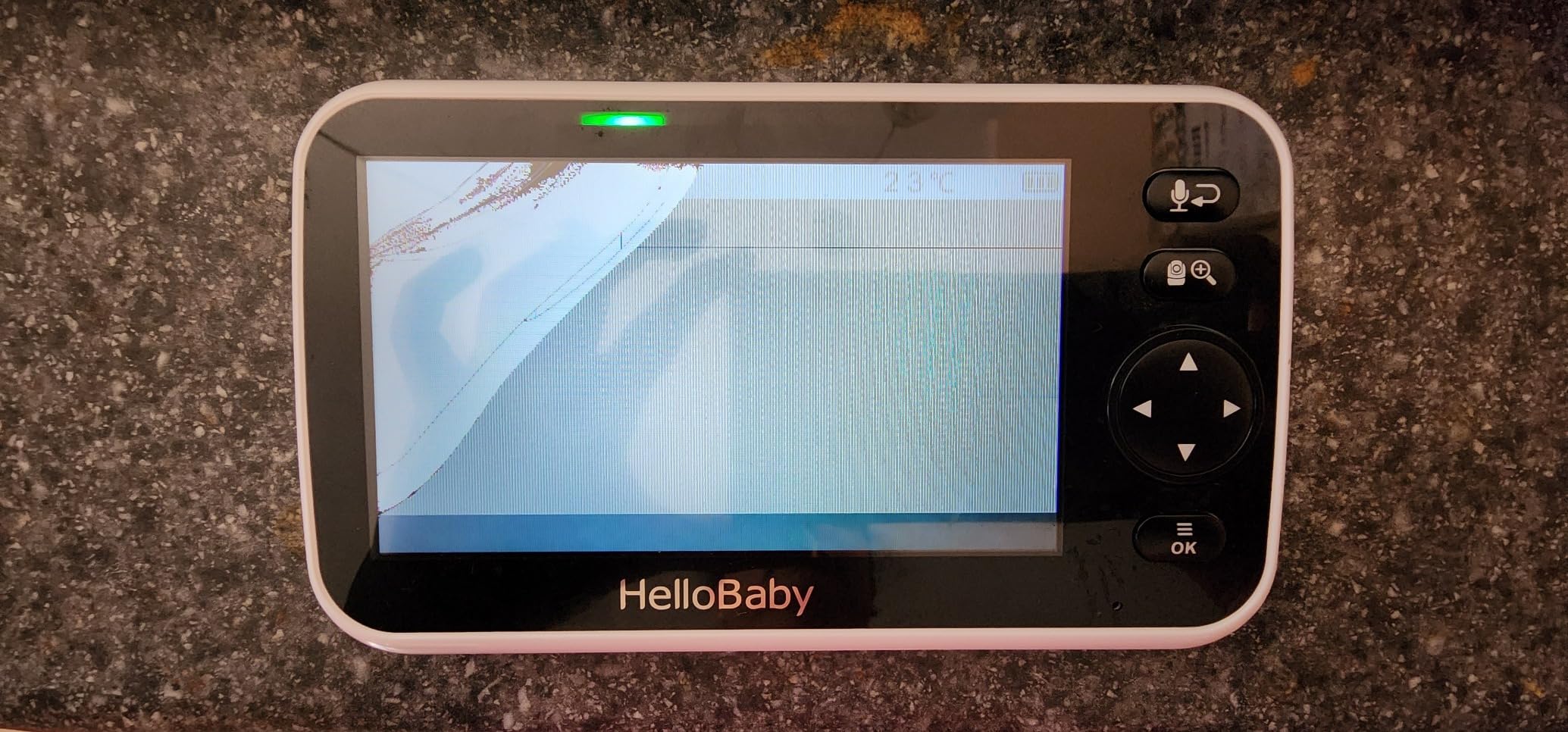
What you should check before buying
Confirm your wall or shelf has a safe mounting point near both cribs, because a six-inch handset is heavier than the small models and tends to slide off a nightstand if nudged. Check that the model you are buying is the two-camera version, since the same product line is sold in one-camera and two-camera configurations with different channel counts.
Also look at your room distance. The stated range is 1000 feet in open space, and real results in a normal two-story home are a fraction of that, so put the cameras where the signal path is as direct as possible rather than at the far corner of a hallway.
Who should skip this one
Skip it if you need to watch from work or from another country, because there is no app and no remote access by design. This is a handset for the house, and anyone wanting a monitor they can open on a phone at the office should look at the WiFi systems instead.
Skip it if magnification is your main concern. If your plan is to zoom in on a crib from across the room to check breathing closely, 2x will not get you there and you should spend the money on a higher-resolution system instead.
GoodBaby 5 inch Split Screen Baby Monitor with 2 Cameras
GoodBaby 5″ Split Screen Baby Monitor with 2 Cameras and Audio
5 inch HD split screen with 2 cameras
Expandable to 4 cameras
30 hours in VOX mode and 10 with screen on
Encrypted 2.4GHz FHSS, no WiFi
Pros
- Expandable to four cameras on one parent unit
- Long battery in VOX mode
- Simple menu with no app required
- Works with no WiFi at all
- Useful 355 degree pan and 120 degree tilt
Cons
- Some owners report connection dropouts that need a power cycle
- Pan and tilt commands can overshoot
- Built-in lullabies sound tinny through the speaker
This is the most flexible two-camera system in the group, and flexibility is the reason it takes the value slot. It ships with two cameras and the parent unit pairs up to four on the same handset, so a family starting with twins in two rooms can add a camera for a third child later without replacing anything.
The audio system is more honest than most. Audio focus mode locks onto one camera when you want to concentrate, and scan mode rotates the live audio every fifteen seconds so you still catch sound from the second room on a predictable cycle. That is a better design than a monitor that quietly mutes one feed, and parents who are choosing on audio behavior alone can see exactly what this one does.
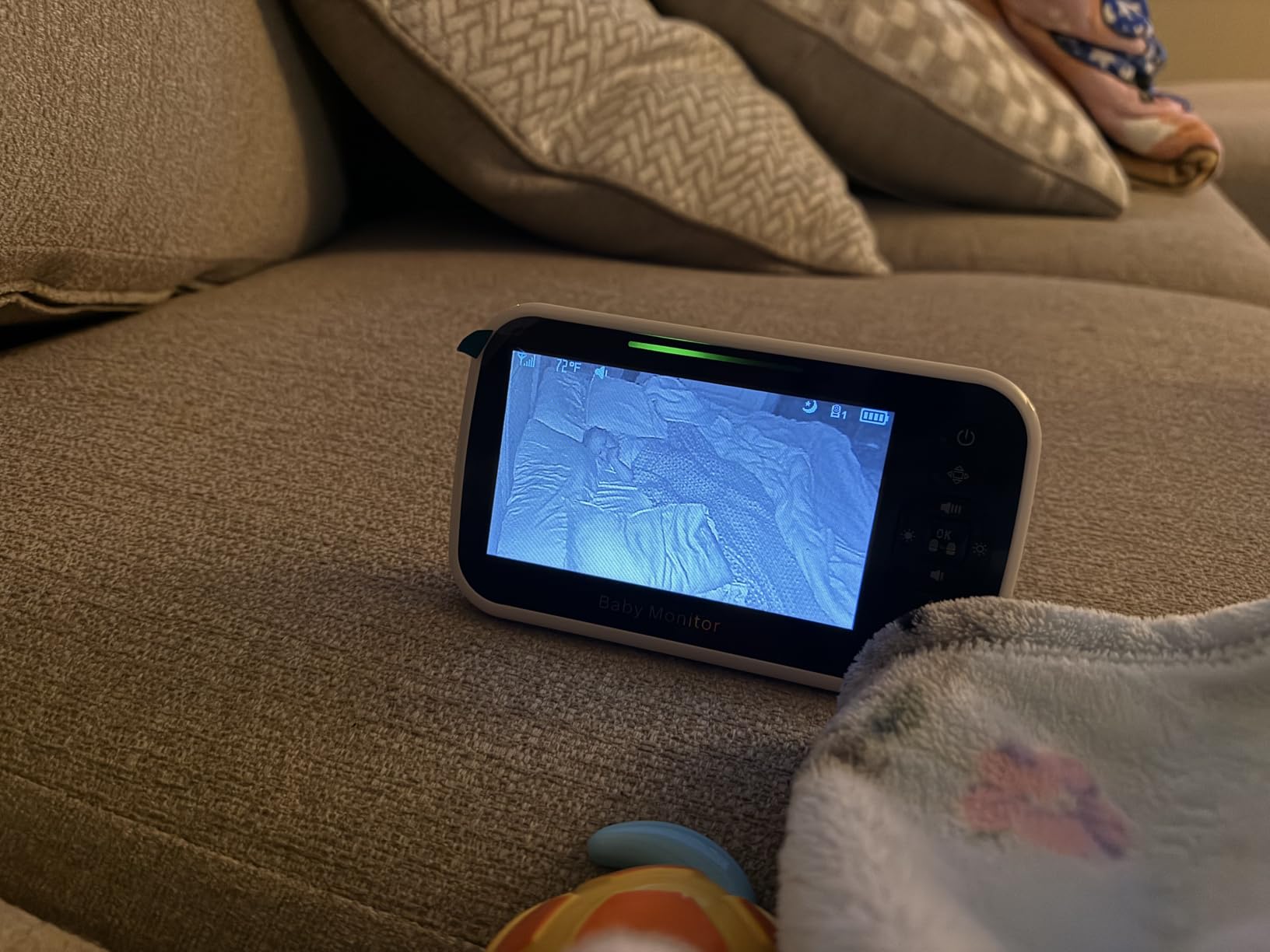
Battery life is genuinely strong, with a 3500mAh cell rated for around 30 hours in VOX mode and 10 hours with the screen held on. Owners consistently mention easy setup and a clear picture, and the unit ranks first in smart baby monitors on the strength of a large review base.
The recurring complaint is reliability rather than capability. A cluster of owners describe intermittent connection dropouts that clear after unplugging and replugging the unit, and others note that pan and tilt commands overshoot so the camera lands a few degrees off from where you aimed it. Neither is a safety problem, but both are irritating at three in the morning.
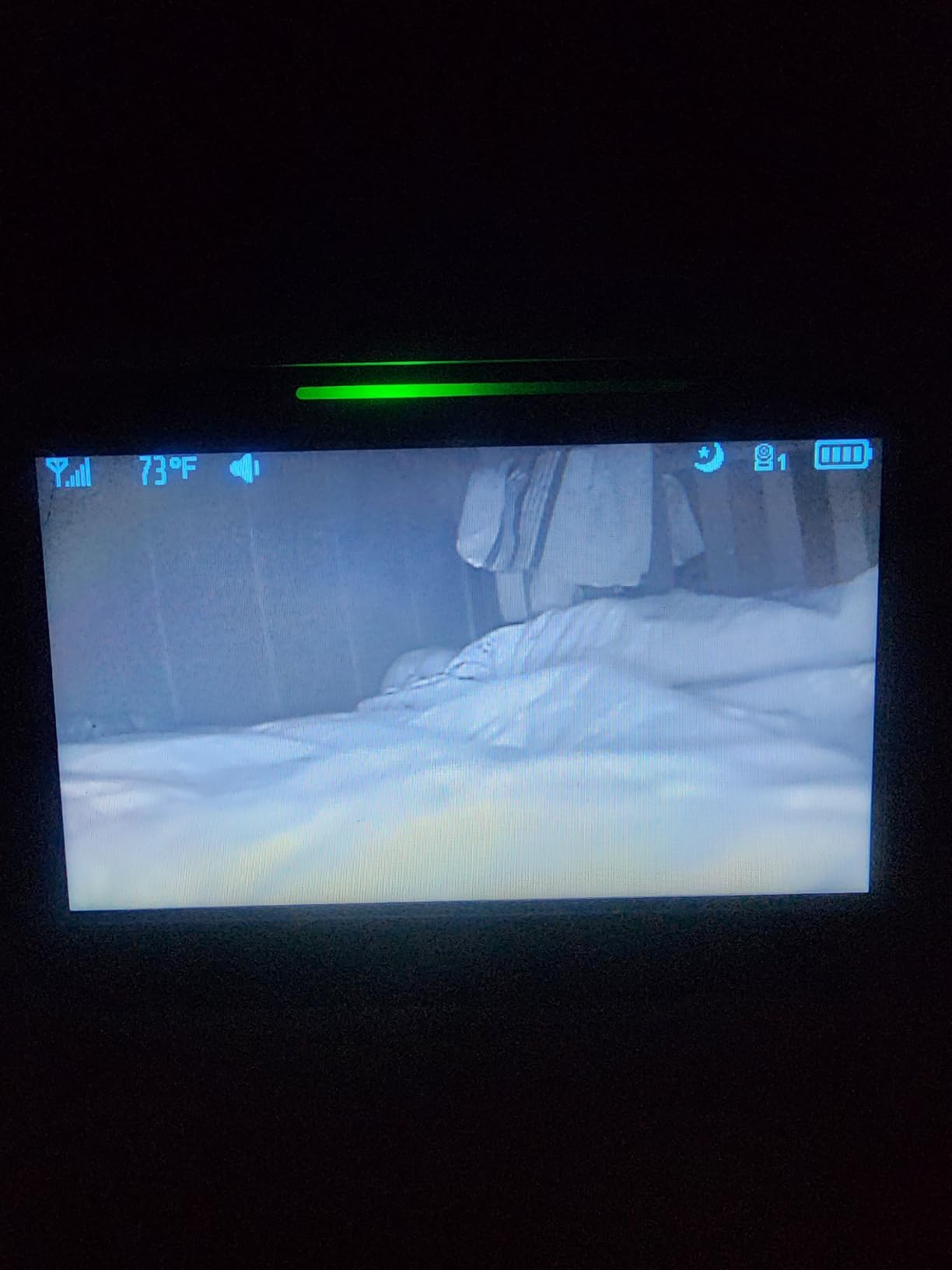
What you should check before buying
Check how the four-camera limit is sold in practice. The parent unit supports four channels, so confirm the extra cameras you might want later are the same model and not a different line that needs its own handset.
Ask yourself whether scan mode is acceptable to you. If both children can cry at the same time and you need to hear both live, the fifteen-second rotation means you will occasionally catch one cry late. Parents who need continuous audio on both should verify that before buying.
Who should skip this one
Skip it if you are sensitive to flaky hardware. If a connection dropping at 4am is the kind of thing that would keep you anxious, read the connectivity complaints in full and consider a system with a more consistent track record.
Skip it if you rely on built-in audio. The lullaby playback through the handset speaker is thin and tinny, so if you plan to use white noise or music from the parent unit rather than from a separate sound machine, look elsewhere.
iFamily 5 inch Split HD Monitor with 2K Cameras and App
iFamily Smartphone Baby Monitor with APP& 5″ Split HD Monitor &2K Camera x2
2K cameras on a 5 inch split HD display
WiFi app streaming to a smartphone
Infrared night vision with motion tracking
Wireless transmission can be disabled
Pros
- 2K resolution is the sharpest in the non-toy class
- Check in from a phone anywhere
- Two-way talk with lullabies and white noise
- Option to switch wireless off completely
- Motion tracking follows movement in the room
Cons
- Cloud recording is a paid subscription and no microSD card is included
- App and WiFi add setup steps
- The 5 inch display is smaller than several rivals
If your monitoring needs extend past the front door, this is the system to look at. The two cameras stream over your home WiFi to an app on your phone, so you can check both rooms from work, from a restaurant, or from a relative’s house without adding another device to the nightstand.
Picture quality is the strongest in this group outside the Babysense TOUCH unit. The 2K sensors hold detail well enough to see a hand move on a blanket, and infrared night vision with motion tracking means a moving baby in a dark room draws attention rather than disappearing into the background.
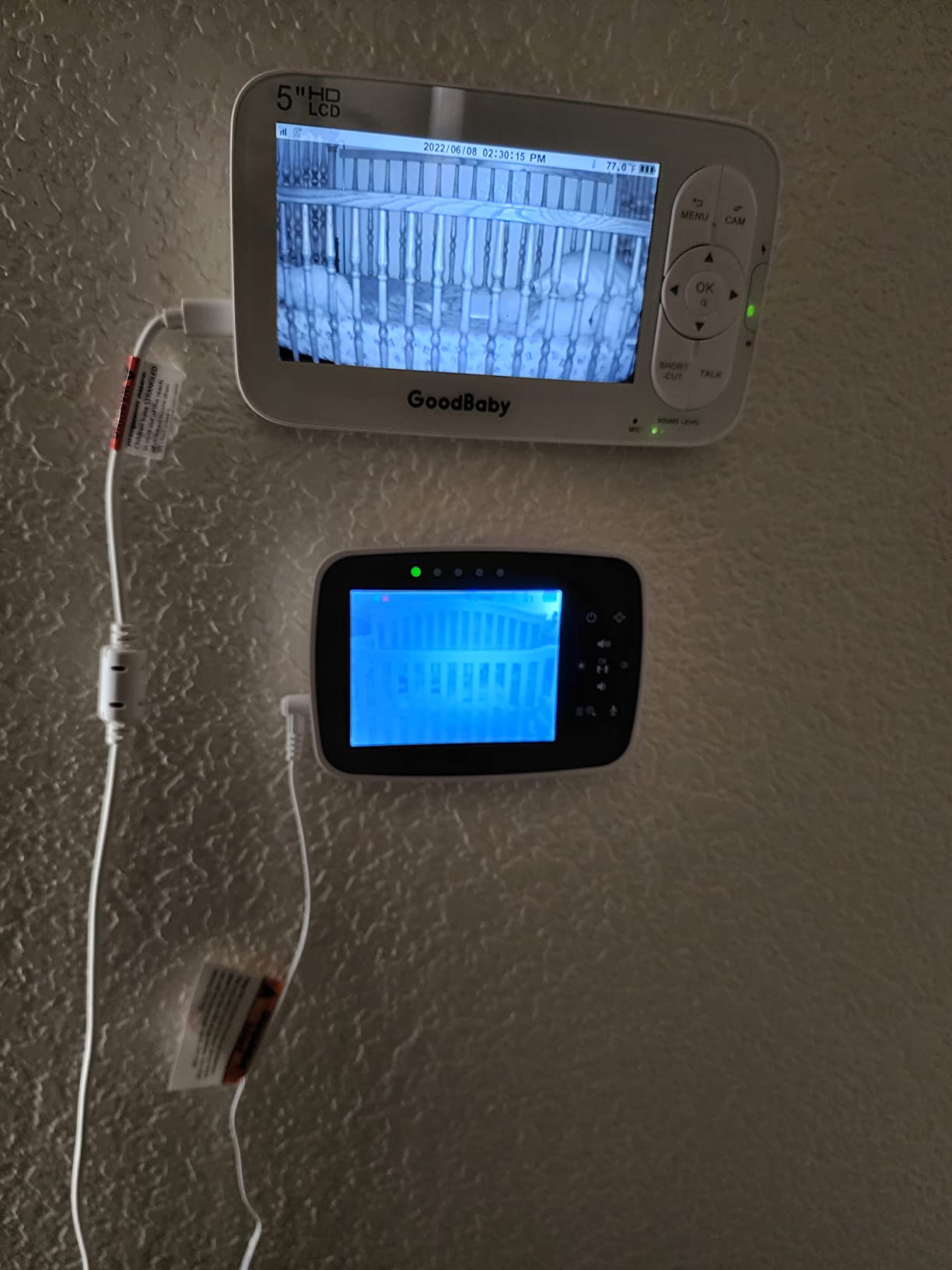
One detail deserves attention from anyone security-conscious. The monitor has an option to fully disable wireless transmission from the handset, which lets you keep the 5-inch split display for bedtime and switch off the network path for the rest of the day. That is not something most competitors offer.
Owners like the app responsiveness and the ability to check in remotely, and the review base is close to 10,000. The recurring gripes are all about extras: cloud recording sits behind a subscription, no microSD card is included in the box, and setting up a WiFi system takes more steps than plugging in a closed-circuit unit.
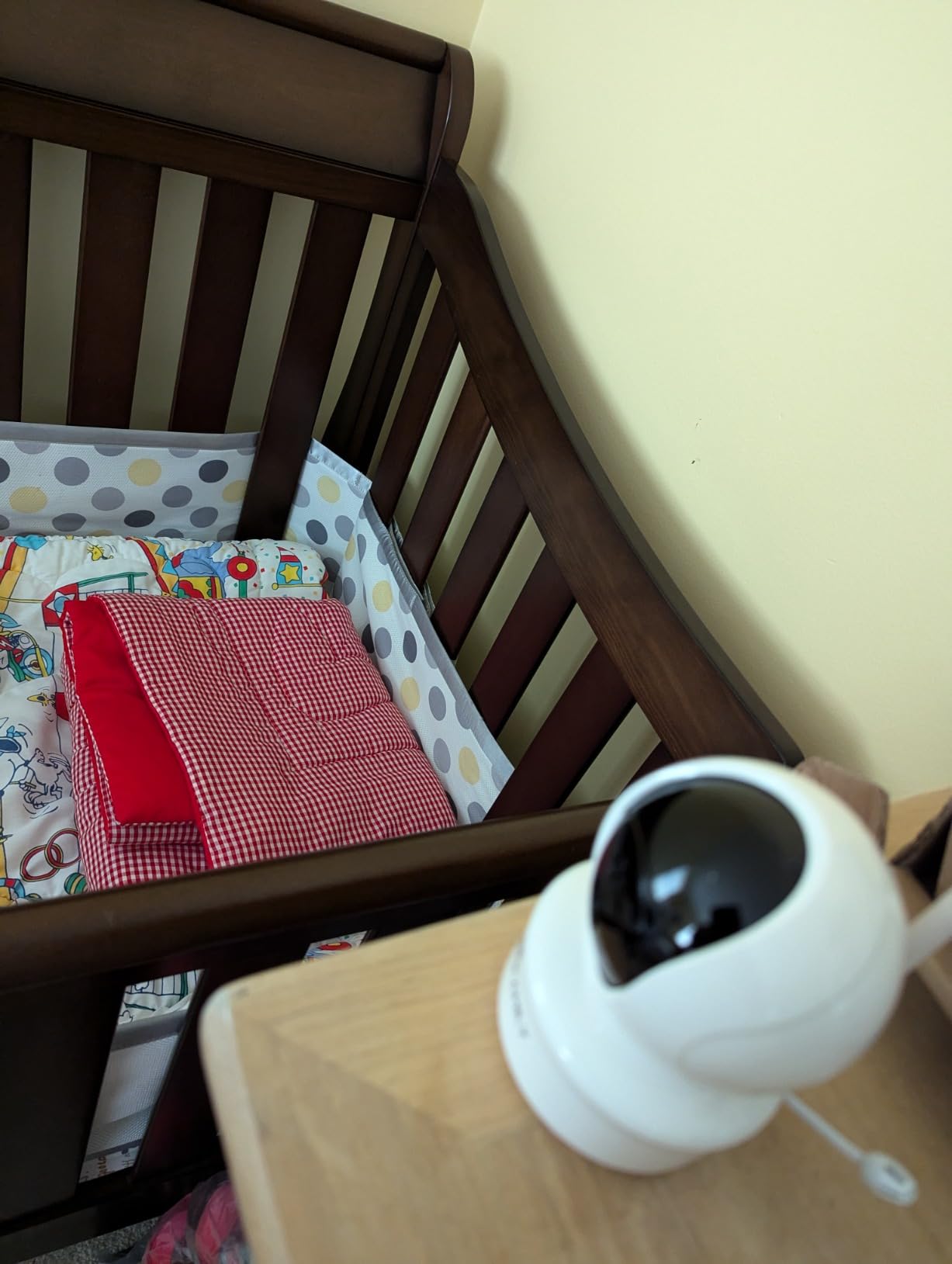
What you should check before buying
Check your router. These cameras connect on 2.4GHz networks, so a dual-band router that only broadcasts 5GHz will not see them until you enable the slower band, and that is the single most common setup failure with app-based monitors.
Decide how you will store recordings before you buy. If you want continuous video history, the cloud plan is an ongoing cost. If you only need live viewing, skip it and save the money.
Who should skip this one
Skip it if you do not want internet-connected devices in a baby’s room. The whole point of this design is network access, and even with the wireless toggle available, it is the wrong category for households that have deliberately avoided connected gear.
Skip it if you want a dedicated handset. Parents on parenting forums repeatedly say they prefer a separate viewing device over always unlocking a phone, and this unit does not replace the handset experience as cleanly as the closed-circuit systems do.
VTech VM901-2 Smart WiFi Monitor with 2 Cameras
VTech Smart WiFi Baby Monitor, 2 Cameras – See Both Rooms at Home or from Anywhere, Free App, 1080p Split Screen, 5″ HD Screen, Pan-Tilt-Zoom, Night Vision | VM901-2
5 inch HD parent unit with 1080p split screen
Free MyVTech Baby app for sharing
Free app supports multiple caregivers
Automatic starlight night vision
Pros
- Free app lets several caregivers watch both rooms
- Each camera pans tilts and zooms independently
- Automatic night vision on both feeds
- Wall-mount brackets included
- Tap to expand either pane to full screen
Cons
- Short parent-unit battery and no battery backup in the cameras
- Temperature readout can trigger false alarms
- Second-camera pairing is a difficult menu process
- Some owner reports of screen freezing after updates
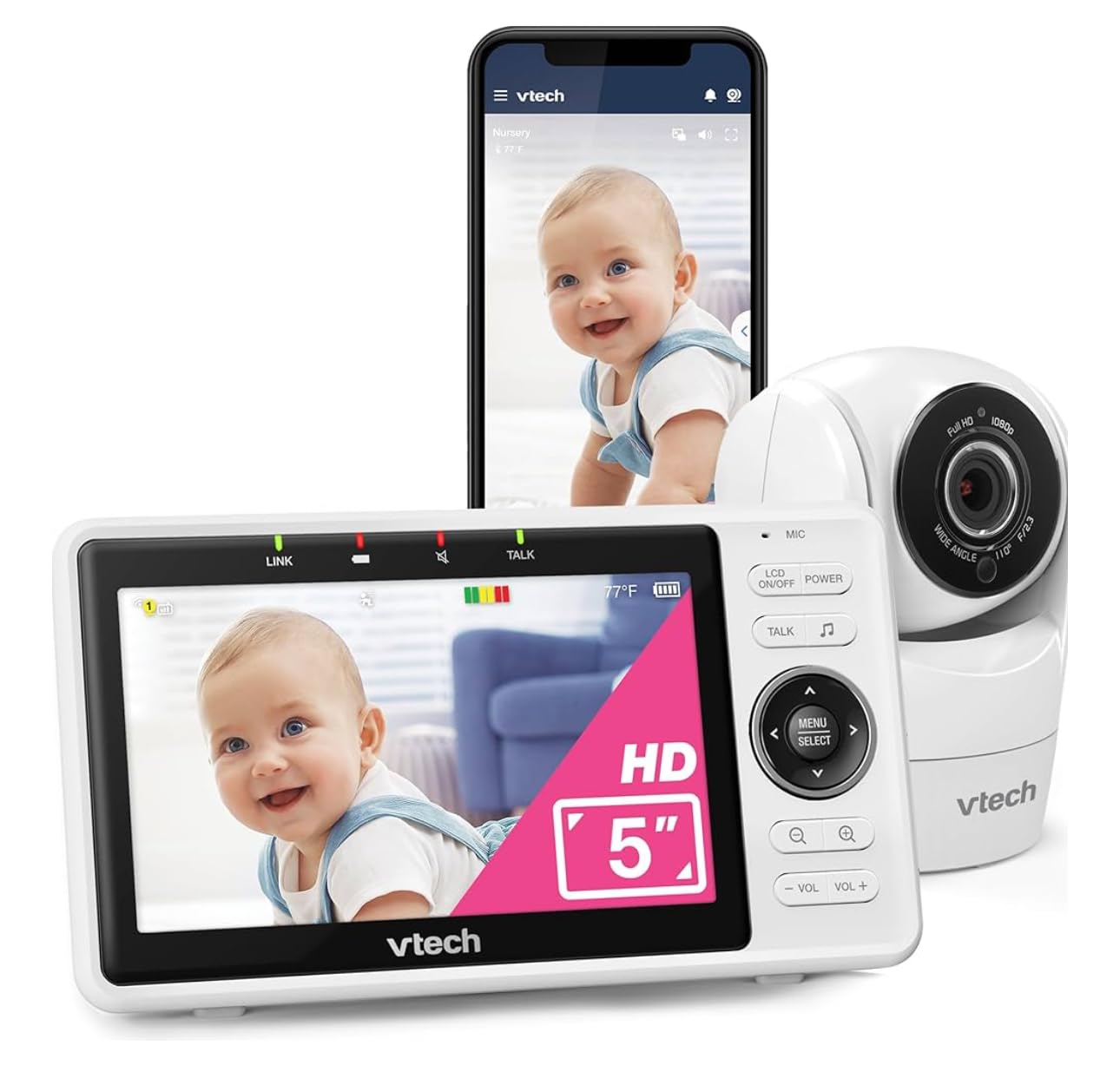
This is the one to buy when monitoring is shared. The free MyVTech Baby app lets a partner, a grandparent, or a sitter watch both rooms on their own phone at the same time as you, which turns a baby monitor into something a whole household can use rather than a device that lives on one nightstand.
The split screen itself is a proper side-by-side dual panel on a 5-inch HD display, and you can tap either pane to blow it up to full screen when one child needs closer attention. Each camera handles pan, tilt and zoom on its own, so you can watch one nursery and one toddler room without the two views fighting each other.
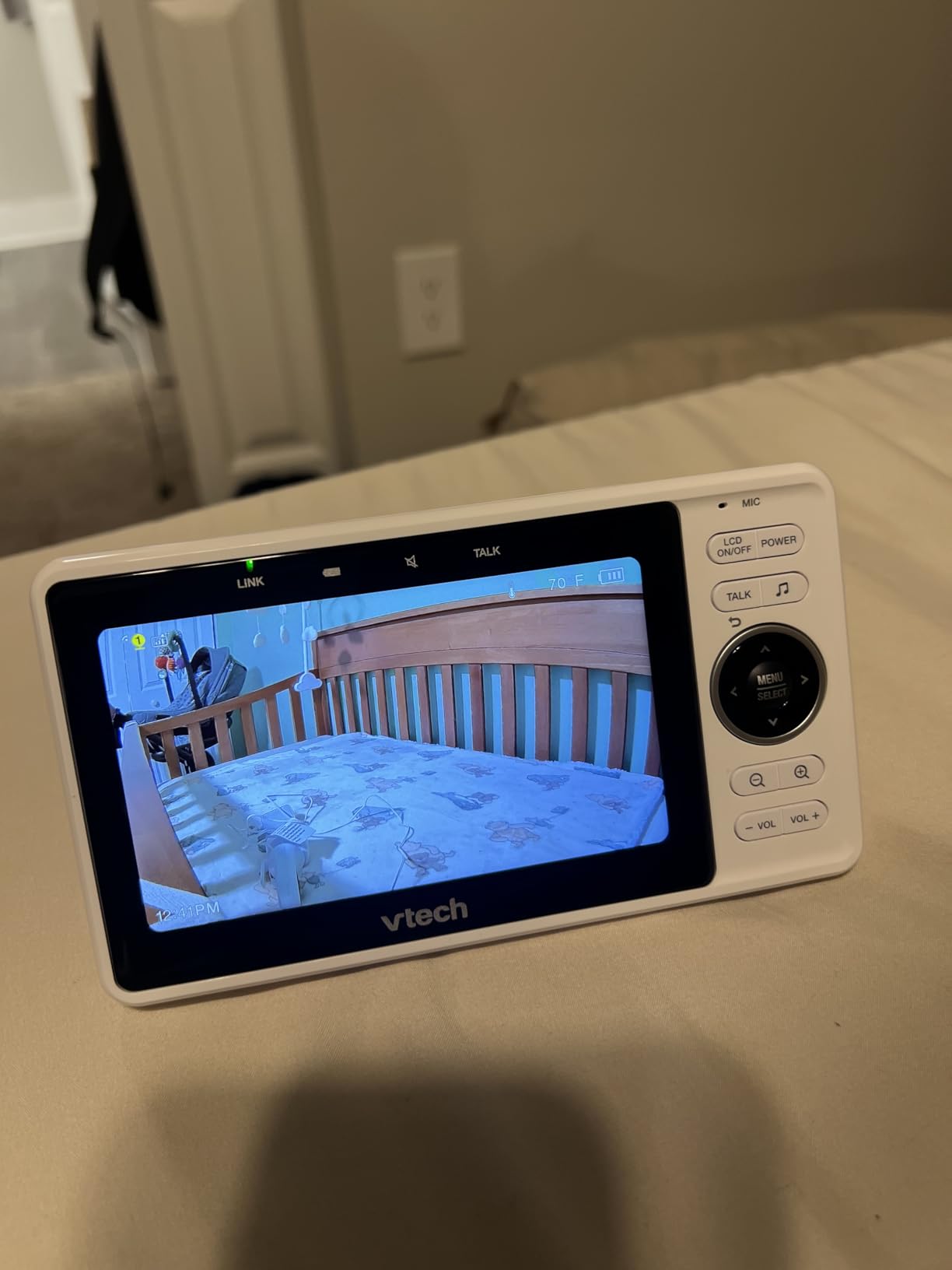
It is also the lowest-rated monitor in this roundup at 4.1, and the complaints explain why. Owners report short parent-unit battery life with no battery backup in the camera units, temperature readouts that revert to implausible values and set off false alarms, and difficulty pairing a second camera because the process is poorly documented.
There is also a cluster of reports of the screen freezing or losing connection after a software update. That is worth weighing carefully, because a monitor that needs a power cycle at three in the morning is the failure mode that erodes trust fastest.
What you should check before buying
Check whether your cameras will be near outlets, and plan for the fact that the cameras have no battery. A power cut takes out your night vision and your night-time monitoring entirely, which is a genuine risk in homes with older wiring.
Test the free app with everyone who will actually use it before you rely on it. Sharing is the main selling point, so confirm that each caregiver can install it and that your network is strong where the cameras sit.
Who should skip this one
Skip it if false alarms would undo your peace of mind. A temperature sensor that reports implausible values and wakes you for nothing is worse than no temperature sensor, and this is one of the most common complaints in the reviews.
Skip it if you want offline reliability. This is a WiFi-dependent system, so a router restart or a broadband outage takes both feeds down at the same moment.
Babysense HD S2 5 inch Non WiFi Split Screen with 2 Cameras
Babysense 5″ HD Non WiFi Split-Screen Baby Monitor, Video Baby Monitor with 2 Cameras and Audio, Night Light, 1000ft Range, Two-Way Audio, 4X Zoom, Night Vision, 4000mAh Battery
5 inch HD split screen with 2 night-light cameras
Expandable to 4 cameras
4000mAh battery with power-saving VOX
1000ft range over 2.4GHz FHSS
Pros
- Integrated night light on each camera with an indicator
- Audio focus plus 15 second scan mode
- Control pan and tilt from the highlighted split-screen pane
- Expandable to four cameras
- Responsive warranty support with free replacements
Cons
- Proprietary charging cables instead of USB-C
- Night vision can pick up a white haze
- Some models develop high-pitched noise or batteries that stop holding charge
- Returning to scan mode takes an extra held button press
The Babysense HD S2 is the model with the longest ownership history in this group, and that matters more than any spec line. A What to Expect user reports owning it since their first child in 2023 and using the split-screen option continuously since then, and multiple owners describe four-plus years of service. Long-term ownership reports carry more weight here than first-week impressions.
What makes it distinctive is the night light built into each camera. Both camera units have one, and an on-screen indicator tells you which room is using it, so you can dim a nursery without dimming the sibling’s room. For households splitting attention across two spaces, that small feature removes a real annoyance.
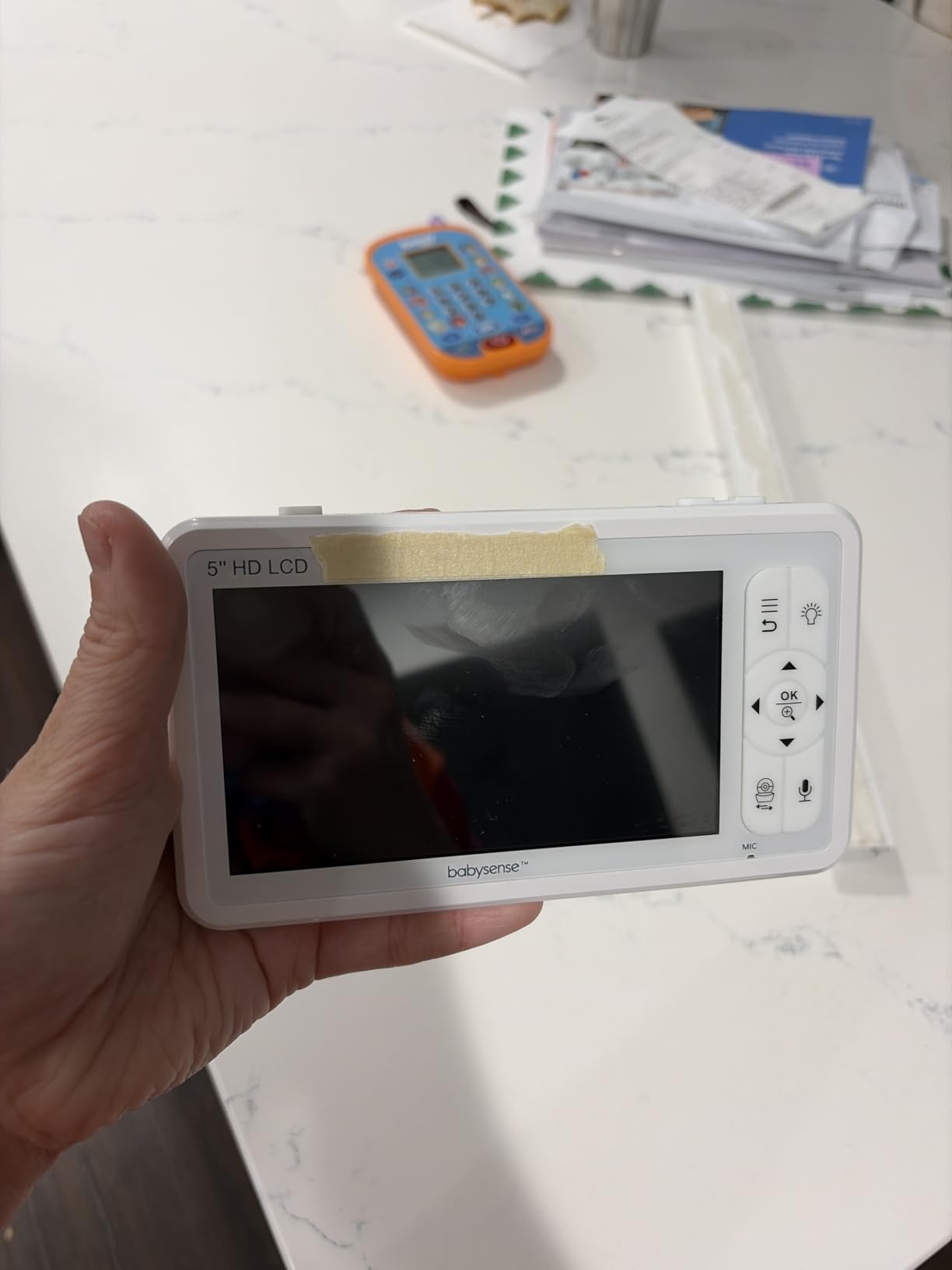
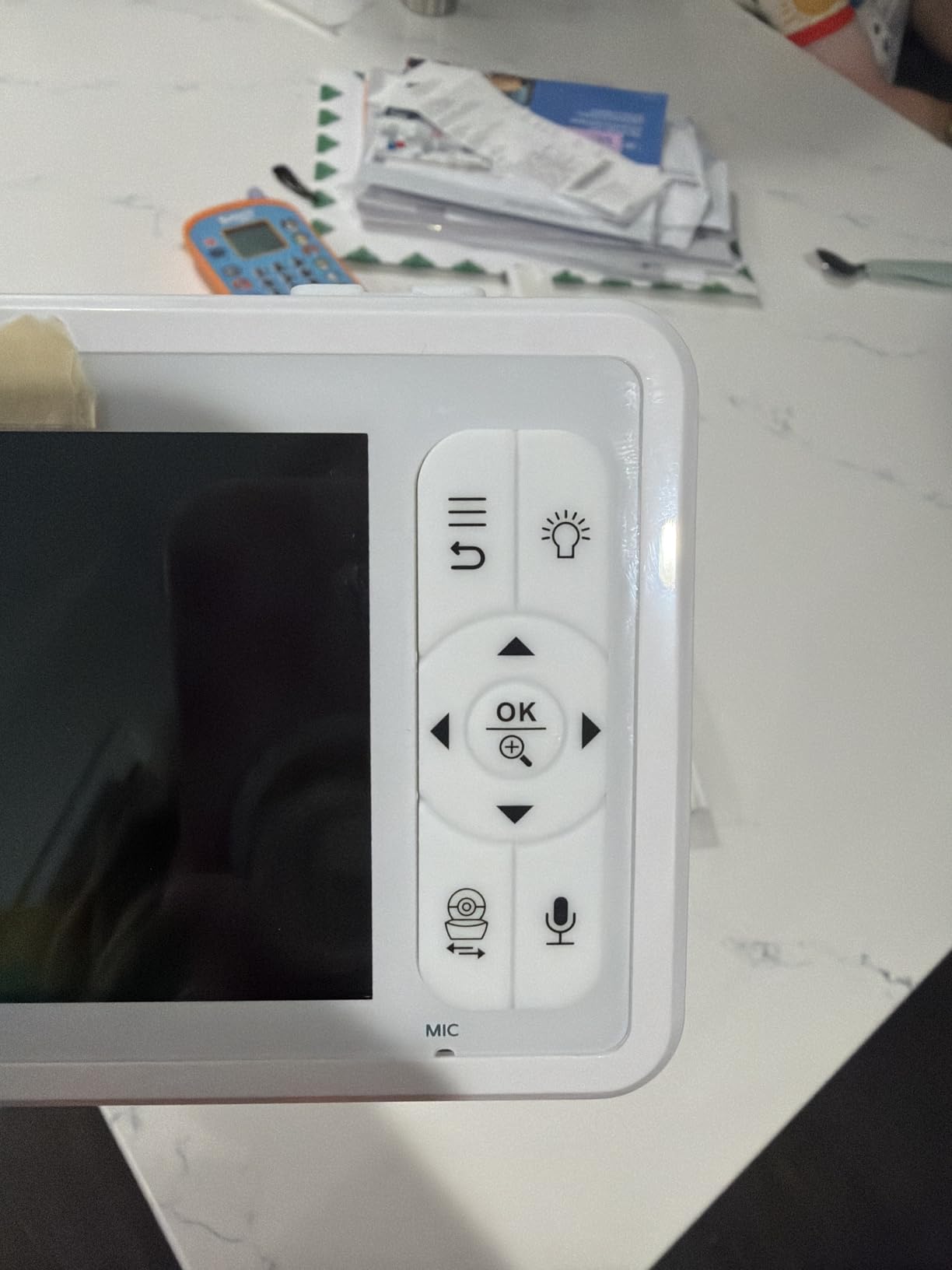
The split-screen layout is a true dual panel, and you can pan or tilt the camera from whichever pane is currently highlighted, so you are not switching modes to aim at one room. Audio behaves in the documented way, with focus on one camera or a 15-second scan across both.
Range holds up better than the spec sheet suggests. Owners report stable signal across large homes and out into a yard, which is unusual for a non-WiFi system and reflects the 1000 foot open-space rating combined with a 4000mAh battery on the parent unit.
What you should check before buying
Ask about the charging cables. This unit uses a proprietary connector rather than USB-C, so you cannot fall back on a cable you already own, and owners mention having a spare tube somewhere. That is a small thing that matters when a charger fails at midnight.
Look closely at night vision in a room with a light-colored wall. Some owners report a white haze in the picture under certain lighting conditions, and that is more visible on a 5-inch split panel than it would be on a single large feed.
Who should skip this one
Skip it if you want USB-C charging or a modern connector. You are committing to a proprietary cable for the life of the monitor, and the warranty is one year, so a hardware failure after that window means a paid replacement.
Skip it if you need remote access from outside the home. Like the other closed-circuit systems here, it is a handset for inside the house with no app and no internet path.
Babysense PRO Full HD 5.5 inch Split Screen with 2 Cameras
Babysense PRO Full HD 5.5″ Split Screen Baby Monitor with 2 Cameras, 6-Color Night Light, White Noise, Sound & Light Machine, 20-Hour Battery, Hack-Proof Non-WiFi Secure Connection
5.5 inch Full HD split-screen parent unit
2 adjustable PTZ cameras, expandable to 4
Hack-proof FHSS non-WiFi link
20 hours of monitoring in Eco Mode
Pros
- Excellent image saturation and wide-angle coverage day and night
- No interference between the paired cameras
- Closed non-WiFi system that never routes video through a server
- VOX plus split screen runs a full night on one charge
- Cameras from older units re-pair quickly
Cons
- Video from both cameras but audio from only one at a time
- Digital zoom centres on the middle of the frame
- Fragile charging cables and slow support
- White-noise speaker is quiet and thin
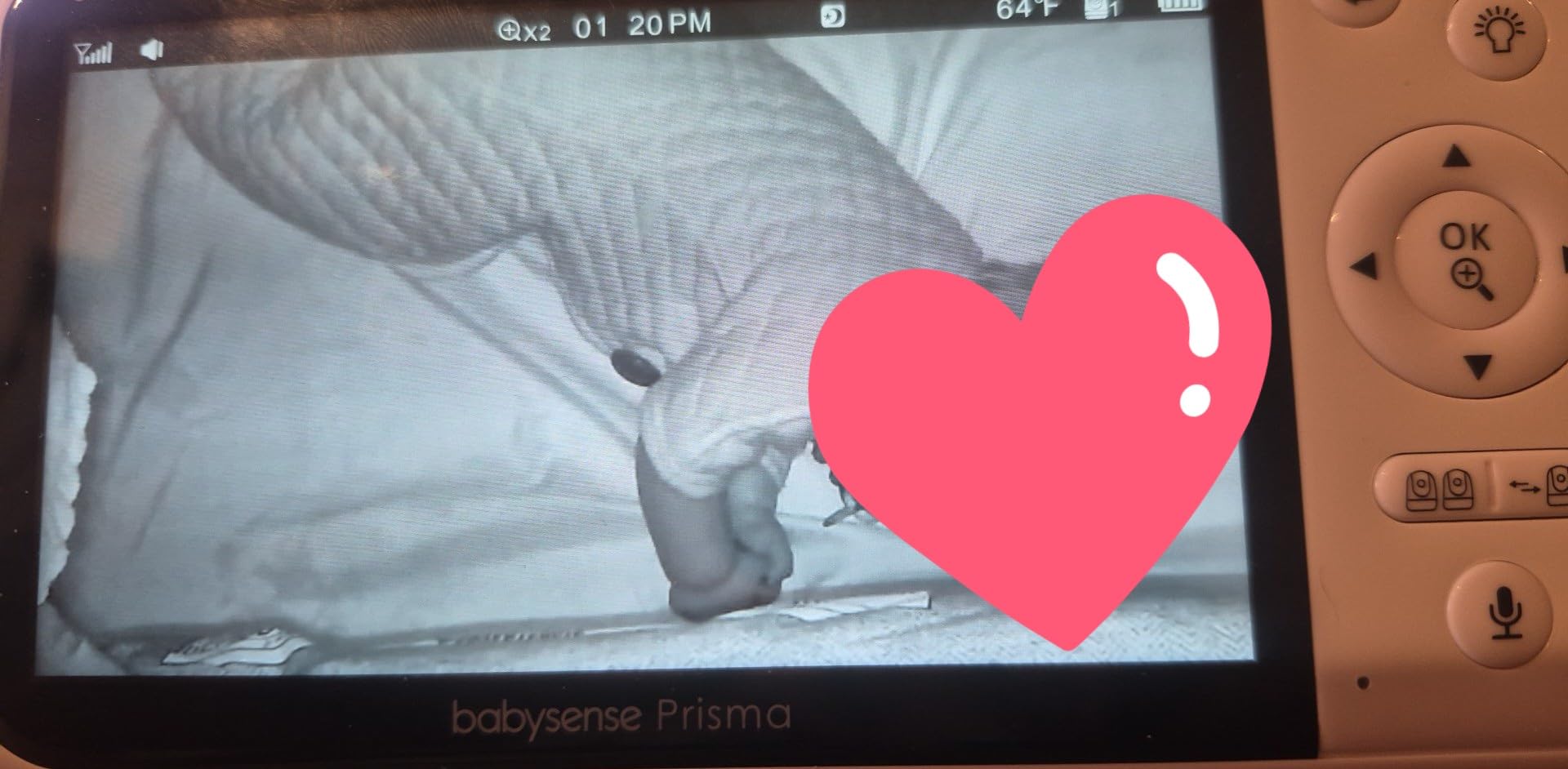
This is the picture-quality answer in the non-WiFi category. The 5.5-inch Full HD panel with 1080p sensors produces noticeably better saturation, contrast and wide-angle coverage than the 720p sets lower down, and owners specifically call out how it holds up at night.
The second thing that separates it is the 6-color built-in night light on each camera, plus a white noise and sound-and-light machine built into the parent unit. Combined with the enclosed FHSS link that never touches a network, this is a well-considered system for a household that wants good video and no internet exposure.
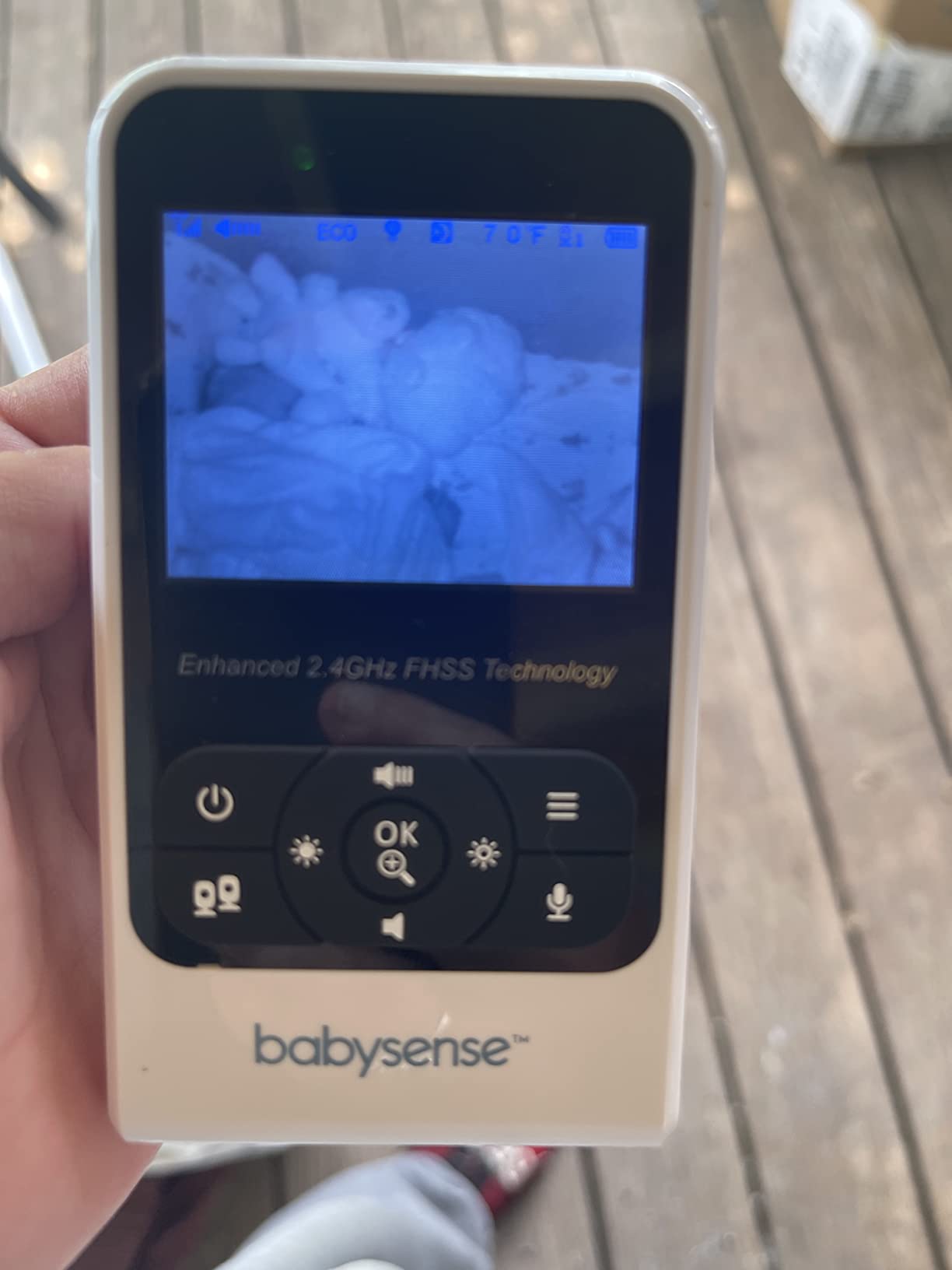
Owners in this price class call it the best option available, and the review base is close to 6,000. Pairing is straightforward, and several owners report successfully re-pairing cameras from older units onto the new parent handset, which makes upgrades much less painful.
The important caveat is audio. With two cameras fitted you get video from both rooms but sound from only one at a time, which is a limitation rather than a bug in your setup. If two children can cry simultaneously and you need to hear both live, this is not the system for you, and no amount of price-tier thinking changes that.
What you should check before buying
Verify the single-camera audio behavior for yourself before buying. Read the audio section of the retailer’s listing rather than the marketing headline, because several monitors describe a split screen in the title and a one-room audio path in the specification.
Check the physical size and weight against your nightstand. A 5.5-inch handset plus a 4000mAh-class battery is a two-handed object, and some parents find a smaller unit easier to hold while settling one baby and glancing at the other.
Who should skip this one
Skip it if you need both rooms audible at the same time. That is the clearest reason to pass, and it is a hard limit rather than a settings choice.
Skip it if you want to zoom toward one corner of the room. Digital zoom centres on the middle of the frame, so if your crib is at the edge of the camera’s view, magnification will not find it.
ANMEATE 5 inch Split Screen Baby Monitor with 2 Cameras
ANMEATE 5″ Split Screen Baby Monitor with 2 Cameras
5 inch HD split screen with 2 cameras
5000mAh battery, about 48 hours in VOX mode
Private 2.4GHz FHSS wireless link
1000ft range in open space
Pros
- Largest battery capacity in the group
- Audio focus plus 15 second scan mode
- 355 degree pan and 120 degree tilt
- No WiFi exposure at all
- Two-way talk with lullabies and temperature monitoring
Cons
- Hard limit of two cameras with no expansion path
- 720p resolution below the 2K and 1080p options
- Ceiling mount listed as the mount type which suits shelves less well
Battery is the reason to look at this one. The 5000mAh cell is the largest in the roundup, and owners report roughly 12 hours with the display on and about 48 hours in VOX mode, which means a two-night gap between charges in a typical week of night feeding.
That matters more with split screen than it would with a single feed, because running two panels at once is harder on a battery than one. A monitor that needs charging every second night is a monitor you will wake up wanting, so the extra capacity here is a real convenience rather than a spec-sheet line.
The viewing hardware is solid for the class: 720p sensors, a 5-inch HD split display, and a camera head that rotates 355 degrees horizontally with 120 degrees of tilt. The connection is a private 2.4GHz FHSS link with no WiFi, and audio follows the focus-or-scan pattern you will see across this category.
Two constraints are worth naming plainly. The system is capped at two cameras with no expansion path, so a third child or a third room would mean a new monitor. And the listed mount type is ceiling, which is less convenient if you would rather clamp a camera to a shelf or a bookcase.
What you should check before buying
Check that two cameras is genuinely enough for your household. Some parents buy a two-camera set now expecting to add a camera later, and this one will not accommodate that plan at any price.
Check your mounting options. If you are not installing a ceiling bracket, confirm in the listing that a shelf or wall mount is supported for your region, since the stated mount type varies by package.
Who should skip this one
Skip it if you think you will add cameras. There is no route to three or four rooms with this parent unit, and swapping the whole system later is more expensive than starting with a four-channel model.
Skip it if image detail is important to you. At 720p the picture is serviceable for checking breathing and movement but softer than the 2K and 1080p options, and the difference is obvious side by side on a split panel.
Blemil 6 inch Split Screen Video Baby Monitor with 2 Cameras
Blemil 6″ Split Screen Video Baby Monitor with 2 Cameras, 4000mAh Battery
6 inch IPS split screen with 2 cameras
Non-WiFi 2.4GHz FHSS with 1000ft outdoor range
4000mAh battery, about 30 hours in ECO mode
Cry detection with real-time alerting
Pros
- Six-inch IPS display with a genuinely wide field of view
- Stable signal in very large homes and outdoors
- Battery runs multiple days in ECO mode
- No-WiFi design packs easily for travel
- Responsive support with free replacements
Cons
- Picture is softer than premium monitors
- Cameras must stay plugged in so an outlet is needed in each room
- In dual-screen mode sound comes from one camera at a time
This ties for the highest rating in the group while sitting in the lower cost tier, and the reason is the combination of screen size and range. The 6-inch IPS panel gives each child a genuinely large half-screen, and the 2.4GHz FHSS link has been reported stable in a 2300 square foot home and outdoors.
Battery life is rated around 30 hours in ECO mode, and owners describe it lasting several days between charges under normal use. Cry detection with real-time alerting adds a useful layer, and the interface is available in 150 languages, which is unusual at this level.
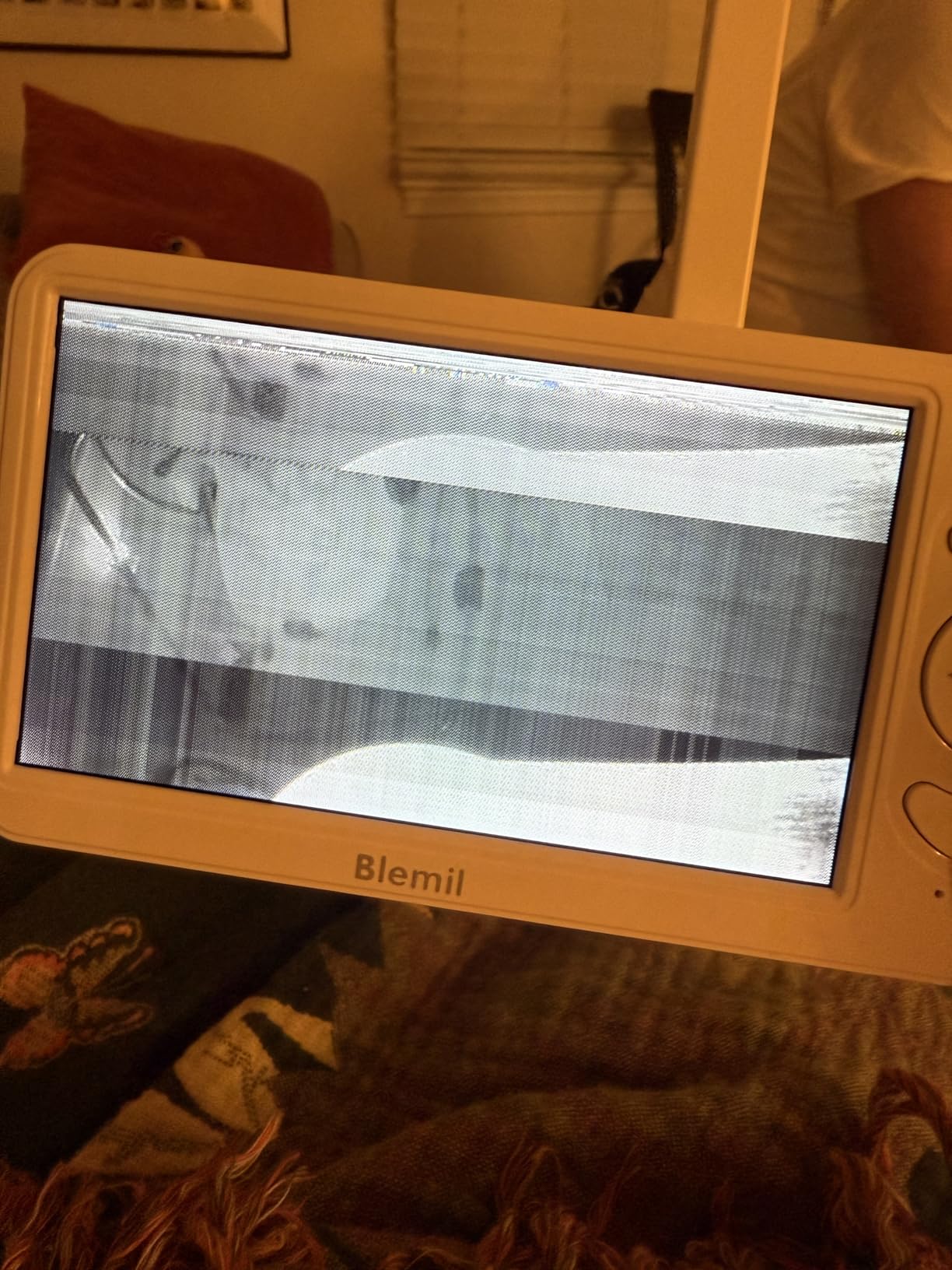
The trade-off is installation. Both cameras are plug-in, so you need a reachable outlet in each room you are monitoring, and the camera heads rotate 310 degrees horizontally with 120 degrees of tilt. A six-inch handset plus two outlets is a slightly larger commitment than a self-contained battery camera setup.
Owners also note that in dual-screen mode sound comes from one camera at a time, though the other beeps and displays an emoji when it detects something, which at least prevents a silent second room.
What you should check before buying
Check both rooms for a usable outlet near the crib. Because the cameras are corded, the mounting point is effectively chosen for you, and a camera that is too far from the outlet produces a worse view than a closer one.
Check your expectations on picture quality. Owners consistently describe the image as somewhat fuzzy next to more expensive monitors, and that is more noticeable on a large panel where you expect detail you do not get.
Who should skip this one
Skip it if your rooms have no convenient outlets, or if you travel often and want a pack-and-go system. Corded cameras and a wall-first installation make this a home monitor rather than a travel monitor.
Skip it if you need continuous audio from both rooms. As with several sets in this price tier, dual-screen sound comes from a single camera at a time.
iFamily 4.3 inch Split Screen Baby Monitor with 2 Cameras
iFamily 5″Split Screen Baby Monitor with 2 Cameras and Audio n Night Vision
4.3 inch split-screen display with 2 cameras
Pre-paired out of the box
No-WiFi 2.4GHz FHSS connection
355 degree pan and 120 degree tilt
Pros
- Cameras and handset arrive pre-paired so it works immediately
- True split screen with both children at once
- No WiFi and no app keeps it off the home network
- Expandable to 4 cameras
- Real-time video without noticeable lag
Cons
- Video quality is closer to 480p
- Camera-side speaker is very quiet for two-way talk
- Real-world range is shorter than advertised
- Pin-style charger rather than USB-C
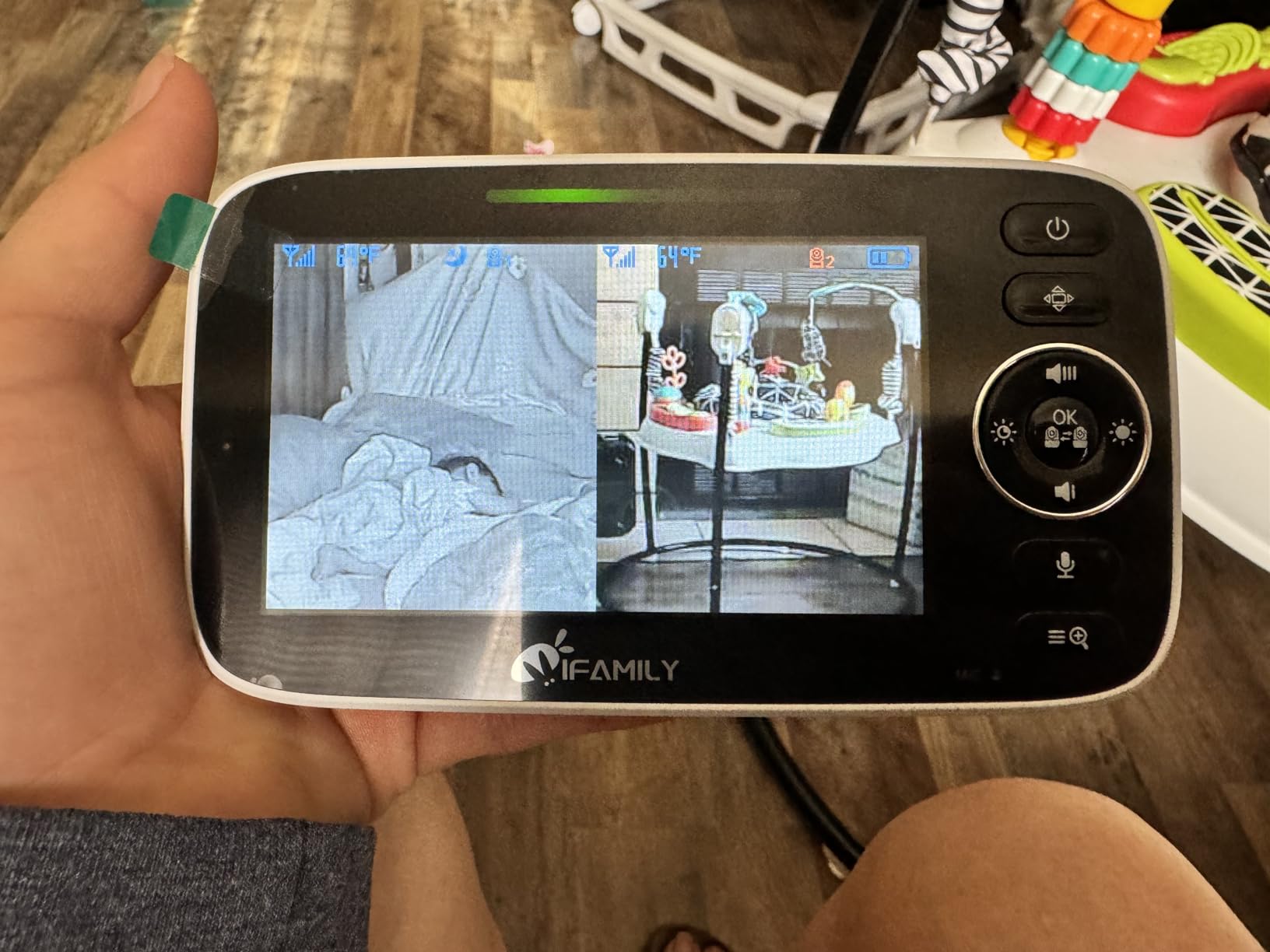
This is the smallest panel in the roundup, and that is both the weakness and the reason it exists. At 4.3 inches, halving the screen gives each child roughly 2.1 inches of diagonal, which several twin parents still call a lifesaver when the alternative is switching between feeds by hand.
It is genuinely the easiest unit here to start using. The cameras and the parent unit arrive pre-paired, so there is no pairing menu to work through on a tired evening. It also runs entirely on a 2.4GHz FHSS link with no WiFi and no app, so it never touches your home network.
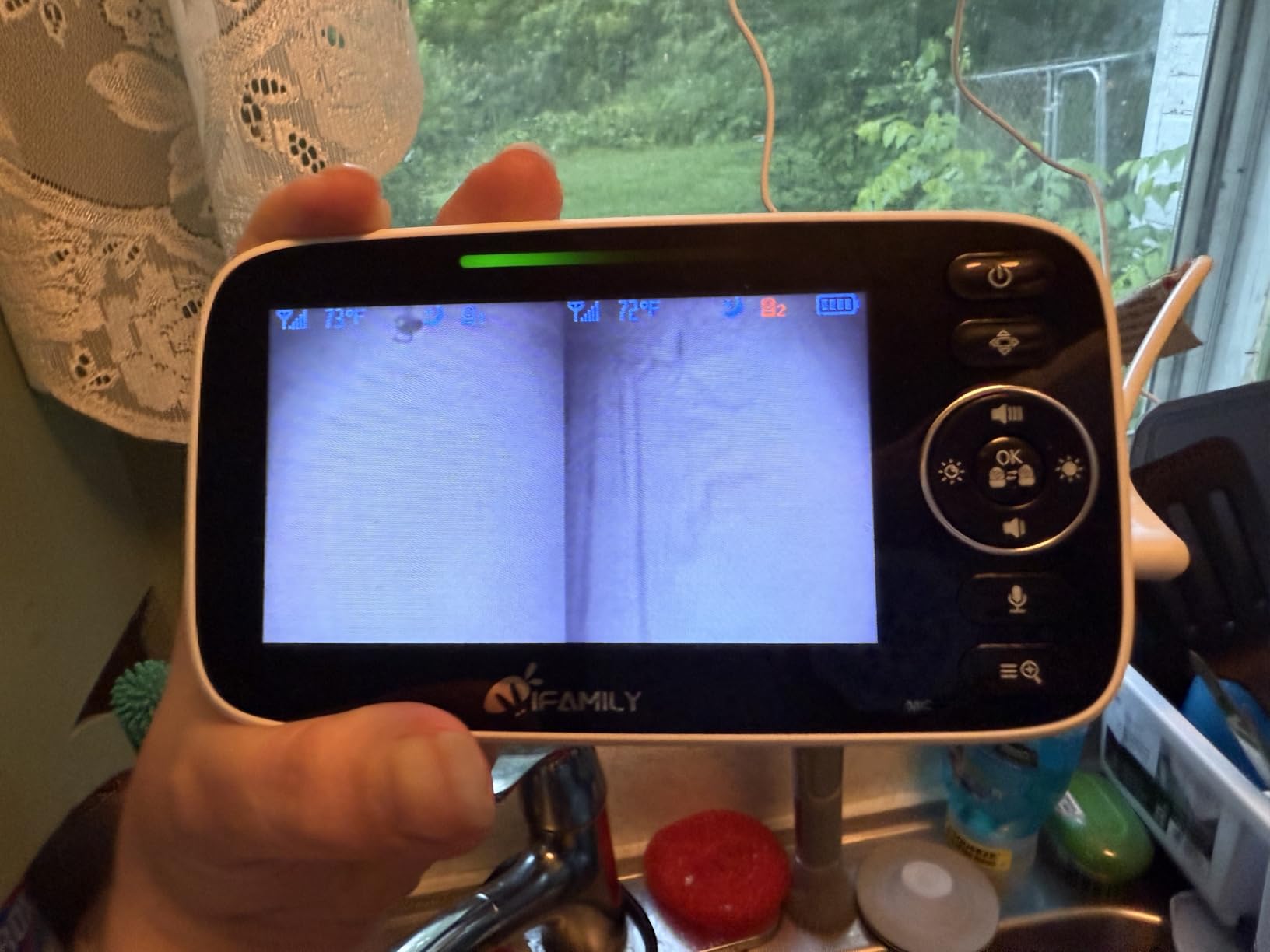
Owners report real-time video with no noticeable lag and a clear speaker on the handset, and it can be expanded to four cameras on four channels, which is unusual for a set at this level. Several owners also report it surviving a camera being dropped on concrete.
The honest trade-offs are resolution and audio. The picture is closer to 480p than to the 720p and 1080p options elsewhere on this list, the camera-side speaker is very quiet for two-way talk, and owners report real-world range falling short of the stated figure. Some models have also had split screen detect sound from only one camera.
What you should check before buying
Do a real size check. Look at the actual physical width of the unit, not the diagonal, and imagine it on a nightstand next to where your baby sleeps. The four-inch class suits a nightstand, not a pocket, and the halves are small enough that you will be holding it closer than you expect.
Check whether you need talk-back. The camera speaker is very quiet, so if you plan to soothe a baby by speaking through the camera, this set may frustrate you.
Who should skip this one
Skip it if picture detail is a priority. The lower resolution is fine for confirming a baby is present and breathing, and not fine for reading an expression or a monitor line at a glance.
Skip it if you plan to talk to your baby through the camera. The quiet speaker is the most commonly reported annoyance, and it is a hardware limit rather than a settings issue.
Babysense TOUCH 7 inch Touchscreen WiFi Monitor with 2 Cameras
Babysense TOUCH 7″ Touchscreen Smart WiFi Baby Monitor with App, Camera and Audio, 2 Cameras with Night Light, 4MP Dual-Lenses with 6X Zoom, AI Auto Tracking, Focus Area, Split-Screen, No Subscription
7 inch IPS touchscreen with split-screen double view
2 cameras with 4MP dual-lens sensors
6x hybrid zoom and AI auto tracking
No subscription required
Pros
- Largest panel here makes side-by-side control fast
- 4MP dual lenses hold detail at longer range
- Works locally without an app or through the app
- No subscription fee for the core features
- AI auto tracking and Focus Area reduce constant aiming
Cons
- The app is only available in the USA
- Operates on 2.4GHz WiFi and is not 5GHz compatible
- Touch display costs more than push-button units
- microSD card not included and a screen protector is advisable
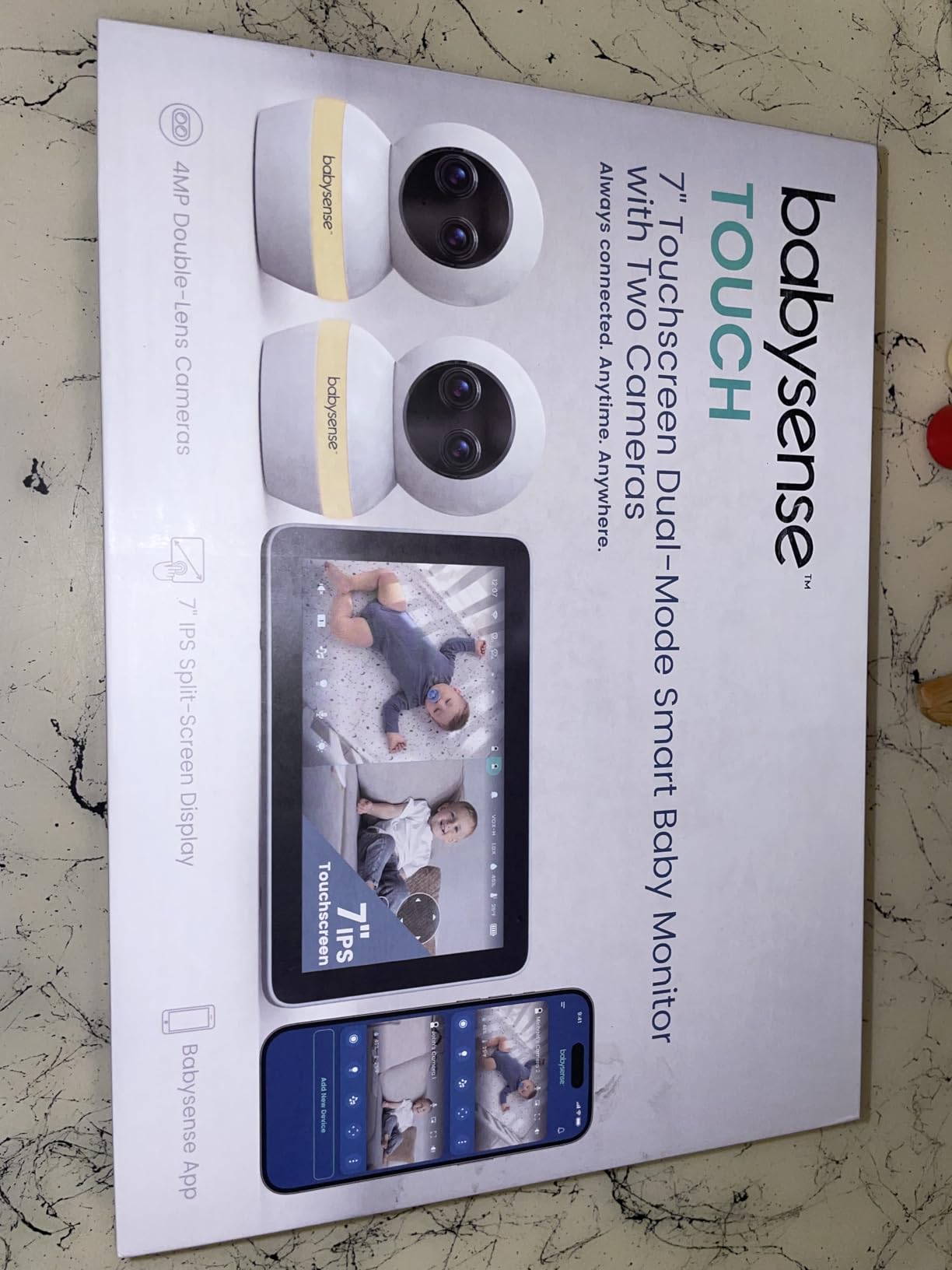
Seven inches is the largest panel in this roundup, and at that size the two halves stop feeling like a compromise. You can tap either child to reconfigure the view, pan to a specific corner of a crib, and still read the scene from across the room, which is the whole argument for a split-screen baby monitor in one device.
The cameras are the strongest in the group as well, with 4MP dual-lens wide-angle and telephoto CMOS sensors and 6x hybrid zoom. AI auto tracking and a Focus Area function mean you set the region once rather than constantly re-aiming the head as a baby shifts position in the cot.
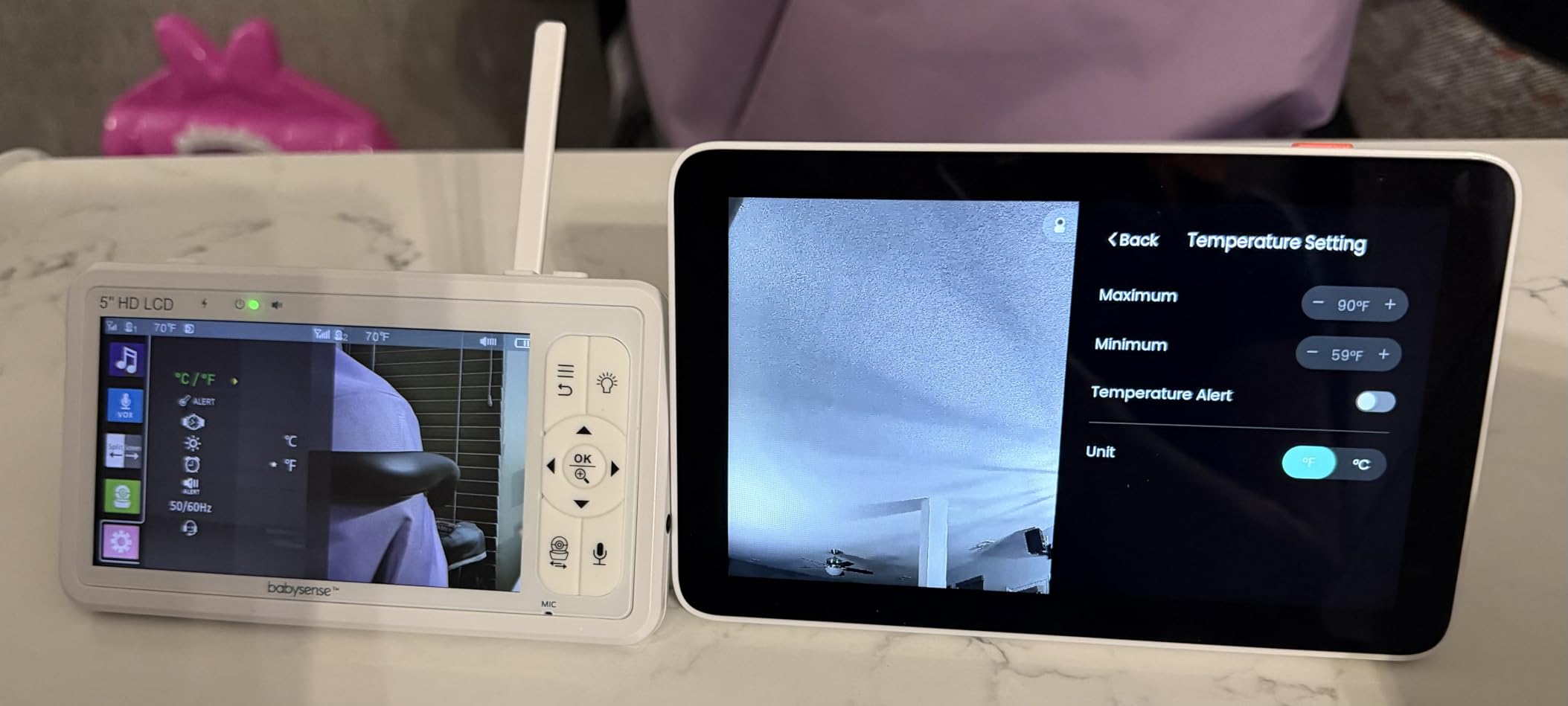
Two things set it apart from the app-driven competition. It runs in monitor-only mode locally, so the split screen works with no app and no account, and it can be switched into a dual mode with app viewing when you are away. There is no subscription fee for the core features, which is unusual at this level.
Two constraints are real. The app is only available in the USA, and the unit works on 2.4GHz WiFi and is not compatible with 5GHz networks, so a modern dual-band router needs the slower band enabled. A microSD card for local storage is not included, and reviewers suggest a screen protector for a touch display used around a newborn.
What you should check before buying
Check your country and your router before anything else. If you are outside the USA the app path is not available, and if your network is 5GHz-only the cameras will not join it. Both are simple to verify now and frustrating to discover later.
Check the size of your nightstand or table. A seven-inch touchscreen with a 20 to 30 hour battery is a substantial object, and it is more easily knocked off a low surface than a four-inch handset.
Who should skip this one
Skip it if you want a sealed offline system. This monitor can work entirely locally, but its design invites you to connect it, and if you are choosing a monitor specifically to avoid internet exposure, a closed-circuit set is the better fit.
Skip it if you prefer physical buttons. A touch display is pleasant but less forgiving in the dark, and a mis-tap can change a camera setting while you are trying to dim the screen.
ieGeek 2K Split-Screen Baby Monitor with 2 Cameras
ieGeek 2K Split-Screen Baby Monitor, 5″ WiFi 2 Cameras, Night Vision
5 inch LCD with 2 cameras side by side
2K resolution with 4x digital zoom
Non-WiFi display link plus optional 2.4GHz WiFi app
2-year quality guarantee
Pros
- Clear 2K resolution with sharp night vision
- Dual link works with or without WiFi
- Plug-in cameras need no charging
- Two-year quality guarantee
- Full shared app control for multiple users
Cons
- Limited downward tilt makes crib placement awkward
- Camera bodies are bulky for travel
- Sensitivity has no useful middle setting
- Monitor battery runs about 8 hours with the display on
This is the rare monitor that gives you both halves of the WiFi decision. The cameras connect to the 5-inch display over a non-WiFi link rated to 1000 feet, and separately to a free app over 2.4GHz WiFi if you want to check in from outside. The split screen on the handset does not depend on your internet working.
The picture is the second selling point. 2K resolution with 4x digital zoom and night colour vision gives you a clearer view than most of the 720p sets here, and reviewers single out the accuracy of the cry detection and the temperature and humidity sensors.
Support is also notably good. Owners report free replacement monitors and camera mounts being sent, and the unit carries a two-year quality guarantee with free returns, which is longer than the one-year terms common elsewhere in this category.
The most-cited drawbacks are physical. The cameras tilt only 60 degrees vertically, so positioning one over a tall crib needs a clamp or a tripod, and the bodies are bulky for travel. The monitor’s own battery lasts around 8 hours with the display on, and sound-sensitivity has no useful middle setting between too sensitive and not sensitive enough.
What you should check before buying
Measure your crib before ordering. A 60 degree downward tilt is fine for a low cot and awkward for a tall one, and the fix is a mount rather than a software setting, so plan for a clamp or tripod if you need one.
Decide how you will use the two links. If you only ever use the handset, the app is a bonus. If you plan to rely on remote viewing, set the cameras up on WiFi from the start rather than assuming you can add it later.
Who should skip this one
Skip it if you need overnight battery on the parent unit. Around 8 hours with the display on means charging mid-night, and VOX or sound-activated display is the setting that changes that figure most.
Skip it if the cameras need to travel. The bodies are large and cabled, which works fine in a fixed nursery and poorly in a carry-on bag.
Firskids 4.3 inch Split Screen Baby Monitor with 2 Cameras
Firskids Split-Screen Baby Monitor with 2 Cameras No WiFi, 30H Battery, Pan-Tilt-Zoom, Monitor para bebés with Night Vision, 2-Way Audio, Room Temp Sensor, Lullaby, Plug & Play – Ideal for Travel
4.3 inch IPS display with 2 camera split screen
2.4GHz FHSS plug and play, no internet needed
3500mAh battery, about 30 hours
Compact body sized for travel
Pros
- Small enough to travel with and quick to set up
- No-WiFi design avoids hackers and unstable internet
- Clear two-way audio with no video delay
- Up to 1000ft open-space range
- Support responded quickly and sent a replacement camera
Cons
- Image quality is basic and one camera may arrive out of focus
- No clock display on the parent unit
- Some parent screens have gone black
- Barrel power connections rather than USB
This is the set to pack. The body is small enough to travel with, the connection is a 2.4GHz FHSS plug-and-play link that needs no internet at all, and the 3500mAh battery is rated for around 30 hours with ECO and VOX mode handling the overnight monitoring.
Owners like the absence of video delay compared with other monitors they have used, and several report clear audio and an effective two-way radio. It also supports both split screen and a cycling mode between the two cameras, so you can pick the view that suits the moment.
Two details are worth knowing before it arrives. The parent unit has no clock display, which is an odd omission on a device you use at night, and one camera in a set occasionally arrives out of focus, which is a setup fix rather than a defect in the design.
Video resolution is 720p, and owners describe the image as basic next to more expensive sets. A small number of parent screens have gone black entirely, which is a low-frequency failure but a total one. On the positive side, customer service responses have been same-day, with replacement cameras sent out.
What you should check before buying
Check whether a missing clock matters to you. Some parents track feeds against a phone clock and never notice, but if you are using the monitor to time feeds or naps, a display with no time on it is a genuine gap.
Check the connectors. These are barrel-style rather than USB, so plan where the spare cable lives before you need it at a relative’s house or a hotel.
Who should skip this one
Skip it if image quality is what you are paying for. The picture is soft and the focus between the two cameras in a set can be inconsistent, and that is obvious next to a 2K or 1080p system.
Skip it if you want a full feature set. There is no expandability here, no app, and a bare minimum of secondary features, so this monitor does one job and does it inexpensively.
How to Choose a Split-Screen Baby Monitor
Once you have narrowed it to a shortlist, these are the decisions that actually change your experience. The order matters, because screen size and audio behavior are permanent properties of the hardware, while connection type and expandable camera count are the ones worth spending time on.
Screen size math: how small a panel gets unusable once halved
Split the diagonal in two and you roughly halve the usable area of each view. A 7-inch panel gives each child about 3.5 inches of diagonal, a 6-inch gives 3 inches, a 5-inch gives 2.5, and a 4.3-inch gives about 2.1. That last figure is where monitors start to feel like postage stamps at arm’s length.
Our read from owner feedback is that 5-inch is the practical floor for a household that checks the monitor from across a room, and 6 inches or more is where two-panel viewing stops being a compromise. If your nightstand is close to the crib, a 4.3-inch unit is fine. If you will be settling one baby and then glancing at the other from the doorway, buy the bigger panel.
Resolution matters less than panel size once you have split it, but not much less. A 720p feed on a 5-inch half-panel looks softer than a 1080p feed on the same panel, and 2K on a 5-inch panel is sharper still. Rank the two together: bigger panel first, then higher resolution.
What audio actually does in split screen
Three patterns appear across this category. Continuous dual audio lets you hear both rooms all the time. Audio focus locks onto one camera. Scan mode rotates the live audio every fifteen seconds, which is the most common design and what a Reddit commenter on r/Mommit is describing when they note that most Motorola monitors that ship with two cameras also support split screen.
Ask the retailer the specific question, in those words: with two cameras connected, can I hear both rooms at the same time? If the answer is no, decide whether that is acceptable. For twins who can both wake at once, it usually is not. For a nursery and a playroom where one child is reliably asleep, it usually is.
WiFi vs non-WiFi and the hacking question
Non-WiFi monitors send video over a dedicated 2.4GHz link between camera and handset. There is no router, no cloud account, and no internet address for anyone to find, which is why they are described as closed-circuit or hack-proof in marketing. A WiFi monitor streams through your home network, which means it shares a network with your laptops, phones, and smart devices.
The honest version of the hacking answer is that the mechanism is not dramatic. Most reported compromises of baby monitors involve unchanged default passwords, unpatched firmware, weak WiFi passwords, or a camera exposed to the open internet through port forwarding. None of those require sophisticated attackers, which is why the security guidance is boring and specific: change the default password, keep the firmware updated, and never expose the camera directly to the internet.
Parents on forums consistently name hacking fear as a top-of-mind concern, and it is a reasonable one. If that concern is what is stopping you, a non-WiFi system removes the attack surface rather than asking you to manage it, and nine of the twelve monitors here are non-WiFi for exactly that reason. A Reddit commenter in a split-screen recommendation thread put the practical version of this well: you can get a monitor with two cameras cheaply and return it if it does not work for you, which is a low-risk way to find out whether you actually mind the audio behaviour.
How to tell which camera is which
Parents report that telling two similar-looking feeds apart at a glance is harder than it should be. A few habits fix it. Name each camera after the child rather than the room, because you will think in children, not in locations.
Use physical differences. One camera mounted high and one low, or one with the night light engaged and one without, gives you an instant visual cue that does not depend on memory. The Babysense HD S2 shows an on-screen indicator for its camera night light, which helps, and the same idea works with any system by pairing position with lighting.
Finally, put the camera that usually needs less attention in the secondary pane. If your toddler sleeps soundly and your newborn is the variable, you want the newborn feed to be the one your eye lands on first.
Expansion beyond two cameras
Five of the twelve monitors here pair up to four cameras on one parent unit: the GoodBaby 5-inch, the Babysense HD S2, the Babysense PRO, the Babysense TOUCH, and the iFamily 4.3-inch. The rest are hard-capped at two. If a third child, a playroom, or a grandparent’s guest room is even a possibility, buy the four-channel unit now.
Check whether extra cameras must be the same model. Some brands pair across model numbers and some do not, and the difference is not always documented. If you might add a camera later, confirm before you buy, and note that add-on cameras are priced separately from the base unit, so the cost of a complete two-room or three-room setup is more than the headline figure suggests.
Mounting two cameras safely and managing cords
Most cameras in this roundup are designed to sit above a cot on a shelf mount, a wall bracket, or a pole. Keep the cord routed flat along the wall or furniture and out of reach, and check that the mount cannot be pulled down by a curious toddler. Several sets here include wall-mounting screws, so the fix is often in the box.
Plan power before you mount. Corded cameras, which includes the Blemil, the ieGeek, and the iFamily app system, need a reachable outlet in each room, and that constraint should decide the camera position rather than the other way around.
Check the vertical tilt before you fix the final position. Anything at 60 degrees of downward tilt, as on the ieGeek, will not clear a tall cot headboard without a clamp or tripod, and discovering that after drilling is the avoidable version of this problem.
Why Pediatric Groups Are Cautious About Baby Monitors
You will see the question asked directly, and the honest answer is that major pediatric bodies have not banned baby monitors, but they do not recommend them as a safety device either. The concern is straightforward: a monitor is a passive observer. It cannot respond if a baby has difficulty breathing, and using a screen as a substitute for being present creates a false sense of security that studies of parental monitoring have raised questions about.
The practical guidance that follows from that is worth stating plainly. A monitor does not reduce the risk of sleep-related death, and safe sleep practice still does: baby on the back, on a firm flat surface, in their own crib or bassinet, in the same room as the parent, with no pillows, blankets, bumpers, or weighted products. Those steps are what reduce risk.
What a monitor is genuinely good for is the practical, non-clinical monitoring that most parents actually want. Watching a sleeping toddler from the next room, hearing whether a baby has settled, checking on a child who is not in your line of sight, and letting a partner or grandparent share the load are all real and legitimate uses.
So the answer to why baby monitors are sometimes discouraged is that they are a tool for awareness rather than protection. If a monitor lets you sleep rather than check on your baby, or if it makes you more anxious rather than less, the cost is higher than the benefit. If you use it as a second pair of eyes and you still follow safe sleep practice, it is doing the job people want it to do.
Frequently Asked Questions
What is the best baby monitor with two cameras and split screen?
For most two-room households the HelloBaby 6 inch no-WiFi system is the strongest all-round choice, because the 6-inch panel leaves each child a readable half-screen and the encrypted FHSS link never touches your internet. Parents who need to check in from outside the house should look at a WiFi system such as the iFamily 2K set, and parents who want to add a third camera later should choose a four-channel model like the GoodBaby 5 inch or the Babysense HD S2.
Are non-WiFi baby monitors hackable?
Non-WiFi monitors are far harder to compromise than WiFi ones because there is no internet address to find and no account to log into. Compromised baby monitors are usually the result of unchanged default passwords, unpatched firmware, a weak WiFi password, or a camera exposed to the open internet through port forwarding. A closed-circuit system removes that attack surface entirely rather than asking you to manage it.
Is it better to have a WiFi or non-WiFi baby monitor?
Choose non-WiFi if you want a dedicated handset that works with no internet, no app, and no subscription, and if hacking risk is a concern for you. Choose WiFi if you need to check both rooms from work or while travelling, or if several caregivers need to share the view from their own phones. Many parents in forums say they still prefer a separate viewing handset over watching a feed on a phone.
Can you hear both rooms on a split screen baby monitor?
It depends on the model. Some monitors give you continuous audio from both cameras, others use an audio focus mode that locks onto one camera, and many use a scan mode that alternates the live audio every fifteen seconds. Several sets in this roundup, including the Babysense PRO and the Blemil 6 inch, carry video from both rooms but sound from only one at a time, so check the audio line in the listing before you buy.
Why are baby monitors discouraged?
Major pediatric bodies do not recommend baby monitors as a safety device because a monitor cannot respond if a baby has difficulty breathing, and relying on a screen instead of being present can create false reassurance. The monitor is still useful for ordinary awareness, such as watching a sleeping toddler, hearing whether a baby has settled, or sharing the load with a partner or grandparent. Safe sleep practice remains the thing that reduces risk.
Which Split-Screen Baby Monitor to Buy
For most families watching two children in two rooms, the HelloBaby 6 inch is the pick, because the largest panel in the group is what makes two-panel viewing genuinely usable rather than a compromise. The GoodBaby 5 inch is the better buy if you want to grow the system to four cameras or you want the audio behaviour explained plainly on the packaging. The iFamily 2K set is the answer when you need to see both rooms from outside the house.
Two checks are worth doing before you order anything. Confirm what your audio will actually do with two cameras fitted, because several excellent monitors in this roundup give you video from both rooms and sound from one. And confirm how many cameras you may need in two years, since five of the twelve systems cap out at two and cannot be expanded.
Whatever you choose, treat it as a second pair of eyes rather than a safety system, and keep following the same safe sleep practices you would without a screen in the room. Our other guides cover this territory from different angles: we compared video baby monitors with two cameras in more detail, and we broke down WiFi baby monitors for smartphone viewing if remote access is your priority. For a broader look at the category, our picks for smart baby monitors for new parents cover the app-based side, and if your real worry is overnight breathing rather than video, read our guide to breathing baby monitors for peace of mind before deciding a camera is the right tool.