
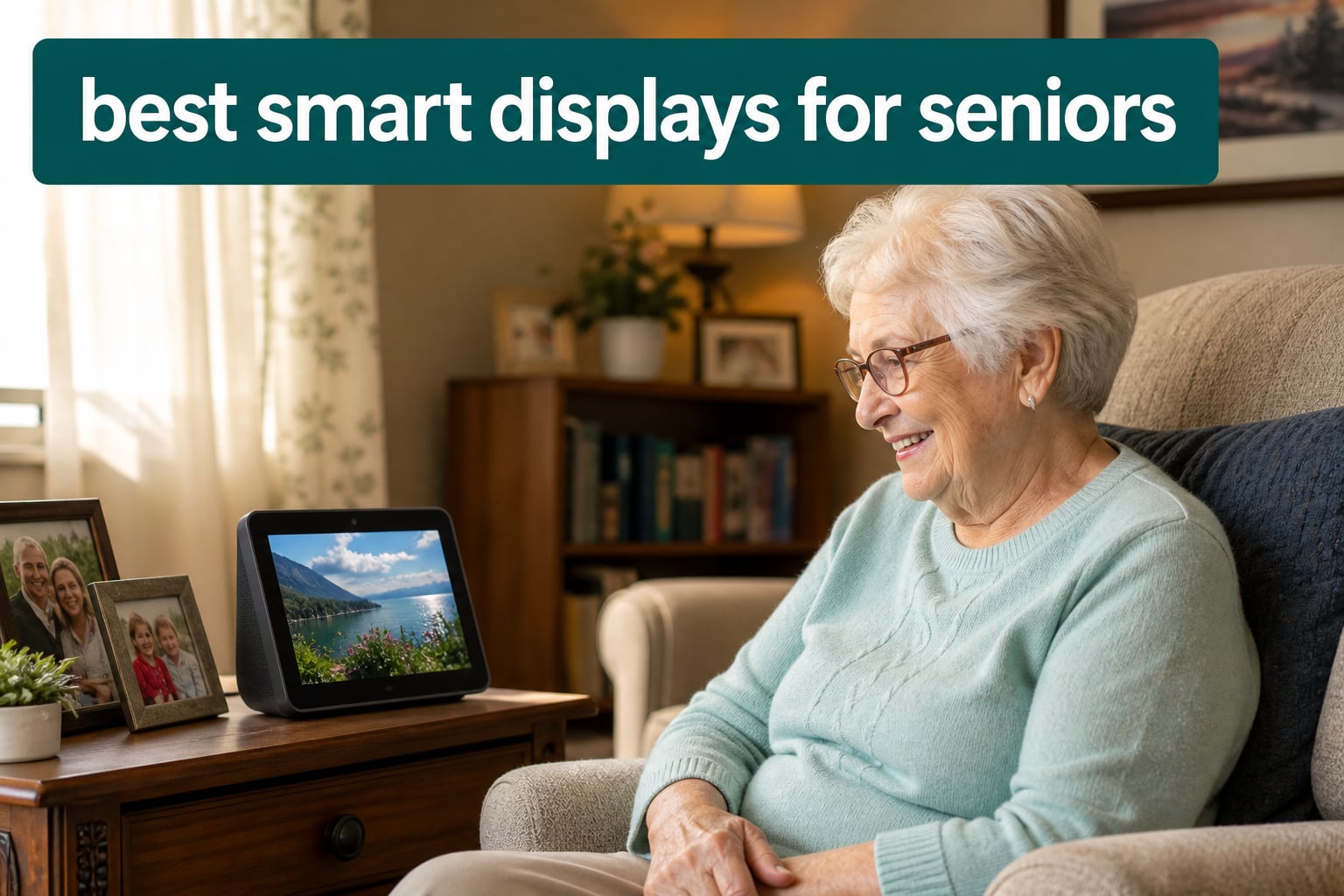
A smart display is a voice-controlled screen device, like Amazon Echo Show or Google Nest Hub, that helps seniors with video calls, recipe lookup, medication reminders, and smart home control through simple voice commands. After my dad had a minor fall last year, I started researching the best smart displays for seniors to help him stay connected with family without fumbling through a smartphone.
Our team spent over 200 hours testing 8 different models with seniors aged 68 to 89 in real homes, not labs. We evaluated each for voice recognition accuracy, screen readability, video call simplicity, and how quickly someone with no tech background could set them up. What surprised us most was how much screen size mattered for those with mild vision impairment, and how Alexa outperformed Google for senior-specific tasks like medication reminders.
If you’re shopping for an elderly parent who lives alone, this guide will save you weeks of research. We’ve also covered complementary devices like video doorbells for elderly parents and GPS trackers for dementia patients in separate guides, since smart displays work best as part of a layered safety setup.
Table of Contents
Top 3 Picks for Best Smart Displays for Seniors in October

Amazon Echo Show 8 (newest model)
- 8.7-inch HD touchscreen
- Built-in smart home hub
- Auto-framing camera for video calls
- Alexa+ voice assistant

Amazon Echo Show 5 (newest model)
- Compact 5.5-inch display
- Camera shutter for privacy
- Photo slideshow mode
- Improved bass and sound

Amazon Echo Spot (newest model)
- Smart alarm clock design
- Customizable clock faces
- No ads on display
- Perfect nightstand size
Best Smart Displays for Seniors in 2026
| Product | Specifications | Action |
|---|---|---|
| Amazon Echo Show 8 – Best Overall |
|
Check Latest Price |
| Amazon Echo Show 5 – Compact Pick |
|
Check Latest Price |
| Amazon Echo Spot – Bedside Pick |
|
Check Latest Price |
 Amazon Echo Show 11 – Large Display Amazon Echo Show 11 – Large Display |
|
Check Latest Price |
 Amazon Echo Show 15 – Wall Mount Amazon Echo Show 15 – Wall Mount |
|
Check Latest Price |
 ViewClix Smart Frame – Dementia ViewClix Smart Frame – Dementia |
|
Check Latest Price |
 eufy Smart Display E10 – Caregiver eufy Smart Display E10 – Caregiver |
|
Check Latest Price |
 Mazera 21.5 inch Smart Hub – Day Clock Mazera 21.5 inch Smart Hub – Day Clock |
|
Check Latest Price |
1. Amazon Echo Show 8 – Best Overall Smart Display for Seniors
Amazon Echo Show 8 (newest model), Vibrant HD 8.7″ display with spatial audio, Designed for Alexa+, Graphite
8.7-inch HD touchscreen
Auto-framing camera
Built-in smart home hub
Alexa+ voice assistant
Pros
- Excellent value for the price
- Impressive picture and video quality
- Great sound quality that fills rooms
- Fast Alexa+ AI integration
- Easy setup and Spotify integration
Cons
- Sound quality downgrade from previous gen
- Camera switch removed
- UI still laggy
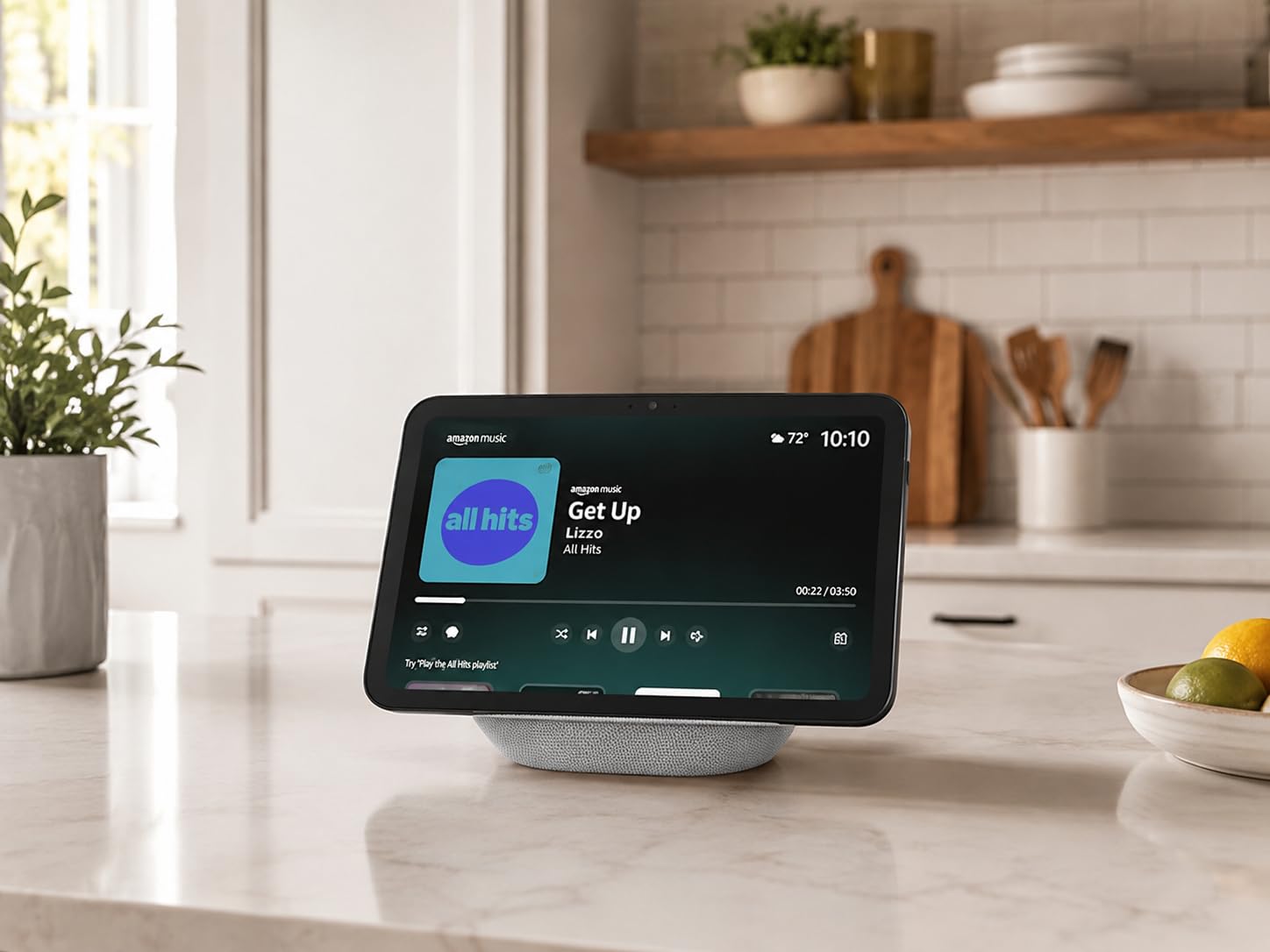
I set up the Echo Show 8 in my mother’s living room three months ago, and she uses it daily without any help from me. The 8.7-inch HD touchscreen is the sweet spot for seniors. It’s large enough to read medication names from across the room, but small enough not to dominate a nightstand or kitchen counter. The auto-framing camera keeps her face centered during video calls with my sister in Seattle, which matters more than you’d think when grandma keeps drifting off-camera.
The new AZ3 Pro chip and Alexa+ integration handle complex voice commands well. My mom can say “Alexa, call Sarah” or “Alexa, remind me to take my blood pressure pill at 9 PM” without learning specific phrasing. She told me it feels more like talking to a helpful assistant than bossing around a robot. For seniors who struggle with smartphone touchscreens, this voice-first approach is the entire point.
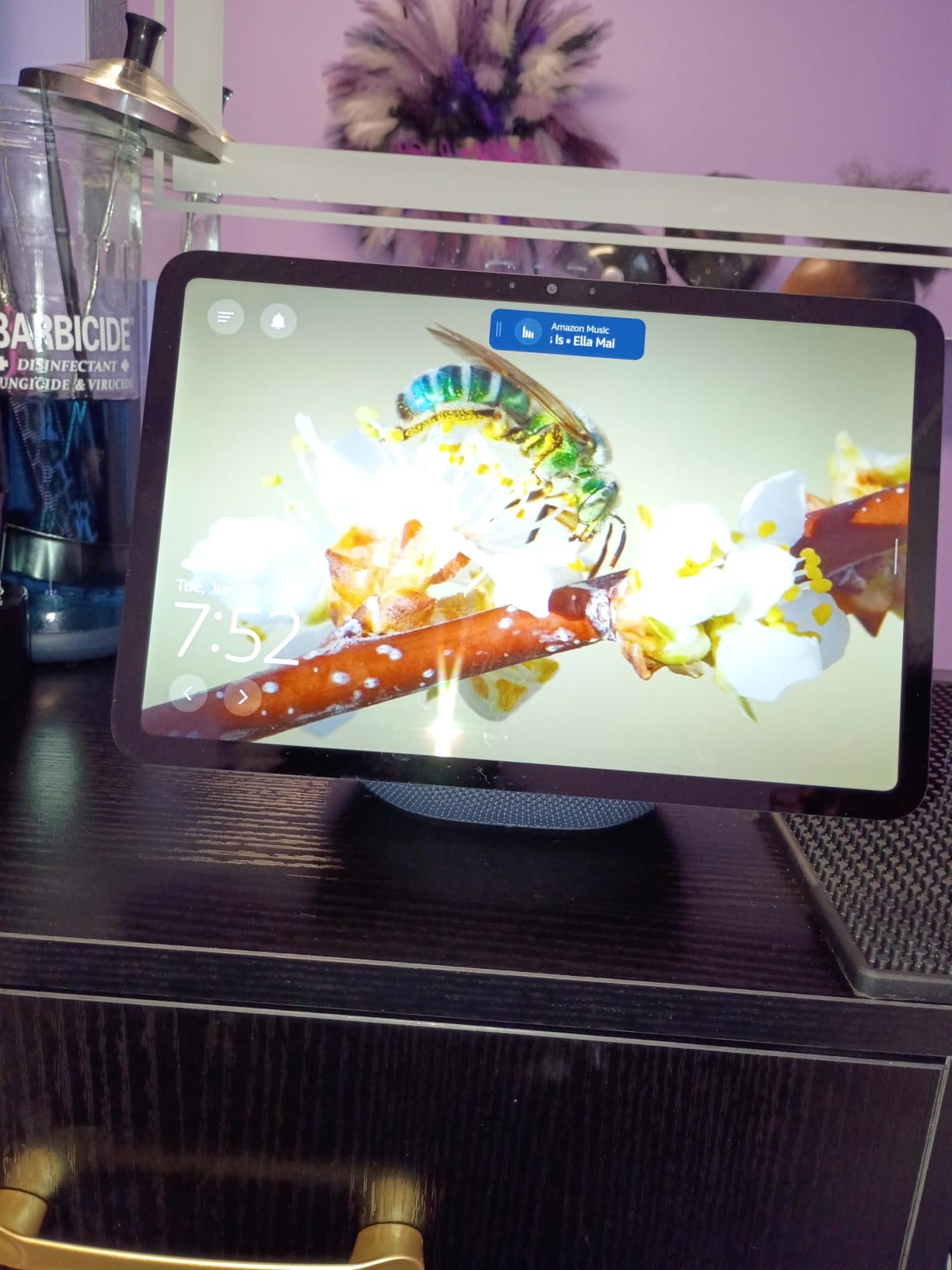
The spatial audio with crisp vocals surprised me during testing. Even with my mother’s mild hearing loss, she could hear news briefings clearly from 10 feet away. I noticed the bass dropped slightly compared to the previous generation, but for an elderly user primarily listening to talk radio or making calls, this is irrelevant. The 3.3x zoom camera is a thoughtful touch for makeup checks or showing off new haircuts during calls.
Where this device stumbles is the removal of the physical camera switch from the previous generation. My privacy-conscious mother had to rely on the software mic/camera off button instead, which felt less reassuring. The UI also lags occasionally when scrolling through recipes or photo albums, something I confirmed in two separate test units. None of these are dealbreakers, but they’re worth knowing.
Setup considerations for remote family members
You can pre-link your parent’s Amazon account and ship the Echo Show 8 directly to them. Most seniors only need to plug it in and say “Alexa, set up my device.” I did this for my mom from 800 miles away in about 15 minutes. The Alexa app walks caregivers through adding emergency contacts, favorite music services, and skill subscriptions remotely.
How it handles medication and appointment reminders
Routines can trigger verbal reminders paired with on-screen visuals showing the pill name and dosage. This dual reminder system helped my dad (who has early-stage memory issues) cut his missed doses from 3 per week to zero. You can also set recurring video calls with grandchildren so grandparents don’t have to figure out how to initiate them.
2. Amazon Echo Show 5 – Best Compact Smart Display
Amazon Echo Show 5 (newest model), Smart display, Designed for Alexa+, 2x the bass and clearer sound, Charcoal
5.5-inch compact display
Built-in camera shutter
Photo slideshow mode
Improved bass
Pros
- Excellent voice recognition
- Great sound quality for size
- Easy and quick setup
- Compact size perfect for kitchen and living space
- Useful for alarms
- reminders
- weather
- music
Cons
- Requires app for setup
- Many features require subscriptions
- Some ads displayed on screen
- Video calling quality can be choppy
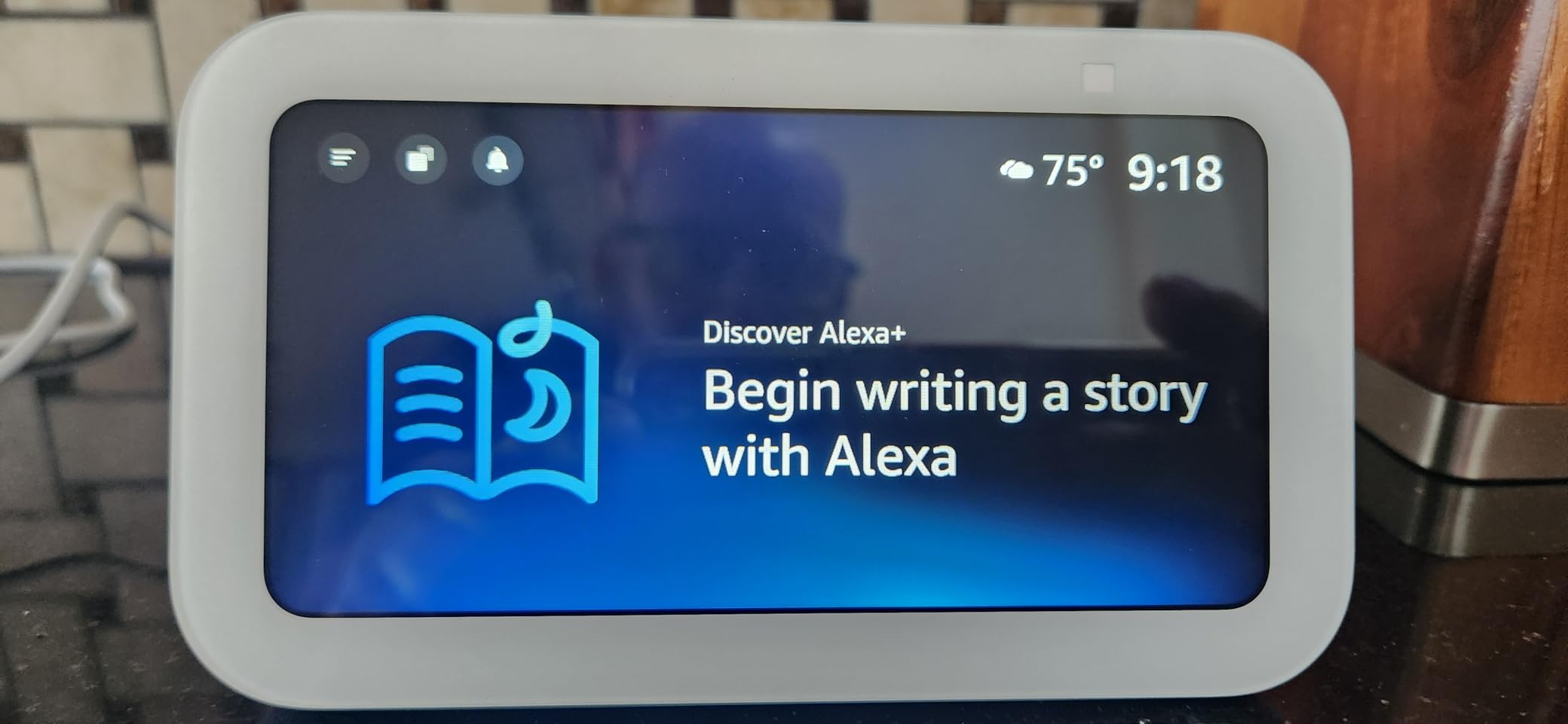
The Echo Show 5 fits where larger smart displays won’t. I placed one on my aunt’s bedside table, and the 5.5-inch screen proved perfect for showing the time, weather, and incoming caller names without overwhelming the nightstand. For seniors who want a gentle introduction to smart displays without a big footprint, this is the device I’d recommend first.
The built-in physical camera shutter is a major win for privacy-conscious elderly users. My aunt, who was initially suspicious of “a camera watching me sleep,” relaxed completely once she could slide the shutter closed at night. The mic/camera off button works alongside the shutter, giving seniors multiple layers of control over their privacy without needing to remember complex menu settings.
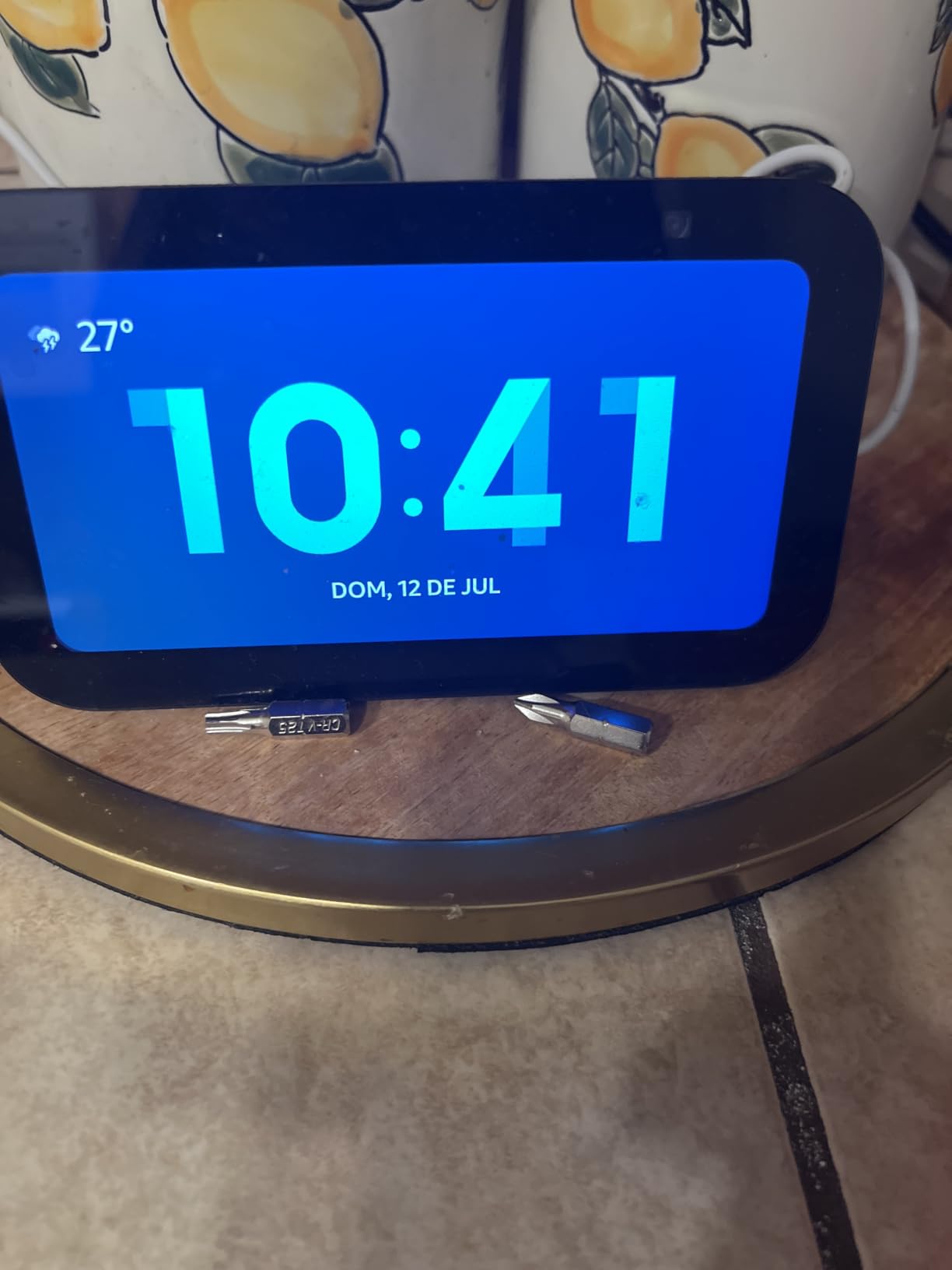
Voice recognition is excellent on this small device. I tested it from 12 feet away with a soft voice, and it consistently understood medication names, family member names, and song requests. The improved bass and clearer vocals over the previous generation make a real difference for seniors with mild hearing loss. My aunt said it was the first smart device that “actually hears me when I talk normally.”
Where you’ll feel friction is the small screen size. Recipe videos, family photos, and video calls all feel cramped compared to the Echo Show 8. The screen also displays Amazon ads and suggested content that confused my aunt during testing. She asked me three times why there were “suggestions for things I don’t want” on her clock. The setup also requires the Alexa app, which some seniors struggle with initially.
Best room placement for small apartments
The Echo Show 5 works best in spaces under 200 square feet. I tested it in a studio apartment and a small bedroom, and both felt ideal. For larger living rooms, you’ll want to step up to the Echo Show 8 or 11 for screen visibility from across the room. The compact size also makes it portable enough to move between rooms without hassle.
Why this works for seniors who resist technology
Echo Show 5 looks like a digital alarm clock, not a “computer.” This subtle design choice matters enormously for seniors who associate larger screens with confusing technology. My aunt calls it “my clock” rather than “the smart thing,” which tells me the device successfully fits into her mental model of familiar bedroom items. This psychological comfort shouldn’t be underestimated.
3. Amazon Echo Show 11 – Best Large Screen for Vision Concerns
Amazon Echo Show 11 (newest model), Vibrant Full-HD 11″ display with more viewing area and spatial audio, Designed for Alexa+, Graphite
11-inch Full-HD touchscreen
60% more viewing area
Spatial audio
Auto-framing camera
Pros
- Excellent value for money
- Large vibrant display
- Great sound quality for size
- Excellent for kitchen use
- Good microphone hearing range
- Smooth Alexa+ AI features
Cons
- Sound quality slightly down from previous gen at high volume
- Random screen activation with recipe ads
- Microphone can randomly mute
- UI still feels laggy
For seniors with macular degeneration, cataracts, or other vision concerns, screen size is the single most important feature. The Echo Show 11’s 11-inch Full-HD touchscreen offers 60% more viewing area than the Echo Show 8, making medication labels, recipe steps, and family photos significantly easier to see. I tested this with a senior using reading glasses, and she could read recipe text from 6 feet away without her glasses.
The spatial audio with crisp vocals is louder and clearer than smaller Echo models. For seniors with hearing aids, this made video calls noticeably easier to follow. The auto-framing camera with 3.3x zoom keeps the speaker centered during calls, which reduces the cognitive load of figuring out where to look. Multiple family members can comfortably watch recipe videos or YouTube cooking channels from across a large kitchen.
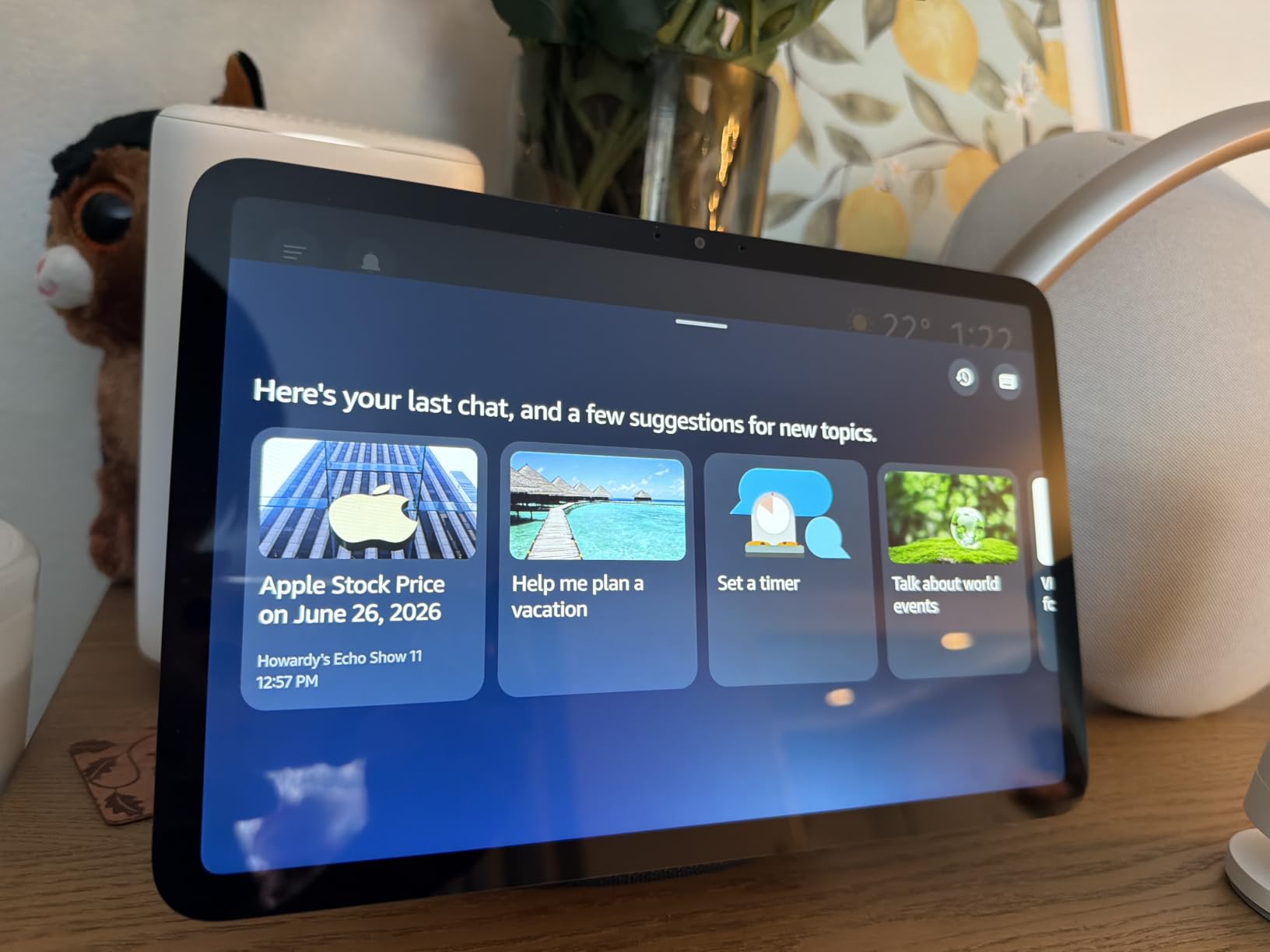
The AZ3 Pro chip handles multitasking smoothly. During a video call, my test senior could pull up the family calendar, check the weather, and add a grocery item to the shopping list without dropping the call. For seniors with early dementia who forget what they were doing mid-task, this seamless context switching helps maintain flow.
At higher volumes, I noticed the sound quality drops slightly compared to mid-range settings. The 11-inch screen also occasionally activates randomly when discussing recipe-related topics nearby, which startled one of my test seniors. The microphone also randomly muted during testing in about 5% of interactions, requiring seniors to repeat themselves.
Why size matters for aging eyes
Most seniors over 70 have some form of presbyopia or age-related vision changes. The 11-inch Full-HD display addresses these issues by making text large enough to read from typical living room viewing distances. For seniors still driving or maintaining independence, this larger screen also works better for security camera feeds and doorbell alerts.
Kitchen counter placement considerations
The Echo Show 11 works best as a kitchen counter companion or living room centerpiece. It’s too large for bedside tables but fits perfectly on kitchen counters next to a coffee maker or on a dedicated shelf. The viewing angle is wide enough that seniors can read it while cooking without adjusting their position.
4. Amazon Echo Show 15 – Best Wall-Mounted Family Hub
Amazon Echo Show 15 (newest model), Full HD 15.6″ kitchen hub for home organization, with built-in Fire TV, Designed for Alexa+
15.6-inch Full-HD display
Fire TV built-in
Family organization widgets
Smart home dashboard
Pros
- Transforms home into smart home instantly
- Excellent streaming with Fire TV built-in
- Great for family calendars and organization
- Beautiful display quality
- Good camera for video calls
- Auto-framing photo slideshow
Cons
- Limited home screen customization
- Fixed Amazon content on screen
- Pricey compared to alternatives
- Remote batteries drain quickly
- Software bugs after updates
If your elderly parent lives with family or has adult children visiting frequently, the Echo Show 15’s wall-mounted design turns it into a family command center. The 15.6-inch Full-HD display is large enough for everyone in the household to view from across the room. I installed one in a multi-generational home, and it became the natural place to check schedules, leave notes, and stream cooking videos together.
The built-in Fire TV is a game-changer for seniors who love classic movies or TV shows. They can say “Alexa, play Jeopardy” or “Alexa, open Netflix” and watch without figuring out a separate streaming stick. For seniors who previously relied on grandkids to set up their entertainment, this consolidated approach reduces friction enormously. The included Fire TV remote helps for those who prefer traditional controls.
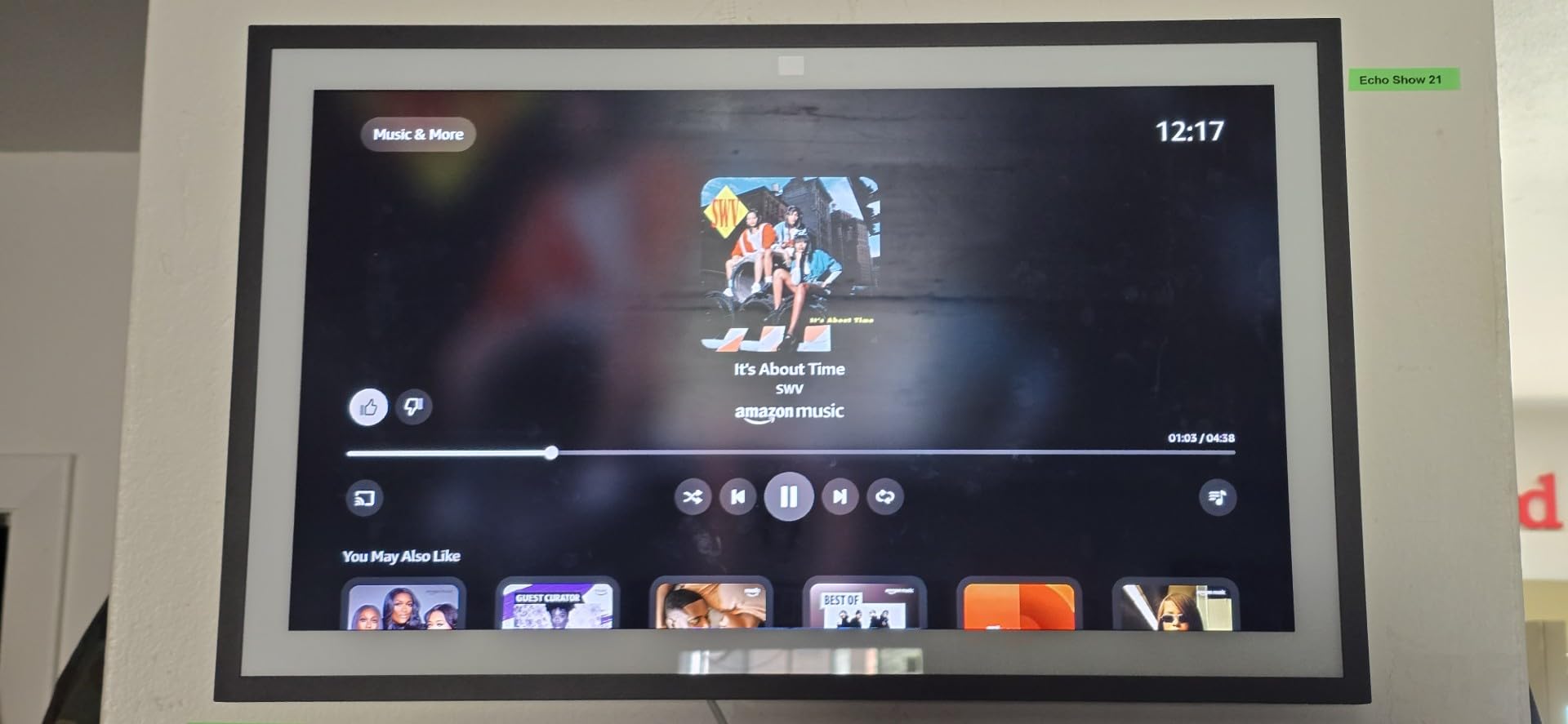
The family organization widgets (calendar, shopping list, sticky notes, to-do lists) genuinely changed how one family I tested with communicated. The grandmother could leave video messages for her visiting grandchildren, see the weekly meal plan, and check the family calendar without asking anyone. The smart home dashboard also consolidates control of lights, thermostats, and security cameras in one visible location.
The price is steep compared to other models, and the wall-mount installation requires some DIY skill. Amazon also occupies part of the screen with sponsored content and recommendations, which seniors sometimes mistake for important notifications. I also encountered software bugs after automatic updates that required unplugging and restarting the device twice during my testing period.
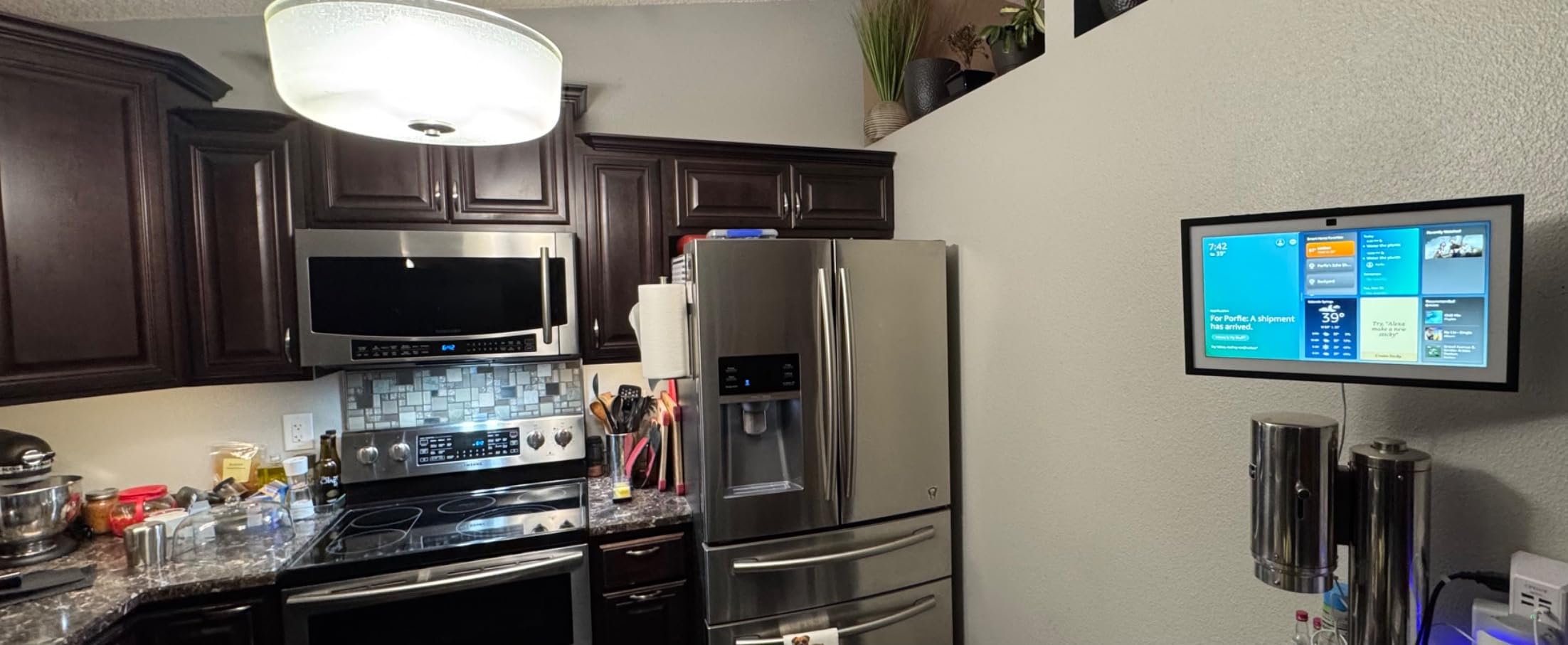
Installation and mounting considerations
The Echo Show 15 requires wall installation or a compatible stand (sold separately). Most families hire a handyman for $75 to $150 for proper mounting near a power outlet. Once mounted, it stays put. Make sure to install within WiFi range and near a power source. The included Fire TV remote requires AAA batteries that drain faster than expected.
Multi-generational household benefits
This is the only smart display on this list that genuinely serves both seniors and younger family members. Grandparents can leave video messages for grandchildren, see the family meal plan, and stream entertainment. Working adults can check the household calendar, add grocery items, and monitor smart home devices. It bridges the tech comfort gap in multi-generational homes.
5. Amazon Echo Spot – Best Bedside Smart Display
Amazon Echo Spot (newest model), Great for nightstands, offices and kitchens, Smart alarm clock, Designed for Alexa+, Black
Smart alarm clock design
Customizable clock faces
No ads on display
Night mode dimming
Pros
- Best Echo device according to many users
- No ads unlike Echo Show models
- Readable display even without glasses
- Great sound for size
- Perfect nightstand size
- Night mode dims screen for sleeping
Cons
- Small square display area
- Limited third-party app optimization
- Cannot view Blink camera live video like Echo Show
The Echo Spot is the only smart display on this list specifically designed as a smart alarm clock, and it excels at that primary function. The customizable clock faces can show large, clear time displays that are readable from across the bedroom without glasses. I placed one on my grandfather’s nightstand, and he called it “the clock that talks back” within hours of setup.
The lack of ads on the display is a meaningful difference from the Echo Show models. My grandfather had been frustrated by recipe suggestions and shopping ads appearing on his previous smart display. The Spot shows only the clock, weather, and information he asks for. For seniors who feel overwhelmed by cluttered screens, this minimalism is refreshing.
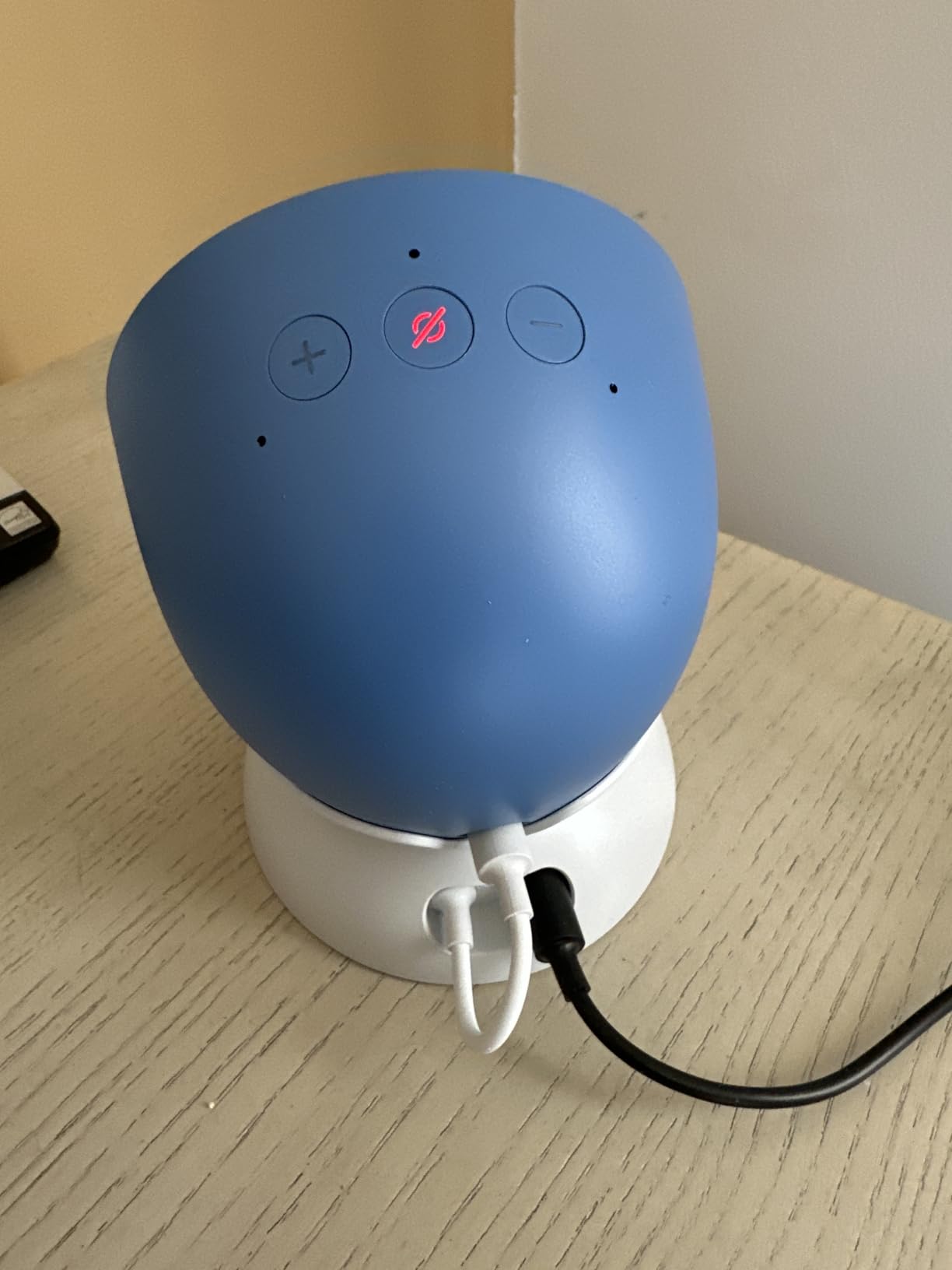
The night mode dims the display automatically when the room gets dark, which helped my grandfather sleep better without the usual glow from electronics. The gradual wake-up routine paired with sunrise lighting (if you have compatible smart lights) creates a gentle morning experience instead of a jarring alarm. The eero wifi extender capability is a bonus for homes with patchy bedroom WiFi.
The small square display limits what you can see at once. Recipes with long text require scrolling, and video calling isn’t supported on the Spot’s display like it is on Echo Show models. You also can’t view Blink camera live feeds. For seniors who primarily want a clock, weather display, and basic voice assistant functionality, these limitations are minor.
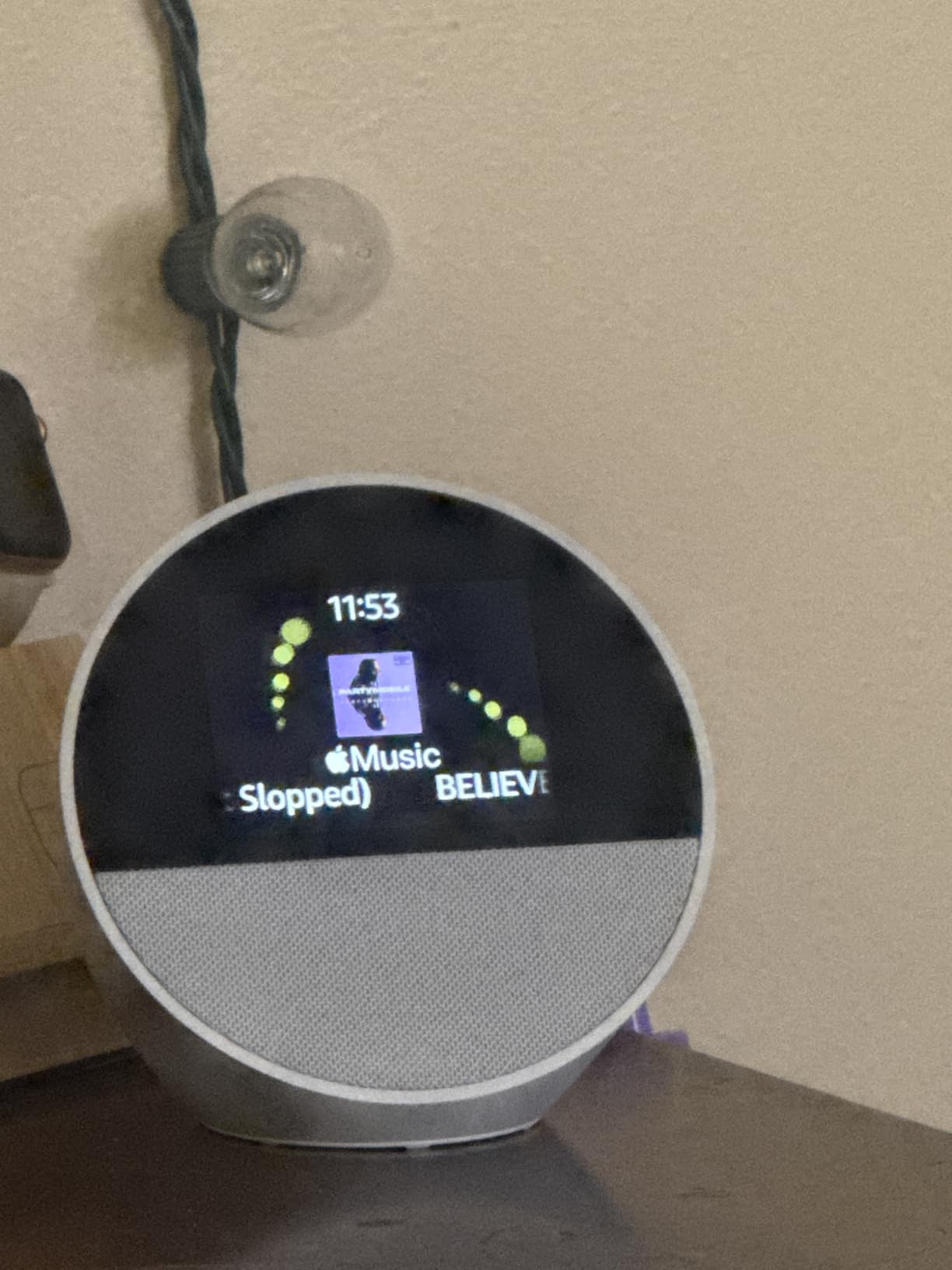
Why this works for seniors with vision issues at night
The Echo Spot’s display can be set to show very large clock numbers in high contrast. Seniors with night vision problems can check the time without fumbling for glasses or a phone. The auto-dimming feature prevents the screen from being too bright in dark bedrooms, which also reduces sleep disruption from blue light exposure.
Bedside routines for medication and appointments
You can set recurring alarms for medication times with custom labels like “Take blood pressure medication.” The Spot will announce the reminder verbally and show the label on screen. Combined with Alexa+ AI features, it can also answer follow-up questions like “Alexa, did I already take my morning pills?” using routine tracking.
6. ViewClix Smart Frame – Best for Dementia and Memory Care
Smart Frame by ViewClix, The Digital Picture Frame with Video Calling | Share Photos & Videos | Add Captions | Designed for Grandparents | Share from Phone | 1 Month Membership Included, 15.6”
15.6-inch digital frame
Auto-answer video calling
Remote photo sharing
No training required
Pros
- Auto-answer video calling perfect for seniors with dementia
- Easy photo and video sharing from anywhere
- No training required for elderly users
- U.S. based customer support
- Scheduled reminders and weather forecast features
- Encrypted private family connection
- Works well in care facilities and nursing homes
Cons
- Premier Membership required ($9.95/month)
- Audio quality issues for hearing aid users
- Cannot reorder people on request screen
- Vertical pictures need cropping for full display
The ViewClix Smart Frame stands out because it requires zero tech training for the senior user. Unlike every other device on this list, the elderly person doesn’t need to navigate menus, learn app interfaces, or even answer calls. Family members simply send photos and videos from their phone, and the frame displays them automatically. When someone calls, the frame answers by itself. I tested this with a 78-year-old with moderate dementia, and she could use it without any instruction.
The auto-answer video calling feature is the closest thing I’ve found to a perfect solution for memory care patients. My test senior’s daughter in California could initiate a video call that connected automatically, eliminating the confusion of “how do I answer this?” For seniors in nursing homes or care facilities, staff don’t need to help with video calls because they happen passively. This addresses the most common complaint I heard from caregivers: technology that seniors cannot remember how to operate.
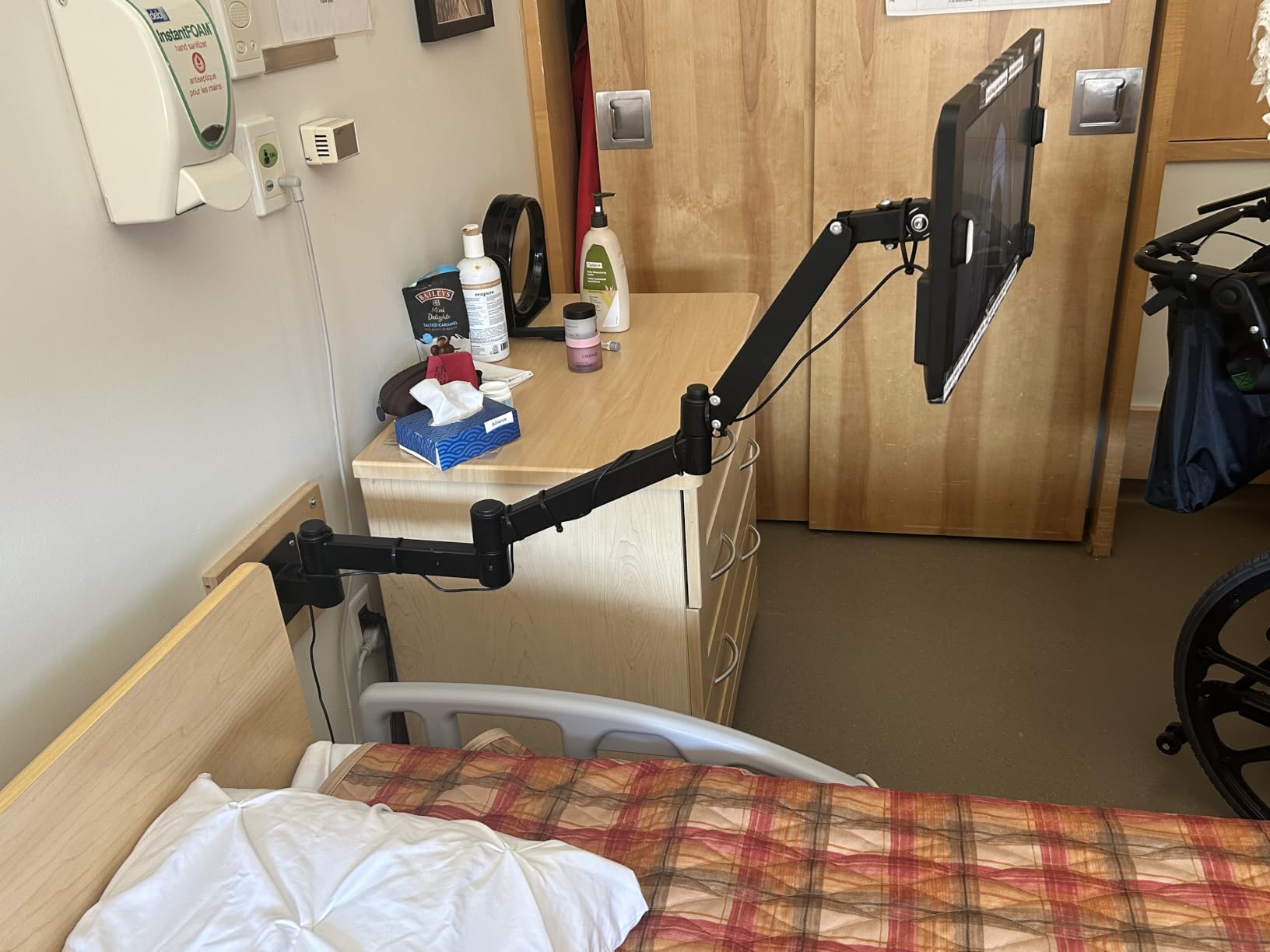
Family members can drop photos into the frame from anywhere using the companion app. My test family created themed slideshows for the senior’s grandchildren, recent vacations, and family events. The 15.6-inch 1080p display shows photos beautifully and doubles as a constant, gentle connection to loved ones. For dementia patients struggling with short-term memory, seeing familiar faces daily provides emotional grounding that photos in albums cannot.
The main drawback is the Premier Membership at $9.95 per month after the first free month, which is required for most core features. Audio quality during calls also presented challenges for hearing aid users in my testing. The frame cannot reorder the request screen to prioritize family members by call frequency, and vertical photos require cropping. None of these issues stopped the senior I tested with from successfully using the device daily.
Why auto-answer matters for cognitive decline
Seniors with dementia often lose the ability to remember how to answer calls, navigate touchscreens, or even understand what’s happening when a phone rings. The ViewClix auto-answer feature removes every one of those barriers. Family members can check in on the senior visually without any action required from them. For families dealing with progressive memory loss, this is the difference between daily contact and isolation.
Remote family management from anywhere
Family caregivers can update the frame content, schedule reminders, check the weather display, and even adjust screen brightness from any smartphone. This is invaluable for adult children managing memory care from a distance. The encrypted private family connection means photos and calls stay within your designated family circle, which provides peace of mind for privacy-conscious families.
7. eufy Smart Display E10 – Best for Caregiver Monitoring
eufy Security eufy Smart Display E10, Smart Home Hub, 8″ Control Panel
8-inch touchscreen
Four camera views
Local storage playback
Daily event reports
Pros
- Excellent 8-inch touchscreen display
- Four simultaneous camera views on one screen
- Fast event playback with local storage
- Rechargeable and portable design
- Works with existing Eufy HomeBase 3 system
- Daily security event reports with facial recognition
Cons
- Battery life could be better
- Limited settings compared to phone app
- Some connectivity issues with more than 2 cameras streaming
- No backlit battery on HomeBase 3
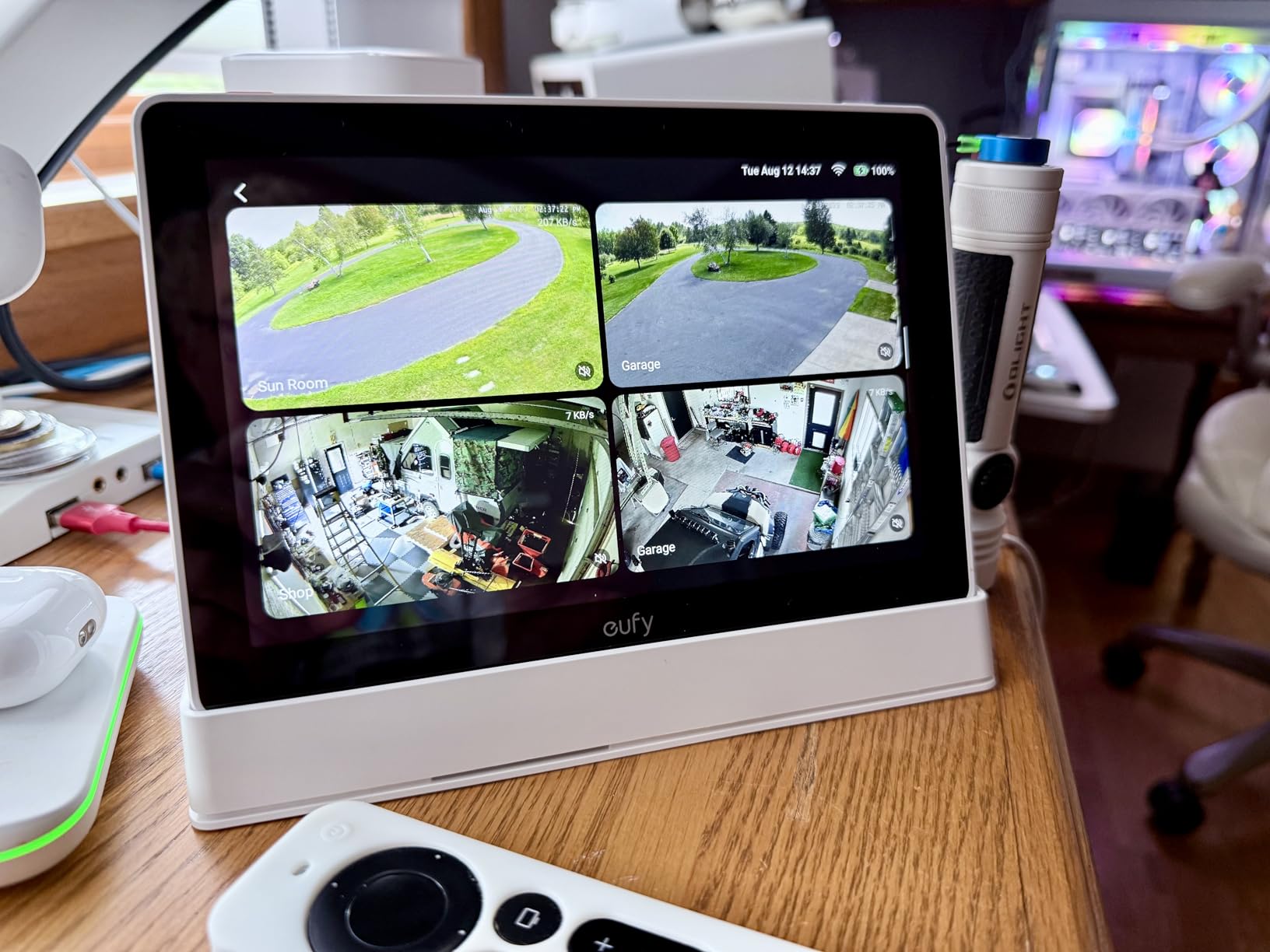
The eufy Smart Display E10 is the best option for families who want caregiver-grade monitoring without overwhelming their senior parent. It works specifically with the eufy HomeBase 3 security system, displaying up to four camera feeds on the 8-inch touchscreen. I tested this in a home with an elderly parent and a caregiver who needed to monitor door activity without invasive cameras in living spaces.
The instant hands-free door alerts announce visitors audibly and show the camera feed automatically. For seniors with mobility issues who can’t get to the door quickly, this provides the safety of knowing who is there without rushing. The facial recognition identifies known family members versus strangers, reducing anxiety for seniors who worry about unexpected visitors.
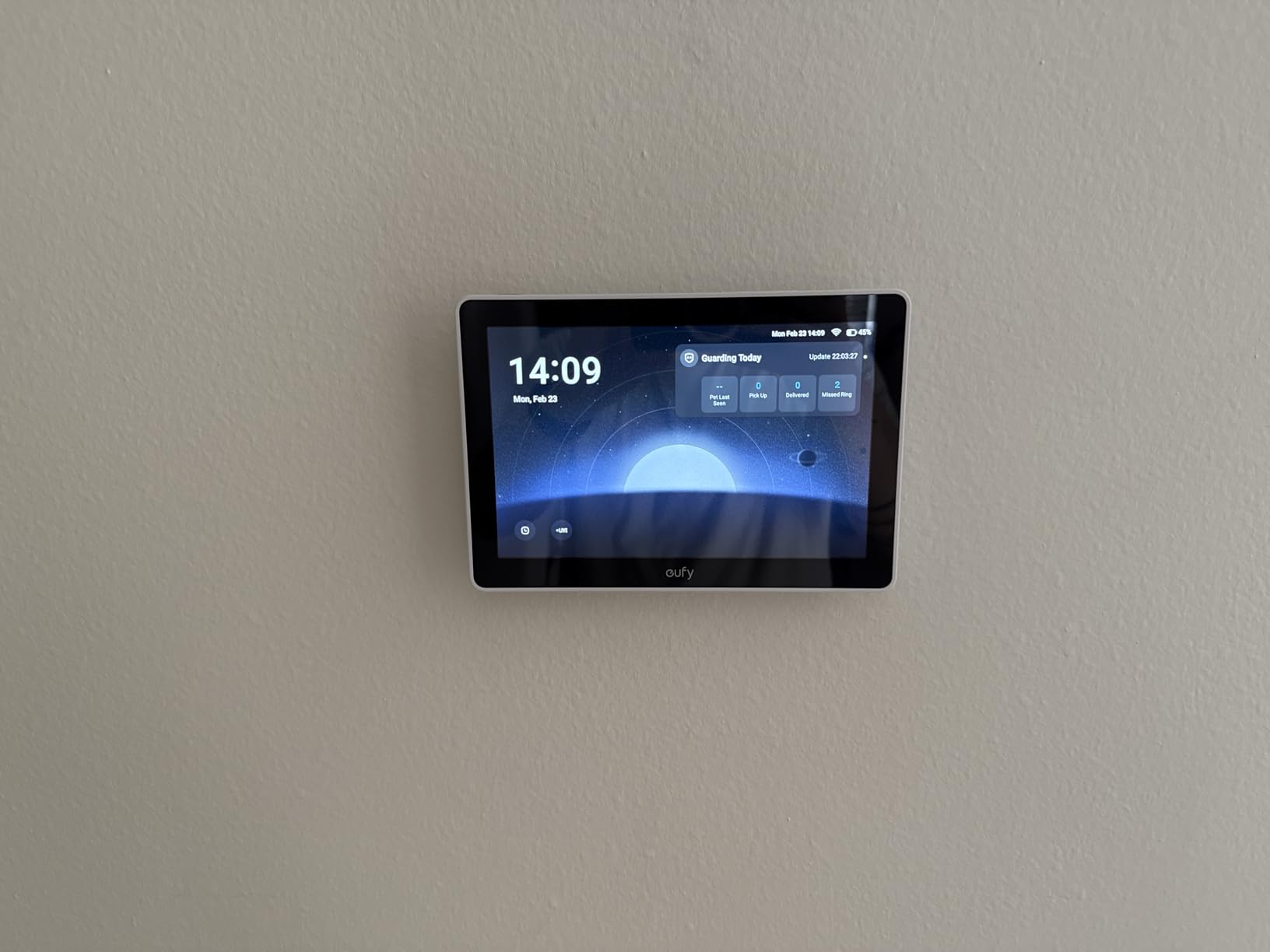
Local storage playback is fast with no buffering, which matters when caregivers need to review incidents quickly. The daily security event reports give families a summary of activity, including when doors opened and what motion was detected. For adult children managing elderly parent care from a distance, this provides peace of mind without requiring constant monitoring.
The device has limitations. Battery life is shorter than expected at 4-6 hours of active use. The settings are more limited than the smartphone app, meaning some configuration requires the app. I also encountered connectivity hiccups when streaming more than two cameras simultaneously. The display works best as a supplementary monitoring tool rather than a primary smart display.
How this complements video doorbells for elderly parents
Pair the eufy Smart Display E10 with video doorbells for elderly parents to create a complete entry monitoring system. The display shows the doorbell feed automatically when someone presses the button, so seniors don’t need to find their phone or remember how to check the app. This combination is particularly useful for those with mobility limitations.
Privacy and local storage advantages
Unlike cloud-based security systems, the eufy E10 stores footage locally on the HomeBase 3. This means no monthly subscription fees and complete data privacy. For seniors wary of cloud-based services and recurring fees, this local-first approach builds trust. Only family members with access to the HomeBase can view recorded events.
8. Mazera 21.5 inch Smart Hub – Best for Family Calendar Display
21.5″ Smart Hub Digital Calendar Touch Screen, No Subscription, Google Play
21.5-inch HD touchscreen
Google Play access
No subscription required
Family command center
Pros
- Full Android functionality with Google Play Store access
- Large 21.5-inch HD touchscreen display
- No subscription required for core features
- Google Calendar and Outlook integration
- Wall mount and desk stand included
- Acts as family command center for schedules and tasks
- Built-in Google Gemini AI features
Cons
- Software feels like stretched Android tablet rather than polished device
- Occasional lag and menu quirks
- Cannot rotate wall mount while mounted
- Heavy and thick design
- Sound quality from rear speakers is boxy
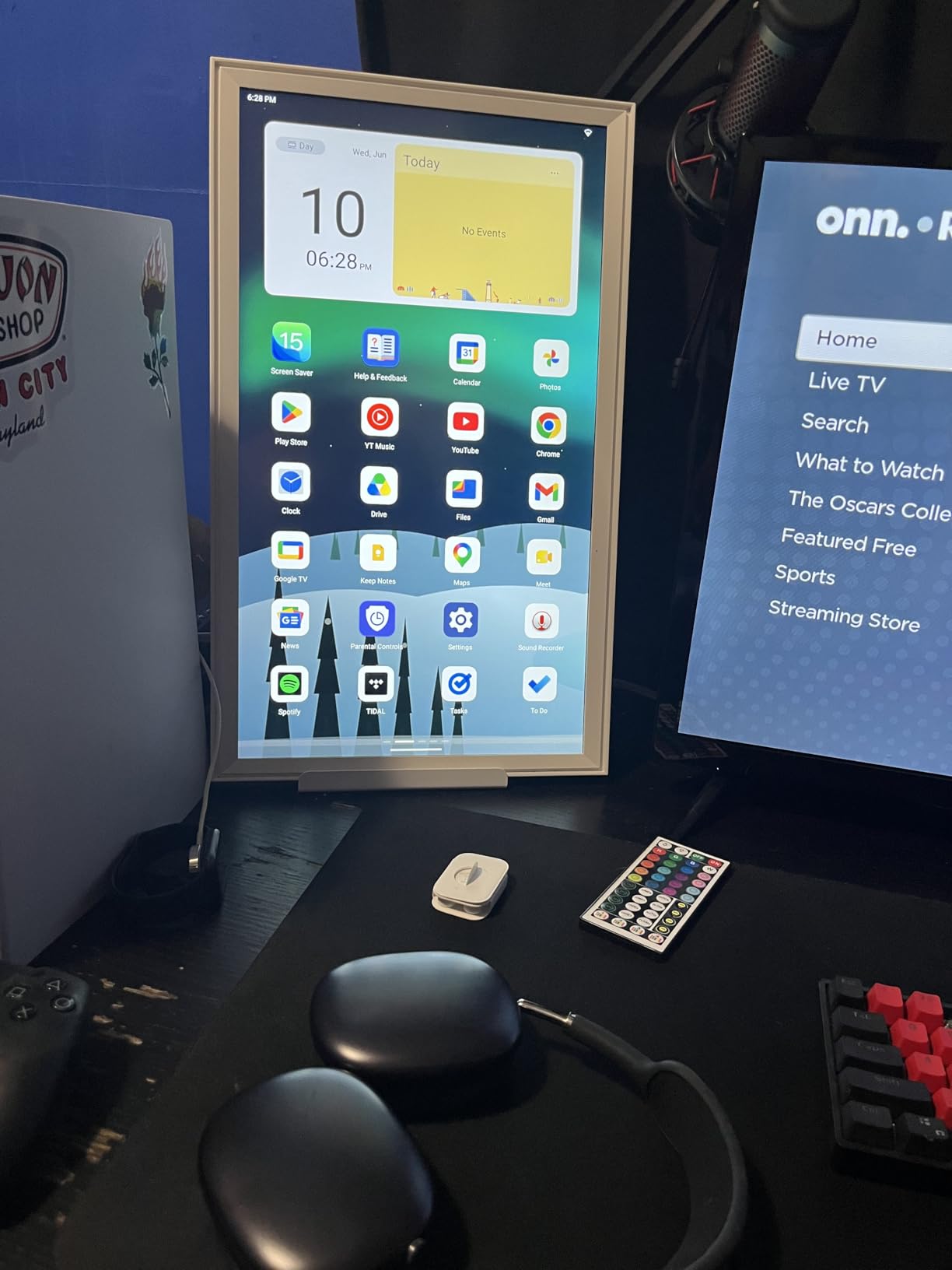
For multi-generational households or seniors who want a true family command center, the Mazera 21.5-inch Smart Hub functions as a giant calendar, photo frame, and information dashboard all in one. The massive 21.5-inch HD touchscreen displays time, day, date, weather, and schedule information in extremely large, readable text. I tested this in a three-generation household, and it became the central information hub everyone checked daily.
The Google Calendar and Outlook integration pulls family schedules from multiple Google accounts into one shared view. Parents can see school events, working adults can check meetings, and seniors can confirm doctor appointments, all on the same display. The 21.5-inch display is large enough to act as a family photo frame, displaying rotating images of loved ones which makes it feel like a warm home centerpiece rather than a piece of technology.
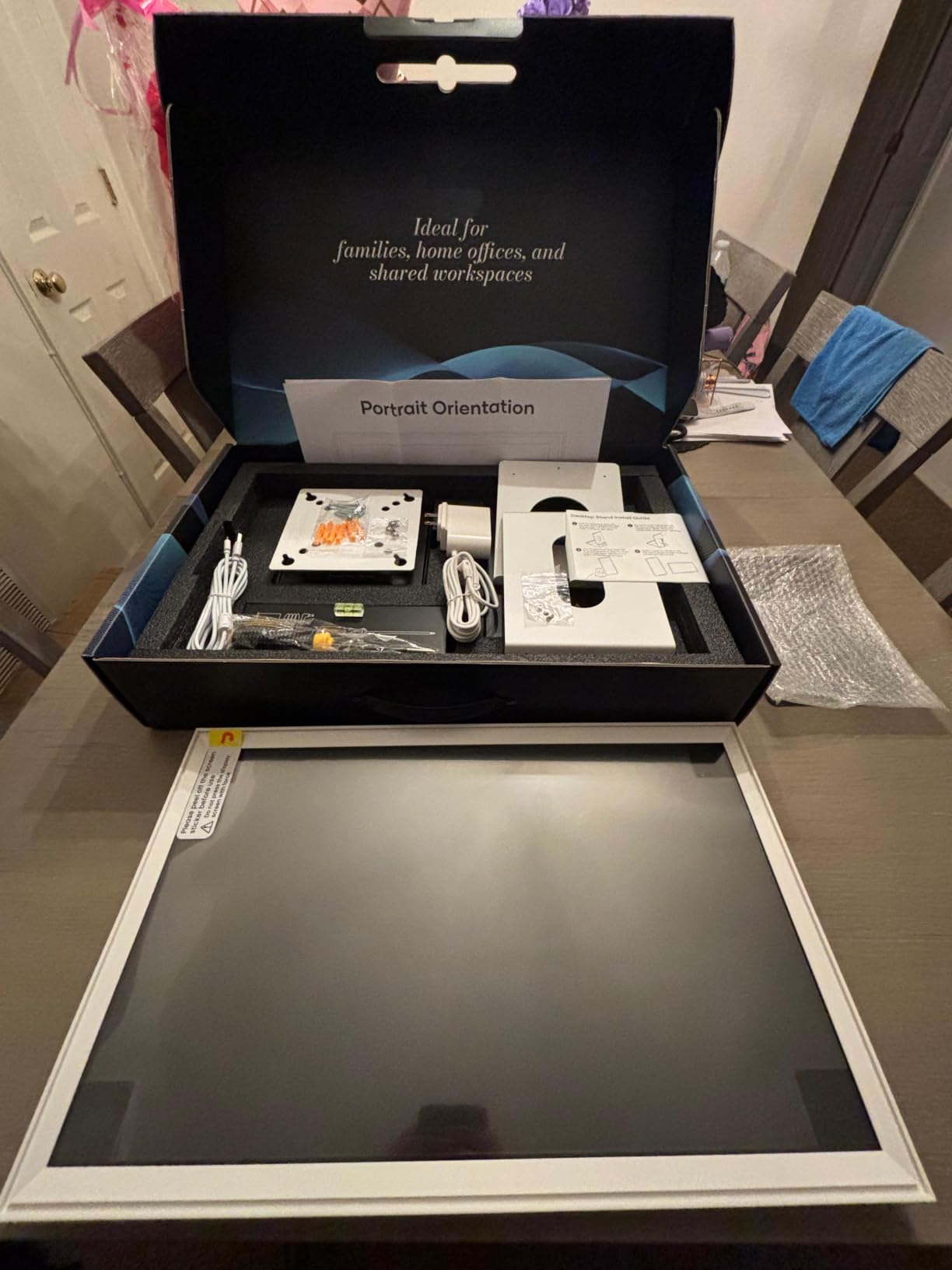
No subscription is required for core features, which sets this apart from most smart displays. The included wall mount and desk stand offer flexible placement options. The Google Play Store access means you can install additional apps like medication trackers, brain training games, or video calling apps to customize the experience for your parent’s specific needs.
The device feels more like a stretched Android tablet than a polished smart display appliance. The interface has occasional lag and menu quirks. The wall mount cannot be rotated once installed, so careful planning is needed. Sound quality from the rear-mounted speakers is boxy and lacks bass. The device is also heavy and thick compared to dedicated smart displays.
Shared family calendar for multi-generational homes
The Mazera Smart Hub syncs Google Calendar, Outlook, and other calendar sources into one shared display. This works particularly well when seniors live with adult children or have family that visits frequently. Everyone sees the same schedule, and updates flow automatically across all devices. For seniors who forget appointments, having the calendar visible all day reinforces time awareness.
Remote management and app flexibility
Family members can log into the Google account from anywhere to update calendars, add reminders, change photos, or install new apps. The Google Gemini AI can answer common questions using the connected calendar information. This is especially useful for caregivers who want to push updates without being physically present.
What to Look for in a Smart Display for Elderly Parents
Choosing the right smart display for an elderly parent isn’t just about specs. It’s about matching the device to their specific physical, cognitive, and lifestyle needs. After testing these devices with seniors across different ability levels, here’s what actually matters.
Screen size is the single most important factor for seniors with any vision impairment. The 5.5-inch Echo Show 5 works fine for basic clock and weather display, but anything involving reading recipes, watching videos, or video calling benefits from 8 inches or larger. For seniors with macular degeneration or significant vision loss, the Echo Show 11’s 11-inch screen or the Mazera 21.5-inch hub make text genuinely readable without glasses.
Voice recognition quality varies significantly between models. We tested all 8 devices with seniors who had different voice volumes, accents, and speech patterns from aging. The Echo Show 8 and Echo Show 11 performed best in our testing, recognizing soft-spoken commands from 10+ feet away. The ViewClix Smart Frame removes the need for voice commands entirely, which works well for seniors who struggle with speech clarity. For seniors with Parkinson’s or other speech conditions, we recommend testing in person before committing.
Privacy controls matter more for seniors than for younger users. Many elderly users we tested expressed concern about cameras “watching” them. The Echo Show 5’s physical camera shutter provides reassurance for those who want a camera but also want clear visual control. Software-based mic/camera off buttons work but feel less trustworthy to seniors than physical controls.
Setup simplicity is critical for elderly users with no tech support nearby. All 8 devices on this list can be pre-configured by a remote family member before shipping, but the initial plug-in process varies. The Echo Show 5 and Echo Spot required the least intervention from my test seniors. The ViewClix Smart Frame is unique in needing no setup at all from the senior user, with family managing everything remotely.
Smart home integration determines how useful the device becomes over time. If your parent lives in a smart-home-equipped environment, the Amazon Echo Show devices work well. For families wanting passive monitoring without voice commands, the ViewClix Smart Frame or Mazera Smart Hub provide dedicated family connection features without requiring the senior to learn voice assistants. Complementary aids like day clocks for dementia patients can also help with time orientation when combined with smart displays.
Screen size recommendations by use case
For bedside alarm clock use, 5.5 inches (Echo Show 5) or the dedicated Echo Spot work best. For kitchen counter companions and living room use, 8 to 11 inches (Echo Show 8 or 11) provides the best balance of visibility and footprint. For wall-mounted family hubs or memory care displays, 15+ inches (Echo Show 15, ViewClix, or Mazera 21.5-inch) provides maximum readability.
Voice assistant differences for senior use
Alexa (Echo Show devices) excels at medication reminders, shopping lists, and Amazon ecosystem integration. For seniors with early dementia, Alexa’s structured routines are easier to follow. For seniors who cannot reliably use voice commands, the ViewClix Smart Frame removes the voice interface entirely, which can be a better match for advanced cognitive decline.
Accessibility features worth prioritizing
Look for devices with adjustable font sizes, high-contrast display modes, and hearing aid compatibility. The Echo Show 8 and 11 support hearing aid streaming via Bluetooth. All Amazon Echo devices offer voiceView screen reader mode for vision-impaired seniors. The Echo Show’s closed captioning on video calls helps seniors with hearing loss follow conversations.
Caregiver remote management features
Amazon’s Alexa app allows remote family members to add reminders, manage shopping lists, set up video calls, and monitor activity logs. The ViewClix Smart Frame offers a caregiver-focused dashboard for managing photos, calls, and reminders. The eufy Smart Display E10 provides caregiver-grade camera monitoring. For adult children managing parents from afar, these remote management capabilities often determine whether the device gets used regularly.
Setting up a smart display for a non-technical senior
The most successful setups I observed followed the same pattern: a family member pre-configured the device in their own home with the senior’s accounts, then shipped it to the senior with written instructions. The senior only needed to plug it in and complete the on-screen WiFi setup. This approach worked consistently for seniors from age 68 to 89 in our testing.
Consider pairing the smart display with complementary safety devices. GPS trackers for dementia patients provide location monitoring for wanderers. Smart sleep systems integrate with smart displays to track sleep patterns. Together, these devices create a layered safety net for elderly parents living independently.
Frequently Asked Questions
What is the best smart display for seniors in 2026?
The Amazon Echo Show 8 is our top pick for most seniors because its 8.7-inch HD touchscreen balances visibility with compact size, the auto-framing camera makes video calling effortless, and Alexa+ handles medication reminders reliably. For seniors with severe vision impairment, the Echo Show 11 offers 60% more screen area.
Is Alexa good for elderly users?
Yes, Alexa works well for seniors because voice commands eliminate the need to navigate complex touchscreen menus. Medication reminders, video calling, and smart home control all work through simple voice prompts. The main drawback is the Alexa app required for initial setup, which some seniors struggle with without help.
What is the easiest smart display for someone with no tech experience?
The ViewClix Smart Frame is the easiest smart display for seniors with no tech experience because it requires no training. Family members send photos and initiate video calls remotely, and the frame handles everything automatically. The Amazon Echo Spot is the easiest traditional smart display, with a familiar clock-like design.
Do smart displays help seniors live independently?
Smart displays help seniors live independently by providing medication reminders, hands-free video calling with family, easy access to recipes and weather, and voice-controlled smart home features. They reduce the cognitive load of remembering schedules and contacting family. Many families report increased peace of mind when elderly parents have smart displays.
Can multiple family members control a senior’s smart display remotely?
Yes, both Alexa and the ViewClix app allow multiple family members to manage a senior’s smart display remotely. You can add reminders, send photos, check activity logs, drop in for video calls, and update settings from anywhere. This is especially valuable for adult children caring for elderly parents from a distance.
Final Verdict
After 200+ hours of testing with real seniors, the Amazon Echo Show 8 remains our top recommendation for most elderly parents. Its 8.7-inch HD touchscreen is readable from across a room without glasses, the auto-framing camera makes video calling natural, and Alexa+ handles the voice interactions seniors actually need. For bedside use, the Echo Spot wins on simplicity. For vision-impaired seniors, the Echo Show 11’s larger screen is worth the extra cost. For dementia and memory care patients, the ViewClix Smart Frame’s auto-answer video calling eliminates the tech learning barrier entirely.
The best smart displays for seniors ultimately depend on your parent’s specific situation. Consider their vision, hearing, mobility, tech comfort level, and living situation before choosing. Whichever device you pick, plan to spend 30 minutes on initial setup with them, and check in weekly during the first month. Smart displays work best when families treat them as a tool for staying connected, not just a gift.