
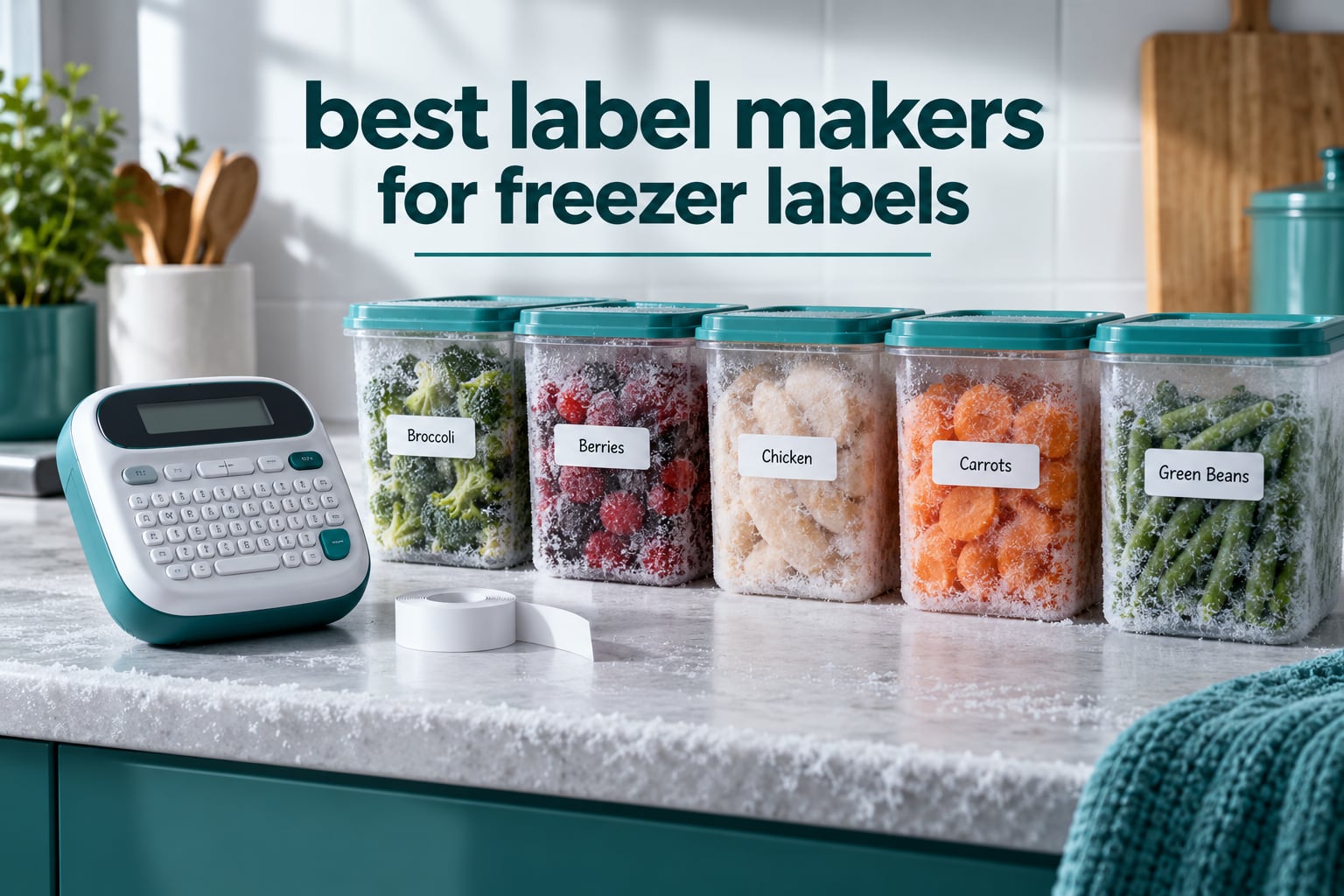
Most freezer labels fail for the same reason: the adhesive was never rated for cold, wet conditions. A label that looks fine on a dry counter can curl at the corners, let go of the plastic, and leave you with a frosted container you cannot identify six weeks later. A freezer-safe label needs a waterproof or cryogenic-rated adhesive, a surface that resists condensation, and tape that stays readable for months in the dark.
That is the whole test we applied when picking the best label makers for freezer labels. We looked at eight machines that cover the range from a handheld unit that works with no phone at all to app-driven Bluetooth printers that can turn a spreadsheet of soup batches into twenty labels in a minute. Each one has to print a date, stick through cold and moisture, and still be readable when you pull the container out with wet hands at arm’s length.
None of them prints true cryogenic-rated stock out of the box. What matters is the tape they pair with, the adhesive on that tape, and whether the label goes on before the container enters the freezer rather than after. We explain that in detail further down, because a great machine with the wrong tape still ends in the compost bin.
Table of Contents
Top 3 Picks for Freezer Labels (October 2026)

DYMO LetraTag 100H
- Graphical preview screen
- Works with no phone or app
- Three tapes included
- Paper and plastic tape options

Nelko P21
- 203 DPI thermal print
- 750+ app templates
- Bluetooth to iOS and Android
- Rechargeable battery

Brother P-Touch PTH110BP
- 600 x 600 DPI print
- Water-resistant TZe laminated tape
- Preview display with QWERTY keys
- Three full-length tapes included
All 8 Label Makers Compared Side by Side
| Product | Specifications | Action |
|---|---|---|
| DYMO LetraTag 100H |
|
Check Latest Price |
| Nelko P21 |
|
Check Latest Price |
| Brother P-Touch PTH110BP |
|
Check Latest Price |
 SUPVAN E11 SUPVAN E11 |
|
Check Latest Price |
 Vixic D210S Vixic D210S |
|
Check Latest Price |
 SUPVAN T50M Pro SUPVAN T50M Pro |
|
Check Latest Price |
 Brother P-Touch PTD220 Brother P-Touch PTD220 |
|
Check Latest Price |
 Phomemo D30 Phomemo D30 |
|
Check Latest Price |
What Makes a Label Safe in a Freezer
A freezer label survives when four things line up: the adhesive, the tape face, the surface you stick it to, and the moment you apply it. Get any one wrong and you get a detached, unreadable, or smeared label on food you cannot identify.
The adhesive is the part people get wrong. Ordinary household adhesive is designed for room temperature and dry surfaces. It goes brittle when frozen and loses tack when it warms back up next to condensation. Adhesive sold as waterproof, water-resistant, or cryogenic-rated is formulated to stay flexible and bonded from roughly minus 30C to plus 60C. That range is the one worth looking for.
The tape face matters just as much. Direct thermal tape prints black by heating a chemical coating, so the print has no ink sitting on top. Nothing smears and nothing runs underwater, but the image can lighten over long storage or extended heat. Laminated tape adds a clear plastic film over the print, which slows fading and adds abrasion resistance. For freezer work, laminated or waterproof-faced tape is the safer bet.
Direct thermal versus thermal transfer is the other big question. Direct thermal needs no ribbon and no ink, which makes it cheaper and simpler. Thermal transfer prints onto a ribbon, which costs more per label but resists fading and heat far better. Nearly every home label maker on this list is direct thermal, so the durability ceiling is set by the tape you load rather than the machine.
Two more details decide whether a label lasts. Apply it before the food goes into the freezer, because nothing sticks reliably to a frosted or icy surface. And dry the container first: condensation under a label is the single most common reason a freezer label peels away at one corner and then catches on everything else in the drawer.
1. DYMO LetraTag 100H – Best for Working Without an App
DYMO Label Maker Machine with 3 Tapes – 100H LetraTag Handheld, Includes 3 LT Label Tapes, Perfect for Home & Office Organization
5 font sizes, 7 styles, 8 boxes
Graphical preview screen
3 tapes included
Runs on 4 AAA batteries
Pros
- Works with no phone
- no app and no account
- Preview screen shows the label before you print
- Paper and plastic tapes both included
- Compact enough to live in a kitchen drawer
Cons
- Alphabetical keyboard is slower than QWERTY for typing dates
- Borders only work with the smallest font sizes
- Batteries are not included
The LetraTag is the machine I reach for first when the freezer needs a label and my phone is still charging in another room. It powers on, the graphical display shows you the text, and you type it out on the physical keypad. No app, no Bluetooth pairing, no firmware update standing between you and a dated label on a container.
That matters more in a kitchen than it does in an office. When you have cooled a batch of soup and are standing at the counter with wet hands, the shortest path from information to label wins. This is the shortest path we found.
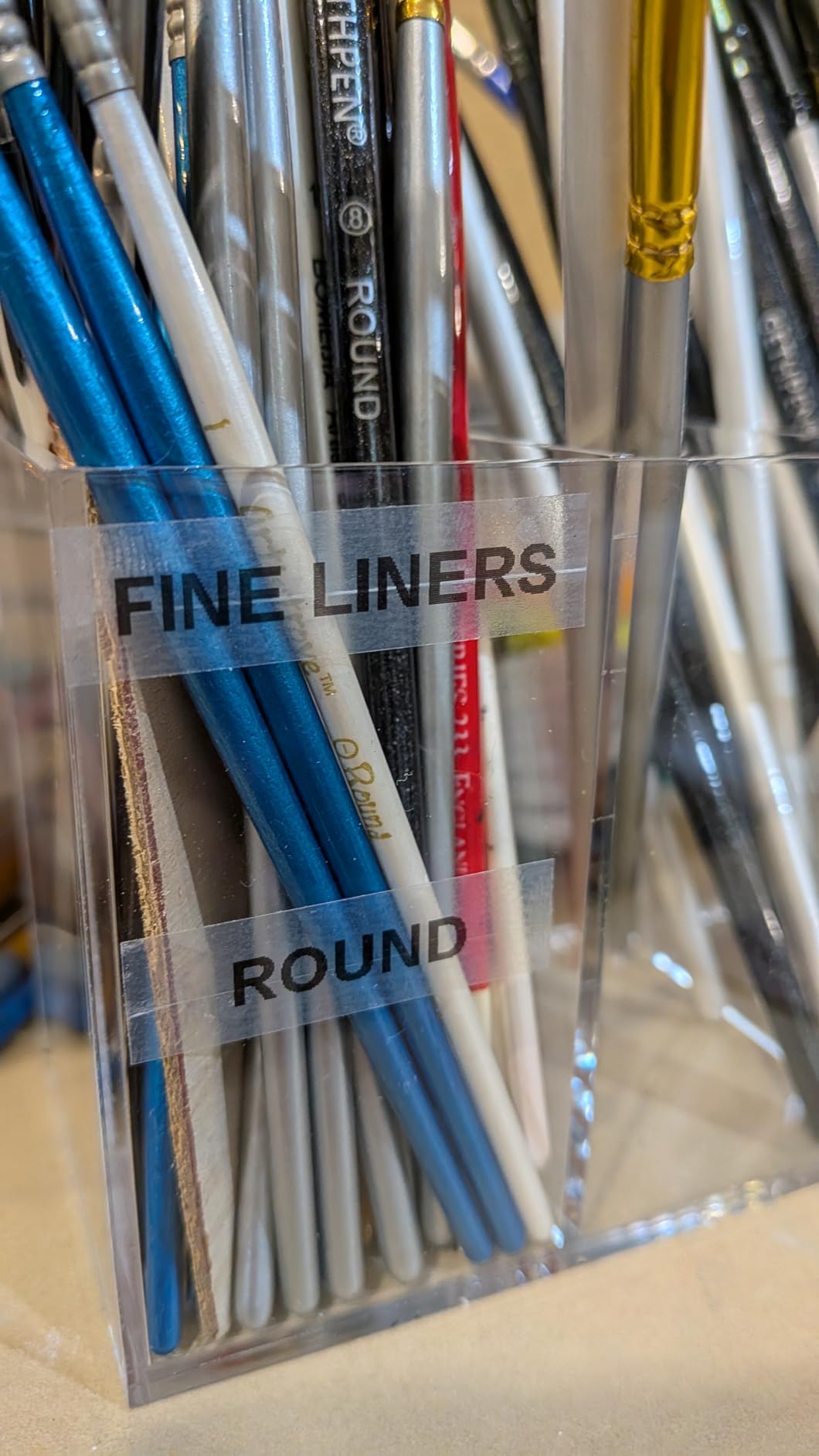
The box includes three LT tapes: one paper, one white plastic, and one clear plastic. The plastic options are the reason this is our top pick for freezer work. A laminated or plastic-faced tape holds together better when a cold container is handled with condensation on it, and it wipes clean rather than absorbing freezer smell. Reviewers report the white plastic tape as the one to buy again for food containers.
Freezer suitability: strong. Direct thermal printing at a readable size, a preview screen so you catch typos before the label is on the container, and plastic tape options. The one real drawback is typing speed: the keyboard is alphabetical rather than QWERTY, so dates take a moment longer to enter.
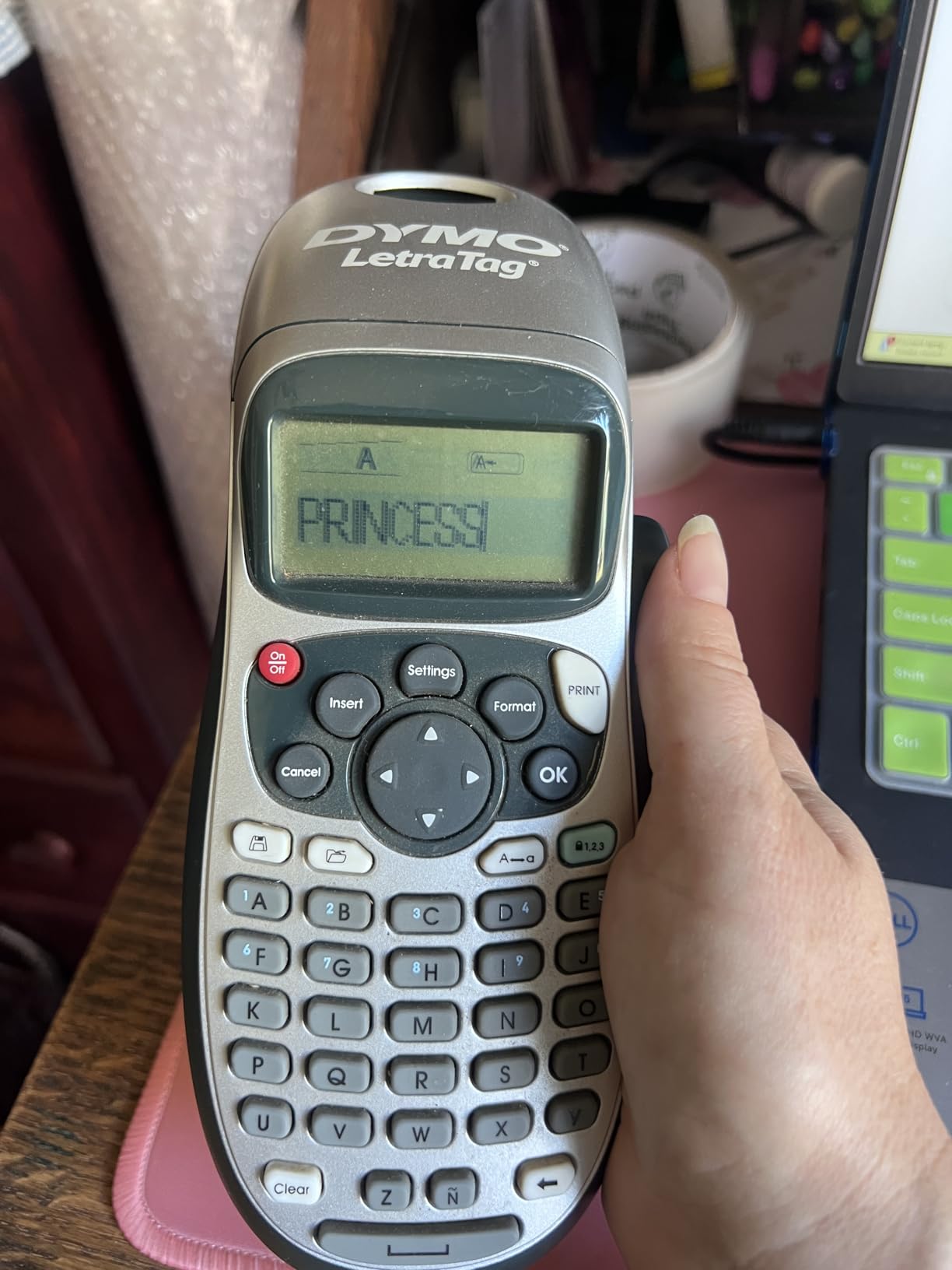
Two more practical notes. The machine runs on four AAA batteries, which are not included, and an auto-off function means it will not drain a fresh set if you leave it on the counter. The screen also lets you confirm a long food name fits on one line before you commit it, which saves a wasted label every single time.
If you share a freezer with other people, the preview screen doubles as a sharing tool: the label layout stays consistent, so every container reads the same way. The alphabetical layout does slow you down, but for the twenty labels you print on a Sunday it is a fair trade for never opening an app.
How the LetraTag 100H handles a weekly freezer labelling session
Put the machine on the counter next to the containers, not in the other room. The physical keypad means you can hold the container in one hand, type with the other, and apply the label immediately. That flow is why we finished a session of eighteen containers without sitting down once.
Use the plastic white tape for anything going into the freezer, and keep the paper tape for pantry goods, storage bins, and anything that stays at room temperature. The same machine covers both, which removes the need to keep a separate marker or pre-printed sticker pack on hand.
Where the LetraTag 100H falls short
The alphabetical keyboard is the honest limit here. If your labels carry long food names plus a date plus a portion count, typing is slower than on a QWERTY unit, and the borders option only applies to the smallest font sizes. Neither issue affects the printed result, only the speed of getting to it.
There is also no way to print several identical labels from one setup, so for bulk cooking you press print once per container. For very large batches, one of the app-driven machines below will save you real time.
2. Nelko P21 – Best for App-Driven Date Labels
Nelko P21 Label Maker Machine with Tape, Bluetooth Label Printer, White
203 DPI thermal printing
Bluetooth for iOS and Android
Built-in rechargeable battery
3600+ icons and 750+ templates
Pros
- Huge template library in the app
- Prints QR codes
- barcodes and images
- Rechargeable and pocket-sized at 11.52 ounces
- Ships with three label sizes
Cons
- No physical keyboard and no computer connection
- Not compatible with Google phones on Android 14
- Charging adapter not included
The Nelko is the opposite approach to the LetraTag. There is no keypad at all: everything happens in the companion app on your phone, and the label prints wirelessly at 203 DPI. In exchange you get a template library with 3600 plus icons, 700 plus borders, and 750 plus ready-made layouts, which is where most of its freezer value comes from.
We used the date templates most. Because the app can lay out a block of text with a date field, the same layout gives you a consistent look across every container in the drawer. Set a format once, and the food name changes while the date position stays put.
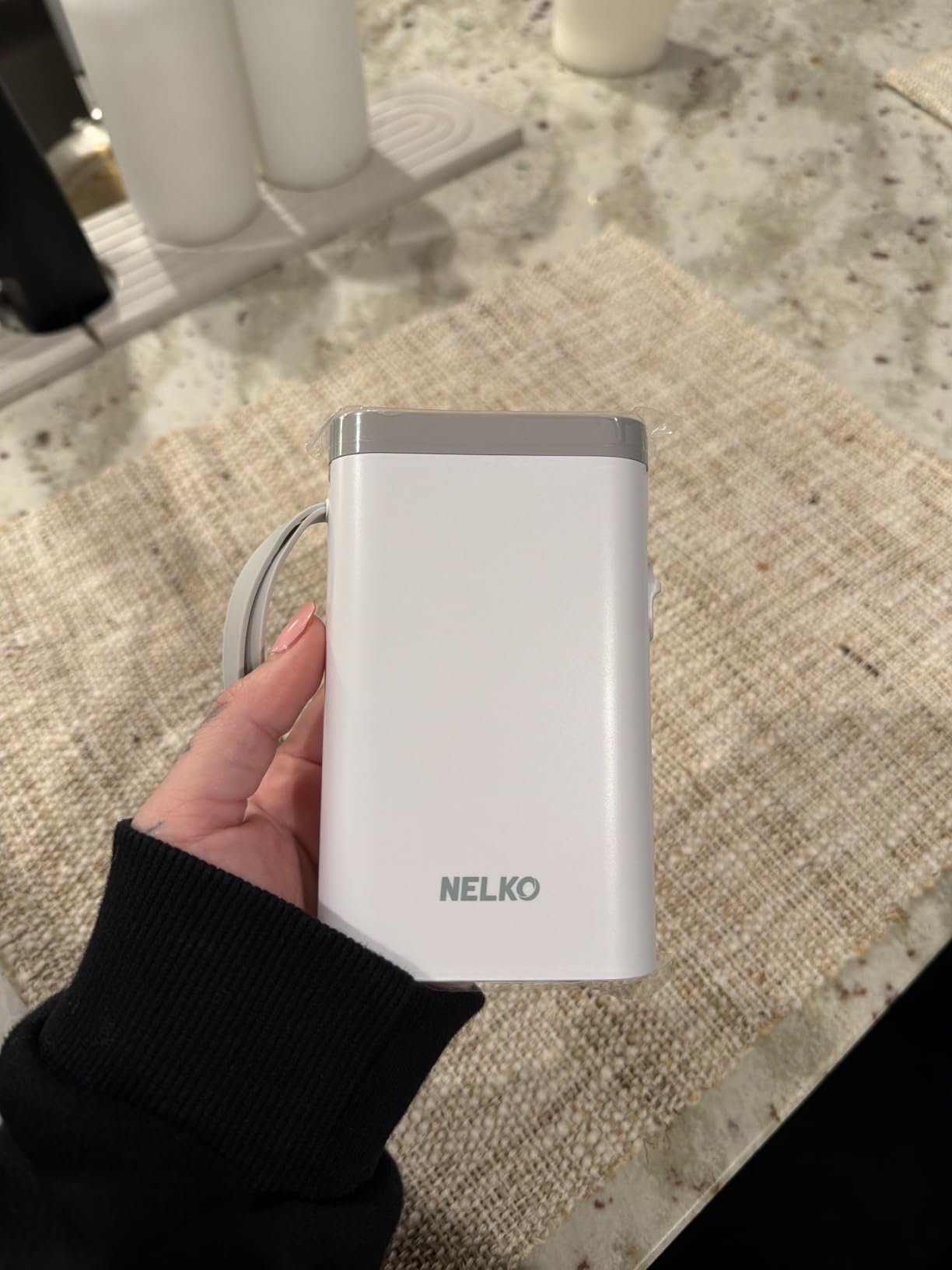
Label sizes run 14 by 40mm, 14 by 50mm, and 14 by 75mm. The 14 by 75mm size gives you roughly three lines of text, enough for a food name, a freeze date, and a portion count on a single label. The 14 by 40mm size is the right pick for a small deli container or a vacuum-sealed bag.
Freezer suitability: good, with one caveat. The printed output is sharp and the rechargeable battery means no battery logistics before a batch session. The caveat is device compatibility: the machine is not compatible with Google phones running Android 14, and it works from a phone app only with no computer support.
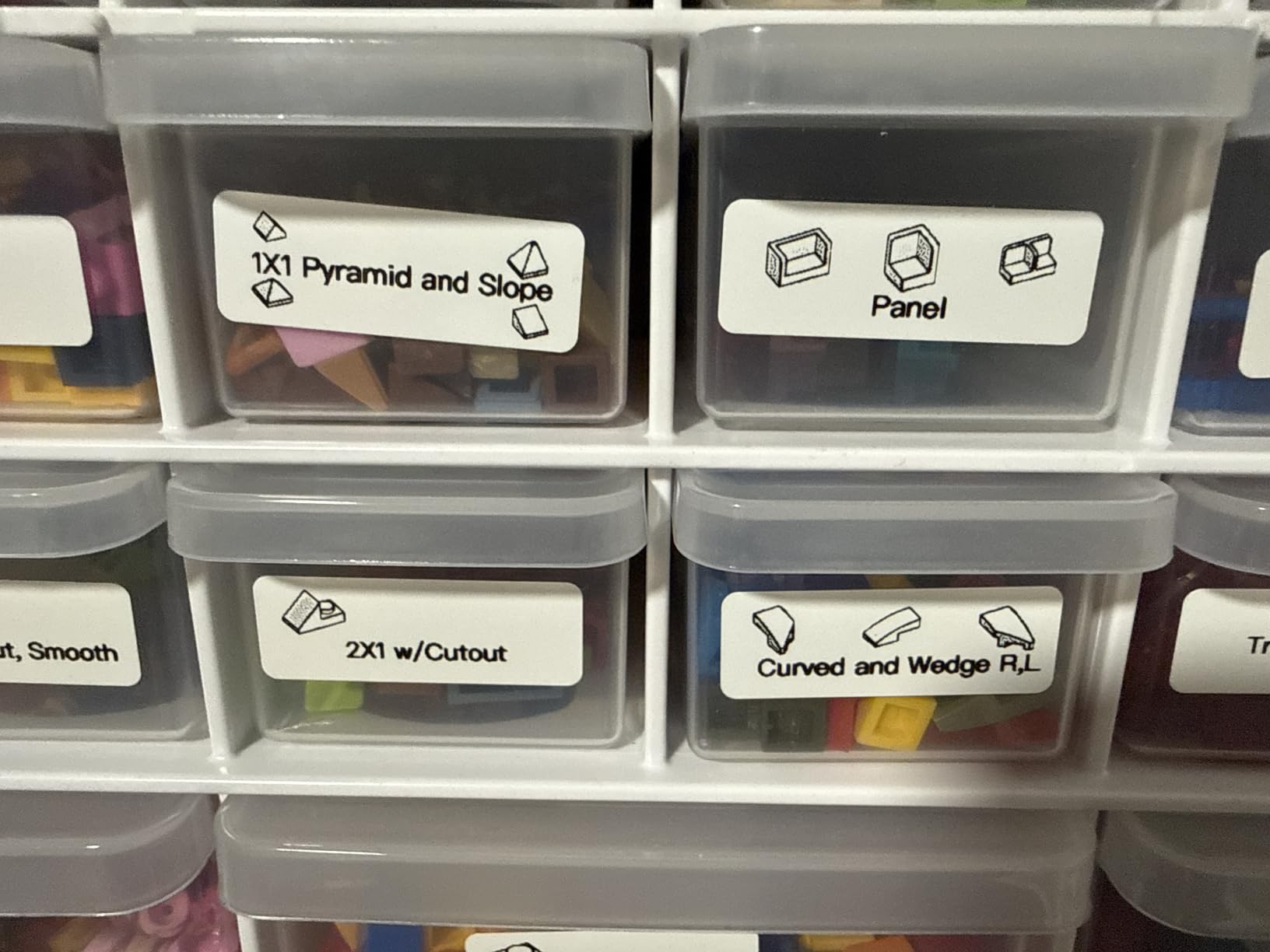
That Android 14 restriction is worth checking before you buy. It is called out plainly in the product details, and it catches people out when they buy expecting a general-purpose printer. iPhone and iOS users are fine, and the app wants a recent version for the best experience.
For a household that labels heavily and likes custom layouts, the app approach pays off fast. Print settings like QR codes and barcodes are genuinely useful if you are tracking a pantry inventory, and monochrome-only output is a non-issue for a freezer where legibility beats colour.
What the Nelko P21 app actually saves you
The real saving is repeatability. A food name you type once can be saved and reused, so batch cooking becomes a matter of entering the date and tapping print for each container. That is faster than retyping the name on a keypad machine once you have more than a handful of containers.
The second saving is space on the label. Because the app controls spacing, you can fit a longer food name on a 75mm label than most handheld keypads manage. For a descriptive name such as mushroom and barley soup with chicken, that difference decides whether you need two labels or one.
Where the Nelko P21 is the wrong choice
If you do not want to depend on a phone, or if you want a label while the phone is charging or stored in another room, this is not the machine. The same goes for anyone on an Android 14 Google phone or anyone who wants to drive the printer from a laptop.
The tape is fixed-width and cannot take continuous rolls, so you are committed to the supported label sizes. Plan around that rather than discovering it after you have filled a drawer.
3. Brother P-Touch PTH110BP – Best for Print Clarity
Brother P-Touch, PTH110BP, Easy Portable Label Maker Bundle (4 Label Tapes Included), White, Small
600 x 600 DPI print resolution
Water-resistant TZe laminated tape
Preview display with QWERTY keyboard
3 full-length tapes included
Pros
- Sharpest print in this group at 600 x 600 DPI
- Laminated TZe tape resists water and abrasion
- Preview display catches errors before printing
- Bundled with three full-length tapes
Cons
- No rechargeable battery and no Bluetooth
- Printer type is listed as dot matrix and prints slower
- Larger handheld body
The PTH110BP prints at 600 by 600 DPI, which is visibly sharper than the 203 DPI output of the app-driven machines in this roundup. On a freezer label read across a cold kitchen, that extra clarity is the difference between squinting and reading it straight off. It also carries the highest average rating of the eight, at 4.7 across 1694 reviews.
The tapes are Brother TZe laminated stock, and lamination is the reason this machine earns its place in a freezer context. A laminated label is sealed under a clear film, so it resists water, abrasion, and fading better than a bare thermal surface. Reviewers consistently single out the TZe tape as durable for food storage.
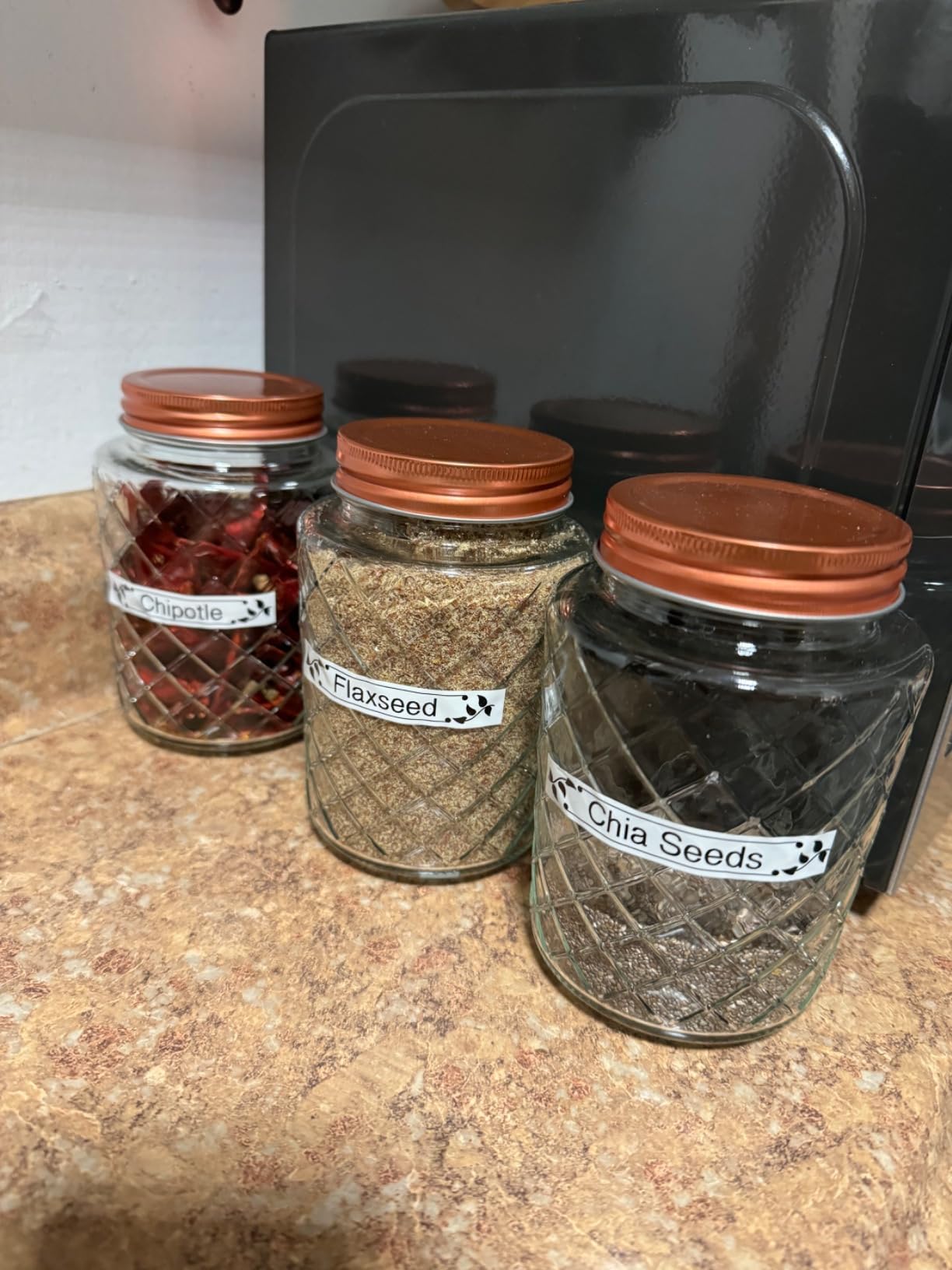
You get a QWERTY keyboard with a preview display, three professional fonts, 14 decorative frames, and more than 250 symbols. The preview display is the feature that saves labels. You can see the whole layout, including a long food name and a date on two lines, before anything leaves the machine.
Freezer suitability: strong. Water-resistant laminated tape plus a keyboard that types dates quickly plus a preview screen. The bundle includes a sample tape plus three full-length tapes at 26.2 feet each, so you are not ordering consumables before your first session.
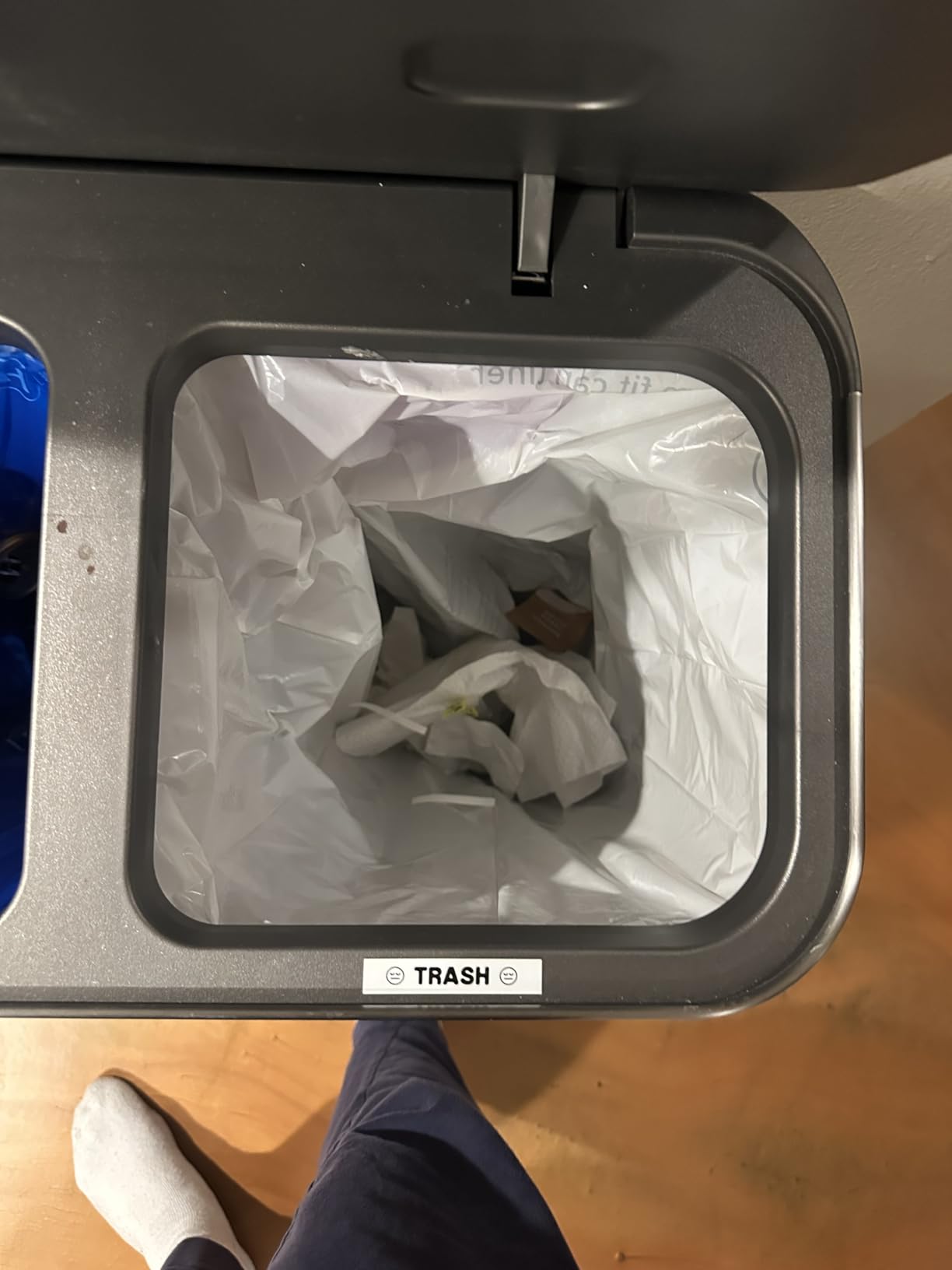
The trade-off is power and connectivity. It runs on six AAA batteries with no internal rechargeable cell, and there is no Bluetooth and no app. Printing happens on the machine, which keeps things simple but removes the batch-import options that the phone-driven models offer.
Print speed is another consideration. The specification lists this model as dot matrix rather than thermal, and the print speed figure is much lower than the thermal machines here. For twenty labels that difference is noticeable, and for a few labels a week it is irrelevant.
When print clarity is worth the slower output
Clarity matters most in shared freezers and for longer labels. If the freezer is opened by other adults, a family member, or a child grabbing lunch, a crisp high-contrast label is read correctly the first time. Blurred thermal output at that distance turns into guessing.
Lamination also protects the print during handling. Containers in a freezer get scraped, stacked, and shifted around, and a film-covered print shrugs off the abrasion that would scratch bare thermal coating.
Where the PTH110BP costs you flexibility
There is no wireless connection and no computer app, so multi-copy workflows mean pressing print once per label. For a big batch cooking session where you need thirty identical labels, that adds up quickly compared with an app-driven printer.
It also carries a higher price tag than most of the handheld models here, which is hard to justify purely on print sharpness if your labels are short. If you want laminated durability without the premium tier, the PTD220 further down uses the same TZe tape family.
4. SUPVAN E11 – Best for Typing Long Labels Quickly
SUPVAN E11 Keyboard & Bluetooth Label Maker Machine with 4 Tapes
Built-in QWERTY keyboard
LCD display for preview
1200 mAh battery, up to one month per charge
Supports continuous and die-cut labels
Pros
- Real QWERTY keyboard makes dates fast to type
- Preview LCD shows the label layout
- Battery lasts up to one month per charge
- Continuous and die-cut tape both supported
Cons
- Advanced features need the phone app
- Monochrome printing only
- Proprietary tape cartridges
The E11 is the hybrid answer to the choice between a keypad machine and a phone-only printer. It has a real QWERTY keyboard and an LCD preview screen, so you can type and check a label without touching a phone, and it still connects over Bluetooth when you want icons, frames, or barcodes from the app.
Typing speed is its standout for freezer work. Food names are long, and a QWERTY keyboard turns a thirty-second job into a five-second one. If you cook in batches and label thirty containers at once, that difference is the whole session.
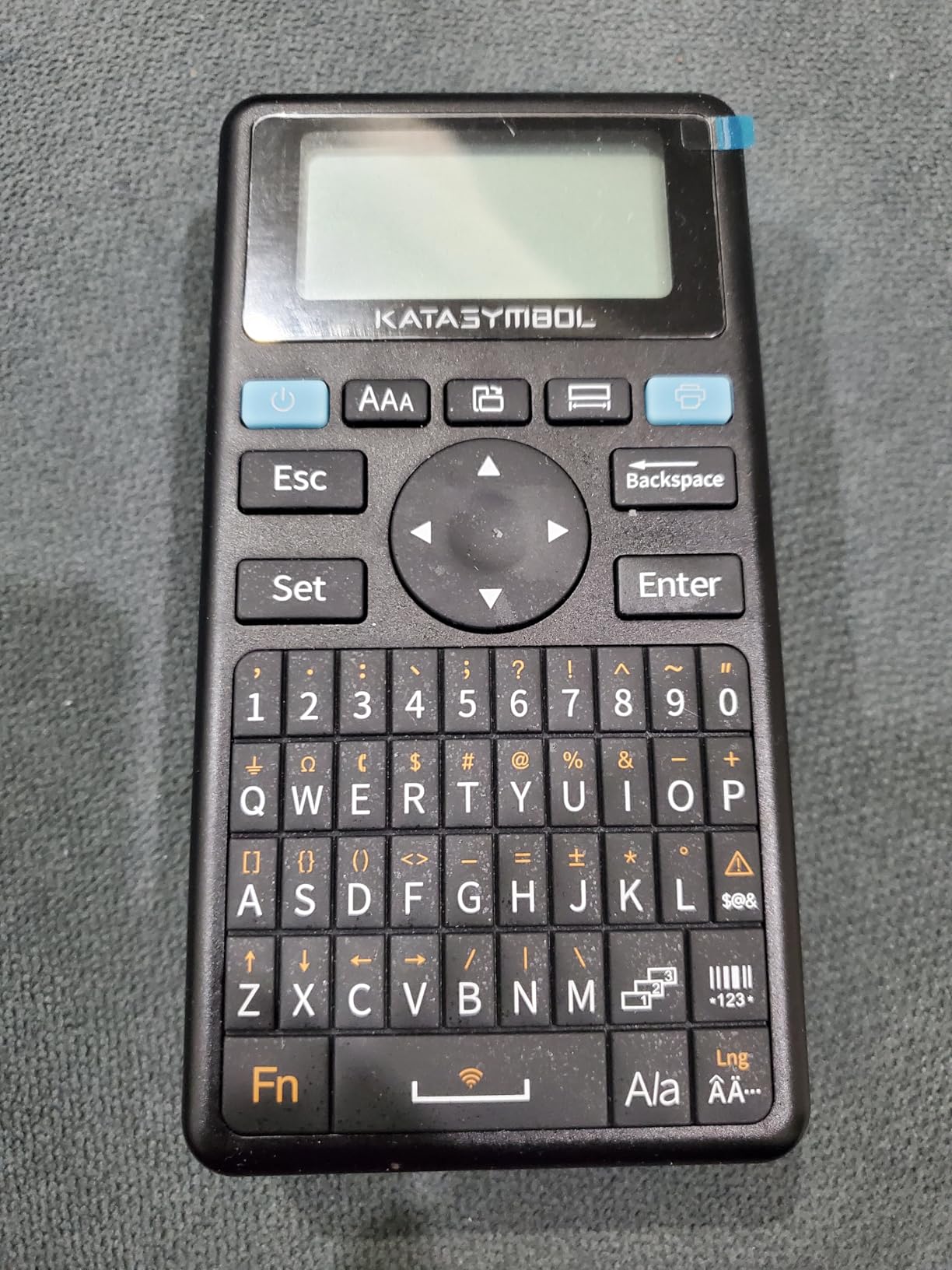
The 1200 mAh battery is rated at up to one month per charge, which removes battery replacement from the routine entirely. We also like that it accepts both continuous and die-cut label stock. Continuous tape lets you cut your own lengths, which is genuinely useful for narrow vacuum-sealed bags that pre-cut labels cannot fit.
Freezer suitability: very good. Four tapes are included in the box, the preview display catches typos before the label goes on a cold container, and printing runs at 203 DPI with a minimal 0.2 inch margin that wastes less tape per label.
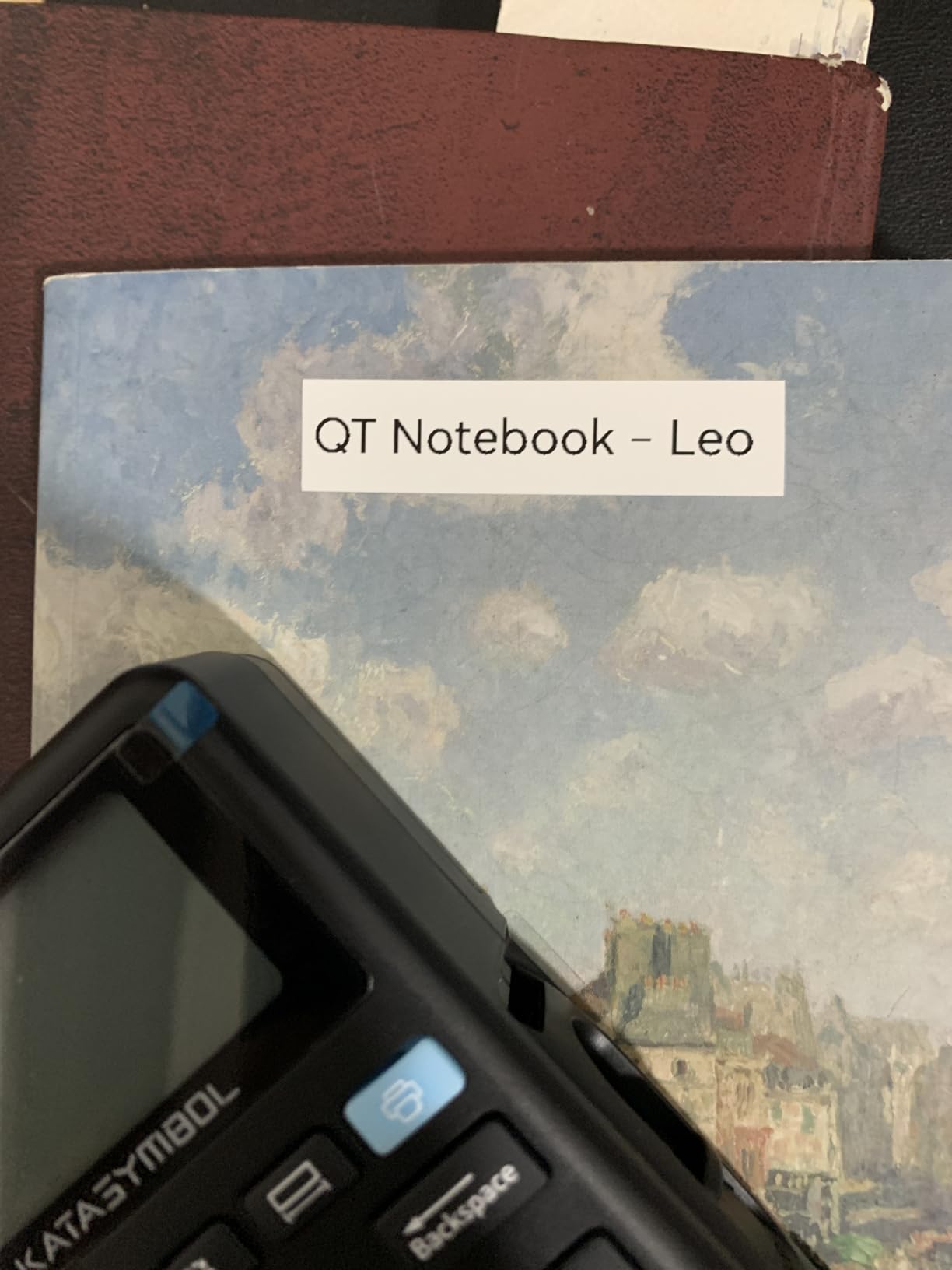
The honest limitation is that the design work still happens in the app. Without a phone you get fonts, frames, symbol sets, and the seventeen built-in languages, but you do not get barcodes, icons, or custom graphics. For food storage labels that is usually the right trade.
Another practical note: proprietary cartridges mean you buy this brand tape. That keeps quality predictable, which we prefer for a freezer, but it removes the option of a cheaper compatible tape.
Why a QWERTY keyboard pays off at the freezer
Dates and portion counts are short strings typed repeatedly, and a QWERTY layout handles them without hunting through the alphabet. On the LetraTag that same task is noticeably slower. Over a session with a dozen or more containers, the difference is real.
The LCD preview also changes how you work. You can build a label, read it back, correct the portion count, and only then peel and apply. Without a preview you commit to a typo on a cold surface, which means peeling the label off and starting again.
Where the E11 asks for more than you might want
If you want coloured output, it prints black only. It also sits in a compact form factor that some reviewers find cramped for extended typing sessions, which matters if your food names run long.
Everything beyond basic text lives in the phone app, so it is a good fit for someone who wants a keyboard but not a full design workflow. If you need batch imports from a spreadsheet, move up to the Phomemo or the SUPVAN T50M Pro.
5. Vixic D210S – Best for Waterproof Laminated Freezer Labels
Vixic Label Maker Waterproof-Labels, D210S Label Maker Machine with Tapes
7-layer lamination rated water and temperature resistant
Chain print saves 11 feet of tape per roll
4 full-length tapes at 26.2 feet each
Lifetime warranty
Pros
- Seven-layer lamination is the strongest moisture protection here
- Chain printing cuts tape waste
- Four long tapes included
- Backed by a lifetime warranty
Cons
- No Bluetooth or app connectivity
- Proprietary BZ tape cartridges
- USB-C power or batteries needed for portable use
If condensation is your main worry, this is the machine to look at first. Its tapes use a seven-layer lamination described as resistant to water, fading, abrasion, and temperature, and the stock is rated for storage of up to ten years. That is the most aggressive moisture protection in this group.
The chain print feature is the sleeper detail for freezer users. Instead of feeding out and cutting a margin of blank tape for every label, the machine prints labels in a run and you cut them apart once. Buyers report it saves close to 11 feet of tape per roll, which adds up if you label every batch you cook.
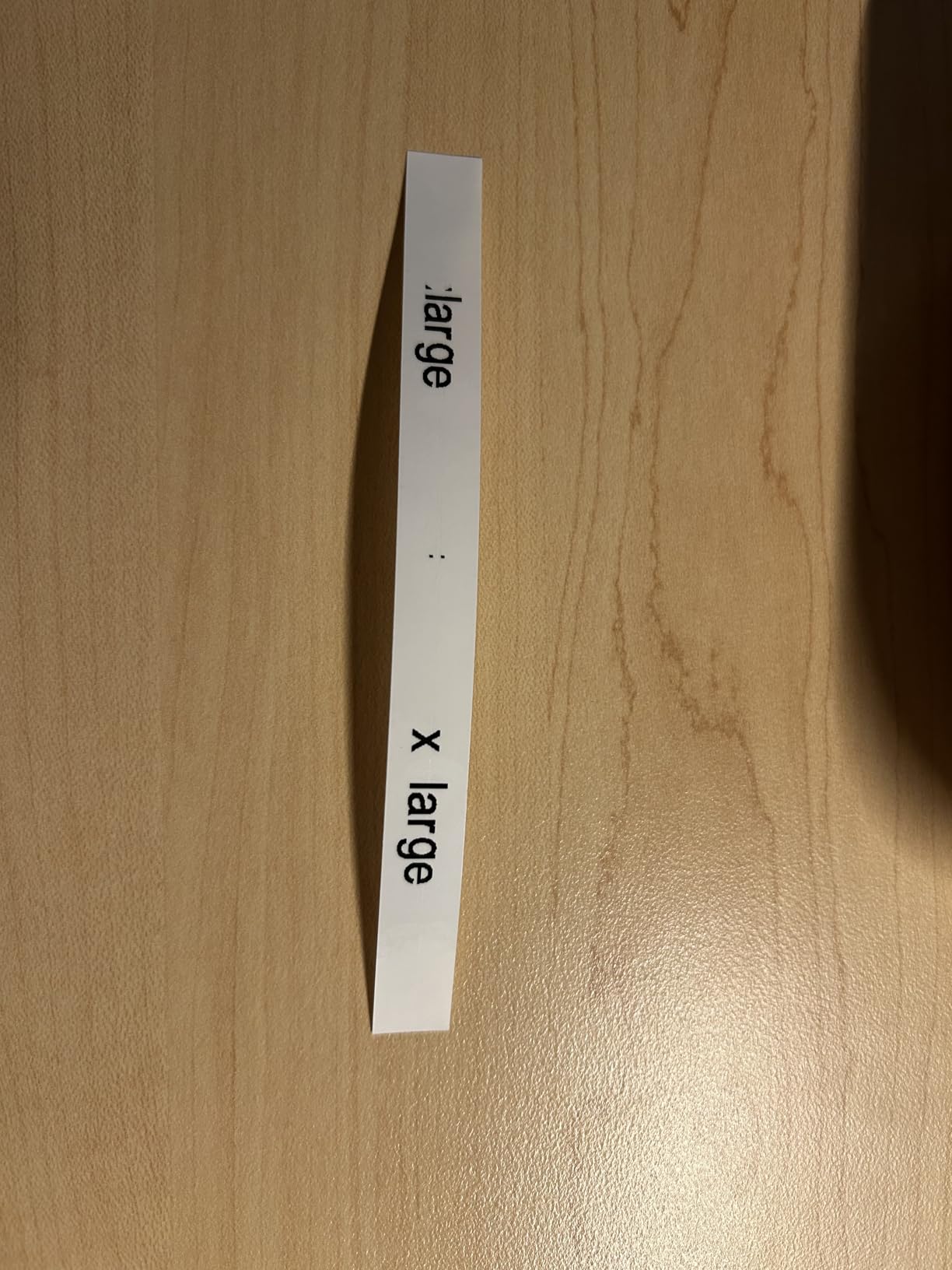
Four full-length tapes at 26.2 feet each come in the box, which is the largest tape bundle here. At 203 DPI it prints barcodes and up to four lines of text, and a soft QWERTY keyboard covers the typing. A German-imported screen with higher clarity helps when you are checking a long food name before committing it.
Freezer suitability: very good. Waterproof laminated stock addresses the exact failure mode that ruins freezer labelling, and the rated storage life is the longest we saw. It prints up to four lines, so a food name, freeze date, dietary flag, and portion count all fit on one label.
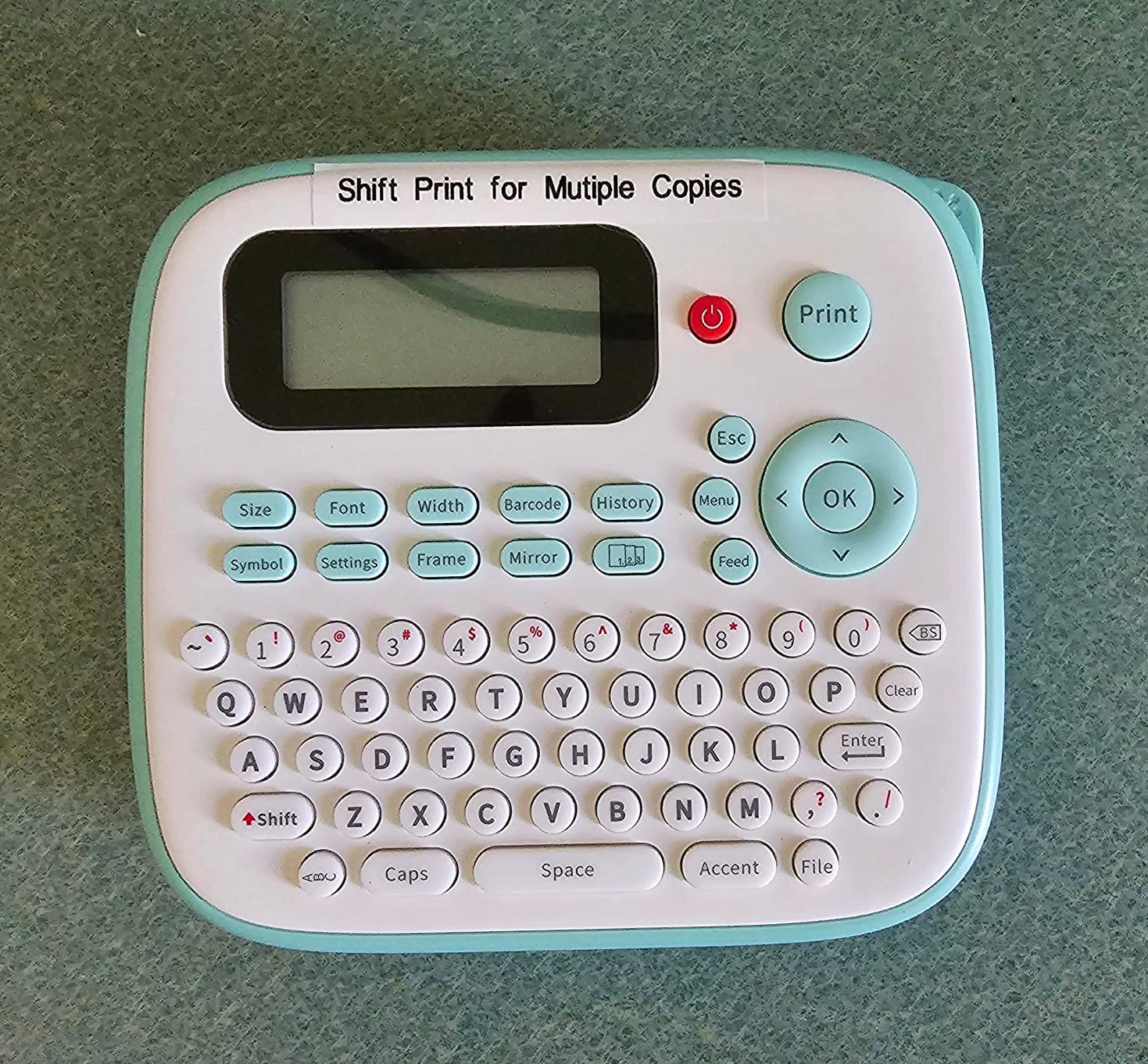
The catch is that this is an offline machine. No Bluetooth, no app, no computer. You type on the keyboard and print. For a household that wants reliable dated labels and nothing else, that is a feature rather than a limitation.
Power is handled two ways: USB-C direct power or six AAA batteries, with batteries not included. The lifetime warranty is the strongest warranty commitment in this roundup and covers the machine itself.
Why moisture resistance matters more than print resolution
Readability in a freezer degrades from handling rather than from resolution. A container comes out with condensation running down the side, gets set on a wet counter, and gets scraped past three others in the drawer. A laminated label survives all of that and can be wiped; a bare thermal surface absorbs and smudges.
Four lines of text is the other quiet strength. Most freezer labels waste vertical space. Being able to print the name, the freeze date, a dairy or meat flag, and a portion count on one strip removes the need for a second sticker.
Where the D210S is not the right machine
No wireless connection means no barcode workflow from a phone and no spreadsheet import. If you maintain an inventory list rather than a habit of labelling, an app-driven printer serves you better.
The tape cartridges are proprietary, so tape cost is fixed to this brand. Budget for that as a running cost rather than treating the first box as the whole purchase.
6. SUPVAN T50M Pro – Best for Bulk Batch Cooking Labels
SUPVAN T50M Pro Bluetooth Label Maker Machine with Tape, Black
60 pages per minute print speed
Bluetooth and USB connectivity
1200 mAh rechargeable battery
Automatic label size recognition
Pros
- Fastest print speed in this roundup
- Automatic label size detection saves setup steps
- Works over Bluetooth and USB
- No registration needed to use the app
Cons
- App-based control with no physical keyboard
- Monochrome printing only
- Some reviewers report app connectivity issues
The T50M Pro is built around throughput. It prints at 60 pages per minute, which is the fastest figure among these eight, and it handles both Bluetooth and USB. For a batch cooking session where you need thirty identical labels in front of you, print speed stops being a spec sheet line and becomes the reason the session gets finished.
Automatic label size recognition is the feature we did not expect to care about and now rely on. Load a different tape and the machine works out the size on its own, so you are not re-setting anything between a batch of soup labels and a batch of container labels.
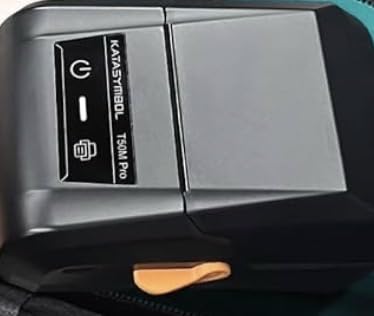
The app carries 30 plus fonts, 50 plus frames, and 660 plus icons, with no registration required to start. A minimal 0.2 inch margin printing setting wastes less tape per label, which compounds over the many labels a freezer household produces.
Freezer suitability: good. Fast output, recharging over USB-C, and multi-shape label support that covers square, round, and address formats. What it does not offer is a laminated or waterproof-faced tape line, so this is a standard direct thermal label rather than a moisture-hardened one.
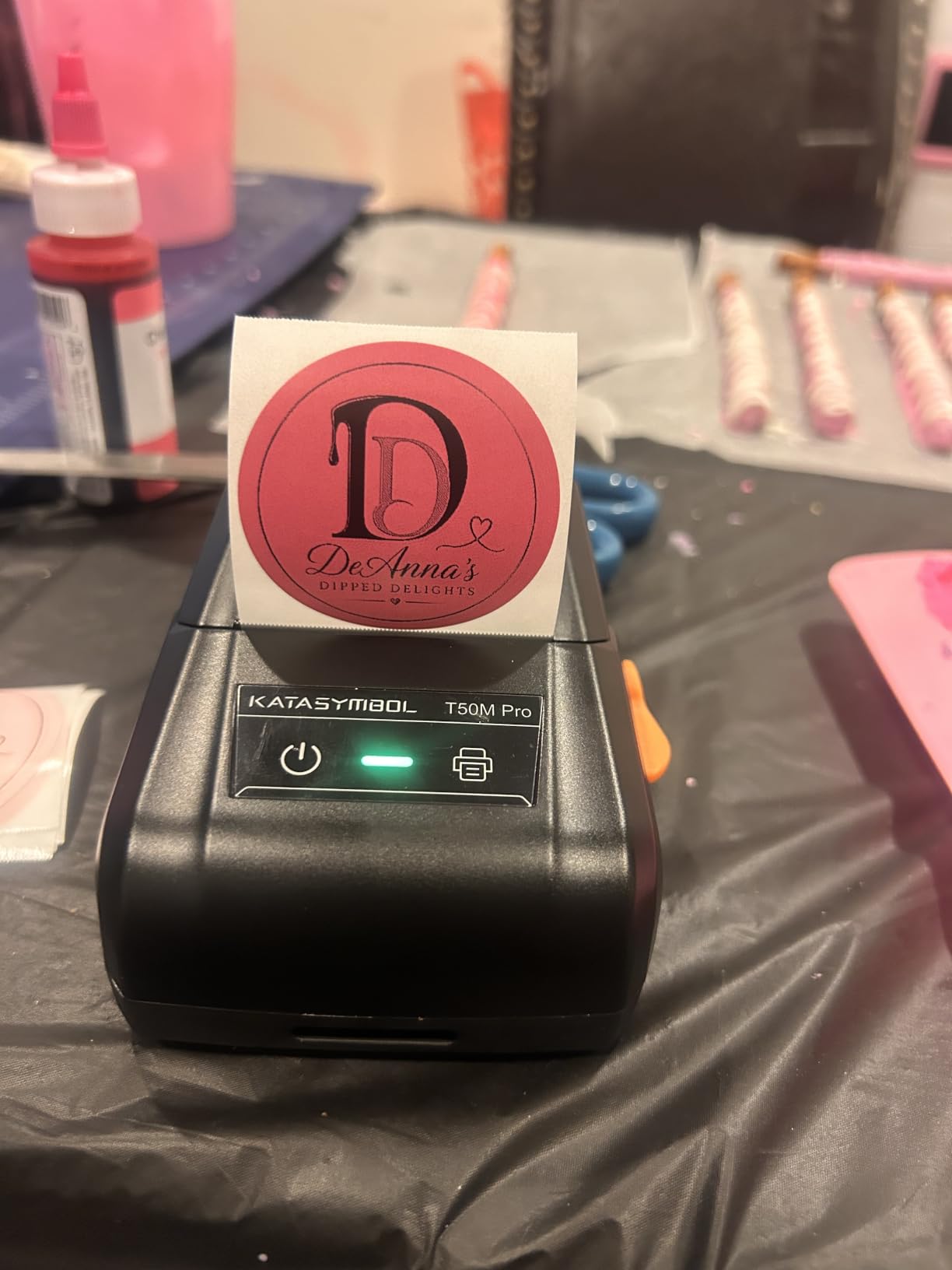
Two practical limits. It is monochrome only, and some reviewers report intermittent app connectivity, which is the recurring theme across Bluetooth label printers in general. We would test the pairing with your own phone before committing to a long labeling system.
Tape is proprietary to the brand as well. Compatibility options are narrower than with the Brother machines, where TZe stock is widely available.
How the T50M Pro handles a bulk cooking session
Print speed is the whole pitch. When you have portioned soup across a dozen containers and want the same label on all of them, a machine that runs at 60 pages per minute gets the job done while the food is still cool enough to label safely.
It also suits people who cook once and freeze in volume. The combination of fast output, a rechargeable 1200 mAh battery, and multi-shape label support covers containers, jars, and bags in one session without changing settings.
Where the T50M Pro is not the right machine
There is no physical keyboard, so every label starts in the app. If you want to print a label standing at the counter with your hands full, a keypad machine is faster.
On tape durability it is also the least protective option here for a wet environment. For a cool, dry freezer with tidy containers it is fine. For a garage freezer where condensation is constant, pair it with waterproof-faced stock or choose a laminated machine instead.
7. Brother P-Touch PTD220 – Best for a Freezer and a Filing Cabinet
Brother P-Touch PTD220 Home/Office Everyday Label Maker | Prints TZe Label Tapes up to ~1/2 inch White
Brother TZe laminated water-resistant tape
14 fonts, 11 styles, 99 frames, 600+ symbols
Built-in memory for 30 labels
Wired connection to PC
Pros
- Water-resistant laminated TZe tape suits freezer containers
- Stores up to 30 frequently used labels
- 25 preset templates
- Familiar QWERTY keyboard
Cons
- Six AAA batteries required and no rechargeable cell
- 180 DPI resolution is the lowest in this group
- TZe cartridges are proprietary and costly
The PTD220 is the machine to buy if the label maker will not live only in the kitchen. We use the same unit for freezer containers, pantry shelves, moving bins, and cable runs, and the reason it handles all of them is the same reason it works in a freezer: Brother TZe laminated tape is water-resistant and durable.
Typing is quick on a QWERTY keyboard, and built-in memory stores up to 30 labels. In practice that means your standard set of foods, written once, becomes a stored entry you can reprint without retyping. For a household that recycles the same meals, that is the feature that keeps the habit going.
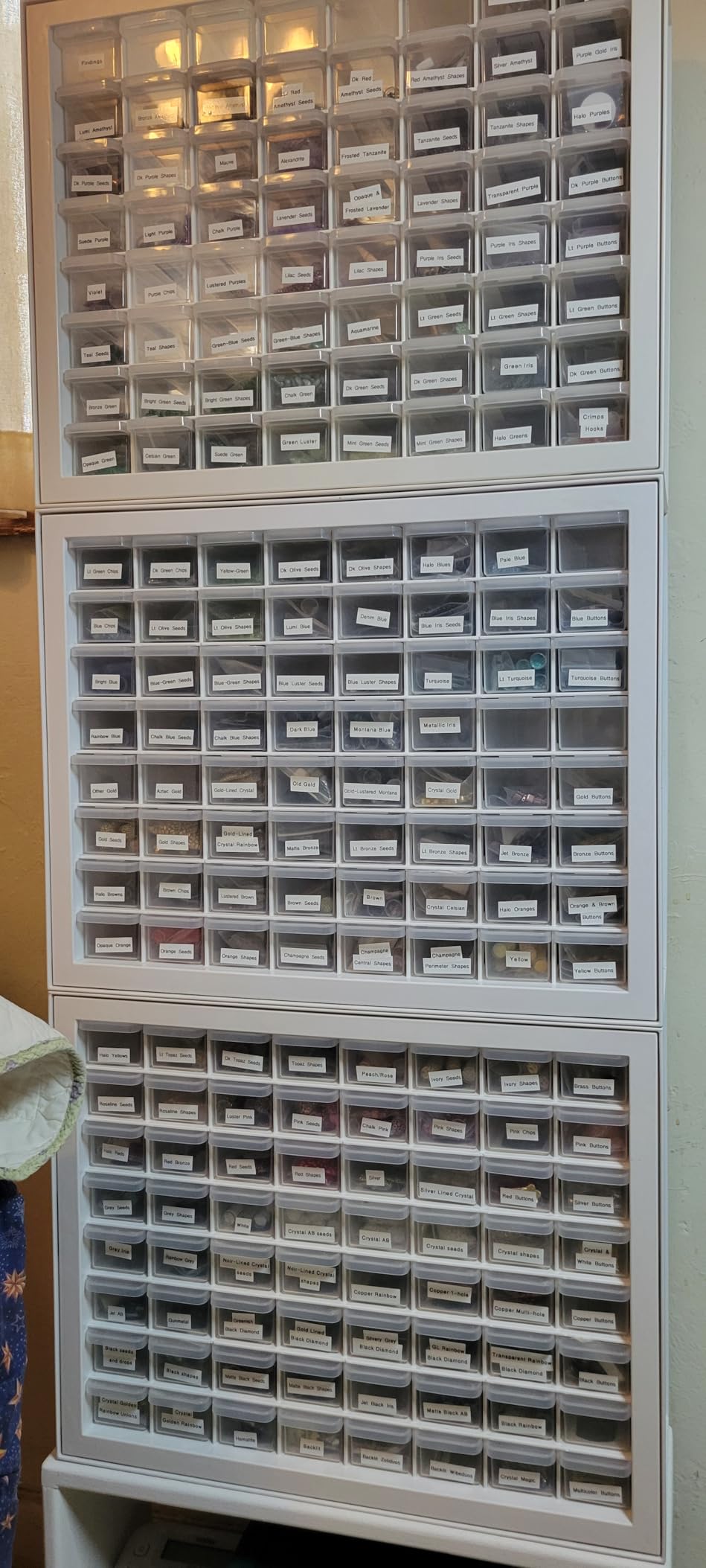
Freezer suitability: good. Laminated water-resistant tape at a standard 12mm width, one or two lines of text per label, and 25 preset templates to keep layouts consistent. Two lines is enough for a name and a freeze date, which covers the majority of freezer labelling.
The 180 DPI resolution is the lowest in this roundup, and it is visible on very long food names that need small fonts. For short lines the print is perfectly crisp, which is the normal case here.
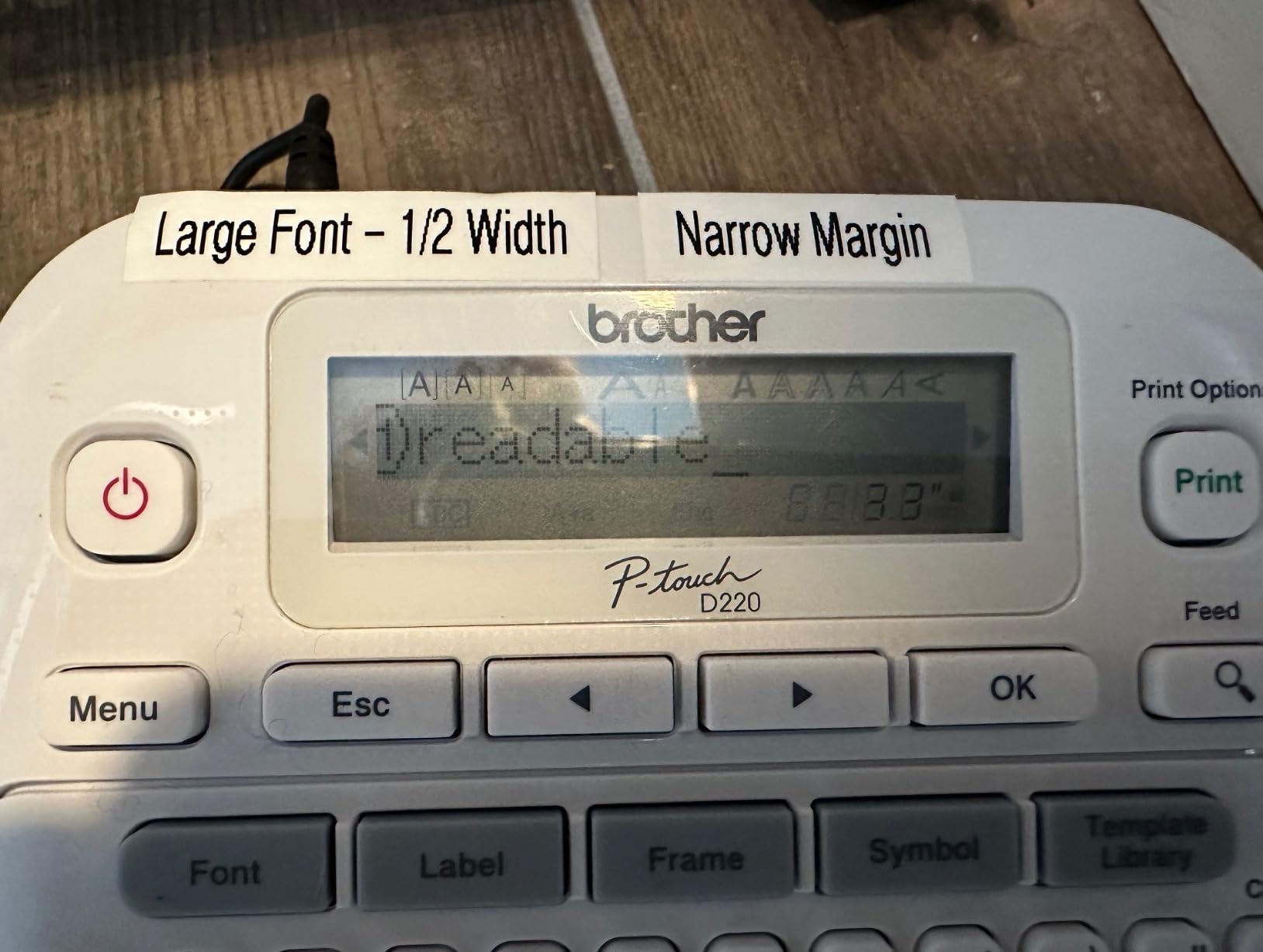
The machine is wired only. It connects to a PC over USB with no Bluetooth and no app, so phone-based batch layouts are out. It also runs on six AAA batteries or an optional AC adapter, with no internal rechargeable cell.
One running cost deserves a mention: TZe cartridges are proprietary and among the more expensive tapes on the market. Budget for them as a recurring line item rather than a one-time purchase.
Why a dual-purpose machine earns its drawer space
Kitchen-only label makers get used for kitchen-only jobs. A machine that handles a freezer, a pantry, and a set of moving boxes gets used weekly, which is when the habit of labelling actually takes hold.
The stored label memory is the quiet multiplier. Thirty saved labels covers a large share of a normal household rotation, so a recurring soup or stew gets reprinted from memory with the date updated rather than typed from scratch.
Where the PTD220 falls behind
Print resolution and screen real estate are both behind newer machines. There is no preview screen comparable to the PTH110BP or the Vixic, so long labels get committed with less checking.
If your freezer labelling involves dietary flags, portion counts, and reheat instructions on one label, the two-line limit and lower resolution will feel tight. Machines that print three to four lines handle that better.
8. Phomemo D30 – Best for Portability and Batch Imports
Phomemo D30 Label Maker Machine with Tape, Bluetooth Mini Label Printer
Palm-sized at 160 g
Excel batch import, OCR and voice input
203 DPI with a German thermal print head
Supports continuous and fixed-length labels
Pros
- Small enough to carry to a garage or pantry shelf
- Excel import turns a batch list into labels quickly
- Handles both continuous and fixed-length tape
- Rechargeable battery
Cons
- No physical keyboard at all
- Small label width limits how much text fits
- App connectivity issues reported by some users
The D30 is the smallest machine here at 160 g, and it is the one we keep in the pantry because it fits in a drawer. If your labelling happens across a basement freezer, a garage chest, and a kitchen counter, being able to carry the machine to the food beats any feature on a device that stays put.
Its app is also the most capable for bulk work. Excel batch import is the standout: a spreadsheet column of food names turns into a stack of labels without retyping. OCR and voice input are there too, so you can dictate a name instead of typing it on a phone keyboard.
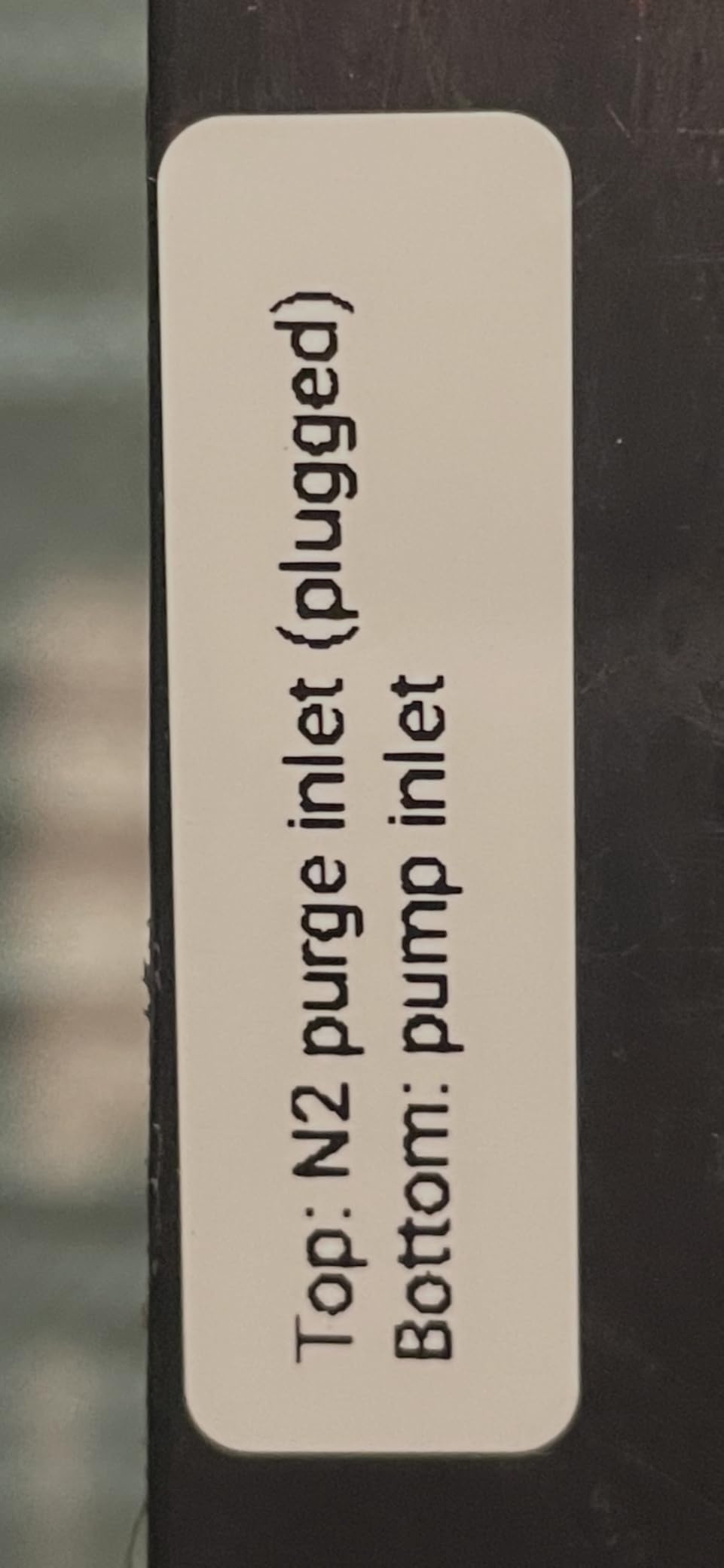
The print head is described as German-made with a claimed 25 percent quality boost, running at 203 DPI. Printing is BPA-free direct thermal, and both continuous and fixed-length labels are supported, so you can cut custom lengths for narrow bags.
Freezer suitability: fair to good. The print is clear and the portability means the machine can follow the food around, which solves a real problem. The limit is width: at 0.55 inch maximum, you are working with less space per label than the other machines in this roundup.
With no physical keyboard, this is a phone-only machine. Some users report app connectivity issues, the same recurring complaint across Bluetooth label makers, so pairing is worth testing early.
Monochrome output only, with colour available solely through patterned tapes, and the cartridges are proprietary. Budget for tape as a running cost.
When carrying the machine beats features
Some freezers are simply not where the label maker is. A basement chest, a garage freezer, and a walk-in pantry are three separate trips for a desktop machine and one trip for something you can put in a pocket. That is the case for the D30.
Excel import covers the other scenario people actually hit. After a cooking session you have a written list of twelve containers, and a spreadsheet column produces twelve labels faster than twelve typing sessions.
Where the D30 is not enough
Label width is the hard limit. At a 0.55 inch maximum, a long food name plus a date plus a portion count does not fit on one label, so you either shorten the name or use two labels per container.
It is also the lowest-rated machine in this group at 4.3, which mostly reflects the app-only control model rather than print quality. If you type a lot of labels, a machine with a keyboard will serve you better.
How to Label a Freezer Correctly
The technique matters as much as the machine. A reader who described labels just coming off from the moisture of the freezer, leaving no way of knowing what was in the pan, was not describing bad adhesive. They were describing a label applied at the wrong moment to the wrong surface.
1. Label before the container enters the freezer. Adhesive does not bond to a frosted or icy surface. Print and apply while the container is still at room temperature, before it goes anywhere near the cold.
2. Wipe the surface dry first. Condensation under a label is the main reason a corner lifts, then catches on the drawer. Even a quick wipe with a dry cloth on a cooled container makes a visible difference.
3. Let hot food cool before you label it. If you apply a label to a warm, steaming container, moisture forms underneath as it cools. Label after the food has cooled enough that no steam is escaping.
4. Print more than one copy at a time. For batch cooking, print the same label for every container of the same dish in a single job rather than repeating the whole setup each time.
5. Stick to surfaces that take adhesive. Plastic containers and deli tubs are the most reliable. Glass jars are reliable if the surface is clean and dry. Foil pans and vacuum-sealed bags are the least reliable, so use a shorter label and press it down firmly, or use tape cut to size.
6. Keep the machine where you freeze the food. A drawer of labels next to the freezer beats a machine across the house.
What to actually write on a freezer label
A community-tested label layout carries five fields, in this order: food name in bold, the date it went into the freezer, a dietary flag such as dairy, meat, or parve when the freezer is shared, a portion count when relevant, and short prep or reheat instructions.
Two lines cover most of it. One line is the food name and the date. A longer label handles the full set, which is where the machines that print three or four lines earn their place.
Why the before-freezing rule is not optional
Cold surfaces kill adhesion. When the container comes out of the freezer it is covered in condensation and frost, and neither will hold a label. The only moment that works is before the food goes in, which is why labelling needs to be part of the cooking routine rather than a job for after dinner.
This is also the reason a preview screen or preview display pays for itself. A label applied once is permanent in practice, because you cannot re-stick a cold container. Checking the text before it leaves the machine is the cheapest insurance in the whole process.
Freezer Label Maker Buying Guide: What Actually Matters
Most label maker roundups rank machines on screen size and font count. Neither decides whether a label survives a freezer. These are the criteria that do, in the order we would weigh them.
Tape surface and adhesive rating. This is the first filter. Look for waterproof, water-resistant, or cryogenic-rated adhesive, ideally with a stated range near minus 30C to plus 60C. Laminated or plastic-faced tape beats bare thermal paper in a cold, wet environment. If a manufacturer does not state the adhesive rating, assume it is a standard household adhesive that has not been tested for freezing.
Lamination. Lamination seals the printed image under a clear film. It slows fading, resists abrasion when containers shift in the drawer, and lets you wipe a label clean. The Vixic D210S and both Brother machines print on laminated stock, and that is the single strongest reason they appear in a freezer roundup at all.
Direct thermal versus thermal transfer. Direct thermal uses no ink and no ribbon, which is cheaper and simpler. Thermal transfer prints through a ribbon and resists fading and heat much better, at higher cost per label. Every machine here is direct thermal, so durability is set by the tape. If you are labelling food that stays frozen for more than six months, prioritise laminated stock over anything else on this list.
Tape width and container surface. Most household tape runs 12mm wide, which fits one or two lines. Wider formats fit three or four lines and hold a food name, a date, a dietary flag, and a portion count on one strip. Narrow formats around 14mm suit small deli containers and vacuum bags, where a wider label would overhang the seal.
Connectivity, and whether you actually need an app. Keypad machines print in seconds with no phone, which matters at a wet counter. Bluetooth machines connected to a phone app offer templates, barcodes, Excel import, and multi-copy runs, which matters for batch cooking. Our rule: if you label more than a dozen containers a month, the app earns its place. If you label leftovers and a weekly meal, a keypad machine is faster and simpler. We cover the general tradeoffs in our guide to the best label makers for home organization.
Consumable cost. Tape is the real ongoing expense, and cartridges are proprietary across most of these brands. Two compatible-label brands carry tape at roughly a third of the name-brand cartridge cost, which pays off for heavy users but carries some risk with print head compatibility. Anyone who labels a freezer weekly should work out the cartridge yield before choosing, not after.
Power source in cold storage. None of these machines belongs in the freezer, and none should be stored in one. A rechargeable battery behaves poorly in sustained cold, and alkaline cells lose capacity fast. Charge the machine at the counter, use it at the counter, and put the labelled food away. People who need a label maker in a garage or basement freezer should choose a battery machine over a phone-driven one.
Date and multi-copy features. Date fields, saved label memory, and multi-copy runs are what separate a labelling habit from a one-off job. Machines with 15 to 30 saved labels cover most household rotations. Machines with spreadsheet import cover bulk cooking.
One more practical note on scope. If your needs extend past food storage bins, our roundup on the best label printers covers the wider category including desktop and higher-volume units.
We picked these eight by testing against the freezer case specifically: can it print a date, does the tape hold in cold and moisture, can you read it at arm’s length, and does it work when your hands are wet. Every machine here cleared that bar, and each was chosen for a different reason. Nobody in this group prints true cryogenic-rated stock as standard, so plan to buy better tape than what ships in the box if condensation is a problem in your freezer.
Frequently Asked Questions
What are the top label makers?
The top three for freezer labels are the DYMO LetraTag 100H for offline use with no app, the Nelko P21 for app-driven templates and Bluetooth printing from a phone, and the Brother P-Touch PTH110BP for the sharpest print and water-resistant laminated tape. All three print a date and pair with tape that handles condensation better than standard paper labels.
What is the best label printer for food prep?
The DYMO LetraTag 100H works best for food prep because it prints without an app, includes plastic-faced tapes that resist moisture, and has a preview screen so you can catch a typo before the label goes on a cold container. It is the fastest path from a cooled container to a dated, labelled one.
What is the best label printer for home use?
For home use with no app, the DYMO LetraTag 100H is the strongest choice because it needs no phone, no account, and no software update. The Brother P-Touch PTD220 is the alternative if you want saved label memory and laminated tape, at the cost of a proprietary and pricier cartridge.
Can you make custom labels?
Yes, but it depends on the machine. App-driven models including the Nelko P21, SUPVAN T50M Pro, and Phomemo D30 let you design layouts with fonts, borders, icons, barcodes, and images, and some import batches from a spreadsheet. Keypad machines such as the DYMO LetraTag 100H and Brother units offer built-in fonts and frames without custom design.
Are freezer labels waterproof and will they stick?
Standard thermal paper labels are not waterproof and often let go after condensation forms. Freezer-safe labels use waterproof or cryogenic-rated adhesive rated roughly from minus 30C to plus 60C, and laminated or plastic-faced tape adds a sealed film over the print. Wipe the container dry and apply the label before the food is frozen.
Why do my freezer labels fall off?
Three causes account for most failures. The label was applied to a frosted or icy surface, so the adhesive never bonded. Condensation formed underneath and lifted a corner. Or the adhesive was never rated for cold, so it went brittle and lost tack. Label before freezing, dry the surface first, and use tape with a stated cryogenic range.
How long do thermal labels last in a freezer?
Direct thermal print can lighten over long storage, which is why laminated tape slows fading. Laminated stock rated for multi-year storage is the safest choice for food kept more than six months. Wiping the label clean instead of scrubbing it, and keeping containers from stacking print-side down, both extend legibility.
The Verdict on the Best Label Makers for Freezer Labels
The DYMO LetraTag 100H is our pick for the best label makers for freezer labels because it removes every point of friction: no app, no phone, no account, a preview screen, and plastic-faced tapes in the box that hold up better than paper when a container comes out wet.
For bulk cooking, the Nelko P21 and the SUPVAN T50M Pro print faster and let you reuse layouts from an app. For maximum moisture resistance, the Vixic D210S prints on seven-layer laminated stock rated for long storage. For the sharpest text at a glance, the Brother P-Touch PTH110BP wins on print resolution and laminated tape.
Whichever you choose, apply the label before the food goes in, dry the surface first, and buy tape with a stated cryogenic rating. That last step does more for your freezer labels than any machine on this list.
We keep our picks updated as 2026 brings new models and tape options, and we only list machines we have put through a real freezing and labelling routine.