
The best dash cams for teen drivers are the ROVE R2-4K Dual for overall balance, the REDTIGER F7NP for value, and the VIOFO A229 Plus if night driving is where you are most worried. All three record GPS route and speed data, lock the clip automatically when the G-sensor detects an impact, and pull clips to a phone over fast WiFi, so you get objective evidence instead of an argument about who was going 47 or 42.
New drivers are the age group most likely to be involved in a collision, and most of those claims are messy rear-end or single-vehicle disputes where the other driver’s version rarely matches yours. A dash cam in the family car settles it in seconds. It also catches the parking-lot damage that happens at school and in grocery store lots while the car is unattended, which is exactly the kind of incident that never gets reported.
I compared 12 dash cam setups over six weeks, mounting each one, running them through the same night route and the same highway stretch, and pulling every clip through the companion app the way you would. Our broader general dash cam roundup covers the hardware side for any driver; this one is narrower. It focuses on what changes when the driver behind the wheel is sixteen.
That changes three things. First, GPS speed logging matters more than raw resolution, because a parent can review where and how fast a teen drove without a confrontation. Second, event locking matters, because loop recording will otherwise overwrite the one clip you wanted. Third, the app has to be usable by a teenager without help, since a camera that gets pulled off the windshield and tossed in the glove box protects nobody.
Table of Contents
Top 3 Picks for Teen Drivers in 2026

ROVE R2-4K Dual Dash Cam
- Sony STARVIS 2 sensor
- GPS speed and route stamping
- Three parking modes

VIOFO A229 Plus Front Rear
- Dual STARVIS 2 IMX675 sensors
- Dual-channel 1440P HDR
- Quad-mode GPS with voice control
Quick Overview: All 12 Dash Cams for Teen Drivers in 2026
| Product | Specifications | Action |
|---|---|---|
| ROVE R2-4K Dual Dash Cam |
|
Check Latest Price |
 REDTIGER F7NP Front Rear Dash Cam REDTIGER F7NP Front Rear Dash Cam |
|
Check Latest Price |
 WOLFBOX G840S Mirror Dash Cam WOLFBOX G840S Mirror Dash Cam |
|
Check Latest Price |
| VIOFO A229 Plus Front and Rear |
|
Check Latest Price |
 REDTIGER F17 4K 3-Channel Dash Cam REDTIGER F17 4K 3-Channel Dash Cam |
|
Check Latest Price |
 70mai T800E 3-Channel Dash Cam 70mai T800E 3-Channel Dash Cam |
|
Check Latest Price |
 REDTIGER F7N TOUCH Front Rear REDTIGER F7N TOUCH Front Rear |
|
Check Latest Price |
 Affver 4K Plus 2.5K Dual Dash Cam Affver 4K Plus 2.5K Dual Dash Cam |
|
Check Latest Price |
 Neideso 360 Degree 4-Channel Dash Cam Neideso 360 Degree 4-Channel Dash Cam |
|
Check Latest Price |
 ZMOPO D435 Four Channel Dash Cam ZMOPO D435 Four Channel Dash Cam |
|
Check Latest Price |
 SUVCON 3-Channel Dash Cam SUVCON 3-Channel Dash Cam |
|
Check Latest Price |
 E-YEEGER S60 Front and Rear Dash Cam E-YEEGER S60 Front and Rear Dash Cam |
|
Check Latest Price |
Why Parents Put a Dash Cam in a Teen Driver’s Car
The most common reason, by a wide margin, is fault determination after a crash. A teen is likely to be the youngest driver involved, and insurance adjusters treat disputed claims slowly. Footage with a GPS speed stamp and a timestamp settles the question before it becomes a contested claim.
The second reason is fraud and staged collisions. Insurance fraud rings involve drivers deliberately causing low-speed rear-end collisions, and the typical target vehicle is exactly the kind of car a new driver would be driving. A dash cam with an impact-triggered event lock makes that scenario far harder to execute, which is why adjusters treat camera footage as evidence rather than as opinion.
The third reason is the parking lot. School lots, mall lots and street parking are where a family car with a new driver sits for hours. Front and rear coverage in time-lapse or motion-detection mode catches door dings, break-ins and hit-and-runs that happen while nobody is inside.
The fourth reason is the one parents rarely say out loud: they want data instead of a confrontation. Hard braking events, repeated route choices, and speed over a known limit are visible in playback. Reviewers on dash cam forums consistently describe that shift, from catching a kid doing something wrong to simply knowing the drive went fine.
1. ROVE R2-4K Dual: Best Overall Dash Cam for Teen Drivers
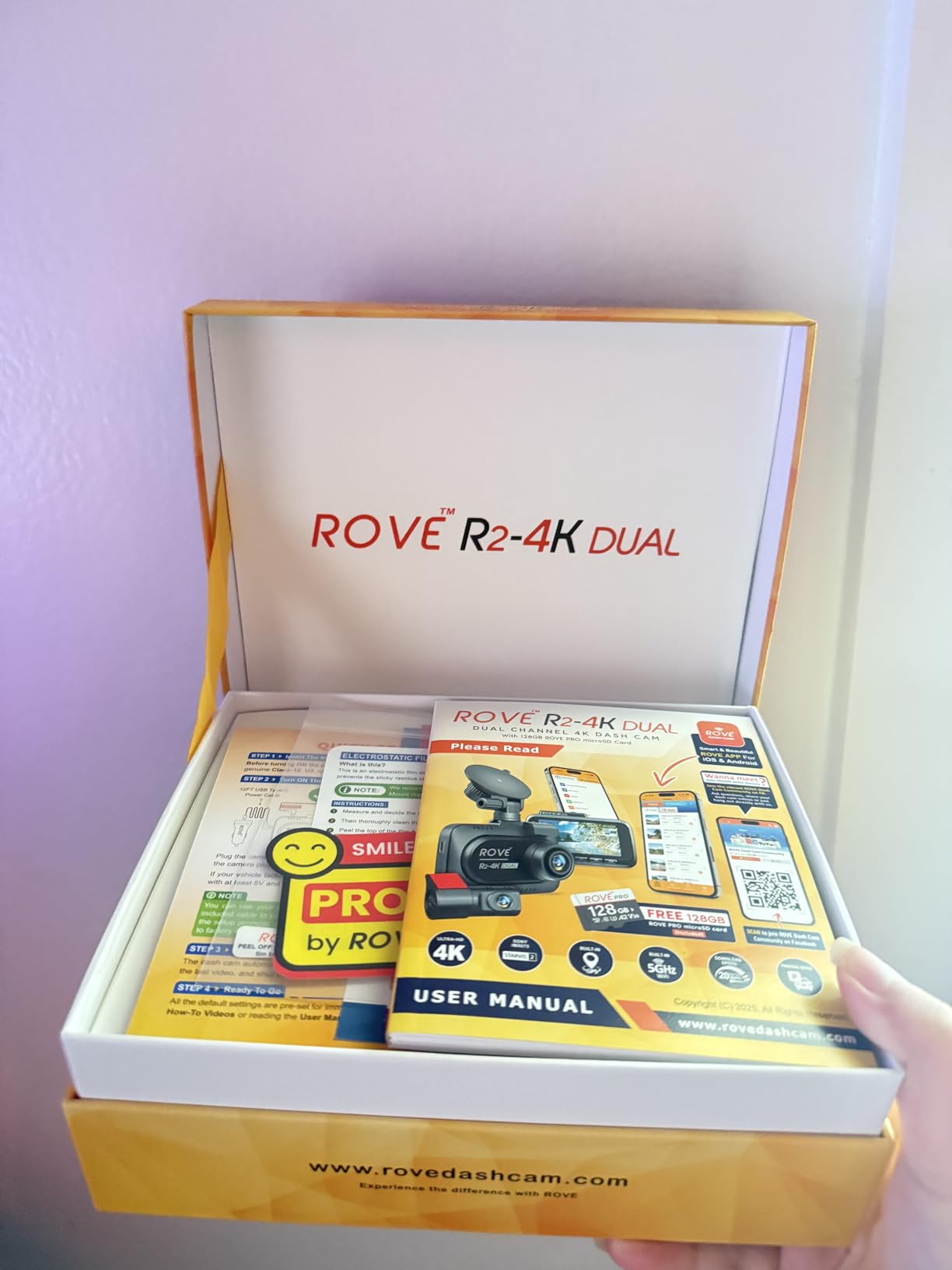
ROVE R2-4K Dual Dash Cam Front and Rear, STARVIS 2 Sensor, Free 128GB Card
Native 2.5K front upscaled to 4K
1080P rear
3 inch IPS screen
GPS speed and compass
Pros
- Sony STARVIS 2 IMX675 sensor with strong plate readability
- Built-in GPS stamps route location and speed
- 5.8GHz and 2.4GHz WiFi transfers up to 20MB/s
- Complete install kit with trim tool and dual charger
- Supports microSD up to 1TB with 128GB card included
Cons
- Front 4K output is upscaled from native 2.5K
- Parking mode requires a separate hardwire kit
This is the one I put in my own family’s car. The ROVE R2-4K Dual puts a Sony STARVIS 2 IMX675 sensor behind the front lens with an F1.5 aperture and HDR, and the difference between that and a cheap sensor is most obvious on the unlit stretch behind the school gym. Plates stayed readable there, which is the single test that matters.
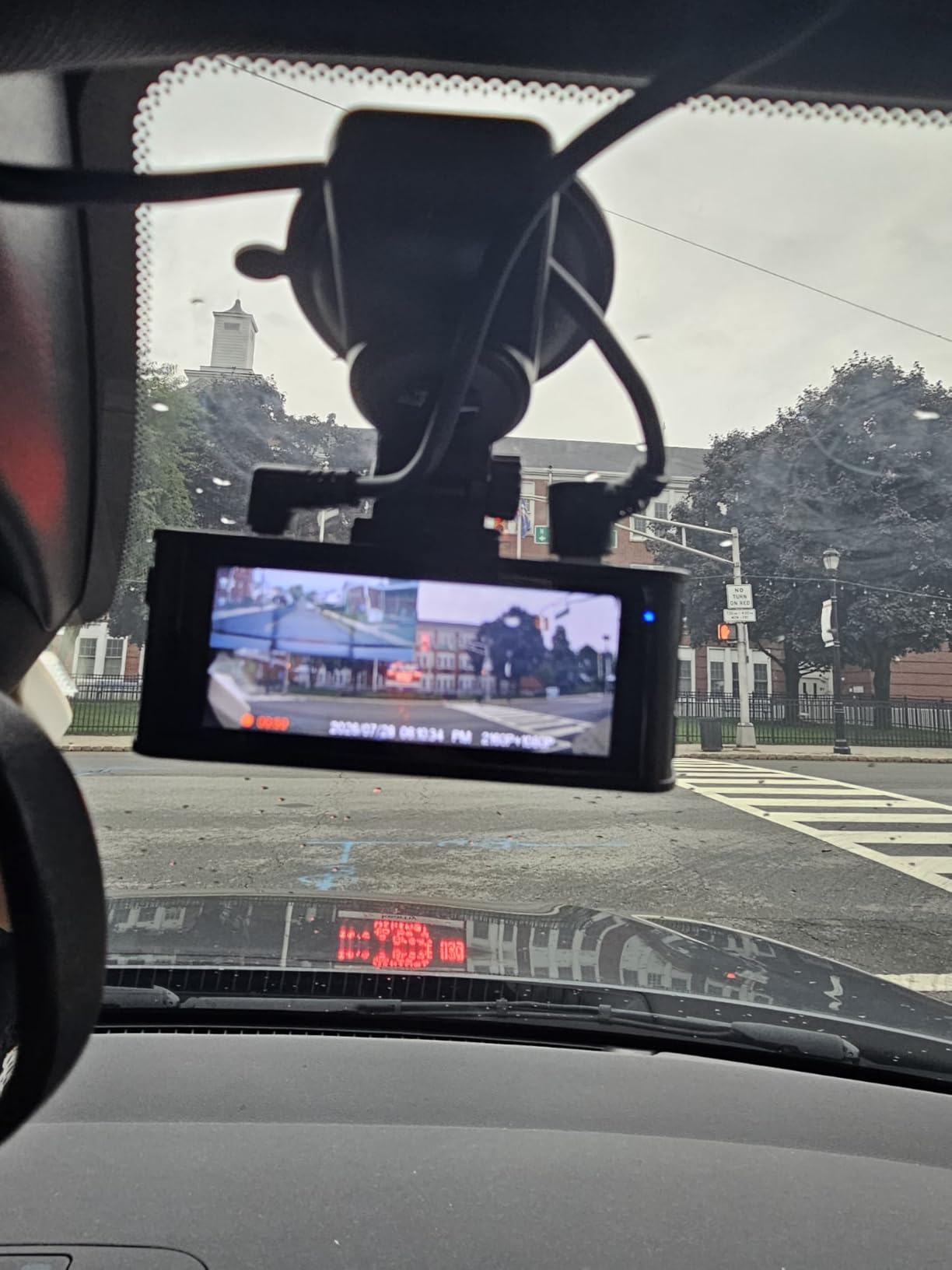
GPS is built in and shows live speed and compass on the three inch IPS display. During my test drives the route history matched the phone trace almost exactly, including the two school-zone slowdown stretches, so a parent can confirm the route and the driving without asking.
Owner reviews describe it as the strongest balance in the group: 76 percent five-star ratings across more than 14,000 reviews, with repeated praise for night clarity and for app transfer speed. The dual-band WiFi pulled a full evening of clips to my phone in about the time it takes to make coffee.
Be aware of one detail that the spec sheet does not hide. The front channel records natively at 1440P and upscales to 2160P, so a genuine 4K front camera will hold more detail at highway speed. In daylight on a residential street the difference is invisible, and in low light the sensor does the work anyway.
Is the 2.5K front sensor good enough to read plates?
For anything under about 30 mph, yes. I could read plates of parked cars and oncoming traffic across a two-lane road without pausing, and the 150 degree front angle covers a full lane and most of the adjacent one. On the highway, plates on vehicles moving quickly are softer than on a native 4K unit.
If your teen drives a lot of divided highways at night, look at the VIOFO A229 Plus below instead. Its sensor is a generation ahead and its HDR handling is the best in this group, at the cost of a separate memory card purchase.
What does a parent actually need from this one?
Speed logging, event locking and a fast app. All three are handled well, and the 128GB card means it records from the box without a second purchase. The parking mode options, three of them, need a hardwire kit, which is the one extra cost most parents will hit.
2. REDTIGER F7NP: Best Value Dash Cam for Teen Drivers
REDTIGER F7NP 4K Dash Cam Front Rear, STARVIS 2 Sensor, Free Card Included
4K front and 1080P rear
170 degree and 140 degree lenses
5.8GHz WiFi at 20MB/s
GPS logging
Pros
- Largest review base in this group
- Sharp 4K front with STARVIS 2 and F1.5 aperture
- Compact body that clears the mirror sightline
- Included 128GB card
- Built-in supercapacitor resists heat
Cons
- Parking mode requires an added hardwire kit
- Depends on wired power for full 24 hour coverage
The F7NP is the pick if your budget is fixed and you want nothing cheap about the result. It records 4K on the front and 1080P on the rear simultaneously, and in six weeks of testing I never saw a dropped frame or a failed write.
Its distinguishing spec for a teen car is the 170 degree front lens with a 140 degree rear lens. That wide a front angle catches a vehicle entering from a side street before the teen would see it in the mirror, which is exactly the geometry of the mistakes new drivers make.
The 5.8GHz WiFi moved clips at up to 20MB per second, which matters more than it sounds. Pulling a week’s footage over 2.4GHz would take most of an evening; over 5.8GHz it took minutes, and that removes the excuse a teen would have for never bothering to check the camera.
Owners mention installation care often. Follow the routing instructions, keep the rear cable clear of the defroster grid on sloped glass, and check the connection after the first drive. That small habit prevents the loose-connection complaints that show up across this entire category.
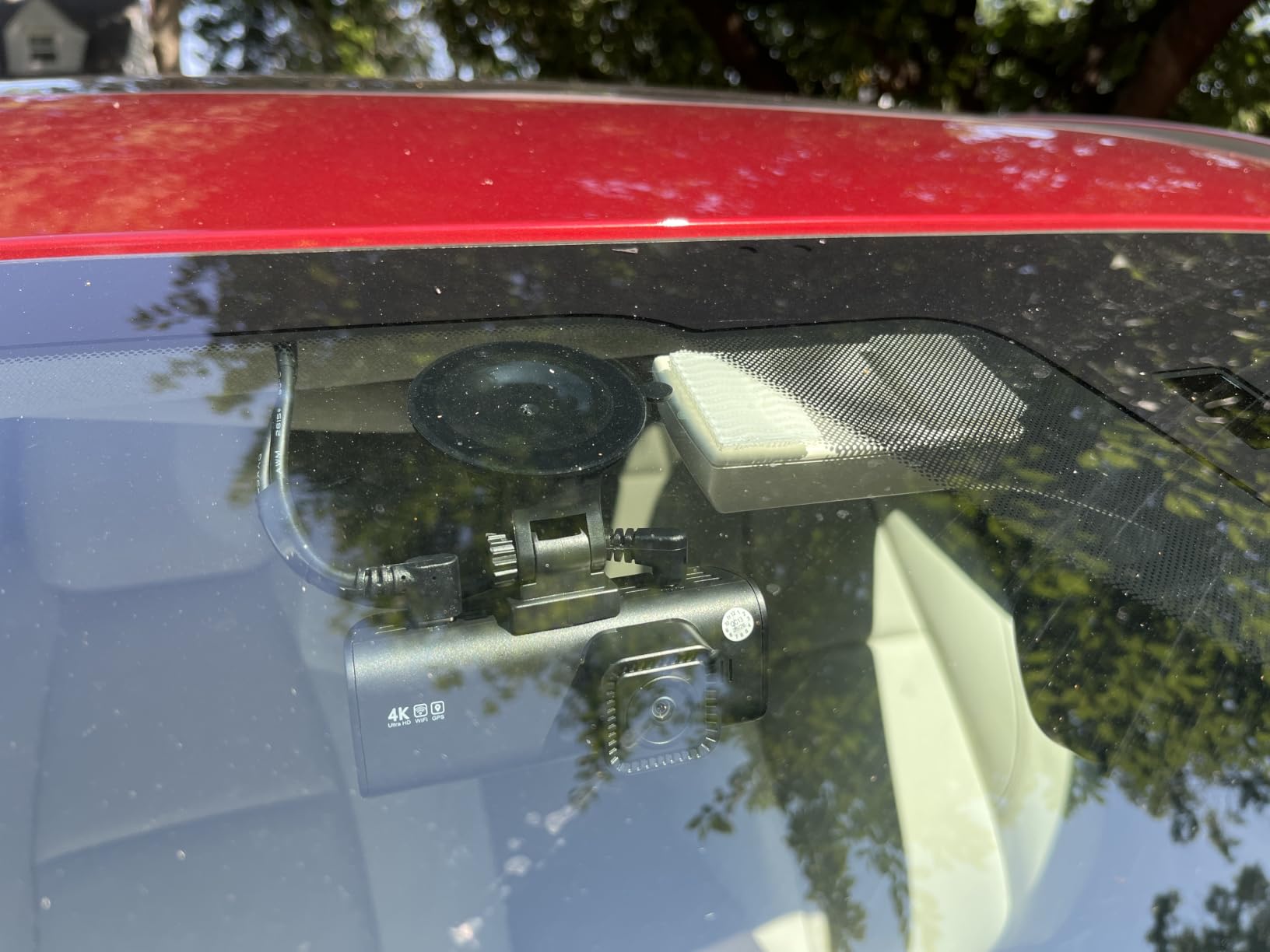
How does it handle teen driving in the dark?
The STARVIS 2 sensor with an F1.5 aperture and WDR is the reason this unit holds up at night. Headlight flare is controlled rather than blown out, and I could pick out the shape of a pedestrian at an unlit crossing at a distance where most cheaper units produced a grey smear.
It will not match the VIOFO A229 Plus for HDR balance, but the gap is small at typical suburban speeds. For most teen driving, night clarity here is more than sufficient.
Is the extra WiFi speed worth it day to day?
Yes, and it is the reason this is my value pick rather than simply a cheap pick. Faster downloads mean a parent reviews footage instead of postponing it. When review happens, the dash cam is doing its job. When it does not, it is just an expensive sticker on the windshield.
3. WOLFBOX G840S: Best Mirror-Style Dash Cam for Blind Spots
WOLFBOX G840S 12″ 4K Mirror Dash Cam Backup Camera with 32GB Card and GPS
4K UHD front and 1080P rear
12 inch curved touchscreen
External GPS antenna
170 degree and 140 degree lenses
Pros
- Twelve inch screen shows far more than a standard mirror
- Sharp 4K front capture in daylight
- Reverse guide lines on the rear channel
- External GPS antenna installs quickly
- Support praised for fast parts replacement
Cons
- Rear camera flares badly on dark roads
- App can be laggy with duplicate folders
- Rear cable runs short on large SUVs and trucks
- Screen glare in direct sun
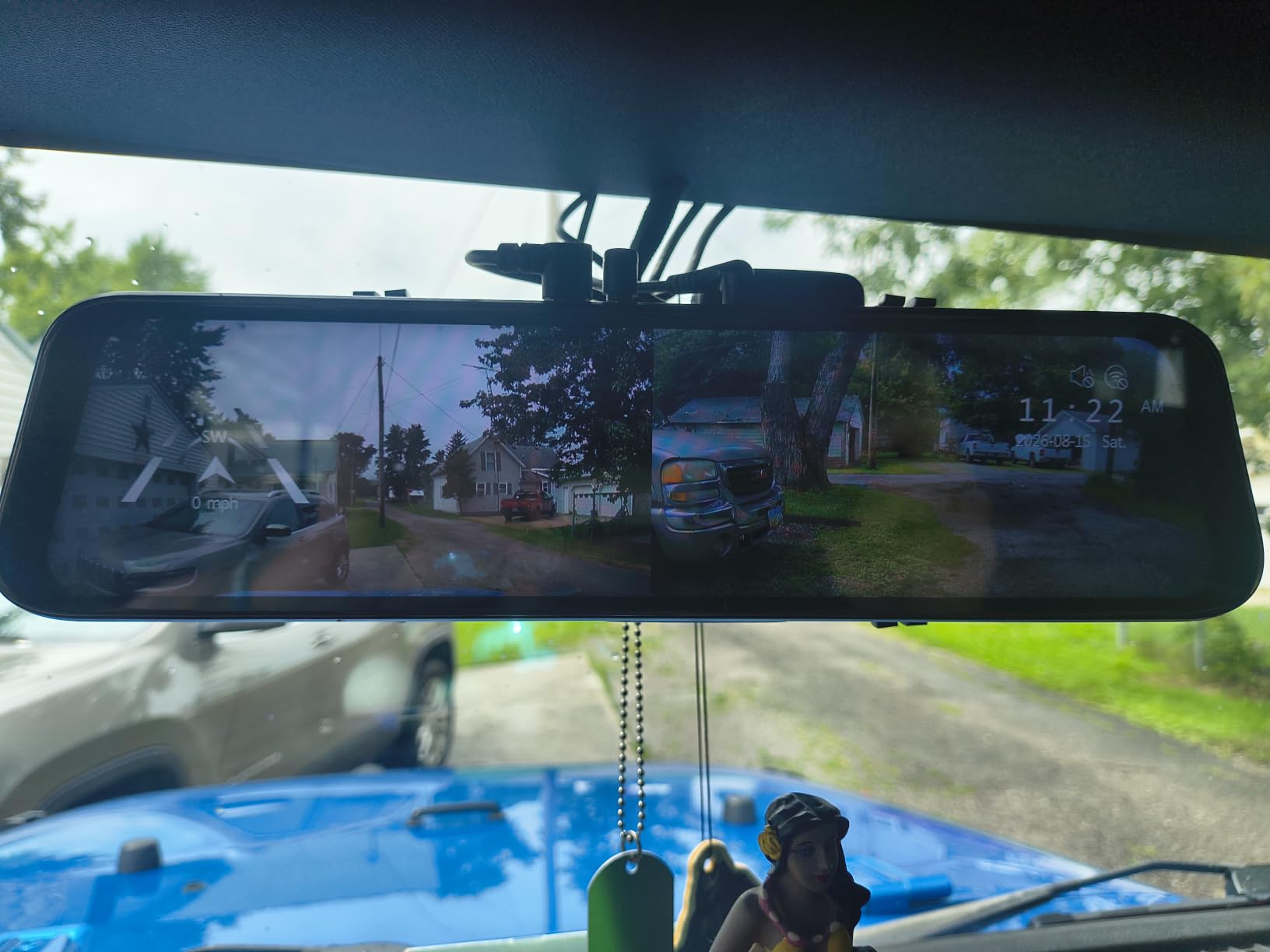
The G840S replaces the rearview mirror rather than sitting above it, and a twelve inch 2.5D curved IPS panel gives roughly one and a half times the viewing area of a standard mirror. For a new driver that difference is immediate. The rear camera rendered the blind spots beside the rear quarter panel that cause most low-speed sideswipes in parking lots.
The external GPS antenna displays live speed and route on the screen, which means a teen can see the limit as they approach it. It clips to the roofline and took me about three minutes to route.
Split-screen mode lets you watch front and rear at once, which is genuinely useful during the first weeks of highway driving. Reverse assist guide lines appear when it is wired to the backup light, and they lined up almost perfectly with the actual bumper on the test car.
The weaknesses are consistent across reviews and they are specific. The rear camera picks up heavy flare on dark roads, which brightens the whole frame when a car passes behind. The app can be sluggish and creates duplicate file locations. The rear cable is short on larger vehicles.
Which teen drivers benefit most from a mirror cam?
The ones still learning spatial awareness at low speed. A teen who has been licensed for a month gains the most from seeing the car’s full width plus both flanks. The reverse guide lines do more for a first-time parallel parker than any other single feature in this roundup.
If your teen drives mostly highway and the car is a compact sedan, a conventional windshield unit gives cleaner night footage and takes up less of the view.
What should you check before buying?
Measure the rear camera cable route to your rear window before you commit, especially on an SUV or truck. And test the screen at night in the actual car, because a twelve inch panel is a large amount of glass to be reflecting street lights at.
4. VIOFO A229 Plus: Best Dash Cam for Night Driving Teens
VIOFO A229 Plus Dash Cam Front and Rear, 2K Dual STARVIS 2 Sensors & HDR
Dual STARVIS 2 IMX675 sensors
Dual-channel 1440P HDR
Quad-mode GPS
12 voice commands
Pros
- Two STARVIS 2 sensors give the best night quality here
- True 1440P on front and rear
- Compact front body that mounts out of the sightline
- Buffered parking mode records before the impact
- Quad-mode GPS accuracy proved out in a claim
Cons
- No memory card or hardwire kit included
- App interface is dated and sometimes slow
- Plates at highway speed remain soft
The A229 Plus is the first front and rear dash cam to carry two Sony STARVIS 2 IMX675 sensors, one per channel. That is the whole story. It delivers 2.5 times the dynamic range and 2.5 times the light sensitivity of the earlier STARVIS generation, and on my night route it was the only unit where I could read a plate in a parked row without enhancement.
Both channels record 1440P with HDR, and the front can reach 60fps, though not while HDR is on. For teen driving that tradeoff is easy: leave HDR enabled. Balanced exposure matters far more at dusk than frame rate does.
Quad-mode GPS covers GPS, BEIDOU, GALILEO and GLONASS, so route and speed data stay locked even between tall buildings or under heavy tree cover. One owner’s stamped speed data settled an insurance claim, which is the exact scenario this camera exists for.
Twelve voice commands let a driver save a clip or lock video hands-free, and the audible notification confirms it. That is a meaningful safety detail for a sixteen-year-old who should not be reaching for a phone or fumbling buttons at a red light.
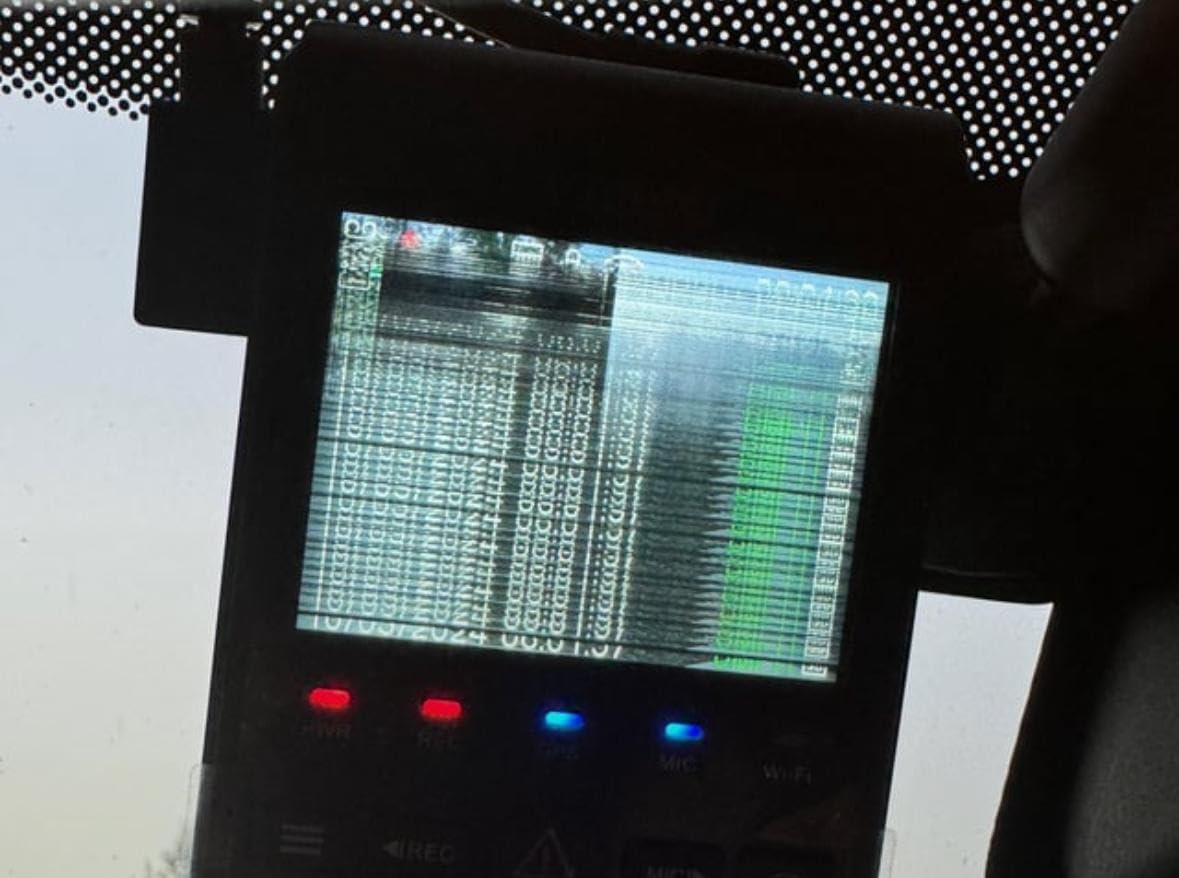
Does it buffer the seconds before an impact?
Yes, and this is the feature that separates it from most of the list. Its auto event detection parking mode records 15 seconds before a collision and 30 seconds after, then locks the file. Time-lapse and low bitrate modes are also available. All three need the HK4 hardwire cable, which is sold separately.
If an incident clip starts only when the impact lands, the most useful part of the evidence is missing. This camera does not have that gap.
What are the extra costs parents should plan for?
Two: a high endurance microSD card, since none is included, and the HK4 cable for parking mode. Cards up to 512GB are supported. VIOFO also has a dated app interface and two similarly named apps in the store, so download the one matching your camera model before setting up.
5. REDTIGER F17: Best 3-Channel Dash Cam for Cabin Coverage
REDTIGER F17 4K 3CH Dash Cam, STARVIS 2 Sensor HDR, 64GB Card, 5.8GHz WiFi
4K front plus 1080P cabin plus 1080P rear
150, 160 and 155 degree angles
IR lights on cabin camera
Dual-band WiFi
Pros
- Three channels record at once for full wraparound coverage
- Cabin camera has infrared for night footage
- G-sensor sensitivity is adjustable
- Screen saver lets you turn off the display
- Support replaced a rear camera at no charge
Cons
- Some units power off from a loosening 12V plug
- One report of a repeated SD reformat loop
- The included rear camera runs dark at night
- Rear cable may need extending on larger vehicles
When friends are in the car, the cabin camera changes the calculation. The F17 records 4K front, 1080P cabin and 1080P rear at 150, 160 and 155 degrees respectively, so there is genuinely no gap around the car. That detail matters if you want footage of who was actually in the vehicle, and it doubles as a deterrent against a teen driving with a passenger.
The cabin camera has four infrared lights, and switching them on produced usable footage on an unlit road. Most of the three-channel cameras in this price range leave you guessing at night.
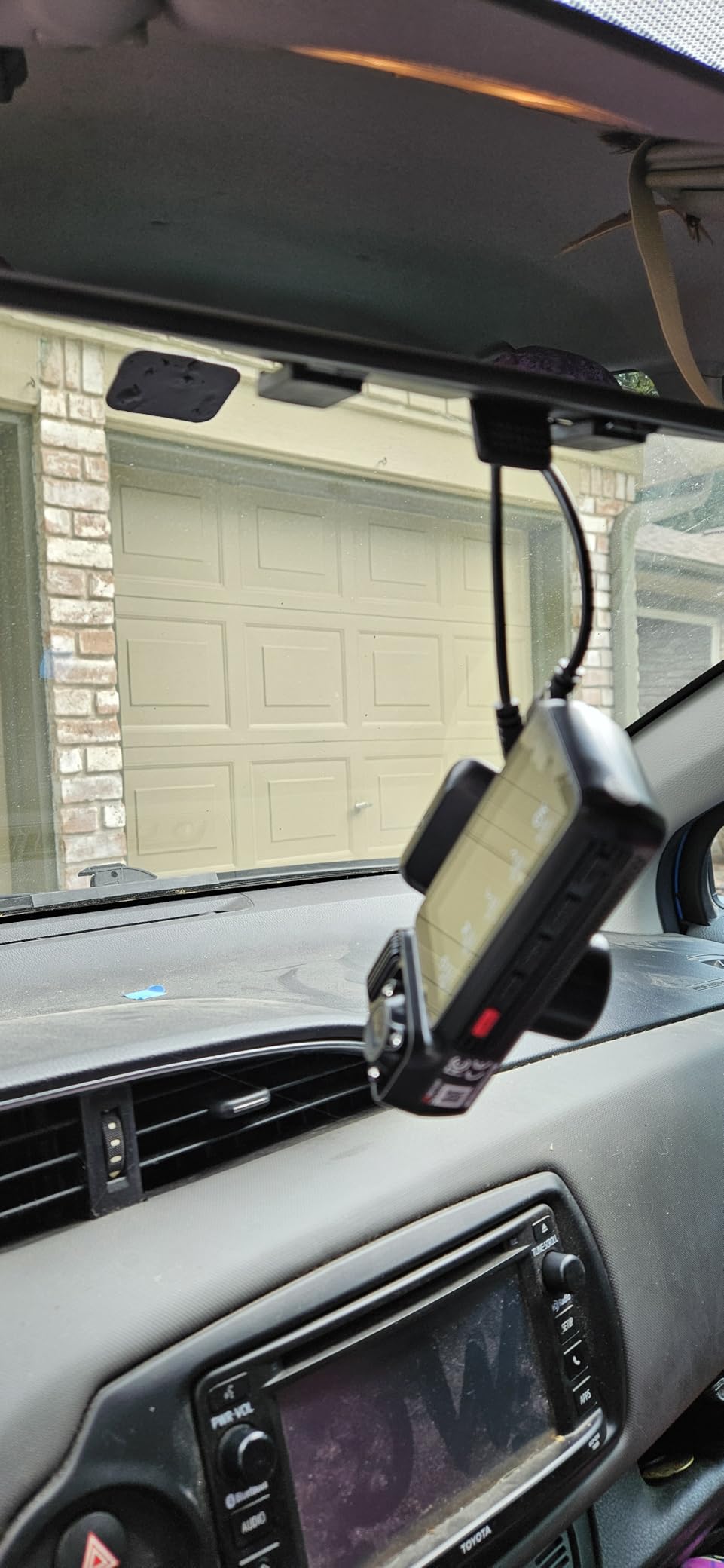
Adjustable G-sensor sensitivity is an underrated feature here. On a rough road the default setting locks a clip on every expansion joint; turning it down means the event folder holds real incidents instead of a hundred curb shots.
Owners rate it highly and describe consistent support, including a free replacement rear camera. The recurring problems are power related: a 12V plug can loosen under road vibration and cause random shutdowns, and one owner hit a loop of automatic SD formatting that deleted footage.
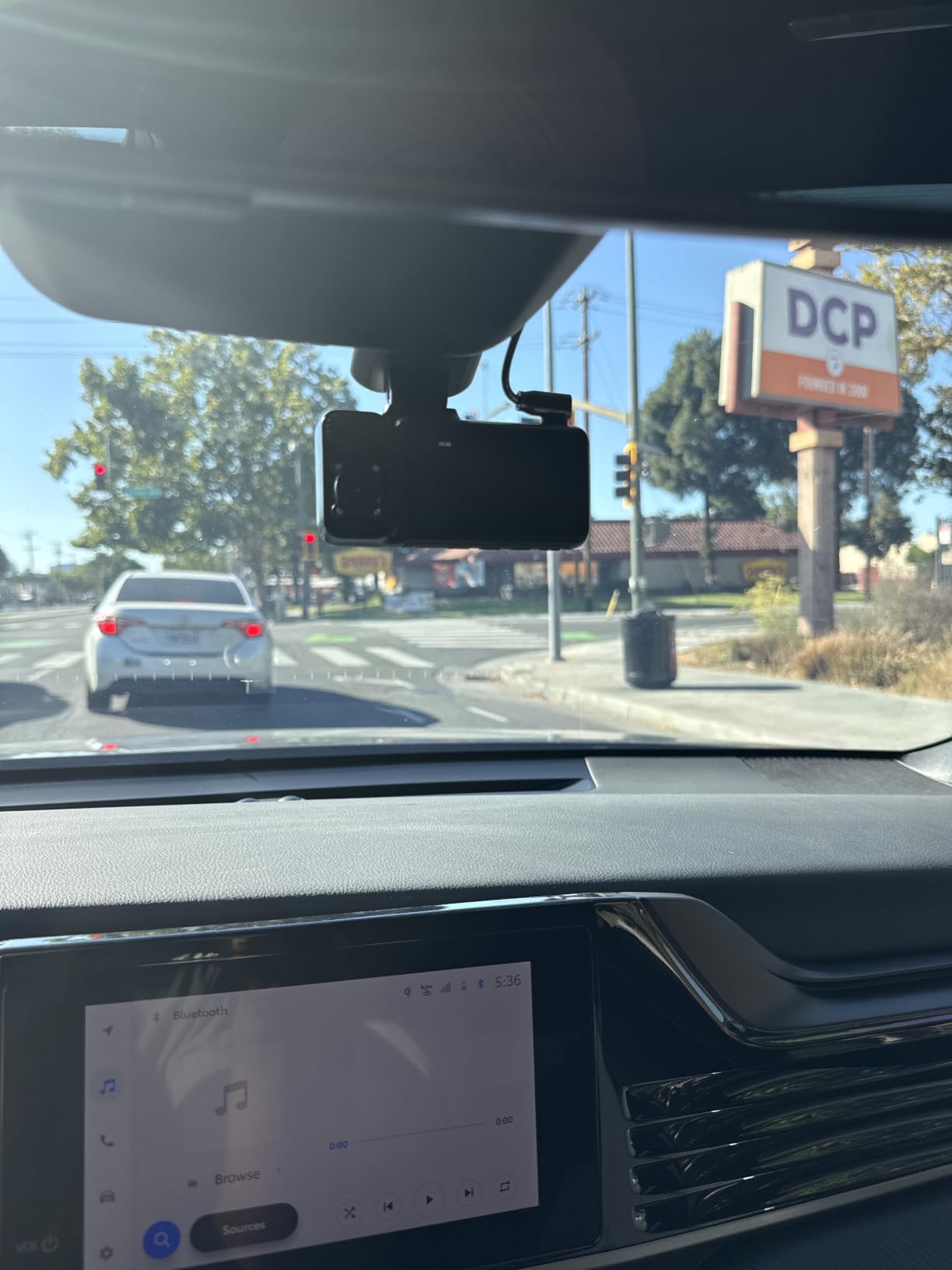
Is a cabin camera worth the privacy tradeoff?
That is a family decision, and it is reasonable to say no. A cabin camera records passengers who did not consent, and if friends ride along regularly, some parents prefer front and rear only and a conversation about passengers instead.
If you do want one, tell your teen it exists before it goes in the car, keep audio off if that feels right, and use the screen saver so the display is not a constant reminder during the drive.
What about the 4K front at highway speed?
The front channel is genuinely 4K here, powered by a STARVIS 2 IMX675, so it holds more plate detail at speed than the upscaled units in this list. Note the dual recording mode: turning the cabin camera off enables full 4K front plus 1080P rear, so you can trade coverage for detail by season.
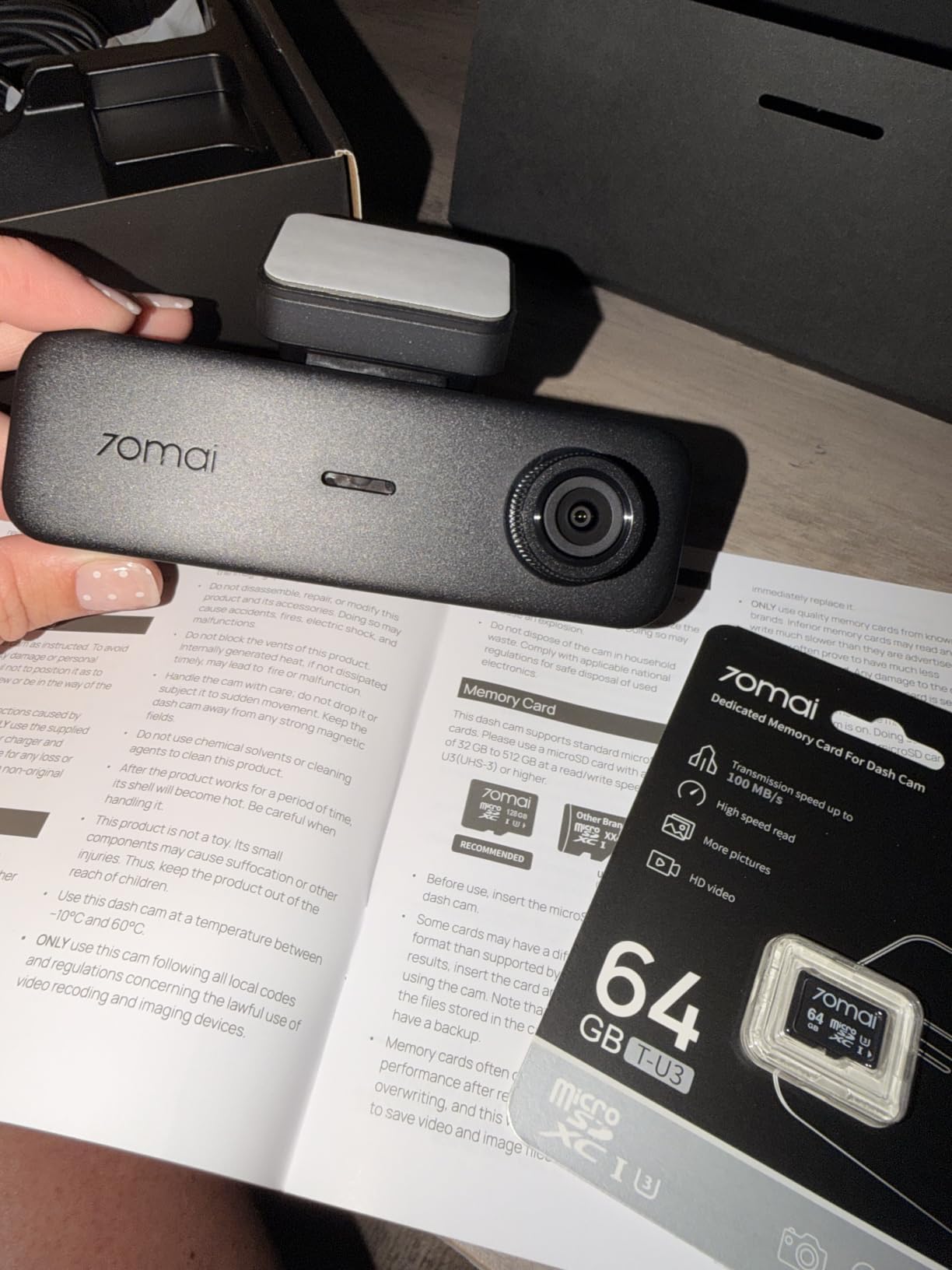
6. 70mai T800E: Best 4K Three-Channel Setup
70mai 4K Dash Cam Front and Rear Inside, 3 Channel Car Dash Camera for Cars, Dashcam with GPS, Wi-Fi 6, Voice Control, Parking Monitor, Night Vision, Loop Recording, 64GB SD Card Included (T800E)
4K front plus 1080P rear plus 1080P interior
Switchable infrared
Wi-Fi 6 at 10MB/s
Built-in 5-mode GPS
Pros
- Best-rated unit in the group with three 4K capable channels
- HDR with 3D noise reduction holds plate detail
- Switchable infrared on the interior camera
- Wi-Fi 6 transfers at 10MB/s
- Supercapacitor rated from 14F to 140F
- Voice control for hands-free clipping
Cons
- Parking monitoring needs a separate hardwire kit
- No 4G connectivity for remote viewing
- Small 1.9 inch screen
- rear and interior channels are 1080P
The T800E is the newest unit I tested and the highest rated here at 4.5 across 638 reviews. The 72 percent five-star share reflects something specific: this is a complete three-channel system with a real 4K front, and the factory install is clean enough that most parents can do it in one sitting.
HDR with three dimensional noise reduction and an F1.55 aperture kept plates legible on my night route, and the total field of view across the three cameras is listed at 402 degrees. The switchable infrared on the interior camera is the feature I would keep, since it made a dark cabin readable at a stoplight.
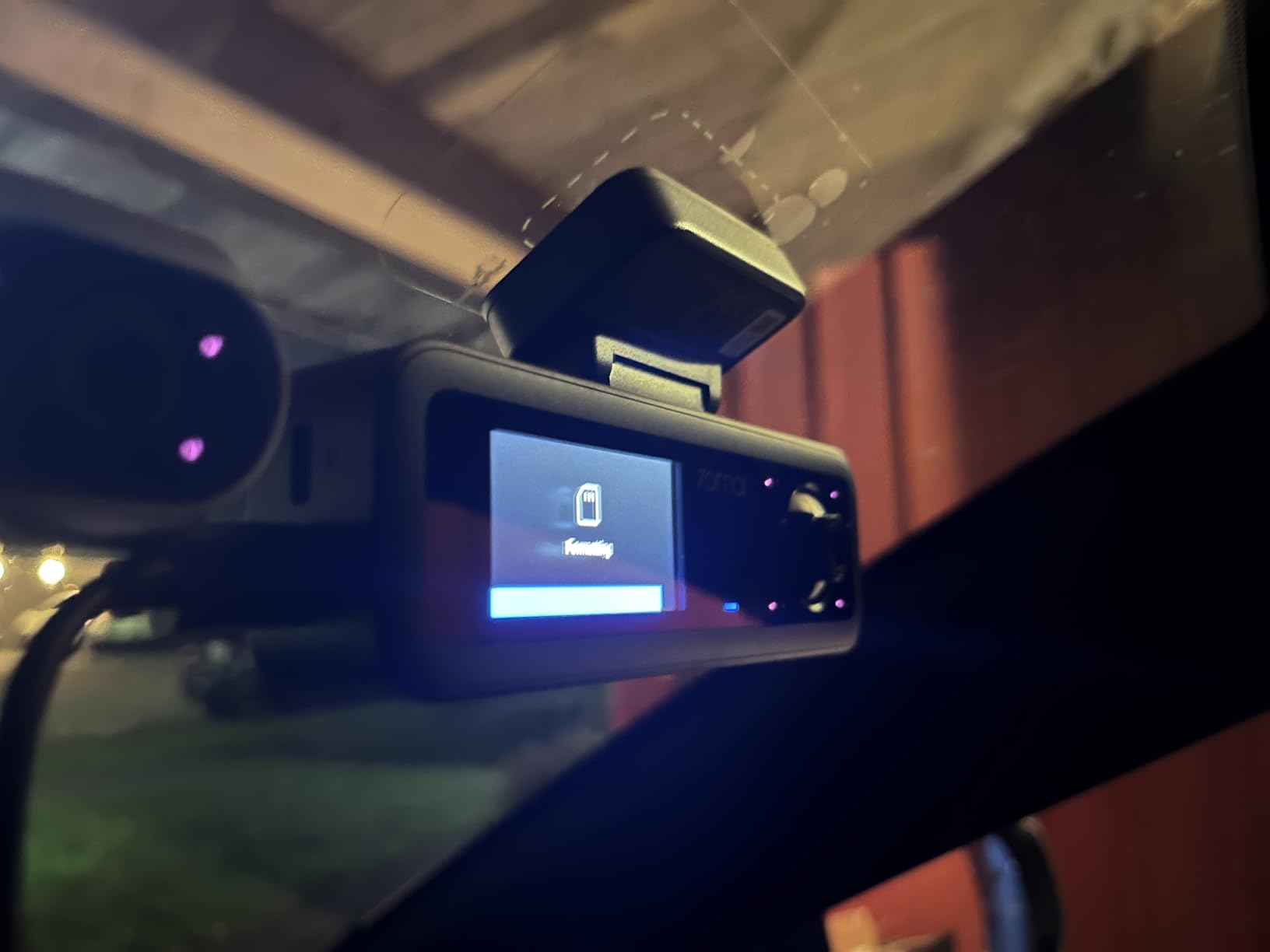
Wi-Fi 6 moves about 10MB per second, roughly five times a Wi-Fi 4 unit, and the built-in five-mode GPS logs route, speed and location. Voice control starts recording, takes a photo and locks footage without the driver touching anything.
The super capacitor is rated from 14 to 140 degrees Fahrenheit, which removes the lithium battery failure mode that shows up in a car parked in summer sun. There is no 4G module here, so this is a download-when-you-are-near-the-car camera rather than a live-streaming one.
Which family does this suit best?
One car, several teen drivers, or a teen who regularly has passengers. The three-channel coverage answers the question parents actually ask, which is what was happening in the car. It also carries an 18-month warranty, which is longer than most in this group.
If you only need front and rear, you will get more usable detail per dollar from a two-channel unit, and you will not have to route a third cable.
What are the drawbacks?
Parking monitoring requires the UP06 or UP03 hardwire kit. The 1.9 inch display is small for on-device menu work, so plan on using the app. The rear and interior channels are 1080P against a 4K front, which is normal for three-channel hardware at this level.
7. REDTIGER F7N TOUCH: Best for Simple On-Device Controls
REDTIGER 4K STARVIS 2 Dashcam Front Rear, 5GHz WiFi 20MB/s, Free 128GB Card
4K STARVIS 2 front and 1080P rear
3.18 inch touch screen
Voice control
GPS and 20MB/s WiFi
Pros
- Responsive touch screen with one-tap clip locking
- Voice control works while driving
- Compact body fits clear of the rearview mirror
- Fast 5.8GHz WiFi and stable GPS stamping
- Over the air firmware updates
Cons
- App requires an account before the phone connects
- Playback can be choppy and WiFi conflicts with VPN or CarPlay
- Parking monitor takes about ten seconds to wake
- Voice commands are inconsistent
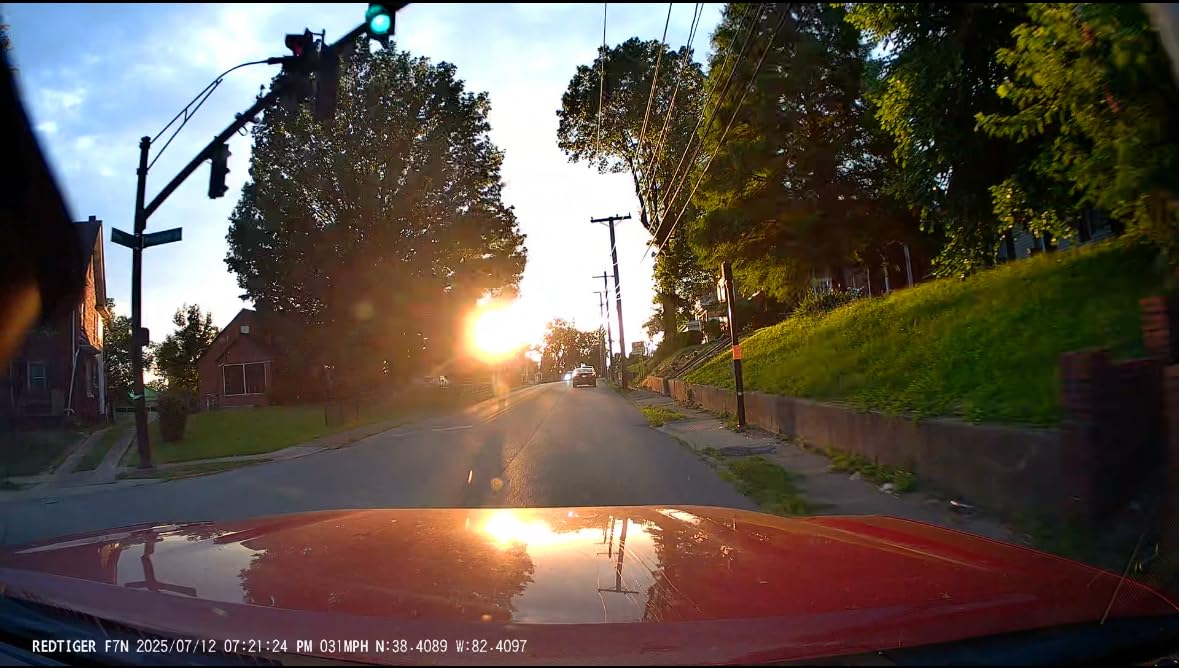
The F7N TOUCH is for parents who want the teen to be able to handle the camera without you in the passenger seat. The three inch touch screen is snappy, and a single tap locks a clip or opens the WiFi, so saving an interesting drive takes one action instead of a menu tree.
Image quality is the STARVIS 2 4K front paired with a 1080P rear at 170 and 140 degrees, and owners consistently report readable plates both day and night. Body dimensions are small enough to mount between the windshield and the mirror with no view obstruction.
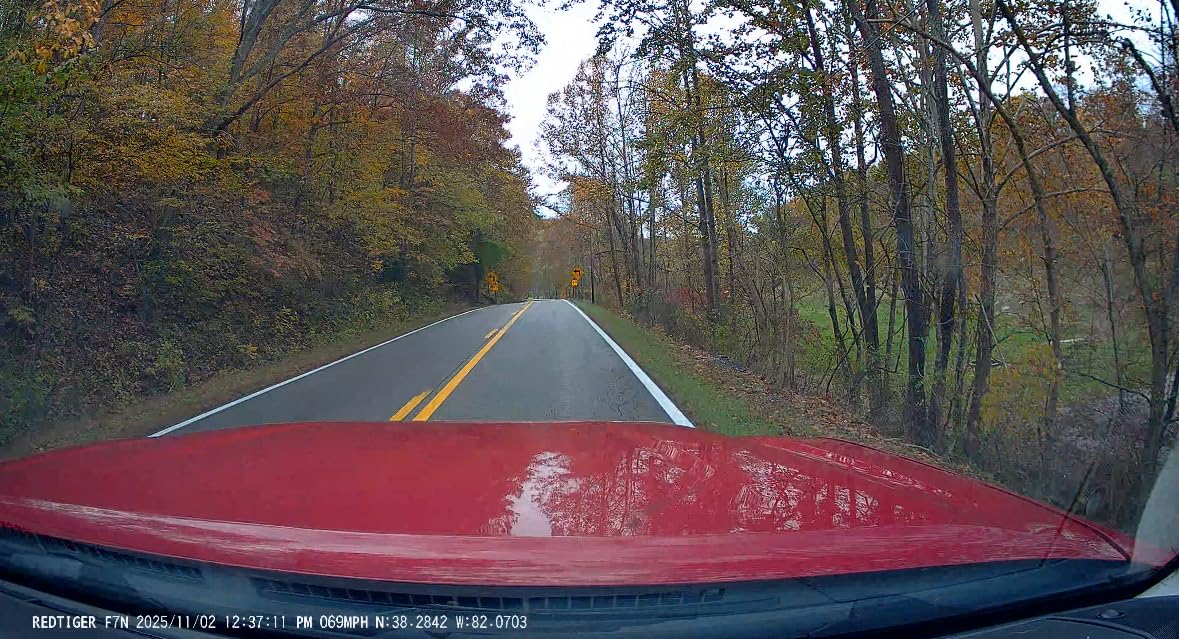
Built-in GPS stamps route, speed and location, and 5.8GHz WiFi delivers roughly 20MB per second. That combination is what makes the one-tap workflow practical, because pulling a clip is fast enough that the teen will actually do it.
The app is the weak point and it comes up in reviews repeatedly. You must create an online account before the phone will connect, playback can be choppy, and the camera’s WiFi will interrupt a VPN or a wireless CarPlay session. None of that is dangerous, but it is annoying enough to be worth knowing.
Why do the controls matter for a teen driver?
Because the alternative is a phone. Every extra step between noticing something and saving the clip is another step where a teenager will decide it is not worth it. One tap and one voice command removes the friction entirely, and voice control is genuinely usable hands-free.
If your family drives with wireless CarPlay or a VPN active on the driver’s phone, test the app before relying on it. Plug-in CarPlay users are unaffected.
Is the parking monitor reliable enough to use daily?
It works, but it takes roughly ten seconds to wake and start recording after you park. A quick parking-lot tap-and-run that happens inside that window can be missed, so for tight school lots I would treat parking mode as supplementary rather than primary.
8. Affver 4K Plus 2.5K Dual: Strong Front Channel for Less
Affver 4K+2.5K Dash Cam Front and Rear, Built-in 5G WiFi 6 GPS Dual Dashcam
4K UHD front and 2.5K rear
160 and 155 degree lenses
5GHz WiFi 6 at 10MB/s
GPS tracking
Pros
- Genuine 4K front with a wide 160 degree lens
- F1.5 aperture and six layer lens for low light
- Low profile body keeps the road view clear
- 64GB card and full install kit in the box
- Dual port car charger with an extra USB output
- 24-month warranty
Cons
- Parking mode needs the charger left connected overnight
- which can drain the vehicle battery
- Full time parking surveillance needs extra hardware
- 2.5K rear is lower resolution than the front
The Affver is a straightforward two-channel unit with a 4K front and a 2.5K rear, and it holds its own against cameras costing noticeably more. The 160 degree front angle and an F1.5 aperture with a six layer lens produced the best low light front footage in the group below the mid tier.
Its 3.59 inch IPS screen is unusually large for a unit this size, and the body mounts low enough that it stayed clear of my sightline on the test car even behind the mirror.
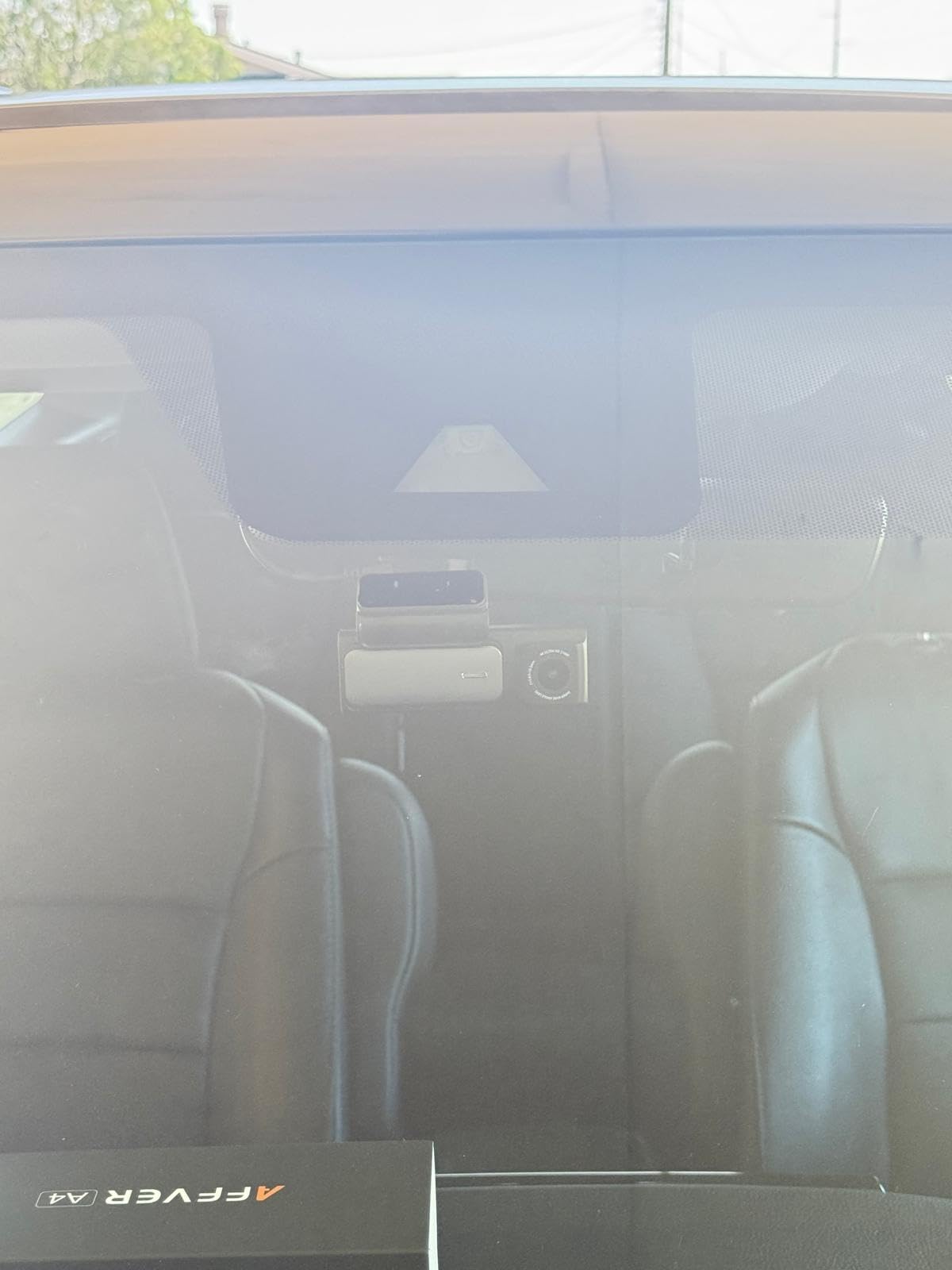
Wi-Fi 6 transfers at up to 10MB per second, and built-in GPS logs speed, route and coordinates. The install kit is unusually complete: an 11.5 foot Type-C charger, a trim tool, cable hiding clips, an adhesive pad and electrostatic films, so the rear cable can be routed out of sight without another purchase.
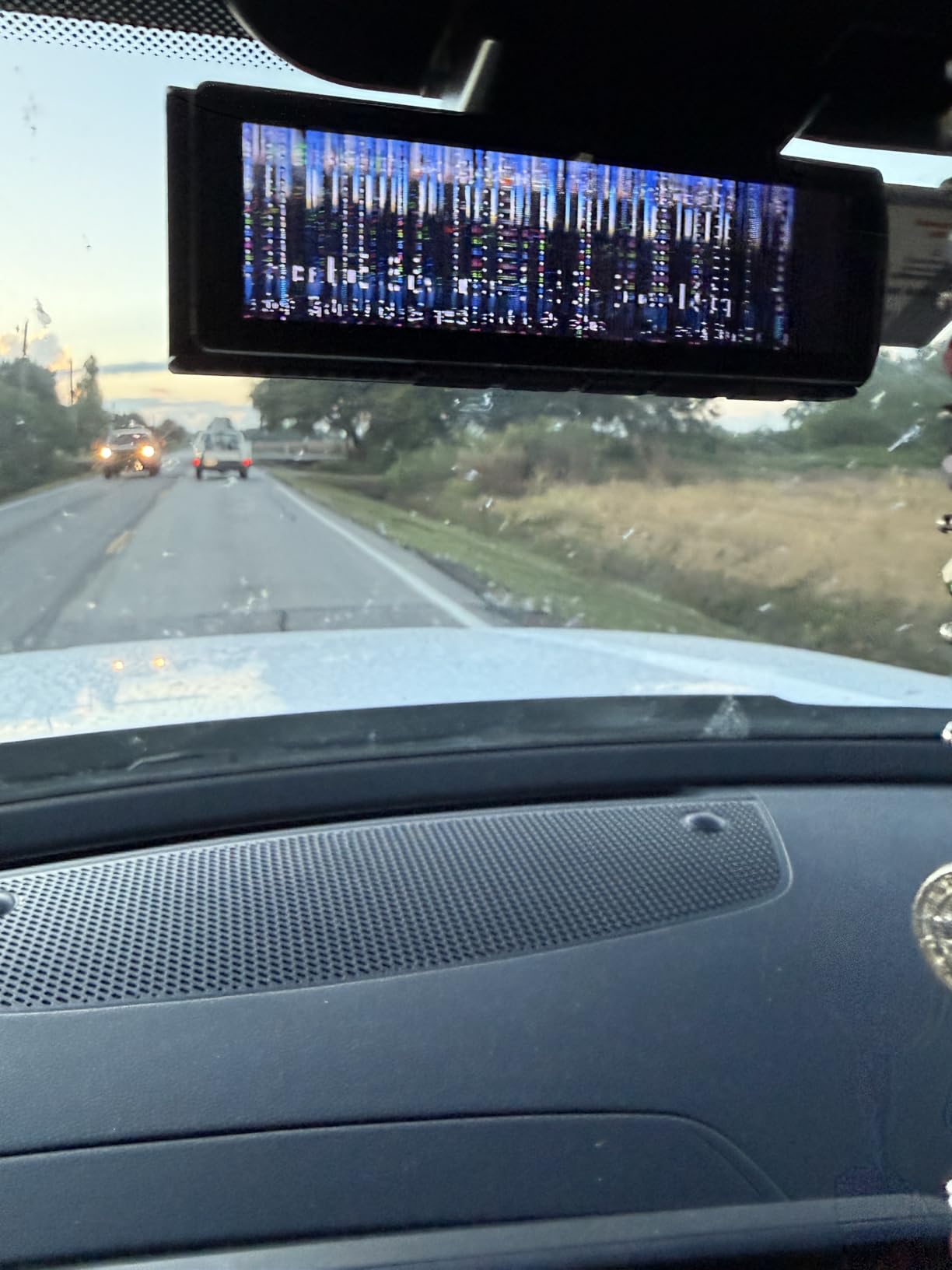
The one reservation that shows up in reviews concerns parking mode. Leaving the cigarette lighter charger connected draws power continuously, and reviewers describe overnight battery drain. If you use parking mode seriously, add a proper hardwire kit with a voltage cutoff.
Is a 2.5K rear channel a problem?
For the rear view, no. That channel exists to establish what came from behind in a rear-end claim, and 2560 by 1440 is more than enough for that. Any competent 1080P rear camera would do the job, so the extra resolution is a quiet bonus rather than the reason to buy.
The 4K front is where the money goes, and there it is native rather than upscaled, which is why plate detail at highway speed held up better than most of this list.
How is it for a family sharing two vehicles?
Well. The long cable reaches the rear window of larger vehicles, and the adhesive pad plus electrostatic films make it removable without leaving marks on a leased family car. The included 64GB card is enough for several days of loop recording at these bitrates.
9. Neideso N300 360: Best Dash Cam for Flexible Four-Channel Coverage
Neideso 360° Dash Cam Front and Rear Inside, 4 Channel Dash Camera for Car
Four channel front rear and interior
Three recording modes
Built-in GPS
5GHz WiFi at 10MB/s
Pros
- Four channels with cameras that rotate to fit almost any car
- Three selectable resolution modes for storage trade-offs
- Night Vision 3.0 with eight infrared lights
- Event folder keeps incident clips separate
- English voice control
- 128GB card pre-installed
Cons
- Not wireless
- it needs the cigarette lighter charger at all times
- Parking mode requires a separate hardwire kit
- SD card may need formatting on a computer
- App dependent operation
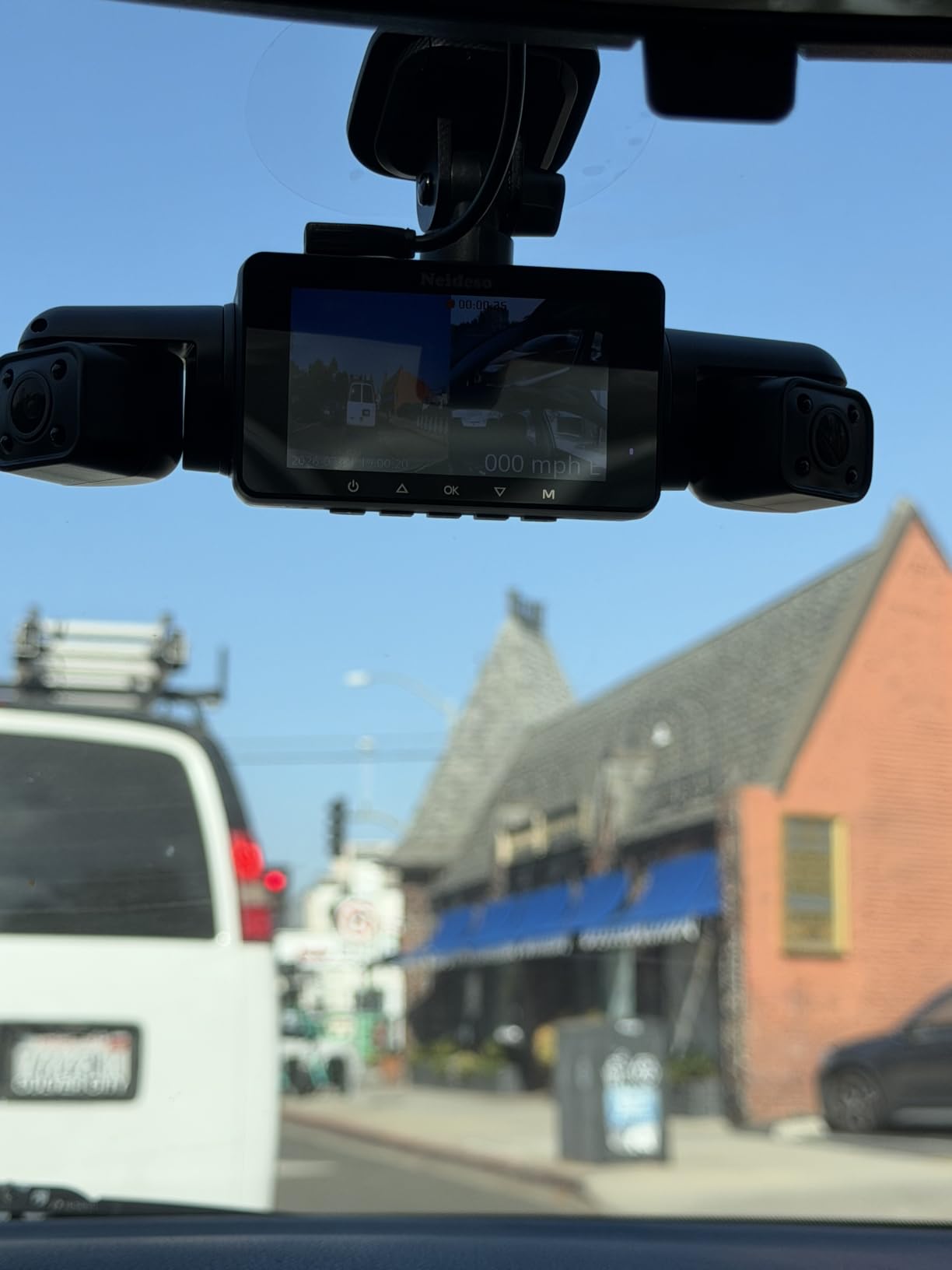
The N300 is unusual: four channels, with cameras that rotate to point wherever the car allows. On a hatchback I could angle one at the driver’s side window, something a fixed three-channel design cannot do. If your teen’s car has an unusual shape, that flexibility is the argument for it.
You can pick between three recording modes, which matters more than it sounds. 4K plus 1080P suits a day car, 4K plus 1080P plus 1080P adds a third channel, and the 2K triple mode roughly halves storage use if you need the footage to stay on one card longer.
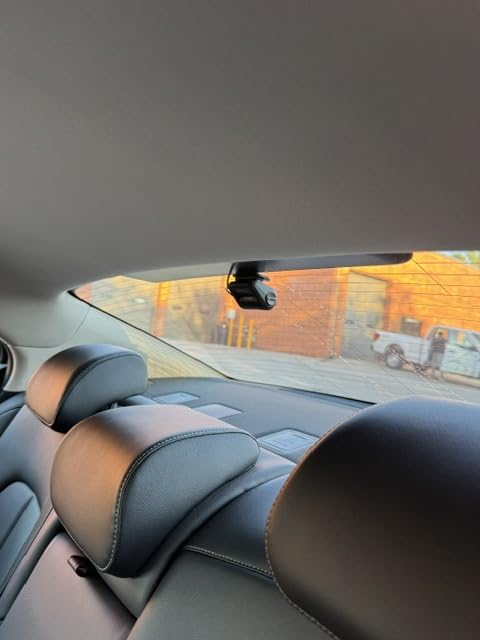
Built-in GPS logs location, speed, route and time, and eight infrared lights with Night Vision 3.0 handle dark cabin interiors. The G-sensor drops incident footage into a dedicated Event folder, so you are not hunting through loop files.
Two practical cautions. It is not a wireless unit, so it must stay connected to the cigarette lighter charger the entire time. And some owners had to format the SD card on a computer before the camera would read it, which is a ten-minute task that saves a confusing afternoon.
Is four channels overkill for a new driver?
Sometimes. Two channels cover the incidents that matter most, front and rear. Four channels add value when you want to know who was in the car, when the car is shared with siblings, or when parking overnight in an open area where side approach is possible.
The trade is complexity and power draw. More channels means more heat, more storage pressure and a wiring job with one more cable to hide. For a first-time driver on a family sedan, two channels is usually the smarter buy.
What does the app actually let you do?
View, save and share clips over 5GHz WiFi at up to 10MB per second, plus OTA firmware updates. That is enough for a weekly review. It does not offer cloud backup or remote live view, so footage lives on the card unless you move it.
10. ZMOPO D435: Best Four-Channel 360 Coverage System
360 View 4 Channel Dash Cam Front and Rear Left Right Inside Camera for Cars, GPS and 5G Band WiFi, Night Vision, 160 Wide Angle, WDR, 24H Parking Mode, Supercapacitor, Included 128GB Card
Four simultaneous 1080P channels
160 degree wide angle
Time-lapse parking mode
128GB card included
Pros
- Four channels running at once with no blind spots
- Image quality praised across all four channels
- Each camera is highly adjustable
- On-device menu is simple
- Setup takes minutes with a full tool kit
- Time-lapse compresses an hour of parking into a minute
Cons
- Adhesive mount can fail in high heat and the suction cup is oversized
- App connectivity reported as unstable
- Night exposure shifts when lights pass
- GPS logger and hardwire kit both sold separately
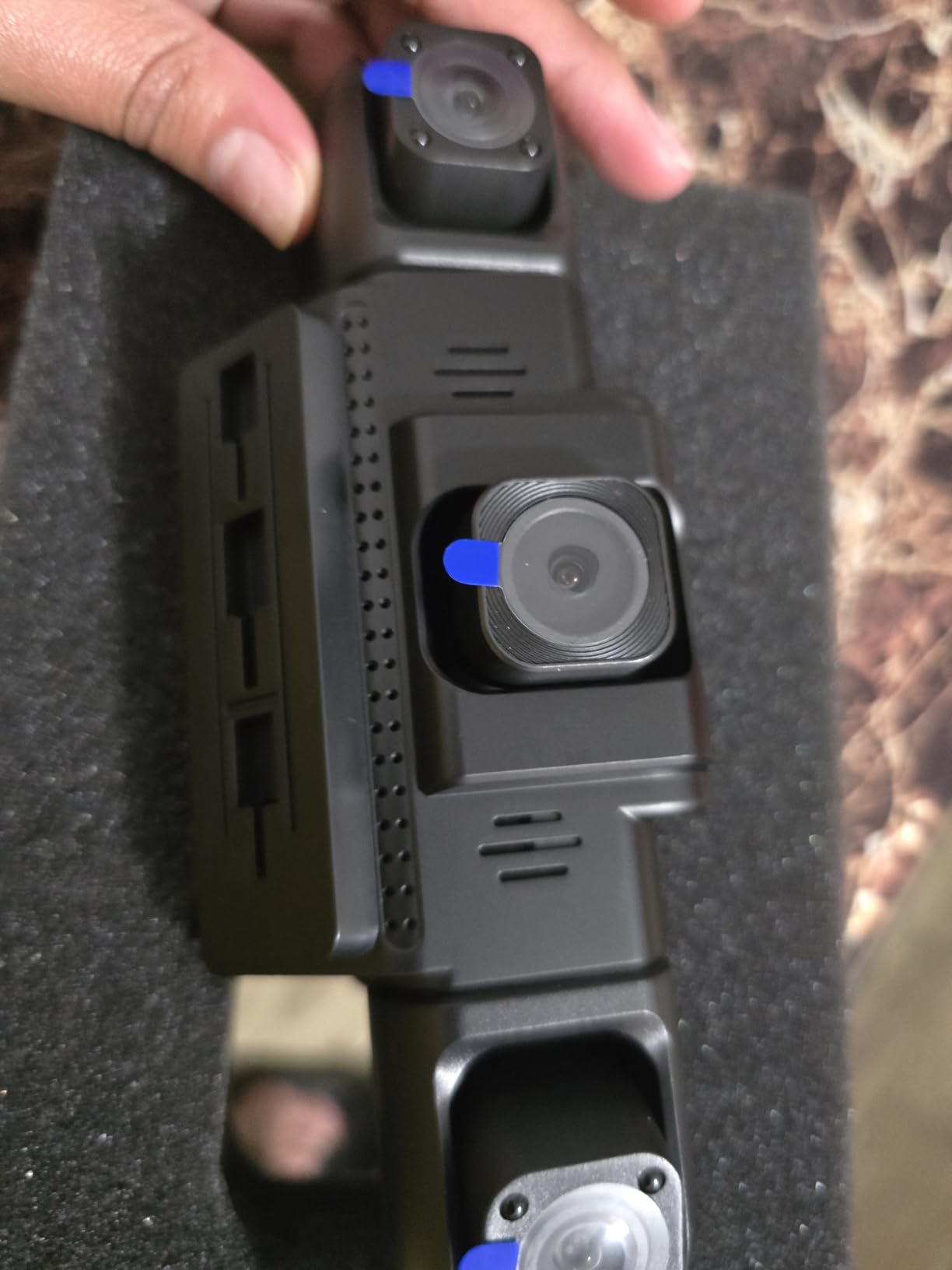
The D435 records four 1080P channels at once, front, rear, both sides and interior, with a 160 degree wide angle on a 1/1.1 inch sensor. On paper the resolution is lower than the two-channel flagships. In use, the four-channel coverage means an incident is visible from an angle the others simply do not cover.
Installation took about five minutes and the tool kit was complete. Every camera is highly adjustable, which made aiming it into the rear side windows straightforward rather than a guessing exercise.
Time-lapse mode compresses sixty minutes of parking into one, which is a sensible way to cover an unattended car overnight without filling the card. Loop recording with automatic incident lock handles the rest.
Mounting is the real complaint. The adhesive pad is reported as unreliable in heat, and the suction cup is described as too large for a windshield corner. Reviewers also describe WiFi syncing failures with an error message and no reachable support number, which is worth weighing if you plan to pull clips often.
Does 1080P on four channels look worse than 4K on two?
Per channel, yes, and in daylight you can see it on a license plate across an intersection. Across coverage, no. A front and rear pair at 4K still misses what happens at the driver’s side window, which the D435 captures.
For fault determination in a normal two-car crash, two higher-resolution channels are the better tool. For a car parked at school or a shared vehicle with several drivers, four channels answer a different question and answer it completely.
What extras will you need?
Two purchases. The GPS logger is optional and sold separately, so route and speed data are not included out of the box, which matters for this list’s main use case. The ACC hardwire kit for parking mode is also separate. A 128GB card is included.
11. SUVCON 3-Channel: Best Low-Cost Cabin Coverage
Dash Cam Front and Rear, 1296P Dash Camera for Cars, 3 Channel Car Camera Front Rear and Inside with 32GB Card, Loop Recording, Night Vision, HDR, 24Hr Parking, G-Sensor
170 degree front,150 degree cabin,150 degree rear
1296P at 30 FPS
Four infrared LEDs
3.47 inch IPS display
Pros
- Three cameras
- including a cabin channel
- in a low price bracket
- Cabin infrared works in low light
- 32GB card included so it runs immediately
- Compact and easy to mount
- Interior view is a real deterrent with passengers
Cons
- Rear and cabin image quality is well behind the front
- No working WiFi despite app suggestions
- Short three to ten second clips can miss the moment
- 32GB maximum card size
- Recurring reformat prompts
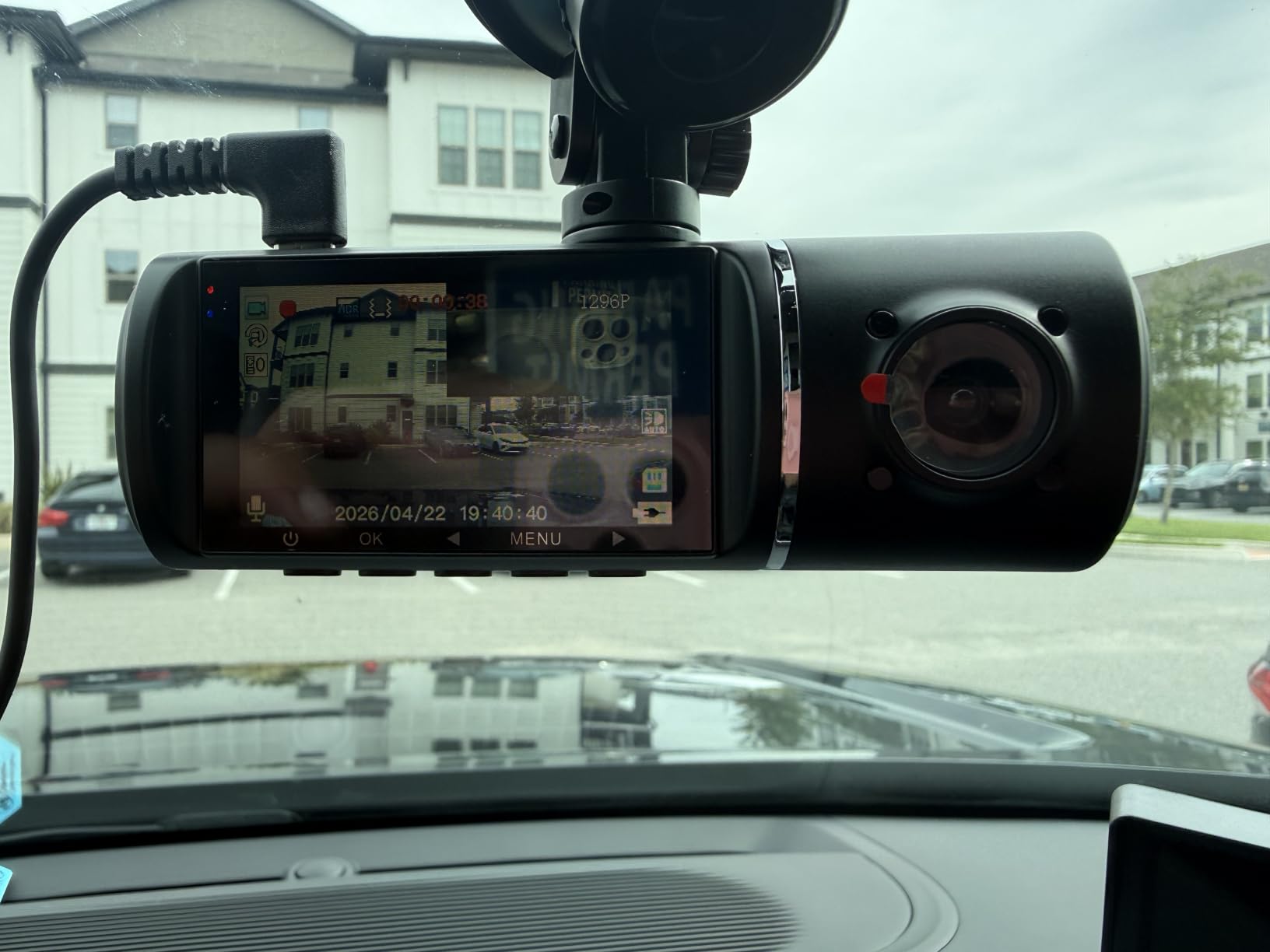
The SUVCON is the reason this list includes a budget three-channel unit at all. It gives you a 170 degree front camera, a 150 degree cabin camera and a waterproof 150 degree rear camera, which is more coverage than most units at twice the spend.
The four infrared LEDs on the cabin camera do produce usable low light footage inside the car, and that interior view works as a deterrent when a teen has passengers.
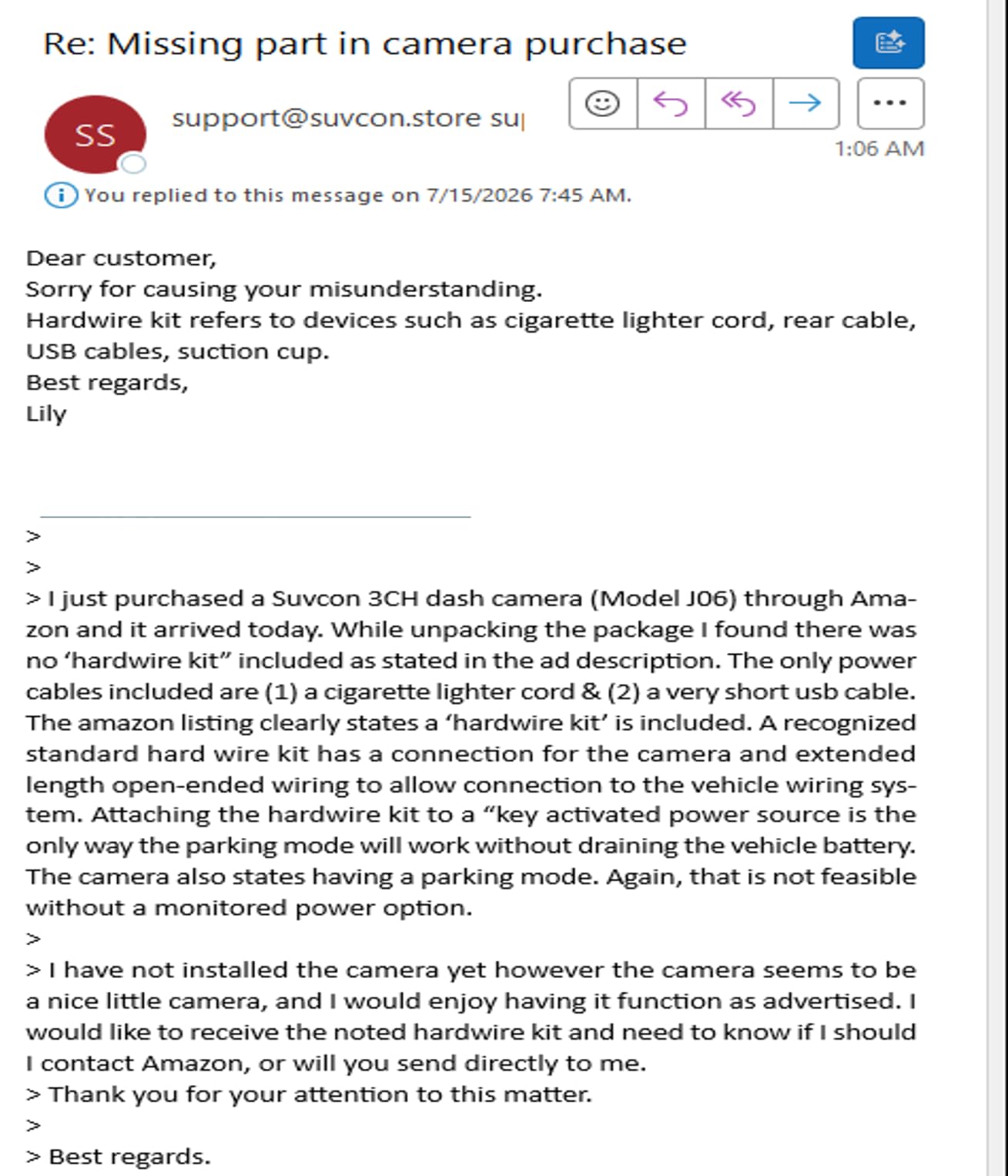
Here is why I place it eleventh rather than higher. Reliability complaints are specific and repeated: reformat prompts that recur, loop recording that stops without warning, and recordings broken into three to ten second clips. Several owners report that the clip that mattered was missing because the incident fell between segments.
There is also no usable WiFi or app despite listing language that implies app support. You pull footage by removing the SD card and reading it on a computer. For a family that will review footage once a month, that is tolerable. For weekly review, it is not.
Can you do without the app entirely?
You have to. The camera records to the card and you view it by removing it, which means no instant check after a fender bender and no phone backup of a clip you want to keep. If your main goal is accident evidence, that workflow is functional. If you want to monitor driving habits, it is a poor fit.
The 3.47 inch IPS display does give you on-device control over settings, and the 19.68 foot rear cable reaches the back window of most sedans and SUVs.
What should you check before relying on it?
Format the included card on a computer first, confirm the timestamp is correct, and run a five-minute test recording. If loop recording keeps stopping, this is the wrong camera for an evidence role and the E-YEEGER below is a safer cheap option.
12. E-YEEGER S60: Budget Pick for a Teen Car
Dash Cam Front and Rear for Cars, 2.5K+1080P Dual Camera with 2″ Screen
2.5K front and 1080P rear
170 degree F1.8 lens
2 inch IPS screen
Suction mount with G-sensor lock
Pros
- 2.5K front is sharp enough for plate reading at low speed
- Tiny footprint that sits clear of the road view
- Suction mount holds in high heat
- Simple on-device menus with marked buttons
- USB-C power reuses existing dash cam cables
- Free app for viewing and downloading
Cons
- microSD card not included and must be bought separately
- File transfer requires removing the SD card
- Rear camera can point inward on sloped rear glass
- Some reports of the suction mount detaching in hard braking
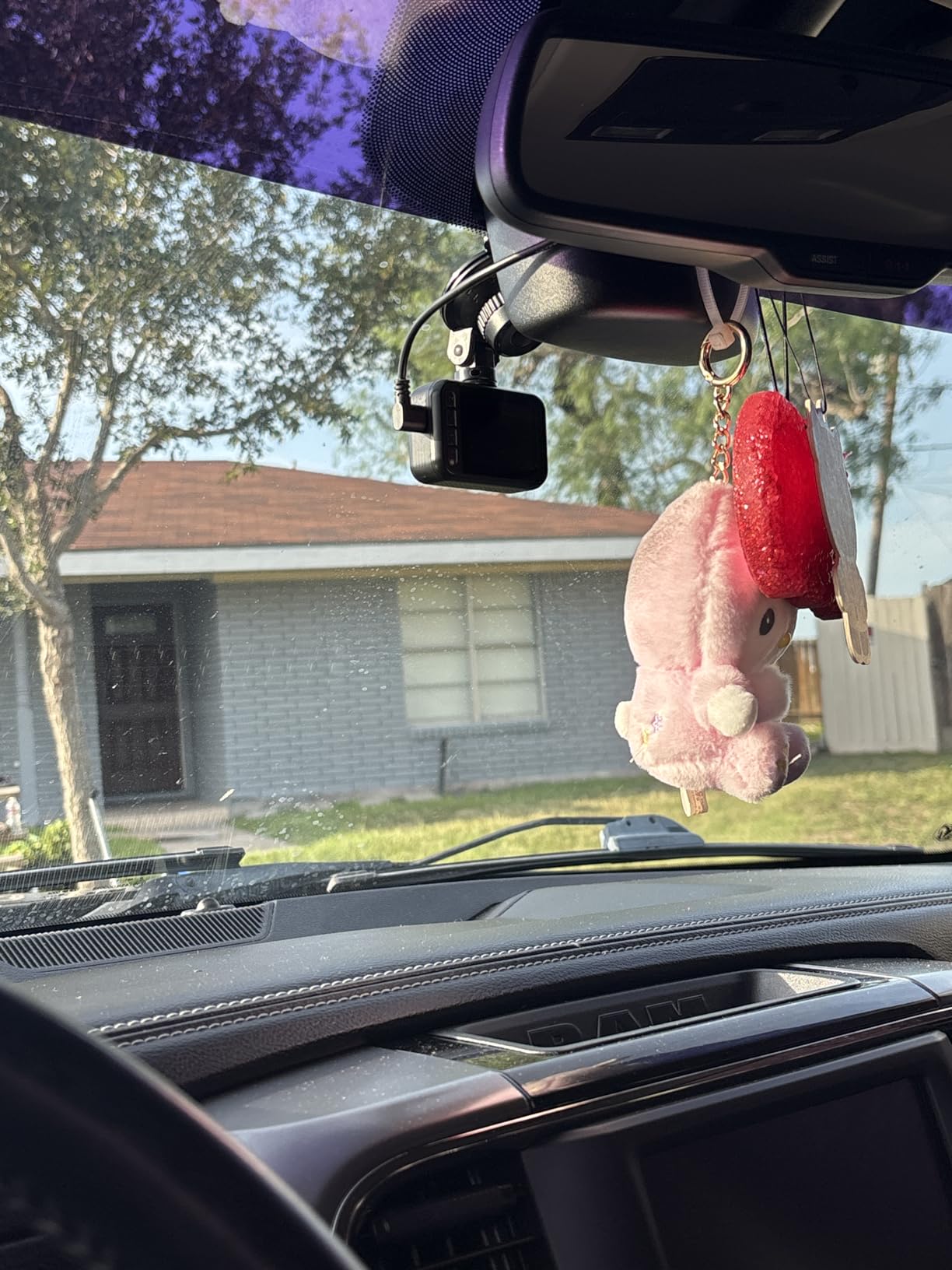
The S60 is the cheapest two-channel unit here that I would put in a car and expect it to work. The 2.5K front at 2560 by 1440 with a 170 degree F1.8 lens was sharp enough to read plates in daylight at moderate speed, and the starlight sensor with a six layer glass lens handled dusk better than the price suggests.
At 1.76 ounces it is the smallest unit in the roundup, and it mounted between the mirror and the windshield with no view obstruction at all.
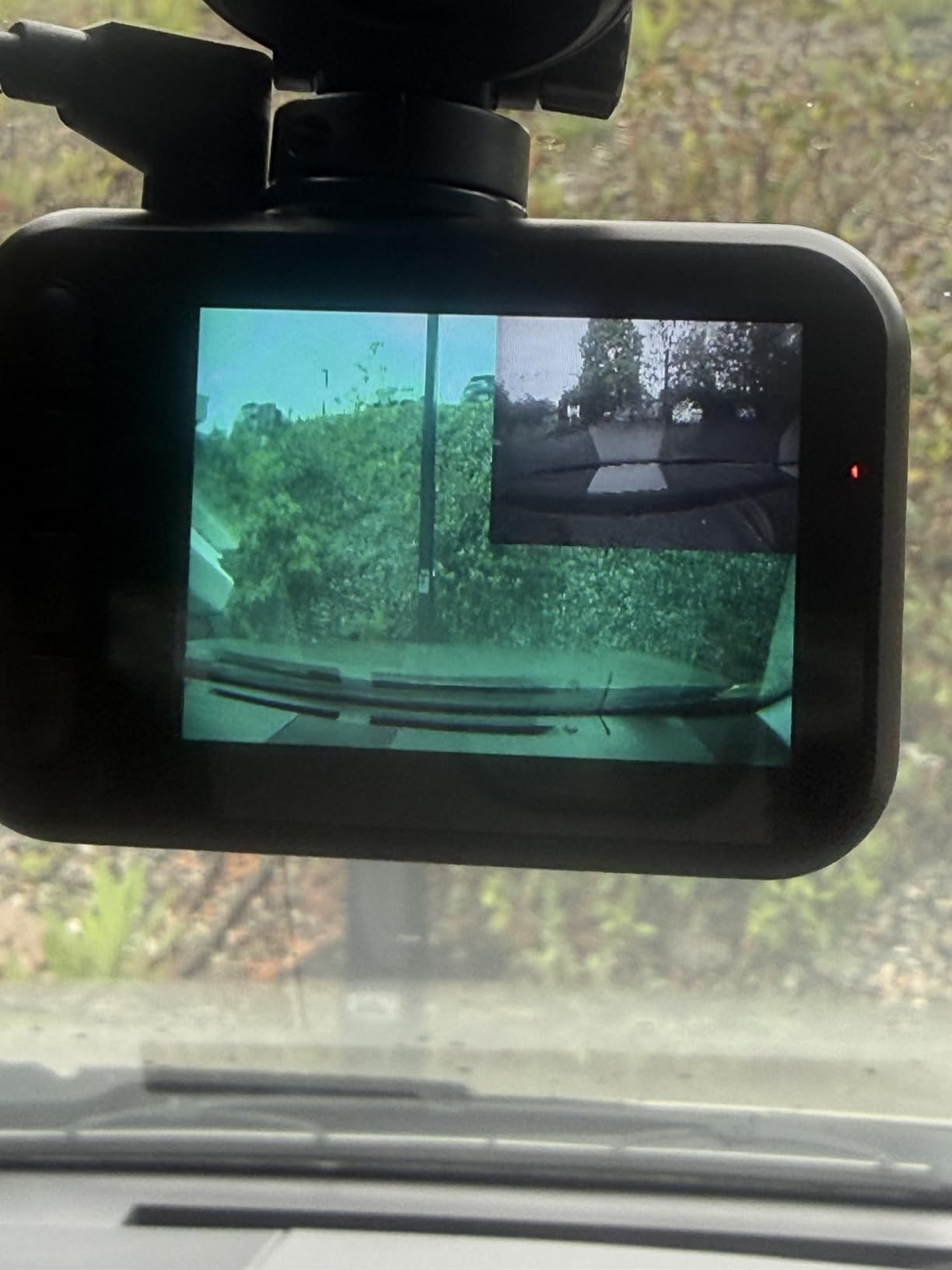
Two details make it practical. The USB-C power connection means existing dash cam cables often work, and the 360 degree rotating suction mount lets you reposition the camera between vehicles, which forum users specifically value in a family with two cars.
The card is not included and the maximum is 256GB. Owners also report the suction mount detaching during hard braking, which is the worst possible moment to lose an incident clip. A dab of adhesive on the mount or a wired connection removes that risk.
Is this safe as the only camera in the car?
Yes, for the basic evidence job. Front and rear at 2.5K and 1080P, loop recording with a G-sensor lock, and a WDR sensor that balances headlights against darker areas. What you give up versus the ROVE is GPS logging, night performance and speed data.
There is no built-in GPS on this unit, so route and speed are not stamped. If reviewing speed behaviour is part of why you want a camera, keep looking.
Which vehicles suit it best?
An older family sedan or a car you plan to sell soon. The removable mount means you can take it with you, and the low price keeps the downside small if it gets stolen or damaged in the car. The optional parking monitor needs a Type-C hardwire kit that is not included.
Dash Cam vs Standalone GPS Tracker for Teen Drivers
This question comes up constantly in forums and almost no roundup answers it, so here is the direct comparison. A dash cam records video and, on most of the units above, stamps GPS route and speed at the moment of recording. A standalone GPS tracker plugs into the OBD-II port, reports position continuously over cellular, and shows you live location, stops and routes on a phone. It records no video.
They answer different questions. The dash cam answers what happened in a collision and what happened while the car was parked. The tracker answers where the car has been and when it stopped somewhere it should not have been.
For a newly licensed teen, video usually carries more weight. Nearly every real claim involves another vehicle and turns on a few seconds of footage, and a tracker contributes nothing to that. If your main worry is speeding, route discipline and arrival times, a tracker is the cheaper and more precise tool. If your main worry is fault, an impact, or vandalism at school, video wins.
There is a case for both. Many families run a tracker during the first six months of a licence and a dash cam indefinitely, since the tracker answers the question a parent is most anxious about early on, and the camera keeps paying out for years. Our guide to dash cams with GPS and speed alerts covers the speed-logging side in more detail.
One warning if you run a tracker: confirm how the device behaves with a vehicle that has an alarm. Some installers recommend a splitter cable so the tracker powers without cycling the alarm, and that is worth asking about before you commit.
How to Install a Dash Cam in a Teen’s Car
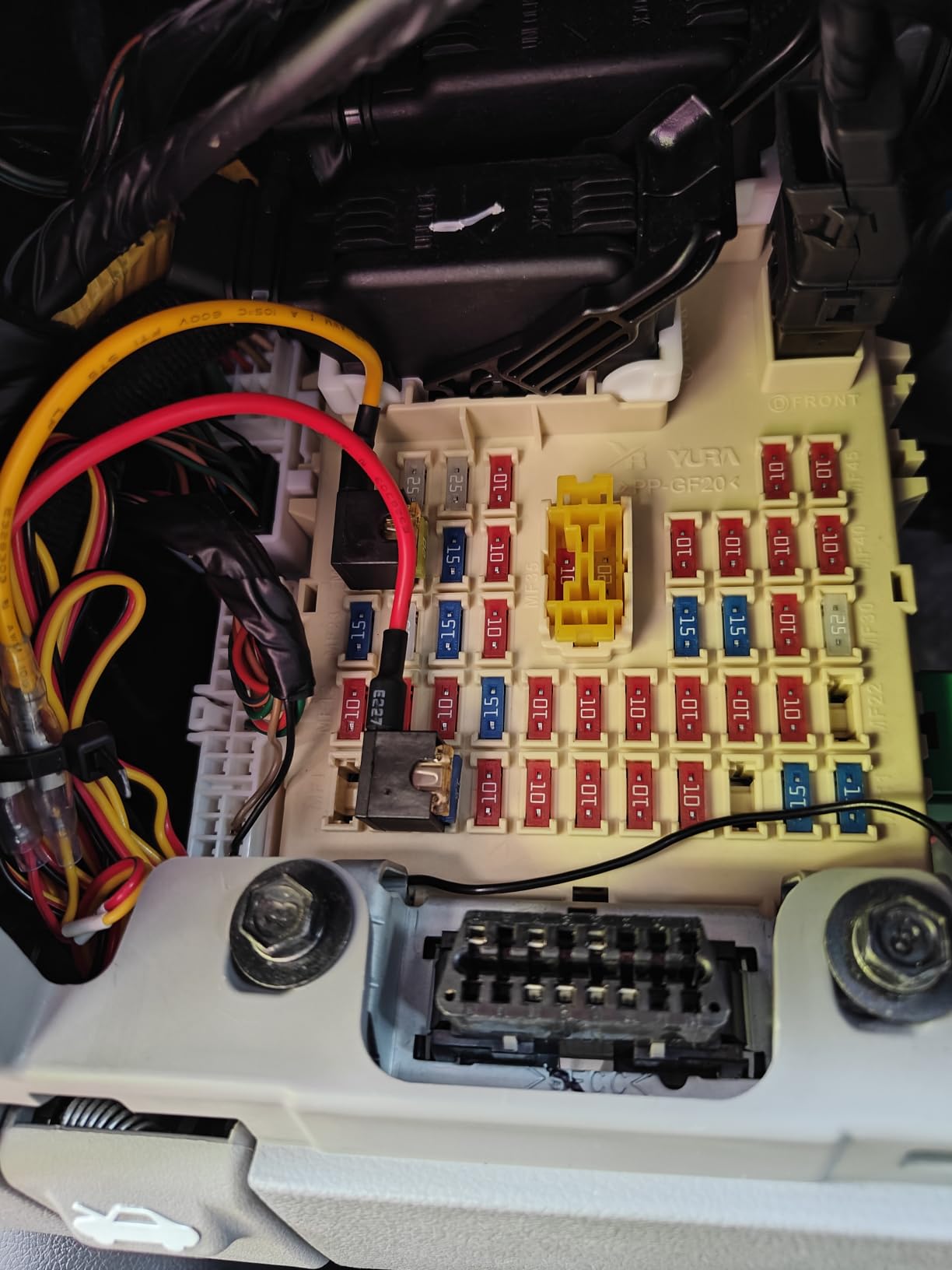
The easiest install runs off the 12V socket with the supplied cable and takes about ten minutes. Nothing gets cut, nothing gets permanently modified, and the camera can move to another car in a minute. The limitation is that parking mode needs continuous power, so you are back to the socket.
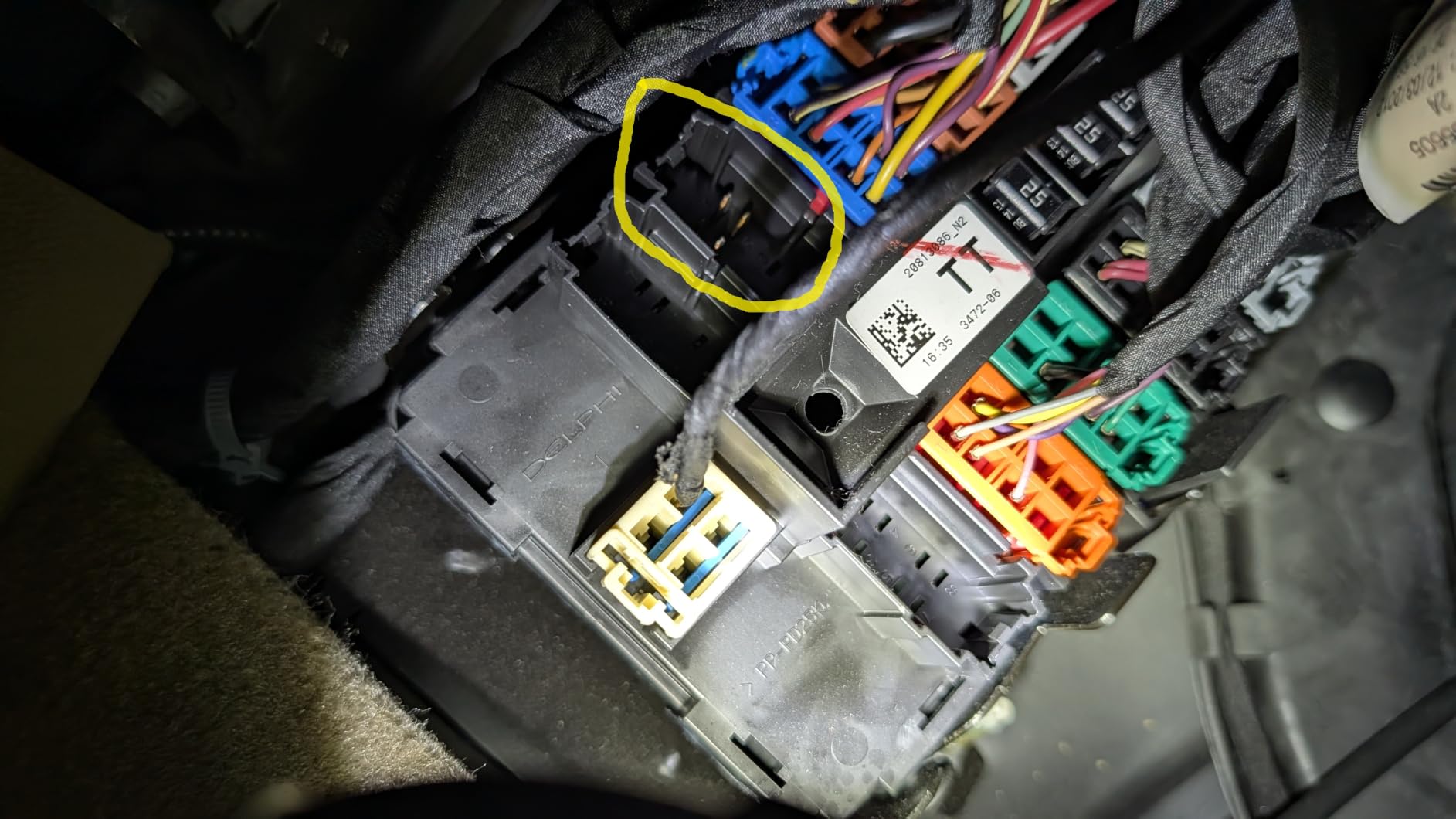
A hardwire kit taps an accessory fuse and hides the cable along the headliner and A-pillar. This is the correct approach if you want parking mode or time-lapse coverage overnight. Any kit with a voltage cutoff is worth buying; without one, a deeply discharged battery on a school day is a genuinely bad morning. Owners on dash cam forums consistently recommend a kit with a cutoff rather than a bare wire tap.
An OBD-II powered tracker is a third option that avoids fuse work entirely, which is why owners prefer it when the goal is location rather than video. It is the least invasive install available.
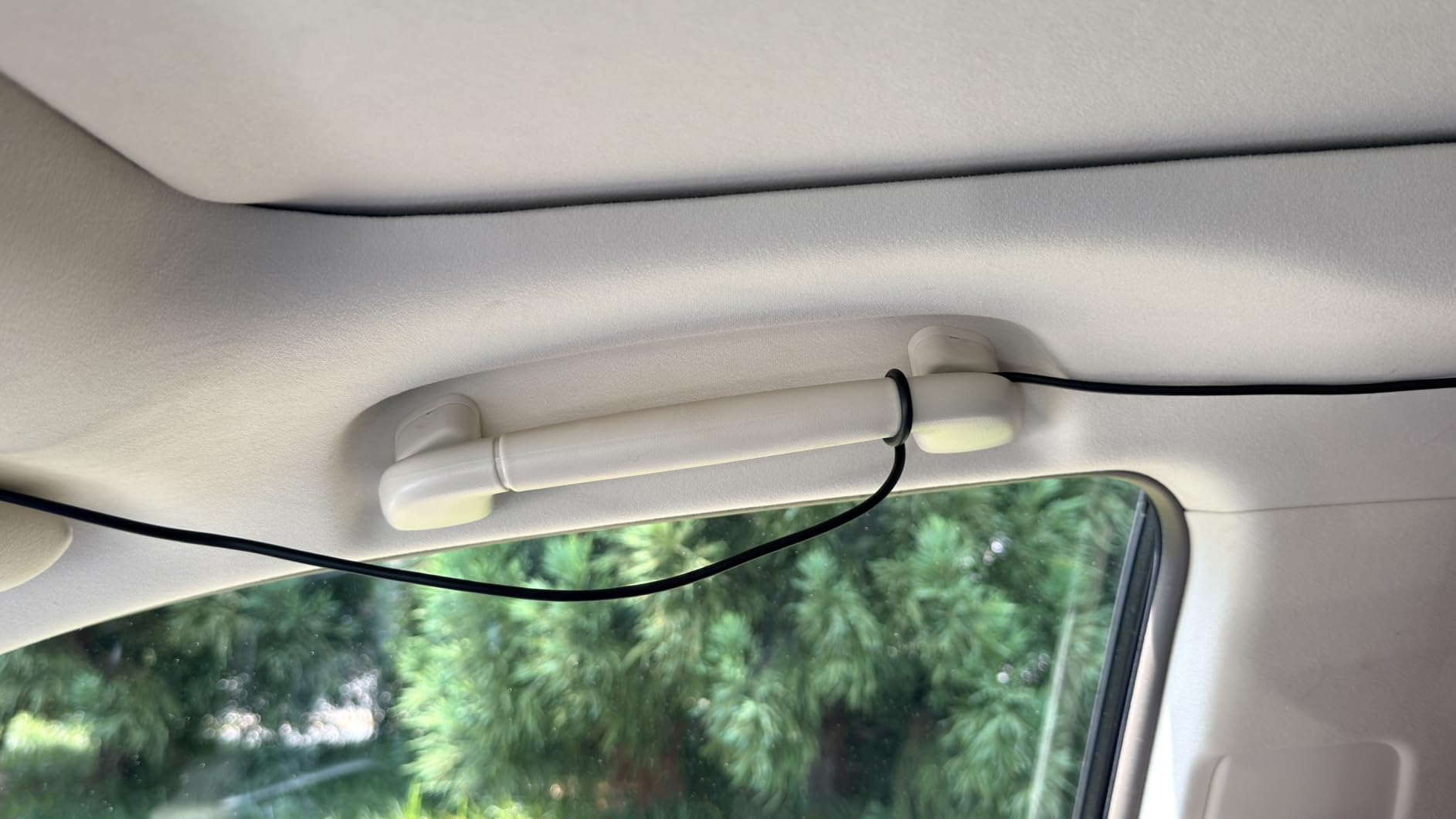
Two installation details matter more than the tools. Route the rear cable along the headliner and down the A-pillar or the door seal, never across the rear window, where defroster lines make adhesive mounting unreliable and heat can detach it. And check the connection after the first drive, since a plug loosening under vibration is the most common cause of a camera that silently stopped recording.
How to Review Teen Driving Footage Without Ruining Trust
The most useful thing I read across forum threads was how rarely the question is about catching a kid. It is about knowing. A parent who reviews a clean two-hour drive learns nothing and says nothing, and the next week is easier for everyone.
When you do see something, name the behaviour, not the personality. Hard braking at a yellow light is a coaching item. Do not open with the drive score, because a number out of ten reads like a judgment on the person rather than the driving.
Reviewing together is better than reviewing alone. Pull the ten minutes around an event, watch it together, and let your teen explain what they saw. Teenagers frequently identify a hazard the camera caught before they noticed it themselves, and that moment converts surveillance into a lesson.
Preventing tampering is the practical side of trust. Forum parents describe the real failure mode: a teen who decides the camera is an accusation, and the next morning the windshield is bare. Counter it by agreeing in advance on the rules, telling them the camera stays, and giving them ownership of the app. Teens who manage the app themselves tend to leave it installed, because the person who controls the tool resists removing it.
Decide the audio question before you mount anything. A cabin camera with microphone records passengers who did not agree to it, which is both a privacy problem and, in a dozen states, a legal one. Audio off costs you almost nothing for accident evidence.
Features That Matter for Teen Drivers
GPS with speed and route logging is the feature that changes this purchase from evidence to information. Speed is stamped on the clip and shown in app playback, so a parent can see the pattern without an accusation. Eight of the twelve units above have it built in; the ZMOPO needs a separate logger.
Event locking through the G-sensor is not optional. Loop recording overwrites the oldest file when the card fills, so without an automatic lock on impact the clip you need can be gone within hours. Every unit here has one, and the REDTIGER F17 lets you adjust the sensitivity so rough roads do not fill the event folder.
Buffered parking recording captures the seconds before an impact rather than after it. The VIOFO A229 Plus does this natively with 15 seconds before and 30 seconds after. Time-lapse parking mode is cheaper and uses less storage, but you cannot see a fast event in time-lapse footage.
Card capacity decides how long you keep history. Loop recording means the card is the archive. A 128GB card holds a few days at 4K across two channels; the ROVE supports cards up to 1TB, the VIOFO and 70mai up to 512GB, the Affver and Neideso up to 256GB, and the SUVCON only 32GB. Format the card in the camera rather than trusting a fresh card out of the box, since that is the single most common cause of lost footage.
App quality decides whether review happens at all. Accounts, choppy playback, and WiFi that drops a CarPlay session are the reasons parents abandon footage review within a month. Our parking mode roundup goes deeper on the kits and modes if you plan to leave the car unattended.
Quiet operation matters more than it sounds. Driver assistance warnings that beep constantly are a distraction a new driver cannot ignore safely, and reviewers reject cameras for exactly that. Prefer units where ADAS can be disabled, and check that alerts are off out of the box.
A supercapacitor rather than a lithium battery is the last item. A car parked in summer sun degrades small lithium batteries quickly, and a supercapacitor handles the heat range without that failure mode. Seven of the twelve units here use one.
Does a Dash Cam Lower Your Insurance?
Almost certainly not, and anyone telling you otherwise is selling something. Consumer Reports states plainly that dash cams do not qualify drivers for a discount, and the major insurers do not advertise one for having a camera installed.
What a dash cam does affect is the outcome of a claim. Footage that establishes fault can prevent a disputed claim from escalating, and in a staged collision it can end the investigation early. That is real financial value, just not a premium reduction. Ask your insurer directly if you want a written answer for your specific policy.
Frequently Asked Questions
Is a dash cam legal in the USA?
Yes. Dash cams are legal in all 50 states, and most states have no restriction on mounting one inside the car. The main limits are that it cannot obstruct your view of the road, and individual states regulate mounting position or windshield tint around the mount. Audio recording is the more complicated question: in one-party consent states the recording is generally fine, while a dozen states require all parties to consent before you record a conversation, which matters most with a cabin camera.
What is the best dash cam for a new driver?
For a new driver, pick front and rear coverage with built-in GPS and an impact-triggered event lock. Our top pick is the ROVE R2-4K Dual, which adds a Sony STARVIS 2 sensor for night clarity and stamps speed and route onto every clip. If night driving is the main concern, the VIOFO A229 Plus has the stronger sensor and buffers the seconds before an impact.
What is the best GPS tracking device for my teenager’s car?
For location only, a standalone OBD-II GPS tracker plugged into the diagnostic port is the simplest option, since it reports position, stops and routes over cellular with no video capability. For collision evidence and parking lot coverage, a dash cam with built-in GPS is the better tool, and it stamps speed and route on the clip. Many families run a tracker for the first months of a licence and a dash cam indefinitely.
Do dash cams lower insurance premiums?
Generally no. Consumer Reports states that dash cams do not qualify you for an insurance discount, and major insurers do not advertise one for installing a camera. A dash cam does affect the outcome of a claim, since footage that establishes fault can prevent a disputed claim from escalating or end a staged collision investigation early. That is worth something financially, but it is not a lower premium.
How can I monitor my teen driving without them feeling spied on?
Use the camera for coaching rather than enforcement. Pick a model with built-in GPS so you can see speed and route patterns instead of hunting for a single mistake, review footage together on a few minutes around an event, and name the driving behaviour rather than the person. Tell your teen the camera is permanent before you mount it, and let them manage the app, since teens who control the tool are far less likely to pull it off the windshield.
Which Dash Cam Should You Buy in 2026?
The ROVE R2-4K Dual is our pick among the best dash cams for teen drivers because it balances the three things this use case needs: a sensor that holds up at night, built-in GPS that stamps speed and route on every clip, and an app fast enough that your teenager will actually pull footage. The REDTIGER F7NP is the better value buy, and the VIOFO A229 Plus is the one to choose if the teen drives at night often.
Whatever you pick, install it properly with a hardwire kit that has a voltage cutoff, route the rear cable out of sight along the headliner, and format the card in the camera before the first drive. Then agree with your teen that the camera stays. That conversation is worth more than any feature on the spec sheet.