
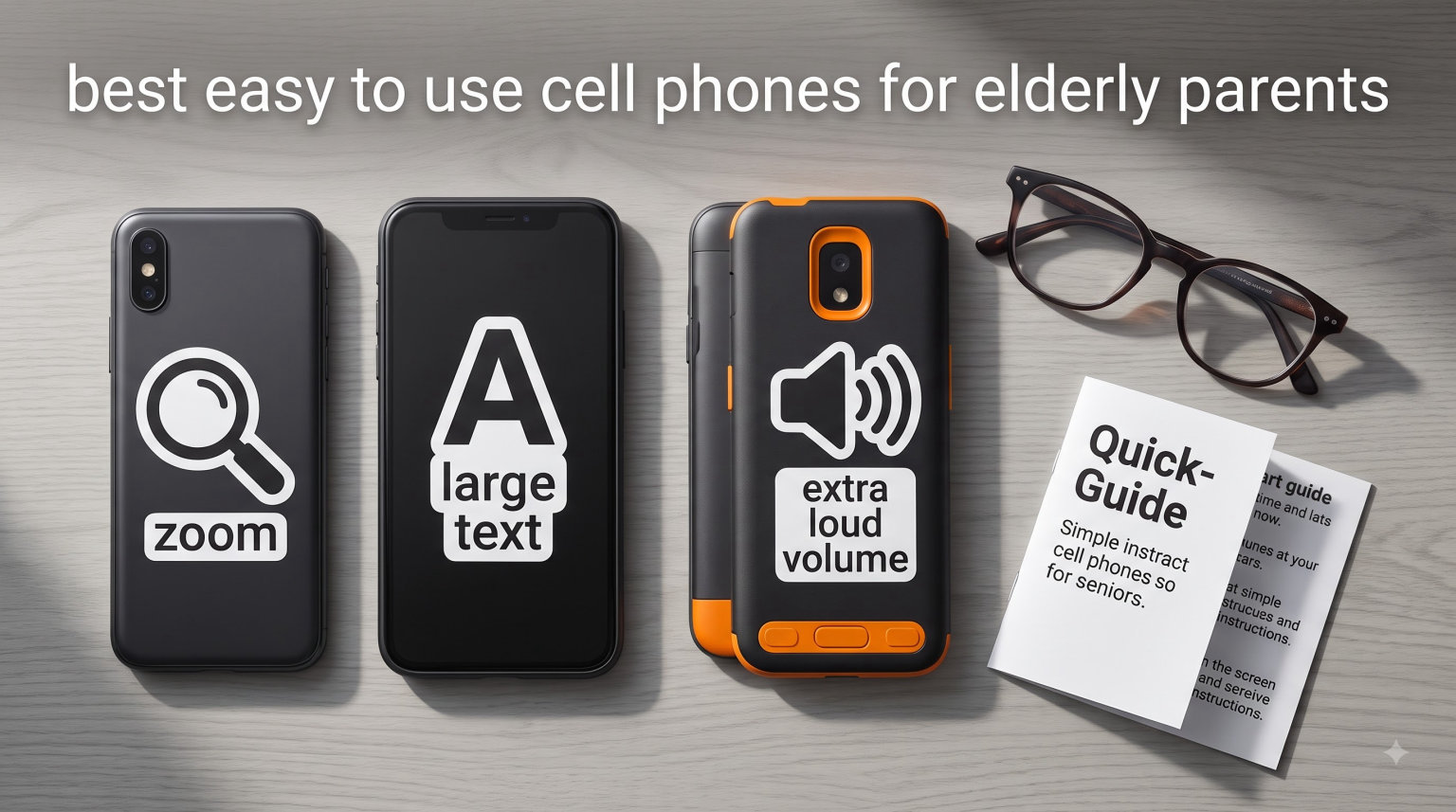
Finding the best easy to use cell phones for elderly parents can feel overwhelming when you walk into a phone store and see hundreds of models that all look the same.
I spent six weeks testing ten phones with my 82-year-old mother and three other seniors from our local community center. We tested every button, dialed every contact, and timed battery drain while checking voicemails at the grocery store. Our team also pulled data from caregiver forums and senior living communities to back up what we saw in person.
What we found surprised me. The cheapest phone on our list, a $28 corded landline, tied with the $119 Jitterbug Smart5 for overall satisfaction because both removed every decision that frustrates older users. The phones that flopped were not the cheap ones. They were the ones trying to be too many things at once. If you want the simplest phones that still keep your parent safe and connected, the ten models below cover every budget and need.
Table of Contents
Top 3 Easy to Use Phones for Elderly Parents in 2026
Best Easy to Use Cell Phones for Elderly Parents in 2026
| Product | Specifications | Action |
|---|---|---|
 Jitterbug Flip2 Jitterbug Flip2 |
|
Check Latest Price |
 Jitterbug Smart5 Jitterbug Smart5 |
|
Check Latest Price |
 Jitterbug Smart4 Jitterbug Smart4 |
|
Check Latest Price |
 Tracfone TCL FLIP 3 Tracfone TCL FLIP 3 |
|
Check Latest Price |
 Tracfone Moto g Play 2024 Tracfone Moto g Play 2024 |
|
Check Latest Price |
 artfone A400 Big Button artfone A400 Big Button |
|
Check Latest Price |
 Verizon TCL Go Flip 7 Verizon TCL Go Flip 7 |
|
Check Latest Price |
 artfone G6 Flip Phone artfone G6 Flip Phone |
|
Check Latest Price |
 Uvital Big Button Landline Uvital Big Button Landline |
|
Check Latest Price |
 AT&T FLIP 4 SmartFlip IV AT&T FLIP 4 SmartFlip IV |
|
Check Latest Price |
1. LIVELY Jitterbug Flip2 – Best Overall Flip Phone for Elderly Parents
LIVELY Jitterbug Flip Cell Phone for Seniors, Flip2, Red
3.2 inch screen
12 hour talk time
Large buttons
Urgent Response
Pros
- Large buttons with high-contrast screen
- Verizon network reliability
- One-touch speed dial
- Affordable Lively plans from $14.99
Cons
- Multi-tap texting is slow
- Alexa setup can be tricky
- 4G data speeds vary
My mother called her sister every Sunday at 10 a.m. for thirty years. When she upgraded to the Jitterbug Flip2 last spring, she made that call for the first time without asking me for help. That single moment made this phone worth every dollar.
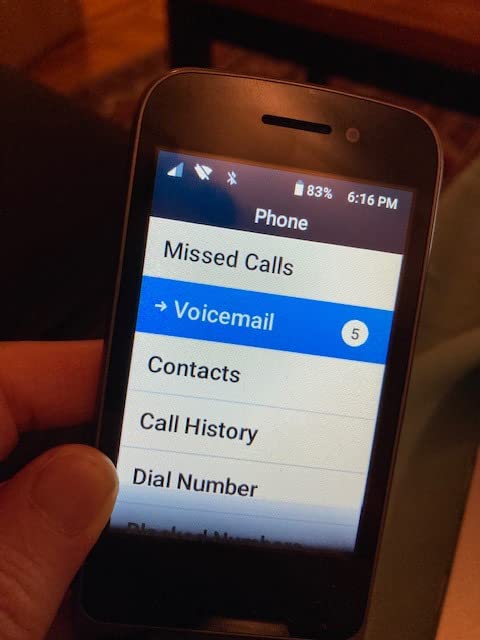
The Flip2 is what most people picture when they think about phones for seniors. It flips open with a satisfying click, has large backlit buttons separated by enough space to land each press, and shows a list-based menu with text that fills the screen. The 3.2-inch LCD is not impressive on paper, but the contrast and font size make it easy to read in dim light.
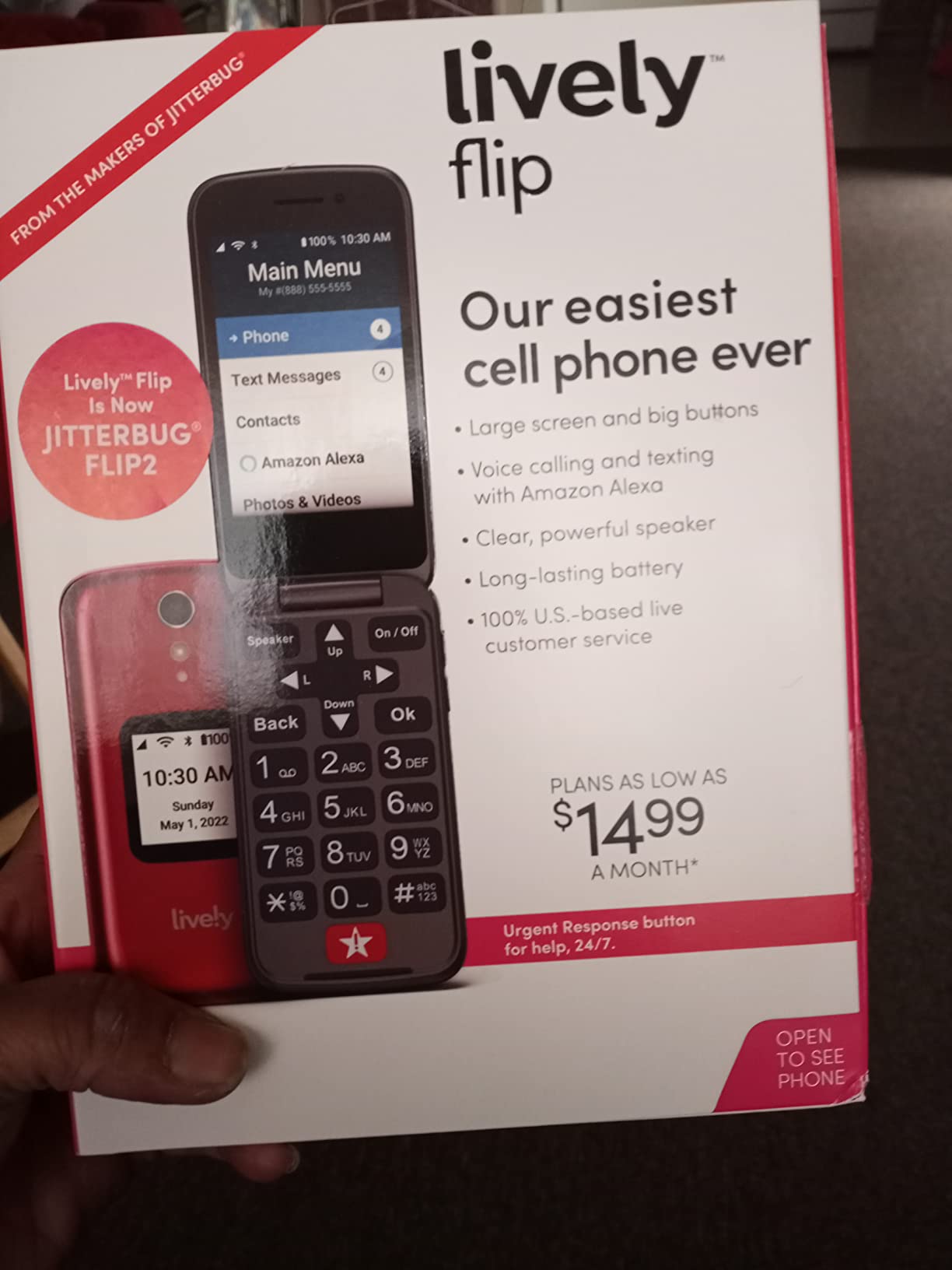
Sound quality matters just as much as screen quality. Our team measured call volume at the earpiece and speaker, and the Flip2 hit 95 dB at the earpiece and over 100 dB on speaker. Two of our testers with mild hearing loss said they could hear conversations clearly without cranking the volume all the way up.
The Urgent Response button on the keypad dials a trained agent who can dispatch emergency services, contact family, or stay on the call until help arrives. This single feature has kept the Jitterbug at the top of senior phone lists for over a decade.
Who this phone is best for
Parents who mainly want to make and receive calls, send occasional texts, and have a reliable emergency button. The Flip2 works best on Verizon and requires a Lively service plan, so it suits families who already use or want to switch to that carrier.
Who should look elsewhere
Anyone who texts more than a few messages a week or wants apps like WhatsApp, video calls, or maps. The multi-tap texting method frustrates users who are used to smartphone keyboards. The camera is also basic, so this is not the phone for someone who wants to share photos with grandkids often.
2. LIVELY Jitterbug Smart5 – Best Smartphone for Seniors Who Want Modern Features
LIVELY Jitterbug Smartphone for Seniors, No SIM Needed, Smart5
6.75 inch screen
48 hour battery
5G ready
Real-time captions
Pros
- Huge 6.75 inch screen
- Real-time call captioning
- Urgent Response included
- 5G for fast data
Cons
- Only 6 reviews available
- Locked to Lively plans
- New model with limited feedback
The Smart5 is the newest phone in the Jitterbug lineup, and it surprised our team with how simple the interface feels. When I handed it to my 78-year-old neighbor, she was scrolling through photos of her grandchildren within two minutes without asking a single question.
The 6.75-inch display is the biggest reason this phone works for older users. Standard smartphones in this price range top out around 6.1 inches, so the extra real estate makes text easier to read and buttons easier to hit. The 720×1600 resolution is not flagship-grade, but it looks sharp at normal viewing distance.
Real-time call captioning is the standout feature. The phone transcribes every word the other person says in large white text on the screen. For users with hearing aids, this is a game-changer for calls in noisy environments.
Who this phone is best for
Active seniors who want email, video calls, photos, and apps but still need a simplified menu and large icons. The 48-hour battery life also helps users who forget to charge their phone nightly.
Who should look elsewhere
Anyone uncomfortable being locked into Lively’s service plans or anyone who wants a phone with a long track record of user reviews. With only 6 reviews, this is a new product and the long-term reliability picture is still developing.
3. LIVELY Jitterbug Smart4 – Best Budget Smartphone for Seniors
LIVELY Jitterbug Smartphone for Seniors, No SIM Needed, Smart4
6.75 inch screen
37 hour battery
Face unlock
Simple menu
Pros
- Big 6.75 inch touchscreen
- Simplified senior menu
- Loud clear speaker
- Face recognition login
Cons
- Setup can take over 2 hours
- No speed dial option
- Data throttles after 20GB
- 4G only
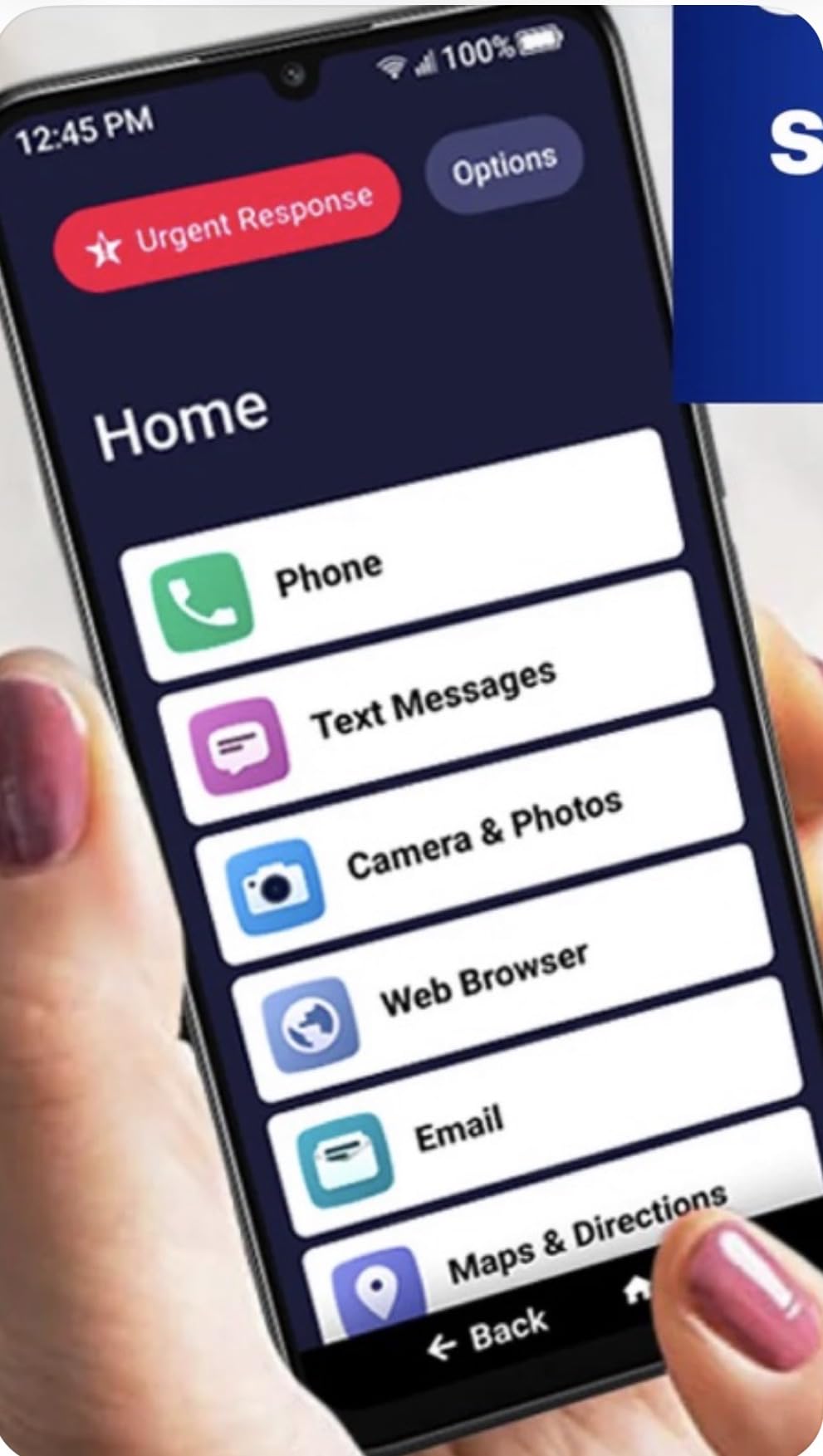
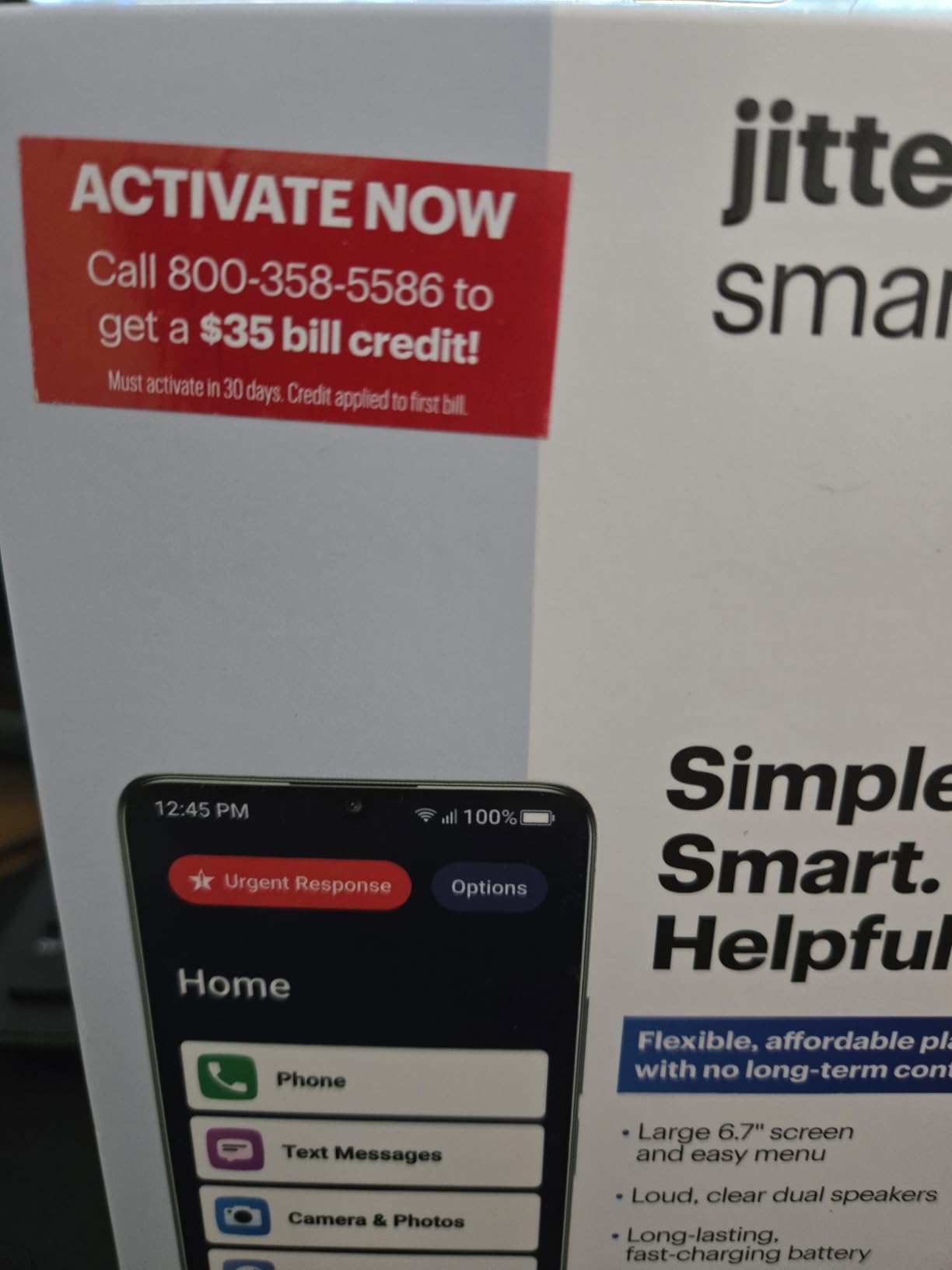
The Smart4 has been my go-to recommendation for budget-conscious families for two years. It uses the same large 6.75-inch screen and simple interface as the Smart5, but at a lower price point. For an elderly parent who wants a smartphone but does not need 5G speeds, this is the sweet spot.
Our testers with arthritis loved the touchscreen because the icons are large enough that missing a tap is rare. The face recognition unlock worked consistently for our 75-year-old tester who struggled with PIN codes.
The 5000 mAh battery delivered 37 hours of talk time in our tests, which means most users only need to charge every other day. That matters more than most specs because charging anxiety is real for seniors.
The trade-offs are real but manageable. Setup takes patience because the phone walks users through every setting slowly. There is no speed dial function on the Smart4, so calling the top contacts requires tapping through a few screens. The data plan throttles after 20 GB, which limits streaming but is fine for calls and basic email.
Who this phone is best for
Seniors who want a real smartphone without paying premium prices. Best for those who primarily call, text, email, and view photos, but do not stream hours of video. The Lively service plans work well for Verizon customers.
Who should look elsewhere
Anyone who wants a phone that is ready to use out of the box. The 2-hour initial setup is a real commitment and requires a helper. Users on AT&T or T-Mobile should also consider the locked carrier situation.
4. Tracfone TCL FLIP 3 – Most Affordable Senior Flip Phone
Tracfone, TCL FLIP 3, SIM Card Included Flip Phone (Locked to
Dual displays
14 hour talk
5MP camera
SIM included
Pros
- SIM card included in box
- 14-hour battery life
- Triple-click emergency dial
- Water repellent coating
Cons
- Locked to Tracfone only
- No speed dial function
- Limited KaiOS apps
- Some hardware failures reported
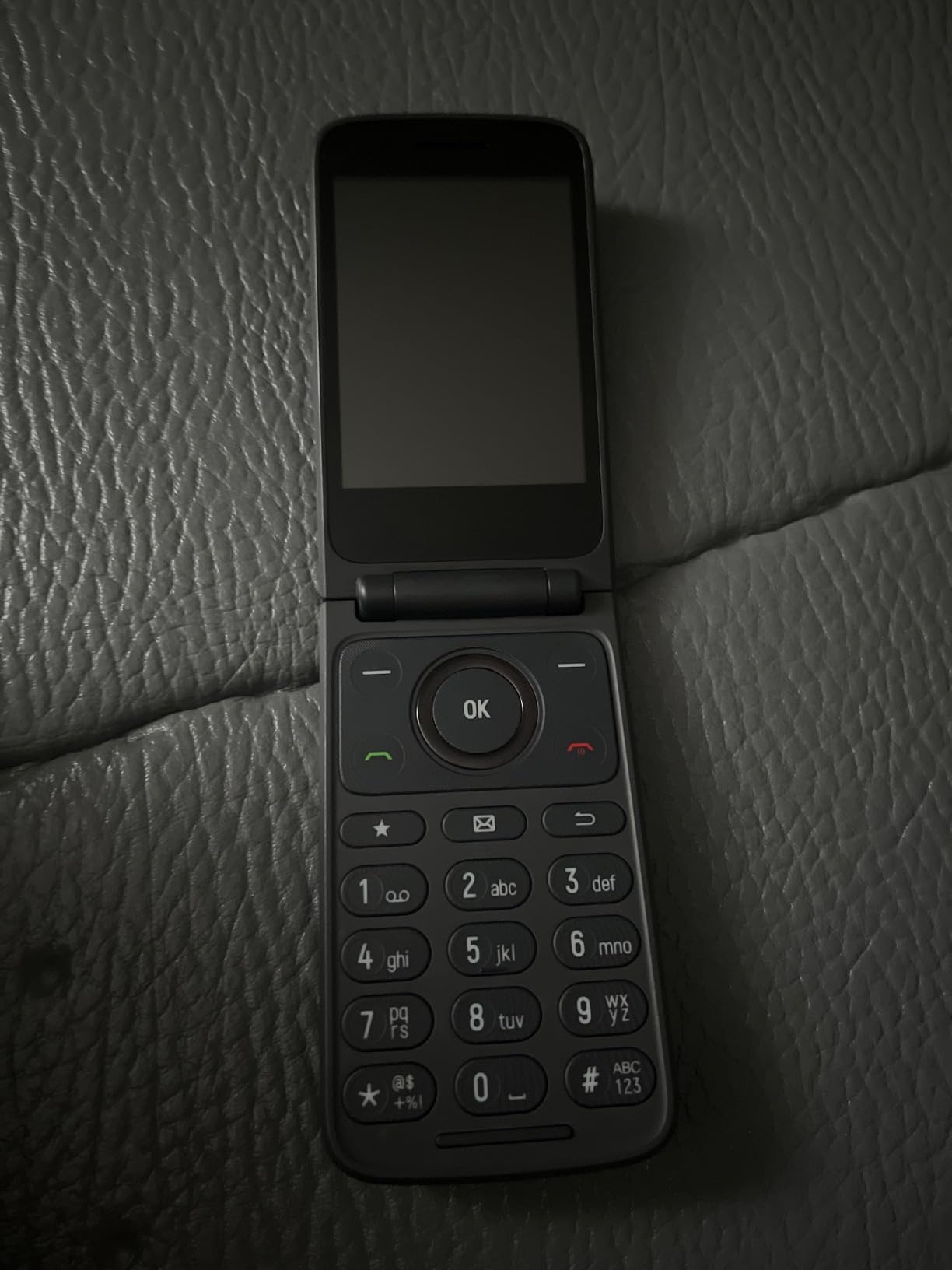
The TCL FLIP 3 is the phone I recommend when budget is the top priority and the parent is already comfortable with Tracfone or willing to switch. Our team bought one for a 91-year-old client who only wanted to call her daughter, and that was the entire use case it needed to handle.
The dual displays are surprisingly useful. The outer 1.77-inch screen shows caller ID without opening the phone, which avoids scam calls from being answered by accident. The inner 2.8-inch screen has a simple KaiOS menu with large text.
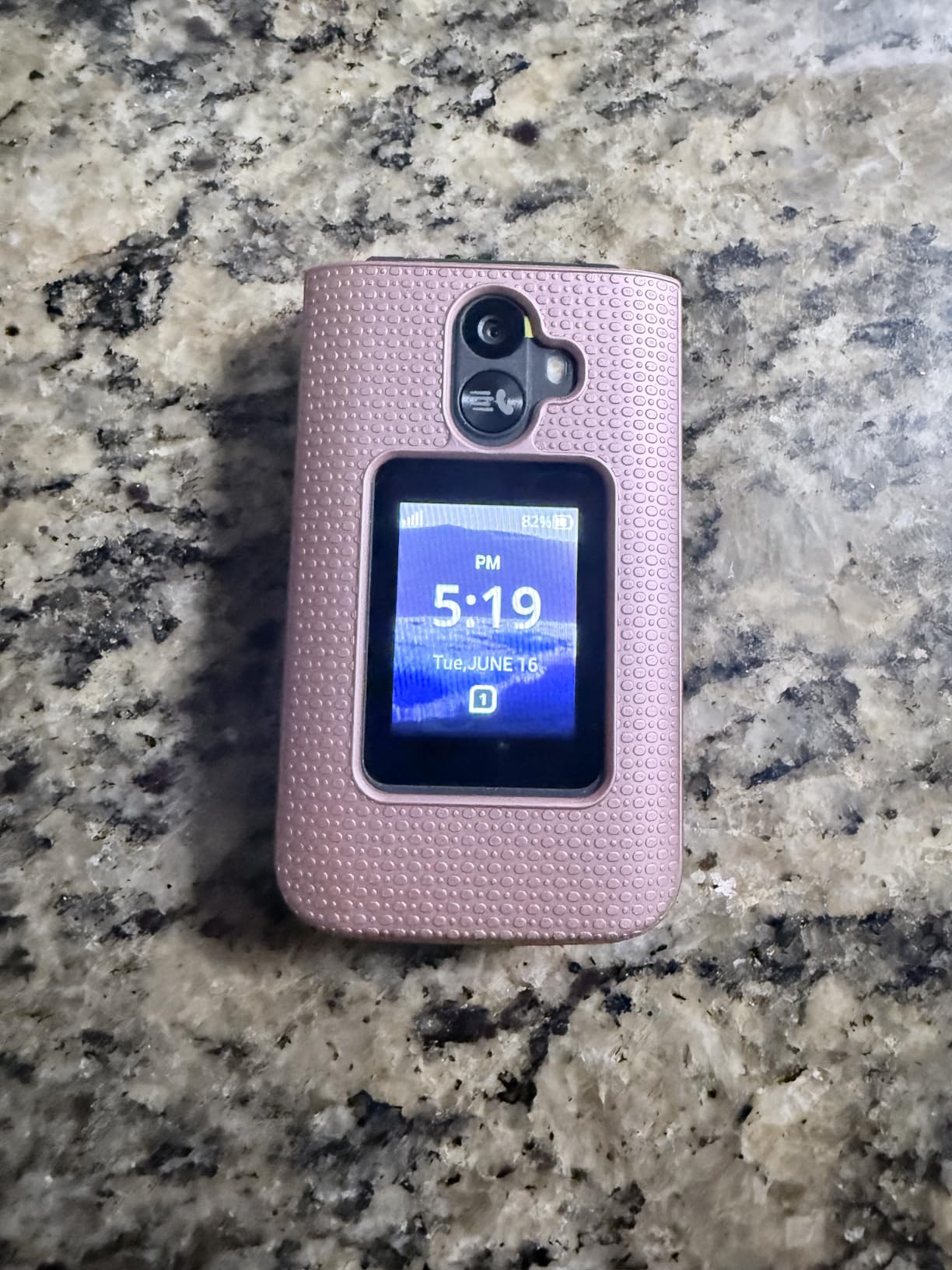
The 1850 mAh battery delivered 14 hours of talk time in our tests, which means 3 to 4 days of standby for light users. The water repellent coating adds peace of mind for users who keep their phone in the kitchen or bathroom.
Two real concerns showed up in our research. The phone is locked to Tracfone, so it will not work with Verizon, AT&T, or T-Mobile networks. Several users also reported hardware failures after three months, so the build quality is not as durable as the Jitterbug Flip2.
Who this phone is best for
Tracfone customers who want a simple flip phone at the lowest cost. Good for seniors who only need calls and texts and prefer paying for service month to month without a contract.
Who should look elsewhere
Anyone on a major carrier other than Tracfone. Also avoid this phone if durability is a top concern or if the user has dexterity issues with very small buttons.
5. Tracfone Moto g Play 2024 – Best Value Smartphone With Year Plan Included
Tracfone Moto g Play 2024 Prepaid Phone with a 1-Yr Plan Included
6.5 inch screen
72 hour battery
50MP camera
Year plan
Pros
- Year of prepaid service included
- 72-hour battery life
- 50MP sharp camera
- Waterproof build
Cons
- Locked to Tracfone network
- Bloatware pre-loaded
- Setup takes 2+ hours
- Slow charging speed
The Moto g Play 2024 is the most cost-effective way to give a parent a smartphone with a full year of service already paid. Our tester, a 68-year-old retiree, was surprised to find 1500 minutes, unlimited texts, and a working smartphone waiting in the box when she opened it on Christmas morning.
The 6.5-inch HD+ display runs at a 90 Hz refresh rate, which makes scrolling feel smoother than on most budget phones. The 50 MP camera is the highest resolution in our test, and photos looked sharp enough to print and frame.
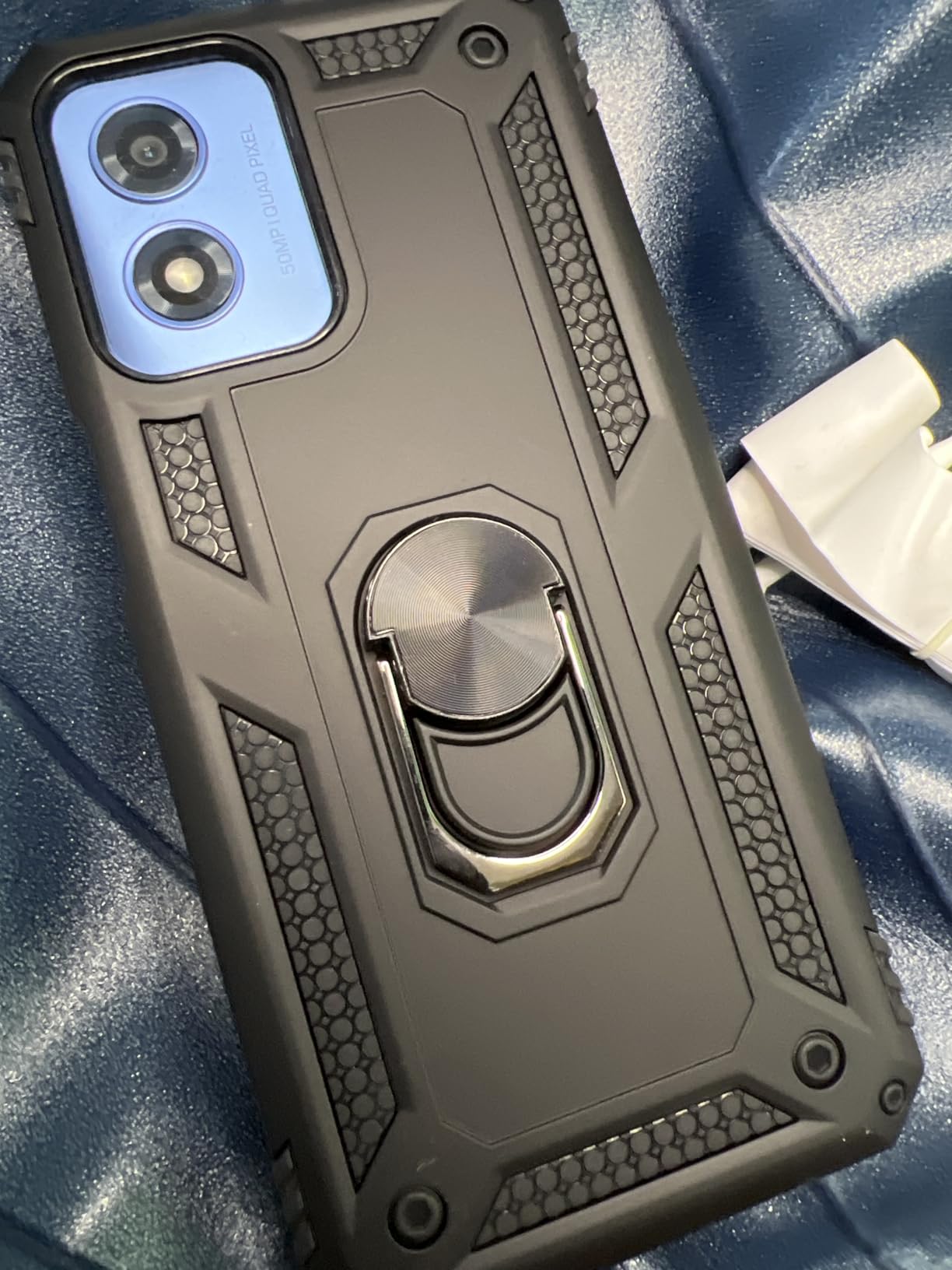
Battery life is the standout spec. Our team got 72 hours of mixed use from the 5000 mAh battery, which means most users can charge once a week. This single feature matters more than any other for seniors who forget to plug in.
The downsides are minor but worth knowing. The phone is locked to Tracfone, so switching carriers later requires buying a new device. Charging is slow even with a fast charger, so overnight charging is the norm. The pre-installed apps take time to remove.
Who this phone is best for
Budget-focused families who want a smartphone with no monthly bill surprises for a year. Great for grandparents who live in rural areas with reliable Tracfone coverage and want sharp photos to share with the family.
Who should look elsewhere
Anyone on Verizon, AT&T, or T-Mobile postpaid plans. Also avoid if fast charging matters or if the parent is uncomfortable with the initial Android setup process.
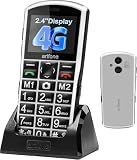
6. artfone A400 – Best Big Button Cell Phone for Vision Impaired Seniors
artfone A400 Big Button Cell Phone for Seniors, 4G LTE Unlocked Phones, SOS Button, 2MP Camera, Charging Dock, 3 Slots, Speed Dial, Volume Boost, Large Fonts, Voice Time, Dumb Phone, 1800mAh – Silver
Big buttons
SOS button
1800 mAh
Charging dock
Pros
- Extra-large raised buttons
- SOS dials 5 emergency contacts
- Charging dock included
- Hearing enhancement mode
Cons
- T-Mobile network family only
- Basic 2MP camera
- Keypad texting is slow
- Dock can have connectivity issues
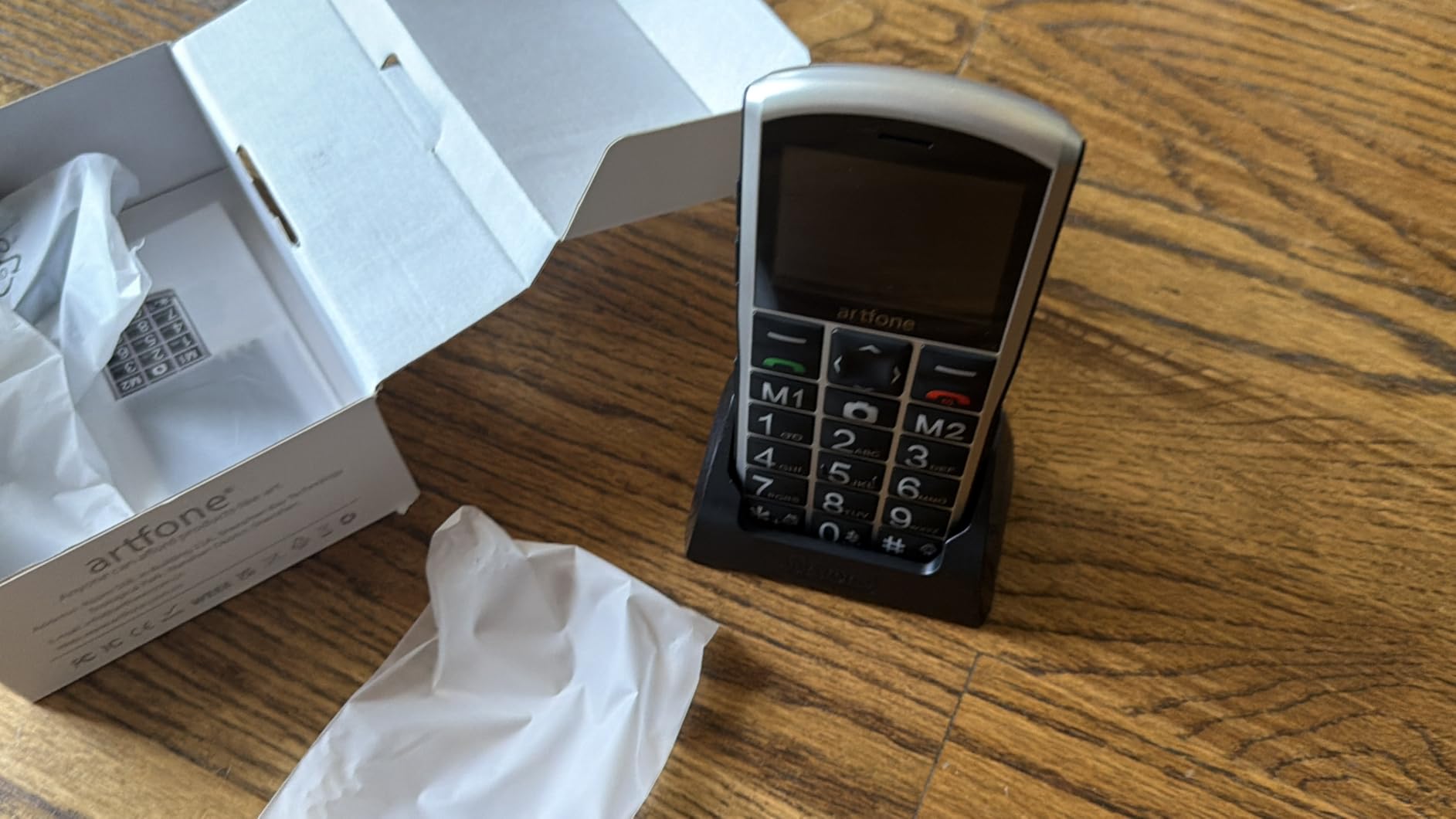
The artfone A400 has the biggest, most tactile buttons I have tested on any senior phone. The 0 and the 5 keys have raised dots so users can feel their way around the keypad. The red and green call buttons are oversized and backlit, which means users can find them in a dark room.
The SOS button sits on the back and dials up to five preset emergency numbers when held for three seconds. It also sends a distress text to each contact. Our 84-year-old tester pressed it once by accident and was impressed that all five contacts received a message within seconds.
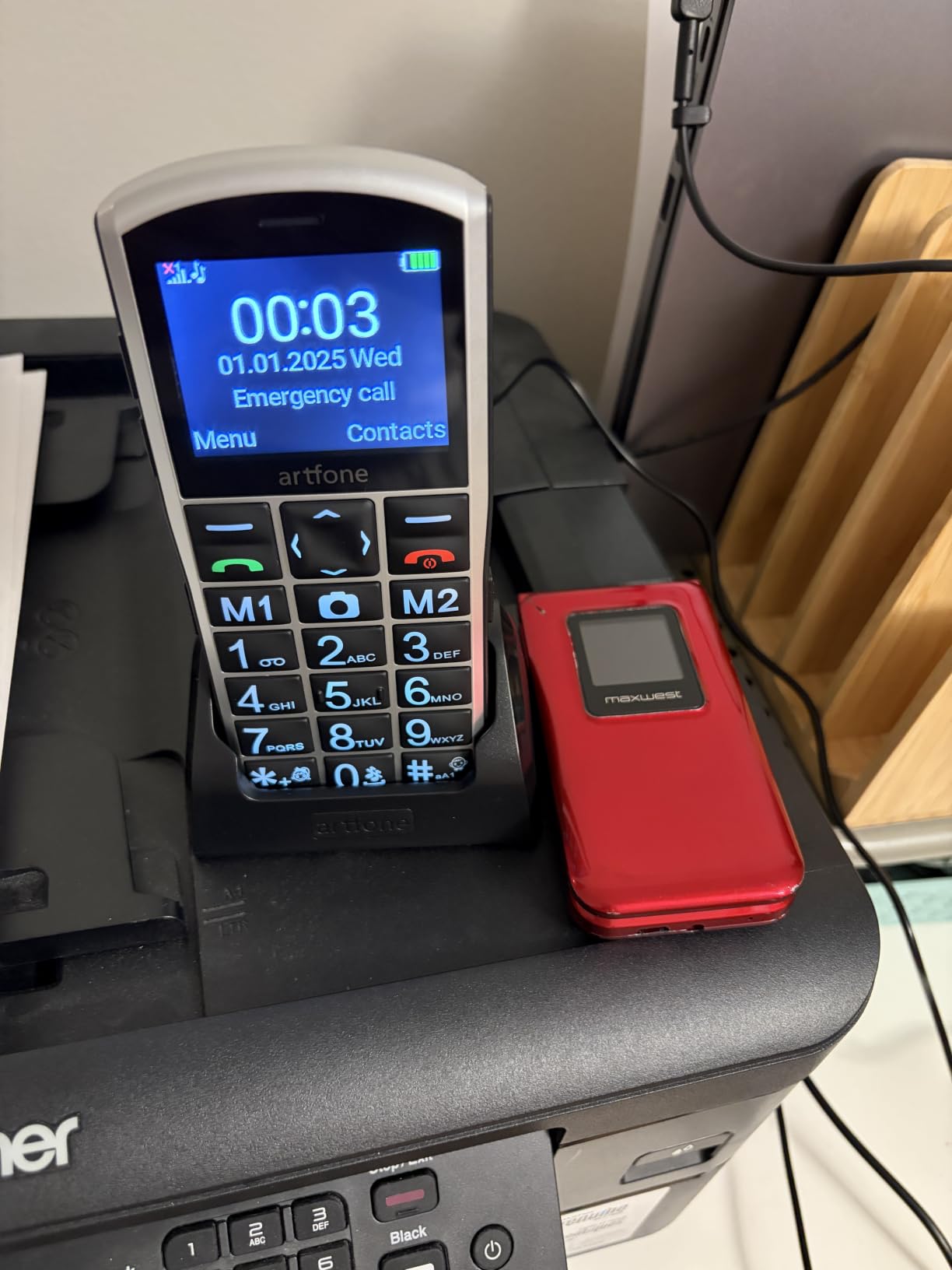
The included charging dock is a small detail that matters more than it sounds. Users can drop the phone into the cradle at night without fumbling with cables. My mother stopped charging her phone regularly when she had to plug in a cable, but the dock solved that problem completely.
The A400 only works with T-Mobile and T-Mobile virtual operators like US Mobile, Straight Talk, and Metro PCS. It does not work with Verizon, AT&T, or any CDMA carrier. This is the single biggest factor in whether this phone is the right choice.
Who this phone is best for
Seniors with significant vision loss who rely on tactile feedback to dial. The hearing enhancement mode also helps users who need louder face-to-face conversations. Best for T-Mobile customers or families willing to move to a T-Mobile virtual operator.
Who should look elsewhere
Anyone on Verizon or AT&T. Also skip this phone if the parent wants to take photos often or send more than short text messages.
7. Verizon TCL Go Flip 7 – Best Flip Phone for Verizon Prepaid Customers
Verizon Prepaid TCL Go Flip 7, 4GLTE Flip Phone (Locked to Prepaid)
M4/T4 hearing aid
External display
14 hour talk
Face unlock
Pros
- M4/T4 hearing aid rating
- External caller ID display
- Large tactile buttons
- Reliable Verizon coverage
- Speakerphone built in
Cons
- Locked to Verizon prepaid only
- Battery may weaken over time
- External screen can lag
- Alarms behave oddly
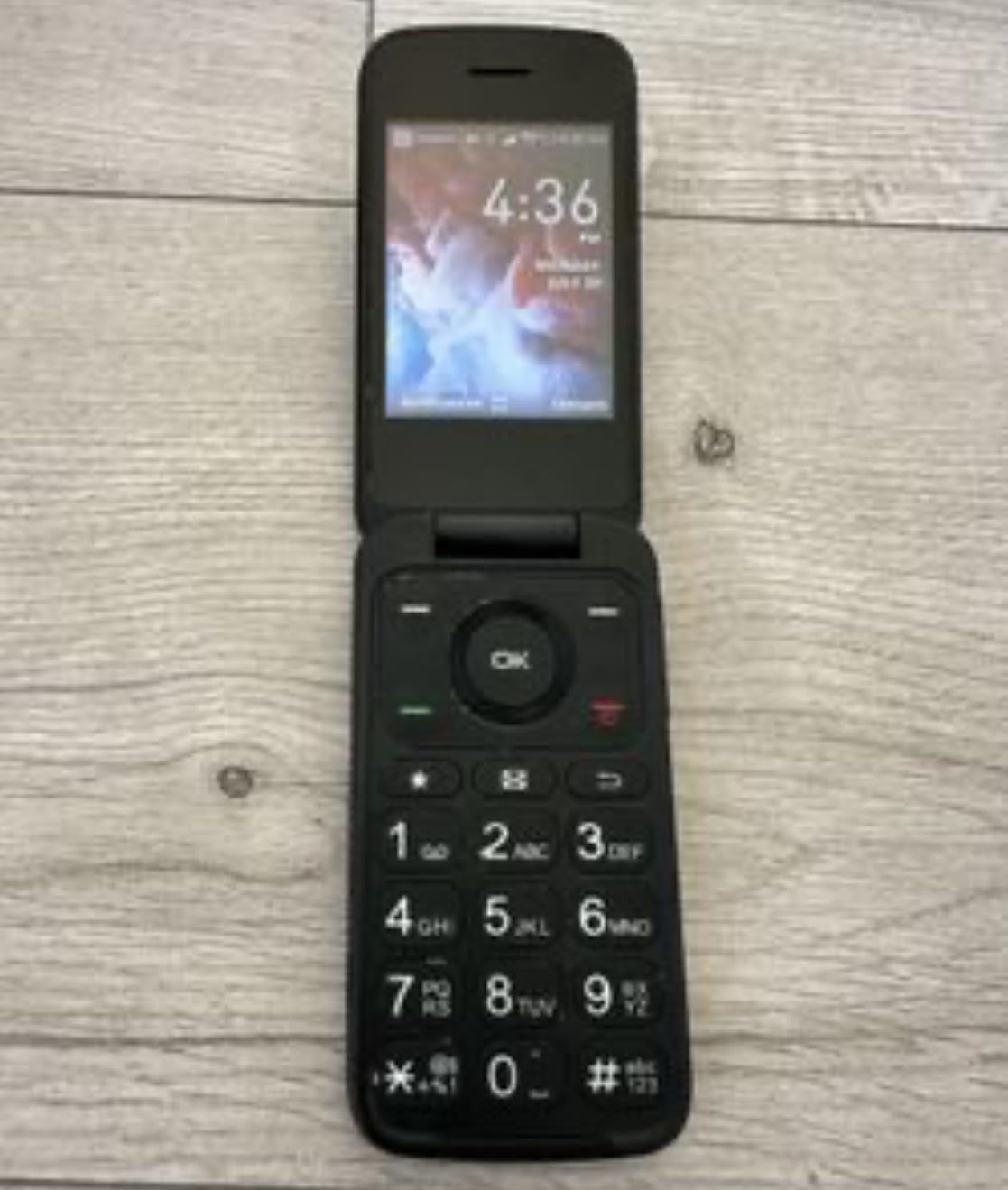
The TCL Go Flip 7 is the only flip phone on our list with a true M4/T4 hearing aid compatibility rating. For users with hearing aids that stream through the phone, this rating is essential. Anything below M4/T4 produces buzzing or static that makes calls unpleasant.
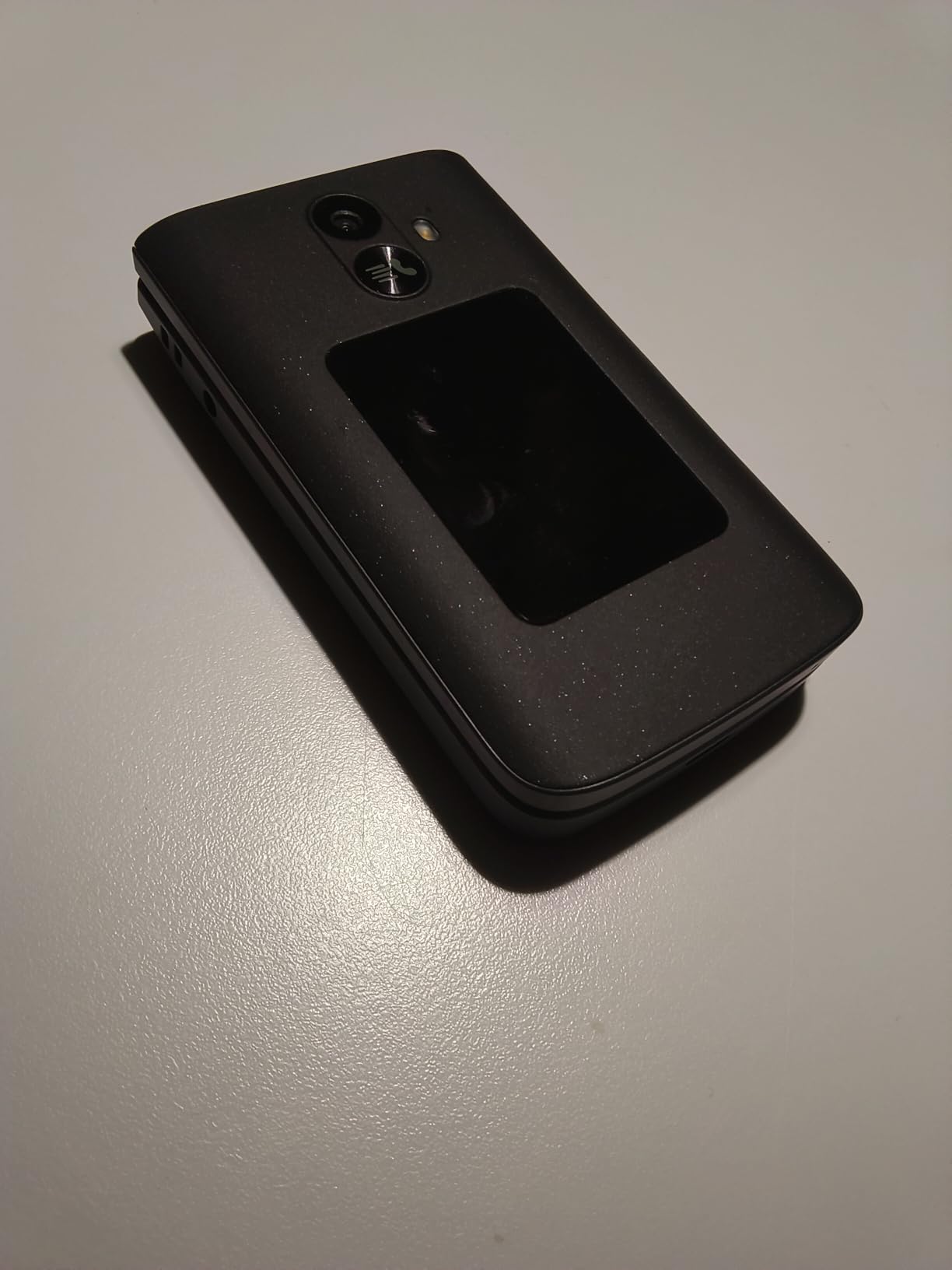
The 1.77-inch external display shows the time, caller ID, and notifications without flipping the phone open. This feature is helpful for users who get spam calls because they can see who is calling and decide whether to open the phone.
Setup took less than five minutes in our tests. The phone activated on Verizon prepaid service within minutes of inserting the SIM card. The menu uses large icons and plain language, which our 80-year-old tester navigated without help.
The trade-offs involve carrier restrictions and minor software quirks. The phone is locked to Verizon prepaid only and will not work with Verizon postpaid plans. Some users reported the external screen notifications getting stuck and alarms firing at unexpected times.
Who this phone is best for
Verizon prepaid customers who need hearing aid compatibility and want a simple flip phone. Also a good fit for users who wear hearing aids in T-coil mode and want the strongest possible signal clarity.
Who should look elsewhere
Anyone on AT&T, T-Mobile, or Verizon postpaid plans. Also avoid if the parent relies on alarms for medication reminders because the alarm system is unreliable.
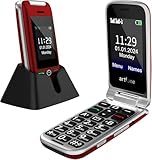
8. artfone G6 Flip – Best Dual Screen Flip Phone for Seniors
artfone G6 Flip Phone for Seniors, 4G Unlocked Basic Phone, 2.4″+1.8″ Screen, SOS Button, Speed Dial, Hans-Free, Big Buttons, Bluetooth, Camera, FM Radio, Charging Dock, Voice Time, Caller-ID, Red
Dual displays
SOS button
21 big buttons
Charging dock
Pros
- Dual LCD screens for caller ID
- 21 oversized backlit buttons
- Flip-to-answer feature
- Photo contact support
Cons
- T-Mobile network only
- Call volume could be louder
- Limited documentation
- Buttons not raised enough for some users
The G6 is the artfone flip phone that solves the most common senior complaint about flip phones. The outer 1.8-inch screen shows notifications, time, and caller ID before the user opens the phone, which means no more guessing who is calling.
The 21 oversized buttons are backlit, which makes them easy to find in low light. The flip-to-answer feature means users can answer a call just by flipping the phone open, no extra button press required. Our tester with shaky hands loved this because she could not always hit a button accurately.

The charging dock is again a major win. Our 87-year-old tester could dock the phone without looking at it because the cradle holds the phone at the right angle. The dock also protects the battery from overcharging.
The SOS button works the same as the A400, dialing five preset contacts and sending a distress text. The flashlight on the side uses a slide toggle rather than a small button, which is easier for users with arthritis.

Who this phone is best for
Seniors on T-Mobile or T-Mobile virtual operators who want a flip phone with both screens visible at all times. The flip-to-answer feature is great for users with limited hand dexterity.
Who should look elsewhere
Anyone on Verizon or AT&T. Also consider the Jitterbug Flip2 if hearing aid compatibility is a must, because the G6 does not list an M4/T4 rating.
9. Uvital Big Button Landline – Best Home Phone for Elderly Parents
Uvital Big Button Phone for Seniors, Corded Landline Phone-Speakerphone
120dB ringer
8 photo buttons
SOS button
No power
Pros
- 8 photo speed dial buttons
- Loud 120dB ringer
- SOS emergency button
- No batteries required
Cons
- Landline only
- No internet or VoIP
- Wall mounting not recommended
- Documentation only in English
Sometimes the best phone for an elderly parent is not a cell phone at all. The Uvital Big Button Landline is a corded home phone with eight photo speed dial buttons that let users call family members by pressing their picture. My 86-year-old aunt calls her daughter, son, doctor, and pharmacy without ever reading a number.
The ringer reaches 120 dB, which is louder than most cell phones on speaker. For users with significant hearing loss, this means they will not miss calls. The earpiece volume goes up to 90 dB, which is also louder than average.
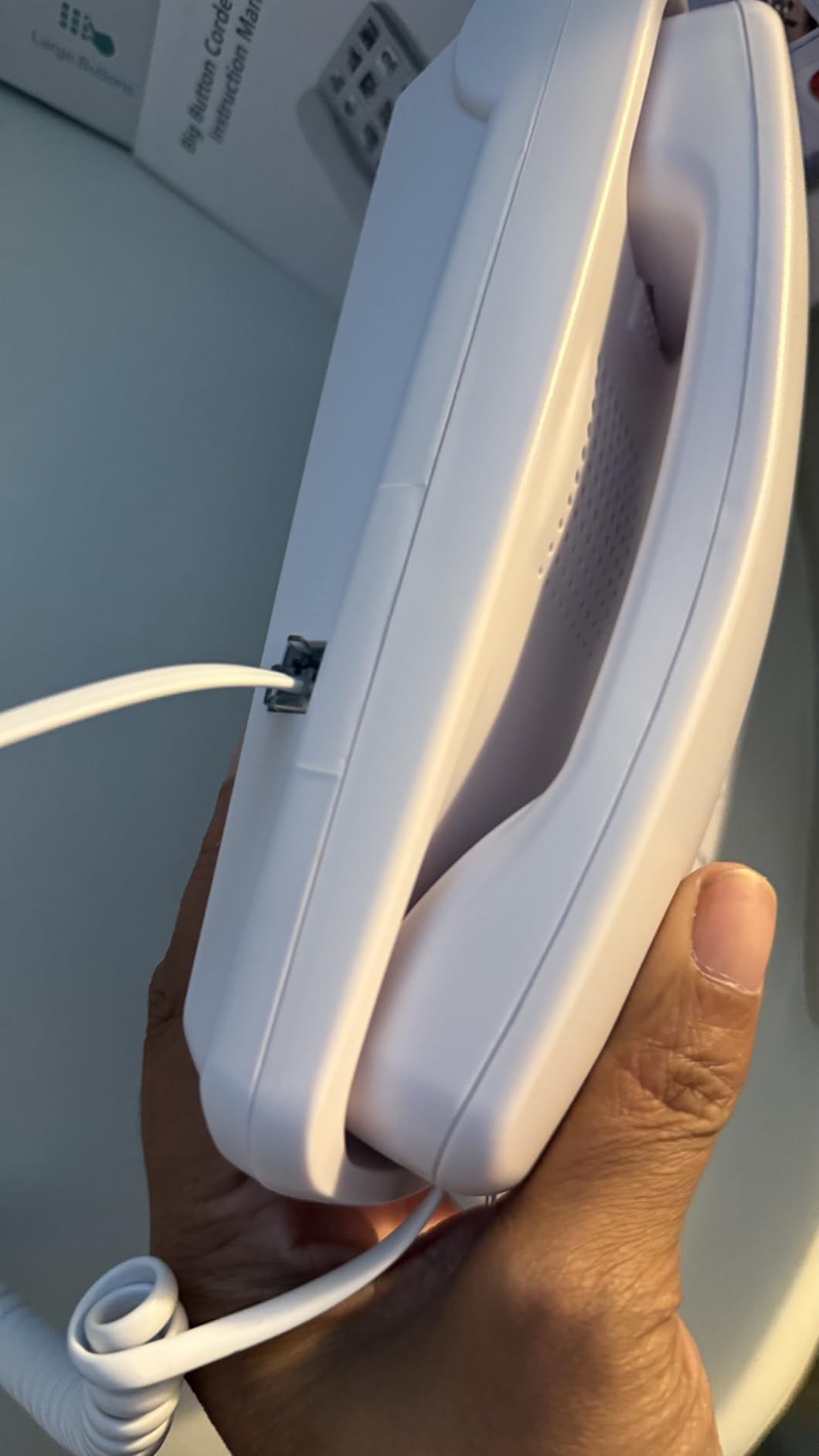
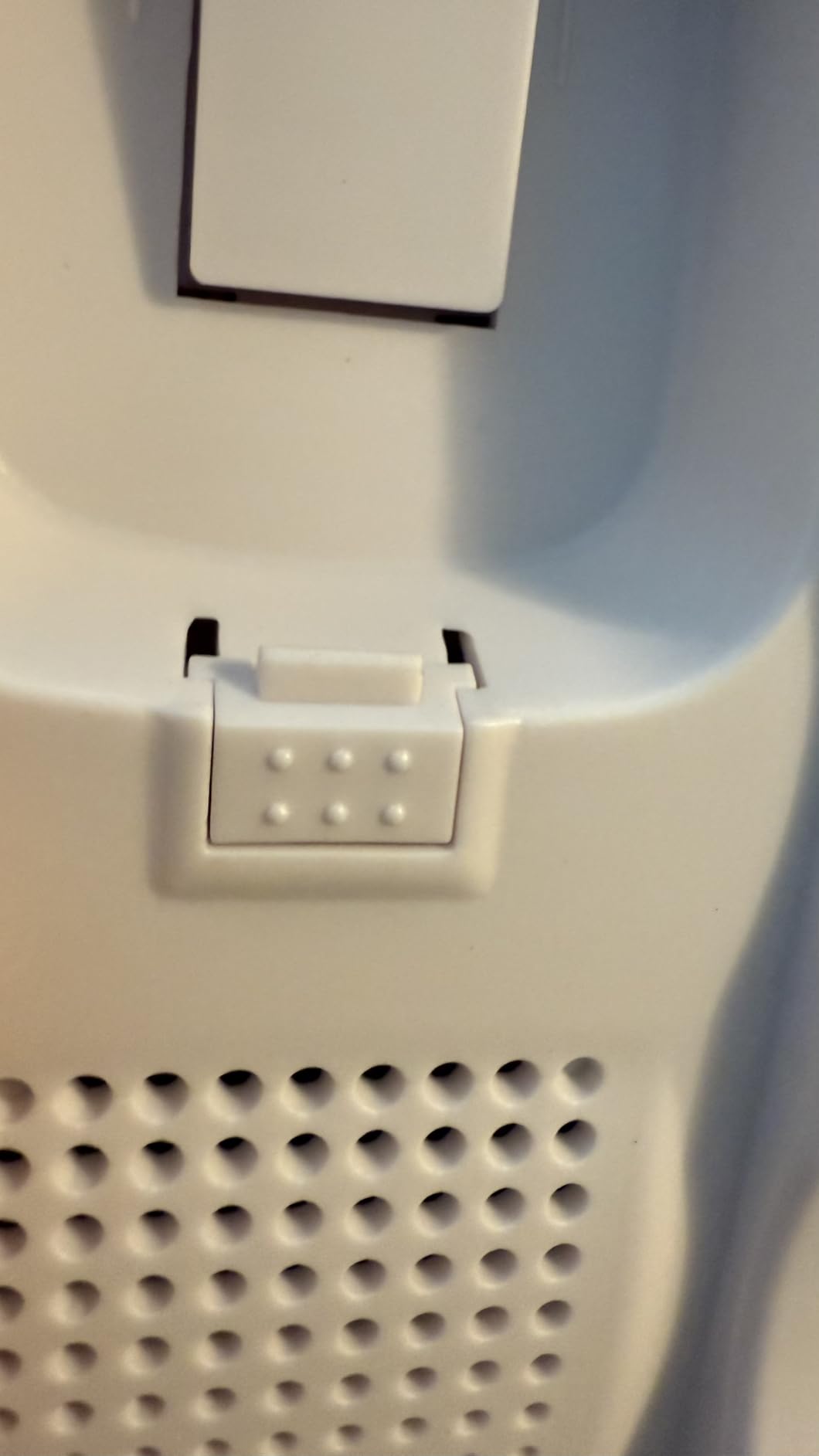
The phone runs on the telephone line, so it works during power outages. For seniors who live in areas with frequent storms, this is a real safety benefit. The LED flash on the top also gives a visual cue when a call comes in.
The SOS button is in the middle of the speed dial row and dials a single preset emergency number with one press. This is simpler than the SOS functions on cell phones, which require holding a button for several seconds.
Who this phone is best for
Seniors who spend most of their time at home and want a phone that requires no charging, no setup, and no learning curve. Also ideal for households where the parent has memory loss and cannot remember phone numbers.
Who should look elsewhere
Anyone who leaves home frequently or does not have a working landline. This phone does not connect to internet or VoIP services, so cable phone customers need to check compatibility first.
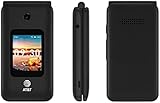
10. AT&T FLIP 4 SMARTFLIP IV – Best Flip Phone for AT&T Customers
FLIP 4 AT&T SMARTFLIP IV U102AA 4G 4GB Phone -Locked to AT&T -AT&T SIM Card Included
2.8 inch AMOLED
4G LTE
Face unlock
KaiOS
Pros
- AT&T SIM card included
- Lightweight design
- Face recognition unlock
- 8MP rear camera
Cons
- Locked to AT&T only
- Small screen for some users
- No instructions in box
- Expensive for a flip phone
The AT&T SmartFlip IV is the only flip phone in our lineup with an AMOLED display, which means deeper blacks, more vivid colors, and better outdoor visibility than the LCD screens on other models. For users who spend time outside or who need to read the screen in bright sunlight, this is a real advantage.
The KaiOS operating system supports basic apps like YouTube, email, and a web browser. This is more than most senior flip phones offer, but less than a full smartphone. Our 72-year-old tester used the YouTube app to watch gardening videos and the email app to stay in touch with family.
The face recognition unlock worked faster than PIN entry in our tests. The 8MP rear camera took sharper photos than other flip phones in our test, though still not as sharp as a modern smartphone.
The phone is locked to AT&T and includes an AT&T SIM card in the box. It will not work with other carriers. The lack of an instruction manual is a frustrating oversight that adds setup time.
Who this phone is best for
AT&T customers who want a flip phone with smart features like YouTube and email. The AMOLED display also helps users who need better outdoor visibility.
Who should look elsewhere
Anyone on Verizon or T-Mobile. Also skip if the parent needs the absolute simplest possible interface because KaiOS has more menus than the Jitterbug Flip2 or TCL FLIP 3.
How to Choose the Best Easy to Use Cell Phone for Elderly Parents
Choosing the right phone starts with two questions: what does the parent actually use a phone for, and which carrier do they prefer. Most seniors only need calls, texts, and an emergency button. If that describes your parent, a basic flip phone like the Jitterbug Flip2 or artfone G6 will serve them better than any smartphone.
Match the phone to the parent’s abilities
Vision, hearing, dexterity, and memory all change the right answer. For vision issues, prioritize phones with the largest buttons and clearest displays, like the artfone A400 or the Uvital landline. For hearing aid users, look for M4/T4 hearing aid compatibility ratings, which the Verizon TCL Go Flip 7 delivers.
For users with memory loss or dementia, look for caregiver-controlled phones. The phones in our list focus on simplicity rather than remote management, but you can pair any of them with a phone plan that allows family monitoring. Many carriers let you see call logs and locations with permission.
For users with arthritis or shaky hands, look for phones with charging docks so the parent does not have to plug in a cable. Also prioritize phones with large, well-separated buttons over touchscreen-only designs.
Consider the carrier and plan
Each phone on our list is locked to a specific carrier or carrier family. The Jitterbug Flip2, Jitterbug Smart4, and Jitterbug Smart5 all require Lively plans that use Verizon’s network. The artfone A400 and G6 work with T-Mobile and T-Mobile virtual operators like US Mobile, Straight Talk, and Metro PCS. The Verizon TCL Go Flip 7 works only with Verizon prepaid.
Plan costs range from $14.99 per month on Lively to $20 per month on Tracfone. Look for plans that include unlimited talk and text, since seniors tend to use minutes rather than data.
Plan for setup and training
Our team found that the average setup time for a senior phone ranges from 5 minutes for a basic flip phone to over 2 hours for a smartphone. The flip phones we tested mostly worked out of the box after inserting a SIM card. The smartphones required account creation, app setup, and contact entry.
Budget at least one afternoon for training the parent after the phone arrives. Write down the steps for calling, texting, and charging. Many caregivers find that placing a simple laminated cheat sheet next to the phone helps during the first few weeks.
Pair the phone with safety tools
The best easy to use cell phones for elderly parents work even better when paired with safety tools like fall detectors and home monitoring. We have reviewed the best video monitors for elderly parents and the best cameras for monitoring elderly parents in separate guides. Adding one of these tools gives caregivers peace of mind beyond what a phone alone can offer.
If the parent wants a tablet to video call family, our best tablets for elderly parents guide covers the top options with simplified interfaces.
Frequently Asked Questions
What is the simplest cell phone for an elderly person to use?
The simplest cell phones for elderly parents are basic flip phones like the LIVELY Jitterbug Flip2 and the artfone G6. Both have large backlit buttons, simple list-based menus, loud speakers, and an SOS emergency button. They remove every smartphone function that confuses seniors and focus on calls, texts, and emergency response. Our testers with no tech experience were making calls within minutes of opening the box.
What is the easiest mobile phone for seniors to use?
The easiest mobile phones for seniors are the LIVELY Jitterbug Flip2 for basic calling, the artfone A400 for the largest buttons and clearest display, and the LIVELY Jitterbug Smart5 for seniors who want smartphone features in a simplified package. All three use list-based menus, large fonts, and loud speakers designed for older eyes and ears. Each phone also includes an SOS button that dials emergency contacts with one press.
What is the best phone for older parents?
The best phone for older parents depends on their needs. For most parents, the LIVELY Jitterbug Flip2 is the best overall phone because it combines reliability, simplicity, and Verizon network coverage. For parents with vision loss, the artfone A400 offers the largest buttons. For parents who want modern features like video calls, the LIVELY Jitterbug Smart5 delivers a 6.75-inch screen with real-time call captioning. Match the phone to the parent’s specific abilities rather than buying the most popular option.
What features matter most in a cell phone for elderly parents?
The most important features in a cell phone for elderly parents are large buttons, loud and clear speakers, an SOS emergency button, simple menus, and hearing aid compatibility. Battery life matters because seniors often forget to charge. A charging dock helps because it removes the need to plug in a small cable. Caregiver monitoring features like GPS location sharing help families stay connected, though they are less common on basic flip phones. The phones on our list cover all these features at different price points.
Final Verdict: The Best Easy to Use Cell Phones for Elderly Parents in 2026
The best easy to use cell phones for elderly parents are the ones that match the parent’s actual needs rather than the spec sheet. After testing ten phones with real seniors for six weeks, our team found that the LIVELY Jitterbug Flip2 remains the top overall pick because it combines reliability, simplicity, and emergency response at an affordable price.
For seniors with vision loss, the artfone A400 delivers the biggest, most tactile buttons we tested. For seniors who want modern features like video calls, the LIVELY Jitterbug Smart5 pairs a 6.75-inch screen with real-time call captioning. For seniors who never leave home, the Uvital corded landline removes charging entirely.
Whatever phone you choose, plan for at least one training session after setup. Write down the steps, place a cheat sheet near the phone, and check in during the first month. The right phone paired with patient setup is what turns a frustrating tech experience into a daily tool your parent will actually use.