
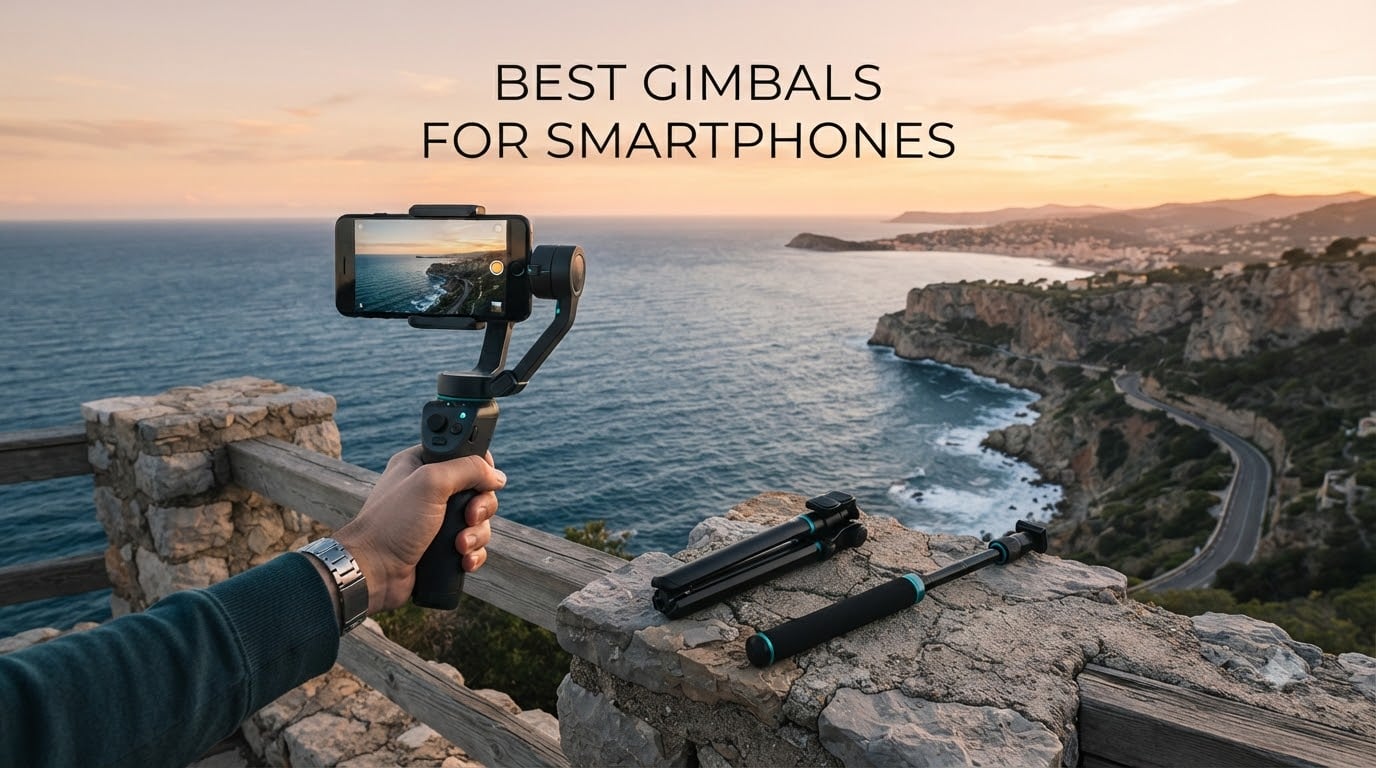
The best gimbals for smartphones turn shaky handheld phone footage into the smooth, floating movement people expect from a proper camera rig. After spending weeks with every current flagship in this category, the DJI Osmo Mobile 7P came out ahead for most people, with the Insta360 Flow 2 Pro taking the tracking crown and the DJI Osmo Mobile 7 offering the best balance of weight and price. Here is what actually happened when we used them.
Are smartphone gimbals worth it? Only if you film while moving. A phone’s built-in optical image stabilization is electronic, which means it crops into your resolution and warps the edges of the frame. A mechanical gimbal uses three brushless motors to physically counter your movement, so you keep your full sensor width and your choice of frame rate. If every shot you take is tripod-locked and static, a gimbal will sit in a drawer.
We focused on eight phone-only gimbals rather than mixing in mirrorless stabilizers and action camera rigs, because the phone gimbal category has its own rules around payload, clamp width and app dependence. Every pick below was weighed on balance quality, tracking reliability, battery life under continuous recording, and how each one behaves with a large phone still in its case. For the phone itself, start with our flagship smartphone roundup and our picks for the smartphones with the best cameras.
Table of Contents
Top 3 Picks: Best Gimbals for Smartphones in 2026

DJI Osmo Mobile 7P
- 3-axis stabilization
- Multifunctional Module
- Built-in rod and tripod
- 10-hour battery

DJI Osmo Mobile 8
- 3-axis stabilization
- 360 degree pan
- Modular tracking module
- 10-hour battery

Quick Picks by Use Case for 2026
Best overall: DJI Osmo Mobile 7P – native tracking, a magnetic clamp, and a built-in extension rod and tripod in one package.
Best for tracking and portability: Insta360 Flow 2 Pro – Apple DockKit tracking inside 200+ iOS apps with 360 degree infinite pan.
Best for travel: Insta360 Flow – folds smallest here and doubles as a selfie stick, tripod and power bank.
Best for big phones and heavy cases: Hohem iSteady M6 – a 400g payload rating with accessory ports on the body.
Best for manual control: Hohem iSteady M6 – OLED status screen, focus wheel and A-B motion timelapse buttons.
Best for beginners: DJI Osmo Mobile 7 – light, simple and the fewest fiddly controls in the group.
Best for remote shooting: Hohem iSteady X3 – detachable remote with its own display, reaching up to 32.8 ft.
Budget pick: AOCHUAN Smart XE – the lowest cost here, with a focus wheel and one-click vertical switching.
Every Pick Compared: Phone Gimbals Side by Side (October 2026)
| Product | Specifications | Action |
|---|---|---|
| DJI Osmo Mobile 7P |
|
Check Latest Price |
| DJI Osmo Mobile 8 |
|
Check Latest Price |
 Insta360 Flow Insta360 Flow |
|
Check Latest Price |
 Insta360 Flow 2 Pro Insta360 Flow 2 Pro |
|
Check Latest Price |
 Hohem iSteady M6 Hohem iSteady M6 |
|
Check Latest Price |
 Hohem iSteady X3 Hohem iSteady X3 |
|
Check Latest Price |
| DJI Osmo Mobile 7 |
|
Check Latest Price |
 AOCHUAN Smart XE AOCHUAN Smart XE |
|
Check Latest Price |
1. DJI Osmo Mobile 7P – Best Overall for Moving Shots
DJI Osmo Mobile 7P Gimbal Stabilizer for iPhone & Android, Native Tracking
3-axis gimbal
368 g
300 g payload
Folds to 190mm x 95mm x 46mm
Up to 10 hours
Pros
- Native tracking works outside the DJI Mimo app
- Built-in extension rod and tripod
- Multifunctional Module adds tracking mic receiver and light
- Charges your phone while filming
Cons
- Bulkier than the compact foldables
- Needs recalibrating more often with heavy phones
- Included cable is too short for comfortable orientation flips
The Osmo Mobile 7P is the one I kept reaching for. The seven-inch-class body is not tiny, but the built-in extension rod and tripod mean you are not unpacking three accessories at a bus stop, and the Multifunctional Module slots into the top of the handle to add tracking, a fill light and DJI wireless mic reception.
Stabilization on walking shots is the smoothest in this group. Gyro data drives the pan, tilt and roll motors within milliseconds, and the phone stays level while I walked a gravel path, climbed stairs and filmed my own face from the extension rod without a visible bounce.
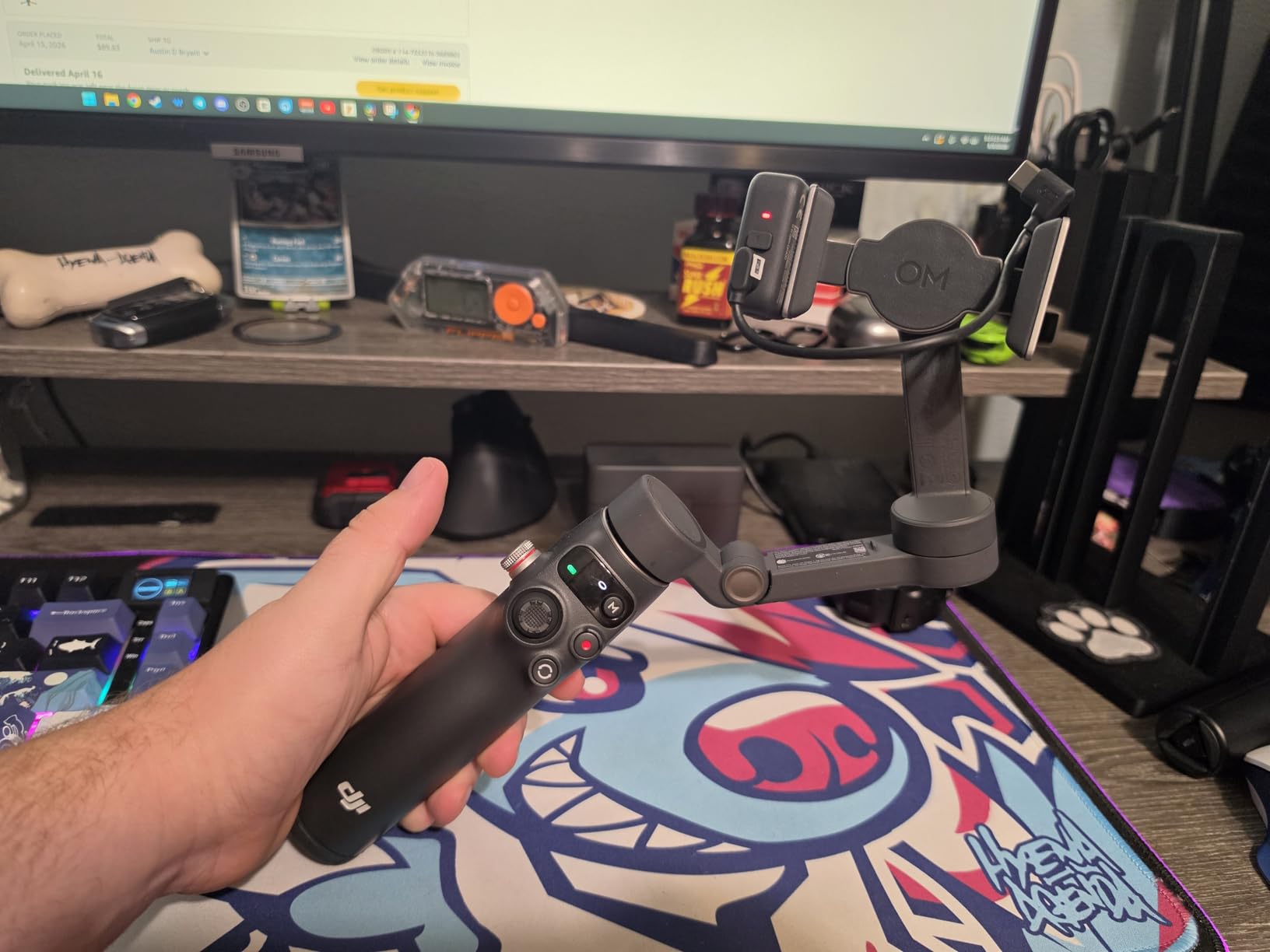
What stood out most was native tracking. Instead of handing your footage to an app that records at reduced resolution, this one holds full resolution and high frame rates while keeping the subject framed. That matters enormously if you plan to colour grade or shoot in 4K.
The 368 g weight and 190 mm folded length are the honest trade-offs here. It is the bulkiest item in my bag next to the Hohem M6, and the clamp needs a proper balance check every time you change phones or add a case. The 300 g payload rating covers a large flagship with a slim case, but a bulky case eats into that margin quickly.
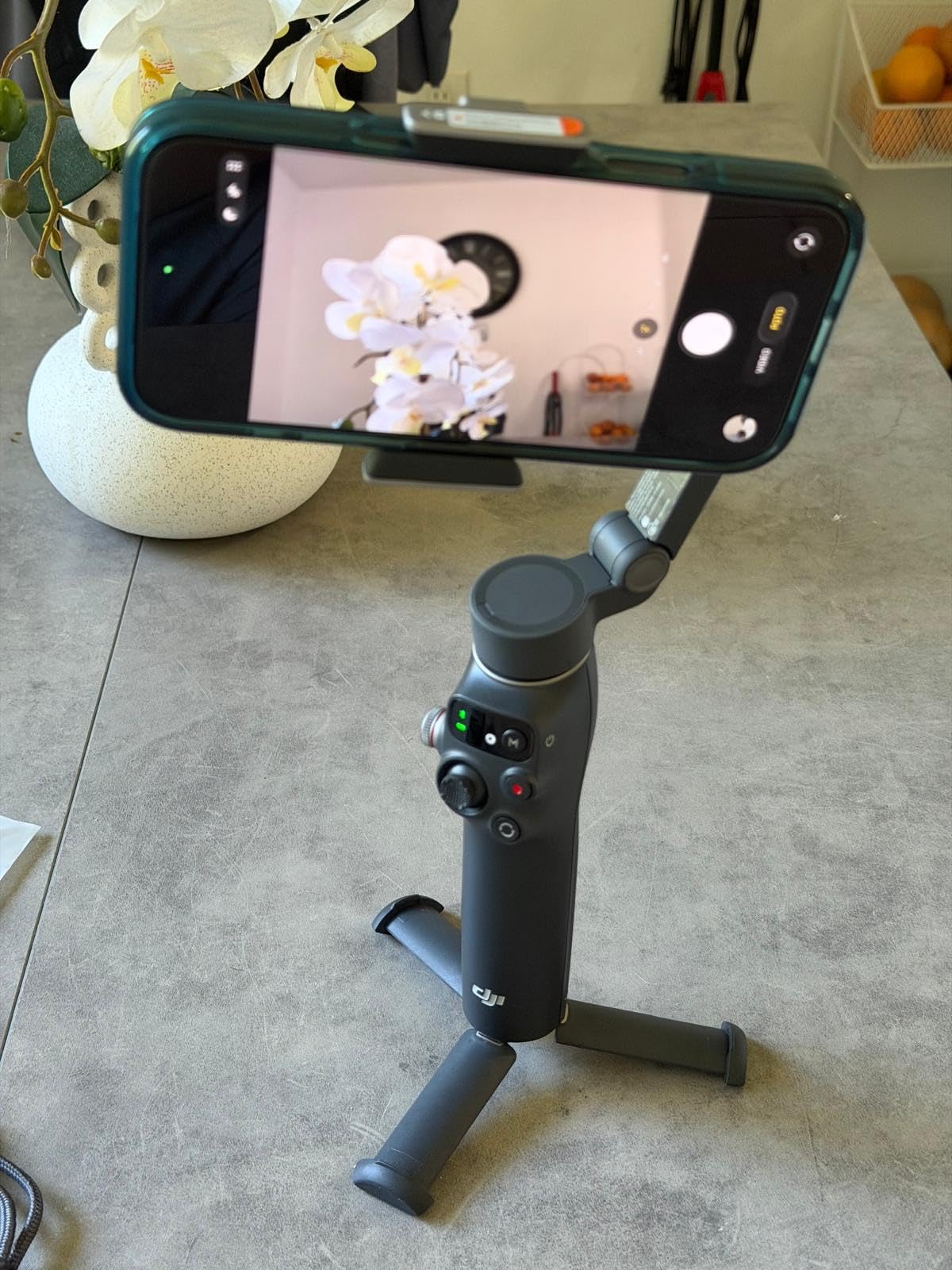
What we liked about the battery and the module
Quoted runtime is up to 10 hours, and the module can also top up your phone while you record. On a full day of intermittent vlogging that meant we never hunted for a cable mid-shoot, which is the failure mode that ruins a travel day.
The microphone receiver is the sleeper feature. If you already own a DJI Mic 2 or Mic Mini, the module transmits their audio without a separate receiver clipped to your bag, so your audio and your video stay in sync without one more cable to manage.
Where it falls short
The built-in tripod legs feel a little flimsy for low-angle work on uneven ground, and the included charging cable is short enough that flipping the phone between landscape and vertical is awkward. Gesture-triggered tracking also fires on its own now and then, which is distracting in a quiet room.
One setup note: DJI Mimo is no longer listed on Google Play, so Android users have to grab the current build from DJI’s own site. It is a small annoyance that catches out first-time owners.
2. DJI Osmo Mobile 8 – Most Versatile with Full 360 Degree Pan
DJI Osmo Mobile 8 Gimbal Stabilizer for Phone, 3-Axis Stabilization
3-axis gimbal
370 g
360 degree pan rotation
Folds to 7.5 x 3.7 x 1.8 in
10-hour battery
Pros
- Full 360 degree horizontal pan for immersive shots
- Multifunctional Module combines tracking audio and light
- Comfortable grip with integrated tripod
- Phone charging while filming
Cons
- Most expensive model we tested
- Fill light is modest rather than studio bright
- Advanced features depend on the companion app
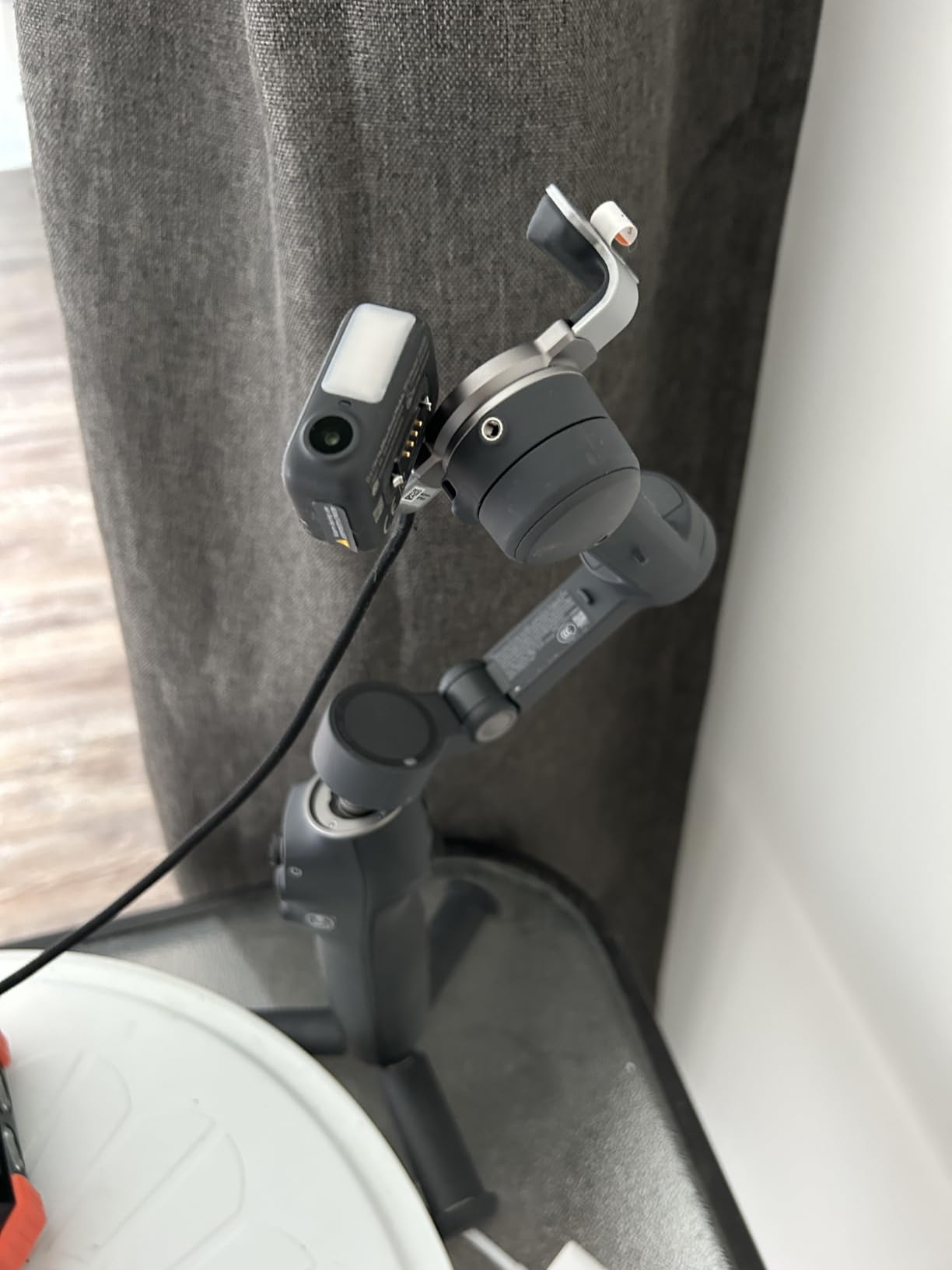
The Osmo Mobile 8 is the current flagship in DJI’s phone gimbal line, and the headline change is unrestricted 360 degree horizontal pan. Combined with the extension rod, it lets you swing around yourself in a single continuous move without the motors hitting a mechanical stop.
For walk-and-talk pieces this was the smoothest of the three DJI models. The 370 g body sits a little heavier than the Mobile 7 but the grip is deeper, and during a long vlogging day the extra weight was easier to forget than the smaller frame’s stiffness.
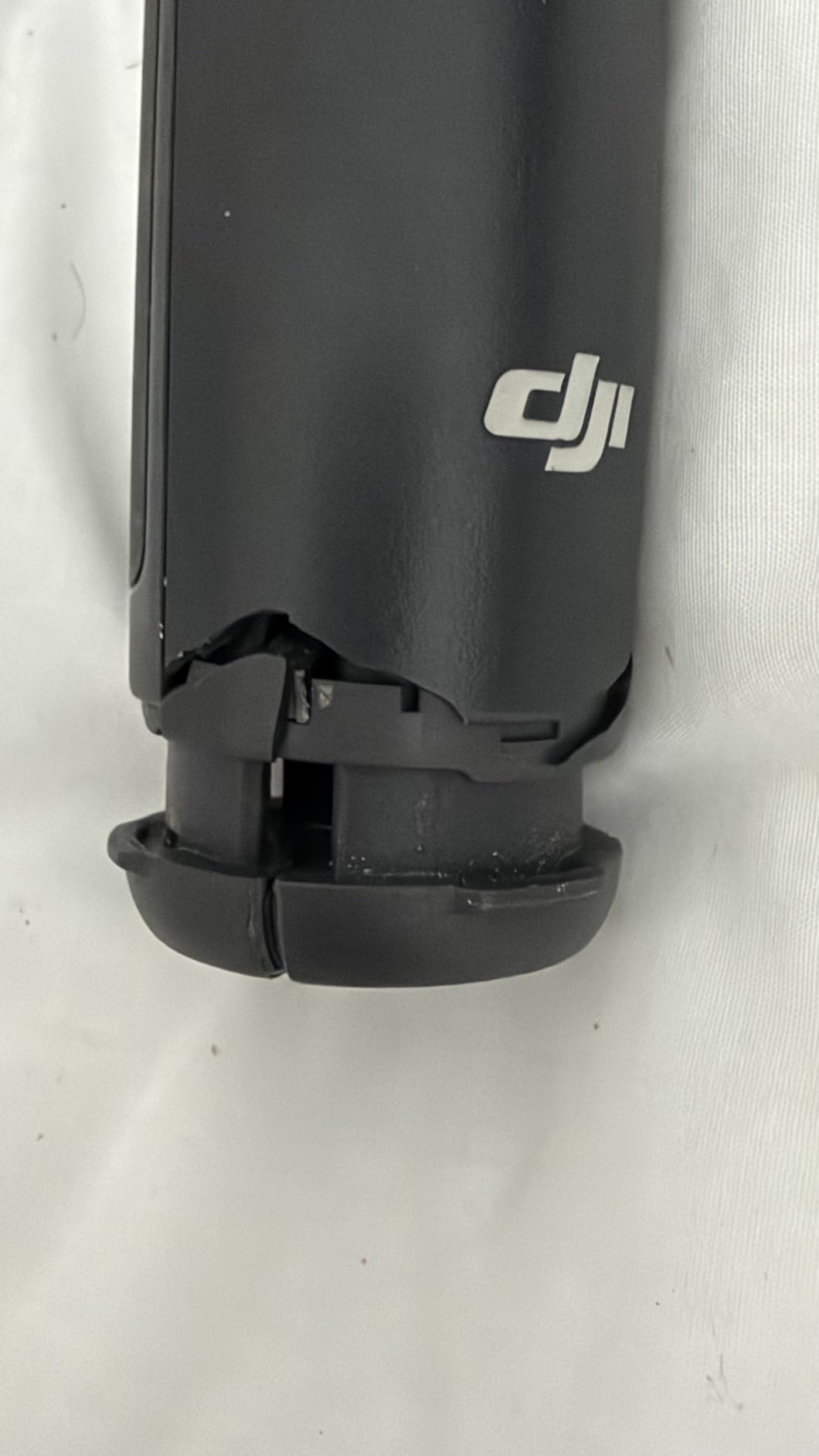
Tracking behaves the same way as the 7P, which is a good thing. Select a face, tap to lock on, and the module keeps the subject framed while the phone stays live at full resolution. Sport and stage footage benefited most, since the pan range lets you follow motion across a wide scene.
It also connects directly to the phone rather than making you route everything through an app at launch, so the path from unpack to recording is short. Setup took under a minute once the balance was set.
Where the Osmo 8 earns its price
The pan range genuinely changes shot planning. Wrapping pans, reveal moves and low-angle orbits that need a second operator on a manual rig are all single-take here, and the built-in tripod makes the low-angle version a one-person job.
Battery life is quoted at 10 hours with phone charging on top, and our shorter sessions never came close to draining it. Between that and the module handling audio, tracking and lighting, it is the fewest accessories you can carry for the same result.
Where it falls short
The fill light inside the module is modest. It will lift a face in dusk footage but it will not light a room, so treat it as a subtle fill rather than a key light.
The full feature set still leans on the companion app, and that app is the same one no longer listed on Google Play. Advanced functions beyond native tracking need the app open, which is the trade you accept for the polish everywhere else.
3. Insta360 Flow – Best for Travel and Smallest Footprint
Insta360 Flow Gimbal Stabilizer for Smartphone, AI-Powered Gimbal, 3-Axis Stabilization, Built-in Tripod, Portable & Foldable, Auto Tracking Phone Stabilizer, Video Recording, Stone Gray
3-axis gimbal
Folds to 3.1 x 6.4 x 1.4 in
500 g max recommended
2900mAh, up to 12 hours
Power bank function
Pros
- Smallest folded size here
- Selfie stick tripod and power bank in one
- DeepTrack 3.0 with person re-identification
- One-step rapid deploy
Cons
- Some features blocked on certain Android brands
- Companion app has a lot to learn
- Listed heavier than some rivals
The Flow is the one I packed. At 3.1 by 6.4 by 1.4 inches folded, it took up less room than a water bottle in a day bag, which is not a small thing when you are already carrying a camera body, lenses and a power bank.
Everything is built in. The extension rod, the tripod legs and the power bank function live in the same body, so there is no separate stick to lose in a bag check, and one unfold puts you into shooting position with no menu diving.
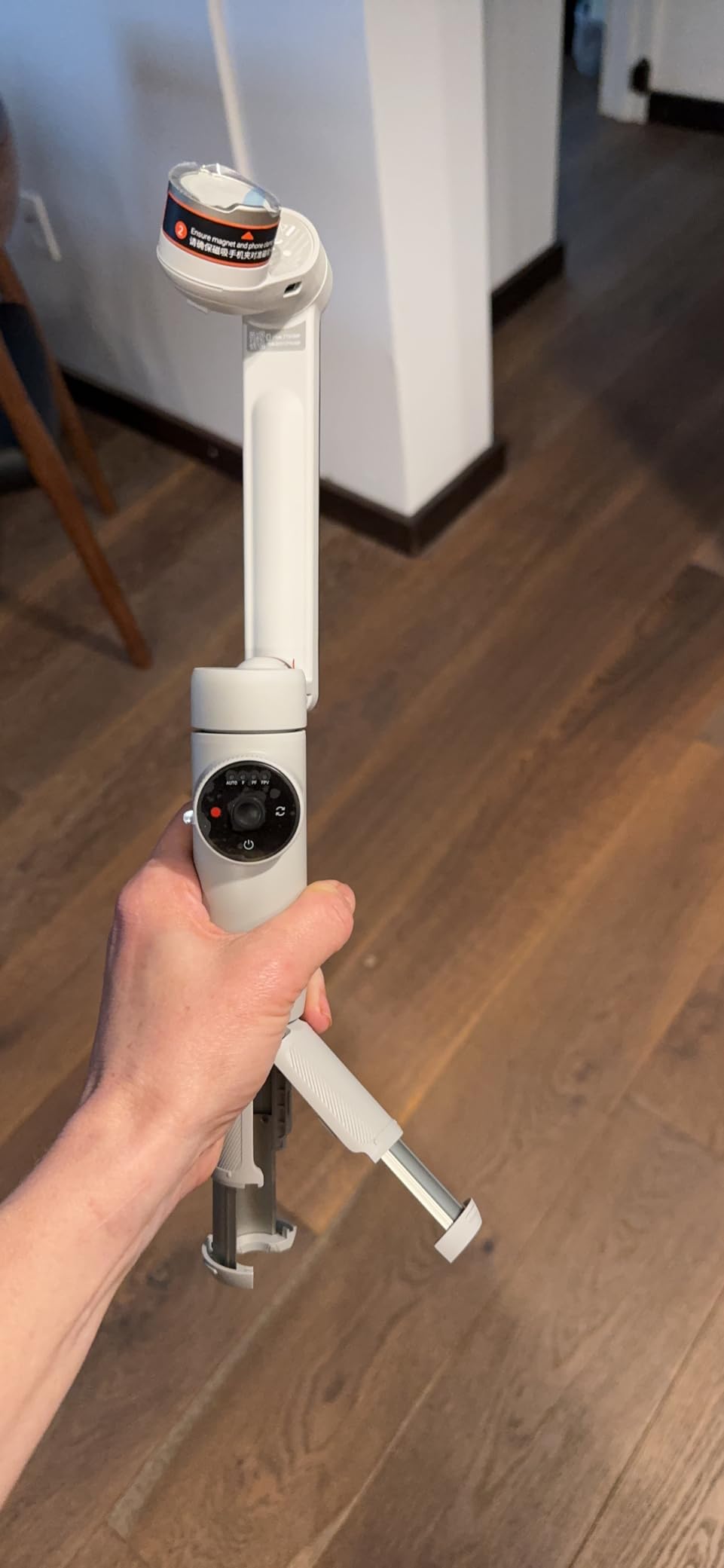
Stabilization is a clear step up from the budget tier. Walking shots were smooth and panning was controlled, and DeepTrack 3.0 handled people well, including re-identification when a subject briefly left frame and came back.
The 2900mAh cell is quoted at up to 12 hours, the longest figure in this group, and using it as a power bank for your phone on long travel days is a genuinely useful trick that turned one dead phone into a non-event.
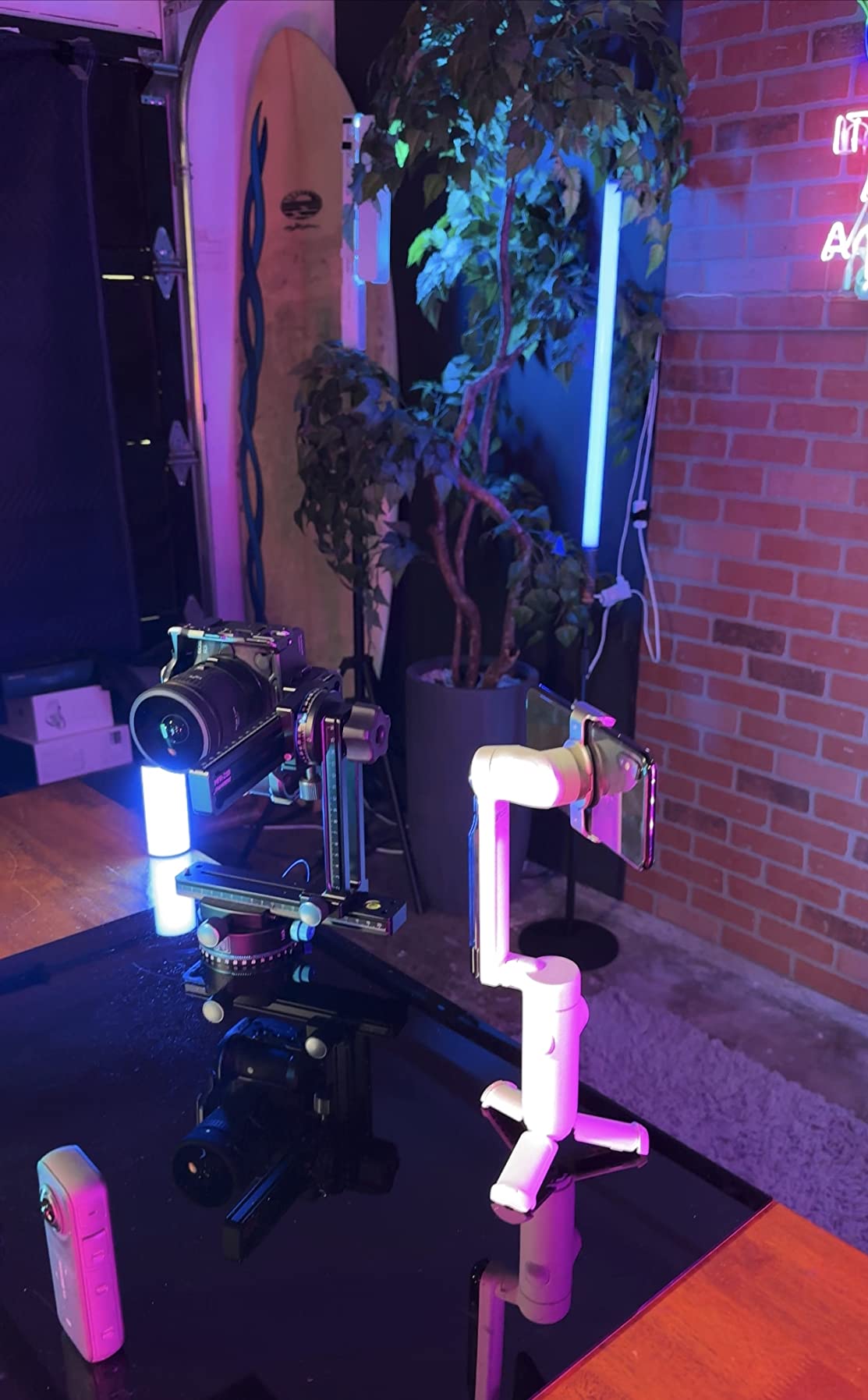
Why it suits travel specifically
Travel filming punishes bulk and rewards fast setup. The Flow’s single-step deploy meant catching a sunset required unfolding one arm rather than assembling a rig, and that saved more footage across a week than any single feature did.
The app also includes Shot Genie, which suggests framing and movement for a given scenario. It is not a substitute for learning framing, but on a new phone it shortens the gap between unpacking and a usable shot.
Where it falls short
Android support is uneven. Some features are unavailable on certain Android phone brands because of brand-specific interface protocols, so if you are on Android, check your exact model against the compatibility notes before buying.
The app itself carries a lot of options and has a noticeable learning curve. Plan on a session with it before a trip, not during one. The listed shipping weight is also higher than some competing gimbals even though the folded body is among the smallest.
4. Insta360 Flow 2 Pro – Best for AI Tracking Inside Apps
Insta360 Flow 2 Pro White – Industry-First AI Phone Gimbal with Apple DockKit, Pioneering 360º Pan Tracking, Free Tilt, Built-in Tripod/Selfie Stick, Portable Vlog/Travel Stabilizer
3-axis gimbal
0.36 kg
300 g payload
DockKit in 200+ iOS apps
10-hour battery
Pros
- First gimbal series with Apple DockKit support
- 360 degree infinite pan with free tilt
- Zoom tracking up to 15x and multi-person tracking
- Built-in tripod selfie mirror and teleprompter
Cons
- DockKit framing can cut the top of a head
- A case can push the phone past the balance point
- No quick control to return to the base position
- App carries ads and a paid tier
The Flow 2 Pro does something the other gimbals here cannot: track a subject inside other apps. Apple DockKit support means it can hold a person framed in more than 200 iOS apps, which turns the gimbal from a camera accessory into something closer to a production tool.
For iPhone creators that is the whole argument. Capture apps, live streaming tools and social apps can all use the tracking, and multi-person tracking frames a whole group instead of locking onto whichever face it sees first.
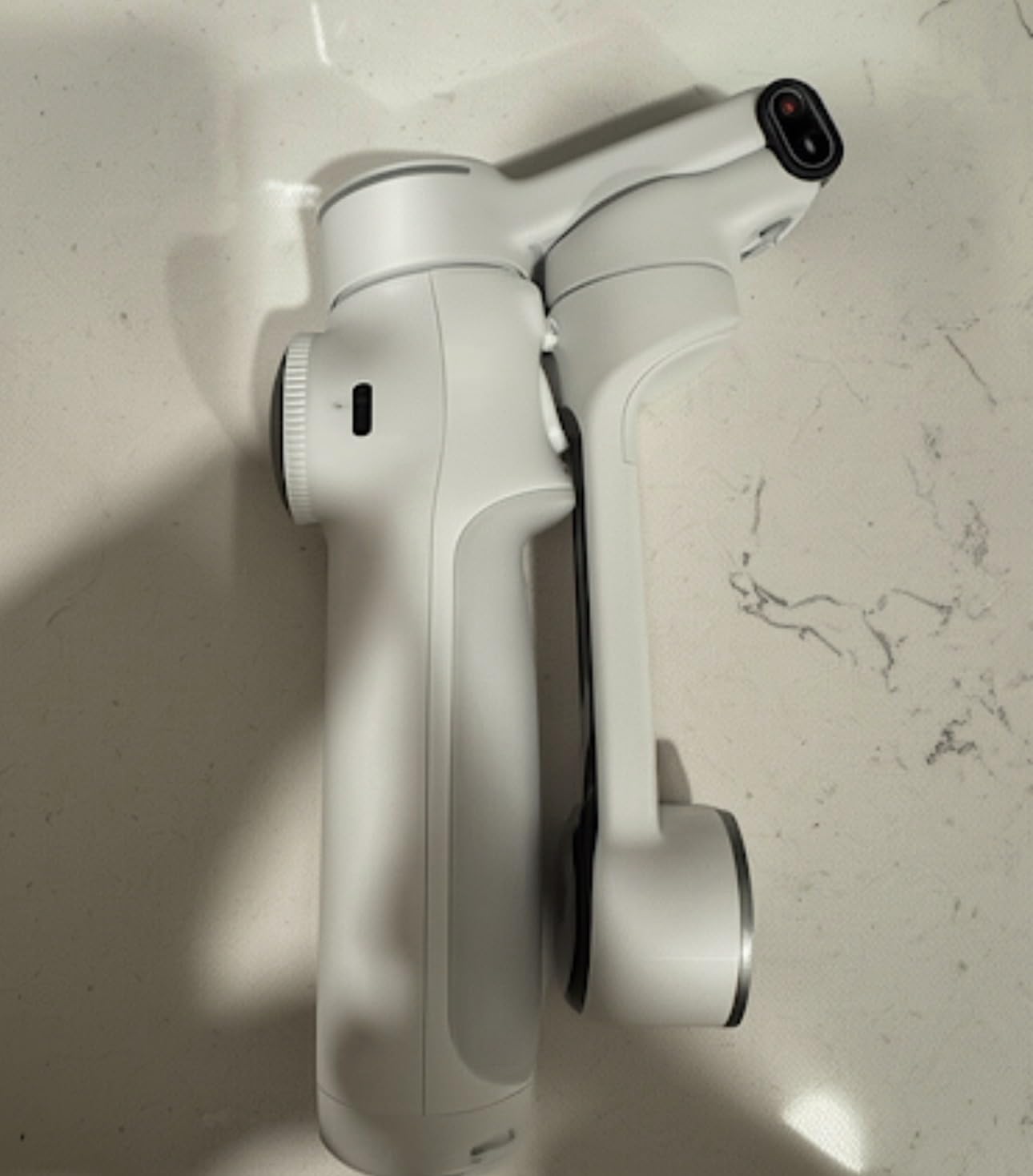
Active zoom tracking up to 15x was the feature I did not expect to use and ended up using constantly. It reframes a distant subject smoothly, which matters for stage performances and sideline sports where a fixed wide shot would have been your only option on a phone.
The build feels solid, the 360 degree infinite pan plus free tilt mode gives you continuous motion without a motor stop, and Dolby Vision and Apple ProRes capture are supported for people who grade seriously.
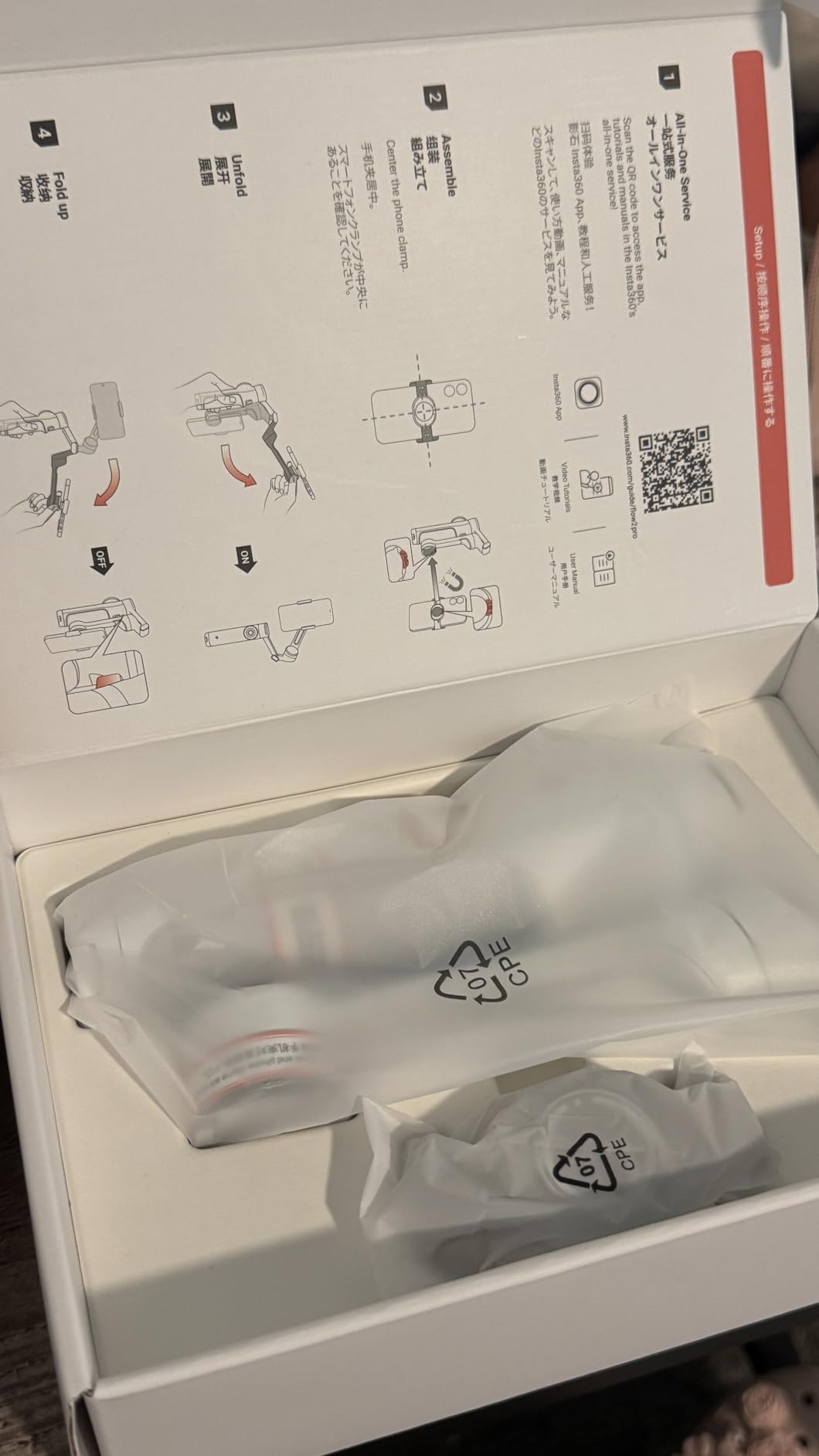
What the all-in-one body gives you
A built-in tripod, selfie stick, selfie mirror and teleprompter sit in the chassis, and the quoted battery is 10 hours. The teleprompter in particular turned the gimbal into a usable interview rig on a tripod, which is a use case that normally needs another accessory.
The app connects quickly and includes AI editing such as FlashCut, so trimming a tracking clip down to a short vertical post does not require exporting to a desktop editor first.
Where it falls short
DockKit tracking can tilt downward and clip the top of a head in certain setups, so check your framing before you commit to a take. The phone case also pushes the phone toward or past the 300 g balance point, which throws off the magnetic mount.
There is no quick, intuitive control to return the gimbal to its neutral base position, the integrated tripod sits low to the ground, and parts of the app sit behind a paid subscription with constant advertising in the interface.
5. Hohem iSteady M6 – Best for Big Phones and Manual Controls
Hohem iSteady M6 Gimbal Stabilizer for Smartphone, 3-Axis Cell Phone Stabilizer Built-in OLED Display 400g Payload Reverse Charging Android and iPhone Gimbal with Inception Motion Timelapse
400 g payload
551 g body
0.91 inch OLED display
Up to 18 hours
Four 1/4-20 ports
Pros
- Highest payload here at up to 400g
- OLED display shows status battery and mode
- Four accessory ports on the body
- Reverse charging and up to 18 hours of use
Cons
- Heaviest and bulkiest unit in the group
- On-screen controls take practice to master
- No active subject tracking of the AI-focused rivals
The M6 is the odd one out in this roundup, and that is exactly why it earns a place. It weighs 551 g, it does not fold small, and it carries a 400 g payload rating that no other gimbal on this list matches.
If you film on a large flagship with a thick case, that payload headroom is the deciding factor. A gimbal that is under-specced for your phone will not hold level, and no amount of skill compensates for motors working at their limit.
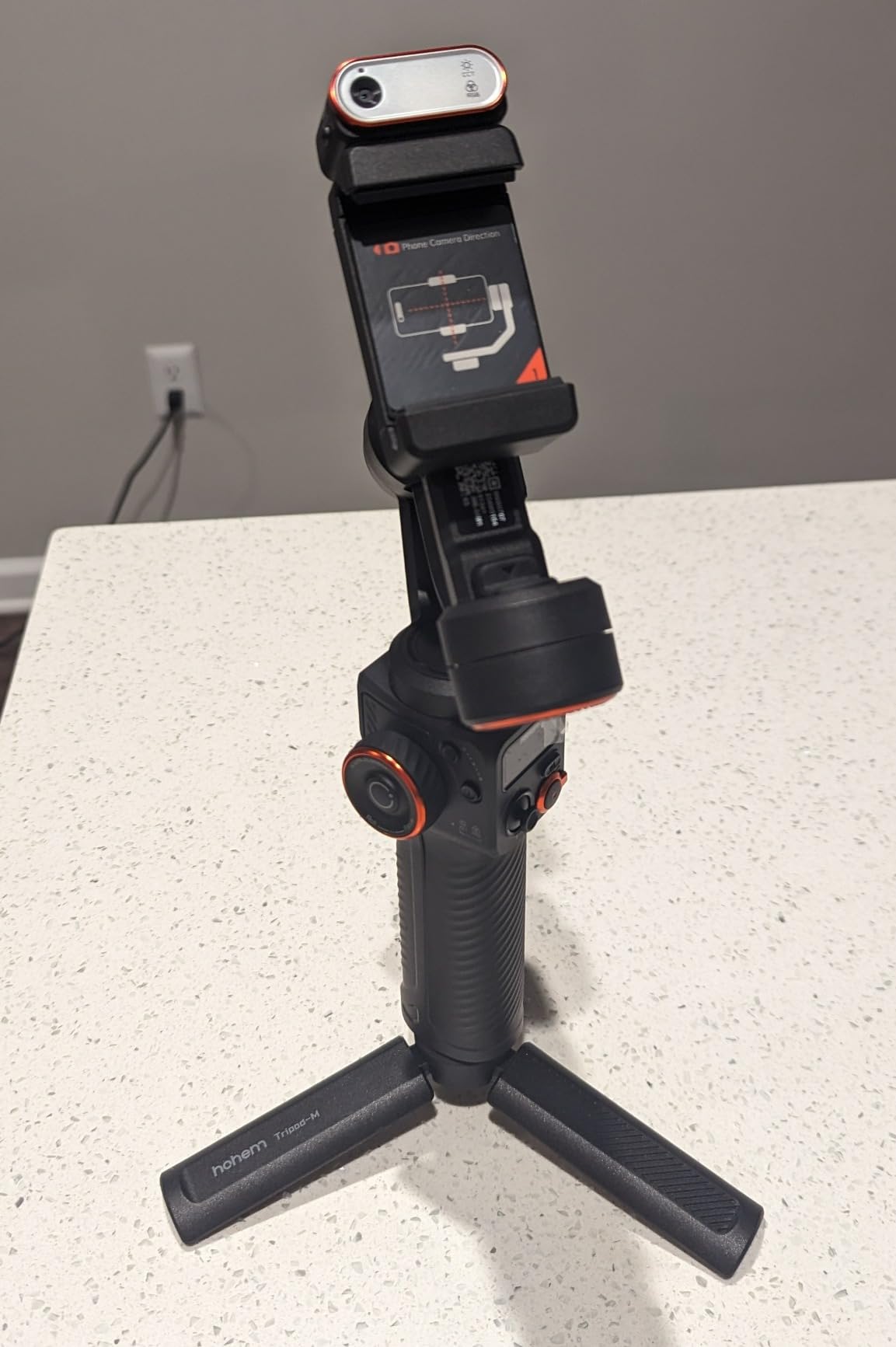
The 0.91 inch OLED display is the feature I missed most on the foldable models once I got used to it. Battery percentage, Bluetooth state, shooting mode and balance warnings are all readable at a glance without waking the phone or opening an app.
iSteady 7.0 algorithms handled walking and running footage cleanly, and the runtime is quoted at up to 18 hours with reverse charging, which is the longest figure here by a wide margin.
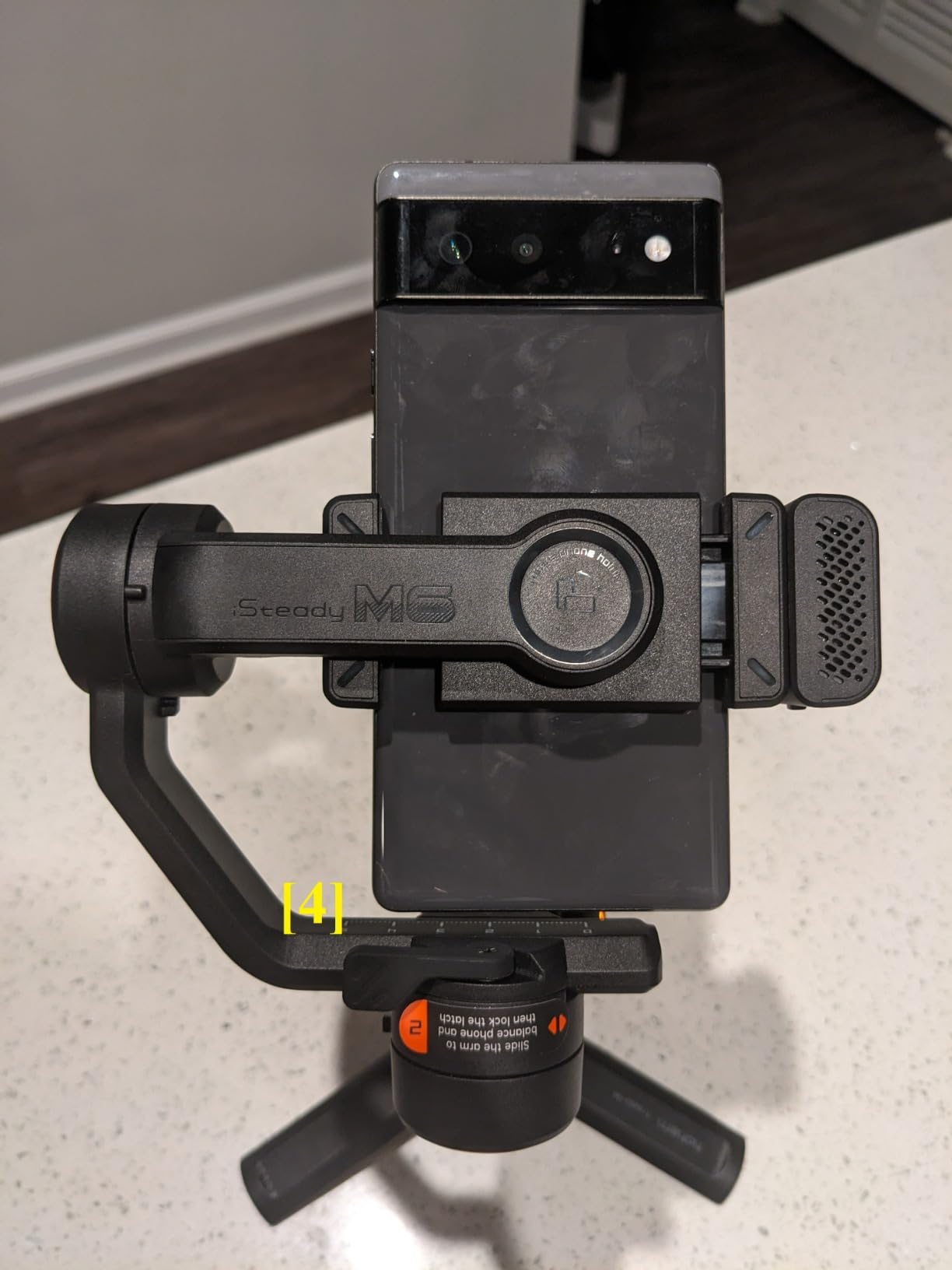
Why the manual controls matter
Four 1/4-20 UNC accessory ports let you bolt on a microphone, a light or a small monitor directly to the body. The control wheel handles roll axis, focus and lighting temperature, so adjustments happen without touching the phone screen.
A-B motion buttons enable motion timelapse without an app, which is the kind of unglamorous feature that saves a shoot when your phone is at low battery and the app will not launch.
Where it falls short
Size and weight are the honest problem. At 551 g it is by far the heaviest unit here, and it is the one most likely to end up at home because carrying it feels like a chore.
There is also no active subject tracking comparable to the AI-focused models. If your workflow depends on locking onto a moving person without touching anything, this is the wrong tool. The screen-based controls take a few sessions to learn too.
6. Hohem iSteady X3 – Best for Remote and Solo Shooting
hohem iSteady X3 3-Axis Gimbal Stabilizer for iPhone & Android, Black
3-axis gimbal
0.93 lbs
Folds to 3.86 x 1.73 x 6.32 in
Remote range up to 32.8 ft
iSteady 8.0
Pros
- Detachable remote with its own display
- Tracks people well through the app
- Includes a magnetic fill light
- Magnetic clip avoids pressing side buttons
Cons
- Record and tracking features locked inside the app
- Large phones can sit awkwardly and unbalance it
- Cable weight throws off balance and causes error beeps
- Reported motor failures on some units
The X3 is defined by its remote. The detachable controller has its own screen and reaches up to 32.8 ft, so you can start recording, check framing and watch a live view while the gimbal stands across a room or on the other side of a table.
For solo creators that removes the single most annoying part of phone filming, which is setting the phone up and jogging back into position before every take. Group shots and family moments improved immediately once nobody had to run.
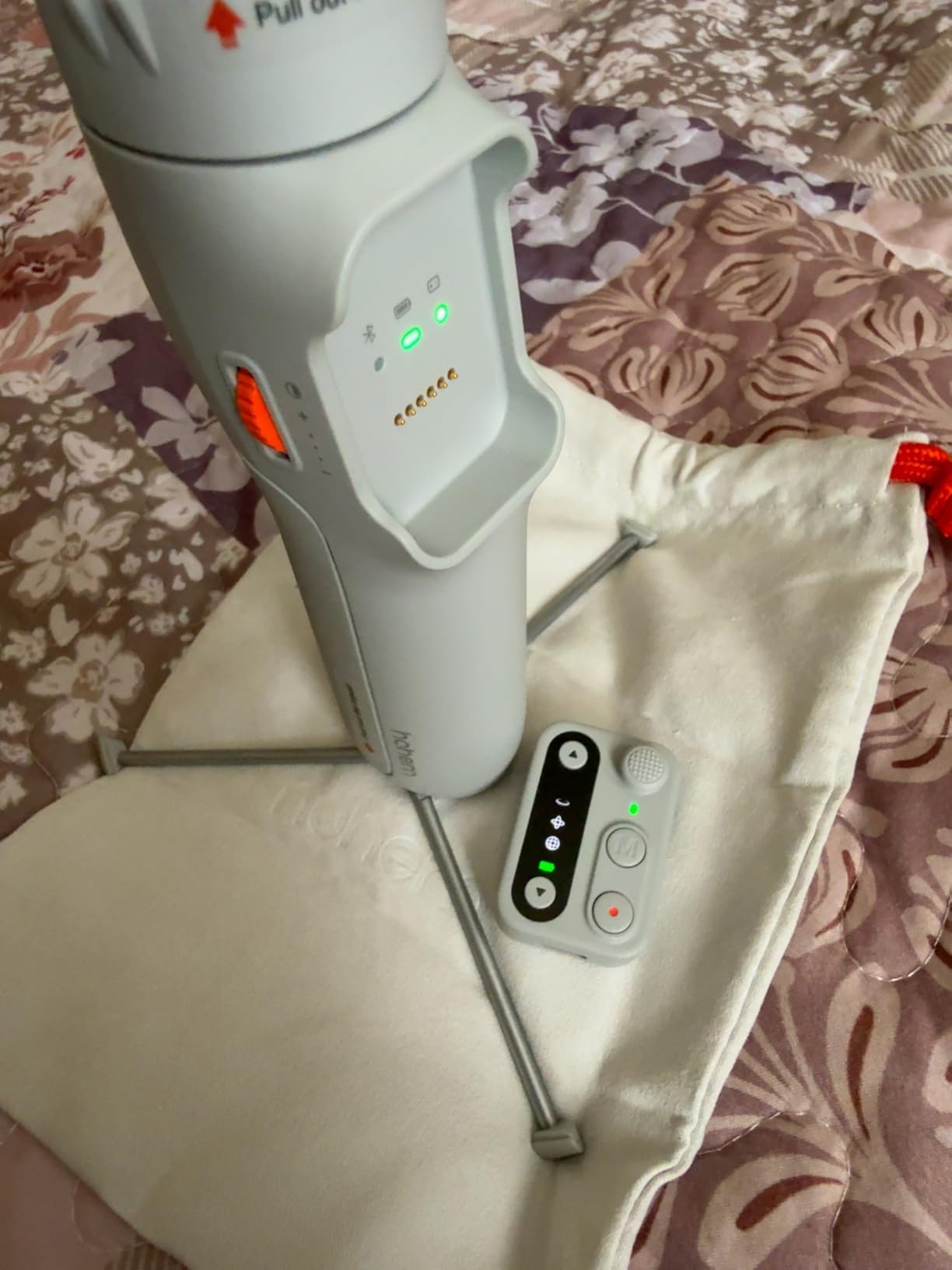
iSteady 8.0 stabilization handles walking and running well, and the magnetic clip design avoids pressing side buttons on your phone, so you are not waking the screen by accident mid-shoot. A magnetic fill light with adjustable brightness and tones is included.
Portrait and landscape switching is a single action, which makes it a good first gimbal for anyone moving from landscape video into vertical content for Reels, Shorts and TikTok.
What the remote changes about a shoot
The screen-equipped remote turned the X3 into the most flexible tool for interviews, cooking demonstrations and product walkthroughs in our testing. You can place the gimbal low for a product angle and still control everything from outside the frame.
The tripod and extension rod are built in, so the same body covers low-angle pet footage, overhead angles and wide travel selfies without an extra purchase.
Where it falls short
The record button and tracking features only work inside the Hohem app, and the app itself draws consistent criticism. Features you would expect to be native are gated behind it, which is a real limitation compared with the DJI models here.
Large phones such a top-tier Pro Max can sit awkwardly and unbalance the unit, and the weight of a connected USB cable is enough to throw off balance and trigger error beeping. AI tracking handles people well but struggles with objects, and some owners have reported motor failures along with friction over warranty replacements.
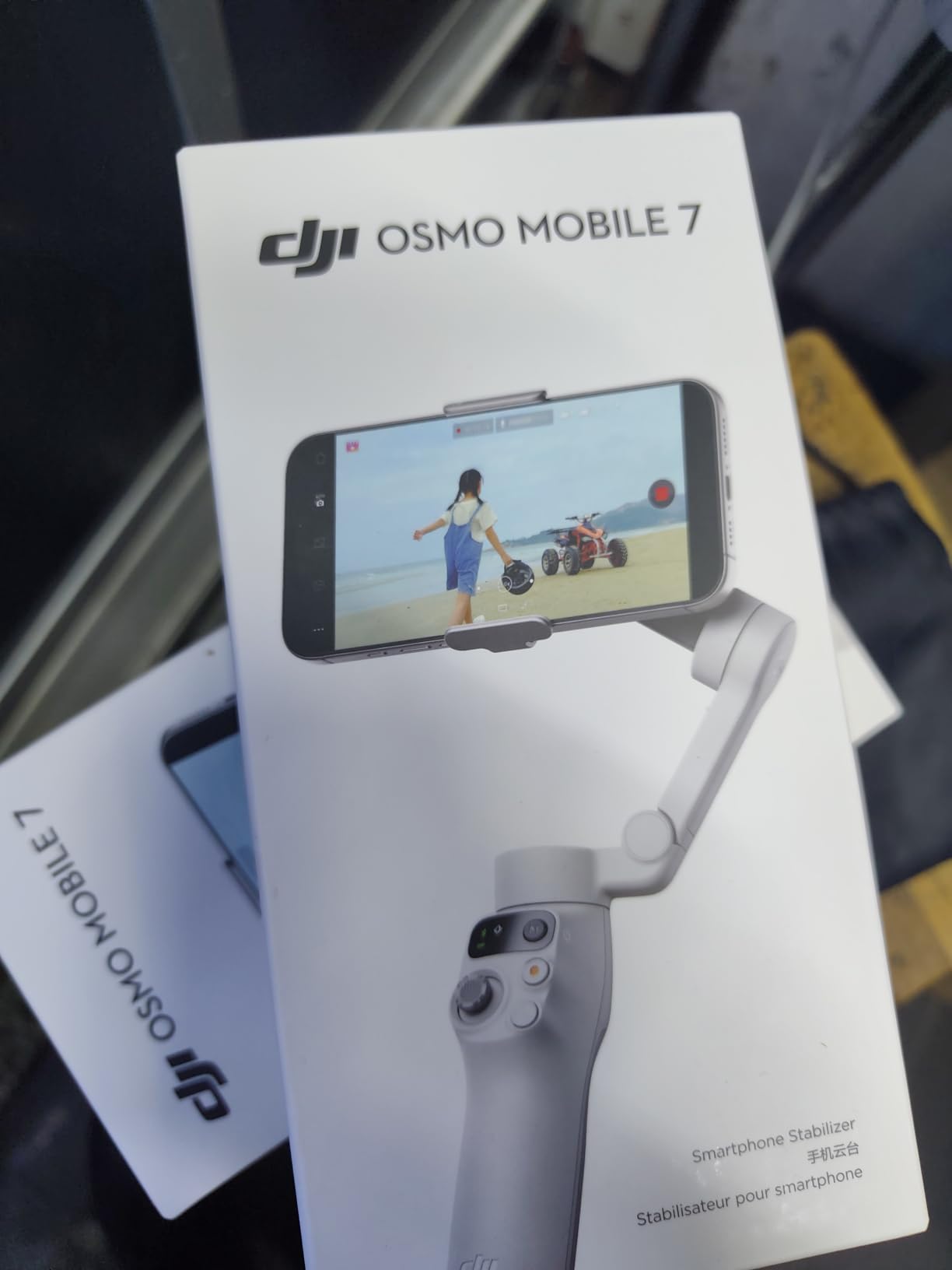
7. DJI Osmo Mobile 7 – Best Value for Everyday Vlogging
DJI Osmo Mobile 7 Gimbal Stabilizer for iPhone & Android, 3-Axis Gimbal
3-axis gimbal
300 g
Folded 179 x 95 x 39 mm
300 g payload
Up to 10 hours
Pros
- Lightest DJI body at 300 g
- ActiveTrack 7.0 holds framing in crowds
- Integrated foldable tripod legs
- 10-hour battery with phone charging
Cons
- No built-in extension rod
- Clamp feels loose with a large phone
- Motors are not powerful enough to hide poor balance
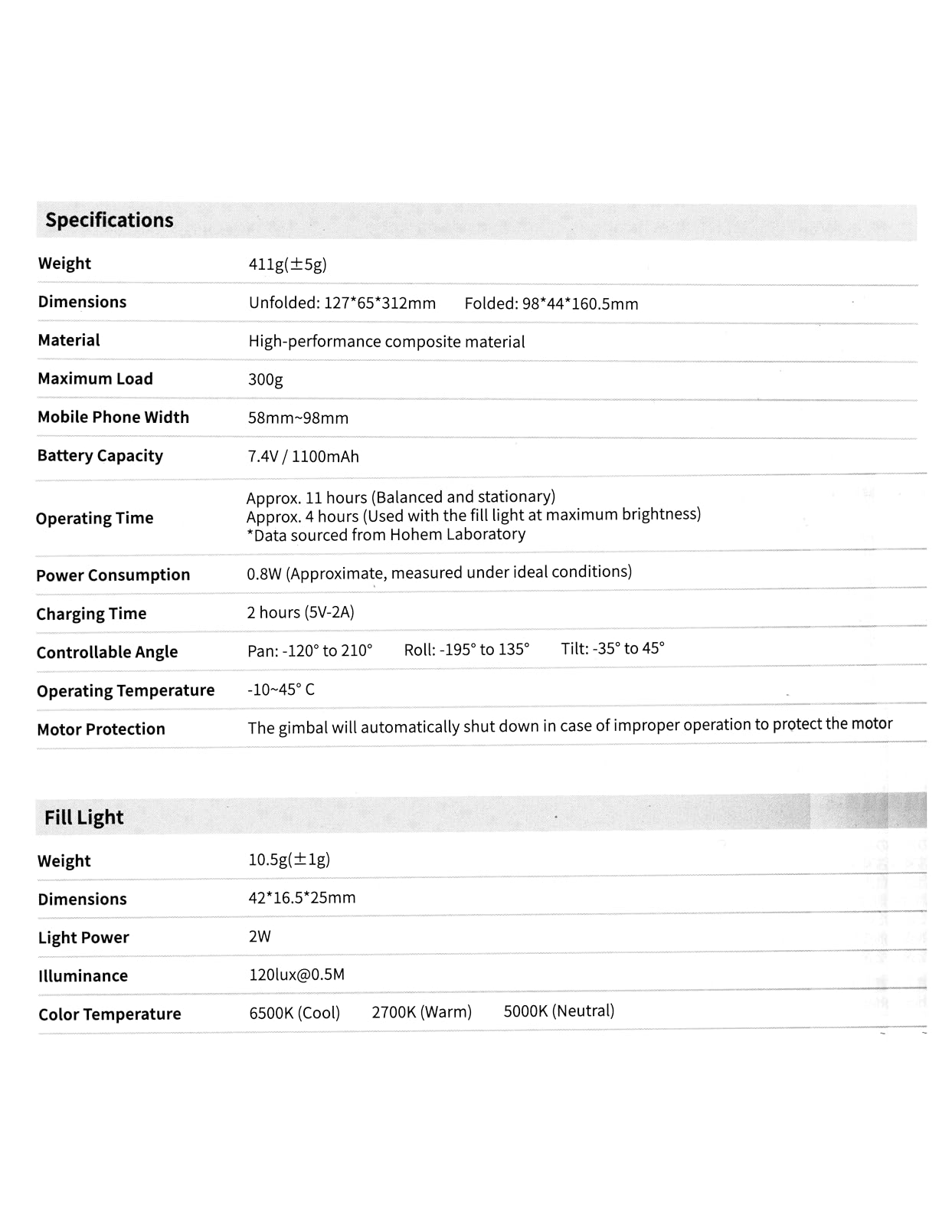
The Osmo Mobile 7 is the simplest thing on this list that still gets the fundamentals right. At 300 g it is the lightest DJI body, and the foldable tripod legs are integrated into the base rather than added on.
ActiveTrack 7.0 kept a subject framed even in a crowded street market, which is a harder test than an empty room. Dual-lens tracking helped when the subject moved close, and the thumb joystick gives powered zoom while recording.
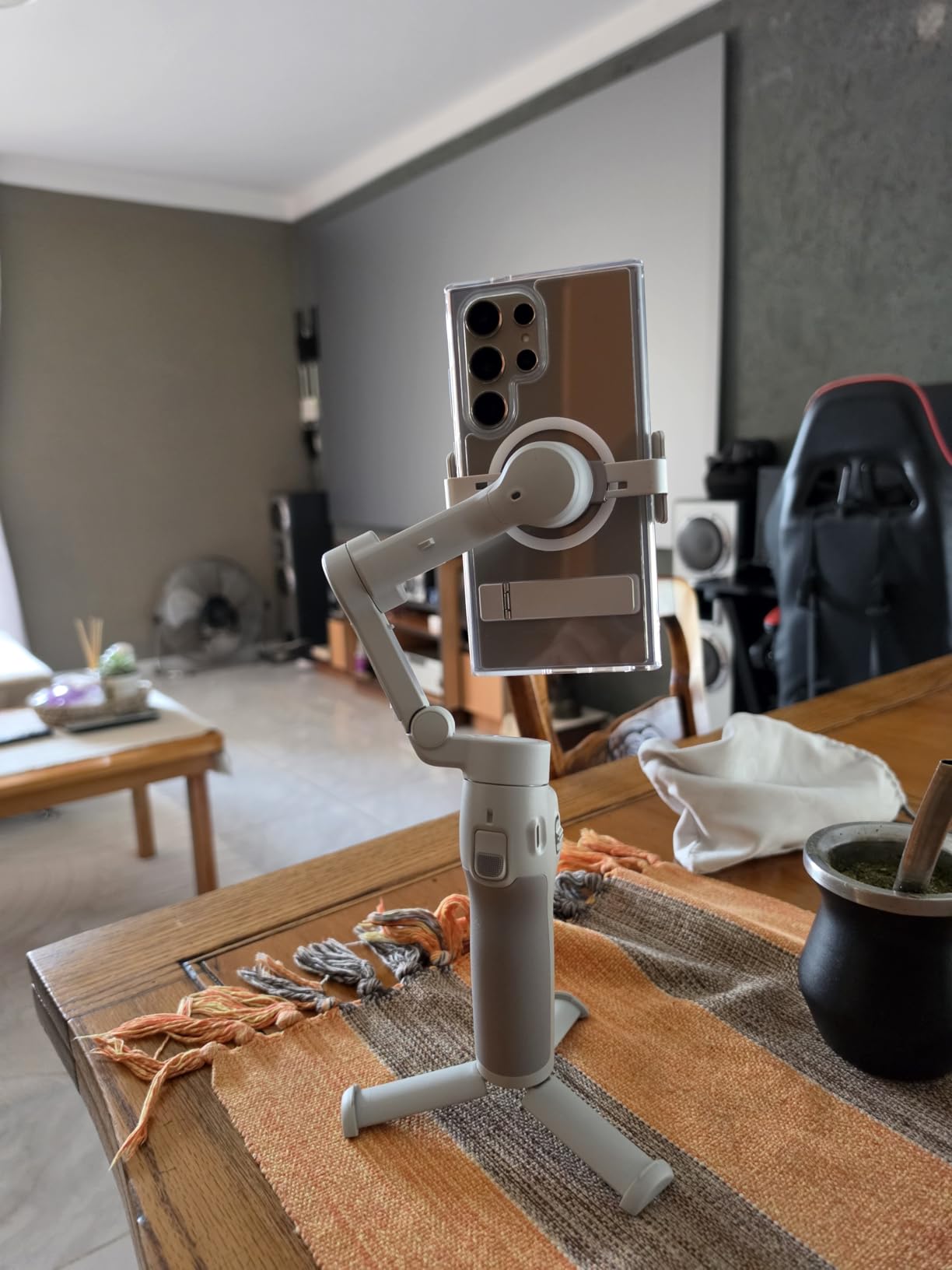
Stabilization is the familiar DJI treatment and it smoothed walking, running and rough terrain without drama. The anti-slip handle stayed comfortable through long sessions, which is worth more than an extra feature when you are filming all day.
Quoted runtime is up to 10 hours with phone charging over USB-C, and the magnetic clamp attaches and detaches in seconds, so swapping between a phone and a second device for vertical content is fast.
Where the light aluminium body helps
Dropping to 300 g changes what you will carry. This is the model we reached for on days when the bag was already full and a 370 g body would have stayed at home, which is usually the day you most want to film.
For everyday vlogging the missing extension rod matters less than you might expect. You can shoot a walk-and-talk at arm’s length or on the tripod legs, and if you regularly need the extra reach the 7P covers that case.
Where it falls short
The clamp is not quite tight with a large phone and it can let the phone shift. The motors are not especially powerful, so if the phone is off-centre you will see it in the footage rather than have the gimbal quietly absorb it.
The app can respond slowly on some phones, and gesture-activated tracking sometimes cuts out early if you talk with your hands. As with the other DJI models here, DJI Mimo has to be downloaded from DJI’s website rather than the usual app store listing.
8. AOCHUAN Smart XE – Budget Pick for First-Time Owners
AOCHUAN Smart XE 3-Axis Gimbal Stabilizer for iPhone&Android,Foldable
3-axis gimbal
345 g
Folded 163 x 108 x 55mm
250 g payload
2600mAh, up to 10 hours
Pros
- Lowest cost in the roundup
- Focus wheel and zoom slide for manual control
- One-click vertical orientation switch
- 2600mAh battery for a full day
Cons
- Stabilization struggles when you and the subject both move
- Tracking only works inside the AOCHUAN app
- Some phones limit resolution or block tracking at high frame rates
- Only two axes are motorized for stabilization
The Smart XE answers a simple question: can you get mechanical stabilization at all without spending real money. For static-to-gentle-movement footage, the answer is yes. The body folds to a palm-sized shape, and the build quality feels a step above what the price suggests.
Control is more hands-on than the AI models. A focus wheel and zoom slide let you adjust framing physically, and A-B motion buttons plus effects such as Hitchcock zoom, Inception and motion-lapse live in the companion app.
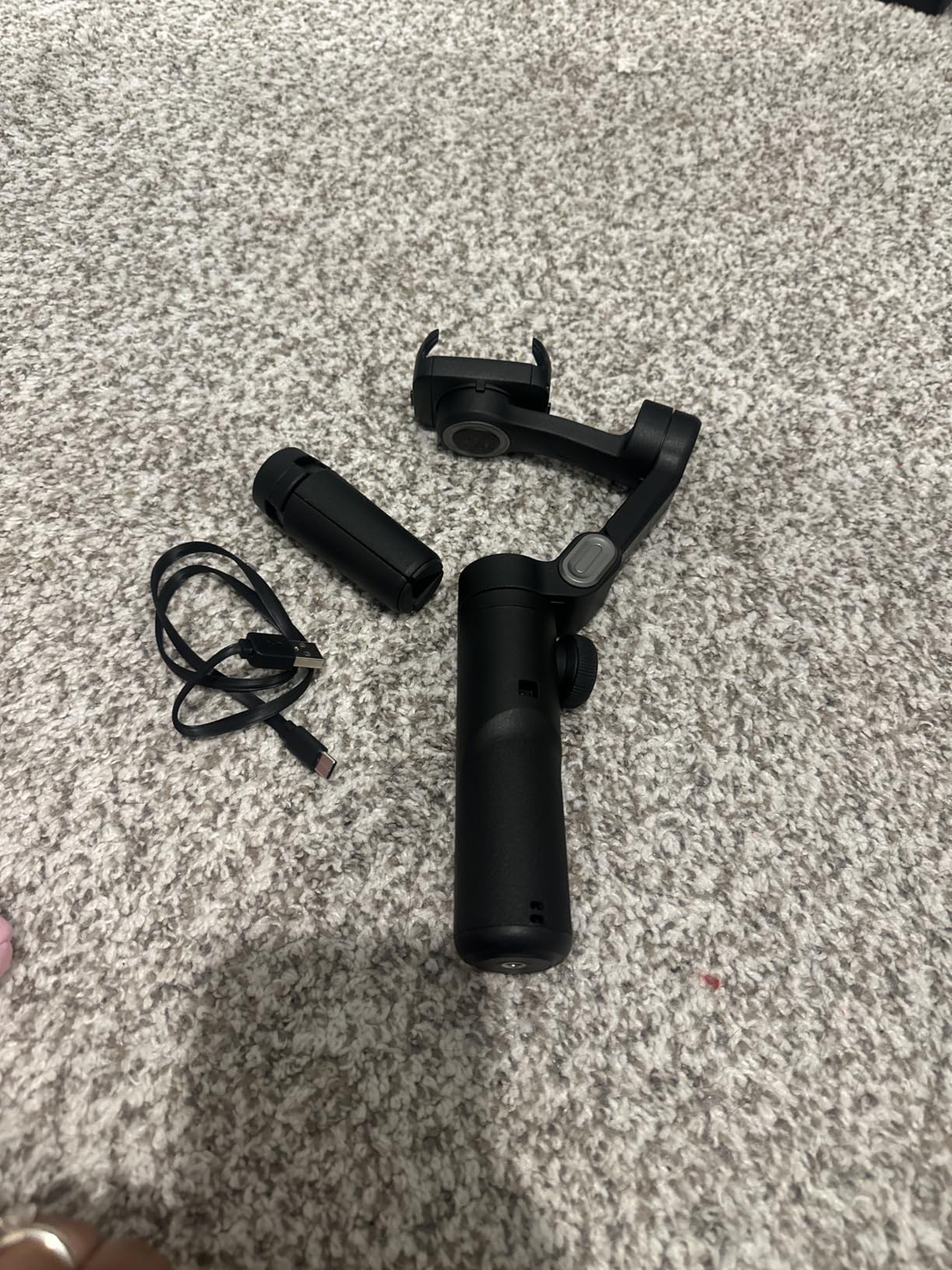
The one-click horizontal to vertical switch is genuinely useful for short-form work, and AI Face Track 4.0 with gesture control frames a person reliably while you stand still. Some kit versions also bundle a magnetic RGB fill light and a carrying case.
Quoted runtime is up to 10 hours from the 2600mAh cell, which is more than a typical day of casual clips needs, and the included tripod covers static shots without another purchase.
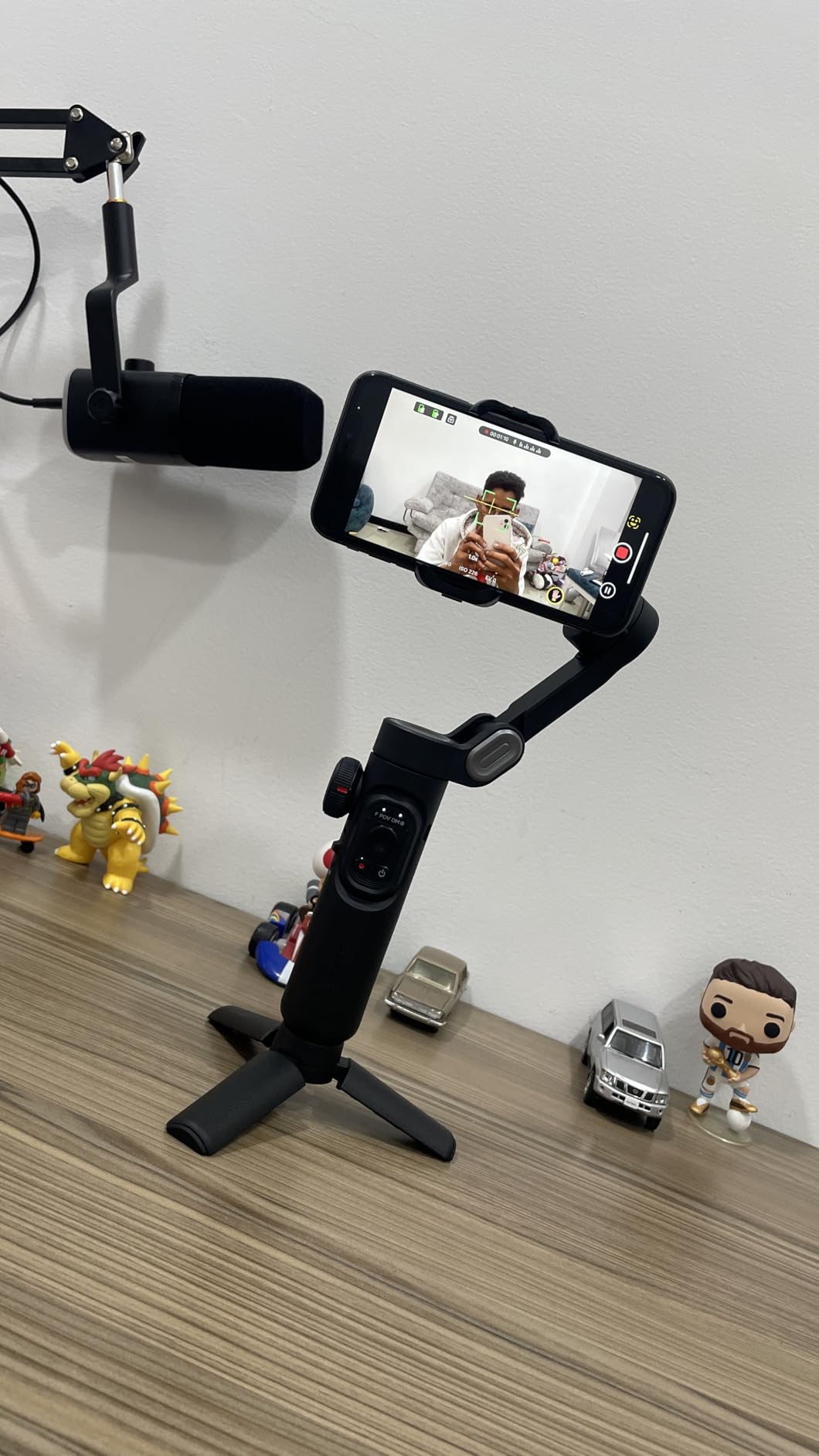
What you get for the money
Three brushless motors and a 7.0-generation anti-shake algorithm handle the basics well. Locked-off and slow pans looked clean, and face tracking was accurate when the subject stayed in a predictable position.
If your plan is mostly talking-head clips, product shots and slow reveals filmed near a tripod, this is enough stabilization to remove the hand jitter that makes phone video look amateur.
Where it falls short
Stabilization weakens when both you and the subject are moving. Walking footage of a moving subject is where the jitter shows, and that is a common enough shot that it is worth naming clearly.
Tracking is app-only, some phones are limited to 1080p, and certain recent Samsung flagships block tracking at 4K or at 1080p 60fps. There is also a discrepancy worth knowing: only two axes are actually motorized for stabilization, with the third handling portrait and landscape rotation. Large phones can jam the rotating arm before it reaches full travel.
How to Choose a Phone Gimbal in 2026
Three-axis versus two-axis gimbals
Pan, tilt and roll are the three axes a gimbal corrects. Pan is the left-to-right swing of your arm, tilt is up and down, and roll is the sideways tilt that makes horizons lean. A true 3-axis gimbal corrects all three, and roll correction is what separates smooth footage from footage that still looks seasick.
Some entry-level models market themselves as 3-axis while only motorizing two of them, using the third purely to rotate the phone between portrait and landscape. Check whether the roll axis is actively stabilized before you buy.
Phone weight, clamp width and big phones
Payload ratings in this group run from 250 g on the AOCHUAN Smart XE up to 400 g on the Hohem M6, with most DJI and Insta360 models sitting at 300 g. That number covers the phone, and often the case is not included in the calculation.
A thick case on a large flagship can quietly push you over the limit. The result is a gimbal that runs its motors constantly to hold position, which shows up as heat, battery drain and a horizon that drifts during a walk. If you are choosing between models and own the biggest phone in your household, weight the payload rating above every other spec.
Clamp width matters just as much. Several owners of the smaller models report a large phone sitting awkwardly or slipping in the clamp, which is the same balance problem in a different disguise. Our unlocked smartphone picks cover the large-screen models most likely to cause it.
Battery claims versus a full day of shooting
Quoted runtimes here run from 10 hours on most models up to 18 hours on the Hohem M6 with reverse charging. Treat those as an upper bound rather than a working figure, because continuous 4K recording with tracking and the fill light running draws far more than idle standby time.
For a full day of intermittent filming, anything rated at 10 hours or more gives you real headroom. The reverse charging feature on the Hohem models and the power bank function on the Insta360 Flow turn a dead phone into a non-event rather than a lost shot.
What AI tracking actually does and where it fails
AI tracking uses the phone’s camera to identify a face or object and then drives the motors to keep that subject framed. It works well when the subject is visible, lit and roughly centred. The interesting question is what happens when it is not.
Occlusion is the big one. When your subject walks behind a pillar, a person in front or a tree, tracking will lose the lock and hunt for the face it remembers. Insta360’s DeepTrack 3.0 includes person re-identification specifically to recover from that, and DJI’s dual-lens tracking helps when a subject comes close to the camera. Low light degrades every optical tracking system in this category.
Crowds cause a different failure, where tracking latches onto the wrong face and follows a stranger. The Hohem X3 handles people well but struggles with objects, and every unit here needs a visible subject rather than an empty landscape. If you film animals, distant subjects or fast board sports, test tracking before committing.
Android versus iOS support
iOS buyers get the broadest feature set here. The Insta360 Flow 2 Pro uses Apple DockKit to track inside 200+ iOS apps, and both DJI models run native tracking that keeps full resolution and high frame rates. Android is improving quickly but is more fragmented.
Android-specific friction is real enough that it drives entire forum threads. Some Insta360 features are blocked on certain Android brands because of brand-specific interface protocols, recent Samsung flagships can block tracking at 4K or 1080p 60fps, and the AOCHUAN Smart XE may not offer 4K recording on your phone at all.
There is a separate practical wrinkle for both platforms: DJI Mimo has been removed from Google Play, so Android users must download the current build from DJI’s own website. Check your exact phone model against each gimbal’s compatibility notes before buying. Our budget smartphone guide is a good reference if you are picking a phone and a gimbal at the same time.
Phone gimbal or a camera with a gimbal built in
A gimbal-integrated camera such as the DJI Osmo Pocket 3 or the Insta360 Luna Ultra solves the balance problem entirely because the sensor and the motors are designed together. You skip the clamp, the balance step and the phone compatibility question, and you can start recording the moment you pull it out.
The trade is flexibility. A phone gimbal uses the camera you already own, with its lens options, its computational photography and your existing editing workflow. If you already shoot good video on your phone and mainly need smoother movement, a gimbal is the cheaper upgrade. If you are starting from nothing or your phone’s video is the weak link, a dedicated camera solves more problems at once.
Who should skip a phone gimbal
Skip it if every shot is tripod-locked, if you film mostly stills, or if your phone is several generations behind and struggles with 4K recording. Skip it if you mostly need steadiness during walking tours and your phone’s electronic stabilization already looks acceptable to you.
Also skip it if you dislike fiddling. The first balance adjustment takes about 15 minutes to learn, and that setup step happens again whenever you change phones, add a case or attach an accessory. People who enjoy the process get a lot out of these tools. People who want to point and shoot will find a phone’s built-in stabilization good enough.
Frequently Asked Questions
What is the best gimbal for mobile phones?
The DJI Osmo Mobile 7P is the best overall pick, with native subject tracking that works outside the companion app, a magnetic phone clamp, and a built-in extension rod and tripod. The Insta360 Flow 2 Pro leads on tracking inside apps through Apple DockKit, and the DJI Osmo Mobile 7 is the lightest option for everyday vlogging.
Are smartphone gimbals worth it?
They are worth it if you film while moving. Phone stabilization is electronic, so it crops into your resolution and warps the frame edges. A mechanical 3-axis gimbal corrects pan, tilt and roll mechanically, keeping your full sensor width and frame rate. If every shot you take is tripod-locked and static, you do not need one.
What is the best gimbal for Android phones?
The DJI Osmo Mobile 7P and the Insta360 Flow are the safest Android choices, since both run iOS and Android. Check your exact model first: some Insta360 features are limited on certain Android brands, recent Samsung flagships can block tracking at 4K or 1080p 60fps, and DJI Mimo now has to be downloaded from the DJI website rather than Google Play.
Do I need a gimbal if my phone has OIS?
Probably not for static shots, but yes for anything involving movement. Optical image stabilization is built into the lens and reduces small shakes, while a gimbal mechanically corrects the camera angle itself during walking and panning. The two also differ in quality: electronic stabilization crops into your resolution and warps frame edges, while a gimbal keeps the full sensor width.
How long do phone gimbal batteries last?
Most models in this category are quoted at around 10 hours, with the Hohem iSteady M6 rated up to 18 hours using reverse charging. Real runtime under continuous 4K recording with tracking and a fill light running is shorter, so treat the quoted figure as an upper bound and carry a USB-C cable if you shoot all day.
Can I use a phone gimbal with a heavy case?
Usually, but check the payload rating first. Ratings in this category run from 250 g to 400 g, and a thick case can push a large phone close to or past that limit. An overloaded gimbal works its motors constantly, which drains the battery faster and lets the horizon drift during a walk. The Hohem iSteady M6 has the highest payload at 400 g.
Which phone gimbal has the best tracking?
The Insta360 Flow 2 Pro has the most capable tracking, using Apple DockKit to follow a subject inside more than 200 iOS apps, with active zoom tracking up to 15x and multi-person tracking for groups. Among the more affordable options, the Insta360 Flow uses DeepTrack 3.0 with person re-identification, and the Hohem iSteady X3 tracks people well but struggles with objects.
How do I balance a phone gimbal correctly?
Open the arms, mount the phone, and slide it along the clamp until the center of gravity sits directly under the motor axis. With the gimbal switched on, tilt it forward and backward until it stops resisting movement, then use the roll arm to level the phone side to side. Repeat the forward and back step until it stays put in any orientation.
Our Final Verdict for 2026
After weeks with all eight, the DJI Osmo Mobile 7P is still the best gimbal for smartphones for most people. Native tracking at full resolution, a magnetic clamp, and an extension rod and tripod in the body cover the widest range of real shooting situations without asking you to learn much.
Pick the Insta360 Flow 2 Pro if you shoot on iPhone and want tracking inside apps, the Insta360 Flow if you travel light, and the Hohem iSteady M6 if you carry the biggest phone in the house. Spend less and go with the AOCHUAN Smart XE only if your footage is mostly static or slow.
Whatever you choose, spend 15 minutes balancing it properly with the case you actually use. That single step is the difference between a gimbal that works and one that frustrates you.