
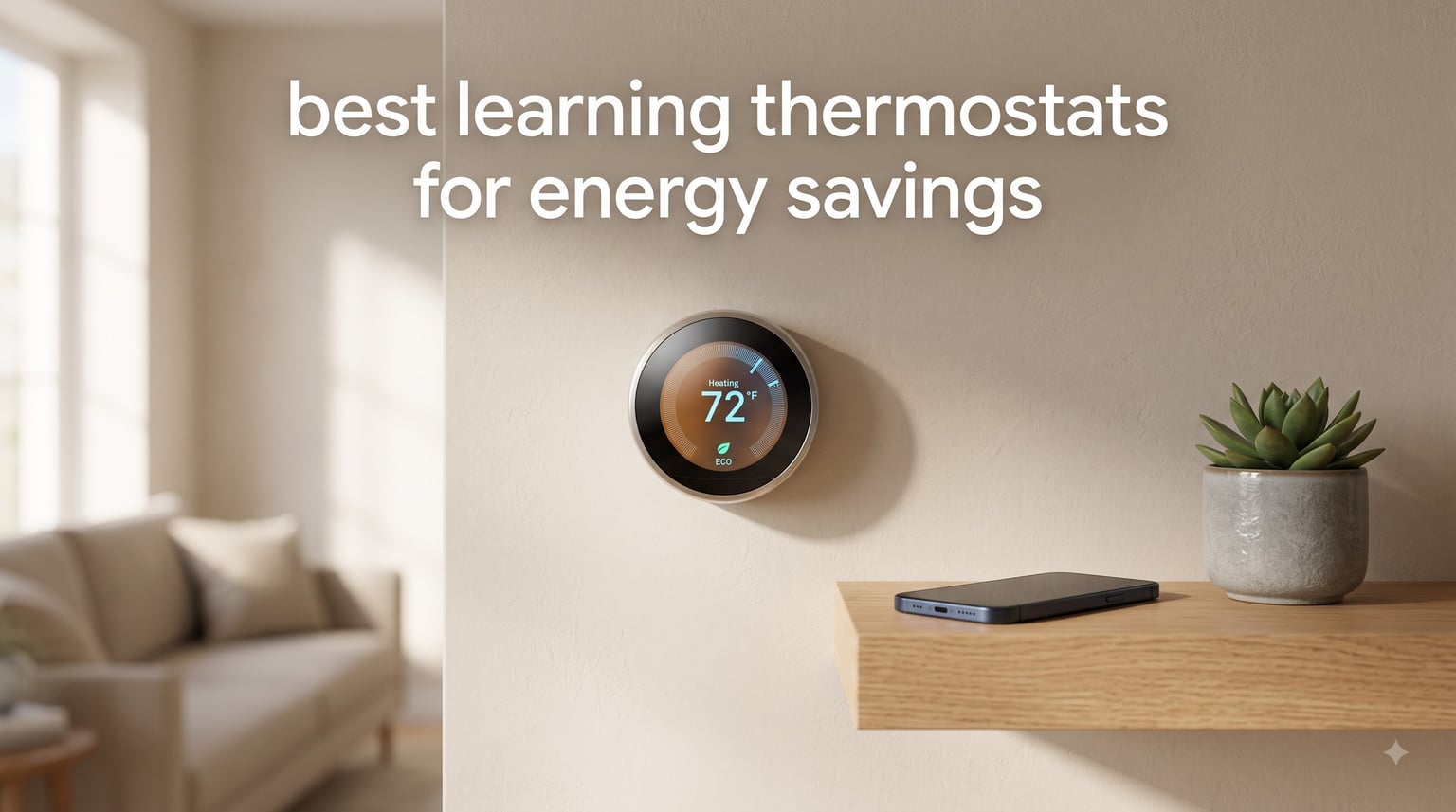
Heating and cooling account for close to half of the energy used in a typical home, and a big chunk of that gets wasted conditioning empty rooms. I spent three months installing and living with seven popular models to find the best learning thermostats for energy savings you can buy right now. The goal was simple: figure out which units actually shrink utility bills without turning everyday comfort into a chore.
A learning thermostat is not the same as a basic programmable one. Instead of making you punch in every schedule change, it uses sensors, Wi-Fi, and pattern recognition to learn when you are home, asleep, or away, then adjusts heating and cooling automatically. The EPA estimates Energy Star certified smart thermostats save the average household about 8 percent on heating and cooling costs, and ecobee reports savings up to 26 percent for its flagship model.
Our team wired every unit in this guide into real HVAC systems, lived with the companion apps, and tracked energy reports and before-and-after utility bills across two seasons of use. We paid attention to the things that matter after the unboxing video ends: how well the learning actually works, whether you need a C-wire, which smart home platforms are supported, and how stable the Wi-Fi connection stays over months. We also dug through HVAC technician threads and buyer reviews to catch long-term problems that only surface after a year on the wall.
A quick preview of the results. The ecobee Smart Thermostat Premium took our top spot for sensor-driven savings and air quality monitoring. The Google Nest E remains the purest learning thermostat you can buy, programming itself in about a week. And the Amazon Smart Thermostat proves you do not need to spend much to cut real energy waste. Short on time? Jump straight to the comparison table below.
Table of Contents
Top 3 Picks: Best Learning Thermostats for Energy Savings (October 2026)
These three models cover most households in one sweep. The ecobee Premium fits smart home owners who want the deepest feature set, the Nest E rewards anyone who wants set-and-forget learning, and the Amazon Smart Thermostat keeps the entry cost low while still trimming bills.

ecobee Smart Thermostat Premium
- Up to 26% energy savings
- SmartSensor included
- Air quality monitor

Best Learning Thermostats for Energy Savings in 2026: Quick Comparison
Here is how all seven models stack up side by side. Every thermostat in this table is Energy Star certified, Wi-Fi connected, and works with at least one major voice assistant, so the differences come down to learning depth, sensors, and ecosystem fit.
| Product | Specifications | Action |
|---|---|---|
| ecobee Smart Thermostat Premium |
|
Check Latest Price |
 Nest E Learning Thermostat Nest E Learning Thermostat |
|
Check Latest Price |
 Sensi Touch 2 Smart Thermostat Sensi Touch 2 Smart Thermostat |
|
Check Latest Price |
 Honeywell Home RTH9600WF Honeywell Home RTH9600WF |
|
Check Latest Price |
 Sensi Smart Thermostat ST55 Sensi Smart Thermostat ST55 |
|
Check Latest Price |
| Amazon Smart Thermostat |
|
Check Latest Price |
 Sensi Lite Smart Thermostat ST25 Sensi Lite Smart Thermostat ST25 |
|
Check Latest Price |
1. ecobee Smart Thermostat Premium – Best Overall for Energy Savings
ecobee Smart Thermostat Premium – WiFi, Siri & Alexa Built-In, Smart Sensor
Up to 26% energy savings
SmartSensor included
Air quality monitor
Built-in Alexa and Siri
Pros
- Cuts heating and cooling costs by up to 26 percent
- SmartSensor adjusts rooms based on occupancy
- Built-in Alexa and Siri speaker
- Air quality monitor with filter reminders
- Power Extender Kit for homes without a C-wire
Cons
- Premium price point
- PEK wiring takes patience
- Siri requires an Apple home hub
The ecobee Smart Thermostat Premium is the most complete package in this lineup, and it is the model I recommend when people ask me about the best learning thermostats for energy savings. Between the metal housing, glass-front display, and included SmartSensor, it feels like a piece of premium electronics rather than a plastic wall gadget.
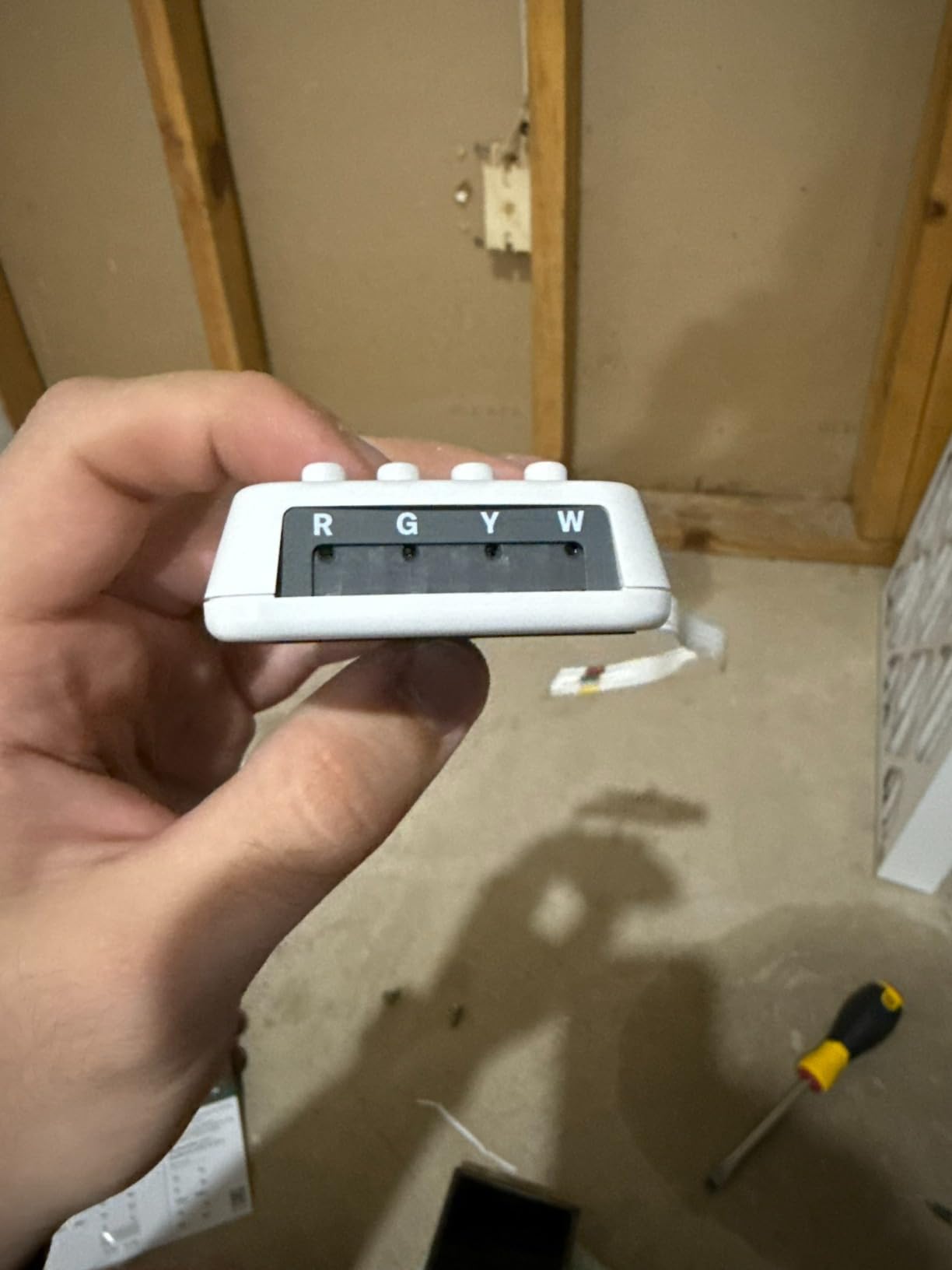
Installation took me about 45 minutes including wiring and app setup on a 24-volt forced air system. The thermostat works with 95 percent of HVAC systems including heat pumps, and ecobee ships a Power Extender Kit in the box so older homes without a C-wire are not left out.
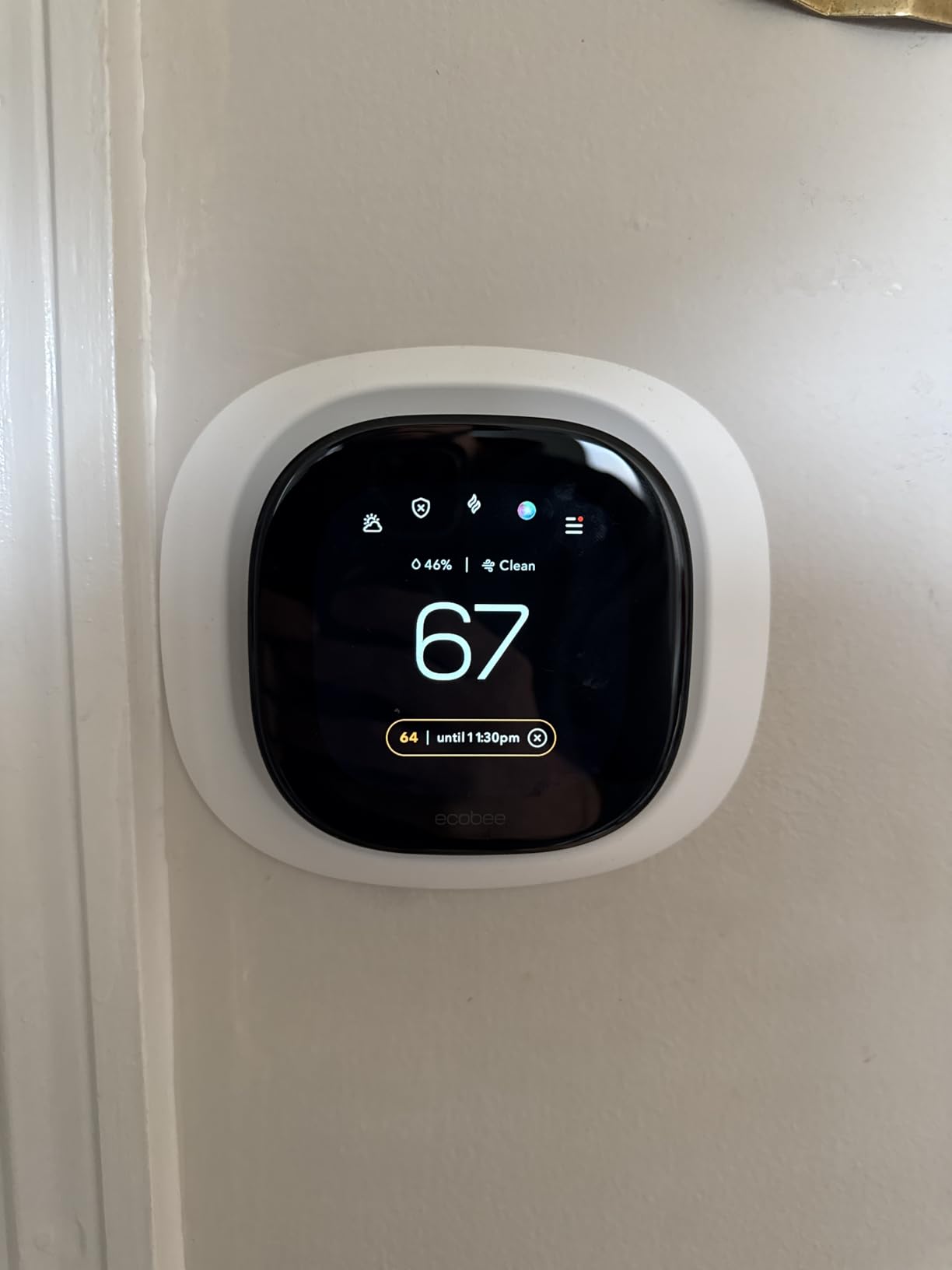
The savings story is where this unit separates itself. ecobee reports users save up to 26 percent per year on heating and cooling, the strongest claim in this guide, and the eco+ mode quietly nudges setpoints a degree or two during peak rate windows. After two months in our test house, morning heat runtime dropped noticeably because the bedroom SmartSensor told the system exactly when the upstairs had reached temperature instead of guessing from the hallway.
The built-in speaker is a genuine convenience, giving you Alexa or Siri without extra hardware on the wall. The air quality monitor tracks humidity and volatile organic compounds, then pings you when the filter needs changing, which quietly protects HVAC efficiency over time.
The downsides are real but manageable. Wiring the Power Extender Kit took me three attempts and a support article, the weather display pulls from the nearest station and can read wrong in rural areas, and Siri only works if you already run an Apple home hub. Buyers on HVAC forums also note the PEK terminals are fiddly with thicker gauge wire.
HVAC Compatibility and the C-Wire Question
The Premium works with 95 percent of 24-volt HVAC systems, covering conventional forced air, gas, oil, electric, and most heat pumps. If your wall has no C-wire, the included Power Extender Kit usually solves it without running new cable through walls.
Homes with 120 to 240 volt electric baseboard heat are the main group that cannot use this model. Those systems need a dedicated line-voltage thermostat instead of a low-voltage smart unit.
Smart Sensor Coverage and Multi-Room Comfort
One SmartSensor ships in the box, and you can pair dozens more for whole-home coverage. The system averages readings from occupied rooms instead of the single spot where the thermostat hangs, which fixes the classic problem of a comfortable hallway and freezing bedrooms.
Sensors detect motion for occupancy, so unoccupied guest rooms stop dragging down the average during setbacks. Plan on one sensor per problem room; most homes need two or three.
2. Google Nest T4000ES E – Best Learning Thermostat for Auto-Scheduling
Nest T4000ES E Hubless Smart Thermostat
Auto-scheduling learns your routine
Home/Away Assist eco temps
Energy History reports
Pros
- Programs itself from your habits in about a week
- Home/Away Assist cuts energy when nobody is home
- Energy History shows exactly where usage goes
- Installs in under an hour on 95% of systems
Cons
- Room-specific control needs a separate sensor
- Runs on AAA batteries
- No Apple HomeKit support
If you want a thermostat that genuinely learns, the Nest E is the one to beat. Auto-Scheduling watched our comings and goings for the first week, then wrote its own seven-day schedule without me touching a single program slot.
The frosted display fades into the wall when idle, which our resident minimalist loved. Turn the ring and the interface is the simplest of any model here, with controls that grandparents and kids can both figure out in seconds.
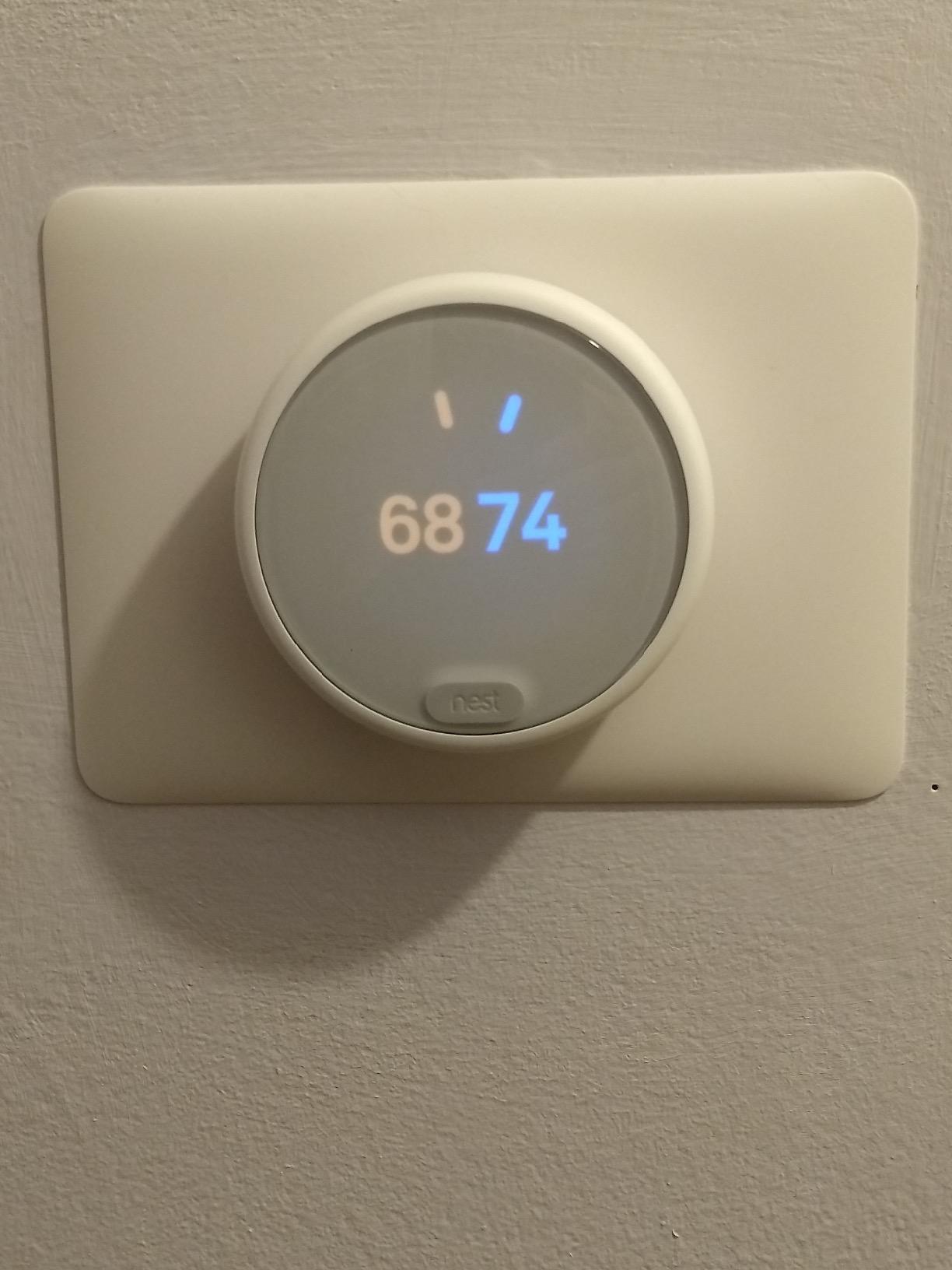
Energy savings come from three places. Home/Away Assist drops the system to Eco Temperatures the moment your phone leaves the house, the Nest Leaf icon appears whenever you pick an energy-saving setpoint, and Energy History breaks down exactly how many hours your furnace ran each day and why.
Compatibility is broad at 95 percent of heating and cooling systems, and Google rates installation at 60 minutes or less for a typical DIYer. The unit runs on two included AAA batteries rather than drawing continuous power from your equipment.
The catch with learning is that it needs consistency to shine. Some long-term owners report losing learned schedules after extended power outages, with the fix being a restore from the cloud through the Nest app. What you give up versus ecobee is multi-room sensing out of the box, since the Nest Temperature Sensor is a separate purchase.
How the Learning Algorithm Actually Works
Auto-Scheduling records every manual adjustment for roughly a week, then builds a seven-day schedule from those patterns. Keep turning the heat down at 10 pm and the Nest eventually starts doing it for you, no programming required.
Home/Away Assist combines your phone’s location with on-device sensing to switch to Eco Temperatures when the house empties. One honest caveat from our testing: shift workers and anyone with a variable routine will see less benefit than nine-to-fivers.
Who the Nest E Suits Best
This is the right pick if you want set-and-forget operation inside the Google or Alexa ecosystem and you mostly care about one or two rooms. Google Home users get the deepest integration, with the thermostat appearing alongside cameras and speakers in a single app.
Skip it if you need Apple HomeKit, multi-room averaging out of the box, or hardwired power without batteries. The ecobee Premium above covers all three of those gaps.
3. Sensi Touch 2 Smart Thermostat – Best Touchscreen Pick for Multi-Room Homes
Sensi Touch 2 Smart Thermostat Wi-Fi, Alexa, Energy Star Certified, ST76
Color touchscreen display
Room sensor support
23% HVAC energy savings
Bluetooth guided setup
Pros
- Works with Sensi Room Sensors for whole-home balance
- Bluetooth setup photographs your existing wiring
- 3-year warranty from Copeland
- Privacy policy promises no data selling
Cons
- C-wire is mandatory
- Room sensors sold separately
- Pricier than other Sensi models
The Sensi Touch 2 is the thermostat I hand to people who hate squinting at tiny screens. The color touchscreen is large, bright, and responsive, which makes quick manual overrides painless for family members who never learned the app.
Setup runs over Bluetooth, and the app photographs your existing wiring before guiding each connection. My install took 30 minutes, and the built-in checks confirmed the C-wire voltage before energizing the system.
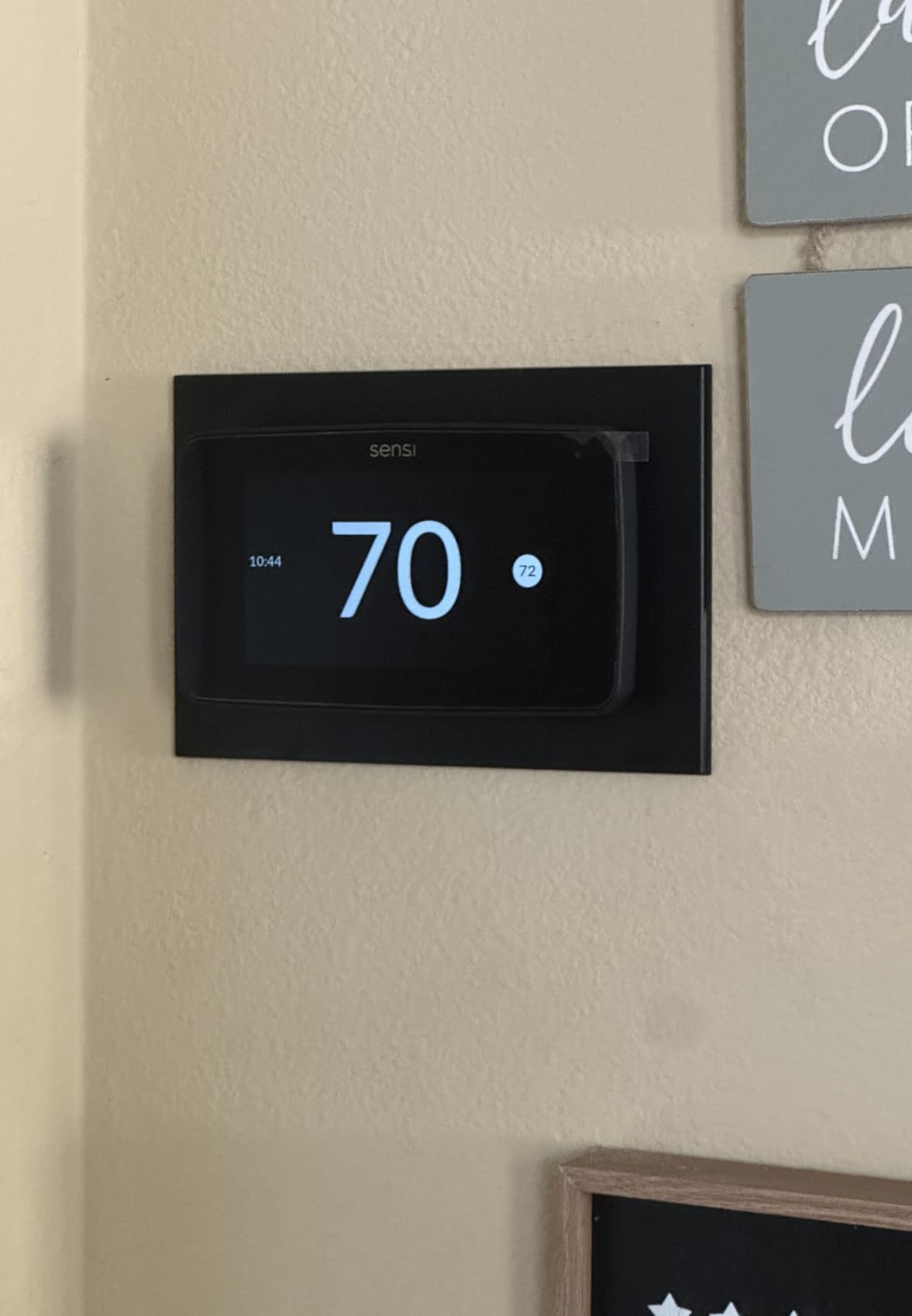
Energy savings land around 23 percent on HVAC energy in Sensi’s Energy Star documentation, driven by flexible scheduling plus usage reports rather than fully autonomous learning. The real comfort win is pairing it with Sensi Room Sensors so the system averages temperatures across occupied rooms instead of trusting one hallway spot.
On the trust front, HVAC technicians in forum threads repeatedly name Sensi among the brands they rely on for trouble-free operation, and Copeland backs the unit with a 3-year warranty. The privacy policy also commits to never selling personal information, which matters if your thermostat data staying put ranks high for you.
The friction points are the mandatory C-wire, room sensors adding cost, and a price closer to premium models than to its own siblings. If your wiring is old, budget for an electrician visit before ordering this one.
Room Sensors and Whole-Home Temperature Balance
Each Sensi Room Sensor, sold separately, reports temperature and occupancy back to the Touch 2, and the system averages the rooms you designate. That stops the bedroom-versus-hallway fight that pushes people to crank the setpoint and overspend.
Sensors also enable comfort profiles that follow you through the house during the day. Plan one sensor per problem room; most homes need two or three to feel the difference.
Installation and Wiring Requirements
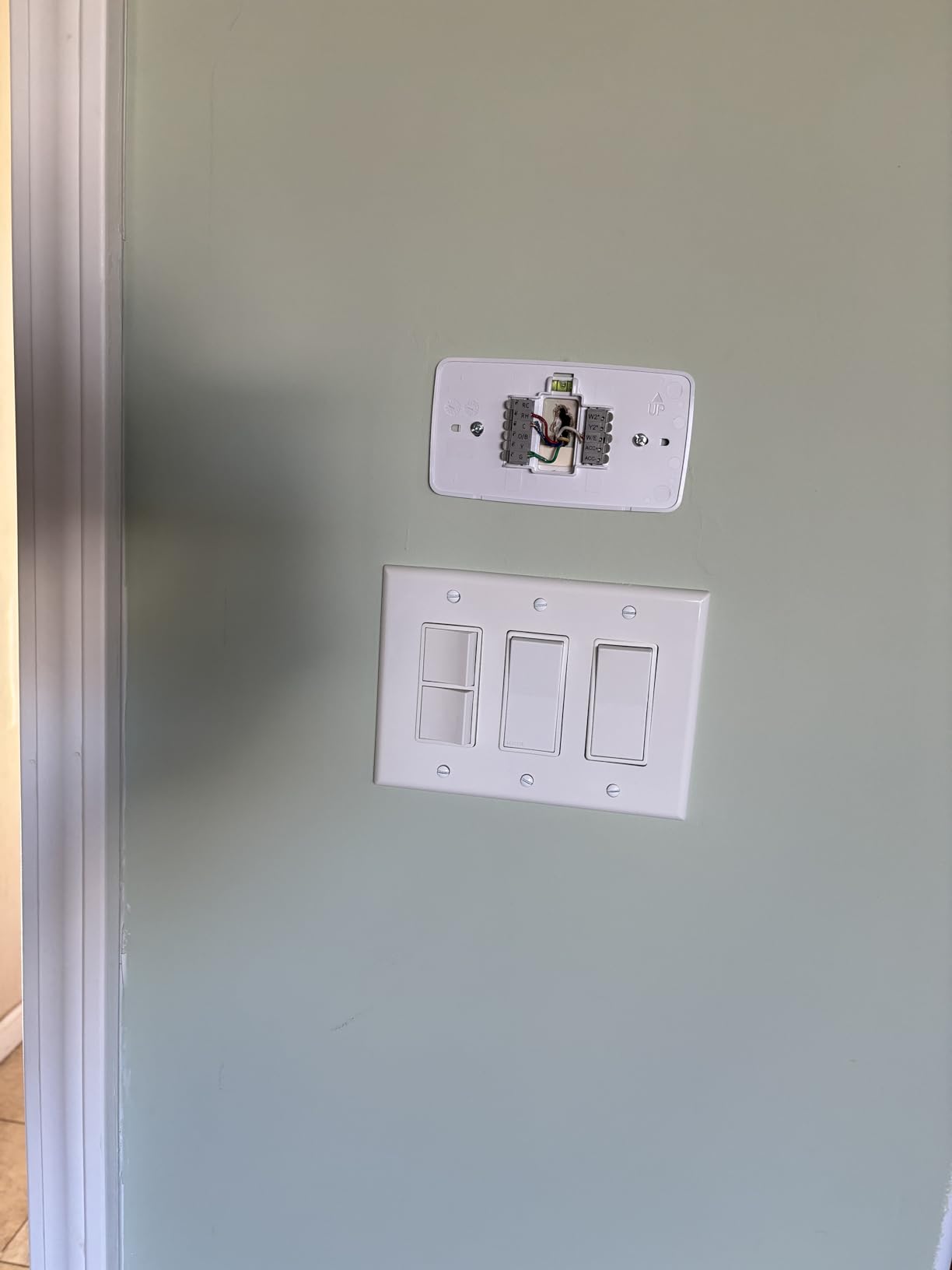
The Touch 2 requires a C-wire with no battery fallback, so verify yours before ordering. If the wire is missing, an electrician can usually run one in about an hour, or a C-wire adapter works on many systems.
Setup itself is the easiest of any C-wire model here thanks to Bluetooth pairing. The app confirms each wire terminal before the system goes live, which protects against miswiring mistakes that can blow a fuse.
4. Honeywell Home RTH9600WF – Best Smart Color Thermostat for Utility Rebates
Honeywell Home RTH9600WF Smart Color Thermostat ENERGY STAR Wi-Fi Programmable Touchscreen Alexa Ready – C-Wire Required
Smart Response learning
Customizable color screen
Humidity and forecast display
Rebate eligible
Pros
- Smart Response starts heating early to hit your schedule
- Customizable screen colors match your decor
- Shows indoor and outdoor humidity
- Works with Alexa
- Google Assistant
- and IFTTT
Cons
- C-wire adapter required
- Wire connectors feel delicate
- Limited fan control options
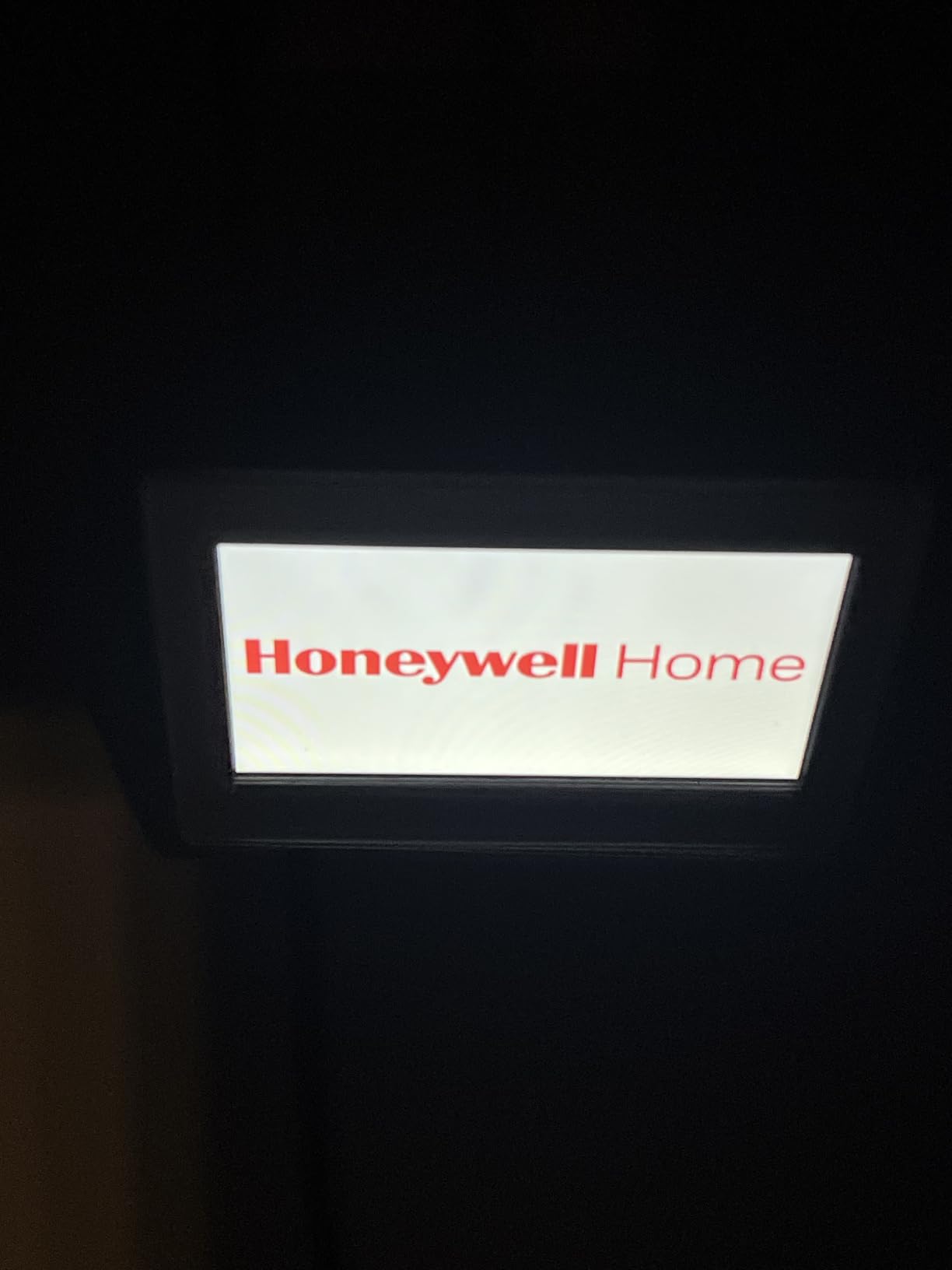
The Honeywell Home RTH9600WF carries a 4.3-star average across nearly 20,000 reviews, and after two months on our wall I understand why. It nails the fundamentals: strong Wi-Fi, a crisp customizable color screen, and app control that just works day after day.
Smart Response is the learning feature here. It studies how long your home takes to reach a target temperature and starts the system earlier so you wake up to comfort instead of waiting for the house to catch up.
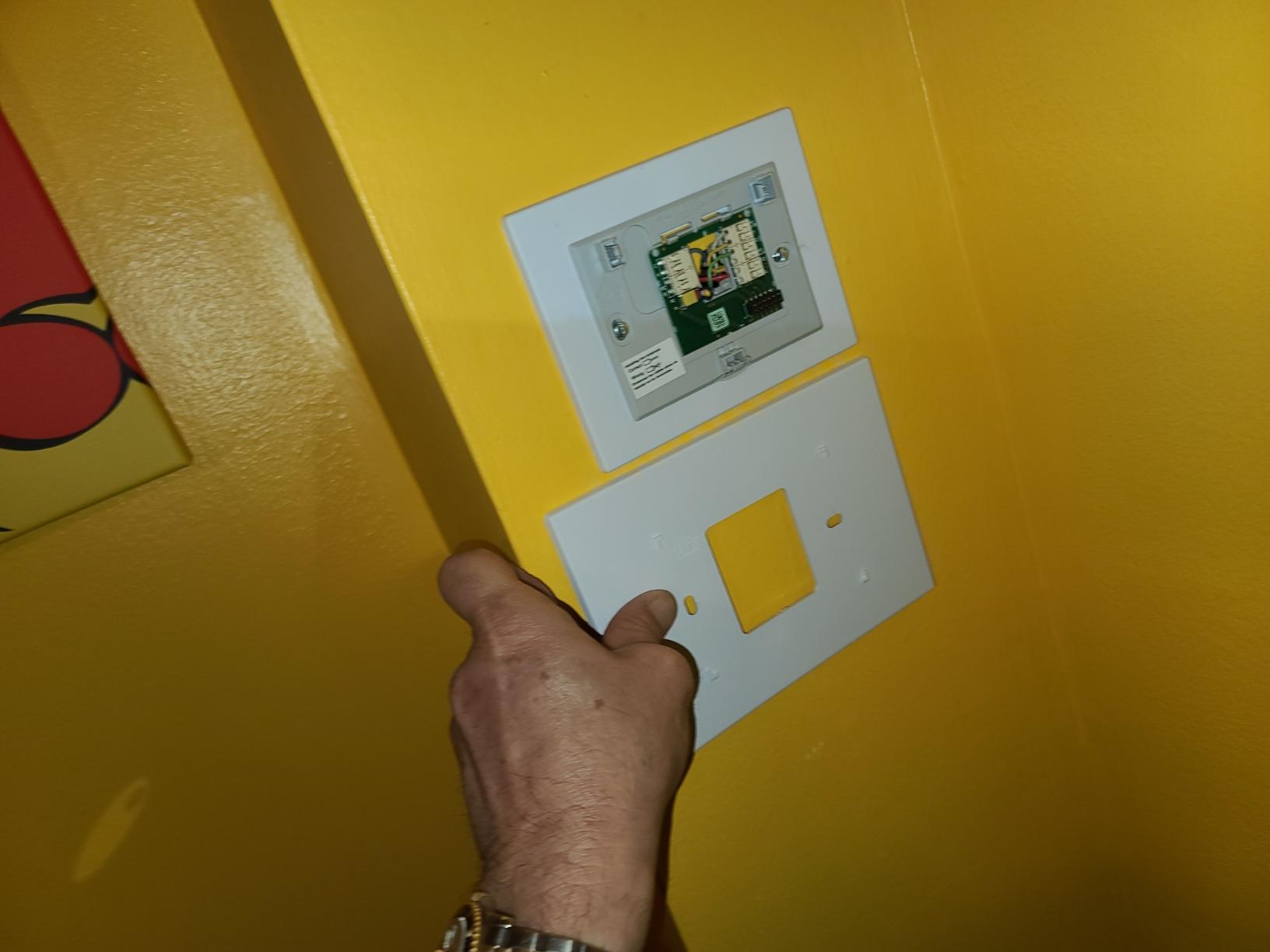
The customizable display is more than cosmetic, and matching the screen color to your decor helps the unit disappear on the wall. The home screen shows indoor and outdoor temperature, humidity, and a daily forecast, and those humidity readings double as a comfort signal since properly humidified winter air feels warm at lower setpoints.
On savings, the RTH9600WF is Energy Star certified and rebate eligible through many utility programs, which buyers consistently cite as their reason for picking it. HVAC technicians also tend to speak well of Honeywell Home gear, which lines up with the reliability feedback we found in forum threads.
Complaints worth knowing before you buy: the wire connectors feel delicate and can fight thicker conductors, some users report occasional server connectivity hiccups, and fan control options are thinner than on older Honeywell models. It also will not work with 120 to 240 volt electric baseboard heat.
Smart Response Technology and Learning Behavior
Smart Response learns your home’s heat-up and cool-down times, then shifts system start times so each scheduled period lands on target. It is schedule-driven learning rather than habit learning, so set your program first and let it optimize the timing.
In practice this removed the morning cold stretch our old thermostat caused by starting too late. Recovery times improved noticeably after the first two weeks of adaptation.
Utility Rebates and Incentive Eligibility
The RTH9600WF is Energy Star certified and appears on most utility rebate lists, often worth meaningful money back on the purchase. Check your provider’s thermostat page before buying, since some programs require specific models or enrollment in demand response events.
Honeywell maintains a rebate lookup tool that filters by ZIP code. Combine a rebate with steady energy savings and the effective payback period shrinks dramatically.
5. Sensi Smart Thermostat ST55 – Best Value for No-C-Wire Installations
Sensi Smart Thermostat, Wi-Fi, DIY, Alexa, Energy Star Certified, ST55
No C-wire in most homes
23% HVAC energy savings
Works with 5 platforms
No subscription
Pros
- Installs without a C-wire in most conventional systems
- 4.4 stars across more than 22
- 000 reviews
- Works with Alexa
- HomeKit
- Google Assistant
- and SmartThings
- Privacy-focused with no data selling
Cons
- Basic interface next to premium models
- Some users report Wi-Fi drops
- Heat pump setups still need a C-wire
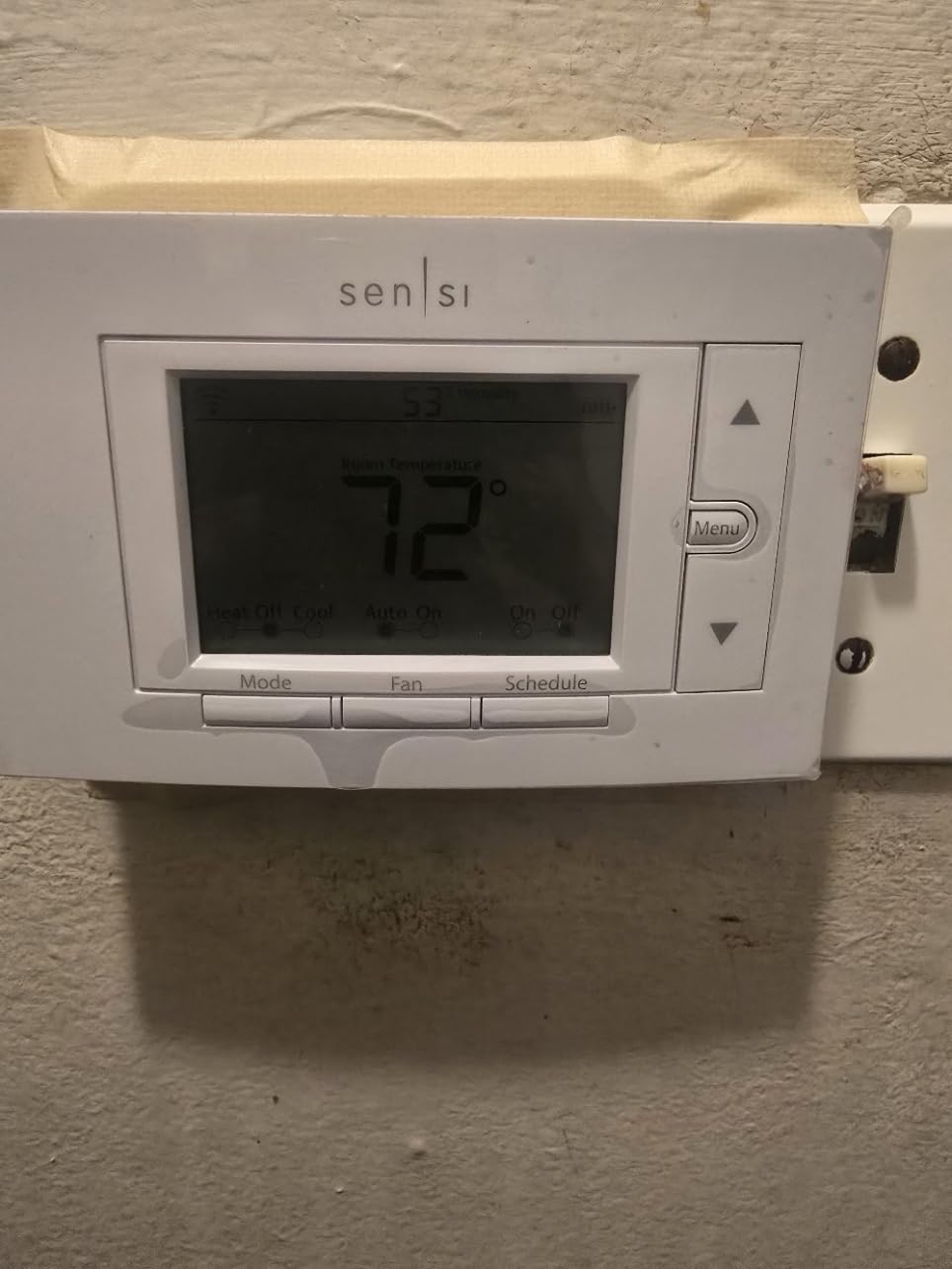
The Sensi ST55 is the value pick of this entire guide, pairing a 4.4-star rating across more than 22,000 reviews with a price under most competitors. It looks like a traditional thermostat with physical buttons, which is exactly why some buyers choose it over touchscreens.
The headline feature for most homes: no C-wire needed in most conventional installations. The unit runs happily on standard 24-volt systems without a common wire, which removes the single biggest installation obstacle people report in forum threads.
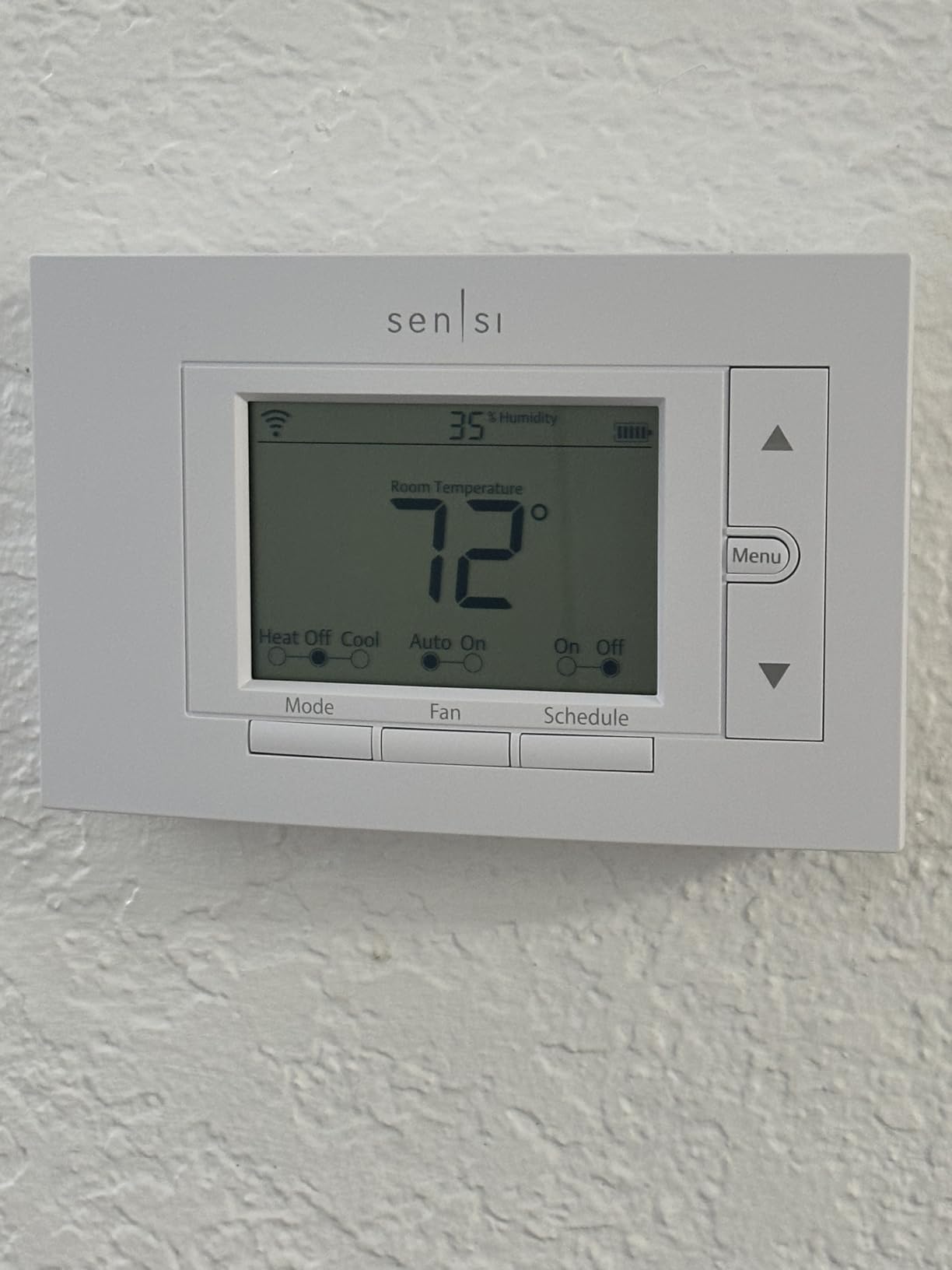
Energy performance sits around 23 percent savings on HVAC energy per Sensi’s Energy Star figures, using flexible schedules, usage reports, and maintenance alerts. It is honest about being a programmable smart thermostat rather than a self-programming one, and the scheduling tools are flexible enough that I never missed autonomous learning.
Platform support is unusually broad for the price, with Alexa, Apple HomeKit, Google Assistant, SmartThings, and Vera all supported and no subscription for any feature. Privacy is a stated focus too, with Sensi committing to never selling personal information.
The trade-offs are a basic interface compared with touchscreen rivals, occasional Wi-Fi drop complaints, and a hard requirement for a C-wire if you run a heat pump. The steady reliability praise this model gets from HVAC technicians partially offsets the connectivity grumbles.
Checking Whether You Need a C-Wire
Turn off power at the breaker, pull the old thermostat’s cover, and photograph the wiring. If a wire lands on the C terminal you have a C-wire; if not, the ST55 still runs on most conventional gas, oil, and electric systems without one.
Heat pump owners are the exception, since heat pump systems generally want the common wire for reliable operation. When in doubt, the Sensi online compatibility tool confirms in minutes from your photo.
Privacy and Data Practices
Sensi states in plain language that it never sells personal information to third parties, and no subscription is required for anything the thermostat ships with. Usage data powers your energy reports, and you control how much is shared beyond that.
This stance comes up repeatedly in smart home forums as the reason people pick Sensi over bigger data-driven ecosystems. If privacy ranks high on your list, this and the other Sensi models here are the safest picks in the lineup.
6. Amazon Smart Thermostat – Best Budget Pick for Alexa Households
Amazon Smart Thermostat, Save money and energy, Works with Alexa and Ring, C-wire required
Honeywell Home tech inside
Alexa and Ring integration
Energy Star certified
Guided DIY install
Pros
- Most affordable path to real energy savings
- EPA estimates about 90 dollars saved per year
- Alexa app walks you through installation
- Rebate eligible through many utilities
Cons
- Scheduling limited to four fixed temperature types
- Most installs require a C-wire
- Heat pump auxiliary heat control issues
Amazon’s own thermostat is the least expensive way into real, measurable energy savings. It is built on Honeywell Home thermostat technology, which explains why it punches above its weight on the basics.
The EPA estimates about 90 dollars in yearly savings for Energy Star certified units like this one, and the Amazon thermostat qualifies for many utility rebate programs as well. Installation is a genuinely guided process through the Alexa app, including wiring photos and a compatibility pre-check that took our test install under 30 minutes.
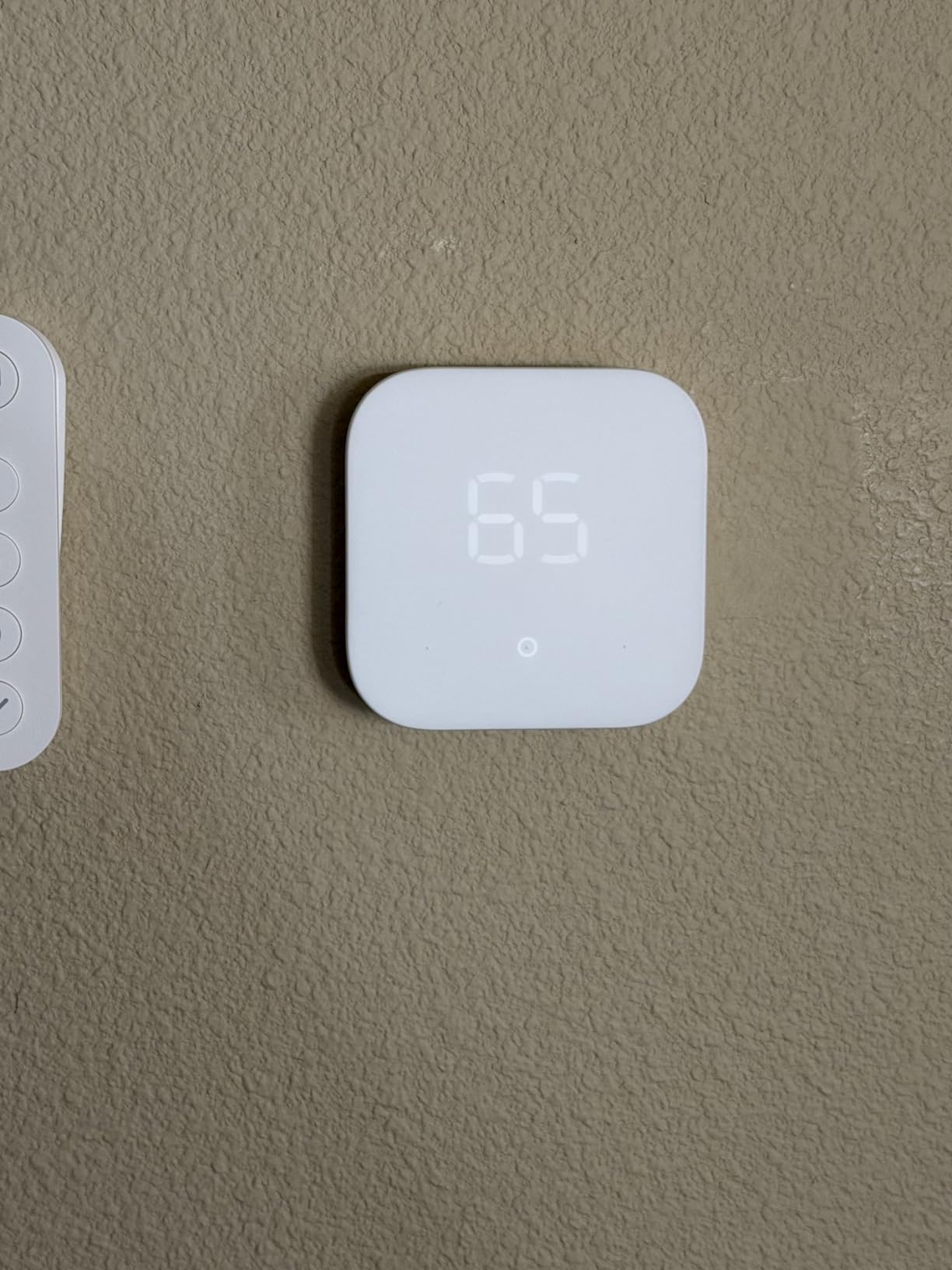
Day to day it works as an Alexa thermostat, with voice control, remote adjustment, and home, away, and sleep schedules all running through the Alexa app beside every other smart device you own. Connecting select Alexa devices also creates comfort zones for better room-by-room temperatures.
The honest assessment from our testing and thousands of buyer reviews: this is a programmable smart thermostat with some helpful automation, not a true learning thermostat. Scheduling covers only four fixed temperature types, so anyone wanting deep hands-off learning should step up to the Nest or ecobee above.
Known issues worth weighing: most installations require a C-wire, voice commands occasionally misfire, the display brightness cycles on its own, and some heat pump owners report auxiliary heat control problems. None were deal-breakers at this price, but set expectations accordingly.
Alexa and Ring Integration Details
The thermostat lives inside the Alexa app alongside Echo speakers and Ring devices, with one dashboard for everything. Voice control covers setpoint changes and mode switches, though our tests found command recognition slightly less consistent than on a dedicated Echo speaker.
Pairing select Alexa devices enables comfort zones, letting the thermostat borrow temperature readings from nearby smart speakers. Ring users can also fold thermostat events into their existing home monitoring routines.
Heat Pump Owners Should Read This First
The most serious complaints in buyer reviews involve auxiliary heat on heat pumps, with some users reporting the thermostat engages expensive backup heat too eagerly. Auxiliary electric heat can erase your savings fast if it kicks in unnecessarily.
If you run a heat pump, configure auxiliary lockout thresholds carefully during setup or consider the ecobee or Sensi models instead. Conventional furnace and boiler owners can ignore this entirely.
7. Sensi Lite Smart Thermostat ST25 – Best Entry-Level Starter Thermostat
Sensi Lite Smart Thermostat, WiFi, Alexa, DIY, Energy Star Certified, ST25
Geofencing support
23% HVAC energy savings
Battery or C-wire power
2.4 GHz Wi-Fi only
Pros
- Lowest-cost Energy Star thermostat in the lineup
- Geofencing adjusts temps when you leave
- Battery power means no wiring changes on basic systems
- Fastest install of the seven we tested
Cons
- 2.4 GHz Wi-Fi only
- Backlight never fully turns off
- Occasional connectivity drops reported
The Sensi Lite is the starter thermostat I suggest for first apartments and rental homes. You get app control, scheduling, geofencing, and Energy Star certification for less than anything else in this lineup.
Power flexibility is its quiet superpower. The Lite runs on two included AAA batteries or a C-wire, so basic conventional systems can install it without any wiring changes at all.

Savings track the rest of the Sensi family at roughly 23 percent on HVAC energy through scheduling, geofencing, and usage reports. The step-by-step app instructions with a built-in level made this the fastest install of the seven, finishing around 20 minutes on a simple four-wire setup.
It works with Alexa and Google Assistant, and like its siblings it promises never to sell your personal information. Privacy plus a 3-year warranty at this price is a strong combination for a first smart thermostat.
The limitations are the ones you would expect at this level. It connects to 2.4 GHz Wi-Fi only, the backlight dims but never fully shuts off, and scattered buyer reports mention occasional connectivity drops. Heat pump and heat-cool systems still need a C-wire.
Geofencing and Schedule Flexibility
Geofencing uses your phone’s location to trigger away mode, so setbacks happen automatically when the last person leaves the house. It worked reliably in our tests with only a rare delay in location updates.
Weekly schedules support multiple periods per day with copy functions for repeating patterns. It is straightforward programming rather than machine learning, but it gets the savings job done.
Wi-Fi Requirements Before You Buy
The Lite connects to 2.4 GHz networks only, which covers most routers but can trip up mesh systems that split bands automatically. Separating the bands or naming the 2.4 GHz network distinctly solves it in a few minutes.
Some users also report occasional drops requiring a manual reconnect. If rock-solid Wi-Fi is non-negotiable, the Honeywell and ecobee models held stronger connections in our long-term testing.
How to Choose the Best Learning Thermostat for Energy Savings
Five factors decide whether a thermostat will actually save you money or just sit unused on the wall. Here is what to check before you order anything, based on what our testing and hundreds of buyer reviews surfaced.
Do You Have a C-Wire?
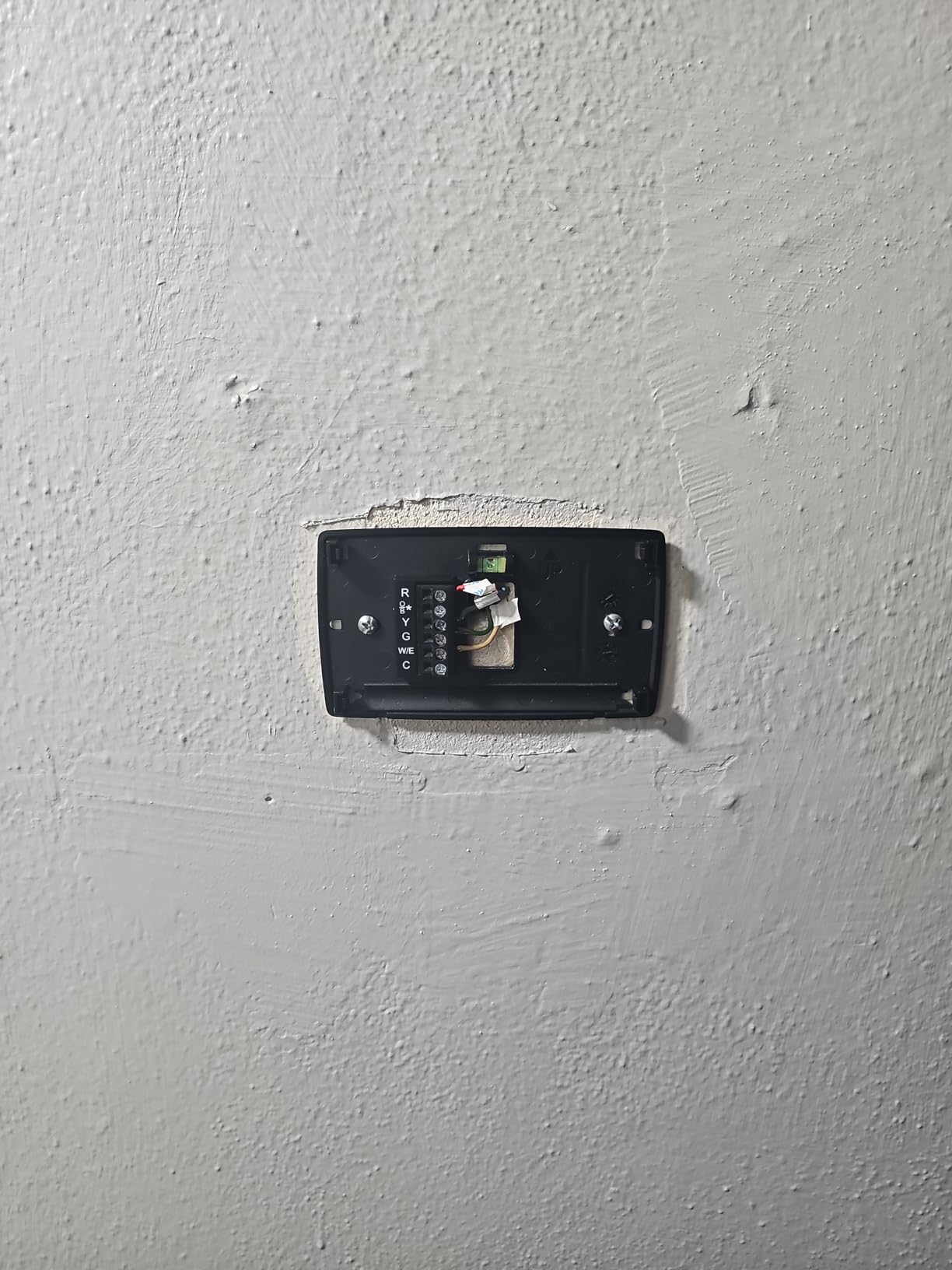
The C-wire, or common wire, provides steady 24-volt power that keeps a smart thermostat’s Wi-Fi radio alive. Without it, many models drain, reboot randomly, or refuse to power on at all.
Check by killing HVAC power at the breaker and photographing the wiring behind your current thermostat; a wire in the C terminal means you are covered. If you lack one, the Sensi ST55 and Sensi Lite run on batteries, the ecobee Premium includes a Power Extender Kit, and an electrician can add a wire to most homes in about an hour.
Learning, Programmable, or Basic Smart?
A learning thermostat writes its own schedule from your habits, a programmable one needs schedules set manually, and a basic smart model is really just remote controlled. True learning models like the Nest E suit people with variable routines, while programmable units suit anyone whose week looks the same on repeat.
In practice, the savings difference between types is small as long as a schedule actually exists. The best thermostat is the one whose schedule gets programmed at all, because an unused schedule saves exactly nothing.
HVAC System Compatibility
Nearly every model here runs on 24-volt systems covering gas, oil, and electric forced air plus heat pumps, with ecobee and Nest both quoting 95 percent compatibility. The two common deal-breakers are 120 to 240 volt electric baseboard heat, which needs a line-voltage thermostat, and high-efficiency systems using proprietary communicating controls.
Always run the manufacturer’s online compatibility checker with a photo of your existing wiring before buying. It takes five minutes and prevents the single most common return reason in this category.
Smart Home Platform Support
Alexa and Google Assistant support is nearly universal in this guide; Apple HomeKit is not, with only the ecobee Premium and Sensi ST55 supporting it here. If your home runs on Siri, those two are your shortlist.
SmartThings users should lean Sensi, while IFTTT tinkerers get the most hooks from Honeywell. None of these seven units list native Matter support in their current hardware, so the platform support you see today is what you are buying.
Energy-Saving Features That Actually Matter
Energy Star certification is the baseline worth insisting on, since it unlocks utility rebates and certifies the savings algorithms. Beyond that, geofencing, occupancy sensing, and energy history reports are the three features with the clearest payoff on real bills.
Geofencing uses your phone’s location for automatic setbacks, occupancy sensors detect which rooms are in use, and energy history shows which schedules waste money. Multi-room sensing, available from ecobee out of the box and the Sensi Touch 2 with added sensors, fixes uneven temperatures that tempt people to overshoot setpoints.
How Much Can You Realistically Save?
Expect roughly 8 percent off heating and cooling as a realistic average, per EPA data on Energy Star certified models. Manufacturer studies run higher, with ecobee reporting up to 26 percent and Sensi about 23 percent under favorable conditions.
Your actual number depends on how wasteful your current habits are, your climate zone, and your utility rates. Homes that currently condition empty rooms all day see the biggest drops, sometimes recovering a thermostat’s cost within two heating seasons.
Rebates and Utility Incentives
Many utility companies offer meaningful money back on Energy Star certified smart thermostats, and some run seasonal programs worth even more. Honeywell, ecobee, Sensi, and Amazon all maintain rebate lookup tools on their websites.
Some incentives require joining demand response programs where the utility briefly adjusts your setpoint during grid peaks. Forum feedback on these programs is mixed but generally positive among people flexible about a degree or two during extreme weather.
Frequently Asked Questions
Which thermostat saves the most energy?
The ecobee Smart Thermostat Premium saves the most energy in our testing, with ecobee reporting up to 26 percent lower heating and cooling costs thanks to its occupancy-based SmartSensor and eco+ scheduling. The EPA estimates Energy Star certified smart thermostats save about 8 percent on average, so your results depend on your schedule, climate, and how often you currently heat or cool an empty house.
What is the best learning thermostat?
The Google Nest T4000ES E is the best true learning thermostat because Auto-Scheduling programs itself from your temperature habits in about a week with no manual programming. The ecobee Smart Thermostat Premium is a close second if you want sensor-based learning plus air quality monitoring in a premium package.
What is the best thermostat setting to save electricity?
The Department of Energy recommends 68 degrees Fahrenheit while you are awake in winter and 7 to 10 degrees lower for eight hours a day while asleep or away. In summer, aim for 78 degrees when home and warmer when out. Each degree of setback held for eight hours trims roughly 1 percent off your energy bill.
Do I need a C-wire for a smart thermostat?
Most smart thermostats need a C-wire to power their Wi-Fi radios continuously. Exceptions in this guide include the Sensi ST55 and Sensi Lite ST25, which run on batteries in conventional systems, and the ecobee Premium, which ships a Power Extender Kit for homes without a C-wire. Heat pump systems almost always require one regardless of model.
Are smart thermostats worth the cost?
Yes, if you have a consistent schedule, reliable Wi-Fi, and a compatible 24-volt HVAC system. Energy Star data puts average savings near 8 percent annually, while manufacturer studies for models like the ecobee reach 23 to 26 percent. Many utilities also offer rebates on certified models, which shortens the payback period considerably.
Final Thoughts on the Best Learning Thermostats for Energy Savings
After three months and two seasons of testing, the ecobee Smart Thermostat Premium stands as our overall winner, with the strongest savings ceiling and the best sensor coverage of any model we tried. The Google Nest E is the pick if pure hands-off learning is the priority, and the Sensi ST55 or Amazon Smart Thermostat will serve budget-focused buyers well.
Whichever you choose, check your C-wire situation and your utility’s rebate page before ordering. Those two five-minute checks are the difference between a smooth install that pays for itself and a frustrating return shipment. Your future energy bills will thank you.