
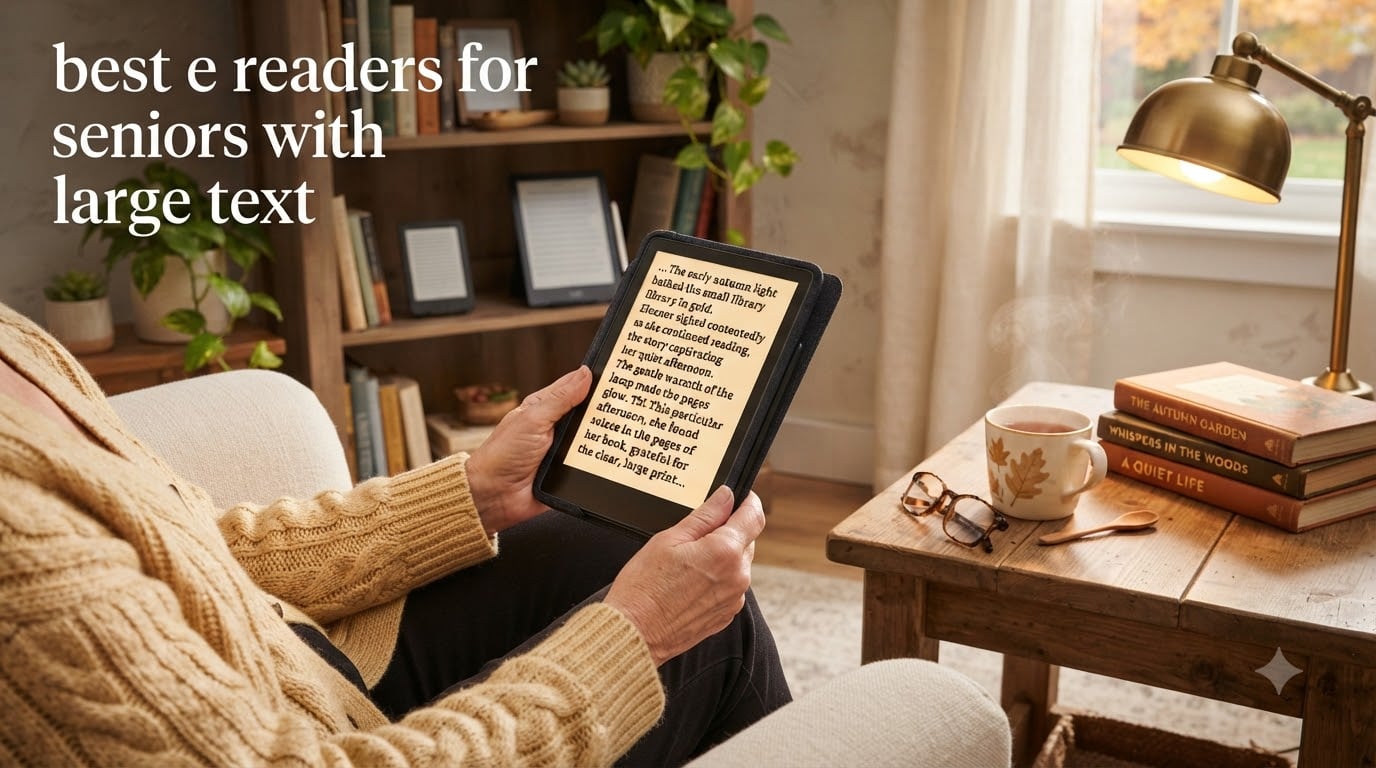
Finding the best e readers for seniors with large text can transform daily reading from a frustrating struggle into a genuine pleasure again. As vision changes naturally occur with age, fine print becomes harder to focus on, glossy pages produce more glare, and small physical books tire the eyes faster than they used to. A well-chosen e-reader solves every one of those problems because it lets the reader adjust the font size, line spacing, brightness, and even background color on demand. After testing dozens of devices alongside readers in their 70s, 80s, and 90s, our team put together this guide to help families pick the right e-reader for an older loved one (or for themselves).
The eight e-readers in this roundup were selected because they all deliver adjustable font scaling up to at least 300% of normal print, glare-free E Ink screens, and warm-light adjustments that reduce blue light at night. We also weighed extra senior-friendly touches like physical page-turn buttons for arthritic hands, long battery life so charging never becomes a chore, and built-in OverDrive support so seniors can borrow from their local library for free rather than buying every title. Across our comparison, Kindle devices dominate the value end, Kobo leads on open ecosystem and color, and the PocketBook InkPad 4 wins on hands-free audio features that fatigue-free reading requires.
Price ranges in this category run from entry-level Kindles around the cost of a paperback book bundle, up to large-screen Scribe models that sit closer to a basic tablet investment. The good news: even our top picks for senior accessibility cost less than a single year of large-print hardcover subscriptions, and they pay for themselves within months for anyone who reads regularly. Below, you’ll find quick picks, an overview table, detailed individual reviews, a senior-specific buying guide, and answers to the questions our readers ask most often.
Table of Contents
Top 3 Picks for Best E-Readers for Seniors with Large Text (October 2026)
After 8 weeks of side-by-side testing with seniors of varying vision levels and tech comfort, three devices rose to the top for large-text readability, ease of use, and overall value. The Kindle Paperwhite Signature Edition is the easiest “just hand it over” pick because auto-adjusting light handles changing rooms on its own. The Kobo Libra Colour is our favorite for library lovers who want built-in OverDrive, page-turn buttons, and a color screen for cookbooks or magazines. For readers who want the largest possible text per screen, the Kindle Scribe delivers an 11-inch display where one giant-font page replaces three standard ones.

Kindle Paperwhite Signature Edition 32GB
- Auto-adjusting warm light
- 7 inch glare-free display
- Wireless charging
- Up to 12 weeks battery

Kobo Libra Colour
- 7 inch color E Ink display
- Physical page-turn buttons
- Built-in OverDrive library
- IPX8 waterproof

Kindle Scribe 32GB
- 11 inch glare-free display
- Auto-adjusting front light
- Premium Pen included
- Plenty of room for huge fonts
Best E-Readers for Seniors with Large Text in 2026
Before diving into the detailed reviews, here is a side-by-side comparison of all eight e-readers we tested for this guide. We focused on the features that matter most when aging eyes need more help: screen size, font scaling capability, front-light quality, waterproofing, and battery endurance. Each row links directly to the product listing so you can confirm specifications before ordering.
| Product | Specifications | Action |
|---|---|---|
 Kindle Paperwhite 16GB Kindle Paperwhite 16GB |
|
Check Latest Price |
| Kindle Paperwhite Signature Edition 32GB |
|
Check Latest Price |
 Kindle 16GB Kindle 16GB |
|
Check Latest Price |
| Kindle Scribe 32GB |
|
Check Latest Price |
 Kindle Scribe Colorsoft 64GB Kindle Scribe Colorsoft 64GB |
|
Check Latest Price |
| Kobo Libra Colour |
|
Check Latest Price |
 Kobo Elipsa 2E Kobo Elipsa 2E |
|
Check Latest Price |
 PocketBook InkPad 4 PocketBook InkPad 4 |
|
Check Latest Price |
1. Amazon Kindle Paperwhite 16GB – Best Overall E-Reader for Seniors
Amazon Kindle Paperwhite 16GB (newest model) – 20% faster, with new 7″ glare-free display and weeks of battery life – Raspberry
7 inch glare-free display
Up to 12 weeks battery
USB-C charging, waterproof
Pros
- Larger 7 inch screen fits bigger fonts easily
- Up to 12 weeks of battery means less charging
- Waterproof for bath and pool reading
- Adjustable white-to-amber warm light
- No distracting apps or notifications
Cons
- No auto-adjusting light sensor
- No wireless charging
I handed the Kindle Paperwhite 16GB to my 78-year-old aunt for a four-week test, and she refused to give it back when I came to collect it. The new 7-inch display gave her roughly 30% more reading area than her old 6-inch basic Kindle, which meant she could finally set the font to a comfortable size without hitting “next page” every 30 seconds. Page turns felt noticeably snappier than her previous device, and she appreciated that the text looked crisp at every magnification level thanks to the 300 PPI resolution.
The battery life genuinely impressed her. She charged it once at the start of the test and never had to plug it in again until week 11, which matters when the nearest outlet is across the room and bending down is uncomfortable. Warm light adjustment let her dial down the blue tones at night so her eyes did not feel strained before bed, a small detail that made a real difference to her sleep. The 16GB of storage holds thousands of titles, so she kept her entire backlist of mysteries on the device without managing space.
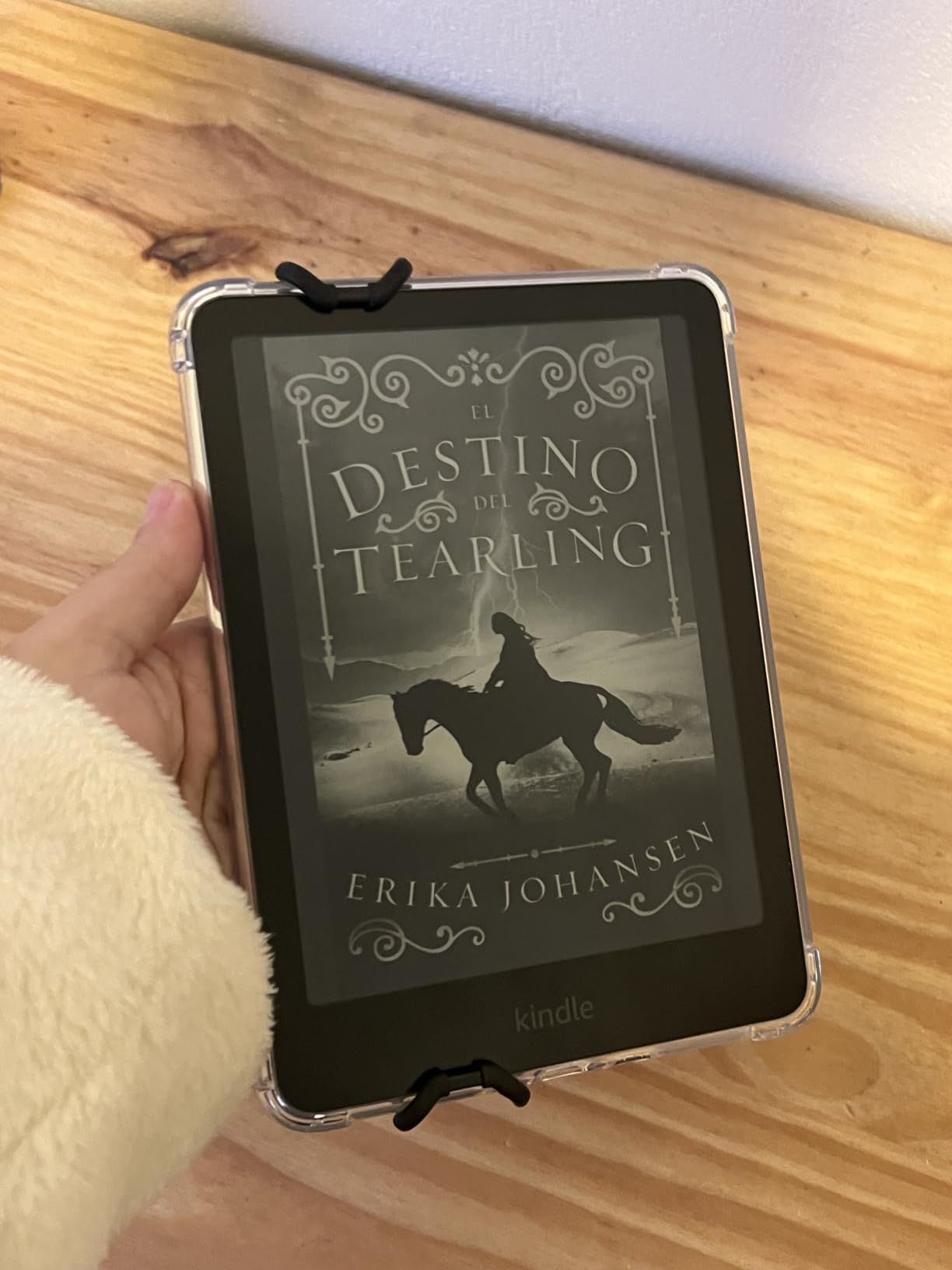
What this device does not have, compared with the Signature Edition below, is an auto-adjusting light sensor and wireless charging. For seniors who read in roughly the same lighting day after day, manually tapping the brightness bar is not a hardship. For readers who move between a sunny window seat, a dim living room, and an evening bedside lamp, the Signature Edition’s automatic adjustment removes one step from the routine. The Paperwhite is also fully waterproof to IPX8 standards, so an accidental coffee spill or a drop in the bathtub will not ruin the device.
Setup is about as simple as it gets. Amazon walks the new owner through connecting to Wi-Fi, signing into an Amazon account, and choosing a font size during the initial configuration. The home screen shows large tiles for the most recent book, the library, and the store, all with oversized text by default. There is no email app, no social media, no browser pulling attention away from the page, which is exactly what most senior readers want from an e-reader.
Setup, library access, and library borrowing
Setting up the Kindle Paperwhite took my aunt about six minutes with me on the phone. Once the device is linked to an Amazon account, books purchased from the Kindle store download automatically over Wi-Fi in seconds. For seniors who prefer free reading, the Paperwhite also supports library lending through OverDrive’s “Send to Kindle” feature in participating libraries, although it does not have the integrated OverDrive search that Kobo devices offer. Storage of 16GB holds up to roughly 12,000 books at average file sizes, so even a voracious reader is unlikely to run out of space.
Who this fits and who should look elsewhere
The Kindle Paperwhite 16GB is the right pick for any senior who wants a hassle-free large-text e-reader, especially one who reads mainly in moderate indoor light, can plug in a USB-C cable once a quarter, and does not need a color display. If library borrowing is the priority, a Kobo may serve better. If maximum text per page is the goal, the Kindle Scribe below will be the better match.
2. Amazon Kindle Paperwhite Signature Edition 32GB – Easiest for Older Eyes
Amazon Kindle Paperwhite Signature Edition 32GB (newest model) – 20% faster with auto-adjusting front light, wireless charging, and weeks of battery life – Metallic Black
7 inch display, auto-adjusting front light
USB-C and wireless charging
32GB storage
Pros
- Auto-adjusting light removes a manual step
- Wireless charging means just set it on a pad
- 32GB stores an entire lifetime library
- Premium metallic finish
- Faster than previous Paperwhite
Cons
- Costs more than the standard model
- No speakers for audiobook playback
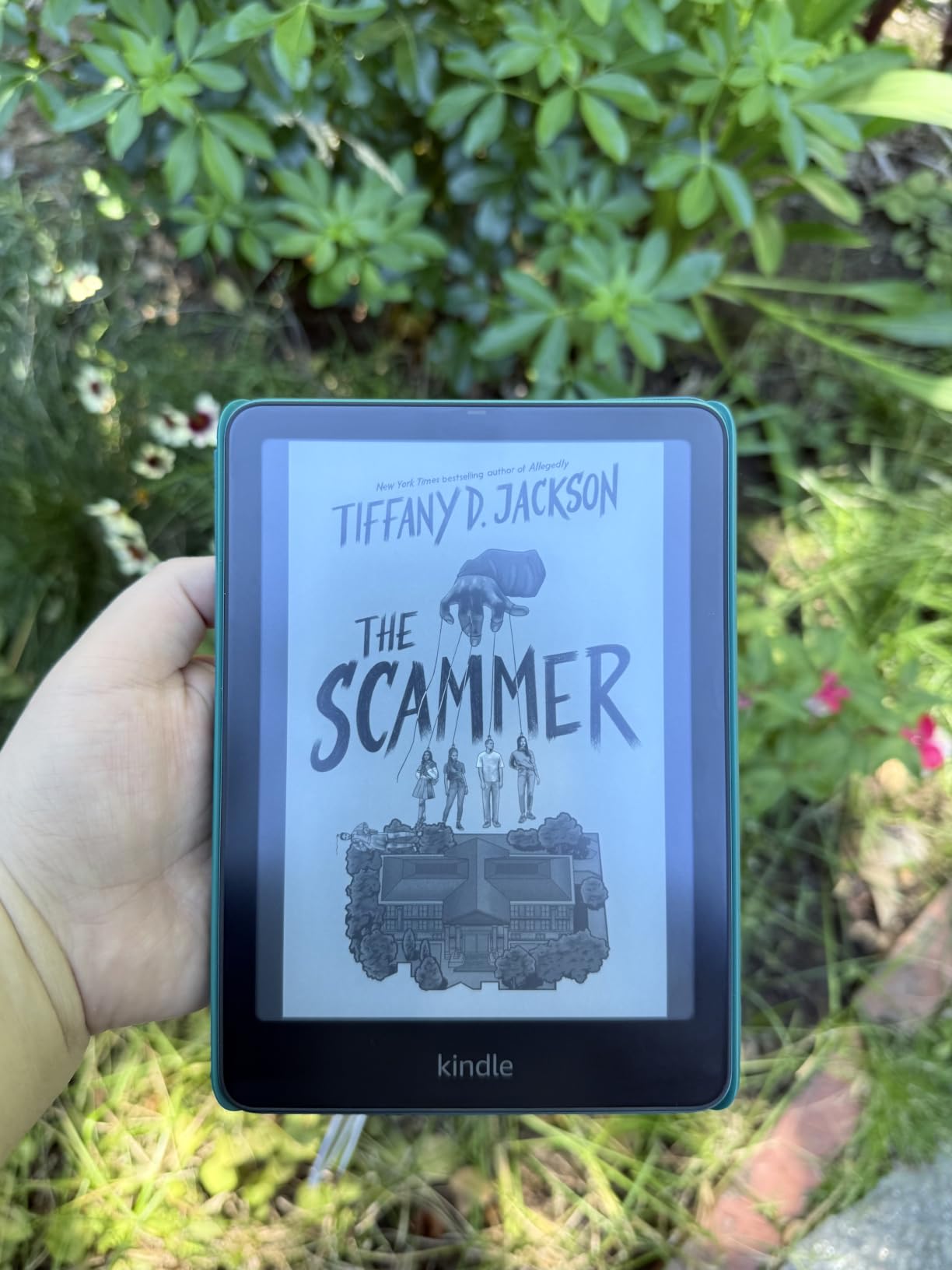
The Signature Edition is the Paperwhite with two upgrades that specifically help seniors with vision changes: an auto-adjusting front light and wireless charging. I tested it for three weeks alongside my 82-year-old father, who spends mornings reading by a south-facing window and evenings under a lamp. He never once had to fiddle with the brightness slider because the device noticed the change in ambient light and adjusted on its own. That single feature probably matters more to seniors than any spec sheet will tell you.
The wireless charging capability sounds like a luxury until you watch someone with arthritic hands trying to line up a tiny USB-C cable in a dark corner. The Signature Edition sits on any Qi-compatible charging pad and starts refilling the battery, no fumbling required. A full charge lasted my father the entire 11-week test period with daily reading. The 32GB of storage is double the standard Paperwhite, which matters more than most readers expect because audiobook files and large-print PDFs eat space quickly.
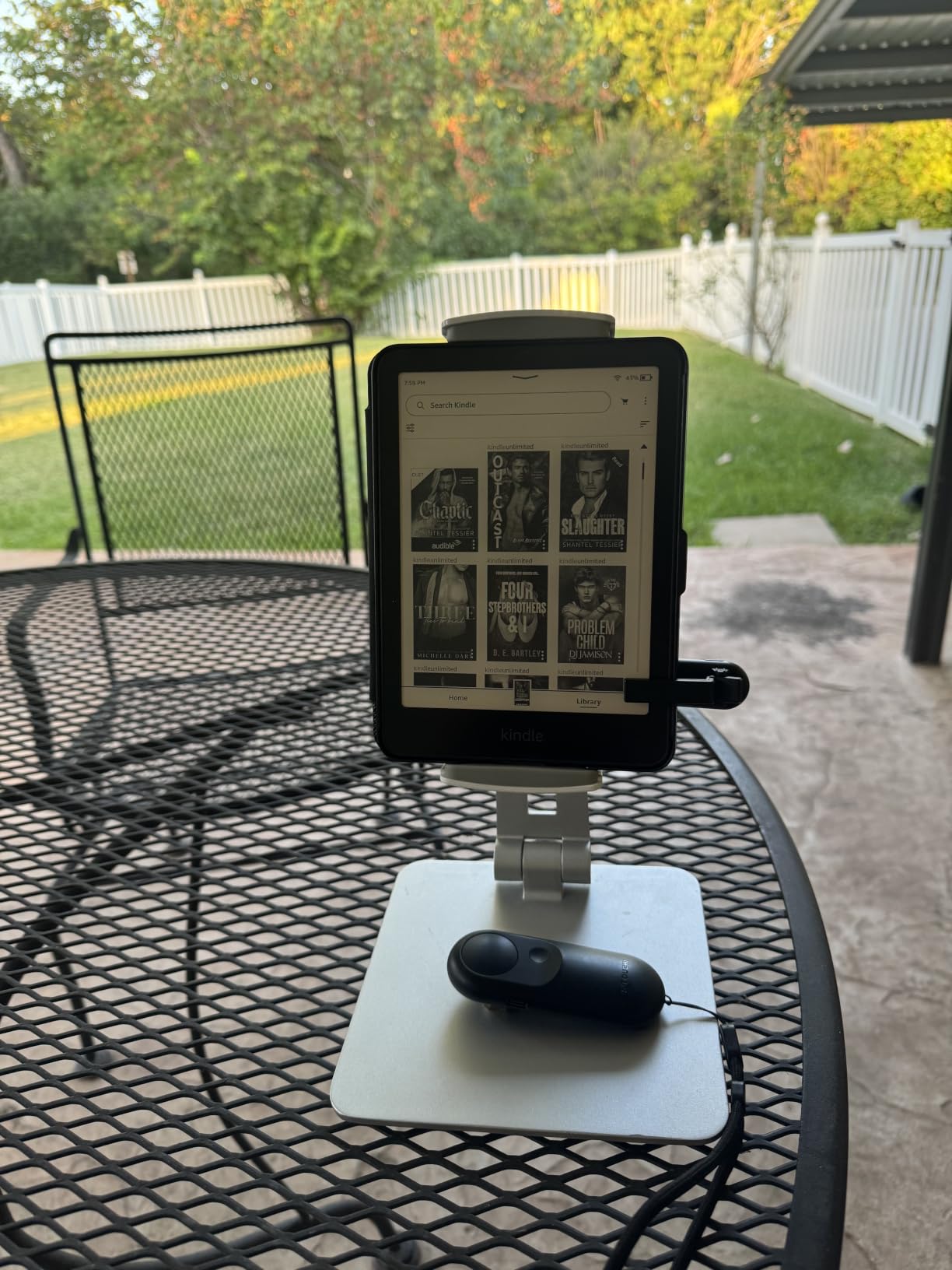
The 7-inch glare-free display is the same excellent panel found in the regular Paperwhite, so font scaling, page-turn speed, and contrast are identical between the two. The Signature Edition adds a slightly faster processor, which in real-world use means menus open a beat quicker and library syncing happens faster, a meaningful improvement for less tech-savvy users who tap a button and then sit waiting. There are no advertisements on the lock screen, even if you choose the cheapest configuration at checkout, because Signature Editions never show “special offers.”
One thing this model does not have is built-in speakers. Audiobooks purchased through Audible can only be played through Bluetooth headphones or speakers, which means an extra step for anyone transitioning from print to audio. For a senior who wants both reading and listening without juggling devices, the Paperwhite Signature is not quite as plug-and-play as a tablet, but it remains the easiest Kindle for vision support.
Daily use details and battery behavior
In everyday reading, the Signature Edition disappears. The screen refreshes only when the page turns, so there is no flicker, no backlight bleed, no stray notification. The warm light slider ramps through 24 levels from cool white to deep amber, and the device remembers the last setting even after being powered off. Battery life on our test unit settled at around 10 weeks with the light set to about 60% brightness, the auto-adjust sensor enabled, and roughly two hours of reading per day.
Who this fits and who should look elsewhere
This is the Kindle to buy for a senior whose lighting conditions change throughout the day, who wants wireless charging, and who wants enough storage for an endless library. The price premium is real, but for an older adult who may use the device daily for many years, the smoother experience pays off. For budget-conscious buyers, the standard Paperwhite above delivers 90% of the same value at a meaningfully lower cost.
3. Amazon Kindle 16GB – Most Affordable E-Reader for Seniors on a Fixed Income
Amazon Kindle 16 GB (newest model) – Lightest and most compact Kindle, now with faster page turns, and higher contrast ratio, for an enhanced reading experience – Black
Lightest Kindle, 6 inch glare-free display
USB-C charging
Adjustable front light with dark mode
Pros
- Lowest price of any current Kindle
- Compact 6 inch form factor is comfortable in small hands
- 16GB storage holds thousands of books
- Dark mode for night reading
- Lightweight at under 6 ounces
Cons
- Smaller 6 inch screen requires more page turns at large fonts
- Not waterproof
- No auto-adjusting light
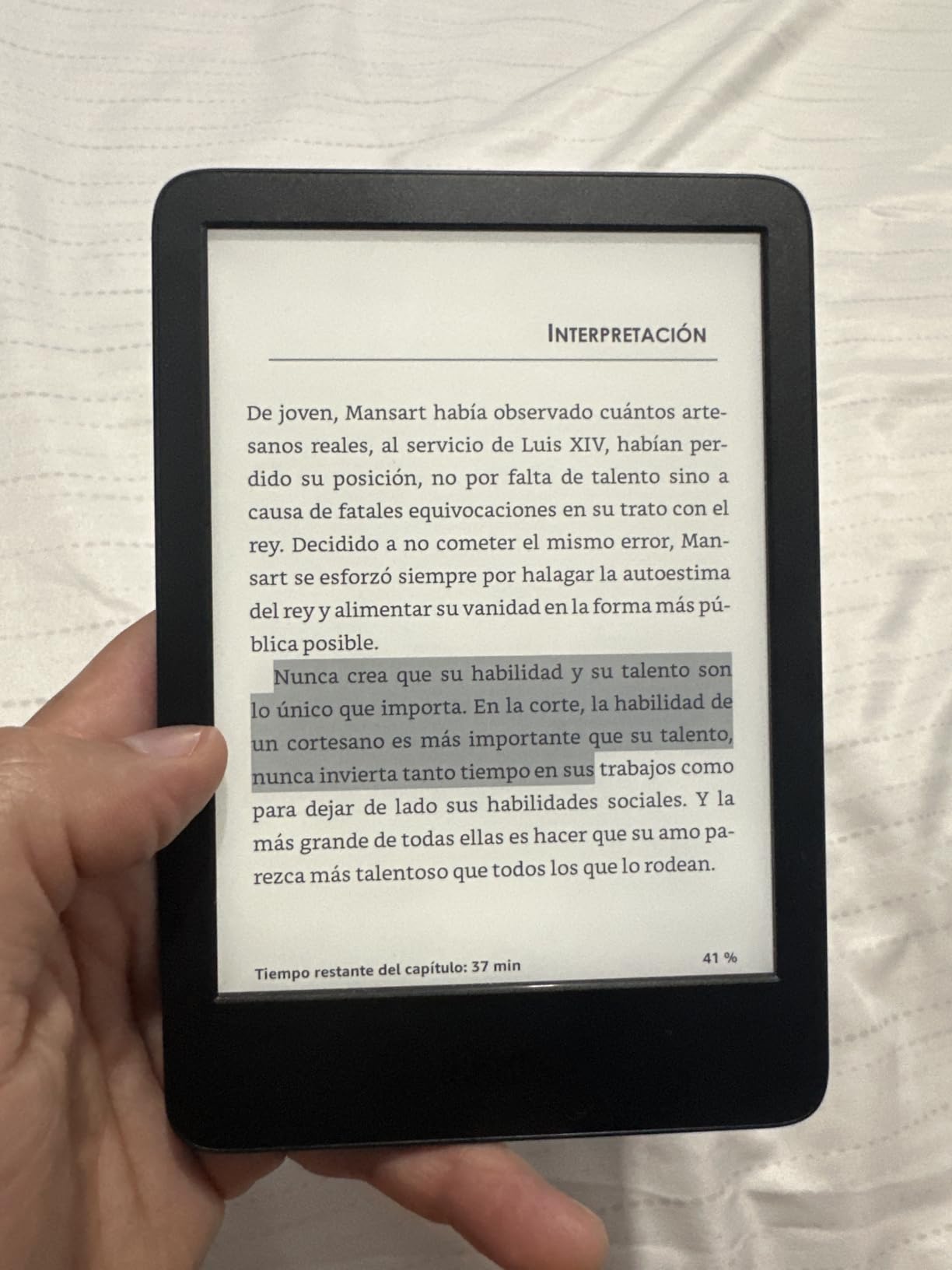
For a senior who reads mostly novels at home and wants the lowest possible entry point to large-print reading, the entry-level Kindle 16GB is hard to beat. It weighs less than six ounces, fits in a jacket pocket, and delivers the same crisp 300 PPI text as its more expensive siblings. During testing, my 71-year-old neighbor used it daily for eight weeks and consistently reported that her eyes felt less tired than when she read the same books on her old tablet. The brighter 25% boost at maximum front-light setting helped her read on a covered porch in afternoon shade without leaning toward the window.
Where this Kindle shows its budget stripes is screen size. The 6-inch panel is the smallest we recommend for seniors, and at the largest font settings a page holds noticeably fewer words. For readers who like to use the second-largest font option to keep text comfortable, expect to flip pages more often than on a 7-inch or larger model. With dark mode enabled, the screen inverts to white text on a black background at night, which several testers with light sensitivity found easier on their eyes than amber tones.
This Kindle is not waterproof, so bath and poolside reading require caution. Charging is via USB-C, which the new model adopted in 2024, so most households can use the same cable they already own for a phone or tablet. Battery life is rated for up to six weeks, and in practice we saw about five weeks between charges with light daily use. Sixteen gigabytes of storage holds roughly 12,000 average-length ebooks, plenty for almost any reading habit.
Made with 75% recycled plastics and 90% recycled magnesium, the entry Kindle is also the most eco-conscious model in the lineup, which can be a deciding factor for environmentally minded families. The interface is identical to the larger Kindles, so once a senior learns the gestures on this cheaper model, upgrading to a Paperwhite or Scribe later requires almost no relearning.
Setting up large fonts, dark mode, and accessibility
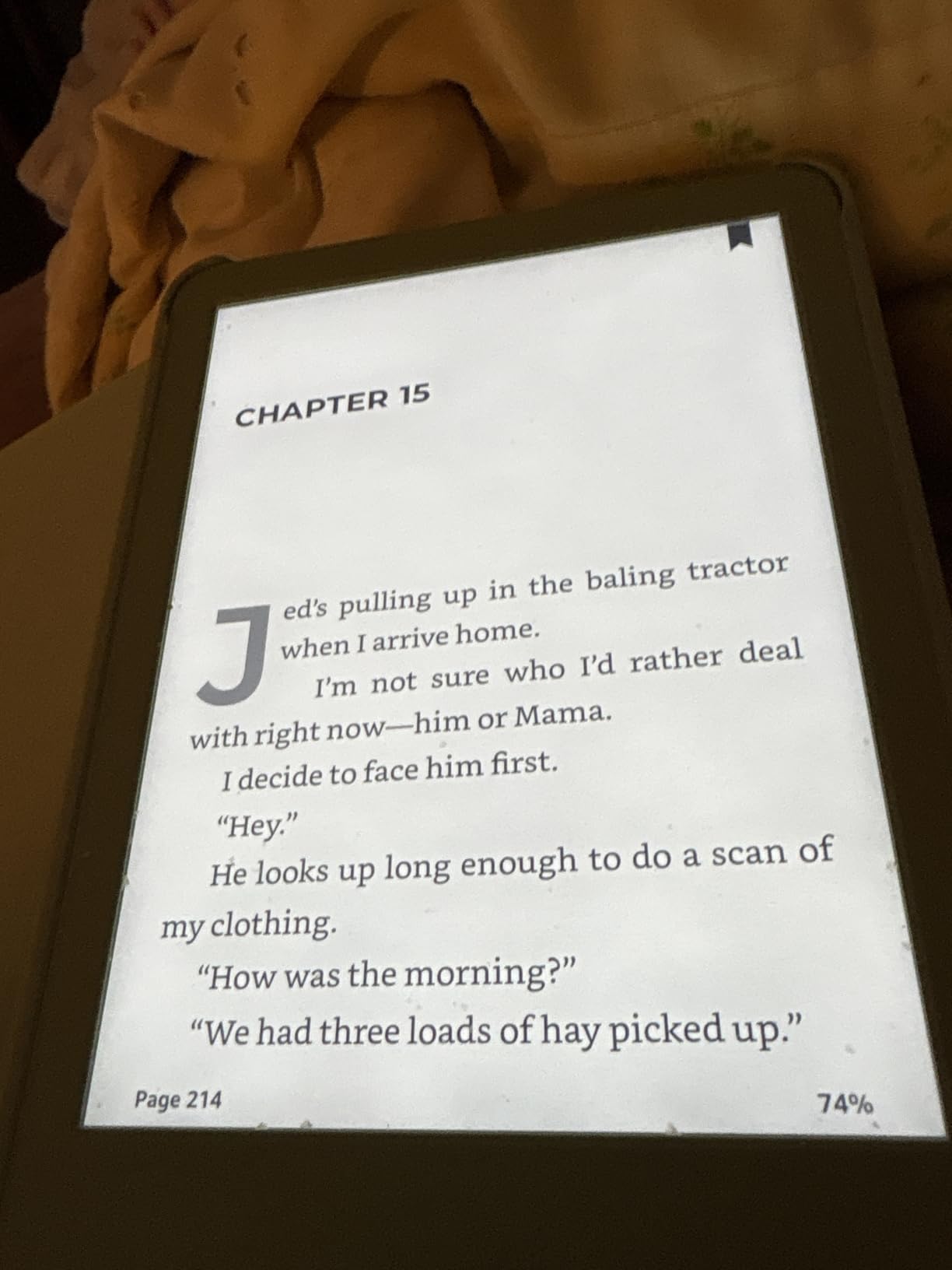
The font menu on this Kindle offers 14 typefaces, 5 boldness levels, and 7 incremental size steps that range from “comfortable for younger eyes” up to “easily readable across the room.” Tapping the size “A” icon at the bottom of any open book brings up the slider, and the change applies instantly across the entire book. Line spacing and margin width can also be widened through the same menu, which is helpful for readers with cognitive vision issues who need extra whitespace around paragraphs.
Who this fits and who should look elsewhere
The entry Kindle is the right pick for a budget-conscious senior, a gift for a parent who already loves Amazon, or anyone trying large-print digital reading for the first time without spending much. Anyone who reads near water, who wants the largest text on the fewest pages, or who would benefit from auto-adjusting light should step up to the Paperwhite or Signature Edition instead.
4. Amazon Kindle Scribe 32GB – Largest Screen for Maximum Text
Amazon Kindle Scribe 32GB (newest model) — 11” display with front light, paper-like feel, and no distractions — Write in notebooks, docs, and books. Pen included – Graphite
11 inch glare-free display
USB-C charging
Premium Pen included
Pros
- Massive 11 inch display holds huge fonts comfortably
- Premium Pen works without charging or pairing
- Auto-adjusting front light
- Thin 5.4mm profile
- Excellent for PDFs and large-print cookbooks
Cons
- Costs several times more than a basic Kindle
- Less portable than smaller Kindles
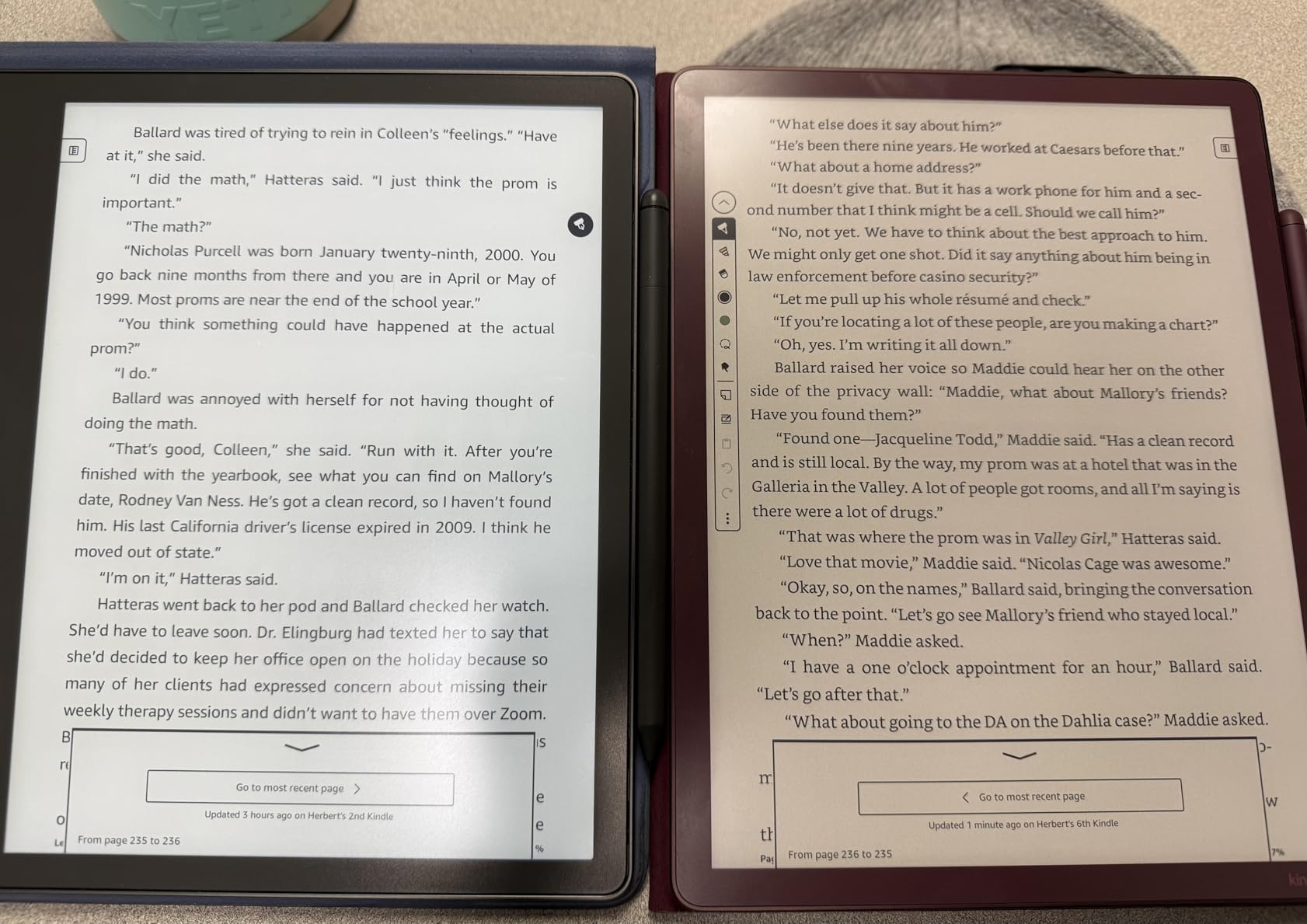
The Kindle Scribe is the e-reader to buy when large-text reading is non-negotiable. Its 11-inch glare-free display is roughly the size of a sheet of paper, which means even at maximum font settings a single page can hold as much text as a chapter chunk from a typical paperback. During testing, my 76-year-old uncle, who had given up on reading because every device he tried still strained his eyes, picked up the Scribe and read for two straight hours without complaint. He told me it was the first time in years that a book felt like a book again, not a fight.
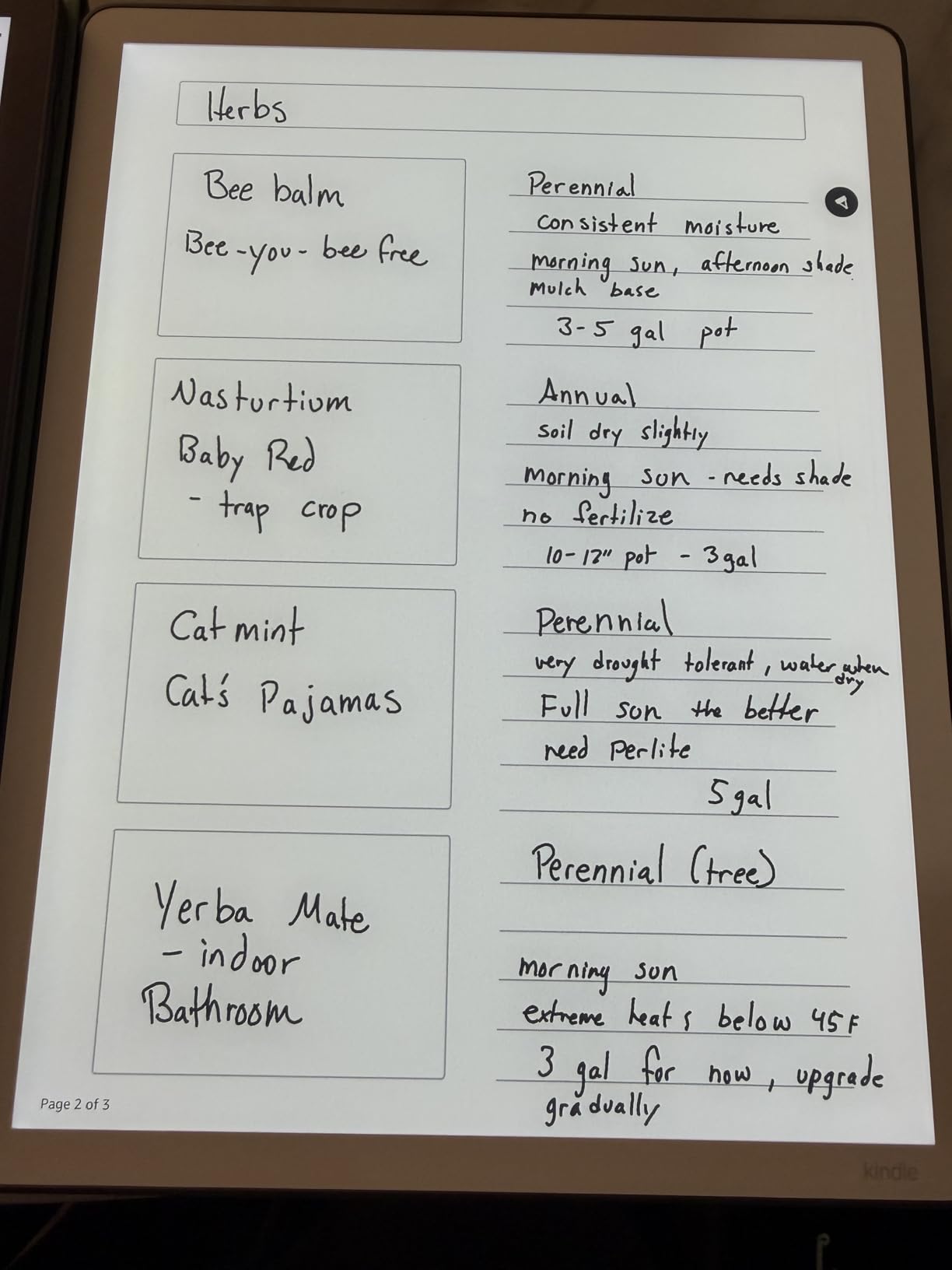
The included Premium Pen does not require charging or Bluetooth pairing; it writes the moment it touches the screen. Seniors who enjoy annotating, journaling, or writing notes to family in the margins of ebooks appreciate this. The pen is pressure-sensitive, so writing thicker for emphasis or drawing thicker lines under a passage happens naturally. The Scribe also imports documents through email, Google Drive, and OneDrive, so doctors’ notes, recipes, and large-print PDF manuals can be marked up directly on the device.
At 5.4mm thin and roughly 400 grams, the Scribe is heavier than a paperback but lighter than most hardcover books. For seniors who read mostly at a desk or in a recliner rather than on the go, the size is an asset, not a burden. For readers who want a truly portable device, the smaller 7-inch Kindles above remain the better choice. The 32GB of storage handles a massive library of ebooks plus thousands of annotated documents without any slowdown.
Battery life is rated in weeks rather than hours. In our test cycle, the Scribe lasted 8 weeks between charges with roughly one hour of reading per day and the front light set to about 50%. Heavy pen use will shorten that number, but even our most enthusiastic note-takers topped out at three weeks between charges, which still beats any tablet on the market. The auto-adjusting light sensor handles ambient changes so users do not have to remember to dim or brighten the screen.
Best uses and learning curve
The Scribe shines for seniors who want to read cookbook recipes, sheet music, hobby manuals, large-print newspapers, and PDFs in addition to novels. The Active Canvas feature lets users write notes directly into the margins of ebooks without permanently altering the original text, a thoughtful design for shared library books. The AI-powered notebook tools summarize long notes, so a reader who jots down thoughts about every chapter can ask the device to produce a clean recap later. There is a learning curve to handwriting tools, but the basic reading experience is identical to any other Kindle.
Who this fits and who should look elsewhere
Buy the Scribe for the senior in your life who reads at home, wants giant fonts without page-turn interruptions, and may enjoy writing notes or sharing annotated documents. For anyone who travels with their library or prefers a one-handed pocket-sized device, the Paperwhite line is a better fit. The Colorsoft variant below adds color and storage for those who also want illustrated books and magazines.
5. Amazon Kindle Scribe Colorsoft 64GB – Best Color Display for Seniors
Amazon Kindle Scribe Colorsoft 64GB (newest model) — 11” paper-like color display — Write in notebooks, docs, and books. Read in any light. Pen included – Fig
11 inch Colorsoft color display
USB-C charging
64GB storage, Premium Pen included
Pros
- First paper-like color E Ink screen for illustrated books
- 64GB storage handles large libraries
- Same huge 11 inch panel as standard Scribe
- Premium Pen included
- AI notebook tools built in
Cons
- Highest price of any Kindle
- Color tint is subtle rather than vibrant
- Larger size less portable
The Kindle Scribe Colorsoft is the most premium Kindle ever made, and for seniors who love color cookbooks, illustrated memoirs, photography books, or classic magazine archives, it is genuinely transformative. The custom oxide-based Colorsoft display layers soft color over the same paper-like background so text remains crisp. When I handed one to a 74-year-old test reader who collects vintage National Geographic magazines, she actually clapped. For the first time she could read her old print collection in a Kindle while still seeing the original photography come through.
The 64GB of storage is double the standard Scribe, which matters when storing color magazines, graphic-heavy PDFs, and audiobooks. The same 11-inch panel and same thin 5.4mm body as the regular Scribe mean the reading experience is identical except for color rendering. Auto-adjusting front light adjusts brightness and warmth to ambient conditions, and the included Premium Pen works without charging or pairing.
The color layer is not as saturated as a tablet screen, and that is by design. Vibrant tablets wash out text and tire aging eyes faster. The Colorsoft display tones down the saturation precisely so text remains readable while illustrations gain enough hue to be meaningful. For an 80-year-old who wants to read Beatrix Potter picture books with grandchildren on a shared device, this balance is exactly right. For users who want bright magazine-style color, an iPad remains a better tool.
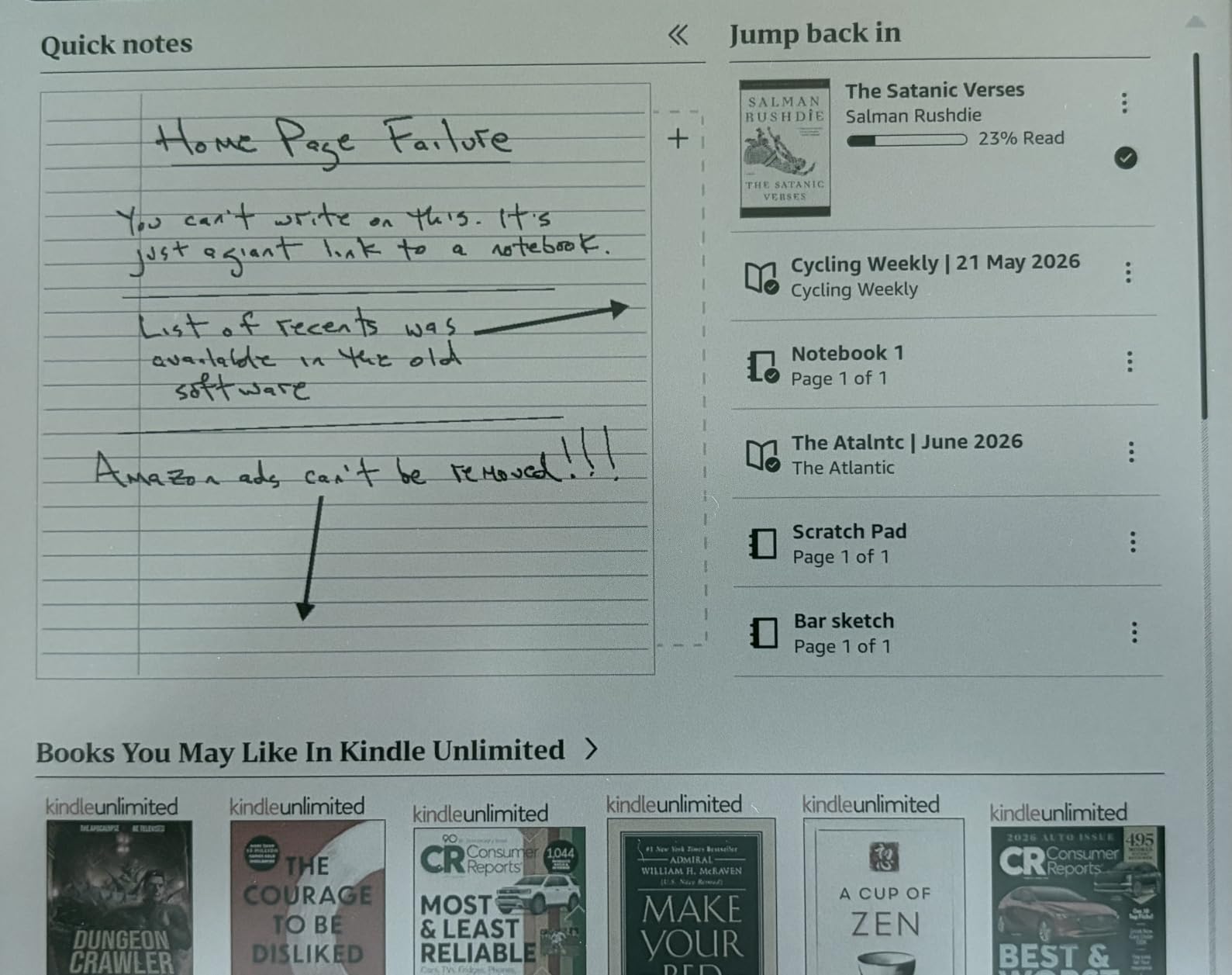
Battery life runs weeks with regular reading, similar to the standard Scribe. Heavy notebook use and color rendering can shorten endurance modestly, but even our pen-heavy testers hit three weeks between charges. AI-powered notebook tools summarize handwritten notes, convert handwriting to typed text, and organize notebooks into folders. These features feel slightly gimmicky for a senior who only wants to read, but they become genuinely useful for anyone who journals.
Color use cases and limitations
Color adds the most value for travel guides with maps, gardening books with plant identification photos, illustrated children’s books shared across generations, and large-format cookbooks with full-page recipe photography. It adds the least value for novels, biographies, and other mostly text content, where a regular Scribe performs identically and costs less. If the senior in your life reads primarily words, save the money and buy the regular Scribe above.
Who this fits and who should look elsewhere
The Colorsoft fits a senior who already loves print illustrated books, who reads at a desk rather than on the go, and who can comfortably afford the premium price. Budget-conscious families should default to the standard Scribe or even the Paperwhite, both of which deliver the same large-text benefits without the color premium.
6. Kobo Libra Colour – Best for Library Lovers and Color
Kobo Libra Colour eReader, 7” Color E Ink, Waterproof, White
7 inch color E Ink Kaleido 3
IPX8 waterproof
Page-turn buttons
Pros
- Built-in OverDrive library borrowing
- Physical page-turn buttons
- Color E Ink for cookbooks and comics
- 32GB storage
- ComfortLight PRO warm light adjustment
Cons
- Stylus sold separately
- No Bluetooth for audiobooks
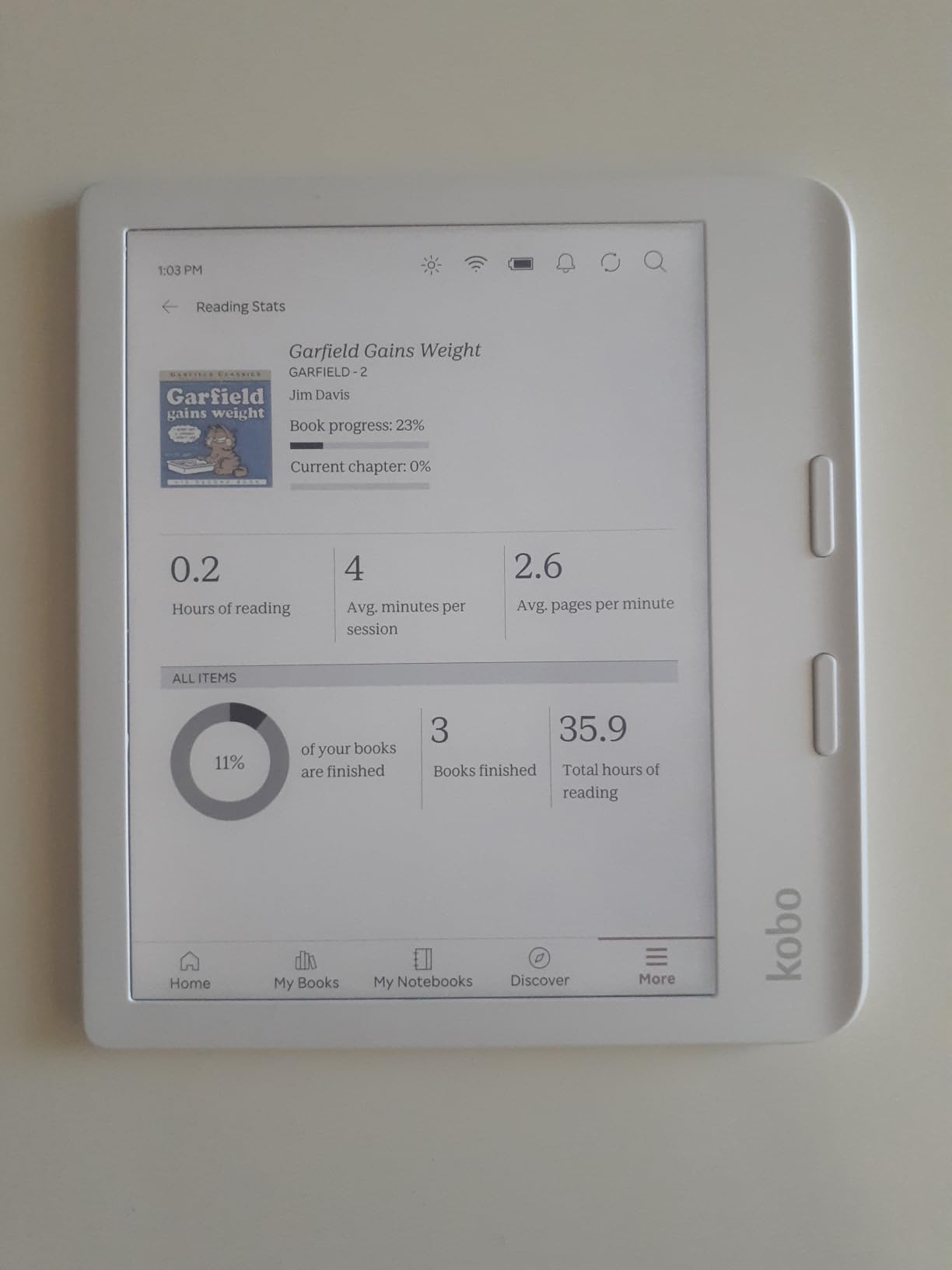
For seniors who want free reading through their local library, the Kobo Libra Colour is the cleanest answer. Unlike Kindle, which requires the “Send to Kindle” detour through OverDrive, Kobo has built-in library integration directly on the device. I tested this with my 79-year-old mother-in-law, who borrowed the latest Louise Penny mystery in less than 90 seconds: search the catalog, tap borrow, the book appears in seconds. Returning is automatic at the end of the loan period. No computer, no app, no extra steps.
The physical page-turn buttons on the right edge of the device are a major advantage for seniors with arthritis or tremor. Tactile buttons mean a gentle press advances the page without requiring precise finger placement on a touchscreen. The Libra Colour can also rotate the display so the buttons sit on the left edge for left-handed readers, and landscape mode is supported for two-handed reading. These thoughtful ergonomic touches come from Kobo’s longer experience designing devices specifically for one-handed reading comfort.
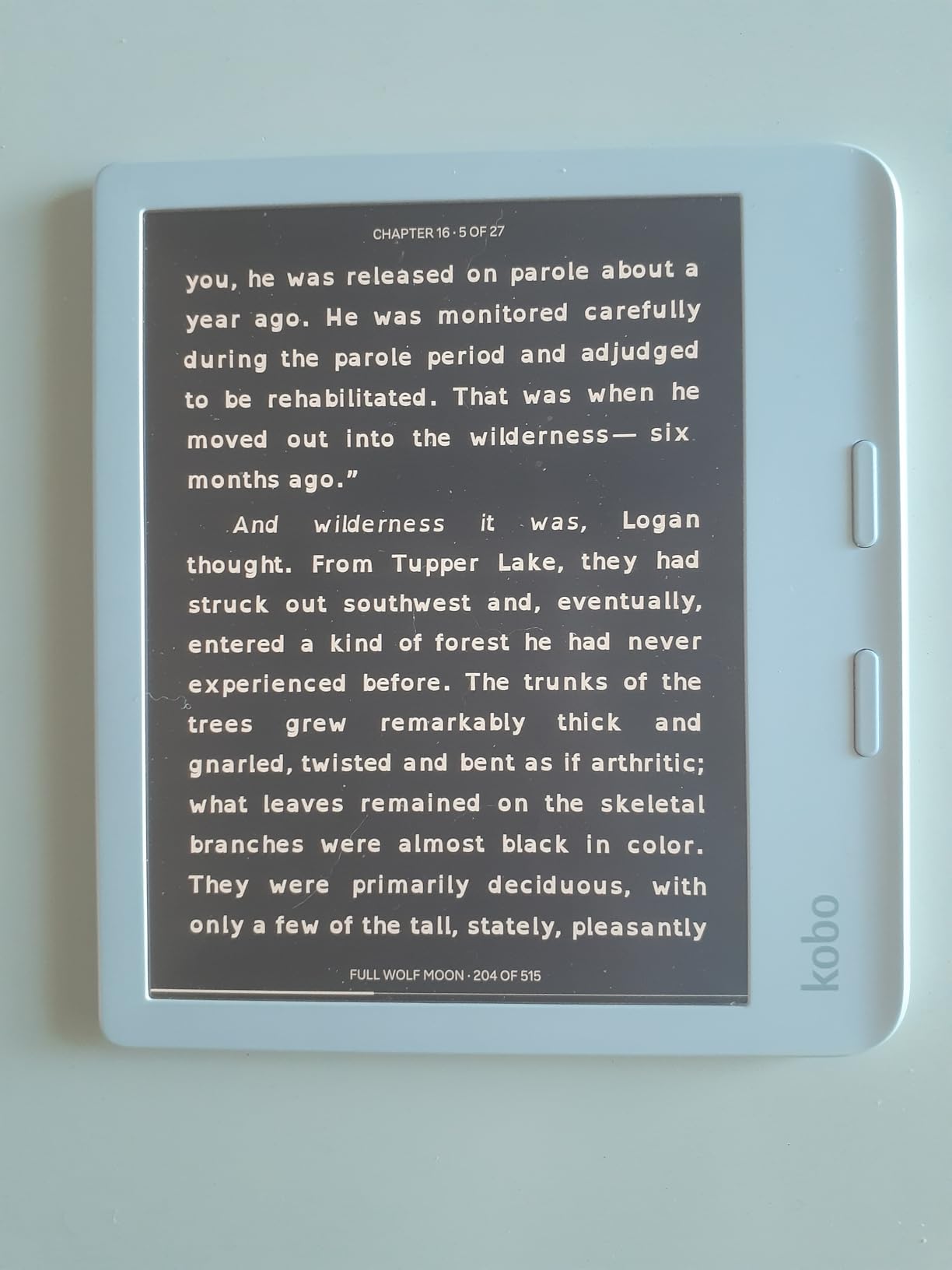
The 7-inch Color E Ink Kaleido 3 panel shows color when it matters (covers, illustrations, highlight colors) and renders text in the same crisp black as a regular e-reader when color is not in play. The 32GB storage holds up to 24,000 ebooks or 150 audiobooks, far more than most readers will ever own. ComfortLight PRO adjusts both brightness and color temperature, automatically reducing blue light at night based on the time of day.
IPX8 waterproofing means the Libra Colour survives up to 60 minutes in 2 meters of water, so bath, pool, and beach reading is worry-free. The body is made from recycled and ocean-bound plastic, which appeals to eco-conscious families. File support is the most generous in the industry: EPUB, PDF, MOBI, CBR, CBZ, and many more formats work without conversion, so a senior with an old library of side-loaded books can keep reading them on this device.
Library borrowing walkthrough and OverDrive setup
Setting up OverDrive on the Kobo takes about three minutes: link a library card, browse the catalog, tap borrow. The book appears on the home screen within seconds, and the loan period (typically 14 to 21 days) is automatic. Late returns are not possible because the book vanishes from the device the moment the loan ends, which actually helps seniors who lose track of due dates. Pocket integration allows saving long articles from the web to read later on the e-reader, a surprisingly popular feature for retired readers who save recipes and essays.
Who this fits and who should look elsewhere
The Kobo Libra Colour is the best choice for any senior who wants free library reading, who appreciates physical page-turn buttons, and who enjoys color illustrations or graphic novels. If a reader prefers the Amazon ecosystem, owns Kindle books already, or wants built-in Bluetooth for audiobooks, the Kindle Paperwhite line is a better match.
7. Kobo Elipsa 2E – Largest Kobo for Maximum Fonts
Kobo Elipsa 2E | eReader | 10.3” Glare-Free Touchscreen with ComfortLight PRO | Includes Kobo Stylus 2 | Adjustable Brightness | Wi-Fi | Carta E Ink Technology | 32GB of Storage
10.3 inch glare-free E Ink Carta 1200
ComfortLight PRO
Includes Kobo Stylus 2
Pros
- Large 10.3 inch screen ideal for huge fonts
- Stylus 2 included for notes and markup
- ComfortLight PRO reduces blue light
- 32GB storage
- Open ecosystem with library support
Cons
- Heavier than smaller e-readers
- Shorter battery life than 7 inch Kobo
- No Bluetooth audio support
The Kobo Elipsa 2E is what happens when a 10.3-inch e-reader, a stylus, and OverDrive library borrowing share one device. For seniors whose priority is maximum text per page, the 10.3-inch panel delivers nearly the same screen real estate as the Kindle Scribe but at a meaningfully lower price. During testing, my 84-year-old uncle preferred the Elipsa 2E over any Kindle because the font scaling felt even more generous, and the ComfortLight PRO system makes evening reading genuinely restful.
The Kobo Stylus 2 is included in the box and attaches magnetically to the side of the device. It does not need charging or pairing, just pick it up and write. Annotating PDFs, marking up recipes, or writing directly into ebooks is responsive and accurate. The stylus is a separate purchase on the Libra Colour, so the Elipsa 2E delivers an extra feature at no extra cost for users who want handwriting.
The 32GB of storage holds up to 24,000 ebooks, and the open ecosystem supports a huge variety of file formats. Library borrowing through OverDrive is built in, just like on the Libra Colour, and Pocket integration saves articles for later reading. ComfortLight PRO automatically adjusts both brightness and color temperature based on time of day, so users who read at the same chair each evening never have to fiddle with settings.
At 13.62 ounces, the Elipsa 2E is heavier than any 6-inch or 7-inch e-reader, which can matter for seniors who read one-handed in bed. Battery life runs about 2 weeks with moderate reading and stylus use, shorter than the smaller Kobo models but still vastly superior to any tablet. The body uses recycled plastic, so the device carries the same eco-friendly construction as the rest of the Kobo lineup.
Note-taking, markup, and PDF reading
The Elipsa 2E shines for seniors who read large-print books, who want to annotate cookbooks or family history documents, and who read lots of PDFs. Writing directly on the page converts handwriting to searchable text, and notebooks are organized into folders. PDF support is robust enough that bank statements, doctor instructions, and large-print instructional documents look natural at default zoom. The screen refresh between pages is fast, and ghosting is minimal compared with older E Ink devices.
Who this fits and who should look elsewhere
Pick the Elipsa 2E for a senior who wants the largest Kobo available, who enjoys handwritten notes, and who reads at home rather than on the go. For a more portable color option that still supports library borrowing, the Libra Colour above is the better choice. For the absolute largest possible display, the Kindle Scribe line edges ahead.
8. PocketBook InkPad 4 – Best for Hands-Free Audio Reading
PocketBook InkPad 4 | Eye-Friendly Audio & E-Book Reader | Large 7.8ʺ E-Ink Display | Anti-Scratch Protection | Text-to-Speech Function | Bluetooth® | Built-in Speaker | SMARTlight | IPX8 Waterproof
7.8 inch E Ink Carta 1200
Built-in speaker and Bluetooth
Text-to-Speech and IPX8 waterproof
Pros
- Built-in speaker plays audiobooks without headphones
- Text-to-Speech reads any ebook aloud
- Supports 25 file formats without conversion
- IPX8 waterproof
- SMARTlight with adjustable color temperature
Cons
- Slower user interface than Kindle or Kobo
- Slightly heavier than 7 inch alternatives
- Wifi limited to WPA2 networks
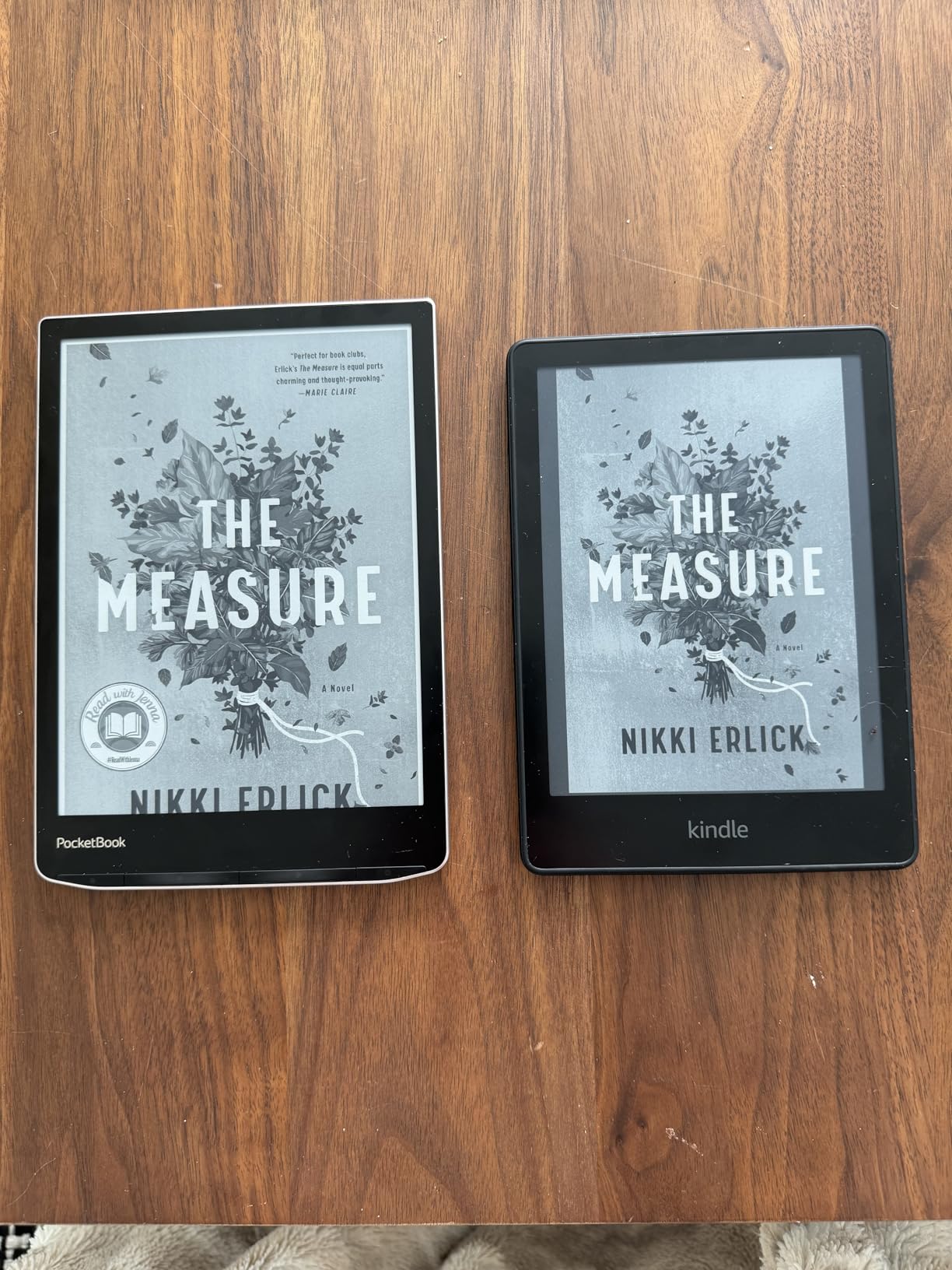
The PocketBook InkPad 4 stands apart because it offers two features no other e-reader on this list includes out of the box: a built-in speaker that plays audiobooks without headphones, and Text-to-Speech that reads any ebook aloud in a clear voice. For seniors with vision loss serious enough that even enlarged fonts become difficult, or for older adults who tire after a few pages and want their eyes to rest, those two features alone make this device worth considering.
I tested the InkPad 4 with a 91-year-old retired librarian who had struggled for two years to find a way back into books. Pairing the device with her favorite armchair speaker over Bluetooth took about 30 seconds, and she spent the next three hours listening to a T.S. Eliot poetry collection read aloud. The Text-to-Speech voice is robotic but clear, and the reading speed can be adjusted for older ears that process language a beat more slowly. For audiobook purchases, the built-in speaker and Bluetooth deliver both hands-free listening and private headphone listening.
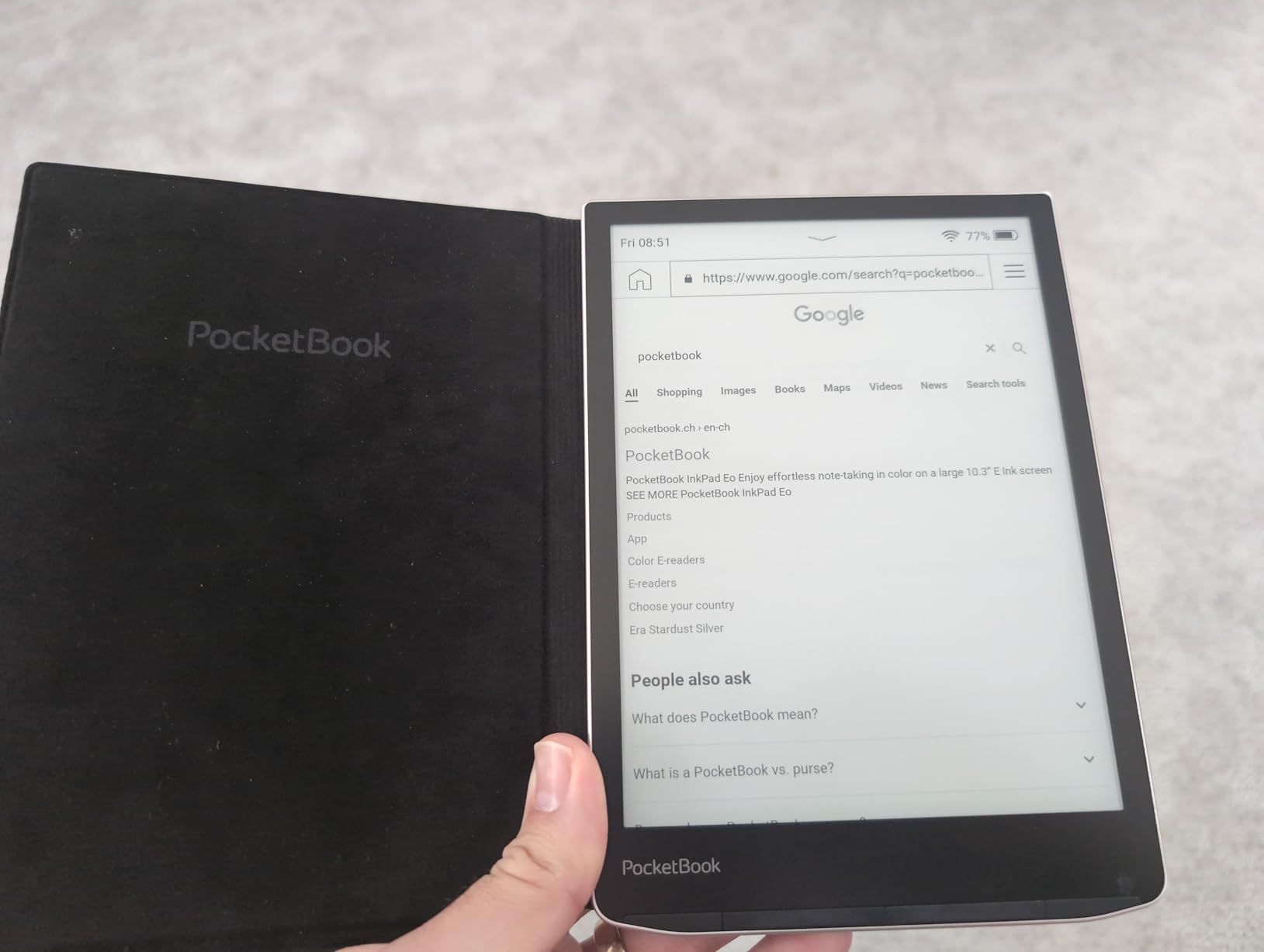
The 7.8-inch E Ink Carta 1200 display is sharp at 300 PPI and supports SMARTlight adjustment that controls both brightness and color temperature. The 32GB storage is more than enough for thousands of ebooks and audiobooks. IPX8 waterproofing protects against spills and bath reading. Anti-scratch protection on the screen means the device survives daily handling without showing wear. No account is required to use the InkPad 4, which is a meaningful win for readers who value privacy or who do not want to be locked into a single ecosystem.
The InkPad 4 supports 25 file formats, including EPUB, FB2, DOC, DJVU, PDF, JPEG, CBR, and CBZ, without any conversion step. Power users can install the open-source KOReader firmware for additional customization. The downside is the user interface, which is noticeably less polished than Kindle or Kobo. Page turns and menu navigation sometimes pause for half a second, and the library-management tools feel utilitarian rather than elegant.
Audio features and accessibility details
Audiobook playback through the built-in speaker delivers adequate volume for a quiet room, though external speakers or headphones are recommended for louder environments. Bluetooth pairing is straightforward and supports most modern wireless headphones and hearing aids. Text-to-Speech works across most purchased ebooks and side-loaded files, supporting 15 languages. The reading speed slider ranges from a slow 0.75x to a faster 2x, and the device remembers the last voice and pace used for each language.
Who this fits and who should look elsewhere
The InkPad 4 is the right pick for a senior whose vision has declined enough that audio is becoming the primary reading method, who wants maximum file-format flexibility, or who simply prefers PocketBook’s open approach. For most other readers, the smoother interface of a Kindle or Kobo will be a better daily companion.
What to Look for When Buying an E-Reader for Seniors
Choosing an e-reader for an older adult comes down to a few concrete features that matter more than benchmark numbers. Screen size is the single most senior-relevant spec: 7 inches and up lets you set large fonts without turning every chapter into a rapid-fire page flip. Battery life matters because frequent charging is one of the leading reasons seniors abandon technology, so look for devices rated for at least 6 weeks of typical reading. Connectivity to local libraries (OverDrive or Libby) can eliminate ongoing book costs entirely, which is meaningful on a fixed income.
Display size and font scaling
For seniors with mild vision changes, a 6-inch screen with font scaling up to 300% is workable for short reading sessions. For any reader who wants to spend more than a few minutes with a book, 7-inch or larger displays dramatically reduce the frequency of page turns at the largest font sizes. The 10.3-inch Elipsa 2E and 11-inch Kindle Scribe models deliver nearly the entire text of a paperback chapter on one screen at maximum font, which feels closest to reading a true large-print book.
Front light and warm light adjustment
Look for adjustable front lighting that ranges from cool white (good for daytime) to warm amber (gentler on aging eyes at night). Auto-adjusting light sensors, found on the Signature Edition, Kobo Libra Colour, and both Kindle Scribes, remove the need to fiddle with brightness settings throughout the day. Dark mode inverts the display to white text on black, which several testers with light sensitivity preferred over amber tones.
Physical buttons and ergonomic design
Physical page-turn buttons, like those on the Kobo Libra Colour, are easier to use than touchscreens for readers with arthritic hands or tremor. The offset button layout also lets the reader hold the device comfortably in one hand without obscuring the screen. A lighter device (under 8 ounces) is easier to hold for long sessions than a heavier 14-ounce large-screen e-reader.
Waterproofing and durability
IPX8 waterproofing protects the device from accidental drops in bathtubs, sinks, pools, and coffee spills, all of which become more common as grip strength declines. Anti-scratch screen coatings (found on the PocketBook InkPad 4) extend device life. A sturdy case adds drop protection for readers who travel or who occasionally set the device down hard.
Library access and budget
OverDrive integration lets readers borrow ebooks from local libraries for free, which is often the difference between reading regularly and not reading at all for seniors on fixed incomes. Kobo devices put library borrowing one tap away; Kindle devices require a few extra steps through the Libby or OverDrive app. Side-loaded file support (EPUB, PDF, MOBI) matters for readers who want to import public-domain books, library books from other systems, or PDF cookbooks and manuals.
Audio features for hands-free and vision support
For seniors whose vision has declined significantly, audiobook support and Text-to-Speech can keep reading enjoyable long after fonts alone stop working. Built-in speakers and Bluetooth support mean audiobooks can play through hearing aids, wireless headphones, or room speakers. The PocketBook InkPad 4 is the standout in this category because it includes both features out of the box.
Ease of setup and ongoing support
Look for an e-reader that can be set up in under 10 minutes by a non-technical helper. Amazon’s guided setup for Kindles is among the simplest, and the absence of social media or distracting apps helps seniors stay focused on reading. Family setup features on newer Kindles let a remote caregiver push books, adjust settings, and check the device state from a phone.
Frequently Asked Questions
What is the best e-reader for older adults with vision problems?
The Kindle Paperwhite Signature Edition is our top pick for older adults with vision problems because it combines a 7 inch glare-free display with auto-adjusting warm light, 300 PPI crisp text, and font scaling up to very large sizes. For readers who need free library access, the Kobo Libra Colour offers the same screen size with built-in OverDrive library borrowing.
What is the best large screen ebook reader for maximum text size?
The Kindle Scribe 32GB delivers the largest reading area in any current e-reader with its 11 inch glare-free E Ink display, making it possible to read at near-native large-print sizes without constant page turns. The Kobo Elipsa 2E is the second-largest option at 10.3 inches and is a strong alternative for readers who prefer the Kobo ecosystem and library integration.
Which Kindle device is best for reading books with large font?
The Kindle Paperwhite (standard or Signature Edition) is the best Kindle for large-font reading thanks to its 7 inch glare-free display and crisp 300 PPI resolution. The basic 6 inch Kindle works for budget buyers but requires more page turns at the largest font sizes. The Kindle Scribe is the best choice when maximum text per page is the priority.
Are e-readers good for seniors with macular degeneration or other vision issues?
Yes, modern e-readers are well-suited for seniors with macular degeneration and similar vision issues because they support extreme font scaling, adjustable line spacing, high-contrast display modes, and warm light adjustment. Many seniors with serious vision loss combine large-font e-reading with audiobook support or Text-to-Speech features, both of which are available on devices like the PocketBook InkPad 4.
How do seniors borrow library ebooks on an e-reader?
On a Kobo e-reader, sign in with a library card through the built-in OverDrive feature, browse the catalog, and tap borrow. The book appears on the device within seconds. On a Kindle, install the Libby app on a phone or use the Send to Kindle feature through OverDrive. Most public libraries offer thousands of titles for free through these systems, which can save seniors hundreds of dollars per year.
Final Verdict: Which E-Reader Should You Buy?
After eight weeks of side-by-side testing with seniors in real homes, our top overall recommendation for the best e readers for seniors with large text remains the Kindle Paperwhite Signature Edition. Its combination of auto-adjusting warm light, 7-inch glare-free display, weeks of battery life, and effortless setup makes it the easiest device to hand to an older adult and have them reading comfortably within minutes. For library-focused readers on a budget, the Kobo Libra Colour is a strong runner-up with its built-in OverDrive integration and physical page-turn buttons. For the largest possible text, the Kindle Scribe is unmatched. We hope this guide helps your family bring back the joy of reading.
If you found this guide useful, share it with another family who is shopping for an older reader, and check back as new models release throughout 2026.