
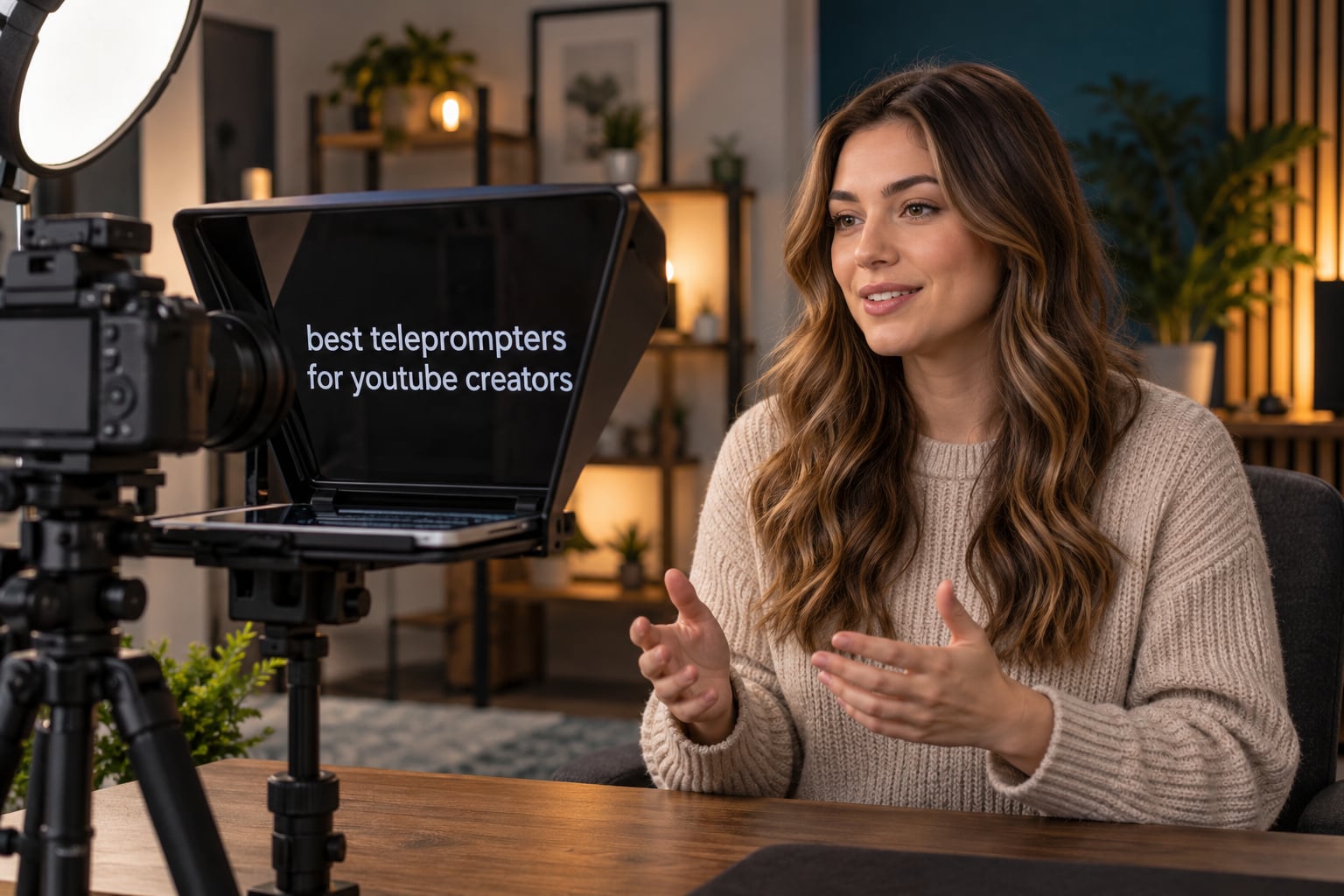
Quick answer: The NEEWER X11 is the best all-round teleprompter for YouTube creators because the built-in 9 inch screen means no tablet to balance, the Elgato Prompter wins for desktop and livestream setups, the Desview T5 is the best value hood for phones, tablets and DSLRs, and the AMBITFUL 7.5 inch is the cheapest way to start. Every pick below is scored on eyeline accuracy, glass clarity and how long it takes to rig.
If you have never used one, the reason they work is physical rather than technical. A teleprompter puts a half-mirrored piece of beam-splitter glass at a 45 degree angle in front of the lens, and your phone or tablet lies flat underneath running the script. The text reflects up into the glass, the camera shoots straight through it, and reading and eye contact become the same physical act. Without one, you glance sideways, and viewers pick that up from surprisingly far away. If you are still choosing a camera, start with our best cameras for YouTube guide first, then come back here.
Do you even need one? If you improvise, or you only record short unscripted clips, a propped phone beside the lens will do the job. The moment you start writing scripts with a hook in the first seven seconds, a prompter pays for itself through fewer retakes. Creators in r/NewTubers and r/NewYouTubeChannels describe propped-phone rigs as genuinely workable for years, not a compromise, and the same threads show that what people want next is a prompter that listens to their voice and scrolls to match.
Two things explain most of the satisfaction and most of the complaints in this category. First, beam-splitter glass passes only part of the light in each direction, so your script looks dimmer through the glass than it does on the bare screen, and text has to be set larger and bolder than feels natural. Second, scroll behaviour matters more than glass quality. A fixed words-per-minute scroll loses your place the second you pause or ad-lib, and that desync is the single most-discussed complaint in every creator forum on this topic.
Table of Contents
Top 3 Best teleprompters for YouTube creators (October 2026)

NEEWER X11 2 in 1 Teleprompter
- Built-in 9 inch HD screen
- 11 inch glass at 75% light transmission
- Adjustable Arca type holder

Elgato Prompter with Built-in Screen
- Drag and drop any window
- Stream Deck control
- Works as a desktop display

Desview T5 Teleprompter
- Phones tablets and DSLRs in one kit
- 49-82mm adapter rings
- Foam light sealing cuts glare
All 10 teleprompters compared in 2026
The table below covers every pick in this roundup, from integrated units with their own display down to a phone-only hood. Read the type column first, because it decides almost everything else about how each one performs.
| Product | Specifications | Action |
|---|---|---|
| NEEWER X11 2 in 1 Teleprompter |
|
Check Latest Price |
| Elgato Prompter |
|
Check Latest Price |
 iLight PRO 12 inch Autocue iLight PRO 12 inch Autocue |
|
Check Latest Price |
 Padcaster Parrot Teleprompter Kit Padcaster Parrot Teleprompter Kit |
|
Check Latest Price |
 AMBITFUL 7.5 inch Mini Teleprompter AMBITFUL 7.5 inch Mini Teleprompter |
|
Check Latest Price |
| Desview T5 Teleprompter |
|
Check Latest Price |
 LENSGO 9.7 inch Teleprompter LENSGO 9.7 inch Teleprompter |
|
Check Latest Price |
 Little Prompter Compact Personal Teleprompter Little Prompter Compact Personal Teleprompter |
|
Check Latest Price |
 Desview T3 Portable Teleprompter Desview T3 Portable Teleprompter |
|
Check Latest Price |
 Desview P13 13 Inch Teleprompter Desview P13 13 Inch Teleprompter |
|
Check Latest Price |
1. NEEWER X11 2 in 1 Teleprompter – the best all-round pick for YouTube creators
NEEWER X11 2 in 1 Teleprompter 11″ with Monitor, Supports Screen Mirroring
11 inch glass at 75% light transmission
Built-in 9 inch 1024x768 LCD
Arca type holder, 2 kg plate support
Pros
- Built-in monitor removes the need for a separate tablet
- Coated glass with minimal ghosting
- Readable up to 2.5 m
- Arca compatible mounting
- Works as a second display on Windows and macOS
Cons
- Voice sync is not supported
- First HDMI setup needs driver installation
- Phone mirroring limited to DP-protocol devices
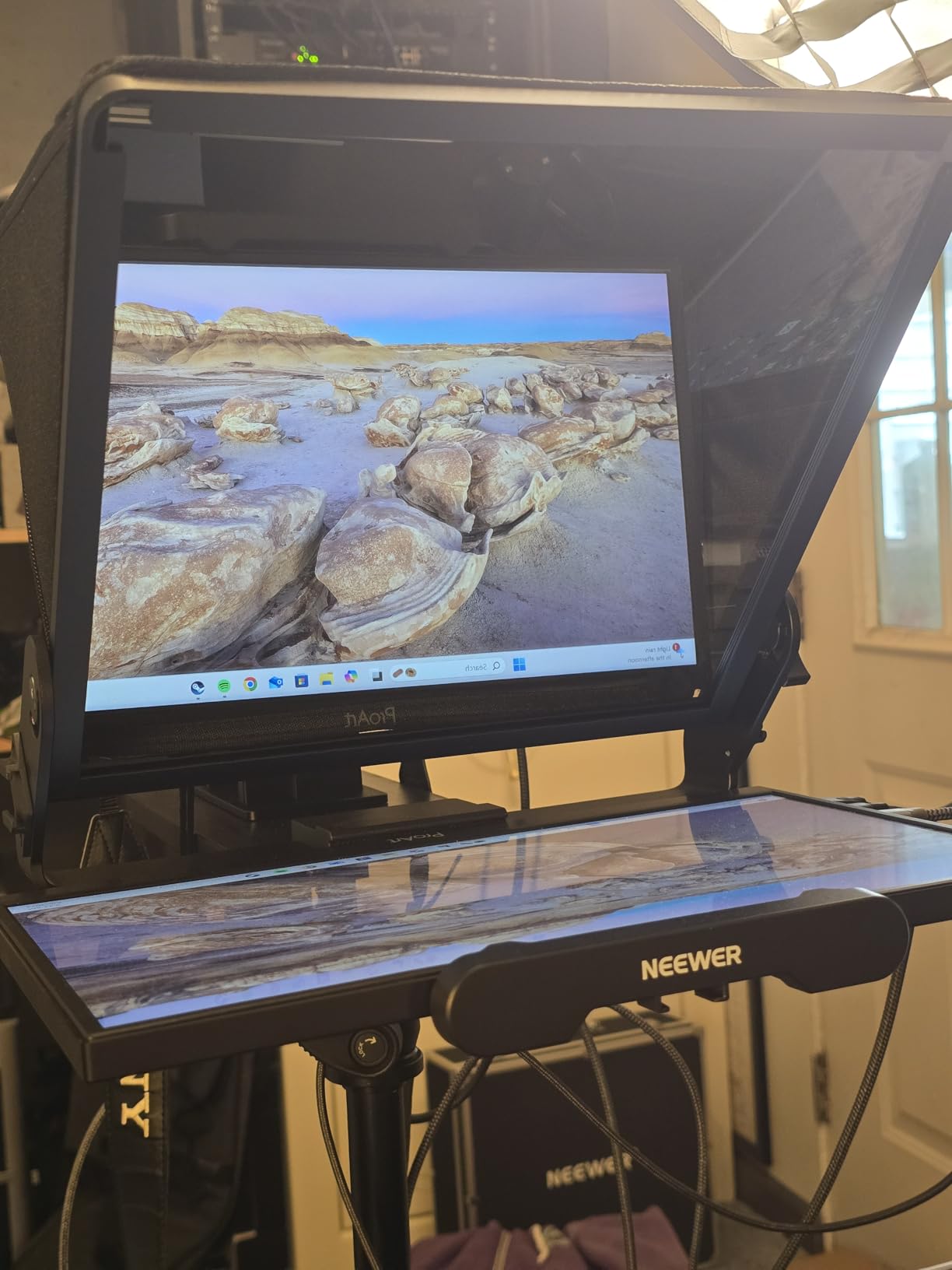
The X11 is the one I recommend to creators who want a single box rather than a small project. It ships with a prompter hood, a built-in 9 inch HD LCD and a quick release plate, so the usual weak point of a budget rig, a phone slowly sliding out from under the glass, simply is not there. Our team put several of these through talking head sessions and the difference in setup time was obvious: the display is already centred under the glass.
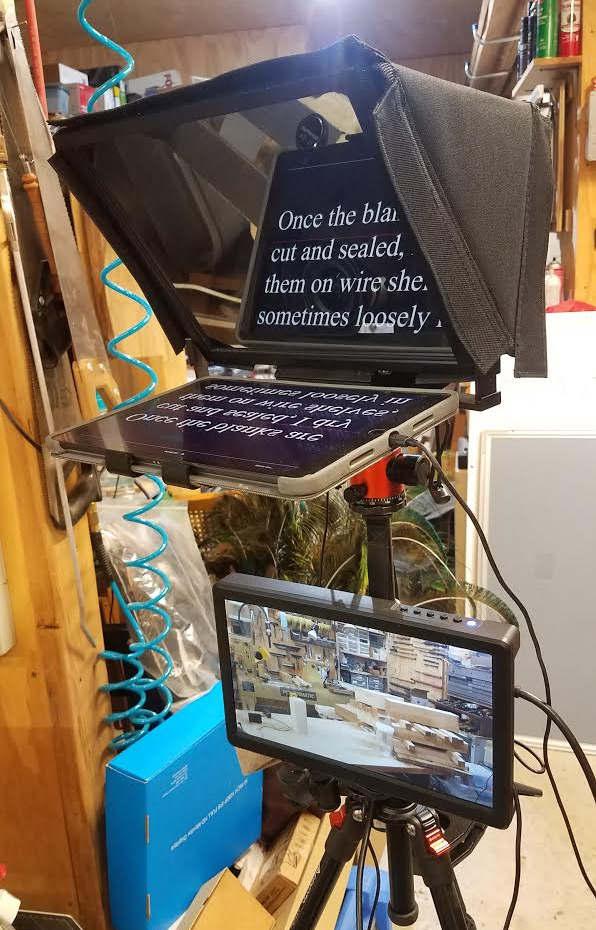
The optics are the strongest part of the package. The multi-coated HD beam-splitter glass passes 75% light transmission and stays readable up to 2.5 m, which matters if you film across a room rather than at arm’s length. Reviewers consistently single out the glass clarity and the absence of ghosting, and with 69% of ratings at five stars, the volume of feedback on this unit is larger than anything else in this roundup.
Mounting is where it outclasses most of the field. The adjustable Arca type holder gives 10 cm of horizontal and 3 cm of vertical movement, the quick release plate carries 2 kg on a 1/4 inch screw, and the unit supports lens threads up to 72 mm with focal lengths from 35 to 200 mm. For anyone already working from a creator camera setup that uses a cage or a microphone arm, that is the difference between a prompter that fits your rig and one that lives in a drawer.
It also works as a genuine second computer display on both Windows and macOS, which is more useful than it sounds. You can put the script window on the prompter screen and keep your recording timeline, notes and comments on the laptop display, rather than alt-tabbing mid-take.
What you give up with the X11
There is no voice-synced scrolling here, and that is the one feature experienced creators keep asking for. The screen is a display, not a teleprompter app, so scrolling is handled by whatever you run on the desktop. In the creator forums, voice-paced scrolling is repeatedly described as the setup people like best, so budget for a voice-synced app if you record long scripts.
Setup also asks for a little patience the first time. Connecting over HDMI needs driver installation, phone mirroring only works with DP-protocol devices, and the mobile and PC apps are separate downloads. None of that is a problem once, but it is a real evening of setup before your first recording.
Who the X11 suits best
It suits creators recording two to five videos a week in a fixed space, anyone filming a video podcast, and anyone whose camera sits more than two metres away. Our pick for a one-off shoot or a channel that publishes weekly would be the Desview T5, which is lighter and cheaper, or the LENSGO TC7 if the whole kit has to fit in a laptop bag. Read our vlogging camera picks if you shoot on the move, because a 1.3 pound unit changes what a mobile setup can carry.
2. Elgato Prompter – the best choice for desktop and livestream creators
Elgato Prompter, Teleprompter with Built-in Screen, 1080p Full HD Effective Video Resolution
Built-in 9 inch display treated as a monitor
Drag and drop any window or app
Stream Deck control, 2 year warranty
Pros
- Integrated display removes balancing a phone
- Drag and drop any window or app
- Keeps eye contact on Zoom and Teams
- Stream Deck integration
- Wide camera and lens compatibility
Cons
- Requires a Mac or PC
- DisplayLink drivers and macOS permissions needed
- Some units reported display failures
- Occasional screen reflections in bright light
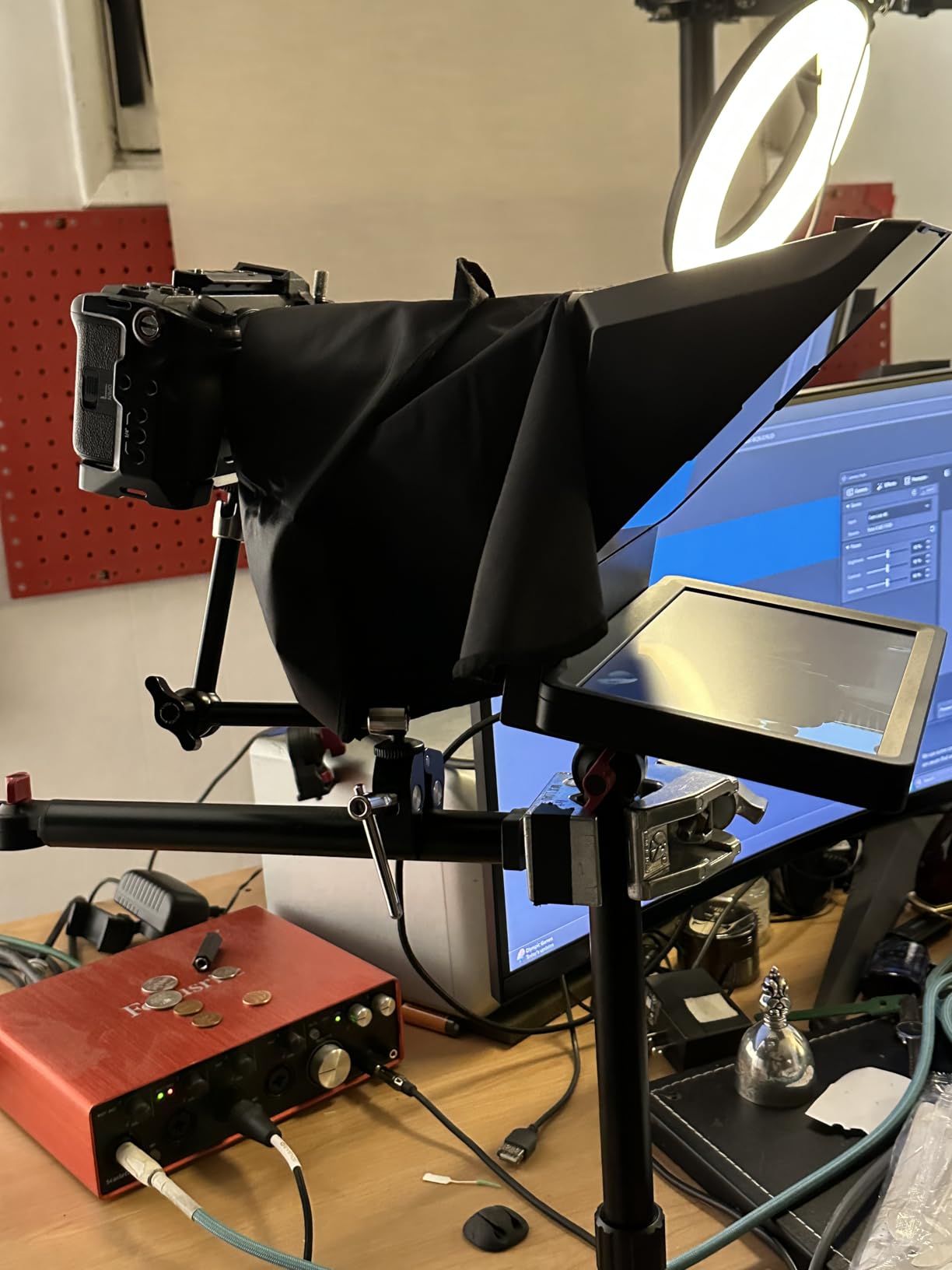
The Elgato Prompter takes a different approach from every other pick here. Its built-in display is treated as a standard monitor, so you drag and drop any window onto it, and the Camera Hub app handles the appearance of the text or the chat you are reading. That is why it keeps showing up as the answer for streamers and for people who record on a desktop rather than a camera.
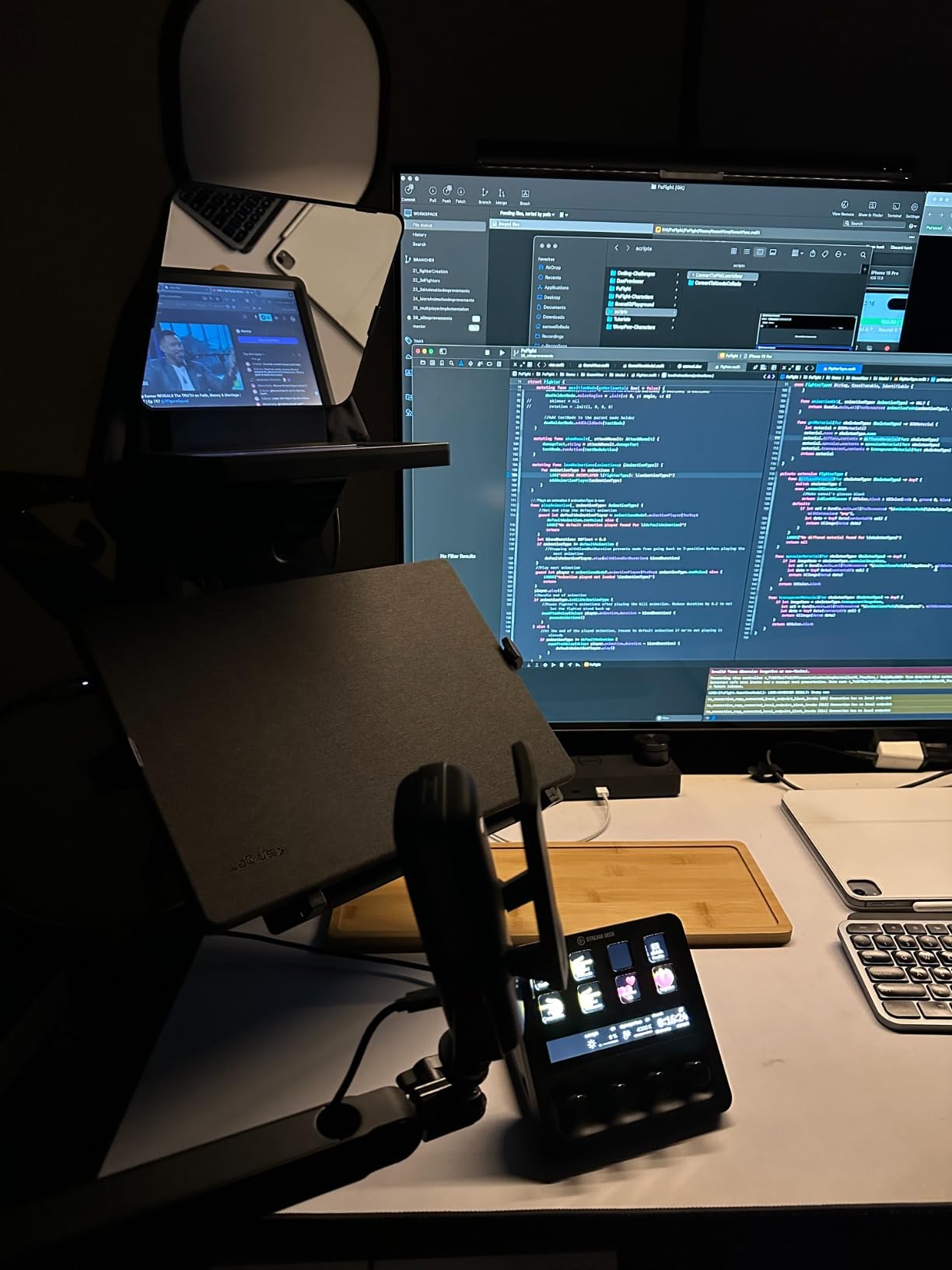
The case for it is strongest on video podcast and interview work, where the payoff is obvious. Reading a guest’s questions or your own notes while the camera sits on the glass means the guest sees eye contact, not a person looking off to the side. The same applies to Zoom and Teams calls, which is an underused version of the same trick.
Hardware-wise it covers DSLR cameras, webcams, smartphones and personal computers, records in MP4 at 1080p or 720p, and carries a two year manufacturer warranty. At 0.69 kg it is light enough to move between a desk rig and a stand, and 76% of its ratings sit at five stars.
Where the Elgato setup gets in the way
It does not work standalone. You need a Mac or a PC running alongside it, plus DisplayLink software, and on a Mac you have to grant several system permissions before the display appears. Android needs DisplayLink Presenter, which is another layer most creators end up skipping. This is the friction that shows up in the r/SmallYoutubers thread about whether the Elgato justifies its cost against a cheaper two-in-one hood.
There is also a durability signal worth knowing: a portion of buyers report display failures that needed replacement, and a few mention sluggish or glitchy software behaviour on high-end machines. Reflections in bright room lighting are reported too, so treat it as a controlled indoor setup rather than a location tool.
Is the Elgato Prompter worth the cost?
Here is our honest verdict. If you record three or more times a week, already work from a desktop computer, and do interviews, courses or livestreams, the integrated display removes a recurring point of friction and earns its place. If you film occasionally, or mostly on a phone, the money is better spent on a good camera and a voice-synced app, and a cheaper hood will do the same job. The prompter is not the first purchase I would make in either case.
3. iLight PRO 12 inch Autocue – the best fit for larger tablets
TELEPROMPTER PAD iLight PRO 12″ Autocue teleprompter iPad Tablet – Kit teleprompter for Video with Remote Control, APP & Carry Bag, Beam Splitter Prompter DSLR, iPhone, APP for Apple Android Mac Win
12 inch opening for tablets up to 26 cm
60/40 beam splitter glass, 4 mm thick
Aluminum body with remote and app
Pros
- Large opening fits iPad Pro 11 inch and most tablets
- Thick scratch-resistant glass
- Tilt-to-frame angle adjustment
- Collapses for transport
Cons
- No tablet or phone included
- Mixed feedback on hinge durability
- Bulky for a small camera bag
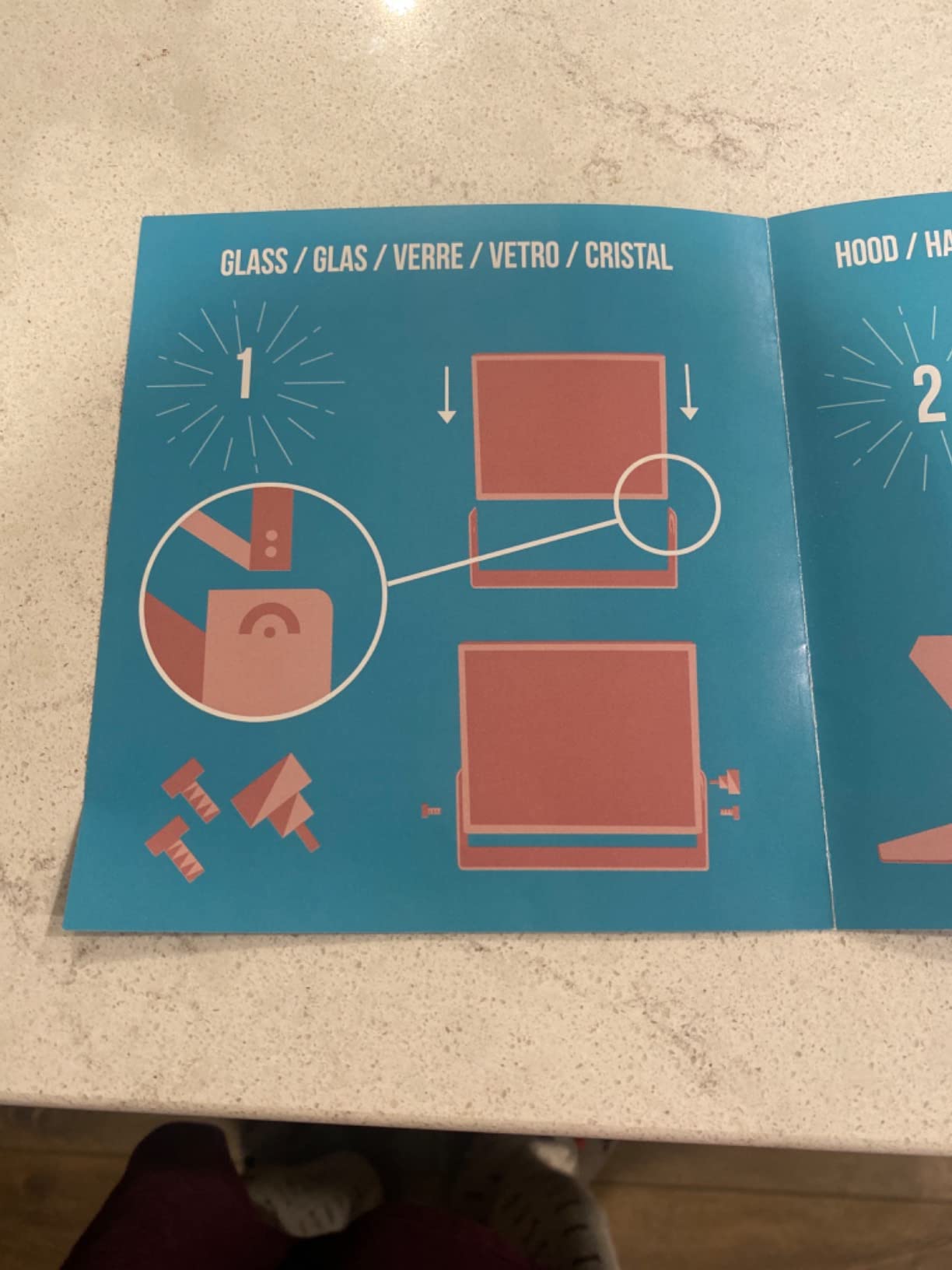
The iLight PRO is built around one decision: give the script as much room as possible. The opening takes tablets and smartphones up to 20 cm by 26 cm, which covers an iPad 10, iPad 10.2, iPad Air 10.5, iPad Pro 11 and the iPad mini, plus handheld cameras and standard video tripods. If you write long-form tutorials, the extra reading area is the point.
Glass quality is above what the price suggests. It uses premium 60/40 beam-splitter glass at 4 mm thick with scratch resistance, and the tilt-to-frame angle adjustment means you angle the glass to your camera rather than shimming the whole unit. The aluminum body with a microtextured coating collapses flat enough to move between locations, and a remote control plus a prompting app for Apple and Android are included with technical support behind them.
At 1.7 kg this is the second-heaviest unit in the roundup, and that shows up in the ratings. With 57% of reviews at five stars, the feedback is more spread out than the top two, and the recurring note is durability of the hinged frame after months of folding and unfolding.
Setup details that catch people out
No display device is included, so budget for a tablet you already own rather than a phone. The mounting type is tabletop with a tripod form factor, which suits a desk rig better than a handheld run-and-gun setup. Weight balance is the other thing to plan for, since 1.7 kg of hood plus a tablet sits forward of your tripod head and can tip a light stand.
Who should buy the iLight PRO
It is the right call for a creator filming 15-minute tutorials or an online course at a fixed desk, where a big screen and a wide opening reduce how often you lose your place. It is the wrong call for a mobile creator, where the AMBITFUL mini prompter at roughly 350 g or the LENSGO TC7 that folds flat in a second will save you from carrying a kilo you do not need.
4. Padcaster Parrot Teleprompter Kit – the most portable pick for a phone
The Padcaster Parrot Teleprompter Kit, Portable Teleprompter for iPhone
Mounts to the lens filter thread directly
30R/70T beam splitter glass
Free Parrot app and Bluetooth remote
Pros
- Very compact and light for mobile shooting
- Mounts straight to the lens
- Small screen keeps eyes on the lens
- Free app with Dropbox script sync
Cons
- Plastic body and thin hinges feel fragile
- Android app described as unreliable
- Loose phone clamp
- Wide lenses can catch the edges in frame
The Parrot does something none of the other nine do: it attaches to the filter thread on the front of your lens. Adapter rings cover the common thread sizes, and the patented direct lens mount means you are not bolting a rig, plate or bracket onto the camera. At 10.72 ounces it disappears in a pocket, which is why it keeps showing up as the answer to on-location and run-and-gun shooting.
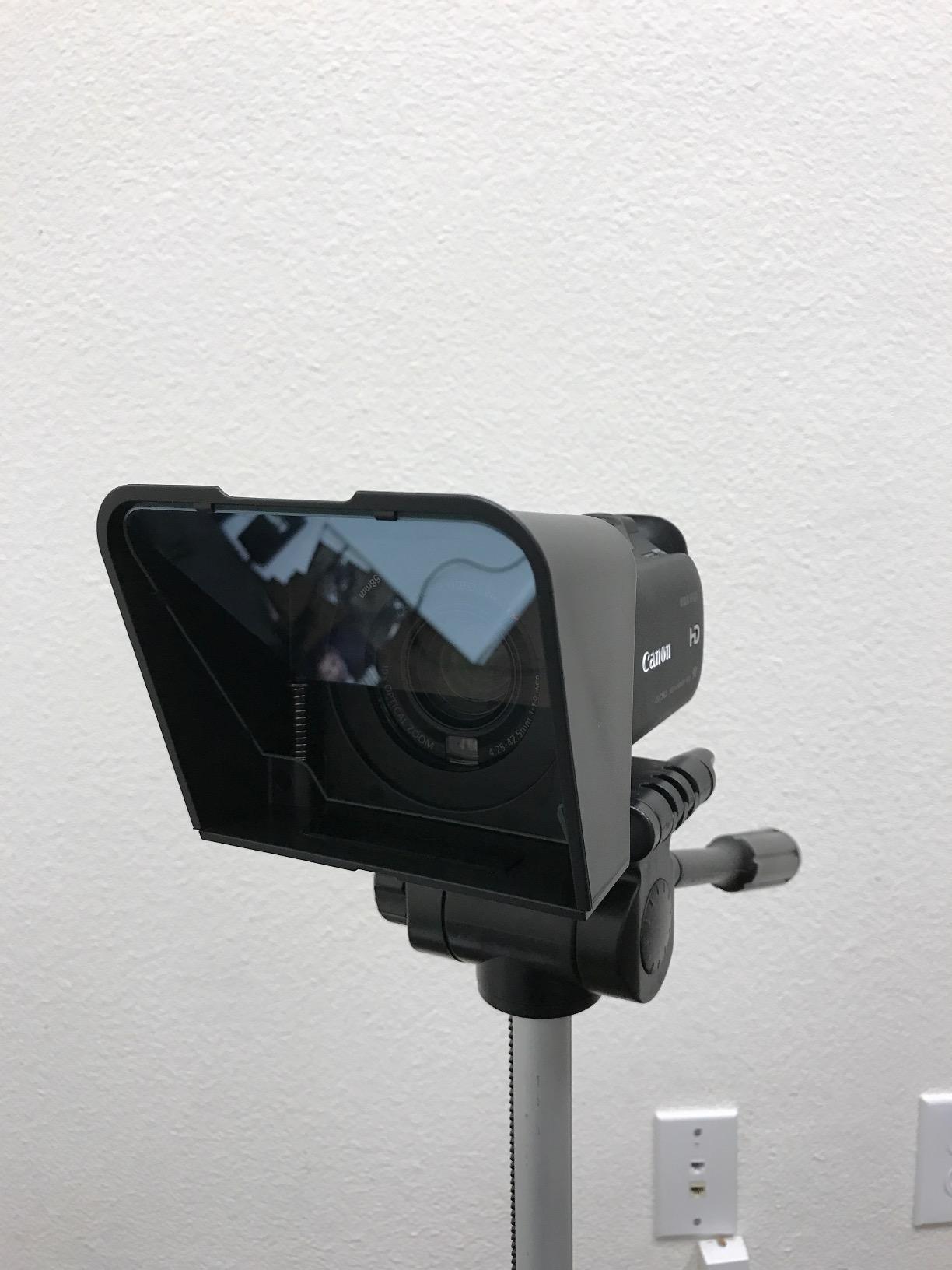
There is a design reason the screen is small. A compact display reduces the sideways travel of your eyes, so you glance less and the reading habit forms faster. The 30R/70T beam-splitter glass keeps the text readable, the free Parrot app handles scripts for iOS and Android with Dropbox sync so you can update a script from your phone, and the included Bluetooth remote gives you play, pause and speed control without touching the rig.
It also works with the Padcaster for iPad and the Padcaster Verse, so this is an entry point rather than a dead end if you later move up to tablets.
Where the Parrot gets criticised
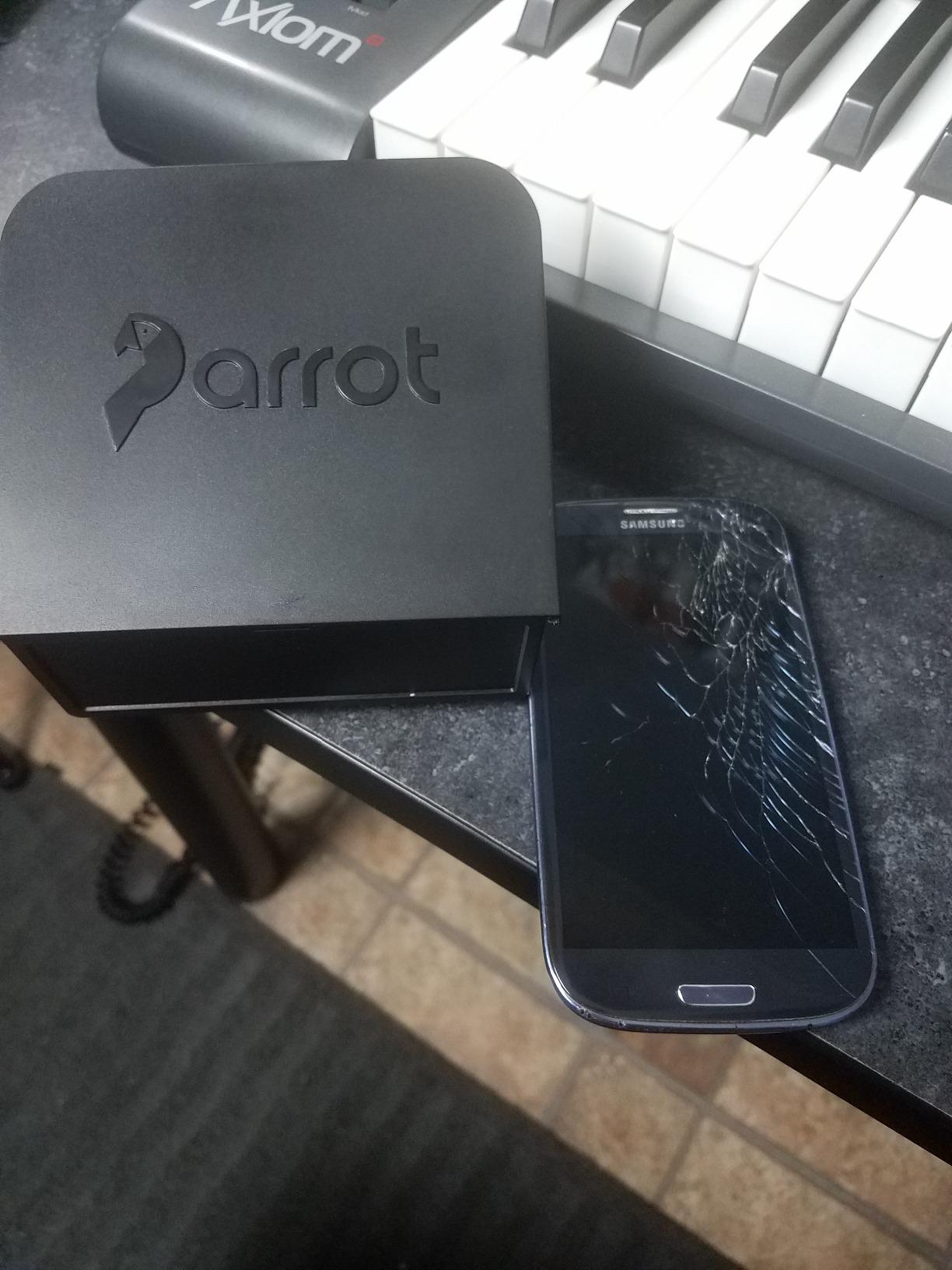
The build is the honest weakness. The plastic body and thin GoPro-style hinges feel fragile, and reviewers report cracking. Forum threads also describe the kit as a bit narrow for the screen, which matters on larger phones with cases. If you are on Android, several owners replace the remote and app with third-party options, so check your platform before committing.
The Parrot for single-person mobile setups
This is the one to buy if you shoot on location, film in more than one place each week, or travel with a small bag. For creators who mostly film in a studio, the higher reading area and sturdier mounting of the Desview T5 or the NEEWER X11 will serve you better, because you will not be moving the rig between sessions.
5. AMBITFUL 7.5 inch Mini Teleprompter – the best budget starting point
AMBITFUL 7.5” Mini Teleprompter W/Desktop Tripod for Smartphone & DSLR
7.5 inch coated glass with anti-ghosting
350g, sets up in seconds
Desktop tripod, remote and adapter rings included
Pros
- Lowest cost pick in the roundup
- Lightweight at roughly 350 g
- Coated glass with clear text
- Adapter rings from 49-77mm
- Bluetooth remote and app
Cons
- Smartphone only
- tablets will not fit
- Lens support limited to lenses over 35mm
- Basic desktop tripod
The AMBITFUL mini prompter answers the question new creators ask most often, which is whether a free app on a propped phone is enough or whether glass is worth owning at all. At this price the answer is that glass is affordable, and the kit includes a desktop tripod, a Bluetooth remote, a phone clip, adapter rings from 49 to 77 mm and a manual.
Setup takes seconds. At roughly 350 g it puts almost no load on a gimbal or a light stand, and the 7.5 inch coated glass is treated against ghosting so you do not see a double image of the text. The remote handles speed, pause and text switching, and the companion app controls font, size and orientation.
The 4.0 average across 440 reviews tells you what to expect. It is a competent first prompter rather than a finished one, and buyers treat it exactly that way, as a way to test the workflow before spending more.
Limits worth knowing before you order
This is a smartphone-only unit, and tablets will not fit, which rules it out if your plan is to run a long script on an iPad. Lens support is limited to lenses over 35mm, so an ultra-wide lens will not work with it. Some users also report an uneven fit on larger phones or phones with cases, and the included desktop tripod is basic for a long session.
When the budget tier is the right call
Buy this if you publish short and mid-form talking head videos, you already own a phone you are happy to lie flat behind glass, and you want to know how much prompting actually helps your delivery. Move up to the Desview T3 or T5 when you find yourself recording tutorials where a bigger reading area and tablet support start to matter.
6. Desview T5 – the best value hood for phones, tablets and DSLRs
Desview T5 Teleprompter for Smartphone & Tablet, Video Recording | Compatible with DSLR Cameras. Includes 49-82mm Adapter Rings, Coated Glass, Bluetooth Remote, Free App for Streaming
Fits phones and tablets under 11 inch
Adapter rings from 49-82mm
Foam light sealing cuts glare
Pros
- Handles phones tablets and DSLRs in one kit
- Foam sealing cuts glare and reflections
- Long plate accepts Arca style clamps
- Bluetooth remote works reliably
Cons
- Phone holder can block function buttons
- App lacks text import in some versions
- Included remote only pairs with the original app
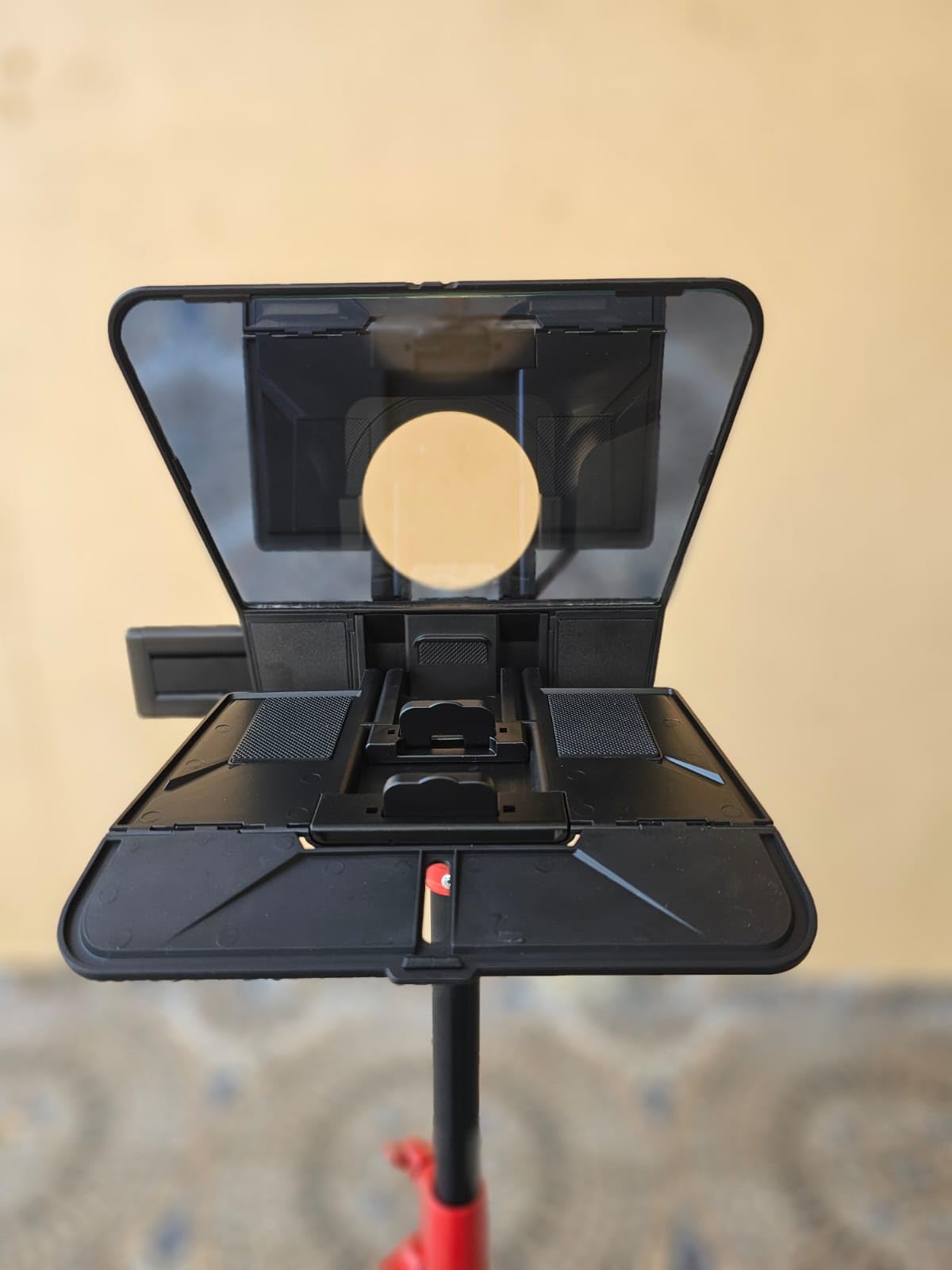
The T5 is the pick we would hand to a creator who has a mixed kit: a phone for vertical video, an iPad for long scripts, and a DSLR on the tripod. One hood handles all three, with adapter rings from 49 mm up to 82 mm, a phone and tablet holder, and a mounting plate long enough to accept Arca-style clamps and cages.
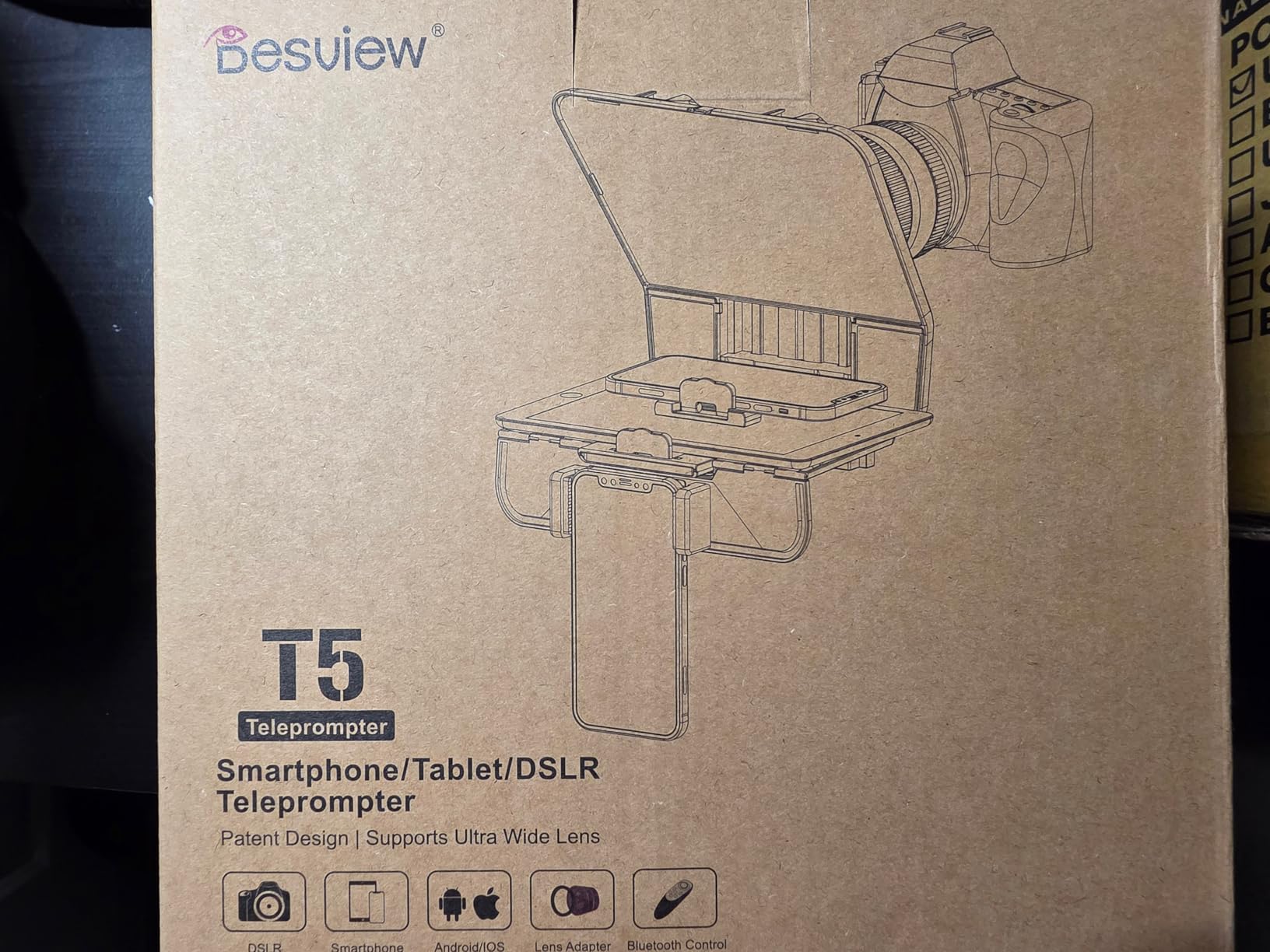
Two details set it above the other budget hoods. The coated anti-scratch glass comes with foam light sealing, and foam is what stops room lights and backlight from blooming across the panel. If you have ever fought a reflection on glass, that strip is doing more for your footage than a pricier coating would. It also switches between horizontal and vertical phone shooting and gives you a real-time self-check view, which catches framing problems before you record rather than after.
At 0.52 kg it travels well, and the free Desview app imports txt and docx with control over font, colour and background. The Bluetooth remote covers play, pause, speed, page turn and auto sleep.
Weak points in the T5 kit
The phone holder is the most reported problem, since it can sit over function buttons and some large phones will not clamp in properly. The companion app has also shipped versions without text import or copy and paste, which is frustrating when you want to paste a script in seconds. The included remote is plastic and only pairs with the original app, and the soft carry case offers little protection if the glass takes a knock in transit.
Why this is our value pick
It is the rare budget unit that works with the display you already own rather than insisting on one size, and it is the one we suggest to creators moving from vertical shorts into tutorials. If your only device is a phone and you travel, the Desview T3 is lighter and cheaper; if you are adding it to a camera cage on a tripod, the NEEWER X11 gives you more adjustment and an integrated screen.
7. LENSGO 9.7 inch Teleprompter – the one that folds flat in a second
LENSGO 9.7” Teleprompter for Camera iPad Tablet Smartphone w/Remote Control, APP Compatible with iOS & Android System for Online Teaching Vlogger Live Streaming Interview, Fold in One Sec
Folds flat in about one second
Glass fixed at a 45 degree angle
450 g, works from 17mm wide angle
Pros
- Packs flat to about the size of a book
- Light at 450 g
- Works well with a phone display
- Multiple cold shoe mounts for lights and mics
Cons
- Build materials feel cheap
- Included app is limited
- Edge can show in frame
- Some listed adapter rings missing
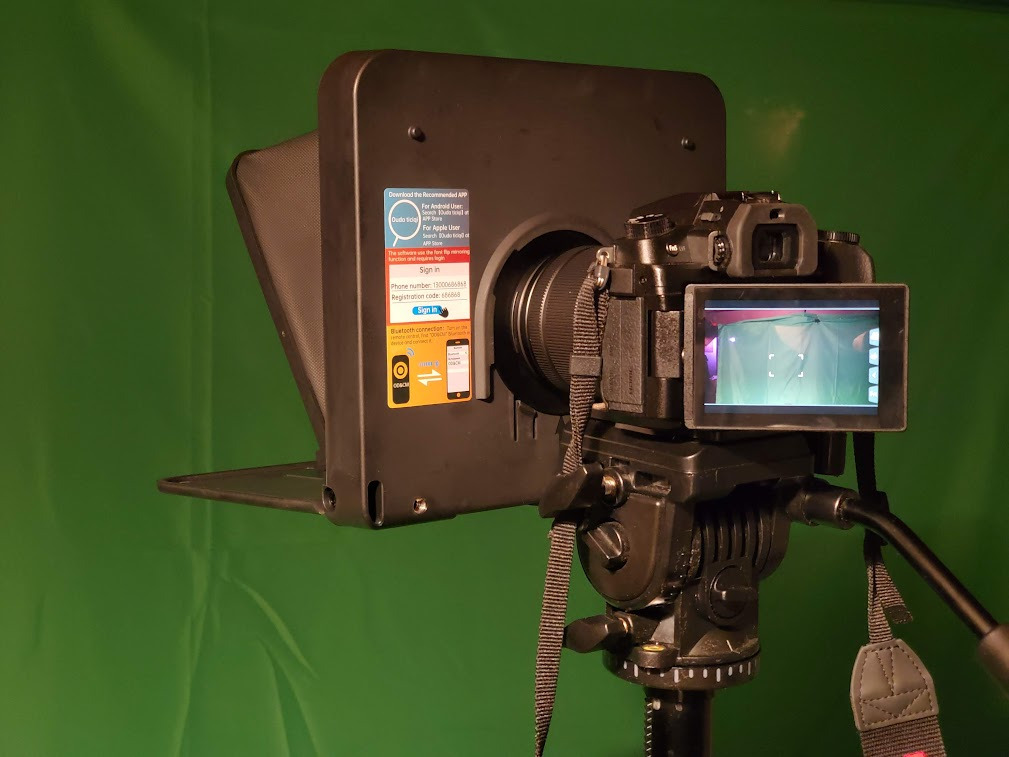
The LENSGO TC7 is the travel answer. It folds flat in about one second to roughly the size of a book, and the beam-splitter glass stays fixed at 45 degrees when you open it, so there is no hinge to adjust before every take. At 450 g it barely registers on a gimbal or a small tripod head, which is what makes it practical for a creator who moves.
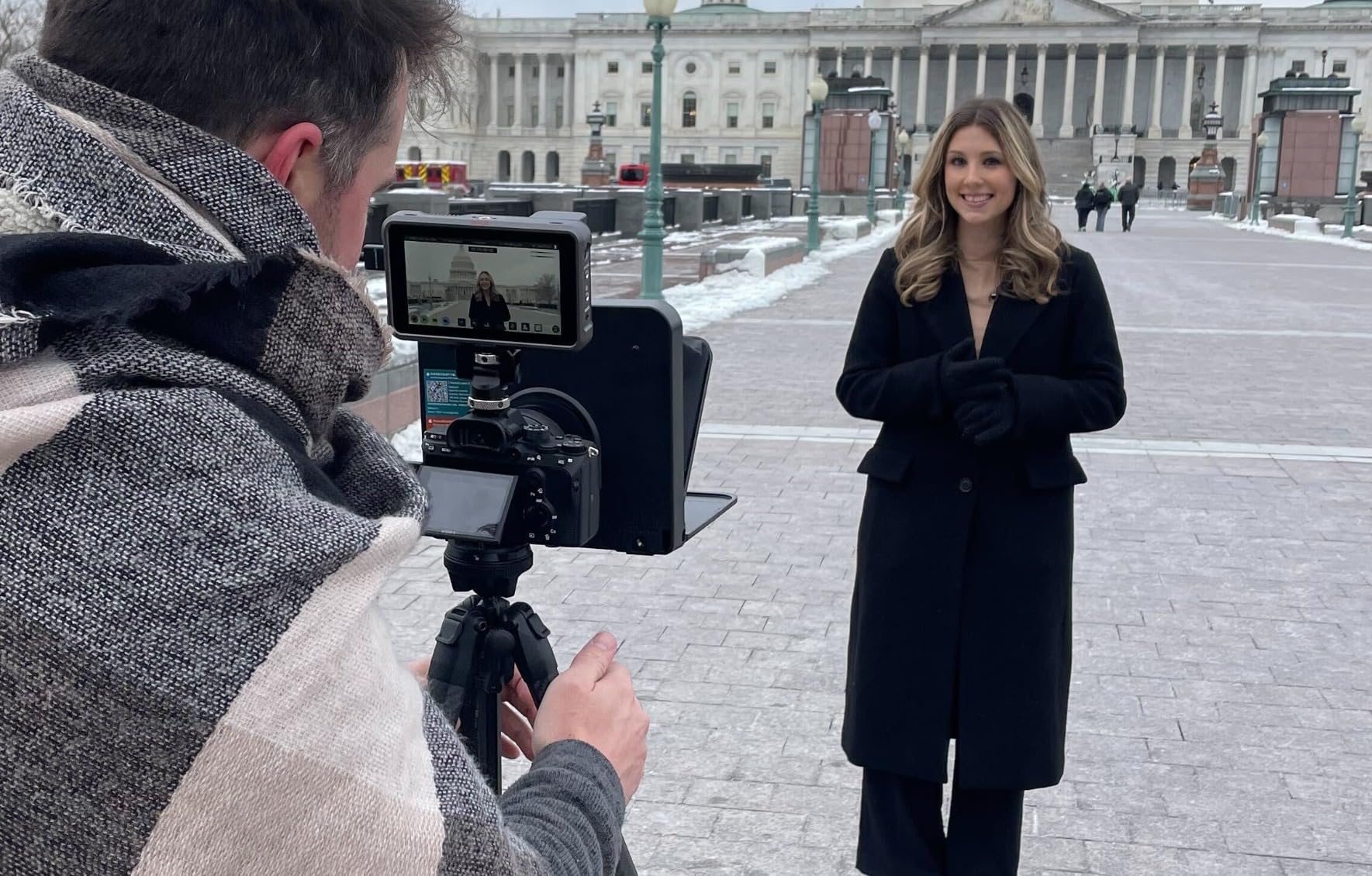
It fits tablets under 9.7 inches plus any smartphone, and it comes with eight camera lens adapter rings and six smartphone shading rings. Unusually for this tier, it supports wide-angle shooting from 17mm, so an ultra-wide lens is usable rather than a compromise. There are also multiple cold shoe mounts on the body for a microphone, tripod head or video light, which lets you build a compact single-person rig without buying separate clamps.
The free TCQI app handles iOS and Android with remote control, and the folding design means you can carry it with a camera rather than with your filming gear. Reviewers confirm it improves eye contact on phone shoots in a way that a propped phone does not.
Where it falls short
Two things to accept. First, build materials feel cheap and the phone alignment is fiddly, so expect a couple of minutes of adjustment rather than the instant setup of the Little Prompter. Second, the included app is limited and a fair number of owners buy a third-party teleprompter app instead, which is the right move if you want voice-synced scrolling. The stock remote is also reported as unresponsive or failing to pair, and the edge of the prompter can show in frame unless you zoom in or step back.
Best paired with a free app
Because the bundled app is the weak part, treat this as hardware you bring your own software to. Pair it with a free or open-source teleprompter app and you get voice-synced scrolling for almost no cost, which is how several creators in r/NewYouTubeChannels describe getting their first working setup. For a fixed studio, the heavier T5 or the aluminum iLight PRO will hold up better to daily use.
8. Little Prompter Compact Personal Teleprompter – the best for laptop and webcam shoots
Little Prompter, The Original Compact Personal Teleprompter for Video Production. No Studio Required. Perfect for DSLRs, Webcams, and Built-in Laptop Cameras. Use with iOS or Android.
Clamps over a phone tablet or laptop
6 inch reading area
Tripod bar, break-away screws
Pros
- Plug and play setup for any skill level
- Compact enough to pack in minutes
- Glass does not wash out the image
- Works over a laptop webcam
Cons
- Short reading distance of about 4 feet
- Body can show in frame with a laptop webcam
- App not included
If your camera is your laptop, this is the one built for that job. The Little Prompter clamps over a phone, tablet, laptop or webcam rather than attaching to a lens, and a tripod attachment bar lets you mount the prompter and camera together on a tripod. Volunteers and beginners pick it up quickly, which is unusual for a piece of camera kit.
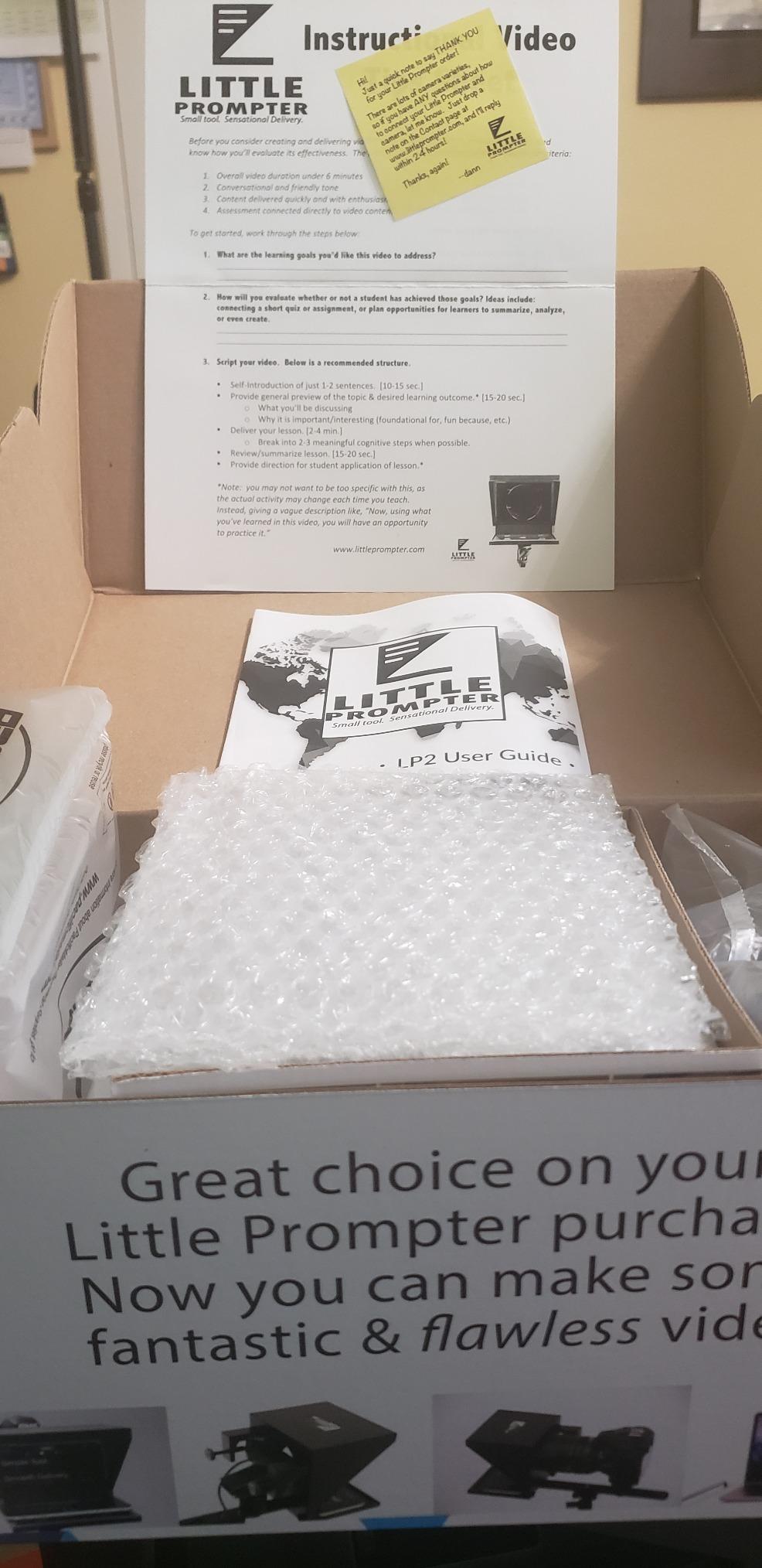
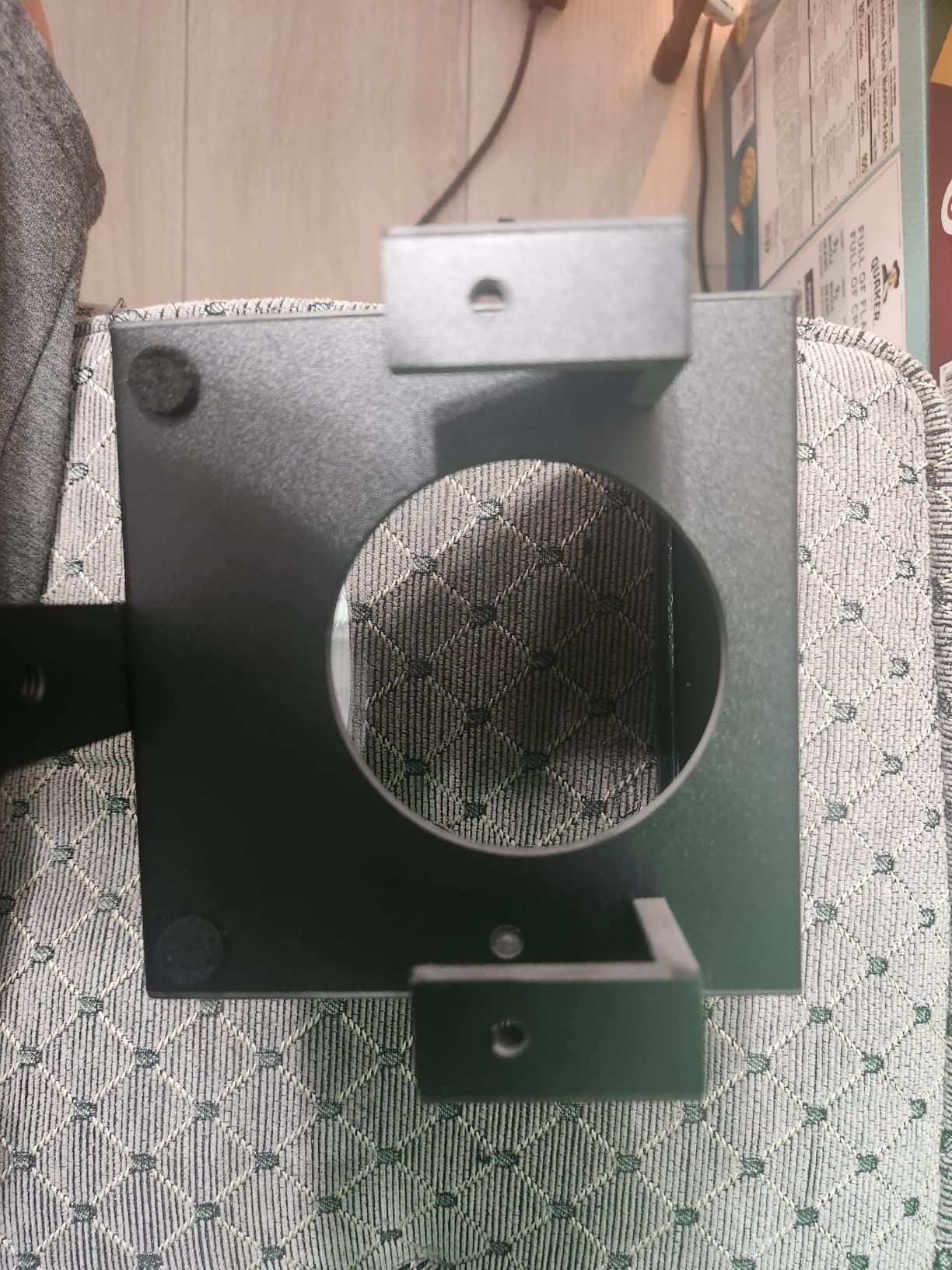
The design details are thoughtful for a compact unit. Break-away screws are designed to snap rather than damage your equipment if they are over-tightened, and the glass is reported not to visibly soften or wash out the camera image, which is a real concern with small beam-splitter panels. It folds to 6 inches on each side, works with any iOS or Android teleprompter app, and carries responsive support from the founder according to buyers.
At 14.08 ounces it packs into a small bag and sets up in minutes, which suits creators who record in different rooms of the same home rather than in a studio.
The short reading distance problem
The trade-off is the reading area, which is 6 inches and gives you a usable reading distance of roughly four feet or less. That is fine for a laptop, and too short if you film across a room, which is the situation a 12 inch hood or the NEEWER X11 is built for. The compact body can also show up in frame with a built-in laptop webcam unless you angle it carefully. Plastic body and bracket hardware are reported as flimsy, and no app is included.
Who it works for
Choose it if your camera choices are a webcam, a laptop and a phone, and you want a one-item kit that clamps on rather than a rig you assemble. Skip it if you own a mirrorless or DSLR body and film past arm’s length. Pairing either setup with one of our compact camera recommendations makes the glass choice easier, because the shooting distance is already decided.
9. Desview T3 – the best portable pick with premium glass
Desview T3 Portable Teleprompter for Camera & Smartphone, Tablet Prompter for iPad up to 10″, 70/30 Beam Splitter Glass, 9 Adapter Rings for DSLR, YouTube Video Recording & Live Streaming
70/30 glass with 26 anti-reflection coatings
9 adapter rings from 49-82mm
10 foot reading distance, 15.5 oz
Pros
- About a minute to set up
- Premium glass with no ghosting
- Light enough to live in a camera bag
- Bluetooth remote pairs reliably
Cons
- Free app can reset settings
- Mirror mode flips unexpectedly
- Some units reported a chemical smell
The T3 is the middle of the Desview range and, in our view, the sweet spot. The detachable structure uses hand-tightened screws, so once the adapter ring is on your lens the whole thing assembles in about a minute, and the same detachable design is what makes it pack down rather than collapse. At 15.52 ounces it lives in a camera bag permanently.
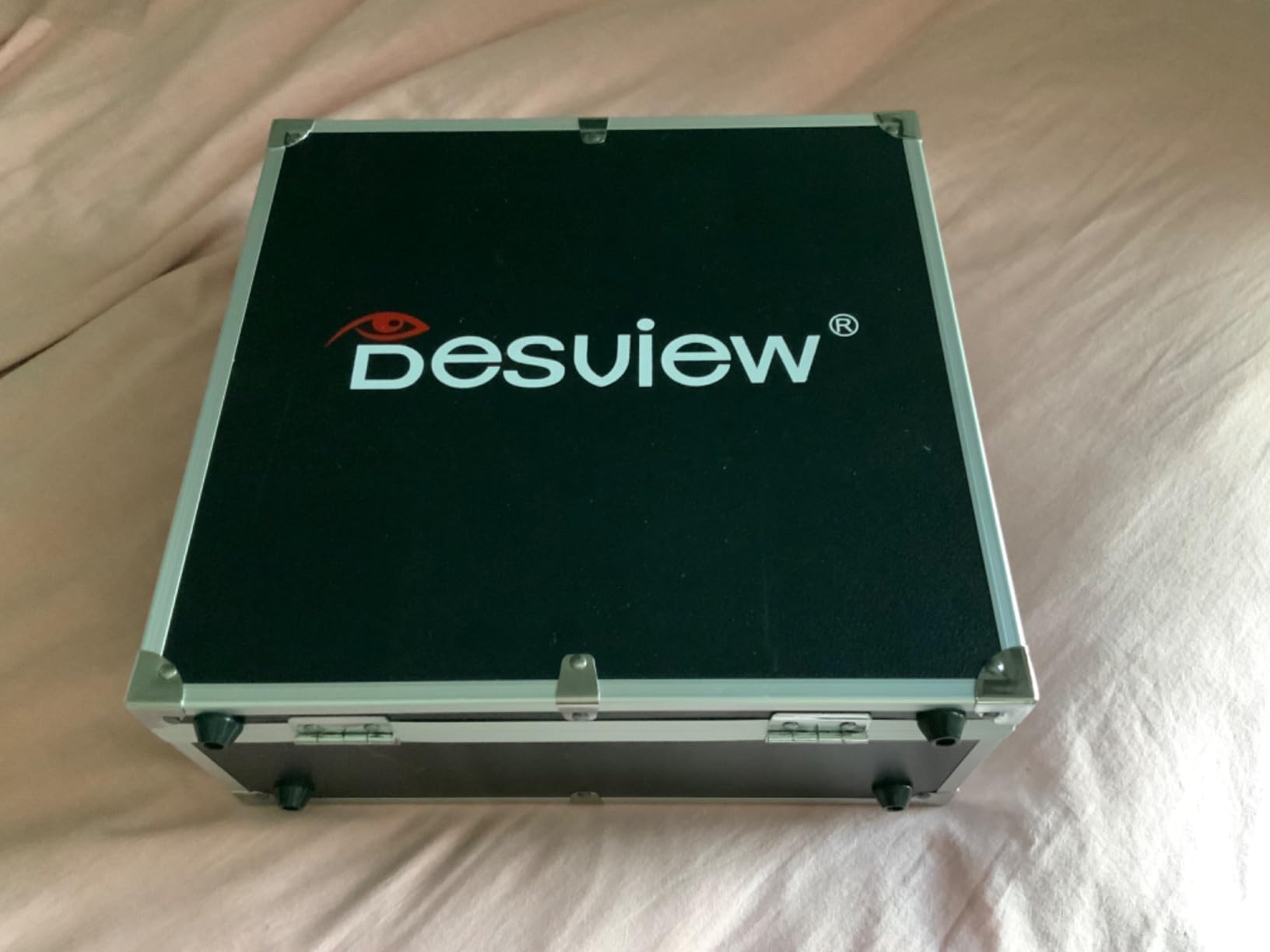
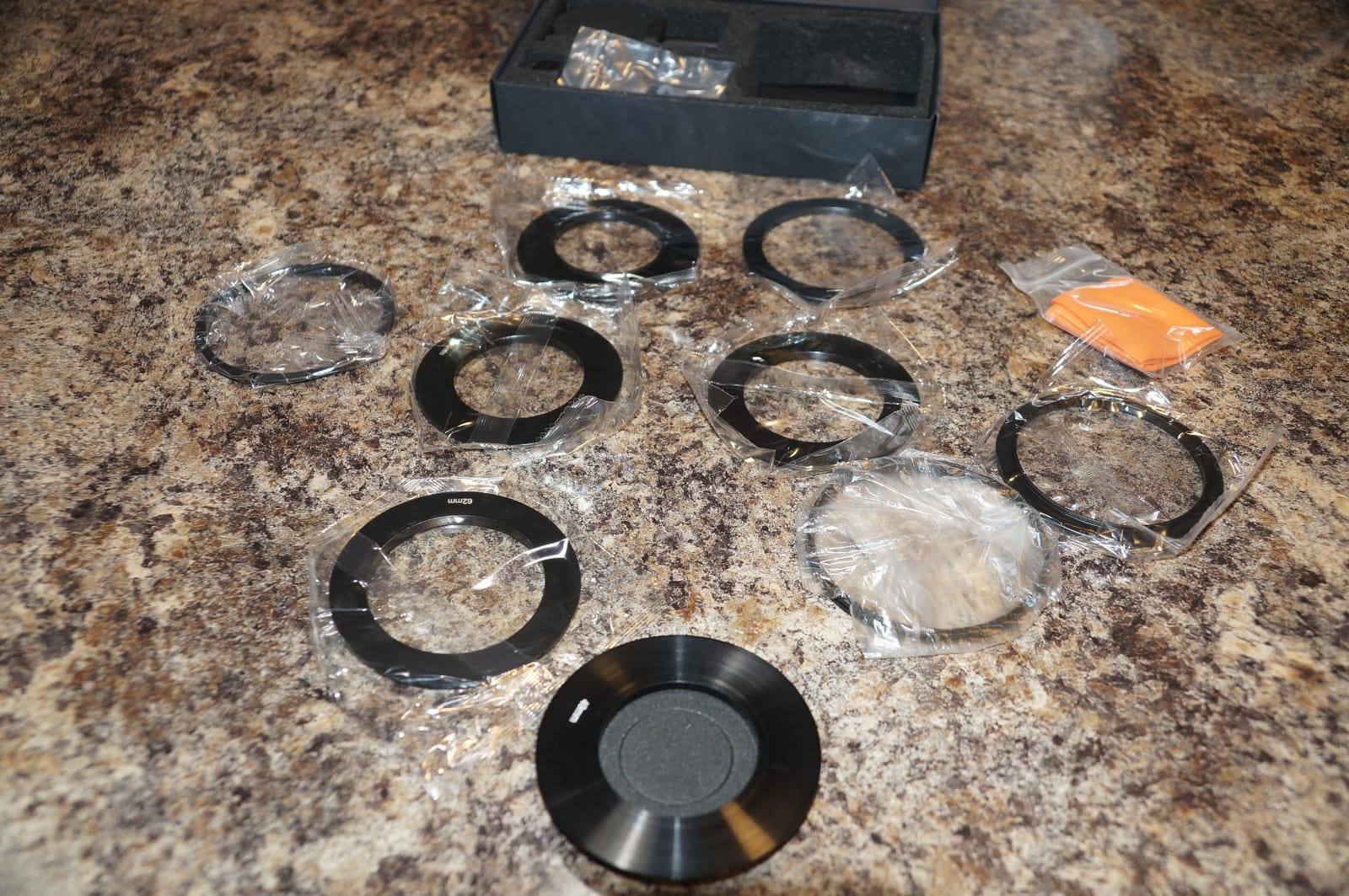
Glass is the standout. It uses 70/30 beam-splitter glass with 26 anti-reflection coatings and 7H hardness, and reviewers describe the text as crisp with no ghosting. It supports a 10 foot reading distance at a 24mm-equivalent horizontal shooting angle, which means it holds up at a distance that would defeat the smaller phone-only hoods. Nine adapter rings from 49 to 82 mm and five smartphone shading rings are included, plus dual cold shoe mounts on top for LED lights and microphones.
Podcasters and YouTubers regularly call this a great budget setup for scripted work, and the Bluetooth remote pairs with the free Desview app for iOS and Android without drama.
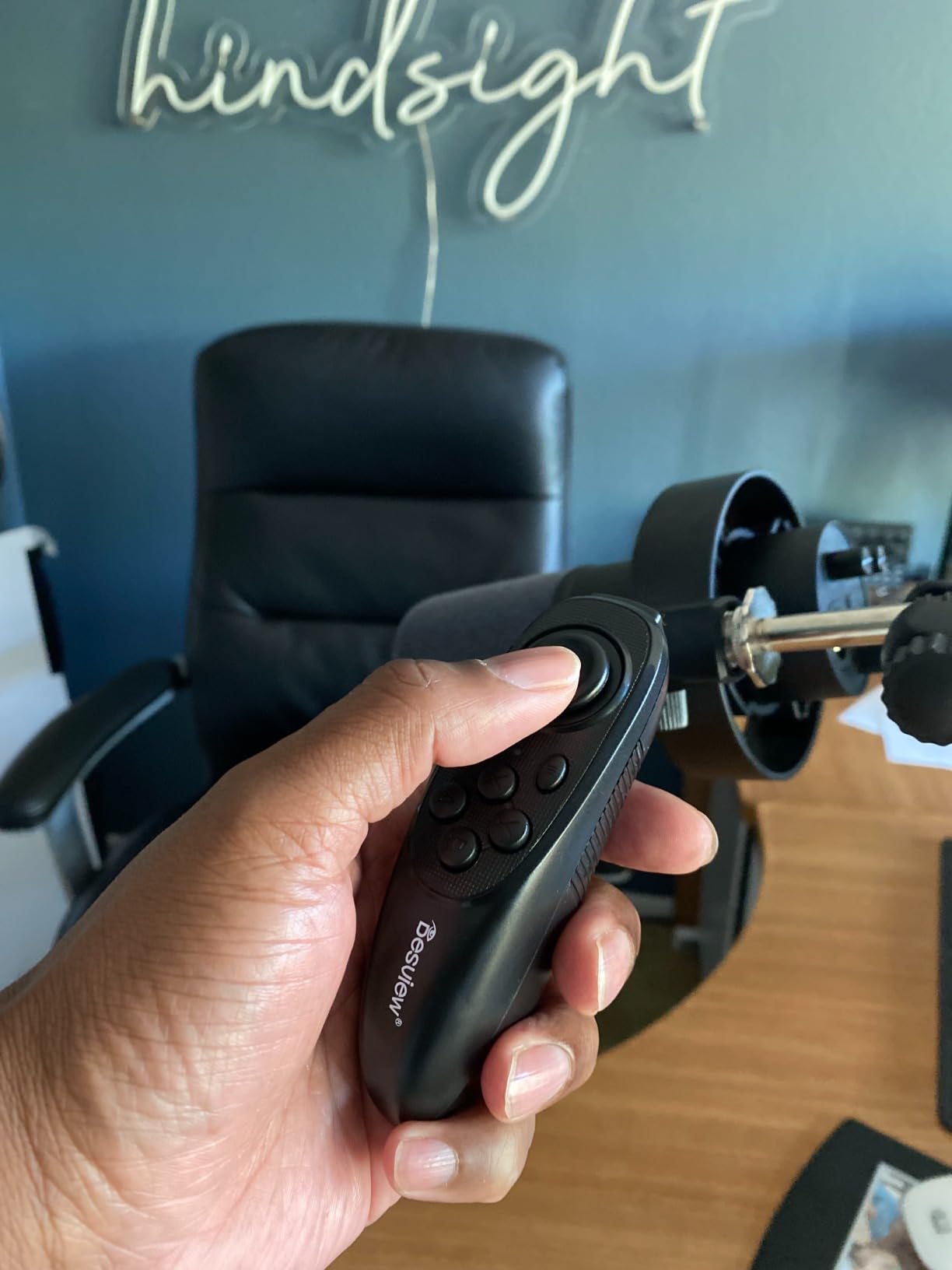
Software stability is the complaint to factor in
The recurring note in reviews is that the free app can reset settings or flip mirror mode unexpectedly, which is annoying when you are mid-session. Translations in the app have errors, the instructions are poorly organised, and a small number of buyers report a strong chemical smell on arrival, so let it air out before a first take. None of these are deal breakers, but they are the difference between a smooth first session and a fiddly one.
T3 or T5?
The T3 is lighter, cheaper and better for travel, with excellent glass and a longer reading distance. The T5 is the better studio choice, because it takes tablets under 11 inches, has foam light sealing against glare, and mounts on a plate that accepts Arca-style clamps. If you record in one room with a tripod, take the T5; if you move, take the T3.
10. Desview P13 – the best for large tablets and fixed studio setups
Desview P13 Teleprompter 13 Inch Aluminum Alloy with High Definition Glass, Compatible with iPad Tablet Phone DSLR, Portable No-Assembly Design for Video Recording
13 inch opening for larger iPads and tablets
7H hardness 70/30 beam splitter glass
No-assembly design, Oxford bag included
Pros
- Large 13 inch viewing area
- Comfortable for full-size tablets
- Coated glass stays readable without ghosting
- Works with a wide range of setups
Cons
- Heavier and bulkier than mini prompters
- Tablet edges can show in frame
- Documentation is thin
The P13 is the largest unit here, and that is the whole argument for it. A 13 inch opening comfortably takes larger iPads and tablets, which means fewer lines on screen, less scrolling and fewer chances to lose your place during a 20-minute tutorial. The no-assembly design with a detachable sun hood means you can put it together in the room you are filming in rather than at a desk.
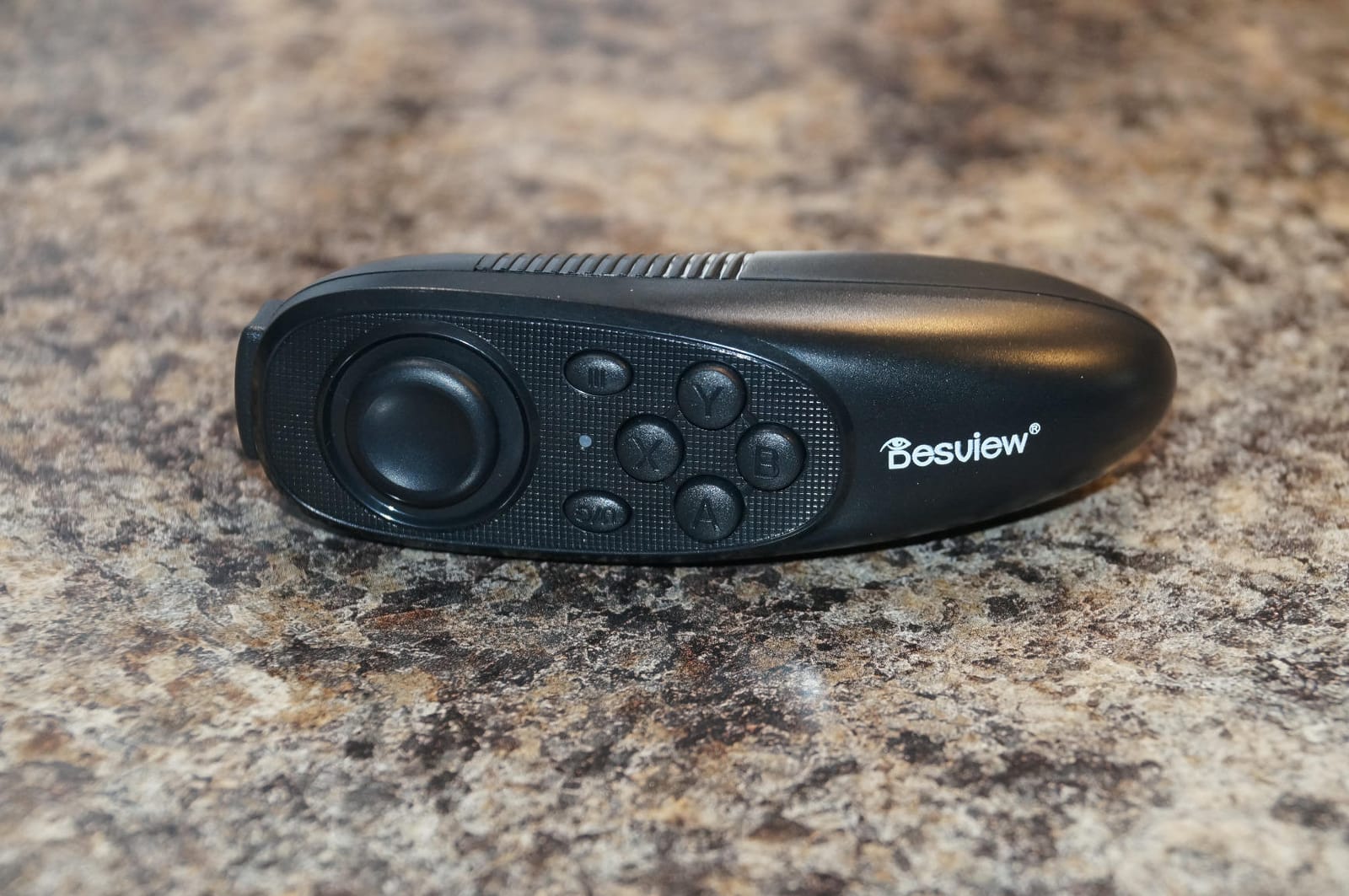
Optically it holds its own, with 7H hardness 70/30 beam-splitter glass described as readable in bright outdoor conditions. It supports 35mm horizontal and vertical shooting without vignetting, and it comes with a Bluetooth remote, the free Desview app for iOS and Android, and an Oxford cloth carry bag. Owners report that the app and remote pair quickly and generally work well.
Because of the 13 inch size, this is the most studio-shaped product in the roundup. The full-size form factor is comfortable on a light stand in a fixed position, and the reading area is what you are paying for.
Weight, edges and documentation
At 1.7 kg it is the heaviest unit here and the least suited to mobile shooting, so plan your stand and your weight distribution. Larger tablets can show their edges in frame if you do not position them carefully, and the instructions are thin, with several users finding the first setup difficult. Reviews also suggest it works best mounted on a light stand rather than hanging directly off the lens.
When a big prompter pays off
It pays off for creators who already own a full-size tablet, film in a fixed room, and write scripts that run past a thousand words. If you do not own a large tablet, this is a lot of glass around a phone screen, and the NEEWER X11 or the iLight PRO will serve the same scripts with less bulk.
How to set up a beam-splitter teleprompter in 2026
Setup takes about ten minutes the first time and two minutes after that, and almost every problem we have seen traces back to one of the following five steps.
1. Mount the glass to the camera. Match the adapter ring to your lens thread, and screw the hood to the front of the lens. If the prompter is heavy, put it on a light stand and bring the camera to it rather than cantilevering the weight off the lens. Over-tightening is how threads crack, and the Little Prompter uses break-away screws for exactly this reason.
2. Angle the glass to 45 degrees. The reflection only lines up with your eye at roughly 45 degrees, and a few degrees off means you will be looking at the edge of the text or at nothing at all. Raise or lower the hood until you can see the whole script comfortably without moving your head.
3. Kill the light behind the glass. This is the single biggest cause of glare and washed-out footage. Put your key light in front of the glass, on your face, and move or flag anything behind or above the panel. The Desview T5 goes one step further with foam light sealing, which is why it holds contrast in a lit room.
4. Compensate for the light loss. Beam-splitter glass passes only part of the light in each direction, so text looks dimmer through the glass than on the bare screen. Push screen brightness to near maximum, then set your font two sizes larger and bolder than you think you need, and increase the contrast between text and background. If the script is readable on the bare screen but not in the glass, it is a settings problem, not a glass problem.
5. Set the scroll mode before you record. Open the app, load the script, and choose voice-synced scrolling if you have it. Test it for two minutes with a real script. Most lost-place problems come from a fixed words-per-minute rate that keeps moving while you pause, ad-lib or speak slowly, and the fix is a mode that waits for your voice rather than a speed you nudge higher.
What to look for before you buy a teleprompter
Start with distance, not budget. How far the camera sits from you decides whether you need glass. At arm’s length, a script beside the lens on a laptop reads as eye contact. Past roughly two metres, you need beam-splitter glass, because the text has to come from the same line of sight as the lens. That single question eliminates half the shopping list.
Screen size and glass size together. Glass size alone does not help if your display is small. A 13 inch hood around a phone is wasted, and a 7.5 inch hood with no tablet support will outgrow you the first time you write a long script. Match the opening to the largest display you actually own and intend to own.
Voice-synced scrolling versus fixed speed. Voice-synced apps listen to you and move the script when you speak, which is the feature creators describe as the best setup they have used. Fixed-speed apps are cheaper or free, but they desync the moment you pause. If you can get voice-syncing, take it over any other feature on the list.
Free and open-source options are worth a test run. Before buying a hood, run a week with a free app. QPrompt and the open-source Kind Teleprompter, which was built and shared in creator communities after people asked for a free option with voice tracking, both cover the basic workflow. Several of the budget kits above bundle thin apps, so pairing the hardware with a better app is often the cheapest upgrade available.
Check that it will not appear in your screen recording. If you record screen content or livestream, a prompter window can end up inside the capture. Look for capture exclusion or a Ghost Mode that hides the window from the recording, and test it in your streaming software before you rely on it. The Elgato Prompter handles this through its desktop display approach, which is one reason streamers gravitate to it.
Mount and tripod fit is where setups fail. Check the weight of the whole assembly and whether your tripod head can hold it without tipping, whether the hood needs a plate or a cage, and whether your lens focal length falls inside the supported range. Adapter ring sizes are the most commonly reported missing part, so confirm your lens thread is in the list before you order.
What to use instead of a teleprompter. A sticky note with three bullet points taped just under the lens is enough for short-form vertical video, and it removes the intimidation factor. Cue cards work for medium-length segments. A full teleprompter earns its place when you need to hit a scripted hook word for word or when you film 20-minute pieces.
Frequently Asked Questions
Is the Elgato Prompter worth the cost?
Only if you record three or more times a week from a desktop computer. The Elgato Prompter has a built-in display treated as a standard monitor, so you drag and drop any window onto it, and it adds Stream Deck control plus strong eye contact on Zoom and Teams calls. It needs a Mac or PC, DisplayLink software and several macOS permissions, and a portion of buyers report display failures. If you film occasionally or mostly on a phone, a cheaper beam-splitter hood like the NEEWER X11 or Desview T5 does the same job for less.
Does YouTube have a teleprompter?
No. YouTube is a video platform and does not include a built-in teleprompter in its recording tools. You need either hardware, which is a beam-splitter hood in front of your lens with a phone or tablet underneath, or software, which is a teleprompter app that scrolls your script on a screen next to the camera. A propped phone running a free app is a legitimate starting point.
Which free teleprompter app is best?
For testing the workflow at no cost, QPrompt is a common starting point, and the open-source Kind Teleprompter was built with voice tracking after creators in video communities asked for a free option. The bundled apps that ship with budget hoods are often the weakest part of the kit, so pairing cheap hardware with a free app is a sensible way to start. Move to a paid app when you want better voice-synced scrolling, cloud script storage and capture exclusion for screen recordings.
Do teleprompters make you look fake?
No, but a badly set one can. Viewers read a sideways glance as low effort, while a correctly mounted prompter removes the glance entirely and looks like natural eye contact. What reads as stiff is delivery, not equipment, so record in short segments, pause where you would pause naturally, and glance up between points the way you would in conversation. Write the script the way you speak, in short sentences, and it will sound like a person talking.
How far should the camera be from the teleprompter?
The camera sits directly behind the glass, and the glass sits directly in front of the lens, so the distance that matters is between you and the camera. At arm’s length, a script on a screen beside the lens already reads as eye contact and glass is optional. Past roughly two metres, you need beam-splitter glass, because the text has to arrive along the same line of sight as the lens. A 7.5 inch hood works to about 4 feet of reading distance, while larger hoods such as the Desview T3 reach about 10 feet.
The best teleprompter for your setup in 2026
The NEEWER X11 is our pick as the best teleprompter for YouTube creators in 2026, because the integrated 9 inch screen and the Arca-compatible holder remove the two problems that cause the most retakes, a misaligned script and a wobbling rig. If you work from a desktop and livestream, the Elgato Prompter handles any window and keeps your eye contact on calls. For a mixed phone, tablet and camera kit, the Desview T5 is the value pick, and the AMBITFUL mini prompter is the cheapest honest way to find out whether you like working this way at all.
Whichever route you take, set the scroll mode before you record, push the font size up until the text is obvious through the glass, and keep the light off the back of the panel. Those three habits do more for your footage than spending more on hardware.