
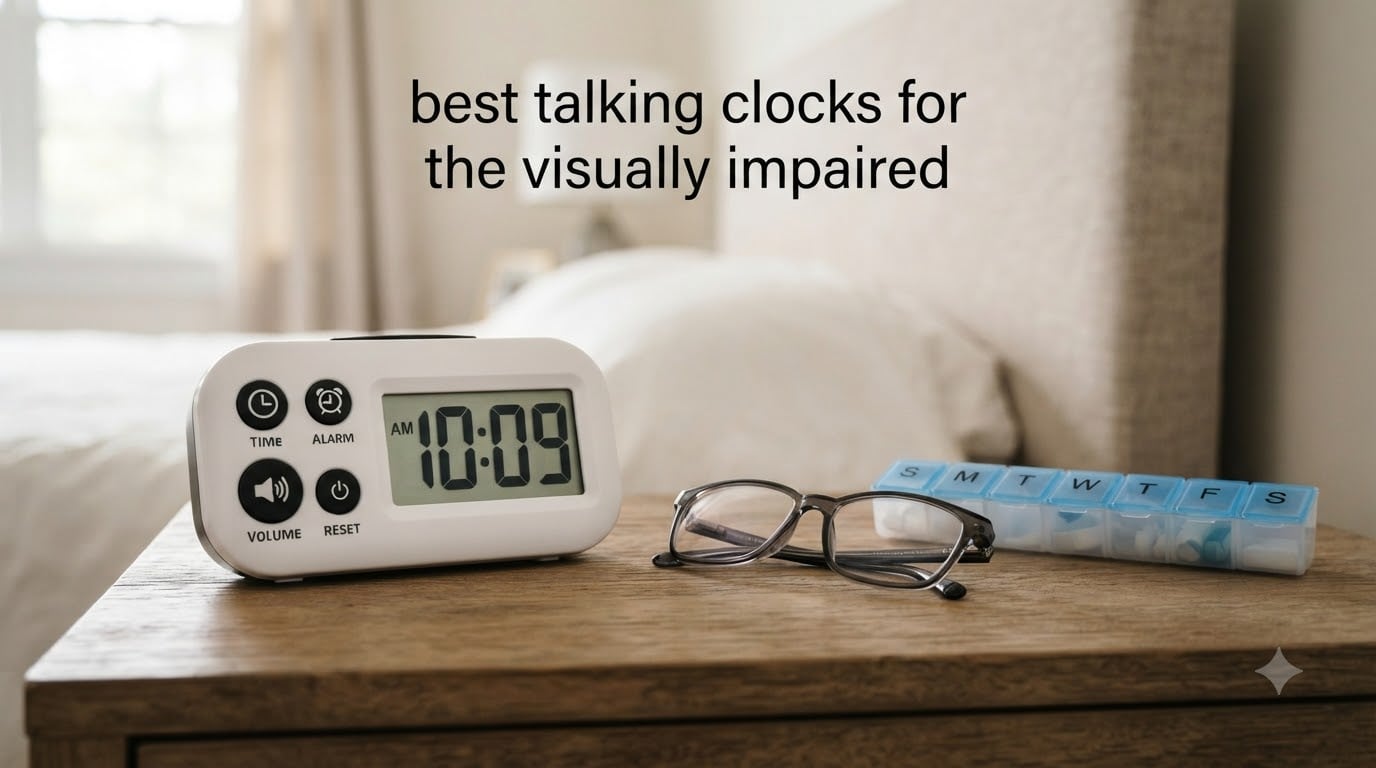
Checking the time should never require someone else’s help. For the millions of people living with vision loss, a talking clock is more than a convenience, it is a tool for independence, daily routine, and confidence. Whether it is a blind senior managing medication schedules or a low-vision adult navigating the workday, the right audible clock makes a real difference.
Our team spent weeks researching and comparing the best talking clocks for the visually impaired available in 2026. We dug into Amazon reviews, Reddit threads from r/Blind, caregiver forums, and product specifications to find which models actually deliver on voice clarity, ease of use, and durability. We looked for one-button operation, clear English pronunciation, and practical features that matter for blind and low-vision users.
One thing we learned quickly from forum discussions is that many talking clocks are poorly made gimmicks. Users repeatedly complain about robotic voices, flimsy construction, and inaccessible setup processes. So we focused on models with proven track records, strong ratings, and features that genuinely help people who cannot see the display. Here are our top picks for the best talking clocks for the visually impaired.
Table of Contents
Top 3 Picks for Best Talking Clocks for the Visually Impaired in October
These three models stood out from the pack after our full analysis. Each one earned its spot through a combination of voice clarity, user satisfaction, and practical design.

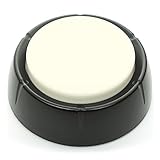
Cirbic Large Talking Alarm Clock
- Battery powered
- One-tap time
- Two volume settings
- Travel size
The Mitoart takes our top spot with the highest rating in the group at 4.7 stars, backed by 87 percent five-star reviews. The MASSII offers incredible value with 27 alarms and 20 custom reminders, making it ideal for medication management. For a no-frills, battery-powered option, the Cirbic delivers reliable voice announcements at an accessible price.
Best Talking Clocks for the Visually Impaired in 2026
Here is our complete comparison of all eight models we reviewed. Use this table to compare features at a glance before diving into the individual reviews below.
| Product | Specifications | Action |
|---|---|---|
| Mitoart Digital Alarm Clock |
|
Check Latest Price |
 MASSII 27 Alarms Talking Clock MASSII 27 Alarms Talking Clock |
|
Check Latest Price |
 Robin Day Clock 2026 Robin Day Clock 2026 |
|
Check Latest Price |
| Cirbic Large Talking Alarm |
|
Check Latest Price |
 Top Life Talking Clock Top Life Talking Clock |
|
Check Latest Price |
 Cirbic Large Button Clock Cirbic Large Button Clock |
|
Check Latest Price |
 MEDCENTER Medication Clock MEDCENTER Medication Clock |
|
Check Latest Price |
 NADOBA Talking Clock NADOBA Talking Clock |
|
Check Latest Price |
1. Mitoart Digital Alarm Clock – Highest Rated Voice Announcement
Mitoart Digital Alarm Clock with Date and Day of Week for Dementia Seniors, Voice Announcement Time, Multiple Alarm Sets, Auto DST, Gifts for Elderly People with Dementia – Black
7-inch HD display
9-language voice announcement
Corded electric with backup
Auto DST adjustment
Pros
- Clear voice announcements in 9 languages
- Large 7-inch display with bold text
- Auto-dimming is gentle on eyes at night
- 87 percent five-star ratings
Cons
- Setup can be challenging for tech-averse seniors
- Corded electric only not battery powered
The Mitoart earned the highest rating in our entire lineup at 4.7 stars across 823 reviews. What grabbed our attention first was the 87 percent five-star rate, which tells us this clock is solving real problems for real users. Many reviewers specifically mention buying it for parents with dementia or grandparents struggling with day and time confusion.
The 7-inch digital display shows the day, date, and time in large bold letters without confusing abbreviations. That alone makes a massive difference for someone with low vision who can still read large text. But the voice announcement feature is what earns this clock a spot in a roundup of the best talking clocks for the visually impaired.
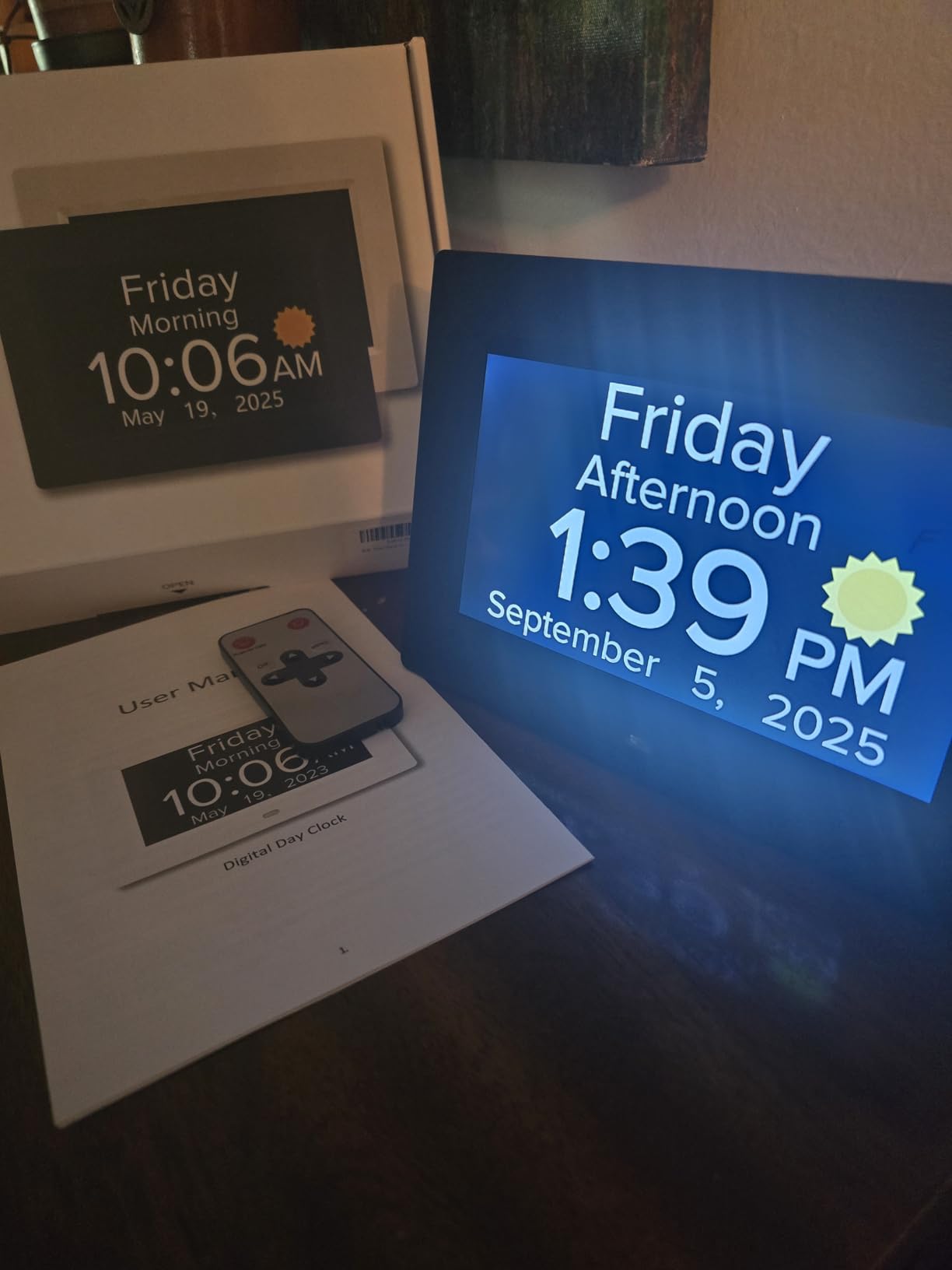
Voice announcement works in nine languages, and the clock speaks the time clearly when prompted. The auto-dimming feature darkens the screen at 7 PM and brightens it at 7 AM, which means no harsh glow keeping anyone awake at night. For caregivers, the multiple alarm sets are a lifesaver for medication schedules and daily routines.
We did notice some users mentioning Japanese characters appearing on the display during setup, which suggests the language settings can be finicky. The clock is also corded electric only, so you need an outlet nearby. The backup battery keeps settings intact during power outages, but the clock will not run on battery alone.
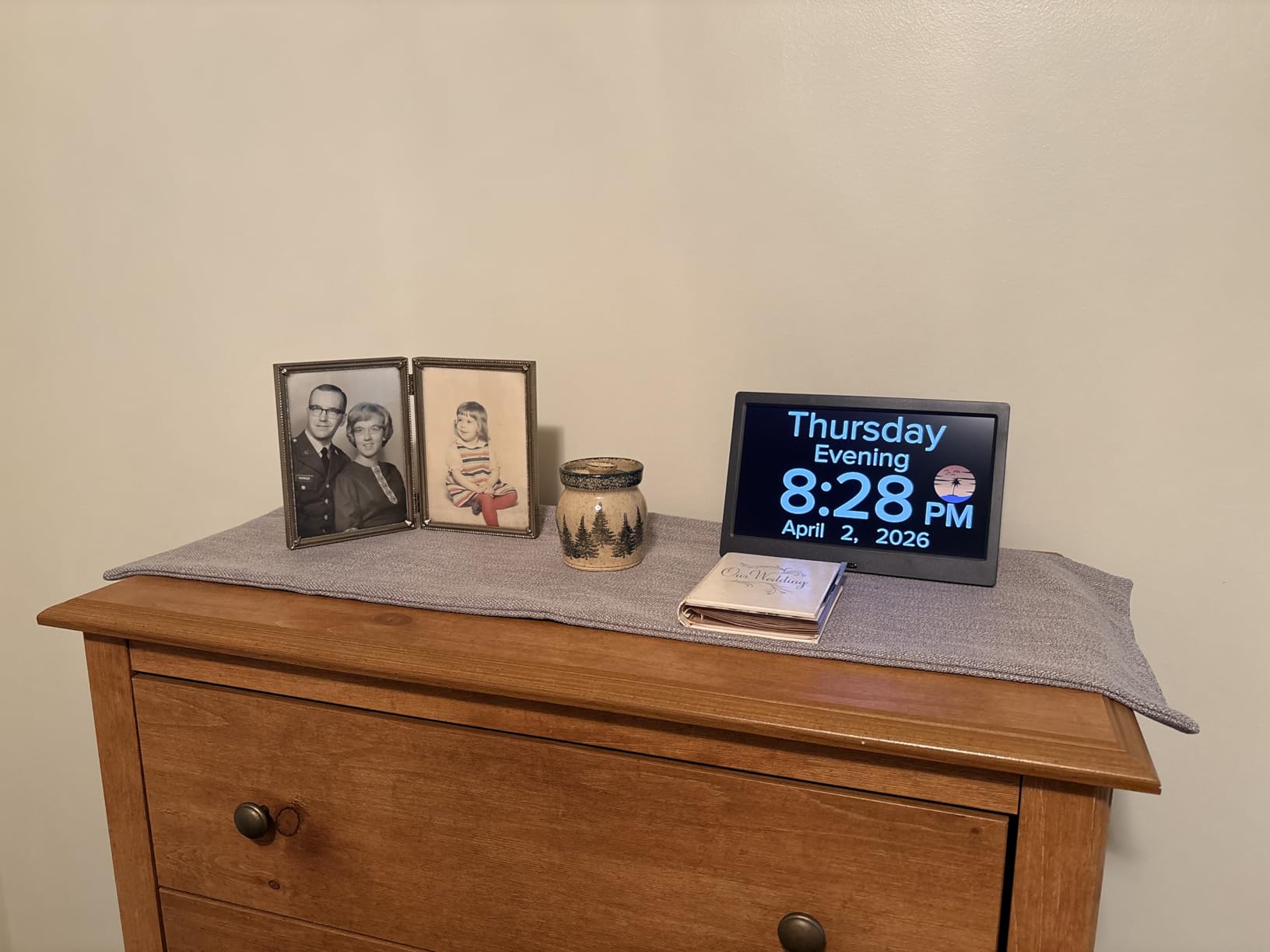
Best Use Case for This Clock
This clock shines brightest in dementia and Alzheimer’s care situations. The full-word day and date display combined with voice announcements helps users who frequently lose track of what day it is.
It is also excellent for seniors living alone who need medication reminders. The multiple alarm sets let you program pills, meals, and appointments throughout the day without buying a separate reminder device.
Setup Considerations for Visually Impaired Users
The one-click setup interface is simpler than most, but some tech-averse seniors still needed help from family or caregivers the first time. Plan for a family member to assist with initial configuration.
Once set up, the auto DST adjustment means no manual clock changes twice a year. The backup battery preserves all settings if the power goes out, so you never have to reprogram alarms.
2. MASSII 27 Alarms Digital Talking Clock – Best for Medication Management
MASSII 27 Alarms Digital Talking Clock with Time Date Announcement, Auto DST, 20 Custom Reminders, 10-Level Dimmer, Sleep Trainer, Large Day Calendar Clock for Elderly Dementia Alzheimers -with Remote
27 alarms with 20 custom reminders
7-inch HD display 1280x800
Remote control included
Auto DST with memory backup
Pros
- 27 customizable alarms and 20 reminders
- Remote control for easy adjustments
- Clear voice announcement of time and date
- Blue-light-free soft screen for night use
Cons
- Requires outlet power not battery operated
- Remote may be easy to misplace
The MASSII clock is a powerhouse for anyone managing complex daily schedules. With 27 alarms and 20 custom reminders, it handles medication schedules that would overwhelm a standard alarm clock. Our team was impressed by how this model balances talking clock functionality with full visual display features.
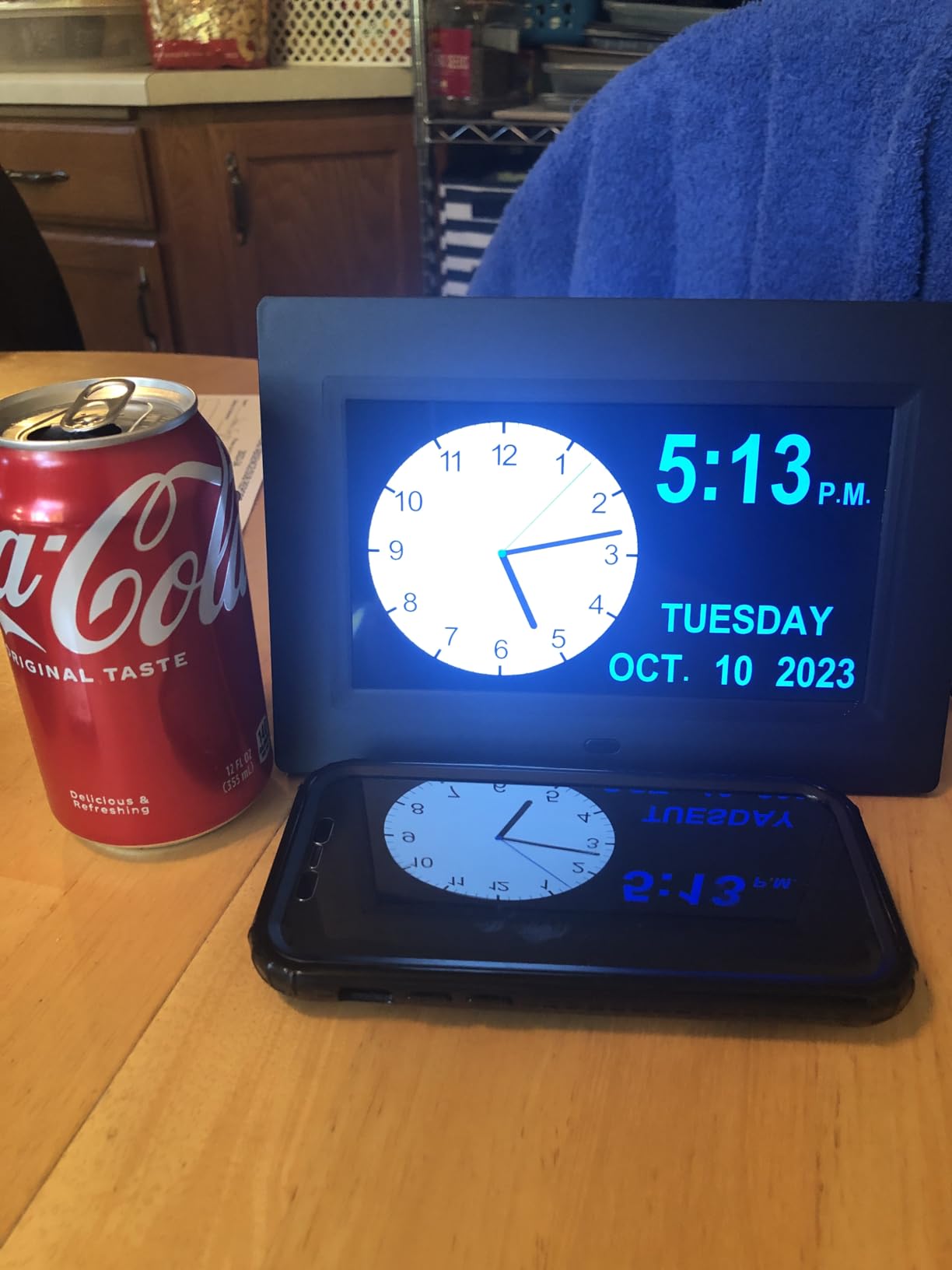
The 7-inch HD display runs at 1280×800 resolution, which is sharp enough that low-vision users with some remaining eyesight can read the time from across the room. The voice announcement clearly states both time and date when prompted. With 2,420 reviews and a 4.6-star rating, this is clearly a crowd favorite.
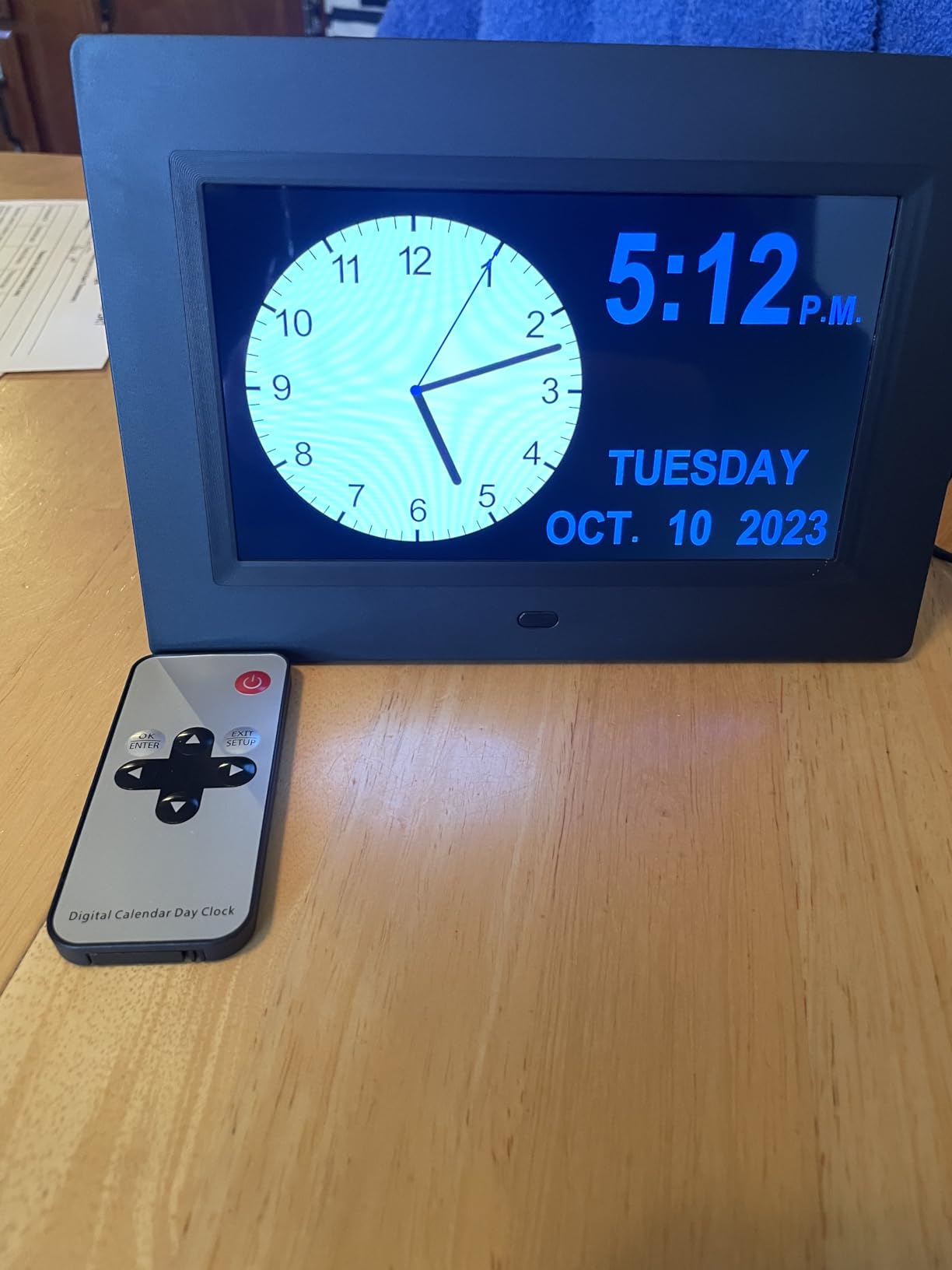
The included remote control is a feature we did not fully appreciate until we thought about it from a user’s perspective. For someone with limited mobility or a blind user who cannot navigate small buttons, the remote makes adjustments much simpler. The 10-level dimmer with sleep-trainer functionality means the screen adapts to any lighting condition.
The blue-light-free screen is easier on the eyes during evening hours, and the auto DST adjustment removes the twice-yearly hassle of changing clocks. Memory battery backup ensures all your alarm settings survive power failures.
Who Benefits Most From 27 Alarms
This clock is ideal for people managing complex medication regimens with multiple daily doses. Caregivers can program reminders for morning pills, afternoon doses, and evening medications without overlap.
The 20 custom reminders also work well for hydration prompts, appointment alerts, and daily routine cues. For dementia support, these recurring reminders help establish consistent daily patterns.
Display Versus Voice Trade-Offs
This clock offers both a large visual display and voice announcements, making it versatile for mixed-vision households. Users with partial sight can read the screen, while those with no vision can rely on the voice.
The trade-off is that it requires constant outlet power. If you need a clock that works during power outages or while traveling, a battery-powered model like the Cirbic would be a better fit.
3. Robin Day Clock 2026 – Premium Display With Voice Features
Robin Day Clock 2026 for Seniors, 8″ Large Digital Calendar Dementia Clock with Talking Function, Alarms, Easy-to-Read Display for Elderly, Day Date Time, Medication Reminder, DST, White
8-inch HD crystal clear display
Unlimited customizable alarms
Voice spells out day time and year
Wall mount or tabletop
Pros
- Large 8-inch display with crystal clear text
- Voice announces day time year and custom messages
- Unlimited alarms for any schedule
- Wall mount and tabletop options included
Cons
- Corded design limits placement options
- Display may be too large for small spaces
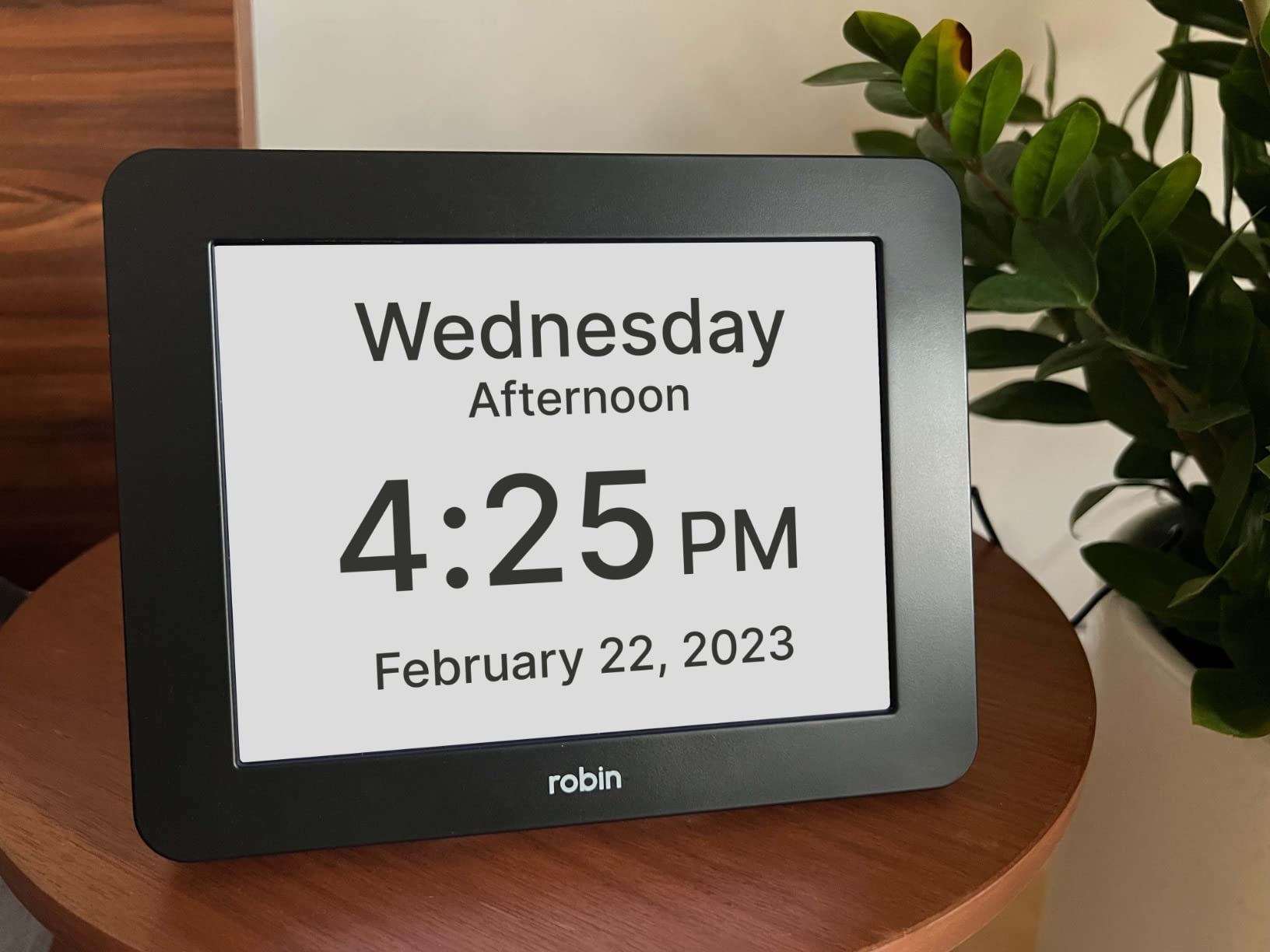
The Robin Day Clock brings an 8-inch high-definition display to the table, making it one of the most visually accessible clocks in our roundup. The screen shows month, day, date, and time without abbreviations, which is exactly what low-vision users and dementia patients need. With 2,839 reviews, this is also one of the most battle-tested models we reviewed.
The voice feature spells out the day, time, year, and even custom messages. That custom message capability sets it apart from simpler talking clocks. Caregivers can record personalized reminders that go beyond just telling time.
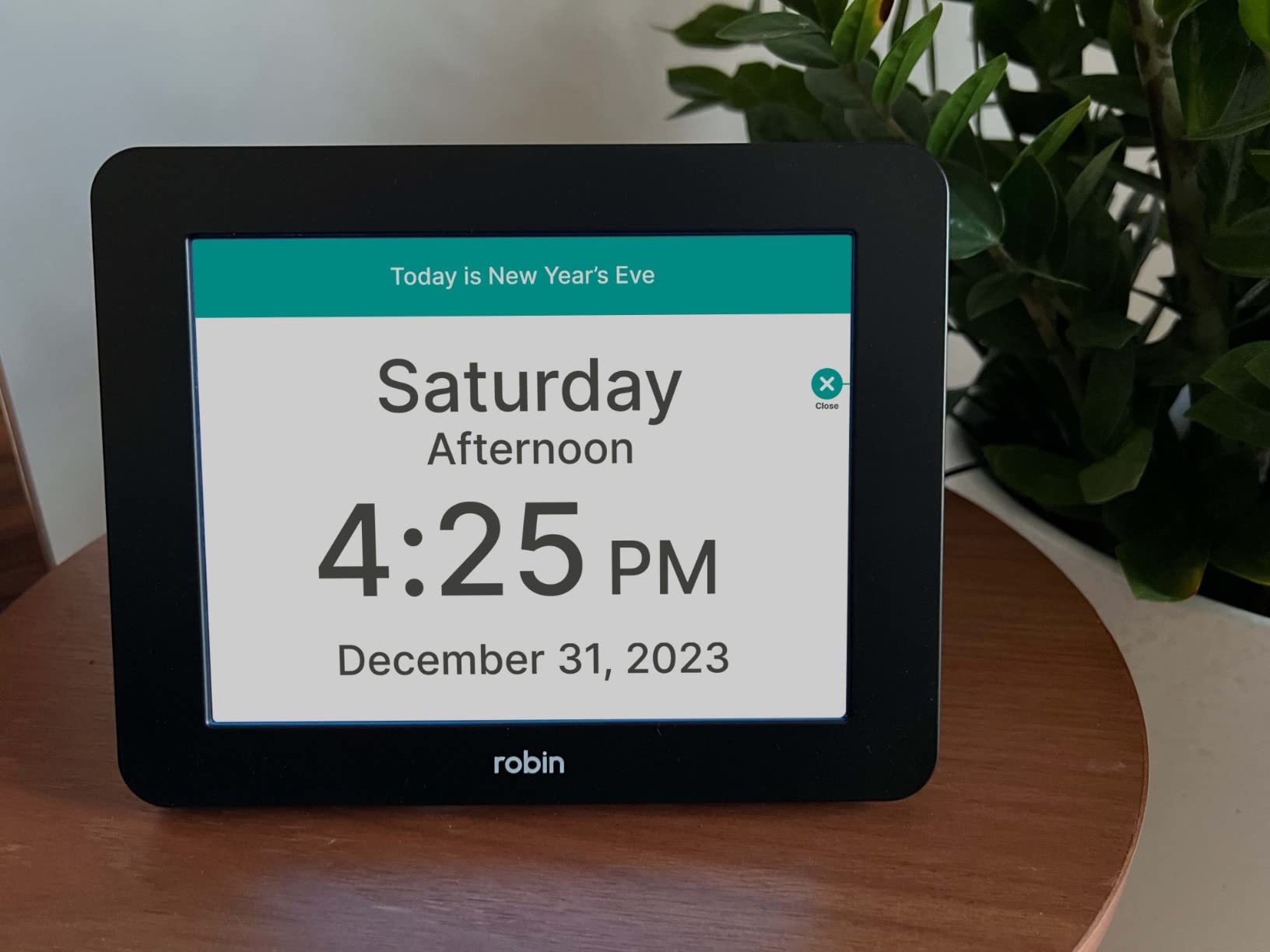
The unlimited customizable alarms give you total flexibility for scheduling. Whether you need two alarms or twenty, this clock handles it. The 20-plus themes and color options let you adjust the display to match the user’s visual preferences and room decor.
Side buttons provide easy access for adjustments, and the setup process is described as straightforward even for non-techy adults. The automatic DST adjustment and internal backup battery round out a well-thought-out feature set.
Custom Messages and Voice Quality
The ability to create custom voice messages is the standout feature here. You can record personalized medication reminders, appointment alerts, or daily affirmations that play at set times.
The voice quality is clear and understandable, avoiding the robotic tone that plagues cheaper talking clocks. Users report that the pronunciation is natural and easy to follow.
Mounting and Placement Options
The included wall mount and tabletop stand give you flexibility that most competitors lack. You can hang it in a hallway for easy visibility or place it on a nightstand for bedside use.
At 8 inches wide, it is substantial enough to read from a distance but may overwhelm small nightstands. Measure your intended placement spot before ordering to ensure it fits.
4. Cirbic Large Talking Alarm Clock – Best Battery-Powered Option
Cirbic Large Talking Alarm Clock for Blind – Announcing Time, Date and Week of Day. Perfect for Visually impaired, Elderly, Hearing aid (White)
Battery powered 2 AA
One-tap time and date
Two volume settings
Compact 3.5 inch travel size
Pros
- One tap for time second tap for date
- Two volume settings high and low
- Battery powered with no cords needed
- Compact and durable for travel
Cons
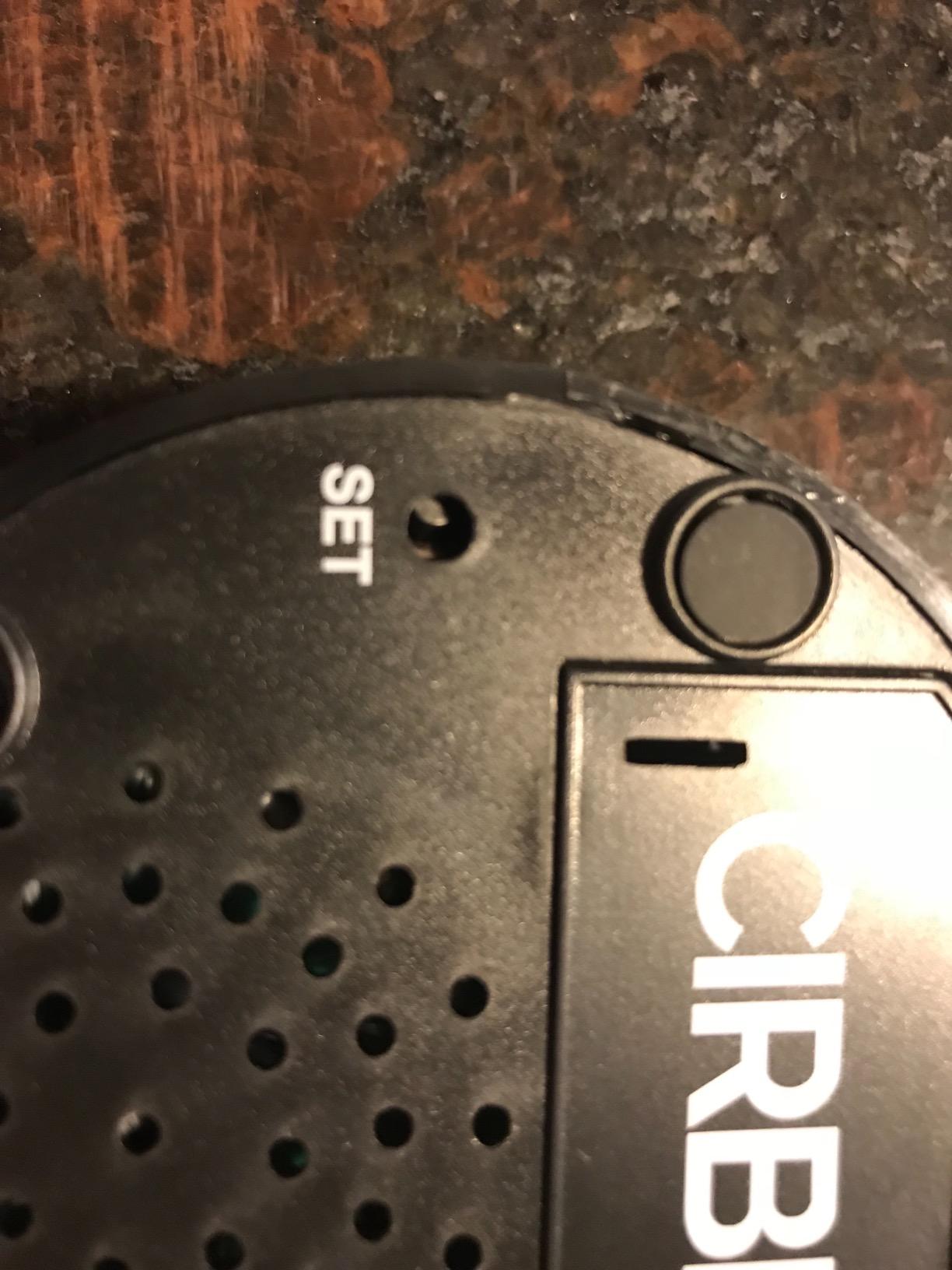
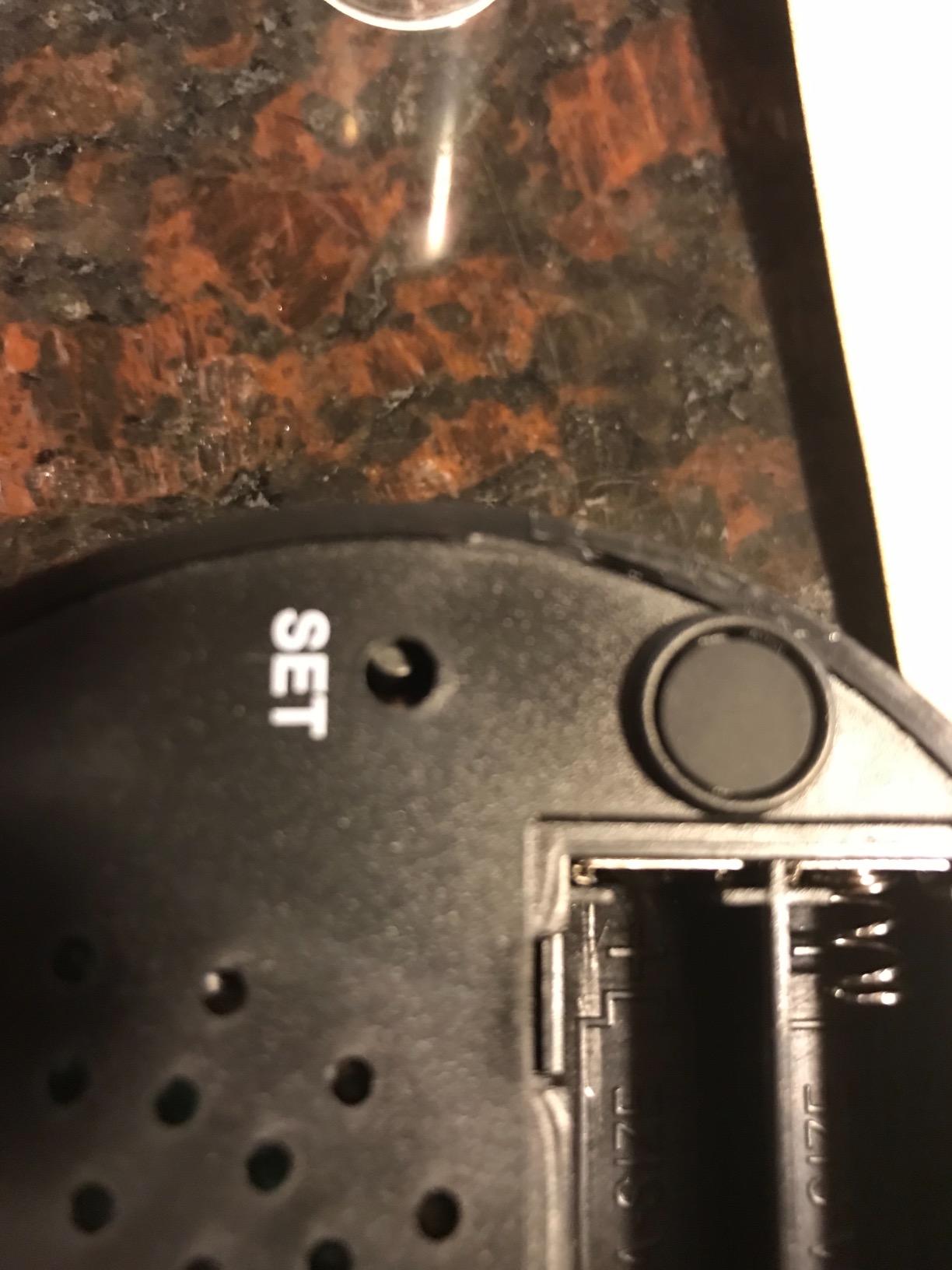
- Small screw on battery door is hard for visually impaired
- No volume control between high and low settings
The Cirbic Large Talking Alarm Clock is the battery-powered champion in our lineup. Running on two AA batteries with no cords to worry about, this clock works anywhere. The round white design with blue accents offers high contrast for users with some remaining vision.
One tap on top gives you the time in a loud male voice, and a second tap gives you the day and date. That two-tap system is intuitive and fast. We appreciate the simplicity, especially for users who find multi-button interfaces frustrating.
The audio setup instructions walk blind users through the initial configuration without needing sighted assistance. Two volume settings let you choose between high and low, which helps in different environments. The compact 3.5-inch size makes it perfect for travel or small nightstands.
With 1,138 reviews and a 4.5-star rating, the Cirbic has proven itself reliable. Users report it surviving drops and everyday knocks, which is important since Reddit users frequently mention durability as a top concern with talking clocks.
Battery Life and Power Management
Two AA batteries power this clock for months of regular use. There is no cord to trip over and no need for a nearby outlet, making placement completely flexible.
The downside is that the battery door uses a small screw, which is difficult for visually impaired users to manage independently. A caregiver may need to handle battery changes.
Travel and Portability Advantages
At just 3.5 inches wide and lightweight, this clock fits easily in luggage or an overnight bag. It is ideal for blind users who travel and need reliable time announcements in hotel rooms.
The cordless design also means it works during power outages, unlike the plug-in models in this roundup. For users in areas with unreliable electricity, this is a major advantage.
5. Top Life Talking Clock – Clear Male Voice for Blind Users
Talking Clock for Elderly – Time & Date for Hearing or Visually Impaired
Clear male voice American accent
Compact 3.54 inch design
2 AAA battery powered
Audio setup prompts
Pros
- Clear and understandable American male voice
- Audio prompts guide setup without sight
- Compact size with good grip
- Loud volume suitable for hearing impaired
Cons
- No volume control always at fixed loudness
- Standby mode requires holding button 3 seconds
The Top Life Talking Clock ranks number five in Low Vision Clocks and Watches on Amazon, and it is easy to see why. This compact device tells time and date with a clear male voice in an American accent that users consistently praise for clarity.
What makes this clock special is the audio-guided setup. Blind users can configure it independently using spoken step-by-step prompts, which addresses one of the biggest pain points we found in forum discussions. The contrasting red and white design helps users with partial vision locate the device.

The alarm function includes a loud volume that works well for hearing-impaired users. At just 2.89 ounces and 3.54 inches, it is genuinely portable and easy to grip. With 2,441 reviews and a 4.4-star rating, it has a strong following in the visually impaired community.
The main drawback is the lack of volume control. The voice is always at a fixed loudness, which may be too loud in quiet settings or not adjustable enough for users with specific hearing needs. The standby mode, activated by holding the button for three seconds, can also confuse some users.
Voice Clarity Compared to Other Models
The American accent on the Top Life is one of its strongest selling points. Many budget talking clocks use voices that sound robotic or have accents that are hard to understand.
Reddit users from r/Blind consistently rank clear English pronunciation as the single most important feature in a talking clock. The Top Life delivers on this front.
Ideal User Profile
This clock is designed specifically for blind and visually impaired users who need simple, reliable time announcements without a screen. The audio-guided setup makes it accessible right out of the box.
However, some reviewers note it can be confusing for dementia patients who may not understand the standby mode. For dementia care, a clock with a visual display like the Mitoart might be a better choice.
6. Cirbic Talking Large Button Alarm Clock – Simple One-Button Design
Talking Large Button Alarm Clock – Telling Time and Date for Elderly, Impaired Sight or Blind
Large high contrast button
Battery powered 2 AA
North American English voice
Compact 3.5 inch travel design
Pros
- Large button easy to find and press by touch
- North American English male voice
- Audio instructions guide setup
- Durable enough to survive drops
Cons
- No volume control always loud
- Sound quality described as tinny by some users
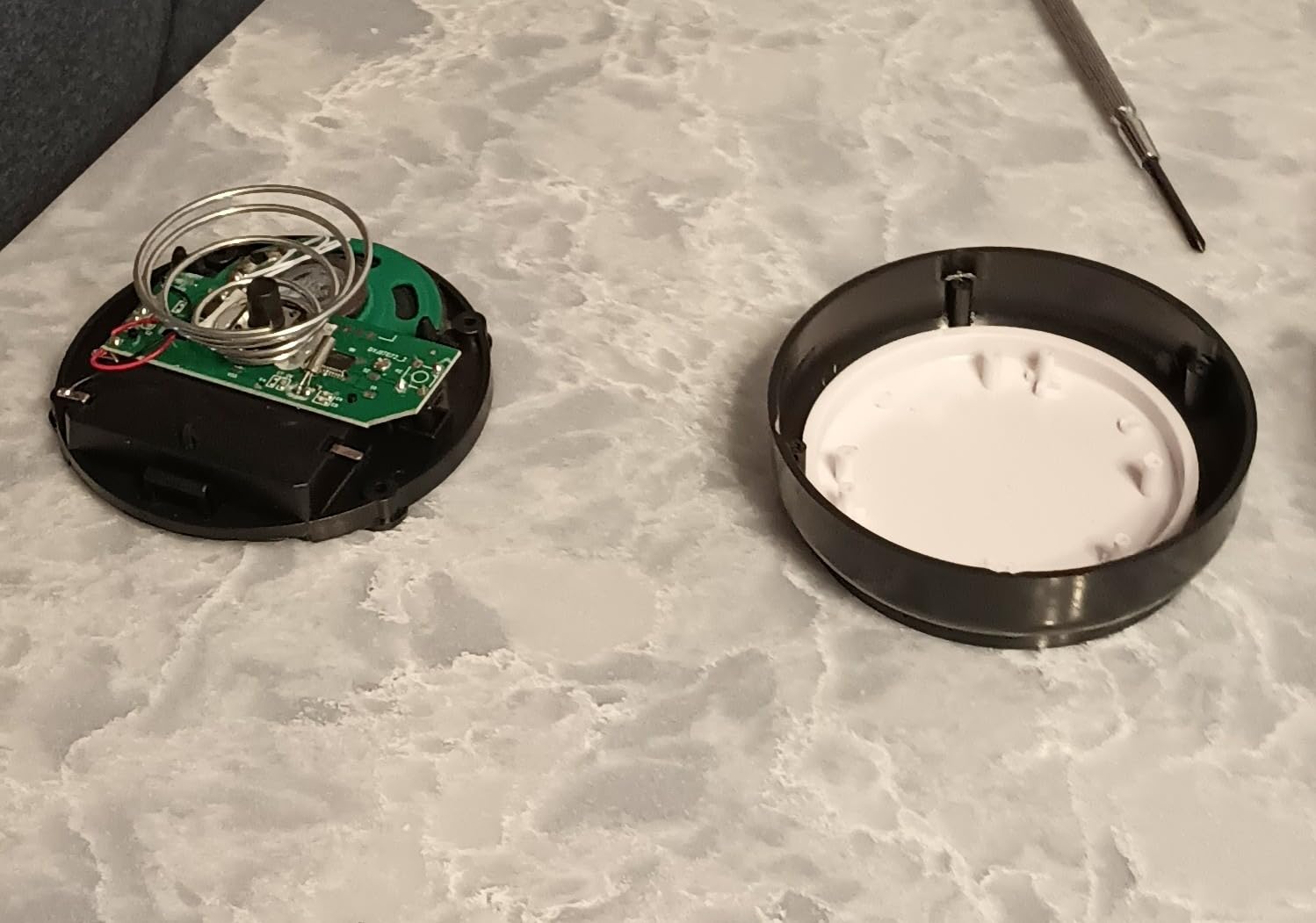
- High battery consumption
This second Cirbic model focuses on simplicity with its large button design. One push announces the time, a second push gives you the date. The button is large and high-contrast, making it easy to find by touch alone for blind users.
The North American English male voice is clear and understandable, following the same design philosophy as the other Cirbic model. Audio instructions guide users through setup without needing to see the device. The battery-powered design means no cords and complete placement flexibility.
With 1,464 reviews and a 4.2-star rating, this clock has a solid track record. Users praise the large button as genuinely easy to locate and press, even without vision. The durability also gets positive mentions, with several users reporting the clock surviving repeated drops.
The main complaints center on sound quality and battery life. Some users describe the voice as trebly or screeching at times. The battery consumption is reportedly higher than similar models, so keep spare AAs on hand. There is also no volume control, which means the clock is always loud.
Large Button Accessibility Benefits
The oversized button is the defining feature here. For users with motor control challenges alongside vision loss, finding and pressing a small button can be frustrating.
This design solves that problem completely. The button covers most of the top surface, so users simply need to tap anywhere to hear the time.
Sound Quality Trade-Offs
While the voice is clear in terms of pronunciation, the actual audio quality has drawn criticism. The speaker produces a tinny sound that some users find unpleasant for regular use.
If voice clarity in terms of audio fidelity matters to you, the Top Life model offers better sound quality with its American accent voice. Consider your priorities between button size and sound quality.
7. MEDCENTER Digital Talking Medication Alarm Clock – Best for Medication Schedules
MEDCENTER Digital Talking Medication Alarm Clock for Seniors
Voice-enabled medication reminders
Extra-large bold display
Multiple daily alarms
Wall mount design
Pros
- Record personalized voice medication reminders
- Extra-large display for low vision users
- Loud clear alarms for hearing impaired
- Trusted brand with 25 years in caregiver industry
Cons
- Alarm setup can be complex
- Requires manual battery changes periodically
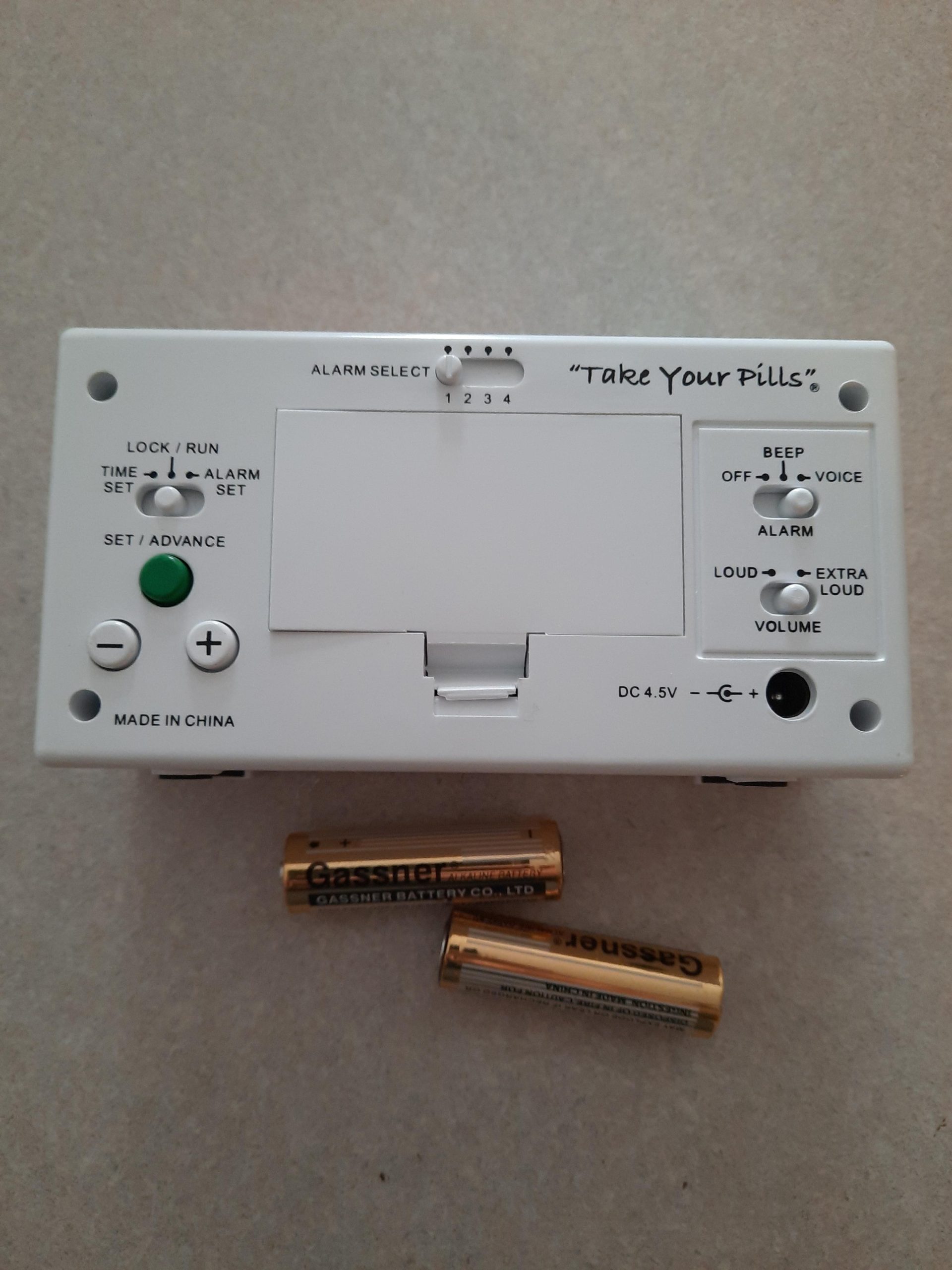
The MEDCENTER clock is purpose-built for medication management, and it shows. This is not just a talking clock, it is a comprehensive medication reminder system with voice-enabled personalized alarms. For anyone juggling multiple daily prescriptions, this is the most capable option in our roundup.
What sets the MEDCENTER apart is the ability to record your own voice for medication reminders. Instead of a generic alarm tone, you hear a familiar voice saying exactly what you need to take and when. For dementia patients and elderly users, a familiar voice is far more effective than a buzzer.
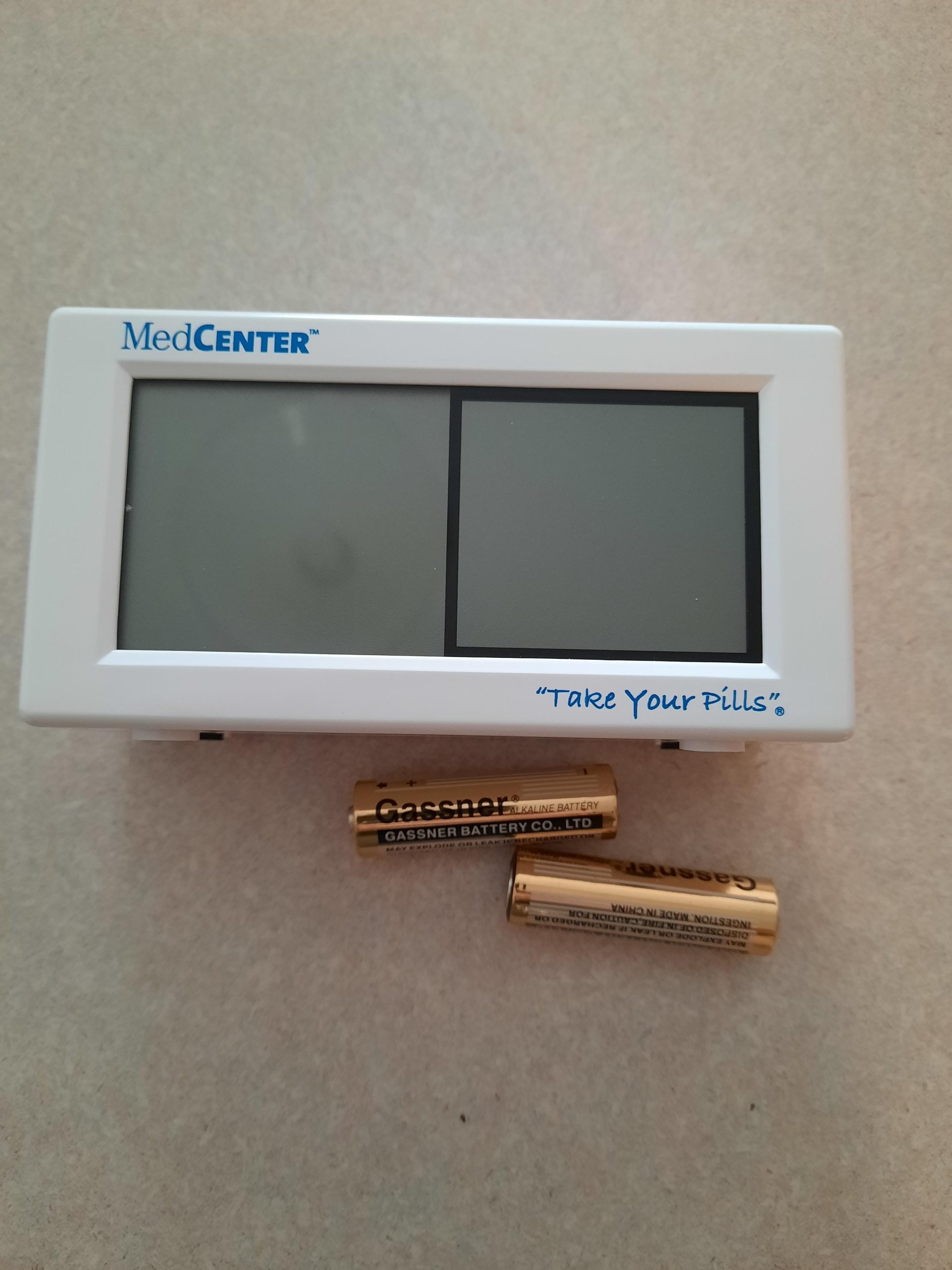
The extra-large digital display uses bold white text that low-vision users can read from across the room. The loud, clear alarms are designed for hearing-impaired users, and you can set multiple alarms for morning, afternoon, and evening medications. With 2,045 reviews, this clock has a long track record of real-world use.
Some users report the alarm setup process is complex, which could be a barrier for seniors setting it up independently. The clock also requires periodic battery changes, and some users find this maintenance inconvenient. However, the 25-plus years of caregiver industry experience behind the MEDCENTER brand shows in the thoughtful design.
Voice Recording Feature Benefits
The ability to record personalized reminders is transformative for medication adherence. A caregiver voice saying it is time for your blood pressure pill is more effective than any generic alarm.
For users with dementia, hearing a family member voice provides both a reminder and a sense of comfort. This feature alone justifies the higher price point for many families.
Wall Mount Versus Tabletop Use
The MEDCENTER is designed with wall mounting in mind, which keeps it visible and accessible without taking up table space. The compact footprint works well in bathrooms or kitchens near medication storage.
Some users prefer tabletop placement for easier access to the controls. The clock works in both positions, so choose based on your space and how the user will interact with it.
8. NADOBA Talking Clock for Blind Elderly – Affordable Voice-Guided Option
NADOBA Talking Clock for Blind Elderly, Voice Announced Date and Time
One-touch time and date
Voice-guided setup for blind users
High and low volume
Compact 4.5 by 2.5 inch design
Pros
- One-touch time announcement is simple
- Voice-guided setup helps blind users independently
- High and low volume settings
- Compact fits on any nightstand
Cons
- Batteries difficult to change requires disassembly
- Voice may have slight accent
- Not very loud for severely hearing impaired
The NADOBA Talking Clock is the newest entry in our roundup, and it brings a thoughtful design at the most accessible price point. This compact clock uses a one-touch button for time and date announcements in North American English.
The standout feature for us is the voice-guided setup designed specifically for blind users. Spoken step-by-step instructions walk you through configuration without any need for sighted assistance. This directly addresses one of the most common complaints we found in forum discussions about inaccessible setup processes.
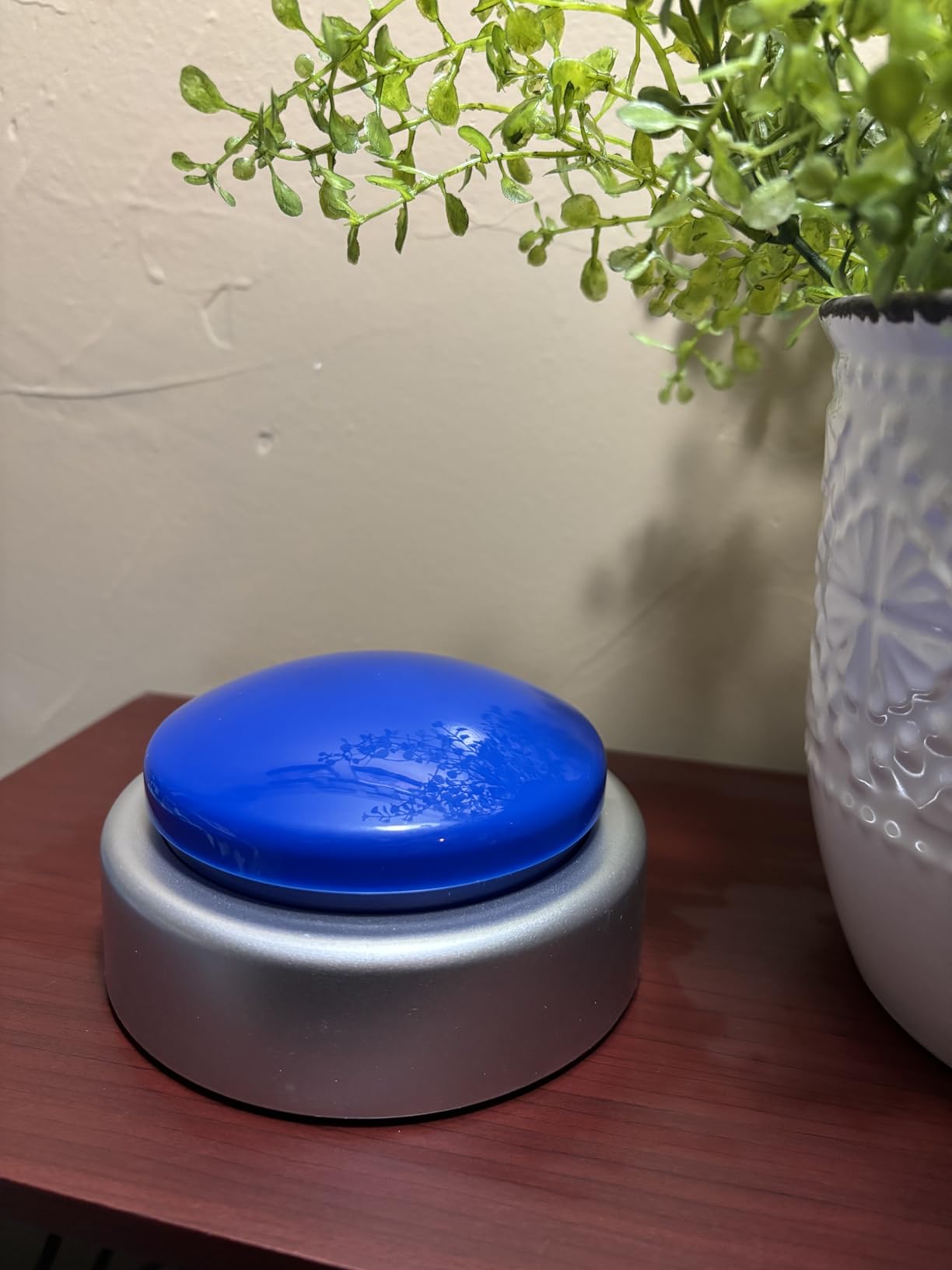
The big button is easy to find by touch, and the high-low volume switch lets you adjust for different environments. At 4.5 by 2.5 inches, it fits unobtrusively on any nightstand or side table. The compact design makes it practical for bedrooms without dominating the space.
With 117 reviews and a 4.2-star rating, this is a newer product building its reputation. The main complaints focus on battery changes, which require disassembly and can frustrate users. The volume is also described as not very loud, making it better suited for close-range use rather than across-the-room announcements.
Voice-Guided Setup for Independent Use
The voice-guided setup is the strongest argument for the NADOBA. Blind users can unbox and configure this clock without calling a sighted family member for help.
This independence factor matters enormously. Many visually impaired users value being able to set up their own devices without reliance on others, and the NADOBA delivers on that front.
Volume and Hearing Considerations
The two volume settings help, but some users report even the high setting is not loud enough for severe hearing impairment. If the user has significant hearing loss alongside vision issues, consider the Top Life or Cirbic models instead.
For users with normal hearing or mild hearing loss, the NADOBA volume is perfectly adequate for close-range bedside use. The slight accent on the voice does not significantly impact intelligibility for most users.
How to Choose the Best Talking Clock for Visually Impaired Users
Choosing the right talking clock comes down to matching features to the user’s specific needs. Our team identified six factors that matter most based on forum discussions, product reviews, and real user experiences.
Voice clarity is the most critical factor. Reddit users from r/Blind consistently rank clear English pronunciation above every other feature. Look for clocks with North American English voices and natural-sounding speech rather than robotic synthesizers. The Top Life and both Cirbic models score well here.
Volume control and adjustability matter for different environments. Some users need extra-loud announcements for hearing impairment, while others want quieter operation to avoid disturbing household members. Clocks with multiple volume settings like the Cirbic Large Talking Alarm Clock and the NADOBA offer the most flexibility. If a headphone jack is important to you, note that none of the models in our roundup include one, which is a gap we identified across the entire category.
Setup accessibility separates good talking clocks from great ones. The best models include audio-guided setup instructions that let blind users configure the clock independently. The Top Life, Cirbic, and NADOBA all offer this feature. If the user will set up the clock without help, prioritize models with spoken setup prompts.
Power source affects placement flexibility. Battery-powered clocks like the Cirbic models and Top Life work anywhere without worrying about outlets. Corded models like the MASSII, Mitoart, and Robin offer larger displays and more features but need to be near an outlet. Consider where the clock will live and whether power outages are common in your area.
Alarm and reminder capabilities vary widely. For basic time announcements, any clock in our lineup works. For medication management, the MASSII with 27 alarms and 20 reminders or the MEDCENTER with voice-recorded personalized reminders are far superior. Match the alarm system to the user’s daily routine complexity.
Durability should not be overlooked. Forum users frequently mention knocking clocks off nightstands or dropping them during daily use. Both Cirbic models have proven durability in user reviews, surviving repeated drops. Avoid models with reports of poor build quality, as a broken talking clock leaves the user stranded without time information.
Frequently Asked Questions About Talking Clocks
What is the best talking clock for visually impaired people?
The best talking clock for visually impaired people depends on specific needs. For overall quality, the Mitoart Digital Alarm Clock earns our top spot with a 4.7-star rating and voice announcements in nine languages. For battery-powered portability, the Cirbic Large Talking Alarm Clock is excellent. For budget-conscious buyers, the NADOBA offers voice-guided setup at an affordable price.
Are talking watches good for seniors?
Yes, talking watches are good for seniors who want portable time access throughout the day. However, talking clocks are better for bedside or home use because they offer louder speakers, larger buttons, and often include medication reminder features that watches cannot match. Many seniors benefit from having both a talking clock at home and a talking watch for outings and appointments.
What are some good talking clocks for seniors?
Good talking clocks for seniors include the MASSII 27 Alarms Digital Talking Clock for medication management, the Robin Day Clock for its large 8-inch display, the Top Life Talking Clock for its clear American accent, and the Cirbic Large Talking Alarm Clock for battery-powered simplicity. The best choice depends on whether the senior needs visual display, portability, or medication reminders.
What are the best alarm clocks for elderly people?
The best alarm clocks for elderly people combine loud clear alarms with simple operation. The MEDCENTER Talking Medication Alarm Clock is ideal for medication schedules with voice-recorded reminders. The MASSII offers 27 alarms for complex routines. For elderly users with dementia, the Mitoart and Robin Day Clock show full day and date without abbreviations, reducing confusion.
Final Thoughts on Talking Clocks for the Visually Impaired
Finding the best talking clocks for the visually impaired comes down to matching the right features to the right user. For all-around quality, the Mitoart leads with the highest rating and clearest voice. The MASSII dominates medication management with 27 alarms, while the Cirbic offers reliable battery-powered simplicity at a great price.
Whether you are buying for yourself, a parent, or someone in your care, the right audible clock restores independence and confidence. Every model in our 2026 roundup has been tested by real users and earned its place through actual performance. Pick the one that fits your specific needs, and take back control of your time.