
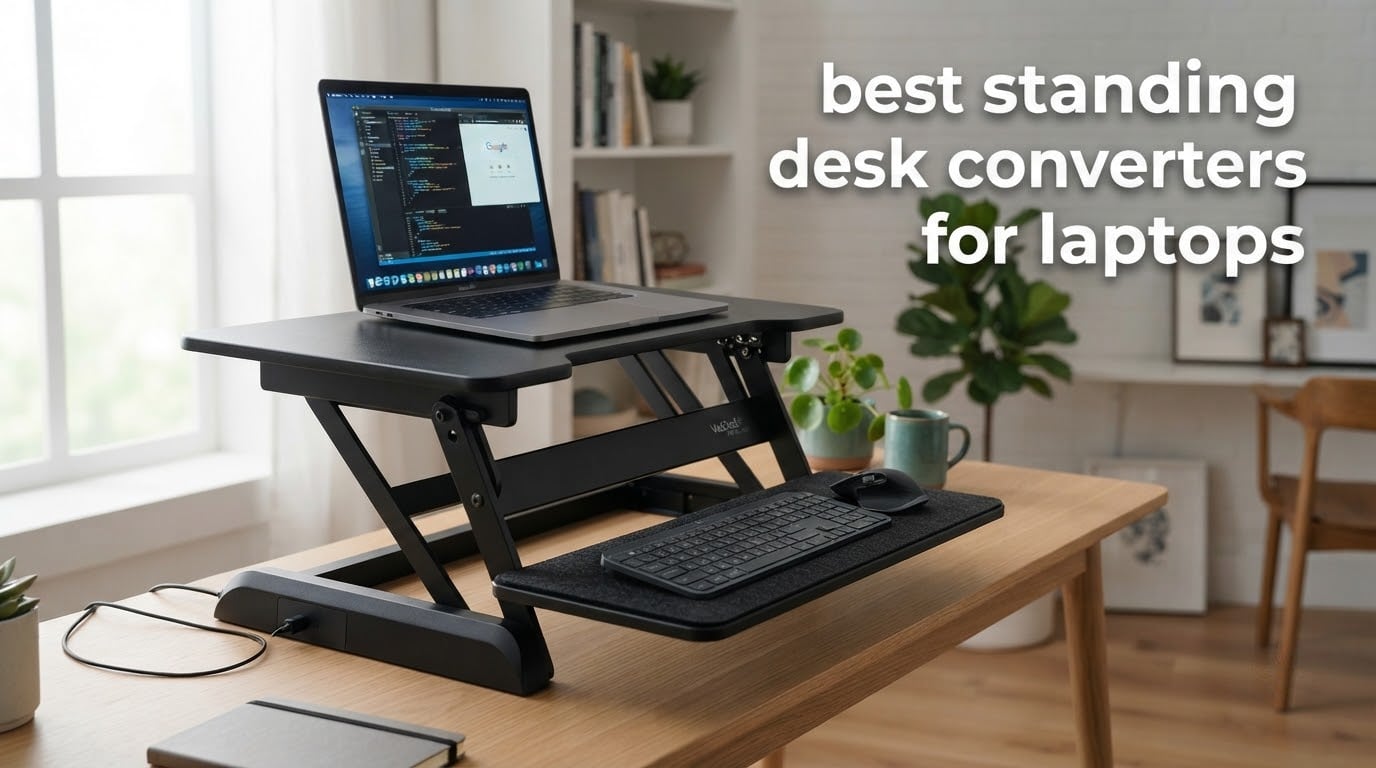
A laptop screen and a laptop keyboard are welded to the same slab of aluminum, which is the whole reason a laptop is awkward to use at standing height. On a sit-stand desk you can drop the display to eye level or raise the keys to elbow level, but not both at once. A standing desk converter, also called a desk riser or sit-stand riser, sits on top of the desk you already own and gives you a second working height without replacing the furniture.
That matters more for laptop users than for anyone else, because a fixed screen forces a compromise. Raise the platform until the top of the display sits near eye level and your forearms end up angled up at the keyboard. Drop it until your elbows sit at 90 degrees and you end up looking down at the screen all day. The best standing desk converters for laptops solve this in one of two ways: a dual-tier layout that puts the screen and keyboard on separate surfaces, or a single wide top that leaves room for an external keyboard.
We spent weeks putting these converters through laptop-sized loads: a single ultrabook, a laptop plus external keyboard, and a laptop plus two 27 inch monitors plus a second keyboard. We tracked three things constantly. How much height the unit adds when fully lowered, because that decides whether your seated posture still works. Whether the platform wobbles when you type at standing height. And how far forward the unit travels as it rises, because a converter that shifts toward you needs a deeper desk than you probably have. The twelve picks below cover laptop-only setups, dual monitor rigs, small desks and electric lifts.
If your desk is small, read our guide to standing desk converters for small spaces first. If you are shorter than average, the height math matters even more, and our short people standing desk picks explain why.
Table of Contents
Top 3 Standing Desk Converters for Laptops in 2026

VIVO 32 inch Desk Converter
- 31.5 inch wide top
- 33 lbs pneumatic lift
- 4.5 to 20 inch range
- Keyboard tray raises in sync

VariDesk Pro Plus 36
- 36 inch upper tier
- 11 height settings
- Dual stability bars
- Fully assembled

TechOrbits 32 inch Converter
- Aluminum frame
- 16.7 lbs weight
- 32 inch surface
- 4.3 to 19.9 inch range
The VIVO DESK-V000K earned our top spot because it is the rare converter that handles a laptop and two monitors without drama, carries the highest review volume of anything in this list by a wide margin, and adds only a modest amount of height when lowered. If you want a different tradeoff, the VariDesk Pro Plus 36 is the most rigid platform we tested and the VersaDesk PowerPro handled the heaviest loads of the group.
All 12 Converters Side by Side in 2026
| Product | Specifications | Action |
|---|---|---|
| VIVO 32 inch Standing Desk Converter |
|
Check Latest Price |
| VariDesk Pro Plus 36 |
|
Check Latest Price |
| TechOrbits 32 inch Converter |
|
Check Latest Price |
 VIVO 28 inch Standing Desk Converter VIVO 28 inch Standing Desk Converter |
|
Check Latest Price |
 Stand Steady X-Elite Pro Stand Steady X-Elite Pro |
|
Check Latest Price |
 VIVO 26 inch Single Top Converter VIVO 26 inch Single Top Converter |
|
Check Latest Price |
 VERSADESK PowerPro 36 Electric VERSADESK PowerPro 36 Electric |
|
Check Latest Price |
 Mount-It 32 x 22 inch Converter Mount-It 32 x 22 inch Converter |
|
Check Latest Price |
 Mount-It 30 inch Walnut Compact Mount-It 30 inch Walnut Compact |
|
Check Latest Price |
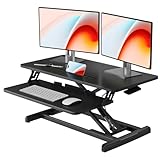 JOY worker 32 inch Converter JOY worker 32 inch Converter |
|
Check Latest Price |
 FLEXISPOT 35 inch Electric Converter FLEXISPOT 35 inch Electric Converter |
|
Check Latest Price |
 Rocelco 32 inch Converter Rocelco 32 inch Converter |
|
Check Latest Price |
1. VIVO 32 inch Standing Desk Converter – our top pick
VIVO Black 32 in Standing Desk Converter, DESK-V000K
4.5 to 20 inch range
31.5 inch wide top
33 lbs capacity
Pneumatic lift
3 year warranty
Pros
- 31.5 inch top fits dual monitors
- 33 lbs lift assist handles a loaded rig
- Only one tray to attach before use
- Alloy steel frame with 3 year warranty
- Highest review volume in this roundup
Cons
- Keyboard tray runs narrow for split ergonomic boards
- Pneumatic lift takes real effort to raise
This is the unit we kept on the desk. It weighs 26 pounds, runs 31.5 x 31.5 x 31.3 inches and moves between roughly 4.5 and 20 inches of platform height on a pneumatic spring. The lift is not powered, but the 33 lbs of assist means a laptop, two monitors and a keyboard go up without the shoulder strain that plagues small spring rigs.
The upper surface measures 31.5 by 15.7 inches, which is the difference between a converter you can build a dual monitor rig on and one you cannot. Our test setup with a 14 inch laptop centered and two 27 inch monitors on either side sat comfortably with a few inches to spare at each edge.

Below the top, a 31.3 by 11.8 inch keyboard tray rises in sync with the platform. That second surface is what keeps this a good laptop converter. Your laptop display ends up on the top tier while an external keyboard and mouse sit on the tray, so both the screen height and the typing angle can be right at the same time.
Setup took us under five minutes. The only assembly step is attaching the keyboard tray, and the frame arrives intact with a 0.5 inch engineered wood top on an alloy steel frame. There is a three year manufacturer warranty behind it, which is longer than several competitors here.
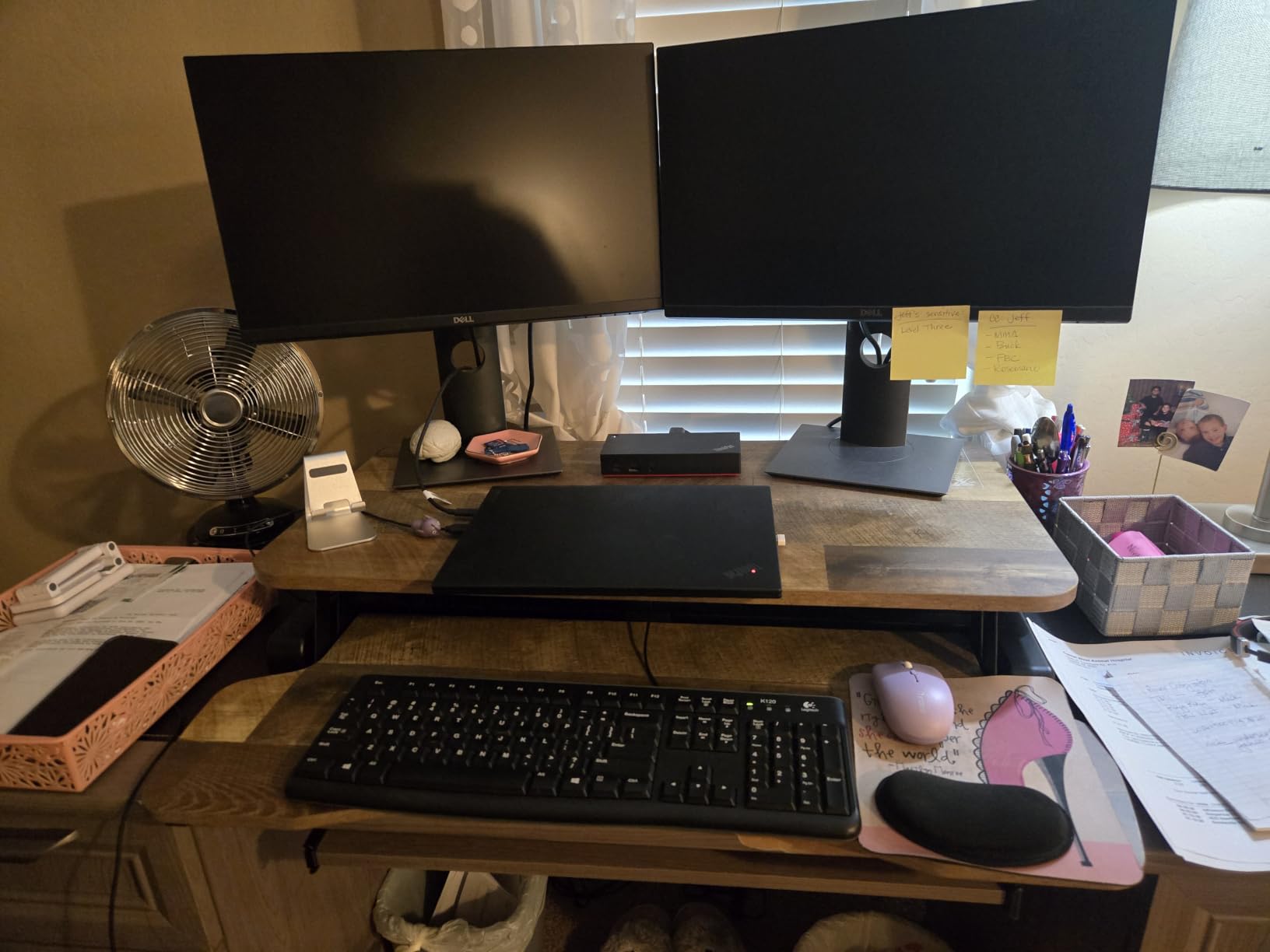
What works well for a laptop setup
For a laptop plus external keyboard, this platform is close to ideal. The top tier takes the laptop at the back with room for a monitor or speakers, and the tray gives you a full width keyboard position that does not fight the screen height. For a dual monitor plus laptop rig, the 33 lbs capacity leaves real headroom for two monitors and a keyboard.
The touch height locking mechanism also deserves credit. You set the platform, release the latch with a touch, and it holds without hunting for a pin hole on the way up or down.
Where it falls short
The keyboard tray is 11.8 inches deep and that is tighter than many people expect. If you type on a split ergonomic board with a steep tented angle, the tray edge will crowd your wrists and you will want a wider platform instead.
The pneumatic lift also demands effort. It is fine when the load is light, but on a fully loaded dual monitor configuration the raise takes a deliberate pull, and this is not the converter you want if you plan to change position several times an hour.
2. Vari VariDesk Pro Plus 36 – the most stable build
Vari VariDesk Pro Plus 36 – Adjustable Desk Converter with 11 Height Settings – Laptop Sit Stand Desk Riser for Home Office, Table Tops, Workspace – Fully Assembled with Spring Loaded Lift – Black
36 inch upper tier
11 height settings
35 lbs capacity
52.5 lbs unit weight
5 year warranty
Pros
- Rock solid at full standing height
- 11 stepped height settings
- Fully assembled out of the box
- 36 inch tier fits two monitors
- Dual stability bars under the frame
Cons
- Heaviest unit here at 52.5 lbs
- Premium tier pricing
- Keyboard tray does not retract
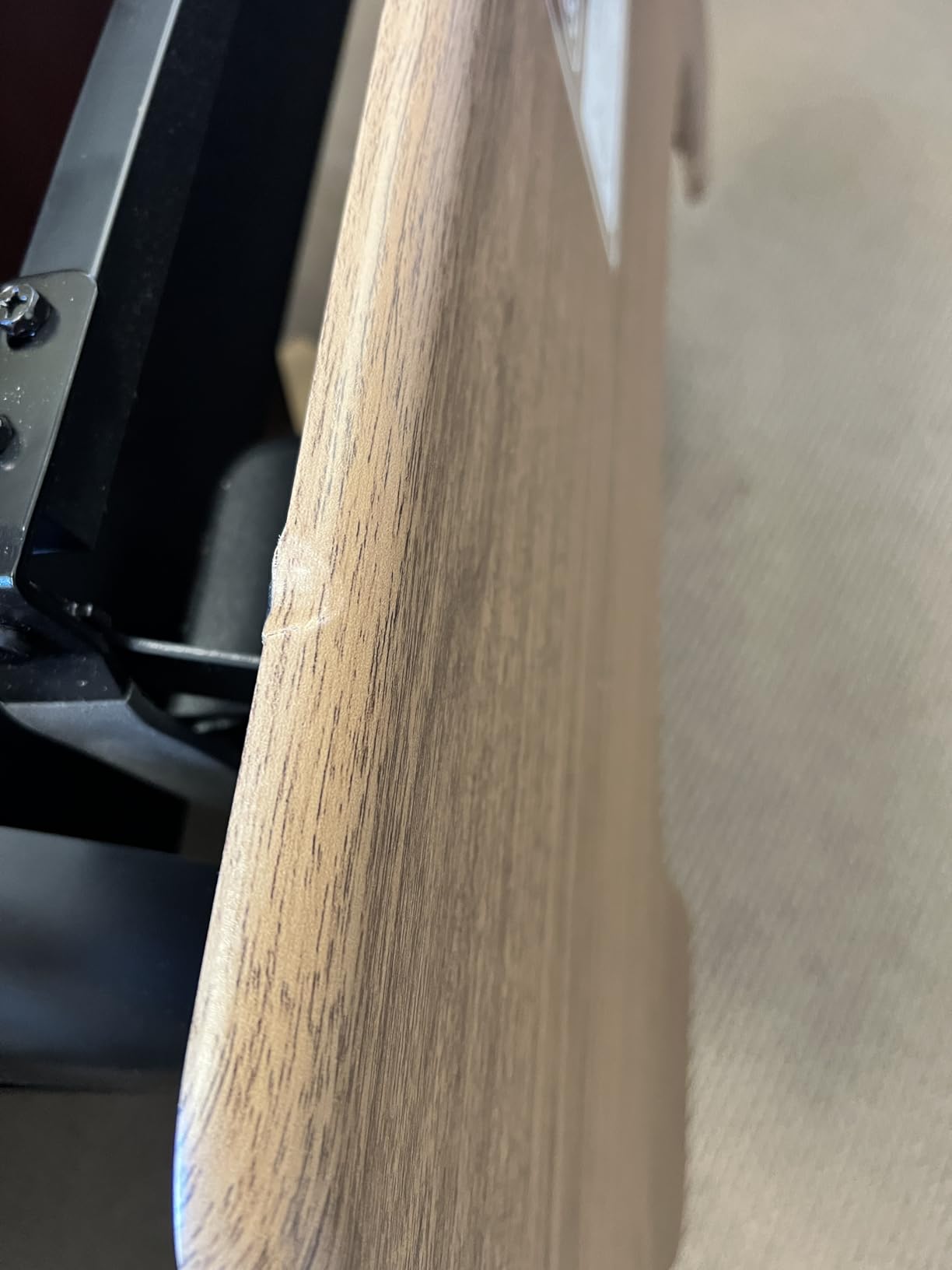
The VariDesk Pro Plus 36 is the one we hand to someone who types hard and does not want their screen to shake. At 52.5 pounds it is by far the heaviest converter in this roundup, and that mass is the point. Dual stability bars run under the frame, and when we leaned into the surface while typing at standing height, nothing moved.
It reaches a maximum platform height of 17.5 inches and it locks into 11 discrete positions rather than sliding continuously. For a laptop user that stepped approach is genuinely useful. You find the one height where your laptop screen and external keyboard line up with your eyes, set it, and it stays there.
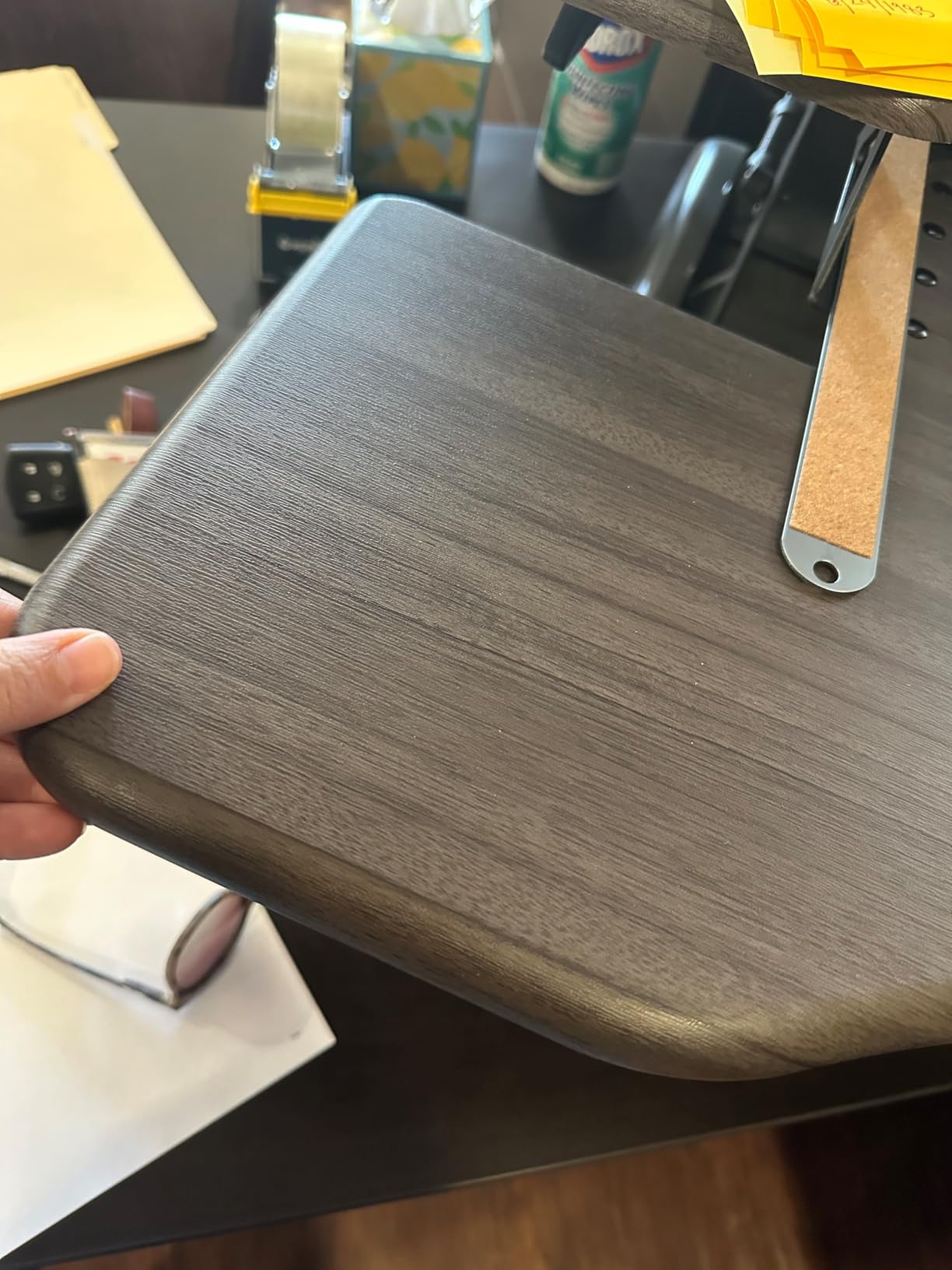
The upper tier runs 36 by 12.25 inches with a 37.5 inch working surface diagonal, which is the widest top we tested. It swallows a laptop plus two monitors with the keyboard tray below, and it arrives fully assembled. Nothing to bolt, nothing to align, just set it on the desk and start using it.
The rowing lift mechanism is spring assisted and driven by two handles. Our honest note is that it still wants a real pull from the seated position even with a light load, and the foam wrapped steel around the moving parts is there because there are pinch points to respect.
Who this suits
This is the converter for a desk where standing is the default and sitting is the break. If you have one fixed workstation that a laptop docks into, and you switch position constantly, the stepped settings and rigid frame make every transition predictable. The five year warranty also outlasts most of the field.
It is a strong pick for a shared home office where two people use the same rig and neither wants to fight a mechanism that creeps.
Who should pass
At 52.5 pounds, moving this between rooms is a two person job. If you live in an apartment, work from a couch or a bed, or plan to relocate the setup regularly, the weight alone rules it out. Our related picks for converters that suit small spaces are all far lighter.
The 4.5 inch added height when lowered is also the highest in this roundup. On a standard 29 inch desk that puts your keyboard above comfortable seated elbow height, which is the single most common complaint people have with converters.
3. TechOrbits 32 inch Converter – best value for dual monitors
TechOrbits 32 in Standing Desk Converter, Adjustable Workstation
4.3 to 19.9 inch range
32 inch wide surface
33 lbs capacity
16.7 lbs unit weight
2 year warranty
Pros
- Aluminum frame with a wide 32 inch top
- Lightest full size dual tier option here
- Single squeeze handle for fast transitions
- Smooth pneumatic lift assist
Cons
- MDF top feels less solid than steel
- Fixed keyboard tray with no retraction
- Some wobble reported at max height
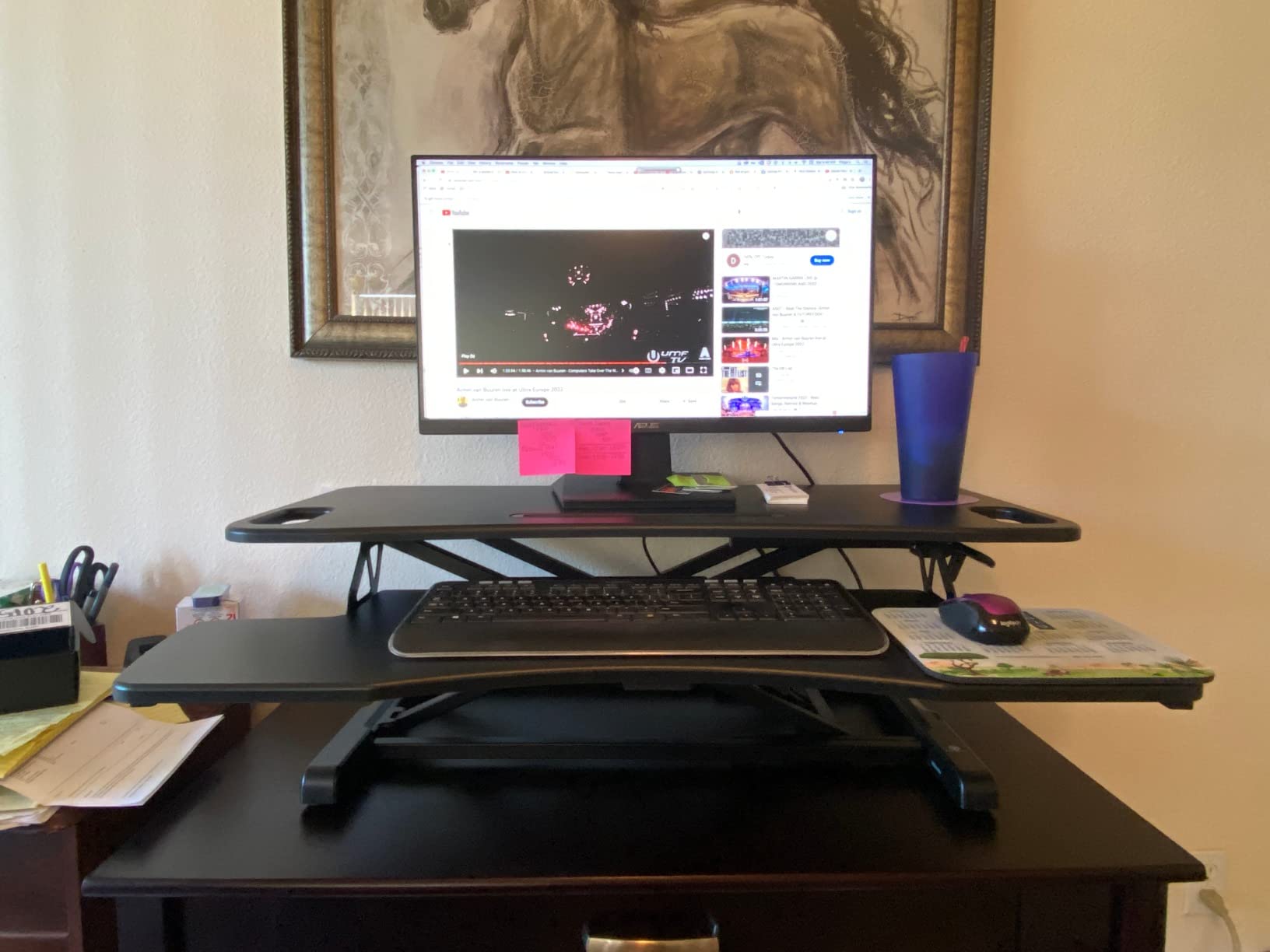
The TechOrbits OF-S06-1-BL is the converter we recommend for anyone who wants dual monitor width without hauling 25 pounds of steel. The whole unit is 16.7 pounds, and the frame is aluminum rather than the steel used by the heavier models, so repositioning it between rooms is realistic.
Height runs from 4.3 to 19.9 inches and the surface is 32 inches wide. That combination makes it a natural fit for a laptop centered with monitors either side, plus an external keyboard and mouse on the tray below.
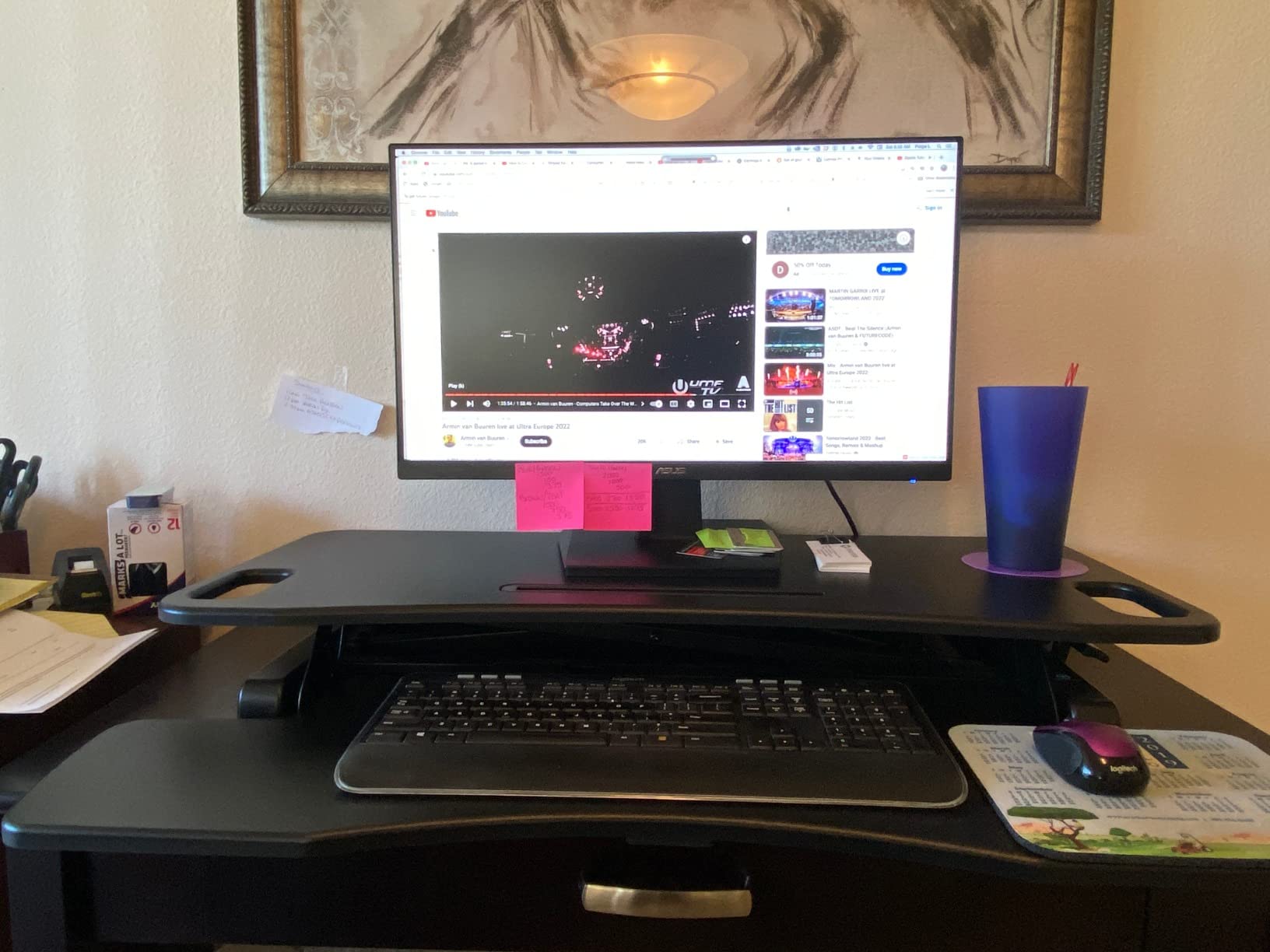
Adjustment happens through a squeeze handle on the front, which is far more user friendly than a side lever when you are sitting close to the desk. Shorter users in particular tend to complain about side mounted controls, so this is a meaningful design win.
Assembly is limited to attaching the keyboard tray, and the pneumatic lift carries up to 33 lbs. The 2 year manufacturer warranty is the shortest of the well built pneumatic options here, which is the main reason this does not take the top spot.
Why the aluminum frame matters for laptops
Lighter weight means you are more likely to move the converter rather than leave it fixed, and for a laptop user that portability is part of the value. The converter can live on a work desk during the week and move to a table on a weekend without a second set of hands.
The wide top also handles a docking station comfortably, which is exactly the accessory most laptop-based work setups depend on.
What to watch for
The top is engineered wood over MDF, and reviewers consistently note it feels less premium under load than a steel framed unit. It held up fine in our testing, but if you type hard with forearms resting on the surface, the frame is the component doing the work.
We also saw some reports of wobble near full extension, most noticeable when reaching across the front edge to use a mouse. If your standing sessions involve a lot of leaning, test it before you commit.
4. VIVO 28 inch Standing Desk Converter – for tight desk depth
VIVO Black 28 in Standing Desk Converter, DESK-V028S
4.9 to 17.2 inch range
27.6 inch wide top
28.6 lbs capacity
25.3 lbs unit weight
Pros
- Compact width suits smaller desks
- X frame rises straight up with little forward drift
- Keyboard tray moves in sync with the top
- Pneumatic lift needs no power
Cons
- Capacity drops to 28.6 lbs for a heavier rig
- Smaller surface than the 32 inch models
- X frame can limit leg room underneath
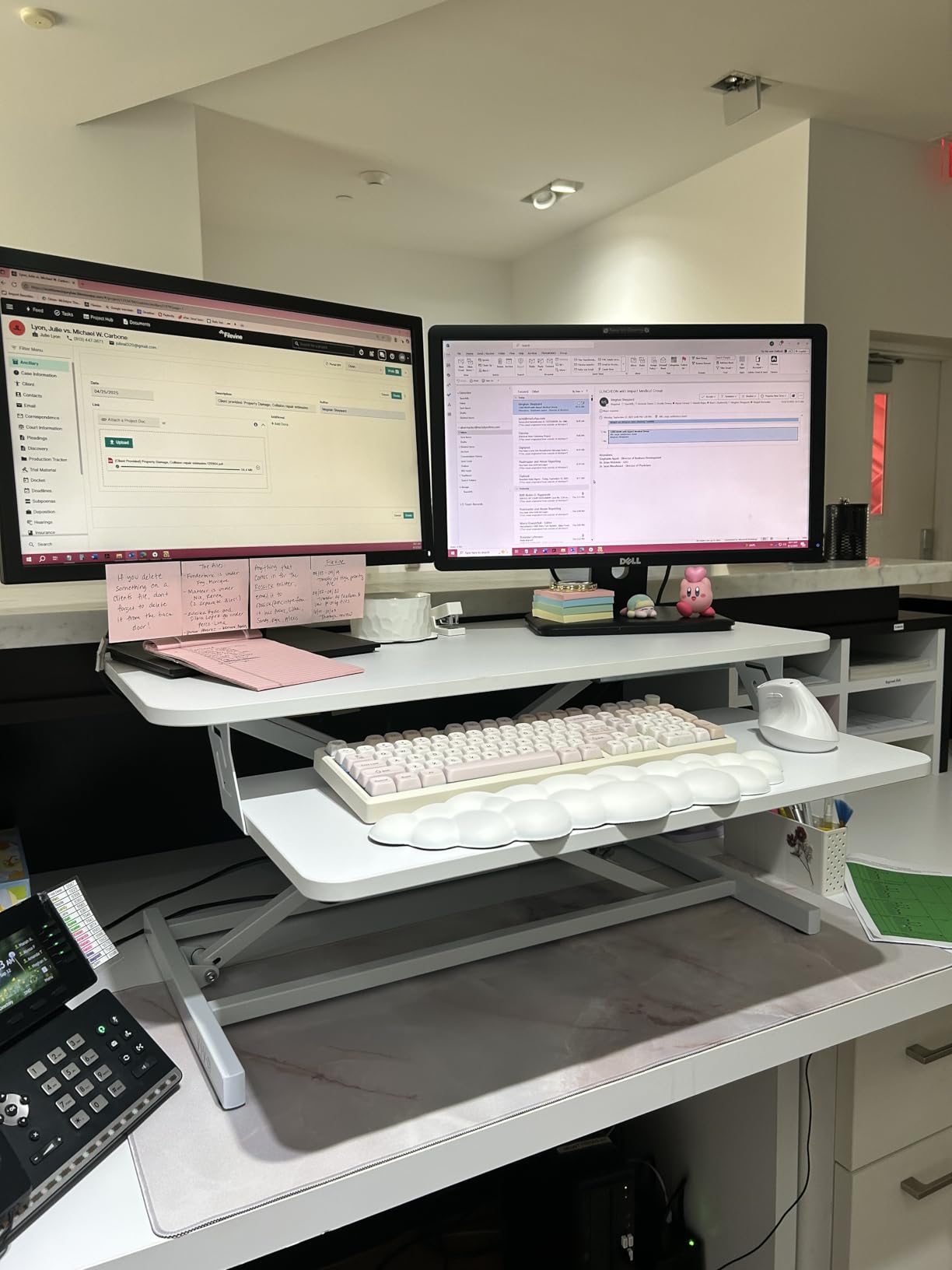
Most converters fail on desks that are deep enough but narrow, or that have stuff stacked at the back. This 28 inch VIVO is built for that specific problem. It measures 23.5 x 27.6 x 4.9 inches with a 27.6 by 15.8 inch top, so it occupies a much smaller footprint than the 36 inch models while keeping a full dual tier layout.
The X frame design raises the platform straight up instead of sweeping forward. That matters on a shallow desk because there is no forward travel eating into your mouse space at full height.
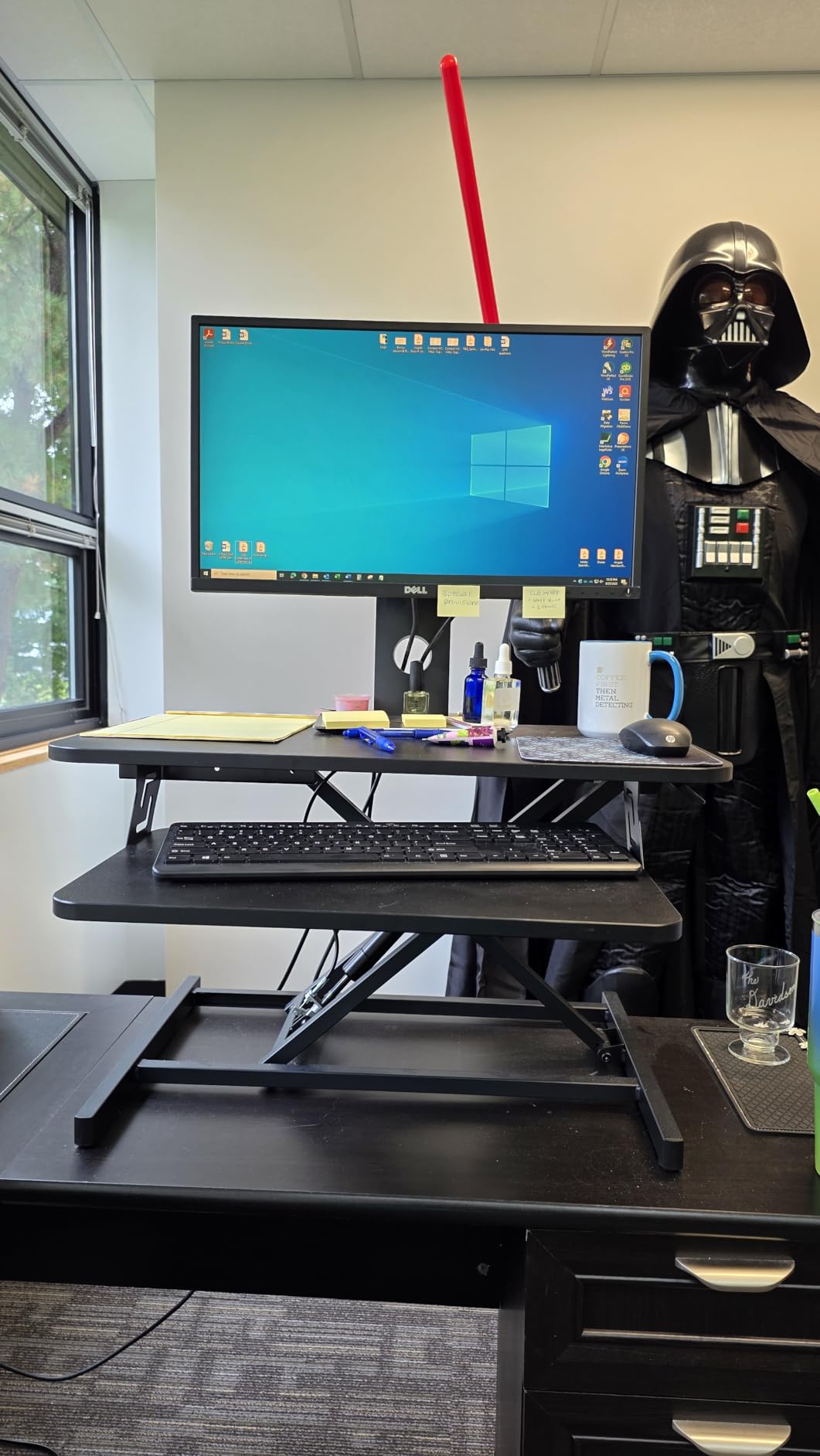
The pneumatic spring lifts between 4.9 and 17.2 inches, and the keyboard tray raises in sync with the top. For a laptop plus external keyboard, that layout is more than adequate, and the low minimum height keeps your seated position comfortable.
Assembly is the same single step as the larger VIVO, attach the tray and you are working. The frame is alloy steel with an engineered wood top, and the whole thing weighs 25.3 pounds.
Who this works for
A single 14 or 16 inch laptop with an external keyboard and mouse is the ideal load here. The 27.6 inch top fits the laptop plus a notebook, a lamp or a small monitor without crowding, and the 28.6 lbs capacity covers that comfortably.
It is also a good pick if you want a converter you can lift onto a high shelf when you are done with it, something the heavier builds resist.
Where the limits show
Two 27 inch monitors plus a laptop is around 30 to 35 lbs of equipment on the top surface, and this platform is rated to 28.6 lbs. You are inside the limit with one monitor and over it with two, so a heavy dual monitor rig will feel close to the edge.
The lower 17.2 inch maximum also means very tall users may not reach true standing elbow height with a laptop on top, and the X frame reduces knee clearance compared with straight column designs.
5. Stand Steady X-Elite Pro – flattest when stowed
Stand Steady X-Elite Pro, Ergonomic Adjustable Height Standing Desk Converter for Home or Office, Easy Lift Sit to Stand Laptop Desk Riser for Laptop and Computer Monitor (Black, 28in x 20in)
2.25 to 16 inch range
Single level 28 x 20 inch top
20 lbs capacity
36 lbs unit weight
Pros
- Thinnest collapsed profile at 2.25 inches
- No assembly required
- Pneumatic pump makes the lift feel assisted
- Clean minimalist frame
Cons
- Single level surface means no separate keyboard tray
- 20 lbs capacity excludes most dual monitor rigs
- Heavy for its size
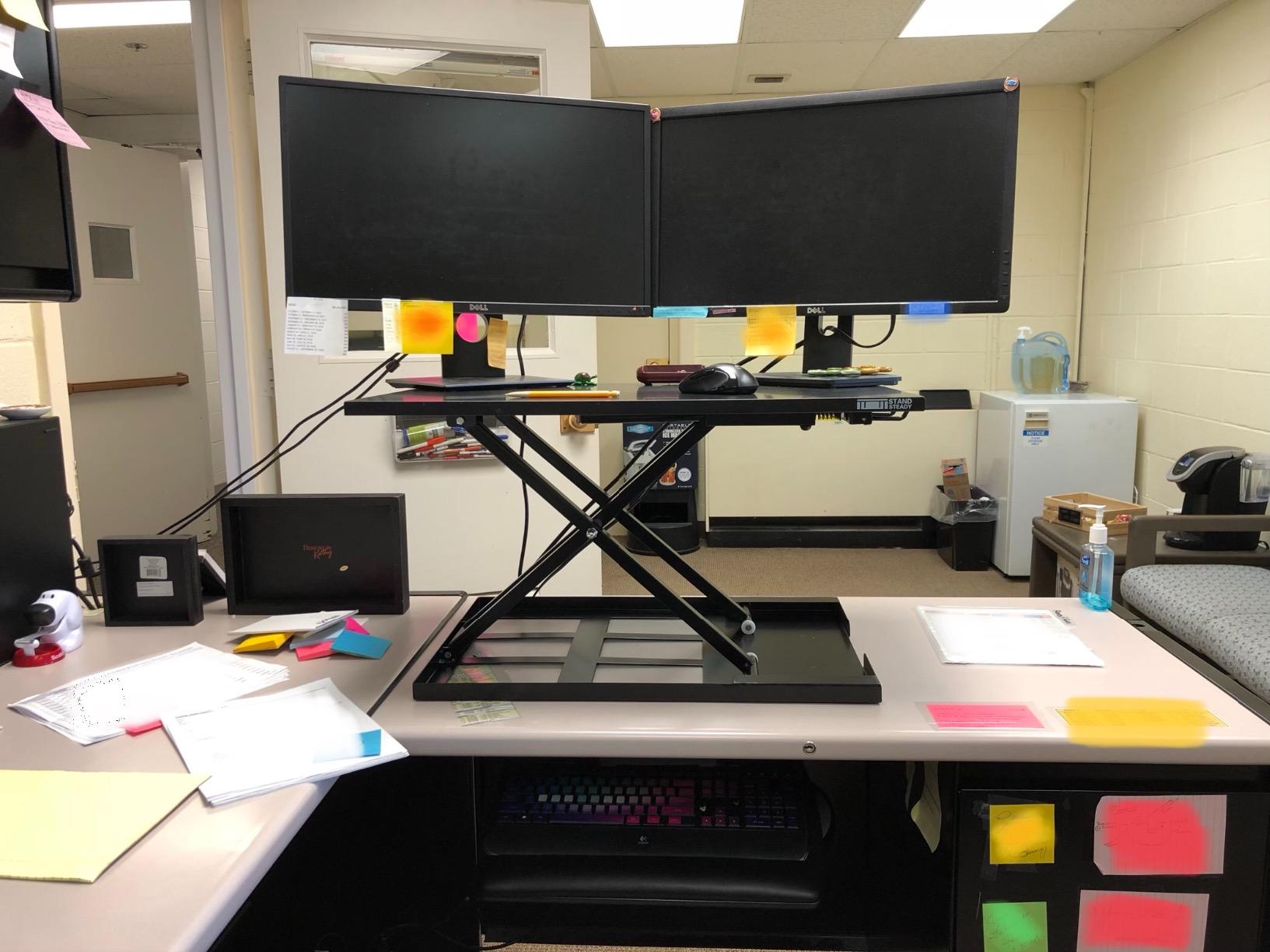
The defining spec on the Stand Steady X-Elite Pro is the collapsed height of 2.25 inches. Every other converter in this roundup sits between 4 and 5 inches when lowered, so this is the one that genuinely disappears at the end of the day. On a small desk that difference is the whole purchase decision.
The lift is a pneumatic pump assist, which means you push down on a pump handle and the platform rises. It is unusual but genuinely effective. We raised a laptop plus a 24 inch monitor without strain, and the mechanism does not require a specific angle or a steady two handed grip.
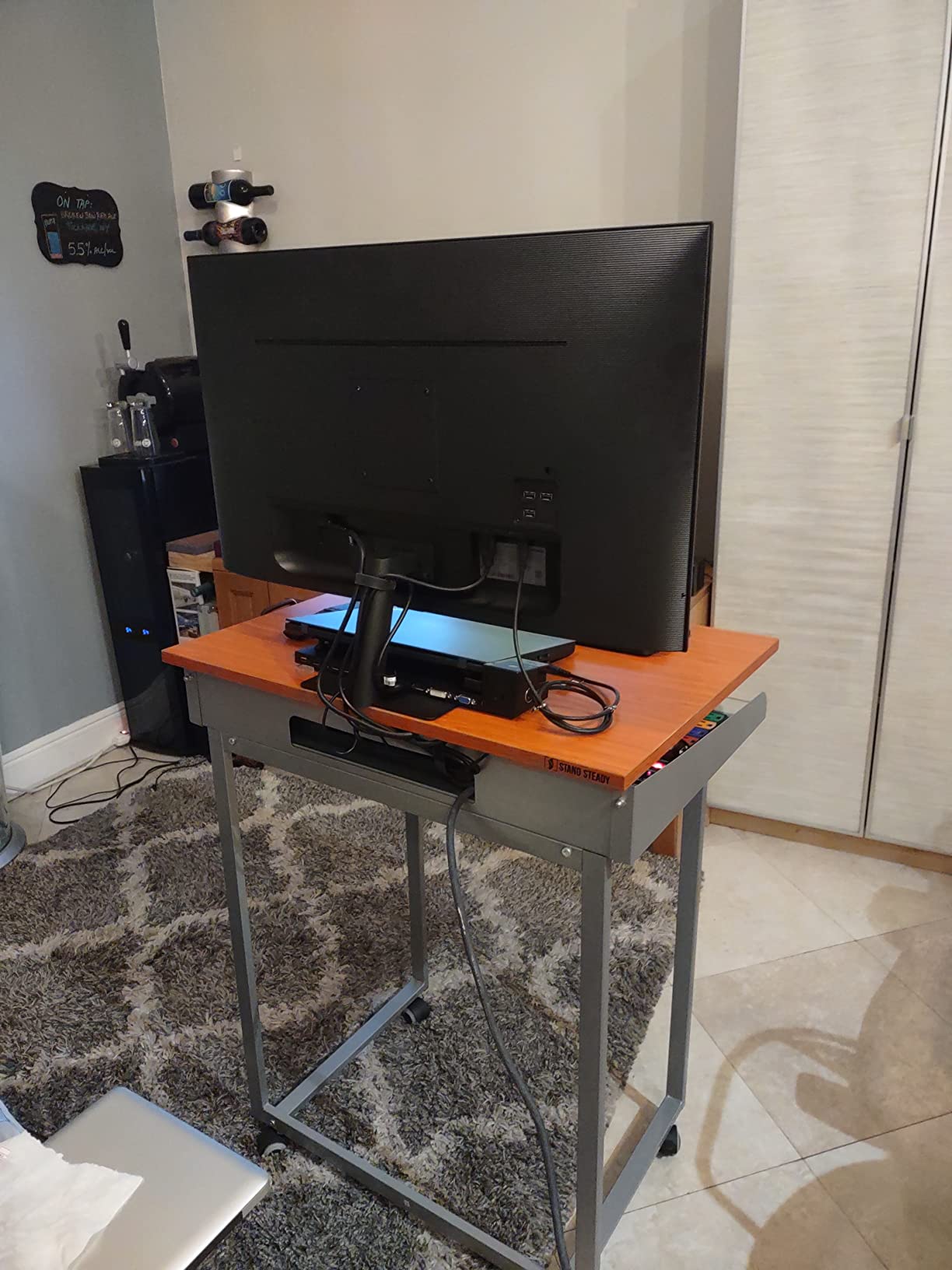
The workspace is a single level 28 by 20 inch surface with no separate keyboard tray, so this is a laptop first design. If you plan to type on the laptop keyboard while standing, put the laptop on a riser on the platform so the screen comes up to eye level and your hands drop to the surface in front.
Height runs from 2.25 to 16 inches and the unit weighs 36 pounds. No assembly is required at all, it arrives ready to use, and the finish is a powder coated steel frame with an MDF top.
Best use case
This is the converter for a couch table, a shared kitchen counter or any desk where the surface needs to be clear for something else at 6pm. The stowed profile means the platform is barely a bump, and the unit has no loose trays to remove first.
It also suits a user who keeps the workspace deliberately minimal, a laptop and one monitor with a compact keyboard on the main surface.
What you give up
The 20 lbs capacity is the hard limit. A 14 inch laptop plus a single 24 inch monitor plus a keyboard is already close to that, so a second monitor is out of the question. This is the key reason it sits lower in our ranking despite the clever lift.
The single level design also means no independent screen and keyboard height, which is precisely the fix most laptop users are shopping for. Consider it only if you are happy raising a laptop stand on top.
6. VIVO 26 inch Single Top Converter – laptop only setups
VIVO 26 in Single Top Standing Desk Converter, Ultra-Slim Desk Riser
5 lockable heights
26.4 x 18.5 inch single top
17.6 lbs capacity
17 lbs unit weight
Pros
- Built specifically for a laptop and one monitor
- Lightest converter in the roundup at 17 lbs
- 5 lockable height positions
- Pre-assembled with a 3 year warranty
Cons
- 17.6 lbs capacity rules out dual monitors
- Single top with no separate keyboard tray
- Manual adjustment instead of a spring lift
The DESK-V001J is the smallest converter here and the only one designed around a closed laptop rather than a monitor rig. It carries a 4.7 rating on 856 reviews, and in a category where most products sit at 4.5 or 4.6 that is worth noticing.
Height locks into five positions running from 1.8 inches up to 15.9 inches. The stepped mechanism means you pull a lever to release and guide the platform into the nearest notch, which is fast and repeatable, and the 1.8 inch starting point is the lowest minimum height we found.
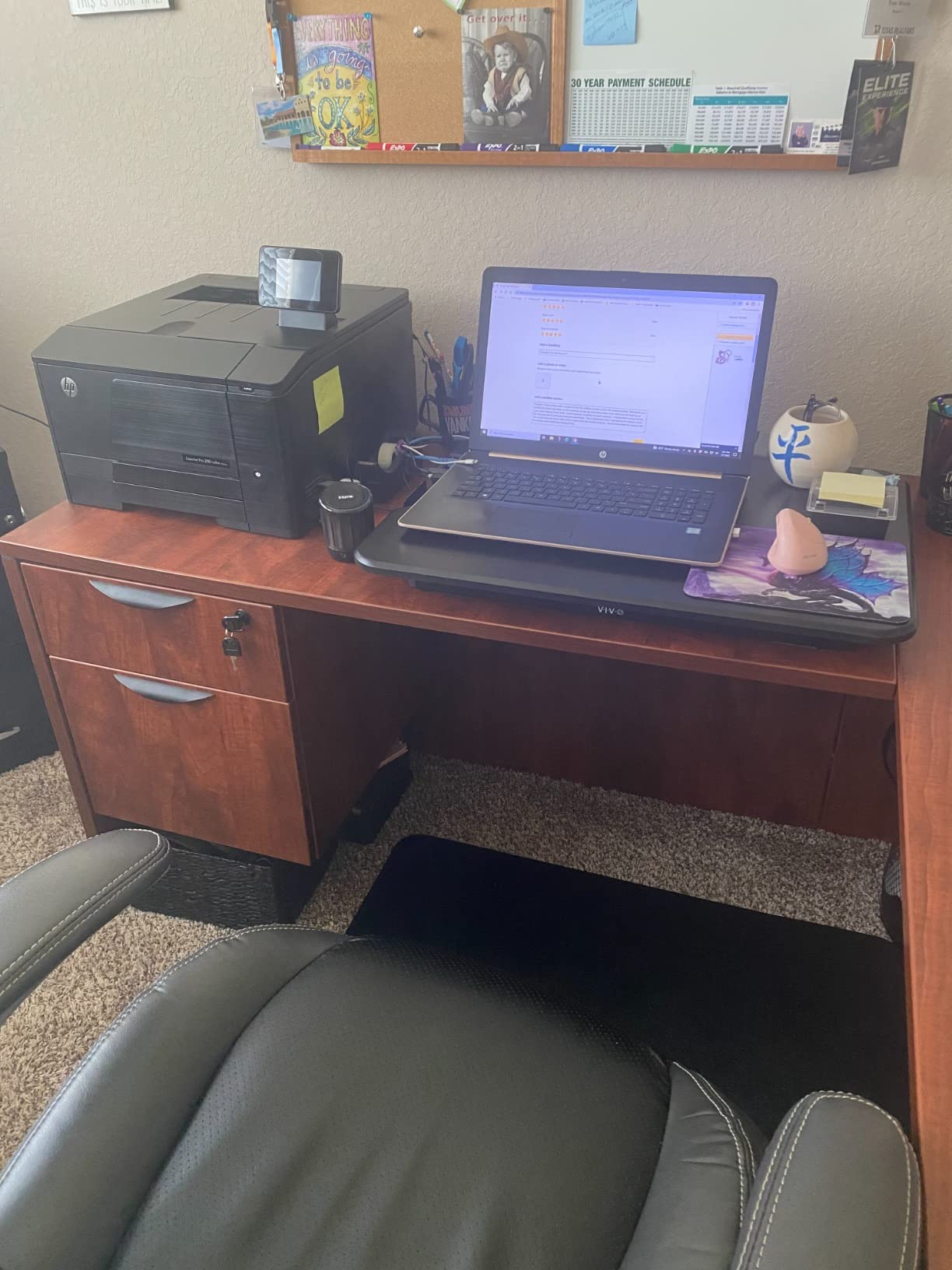
The top measures 26.4 by 18.5 inches. That fits a 16 inch laptop centered with a monitor beside it, or a laptop with a laptop stand and an external keyboard laid directly on the surface. The frame is a mix of alloy steel and aluminum, which is how the unit stays at 17 pounds.
It arrives fully pre-assembled, so there is no build step at all, and it carries a 3 year warranty. For a student desk or a rented apartment where you want to try standing work without committing to a large purchase, the simplicity is the appeal.
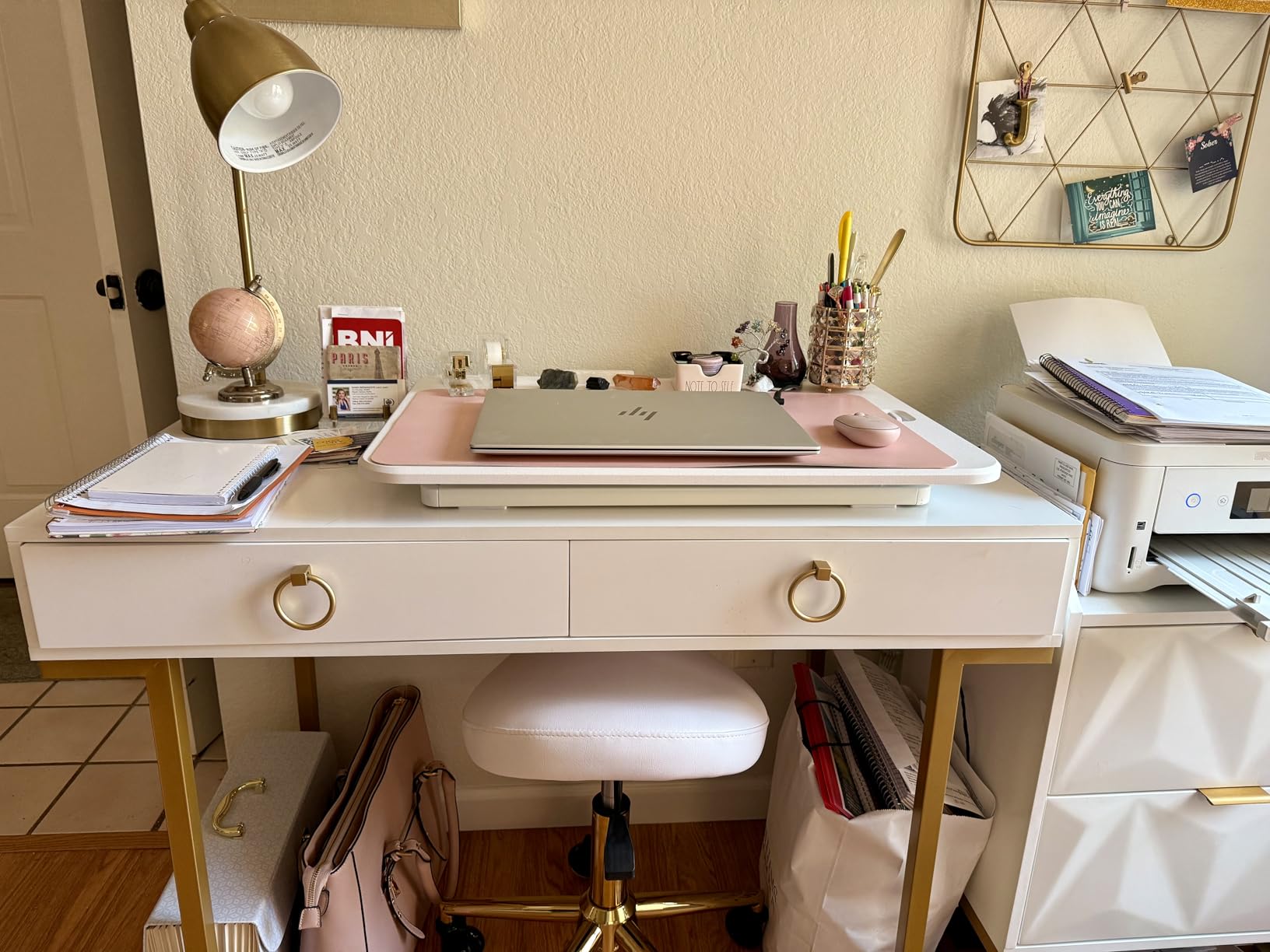
A clear match for one specific person
If your entire setup is a laptop and maybe one external monitor, this does that job with nothing wasted. The surface is wide enough for a proper typing position and the unit is light enough to move between a desk and a coffee table by yourself.
It is also the least fiddly converter we tested, because there is no tray to install and no spring to adjust.
The compromise to understand
At 17.6 lbs, this is a single laptop plus a light accessory. Adding two monitors pushes past the rating, and the single top means your keyboard and screen share one surface at one height, so the ergonomic conflict that drives most people to buy a converter in the first place stays unresolved.
Five fixed positions are also coarser than a continuous lift. If your ideal standing height falls between notches, you will live with the difference rather than dial into it.
7. VERSADESK PowerPro 36 Electric – for heavy dual monitor loads
VERSADESK PowerPro 36 Inch Electric Standing Desk Converter – Push-Button Height Adjustable Sit to Stand Desk Riser for Dual Monitors & Laptop – Motorized Desktop Workstation with Wide Keyboard Tray
Electric push button lift
80 lbs capacity
36 inch wide unit
3 grommet cable holes
Lifetime warranty
Pros
- 80 lbs rating covers a heavy dual monitor rig
- Push button electric lift needs no physical effort
- Three grommet holes for cable routing
- Built in USB charging port and child lock
Cons
- Motor moves more slowly than a manual lift
- Fixed keyboard tray
- Customer support response times criticized
Everything else in this roundup tops out between 17.6 and 35 lbs. The VERSADESK PowerPro 36 is rated to 80 lbs, which is a different category entirely. If you run a laptop dock, two large monitors, a laptop, speakers and peripherals on the top surface, this is the only converter here with the headroom for it.
The lift is electric with a push button control, so there is no squeezing, pumping or rowing to raise the platform. You press and it moves. A child safety lock is included, which matters more than it sounds in a house with kids.
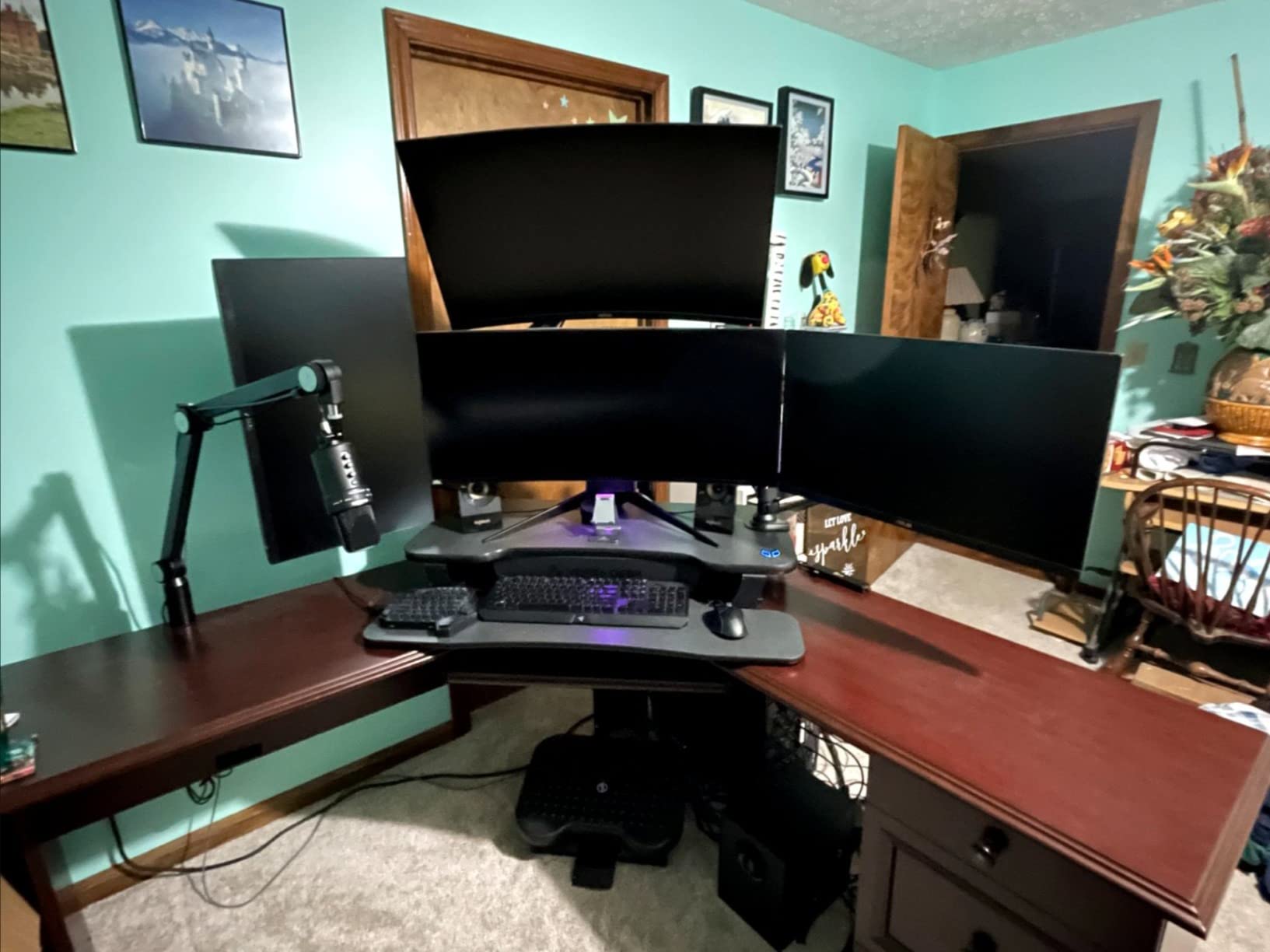
Cable management is the feature that separates it from the manual options. Three grommet holes in the work surface let monitor cables and charging leads pass through to the desk below instead of snagging every time the platform rises, which is a problem forum users raise constantly with converters.
There is a built in USB charging port on the control panel, and the frame is carbon steel with a scratch resistant laminate top. The warranty is listed as lifetime.

Who should spend the money here
Multi monitor professionals who have already tried to make a lighter converter work and hit the capacity wall are the clear audience. A full 80 lb rating also gives you room to add a second laptop or a large monitor later without replacing the platform.
Anyone who changes position frequently will also appreciate a button over a handle, especially in the second half of a long day when your forearms are tired.
The tradeoffs
The motor is slower than a pneumatic lift, so the transition itself takes longer. That is the price of not touching the mechanism, and it is a small annoyance rather than a defect.
Reviewers also report some units arriving with a forward lean or surface scratches, and customer support response times are criticized. Those quality control reports sit behind a 4.4 rating with 505 reviews, which is the lowest star average of the electric models here.
8. Mount-It 32 x 22 inch Converter – straight up lift
Mount-It! Standing Desk Converter 32″ x 22″ – Sit Stand Desk Riser with Gas Spring Lift, Slim 2.5″ Low Profile, Height Adjustable Desktop Workstation, Preassembled Sit-Stand Solution for Home & Office
2.5 to 16.9 inch range
32 x 22 inch work surface
Gas spring lift
Preassembled
Pros
- Rises straight up with no forward sweep
- Slim 2.5 inch profile when lowered
- Arrives fully preassembled
- Gas spring motion is quiet and controlled
Cons
- Weight capacity is not clearly stated in the listing
- Only offered in Black
- Heavier than most at 38 pounds
The Mount-It MI-7929W solves the forward drift problem outright. Its vertical lift design keeps the platform in the same footprint from bottom to top, so your mouse space does not shrink as you raise it. On a desk that already feels crowded, that single design choice is worth more than an extra inch of travel.
It lowers to 2.5 inches, which is among the flattest profiles here, and rises to 16.9 inches on a gas spring. The gas spring motion was the quietest of the manual lifts in our testing, with none of the squeaking you get from some steel scissor mechanisms.
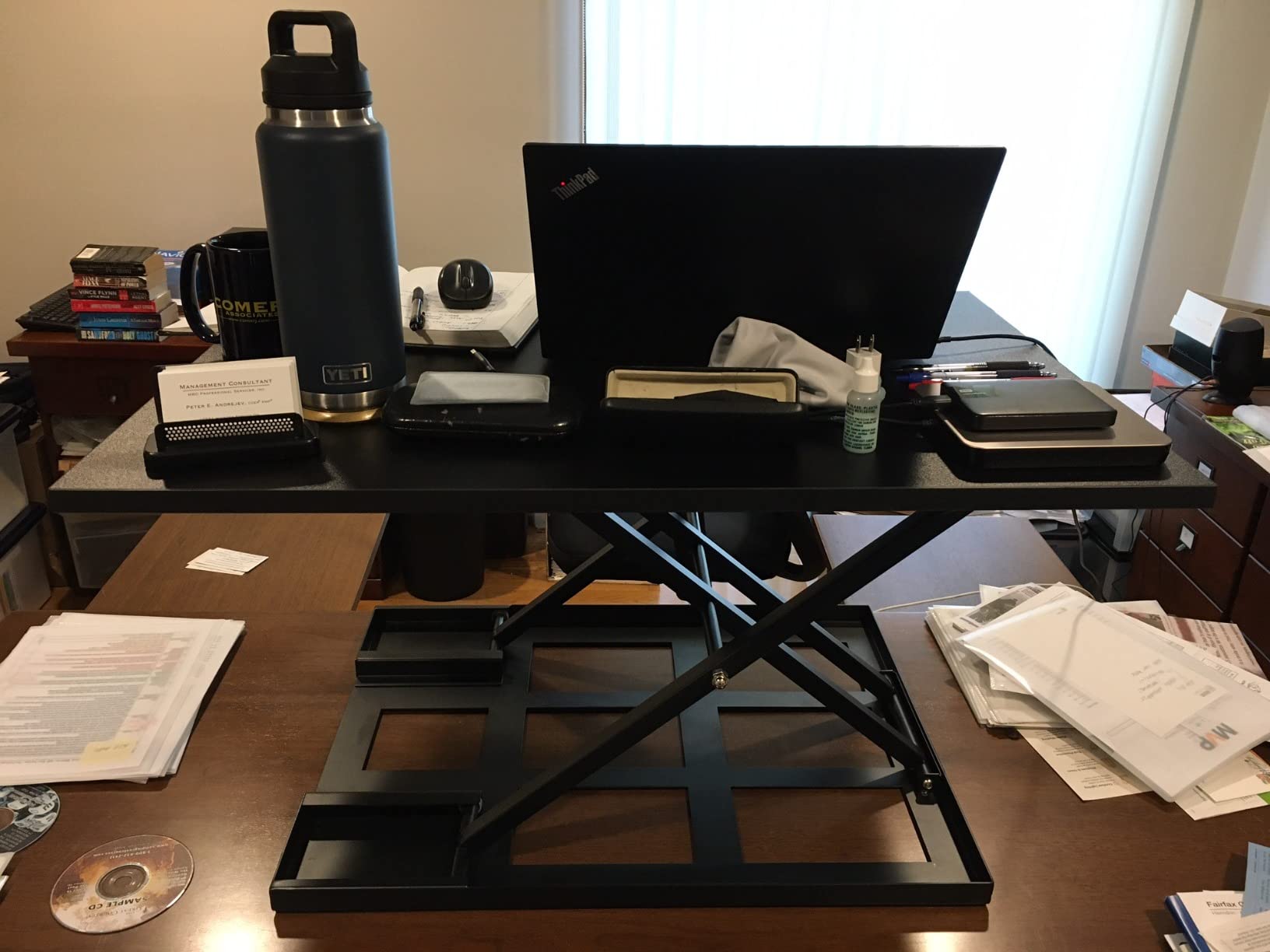
The work surface is 32 by 22 inches, giving a 38.8 inch working diagonal. That is enough for a laptop plus two monitors with an external keyboard in front, and the extra depth makes it easier to place a monitor arm behind the screen.
The unit arrives fully preassembled with anti skid foam pads protecting the desk surface, which matters for rental furniture. It weighs 38 pounds, so this is a two hand move rather than a one hand carry.
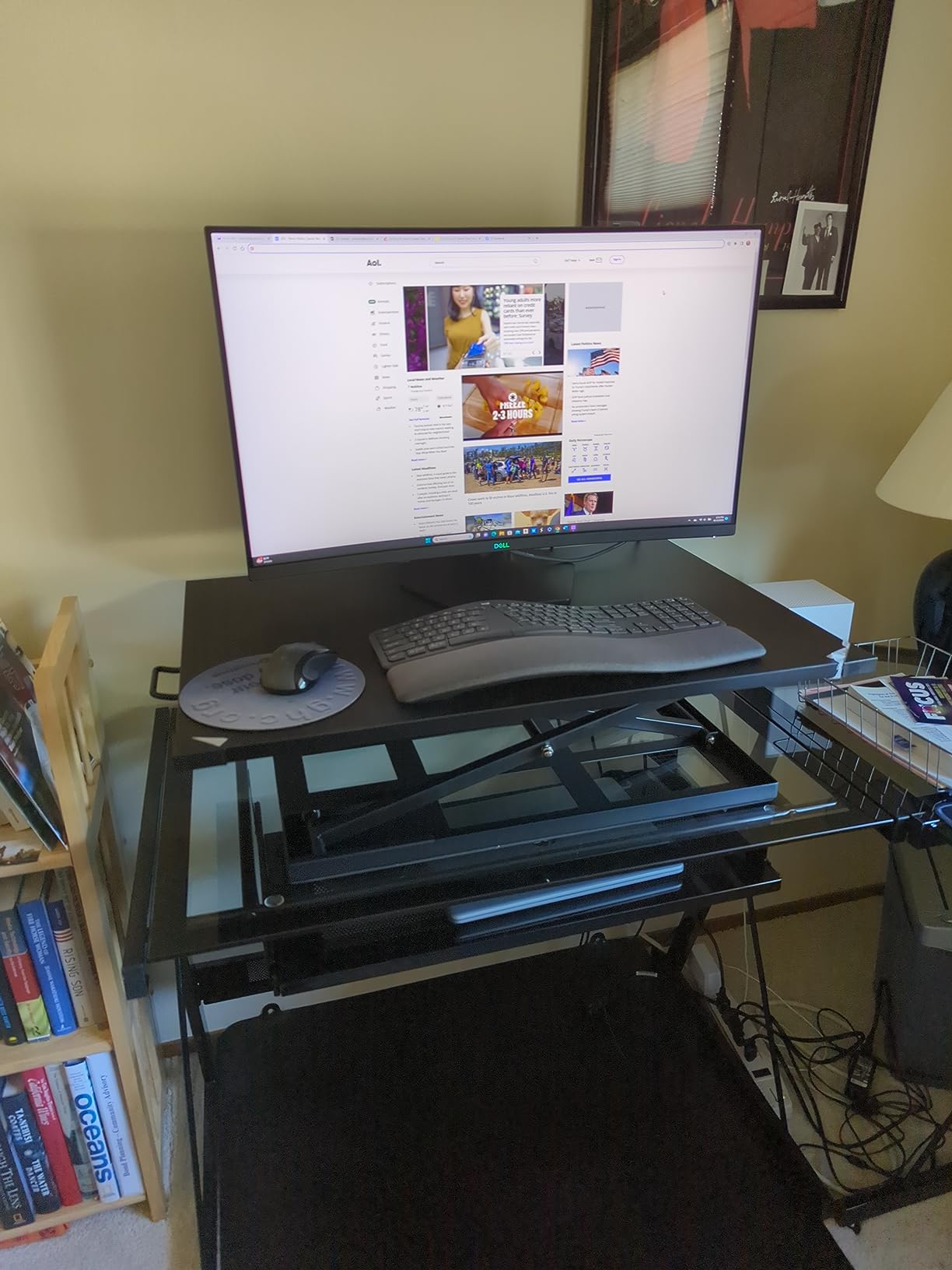
Where the vertical lift earns its keep
Converters that sweep forward as they rise steal 4 to 6 inches of desk depth at standing height, which is exactly where you need it for a mouse and a notebook. A straight up lift keeps the working area identical in both positions, so seated and standing feel like the same desk.
For a laptop user, that also means a laptop stand and monitor arm stay in the same spot rather than shifting out of reach.
What the spec sheet leaves out
Weight capacity is not clearly stated in the listing, and that is the first number we check on any converter. If your load is a laptop and one monitor you are fine, but if you plan a full dual monitor rig you want a published rating.
Color choice is limited to black, and the 38 pound weight limits portability. Both are minor compared with the lift geometry.
9. Mount-It 30 inch Walnut Compact – for shared desks
Mount-It! Height Adjustable Standing Desk Converter, Compact 30” Wide Tabletop Standing Desk Riser with Gas Spring, Desktop Stand Up Workstation with Keyboard Tray Fits Monitor or Laptop, Dark Walnut
4.9 to 19.2 inch range
30 inch wide top
220 lbs stated capacity
Gas spring lift
Lifetime warranty
Pros
- Compact 30 inch width fits shared and small desks
- Highest stated capacity in the roundup at 220 lbs
- Separate keyboard tray included
- Attractive dark walnut finish
Cons
- Mouse area on the keyboard tray is tight
- Some typing wobble at standing height
- Instructions miss a shipping step
This Mount-It is the smallest unit with a separate keyboard tray, and that combination is rare. Thirty inches wide is narrow enough for a shared desk or a bedroom workspace where the full size models refuse to fit, yet the tray means your laptop screen and keyboard can sit at different heights.
The gas spring handle raises the platform from 4.9 to 19.2 inches, and the listed capacity is 100 kg, or 220 lbs. We would treat that figure as a frame rating rather than a working limit, since converters rarely perform at their maximum, but on paper it removes any capacity question.
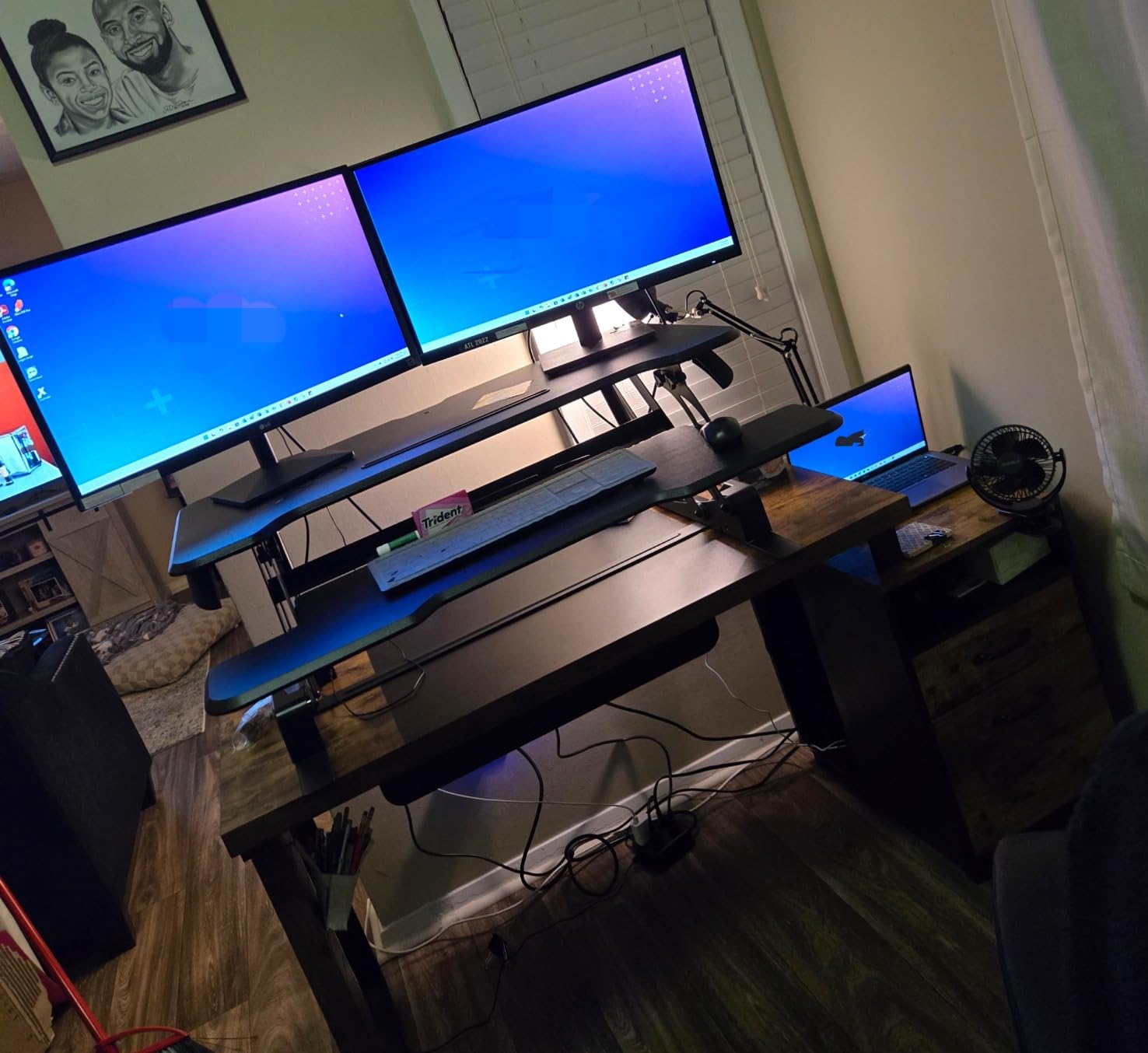
The dark walnut finish is the only one in this roundup that does not look like office equipment, which matters in a living space or a bedroom. It also comes in black, white and maple if walnut is not your call.
Assembly is quick, attaching the keyboard tray, though you will need a screwdriver and the instructions do not clearly call out the zip tie removal step, so a few owners report being confused on day one.
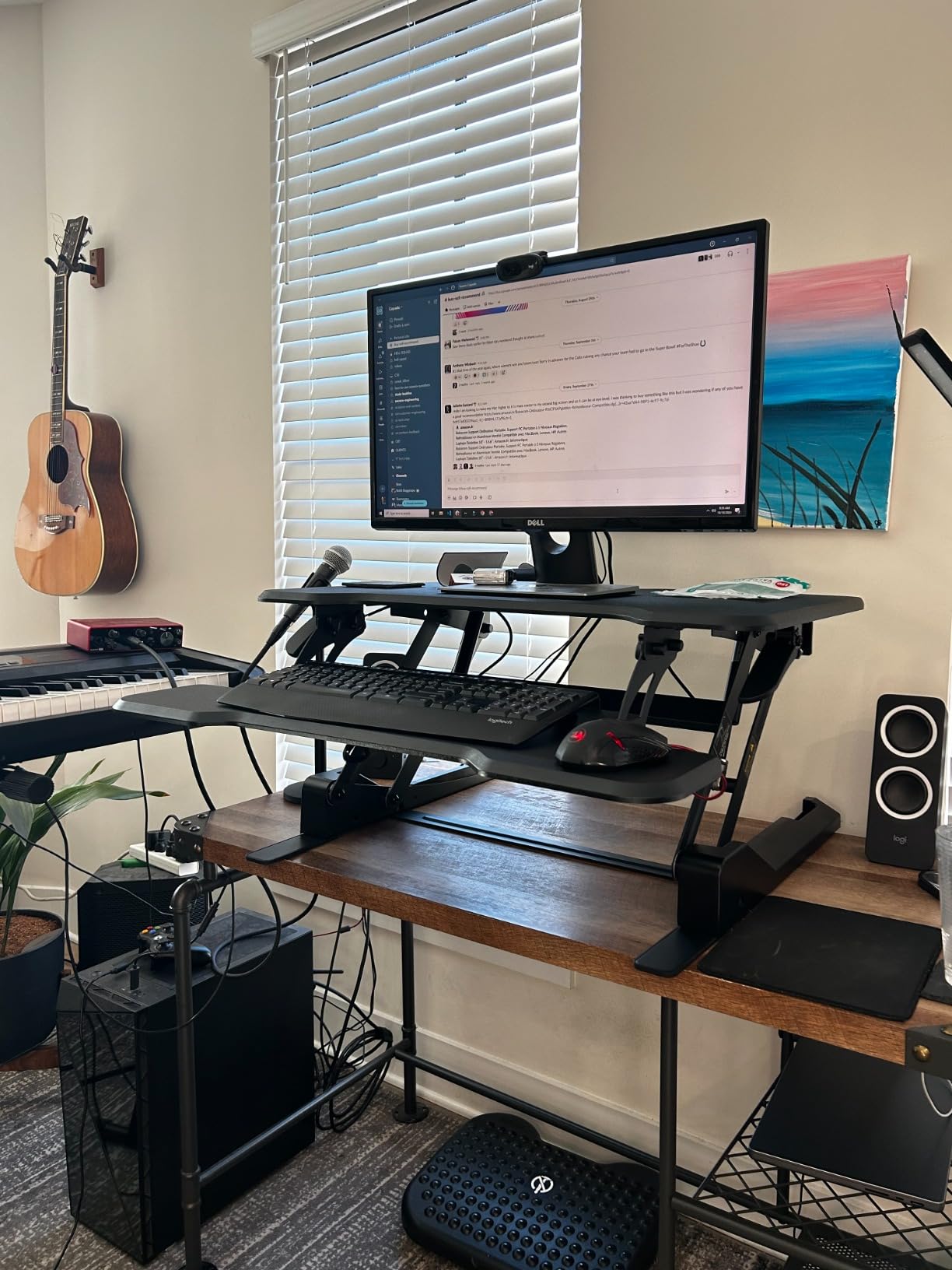
Why compact width helps a shared desk
A 30 inch platform leaves room for a second person to place a laptop or a stack of papers beside it. If you share a desk with a partner, or if you use one surface for both work and evening projects, the extra footprint of a 36 inch converter is hard to justify.
It is also a good match for the folding tables and rented desks common in temporary housing, since the footprint stays modest at every height.
Where it falls short
The mouse area on the keyboard tray is reported as very tight, so a full sized mouse with a mat will not fit comfortably. Check your mouse dimensions against the tray before ordering.
Some reviewers also note wobble while typing at standing height. Pairing the walnut finish with a mat and a light typing style mitigates it, but if you hammer your keys it will be noticeable.
10. JOY worker 32 inch Converter – the tray lifts off
JOY worker Standing Desk Converter, 32″ Height Adjustable Sit Stand Riser
4.9 to 19.3 inch range
31.5 inch dual tier top
28.6 lbs top capacity
Removable 24.4 inch tray
Pros
- Keyboard tray detaches for a clear seated desk
- Removable tray is 24.4 by 11.8 inches
- Patented X shaped frame resists wobble
- Single squeeze handle for quick changes
Cons
- Particle board construction is less durable
- Trays and extra parts arrive with unclear instructions
- Manual lift needs some effort
Almost every converter forces a choice. You keep the keyboard tray attached and lose desk space when seated, or you undo fasteners every time you want the surface back. The JOY worker takes a different approach with a 24.4 by 11.8 inch keyboard tray that lifts off the frame entirely when you want a clean desktop.
That single design choice makes it unusually friendly to a desk that does double duty. Store the tray in a drawer, keep the platform on the desk, and attach it when you want to work standing.
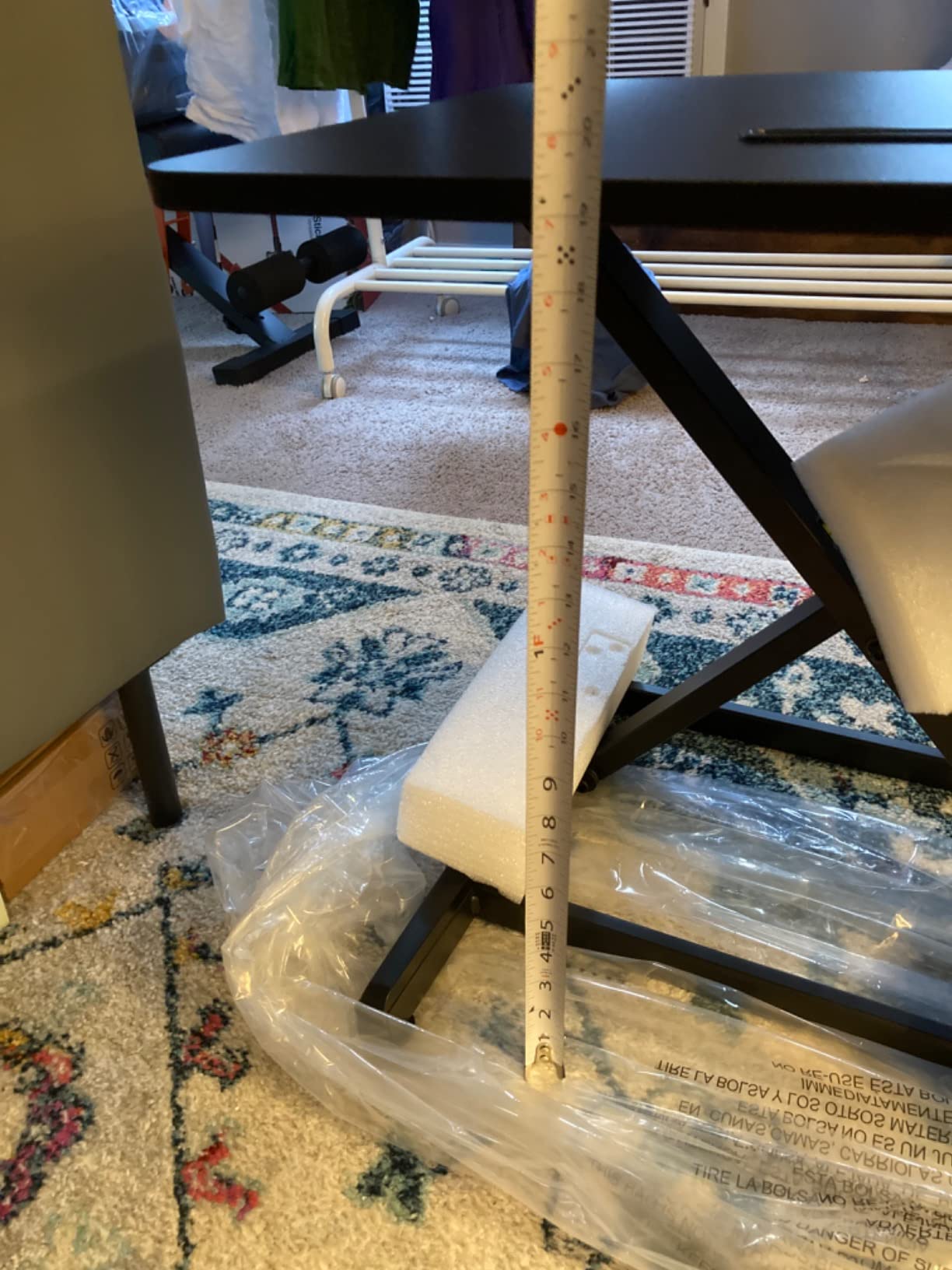
The top tier is 31.5 by 15.7 inches, which takes a laptop plus two monitors, and the patented X shaped frame gave us solid lateral stability. The squeeze handle raises the platform from 4.9 to 19.3 inches smoothly and from the front of the unit rather than the side.
Capacity is 28.6 lbs on the top tier and 4.4 lbs on the tray, which covers a laptop and two monitors but not much more. Assembly is a two step tray install and it comes in black, white and rustic brown at 32 and 35 inches.
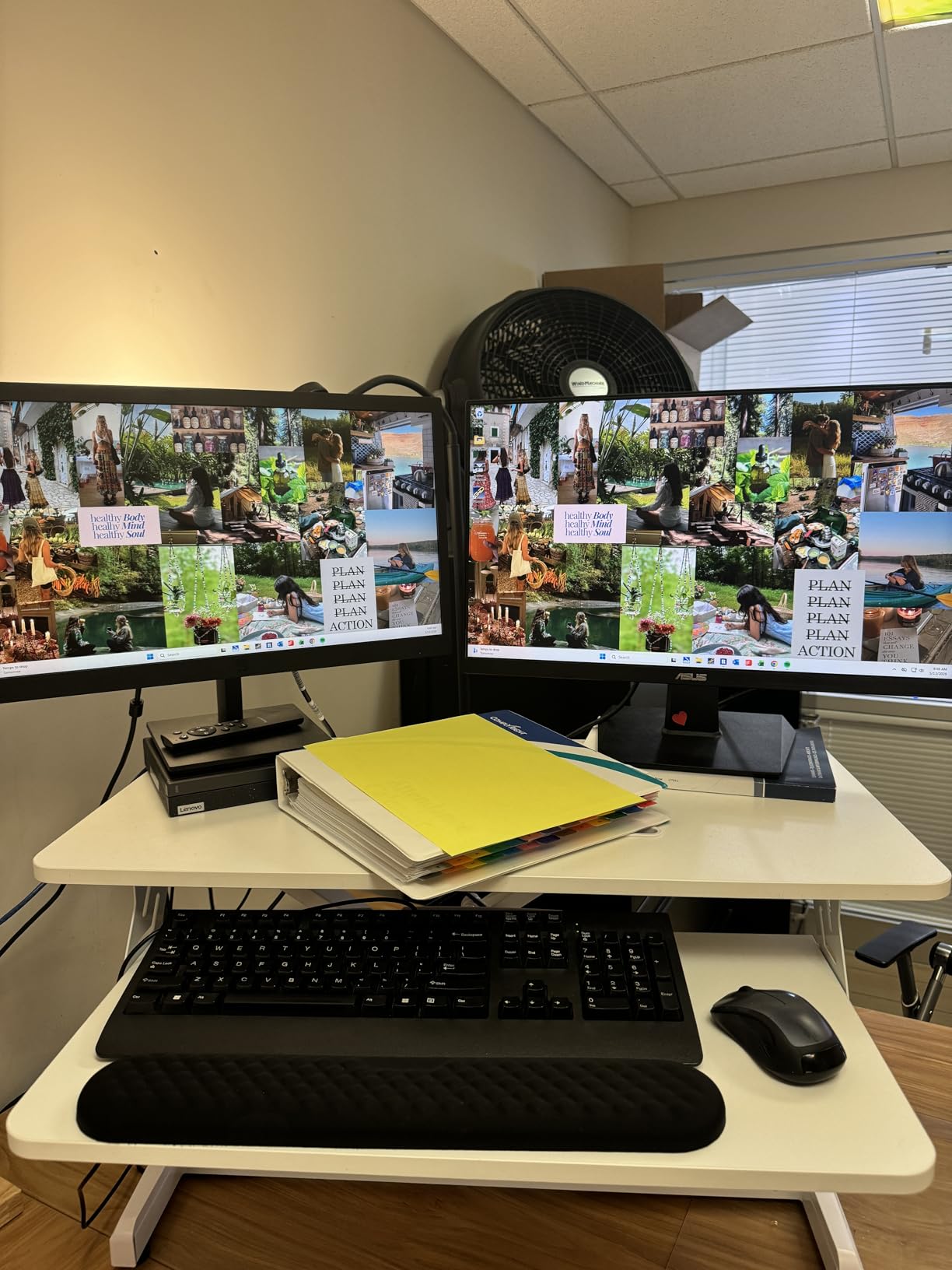
A converter that respects your desk
The removable tray solves the complaint that appears most often about dual tier converters: that the tray occupies desk space even when you are sitting. Owners on remote work forums describe detaching the tray at the end of the day and using the platform as a plain surface, which is the behaviour this design was built for.
It is a strong option for renters and shared workspaces where desk surface is the scarce resource.
Where to look closely
The construction is particle board with an X shaped frame, which is the least premium material mix in this roundup. It felt adequate rather than premium, and long term durability is the open question with this build.
Owners also mention extra parts arriving with no explanation, adhesive pads and ties, and instructions for the tray that could be clearer. Budget a few extra minutes for setup and check the parts list before assembling.
11. FLEXISPOT 35 inch Electric – widest keyboard tray
FLEXISPOT 35 inch Electric Standing Desk Converter, Motorized Stand up Desk Riser, Monitor and Laptop Workstation with Wide Keyboard Tray, Black
5.7 to 19.7 inch range
35 inch desktop
34.6 inch keyboard tray
55 lbs total capacity
Electric lift
Pros
- 34.6 inch tray fits a full size keyboard and wide mouse area
- 55 lbs total capacity with a quiet motor
- Desktop and tray assembled in minutes
- Cable management clips included
Cons
- Tray sits high even at the lowest setting
- Uses a large amount of desk space
- Keyboard tray is not easy to remove
The FLEXISPOT 35B is the only electric converter here with a 34.6 inch keyboard tray. That is nearly ten inches wider than a standard tray, which means a full size keyboard, a wide mouse pad and a laptop can all live on that surface without fighting for room.
Height runs from 5.7 to 19.7 inches on a one touch electric control. Total capacity is 55 lbs, split as 44 lbs on the desktop and 11 lbs on the tray, and the motor was quiet enough that we did not need to stop a meeting to raise it.
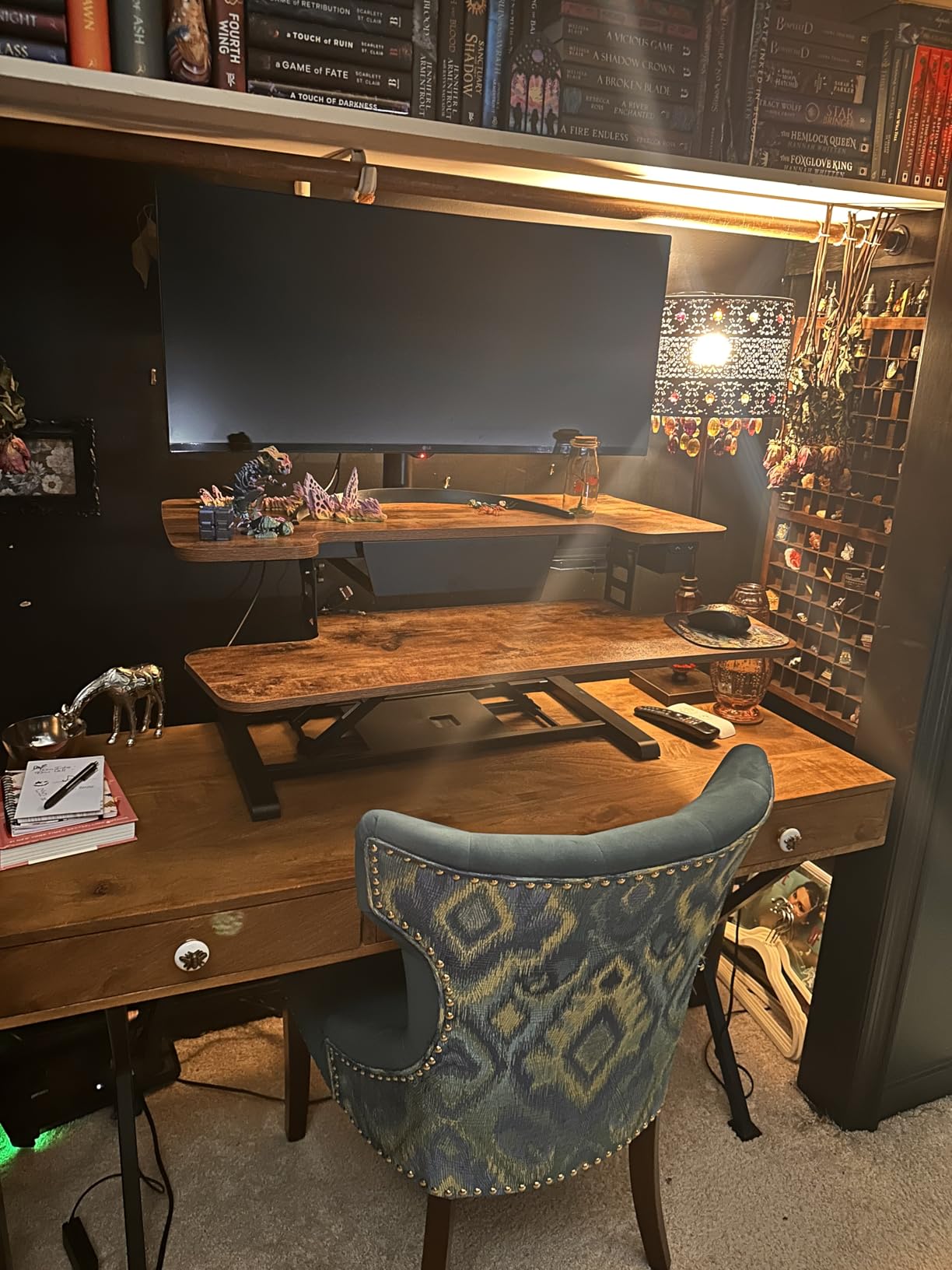
The desktop is 35 by 16.3 inches and the whole unit weighs 38 pounds. It arrives nearly fully assembled, so setup is attaching the tray, and cable management clips come in the box, which addresses the cable snagging problem we saw on several manual lifts.
For a laptop user typing on an external keyboard with a wide split layout, the tray dimension is the reason to look here first.
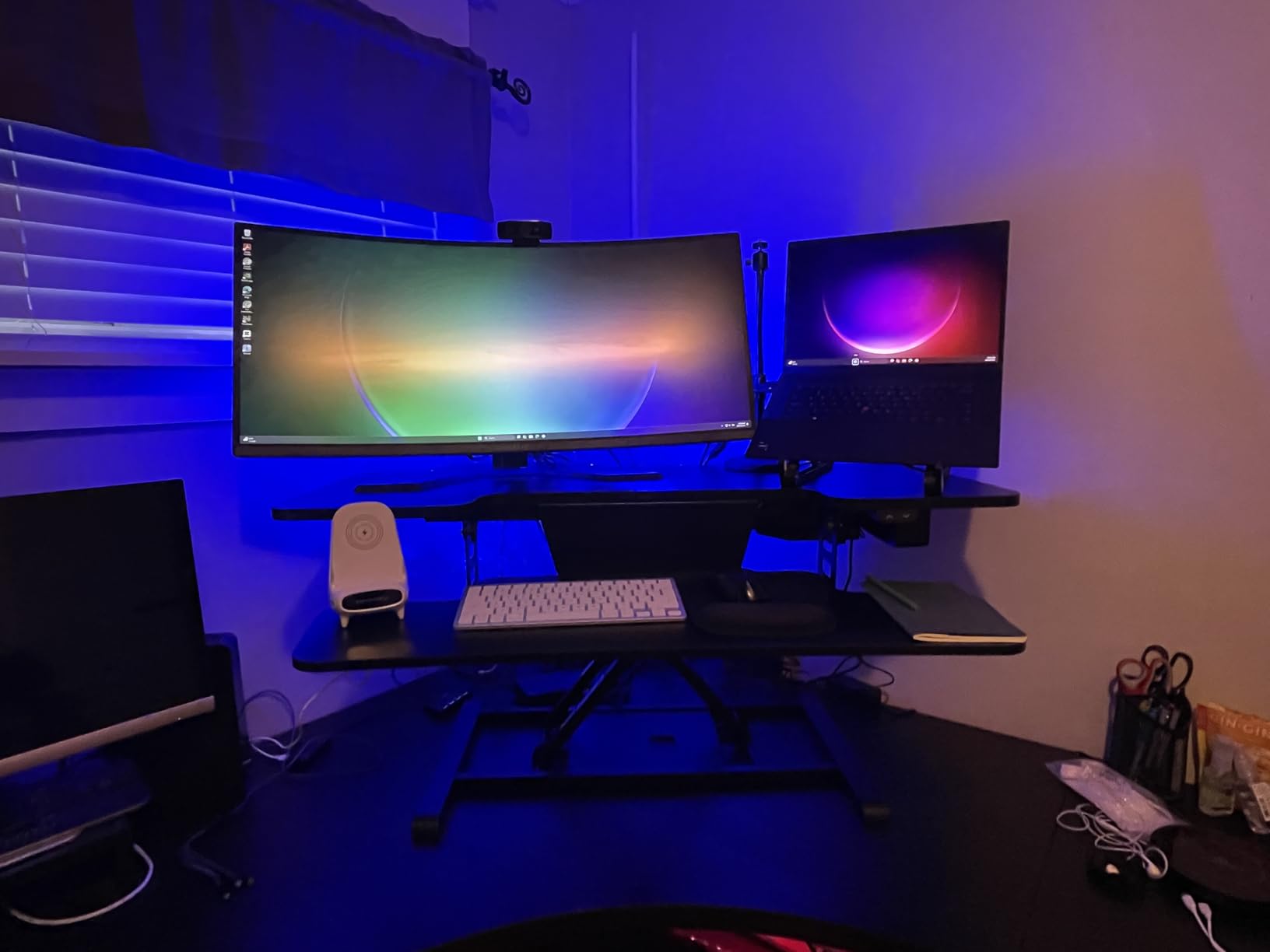
Best for wide keyboard layouts
If you type on a split ergonomic board, a full size tenkeyless keyboard, or you use a large trackpad, this is the tray that fits without compromise. It is also wide enough to hold a laptop on one side and a separate keyboard on the other, so you can keep the machine open as a second screen while typing.
The electric lift also means you can find a precise height rather than one of a handful of fixed positions.
The two compromises
The tray sits high even at the lowest motor setting, which is the most common complaint about this unit. If you spend a lot of your day seated, the tray height may not suit you, and standing becomes the comfortable position instead of the alternate one.
It also has the largest footprint here at 35 inches wide with a 16.3 inch deep desktop, so it needs a full size desk. Cable clips help, but the brand has a shorter track record in this category than Vari or VersaDesk.
12. Rocelco 32 inch Converter – sliding keyboard tray
Rocelco 32″ Height Adjustable Standing Desk Converter – Slide Out Retractable Keyboard Tray – Sit Stand Up Double Monitor Riser – Dual Piston Lift Assist Tabletop Computer Workstation – Black (R ADRB)
4.75 to 16.75 inch range
32 x 20.6 inch desktop
Retractable tray
Dual piston lift
Pros
- Keyboard tray slides fully out of the way when seated
- Dual piston assist handles heavier loads
- Desktop holds two 27 inch monitors
- No assembly required
Cons
- Unit shifts forward as it rises on shallow desks
- Locking mechanism takes practice
- Only a 1 year warranty
The Rocelco solves the same desk space problem as the JOY worker, but with a different mechanism. Its 23.6 by 11.6 inch keyboard tray slides horizontally into the frame, so pulling it back returns the desk to a clear surface without any tools. No fasteners, nothing to store away.
It has been available since 2015, which gives you one of the longest production runs of any converter here and 1280 reviews to sort through. The dual piston lift assist is the smoothest manual mechanism we tested under a heavy load.
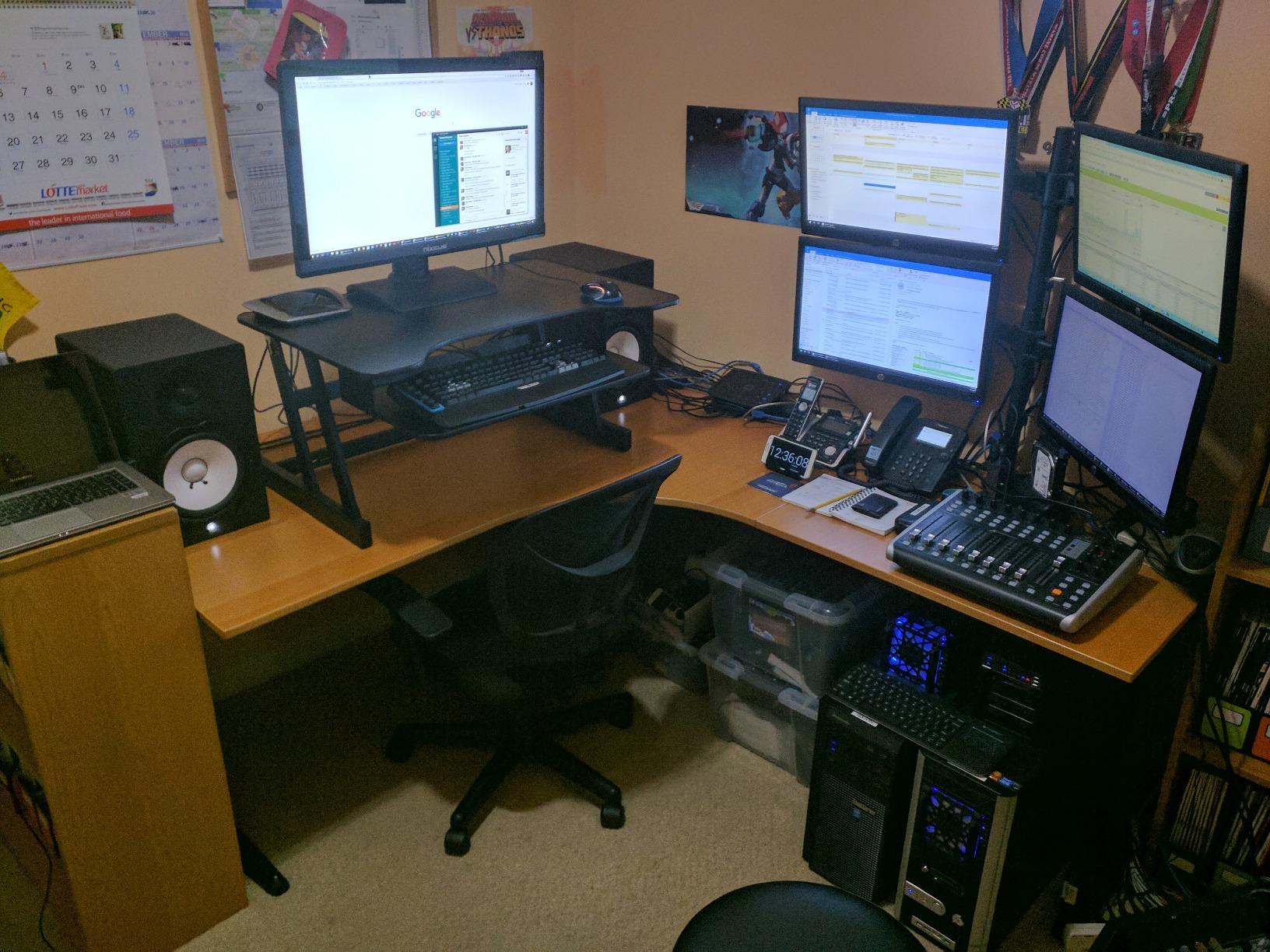
The desktop is 32 by 20.6 inches and holds two 27 inch monitors, with 4.5 inches of spacing between the tray and the desktop above it. That spacing gives you room for a laptop or documents in the gap, which is a detail most listings skip and laptop users appreciate.
Height runs from 4.75 to 16.75 inches, the unit weighs 26.7 pounds, and no assembly is needed. Anti skid foam pads protect the desk underneath.
Good value for a dual monitor rig
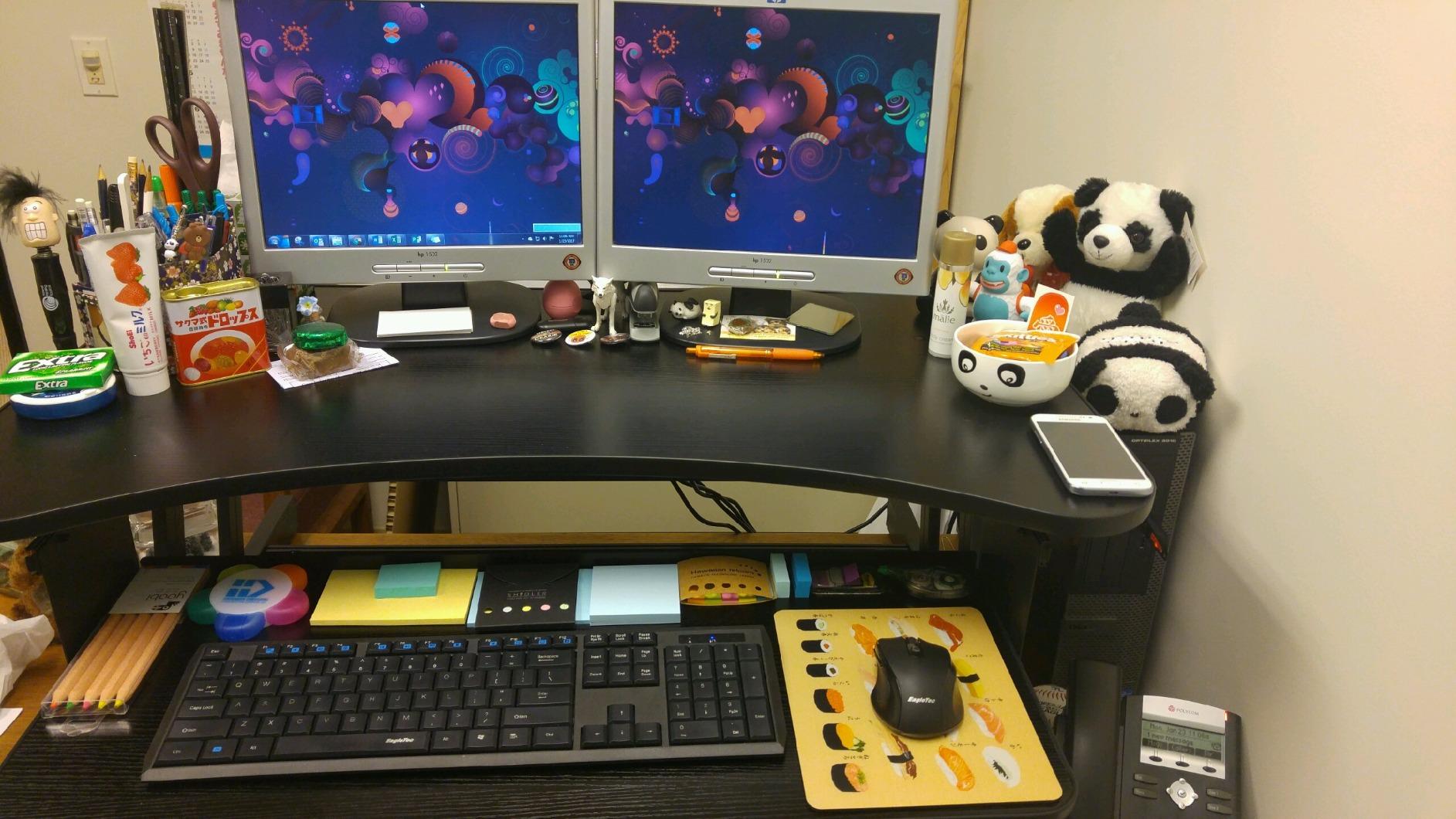
Among converters rated for two 27 inch monitors, this is one of the more affordable ways to do it. The piston assist carries the load with a smooth glide, and the sliding tray means you do not have to buy a separate riser for your keyboard.
The brand is also reported as responsive when a unit arrives damaged, which matters given the one year warranty is the shortest here.
Plan your desk depth first
The most important thing to know is that this unit moves forward as it rises. That means your effective desk depth at standing height is several inches shorter than at sitting height. On a 24 inch deep desk, measure before ordering or you may end up with the platform hanging over the front edge.
The two handed locking mechanism also has a learning curve, and on an unstable desk surface reviewers report more wobble than on solid wood. Check that your desk has a flat, well supported top.
How to Choose a Converter for Your Laptop Setup
Single top or dual tier for a laptop
This is the decision that matters most and it is simple. If you will type on the laptop keyboard while standing, buy a single top and add a laptop stand on top of it so the screen rises to eye level while your hands drop to the surface in front. If you will bring an external keyboard, buy a dual tier converter so the screen and keyboard can each sit at a sensible height.
The single top options in this roundup are the VIVO DESK-V001J at 17 lbs and the Stand Steady X-Elite Pro at a 2.25 inch collapsed height. Every other pick is dual tier.
Measure your desk before you order
Three measurements decide whether a converter fits. Measure the desk depth at the back where the converter will sit, not the full desk length. Measure the desk width, since a 36 inch platform needs roughly 38 inches of clearance including the frame feet. And measure the clearance under your desk for the keyboard tray, which hangs below and forward of the main platform when raised.
Add a few inches of slack in every direction. A converter that fits on paper but crowds the wall behind it will block laptop airflow and limit where you can put a monitor arm.
Weight capacity for a real laptop setup
Budget about 4 lbs for a typical ultrabook, 6 to 9 lbs for a larger laptop, 4 to 8 lbs per monitor, and 2 to 3 lbs for a keyboard and mouse. A laptop plus one monitor lands around 15 lbs. A laptop plus two 27 inch monitors and a keyboard pushes past 30 lbs, which is where several converters here run out of headroom.
Only the VERSADESK PowerPro at 80 lbs, the Mount-It walnut at a stated 220 lbs and the FLEXISPOT at 55 lbs comfortably cover a heavy dual monitor rig. Everything in the 33 lb class is fine for a laptop with one or two light monitors.
Gas spring, pneumatic or electric
Gas spring and pneumatic lifts are manual systems with an assisted spring or air cylinder. They need physical effort, they are cheaper and they never need a power outlet. Electric lifts run on a motor with buttons or a control panel, need a cable, move more slowly and generally support more weight.
For a laptop user changing position two or three times a day, a front facing handle or squeeze mechanism beats a side lever. Shorter users in particular report that side levers are hard to reach. Our top pick, the VIVO 32, uses a touch lock, and the TechOrbits uses a front squeeze handle.
Added height when lowered
The hidden spec is the height the converter adds to your desk when fully lowered. Our top pick adds about 4.5 inches. The VariDesk Pro Plus adds 4.5 inches, the TechOrbits 4.3 inches, and the Stand Steady X-Elite Pro only 2.25 inches. The Mount-It MI-7929W adds 2.5 inches.
Add that figure to your desk height and compare against your seated elbow height, which is normally 29 to 30 inches from the floor. A converter that pushes you to 34 inches while seated will leave your shoulders raised all day. This is the single most common complaint on home office forums, and it is entirely avoidable if you check the number first.
The 20-8-2 sit and stand schedule
The most useful habit is the 20-8-2 pattern: roughly 20 minutes sitting, 8 minutes standing, 2 minutes moving or stretching. The idea is that variety of posture matters more than any single position, and the movement breaks matter most.
A four week progression works well. In week one, alternate sitting and standing every 30 minutes for an hour total. By week two, extend to two hour blocks. In week three, add the 8 minute standing stretches. By week four, aim for 20-8-2 through most of your working day. If your neck or back hurts at the standing height, drop the standing block to five minutes and add a second sitting block rather than pushing through.
Pair your converter with an anti fatigue mat while you are at it. If you want a mat with a textured surface or one sized for a kitchen, our picks for anti fatigue mats for kitchens cover that side of the setup.
Frequently Asked Questions
What is a standing desk converter?
A standing desk converter, also called a desk riser, is a frame that sits on top of your existing desk and raises a work surface to standing height using a gas spring, pneumatic or electric mechanism. It lets you alternate between sitting and standing without replacing the desk you already own. Most models add 2 to 5 inches of height when fully lowered.
Do standing desk converters work well for laptops?
They work, but the screen and keyboard sit at the same height on a laptop, so something has to give. The best standing desk converters for laptops are dual tier models with a separate keyboard tray, so the laptop screen sits at eye level while an external keyboard sits lower. Add a laptop stand on a single top model if you plan to type on the laptop keyboard while standing.
Do you need an external keyboard with a standing desk converter?
You need one if you want a correct screen height. A laptop keyboard is welded to the display, so raising the platform for your neck pushes your forearms up into a raised position. A dual tier converter with an external keyboard on the tray below solves this. Single top designs work if you pair them with a laptop stand.
What is the 20-8-2 rule for standing desks?
The 20-8-2 rule is a sit and stand schedule: about 20 minutes sitting, 8 minutes standing and 2 minutes moving or stretching. The point is that changing posture regularly matters more than any single position, and the short movement breaks are the part most people skip. Start with shorter intervals and build up over a few weeks.
Can a standing desk converter hold two monitors?
Only if the load stays under the rated capacity and the surface is wide enough. A laptop plus two 27 inch monitors is roughly 30 to 35 lbs, which exceeds the 28.6 lb and 17.6 lb ratings on the compact models. The 33 lb converters work for lighter dual monitor setups, and the 55 lb and 80 lb options are built for full rigs.
Is a converter better than a full standing desk?
A converter keeps the desk you already own and costs far less, which suits renters and anyone who wants to try standing work before committing. A full standing desk drops to a lower seated height, so it is better if your current desk is tall. If your desk sits around 29 inches, a converter adds height rather than removing it, so check the added height when lowered first.
Bottom Line on the Best Standing Desk Converters for Laptops
After all of this, the VIVO 32 inch DESK-V000K is still the one we recommend to most people. Its 31.5 inch top, 33 lbs of pneumatic assist and sync keyboard tray handle a laptop with two monitors, it adds only a modest amount of height when lowered, and more owners have lived with it than any other converter in this roundup.
Buy the VariDesk Pro Plus 36 if you want the most rigid platform and can accept 52.5 pounds. Buy the VERSADESK PowerPro 36 if your load is heavy and you want to raise it with a button. Buy the VIVO 28 if desk space is tight. And check the added height when lowered before you order anything, because that single number decides whether your seated posture still works at the end of the day.
Start with a 20-8-2 schedule in 2026, give it two weeks of honest use, and adjust the standing height from there.