
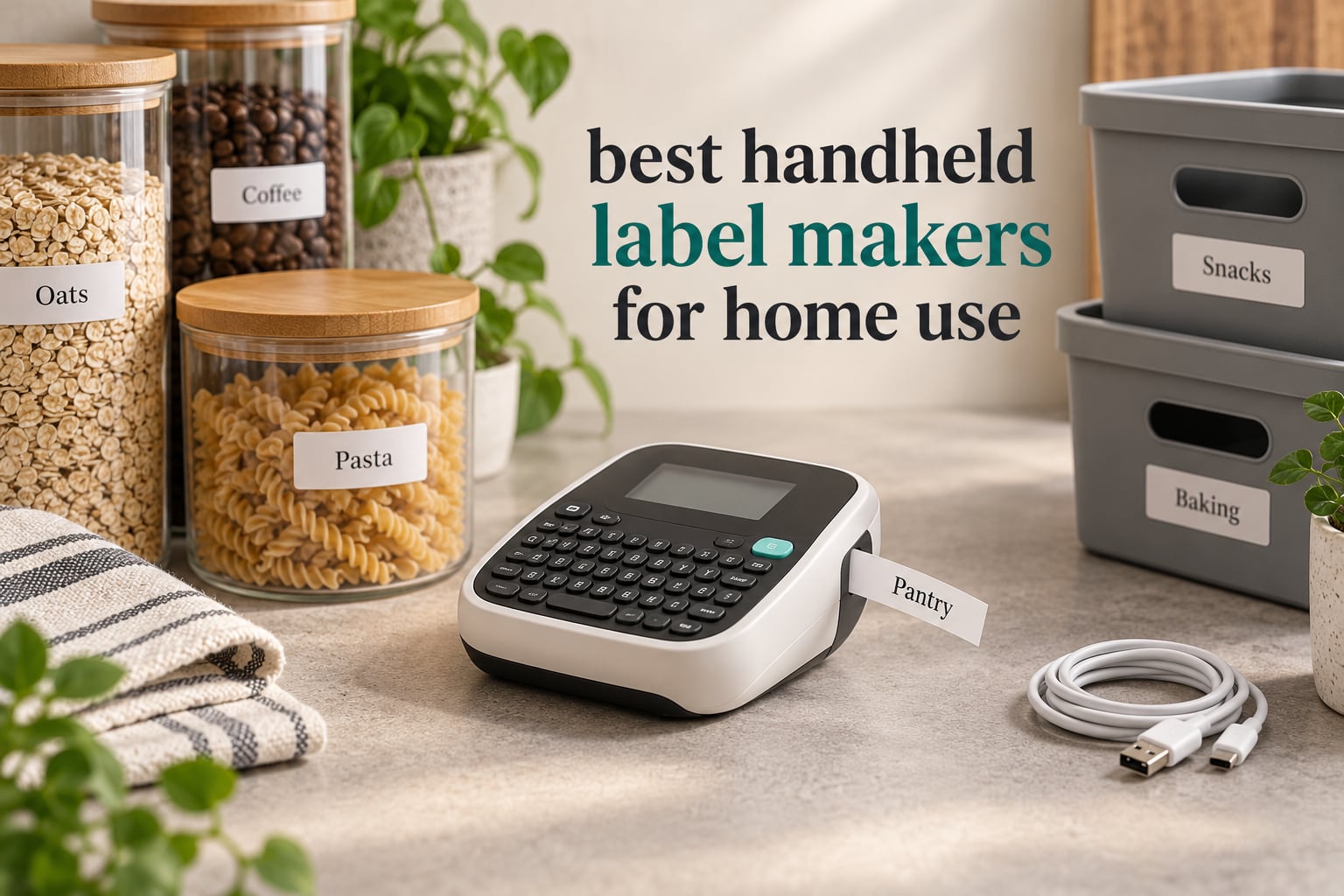
A handheld label maker is a small, battery or rechargeable powered printing device roughly the size of a stapler that prints text, symbols and simple graphics onto adhesive-backed tape, so you can identify bins, jars, cables and folders without handwriting. There are three form factors worth knowing: a keyboard handheld you type on directly, a Bluetooth mini printer you drive from a phone app, and a manual embossing tool that needs no power at all.
That last distinction matters more than any spec sheet. Almost every roundup on this topic quietly mixes in desktop units, craft die-cutters and industrial machines that need an outlet, a cradle and a workflow. This list does not. Every one of the best handheld label makers for home use below is a machine you can hold in one hand, carry in a drawer or a backpack, and run off batteries or a built-in rechargeable cell.
We narrowed the field on the criteria that actually change daily life at home: whether you have to open an app, how wide the label comes out, what happens when the tape runs out, and whether one hand is enough to operate it. We also weighed what buyers report after months of use rather than what the box promises, because the gap between those two is where most disappointments live.
If you want the wider view before choosing a machine, our guide to the best label makers for home organization covers desktop and dedicated organizers, while this list stays strictly handheld. We are also upgrading other corners of the house, so our guides to the best water distillers for home use and the best ellipticals for home use follow the same hands-on approach.
Table of Contents
Top 3 Handheld Label Makers in 2026
Three machines rise above the rest, and all three work without an app. That is the single biggest pattern we found in owner feedback: people who just want to type a word and print are far happier with a physical keyboard than with a phone workflow, and the machines with keyboards also keep working when your phone battery is flat or a software update breaks pairing.


DYMO LabelManager 160
- Computer-style QWERTY keys
- Large LCD preview
- Cuts one label at a time

All 10 Handheld Label Makers at a Glance in 2026
Every machine in the table below is handheld. The interface column is the fastest way to filter: five of these ten work entirely from a phone app, and the other five have a physical keyboard you can see and feel.
| Product | Specifications | Action |
|---|---|---|
| DYMO LetraTag 100H |
|
Check Latest Price |
 Phomemo D30 Phomemo D30 |
|
Check Latest Price |
 Nelko P21 Nelko P21 |
|
Check Latest Price |
| DYMO LabelManager 160 |
|
Check Latest Price |
 NIIMBOT B1 NIIMBOT B1 |
|
Check Latest Price |
 Brother PTD220 Brother PTD220 |
|
Check Latest Price |
 NIIMBOT D110 NIIMBOT D110 |
|
Check Latest Price |
 SUPVAN E11 SUPVAN E11 |
|
Check Latest Price |
| Brother P-Touch PTD210 |
|
Check Latest Price |
 Brother PT-M95 Brother PT-M95 |
|
Check Latest Price |
DYMO vs Brother: Which Brand Wins at Home
Brother wins on tape durability and ecosystem depth, DYMO wins on simpler handheld design and broader retail availability. For occasional home labeling either brand works, and the deciding factor is usually which brand’s refill tape you can buy closest to you.
Brother’s TZe tape is laminated, which means a label survives the freezer, the sink and the dishwasher without smudging or fading. It is also more expensive and sold in fewer places. DYMO’s D1 and LT tapes come in more widths, more colors and more finishes, and you will find them in more shops, but the adhesive on the thinner plastic styles is what owners most often criticize for lifting at the edges over time.
The other split is interface design. Brother models tend to pack in more fonts, frames and symbols, and the PTD210 and PTD220 add label memory so you can reprint a saved design with one press. DYMO units are more stripped back, print one label at a time instead of wasting tape between them, and are easier to learn in five minutes.
If your labeling is mostly kitchen, pantry and moving boxes, a laminated Brother tape is worth the extra per roll. If you label cables, kids’ gear and gift bags in short bursts, a DYMO unit will cost you less per label and take up less drawer space.
1. DYMO LetraTag 100H – the keyboard that wins forum votes
DYMO Label Maker Machine with 3 Tapes – 100H LetraTag Handheld, Includes 3 LT Label Tapes, Perfect for Home & Office Organization
Keyboard handheld
Graphical preview display
16 ounces
LT label tapes
Pros
- Graphical display previews the label before printing
- Five font sizes with seven print styles and eight box styles
- Three LT tapes included covering paper
- plastic and clear
- Auto power-off extends battery life
- Survives drops onto concrete in owner reports
Cons
- Keyboard runs in alphabetical order rather than QWERTY
- Borders only work on the two smallest font sizes
- Adhesive on some tapes lifts at the label edges
- Needs four batteries
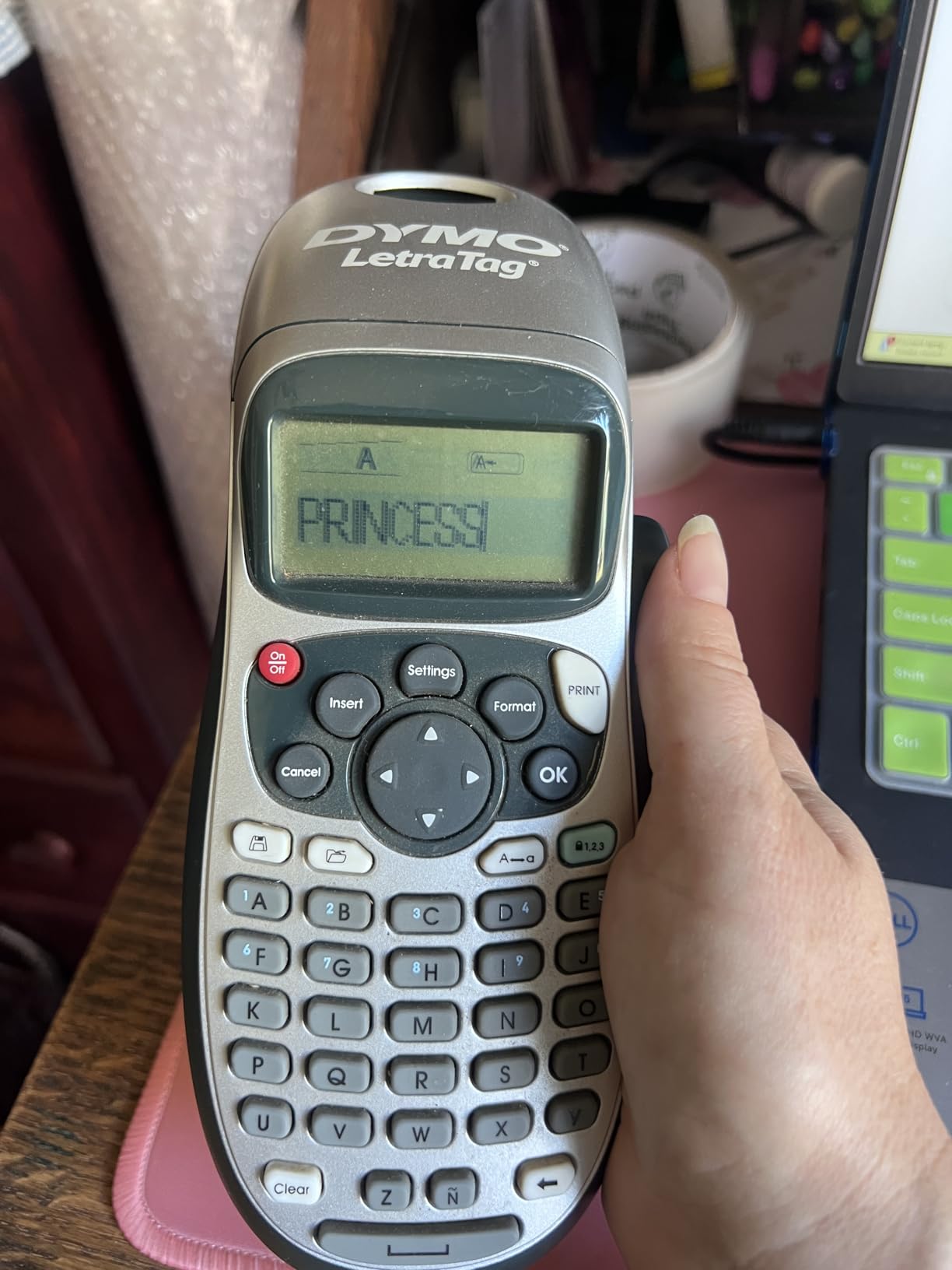
The LetraTag 100H is the machine that keeps showing up as the answer to “is the 100H actually worth buying” in owner threads, and the reason is consistent: it has a real keyboard and a screen that shows you the label before it prints. You type the word, look at the preview, adjust the style, and print. No app, no account, no phone.
Answer at a glance: buy the 100H if you want to label a pantry shelf or a moving box and be done in under a minute, and do not buy it if typing speed matters more to you than anything else.
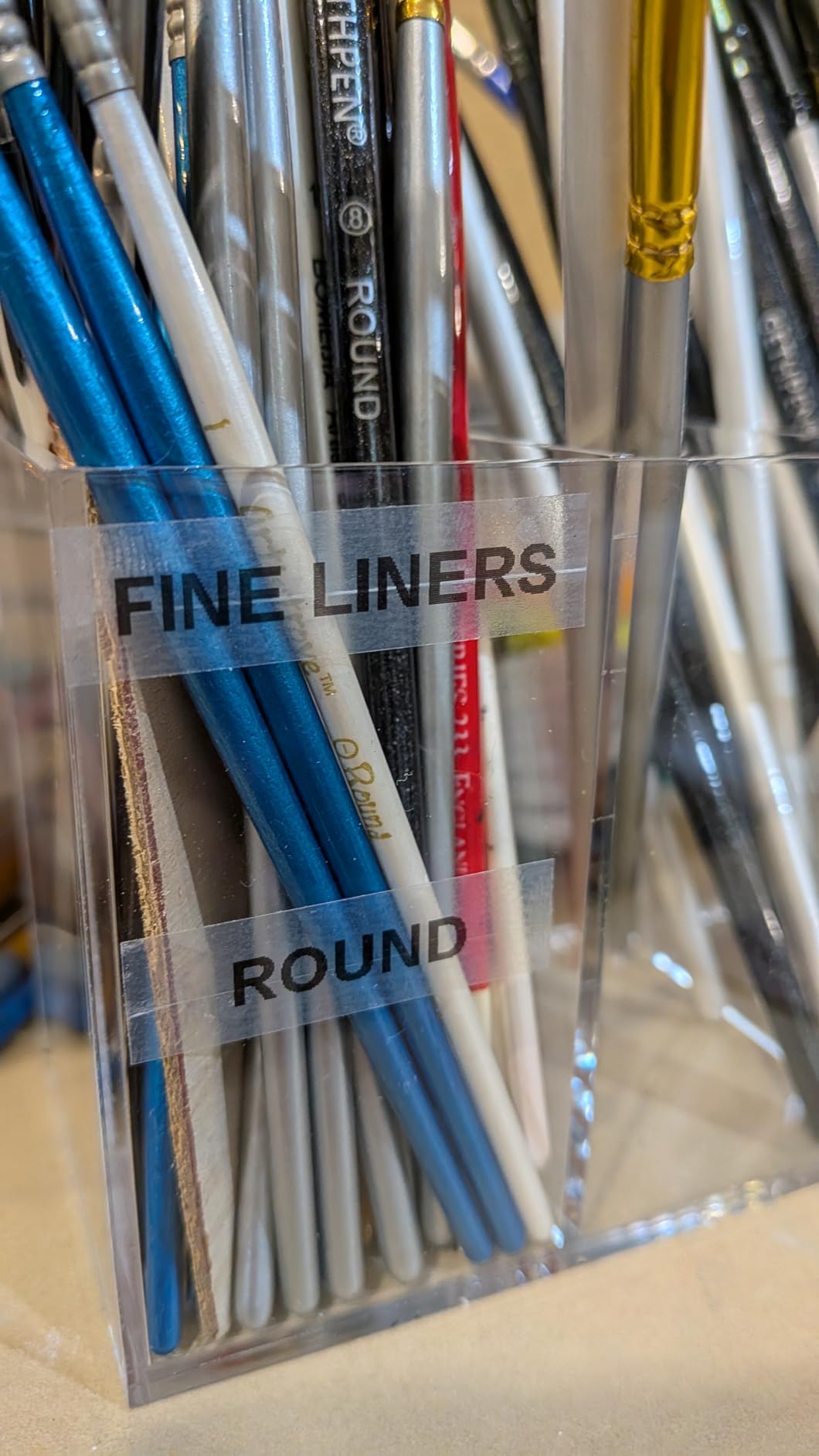
What you get in the box is unusually generous for this category. Three LT tapes are included: one paper, one plastic and one clear, all in half-inch black on white. That alone covers a first season of labeling without a single extra purchase, and clear tape is the one to reach for on jars where you want the contents visible.
The honest weakness is the keyboard. It is laid out alphabetically rather than in QWERTY order, so anyone who types fast will be hunting for letters. Owners also note that border outlines only render on the two smallest font sizes, which is a limitation rather than a defect. Adhesion on some tapes lifts at the corners after months in a damp garage.
Print quality is thermal transfer, so there is no ink, toner or ribbon to buy, and the machine cuts only what it needs to cut. Battery life is fine for home use because the auto-off function puts it to sleep quickly.
What you should check before you commit
Look at your longest label in advance. This machine produces narrow half-inch stock, which suits a jar lid or a cable but will not cover a moving box face. If your project needs bigger text, the NIIMBOT B1 in this list prints 2 inch labels instead.
Decide how much typing you will actually do. For six labels a month, the alphabetical layout costs you nothing. For a hundred labels in an afternoon, it is genuinely tiring, and a QWERTY machine like the DYMO LabelManager 160 is the better tool.
Where it falls short
The screen previews content but not spacing perfectly, so a long word on a small font can still print tighter than you expected. It is also a single-line-oriented format rather than a two-line one, which matters if you want a room name above a box number.
It needs four batteries, and because it is battery-only there is no way to power it from a wall when the cells run down mid-project. For a household that labels once a season, that is irrelevant.
2. Phomemo D30 – app templates and a pocket footprint
Phomemo D30 Label Maker Machine with Tape, Bluetooth Mini Label Printer
Bluetooth mini printer
203 DPI thermal
160 g
Rechargeable battery
Pros
- Half the weight and footprint of a traditional label maker
- 203 DPI German thermal print head
- Print Master app with 4000 plus icons and 1000 plus templates
- Supports continuous and fixed-length tapes
- QR code and barcode generation built in
Cons
- Prints black text only
- No onboard keyboard at all
- Some owners report pairing or app stability issues
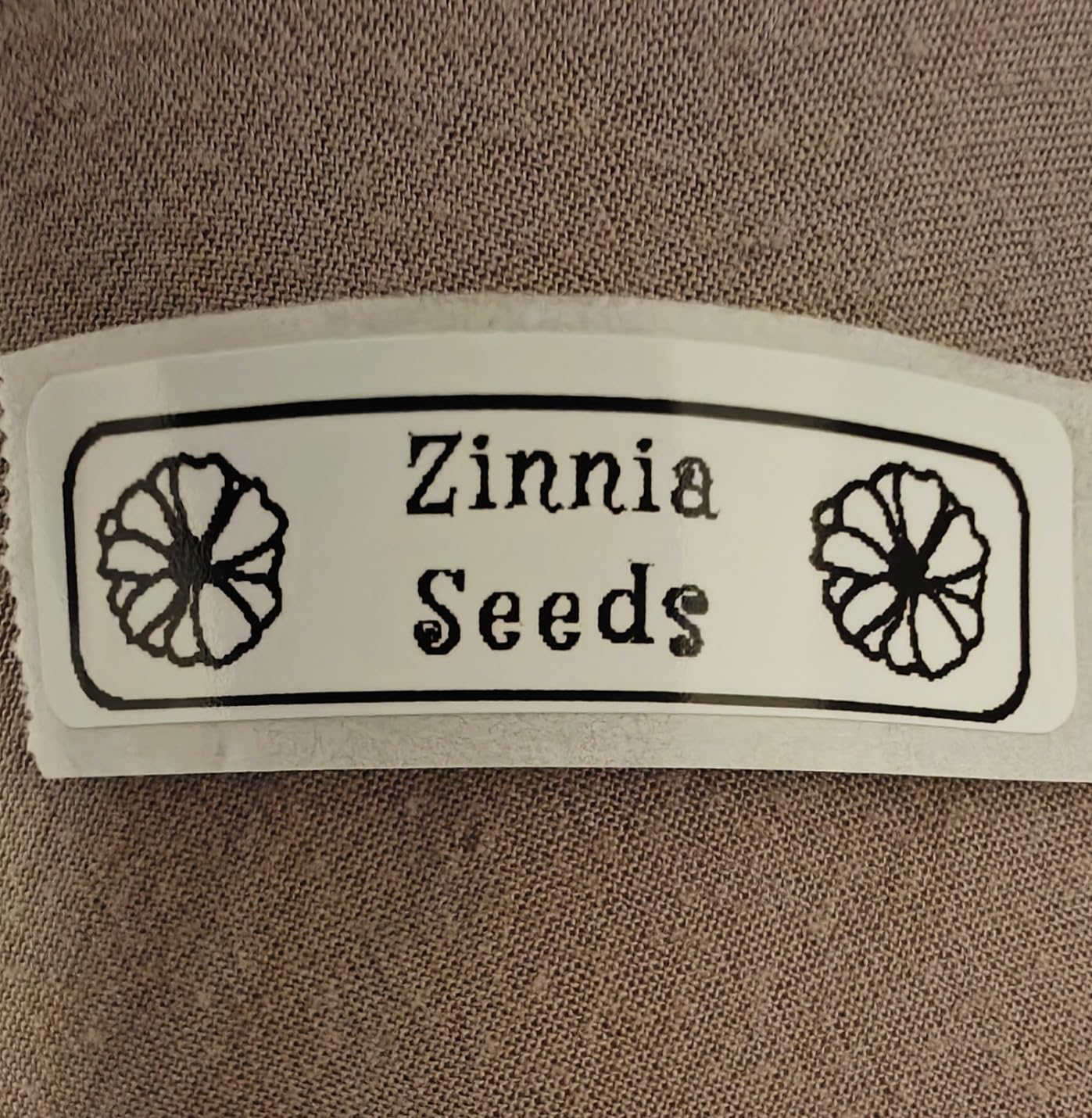
The D30 is the opposite trade to the LetraTag. It has no keyboard, no screen and almost no interface, because your phone is all of those things. What it gains is the Print Master app library: 4000 plus icons, 800 plus borders, 600 plus fonts and 1000 plus templates, plus QR and barcode generation, OCR text reading and batch import from a spreadsheet.
Answer at a glance: choose the D30 if your labels need icons, colors from patterned tape, or repeated designs you would rather not retype, and skip it if you want to print a word in five seconds flat without touching a phone.
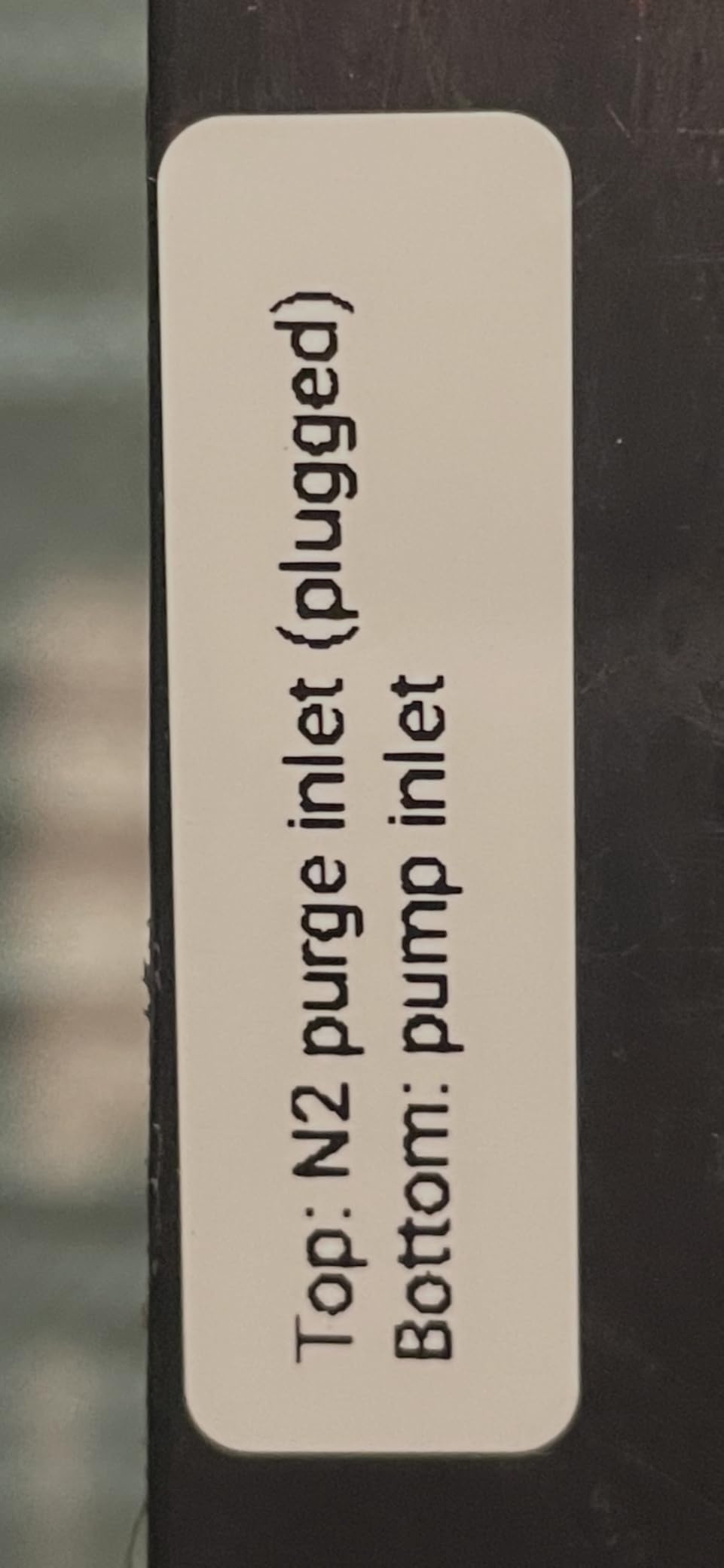
At 160 g and just over five inches long, it is one of the smallest machines here, and it disappears into a drawer or a backpack pocket. The 203 DPI German thermal head produces noticeably cleaner edges than budget units, which matters if your labels carry small text like dates on freezer containers.
It is also the one Bluetooth unit here that handles continuous tape as well as fixed-length rolls, so you can print a long strip for a drawer front rather than chopping it into fixed blocks. The rechargeable battery removes the battery question entirely for casual use.
Owners commonly report using it for pantry jars, cables, school gear and small-business price tags. The recurring complaints are about the app rather than the printer: connection drops, and the fact that color is not real, so any colored effect has to come from a patterned tape roll.
What you should check before you commit
Check your phone. The D30 pairs with smartphones and tablets over Bluetooth 4.0 and charges by USB Type-C, so an older tablet without a modern Bluetooth radio is the risk, not the printer itself.
Think about how often you will print. An app-driven workflow rewards frequency, because once the template library is set up each new label is quick. If you only label twice a year, you are paying attention to a phone screen for very little gain.
Where it falls short
Two of the three text styles you might expect are absent. There is no color output at all, and there is no physical fallback if the app is down or your phone is dead. For a household tool that gets used in a basement or garage where there is no signal, that is a real limitation.
Label size is also constrained by the roll you load, and the max media size is a little over half an inch wide, so this is a small-label machine, not a bin-label machine.
3. Nelko P21 – a low-cost Bluetooth unit with fixed label sizes
Nelko P21 Label Maker Machine with Tape, Bluetooth Label Printer, White
Bluetooth label printer
203 by 203 DPI
11.52 ounces
Rechargeable
Pros
- Compact enough to carry in a pocket
- 203 DPI BPA-free direct thermal printing
- App carries 750 plus templates in 29 languages
- QR codes
- barcodes
- images and timestamps supported
- Includes a roll of label paper and a Type-C cable
Cons
- Label length is fixed to supported tape sizes
- No continuous tape support
- Does not pair with computers or Android 14 phones
- Charging adapter not included
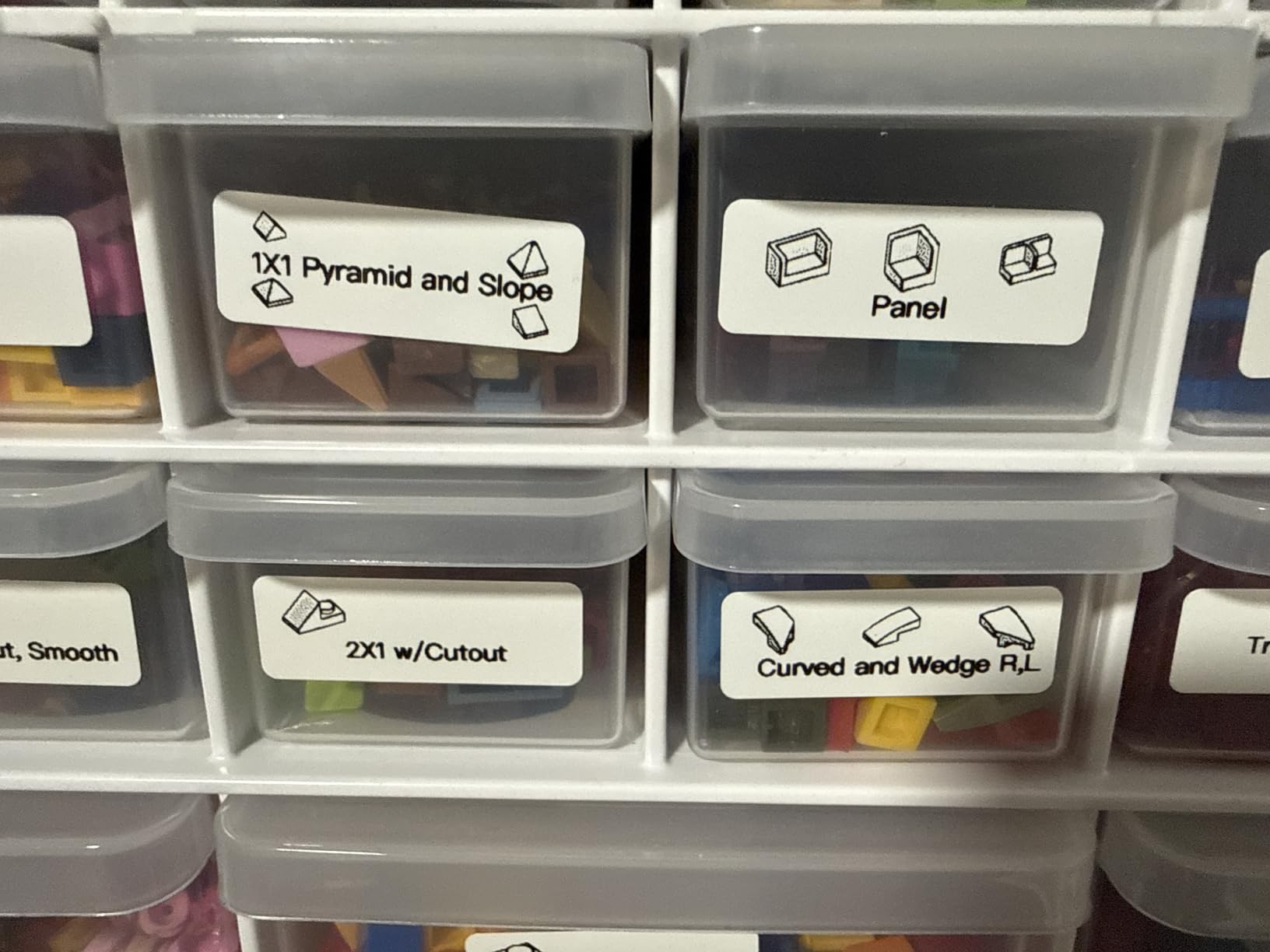
The P21 sits in the same weight class as the D30 and competes with it directly, but the differences are concrete. Nelko specifies 203 by 203 DPI against the D30’s 203 DPI, and both run monochrome thermal output with a rechargeable cell. Where Nelko wins is language and template coverage: 750 plus templates in 29 languages, which is unusually useful for a mixed household or a classroom.
Answer at a glance: pick the P21 for school supplies, kid’s gear and multilingual label sets, and pick the D30 instead if you need continuous tape.
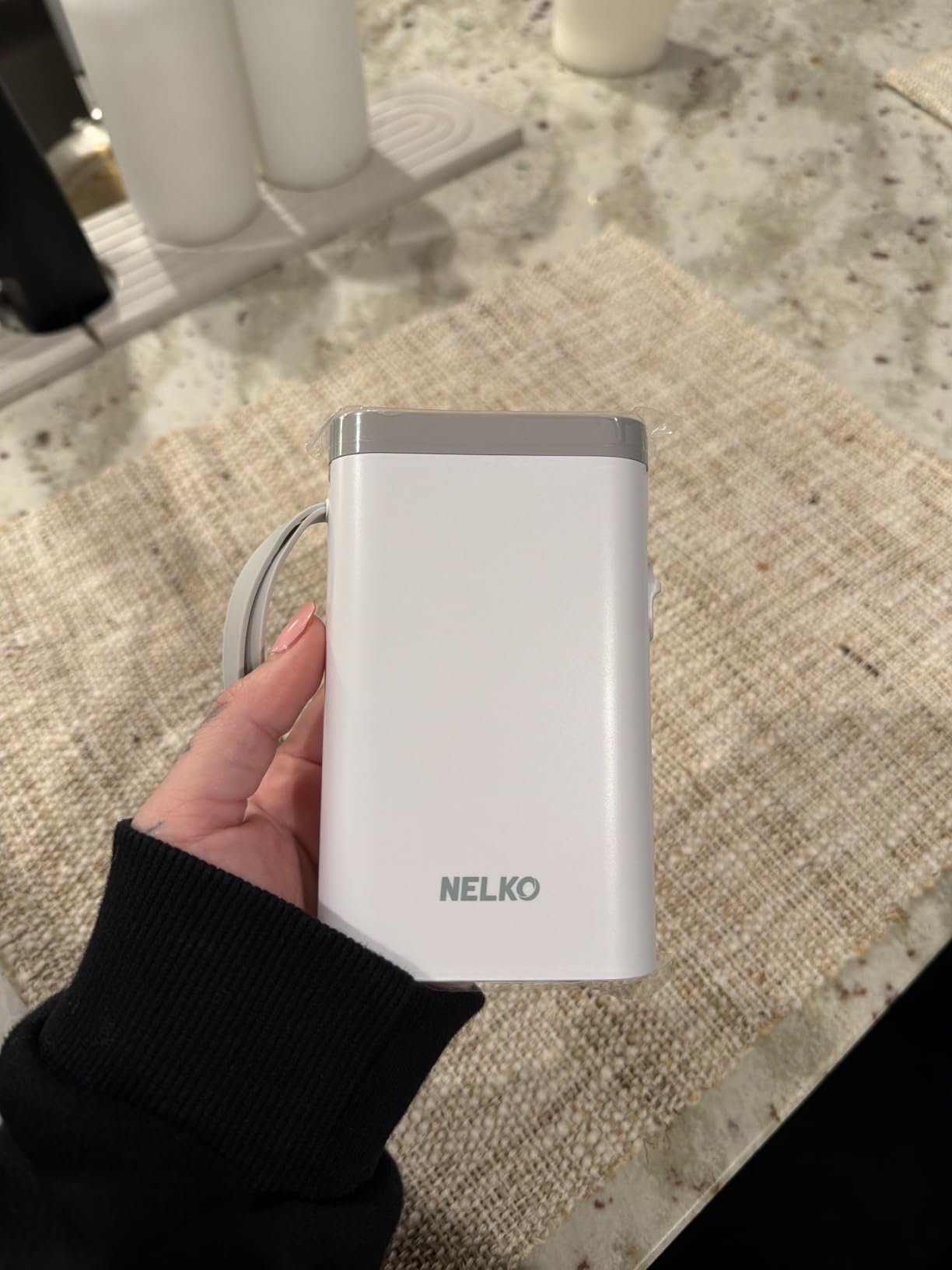
It supports five specific label sizes including a 14 by 75 mm format that gives you a reasonably tall label for a spice jar. That maximum media size is the widest of the small units here and is the main practical reason to choose it over an even smaller pocket printer.
Setup takes four steps through the Nelko app over Bluetooth, and the box includes a Type-C cable and a starter roll. The printer itself runs at about 30 pages per minute, which is fine for a stack of name tags and noticeably slower when you are doing an entire pantry in one go.
Owners praise the size, the print clarity and the app, and they are honest about the limits: no continuous tape, phone-only operation, and no charging adapter in the box.
What you should check before you commit
Your phone’s operating system matters more than usual here. The stated compatibility covers iOS and Android, but there is a documented limitation with Android 14 phones and no computer support at all. If you plan to print from a laptop, this is the wrong machine.
Count your label sizes. Fixed sizes only means you commit to the supported formats rather than cutting continuous tape to whatever length you want, so measure a container before ordering refills.
Where it falls short
No continuous tape means a long drawer front has to be built from several fixed labels, which will show seams. And because the charging adapter is not included, you need a USB port of your own before the first print.
Print speed is the slowest of the app-driven group, so a bulk session of fifty labels will take noticeably longer than on the Phomemo.
4. DYMO LabelManager 160 – the most efficient tape use
DYMO Label Maker LabelManager 160 Portable Label Maker, Easy-to-Use, One-Touch Smart Keys, QWERTY Keyboard, Large Display, for Home & Office Organization, Black
QWERTY keyboard
Large LCD display
300 DPI thermal
Uses D1 tapes
Pros
- Computer-style QWERTY keyboard with one-touch formatting keys
- Large LCD previews text before printing
- Cuts one label at a time so tape is not wasted between labels
- Over 200 symbols and clip art plus 20 plus formatting options
- Automatic switch-off and simple dummy-proof setup
Cons
- Font and graphics options are limited against feature-rich models
- Stock clip art looks dated
- Keyboard rows are tightly packed
- Backing can be tricky to start peeling
This is the machine to buy if you label one thing at a time and hate wasting tape. Where most label makers print a block and cut between labels, the LabelManager 160 cuts exactly one label per print, so a roll goes much further than its length suggests. For a household labeling a few jars every few months, that efficiency matters more than any feature list.
Answer at a glance: the 160 is the best handheld label maker for home use if your pattern is one label, print, apply, repeat, and you value a big readable screen over graphics.
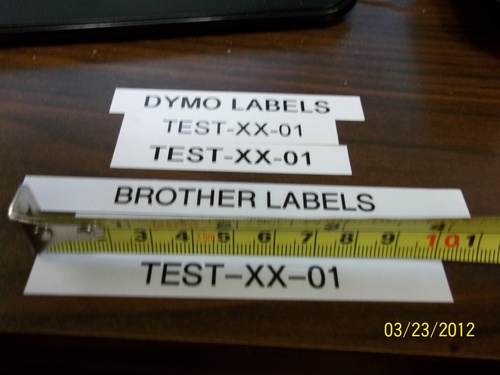
The keyboard is a real computer-style QWERTY layout, which is the main reason owners reach for it over an alphabetical machine. The display is large enough to read in a dim closet, and the one-touch smart keys handle font, size, bold and underline without menu diving.
Print resolution is listed at 300 DPI for black and white, the highest figure in this roundup, and the unit accepts D1 tapes in quarter-inch, three-eighth-inch and half-inch widths. That range of tape widths is wider than the Brother units here, which is a genuine advantage for small cable tags.
Owners report units still going after a decade, which is a longer track record than anything else in the list. The D1 tape range is also the easiest to find in ordinary shops.
What you should check before you commit
Decide whether one-label-at-a-time is a feature or a ceiling. If your project is a row of matching shelf jars, the efficiency is exactly what you want. If you need eight identical labels, you will press the print key eight times and there is no batch mode.
Look at the symbol library and be honest about it. Over 200 symbols and clip art sounds like a lot until you see the artwork, which several reviewers describe as dated.
Where it falls short
Typography is plain. There is no barcode or QR generation and no template memory for saved designs, so anything you make repeatedly has to be retyped. The keyboard rows are also tightly packed, which some people with larger hands find awkward.
Because it prints one label at a time, it is not the right tool for a large labeling session, however efficient each individual print is.
5. NIIMBOT B1 – the widest labels in the group
NIIMBOT B1 Label Maker, 2Inch Bluetooth Label Printer for Home, Blue
2 inch thermal labels
203 DPI
293 g
Bluetooth and USB
Pros
- Prints 2 inch labels
- far wider than any other handheld here
- App auto-detects label size and removes manual setup
- 30 plus fonts
- 100 plus borders and 1500 plus symbols
- Rechargeable battery with 15 minute auto-shutoff
- Works with phones over Bluetooth or a PC over USB
Cons
- Not compatible with tablets
- No onboard keyboard
- Some owners report needing a charge before first use or pairing trouble
- Monochrome printing only
Everything else in this roundup prints a narrow strip. The NIIMBOT B1 prints 2 inch labels, which is four times the width of a standard pantry tag, and it does so from a body that still fits in one hand at 293 g. That combination is why it earns a place on a home list rather than a small-business one.
Answer at a glance: the B1 is the handheld to buy for moving boxes, garage shelving and storage tubs where a big readable word beats a small tidy one.
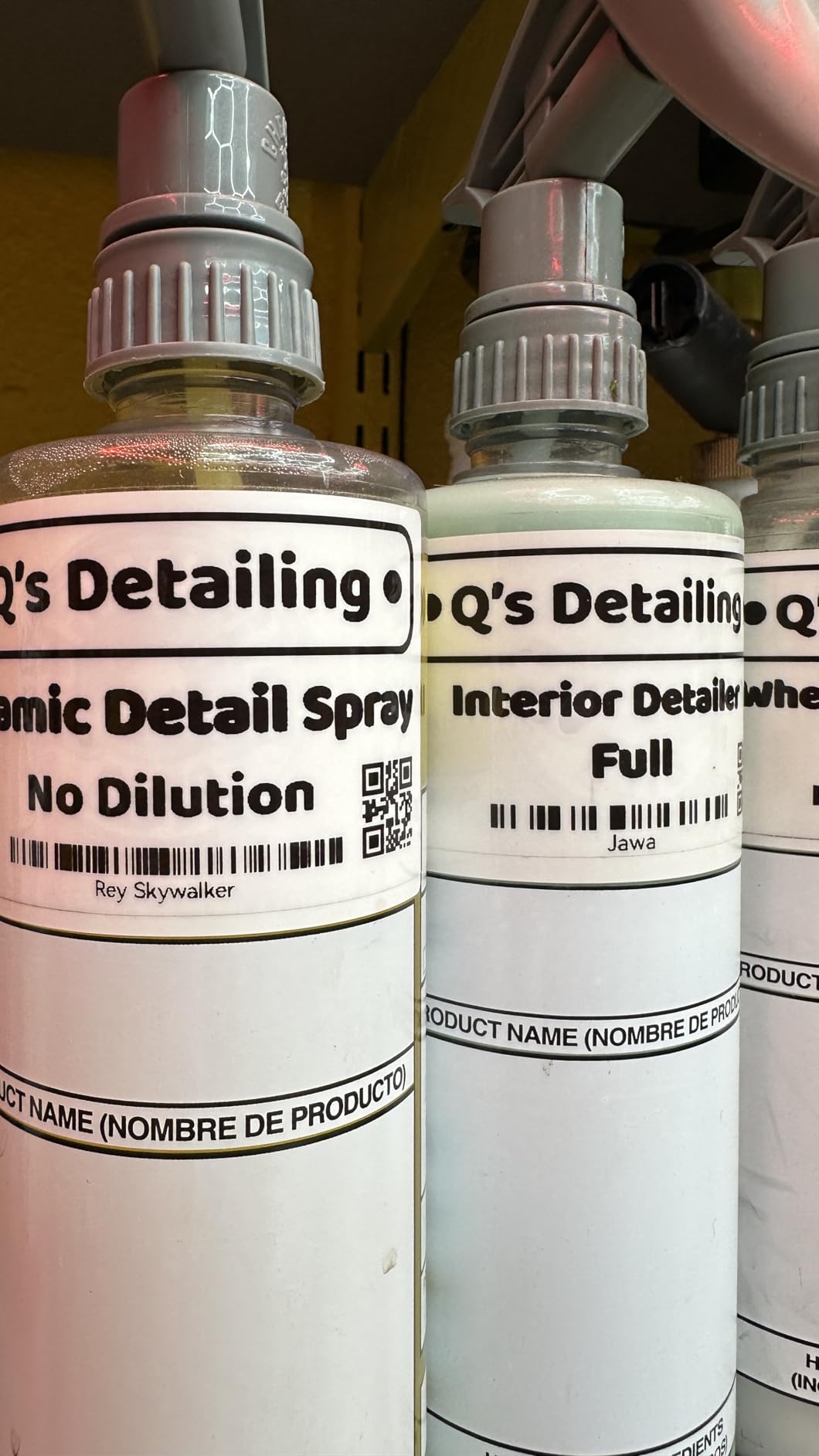
At 203 DPI the print is clean enough for a room name in large text, which is the whole point of the wider format. The app auto-detects which roll is loaded, so you are not setting a width by hand each time you change tape, and it can save templates for one-tap reprinting.
It is also the only handheld here that works with a computer, over a USB cable, which means you can drive it from a laptop if your phone is the wrong tool. Two rolls of white label are included and the ABS body is sturdier than the pocket units.
Buyers value the width relative to the machine’s size, and the simple app setup. The recurring complaints are tablet incompatibility, occasional pairing trouble and the general fact that everything depends on the phone.
What you should check before you commit
Measure the surface. A 2 inch label is impressive on a moving box and looks oversized on a spice jar, and once you have the 2 inch rolls you will be stuck buying them. This is a one-way door on tape width.
Confirm your device. It works with iOS and Android phones and with a PC over USB, but it will not pair with a tablet, and some owners report needing to charge it fully before the first print.
Where it falls short
Wide labels mean fewer per roll, so the running cost per label is the highest of the app-driven units here. A household labeling forty boxes will burn through tape noticeably faster than one labeling forty jars.
Print output is monochrome only, and the machine is noticeably heavier and bulkier than the pocket models, so it is a desk or shelf device rather than a true carry-around.
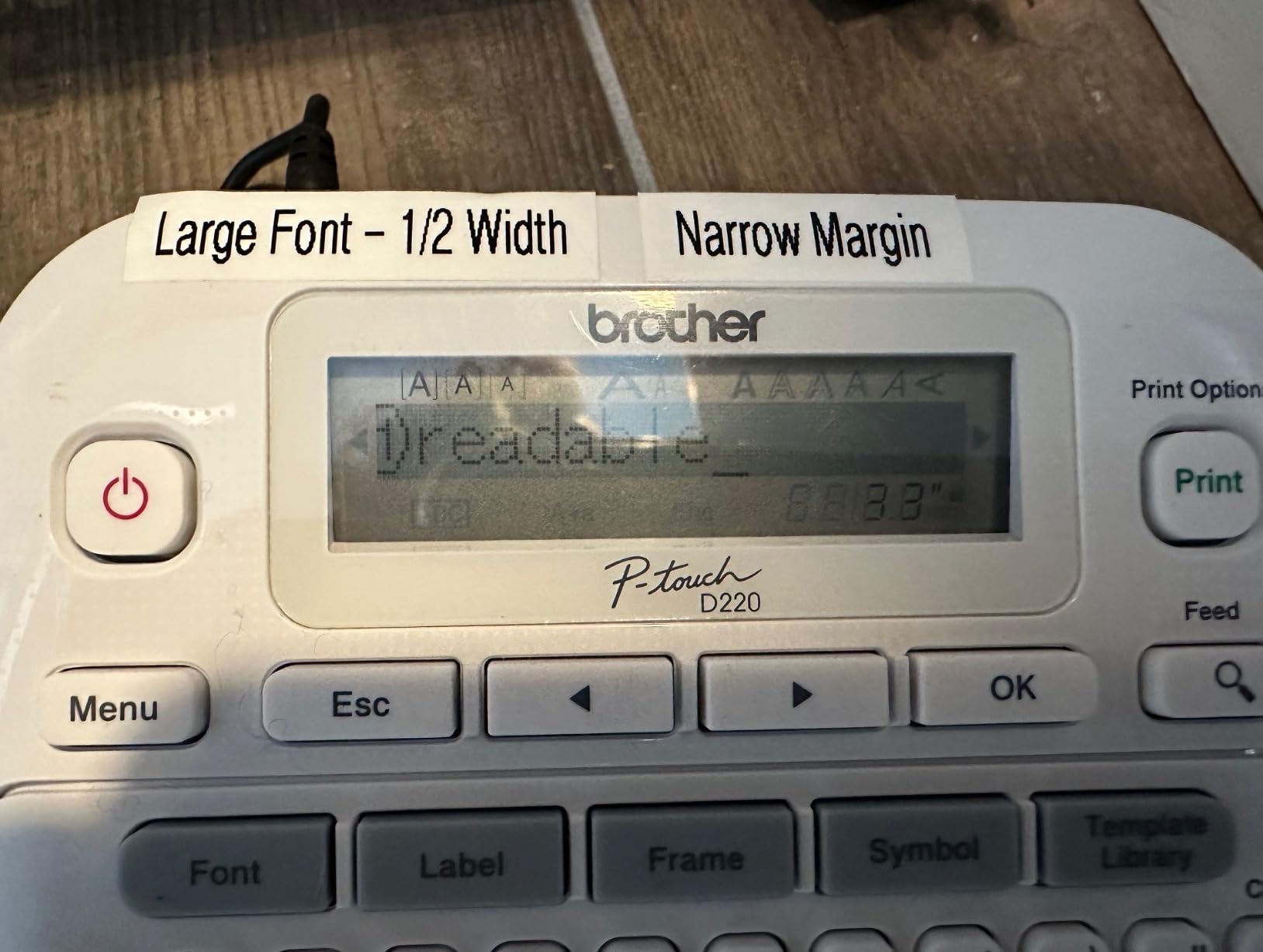
6. Brother P-Touch PTD220 – templates and label memory
Brother P-Touch PTD220 Home/Office Everyday Label Maker | Prints TZe Label Tapes up to ~1/2 inch White
Keyboard handheld
180 DPI
1.1 pounds
TZe laminated tapes
Pros
- 14 fonts
- 11 styles
- 99 frames and over 600 symbols on a QWERTY keyboard
- Stores up to 30 frequently used labels for reprinting
- 25 pre-set templates for quick professional results
- Prints easy-peel laminated TZe tape in one or two lines
- Two-year limited warranty
Cons
- Needs six AAA batteries or a separately sold AC adapter
- Limited to half-inch tape widths and two lines of text
The PTD220 is the Brother to buy if your labeling has a repeating vocabulary. Bin names, folder names, cable labels, the same eleven words all year, and the built-in memory stores up to 30 of them for one-touch reprinting. Most home users get more out of that feature than out of any other single specification.
Answer at a glance: choose the PTD220 for a home office or a household with a fixed set of labels to reuse, and choose the PTD210 if you need more tape widths.
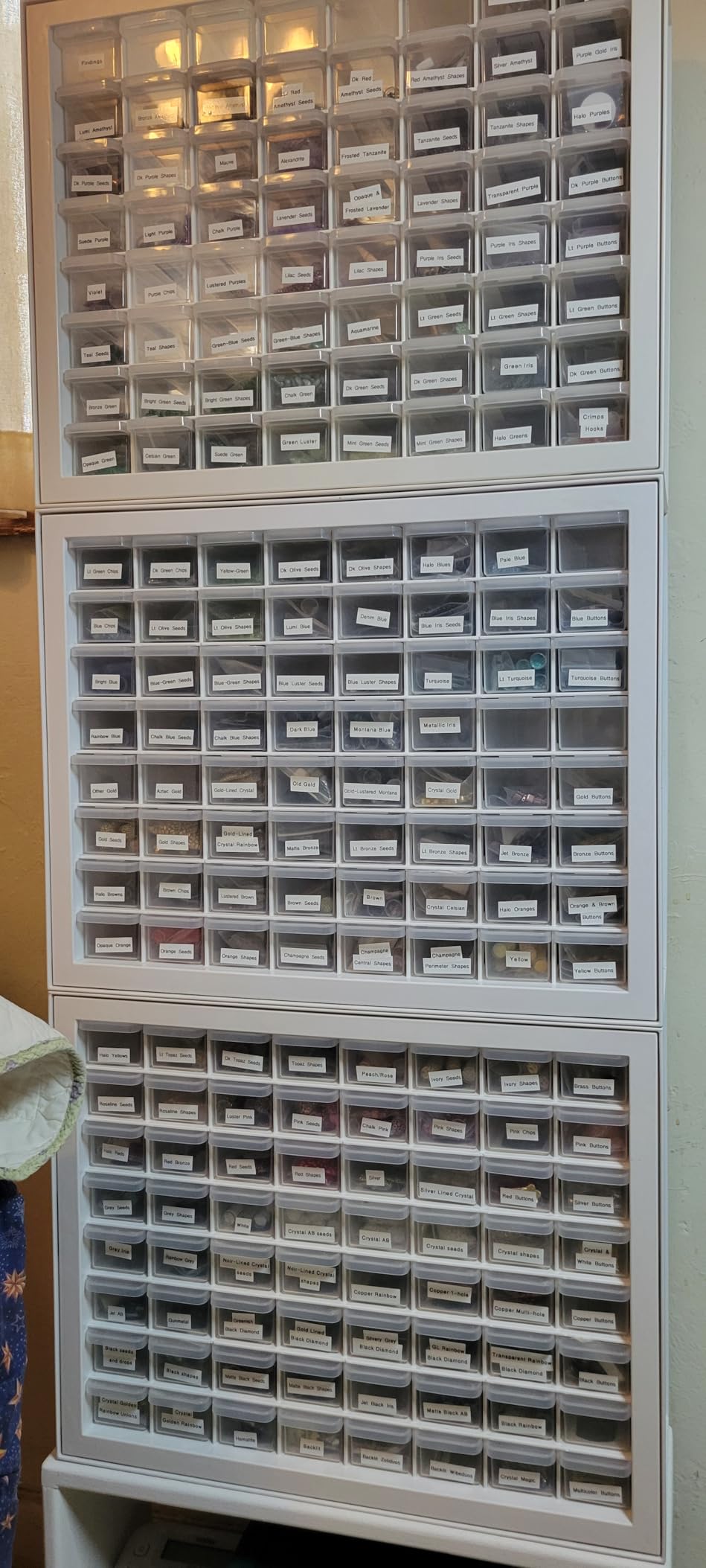
The laminated TZe tape peels cleanly from the backing, which is a small daily pleasure that paper-backed competitors do not offer, and the laminate survives a freezer, a sink and a dishwasher. Templates cover 25 common layouts, so a shelf label with a name and a date takes two presses rather than a formatting session.
Print resolution is 180 DPI and output is monochrome thermal, which is the Brother family standard. Speed is around 20 labels per minute, comfortably faster than the Nelko and comparable to the NIIMBOT.
Owners recommend it for home offices, school projects and moving, and the two-year warranty is the longest stated coverage in this group alongside the NIIMBOT D110.
What you should check before you commit
Decide on power. Six AAA batteries is fine for occasional labeling, but if you plan a long session the cells will run down and the AC adapter is sold separately. Plan for batteries unless you already have a spare set ready.
Measure your longest label. Half-inch tape and two lines is genuinely limiting, and it will not produce a moving box face. The tape is also Brother proprietary, so budget for refills from the start.
Where it falls short
At 1.1 pounds this is the heaviest handheld here, noticeable in one-handed use over a long session. It is also a wired-only unit, so there is no phone editing path if you want a design the templates do not cover.
Two lines of text is the ceiling. Anyone labeling containers with a room name and a numbered slot will find that restrictive and should look at a wider unit.
7. NIIMBOT D110 – the lightest carry-around
NIIMBOT D110 Mini Label Maker Machine with Tape for Home School, White
Mini Bluetooth labeler
149 g
203 DPI
1500 mAh battery
Pros
- Very light at 149 g and small enough for a pocket
- Automatic label rewind and first-label calibration cut waste
- 203 DPI BPA-free direct thermal printing
- 1500 mAh battery prints for up to 4 hours continuously
- Two-year limited warranty
Cons
- Print width limited to about 15 mm so text is small
- Requires a phone and the NIIMBOT app with no keyboard
- Monochrome output only
- The sensor chip on the roll must not be damaged
At 149 g the D110 is the lightest machine here, and the only one whose size is genuinely pocketable rather than merely compact. It is the one to pack for a school year, a craft session or a trip, and owners use it for cosmetics, food dates, cables and name tags where the small format is exactly right.
Answer at a glance: pick the D110 when you want the lightest possible machine and small labels, and step up to the NIIMBOT B1 when the label needs to be readable from across a room.
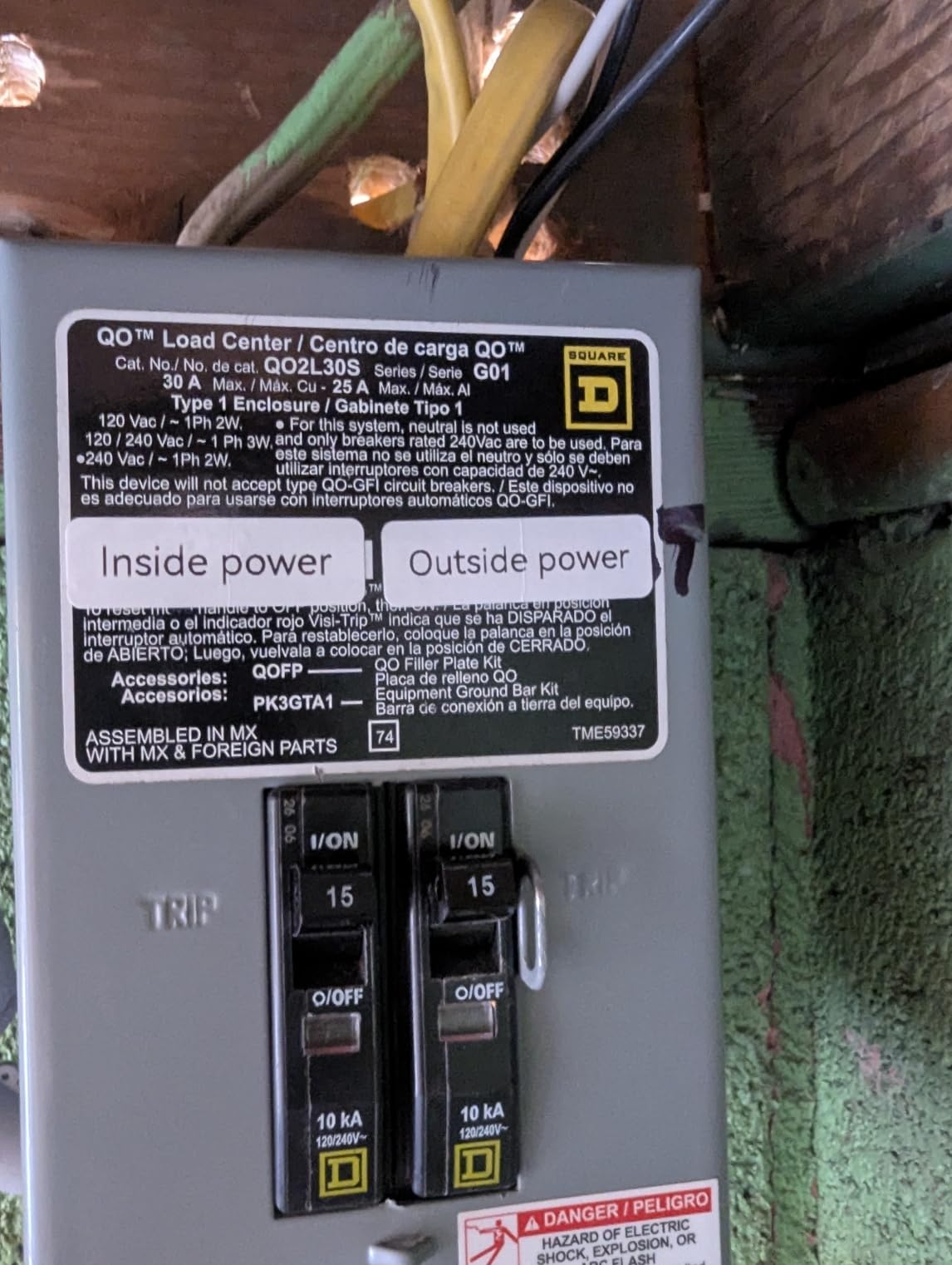
The smart rewind and automatic first-label calibration are the quiet features worth knowing about. Most small printers waste the first label getting the tape aligned; this one positions the roll and calibrates itself, so the first print usually comes out correctly placed.
Battery capacity is 1500 mAh and the stated continuous print time is up to four hours, which comfortably covers a weekend session. It supports 12 by 40 mm, 14 by 30 mm and 15 by 30 mm tape styles, and a roll plus a Type-C cable are in the box.
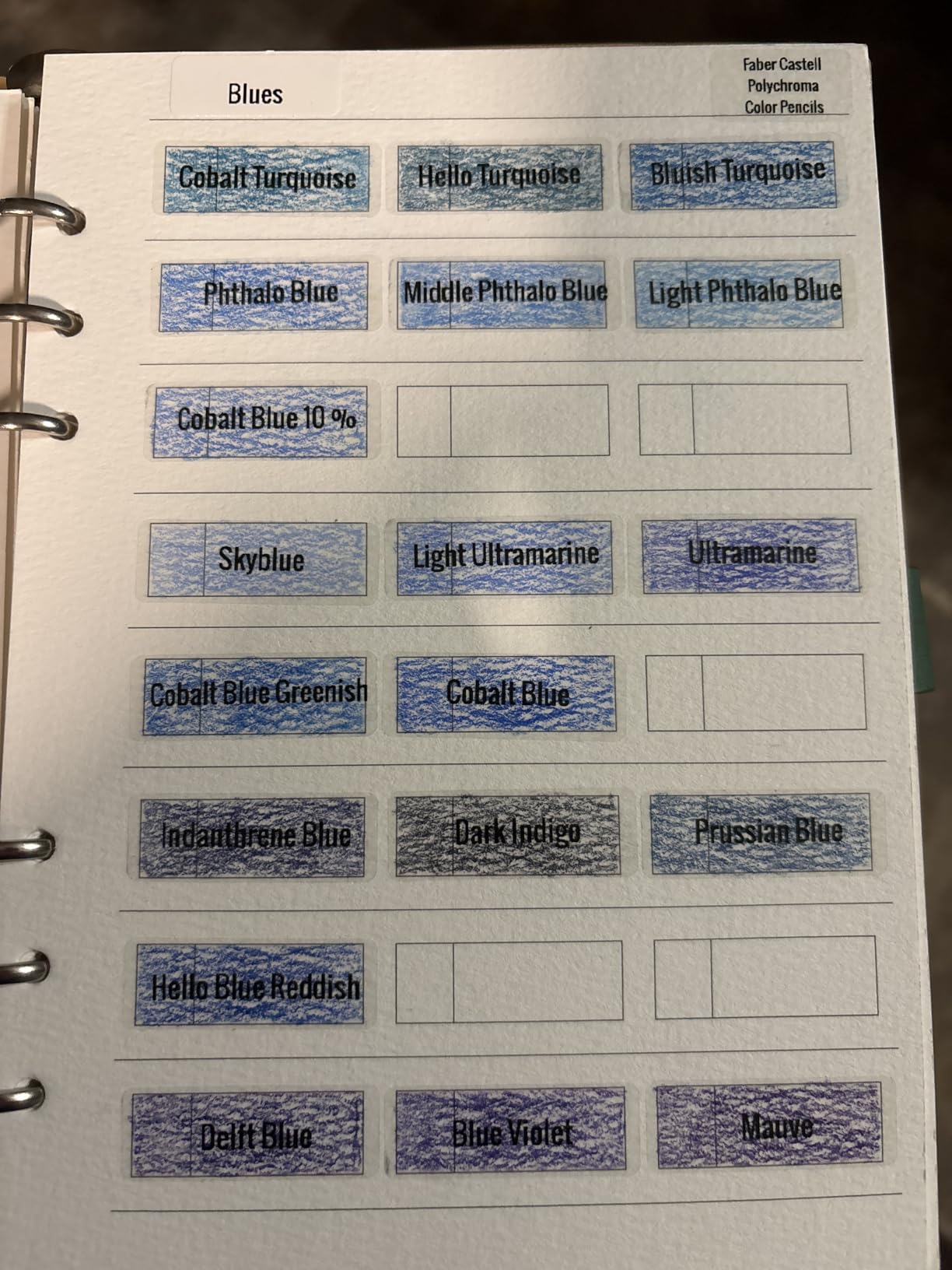
The tape roll carries a sensor chip, and the instructions are clear that damaging it degrades printing. Treat the refill cassette as a component rather than something to cut with scissors.
What you should check before you commit
Read a sample label before ordering. A 15 mm print width gives you small text, and a word like “Christmas” across a storage lid will be tight. It is a labelling tool for identification, not for signage.
Confirm the app works on your phone. There is no keyboard fallback, so if the phone is unavailable the machine cannot print at all.
Where it falls short
No continuous tape, so a long strip has to be made from several small labels. Monochrome only, and no barcode or QR generation on the small formats it accepts.
At 149 g it is the lightest option, but that also means the smallest label area in the group, so it complements a wider machine rather than replacing one.
8. SUPVAN E11 – keyboard speed with app editing
SUPVAN E11 Keyboard & Bluetooth Label Maker Machine with 4 Tapes
Keyboard and Bluetooth
203 DPI
8 ounces
Continuous and die-cut tape
Pros
- Hybrid design with a physical keyboard plus Bluetooth app editing
- 0.2 inch margin uses far less material than competing machines
- 1200 mAh battery rated for up to a month per charge
- Works with both continuous and die-cut labels
- Four tape rolls included in the box
- App offers 30 plus fonts and 660 plus icons in 17 languages
Cons
- Print width limited to about 15 mm
- Advanced customization still needs the app
- Battery is not user-replaceable
The E11 is the only machine here that refuses to choose between a keyboard and an app. You type short labels directly on the machine, and when a job needs icons or a saved design you open the app instead. In practice that hybrid approach matches how most households actually label: quick words most of the time, designed labels occasionally.
Answer at a glance: the E11 is the handheld to buy if you want keyboard speed for everyday jobs and app power for the occasional designed label, without owning two machines.
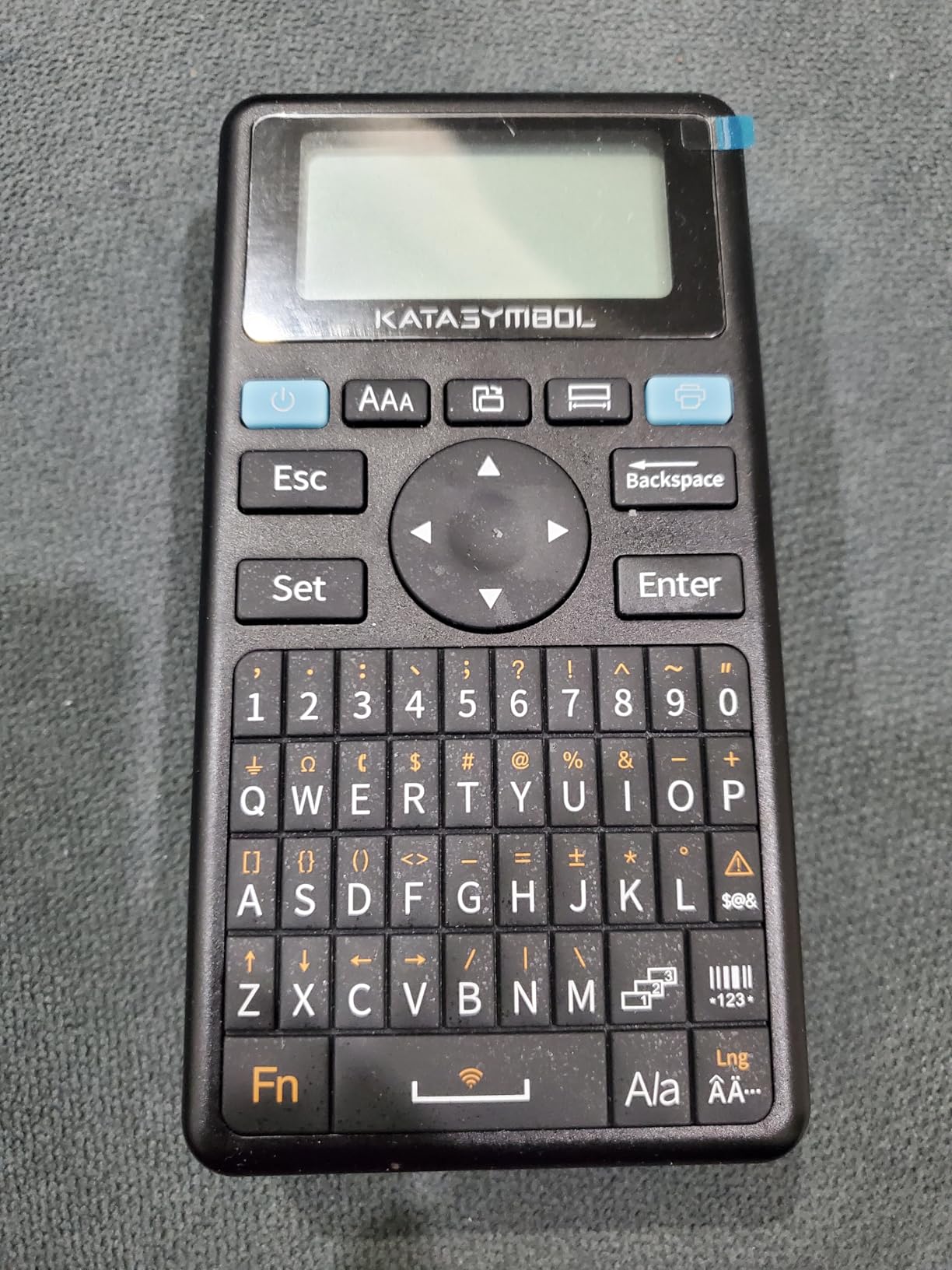
The 0.2 inch margin is the standout number. Most small label makers waste a noticeable band of tape on each side, and over a year of labeling that adds up. Combined with support for both continuous tape and die-cut rolls, it means long drawer strips and batch runs of matching labels are both possible.
It weighs 8 ounces, measures about 5.7 by 2.9 by 1.3 inches, and the 1200 mAh battery is rated at up to a month per charge, which is the longest stated figure here. Four tape rolls ship in the box, more than any other machine in the list.
Owners consistently praise the ability to type fast and drop into an app for harder designs, and the print margin. The main drawbacks are the narrow print width and the fact that advanced customization never leaves the app.
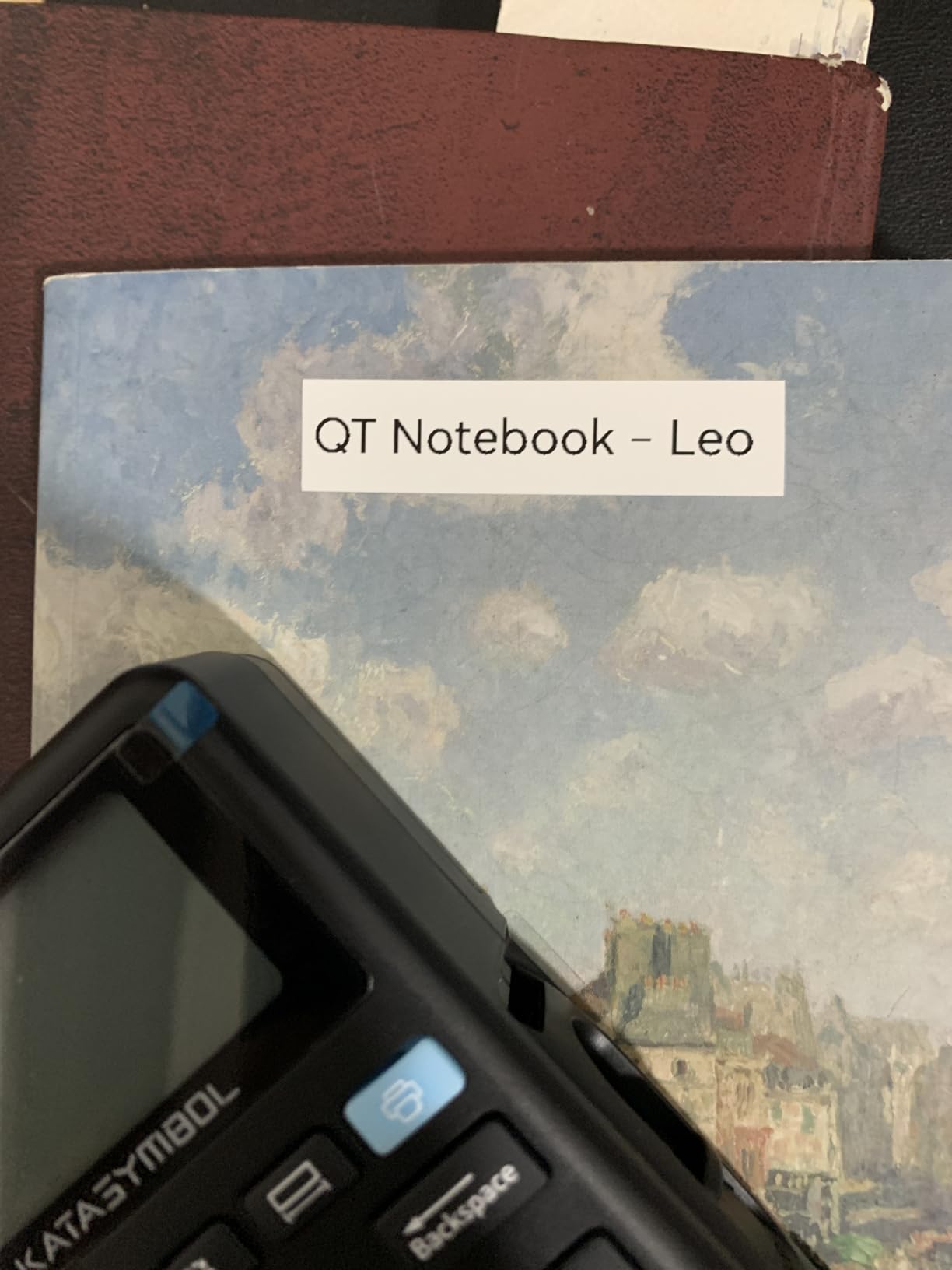
What you should check before you commit
Confirm you are comfortable with a two-path workflow. Some people find having a keyboard and an app equally available confusing at first, and settle down once they decide which one handles which task.
Note that the battery is sealed in. A machine you cannot top up with fresh cells over five years is a different long-term proposition from one that takes AAAs.
Where it falls short
The 15 mm print width is the same constraint as the D110, so this is not the machine for large readable text. And while continuous tape is a genuine advantage, the app is still the only route to templates, so a no-phone day limits you to plain text.
Design control is modest next to the Phomemo’s library, with 30 plus fonts and 660 plus icons against thousands of assets.
9. Brother P-Touch PTD210 – four tape widths and laminated stock
Brother P-Touch, PTD210, Easy-to-Use Label Maker Bundle (4 Label Tapes Included), White, Small
Keyboard handheld
180 by 180 DPI
1.1 pounds
Four TZe tape widths
Pros
- Accepts four tape widths at 12 mm
- 9 mm
- 6 mm and 3.5 mm
- 14 fonts
- 10 styles
- 98 frames
- 600 plus symbols and 27 templates
- Display previews the label before printing
- Laminated TZe tape is water and fade resistant
- One-touch keys for fonts
- symbols
- frames and templates
Cons
- Needs six AAA batteries sold separately or an optional AC adapter
- Bundled tapes are black on white only
- The final label must be fed out before cutting or text can be cut mid-word
The PTD210 is the most complete standalone labeler in this list. Four tape widths from 12 mm down to 3.5 mm means you can label a cable, a drawer and a box with the same machine, which no other handheld here offers at this level of font and symbol choice. The laminated TZe tape survives the freezer, the microwave and the dishwasher without smudging.
Answer at a glance: the PTD210 is the handheld to buy if you want a single machine that covers small tags through bin labels and refuses to compromise on the tape surviving a kitchen.
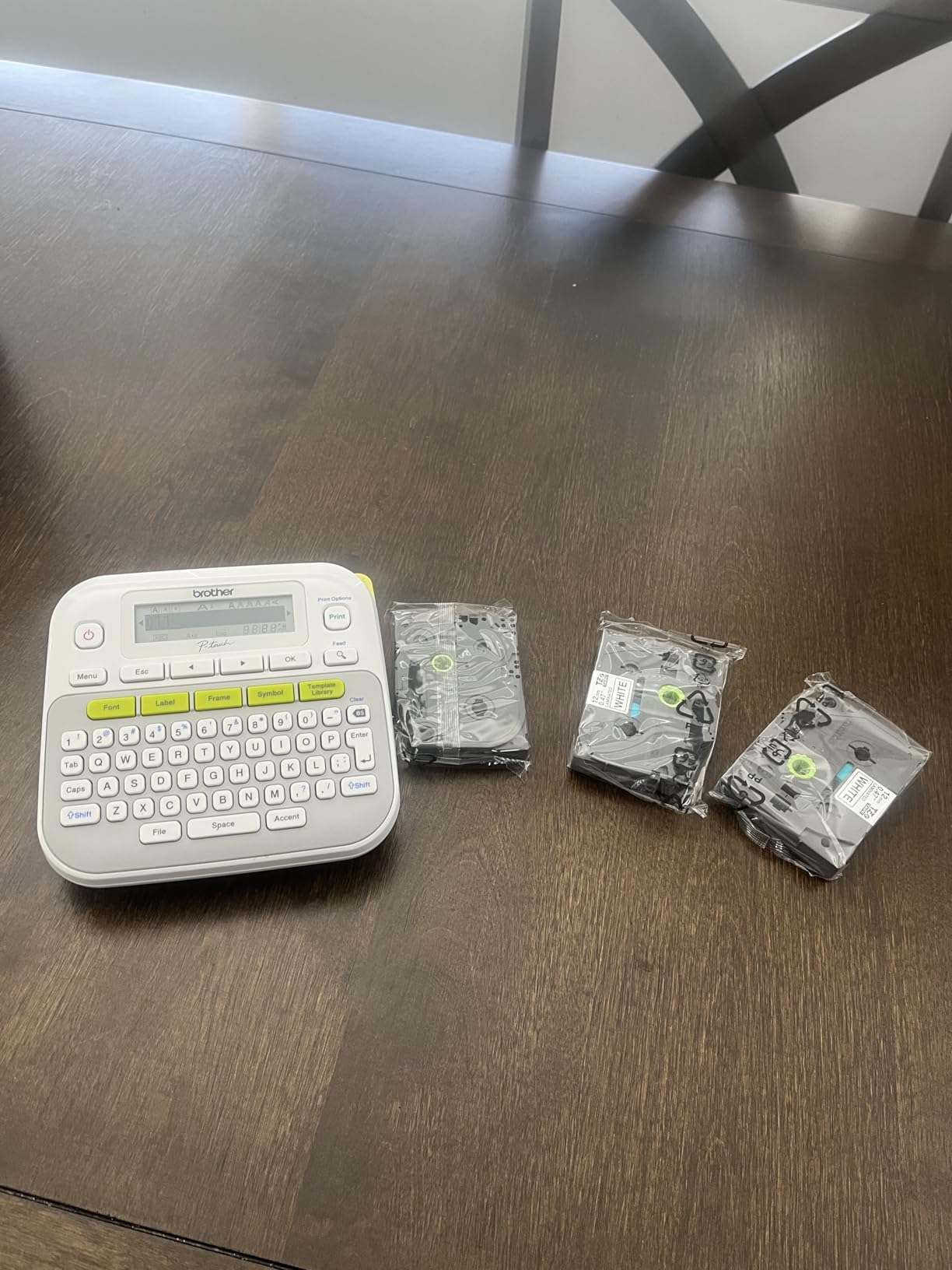
The specification sheet is the strongest on paper here: 14 fonts, 10 styles, 98 frames, over 600 symbols and 27 templates, with one-touch keys and an on-screen preview. Print resolution is 180 by 180 DPI and speed is around 20 labels per minute.
This bundle includes one sample tape and three full-length rolls, so you start with real material rather than a token strip. It is also the only machine here that accepts a 3.5 mm width, which is the size you want on a cable run or a switch plate.
Owners rate it as one of the most capable stand-alone labelers available and point to the durable laminated tape as the deciding factor for kitchen and outdoor use.
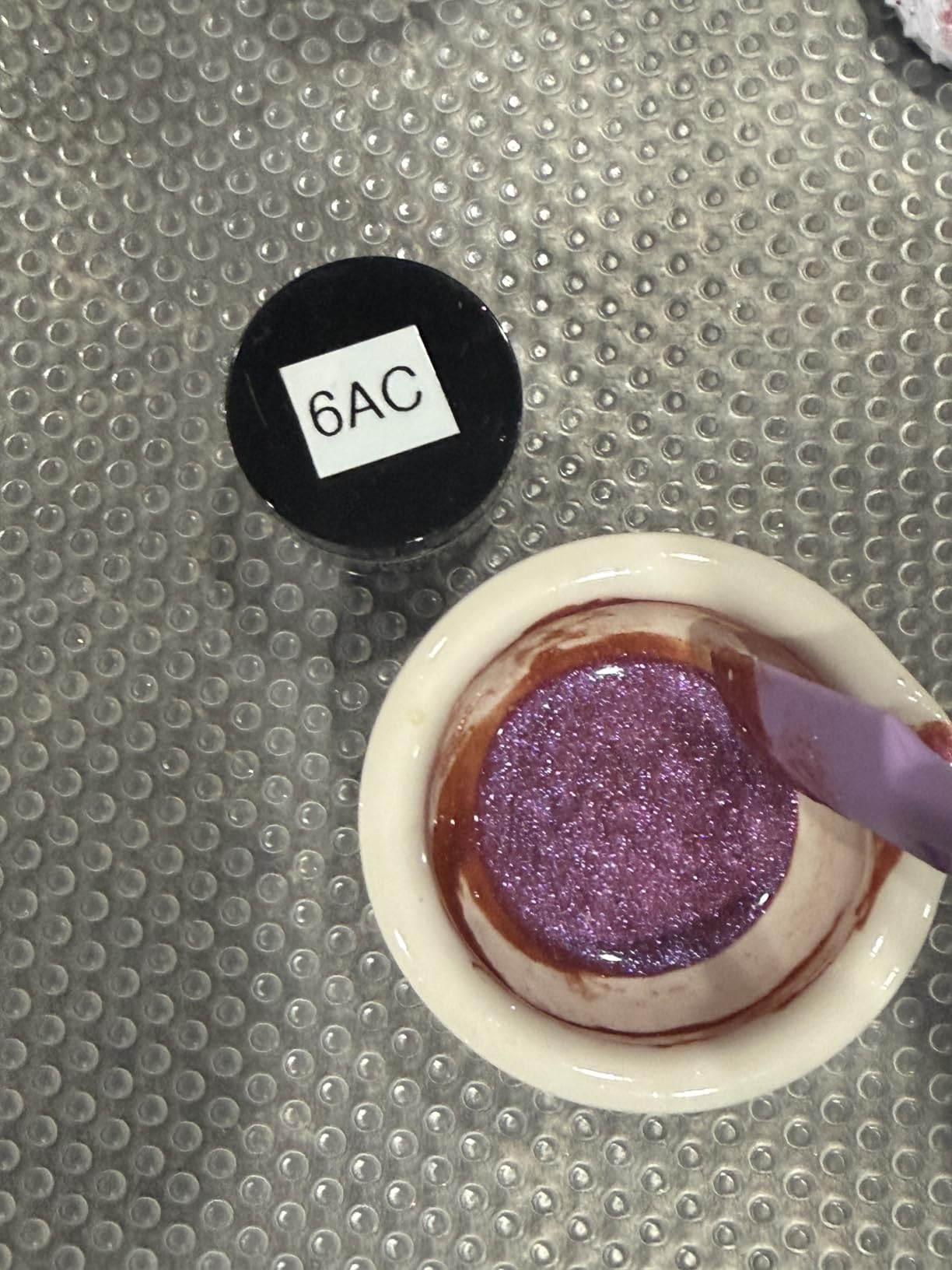
What you should check before you commit
Plan for batteries and for tape costs. Six AAA cells are not included, and the bundled tapes are black on white only, so any color or specialty tape is an extra purchase. The laminated stock is the reason to buy it and also the reason refills add up over years.
Read the cut behavior before a long session. The last label has to be fed out before cutting or you can lose the end of a word, which matters if you are printing a run of twenty.
Where it falls short
At 1.1 pounds it is heavy for a handheld, and there is no AC adapter in the box, so a long session needs fresh cells. The one-label-then-cut quirk is the most common operational complaint and it does catch people out.
It is wired only. If your workflow depends on designing a label on a phone and sending it to the machine, this is not the tool for that.
10. Brother PT-M95 – a low-cost classroom and craft bundle
Brother PT-M95 P-Touch Monochrome Label Maker Bundle (4 Label Tapes Included),White
Keyboard handheld
LCD display
9.12 ounces
Non-laminated M tapes
Pros
- Light at 9.12 ounces and simple to pick up one-handed
- QWERTY keyboard with an easy-view display
- Stores up to three label files in memory for reprinting
- M tapes available in 9 mm and 12 mm widths across multiple colors
- Bundles one sample tape with three full-length rolls
- Operates on four AAA batteries and supports multiple languages
Cons
- Only two font sizes
- Included tapes are non-laminated and hard to peel
- Tape cartridges can be finicky to seat
- No AC adapter support
The PT-M95 is the simplest machine here and the most cheerful to hand to a child or a crafter. It weighs a little over nine ounces, has a QWERTY keyboard and an easy-view display, and it prints one or two lines with 8 Deco patterns and 9 type styles. Four tapes are included, so it works out of the box with nothing to buy first.
Answer at a glance: the PT-M95 is the handheld to buy for a child’s school supplies, craft projects or a gift bag, and not for anything that lives in a damp garage.
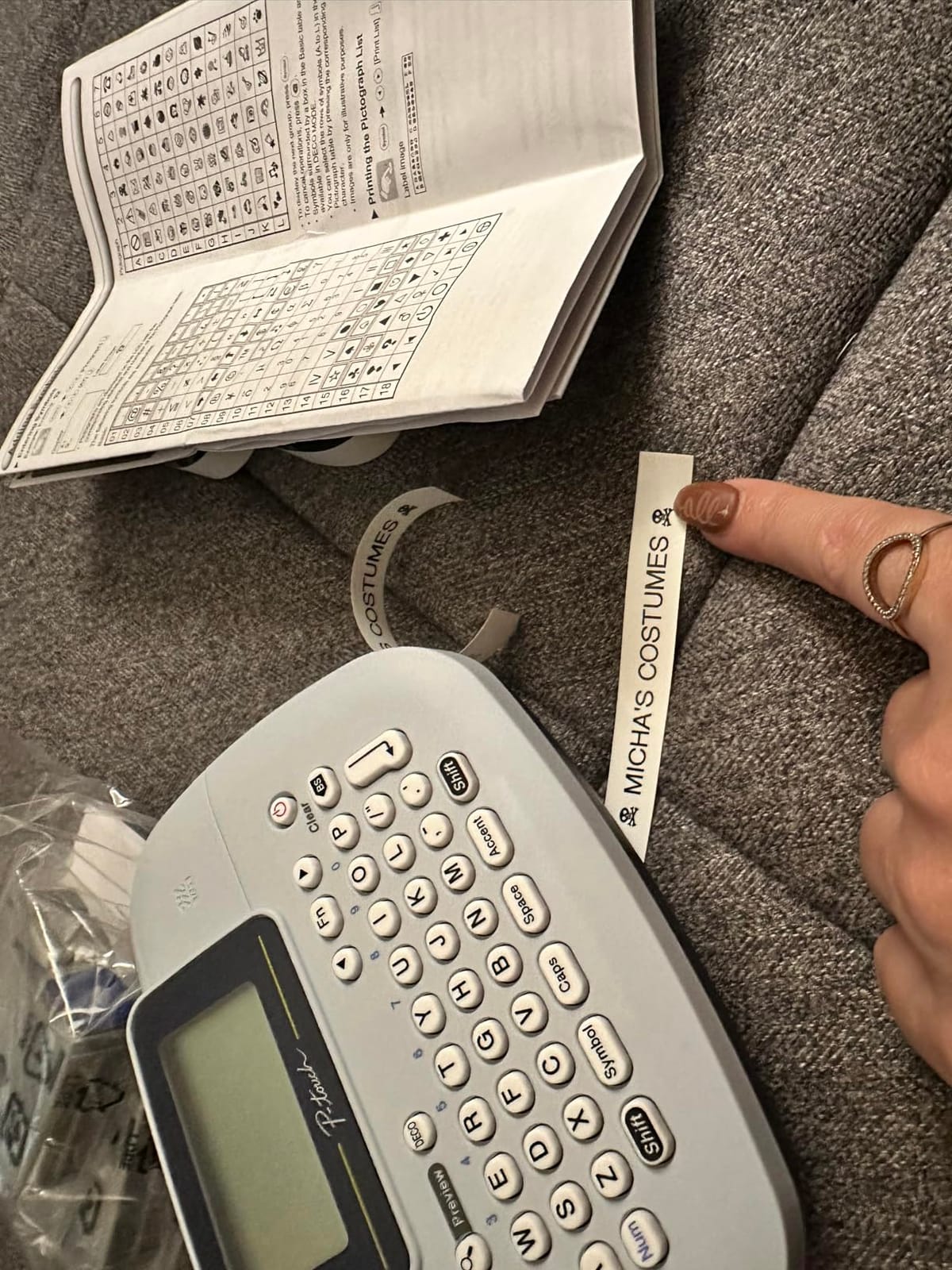
Genuine Brother M tapes come in 9 mm and 12 mm widths and a range of colors, which is unusual at this level and gives a lot of flexibility for craft and school labeling. It runs on four AAA batteries, needs no charging, and supports multiple languages, which helps in a multilingual household.
It stores up to three label files in memory, which is a small version of the PTD220’s thirty-label memory but enough to reprint a kid’s name on replacement folders without retyping.
Owners describe it as simple, reliable and well suited to home, home office, classroom and medical-cart labeling, with real appreciation for the tapes included in the box.
What you should check before you commit
Decide whether the tape needs to survive water. The bundled tapes are non-laminated, and a non-laminated tape that has to be peeled without split backing is fiddly. If your labels meet water, heat or friction, choose a laminated machine instead.
Check the physical dimensions before storing it. This machine is listed at 3.9 by 10.2 by 9.4 inches, which is a deeper footprint than the other Brother handheld here despite the light weight.
Where it falls short
Two font sizes is the honest limit, and the Deco patterns are the only graphic option. Cartridge loading is described as finicky and may need exact positioning, which is frustrating the first few times.
There is no AC adapter option, so the four batteries are permanent, and the memory holds only three designs, which limits how useful reprints stay over a year.
How to Choose a Handheld Label Maker for Home
Choose a keyboard handheld if you label in short bursts, and an app-based Bluetooth printer if you design labels on a phone. That single decision eliminates half the list. Everything else below refines it.
Print method: thermal is the only real choice at home
Thermal printing uses a heated print head to darken a chemical layer on the label, so there is no ink, no toner and no ribbon. Direct thermal labels are BPA-free and cheap. Laminated tape adds a clear film over the print, which is what makes Brother TZe labels survive a dishwasher and resist fading. Embossing is the third option, where a turn-and-click wheel physically raises characters into the tape, needs no power and never smudges. Embossing is dull to read but unbeatable for shelf edges that get handled.
Keyboard versus app
Owners on forums describe the same frustration with app-only models: you want to type one word and print, and instead you unlock a phone, find the app, wait for pairing and design it. For a household labeling a few items a month, that friction is what kills the habit. A machine with a keyboard is faster for short jobs and keeps working with no phone in the room.
The app side wins when labels need icons, QR codes, colors from patterned tape or batch printing from a list. The compromise is the SUPVAN E11, which does both. The only rule we would add: check the app’s phone compatibility before buying, because Android version limitations are a documented complaint on more than one of these units.
Tape width and label size
Label width is the most consequential spec and the one people get wrong. A 6 to 12 mm strip suits jars, cables and folders. A 2 inch label suits moving boxes, storage tubs and garage shelving. Nothing here does both, so decide what you are labeling first. Also check whether the machine accepts continuous tape, because fixed-size rolls cannot be cut to a custom length and show seams on long drawer strips.
Power source
Most households label a few times a month, so battery operation is not a real problem, and machines with an auto-off function stretch those cells a long way. A rechargeable cell is more convenient for frequent use and removes battery anxiety, but check whether it is replaceable. Sealed batteries that cannot be topped up become a five-year question rather than a five-year convenience.
Print resolution and speed
Resolution figures range from 180 DPI on the Brother machines to 203 DPI on most of the Bluetooth units, with the DYMO LabelManager 160 listed at 300 DPI. The practical difference at label size is small, but higher resolution helps with small text like dates on freezer containers. Speed ranges from about 7.5 labels per minute on the Brother PT-M95 to 40 per minute on the Phomemo D30, and that gap only matters if you print in bulk.
Comfort, screen and tape cost
Weight ranges from 149 g on the NIIMBOT D110 to 1.1 pounds on the two Brother units, and that difference shows up in one-handed comfort over a long session. A large LCD is worth a lot in a dim closet or garage, where tiny screens become unreadable. Finally, buy knowing that every tape here is proprietary: a DYMO machine needs D1 or LT rolls, a Brother needs TZe or M tapes, and an app-driven unit needs its own brand’s cassette. That lock-in is the main running cost, and it is worth confirming your local shop stocks refills before you commit.
Tape Refills and What They Cost Over Time
Every handheld label maker needs brand-specific refills, and the tape is the only real ongoing cost. Printers here are not reusable across ecosystems: a DYMO LabelManager 160 will not take Brother TZe, and a Brother P-Touch will not take DYMO D1. The Phomemo, Nelko and NIIMBOT units use their own cassettes in narrower formats.
Two levers control the total. The first is tape width, because a wider roll costs more per unit length even when the printed label is small, which is the main argument against buying a 2 inch machine for jar labeling. The second is waste between labels, and here the one-label-at-a-time cutting of the DYMO LabelManager 160 and the 0.2 inch margin of the SUPVAN E11 both stretch a roll further than their size suggests.
Before you commit to an ecosystem, check where you would realistically buy a refill. Tape is sold online easily for every brand here, but the Brother and DYMO ranges are the two most likely to turn up in an office supply shop, and that matters if you would rather not wait for a delivery. If you plan to label for years, buy one machine and stay in its ecosystem rather than owning a DYMO and a Brother in the same drawer.
On removal, laminated tape grips more strongly and leaves more residue when pulled from plastic or painted surfaces, while thinner non-laminated tape peels off more cleanly but can leave a sticky edge. If you rent, or you label bins belonging to someone else, test a strip on an inconspicuous corner and leave it for a week before committing to a full bin.
Where Each Label Type Works Best Around the House
Kitchen and pantry: laminated tape, quarter-inch to half-inch width, clear or white plastic. A jar label carrying a date survives a dishwasher when the tape is laminated, which is why the Brother TZe machines earn their place on a kitchen shelf.
Moving boxes and storage tubs: 2 inch labels. This is the one job the NIIMBOT B1’s wide format was built for, because a word written across a box face is readable from a distance and does not need a second line.
Cables and chargers: the narrowest tape you can get. The Brother PTD210 accepts 3.5 mm widths, and the DYMO LabelManager 160 takes quarter-inch D1, so wrap the tag around the cable itself rather than flagging the plug.
Kids’ rooms and school gear: light units with color. The Brother PT-M95 and the SUPVAN E11 are light enough for a child to carry, and Brother M tape comes in several colors, which helps a young user tell their own things from a sibling’s.
Garage and workshop: laminated tape, expect lifting edges. Owners report the thin plastic tapes lifting at the corners in damp or hot spaces, so budget for replacing garage labels rather than expecting them to last years.
Bedrooms and care equipment: short, specific labels. Medical carts and home-care gear need identifiers that a different person can read without decoding handwriting, which is exactly what a printed label does better than a marker.
Seasonal storage and guest rooms: whatever you already own. These are occasional jobs, and the machine sitting in the drawer is the one that matters, not the specification.
If you are furnishing other rooms as well, our guides to the best hospital beds for home use and the best sausage stuffers for home use cover the sort of purchases that go wrong when nobody checked the spec sheet first.
Frequently Asked Questions
Which label maker is best for home use?
The DYMO LetraTag 100H is the best handheld label maker for most homes, because it has a keyboard, a graphical screen that previews a label before printing, and three tapes included in the box. Choose the DYMO LabelManager 160 if you label one item at a time and value tape efficiency and a large screen, or the Brother P-Touch PTD210 if your labels need to survive water and heat.
Is Dymo or Brother better?
Brother wins on durable laminated TZe tape and a wider accessory ecosystem. DYMO wins on simpler handheld design, lower tape costs and wider retail availability. For occasional home labeling either works, and the deciding factor is usually which brand of refill tape you can buy nearest you.
Do label makers require ink?
No. Every thermal label maker on this list prints with a heated print head that darkens a chemical layer on the label, so there is no ink, toner or ribbon to buy. Manual embossing makers need no power at all, and neither type needs cartridges beyond the tape itself.
Do label makers need special tape refills?
Yes, and the tape is proprietary. A DYMO unit needs D1 or LT rolls, a Brother needs TZe or M tapes, and the Phomemo, Nelko and NIIMBOT machines each use their own narrower cassettes. Printers cannot cross brands, so check that refills for your chosen model are easy to find before you buy.
Are Bluetooth label makers reliable for daily use?
They are reliable for occasional use but depend entirely on a phone. Owners report occasional pairing drops and app stability issues, and Bluetooth units listed here will not print at all without a connected phone and app. If you want a machine that always works, choose a keyboard model such as the DYMO LabelManager 160 or the Brother PTD220.
What are some common printing problems with Brother P-touch label makers?
Four problems come up repeatedly. First, the tape will not feed, usually because the cartridge was not seated exactly right, so reseat it and run the tape a few inches through. Second, print comes out faint, which is nearly always a low battery. Third, the last label is cut mid-word because the tape has to be advanced before cutting. Fourth, the backing is hard to peel on non-laminated M tape, so use laminated TZe tape if you peel a lot of labels.
The Best Handheld Label Makers for Home in 2026
After working through all ten, the DYMO LetraTag 100H is the best handheld label maker for most homes in 2026. It has a keyboard, a screen that previews what you are about to print, and three tapes in the box, and it is the machine that owners keep recommending to each other when someone asks whether it is worth buying.
Pick by household instead of by rank. The DYMO LabelManager 160 wins on tape efficiency and a true QWERTY keyboard for anyone labeling one thing at a time. The Brother P-Touch PTD220 is the home office choice, with label memory and templates for a repeating vocabulary. The Brother P-Touch PTD210 takes four tape widths and laminated stock that survives a kitchen, and the NIIMBOT B1 handles moving boxes and storage tubs at 2 inches wide. The SUPVAN E11 is the one machine that gives you a keyboard and an app. For the smallest possible carry-around, the NIIMBOT D110 weighs 149 g.
Whichever you choose, buy the first roll of tape at the same time as the machine, find a replacement roll for your model, and then label the ten things you look for every week. That first hour does more for a home than any other organizing tool we have used, and it is the reason a small handheld printer ends up being worth the drawer space.