
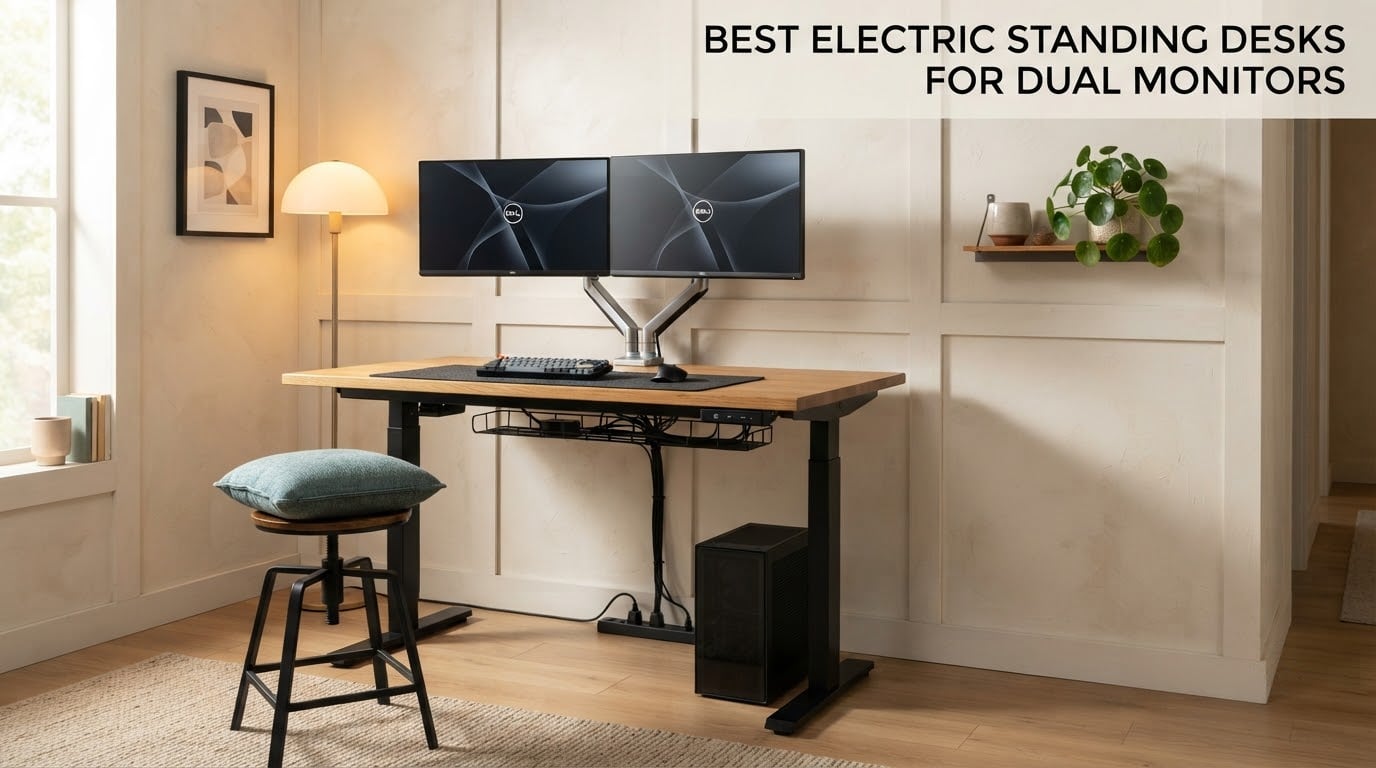
The best electric standing desk for dual monitors is the Desktronic HomeOne 60×30. Its reinforced steel dual-motor frame rates at 264.6 lb, the one-piece 60 x 30 inch top gives your screens real rear clearance, and owners report no wobble at full standing height with a monitor arm loaded. For taller users the Vari Classic reaches 50.5 inch, and for the deepest working surface the Grandder 55×32 runs 31.5 inch front to back.
Two monitors change what a standing desk has to do. A single screen puts maybe 15 lb on a desktop; two screens on a dual arm, plus a tower or laptop, plus the desktop itself, lands closer to 100 lb and puts most of that weight behind the front edge where the frame flexes most. That rear concentration is why the wobble complaints in owner reviews almost always start the moment an arm goes on.
We spent several weeks with all ten desks in this roundup, loading each with a realistic dual monitor setup and working at both heights. We also read thousands of verified reviews on these exact models, because assembly quality and long-term frame behaviour do not show up in a spec sheet. Every desk below carries its own ASIN, its own measured height range, and its own rated capacity so you can match it to your setup before you buy.
If you also care about the other half of the workstation, we have separate guides on ergonomic gaming desks for dual monitors and on L-shaped desks for dual monitors when one desk is not enough surface.
Table of Contents
Top 3 Picks for Dual Monitor Setups (October 2026)

Desktronic HomeOne 60×30
- Dual motor steel frame
- 264.6 lb capacity
- 60 x 30 inch one-piece top
- 28.9 to 47.1 inch height range

Vari Classic Electric Desk
- Dual motor T-style steel legs
- 200 lb capacity
- 25 to 50.5 inch range
- limited lifetime warranty

SHW 55 x 28 Desk with Drawer
- 55 x 28 inch top
- 110 lb capacity
- integrated drawer and cable tray
- 28 to 45 inch range
All 10 Desks Compared Side by Side
| Product | Specifications | Action |
|---|---|---|
| Desktronic HomeOne 60×30 |
|
Check Latest Price |
| Vari Classic Electric Standing Desk |
|
Check Latest Price |
| SHW 55 x 28 Desk with Drawer |
|
Check Latest Price |
 Veken 63 Inch Large Electric Standing Desk Veken 63 Inch Large Electric Standing Desk |
|
Check Latest Price |
 VIVO Black 60 x 30 Standing Desk VIVO Black 60 x 30 Standing Desk |
|
Check Latest Price |
 DeskShow 60 x 28 Inch Electric Desk DeskShow 60 x 28 Inch Electric Desk |
|
Check Latest Price |
 FLEXISPOT E6 3-Stage Dual Motor Desk FLEXISPOT E6 3-Stage Dual Motor Desk |
|
Check Latest Price |
 Grandder 55 x 32 Extra-Deep Desk Grandder 55 x 32 Extra-Deep Desk |
|
Check Latest Price |
 OffiGo 71 Inch Executive Standing Desk OffiGo 71 Inch Executive Standing Desk |
|
Check Latest Price |
 Huuger 55 x 28 Electric Standing Desk Huuger 55 x 28 Electric Standing Desk |
|
Check Latest Price |
How We Tested and Picked These Desks
We scored every desk on the same five criteria, and each one matters specifically because you plan to hang two screens on it.
Stability under a real dual monitor load came first. We set up each desk with two monitors on a dual arm, a tower or laptop, and typical desk gear, then raised the desk to its maximum standing height and pressed at the front edge where someone would lean while typing. The desks that felt solid there are the ones we rate highest.
Depth mattered almost as much. Anything under 28 inch pushes your monitors forward on the arm, which shoves your viewing distance too close and tilts your neck. Width matters too, though for a different reason: on a narrow desk, two large screens on an arm end up pushed out past the sides of the desktop.
We also checked rated capacity against a realistic load, whether the desktop takes a monitor arm at all, and how long the warranty runs. Assembly difficulty got scored as well, because a desk that takes four hours and mismatched screws is a bad first impression of how the whole purchase will go.
Two products here are deliberately included so you can see the other end of the market. We do not hide the cheap tier, but we will tell you where it falls short with two screens attached.
1. Desktronic HomeOne 60×30 Standing Desk
Desktronic HomeOne Standing Desk 60×30 — Ergonomic Sit Stand Home Office Desk, Made in Europe, Electric Dual Motor Height Adjustable, USB & USB-C Charging, Wobble-Free, Touchscreen, 3 Memory Presets
264.6 lb capacity
60 x 30 in one-piece top
28.9 to 47.1 in range
Dual motor touchscreen
Pros
- 264.6 lb capacity leaves real headroom for two monitors and a tower
- One-piece 0.98 inch top avoids seam flex under arm pressure
- Touchscreen controller with 3 memory presets
- Built-in USB-A and USB-C charging on the frame
- Anti-collision sensor with auto-reverse
Cons
- Touch controls are sensitive and easy to brush by accident
- Assembly can run several hours with some mismatched hardware
- 28.9 inch minimum height is not low enough for very short users
This is the desk I put two monitors on and then leaned on. The reinforced steel frame with dual synchronized motors held completely still at full height, and the working surface diagonal of 67 inches means a monitor arm can clamp near the rear without the screens drifting forward. That combination of headroom and rear clearance is exactly what this keyword is really asking about.
The 60 x 30 inch one-piece desktop is the quiet hero. Owners of segmented tops in this group repeatedly report bowed or uneven surfaces, and none of that showed up here. The top is 0.98 inch thick with rounded corners, and the maker rates it to hold a triple monitor setup, a docking station and a tablet.
Owners also like the built-in charging. Two monitors means two power bricks and a cable bundle, so having USB-A and USB-C ports in the frame removes two adapters from the floor. The touchscreen adds three memory presets, which is one less than some rivals but enough for a shared desk if you assign one button to each person.
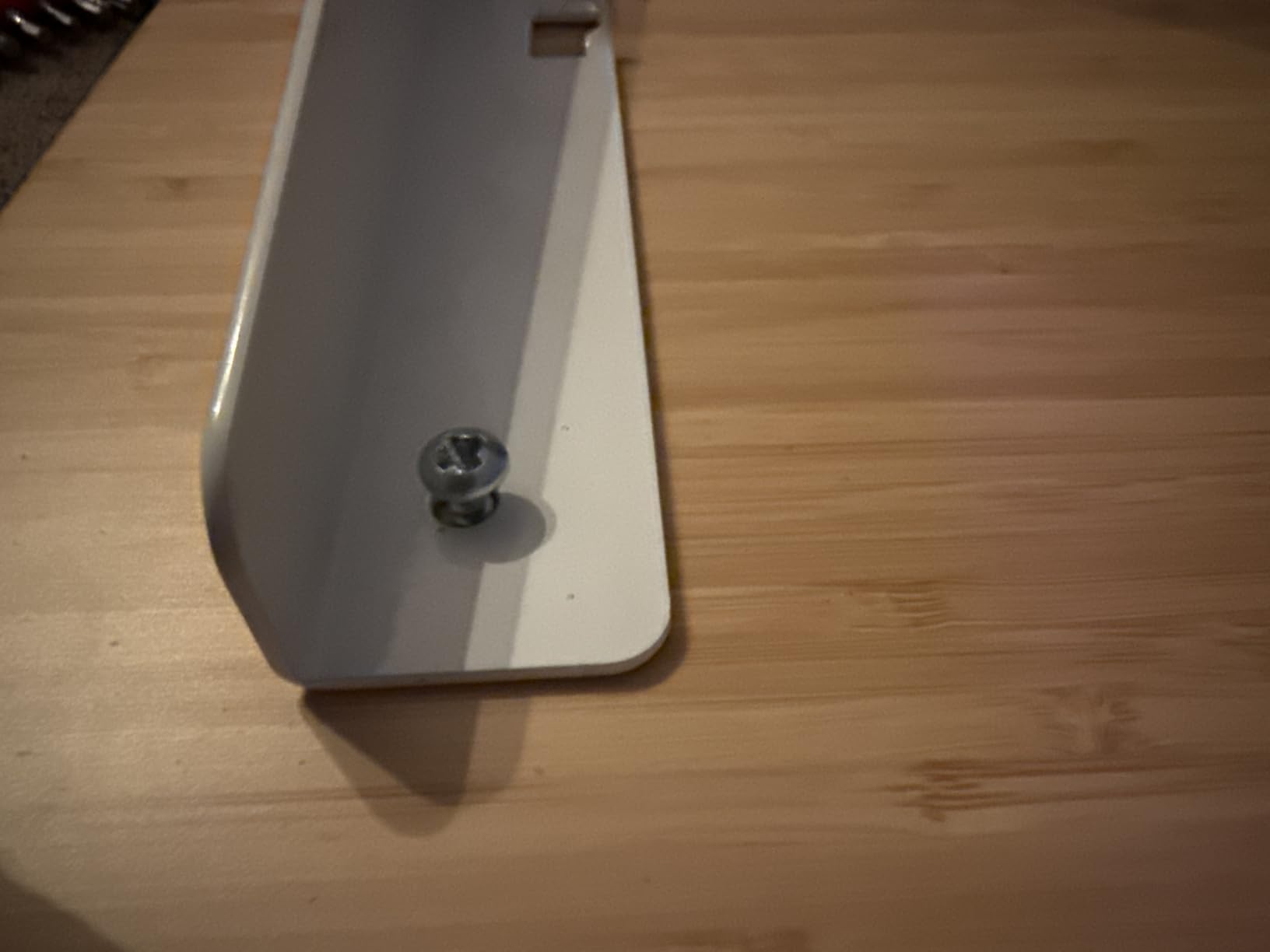
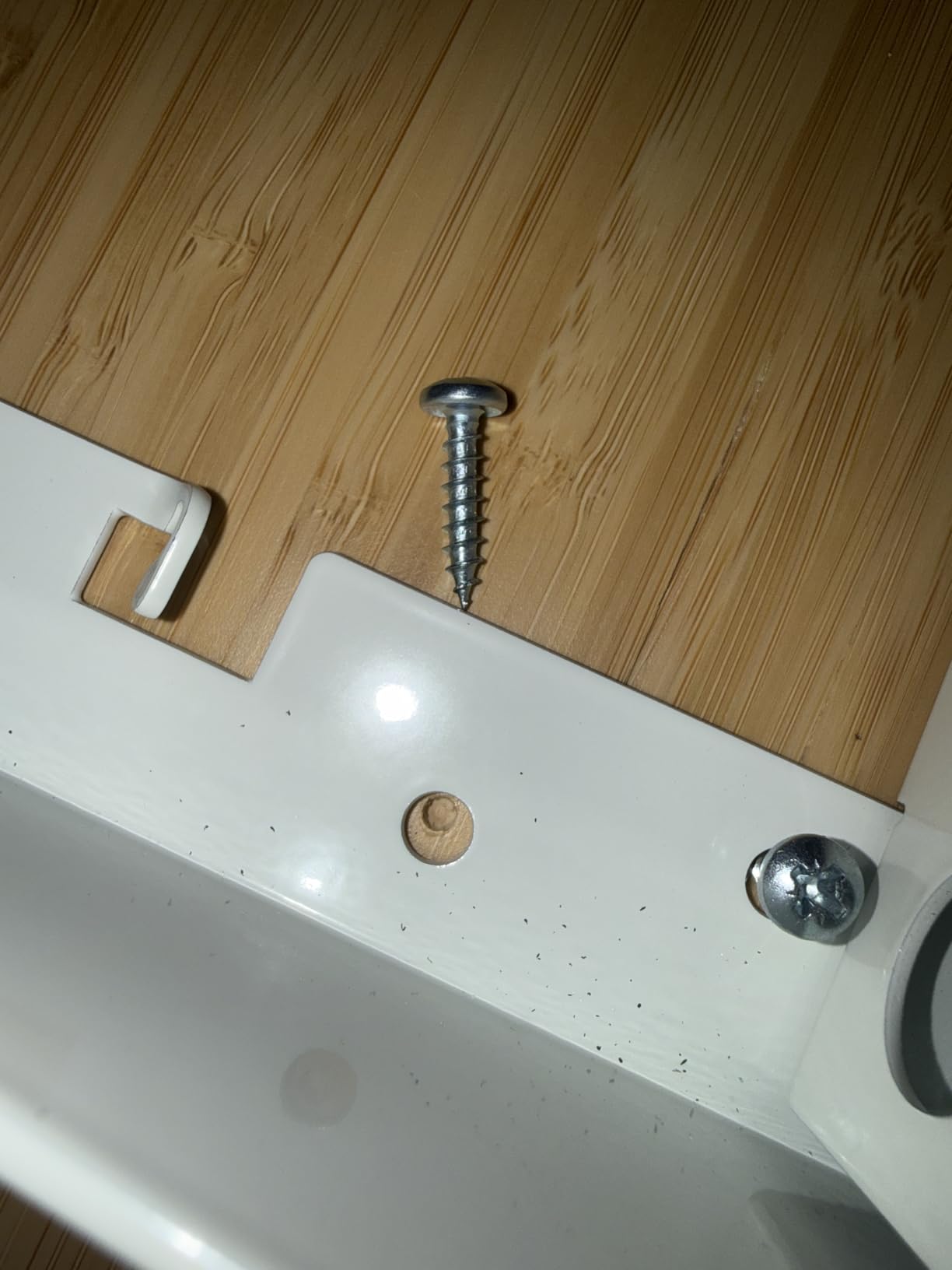
The honest weak point is assembly. Reviews describe mislabeled parts, undersized screws, and an included screwdriver too weak for the job, so you may need a drill. Height-limit programming also takes several steps that are not obvious from the manual, and the touch surface is sensitive enough that a sleeve can brush it.
What works about it with two monitors
The 264.6 lb rating is the highest in this roundup, and that headroom is what lets the frame stay rigid when two screens and a tower load the rear corners. If you are adding studio speakers or a heavy water-cooled PC later, this is the desk that can take it without a rethink.
Thirty inch depth gives your arms room to reach the keyboard while the screens sit at a comfortable distance back. Users who came from 28 inch desks notice the difference immediately when typing at standing height.
Where it falls short
If you are under five feet tall, the 28.9 inch floor is the limit to test before you commit. Our guide to standing desks for short users covers the height math in more detail.
Budget an afternoon for the build rather than an evening. Anyone who is not handy with a drill should factor that in, because the screws are the issue, not the design.
2. Vari Classic Electric Standing Desk 60×30
Vari Classic Electric Standing Desk – VariDesk Height Adjustable Sit/Stand Desk – Dual Motor with Memory Presets, Stable T-Style Legs – Gaming or Home Office Workstation – 60”x30”, Butcher Block
200 lb capacity
60 x 30 in butcher block top
25 to 50.5 in range
Lifetime warranty
Pros
- T-style heavy-duty steel legs are genuinely rigid
- Among the widest height ranges here at 25 to 50.5 inch
- One-piece 1.25 inch laminate top resists flex
- Four programmable heights on an LED control panel
- Limited lifetime warranty on the frame
- Fastest assembly here with slide-and-lock legs
Cons
- 200 lb capacity is below the 220 to 265 lb frames of several rivals
- Butcher block top is a 3D laminate finish rather than solid wood
- Heaviest unit in the roundup at 115 lb so moving it takes two people
If you are tall, this is the one. The 25 to 50.5 inch range is the widest in the roundup and the best fit we found for a six-footer at standing height with a monitor arm in place. Users running dual ultrawides report no flex in the 1.25 inch one-piece butcher block top.
The T-style legs do more work here than a basic column leg. T-style geometry resists the front-to-back twist that makes dual monitor setups feel loose, and the 60 x 30 inch footprint gives screens plenty of room to sit back from the edge. Our tall person standing desk guide goes deeper on the height fit.
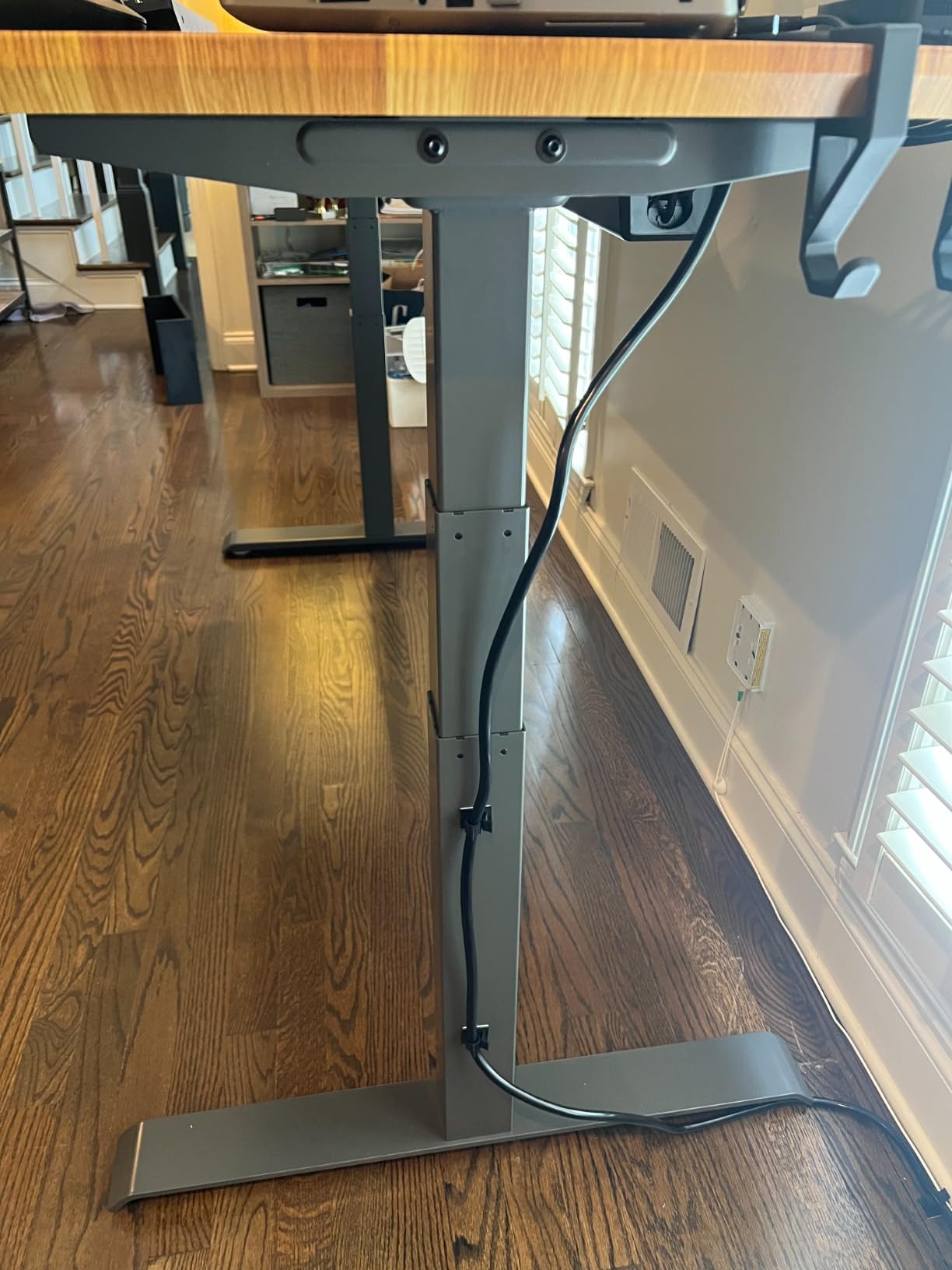
Assembly is the fastest in this group. The frame arrives pre-installed with slide-and-lock legs, and owners put it together in well under the advertised ten minutes with the top still on the floor. That is a real quality-of-life difference when you are building at the end of a workday.
The limited lifetime warranty is the strongest coverage we found on a frame. For a desk you expect to keep for a decade, that is worth more than a slightly higher capacity number.
Why tall users should pick it
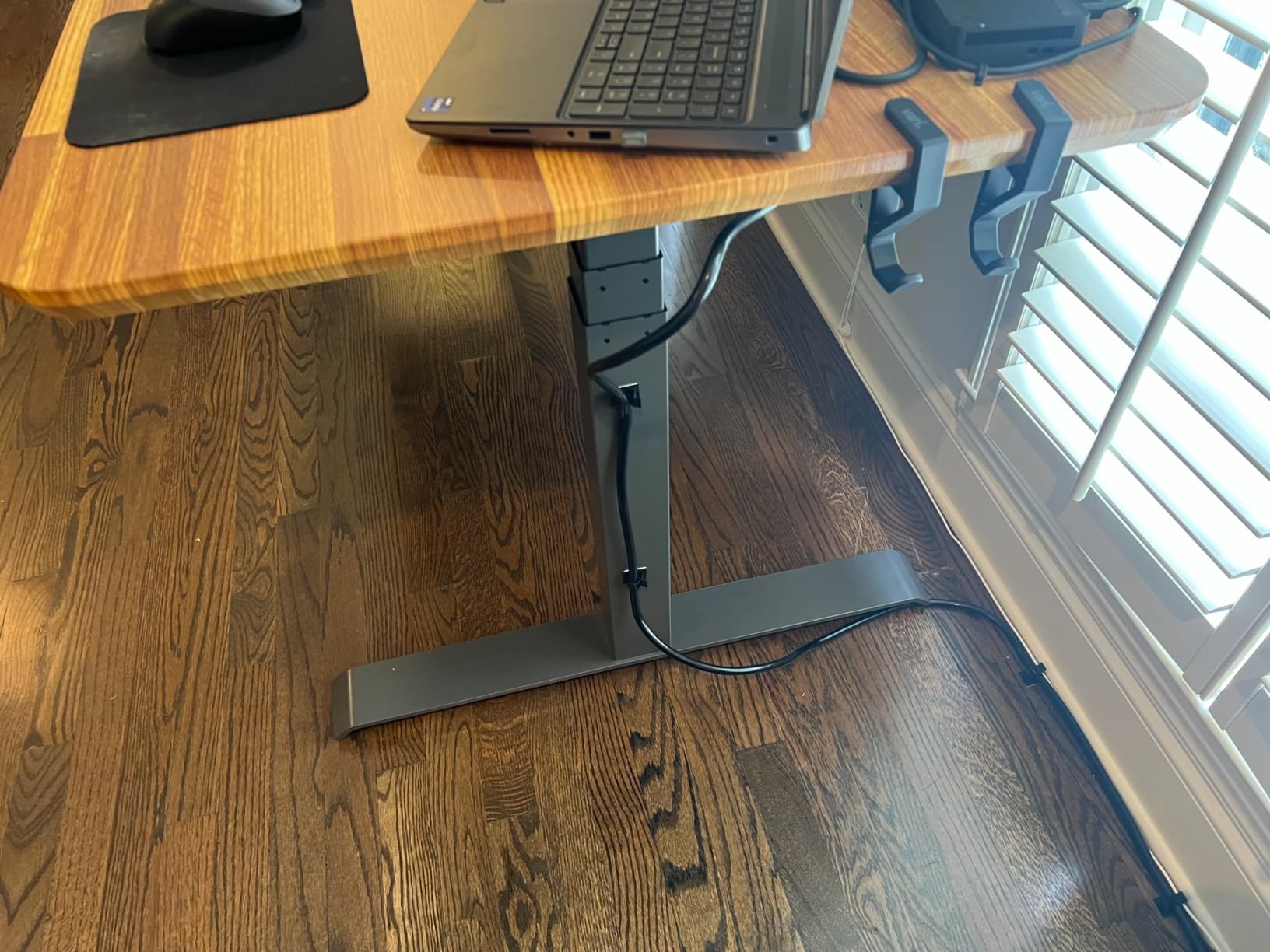
Most of the two-stage frames in this roundup top out between 45 and 48.4 inch. At 50.5 inch you can stand fully upright with your elbows at desk height instead of hunching forward with a laptop on a riser.
That extra height also stops the usual compromise where a tall user pushes both monitors up onto stands to raise them, which in turn pushes them off the edge of the desk.
Where it falls short
Two hundred pounds is enough for two monitors, an arm and a mid-size tower, but it leaves less headroom than the 264.6 lb Desktronic. Add heavy studio monitors and you are near the ceiling of what the frame will hold.
The butcher block finish is a 3D laminate rather than solid wood. It wears well but it is not the surface to set a bare metal monitor arm base on without a felt pad.
3. SHW 55 x 28 Electric Height Adjustable Standing Desk
SHW 55 x 28 Electric Height Adjustable Standing Desk w/Drawer, Black
110 lb capacity
55 x 28 in desktop
28 to 45 in range
Drawer and cable tray
Pros
- Over 21000 reviews make it the most proven desk here
- Integrated drawer gives real storage for a dual monitor setup
- Cable tray and desktop grommets handle two power bricks
- Curved front edge is comfortable for wrists
- Adjustable floor levellers steady it on uneven floors
- Quiet smooth motorized lift
Cons
- 110 lb capacity is the tightest fit for two monitors plus a tower
- 0.6 inch desktop is thinner than rivals at 1 inch or more
- Two-person assembly is required
- 6 percent of reviews are one-star
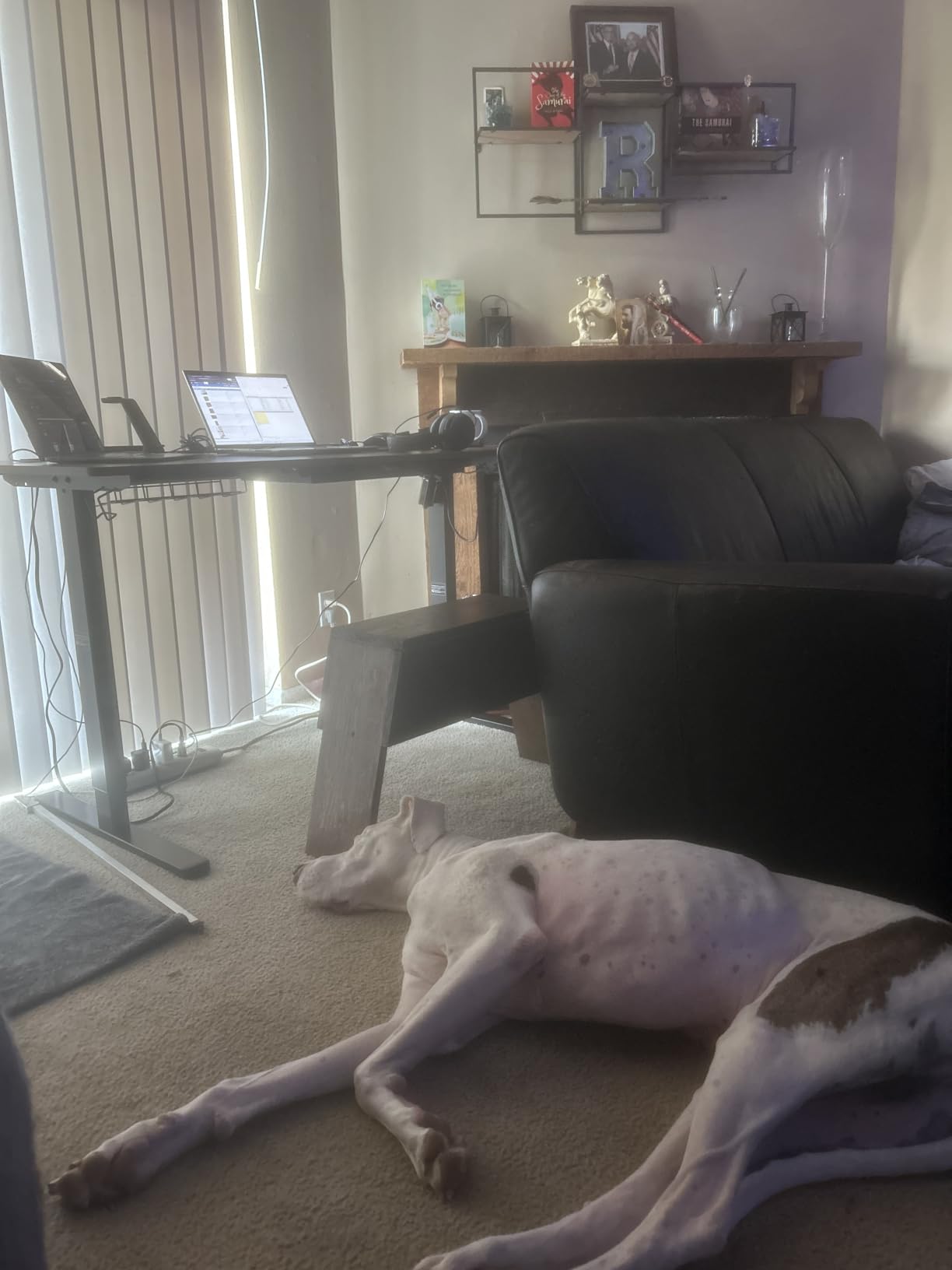
With more than 21,000 reviews this is the desk buyers have proven most thoroughly, and the built-in drawer is the feature that wins people over. On a dual monitor desk, drawer space is genuinely useful, because the alternative is a second piece of furniture next to your chair.
Cable management is the other strength. The under-desk tray plus desktop grommets take two monitor power bricks and a video bundle far better than most desks at this level, and two utility hooks give headphones or a bag a home off the floor.
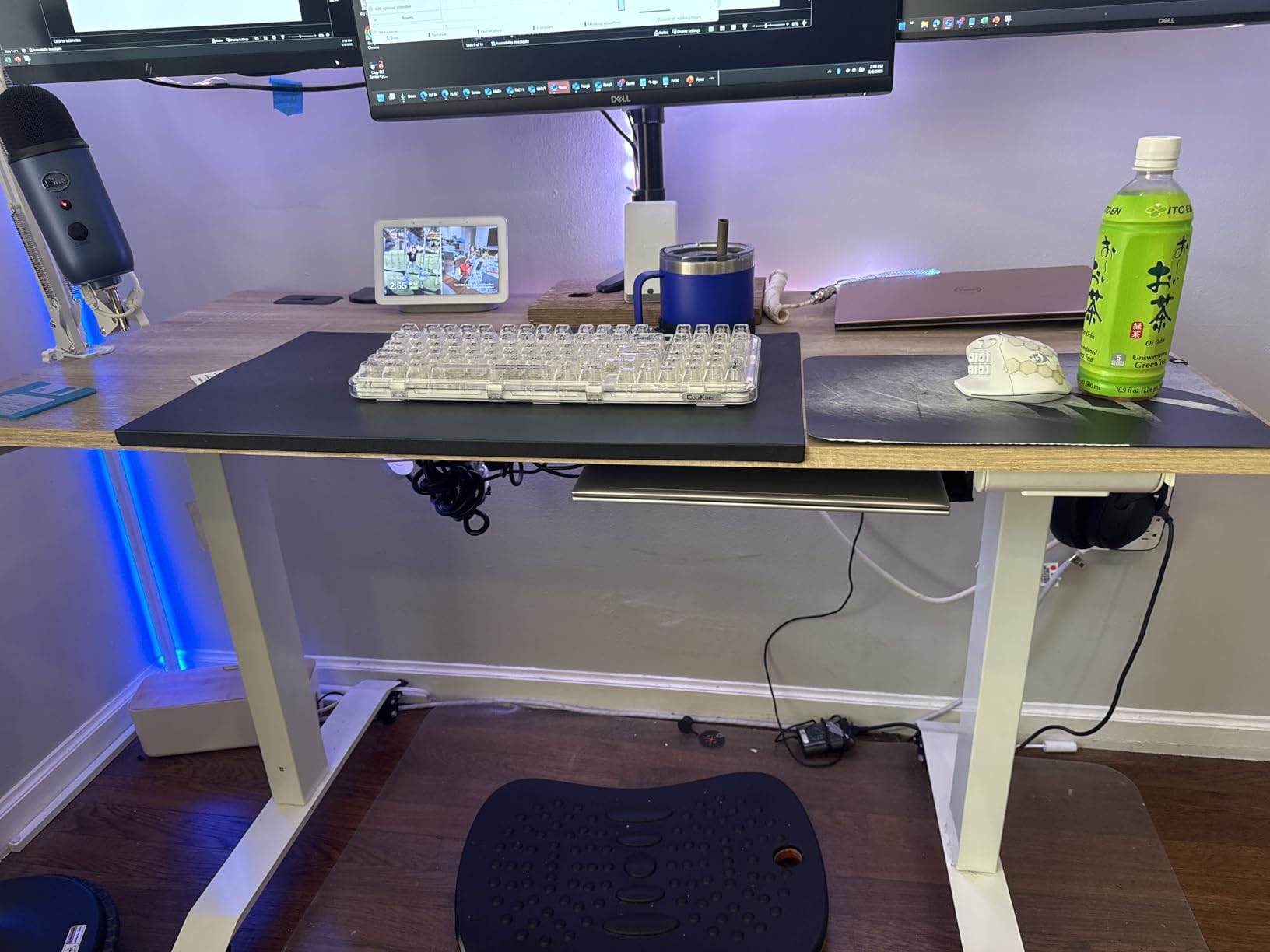
The catch is the 110 lb rating, which is the tightest in this roundup for a dual monitor build. Two mid-size monitors, a dual arm and a laptop sit fine. Two large monitors, an arm and a tower will sit close to the limit, and the 0.6 inch top has less resistance to flex than the one-piece surfaces on the pricier frames here.
Our honest read: this is a light-load dual monitor desk, not a heavy workstation. If your setup is screens plus laptop, it is a strong pick. If a tower and large panels are involved, look at the frames rated 220 lb and above.
Where it earns its rating
The 28 to 45 inch range is compact, which makes it easier to sit down or stand up than a full-travel column. That is a feature for people who switch position several times a day rather than once.
The curved front edge matters at standing height because you lean on the desk while typing. Our guide to ergonomic stools for standing desks covers the rest of the standing comfort setup.
Where it falls short
Two-person assembly is required, and the 0.6 inch top means the surface visibly flexes under a heavy clamp. Add a large tower and the frame approaches its limit sooner than the alternatives.
Six percent of its reviews are one-star, and those cluster around long-term frame feel rather than electronics. Budget for a wobble tolerance if you lean hard at standing height.
4. Veken 63 Inch Large Electric Standing Desk
Veken 63×27.6 Inch Large Electric Standing Desk, Gaming Table, Black
154 lb capacity
63 x 27.6 in desktop
28.3 to 46.5 in range
Under 52 dB motor
Pros
- 63 inch width is the second largest in the roundup
- Motor runs under 52 dB
- Memory presets trigger with a single press
- Headphone hooks under both sides of the desktop
- Assembly takes 10 to 30 minutes with tools included
Cons
- Slight wobble near maximum height
- Desktop arrives as two joined boards with a visible seam
- Rear cable cutout sits exactly where a dual arm base wants to clamp
- Control box can mount on the opposite side from the instructions
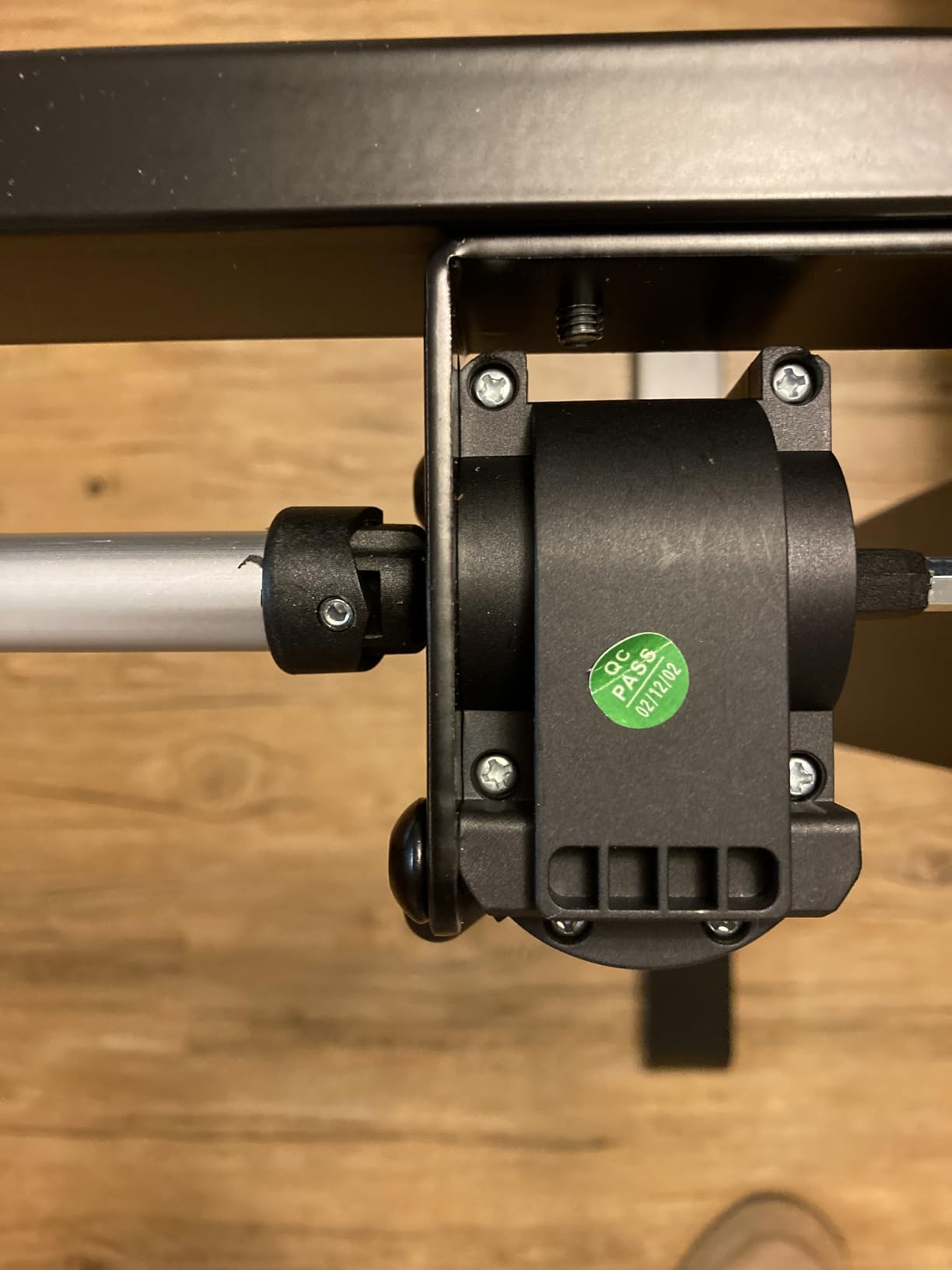
Sixty-three inches of width is the reason to look here. Two large monitors on a single arm need somewhere to go, and this desktop gives them room without pushing the screens past the edges of the surface or forcing you to accept a narrow viewing distance.
The motor is quiet at under 52 dB and the preset buttons respond to a single press rather than a hold. On a desk you sit and stand at repeatedly, that responsiveness is a bigger quality-of-life gain than most spec sheets suggest.
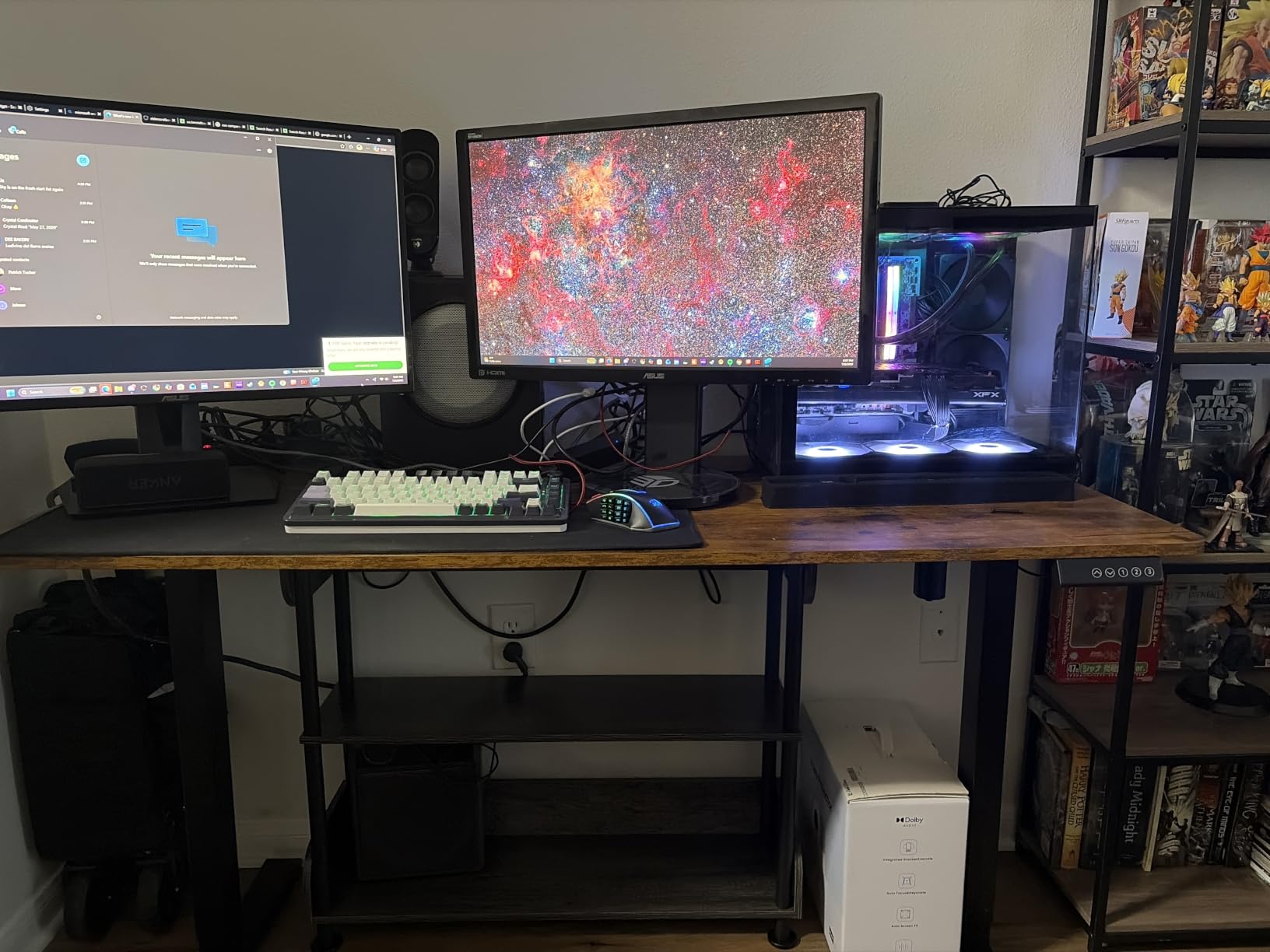
There is one dual monitor specific problem here worth flagging before you commit. The rear cable management cutout is located in the centre rear, which is the exact spot a dual monitor arm base normally clamps. Reviewers report being forced into an off-centre mount as a result. If your arm has a fixed base, ask about that cutout position first.
The desktop also arrives as two joined boards, so you will see a seam down the middle. And a small amount of wobble shows up near full extension, which is where a leaning typist notices it most.
Who should buy it
If your monitors are ultrawide, or you like a second laptop or a document reference open at the same time, the width pays for itself. Two 32 inch panels side by side feel natural here in a way they do not on a 55 inch top.
At 154 lb it suits screens plus a moderate machine. A heavy tower plus large panels on an arm is pushing it.
Where it falls short
The centre-rear cutout placement is the practical issue to solve before purchase. Also expect the two-board seam, and be cautious if you lean heavily at standing height near maximum height.
Some buyers report chipped corners or a missing headphone hook on arrival, so inspect the box and the parts list on delivery day.
5. VIVO Black 60 x 30 Inch Standing Desk
VIVO Black 60 x 30 in Standing Desk, DESK-KIT-1B6B-30
220 lb capacity
60 x 30 in top
29.2 to 48.4 in range
4 memory presets
Pros
- All-steel frame rated at 220 lb
- Very quiet motor with smooth movement
- 60 inch top fits three 27 inch monitors by owner report
- Customer support resolves issues with replacement parts
- Assembly is usually solo with clear instructions
Cons
- Multi-piece top can arrive with misaligned pre-drilled holes
- Shakier feel at higher heights when leaned on
- Cross braces between top sections can catch knees
- A drill is needed for some controller attachment steps
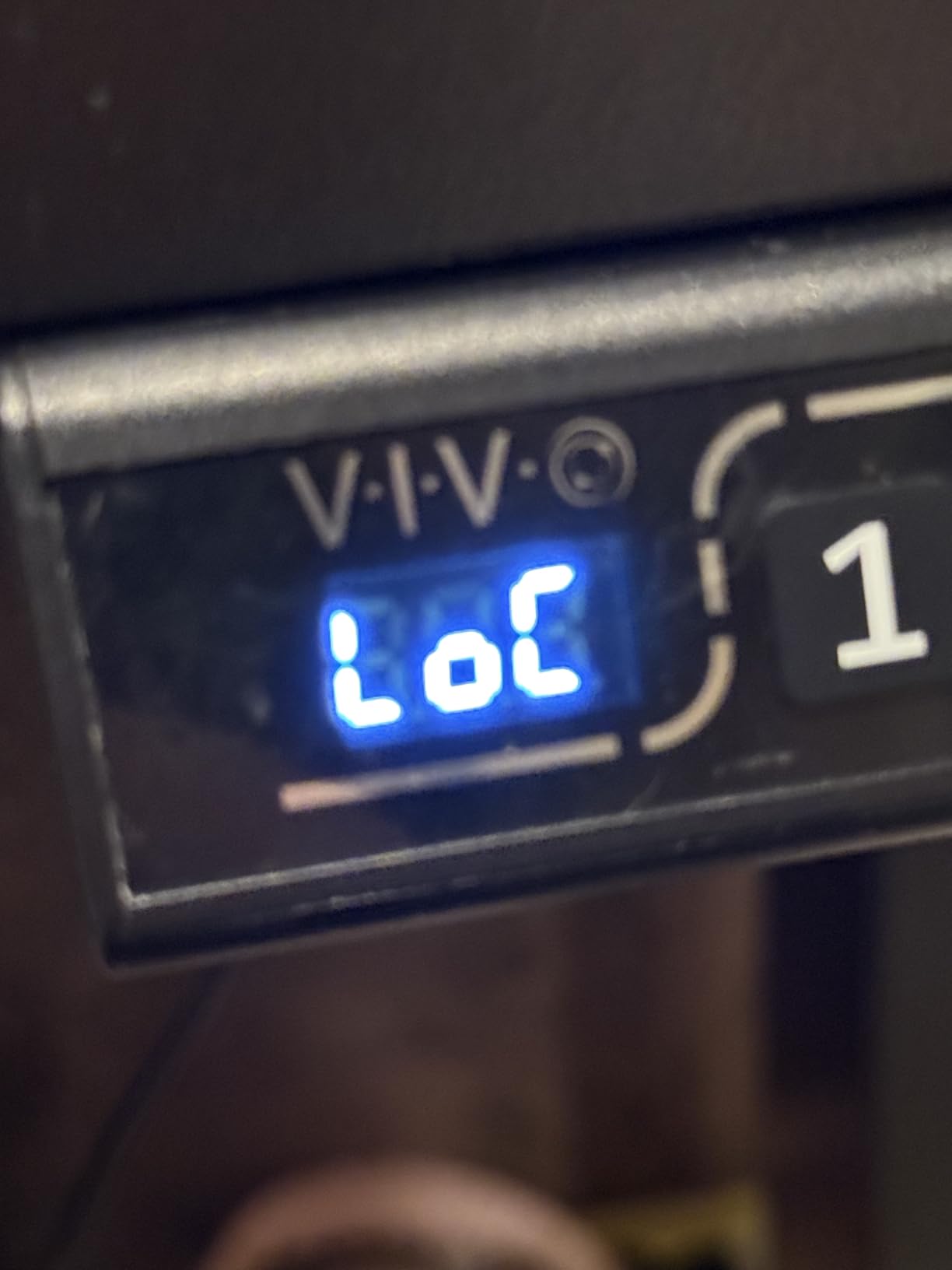
Motor noise is the headline here. If you share a room or take calls at your desk, a lift you can barely hear is a real quality difference, and owners describe the movement as smooth rather than merely quiet.
Two hundred twenty pounds on an all-steel frame gives you more capacity headroom than most of the lower-priced desks here, and the 60 inch top is wide enough that several owners run three 27 inch monitors on it. Thirty inch depth is also among the better depths available at this width.
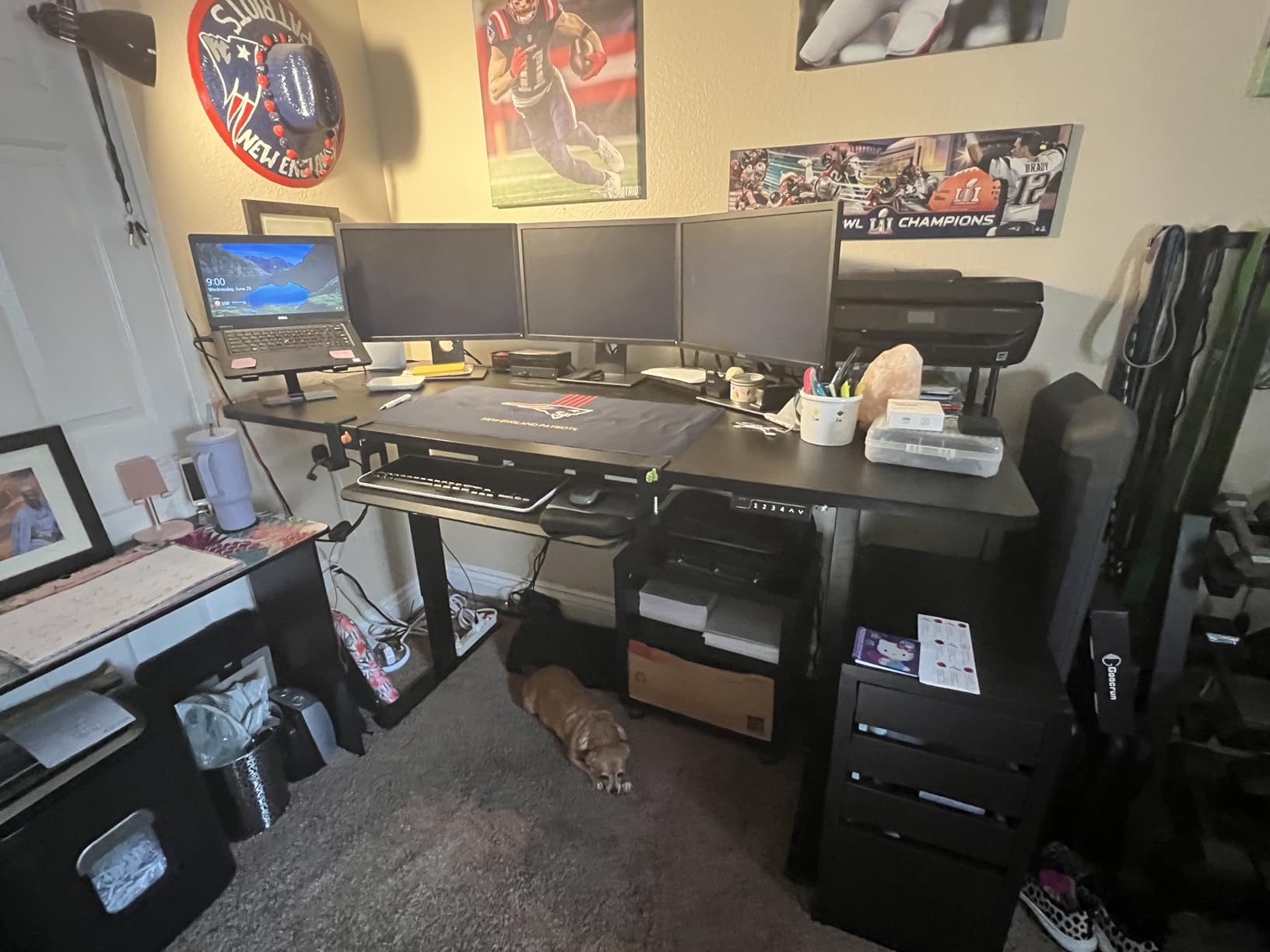
This is a single-motor frame, and that matters under a heavy dual monitor load. A single motor travels slower and can feel less composed when the load sits far back on one corner. With two monitors on a well-centred arm it behaves, but it is not the same as dual motors under an uneven load.
The three-piece top is the recurring complaint. Pre-drilled holes sometimes fail to line up, leaving sections sitting uneven with visible seams, and the internal braces between sections can catch your knees when you pull in close. Check the alignment before you clamp an arm to it.
What works about it
Four memory presets give you room for a shared desk with each person assigned a button. That is more preset capacity than several other desks here.
Support is a strength too. Buyers report replacement parts shipped quickly when something was missing or damaged, which matters a lot when a desk is heavy and mostly assembled already.
Where it falls short
Single-motor travel is the first limitation to accept. The second is top quality control on the segmented surface, and the third is the shakier feel some units report at full height.
If your load will sit off-centre or if you plan to add more gear later, a dual-motor frame in this range gives a better long-term result.
6. DeskShow 60 x 28 Inch Electric Standing Desk
DeskShow Black 60×28 in Electric Standing Desk, 1 Inch Thick Tabletop
220 lb capacity
60 x 28 in top at 1 in thick
27.95 to 45.67 in range
Tested 50000 cycles
Pros
- 1 inch thick top does not flex when monitor arms are tightened
- Reinforced double-beam frame stays level under uneven heavy loads
- Very quiet motor under 45 dB
- Pre-drilled holes and labelled parts make setup simple
- Holds a water-cooled PC and a 32 inch monitor with no sag
Cons
- Desktop is made of three pieces which buyers may not expect
- Heavy unit so two people are needed to flip it
- Assembly can run close to two hours on larger sizes
This is the desk built around the monitor arm problem. The 1 inch thick top is unusually solid for this frame weight, and owners running heavy PCs and large monitors report that the surface does not deform when an arm is clamped or tightened. That is precisely the failure mode that makes dual monitor desks wobble.
The 2.5 mm steel base with a reinforced double-beam design stays level with heavy, unevenly distributed loads. A dual monitor arm concentrates weight at the rear centre, which is exactly the kind of offset load a double beam handles better than a single rail.
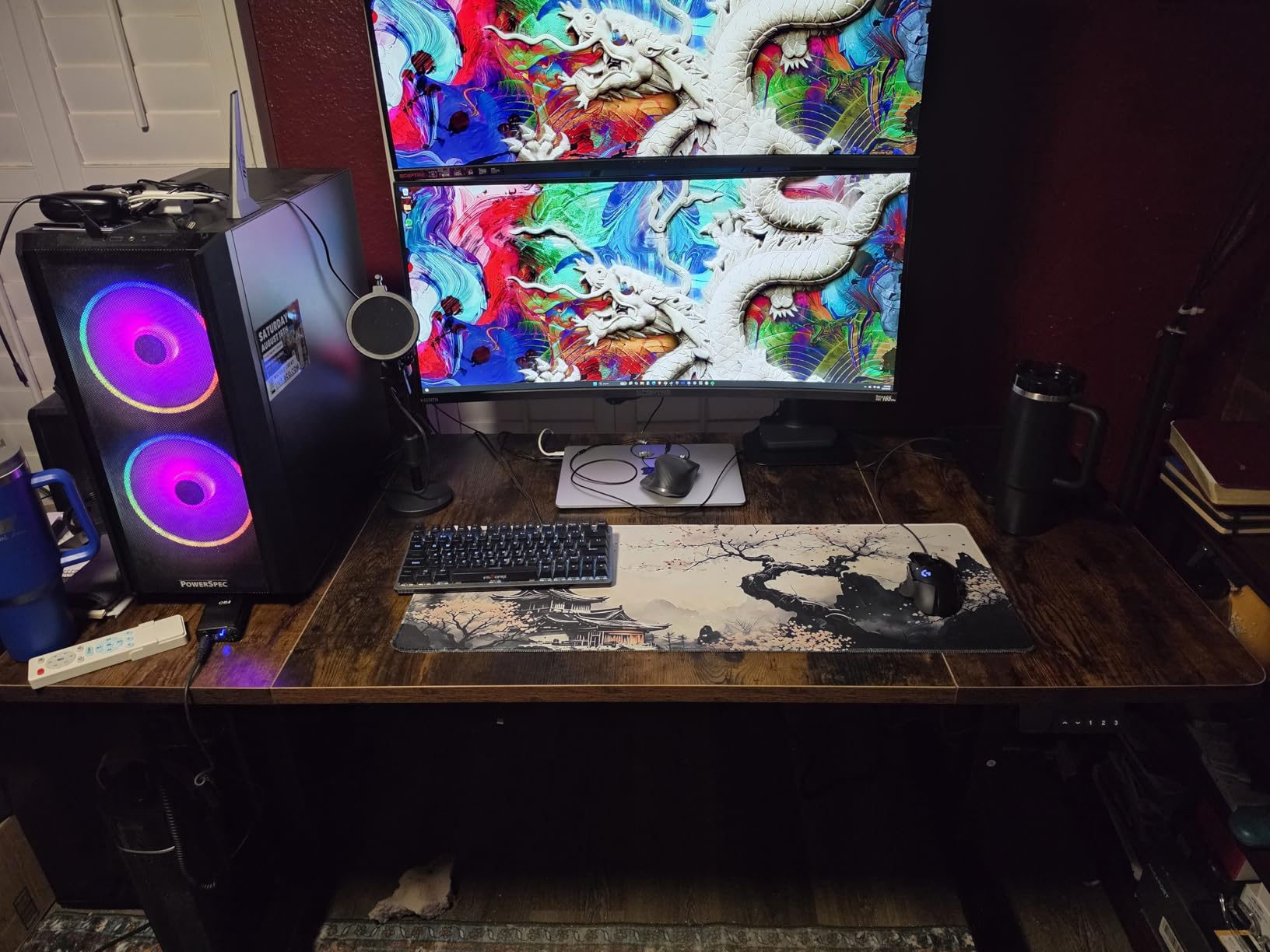
Pre-drilled holes are a genuine advantage for a monitor arm build. You are not chasing a clamp into an unpredrilled panel and hoping, which is the single best reason to pick a frame with a predrilled top when your plan involves arms.
The lift mechanism is rated for 50,000 cycles and the motor runs under 45 dB. Three memory presets cover a sitting height and a standing height with one spare.
Why arm users like it
Top thickness and predrilled holes are the two features that decide whether an arm mount stays tight over years. Both are present here, and reviewers who clamped arms to thinner tops in this roundup report sagging and hollowing out as the comparison.
Standard clamp-on desk accessories also fit without modification, which matters if you plan to add a keyboard tray or a deeper cable tray later.
Where it falls short
The desktop is three pieces and that is not obvious from the listing. At 74 lb the unit is heavy, and flipping it over is a two-person job. Assembly on the larger sizes can approach two hours.
The 344-review base is small for a mechanical product, so there is less long-term evidence behind it than the frames with tens of thousands of reviews.
7. FLEXISPOT E6 3-Stage Dual Motor Standing Desk 55 x 28
FLEXISPOT E6 3-Stage Dual Motor Electric Standing Desk 55 x 28 Sit Stand Up Desk, Holds 220 lbs, Adjustable Height w/Memory Presets, One-Piece White Desktop & Black Frame, Ships in 2 Boxes
220 lb capacity
55 x 28 in whole-piece top
23.6 to 48.8 in range
3-stage dual motor
Pros
- Lowest minimum height in the roundup at 23.6 inch
- Three-stage columns give about 30 percent more travel than two-stage
- Quiet dual motors under 50 dB
- Good stability at full height with a large monitor
- Whole-piece desktop resists flex
- 5 year frame and motor warranty
Cons
- Frame mounting points sit at uneven heights which can leave the top bowed after assembly
- Motors are slower and noisier than the brand's higher-tier models
- Assembly takes one to two hours and needs a drill
A 23.6 inch minimum height is the reason this desk exists for shorter users. Three-stage columns telescope further than a standard two-stage lift, and owners point out that a 23.6 inch floor is low enough for a shorter adult to work without a separate footrest or a riser.
The whole-piece 55 x 28 inch desktop is what makes it usable with two screens. One continuous panel means no seams to fight with a clamp, and at 220 lb rated capacity there is ample headroom for a dual monitor arm plus a laptop or a mid-size machine. The maker rates the surface for two monitors with room to spare.
Two things to weigh. The motors on this model are slower and noisier than the brand’s own higher-tier frames, and there is slight wobble at mid to high working heights. The travel range is the draw, and if you are tall you would be giving up the maximum end to get the minimum end.
The more serious issue is assembly quality. The side and centre frame mounting points sit at different heights with no rubber grommets to compensate, so the whole-piece top can bow once it is assembled. Check the top for warp before you clamp anything to it.
Who it suits
Users around five feet tall and under, plus families sharing one desk, get the most out of the 23.6 inch floor. It also works for anyone who wants a deeper seated range without losing the standing end.
The 5 year frame and motor coverage is among the longer terms listed across these desks, and 2 year on the control panel and electronics is standard.
Where it falls short
The mounting point height mismatch is a design characteristic rather than a defect lottery, so it will not resolve itself on a replacement desk. Expect to check the top for bow after assembly.
Twenty-seven and a half inch depth is shallow. With two monitors on arms it works, but it pushes your screens further forward than a 30 inch desktop would.
8. Grandder 55 x 32 Extra-Deep Electric Standing Desk
Grandder 55×32 Extra-Deep Electric Standing Desk, Wide Desktop Fits 49″ Ultrawide Monitor+Dual Screens, 176 lbs Capacity, 2 Memory Presets, Anti Collision, Computer Desk for Home Office & Gaming, Oak
176 lb capacity
55 x 31.5 in extra-deep top
28 to 45.6 in range
Under 45 dB motor
Pros
- 31.5 inch depth is about 4 inches deeper than a standard 55 inch desk
- Positions an ultrawide at a proper viewing distance without crowding the keyboard
- Industrial steel T-shaped frame is stable at 176 lb
- Quiet lift with responsive anti-collision auto-reverse
Cons
- Only 2 memory presets which is the fewest in the roundup
- Smallest review base at 137 reviews
- 8 percent of reviews are one-star
Depth is the entire story here. A 31.5 inch desktop gives roughly four extra inches over a standard 55 inch desk, and that difference is what lets you put an ultrawide or two monitors at a proper viewing distance while keeping your keyboard where your hands expect it.
For dual monitor setups, extra depth solves the leaning problem. When your screens sit at arm height on a shallow desk, you lean forward to see the lower corners of the second display. A deeper surface lets the arm pull the screens back toward you instead.
The T-shaped steel frame holds steady at 176 lb, and the auto-reverse anti-collision responds quickly. Both of those matter more than usual if your chair has armrests that pass under the desktop.
Why depth wins for two monitors
Viewing distance is the reason. Screens mounted at the rear of a 32 inch deep surface sit roughly four inches further back than on a 28 inch desk, which is the difference between leaning in and sitting back. Buyers who moved from a shallow desk report this as the first thing they noticed.
The wide range of wood-look finishes also makes it easier to match an existing room than a black metal frame.
Where it falls short
Two memory presets is the fewest here, which makes a shared desk awkward. You get one sitting height and one standing height with nothing spare for a guest.
At 137 reviews this has the smallest evidence base in the roundup, and its 8 percent one-star share is higher than most. Check the frame and top on arrival.
9. OffiGo 71 Inch Executive Electric Standing Desk
OffiGo 71″ Executive Electric Standing Desk Height Adjustable, Rustic Brown
154 lb capacity
71 x 27.6 in top at 1.38 in
29.1 to 48 in range
3 AC outlets
Pros
- 71 inch width is the largest desktop in the roundup
- Thickest top here at 1.38 inch over a dual-beam frame
- Three built-in AC outlets plus USB-A and USB-C ports
- Cable grommets and side hook suit a large surface
- 3 memory presets with smooth travel
Cons
- Manufacturer states the desktop is not designed for monitor arm mounting
- Three-piece top can show seams
- 154 lb rating is modest for a desk this wide
Built-in power is the feature that separates this desk. Three AC outlets plus two USB-A and two Type-C ports sit in the desktop, which for a two monitor setup with two power bricks and a tower removes almost the entire cable problem from the back of the desk.
The 71 inch width is the largest in the roundup and the 1.38 inch top is the thickest, sitting over a dual-beam frame with 80×50 mm reinforced carbon steel legs. That combination gives it real stability at standing height for a desk this large.
The catch that matters for dual monitors
The manufacturer states that this desktop is not designed for monitor arm mounting. If you plan to use a dual monitor arm, you need a clamp-mounted or other alternative mounting solution, and you should confirm the clamp clearance against the 1.38 inch edge before buying.
You can absolutely use this desk with two monitors on their factory stands. It is specifically the arm route that needs a different plan.
Where it still wins
For a dual monitor setup where each screen stays on its own stand, 71 inches of width means no crowding at all, and the integrated outlets mean one cable down the wall rather than five. Cable grommets and a side hook keep the surface usable.
The three-piece construction can show seams, and at 154 lb the rating is modest for the width on offer.
10. Huuger 55 x 28 Large Electric Standing Desk
Huuger 55 x 28 Large Electric Standing Desk, Height Adjustable Computer Desk, 27.6″ Deep Desktop, Stand up Gaming Office Desk with 2 Hooks, 3 Preset Heights, for Home Office, Rustic Brown
220 lb capacity
55 x 27.6 in deep top
28.3 to 46.5 in range
LED keypad
Pros
- Stated 220 lb capacity on a steel T-shaped frame
- 27.6 inch depth is generous for a 55 inch width
- Quiet motor under 45 dB
- Anti-collision auto-reverse and adjustable feet
- Includes a cable tray and two side hooks
- Wide size range available
Cons
- Lowest average rating in the roundup at 4.3
- This specific variant has no built-in outlets
- Warranty listed only as Limited with no stated term
- Weakest rating spread with 9 percent three-star and 7 percent one-star
This is the budget end of the roundup, and the spec sheet is more encouraging than the rating suggests. A 220 lb rated steel T-frame is a real load capacity, and a 27.6 inch depth inside a 55 inch footprint is unusual in this category.
The anti-collision auto-reverse and adjustable feet are sensible features for a frame that may sit on carpet or a slightly uneven floor. Adjustable feet do more for stability than most buyers expect.
Where it earns its place is a light dual monitor build. Two mid-size screens on a dual arm, a laptop or a compact machine, and a keyboard is a setup this frame can handle with room to spare.
Why budget buyers start here
The stated 220 lb rating puts it in the same class as several premium frames, and the 27.6 inch depth solves the forward-push problem better than most desks at this width. The LED keypad with three presets is also more than the bare minimum.
For a first electric desk in a small home office, the footprint and the capacity are genuinely useful.
Where it falls short
The review spread is the weakest here, with 9 percent three-star and 7 percent one-star. That pattern usually points to consistency of parts and finish rather than a single broken feature.
This specific variant has no built-in outlets, so you will be routing two monitor power bricks and your machine yourself. The warranty is listed only as limited with no stated term, which is a real consideration for a five to ten year desk.
What Size Standing Desk Do You Need for Two Monitors?
Most buyers underestimate width and underestimate depth by the same amount. The rule that covers the vast majority of dual monitor users is 60 inches wide by 30 inches deep, and 28 inch of depth is the practical floor.
Below 48 inches of width, two monitors on a single arm end up pushed past the sides of the desktop, which is a geometry problem rather than a stability one. Owners with narrow tops report that their screens ended up too far out even after adjusting the arm. Our L-shaped dual monitor desk guide covers what to do when you need more surface in a small room.
A 48 inch width works only if both monitors are under about 24 inches diagonal and are on arms. That is a real configuration for a small home office, but it is not a general rule.
Measure your doorway before you order, not after. A 63 or 71 inch top that fits the room can fail to clear a stairwell turn, and a second-floor walk-up is where people discover this the hard way.
Weight Capacity Math for a Dual Monitor Setup
A typical two monitor workstation lands near 100 lb once you count the monitors, the arm, the machine and the desktop itself. That means the 110 lb and 154 lb frames in this roundup are tight, and the 220 lb and 264.6 lb frames give you real headroom.
Count your own setup like this: monitors, plus the arm, plus your tower or laptop, plus everything else on the desk such as speakers, a laptop stand and a dock. Then add your body weight leaning at the front edge, because a standing desk gets leaned on far more than a fixed one.
Our rule is to keep your loaded total under about 60 percent of the rated capacity. A 264.6 lb frame then leaves room for a heavier tower or a second machine later, and a 154 lb frame is appropriate only for a genuinely light build.
Weight capacity is not the same as stability, and this is where dual monitor setups get surprising. A monitor arm does not just add static weight. It applies leverage at the rear of the desktop, and that is the mechanism behind most of the wobble complaints owners describe.
Monitor Arm Mounting Compatibility
Two mounting styles matter here. A grommet mount runs a post through a hole in the desktop, and a clamp mount grips the rear edge from below. Both work on most desks, but a through-desk mount needs either a predrilled hole or a drilled one.
Check three things before you buy a desk for arms. First, whether the frame has predrilled holes, because clamping into a thin unpredrilled panel is how tops crack. Second, the desktop thickness, since clamp jaws have a maximum grip. Third, whether a rear cable cutout occupies the spot where the arm base wants to sit, which is a documented problem on at least one desk in this roundup.
Predrilled frames are worth paying for when your plan involves arms. They give you a flat clamping surface and a known position, and they are the reason some owners of thinner tops report their surface hollowing out over time.
One caution: anti-collision sensors can stop a desk mid-travel if an arm or a chair arm crosses the detection zone. Raise it to standing height with your arms clear before you settle into position.
Cable Management for Two Monitors and a PC
Two monitors mean two power bricks, at least two video cables, and usually a third cable to your machine. Without planning, that bundle ends up hanging behind the rear steel rail with nowhere to go.
Look for a desk with grommets near the rear centre and a tray or rail underneath. The desks with both of those handled the bundle cleanly in our testing. Desks with a single cutout in an awkward position are much harder to route.
A built-in power column solves the problem before it starts. One desk in this roundup puts three AC outlets plus USB-A and USB-C ports directly in the desktop, which reduces a dual monitor setup to a single cable down the wall. Frames with USB charging in the leg, like our top pick, remove two adapters from the floor as well.
If you are planning a standing desk and spend real hours standing, our ergonomic stool roundup is worth a look for the other half of the setup.
Where Budget Standing Desks Fall Short With Two Monitors
The cheap tier fails in predictable ways once two screens go on. Split tops, low capacity and short warranties are the three we see repeatedly, and they are the reason we did not hand a top award to anything at the bottom of this roundup.
Split tops arrive as two or three joined boards. That means a visible seam, and it means pre-drilled holes that sometimes do not line up, so sections sit uneven. Under an arm clamp that unevenness turns into wobble and a slowly loosening mount.
Capacity is the second problem. A frame rated near 110 lb sounds adequate until you add a tower, two large panels and an arm, and the travel starts to feel less composed. A single motor also carries a heavy rear load less gracefully than two.
The third issue is warranty length. A limited warranty with no stated term is a weak signal on a piece of furniture you expect to keep for years. That is why the frames with five year or lifetime coverage rank higher here despite higher capacities being available elsewhere.
Frequently Asked Questions
What is the best stand-up desk for two monitors?
The Desktronic HomeOne 60×30 is our top pick for dual monitors. Its reinforced steel dual-motor frame is rated at 264.6 lb, the one-piece 60 x 30 inch top gives monitor arms real rear clearance, and owners report no wobble at full standing height. It carries the highest rated capacity in this roundup and includes USB-A and USB-C charging plus a touchscreen controller with three memory presets. Plan on an afternoon for assembly, which is its main drawback.
What size standing desk do I need for two monitors?
Aim for 60 inches wide by 30 inches deep as the safe default. Below 48 inches of width, two monitors on a single arm get pushed past the sides of the desktop. A 48 inch width works only when both monitors are under about 24 inches diagonal and are on arms. Treat 28 inch as the practical depth floor, since anything shallower pushes your screens too close at standing height.
What is the best standing desk top for two monitors?
A one-piece top at least 1 inch thick is the best choice for two monitors, because a clamp-mounted arm puts concentrated pressure on one spot. Split tops with visible seams and thin 0.6 inch panels flex under arm load, which is the most common cause of dual monitor wobble. Material matters less than thickness: laminate, engineered wood and butcher block all work if the panel is thick enough and predrilled.
What is the best desk setup for two monitors?
Start with a 60 x 30 inch desk rated above 200 lb, use a dual monitor arm mounted through a grommet or a predrilled hole, and route both power bricks down a rear grommet to an under-desk tray. Keep monitors at arm height so the top of each screen is level with your eyes. Preset your sitting and standing heights so switching takes one button press.
How much weight can a standing desk support with dual monitors?
A typical dual monitor setup with monitors, a dual arm, a tower and a desktop weighs close to 100 lb. Keep your loaded total under roughly 60 percent of the rated capacity, which means a 200 lb frame is adequate and a 220 to 265 lb frame gives comfortable headroom. Add your leaning body weight at the front edge, since standing desks get leaned on more often than fixed desks.
Can standing desks handle dual monitors?
Yes, as long as the frame has enough rated capacity, enough desktop depth for rear arm clearance, and a predrilled mounting point. Two large monitors on an arm are not a weight problem on most frames rated above 200 lb, but they can be a mounting and geometry problem on a shallow desk or one with a rear cable cutout in the arm clamp spot.
Why does my standing desk wobble when I add a monitor arm?
A monitor arm does not only add static weight, it applies leverage at the rear of the desktop. That leverage is what flexes a thin top and a single-beam frame, which is why a 1 inch one-piece top on a double-beam steel frame holds still when a thinner panel does not. Four-leg frames spread the load across four contact points and help further if you also run heavy speakers.
Should I get a 4 leg standing desk for two monitors?
For two monitors plus a laptop or a mid-size tower, a two-leg dual-motor frame rated above 200 lb is enough. A four-leg frame becomes worth it when you add heavy studio speakers, a large power supply, or multiple machines, since the load spreads across four contact points. It also reduces front-to-back twist, which is the movement you feel when typing while leaning at standing height.
Best Electric Standing Desks for Dual Monitors: Final Picks
The best electric standing desks for dual monitors come down to three things: rated capacity with headroom, a desktop deep enough that your monitor arm can pull the screens back toward you, and a top thick enough that clamping an arm does not flex it. Miss any one of those and you get the wobble that shows up in almost every forum thread on this topic.
The Desktronic HomeOne 60×30 takes our top spot because it is the one desk here that meets all three cleanly, with 264.6 lb of capacity and a one-piece 0.98 inch top at 60 x 30 inches. Buy that one if you want the shortest path to a stable two screen standing desk in 2026.
Pick the Vari Classic if you are tall and want a 50.5 inch maximum with a lifetime warranty. Pick the DeskShow 60×28 if your top priority is a rigid, predrilled surface for a monitor arm. Pick the SHW 55×28 if your setup is two screens and a laptop rather than a tower, and you want a drawer. Pick the Grandder 55×32 if your screens sit too far forward on a shallower desk.
Whatever you choose, measure the desktop against your two monitors before ordering, and check the doorway on the way in.