
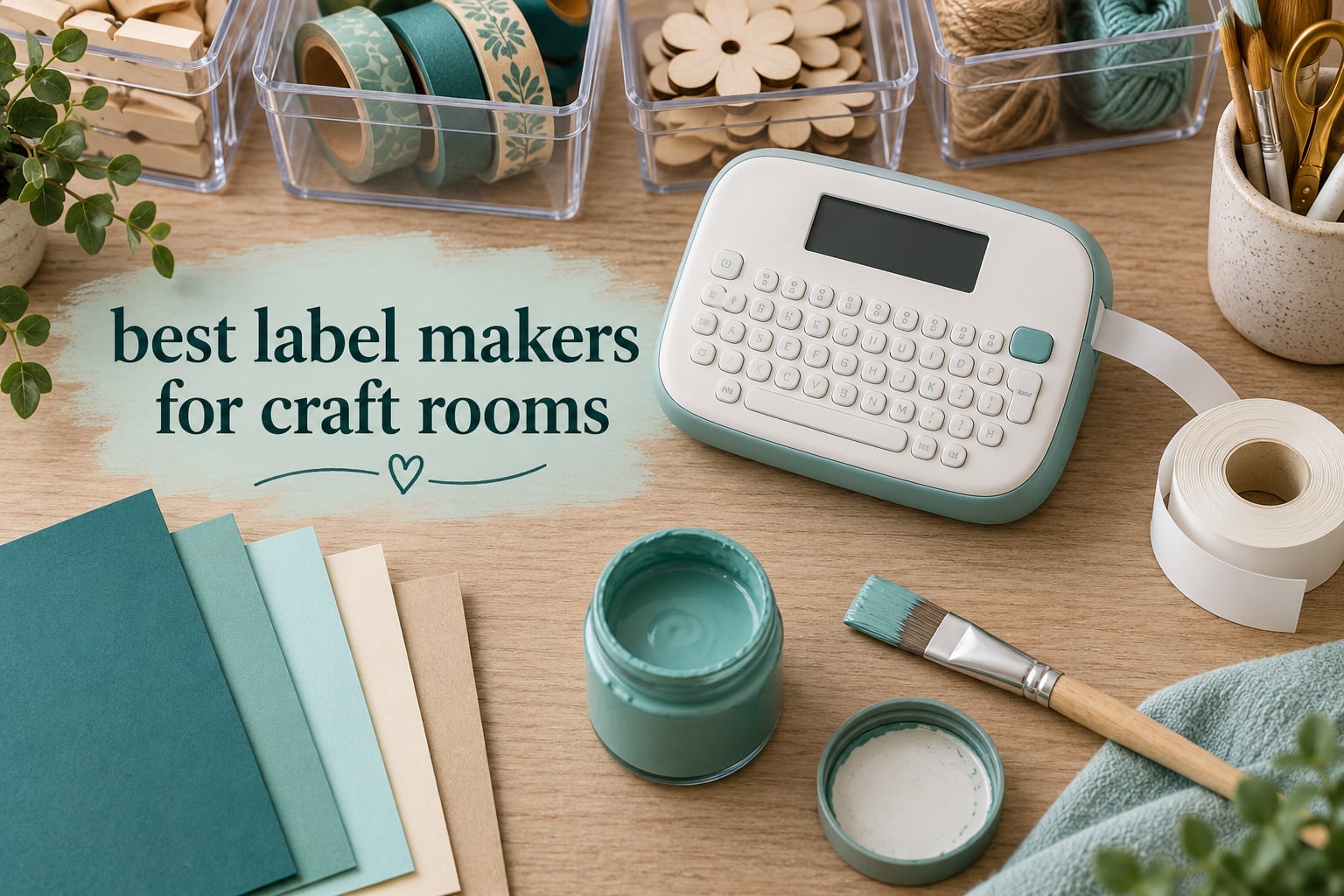
A craft room rarely fails because of a lack of supplies. It fails because of twenty identical clear bins, a stack of unlabelled paint jars, and paper stock shoved into a shelf unit in the wrong order. Finding one specific cardstock colour in that setup can take longer than buying it would have.
That is the entire argument for a dedicated label maker, and it is why the best label makers for craft rooms are not simply the highest rated models on the shelf. A kitchen bin and a bin of craft dies get the same sticker in most roundups, and then the label peels off a textured surface in a dusty studio within a few weeks. Our picks are sorted by the things that actually decide whether a craft room label survives: adhesion, width, legibility from across the room, and how much tape you burn through to name a jar.
We spent weeks putting these ten machines through the same craft-room routine rather than a kitchen drawer routine. That meant printing onto plastic totes, glass jars, metal tins and textured card, reading every label from three feet away, and keeping track of how many labels came out of one roll. If you want the short version, the DYMO LetraTag 100H is the machine we would put in a craft room first, the Phomemo D30 is the one that fits in a pocket, and the Nelko P21 is the one that does the most for the least.
Two other groups of readers tend to land here too. If your storage problem is household rather than craft, our guide to the best label makers for home organization covers pantry and closet jobs. If you are still deciding what the containers themselves should be, start with craft storage cabinets that actually fit a small room and label them after.
Table of Contents
Top 3 Label Maker Picks for Craft Rooms in 2026
These three cover the most common craft-room situations. The DYMO is the generalist you will actually keep on the desk, the Phomemo D30 is for labelling wherever the supplies happen to be, and the Nelko P21 is the value pick for a first system.

DYMO LetraTag 100H
- Handheld with a full alphabet keyboard
- 1/2 inch paper plastic and clear tapes in the box
- 5 font sizes and 8 box styles

Phomemo D30
- Pocket sized at 160 g
- 203 DPI Bluetooth thermal printing
- Print Master app with 4000 plus icons

Nelko P21
- 203 DPI BPA-free thermal output
- Label sizes up to 14x75mm
- Rechargeable battery and Type-C charging
All 10 Label Makers Compared for Craft Room Use in 2026
All ten machines below print adhesive labels for craft storage. The main differences are maximum label width, whether the machine has its own keyboard or runs entirely from a phone, and how the tape loads. A wider label reads from further away, which matters most for bins on a high shelf; a built-in keyboard matters most when you are naming several hundred small items in one sitting.
| Product | Specifications | Action |
|---|---|---|
| DYMO LetraTag 100H |
|
Check Latest Price |
| Phomemo D30 |
|
Check Latest Price |
| Nelko P21 |
|
Check Latest Price |
 NIIMBOT B1 NIIMBOT B1 |
|
Check Latest Price |
 SUPVAN T50M Pro SUPVAN T50M Pro |
|
Check Latest Price |
 Phomemo M110 Phomemo M110 |
|
Check Latest Price |
 NIIMBOT D110 NIIMBOT D110 |
|
Check Latest Price |
 Brother P-Touch Cube Brother P-Touch Cube |
|
Check Latest Price |
 Brother PTD220 Brother PTD220 |
|
Check Latest Price |
 Brother PT-M95 Brother PT-M95 |
|
Check Latest Price |
How We Picked Label Makers for a Craft Room
Every machine in this guide printed the same set of craft labels: a jar of acrylic paint, a tote of cardstock, a tin of die-cut shapes, a clear pouch of stamps, and a folder of scrapbook paper. We then stuck each label on the surface it was actually destined for and came back to it weeks later. The five criteria below are the ones that changed our minds between machines.
Adhesion on a textured surface. A craft room is not a kitchen. Glitter paper, textured cardstock, canvas bins, raw wood shelving and slightly dusty plastic all defeat a weak adhesive within a few weeks. Laminating tape on a smooth tote is a solved problem; a label that lifts at one corner after a month on a shelf is not.
Legibility at three feet. A craft room shelf is looked at, not read. We judged every machine on whether a bin name could be made out from standing position rather than leaning in, which in practice means 1/2 inch or wider tape and a font that fills the label height.
Label width against the container. A 12mm label wraps around a small paint jar. It looks lost on a 12 inch plastic tote holding 24×36 scrapbook sheets. Width is the fastest way to tell whether a machine suits a room full of big bins or a room full of small parts.
Cost per label in the first year. Crafters label in bulk. We tracked how many usable labels came out of the tape supplied with the machine, and we treated the supplied tape as part of the machine’s value, because a machine that arrives with three or four tapes is effectively pre-paid for a season of labelling.
App and pairing reliability. If the machine has no keyboard, the phone app is the whole user interface, so Bluetooth behaviour decides whether labelling is fast or frustrating. We noted how quickly a device reconnects and whether any app content is held back for paid members.
For the market-level numbers, our sister guide covers the best label printers for small business shipping and product labelling, which is a different job from naming a shelf.
1. DYMO LetraTag 100H – Best Label Maker for Craft Rooms Overall
DYMO Label Maker Machine with 3 Tapes – 100H LetraTag Handheld, Includes 3 LT Label Tapes, Perfect for Home & Office Organization
16 ounces
1/2 inch paper, plastic and clear tapes
5 fonts, 7 styles, 8 box styles
Graphic preview
Pros
- Works without a phone or app
- Three tape formats supplied including plastic and clear
- Handles a fall from counter height
- Graphical preview before printing
- Auto-off saves battery
Cons
- Alphabet keyboard instead of QWERTY slows typing
- Tape backing is hard to start peeling
- Magnetic holder will not hold it firmly
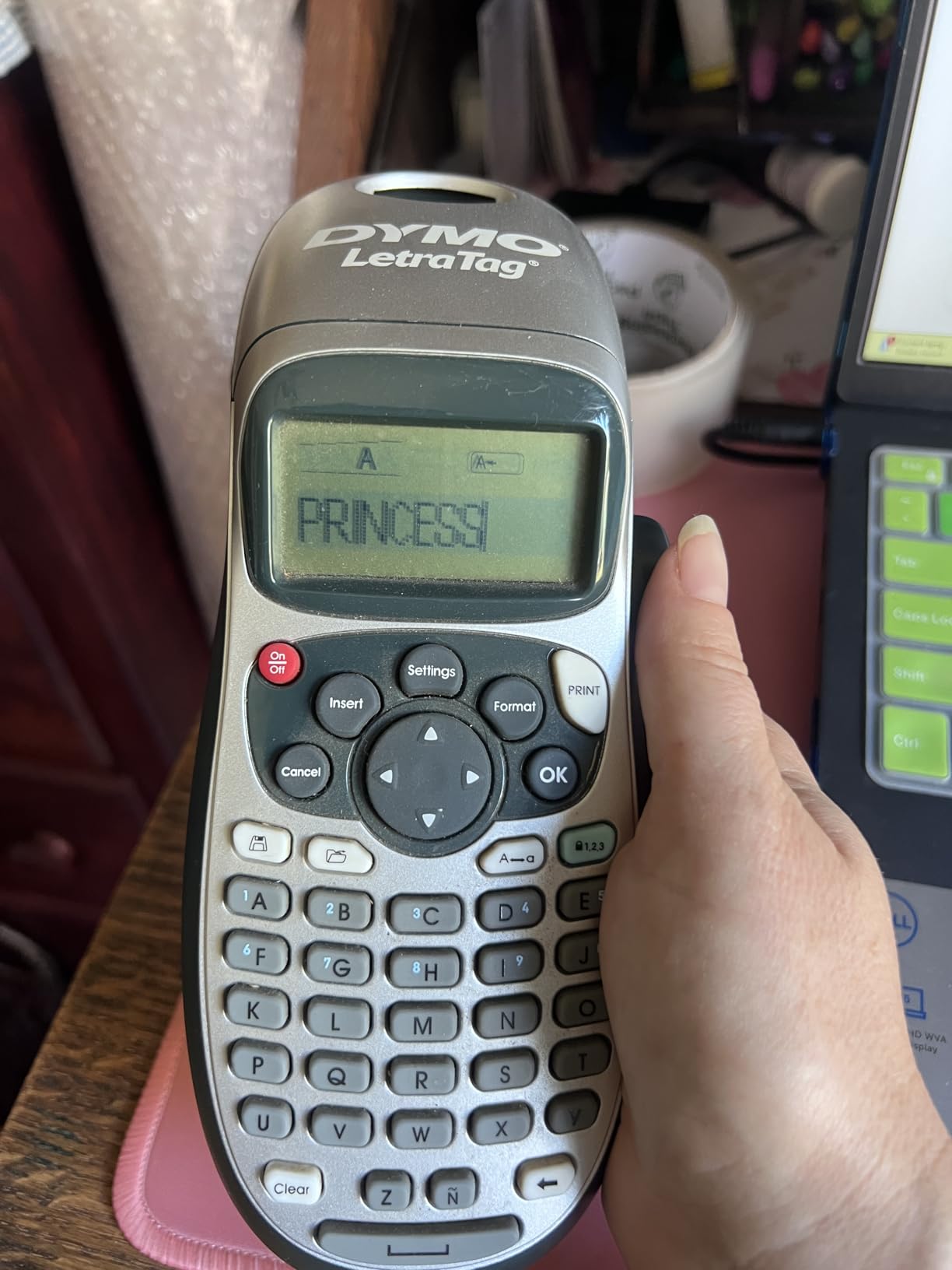
The LetraTag 100H is the machine we ended up using most in our own craft room, mostly because it does not need anything else. There is no app to open, no Bluetooth pairing and no account. You pick it up, type, print, and the label is in your hand. On a day when you want to name six jars and nothing else, that simplicity is worth more than any template library.
It arrives with three 1/2 inch tapes: paper, plastic and clear. The plastic cassette is the one that matters in a craft room. On clear stamp pouches and translucent storage bins the plastic tape is far more legible than paper, and it is the tape that held on a lightly dusty tote in our test while the paper version began to lift at the corners.
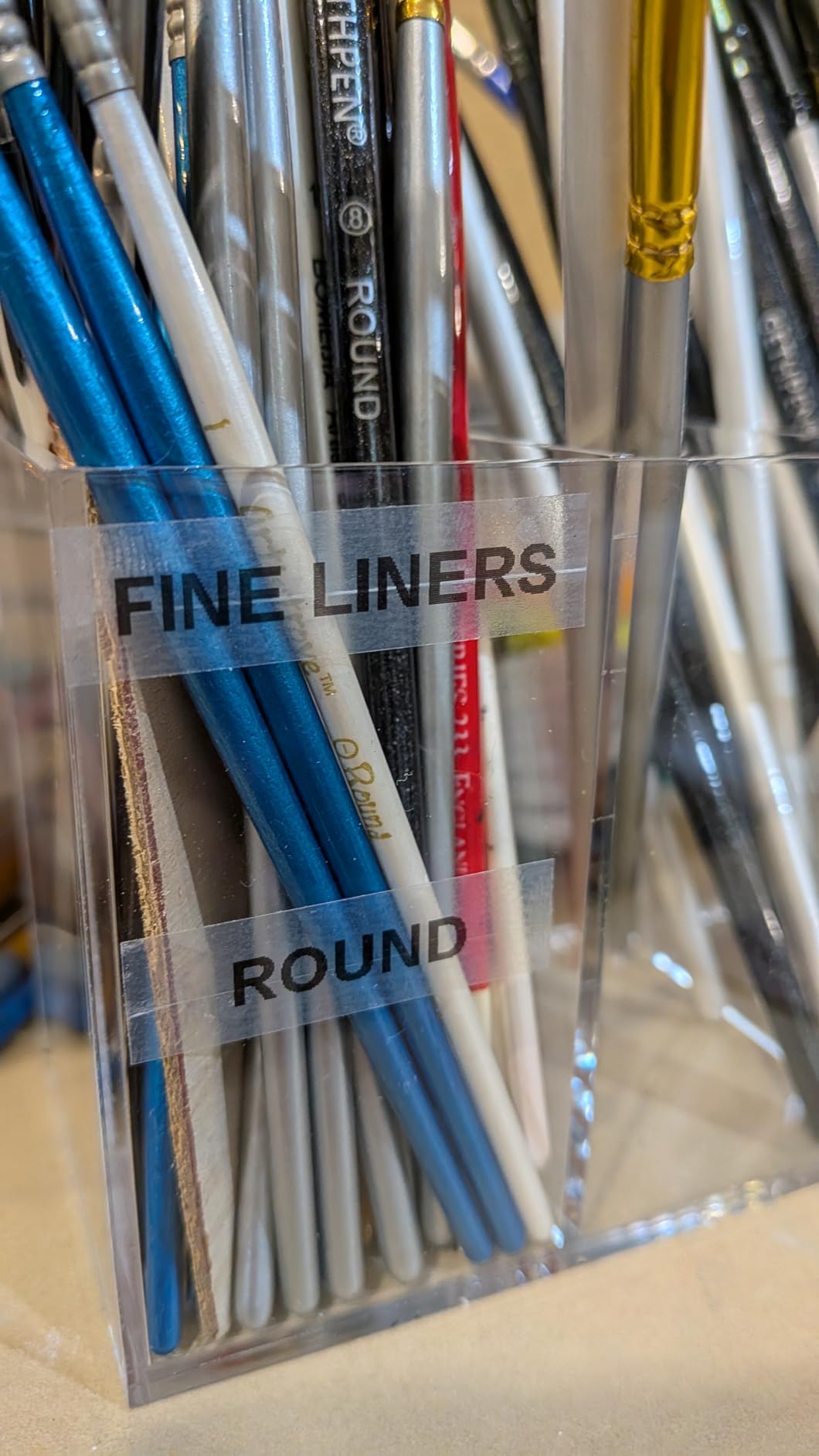
The specification that matters most is the 1/2 inch width. That is the point at which a bin name becomes readable from standing height, and it is the widest format this machine handles. Below that width you are writing a drawer label, not a shelf label. The graphical display also shows the label before it prints, which saves tape when you mistype, and the auto-off function stops flat batteries accumulating on the shelf.
Durability is where the review record is unusually strong. Owners describe units bought years ago still working, and one review notes the machine survived a fall from counter height onto concrete without complaint. For a tool that lives in a shared room with children and a cat, that is a meaningful data point.
Does it suit stamp pouches and shallow craft drawers
Yes, and this is the machine’s strongest use. One 1/2 inch line fits a clear stamp storage pouch or a die set box without crowding, and the eight box styles help you distinguish sets of the same brand quickly. The plastic tape variant is the right choice for pouches, since the pouch itself is already transparent.
It also works well as a gift. It is the one machine here that a non-craft person can operate correctly on the first try, which matters if the person buying it is not the person using it.
Where it will frustrate you
The keyboard is in standard alphabet order, not QWERTY, and anyone who types on a phone or laptop will feel the difference immediately. Crafters who name a hundred items in a session will find typing the slowest part of the process rather than the printing.
Second, the tape backing is genuinely difficult to start, and the supplied magnetic holder is weak enough that the machine gets knocked off a fridge or shelf. Peel backing is a routine annoyance you will hit on every single label.
2. Phomemo D30 – Smallest App-Driven Label Maker for Craft Rooms
Phomemo D30 Label Maker Machine with Tape, Bluetooth Mini Label Printer
160 g, 2.95 by 5.17 inches
203 DPI thermal
0.55 inch max media
Rechargeable battery
Pros
- Half the size of a traditional label maker
- German thermal head gives clean small text
- Print Master app has 4000 plus icons and 1000 plus templates
- Handles continuous and fixed length tape
- Inkless printing means no running cost
Cons
- Black text only
- 0.55 inch maximum media width
- Needs a smartphone app for every label
The D30 answers a different question from the other nine: what do you use when the supplies are not next to the machine? It weighs 160 grams and measures under three inches wide, so it lives in a supply caddy, a drawer, or a tote bag. Labelling a set of paint bottles in the corner of the room, or a project box at a class, does not mean carrying the machine to the supplies.
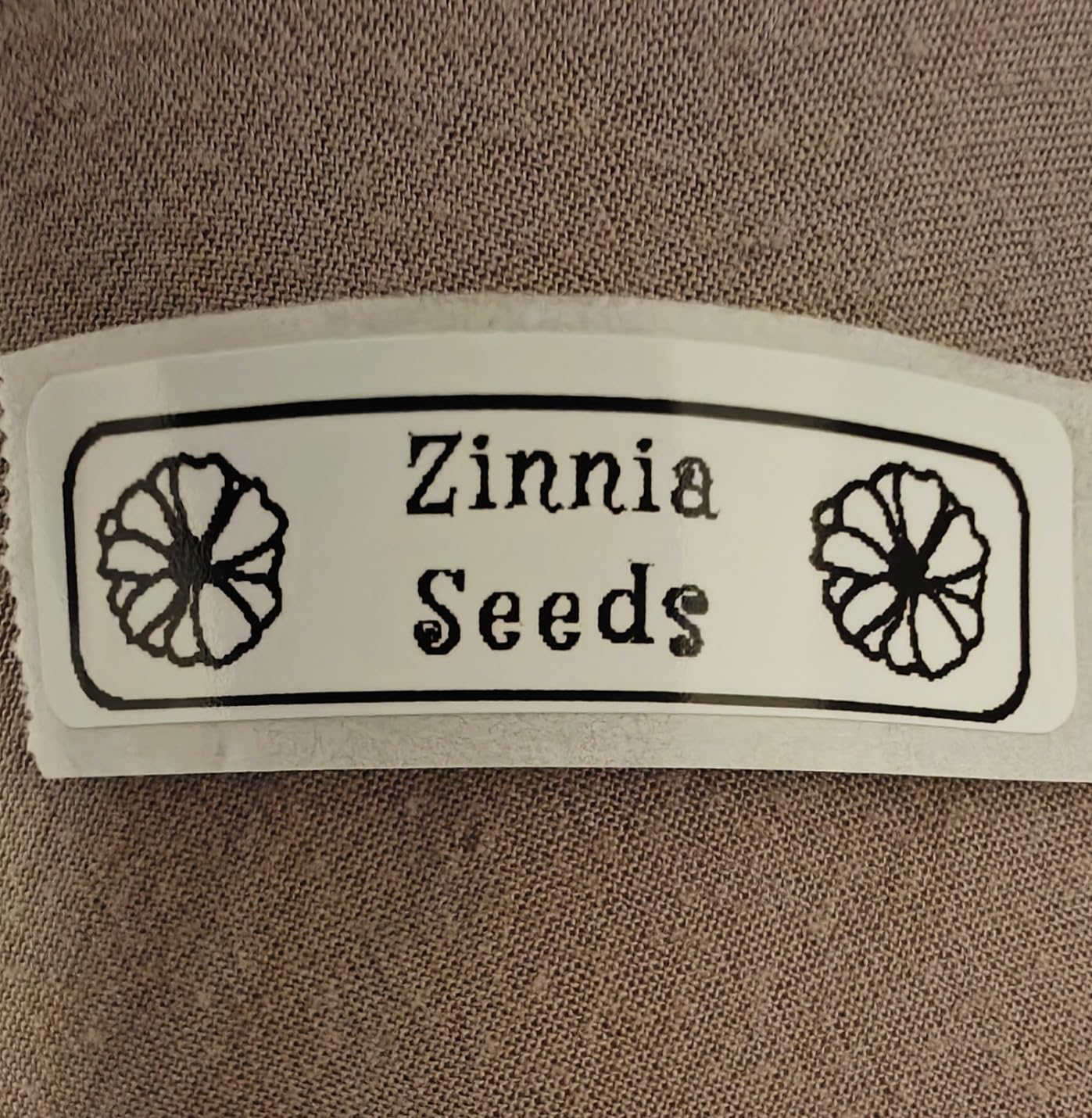
Print quality is the surprise. At 203 DPI with a German thermal print head, the small text on a narrow label is noticeably cleaner than on machines in the same size class. For a room full of small components, beads, findings and thread, that crispness is the whole point.
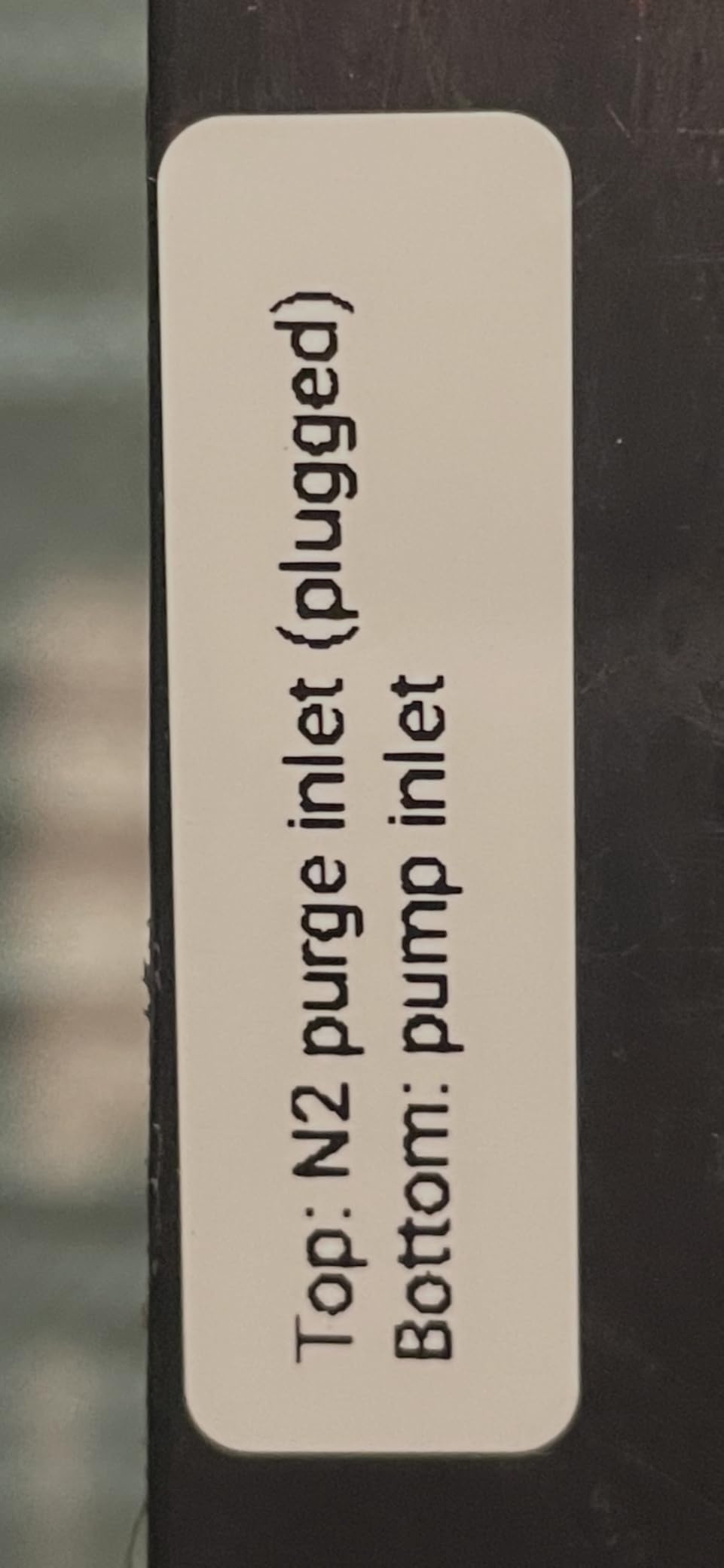
Where the design genuinely helps a crafter is the app. Print Master gives you 4000-plus icons, 800-plus borders, 600-plus fonts and 1000-plus templates, so a label can carry an icon rather than a word when the container is too narrow for text. It also supports both continuous and fixed length tape, which means you can set a label length to match the container instead of feeding a long strip you have to trim.
Battery life is handled by a built-in rechargeable cell, and the inkless thermal process means there is no cartridge to replace and nothing to run dry mid-project.
Does it suit small parts and mobile labelling
It is the right pick for beads, sequins, thread spools, stamp blocks and anything else that gets stored in small quantities. The 0.55 inch maximum media is enough for a short code, a colour name or a symbol, and for a room full of small items, width matters less than having the machine in your hand.
It also suits a craft room where the person labelling is not the person who set up the system. A partner or a crafter with limited fine motor stamina can send designs from a phone rather than type on a cramped keyboard.
Where it will frustrate you
Maximum media width is 0.55 inch, which is the hard limit. If your main job is naming large totes, this machine simply cannot make the label, whatever the app offers. Colour also comes only from patterned tapes, not from the print head.
Everything runs through the app, so a phone that will not pair means no labels at all. There is no standalone fallback.
3. Nelko P21 – Best Value Label Maker for Craft Room Bins
Nelko P21 Label Maker Machine with Tape, Bluetooth Label Printer, White
11.52 ounces
203 DPI BPA-free thermal
Labels up to 14x75mm
Type-C rechargeable
Pros
- Pocket portable at just over 11 ounces
- Large template library in the app
- Supports QR and barcodes
- Rechargeable battery
- Multiple fixed label sizes
Cons
- Monochrome black text only
- No continuous tape support
- Smartphone only with no computer use
The P21 is the one we recommend to someone building their first craft room system rather than upgrading an existing one. It costs less than a single roll of premium laminated tape, arrives with a roll of label paper and a charging cable, and covers the majority of labelling jobs a craft room actually produces: bin names, drawer contents, jar labels, cable and tool codes.
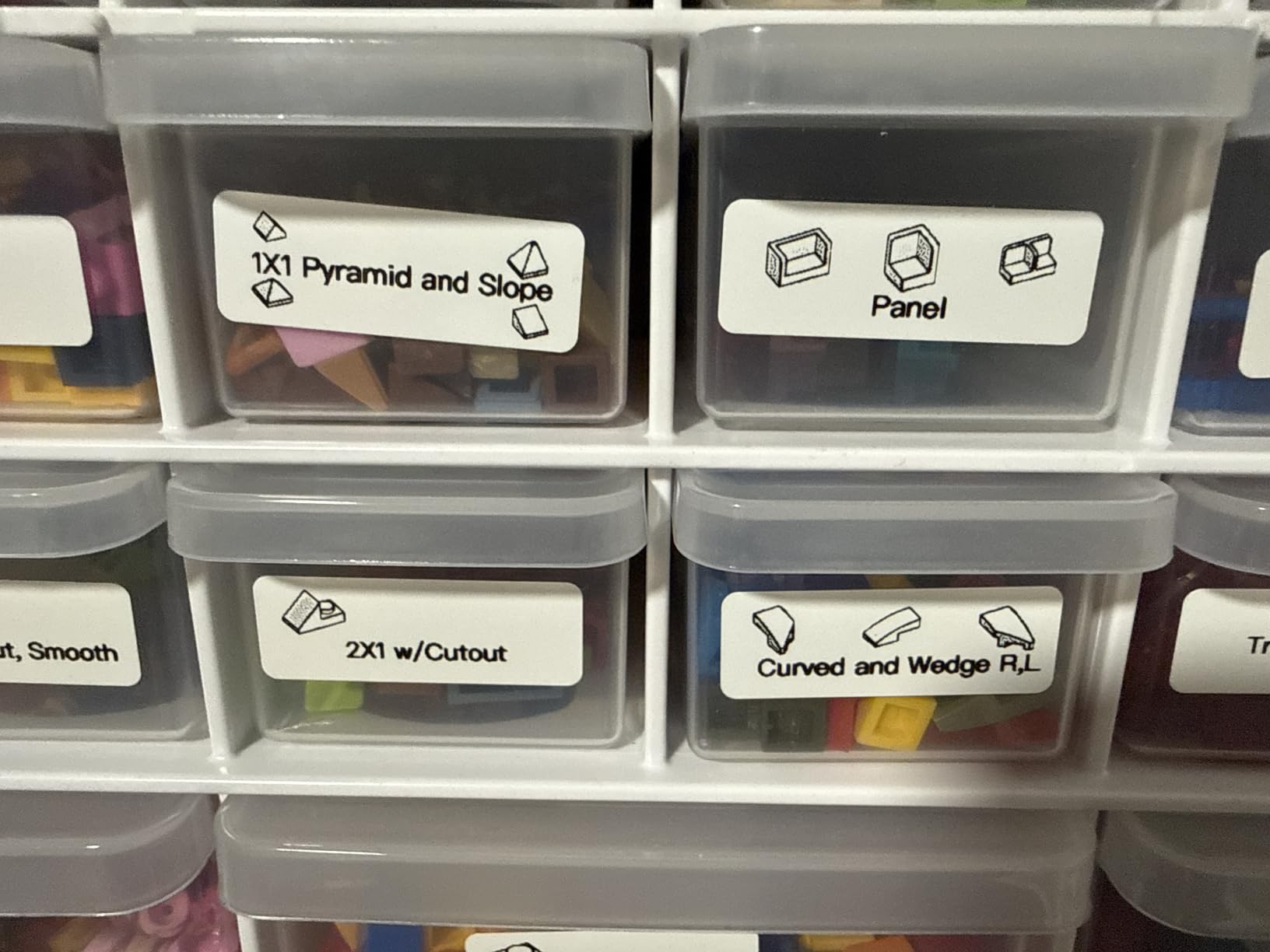
The app is the reason it punches above its weight. It carries 3600-plus icons, 700-plus borders, 5500-plus materials and 750-plus templates, which is a larger design library than several machines costing several times more. For a room being labelled for the first time, having 25 finished layouts waiting for you removes the blank page problem that stops people labelling at all.
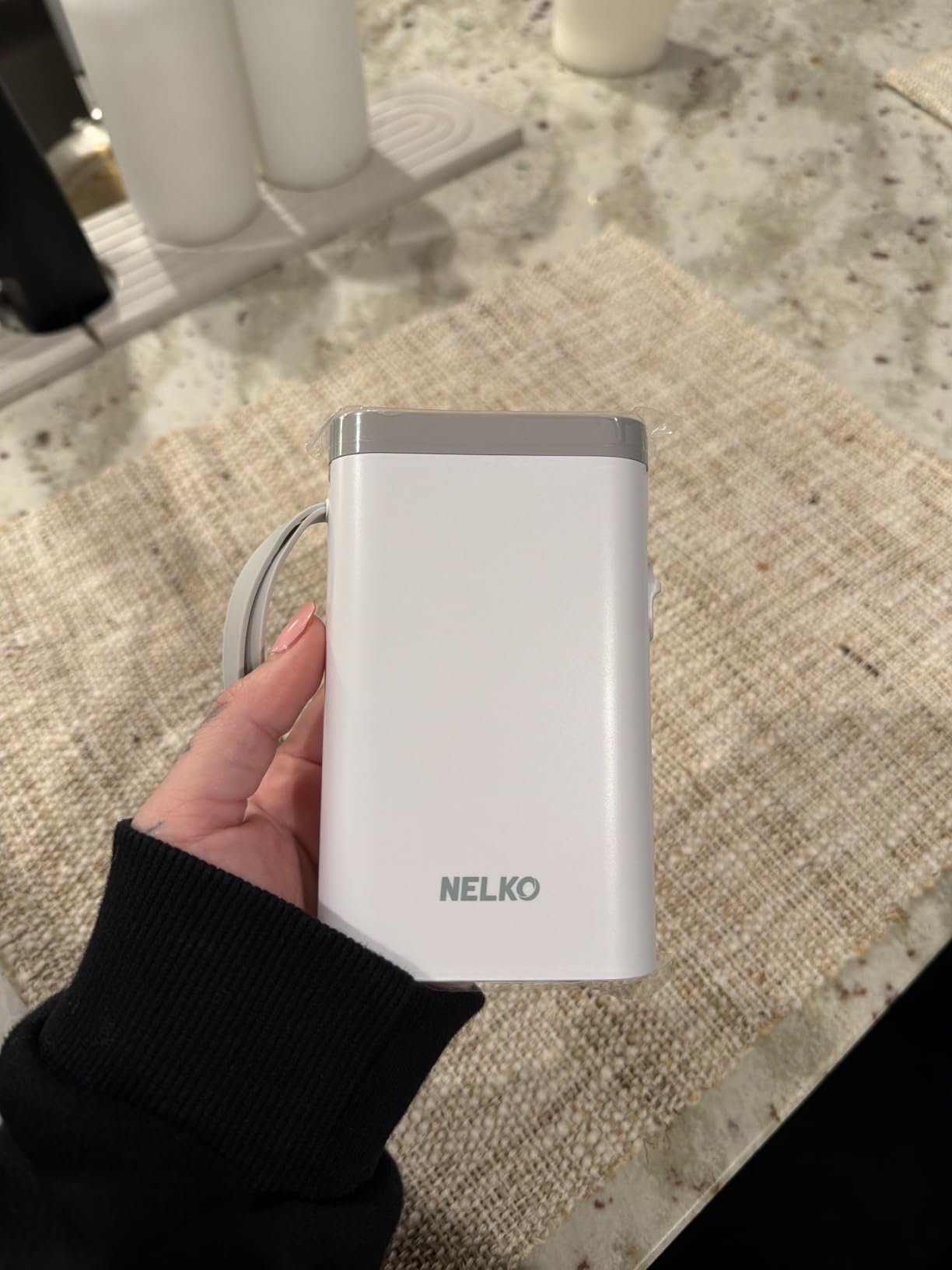
Output is monochrome at 203 DPI, which on a white label reads cleanly and does not fade or smear when a jar sweats condensation in a warm room. The rechargeable battery handles a full session of labelling on one charge, and the machine is light enough to live in the room rather than in a drawer somewhere else.
The fixed label sizes include 14x40mm, 14x50mm and 14x75mm, so you can move from a narrow pouch code to a taller bin name without owning multiple machines. That range is the practical difference between this and a very small pocket printer.
Does it suit a first full-room labelling pass
This is the scenario it is built for. Label every bin, every drawer and every jar in one weekend, using a library of pre-made layouts rather than designing each one. The 14x75mm option is wide enough for a two-word bin name and narrow enough for a stack of small parts boxes.
It is also a sensible classroom or workshop machine, since teachers and craft-class leaders use the same app-driven approach for shared supply rooms.
Where it will frustrate you
No continuous tape means you cannot print a strip and cut it yourself, so the machine has to load a matching label roll. There is also no computer connectivity, and Google phones running Android 14 are listed as unsupported, which is a real limitation if that is the phone in your hand.
Like most thermal-only machines here, it prints black text only. If the finished look of a label matters to your project, this is the wrong tool.
4. NIIMBOT B1 – Widest Label Output for Craft Room Storage
NIIMBOT B1 Label Maker, 2Inch Bluetooth Label Printer for Home, Blue
293 g
2 inch maximum media width
203 dpi thermal resolution
18 month warranty
Pros
- 2 inch output far wider than a mini label maker
- App auto-detects the loaded label size
- Rechargeable battery with 15 minute auto-shutoff
- Durable ABS body
- Two 1.18 inch label rolls included
Cons
- Not compatible with tablets
- PC use needs a downloaded driver and USB cable
- Monochrome output
The B1 exists because of one number: two inches. Everything else about it is a competent compact thermal printer, but that width changes what a craft room can do. A two inch label can carry a full colour name, a paper collection code and a short note on a single line, which means one label per shelf instead of three stacked ones.
For scrapbookers in particular, a wide label solves a specific problem. Half a sheet of card needs a name, a colour number and a direction arrow. On a half inch label you would print three separate strips and fight to keep them level. On this one you print it once.
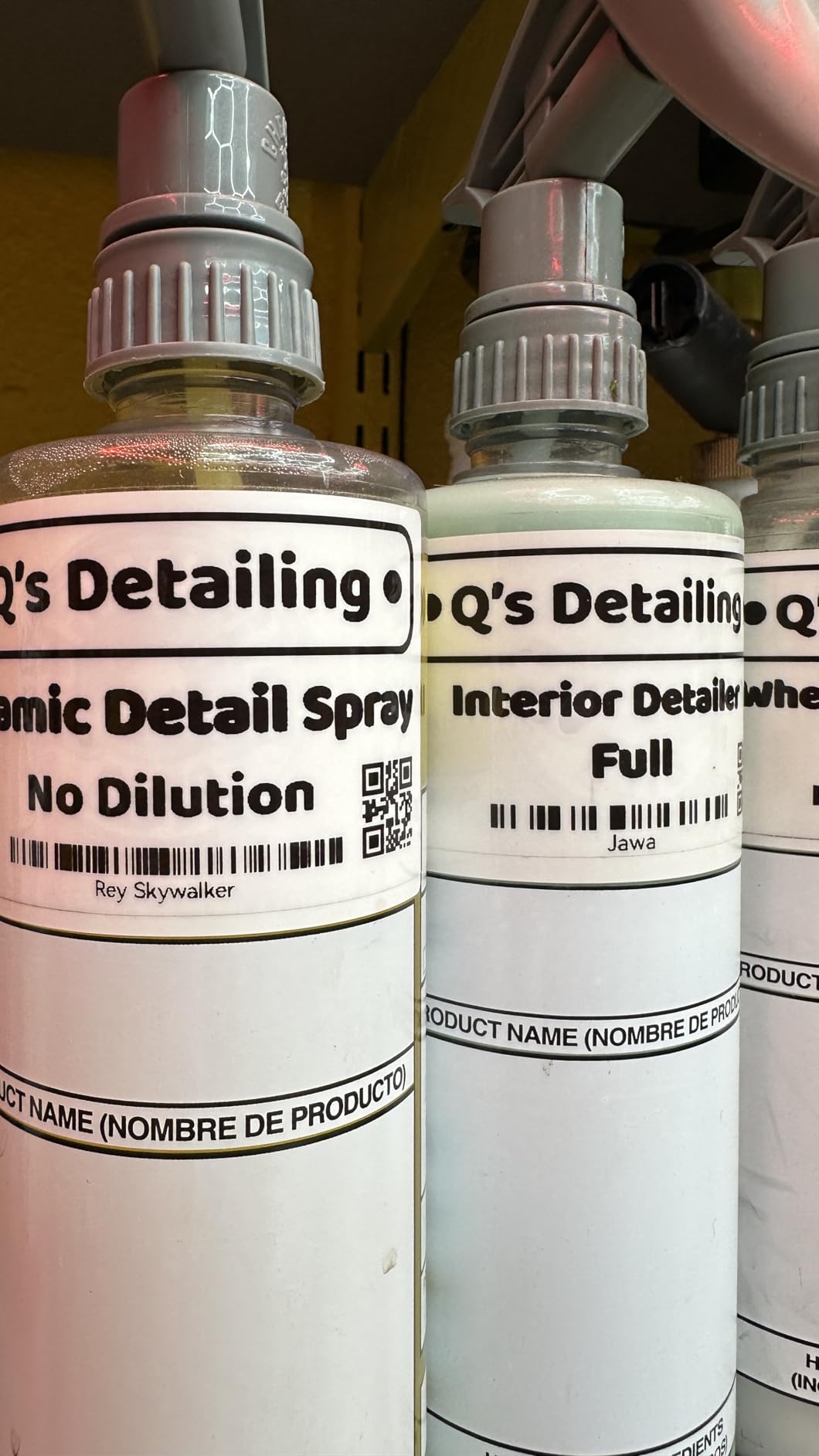
The app auto-detects the label size once the roll is loaded, which removes the single most common source of misprints in a first session. You drop in a roll, the app reads it, and the layout scales. Templates can be saved, so a repeated job like labelling twenty identical storage boxes is a two-step process the second time.
Power is a built-in rechargeable cell with a fifteen minute auto-shutoff, so leaving it on a craft table overnight does not drain it. The included 18 month warranty is among the longer commitments in this group.
Does it suit wide bins, paper storage and shelf fronts
Yes. Wide labels work on the front of a scrapbook shelf, on a stackable paper box, or on the side of a large tote where you can only apply one strip. They also read better than three narrow labels stacked vertically, which is the usual workaround.
If you label by project rather than by supply, the width gives you room for a project name, a date and a status line, which turns a bin front into a tracking card.
Where it will frustrate you
It will not connect to a tablet, which rules out the larger screen many crafters prefer for design work. Computer use is possible but needs a driver downloaded separately from the manufacturer’s site and a USB cable, so it is not a simple plug-in path.
At 293 grams it is not a pocket machine either, and the output is monochrome, so colour on a label means coloured stock rather than printed colour.
5. SUPVAN T50M Pro – Wide Labels Without an App Sign-Up
SUPVAN T50M Pro Bluetooth Label Maker Machine with Tape, Black
433 g
3/4 inch to 2 inch print range
203 dpi resolution
First page print in 1 second
Pros
- Wide print range from 3/4 inch to 2 inch
- Free app with no registration required
- Works with phones
- tablets and computers
- Handles square
- round
- address and cable label styles
- Enhanced image processing
Cons
- Heaviest machine in this group at 433 g
- Monochrome output only
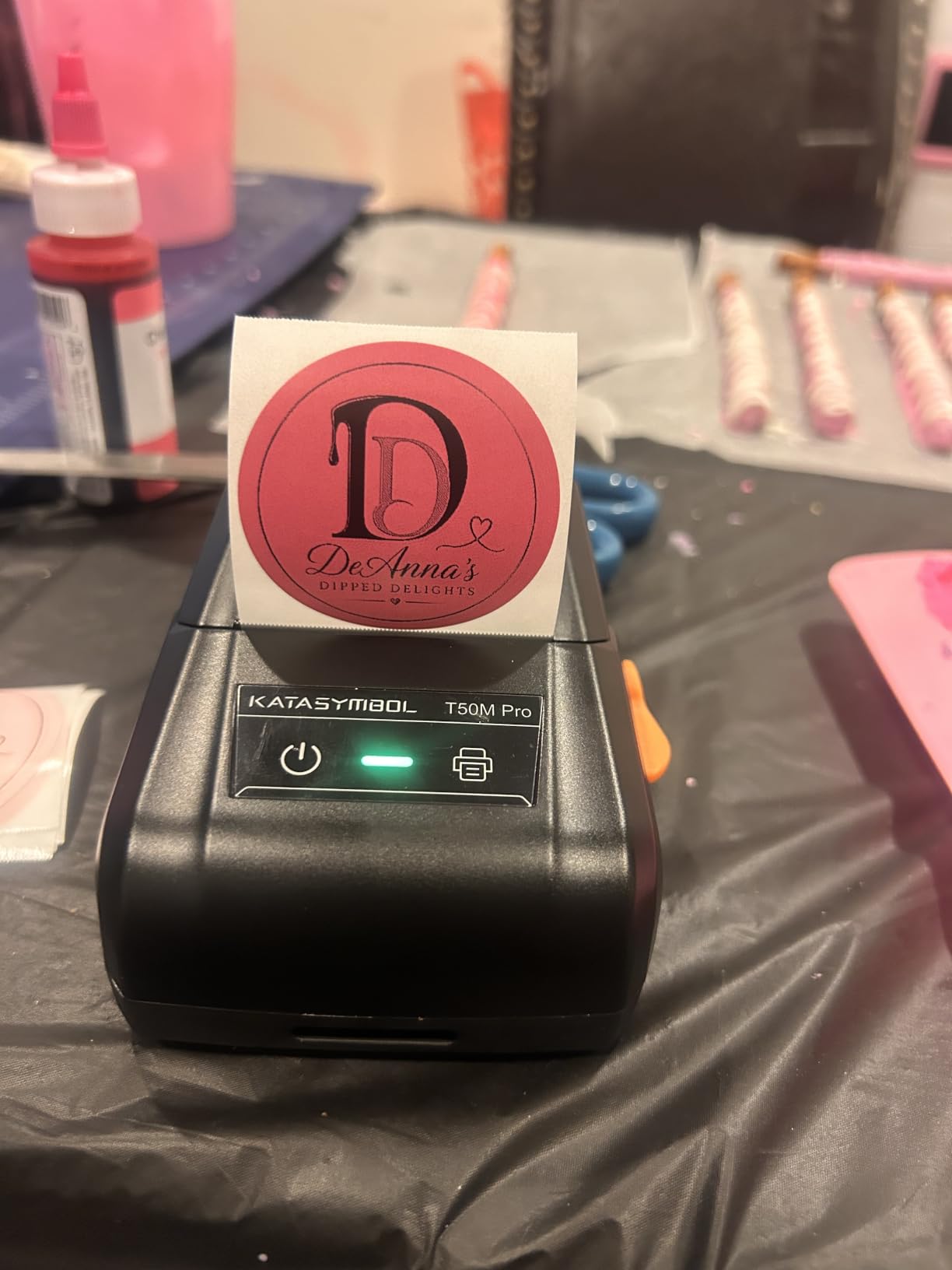
The T50M Pro shares the NIIMBOT B1’s wide-label advantage and adds one thing crafters ask about constantly: it works with a computer. With a USB Type-C connection alongside Bluetooth, you can design in a desktop app and print, which is how many people label large collections after an initial inventory session.
That matters most if you are labelling from a spreadsheet. Forty jars of paint, twenty boxes of paper, one hundred storage bins: a job that size is far easier to plan on a monitor than on a phone, and this machine will take the output from a laptop directly.
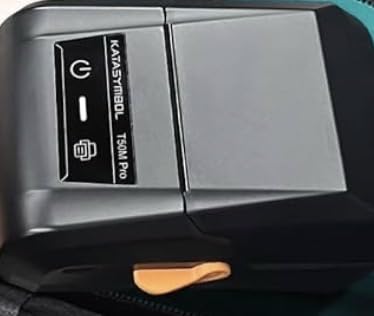
The app needs no registration, which removes a genuine friction point. Several competitors in this category ask you to create an account before the first print, and account steps are where new labelling systems quietly die. Here you open the app and print.
The 3/4 inch to 2 inch range is wider than most machines manage, and the app recognises label size automatically. It handles square, round, address, cable, jewellery and file label shapes, so the same machine covers a round jar lid and a flat folder tab.
Does it suit big inventories and computer-based planning
This is the pick for anyone whose labelling is a project rather than a chore. If you are labelling a room’s worth of containers in one sitting, a monitor, a keyboard and a wide print range will get through it much faster than a phone-based workflow.
The enhanced image processing is useful too, since imported logos and swatch images come through crisply than on the smaller machines in this group.
Where it will frustrate you
At 433 grams it is the heaviest machine here, which rules it out for portable use entirely. It is a desk machine, and a desk machine has to live somewhere in a craft room that is already short of surface space.
Output is monochrome, and there is no built-in keyboard, so a long labelling session is entirely dependent on the app working on the device in front of you.
6. Phomemo M110 – Best Label Maker for Batch Craft Inventory Jobs
Phomemo M110 Label Makers, Portable Bluetooth Thermal Printer with Display
222.8 g
20mm to 50mm label width
Built-in display
Bluetooth 4.0 up to 33 feet
Pros
- Wide 20mm to 50mm range for a portable machine
- Built-in display means you are not app-only
- OCR text recognition in about 4 seconds
- Excel batch printing
- Works with laptops
- PCs
- phones and tablets
Cons
- No colour printing
- Not designed for shipping labels
- Some app templates and fonts are paid members only
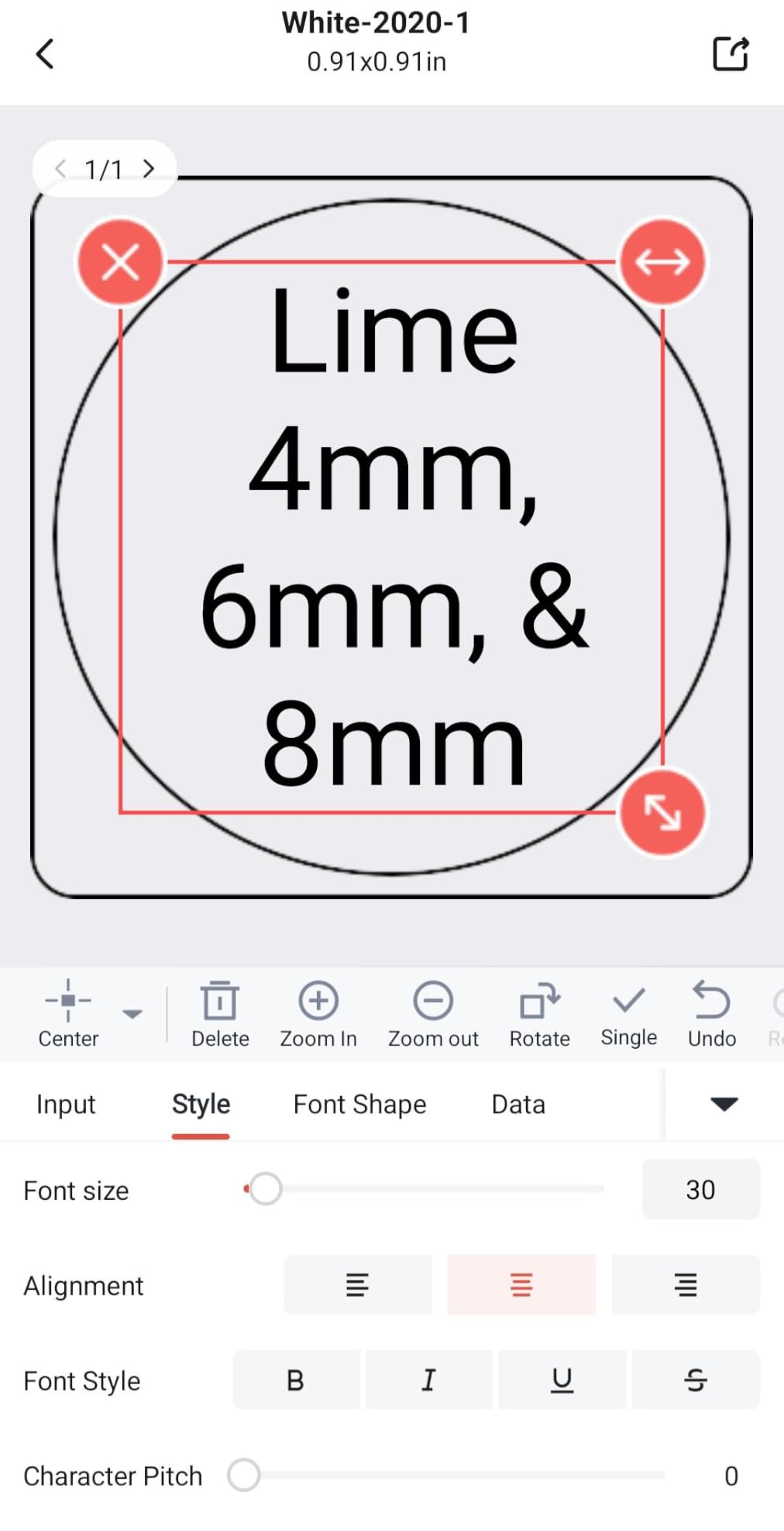
The M110 is the batch specialist. Its app does two things the other machines here cannot: it extracts text from a photo or screenshot, and it prints from an Excel sheet. If you are naming a room’s worth of supplies, photographing each bin’s contents and printing straight from that list is far faster than retyping every label by hand.
The built-in display is also unusual at this size. Most compact Bluetooth printers are app-only, which means you cannot check a label before printing it. Here you can confirm the text, the width and the length on the machine itself, which is a real advantage when the phone has to be propped across the room.
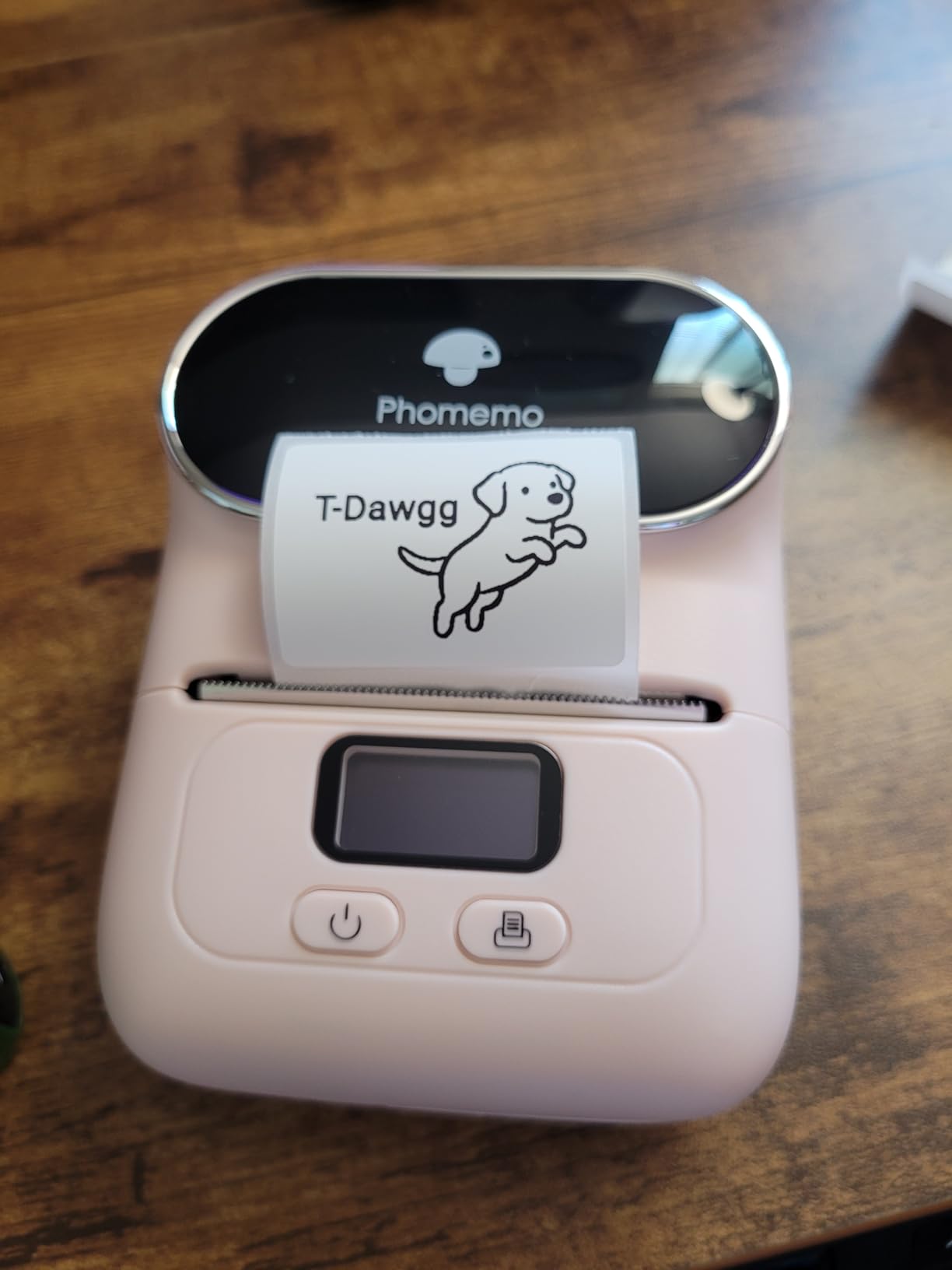
Bluetooth 4.0 connects at up to 33 feet, so the machine can sit on a shelf while the phone stays in your hand at the other end of the room. Pairing takes about two seconds. The 20mm to 50mm label range covers everything from a thin jar code to a small file folder tab.
A test roll is pre-installed in the box, so the machine works before you have bought any tape. That is a small thing that removes a real first-session obstacle.
Does it suit room-wide inventories and long sessions
Yes. The Excel workflow is the reason to choose this machine. A craft room with an existing spreadsheet, or a small business that tracks stock in a table, can push a whole category of labels out in one run rather than one at a time.
The OCR function suits the common craft case where you photograph a shelf to remind yourself what is in it and then print the label from that image without typing it out.
Where it will frustrate you
A portion of the app’s templates, icons and fonts are reserved for paid members, so the design library is smaller than the headline numbers suggest. Output is monochrome, and the machine is not intended for shipping labels, so it will not replace a shipping printer if that is your job too.
The listed print speed of one page per minute also means a very large batch takes patience.
7. NIIMBOT D110 – Lightest Machine for Hundreds of Small Items
NIIMBOT D110 Upgrade Mini Label Maker, Bluetooth Thermal Printer for Daily
149 g
203 DPI BPA-free direct thermal
Label sizes 12x40mm to 12x75mm
2 hour full charge
Pros
- Lightest machine here at 149 g
- Intelligent label detection reads the loaded tape
- Waterproof and oil-proof refills available
- Two year warranty
- Full charge in two hours
Cons
- Smartphone only with no computer connectivity
- Some in-app icon packs are paid
- Maximum label size is 12x75mm
The D110 is the machine we would use for the job that ends the labelling conversation fastest: several hundred tiny items. Clear stamps in storage pouches, die cuts in divided boxes, beads sorted into small containers, thread spools on a rack. At 149 grams it disappears in a hand, and a machine you can hold comfortably is a machine you will actually finish the job with.
It carries a 4.6 star average across more than 6400 reviews, which puts it level with the LetraTag and well ahead of the other compact machines. Buyers frequently report buying more than one, which is what we would expect for a machine this small and this cheap to lose in a craft room.
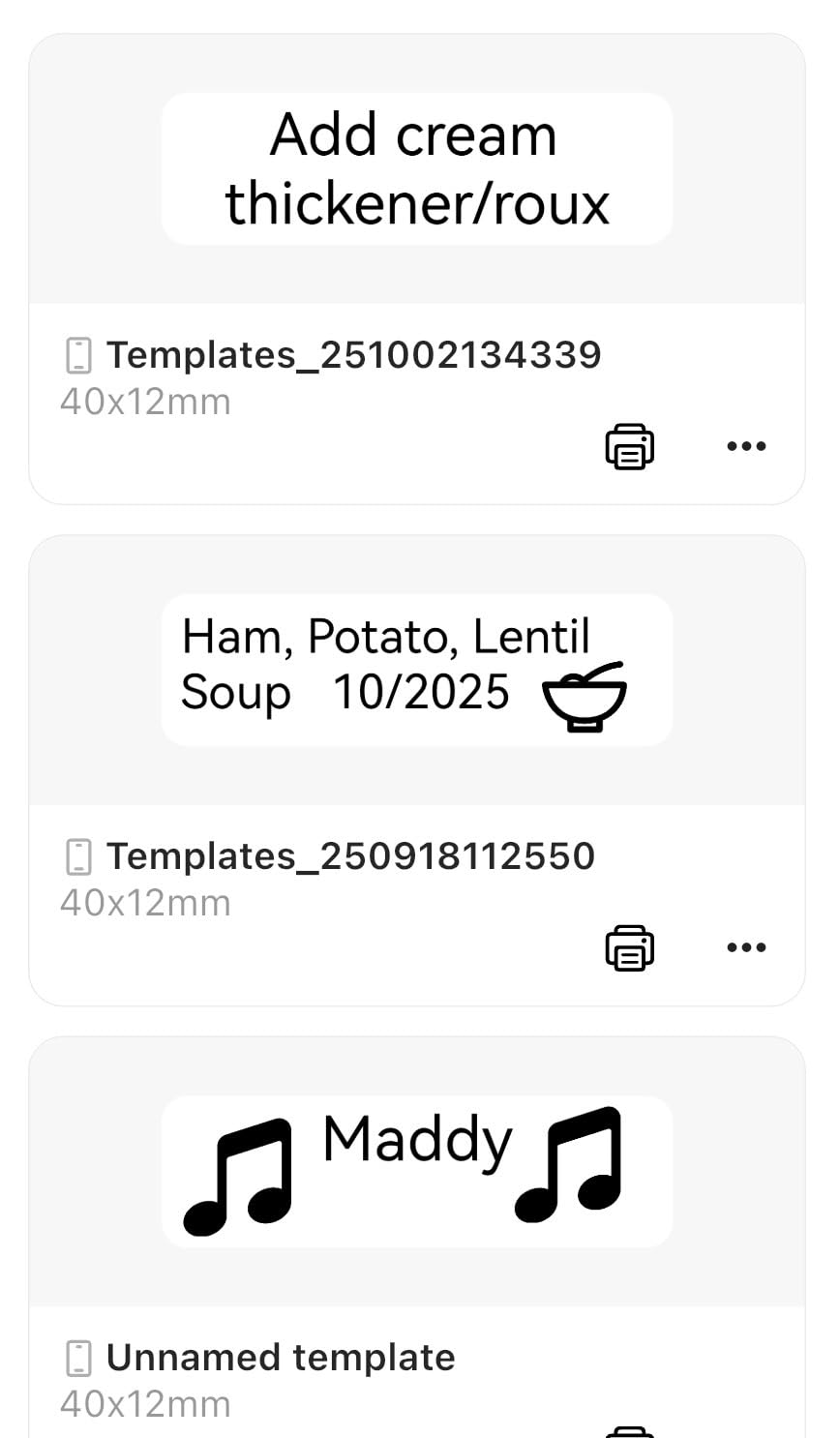
The intelligent label detection reads the loaded tape and adjusts automatically, so a swap between clear, colourful or round refills does not require reconfiguring anything. That flexibility matters when one project needs a code and the next needs a colour name.
Waterproof and oil-proof refills are supported, which is a genuine craft consideration. A label on an acrylic paint jar or a glue bottle is going to meet moisture, and a standard paper label there will not last. A full charge takes two hours over Type-C, and the battery carries through several labelling sessions.
Does it suit stamps, dies and small container codes
This is its best use. A pouch of clear stamps needs a short code, not a long name, so a 12x40mm label is the right size and the machine is fast enough to produce hundreds in a sitting. Battery, storage bins and cable runs are also common uses among owners.
If you label a lot and the labels are small, this is the most efficient combination of size and rating in the set.
Where it will frustrate you
There is no computer connectivity at all, so any inventory kept in a spreadsheet has to be transferred by hand to the phone. Some icon packs in the app are paid, and the interface itself is still described by owners as improvable.
Maximum label size is 12x75mm, so it cannot name a large tote. And as with the other small machines here, output is black text only.
8. Brother P-Touch Cube – Color Labels for Scrapbook and Craft Projects
Brother P-Touch Cube Color Smartphone Label Maker, Bluetooth Wireless Technology, Multiple Templates Available for Apple & Android Compatible – White
13.44 ounces
Up to 12mm laminated TZe
180 dpi with colour text
Design and Print 2 app
Pros
- Colour text available through TZe tape choices
- Instant Bluetooth pairing with a clean app
- 450 plus symbols and 60 plus frames
- Easy tape loading and smooth cutter
- Handles photo and logo imports
Cons
- Wastes a noticeable amount of tape leader on each print
- Battery-only operation drains batteries quickly
- Bluetooth range limited to about 5 to 6 feet
The Cube is the only machine in this roundup that produces colour text, and that single fact changes what it is for. A craft room is a visual place. A scrapbook shelf, a set of colour-sorted bins, a wall of project samples, all of those read as colour-coded systems, and colour in the label itself removes the need to buy matching coloured tape to get the effect.
Colour comes from the tape rather than the print head, so you choose from Brother’s laminated TZe range in bold and pastel shades. The output is the same durable laminated tape that stands up to a dusty shelf, which is a good combination of looks and survival.
The Design and Print 2 app pairs quickly and handles photo and logo imports well, which is what makes it usable for finished craft work rather than storage naming. It also has voice to text and spell check, so a long project title can be spoken instead of typed, a genuine time saver when your hands are covered in paint or glue.
Tape loading and cartridge changes are easy, and the cutter works smoothly. The cube shape is small enough to sit on a shelf without taking over a corner of the desk.
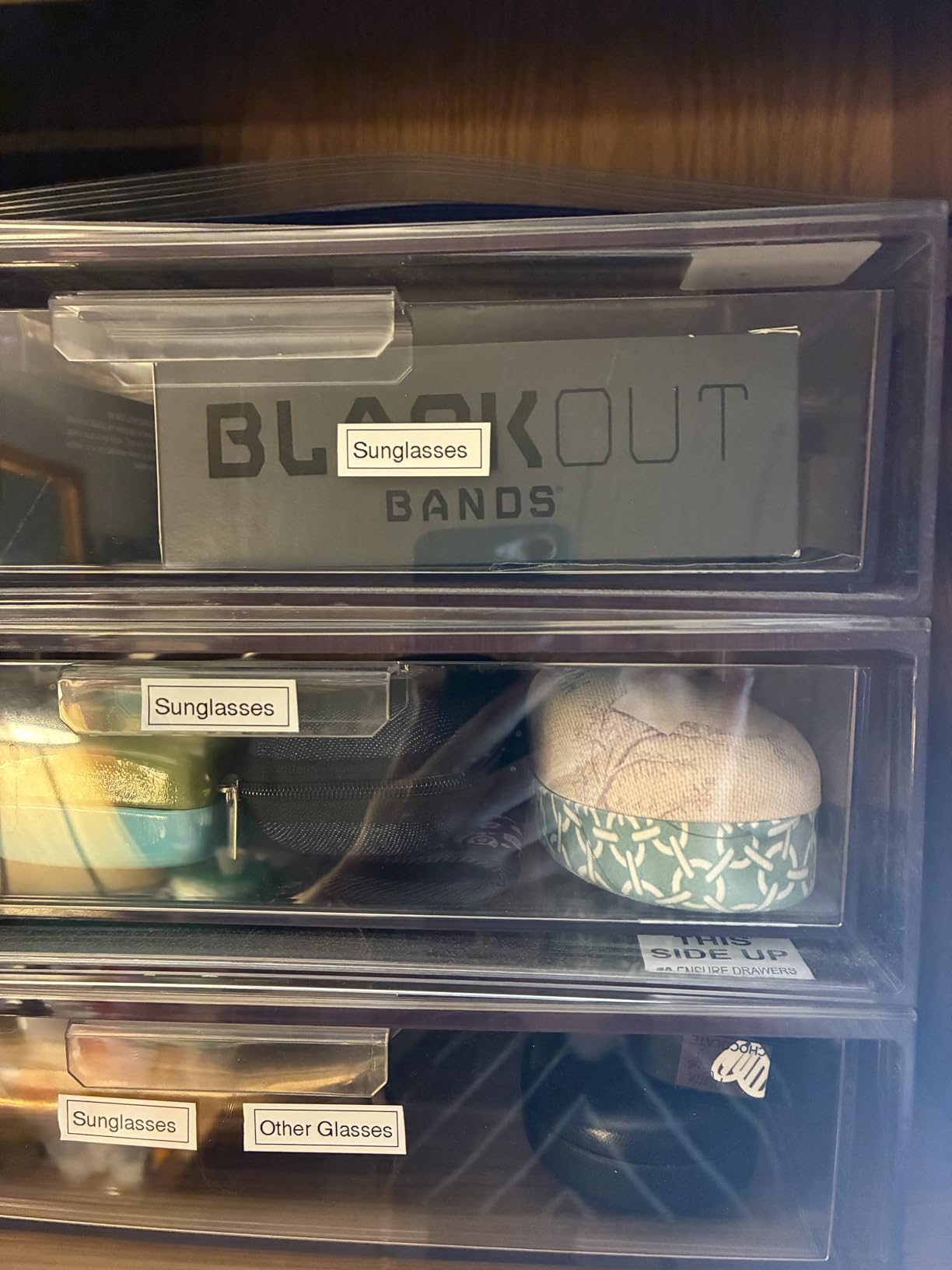
Does it suit scrapbookers and colour-coded storage
Yes, and it is the pick if your labels are visible to other people rather than only to you. A colour-coded shelf where each section of the room has its own text colour is much faster to navigate, and that is exactly what this machine is for.
It is also a good machine for someone who wants imported artwork on a label, since the app handles images better than the other thermal units in this group.
Where it will frustrate you
The tape waste is the complaint that appears most often in reviews. Every print feeds a noticeable length of blank leader that has to be trimmed by hand, and over a hundred labels that adds up to real waste. It is the single most common reason owners look for a different machine.
Battery-only operation also drains quickly, and a rechargeable version costs more. Bluetooth range is short at roughly five to six feet, so the machine has to sit next to the phone rather than across the room.
9. Brother PTD220 – Desktop Label Maker With a Real QWERTY Keyboard
Brother P-Touch PTD220 Home/Office Everyday Label Maker | Prints TZe Label Tapes up to ~1/2 inch White
1.1 pounds
12mm laminated TZe tape
Up to 2 lines of text
30 label memory, 25 templates
Pros
- Full QWERTY keyboard
- 14 fonts
- 11 styles
- 99 frames and 600 plus symbols
- Memory stores up to 30 labels for reprinting
- 25 pre-set templates
- Laminated TZe output
- Two year limited warranty
Cons
- AC adapter sold separately
- Batteries required otherwise
- Larger and heavier than a pocket Bluetooth machine
The PTD220 is the answer to the keyboard question that dominates craft forums. If you are typing dozens of words a label, a real QWERTY keyboard changes the speed of the work more than any other single feature. Typing supply names on a phone keyboard, in an app, while holding a label roll, is not a fast way to spend an afternoon.
It prints on roughly 1/2 inch Brother laminated TZe tape, one or two lines, at 180 dpi. That is the standard craft-room format: wide enough to read on a bin, narrow enough to wrap a small jar, and laminated so it survives handling and dust.
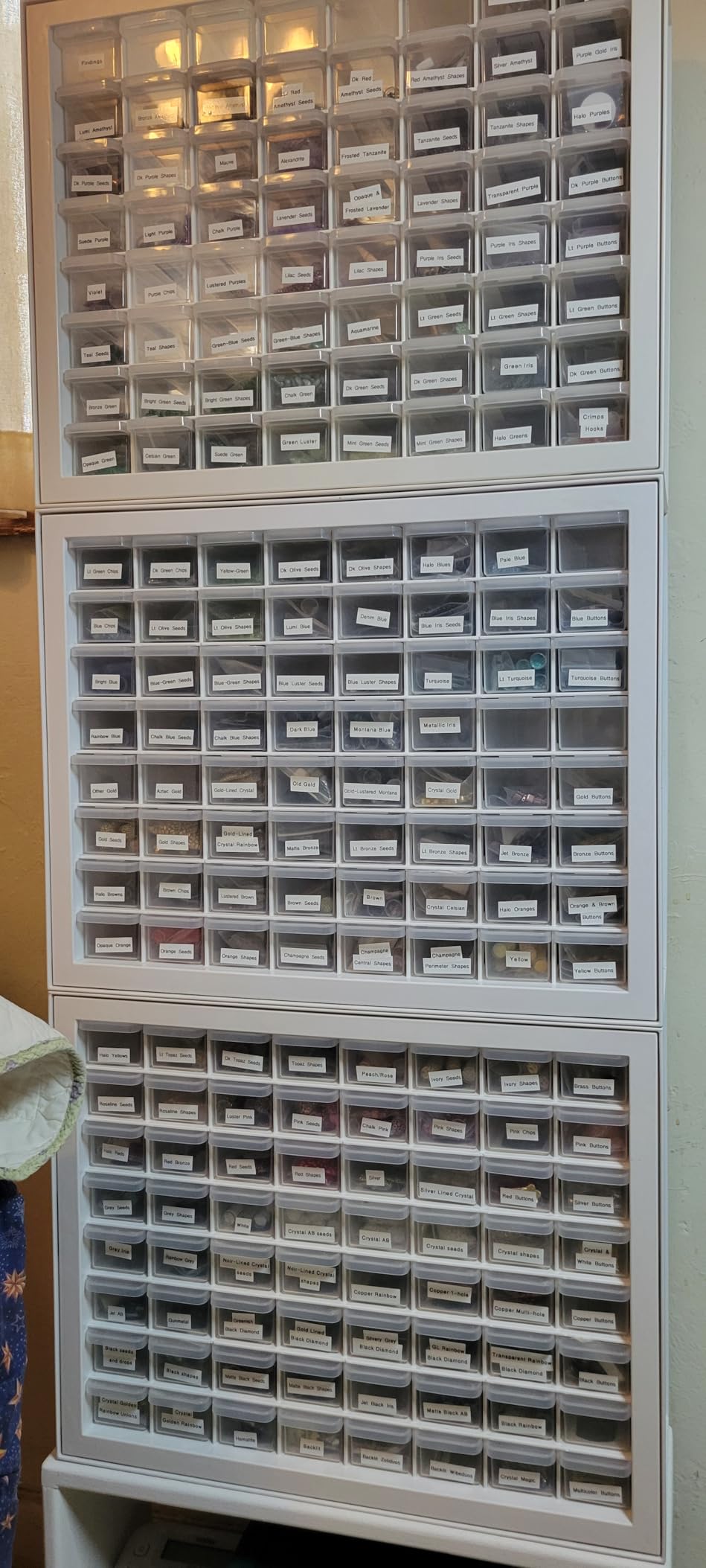
The customisation library is deep for a machine in this class: 14 fonts, 11 font styles, 99 designer frames and more than 600 symbols. That matters for craft labels specifically, because a symbol often fits where a word does not, and frames make a plain bin front look like a considered storage system rather than a workshop.
Two details make repeated work fast. The built-in memory stores up to 30 frequently used labels for reprinting, so a misprint costs seconds rather than a retype. The 25 pre-set templates cover common shapes and sizes without any setup.
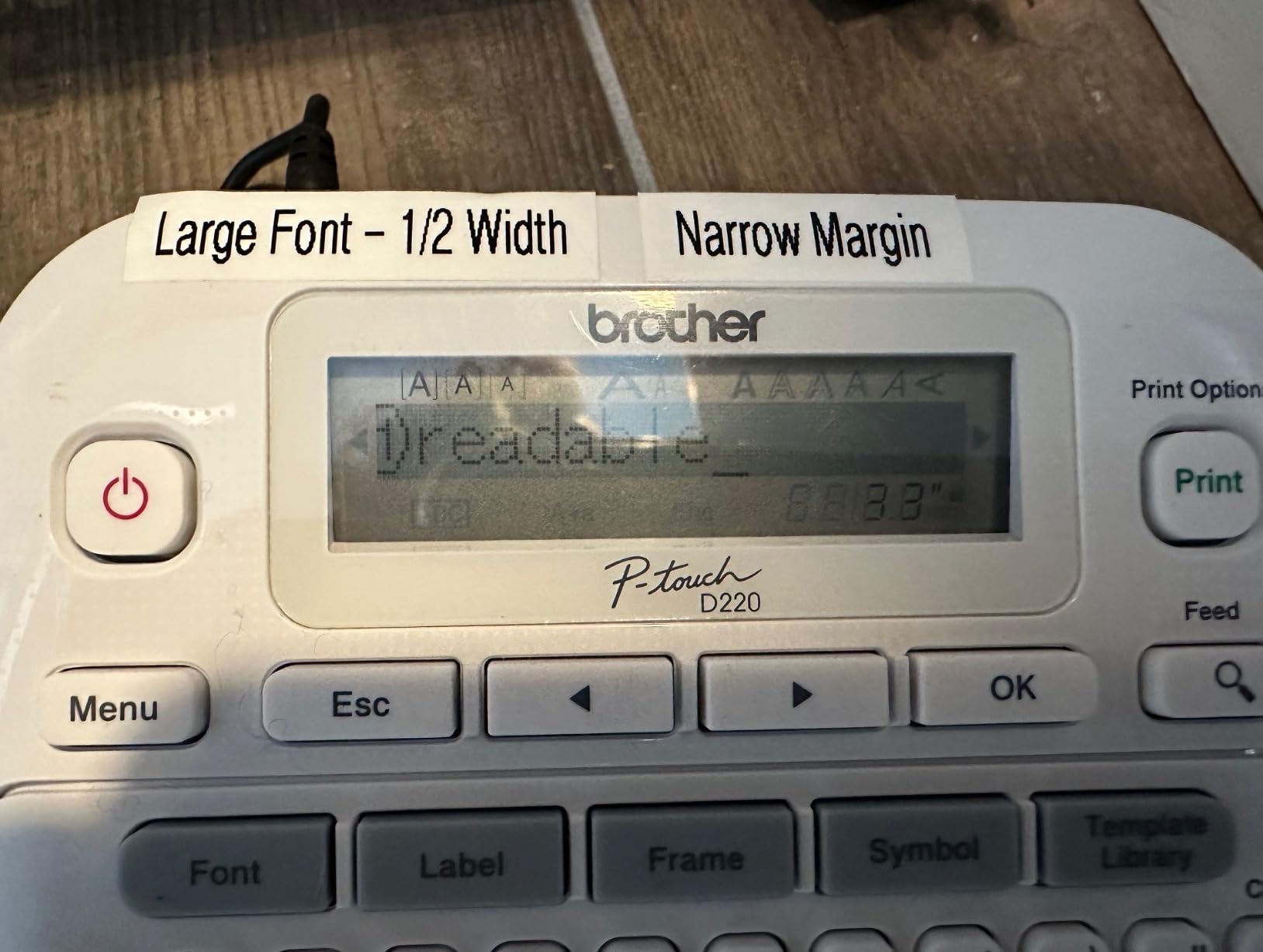
Does it suit a permanent desk-based labelling station
Yes, if you set aside a corner of the craft table as a labelling station. The 30-label memory is designed for exactly this: you print a set of bin names once, then reprint any of them whenever a container gets reused, without touching the design again.
The two line capacity handles a bin name plus a contents note, which is the format most systems need and which single line machines cannot provide.
Where it will frustrate you
It runs on six AAA batteries, and the AC adapter is a separate purchase. For a desk machine that is an odd choice, and in a high-volume session you will be changing batteries regularly rather than plugging in.
It is also 1.1 pounds and considerably larger than the pocket machines here, so it is a fixed location rather than something you carry to the supplies.
10. Brother PT-M95 – Four Tapes in the Box for a First Craft Room
Brother PT-M95 P-Touch Monochrome Label Maker Bundle (4 Label Tapes Included),White
9.12 ounces
9mm and 12mm tape widths
LCD shows 80 characters
Four tapes included
Pros
- Four tapes included in the box
- Full QWERTY keyboard
- Large easy-view LCD
- Multi-language support
- Long battery life on four AAA batteries
Cons
- Only two native font sizes
- Included tapes are not split-back so backing is hard to peel
- No AC adapter support
The PT-M95 bundle is the one to buy if the person labelling is a beginner, or if you want to hand a working labelling setup to someone as a gift. It includes one 4 metre sample tape and three full-length 8 metre tapes, which is more usable tape than most machines in this roundup ship with combined. For a room being labelled for the first time, that is the difference between starting and not starting.
The QWERTY keyboard and the 80 character LCD are the pair that matter. You can see far more of your text before printing than on a small screen, so typos are caught before they waste a label. The display also shows the tape length remaining, which is unusual at this price level.
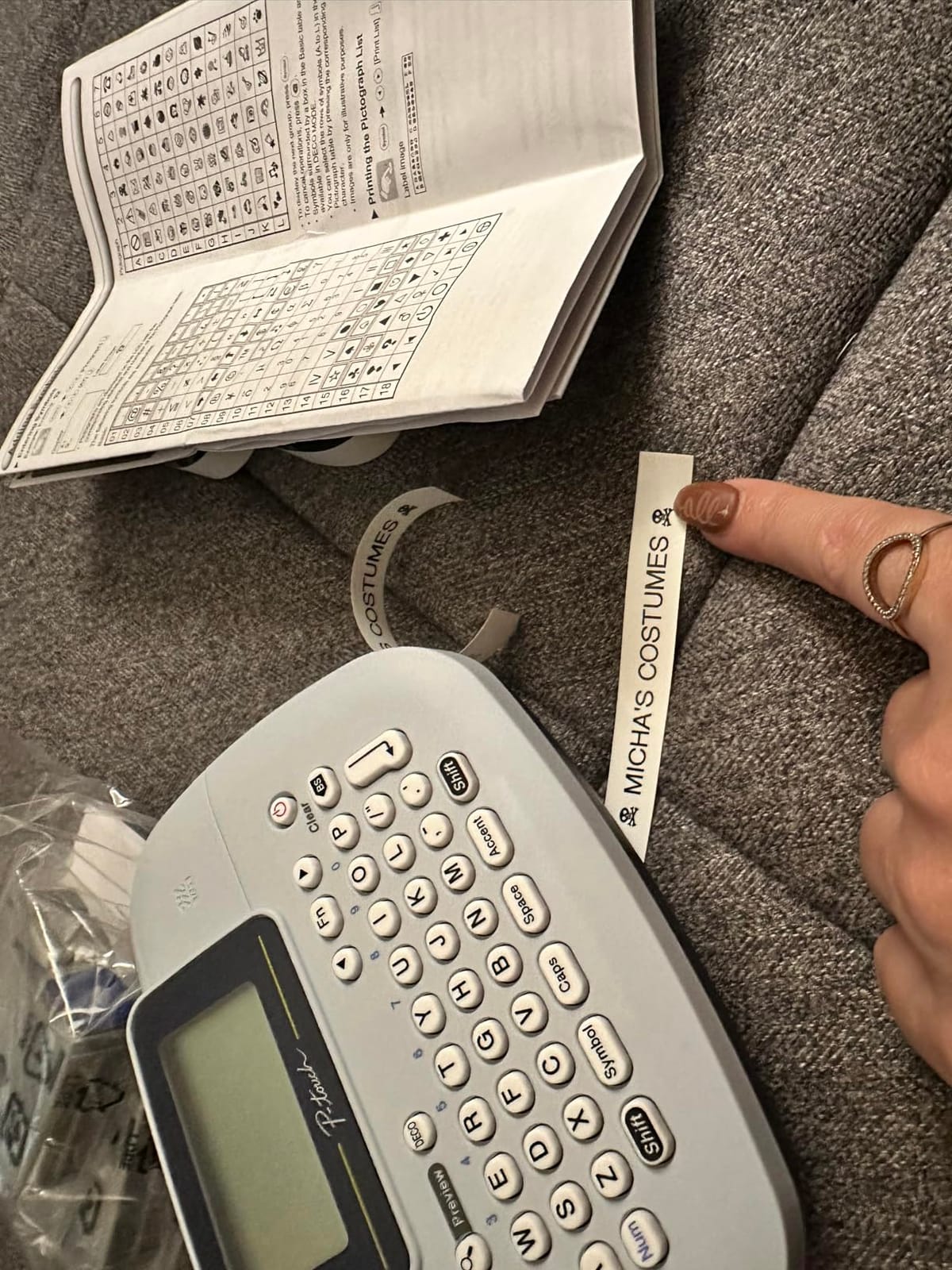
It handles nine type styles and eight Deco patterns, and supports multiple languages including English, Spanish, French, Italian, Dutch, Portuguese, Turkish and German. Memory holds up to three label files, and there are 126 basic images and 84 pictographs on board, which is enough to give a plain bin a visual identity without an app.
Owners consistently describe it as simple and dependable, and it is listed first in its retail category, which fits a machine whose job is to be boring and reliable rather than capable.
Does it suit a first craft room or a gift
Yes, in both cases. The four included tapes mean a new user can label a full set of bins on day one with no additional purchase, and the QWERTY keyboard means they will not need instructions to get started. It is also the easiest machine here to explain to someone over the phone.
For anyone labelling a modest number of containers, four tapes of 8 metres is already most of a first season’s work.
Where it will frustrate you
There are only two native font sizes, with half and double width used to fake the rest. A room that relies on size contrast between a shelf label and a drawer label will not get it here.
The supplied tapes are not split-back, so peeling the backing is harder than on tapes designed for it, and there is no AC adapter support at all, so it is battery only. Cartridges also need careful positioning to seat correctly.
What to Look for in a Label Maker for Craft Rooms
Eight criteria decide whether a label maker works in a craft room, and most buyers choose on the wrong ones. Price and star rating are the least predictive. These are the ones that change the outcome.
1. Tape width against your largest container. Measure the front of the biggest bin before you buy. A 12mm label is the minimum for anything on a shelf you look at from standing height, and a 2 inch label is the only way to fit a full paper collection name on one strip. Nearly every disappointment in this category comes from buying a pocket machine for a room of large bins.
2. Keyboard or no keyboard. A built-in keyboard is faster for volume work and lets you label with no phone in the room. App-driven machines are better for design, images and icons. Crafters doing both generally end up wishing for one of each at different times, so decide which job takes more of your week.
3. Adhesion on your actual surfaces. Ask what the label is going onto. Laminated tape is the safe answer for plastic totes, glass jars and metal tins. Textured card, canvas, raw wood and glitter paper are the difficult ones, and they are also the surfaces a craft room is full of. This is the criterion we weighted most heavily.
4. Tape waste and the cutter. Most machines feed blank leader tape before each label, and some waste considerably more than others. If you are printing a hundred labels a month, waste is a real cost. A machine that supports a short or chain mode effectively reduces it.
5. What the machine ships with. Tape supplied in the box is pre-paid labelling. Two machines with identical specifications can differ by a season of output based on whether one includes a single test roll or three full rolls. This is the most overlooked value difference in the category.
6. Connectivity and what it excludes. Check what is not supported as carefully as what is. Several machines here will not connect to a tablet, one will not connect to a computer, and another is listed as incompatible with certain Android 14 phones. Any of those can end a labelling session mid-project.
7. Monochrome or colour. Every machine in this roundup except the Brother P-Touch Cube prints black text only. Colour has to come from the tape. For a private utility system, monochrome is fine and cheaper. For a visible, colour-coded craft room, the Cube is the only option here that produces it directly.
8. Consumable sourcing and warranty. Check that replacement tape is available in the widths you chose, and note the warranty length, which ranges from one year to two years in this group. Two years of coverage is meaningful for a machine that will sit in daily use.
Tape Width Decoder for Craft Room Bins and Jars
Width is the decision that gets made by accident and then lived with for years. Here is how the common sizes map onto real craft containers.
12mm, also sold as about 1/2 inch. The craft room default. It reads from standing height, wraps around a standard paint jar without overhang, and fits a standard storage tote front. Most of the machines in this roundup top out here, and for most craft rooms that is enough.
9mm. For shallow drawers, small parts boxes and clear stamp pouches where the label is only a code rather than a name. Fine on a box you pull toward you, too small for a shelf you read from a distance.
20mm to 50mm, roughly 3/4 inch to 2 inch. For shelf fronts, paper storage boxes, and anywhere a label carries a name plus a note. This is the range that solves the scrapbook paper problem, where a full collection name will not fit on a strip.
Above 2 inches. Effectively a printed card rather than a label, and better made with a vinyl cutter or a print-and-cut machine. If your label needs that much space, the right tool is changing.
How to Stop Wasting Label Tape on Every Print
Tape waste is the most common complaint in craft-room labelling discussions, and it is not a defect. Machines feed a length of leader before each label so the print head has something to grip, and on some models that leader is generous. Over a hundred labels, it is a measurable amount of tape thrown away.
Three approaches work. The first is the margin and centre-printing settings available on desktop models, which control how much tape passes before the text appears and how much trailing space follows. Shortening the margin is the fastest fix and takes under a minute to set.
The second is chain printing, the trick crafters use most often. On Brother models the sequence is simple: open the label settings, go to Margin, confirm, then turn on Chain Print and confirm again. Instead of cutting each label separately, the machine prints a continuous strip that you cut by hand with a straightedge. The saving is substantial enough that one user described labelling a whole stamp collection from a single cartridge this way.
The third is choosing a machine that supports continuous tape and setting the label length to match the container. The Phomemo D30 and the NIIMBOT B1 both handle this, and a label cut to the exact container length wastes nothing at either end.
Replacement Tape and Third-Party Refill Sourcing
Tape is the ongoing cost of this hobby, and it is worth understanding before you commit. Brother machines take TZe tape, which is a specific laminated format, and the genuine rolls are the expensive part of ownership. DYMO LetraTag machines take a different cassette format entirely, and they are not interchangeable with the Brother rolls or with the third-party rolls sold for the compact thermal machines.
The pattern we see in craft communities is consistent: people buy the genuine tape first, run it down, then switch to third-party refills for the bulk of the work. Broadly, third-party TZe-compatible rolls cost a fraction of the genuine article and most owners report the print quality and adhesion as indistinguishable in normal use. The genuine tape is worth keeping for labels on glass, metal and high-traffic containers, where the laminate matters most.
For the compact thermal machines here, refills are sold as simple rolls rather than cartridges, so there is no shell to dispose of and replacement is cheap. The trade-off is that these rolls are almost always monochrome, so colour comes from the stock rather than the print.
One more cost factor worth knowing: a machine that arrives with four tapes is effectively pre-paid for a season, and a machine that arrives with a single test roll is not. That is a larger real difference than the gap between two similar models in the same class.
Label Maker vs Cricut and Silhouette for Craft Labels
If you already own a vinyl cutting machine, you can make craft labels on it, and the question worth asking is whether you should also buy a dedicated label maker. The honest answer is usually yes, for two reasons.
A vinyl cutter produces finished labels with graphics, icons and full colour, which no thermal label maker in this guide can match. The machine is a Silhouette Cameo or a Cricut Maker class device, and both handle curved cutting, which is how you get rounded corners on a bin front.
What it does not do well is volume. Making a hundred identical bin labels means designing one, cutting it, then repeating the cut and weed each one. A label maker prints a hundred in a single session with a new name on each, and chain printing handles the rest. For utility labelling, the dedicated machine wins on time by a wide margin.
So the split that makes sense is functional labels from a label maker and decorative or project labels from the cutter. If you own neither and only plan a dozen decorative tags, the cutter covers it. If you plan to organise a room, start with a label maker. The button makers we tested for craft rooms follow the same logic, doing one job properly rather than everything partially.
Frequently Asked Questions
What is the best label maker for crafters?
The DYMO LetraTag 100H is our overall pick for craft rooms. It needs no phone or app, prints 1/2 inch labels that read from standing height, and ships with paper, plastic and clear tapes so you can start labelling on day one. For hundreds of small items rather than big bins, the NIIMBOT D110 is lighter and faster.
Are Dymo or Brother label makers better?
It depends on the format rather than the brand. DYMO LetraTag uses its own cassette format and Brother machines take TZe tape, so the two refill systems are not interchangeable. Brother offers laminated tape and colour text options that survive dusty shelves better, while DYMO wins on not needing an app. Choose the tape width first, then the brand that fits it.
Can I use a Cricut machine to make labels?
Yes, and a Cricut or Silhouette produces more decorative labels than any machine in this guide, with graphics, full colour and curved cutting. The limitation is volume. Making a hundred identical bin labels by hand means one design, one cut and one weed each time. A dedicated label maker prints all hundred in one session, which is why most crafters end up owning both.
Which label maker uses TZe tape?
The Brother models in this roundup take TZe tape: the P-Touch Cube takes TZe up to 12mm, and the PTD220 prints 12mm laminated TZe in one or two lines. The PT-M95 is the exception, using genuine Brother M tapes in 9mm and 12mm widths. DYMO machines use a separate LT cassette format and are not compatible with TZe rolls.
Do label maker labels stick to textured surfaces?
Laminated tape on plastic totes, glass jars and metal tins is reliable. Textured cardstock, canvas, raw wood and glitter paper are the difficult cases, because the adhesive has less flat surface to grab. If your craft room is dominated by textured paper storage, either clean and burnish the surface before applying, or use vinyl from a print-and-cut machine, which is far more forgiving on rough materials.
Our Top Label Maker Picks for Craft Rooms in 2026
If you read nothing else: buy the DYMO LetraTag 100H for a craft room with mixed containers, because it works without a phone and comes with three tape formats to start. Label a room of large bins with the Nelko P21 or go wider with the NIIMBOT B1, and name hundreds of small items with the NIIMBOT D110. If colour-coded labels are part of the system, the Brother P-Touch Cube is the only machine here that produces colour text directly.
Two things are worth doing before you buy. Measure the widest label surface you need, because that rules out more machines than any other factor, and check what tape arrives in the box, because a machine with four rolls is a season of labelling already paid for. Whatever you choose, set up a naming convention in advance. A system only works if every label follows it, and the machine is the easy part.