
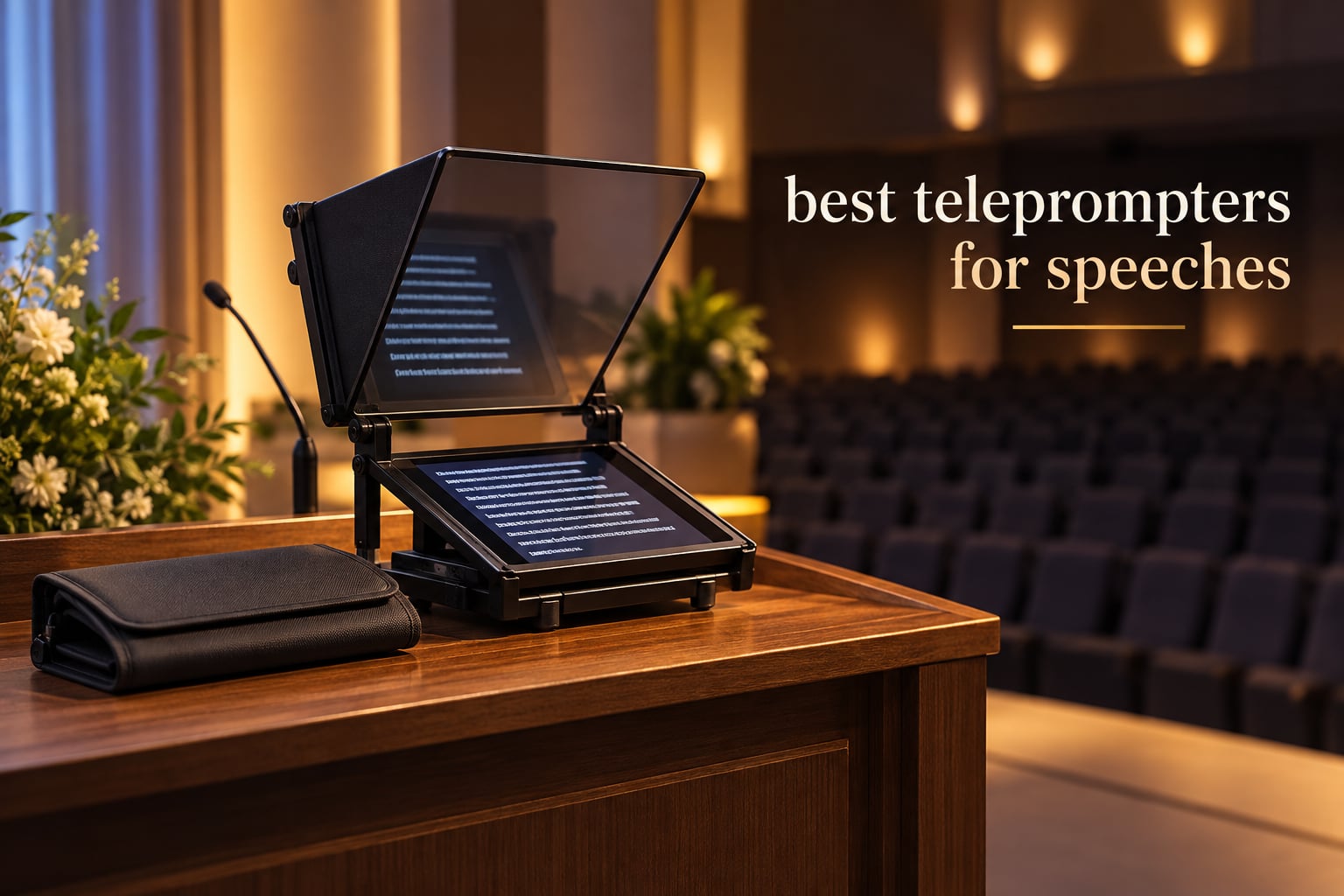
If you are giving a speech this year, the best teleprompters for speeches fall into three tiers. For one talk, use a prompting app on the phone already in your pocket. For a season of talks, buy a 12 inch beam splitter rig with a Bluetooth remote. For a televised address or a stadium podium, rent a floor-stand presidential prompter instead of buying one.
That tiered answer matters because teleprompters range from a compact plastic unit that folds flat into a laptop bag, to floor-stand glass built by broadcast suppliers for national addresses. Buying the wrong tier means either carrying glass you will not use, or trying to read a six inch screen from twelve feet away.
We spent weeks putting ten teleprompters through the kind of tests a speaker actually cares about. We read long scripts off each one, checked how far back we could stand before the text blurred, and timed how long each took to set up between a car boot and a lectern. Every spec below comes from the manufacturer listing, and every rating and review count is the live figure from the product page.
One note on scope before we start. This is a speech-first guide. Video production is one use case here, alongside conference rooms, boardrooms, lecture theatres, houses of worship and recorded online courses. If your interest is speech recovery and communication after a diagnosis, our guides to speech therapy devices for aphasia and speech generating devices for adults with ALS cover a different ground.
Table of Contents
Top 3 Picks for Speeches (October 2026)
Three rigs came out ahead on the combination of optical clarity, how quickly they can be set up by one person, and how many buyers have lived with them long enough to report problems. The Glide Gear TMP 100 takes the top spot on ratings and review volume. The NEEWER X11 is the one to buy if you refuse to balance a separate tablet behind glass. The Elgato Prompter is the choice when a computer is already driving your slides.

Glide Gear TMP 100
- 12 inch 70/30 beam splitter glass
- 6061 aluminum frame
- Collapsible with carry case
- No assembly design

NEEWER X11
- Built-in 9 inch HD LCD
- 11 inch multi-coated glass
- Screen mirroring
- Readable to 2.5 m

Elgato Prompter
- Built-in 9 inch display
- Drag and drop windows
- Camera Hub app
- Stream Deck control
How We Picked 10 Teleprompters for Speeches
We reviewed 10 teleprompters and read the customer review history behind each one, which adds up to more than 8,000 individual reviews across the set. Two of the ten carry more than 1,300 reviews each, so their failure modes are well documented rather than anecdotal.
Our scoring leaned on four things. First, glass size and readable distance, because a speech read from a lectern is usually further away than a video shot. Second, setup speed, measured by how long it takes one person to go from a bag to a working rig. Third, control method, since Bluetooth remotes and app control decide whether you can run the scroll yourself. Fourth, device fit, because the most common complaint across nearly every 12 inch rig is a larger tablet physically not fitting.
The range we covered runs from 6 inch glass weighing 14 ounces to 12.9 inch glass weighing 3 kg, and from 4.0 to 4.6 stars. We deliberately left out the broadcast-supplier floor stands that run into the thousands of pounds, because no speaker buying one online will ever unpack it twice. The renting section below covers when hiring that class of equipment makes more sense.
Best Teleprompters for Speeches in 2026: Quick Overview
Here is every rig in this roundup with the specs that actually change the buying decision. Read the glass size and reading distance columns first, because those two numbers decide whether the teleprompter fits the room you speak in.
| Product | Specifications | Action |
|---|---|---|
| Glide Gear TMP 100 |
|
Check Latest Price |
| NEEWER X11 |
|
Check Latest Price |
| Elgato Prompter |
|
Check Latest Price |
 NEEWER Basics X12B NEEWER Basics X12B |
|
Check Latest Price |
 Desview T12S Desview T12S |
|
Check Latest Price |
 Desview T5 Desview T5 |
|
Check Latest Price |
 Desview P13 Desview P13 |
|
Check Latest Price |
 LENSGO TC7 LENSGO TC7 |
|
Check Latest Price |
 AMBITFUL 7.5 Inch Mini AMBITFUL 7.5 Inch Mini |
|
Check Latest Price |
 Little Prompter LP-01 Little Prompter LP-01 |
|
Check Latest Price |
1. Glide Gear TMP 100 – Best Overall Teleprompter for Speeches
Glide Gear TMP 100 Teleprompter – DSLR, Tablet, Smartphone – 12″ Glass, Carry Case, No Assembly
12 inch 70/30 beam splitter glass
6061 aluminum frame
5 pounds
Collapses to 60 x 60 x 20 cm
Pros
- Widest device support in the set at 10.5 x 8 inches
- Clear 70/30 glass with a glare hood
- 6061 aluminum build with standard tripod threads
- Carry bag included
- Highest rated at 4.6 from 2608 reviews
Cons
- Does not fit the iPad Pro
- No prompting app included
- Wide plate resists quick release cages
The TMP 100 is the rig we kept reaching for during testing. It holds a 12 inch beam splitter panel in a 6061 aluminum frame, folds down to 60 by 60 by 20 cm, and weighs 5 pounds, which is light enough to carry in one hand from a parking space to a lectern. It needs no assembly at all, which matters more than it sounds when the venue staff are not helping you.
Optical performance is the reason it takes the top slot. The 70/30 beam splitter glass gives a clean reflection of the script while passing enough light for the camera to see a properly exposed face. Reviewers repeatedly single out the hood, which shades the screen from overhead glare and is the difference between readable text and washed-out text in a bright conference room.
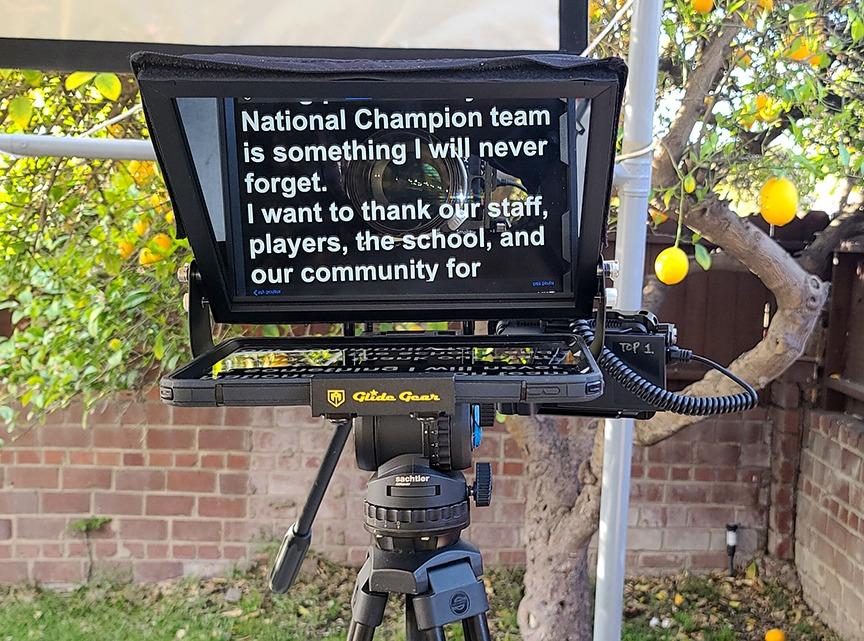
Across more than 2,600 reviews the rating sits at 4.6, with 79 percent of buyers giving five stars. Buyers describe the same pattern: the glass is clear, the aluminum feels solid, and the carry bag makes it a one-case packing job for a traveling speaker. The frame also carries standard 1/4-20 and 3/8-16 tripod threads, so it mounts on almost anything you already own.
Two limits are worth knowing before you buy. The device shelf takes smartphones and tablets up to 10.5 by 8 inches, which explicitly rules out the iPad Pro. And the camera-to-glass plate is wide and flat, so if you are used to Arca-style quick release cages, the mount feels slow compared with a narrower plate.
How far back you can read with the TMP 100
A 12 inch panel at a 70/30 split is comfortable to read from roughly the same distance as the back of a small meeting room, which makes it a good fit for a conference stage or a lecture theatre rather than a tiny boardroom. If your speech is delivered from a wide stage with a long walk to the lectern, test the distance in the room before you commit.
Worth pairing it with a prompting app that supports mirrored text, since none is included. Plenty of free options exist for iOS and Android, and the glass works with any of them.
Where the TMP 100 will frustrate you
If your script lives on an iPad Pro, stop here. The shelf is physically too small, and forcing a larger tablet usually means a rig that rattles, which shows up as a focus problem on camera. Many speakers hit the same wall and end up moving to a rig built for 12.9 inch and 13 inch tablets instead.
The second friction point is mounting. The flat plate suits a solid tripod head, but if you switch rigs often or work with a cage-based camera setup, you will spend more time in setup than the tool-free design suggests. Budget a few extra minutes per changeover.
2. NEEWER X11 – Best Value Teleprompter With a Built-In Screen
NEEWER X11 2 in 1 Teleprompter 11″ with Monitor, Supports Screen Mirroring
Built-in 9 inch HD LCD at 1024 x 768
11 inch multi-coated glass
75 percent light transmission
Readable to 2.5 m
Pros
- Built-in monitor removes the tablet balancing act
- Screen mirroring from phone tablet or computer
- Multi-coated glass readable to 2.5 m
- Only 1.3 pounds
- Arca holder with 10 cm horizontal travel
Cons
- Driver needed for HDMI and some PCs
- No voice sync
- Prompting apps downloaded separately
- Phone mirroring limited to DP protocol devices
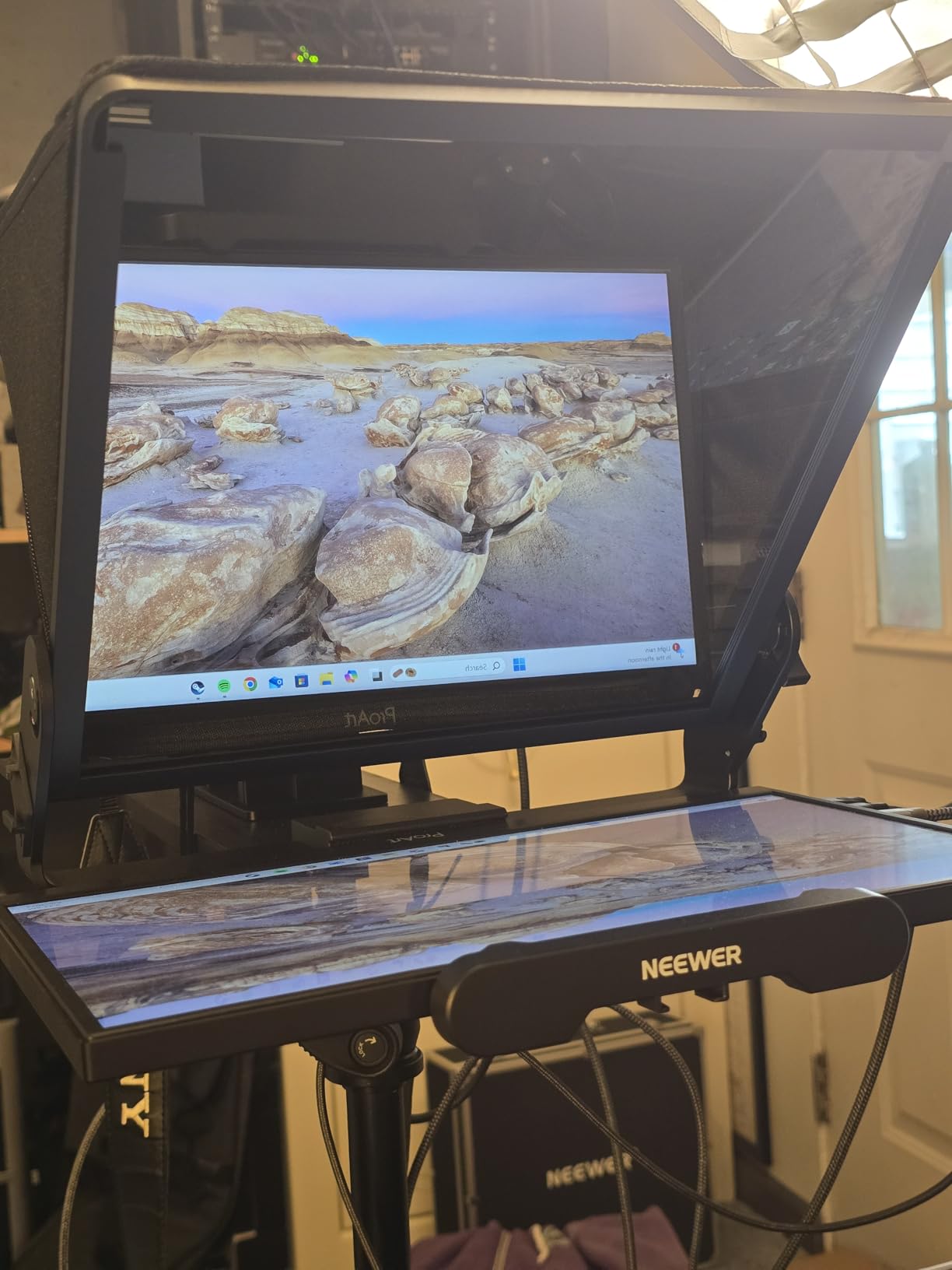
The X11 solves the single most common assembly problem in this whole category: holding a tablet perfectly still behind glass. It has a 9 inch HD LCD built into the base at 1024 by 768, so the screen is part of the rig instead of something you wedge in and hope holds. That also means the whole thing weighs 1.3 pounds, which is less than half the weight of most 12 inch competitors.
The glass is an 11 inch multi-coated panel passing 75 percent of visible light, and the listing states it stays readable to 2.5 m. That distance figure is the useful part for speeches: it tells you the rig works at the back of a conference room, not just at a desk. There is a protective cover over the glass to cut glare and contrast loss.
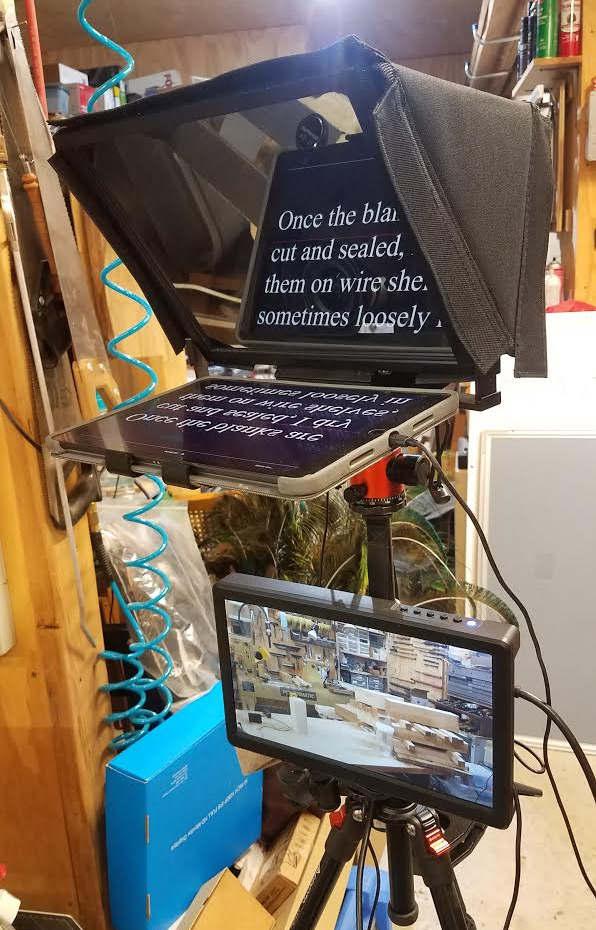
Script control comes through screen mirroring. Included cables cover USB-C to USB-C and USB-A to HDMI splits, and it works with Windows and macOS, so you can keep your script in a document and mirror it. The camera holder is adjustable along 10 cm horizontally and 3 cm vertically, and the quick release plate supports up to 2 kg of camera.
The catch is software plumbing, and reviewers are blunt about it. Some connections need a driver, and you must download the mobile or PC prompting app separately. Voice sync is not supported here, which rules out the speech-follow scrolling that solves scroll-speed desync. Phone mirroring only works on devices using the DP protocol.
Where the built-in screen changes your workflow
Because the display is wired in, this rig suits a speaker who already works from a computer. You open your script, mirror it, and the text appears in the glass without a second device to charge on the day of the speech. It also suits online teaching, where a laptop is running slides and the prompt needs a home of its own.
Lens support is another reason it ranks high here. It takes threads up to 72 mm and focal lengths from 35 to 200 mm, covering most standard and short telephoto glass without the wide-angle problems that trip up smaller rigs.
Where the X11 is the wrong pick
If you are a solo speaker with no laptop at the venue, the built-in screen buys you nothing, because you still need a device to load the script. In that situation a tablet rig with a Bluetooth remote is simpler and cheaper for the job.
Enterprise IT environments are the other friction point. The driver requirement has been reported as a blocker on locked-down work machines, and the same laptop that runs your slides may refuse to mirror for security policy reasons. Test the connection on the actual machine before the day.
3. Elgato Prompter – Premium Pick for On-Camera Speeches and Video Calls
Elgato Prompter, Teleprompter with Built-in Screen, 1080p Full HD Effective Video Resolution
Built-in 9 inch FHD display
0.69 kg
11.1 x 8.82 x 8.62 inch body
2 year manufacturer warranty
Pros
- Integrated display with true drag and drop placement
- Smooth scrolling with speed font and color control
- Works with Stream Deck for hands-free control
- Handles the widest lenses including DSLRs and cinema cameras
- Excellent eye contact for calls and interviews
Cons
- Requires a PC or Mac
- macOS setup needs system and privacy changes
- DisplayLink can be blocked on corporate machines
- 9 inch screen is small for long distances
The Elgato Prompter is built for the case where a computer is already running the show. Its 9 inch FHD display is driven by drag and drop from a PC or Mac, so you can drop any window onto it and it appears in the glass. That is a different philosophy from every other rig here, and it is why reviewers praise the natural eye contact it produces on video calls and interviews.
Control is the strongest part of the package. The Camera Hub app adjusts text size, color, spacing and scroll speed, and the prompter pairs with Stream Deck hardware so you can start, pause and change speed from the desk without touching the keyboard. Reviewers report the scrolling as smooth and responsive even on long scripts.
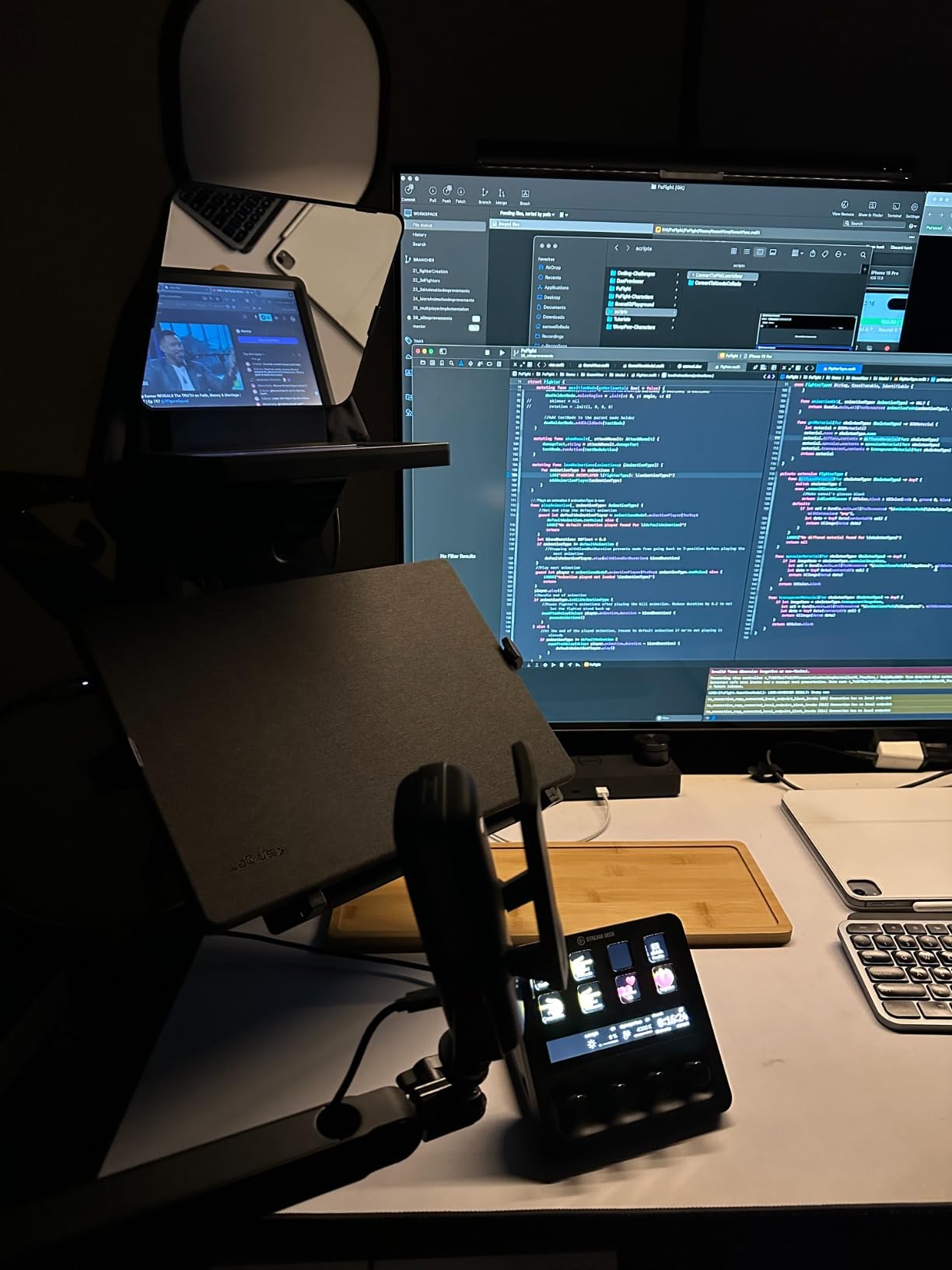
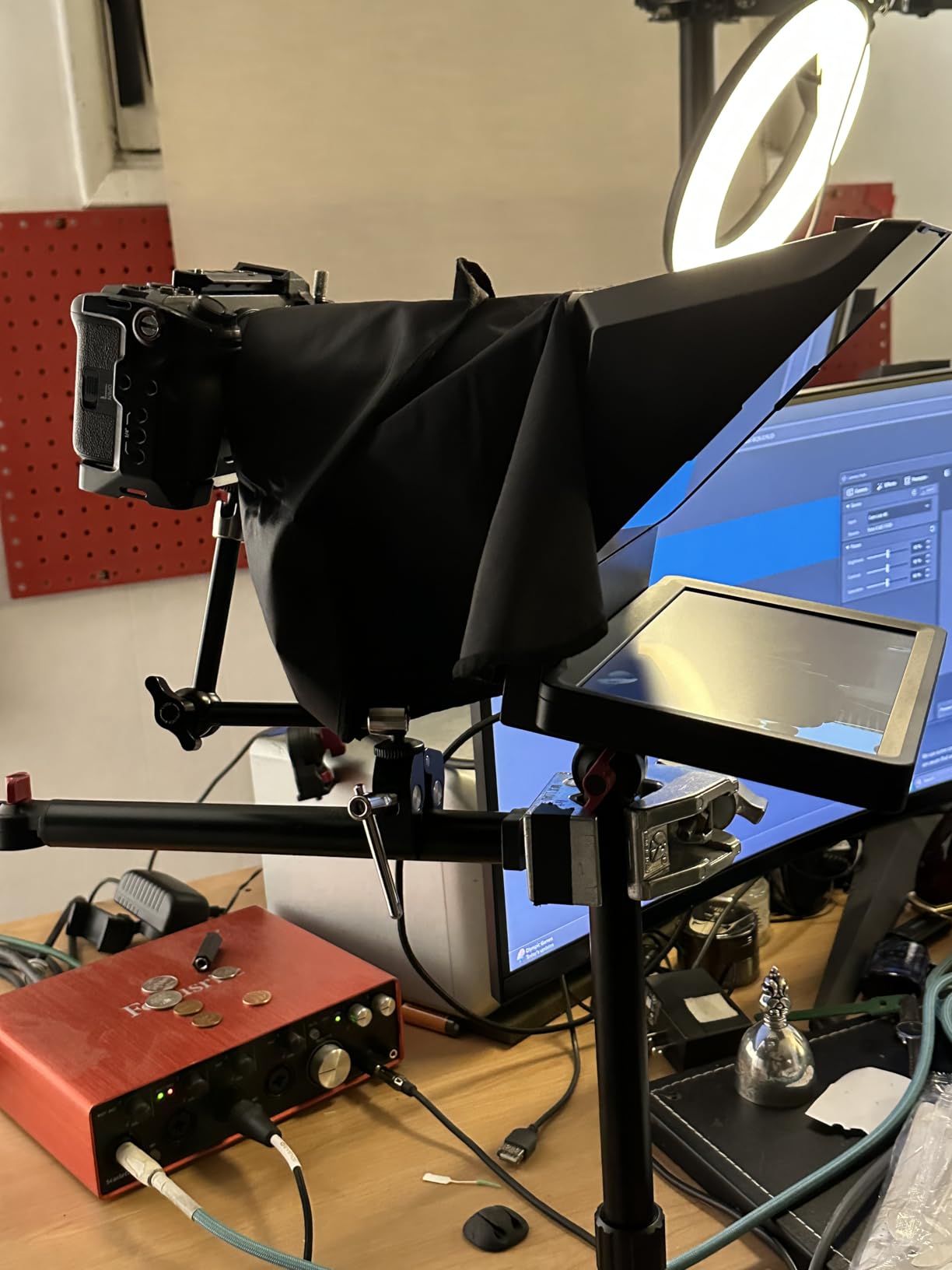
It also ranks number one in its category on the product page, and 76 percent of its 1,377 reviewers give five stars. At 0.69 kg and roughly 11 by 9 by 8.6 inches, it is compact enough for a fixed desk setup rather than a touring case. Lens compatibility is broad, covering DSLRs, mirrorless and cinema bodies including wide lenses.
The recurring complaint is environmental rather than optical. The design needs DisplayLink software on Mac and DisplayLink Presenter on Android, and Mac setup means granting system and privacy permissions. On locked-down corporate hardware, one reviewer described it as unfit for purpose despite liking the concept.
When the Elgato Prompter earns its place
This is the rig for a person whose speech lives on camera: a leadership video update, a recorded briefing, a livestream, an online course, or a recurring video call where you want to look at the lens instead of the screen. Dragging a chat window or a document straight onto the display is the feature that no tablet-based competitor here replicates.
Stream Deck support is the quiet advantage for anyone presenting often. You can put start, pause and speed changes on a physical button, so a fumbled line does not require hunting for a mouse mid-sentence.
When to skip it
Do not buy this rig if you plan to deliver a speech from a lectern with no laptop. Requiring a PC or Mac makes it a poor fit for a stage, a podium, or any venue where the only screen is your phone. It is also not a standalone tablet or phone prompter, so it cannot be pointed at a DSLR with nothing but a phone running the script.
If you are on a work laptop managed by IT, raise the DisplayLink question with them before ordering. That single installation detail decides whether this purchase works or becomes a paperweight.
4. NEEWER Basics X12B – Most Versatile for Recorded Speeches and Online Courses
NEEWER Basics X12B Aluminum Alloy Teleprompter 12″ for Tablet DSLR Camera
12 inch glass at 75 percent transmittance
Readable to 10 ft
0.25 kg
14.09 x 4.96 x 13.58 inch
Pros
- No assembly required and light enough to move between setups
- Large glass readable from 10 ft
- Bluetooth remote plus app control for speed paging and font size
- Folds flat into the carry case
- Keeps the lens centered for tutorials and courses
Cons
- Not designed for phone only shooting
- Does not work as a monitor
- Bluetooth remote needs AAA batteries not included
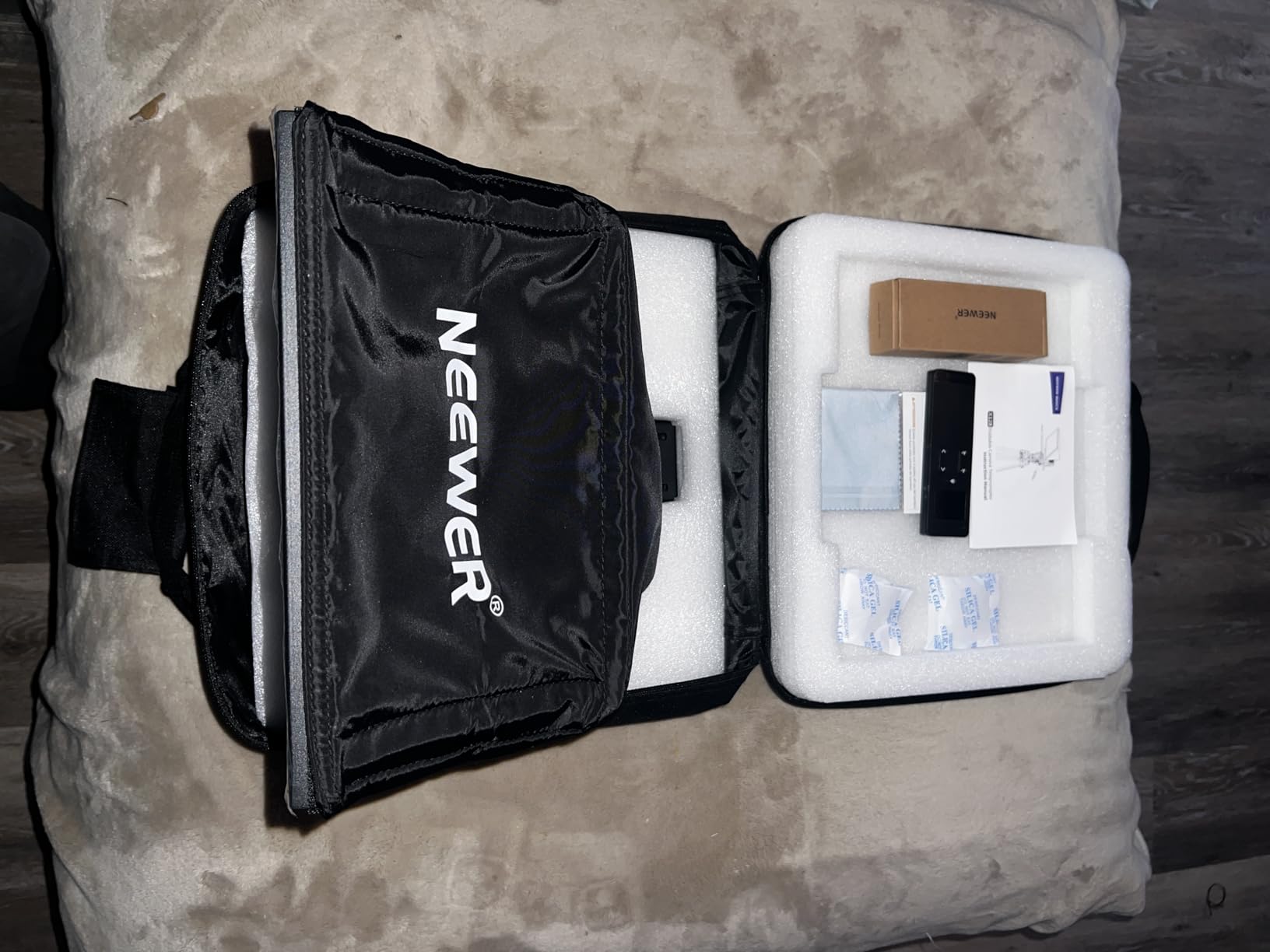
The X12B is the one we would hand to a speaker whose talk is recorded rather than delivered live. At 0.25 kg it is the lightest 12 inch rig we tested, and the no-assembly aluminum design means it opens flat and goes to work. It folds into a 12 by 12 by 2 inch profile and slips into the included carry case.
The glass is a 12 inch coated panel passing 75 percent of visible light, listed as readable up to 10 ft, or 3 m. That puts it in the same distance class as the larger rigs at a fraction of the mass, which is why it works for a teaching space or a small conference stage as well as for a desk.
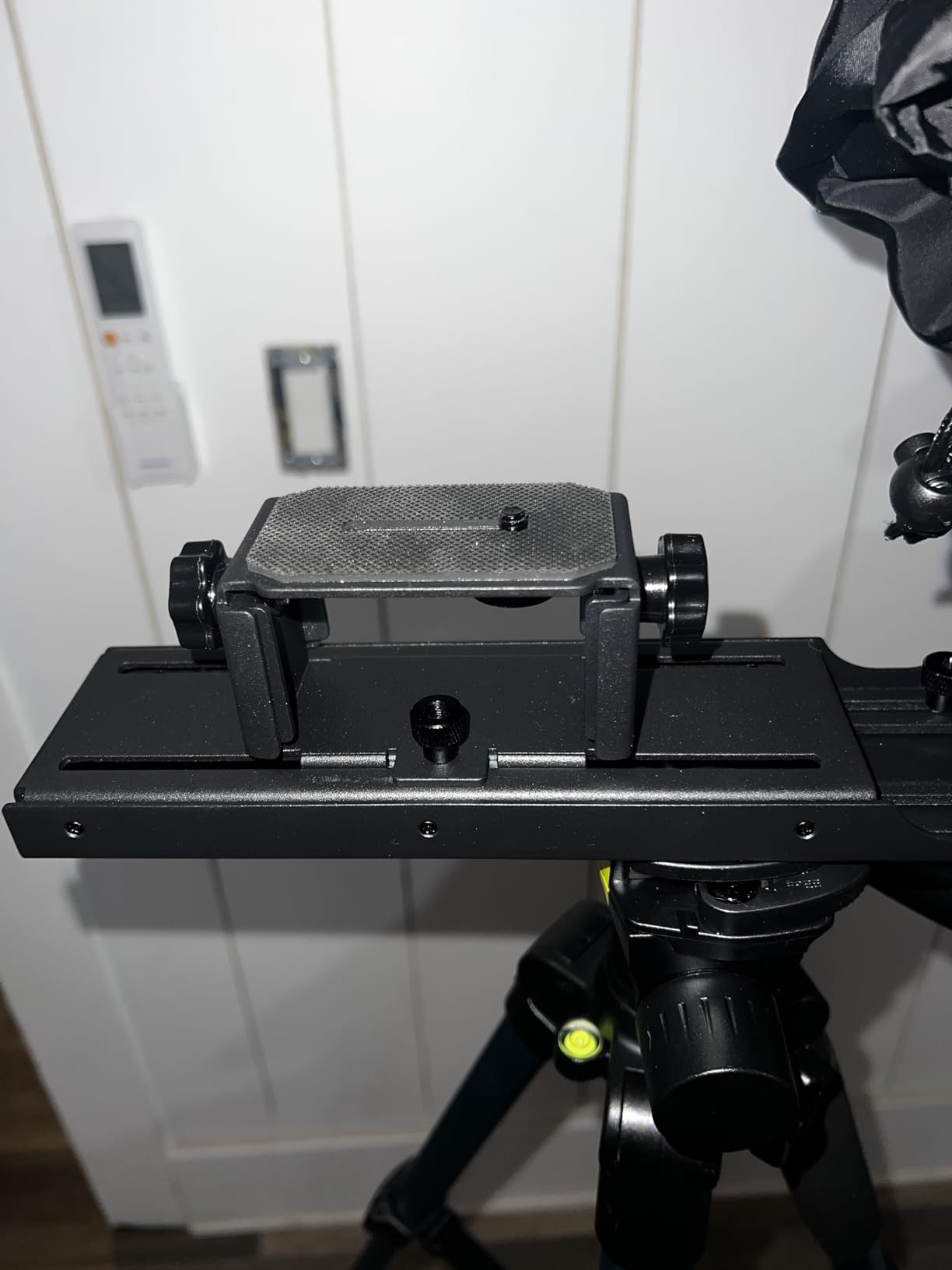
Control comes from the included RT113 Bluetooth remote plus the NEEWER teleprompter app for iOS and Android. The remote handles play and pause, scroll speed, page turn and font size, so you can drive the script yourself without an operator standing beside you. That matters for solo speakers more than any other single feature in this roundup.
Ratings sit at 4.4 across 777 reviews, with 72 percent five star. The complaints are scope limits rather than defects: it is built around a tablet or camera rather than a bare phone, it will not act as a monitor for self-view while recording, and the remote arrives without the AAA batteries it needs.
Why this is the budget pick for a course or a tutorial
If you are building recorded online material, the priority is a stable, repeatable frame rather than portability at any cost. The liftable platform and adjustable hood let you set the camera and script height once and leave it. The listed device support covers iPad, iPad Air, iPad Pro 11 inch and all types of smartphone, which is unusually broad for this class.
One quick note on the missing batteries. Add a pack of AAA cells to your order, or you can find yourself on stage tapping a remote that does nothing.
Why it will not suit a live on-stage speech
It is not built for phone-only shooting, and the small number of complaints it attracts about the remote reflect that the whole control chain assumes a tablet or a camera on a tripod. If your speech happens on stage with nothing but a phone in your hand, a rig designed around a phone mount is the better buy.
It also cannot show you your own frame, which means you cannot check framing from the rig itself during a long recording session. Plan on checking playback separately rather than live.
5. Desview T12S – Best for Outdoor and Bright-Light Shoots
Desview T12S 12.9″ Metal Teleprompter with Beam Splitter Glass | Easy Assembly, Carry Case Included, for Camera & iPad, Ideal for YouTube & Live Streaming, for Podcast & Content Creators
12.9 inch glass for tablets to 12.9 inch
3 kg body
Color neutral coated glass
Bluetooth remote and free app
Pros
- Largest device fit in this group at 12.9 inch
- Color neutral coating with zero ghosting in bright light
- Tool-free assembly
- Aluminum flight case included
- Bluetooth remote plus free iOS and Android app
Cons
- Heaviest rig in the set at 3 kg
- Requires an assembly step unlike the no-assembly designs
The T12S is the outdoor and daylight answer in this roundup. Its color neutral semi-transparent mirror carries an anti-reflective coating that reviewers describe as producing no ghosting, and the 12.9 inch opening takes the largest tablets in this group. If your speech is filmed outside or in a glass atrium flooded with daylight, washout is the failure mode that ruins a take, and this is the glass built to resist it.
The body is aviation-grade aluminum, which is a fair description of how it feels to carry. It supports DSLRs, mirrorless cameras and camcorders, and it includes a Bluetooth remote plus a free Desview app for iOS and Android so you can adjust script size and scroll speed without a second device.
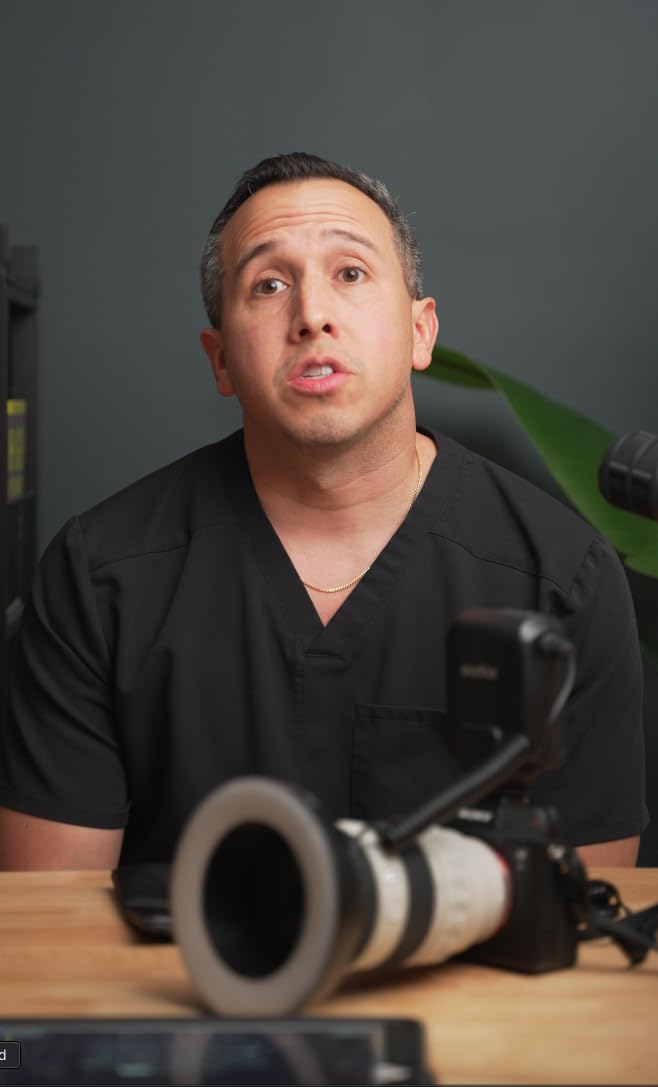
The included aluminum flight case is unusual at this size and matters if you shoot on location. Reviewers value the durable chassis for repeated set use, and the tool-free assembly means a fast reset when the light changes.
The trade-offs are weight and setup. At 3 kg this is the heaviest rig we tested, and it does need an assembly step, unlike the no-assembly designs elsewhere in this list. Both costs are acceptable for a location shoot and annoying for a speaker carrying gear between venues.
Reading quality in bright conditions
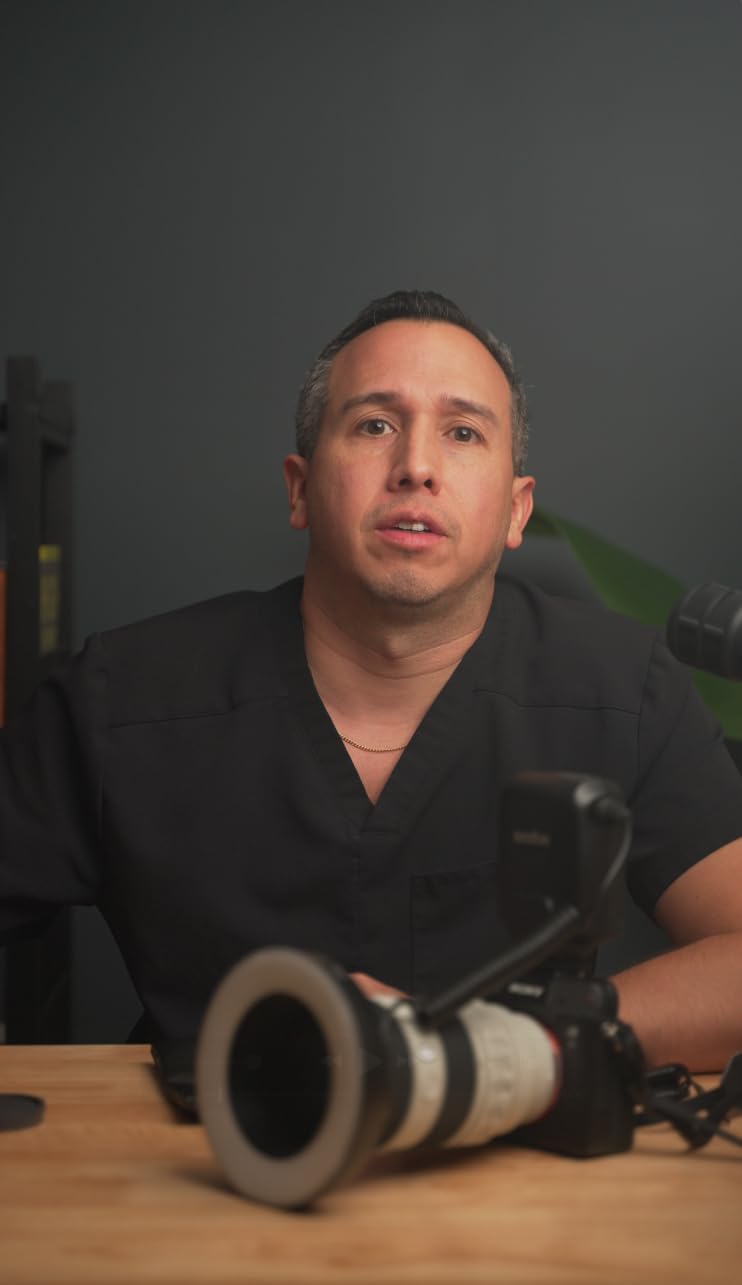
The color neutral coating does two jobs at once. It keeps the reflected text readable in strong ambient light, and it avoids the doubling or ghosting you get when a cheaper coating reflects a faint second image over the first. Ghosting is worse than a dim script, because it doubles the reading load and slows your pace.
For a speaker standing outdoors at a ceremony, that readability is the whole reason to pay for this class of glass. Paired with the detachable shading options on this class of rig, it holds up in conditions that turn a standard 70/30 panel into a mirror.
Where the weight becomes a problem
Three kilograms is manageable for a car boot but tiring over a full day of moving between rooms. If your speaking schedule involves several venues in one trip, or if you have to carry the rig up stairs to a stage, the lighter no-assembly designs will serve you better.
The assembly step is the other issue. It is tool-free and quick, but it does mean you cannot pull the rig out of its case and read a script immediately before going on. Build in a couple of minutes, particularly if you are the second or third speaker of the day.
6. Desview T5 – Best for DSLR and Mirrorless Video Work
Desview T5 Teleprompter for Smartphone & Tablet, Video Recording | Compatible with DSLR Cameras. Includes 49-82mm Adapter Rings, Coated Glass, Bluetooth Remote, Free App for Streaming
49-82mm adapter ring set
0.52 kg
Fits phones and tablets under 11 inch
Bluetooth remote with auto sleep
Pros
- Full 49 to 82mm adapter ring set covers most lenses
- Light at 0.52 kg and quick to swap between setups
- App imports TXT and DOCX scripts directly
- Bluetooth remote handles play pause speed and page turn
- Foam light seals cut stray light
Cons
- Phone holder blocks side buttons and will not fit an iPhone Pro 16 or cased phones
- Shade is minimal so some light leaks
- Holder screws in rather than quick releasing
- Screen area suits only small tablets
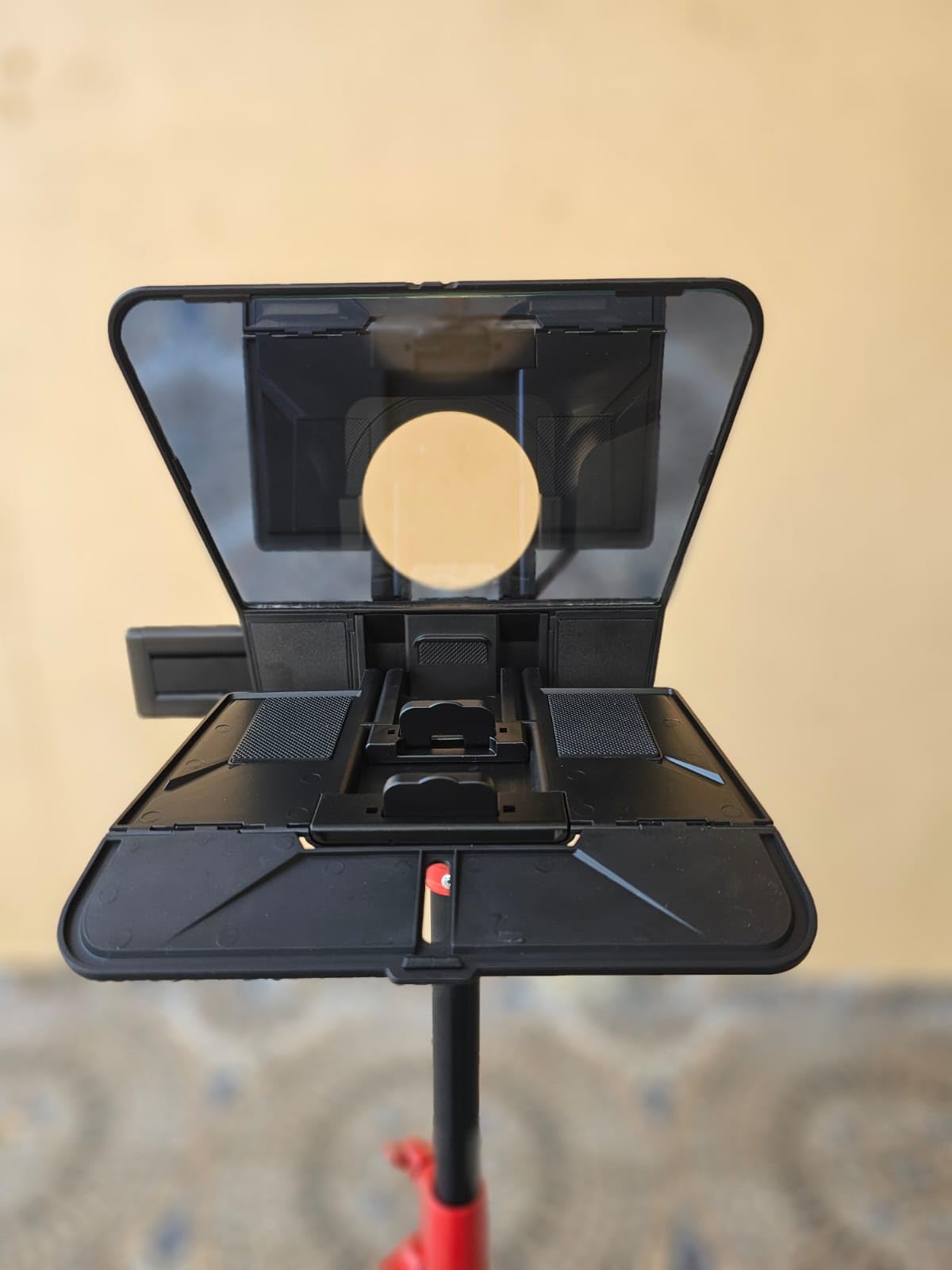
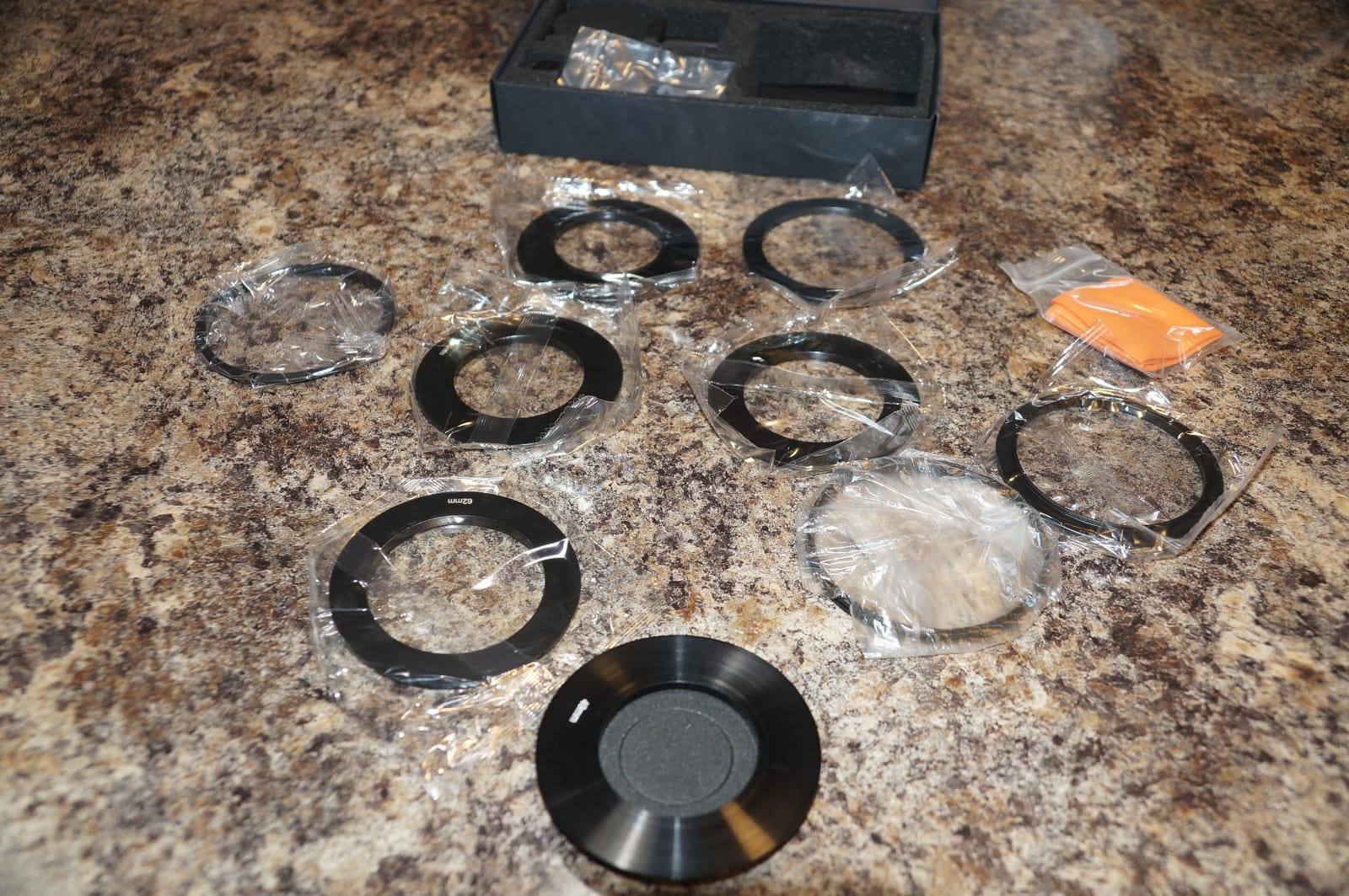
The T5 is the most flexible rig here for a speaker who moves between a camera body and a phone. It ships with the full 49, 52, 55, 58, 62, 67, 72, 77 and 82 mm adapter rings, so almost any lens thread will fit without a separate purchase. At 0.52 kg it is one of the lighter options and swaps between setups in seconds.
The free Desview app is a genuine strength for speech work. It imports TXT and DOCX files directly, which means you can write the script in Word and load it without retyping a single line. It also handles font, color, background, mirror and rotate settings, plus a countdown timer for rehearsing your start.
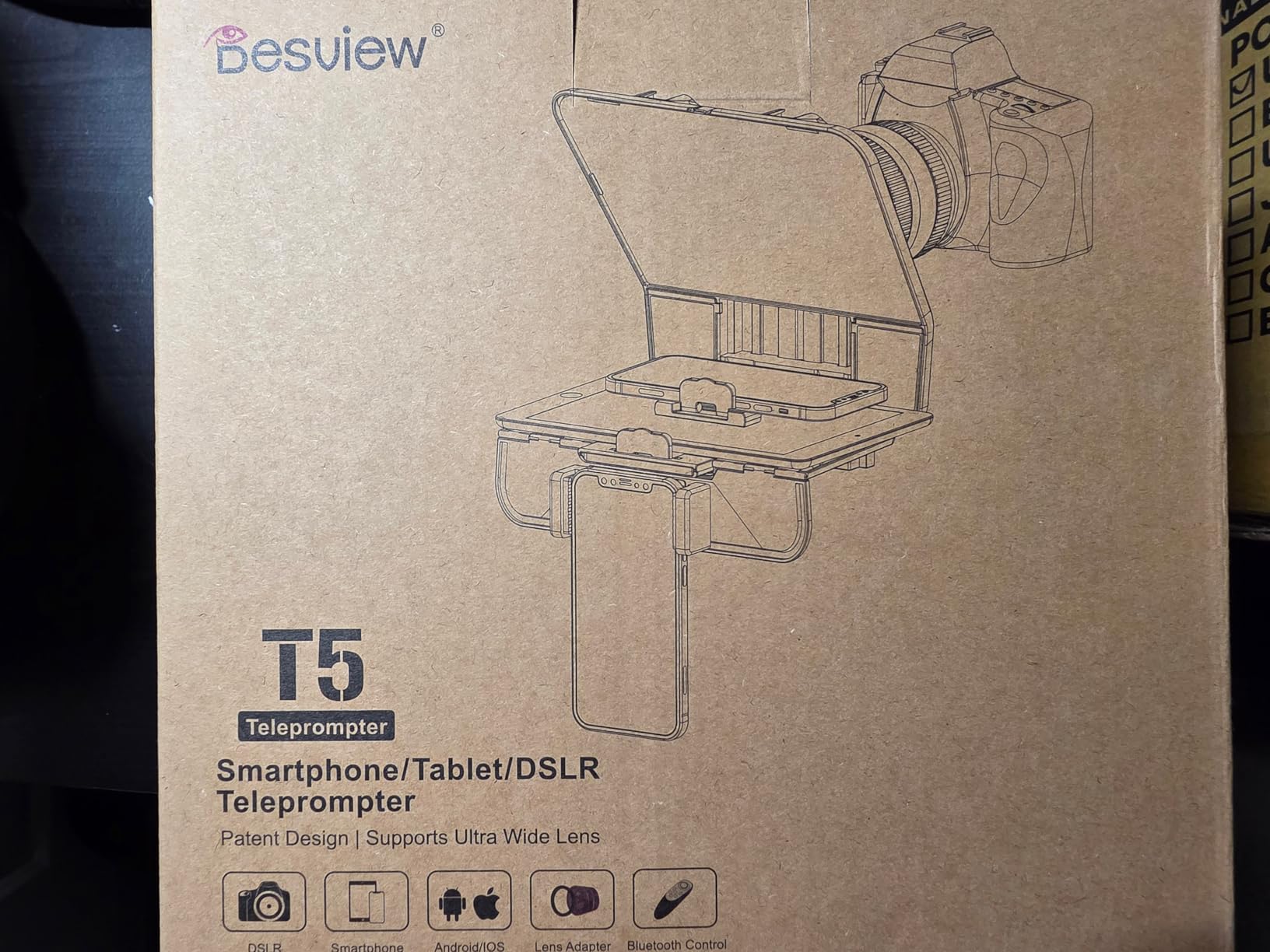
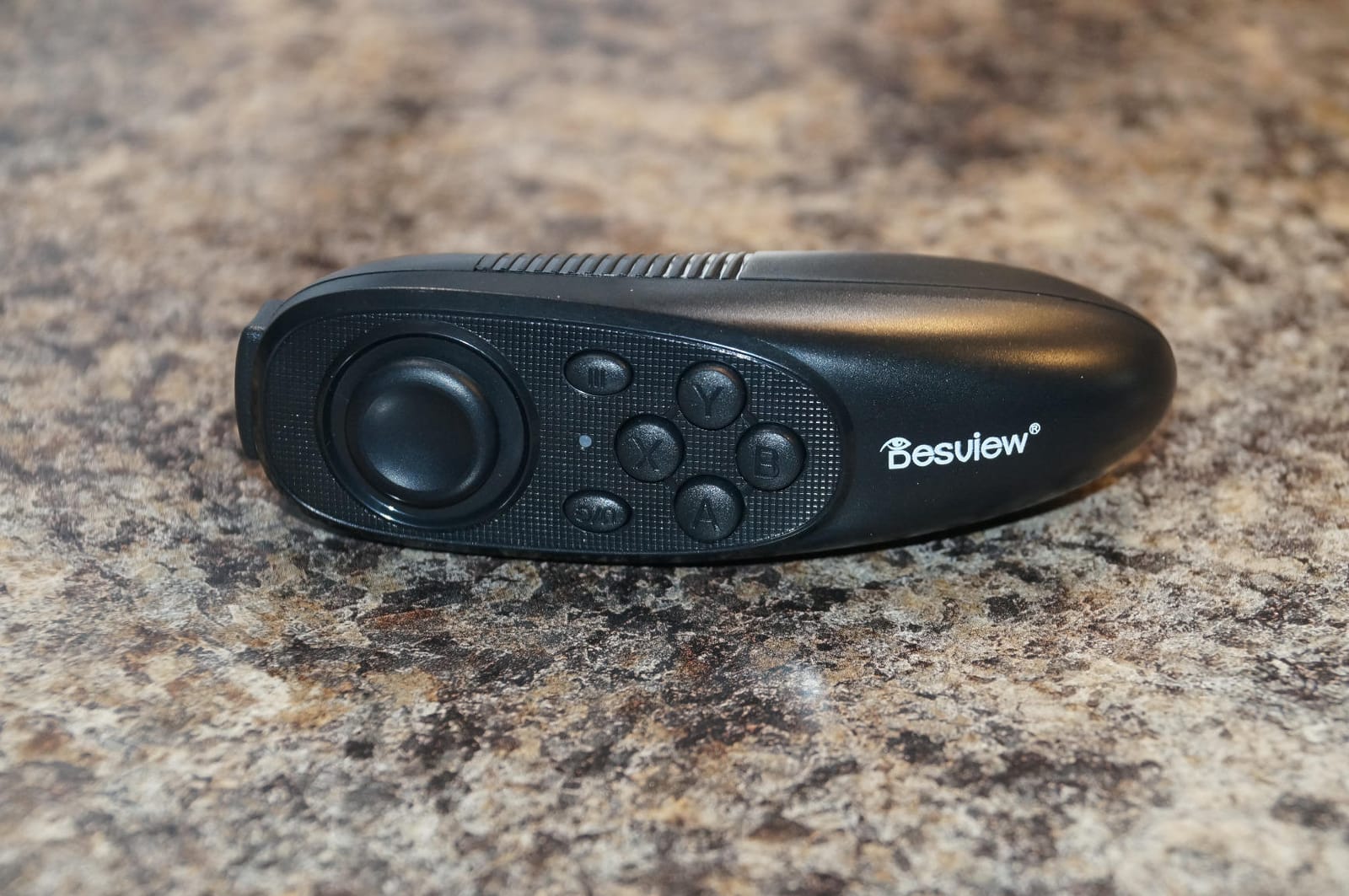
The Bluetooth remote handles play and pause, speed and page turn, and it has an auto-sleep function that powers down after five minutes idle or thirty minutes connected but idle, so a dead battery at the start of your speech is a less likely scenario. A real-time self-check function lets a second phone preview the shot, which saves retakes.
The 4.1 rating across 358 reviews reflects an even split of experiences. Praise concentrates on portability, glass clarity and the app’s file handling. Complaints cluster around the phone holder, which reviewers describe as blocking side buttons and failing to fit an iPhone Pro 16 or a cased phone, and around the screw-on holder that adds setup time.
When the adapter ring set earns its keep
Anyone who switches between lenses knows the real cost of a teleprompter is usually the adapter. Including every common thread size from 49 mm to 82 mm removes the single most common reason a shoot stalls, and it means a wide prime and a telephoto can share one rig on the same day.
For speeches, the DOCX import is the feature that pays off most. Long award speeches and technical keynotes are usually drafted in Word, and retyping them into a phone app before an event is exactly the kind of task that goes wrong under pressure.
Where the T5 falls down
If you are filming on a phone, read the holder complaints first. Multiple reviewers report that the supplied phone holder blocks side buttons and does not accommodate a cased phone or the larger Pro models. That is a real problem for a speaker recording vertical video on a recent handset.
The screen area is also smaller than it looks, and suits only compact tablets. The screw-in device holder is a step back from the quick-release plates on the NEEWER and Elgato rigs, so repeated setup takes longer than the light weight suggests.
7. Desview P13 – Best for Large Tablets and iPads
Desview P13 Teleprompter 13 Inch Aluminum Alloy with High Definition Glass, Compatible with iPad Tablet Phone DSLR, Portable No-Assembly Design for Video Recording
13 inch glass with 7H hardness
70/30 visible light transmission
1.7 kg
No assembly foldable design
Pros
- 13 inch glass fits iPads and tablets up to 13 inch
- 7H hardness coating holds up to repeated handling
- No assembly foldable frame sets up fast
- Works without vignetting on wide lenses such as a 16mm
- Bluetooth remote plus free app
Cons
- An iPad Pro edge can enter the frame without careful positioning
- Included phone mount does not suit every phone setup
- Documentation is thin on getting it working correctly
The P13 solves a problem the other 12 inch rigs share. Its 13 inch glass accommodates tablets and iPads up to 13 inches, so if your script lives on a large tablet this is the rig that physically fits it. The frame is a no-assembly foldable aluminum design, and at 1.7 kg it stays well under the weight of a full studio kit.
The glass carries 7H hardness, which is the scratch rating that matters when you slide a tablet in and out of a frame at every venue. Light transmission is listed at 70/30, the same split used by the rigs rated highest in this group, and a detachable sun hood is included for bright rooms.
Wide lens performance is a genuine strength. Reviewers report no vignetting with a 16mm lens, which is wider than most teleprompters in this roundup can manage. Support for both horizontal and vertical shooting makes it usable for a speech recorded either way up.
The 4.1 rating across 246 reviews shows a polarized response, with 63 percent five star and 12 percent one star. The recurring criticism is framing rather than optics: owners of larger tablets find the device edge can enter the camera frame unless they reposition or zoom. Documentation is also thin for buyers trying it for the first time.
Why tablet size is the deciding spec
A larger glass does two things for a speaker. It lets you use a bigger font, which means a slower read and fewer stumbles, and it gives more margin on positioning, so a small camera adjustment will not throw the text out of frame. For someone reading a long prepared address, both advantages matter.
The Bluetooth remote and free app keep script control simple, and the foldable frame means it still packs down for travel. That combination of size and packability is unusual.
Where framing will trip you up
The complaint worth planning around is the device edge appearing in shot. With an iPad Pro seated on a 13 inch panel, the edges sit close to the frame boundary, so any movement of the tablet or camera brings them into view. Set the height and zoom once during rehearsal and mark the position on the rig.
The included phone mount is also inconsistent across phone setups. If your speech is recorded on a phone rather than a tablet, check the fit before the event. And because the documentation is thin, budget time to work out the correct geometry yourself rather than expecting a quick setup.
8. LENSGO TC7 – Best for Traveling Speakers
LENSGO 9.7” Teleprompter for Camera iPad Tablet Smartphone w/Remote Control, APP Compatible with iOS & Android System for Online Teaching Vlogger Live Streaming Interview, Fold in One Sec
Folds flat in about one second
450 g
Supports 17mm wide lenses
Fits tablets under 9.7 inch
Pros
- Folds to roughly book thickness for the flattest packing in the set
- Only 450 g so it fits a laptop bag
- Handles 17mm wide lenses with little vignetting
- Coated glass gives clear prompting text
- Bluetooth remote and TCQI app included
Cons
- Bundled remote can be unresponsive and some arrive dead
- TCQI app has been reported to exit on its own
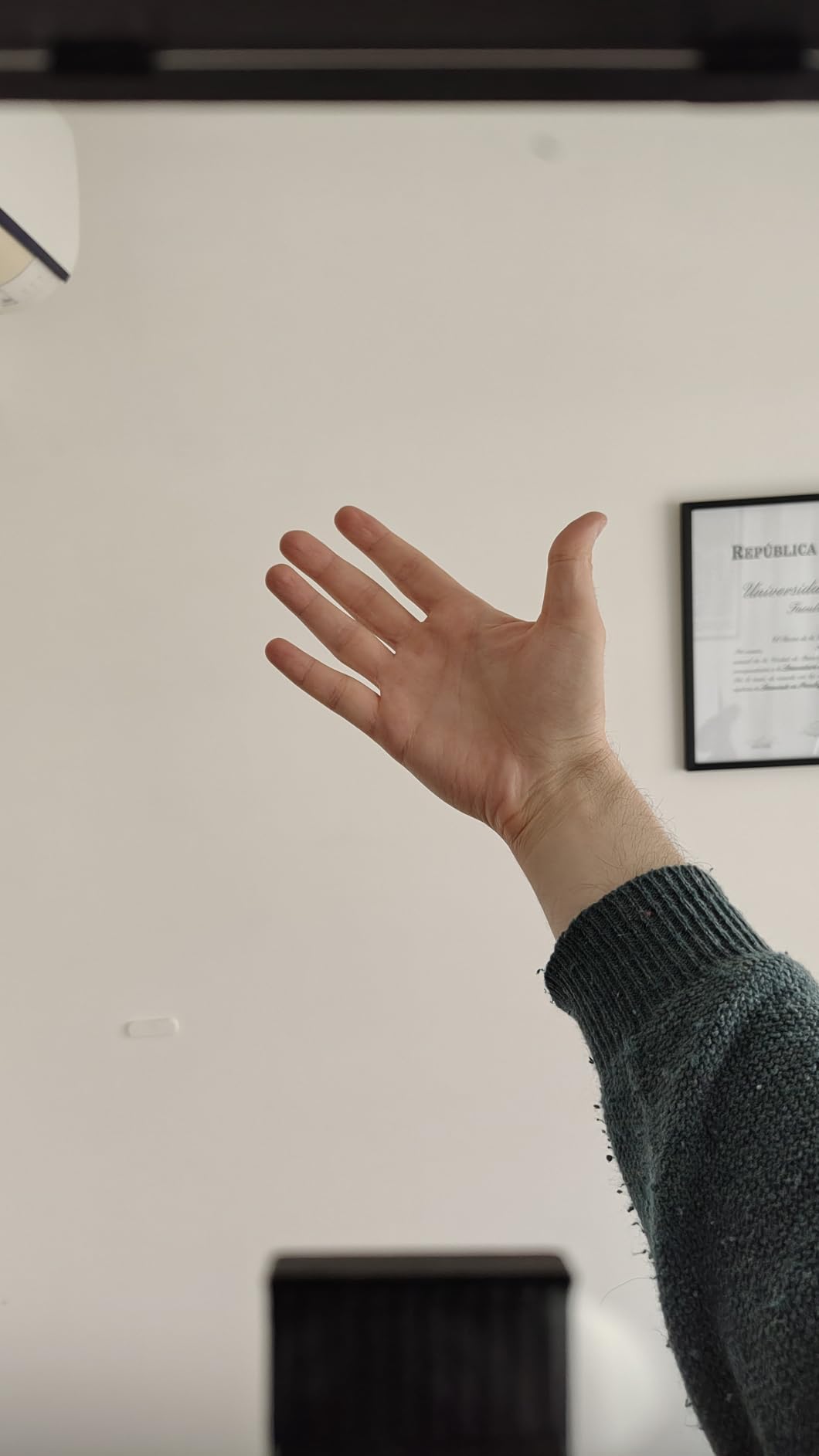
- Bottom plate can creep into frame with a phone
- 40.5mm to 49mm adapter ring is missing from the box
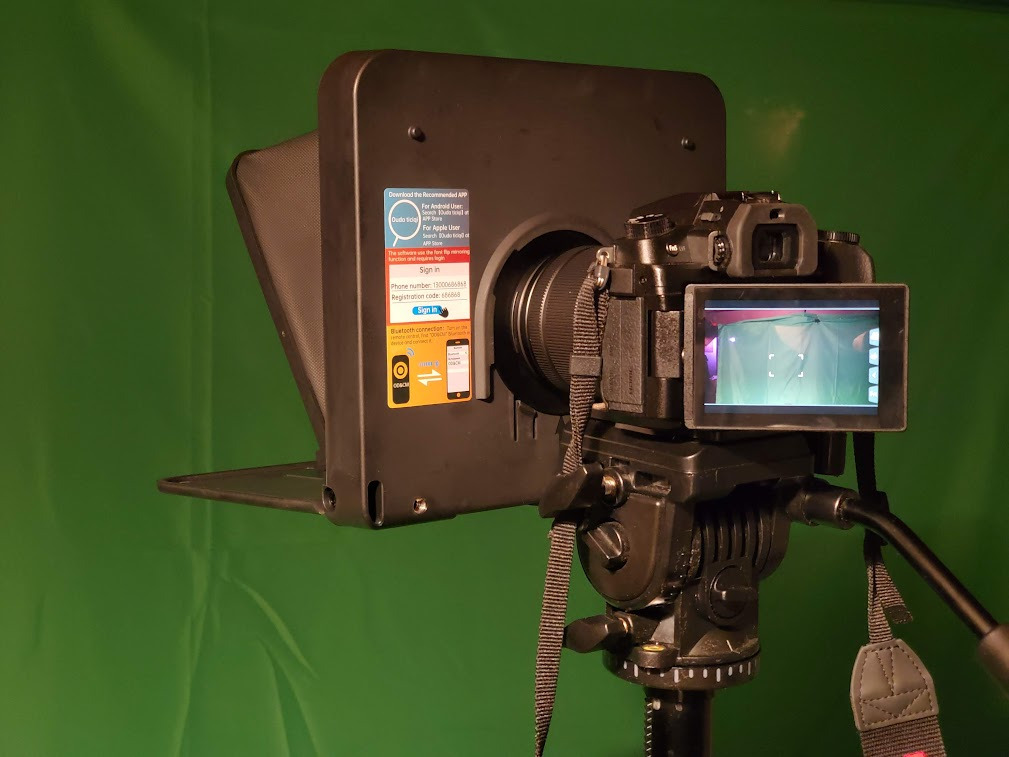
The TC7 is the rig for a speaker who speaks in a different city every week. It folds flat in about a second with the glass fixed at a 45 degree angle, which makes it the flattest packer in this roundup, and it weighs 450 g. It fits into the same compartment as a laptop, which is the entire point.
Optically it holds up better than the price suggests. The coated beam splitter glass supports lenses as wide as 17mm, and reviewers report little vignetting after a minor mirror adjustment. Cold shoe mounts across the top take a microphone, tripod head or light, so it does not need a permanent rig around it.
It works with phones, tablets under 9.7 inches, and cameras through the included adapter rings. Placement can be vertical or horizontal with shooting from either side, and the TCQI app handles scrolling, font and background, plus TXT import and voice entry of scripts.
The 4.1 rating across 291 reviews comes with real accessory complaints. Reviewers report unresponsive Bluetooth remotes, units arriving with a dead remote, and the TCQI app closing by itself on some devices. The 40.5 mm to 49 mm adapter ring is not in the box, and attaching the unit directly to a lens mount has been reported to strain the mount over time.
Packing and carry decisions
The folding geometry is genuinely better than the alternatives here. Most compact rigs fold to a block several centimeters deep; this one goes to about book thickness, which means it fits in a laptop sleeve rather than a separate case. For a speaker who pays baggage charges or carries a bag up hotel stairs, that is worth more than any spec on the glass.
The 450 g weight also means you can hold the rig rather than mount it, which is a real option for a short indoor speech at a venue with no AV support. Cold shoe mounts let you attach a small tripod and still pack the whole setup in one piece.
Which problems you may hit on the road
Carry a backup control method. If the bundled remote is unresponsive, your fallback is the app on the phone, and the reported app exits mean you should know where your script is stored offline before you travel.
Mind the framing. The bottom plate can creep into the camera frame when positioning is imprecise, particularly with a phone. If you also use a lens adapter, confirm which ring sizes you actually have, because one common size is missing from the box and the plastic build feels inexpensive in reviews.
9. AMBITFUL 7.5 Inch Mini – Best for First-Time and Short Speeches
AMBITFUL 7.5” Mini Teleprompter W/Desktop Tripod for Smartphone & DSLR
7.5 inch coated glass
350 g prompter plus tripod
49-77mm adapter rings
Desktop tripod included
Pros
- Lowest cost entry point and a complete ready to use kit
- 350 g prompter that sets up without tools
- Coated glass gives sharp text without double images
- Supports wide lenses over 35mm
- Desktop tripod means no separate stand purchase
Cons
- Not compatible with tablet computers
- 7.5 inch glass is the smallest prompting area here and limits read distance
- Camera mounting needs a 1/4 inch tripod thread
- Highest share of one star ratings in the set
The AMBITFUL mini is the smallest and lightest complete kit here, and it is the honest starting point for a speaker giving one short speech. The prompter body weighs 350 g, a desktop tripod is included, and the Bluetooth remote and app cover speed, pause, font and screen orientation. Nothing else needs buying before you can read a script.
The 7.5 inch coated glass passes light well enough for sharp, ghost-free text, and it supports wide lenses over 35mm so the text stays clear during a live read. Adapter rings from 49 mm to 77 mm and a phone holder are in the box.
Its rating of 4.0 across 440 reviews is the lowest in this roundup, with 58 percent five star and 14 percent one star, the highest one-star share of anything we tested. That spread usually means uneven experience rather than a faulty product. Buyers accept the small glass and the phone-only scope; the complaints concentrate on tablet incompatibility and small-screen readability.
Two specs decide whether this is right for you. It will not work with tablet computers at all, and camera mounting needs a 1/4 inch tripod thread plus the correct adapter ring. Check both against the device in your hand before ordering.
Where a small prompter still works well
A short acceptance speech, a wedding toast, a club announcement or a five-minute conference intro all fit comfortably into a 7.5 inch window. If your speech is under roughly 600 words, the small glass is not the limiting factor, and the included desktop tripod handles a table, a lectern shelf or a windowsill.
The bundle value is genuine. A prompter, tripod, remote, adapter rings and a phone clip in one box removes the sequence of small purchases that adds up when you are starting from nothing.
Where 7.5 inch glass becomes the problem
Read distance is the hard limit. Once you step back from a table, the text shrinks faster than it does on a 12 inch panel, and the words become work rather than support. If your speech is longer than a few minutes, or you speak from the middle of a room, the small glass will make you read faster than feels natural.
The rating spread also reflects the tablet exclusion. Owners who bought it expecting to use a tablet are the source of most of the one-star feedback, so treat the phone-only scope as a firm boundary rather than a limitation to work around.
10. Little Prompter LP-01 – Best for Laptops, Webcams and Video Calls
Little Prompter, The Original Compact Personal Teleprompter for Video Production. No Studio Required. Perfect for DSLRs, Webcams, and Built-in Laptop Cameras. Use with iOS or Android.
6 inch glass
14.08 ounces
Folds to a 6 inch cube
Works with laptops and webcams
Pros
- Plug and play design volunteers of any age could pick up quickly
- Works with phones laptops and Logitech style webcams
- Glass does not degrade the captured image
- Very compact and packs easily for travel
- Tripod attachment bar takes a pro camera on top
Cons
- 6 inch glass is hard to read beyond about 4 feet
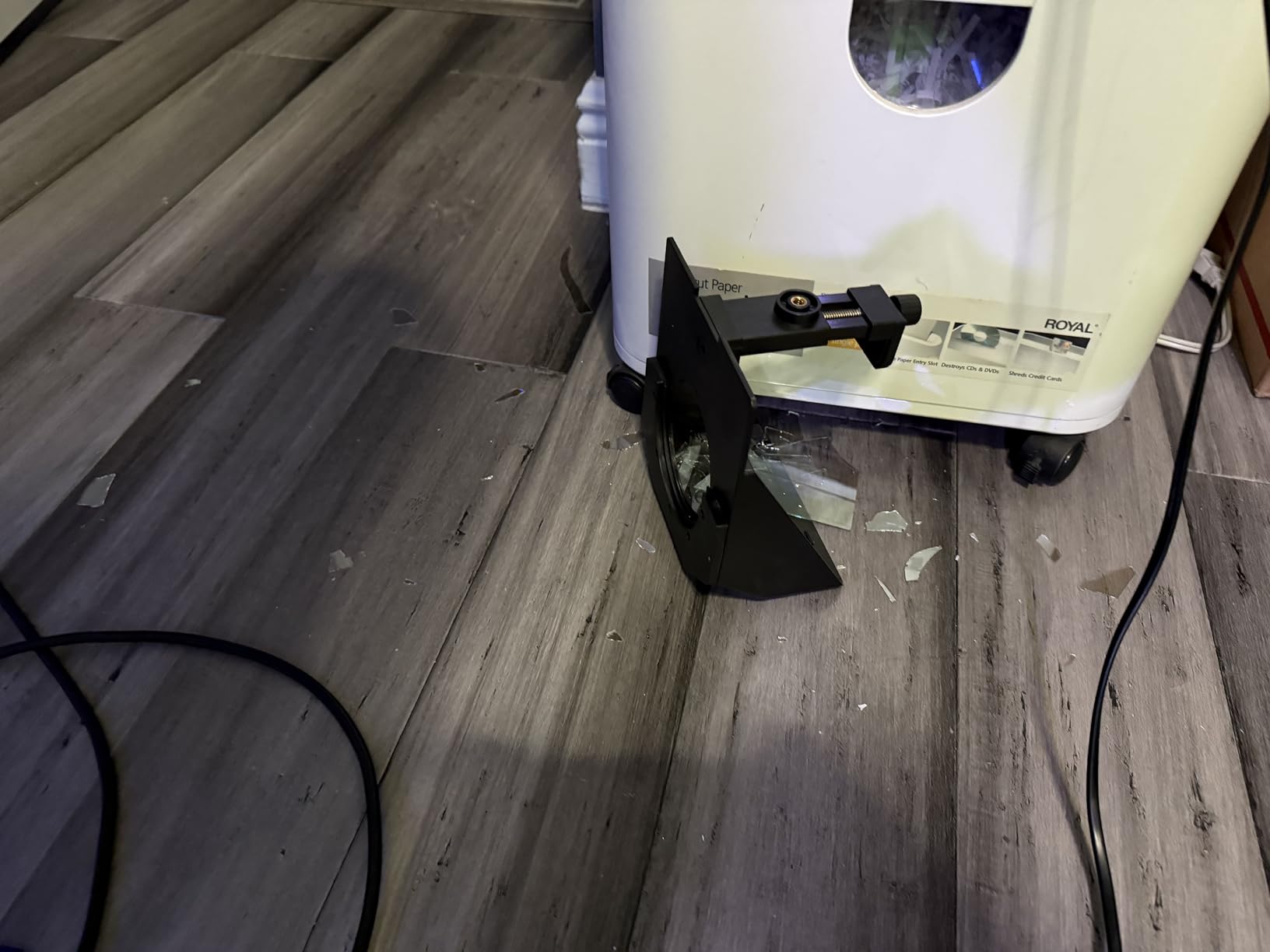
- Plastic body and bracket can crack when forced
- Clamp may not span a large curved monitor
- Teleprompter software is not included
The LP-01 is the smallest and lightest device in this roundup at 14.08 ounces, and it is built for one specific job: putting a script in front of a laptop or webcam. It clamps over a camera lens, a webcam or a laptop, and it folds to a 6 inch cube for packing.
What stands out is how simply it can be handed to somebody else. A nonprofit team of volunteers aged twenty to eighty used it with almost no training, which is a useful signal for anyone planning to involve family or colleagues in running a speech. Shear-snap screws are designed to break rather than strip a camera or laptop when over-tightened, which is a thoughtful touch.
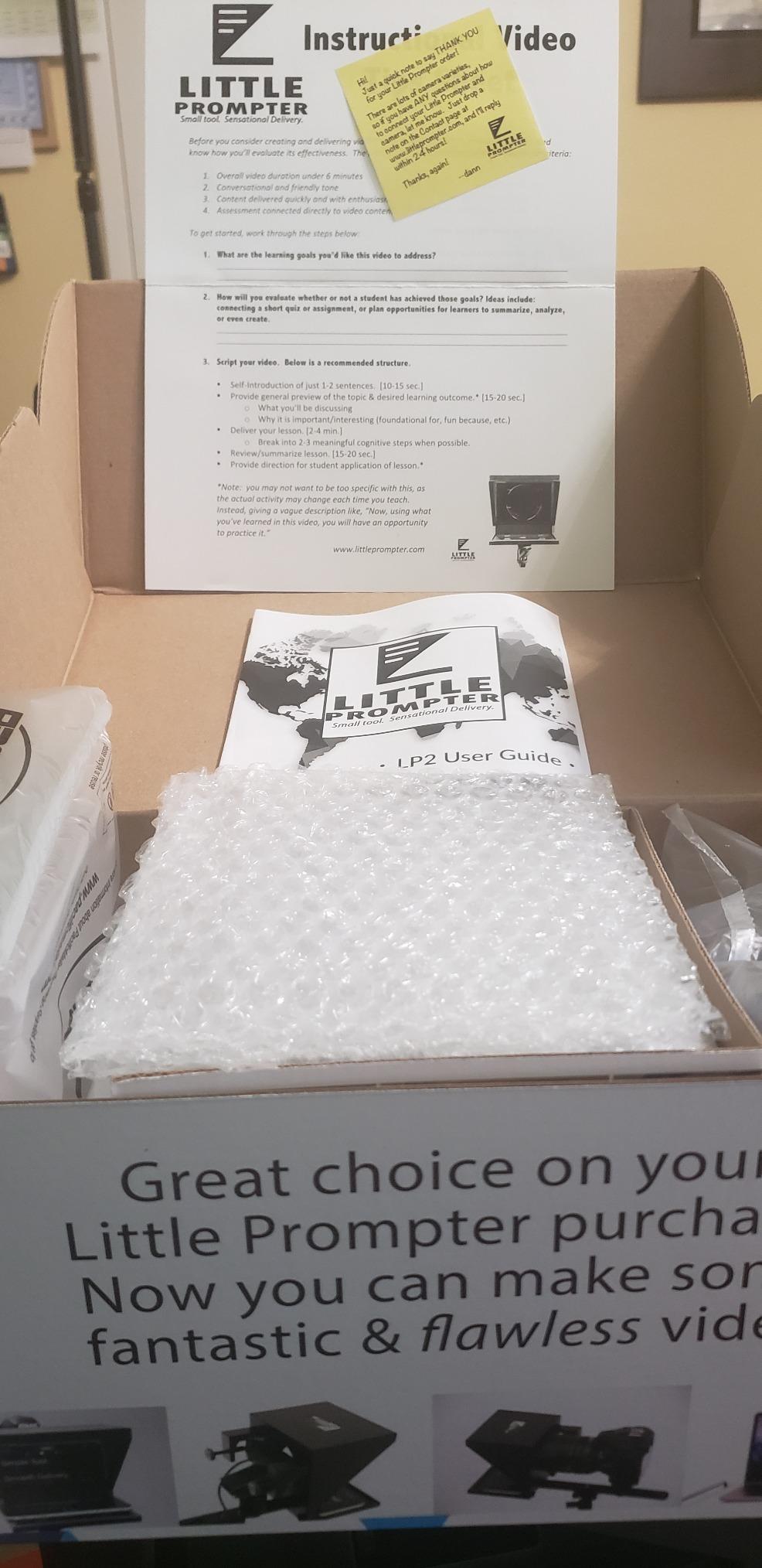
The 4.1 rating across 246 reviews comes with consistent criticism of the small glass and the plastic build. One reviewer found 6 inch text difficult to read past four feet, which is roughly the distance from a laptop to a seated audience. Another reported the bracket cracking while fitting a Logitech webcam. Several reviewers nonetheless call the support from the company exceptional, including free replacement hardware.
On the video side the glass does not degrade the captured image, so footage stays clear, and the tripod attachment bar lets a proper camera sit on top when you outgrow the webcam.
Where this rig earns its place
Video calls are the natural fit. If your speeches are internal briefings on a conferencing platform, this clamps to a laptop and keeps your eyes near the lens, and it weighs less than a paperback so it can live in the same bag as the laptop. Nothing to install, no driver, no separate screen.
It also works as a starter prop. Handing it to a colleague to hold is a viable way to give yourself scroll control without a dedicated operator, and the low mass makes that arrangement easy.
Where 6 inch glass stops working
Read distance is the hard ceiling, and reviewers put it at about four feet. That covers a desk, a lectern close to the front row, and a small meeting room. It does not cover a conference stage, a lecture theatre, or any room where you step away from the screen while speaking.
The plastic construction is the second limit. Forcing a wide webcam or a large curved monitor into the clamp can crack the body or strip the screws, and the clamp may not span a big curved display at all. Software is not included either, so you will need a prompting app as well.
What Is a Teleprompter and How Does an Autocue Work?
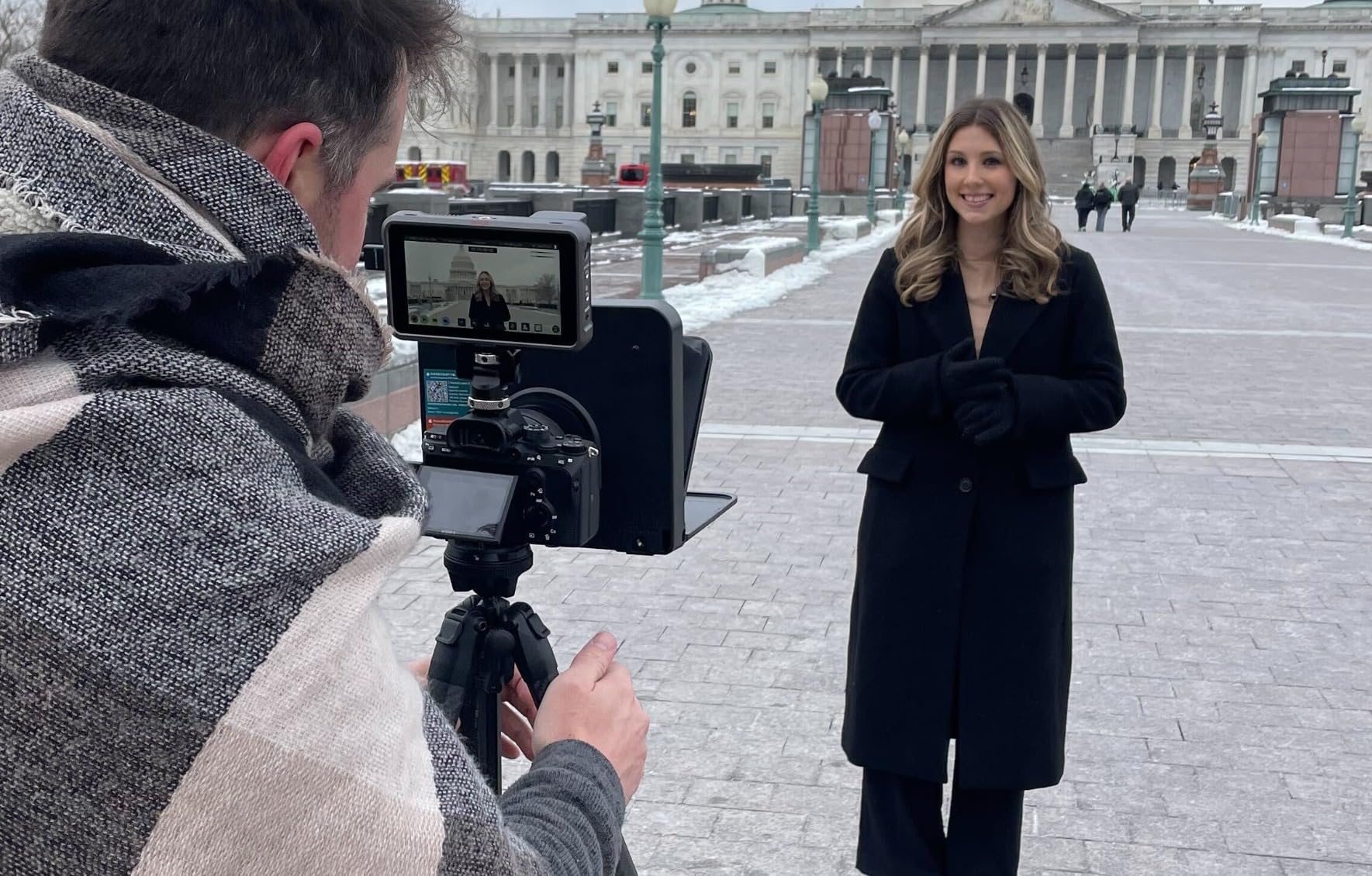
A teleprompter, also called an autocue or simply a prompter, is a device that reflects scrolling text in front of a speaker or camera so a script can be read while the eyes stay pointed at the audience or the lens. Autocue is the broadcast term for the same thing, and broadcast-grade autocue systems are typically the floor-stand or podium models used for news and political addresses.
The mechanism takes five steps.
1. Your script is loaded into a prompting app on a phone, tablet or computer. Plain text or Word documents can usually be imported directly.
2. The app mirrors the text and scrolls it at a speed you set, or on some apps, at a speed driven by your own voice.
3. A beam splitter glass panel sits between you and the device. This glass reflects the screen toward your eyes while passing light straight through to the camera.
4. The camera sits behind or above the glass on the same axis as your eyes, so the reflected text never appears in the recorded frame.
5. Someone scrolls the script, either an operator standing nearby or you, via a Bluetooth remote, a foot pedal or voice-follow scrolling.
The split ratio in that glass matters more than most buyers expect. A 70/30 beam splitter passes 70 percent of the light and reflects 30 percent to the speaker, which gives a bright camera image and a slightly dimmer script. A 60/40 split is easier to read but passes less light to the camera, so faces can appear darker on a recorded speech.
What to Look for When Choosing Teleprompters for Speeches
Reading distance and glass size come first, and they are decided by the room rather than by taste. Small glass of 6 to 8 inches works at desk distance and for short speeches. Eleven to 12.9 inch panels read comfortably across a meeting room or a small stage. Anything beyond that belongs to the broadcast rigs we cover in the rental section.
Match the panel to how far you will stand from it. Glide Gear uses a 12 inch 70/30 panel, the NEEWER X11 uses an 11 inch panel listed as readable to 2.5 m, and the NEEWER Basics X12B is listed as readable to 10 ft. Where a manufacturer states a distance, treat it as the working range rather than the maximum.
Device compatibility decides whether your script fits. Several 12 inch rigs in this roundup explicitly do not fit the iPad Pro, and the Desview P13 and T12S exist because a standard 12 inch shelf is too small for a large tablet. Measure your device before ordering, and note the maximum recommended device weight where it is published.
Portability matters if you travel. Weights across this roundup run from 0.25 kg to 3 kg, and the difference decides whether you carry the rig or ship it. Folding designs, included carry cases and the included flight case on the T12S all reduce the friction of moving between venues.
Control method decides whether you need a second person. Every rig here ships with a Bluetooth remote in some form, which lets a solo speaker run the scroll. Voice-follow scrolling, which advances the text as you speak rather than at a fixed rate, appears on the Elgato Prompter but not on the NEEWER X11, and that difference changes rehearsal time more than any other feature.
Glass quality determines how the text looks. Coatings with 70/30 or 60/40 splits, higher light transmission, and anti-reflective treatments all reduce ghosting and improve daylight readability. The color neutral coated glass on the Desview T12S is the clearest example in this roundup of paying for optical performance specifically for bright rooms.
Venue fit is the last check. Match the rig to the furniture: a lectern shelf takes a compact rig, a stage needs a stand the rig can be fixed to, and an outdoor ceremony needs both a sun hood and glass that holds up in daylight. Speakers who also work in speech therapy or communication support can compare approaches in our guide to speech generating devices for adults with ALS.
Should You Buy or Rent a Teleprompter?
Rent if this is a one-off speech. A presidential-style floor stand or a large stage prompter is built for broadcast rooms, needs an operator to run it, and gains you nothing if you speak once a year. Rental from an AV house or a venue production team usually bundles the glass, the stand, the operator and the install, which removes four separate problems at once.
Buy if you speak regularly. Once you are delivering more than a handful of talks a year, the setup time and the familiarisation cost disappear, and a mid-range rig pays for itself in convenience rather than in capability. The rigs in this roundup are the buy tier.
Also rent, rather than buy, if your speech happens in a large venue you do not control. Floor stands need to be positioned, levelled and framed by someone who does this weekly, and a rented unit arrives with that person. Buying a large rig and then hiring an operator anyway usually costs more than the rental.
How to Read a Teleprompter Without Sounding Robotic
The most cited complaint from people who use prompters is not the hardware. It is sounding like a document being read aloud, which happens when the text leads the speaker instead of the other way round. This protocol fixes it.
1. Set the scroll slightly faster than you speak. If the text sits still waiting for you, you will track it with your eyes and the delivery flattens. If you cannot catch up, you will read verbatim, which is worse.
2. Let the text lead your eyes by a line or two. Reading ahead is what keeps your voice in front of your eyes and preserves natural cadence.
3. Look up at the end of each thought, not each sentence. A full stop is a natural breath point where the audience can re-find your face.
4. Rewrite the script in spoken language before you load it. Sentences you would say out loud read smoothly. Sentences you would write do not, and no amount of scrolling fixes them.
5. Rehearse with the actual rig, not a phone held in your hand. The reading distance changes your pace, and the first rehearsal on the real equipment is where you learn your true speed.
6. Rehearse standing up, at the height you will use on the day. Eye angle changes the way your voice projects.
7. Record yourself and watch the playback. The prompter stare and the flat delivery are obvious on video and invisible from the inside.
8. Know where your sightline lands. Pick a spot in the glass slightly above the text and aim your gaze there, so the reflection reaches your eyes without your head dropping.
Drawbacks of Using a Teleprompter and How to Avoid Each One
The teleprompter stare is the first drawback, and the most visible one. Reading from a fixed point reduces natural eye movement, and audiences notice even when they cannot name it. Fix it by choosing a sightline in the glass and looking up at the end of each thought.
Sounding robotic is the second. Word-for-word reading produces a flat delivery regardless of the quality of the rig. Fix it by rewriting in conversational language and running a full rehearsal at the real reading distance.
Scroll-speed desync is the third and the most common practical problem. A fixed scroll rate either runs ahead of the speaker or falls behind, and both force the speaker to hunt for their place. Fix it by setting speed slightly above your natural pace, or by choosing a rig with voice-follow scrolling so the text advances with your voice.
Needing a second person is the fourth. Operating the scroll yourself is impossible if your hands are holding notes or gesturing. Fix it with a Bluetooth remote, a foot pedal, or an app that follows your speech, all of which appear across the rigs in this roundup.
Prompts appearing on camera is the fifth. If the camera sits slightly off axis, or the glass is misaligned, the reflected text can be picked up in the frame. Fix it by aligning the camera and the glass on one axis during rehearsal and marking the position.
The temptation to read instead of connect is the sixth. A prompter removes the fear of forgetting your lines, which can quietly turn a speech into a document being read at the front of the room. Fix it by deciding in advance which sections are yours to speak from memory and which are supported.
Frequently Asked Questions
What teleprompter do politicians use?
Politicians typically use presidential or podium prompters from broadcast suppliers such as Autocue, Prompter People, Datavideo and Proaim. These are floor-stand or podium rigs with large beam splitter glass, a long reading distance, dual display options and a dedicated prompter operator. The same class of equipment is used for news anchoring, conference keynotes and any televised political address.
Does Donald Trump use a teleprompter?
Yes. US presidents and senior officials are given the option of a presidential teleprompter during public remarks, and the equipment is operated by a dedicated prompter operator rather than by the speaker. The same arrangements apply to most heads of government and senior elected officials. Whether a particular event uses one is a matter of the speaker’s own choice.
Do TED speakers have a teleprompter?
TED talks are famously delivered without a prompter, which is part of why they are used as the reference example for memorised delivery. The political speech use case is the opposite: long passages are read to the exact wording. If you do not want to read, the usual alternatives are cue cards with single key words, memorising in chunks, or rehearsing to video and reviewing playback.
What are the drawbacks of using a prompter?
The main drawbacks are the fixed teleprompter stare, sounding robotic when reading word for word, scroll speed desynchronising from your natural pace, needing a second person to operate the scroll, the reflected text appearing on camera if the glass is misaligned, and the temptation to read instead of connect with the audience. Each has a practical fix that comes from rehearsal rather than from better hardware.
How does an autocue work?
An autocue is another name for a teleprompter. A script loads into an app on a phone, tablet or computer, the app mirrors and scrolls the text, and a beam splitter glass panel reflects it toward the speaker while passing light through to the camera. Because the camera sits behind or above the glass on the same axis as the speaker’s eyes, the text is never recorded.
Is reading from a teleprompter hard?
It becomes easy with rehearsal. Most people find the first read awkward because their eyes track the text instead of leading it, and because the reading distance is different from a phone held in the hand. Rehearse standing, at the real distance, with the real rig, and set the scroll slightly faster than you speak.
What is the best teleprompter app for speeches?
There is no single winner, because the deciding factor is control. For a solo speaker, look for an app with Bluetooth remote support, adjustable scroll speed and font size, and direct import of TXT or DOCX scripts. Voice-follow scrolling, where the text advances as you speak, is the feature that most reduces rehearsal time, and it is available on some apps and not others.
Should I buy or rent a teleprompter for one speech?
Rent for a one-off speech. A large stage or floor-stand prompter arrives with an operator who positions, levels and frames it, which solves four problems at once and usually costs less than buying the rig and hiring that operator separately. Buy a mid-range rig instead once you are speaking regularly and the setup time and familiarisation start to matter more than the equipment.
Conclusion
The best teleprompters for speeches are the ones that match the room and your frequency of speaking. One talk needs nothing more than a prompting app and your phone. A recurring schedule of talks calls for a 12 inch beam splitter rig with a Bluetooth remote, and the Glide Gear TMP 100 is the one we would choose first, with the NEEWER Basics X12B covering the budget end of that same need.
If your script lives on a laptop, take the Elgato Prompter, because the built-in display removes the device balancing act entirely. If you are filming in daylight or outdoors, the coated glass on the Desview T12S is the difference between readable text and a ruined take. And if your speech is on a large stage that you do not control, rent the floor-stand rig rather than buying one.
Whatever you choose, rehearse with it. The teleprompter stare, the robotic delivery and the scroll desync all come from unpractised reading, and all three disappear in a single full run-through at the real reading distance.