
If you play on a PS5, Xbox Series X|S or Switch and want to stream or record properly, the Elgato HD60 S+ is the best capture card for console streaming in 2026. It captures 1080p60 HDR10, passes 4K60 through to your display with no added delay, works with a single USB cable, and has more than 11,500 reviews behind it. That review volume matters more than any spec sheet, because capture hardware fails quietly and you only find out after a three-hour stream.
I have compared ten cards for this guide, from internal PCIe boards to pocket-sized USB dongles, and the pattern was consistent: the hardware is rarely the problem. Bandwidth, HDCP settings and network upload are the problem far more often. Several of the cards below are genuinely good, and three of them will do everything a first-time streamer needs for the price of a takeaway order.
One thing to clear up before we start, because the advice on streaming forums is badly out of date. A large share of the recommendations still going around name the Elgato HD60S, the HD60 Pro, the 4K60 Pro and the AVerMedia Live Gamer Extreme. All of those are superseded. If a thread tells you to buy them, the poster is quoting advice from several years ago. Everything in this guide is current stock in 2026, and I have said plainly where a card falls short.
Also worth saying up front: stream over wired ethernet if you can. A wireless uplink will undermine a perfect capture card, and users regularly blame hardware for a network fault. If your stutter only shows up when someone else is streaming or downloading on the same network, that is your answer.
Table of Contents
Top 3 Picks for Console Streaming in 2026

Elgato HD60 S+
- 1080p60 HDR10 capture
- 4K60 HDR10 passthrough
- Instant Gameview ultra-low latency
- Flashback Recording
- Windows and macOS

Elgato 4K X
- 4K144 capture and passthrough
- HDMI 2.1 in and out
- VRR and HDR10 passthrough
- Up to 1080p240 capture
- USB 3.2 Gen 2

AVerMedia Live Gamer Mini
- Full HD 1080p60 capture
- 100% zero-latency HDMI pass-through
- UVC plug-and-play
- Built-in H.264 encoder
- Three-year warranty
All 10 Best Capture Cards for Console Streaming (October 2026)
The fastest way to narrow this down is to read across the row. Capture resolution is the number that decides what your stream file looks like. Passthrough is the number that decides what your TV shows while you play. They are frequently different, and confusing them is the most common reason people buy a card that is wrong for them.
| Product | Specifications | Action |
|---|---|---|
| Elgato HD60 S+ |
|
Check Latest Price |
| Elgato 4K X |
|
Check Latest Price |
 ASUS TUF CU4K30 ASUS TUF CU4K30 |
|
Check Latest Price |
 VIXLW K801-C VIXLW K801-C |
|
Check Latest Price |
 AVerMedia Live Gamer 4K GC573 AVerMedia Live Gamer 4K GC573 |
|
Check Latest Price |
| AVerMedia Live Gamer Mini |
|
Check Latest Price |
 NearStream CCD10 NearStream CCD10 |
|
Check Latest Price |
 UGREEN 25773 UGREEN 25773 |
|
Check Latest Price |
 VIXLW V316B-FR VIXLW V316B-FR |
|
Check Latest Price |
 Guermok GM-29A Guermok GM-29A |
|
Check Latest Price |
Why You Need a Capture Card for Console Streaming
A capture card is a small box that sits between your console and your streaming PC. Your console’s HDMI output goes into the card, the card’s HDMI output goes to your TV, and a USB or PCIe cable carries the decoded video to your PC where OBS Studio or Streamlabs treats it exactly like a webcam.
You need one because consoles are terrible at recording themselves. Native capture on a PS5 or Xbox Series X saves a short compressed clip that looks flat and gets deleted quickly. Native streaming compresses harder still. A capture card takes the raw HDMI signal instead, so the quality is limited by your encoder and your upload speed rather than by the console.
The second reason is headroom. In a single-PC setup, the card takes the encoding load off the machine that is also rendering the game, which is the difference between a smooth stream and a stuttering one. In a dual-PC streaming setup the card becomes mandatory rather than convenient, because the game machine has nothing left to encode with and the streaming machine needs a video source to pull from.
You do not need one if you only play PC games, since OBS can grab the game window directly. You do need one the moment you want to put a PS5, an Xbox, a Switch or a handheld on stream, and you need one to add a DSLR or webcam feed as a second source for talking-head segments.
If you are still building out the rest of your rig, our guides to the best microphones for streaming and the best budget graphics cards cover the other two pieces that decide whether a stream looks professional.
1. Elgato HD60 S+ – Best Overall for Console Streaming
Elgato HD60 S+, External Capture Card, Stream and Record in 1080p60 HDR10 or 4K60 HDR10 with ultra-low latency on PS5, PS4/Pro, Xbox Series X/S, Xbox One X/S, in OBS and more, works with PC and Mac
1080p60 HDR10 capture
4K60 HDR10 passthrough
Instant Gameview
Windows and macOS
2 year warranty
Pros
- Highest review volume in this lineup at nearly 11600 reviews
- 4K60 HDR10 zero-lag passthrough
- Flashback Recording saves moments retroactively
- Works across PS5 Xbox Series X S Switch and PC plus Mac
- Works on both Windows and macOS
Cons
- HDR10 capture stops at 1080p
- No 1080p240 high-frame-rate capture
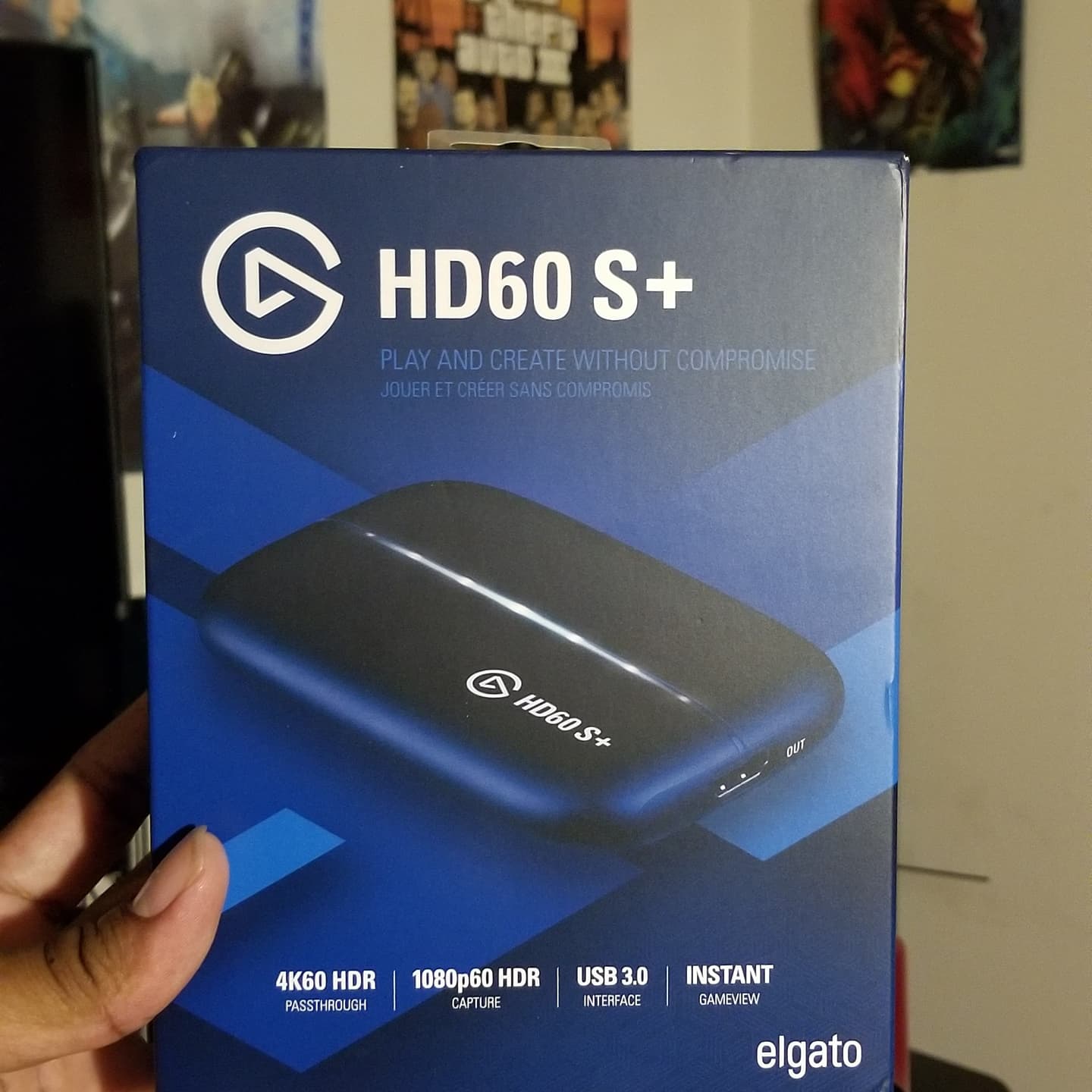
This is the card I recommend to anyone who asks me for one recommendation. It weighs 3.85 ounces, measures just under three inches wide, and runs off a single USB 3.0 cable with no external power. That simplicity is the whole product.
The spec sheet is deliberately modest and that is the point. Capture is 1080p60 with HDR10, which is exactly what Twitch, YouTube and every other streaming platform actually delivers to viewers. Passthrough is 4K60 HDR10, so your television shows you a full 4K picture at the same time. You are never paying for resolution you cannot use.
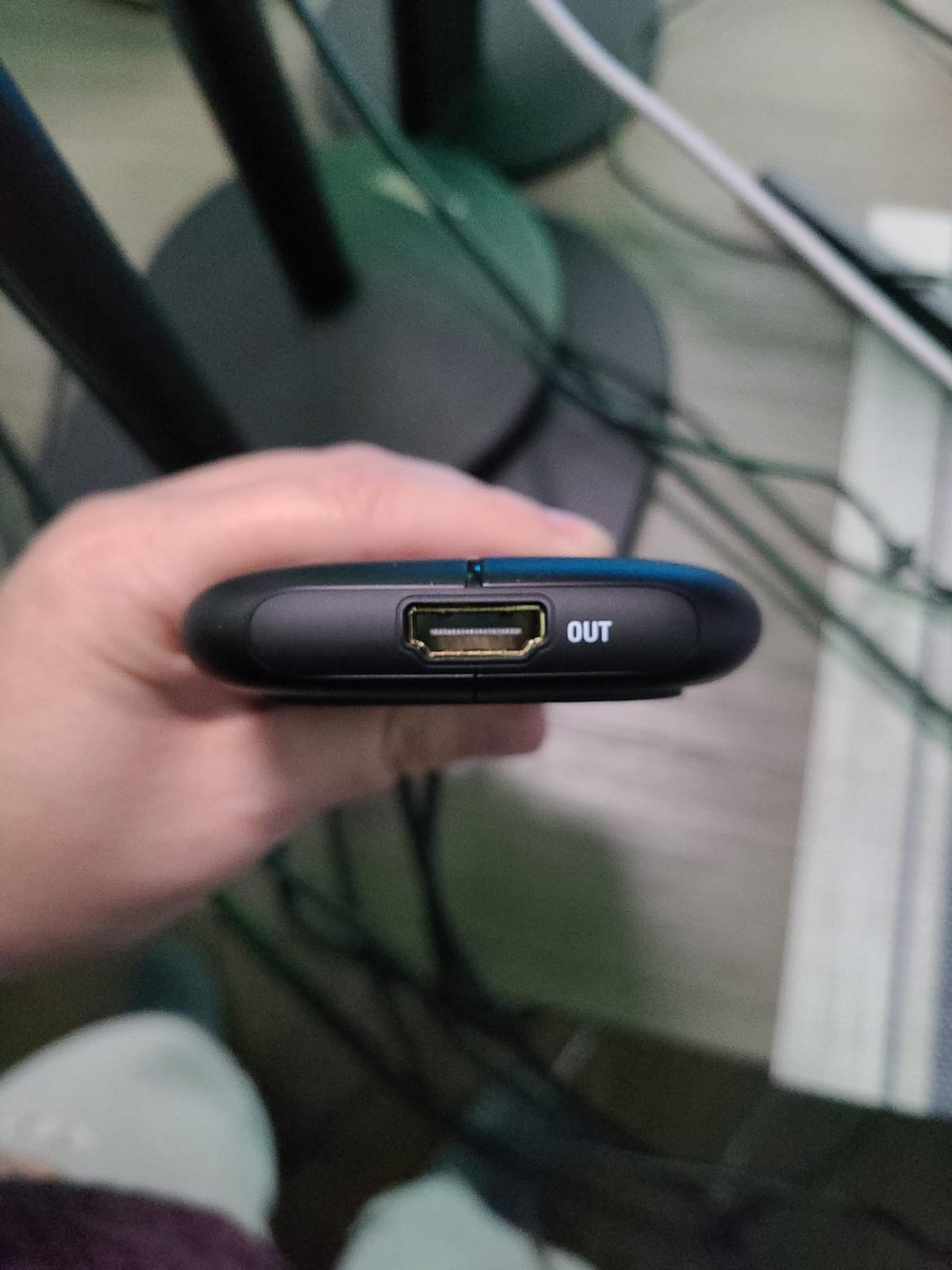
Instant Gameview is the feature that matters for a console streamer. It keeps the delay between your input and the display down to a level most people cannot perceive, which keeps fast games playable while you are broadcasting. Flashback Recording buffers recent footage in the background so you can retroactively save a moment you missed, and capture is unlimited with no subscription attached.
Roughly 78 percent of its ratings are five-star, and 4 percent are one-star, which tells you the failure rate is low. Owners cite the same things repeatedly: the zero-lag passthrough, the flashback buffer, and the fact that it simply appeared in OBS the first time they plugged it in.
Is it right for a PS5 or Xbox Series X setup?
Yes, for both, and it is the safest choice for a PS5 specifically. Plug the PS5 HDMI out into the card, the card into the display, run the USB cable to your PC, and add a Video Capture Device source in OBS. Audio comes through the same HDMI cable, so there is no second audio device to configure.
The one thing to know is that HDR10 capture is limited to 1080p on this model. If your game is running 4K with HDR on the TV, your stream will be 1080p60 with HDR metadata intact, which viewers will never notice.
When should you spend more instead?
Spend more if you need true 4K60 recording files for editing, or if your PC is a laptop with only one fast USB port and you want a card that will still work when everything else is plugged in. Otherwise there is no streaming scenario where this card is the wrong answer, and the price gap to the premium options buys you resolution you will delete before uploading.
2. Elgato 4K X – Best for 4K144 Capture and VRR
Elgato 4K X Capture Card, HDMI 2.1, 4K144 Ultra-Low Latency
4K144 capture and passthrough
HDMI 2.1 in and out
Up to 1080p240 capture
VRR and HDR10 passthrough
USB 3.2 Gen 2
Pros
- 4K144 capture and passthrough for high-refresh console output
- HDMI 2.1 supports up to 1080p240 recording
- VRR and HDR10 passthrough for tear-free play
- USB 3.2 Gen 2 delivers ultra-low latency
- Works with OBS Streamlabs Twitch Studio Restream Zoom and Teams
Cons
- Needs a recent CPU and discrete GPU for full resolution
- Demands a true USB 3.2 Gen 2 port
- Most expensive mainstream external card in this group
The 4K X is the only card in this guide with genuine HDMI 2.1 on both the input and the output. That single fact changes what you can do: 4K144 passthrough for high-refresh console play, 4K144 capture, and frame rates up to 1080p240 for slow-motion work.
VRR and HDR10 passthrough are both handled properly, so variable refresh rate survives the trip through the card to your display. If you own a PS5 or an Xbox Series X and run a 120Hz or 144Hz television, this is the card that respects your setup rather than flattening it.
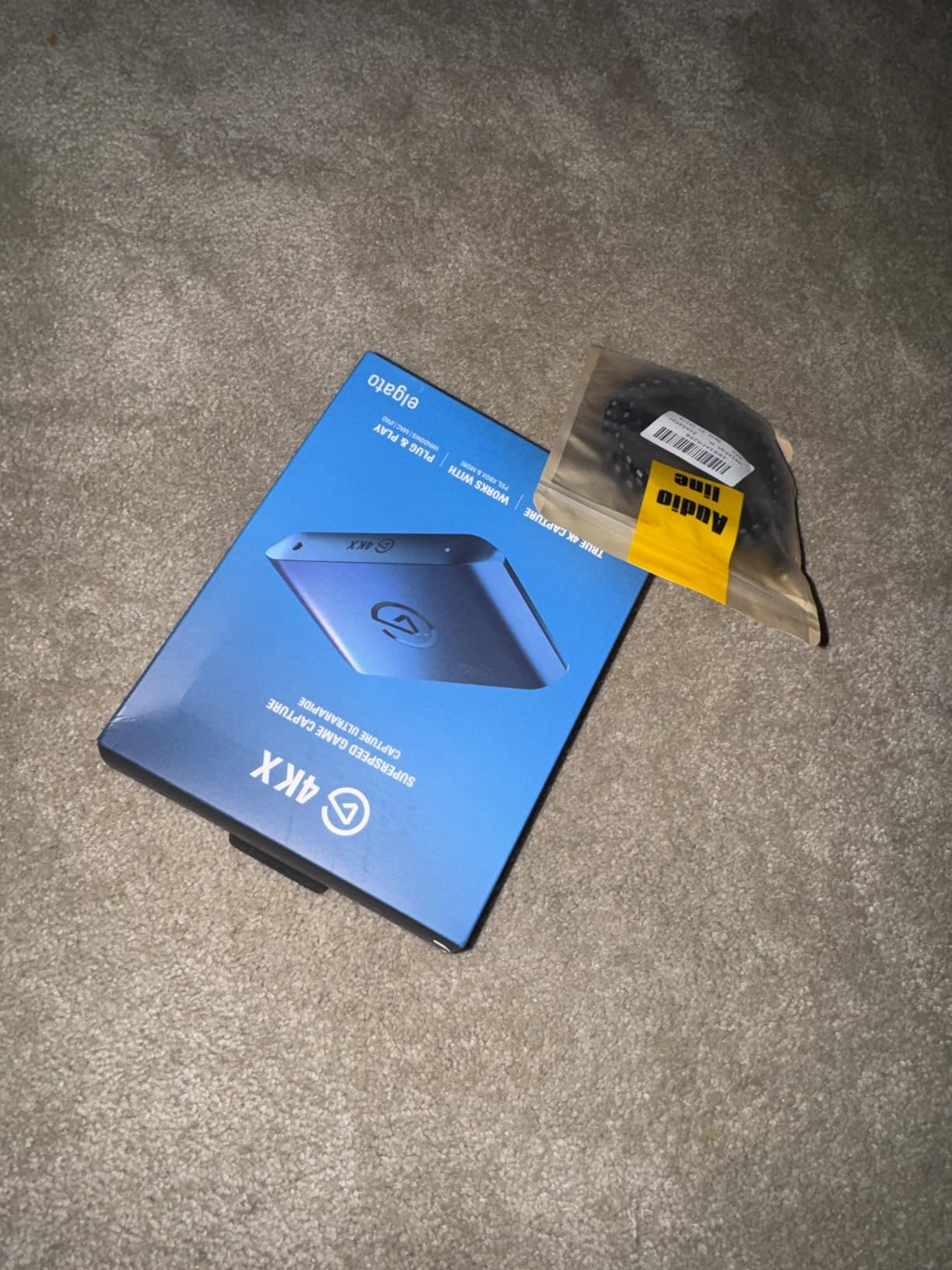
Reviewers describe broadcasting into OBS and Streamlabs as smooth and low-latency, with 79 percent of ratings at five stars. The body is 0.67 inches wide and 4.41 inches long, and it draws power over USB so there is no brick on the desk. Roughly 0.09 kg, which is barely anything in a bag.
There is a sibling model in the same range, the 4K S, which trades resolution for cost. If you are not chasing 4K144, do not pay for it. The stated minimum system requirements are a 6th-generation Intel Core i5 or AMD Ryzen 5, an NVIDIA GTX 10xx or better, and a genuine USB 3.2 Gen 2 port.
Do you actually need HDMI 2.1 to stream?
No, and this is the most persistent myth in the category. HDMI 2.1 is only required if you want to pass 4K120 to your television or capture above 1080p60. Streaming at 1080p60 works perfectly well on HDMI 2.0 hardware, and every mainstream platform is built around 1080p60 as the delivery target anyway.
The honest reason to buy this card is 4K recording for a YouTube archive or a content creator who edits. If you only broadcast live, the value calculation does not justify the step up.
What are the real compromises?
Host system requirements are strict. A machine that struggles to encode 1080p60 will struggle more at 4K144, and reviewers who hit trouble almost always point to the PC rather than the card. Windows 10 64-bit, macOS 11 and iPadOS 17 are the listed platforms, so check your OS before you commit.
3. ASUS TUF CU4K30 – Best for Small Form Factor PCs
ASUS TUF Gaming Video Capture Card (CU4K30) 4K/2K/1080P 120 FPS & HDR Passthrough, Near-Zero Latency, Certified for OBS, USB 3.2, Plug & Play, Record & Stream with PC, PS5, Xbox, Switch
4K30 and 2K60 capture
4K HDR 60Hz passthrough
1080p120 capture
Plug-and-play UVC
OBS certified
Pros
- True plug-and-play UVC that OBS recognises with no extra drivers
- Effectively no perceptible input delay
- Alloy casing feels durable and transports well
- 4K HDR 60Hz passthrough while capturing 4K30 2K60 or 1080p120
- RGB status lighting shows device state
Cons
- Runs hot and some units freeze during long streams in warm rooms
- Intermittent dropouts that need unplugging and re-seating
- Some units needed a firmware update out of the box with unresponsive support
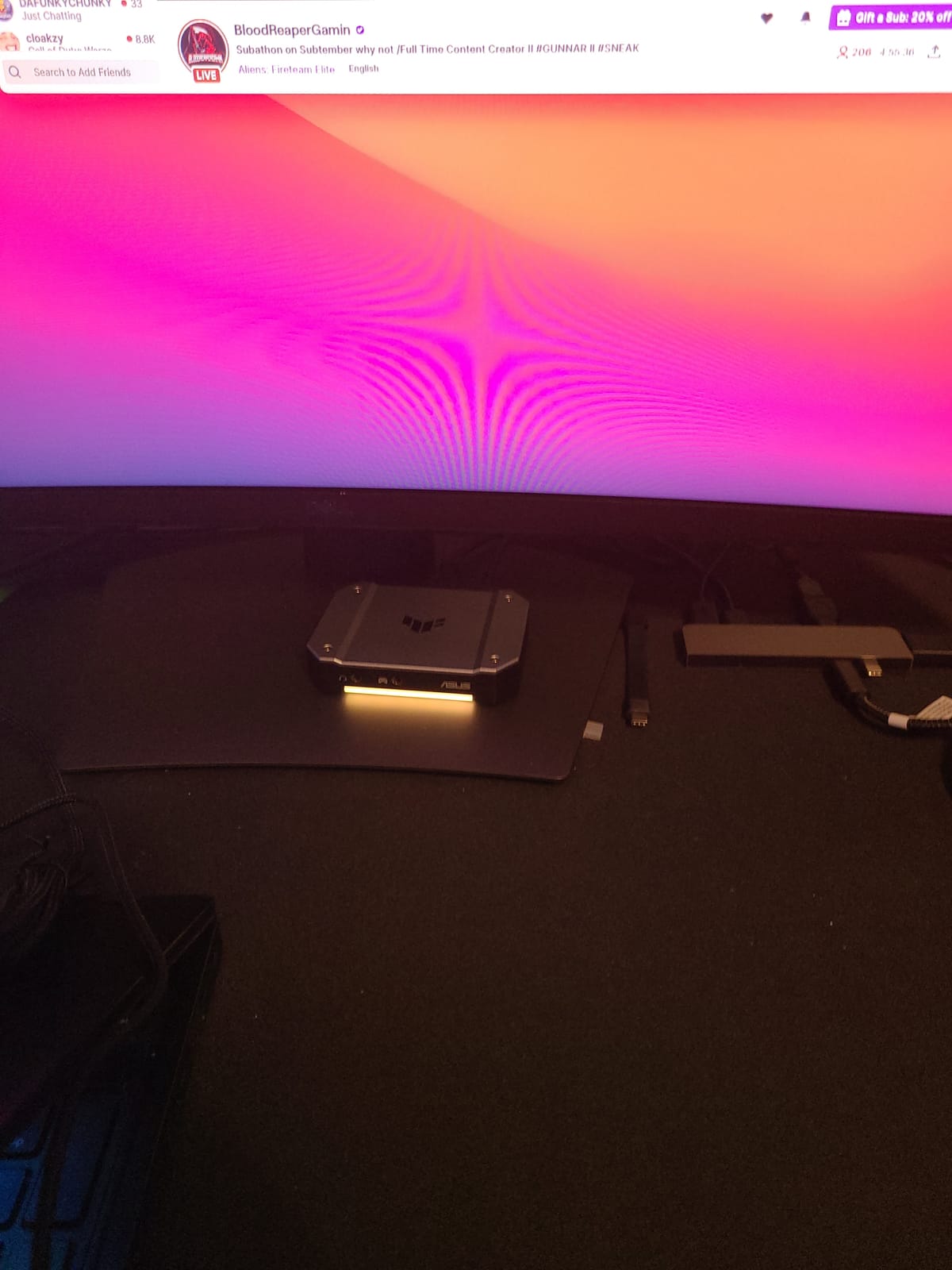
Not everyone has a free PCIe slot, and plenty of streamers run a mini PC or a laptop next to the console. This is the card for that situation. It connects over USB Type-C, appears in OBS as a standard UVC device with no driver install, and does not need a desktop tower at all.
Capture options are generous for a card in this class: 4K at 30fps, 2K at 60fps, and Full HD up to 120fps, with 4K HDR passthrough at 60Hz running to your display at the same time. Controller and headset audio sharing is supported, so you can hear your own game without hunting for a second output.
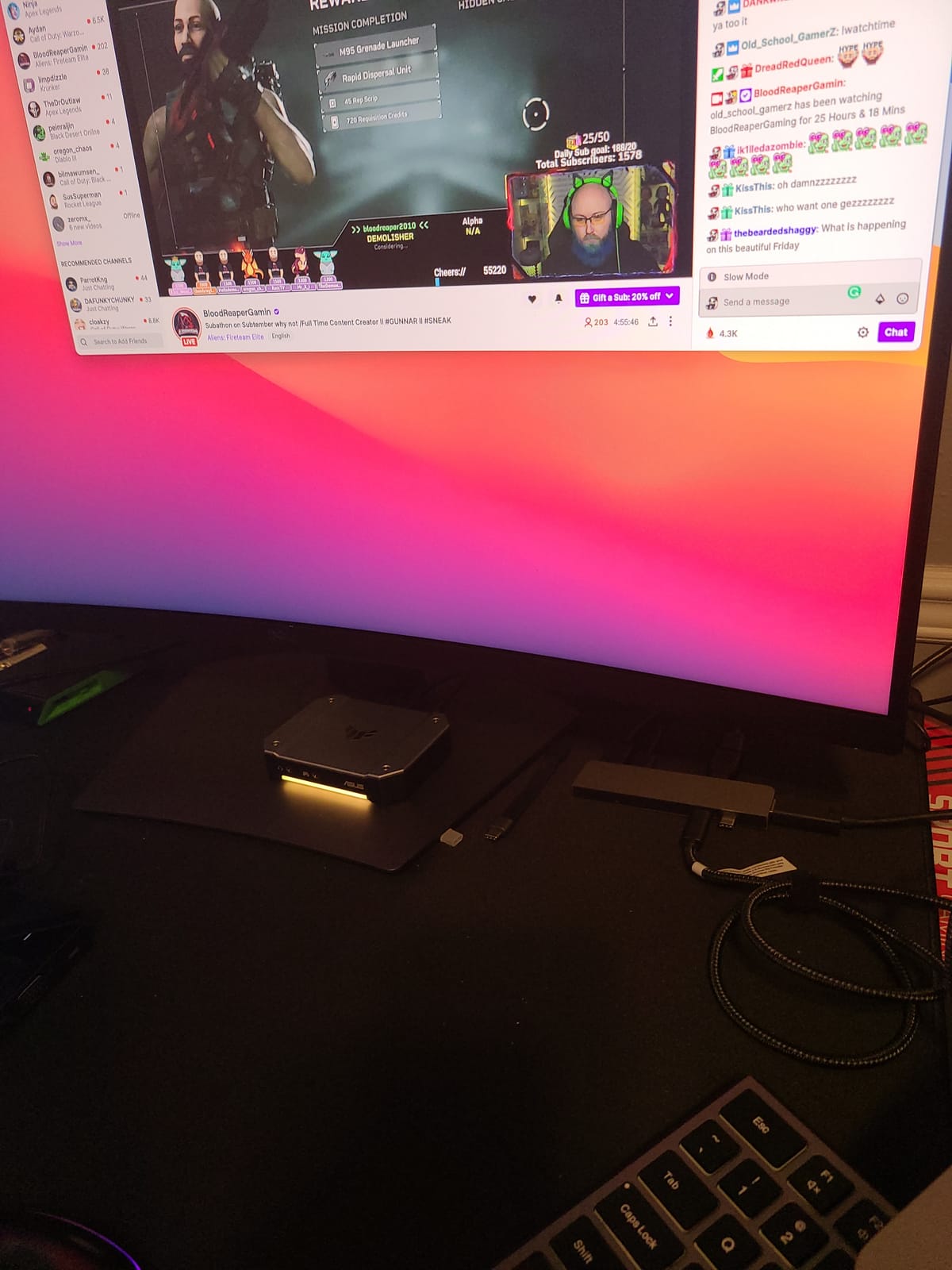
The reviews split, and it is worth being straight about why. Long-term streamers praise the instant OBS pickup, the metal build and the near-zero latency, often comparing it favourably against older Elgato PCIe hardware. About 10 percent of ratings are one-star, and those cluster around a specific complaint rather than general dissatisfaction.
The recurring theme in the critical reviews is heat. The enclosed heatsink in a warm room, during a multi-hour stream, can lead to freezing, and a smaller number of owners report intermittent dropouts that clear when the cable is unplugged and re-seated. The 4.2 average is dragged down by that cluster.
Will it work on your machine?
If your host is a compact PC or a laptop with a USB 3.2 Type-C port, this is a straightforward fit and OBS Studio recognises it immediately. It is Windows only according to the listed operating system, which is the first thing to check if you stream from a Mac.
There is a larger sibling, the 4KPRO with HDMI 2.1 and 2160p144, in the same range if you need more headroom. The CU4K30 covers the vast majority of console streaming needs at a lower tier.
What should worry you before you buy?
Support responsiveness. Owners who needed a return or repair report that ASUS was slow to answer RMA requests, and the warranty is one year rather than the two or three years offered elsewhere in this list. Keep it somewhere with airflow, and if you stream for six hours at a stretch in a warm room, buy a card with a more forgiving thermal design.
4. VIXLW K801-C – Best Budget Internal PCIe Card
4K Internal Capture Card, PCIe Capture Card, HDMI, 4K60 Passthrough, Ultra-Low Latency for Streaming & Recording, for PS4,PS5, Xbox, in OBS, YouTube, Single & Dual PC Setups, Black
4K60 capture and passthrough
240fps at 1080p
Near-zero latency
Internal PCIe
Windows
Pros
- 4K60 passthrough with matching 4K60 capture
- High-speed 240fps recording at 1080p for slow motion
- Plugs straight into OBS Zoom and Teams with no configuration
- Lifetime warranty support advertised
- Works in single and dual PC setups
Cons
- No audio passes through the HDMI loop-out
- Many reviews cover VHS and camcorder digitising rather than console streaming
- Driver installation is not automatic on some systems
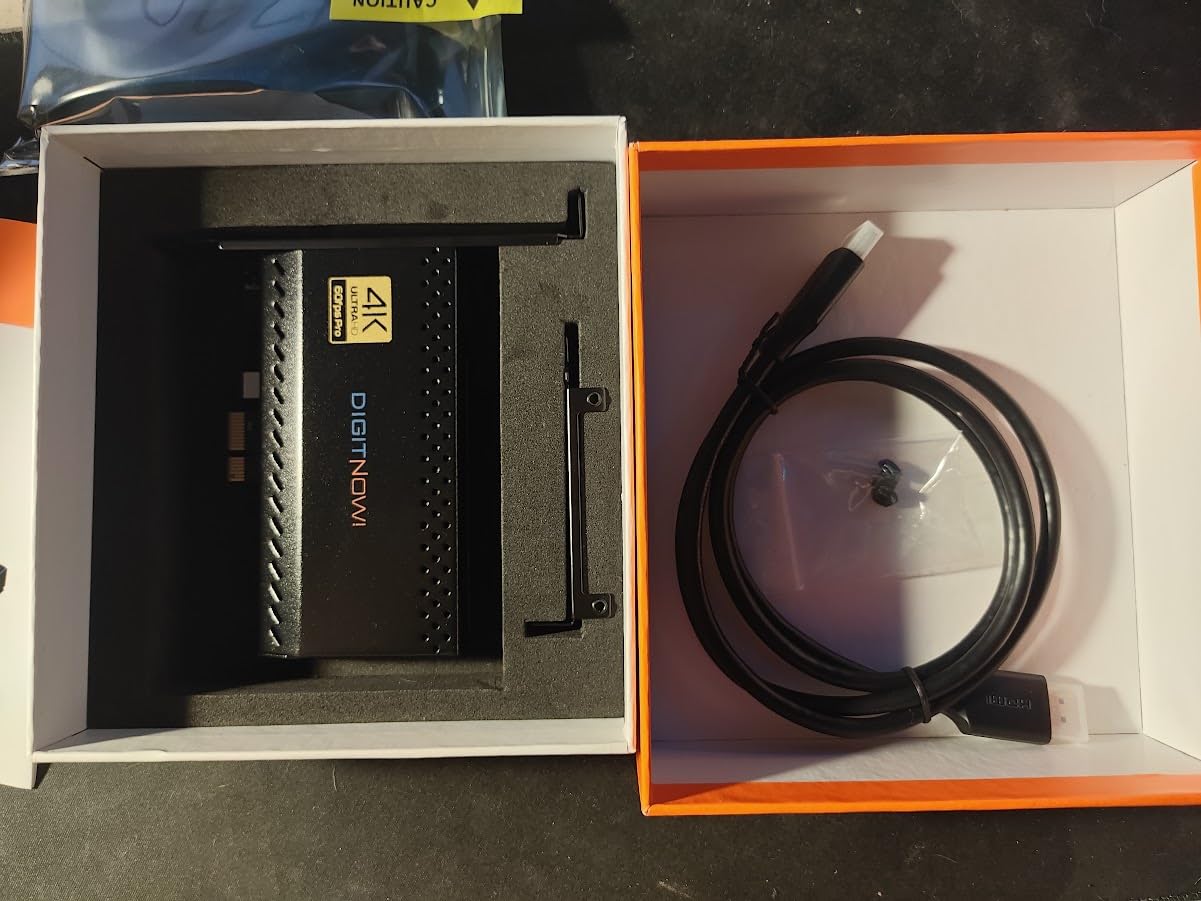
An internal card removes the USB cable from the equation entirely, which eliminates the single most common cause of stuttering on an external card. If you have a free slot and a desktop you are happy to open, this is the cheapest way to get a stable 4K60 pipeline.
Capture and passthrough both run at 4K60, which is rare at this tier, and 1080p recording reaches 240fps if you want slow-motion capture. Latency is described as near-zero for keeping broadcast and gameplay in sync.
A word of context on the reviews, because the numbers can mislead. A large share of the 616 reviews are about digitising VHS tapes and camcorders rather than gaming, so the sample is not purely console streamers. Console users still rate the capture quality and OBS integration as stable and clean, with 68 percent at five stars.
The dealbreaker for console streaming is audio. There is no audio passing through the HDMI loop-out, so your speakers or headphones must connect somewhere else and you will need a second audio route configured in OBS. For a gamer that is annoying. For someone transferring tapes it does not matter at all.
Is it worth opening your PC?
If you already stream in a dual-PC setup, yes. The game machine sends HDMI to this card, the card feeds the streaming machine, and your console audio is handled on the game side. You remove every USB bandwidth question from the setup in one move.
If you are on a laptop or a compact PC, this is the wrong card entirely and the ASUS above is the one to look at instead. There is also a manual driver step on some systems, which is a mild annoyance but a ten-minute one.
What about support and warranty?
The listing advertises a lifetime warranty and 24-hour support, which is generous on paper. Check what the lifetime terms actually cover before you rely on them. Windows is the listed platform, and there is no weight or dimension detail published, so treat the physical size as unconfirmed before ordering.
5. AVerMedia Live Gamer 4K GC573 – Best for True 4K60 HDR10 Capture
AVerMedia GC573 Live Gamer 4K, Internal Capture Card, Stream and Record 4K60 HDR10 with ultra-low latency on PS5, PS4 Pro, Xbox Series X/S, Xbox One X, in OBS, Twitch, YouTube
4K60 HDR10 unlimited capture
Up to 1080p240 capture
PCI Express x4
Zero-lag passthrough
3 year warranty
Pros
- Clean 4K60 HDR10 capture with unlimited recording
- High frame rate capture up to 1080p240
- Excellent source detection and native HDR colour
- Downmixes surround audio to stereo
- Three-year manufacturer warranty
Cons
- Requires a PCIe driver download before first use
- RECentral utility is dated and needed to route HDMI audio
- Will not accept HDMI 2.1 sources such as 4K120
- Some users report freezing after a firmware update
This is the only internal card in the guide that records real 4K60 HDR10, and AVerMedia still supports it with unlimited recording. Most newer cards have quietly moved to 1080p60 capture with 4K passthrough, so if your plan is to record 4K files for editing, this is the one that does it.
The surround downmix is a genuinely useful feature that almost nobody copies. It folds your centre channel and dialogue down to stereo, so viewers on a laptop hear the character rather than a wall of surround ambience. Source detection and native HDR colour handling are also reported as better than competing Elgato PCIe cards.
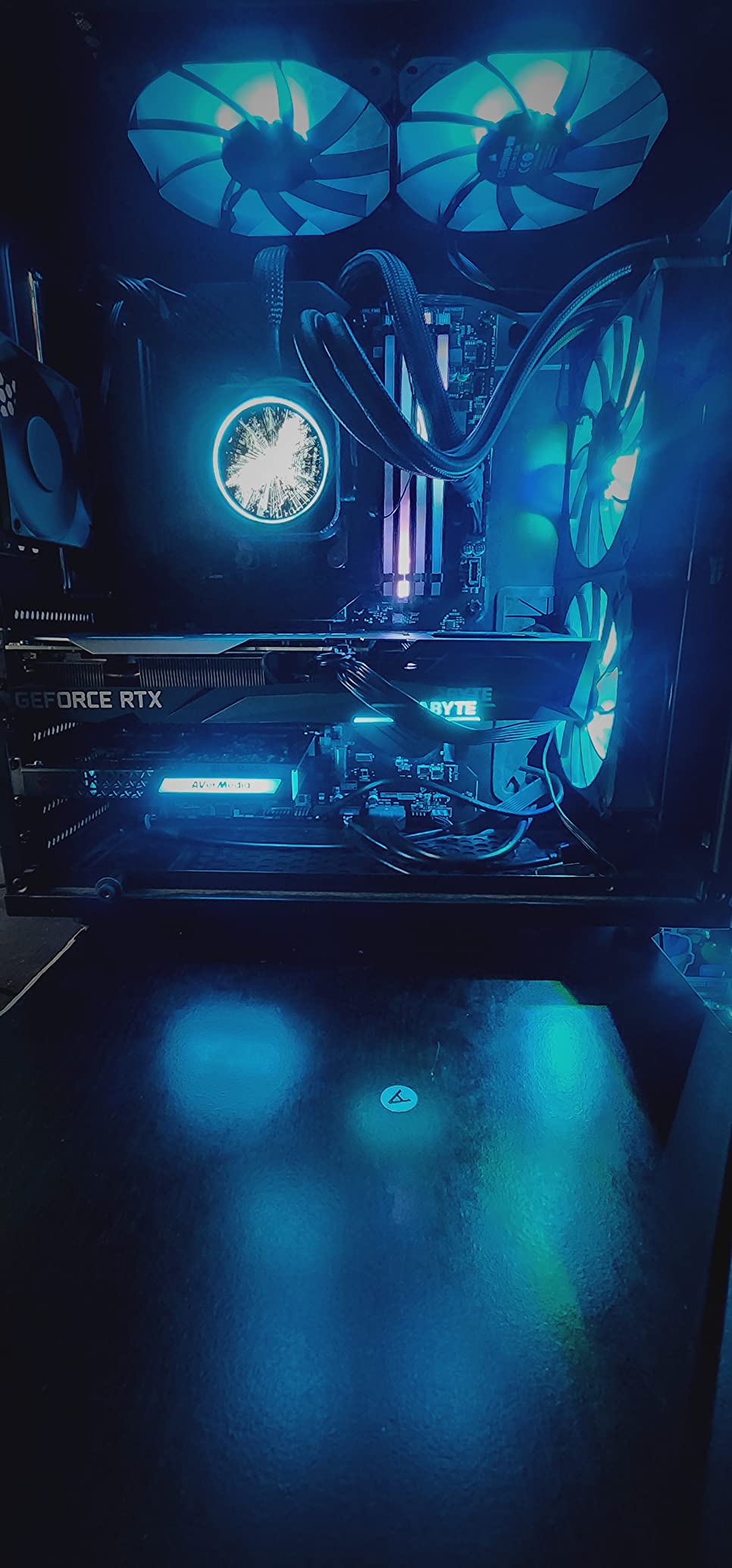
It runs cool, which matters for something that sits inside a case, and it is listed as working with upscalers such as the OSSC and RetroTink 5x if you are capturing retro consoles at higher resolutions. Windows 10 and 11 are the platforms, with an Intel Core i5-6XXX or AMD Ryzen 3 XXX, an NVIDIA GTX 1060 or AMD RX 5700, and 8 GB of dual-channel RAM as the stated baseline.
At 1,070 reviews and 73 percent five-star, the consensus is that you get the same 4K60 HDR10 capture as pricier PCIe alternatives for less, with better colour and better audio handling. The three-year manufacturer warranty is the longest in this group.
Is it still worth buying over a newer card?
Yes, for 4K60 capture, and it is the strongest non-Elgato recommendation here. Readers who deliberately chose a non-default brand report no lag and no connection issues. The catch is software maturity: RECentral is dated and required to route HDMI audio, and a driver download is mandatory before first use.
Plan a quiet evening for the first setup rather than ten minutes before your first stream.
Where does it fall short?
It will not accept HDMI 2.1 sources, so a console running 4K120 is out of reach and VRR passthrough at high refresh is not on the table. A small number of users hit input freezing after a firmware update and had to deactivate and reactivate the card. It is also physically large at 5.9 by 4.9 inches compared with modern cards, so check your case clearance.
6. AVerMedia Live Gamer Mini – Best Value
AVerMedia Live Gamer Mini, 1080p60 Capture Card with HDMI Pass-Thru, Plug & Play, for OBS, Xbox Series X/S, PS5, Switch, Win 11/macOS 12 (GC311)
1080p60 capture
100% zero-lag passthrough
UVC plug-and-play
Built-in H.264 encoder
3 year warranty
Pros
- Compact pocket-sized design that travels easily
- Clean 1080p60 recording quality
- True 100% zero-lag 1080p60 pass-through
- UVC plug-and-play with no driver install
- Built-in H.264 hardware encoder
- Three-year manufacturer warranty
Cons
- Capture limited to 1080p60 with no 4K
- Needs a 3.5mm audio route for headphone or controller sound
If your goal is a clean 1080p60 stream and you do not want to spend serious money, this is the card. It measures under four inches long, weighs 2.63 ounces, and works with RECentral, OBS Studio and Streamlabs OBS. The Switch, PS4, PS5, Xbox One, Xbox 360 and Xbox Series X|S are all listed as compatible.
Two details set it above most of its class. The pass-through is genuinely zero-lag at 1080p60, so your monitor shows the game with nothing added. And there is a built-in H.264 hardware encoder, which takes the compression work off your host CPU and leaves more headroom for the game.
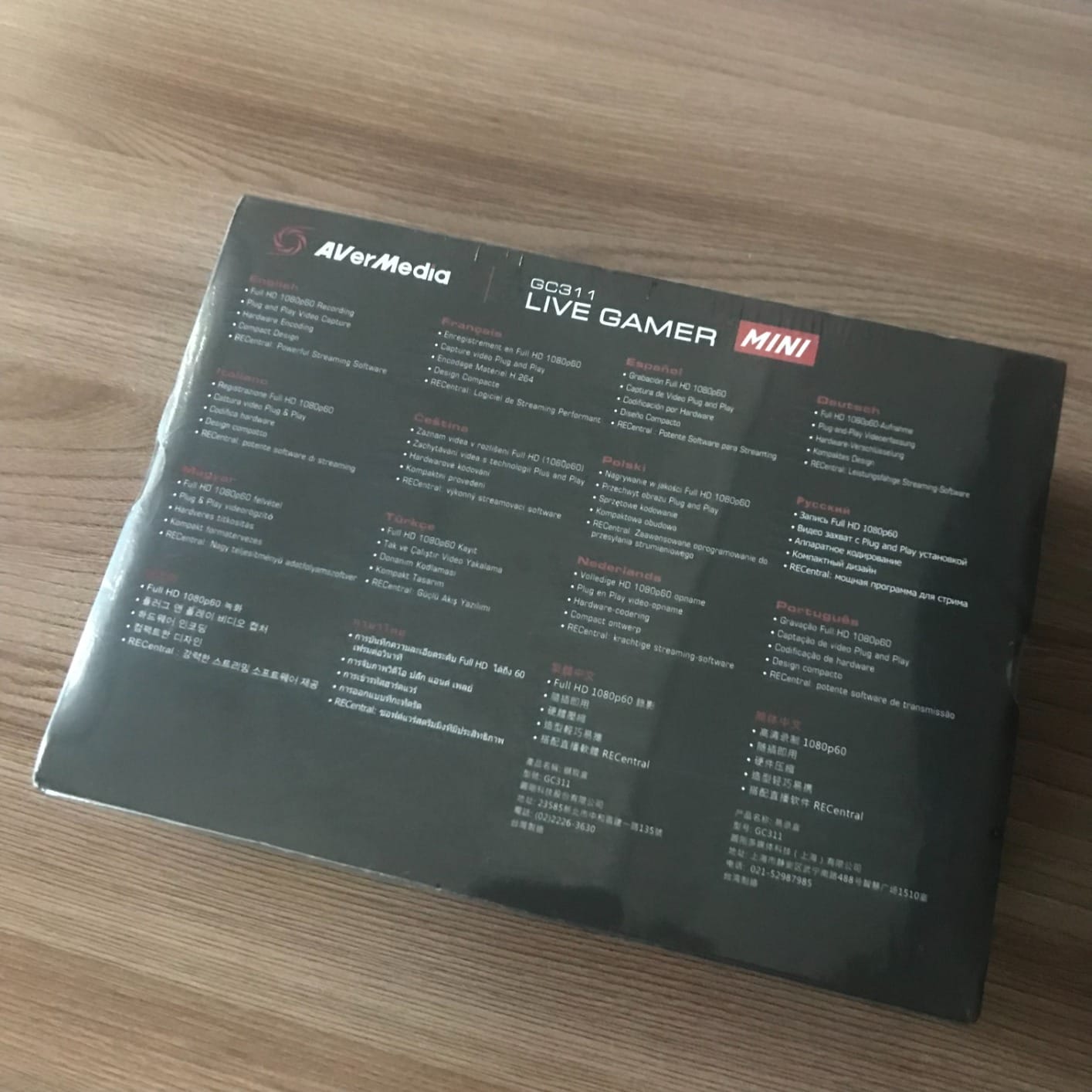
It is a USB 2.0 device, and that surprises people. At 1080p60 that is sufficient, which is exactly why the design works. A USB 3.0 port is not required, so it will run on a laptop or an older desktop without drama, and it can share a busy hub without competing for bandwidth.
With 1,451 reviews at 4.3 stars and 66 percent five-star, satisfaction is solid among people streaming from Switch, PS5 and Xbox. Owners are satisfied; they simply accept the ceiling.

Is 1080p60 enough for streaming?
For live broadcast, yes. Twitch, YouTube and every other platform deliver 1080p60 to viewers, so capturing above that gains you nothing on a stream. It is only when you record files for editing that resolution above 1080p starts to matter.
The hardware encoder also makes this a good first card. It is the least likely device in this guide to be blamed for dropped frames on a modest streaming PC.
What is the audio compromise?
You will want a 3.5mm route for headphones or controller sound rather than relying on HDMI audio. Windows 10, Windows 11 and macOS 12 are supported, which is one of the better platform lists at this tier. If you need a camera as a second source, the NearStream below has dedicated 3.5mm ports instead.
7. NearStream CCD10 – Best for Passthrough Range on a Budget
NearStream CCD10 HDMI Capture Card for PS5, PS4, Xbox, Switch, DSLR Camera
1080p60 capture over USB-C 3.0
4K60 and 1440p120 passthrough
Dual 3.5mm audio ports
Windows Mac and Linux
Pros
- Impressive passthrough range including 4K60Hz 1440p120Hz and 1080p240Hz
- 1080p60 capture over USB-C 3.0 with low stable latency
- Plug-and-play on Windows macOS and Linux
- Dual 3.5mm ports for mic and headset
- Compact build with good colour and sound
Cons
- Capture resolution tops out at 1080p60
- Audio does not pass through the HDMI
- Some setups need a proprietary app that was not clearly disclosed
- Some buyers got output well below the advertised spec
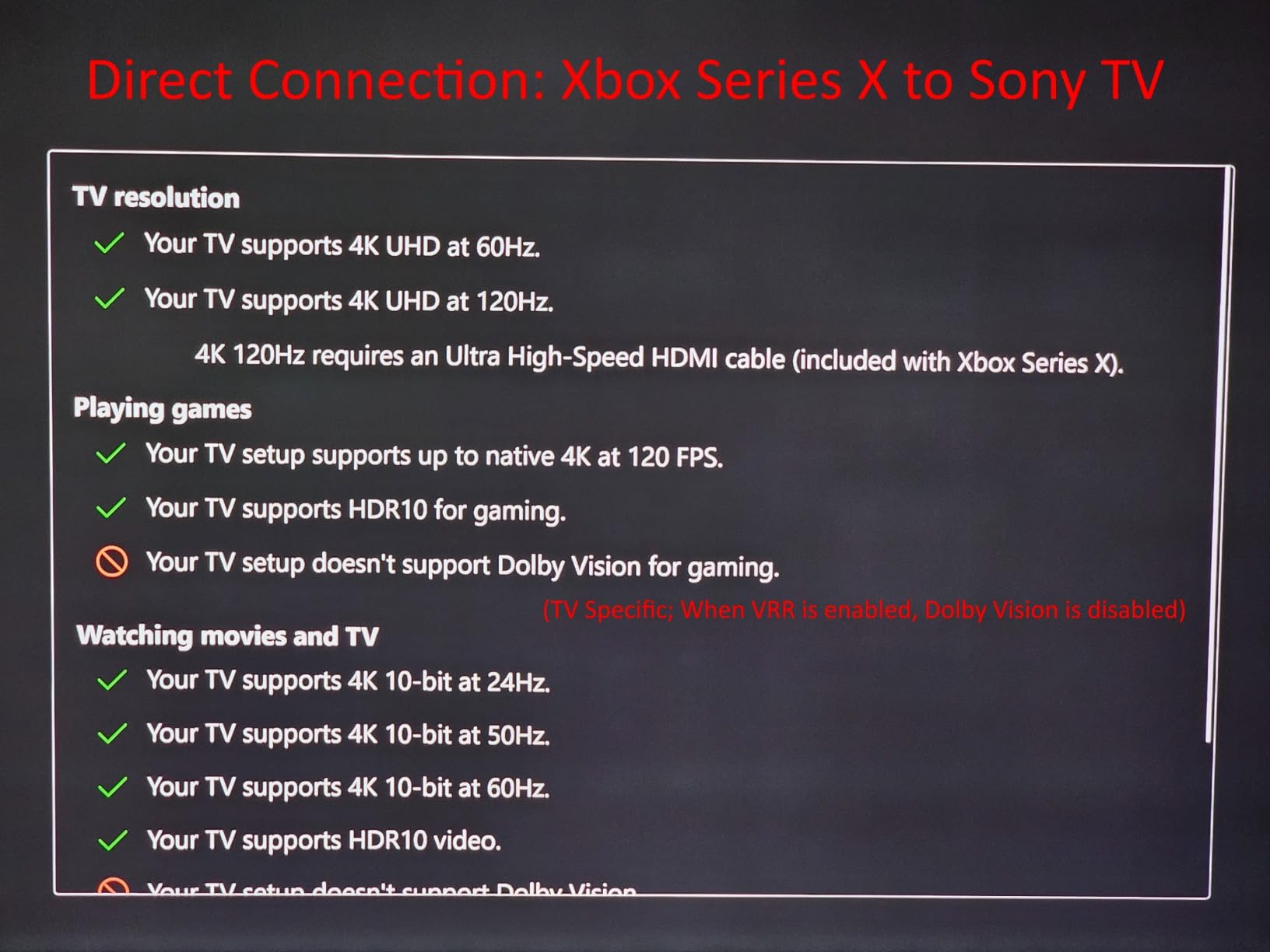
The CCD10 is unusual in putting its emphasis on passthrough rather than capture. It will loop out 4K at 60Hz, 1440p at 120Hz and 1080p at 240Hz to your display, which means a high-refresh console still looks right on a good television even though the capture itself is 1080p60.
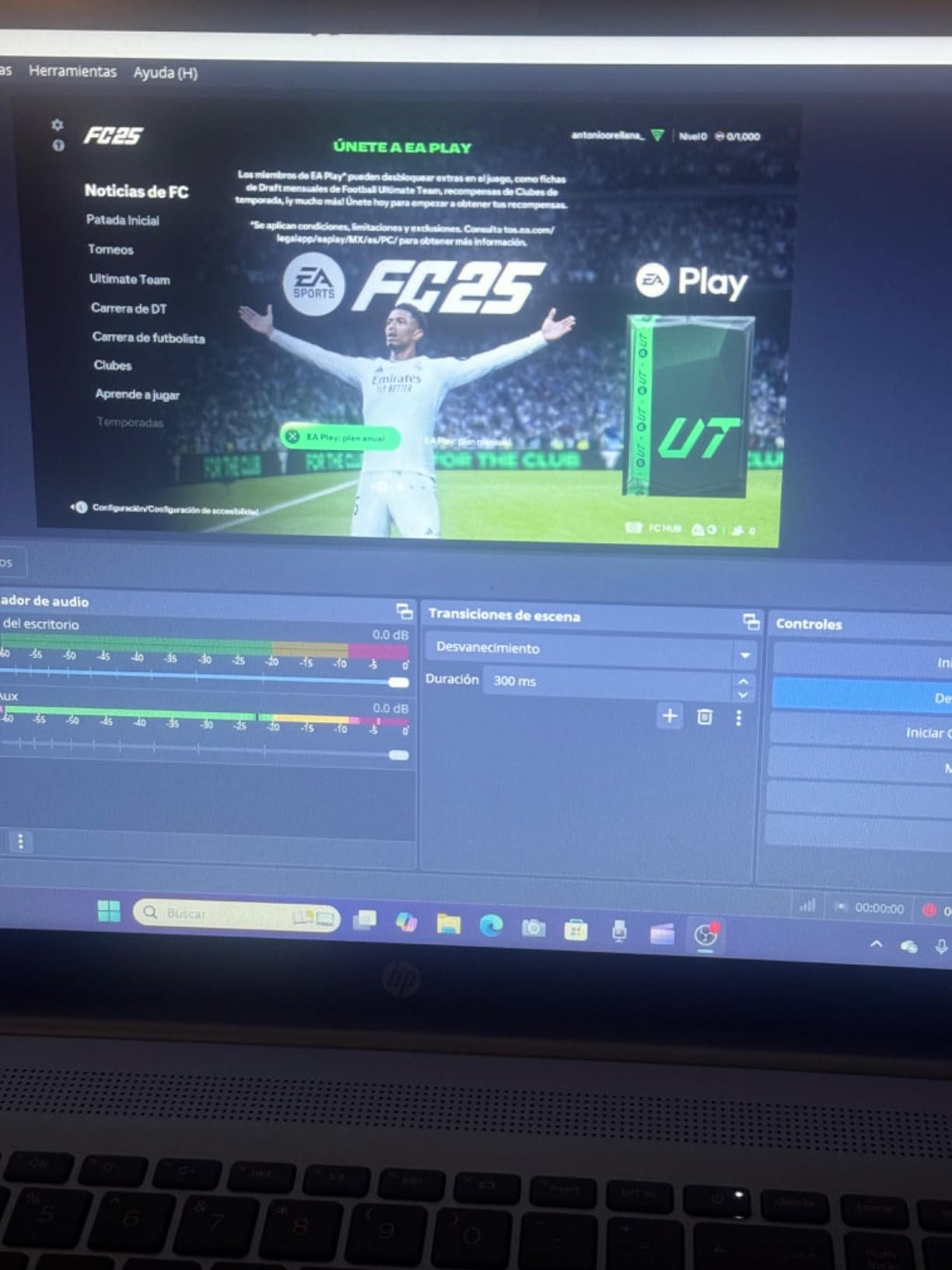
Capture runs at 1080p60 over USB-C 3.0 with what owners describe as low and stable latency. It works on Windows, macOS and Linux, and pairs with OBS or PotPlayer. Listing DSLR cameras and consoles as compatible devices makes it a reasonable second source for talking-head segments.
The dual 3.5mm ports are the feature that separates it from the other budget cards here. One is a 3-pole TRS microphone input and the other a 4-pole TRRS headset jack with headphone out, so commentary audio and your own monitoring are both handled by the card itself. The box includes an HDMI cable, a USB cable, a manual and a quick start guide.
At 302 reviews and 4.2 stars, most owners streaming from Xbox, Switch and PS4 or PS5 report good 1080p60 picture and sound. The 65 percent five-star share reflects a broadly happy group with a specific unhappy cluster.
Who should buy this rather than the Live Gamer Mini?
Buy this one if you care more about the picture on your own screen, or if you want microphone and headset connections on the capture device. The Mini is the stronger, simpler choice for pure 1080p60 broadcast; this is the better box for a creator who also records commentary.
Check that your console is running at 60Hz or below. It is a USB 3.0 device and needs an Intel Core i5-6XXX class processor for 4K30 work on Windows.
What do the critical reviews say?
Three things. HDMI audio does not pass through, so speakers or headphones must connect to the card. Some setups need a proprietary app download that was not clearly disclosed. And a small number of buyers received units producing well below the advertised 1080p60, which is the most serious complaint in this review set. There is a 4K60 HDR10 sibling model in the range if you need more.
8. UGREEN 25773 – Best Supported Budget Brand
UGREEN 4K@30Hz Loop Out HDMI Capture Card for 2K 30FPS 1080P 60FPS USB 3.0
2K30 and 1080p60 capture
4K30 4:4:4 loop-out
USB 3.0 Type-C and Type-A
24-month warranty
Pros
- Well-regarded brand with a 24-month warranty
- 4K at 30Hz 4:4:4 input and loop-out with local monitoring
- Both USB 3.0 Type-C and Type-A ports for flexible host connection
- Supports MJPEG and YUY2 to trade compression against clarity
- Aluminium casing that dissipates heat
- No drivers and no external power required
Cons
- Capture limited to 2K30Hz with no 4K capture
- PS4 and PS5 require HDCP to be turned off
- iPhones cannot be used as capture sources
The argument for this card is support rather than specification. UGREEN is an established accessories brand with a 24-month warranty, which is double what several rivals in this guide offer and infinitely better than a 60-day cover. For a first streaming card, that matters.
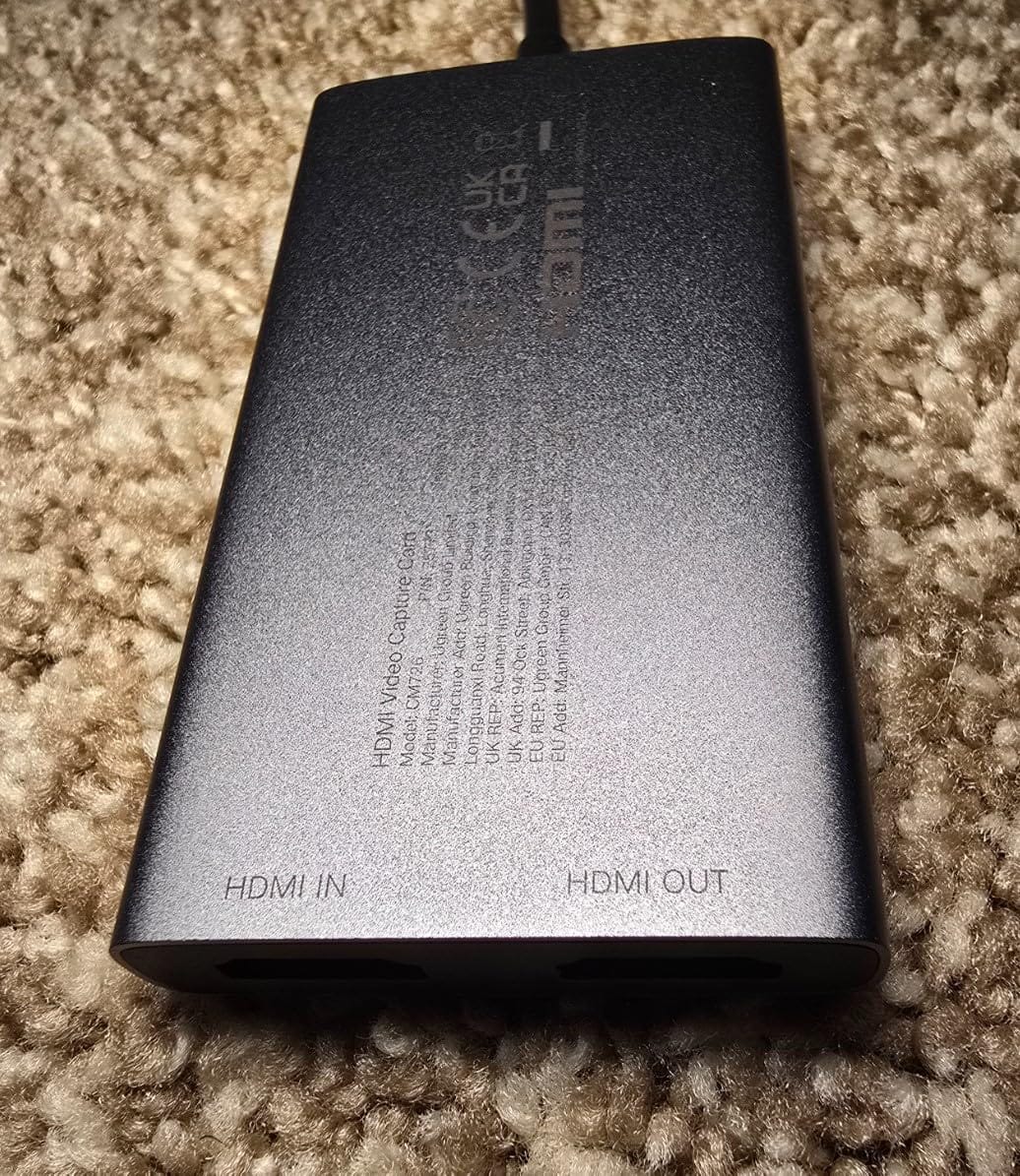
It handles 4K at 30Hz 4:4:4 on input and loops that out to your display with zero-latency local monitoring, so your console picture stays clean while you stream. Capture itself runs 1080p60 and 2K at 30Hz. Both USB 3.0 Type-C and Type-A ports are present, so it fits a laptop or a desktop without an adapter.
The MJPEG and YUY2 format support is more useful than it sounds. YUY2 gives you a cleaner image at the cost of file size, and MJPEG keeps files small when you are recording rather than broadcasting. Being able to choose between them is a genuine advantage over cards that hardcode one format.
With 1,465 reviews at 4.4 stars and 68 percent five-star, this is one of the better-reviewed budget devices available, and the aluminium body handles heat well during long sessions. It needs no drivers and no external power supply.
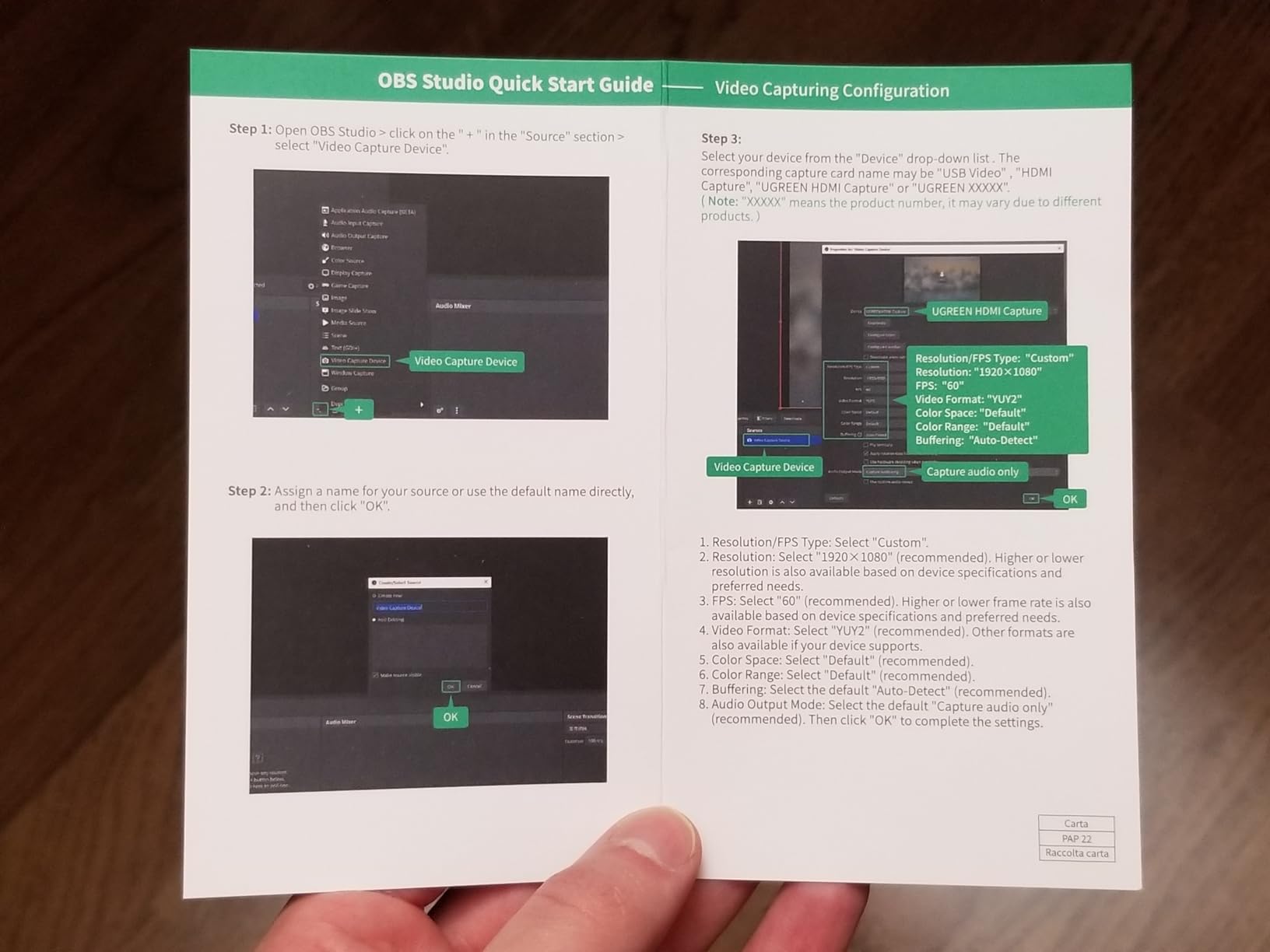
Is the 2K30 capture ceiling a problem?
Not for streaming. If you broadcast at 1080p60, the 2K30 capture mode is simply an option you will not use, and 1080p60 remains available. It becomes a limitation only if you plan to record high-resolution files for editing, which is a different job from live streaming.
The listed device support is broad, covering laptops, monitors, PS4 and PS5, Xbox Series X, Meta Quest 3 and 2, iPad, DSLR cameras and Switch. Windows, macOS, Linux and Android are all listed as platforms.
What are the gotchas?
Two, and both are documented. PlayStation consoles need HDCP switched off before this card will work, which is a single console setting rather than a fault. And iPhones cannot be used as a capture source because they do not support UVC, so if your plan is phone-as-camera, this is not the card.
9. VIXLW V316B-FR – Best Budget Card with a Mic Input
Capture Card, 4K HDMI Video Capture Card, Game Capture Card, 1080P 60FPS Video Capture Device, HDMI to USB 3.0 Capture Card for Streaming, Work with Camera/Xbox/PS4/PS5/PC/OBS
1080p60 capture
HDMI loop-out with no delay
3.5mm mic input
No drivers needed
Windows and macOS
Pros
- Very low cost with 1080p60 capture and thousands of reviews
- True plug-and-play with no drivers or external power
- HDMI loop-out with no delay during live play
- Low CPU usage with optional audio capture
- 3.5mm mic input for commentary over the capture
Cons
- Output capped at 2K30Hz even with 4K input
- No 4K120 or 4K144Hz support
- Only a 60-day warranty
- Some users need the correct source settings to avoid freezing
This is the most-reviewed card in the entire group at 3,579 reviews, which makes it the easiest budget option to research before committing. It sits at number two in its category, takes a 3.5mm microphone input for commentary, and needs no drivers, no power and no configuration beyond plugging it in.
Input handling is broad: 4K at 30 and 60Hz and 1080p at 120 and 144Hz are all accepted, with an HDMI loop-out that runs with no playback delay. Works with Twitch, YouTube, Facebook, OBS, PotPlayer and VLC.
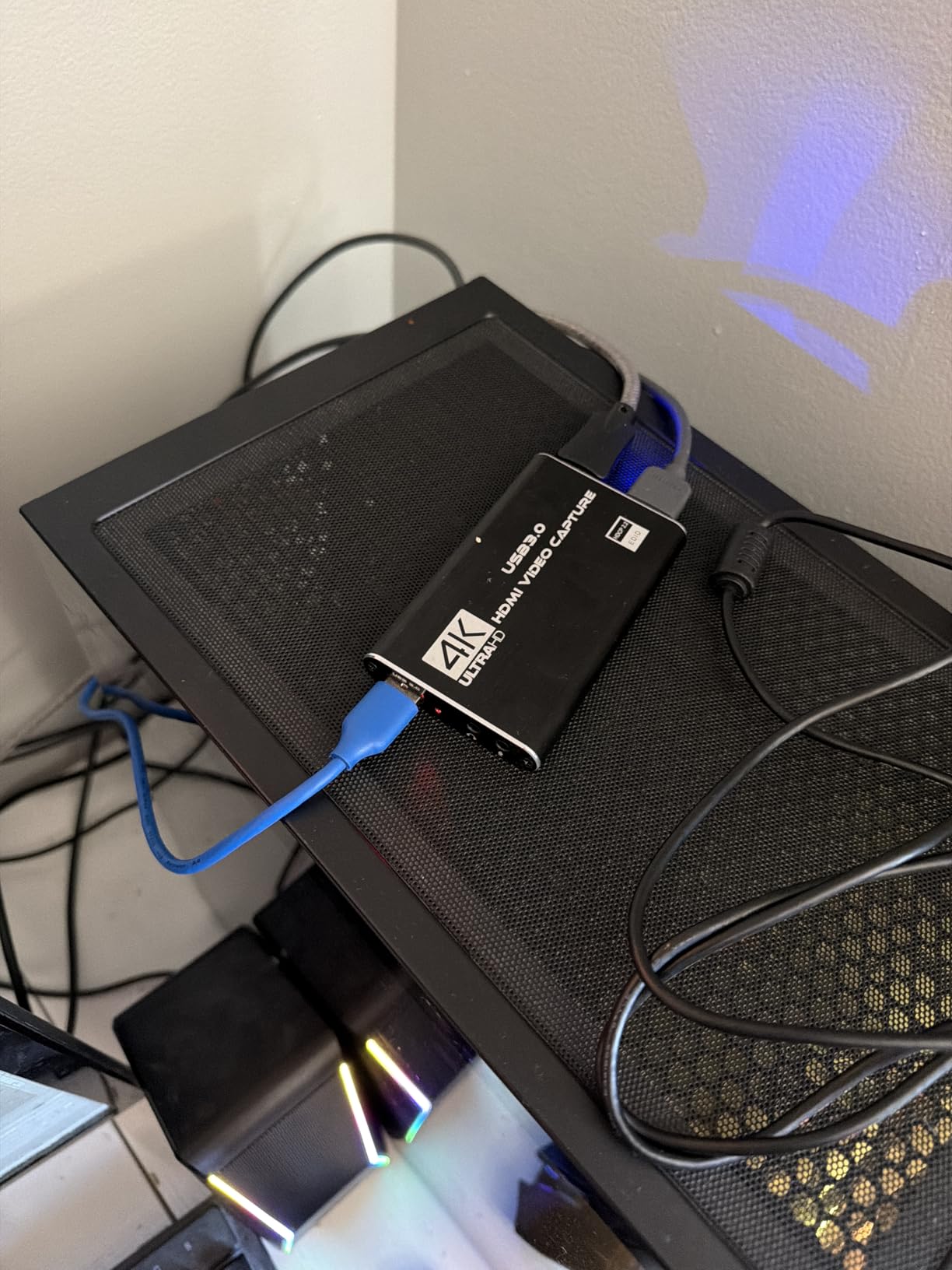
Owners using it for PS4, PS5 and Xbox streaming like the zero-delay loop-out and the no-driver setup. The 3.5mm mic input is the reason to choose this over a similar budget card: you can talk over your gameplay without routing a second audio device.
At 4.3 stars with 70 percent five-star, it is a well-liked device. The catch is a specification discrepancy that shows up repeatedly in the critical reviews, and you should understand it before you buy.
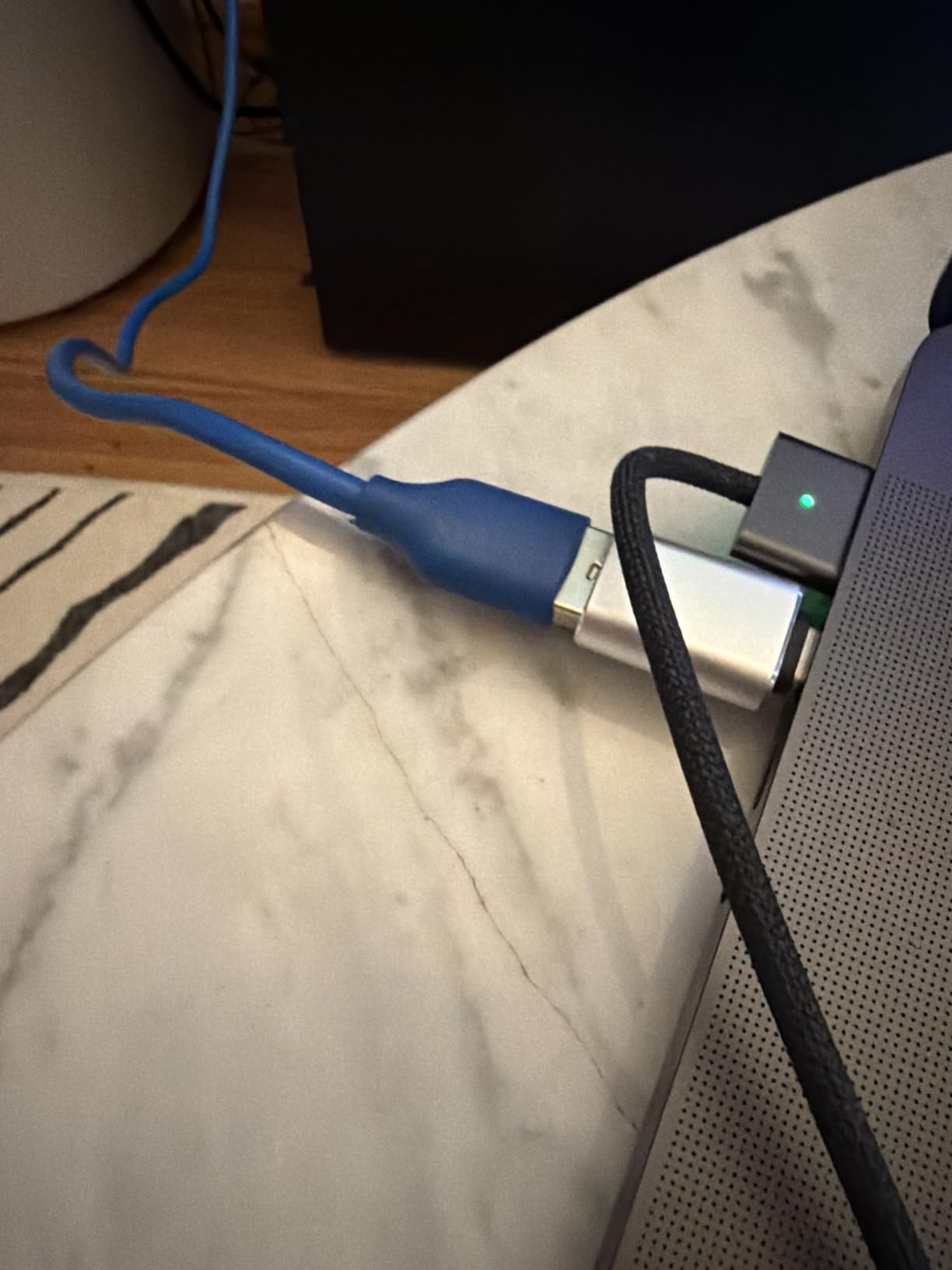
Why does the output differ from the input?
Input and output are different stages. The HDMI input accepts 4K signals, but the captured output is capped at 2K30Hz. Read the capture specification, not the input specification, and this card delivers 1080p60 which is perfectly usable for streaming.
There is no 4K120 or 4K144Hz support, and the physical unit is small at three by two by one inches, so it is easy to hide behind a television.
Is the warranty a concern?
The 60-day warranty is the shortest in this guide by a wide margin, and that is the main reason it does not carry our top budget badge despite the huge review count. Some users also report needing the correct OBS source settings to avoid freezing. Expect a couple of minutes of configuration, and test it on a short stream first.
10. Guermok GM-29A – Best for Handhelds and VR Headsets
Guermok Video Capture Card, 4K USB3.0 HDMI to USB C, 1080P 60FPS & 2K 30FPS
1080p60 and 2K30 capture
4K30 HDMI input
USB Type-C and Type-A
30 g portable body
Pros
- Lowest cost in the lineup with thousands of reviews
- 1080p60 and 2K30 capture over USB 3.0 with 4K30 input
- Aluminium alloy housing with good heat dissipation
- Small and light at 30 g for mobile streaming
- Plug-and-play with no drivers or external power
- Broad device support including Steam Deck Switch 2 Quest 3 and cameras
Cons
- Capture only with no direct pass-through to a monitor
- Introduces millisecond-level latency from video decoding
- Signal loss possible if the USB connection drops
- OBS must be restarted after audio setup or there is no sound
The GM-29A has the broadest device list in this guide, and that is its entire reason to exist. The listed platform compatibility names PlayStation 4 and 5, Switch and Switch 2, Xbox, Steam Deck, Meta Quest 3 and 3s, iPhone, iPad, Windows, Mac and Android. If you capture handheld play, VR or a phone, this is the card most likely to just work.
Capture is 1080p60 and 2K at 30Hz over USB 3.0, with 4K30 HDMI input. Both Type-C and Type-A interfaces are on the body and a USB-C to USB-A adapter is included in the box, so you can connect to a laptop, a desktop or a tablet without buying a cable.
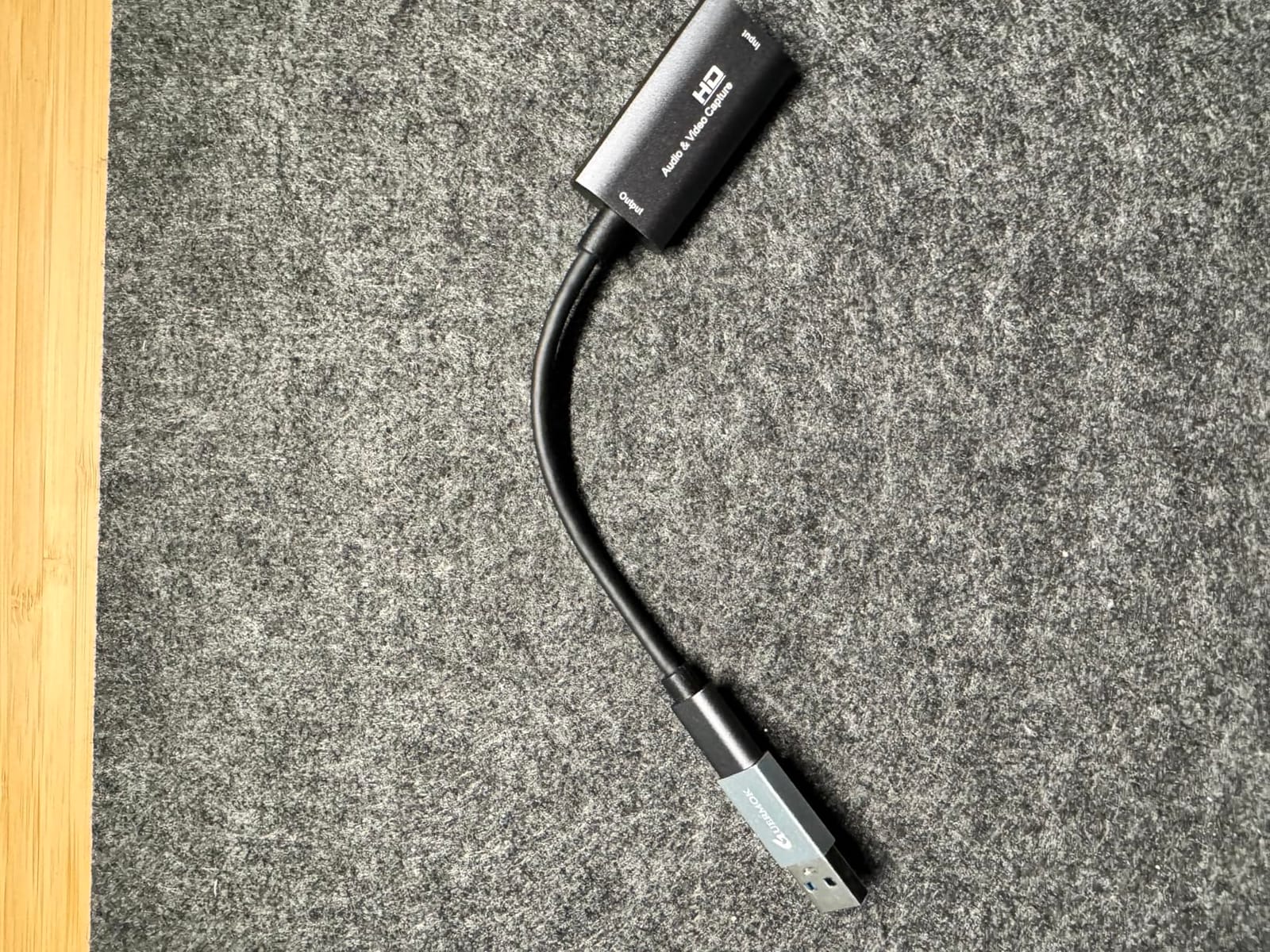
At 3,632 reviews and 4.4 stars, with 74 percent five-star and the top ranking in its category, this is the highest-rated device by review volume here. Reviewers highlight the low cost, 1080p60 stability, the choice of connectors and the broad console support. The aluminium body is 30 g and handles heat well for a device that streams for hours.
It works with OBS Studio, PotPlayer, VLC and Zoom across Windows, macOS, Linux and Android. The listed system requirements are modest: an Intel Core i3 or AMD Ryzen 3 with 4 GB of RAM and a USB 3.0 port.
Is it right for handheld console streaming?
For Steam Deck and Switch 2 play, this is the most straightforward option in the guide because the device is already recognised as a source. You do not need a dock or a separate HDMI converter, and the low weight makes it easy to run a portable rig to a friend or to a convention.
For VR, the Meta Quest 3 and 3s are listed, which is useful if you are streaming VR rather than flat gameplay. Confirm your headset and headset software combination before you commit, as VR streaming stacks add their own requirements.
What are the honest limitations?
It is capture-only, so there is no direct pass-through to a monitor or television, and that means millisecond-level latency from video decoding. You are recording and relaying rather than passing the signal straight through. Signal loss is possible on a poor USB connection, and OBS needs restarting after audio configuration or you will have no sound. Use a genuine USB 3.0 port rather than an adapter.
How to Choose a Capture Card for Console Streaming
Most people overthink this. Ask three questions: which console, desktop or laptop, and do you broadcast live or record files for editing. Everything else follows from those answers, and once you have them the list above narrows to two or three options within a minute.
External USB or internal PCIe?
External cards plug into any PC, work on laptops, and take about two minutes to set up. Internal PCIe cards are faster, remove USB bandwidth from the equation entirely, and are the right call for a dual-PC streaming setup where the game machine has no spare encoding resources. The trade is that you need a free slot and the willingness to open a case.
If your machine is a mini PC, an all-in-one or a laptop, external is your only realistic option. That is not a compromise here, because four of the ten cards here are external and three of the best performers are external.
Capture resolution versus passthrough resolution
This is the most misunderstood specification in the category, so here is the short version. Passthrough is what reaches your television. Capture is what gets recorded and sent to your stream. A card can do 4K passthrough and 1080p capture, and most do.
Watch out for cards advertising 4K when they mean 4K passthrough at 30Hz. The VIXLW V316B-FR accepts 4K input but outputs 2K30. The UGREEN 25773 loops out 4K30 but does not capture 4K at all. Read the capture line, not the input line, and check the frame rate as well as the resolution.
Do you need 4K60 capture or 1080p60?
For live streaming, 1080p60 is the delivery target for every major platform, and 1080p60 capture is all you need. Spend on 4K capture only if you are recording files for an editing timeline or a 4K archive. The AVerMedia Live Gamer 4K GC573 and the Elgato 4K X are the two cards here that record genuinely above 1080p.
HDR10 capture is a bonus at 1080p and the HD60 S+ handles it. Do not pay a premium for HDR10 passthrough on its own, because most viewers see a compressed stream with no HDR support at all.
Single-PC or dual-PC setup?
In a single-PC setup, the card is a convenience that offloads encoding and simplifies audio. In a dual-PC setup it becomes mandatory, because the game PC has nothing left to encode with and the streaming PC needs a video source. Dual-PC streamers should prioritise a card with clean audio routing, and should assume they need two capture cards if they want to capture gameplay and a camera at full quality simultaneously.
What to check before you buy
Check the capture resolution and frame rate, not the input. Check whether the interface is USB 3.0 or better for anything above 1080p60. Check the platform list includes your operating system, because several cards here are Windows only. Check the warranty length, which ranges from 60 days to three years in this guide. Check whether audio passes through the HDMI loop-out or whether you need a separate route. And check whether your console needs an HDCP setting changed before it will output anything.
One more honest note. If this is a one-off project, borrowing a name-brand card from a friend or borrowing one from a library is a perfectly reasonable answer, and plenty of people do exactly that. Do not buy hardware for a single evening of recording.
For a broader look at the streaming setup as a whole, our guide to the best capture cards for streaming covers PC-side capture and webcam passthrough in more depth, and our picks for the best smart TV streaming devices cover what most viewers actually watch on.
Fixing Capture Card Lag, Stuttering and Black Screens
Almost every capture card complaint in the forums comes down to one of four things. Work through these in order and you will usually find the cause in under ten minutes.
1. Move the USB cable to a blue port. On a desktop, a blue USB 3.0 port on the rear panel is usually wired directly to the motherboard. Ports on the front panel and grey USB 2.0 ports frequently share bandwidth with other devices, and that shared bandwidth is what causes dropped frames. This single change resolves more stuttering than any other fix.
2. Change the console’s HDCP setting. If you get a black screen in OBS, HDCP protection is the usual cause. On a PS5 the fix is a single toggle: Settings, then System, then HDMI, then set Enable HDCP to off. Games play and capture normally with it disabled. The same idea exists on Xbox under the TV and display options.
3. Check your PCIe slot if you use an internal card. Prefer a slot wired to the CPU chipset rather than one sharing lanes with other devices. A card in a slot that shares bandwidth with your network card or a fast NVMe drive will stutter under load in ways that look exactly like a faulty capture card.
4. Separate capture faults from network faults. Stutter that appears only when your stream is live, and not while you are recording locally, is an upload problem, not a capture problem. Wired ethernet is strongly advised for streaming. If your stutter disappears on a wired connection, no amount of new hardware will fix it.
Two more worth knowing. Switch the OBS encoder to NVENC or AMF if your graphics card supports hardware encoding, which frees up CPU headroom for the game. And raise your bitrate gradually, because a low bitrate produces blocky, smeared footage that streamers often blame on the card when the card is delivering a clean signal.
If you see a black screen and neither HDCP nor the port explains it, test the card with a different source, such as a laptop screen or a second console, before you assume the card is faulty. A surprising share of black screens turn out to be a console-side resolution or refresh rate change that the card did not renegotiate.
Frequently Asked Questions
What is the best capture card for live streaming?
For console streaming, the Elgato HD60 S+ is the best overall pick. It captures 1080p60 with HDR10, passes 4K60 through to your display with no added delay, works from a single USB cable on PS5, Xbox Series X|S and Switch, and carries more than 11,500 reviews. For 4K recording files, look at the Elgato 4K X or the AVerMedia Live Gamer 4K GC573. For a small budget, the AVerMedia Live Gamer Mini does 1080p60 cleanly.
Is OBS or Elgato better?
They are not alternatives, so this is a common mix-up. OBS Studio is the software on your PC that receives the video signal, sets your bitrate, mixes audio and pushes the stream out. Elgato is a hardware brand that makes capture cards. You need both: an Elgato card feeding a video source into OBS. If you play PC games, OBS can capture the game directly and you may not need a card at all.
Is a capture card good for streaming?
Yes, and for console streaming it is effectively required. Consoles record natively in short, heavily compressed clips, and their built-in streaming quality is poor. A capture card takes the raw HDMI signal and sends it to your PC, giving you control over quality, bitrate and audio. It also moves encoding work off the machine rendering the game, which is what separates a smooth stream from a stuttering one.
What is the best capture card for PS5 streaming?
The Elgato HD60 S+ is our pick for PS5, and it covers the platform completely with 1080p60 HDR10 capture plus 4K60 passthrough. If your PS5 runs 4K120 and you want that refresh rate on your television while streaming, the Elgato 4K X with HDMI 2.1 is the better fit. Remember to set Enable HDCP to off under Settings, System, HDMI on the PS5 or you will get a black screen.
My capture card is lagging OBS. How can I fix this?
Move the USB cable to a blue USB 3.0 port on the rear of a desktop, since front-panel and grey USB 2.0 ports often share bandwidth with other devices. Then confirm the console is not blocking the signal with HDCP, which on a PS5 means Settings, System, HDMI, Enable HDCP, off. If you use an internal PCIe card, move it to a slot wired to the CPU. Finally, check whether the stutter only happens while streaming, which indicates an upload problem rather than a capture one.
Do you need HDMI 2.1 to run 120Hz on PS5?
Only if you want 4K120. HDMI 2.1 is required to pass a 4K120 signal from the PS5 to a 120Hz television, and cards like the Elgato 4K X provide that. It is not required to stream at 1080p60, which is what almost every platform actually delivers. So if your priority is broadcast quality rather than a high-refresh local display, an HDMI 2.0 card such as the HD60 S+ is the more sensible choice.
How to make a capture card less laggy?
Check the port first, because shared USB bandwidth is the most common cause. Use the blue USB 3.0 port on the rear of the desktop, avoid front-panel ports and hubs, and use a direct USB-C connection where the card offers one. On an internal card, choose a PCIe slot that does not share lanes. Keep the console and the PC wired to the network, switch the OBS encoder to NVENC or AMF, and close background applications that compete for CPU.
Conclusion
The best capture cards for console streaming in 2026 come down to how honest your use case is. Broadcasting at 1080p60 from a PS5 or Xbox? The Elgato HD60 S+ does it with more than 11,500 reviews behind it and nothing to apologise for. Recording 4K files for editing? The AVerMedia Live Gamer 4K GC573 or the Elgato 4K X. Streaming on a tight budget? The AVerMedia Live Gamer Mini is the pick that still carries a three-year warranty.
For handhelds and VR, the Guermok GM-29A recognises the widest range of devices. For a small PC with no free slot, the ASUS TUF CU4K30 is genuinely plug-and-play, with the caveat that it runs hot in warm rooms.
Whichever you choose, plug it into a blue USB 3.0 port, run ethernet rather than Wi-Fi, and turn HDCP off on your console before you blame the hardware. Those three steps solve more streaming problems than any upgrade on this list.