
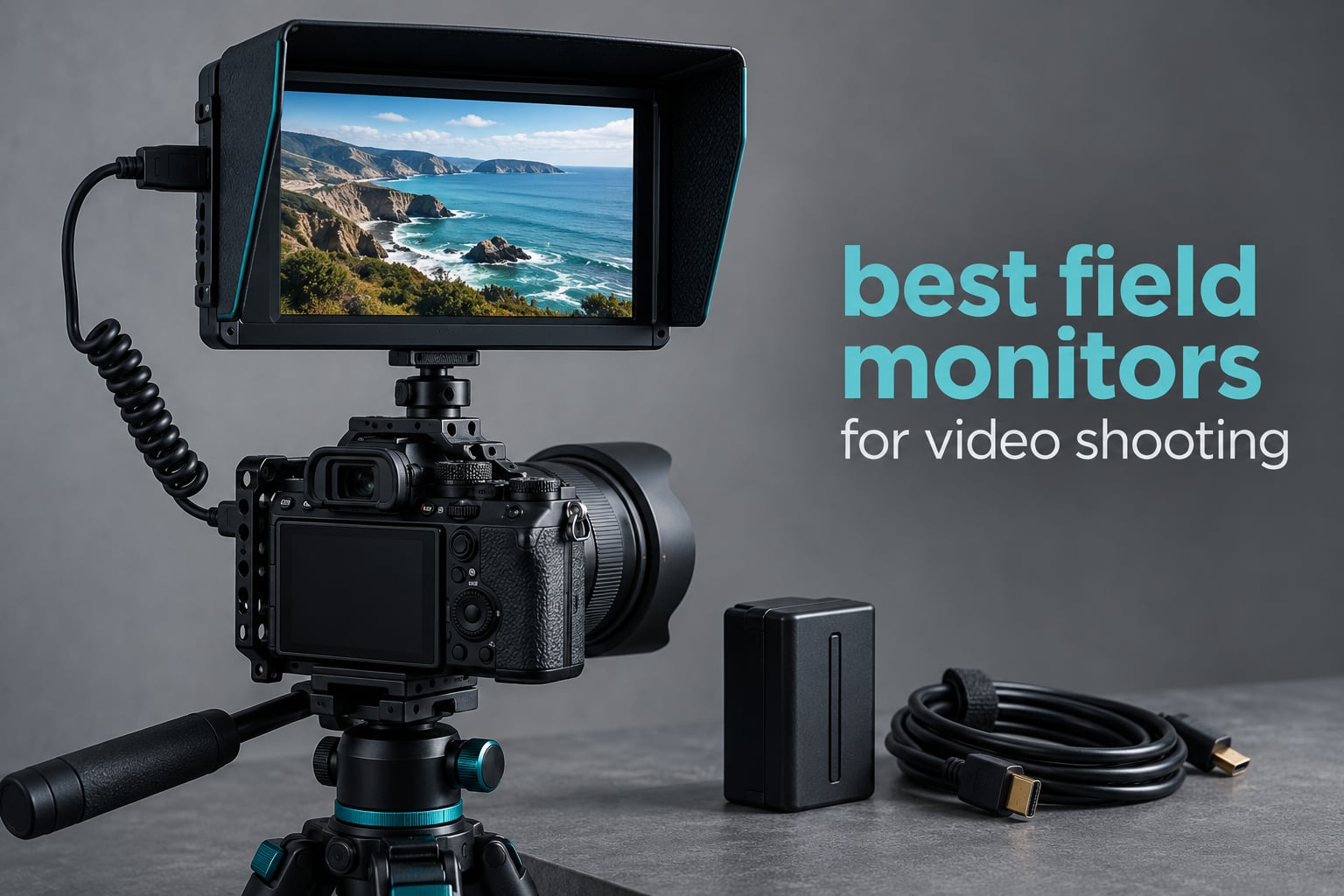
The best field monitors for video shooting solve one problem a camera flip-out screen cannot: telling you whether the shot is actually exposed and focused while you are standing in bright daylight with your back to the sun. Most camera LCDs top out around 400 to 500 nits and read as a grey smear outdoors, and at 3 inches across they are too small to judge a soft edge on a manual-focus lens.
A field monitor is a daylight-viewable screen that clamps to your rig, takes an HDMI or SDI feed from the camera, and overlays the exposure and focus tools that make a take verifiable. Waveform, false color, zebras, peaking, LUT preview and vectorscope are what turn a guess into a decision, and every pick below has them except where noted.
Our team put ten of the current-generation monitors side by side against the same five criteria for 2026: measured brightness, screen size, signal input, power options, and the depth of the monitoring toolkit. We also read the owner reports, because long-term failures and factory QC problems rarely show up on a spec sheet. The short version: brightness is the only real dividing line, and everything else is a preference.
If you are choosing a display for the edit suite rather than the set, our guide to monitors for video editing covers grading accuracy instead of daylight use. This page is strictly about what happens on the day.
Table of Contents
Top 3 Best Field Monitors for Video Shooting in 2026

NEEWER F100 7 inch Monitor
- 7 inch IPS 1280x800
- 450 nits
- 13 ounces
- Focus peaking and check field

NEEWER F700 2000 nit Monitor
- 2000 nits brightness
- 7 inch 1920x1080 touch
- 4K HDMI loop in and out
- 2x NP-F750 batteries

VILTROX DC-550 5.5 inch
- 1200 nits anti-glare IPS
- 4K HDMI in and out
- 3D LUT and waveform
- NP-F550 battery included
All 10 Field Monitors Compared (October 2026)
Every monitor below accepts an HDMI feed from a mirrorless or cinema body, and every one of them except the osee T5+ also passes a loop-out signal onward. Only the Atomos Ninja carries 12G-SDI. Brightness ranges from 400 nits to 2000 nits, which is the difference between a shaded interview and a beach at noon.
| Product | Specifications | Action |
|---|---|---|
| NEEWER F100 7 inch IPS Monitor |
|
Check Latest Price |
 FEELWORLD FW759 PRO 7 inch Touchscreen FEELWORLD FW759 PRO 7 inch Touchscreen |
|
Check Latest Price |
| NEEWER F700 7 inch 2000 nit Monitor |
|
Check Latest Price |
 Portkeys PT6 5.2 inch Monitor Portkeys PT6 5.2 inch Monitor |
|
Check Latest Price |
 FEELWORLD F5 Prox 5.5 inch 1600 nit FEELWORLD F5 Prox 5.5 inch 1600 nit |
|
Check Latest Price |
 ANDYCINE A6 V2 5.7 inch Monitor ANDYCINE A6 V2 5.7 inch Monitor |
|
Check Latest Price |
| VILTROX DC-550 5.5 inch Monitor |
|
Check Latest Price |
 FEELWORLD P6XL 6 inch Monitor FEELWORLD P6XL 6 inch Monitor |
|
Check Latest Price |
 osee T5+ 5.5 inch Monitor osee T5+ 5.5 inch Monitor |
|
Check Latest Price |
 Atomos Ninja 5.2 inch Monitor-Recorder Atomos Ninja 5.2 inch Monitor-Recorder |
|
Check Latest Price |
1. NEEWER F100 7 inch IPS Monitor – The Most Proven Starter Kit
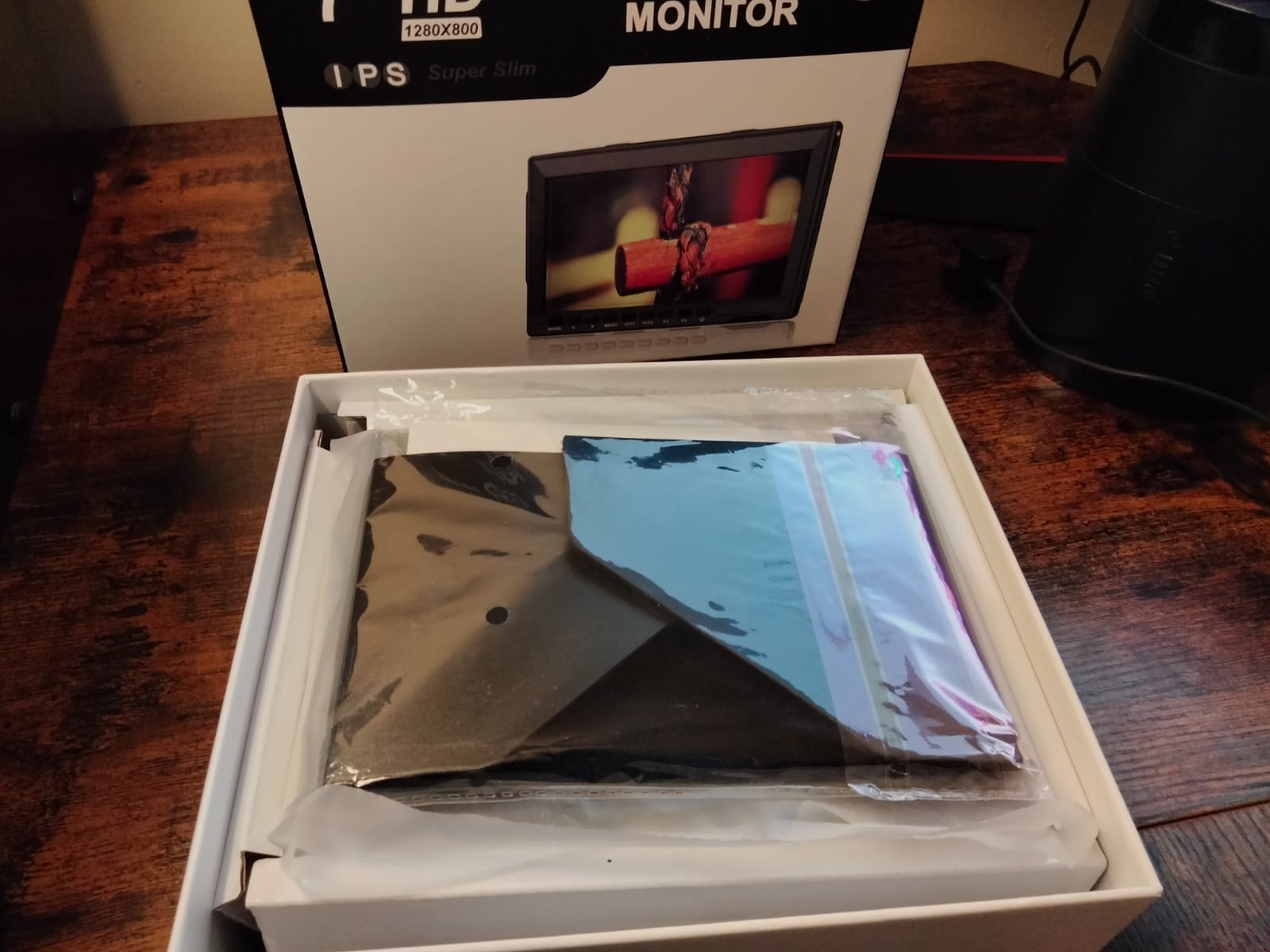
NEEWER F100 7inch Camera Field Monitor HD Video Assist IPS 1280×800
7 inch IPS
1280x800
450 nits
13 ounces
Pros
- Owners report four plus years of daily use
- Only 13 ounces so it barely loads a gimbal
- Sunshade and ball head in the box
- Peaking and check field tools included
Cons
- 450 nits is unusable in direct sun
- No battery included
- Button menus are slow to learn
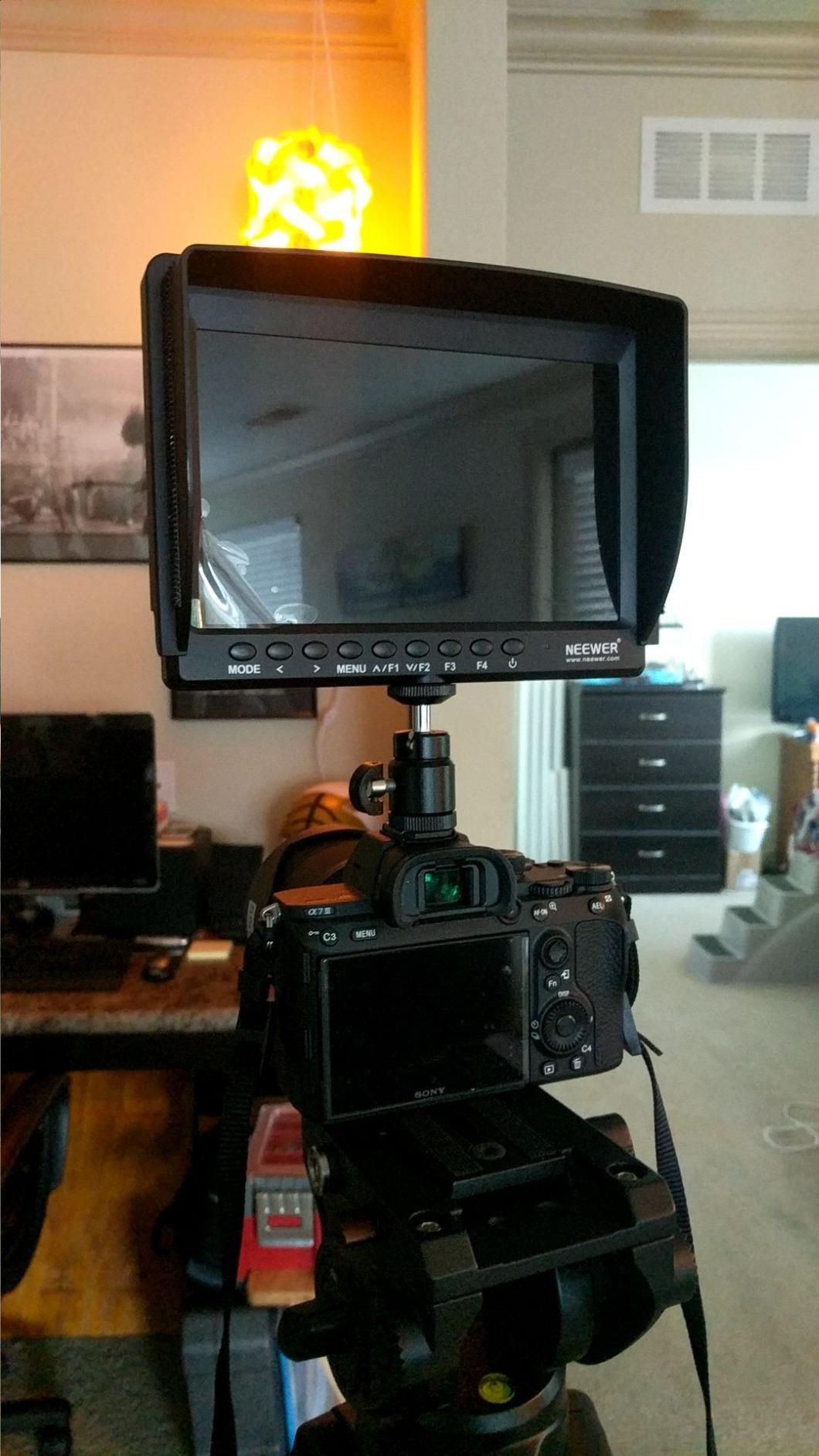
The F100 is the monitor most people end up owning first, and the reason is simple: it is the one in this list with a two-decade-spanning owner base behind it. Reviewers repeatedly describe units still going after four or five years of daily work, which is a longer track record than any high-bright panel here can offer yet.
At 13 ounces and 1280×800 on a 7 inch IPS panel, it is the lightest 7 inch option in the group. Peaking focus assist, check field in red, green, blue and mono, pixel-to-pixel, center marker and safe frames cover the core judging needs. The flip, freeze and custom color temperature controls are there for rigged or locked-off work.
Where it earns its reputation is the boring stuff. The NP-F battery bay takes standard Sony cells, the included sunshade does more for glare than any software setting, and the ball head means the screen stays where you put it. Documentation is thin, so budget five minutes with the menu before the first shoot.
The catch is brightness at 450 nits. In open shade at golden hour it is perfectly comfortable. At noon on a beach you will be shading it with your body and guessing at the rest. It is also input-only, so if you need to send a feed onward to a director or a phone you will be plugging into the camera’s own HDMI out instead.
Who the NEEWER F100 suits best
It suits a first field monitor, a second-unit operator, and anyone whose shooting day is mostly interiors, shade, and covered sets. Interview work, backstage coverage, and product demos all sit inside what 450 nits can show you.
The weight matters more than people expect. On a gimbal or a cage-mounted body, 13 ounces is the difference between a balanced rig and one that wants to tip forward.
Where owners report trouble
No battery ships in the box, which catches out first-time buyers who assume the listing is a full kit. HDMI connection dropouts and a reported edge pixel cut-off on some units are the other recurring notes in reviews.
The onboard speaker can feed back into a shotgun mic on a quiet set, so mute it. And for direct sun, look at the higher-brightness picks further down this list instead of fighting a screen you cannot read.
2. FEELWORLD FW759 PRO 7 inch Touchscreen – Batteries and Sunshade in the Box
FEELWORLD FW759 PRO 7 Inch 400nit Touchscreen Field DSLR Camera Monitor
7 inch touch IPS
1280x800
400 nits
0.3 kg
Pros
- Two F550 batteries plus sunshade in the box
- Touchscreen menu navigation
- Histogram zebra false color and peaking
- Light and portable
Cons
- 400 nits is the dimmest screen here
- No HDMI loop out
- Camera mode resets after a power cycle
The FW759 PRO sells itself on the box contents. Two F550 batteries, a sunshade, HDMI cables and a hot shoe mount arrive together, which means the usable cost of getting monitoring on set is a single purchase rather than a starter shopping list.
The 7 inch 1280×800 IPS touchscreen is sharp for its size, and the viewing angle is listed at 178 degrees, so a crew member standing off-axis still sees a usable image. Histogram, zebra pattern, focus assist and false color cover the exposure basics, and NP-F, DC and USB-C power options keep the battery bag flexible.
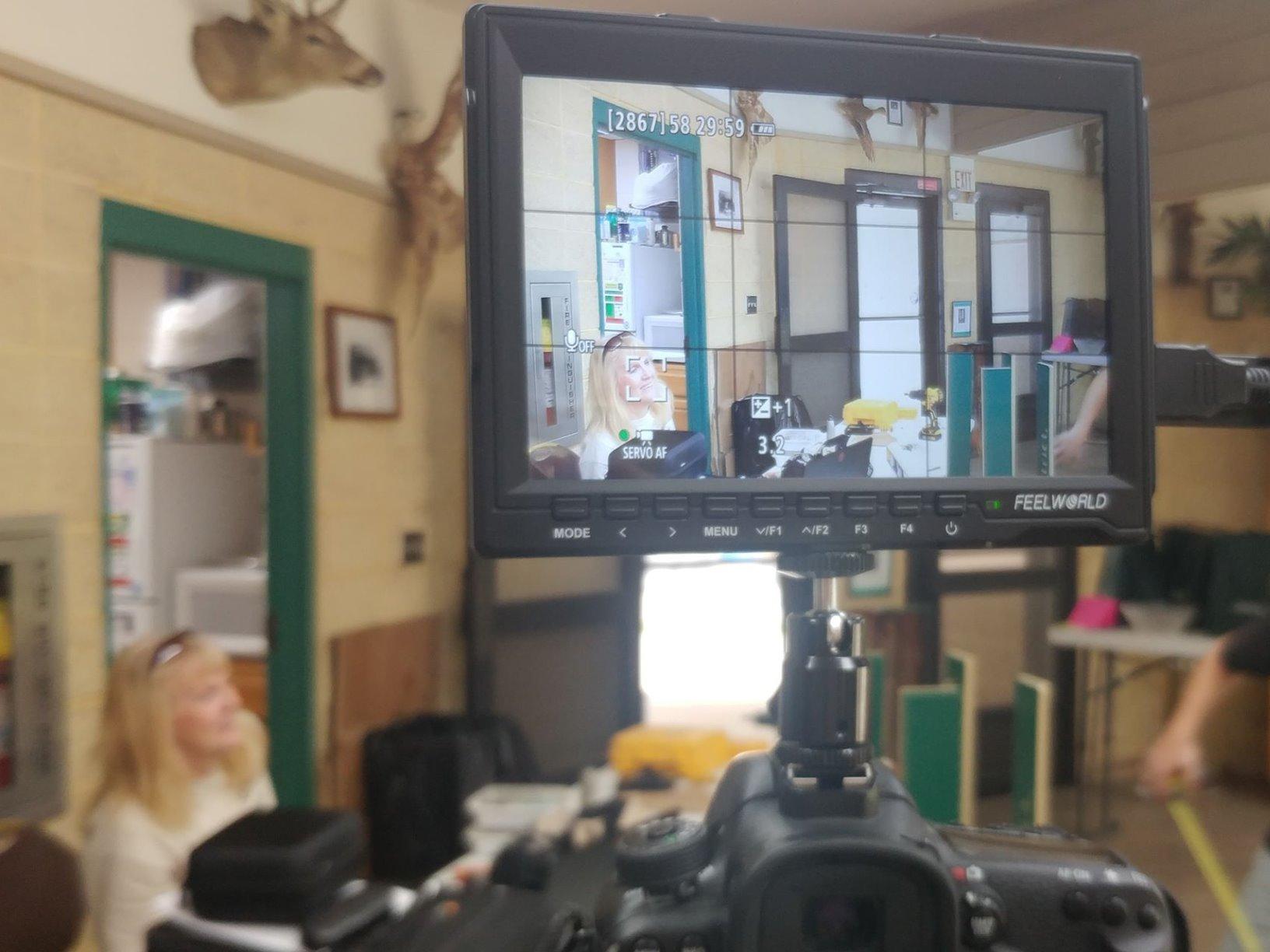
At 0.3 kg it stays friendly on a handheld rig, and the included batteries give roughly a full working day of intermittent monitoring in our read of owner feedback. The touchscreen itself is responsive enough that most people stop reaching for buttons after the first session.
Two things to know before you commit. There is no HDMI loop out on this model, so it cannot feed a client monitor or a wireless transmitter directly. And the 400-nit panel is the second-dimmest here, which places it firmly in the studio and shade category rather than open daylight.
Who the FW759 PRO suits best
It suits a first serious rig build where you want batteries and a sunshade handled in one order, and it suits anyone whose shoots are indoors, in a shaded courtyard, or under a canopy.
The touchscreen also makes it a good walk-around monitor for a director who does not want to memorize button combinations under pressure.
Where owners report trouble
Camera mode resetting after every power cycle is a regular note, which is annoying when you are framing up between takes. The sunshade fit is also reported as imperfect on some units, and there is no on-screen battery indicator, so you are estimating rather than reading.
It also will not cooperate with HDMI splitters or ATEM switchers, which matters if your rig feeds a switcher. If you need pass-through, the ANDYCINE A6 V2 and the NEEWER F700 both provide it.
3. NEEWER F700 7 inch 2000 nit Monitor – The Brightest Screen Here
NEEWER F700 7″ Camera Field Monitor, 2000nit HD 1920×1080 Touch Screen
7 inch 1080p touch
2000 nits
4K HDMI loop
2x NP-F750
Pros
- 2000 nits reads in direct sun
- Full tool set including waveform and vectorscope
- 4K HDMI loop in and out
- DC 8V output can power the camera
Cons
- Color accuracy reported as hard to match
- Heavy once two batteries are fitted
- Peaking style is aggressive
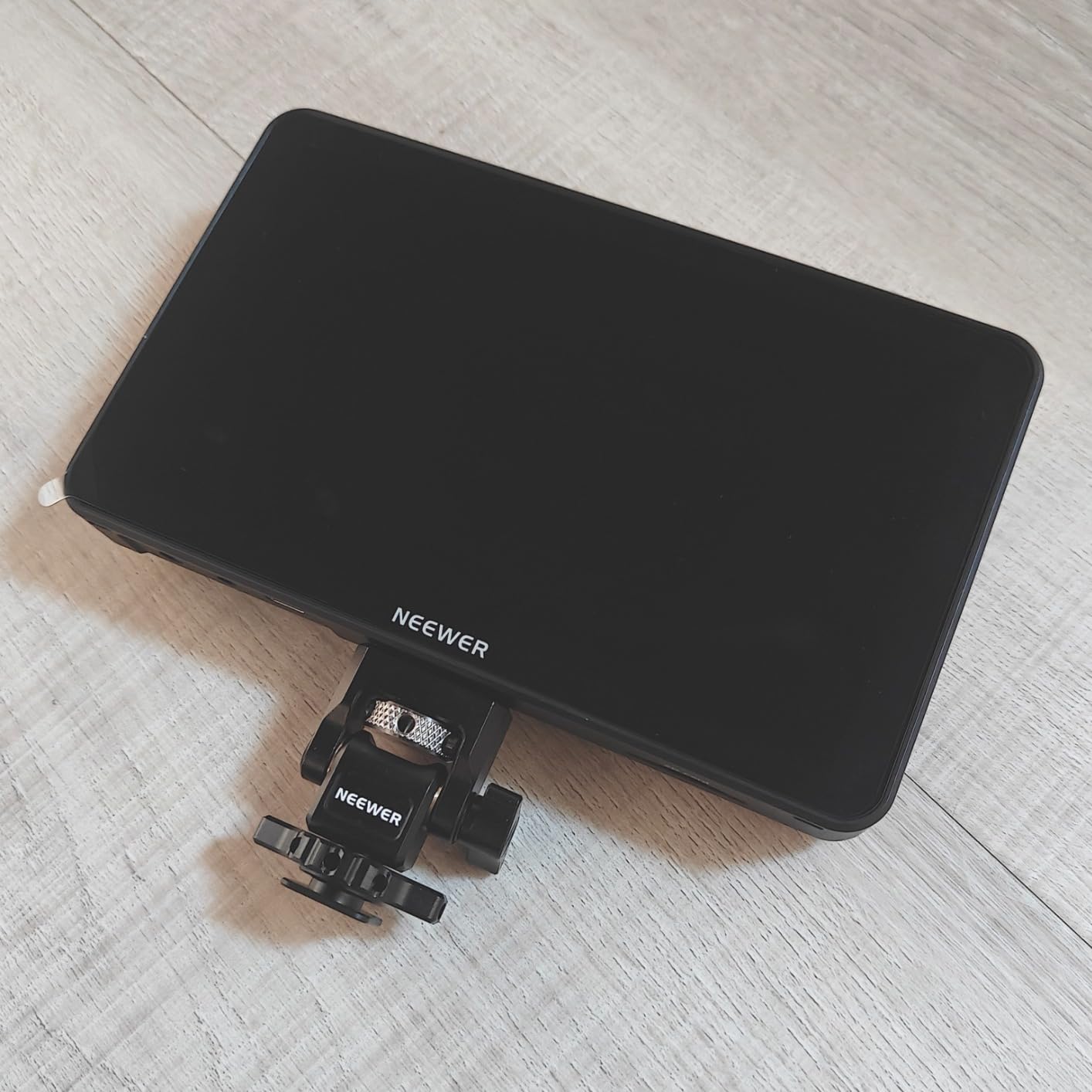
Everything else on this list is a compromise with the sun. The F700 is not. At 2000 nits it is the only screen here rated high enough to hold a readable image in direct daylight, and that single spec changes what you can do on an outdoor shoot more than any other feature on the sheet.
The rest of the specification is unusually complete for the class. False color, zebras, histogram, oscillogram, full waveform, vectorscope and HDR modes all sit behind a 7 inch 1920×1080 IPS touchscreen, and 4K HDMI loop in and out is there if you need to hand off a feed to a director or a capture card.
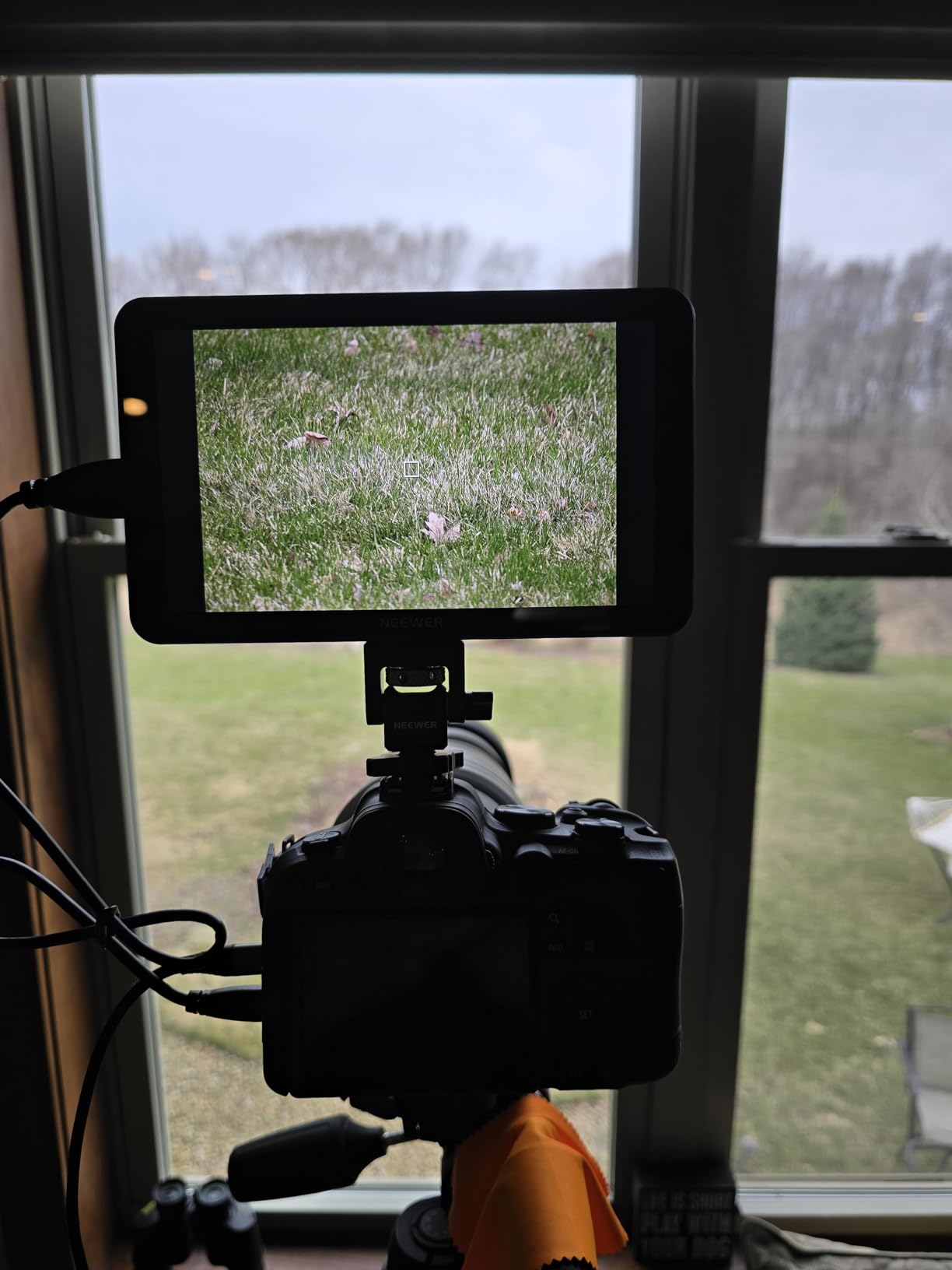
LUT support is generous for a monitor at this level: 15 curves preload and 60 custom LUTs upload from an SD card, which covers the Log workflows most shooters actually use. Power comes from NP-F550, 750 or 970 cells, a DC port or USB-C, and a DC 8V dummy-battery output can run the camera from the same pack.
Two NP-F750 batteries come in the box, and owners report roughly 4.8 hours combined at working brightness. Built-in fans keep the panel steady, and the 180-degree adjustable bracket lets you swing the screen around a cage without unbolting anything.
Who the NEEWER F700 suits best
It suits outdoor documentary work, travel and backcountry shoots, beach and snow coverage, and anyone who has ever tried to shade a 400-nit screen with a jacket while holding a reflector in the other hand.
It also suits anyone who wants a full exposure toolkit and a loop-out feed from a single unit rather than a monitor plus a separate converter.
Where owners report trouble
Weight is the real cost. Without batteries it is 15.7 ounces, and with the two NP-F750 cells fitted it is 30.2 ounces, which is a noticeable lump on a small rig. Balance your arm and the counterweight rather than the monitor itself.
Color accuracy is the most common complaint, with owners reporting the image is hard to match against the camera. Treat it as a monitoring and exposure tool rather than a grading reference. Peaking can also read as too aggressive out of the box, and the glossy screen finish fights back glare that a matte panel would lose.
4. Portkeys PT6 5.2 inch Monitor – Lightest and Fully Silent
Portkeys PT6 Camera Field Monitor 5.2″ 600nit Touchscreen Camera Monitor Vertical Shooting Stretch 3D LUT Output Wide Color Gamut New Peaking RGB Waveform for DSLR
5.2 inch 1080p touch
600 nits
0.37 pounds
Silent
Pros
- 0.37 pounds suits a gimbal payload
- Silent because there is no fan
- Hard case sunhood and cold shoe in the box
- NP-F and Canon LP-E6 plus DC and USB power
Cons
- 600 nits is shade only
- Three-button menus are cumbersome
- Swivel arm pin is a reported weak point
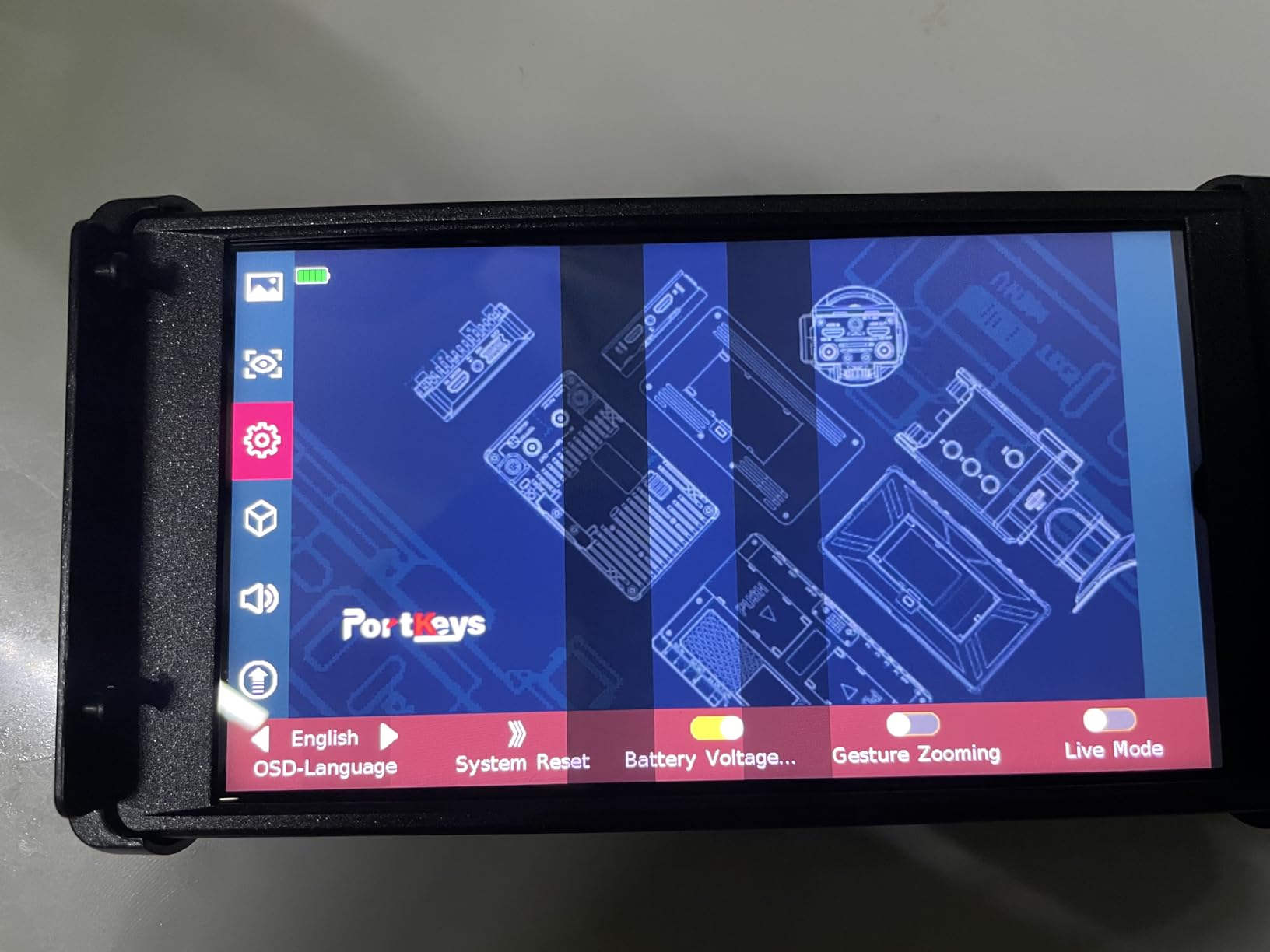
The PT6 solves a different problem from the F700. It is 0.37 pounds, has no fan, and runs silently, which makes it the one on this list we would put on a gimbal or a long-lens cinema build where every gram and every decibel counts.
Underneath the small screen is a professional tool set: luma and RGB waveform, luma histogram, 3D LUT output, anamorphic desqueeze, peaking, zebra and false color. The panel covers 100 percent Rec.709 with a 5 ms response time, and the touchscreen plus accelerometer auto-rotation means vertical shooting setups flip the image on their own.
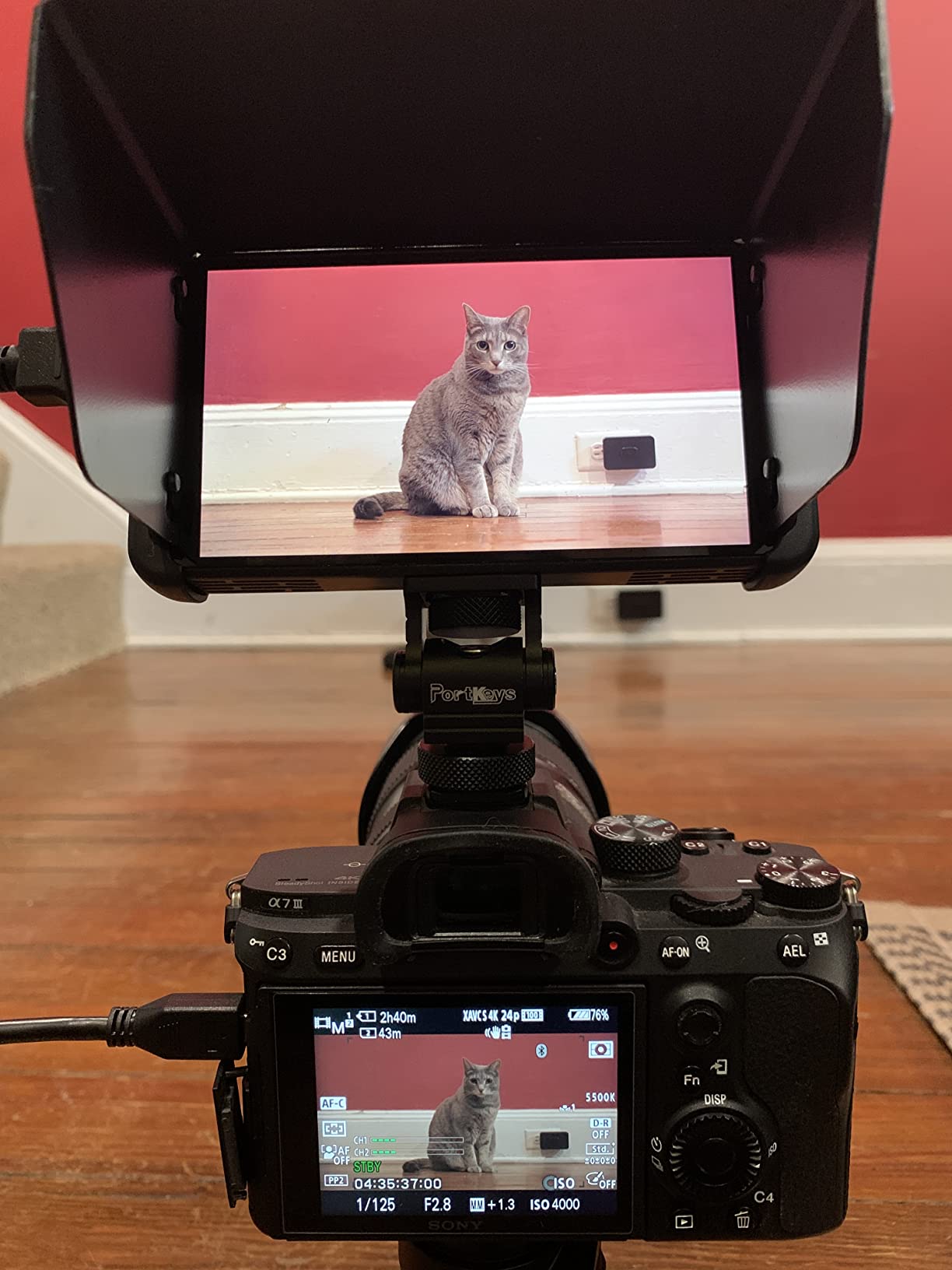
Power flexibility is a genuine strength. It runs NP-F970, F960, F750 or F550 cells, Canon LP-E6 packs, DC input or USB, so it can borrow batteries from either a Sony or a Canon body already in your bag. Two HDMI ports give loop-through, and the hard shell case, sunhood, cold shoe mount and cables all ship in the box.
At 600 nits it is not an outdoor screen. In shade, under a roof, or on an overcast day it is perfectly serviceable, and the auto-flip makes it pleasant for solo operators working at odd angles.
Who the Portkeys PT6 suits best
It suits gimbal and stabilizer operators, solo shooters working handheld, and anyone who cannot tolerate fan noise on a quiet interior take. Silent operation is the feature that owners consistently single out.
Battery borrowing is the quiet winner. If your kit already carries both NP-F and LP-E6 cells, this monitor works with both without an adapter drawer.
Where owners report trouble
The swivel arm bracket is the most reported failure point, with the retaining pin described as breaking under normal handling. Treat the arm as consumable and carry a spare mount rather than a spare monitor.
Menu navigation through three physical buttons is slow for anyone used to touchscreens, boot time is around seven seconds, and the screen flashes blue on a signal change, which is distracting on a live take. The battery bay also does not hold NP-F packs as firmly as it should.
5. FEELWORLD F5 Prox 5.5 inch 1600 nit – Brightest Small Screen Kit
FEELWORLD F5 Prox 5.5″ 1600nit Touch Field DSLR Camera Monitor
5.5 inch touch
1600 nits
Battery and sunshade in box
Pros
- 1600 nits in a 5.5 inch body
- Top average rating in this group
- Battery carry case and sunshade all included
- Responsive touchscreen
Cons
- Mounting bracket only holds a 45 degree tilt
- QC reports of used or missing items
- Runs hot in extended use
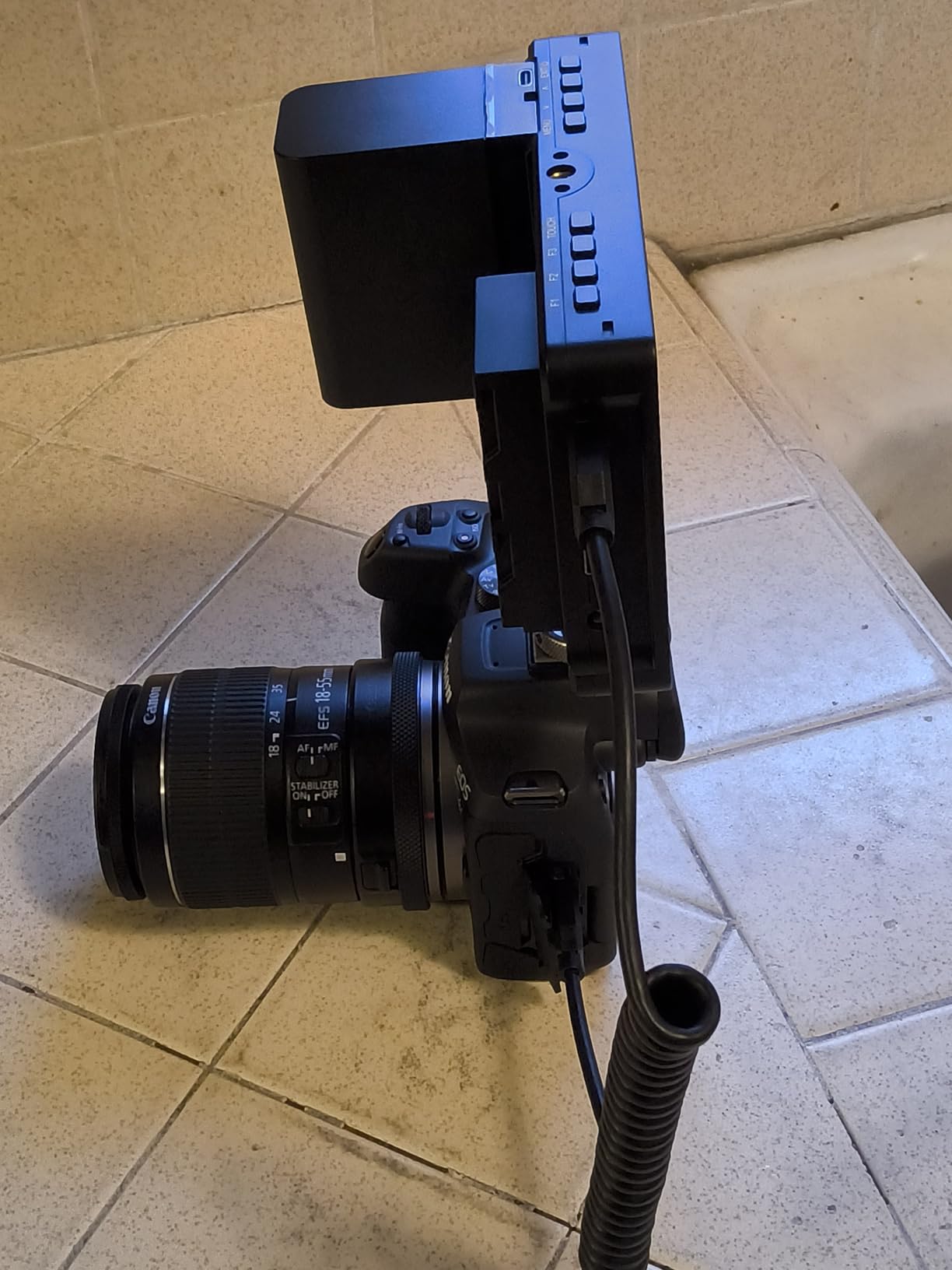
The F5 Prox is the most interesting shape in this roundup: a 5.5 inch touchscreen that still manages 1600 nits. That combination is unusual, because most 5.5 inch panels give up brightness to hit a price, and it means you can carry daylight capability in a small footprint.
The tool set covers the essentials properly: focus peaking, waveform, histogram, false color, plus LUT preview for Log shooting so you can check exposure against a transform before you commit a take. Multiple power options mean you can run it off a battery, a DC source or a power bank.
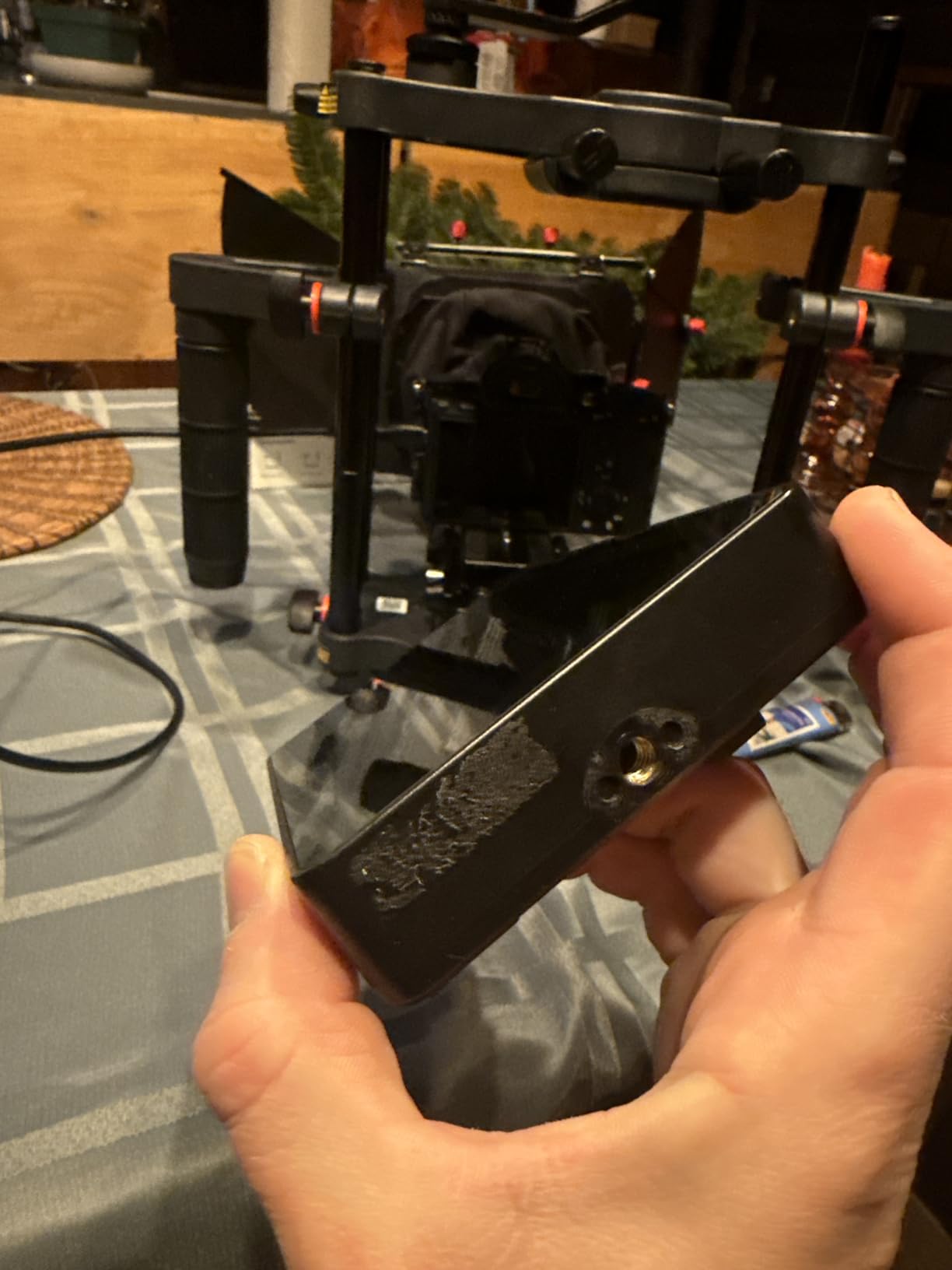
Everything needed to start is in the box, including a battery, a carrying case and a sunshade. Reviewers repeatedly call the color accurate for a screen this size, which matters more than most spec tables admit when you are matching a monitor to a camera LCD.
It also holds the top average rating in this group, tied with the VILTROX DC-550. That rating rests on 299 reviews, which is a real sample but a thinner one than the NEEWER F100 or the FW759 PRO can point to.
Who the F5 Prox suits best
It suits shooters who need real daylight brightness but want a smaller screen than 7 inches, plus anyone building a compact rig where every gram is being argued over. Travel and location work is a natural fit.
The included case and sunshade make it a good first high-brightness purchase, because the two accessories people forget to order are already handled.
Where owners report trouble
The mounting bracket only holds a 45-degree tilt, so you cannot angle the screen flat or fully upright without a different mount. That is the single most repeated complaint in reviews.
Quality control is a genuine theme. Some buyers report arriving used or defective units, missing items in the box, and a broken sunshade mount piece. Open the package on a day you can return it. Battery life is modest, so a power bank is a sensible addition for long days, and units run hot in extended use.
6. ANDYCINE A6 V2 5.7 inch Monitor – The Most Complete Rig Bundle
ANDYCINE A6 V2 6 Inch HDMI Field Monitor 1920×1080 Camera Fiedl Monitor Bundle with 4k HDMI in/Out Tilt Arm, Power Output, Battery & Carry Case Included
5.7 inch 1080p
460 nits
200 grams
DC 8V out
Pros
- Battery case sunshade tilt arm and cables in the box
- 200 grams is very light
- 4K HDMI input and loop out
- DC 8V output can power the camera
Cons
- No touchscreen
- 460 nits is shade only
- Flip arm and included cables are weak links
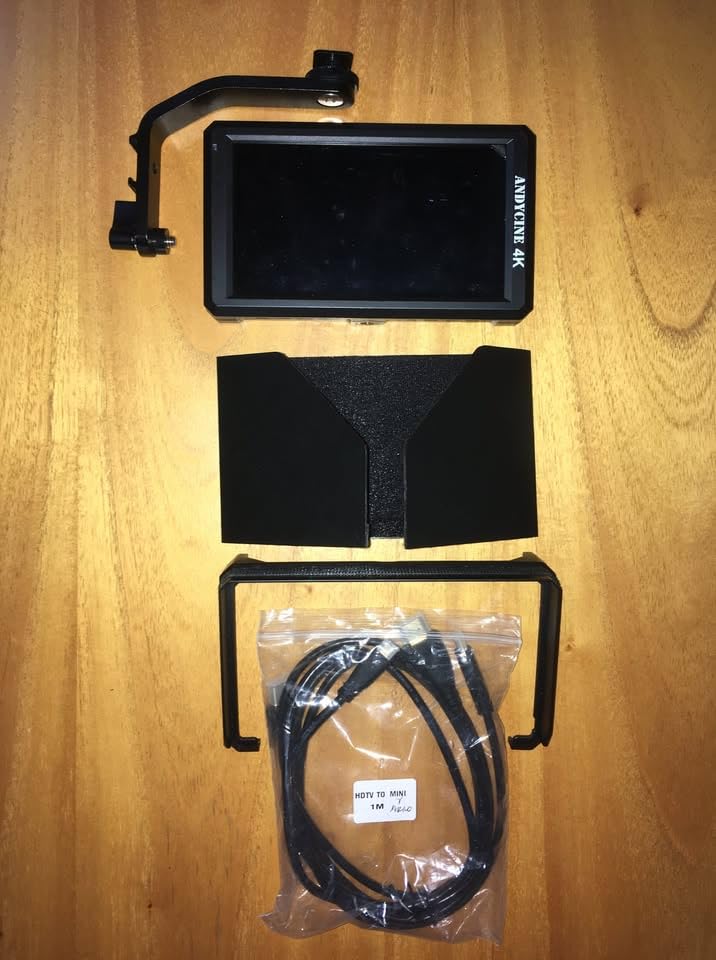
The A6 V2 exists to answer a simple question: how few purchases does it take to get a working monitoring kit. The answer is one, because the box contains the monitor, a battery, a charge cable, a carry case, a sunshade, a tilt arm, a micro HDMI cable and a manual.
Spec-wise it punches slightly above that role. The 5.7 inch 1920×1080 panel runs at 460 nits with a 1400:1 contrast ratio and a 170-degree viewing angle, and it accepts 4K HDMI input while looping a signal out to the next device in the chain.
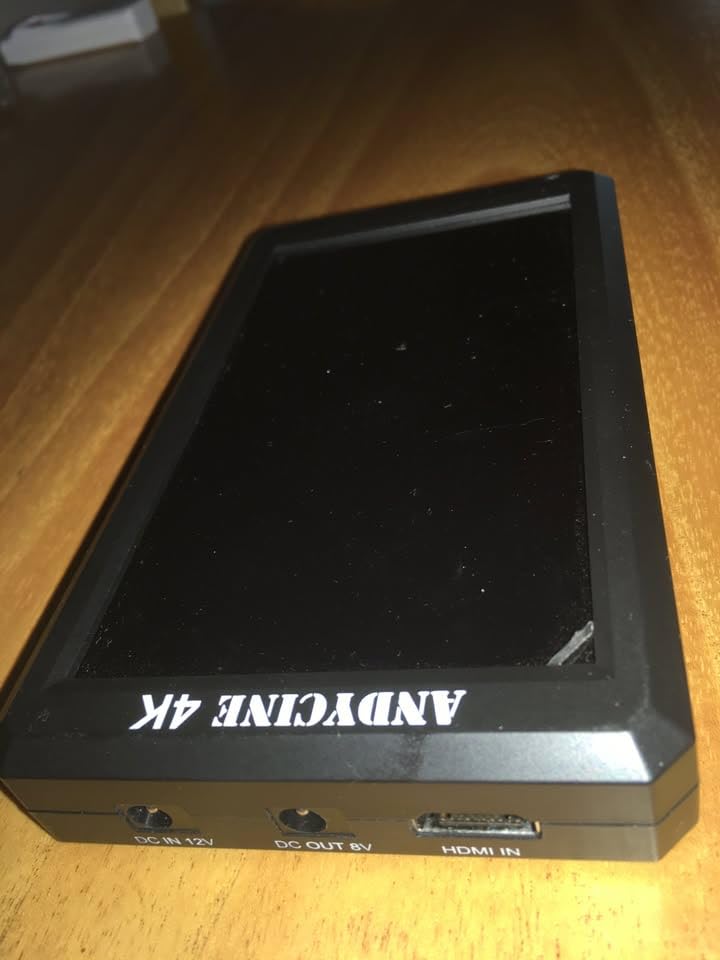
Tooling is the full expected set: waveform, zebra, histogram, focus assist, ratio markers, loadable 3D LUTs, false color, anamorphic modes and zoom up to 16x. A DC 8V output can feed a camera through a separately sold dummy battery, and quarter-inch threads on three sides make it easy to mount in a cage.
At 200 grams it is one of the lightest here, and reviews report six-plus years of reliable use from owners who bought it early. That longevity is the reason it still makes sense in 2026 despite feeling old-fashioned.
Who the ANDYCINE A6 V2 suits best
It suits a first field monitor purchase, a second camera on a small crew, and anyone who wants DC 8V camera power at no added complexity. The bundled battery and sunshade mean you can mount it and shoot the same afternoon.
It is also a sensible back unit or a monitor for a camera that has no screen of its own, where its 16x zoom is genuinely useful.
Where owners report trouble
The flip arm mechanism is described as loose and flimsy, and the battery release pinches fingers. Buttons sit on the top edge, which is awkward once the screen is flipped, and there is no touchscreen at all.
Most importantly, the bundled micro HDMI cable is reported to break, and the mini-USB port is dated. At 460 nits this is an indoor and shade screen, so keep it in the bag on a bright exterior day.
7. VILTROX DC-550 5.5 inch 1200-nit – Best Mid-Range Spec Sheet
VILTROX DC-550 Touch Screen DSLR Camera Field Monitor 1200 Nits High-Bright 5.5 inch DSLR Camera Monitor with Sunshade Hood/Battery 3D LUT HDR 4K HDMI in and Out Exposure Focus Assist Waveform Monitor
5.5 inch touch IPS
1200 nits
4K in and out
1.1 pounds
Pros
- 1200 nits with an anti-glare coating
- 4K HDMI loop in and out
- Headphone jack for audio monitoring
- NP-F550 battery sunshade case and cables included
Cons
- Heaviest of the small 5.5 inch options at 1.1 pounds
- Smaller owner review base than the leaders
The DC-550 is the specification winner in the mid-size class. A 5.5 inch 1920×1080 IPS touchscreen at 1200 nits with an anti-glare coating, 1 ms response time, 178-degree viewing angles and 100 percent Rec.709 coverage is a genuinely strong sheet, and the anti-glare finish solves much of the reflection problem that hurts glossy panels outdoors.
The tool set is the deepest on a 5.5 inch screen here: parade waveform, vector graph, brightness histogram, peak focus assist, false color, an audio column and image flip, with 3D LUT import from an SD card. Input handles 3840×2160 at up to 4K 30Hz and passes the signal out.
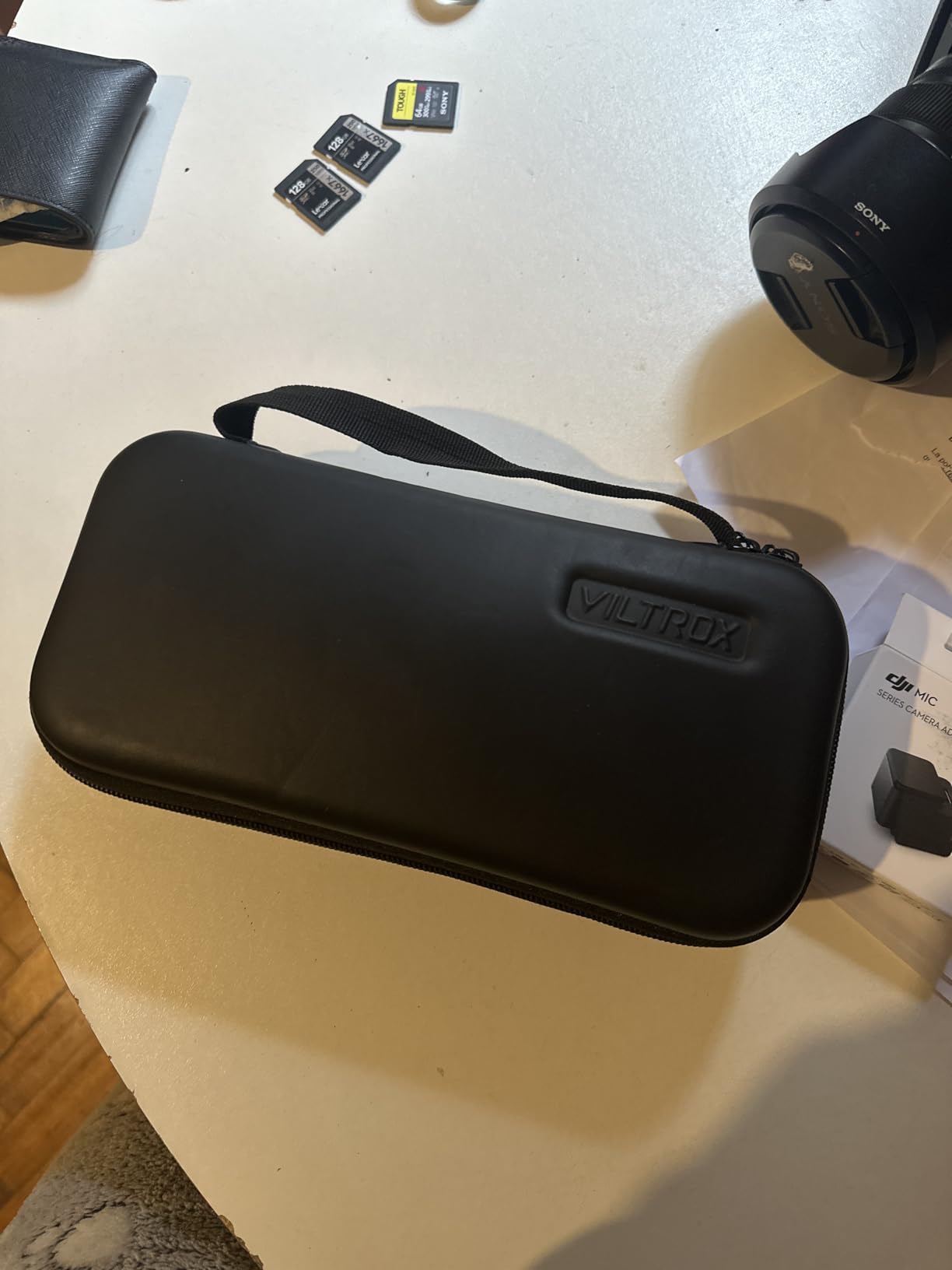
A 3.5mm headphone jack is included, which is rare in this price bracket and lets you monitor audio from the camera feed without pulling a separate recorder into the bag. Power comes from an included NP-F550, DC 12 to 18V, or USB-C at 5V 3A, so a power bank is a legitimate backup.
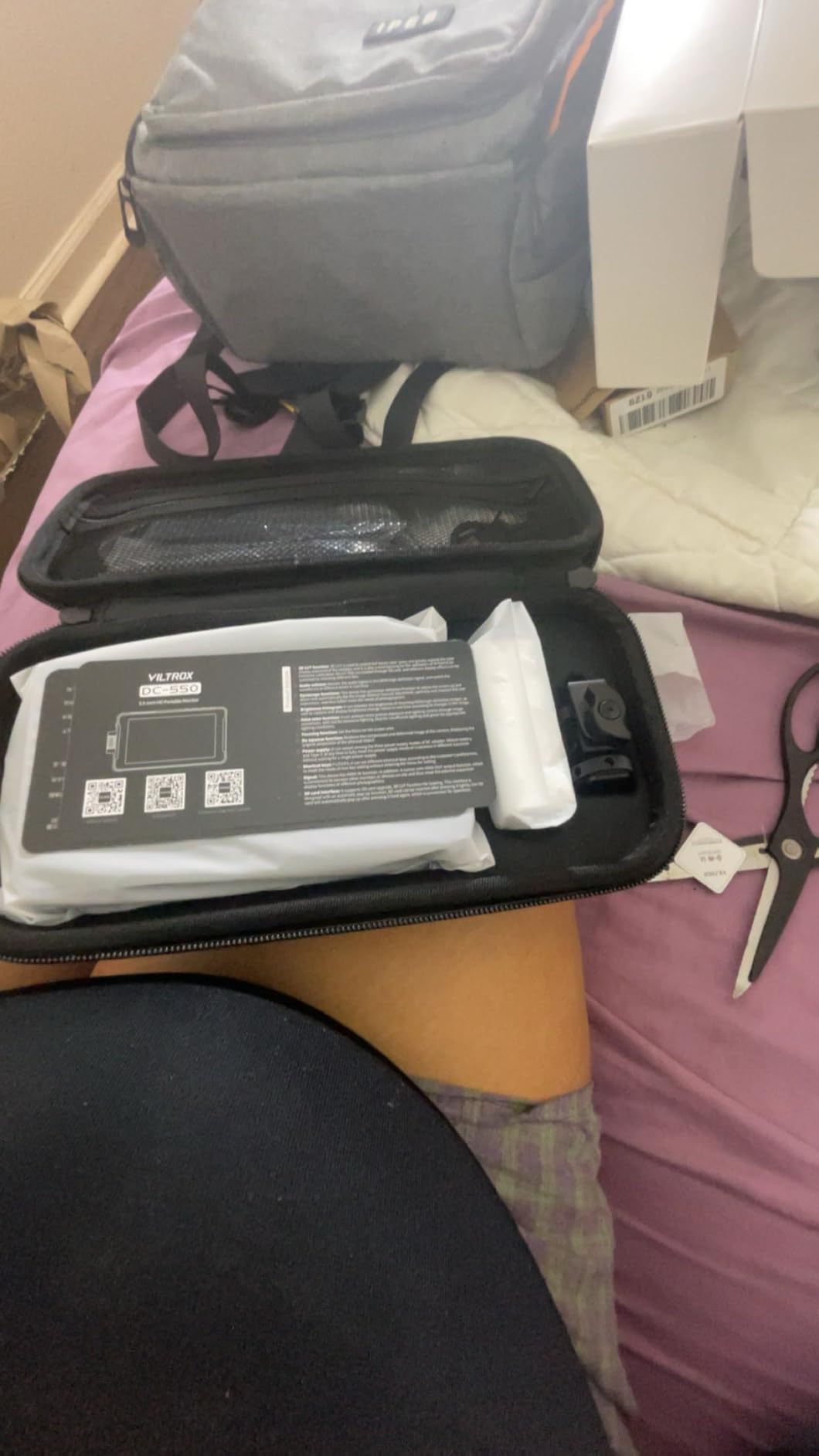
Sunshade, cold shoe adapter, Type-C cable, HDMI cable, mini HDMI cable and a carry case are all in the box, which means the purchase is immediately usable.
Who the VILTROX DC-550 suits best
It suits shooters moving between shade and open air who need more punch than a 500-nit screen but do not need 2000 nits, and it suits anyone who monitors audio through headphones from the camera feed.
The anti-glare coating makes it our pick for overcast and diffused daylight work, where a glossy screen picks up every bright cloud edge.
Where owners report trouble
At 1.1 pounds it is the heaviest 5.5 inch option in this list, so plan your rig balance around it rather than adding a counterweight after the fact.
The owner review base of 271 is solid but thinner than the two most popular models here, and the anti-glare coating costs a little contrast in controlled interiors. Treat the Rec.709 claim as a monitor characteristic rather than a calibration certificate.
8. FEELWORLD P6XL 6 inch Monitor – Built-In Battery, No Battery Bag
FEELWORLD P6XL 6″ 1200nit Touch Built-in Battery Field DSLR Camera Monitor
6 inch touch IPS
1200 nits
3300mAh built-in battery
4K in out
Pros
- Built-in 3300mAh battery removes battery management
- 1200 nits for outdoor visibility
- Full touchscreen with waveform and vectorscope
- Aluminium housing at 200 grams without the cell
Cons
- Two to three hour runtime at full brightness
- Non-replaceable built-in cell
- No camera power output
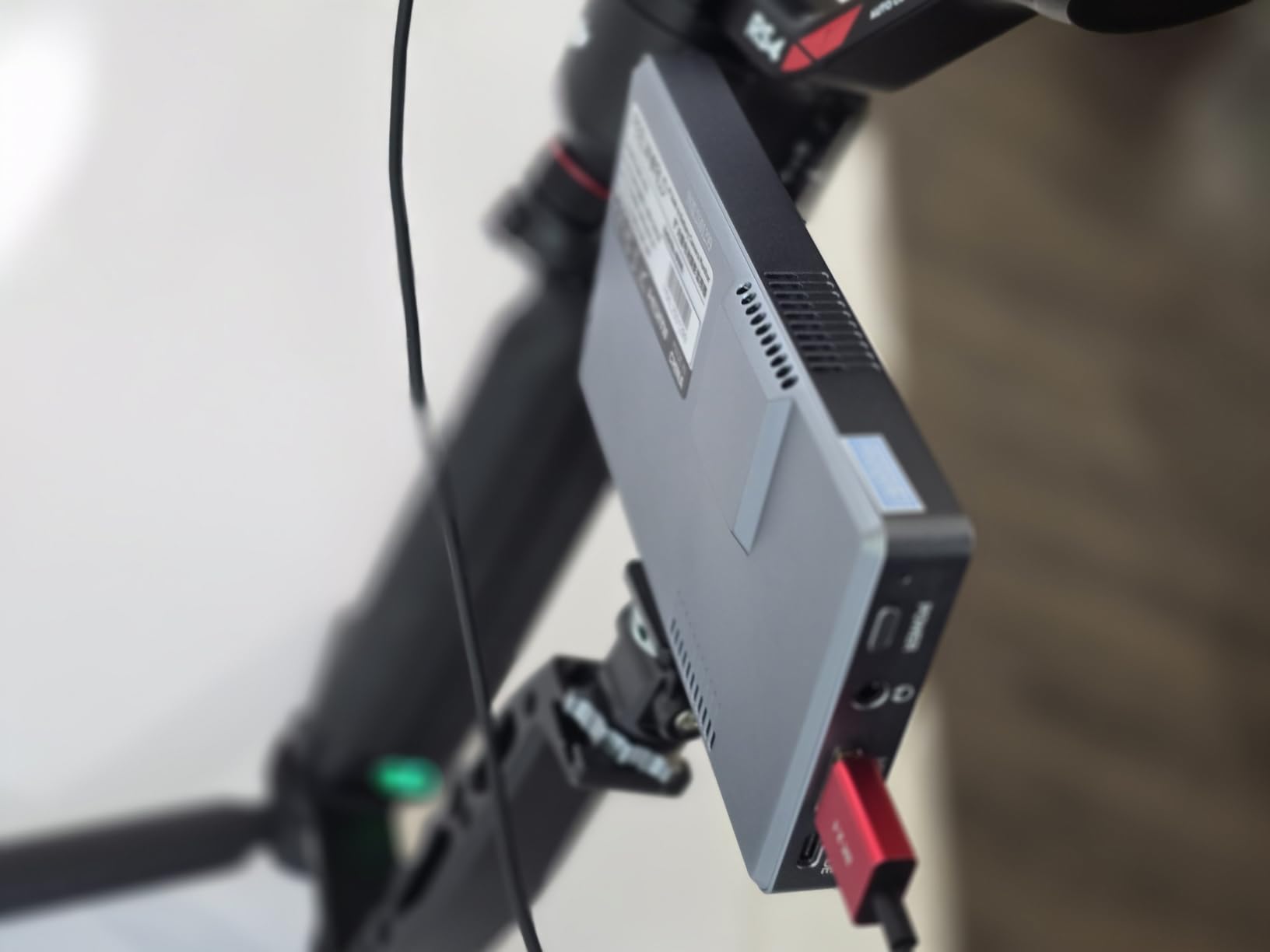
The P6XL is the odd one out in this roundup because it has no battery bay. A 3300mAh rechargeable cell is built into the 6 inch aluminium body, which means no NP-F batteries, no charger, and nothing else to lose in a bag between shoots.
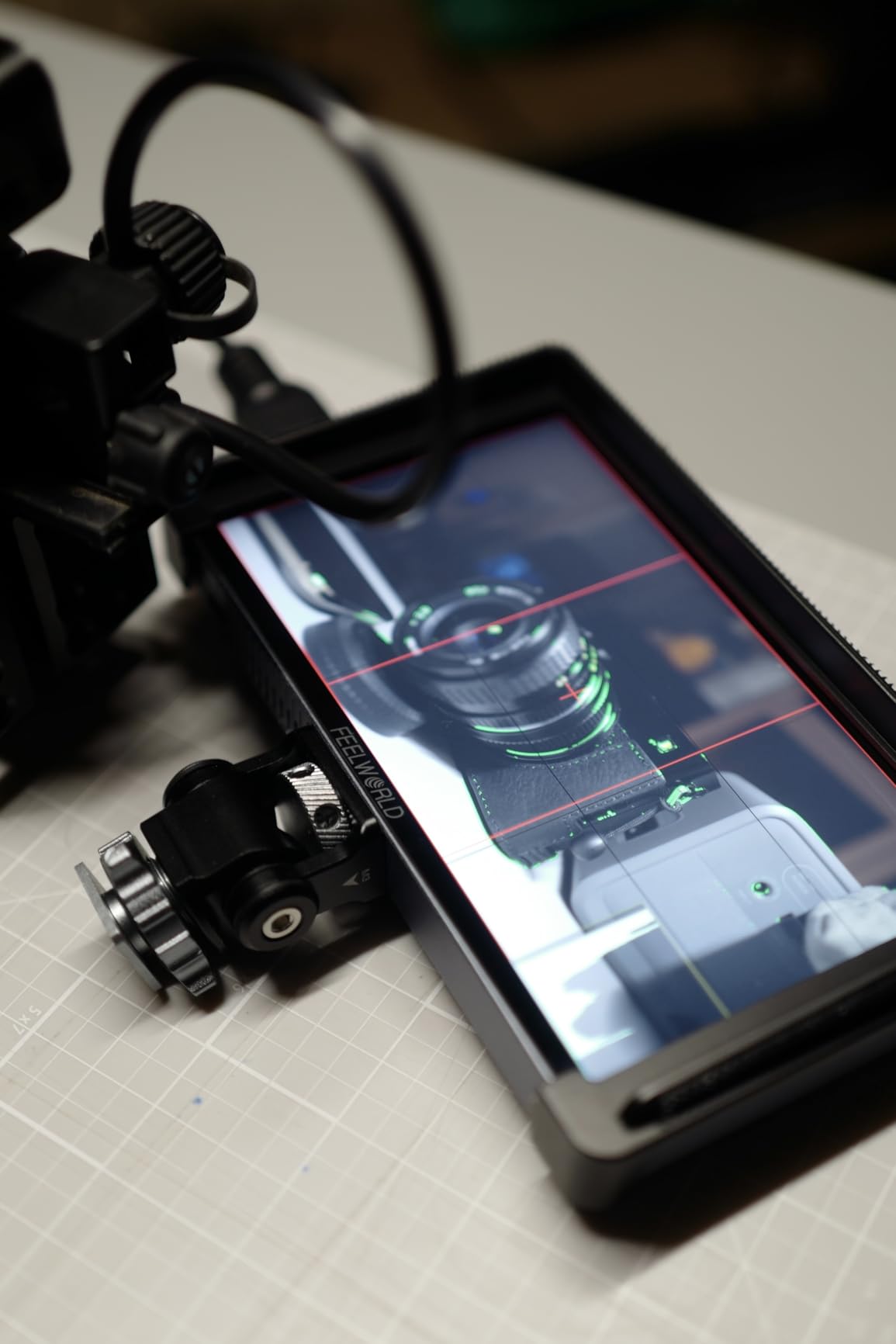
It still performs. The 6 inch 1920×1080 IPS touchscreen runs at 1200 nits, handles 4K HDMI in and out, and carries waveform, vectorscope, histogram, focus assist, 3D LUT uploads and Log preview. Quarter-inch screw threads take it straight onto a cage or a cold shoe adapter, both included.
That simplification is the appeal. If you have ever pulled a rig at a location shoot to find one flat NP-F in the camera and no spare, the built-in cell removes an entire category of problem from the day.
Measured runtime is 2.2 hours at 100 percent brightness, 2.5 hours at 80 percent and 3 hours at 60 percent, which is a full shooting block rather than a full shooting day.
Who the P6XL suits best
It suits solo shooters and small crews who want a grab-and-go monitor without a battery bag, and it suits anyone who wants one device with no configuration decisions to make before a shoot.
It is also a good backup screen. Nothing to charge separately means it works the moment it comes out of the case.
Where owners report trouble
The battery is not replaceable, so once the cell degrades the unit is a desk monitor. And there is no DC camera power output, which rules it out for anyone who wanted this to run their camera as well as monitor it.
The rating also rests on 124 reviews, a much thinner sample than the leaders in this list. That is enough to judge the design but not enough to rely on a 4.2 average as a long-term verdict.
9. osee T5+ 5.5 inch Monitor – Best False Color and Workflow Presets
osee T5+ 5.5 Inch 1000nits Camera Monitor, Customizable False Color Field Monitor, HDR 4K HDMI Input 8 MySets Preview Workflow DSLR Monitor, Peaking Focus Assist, 3D Lut (Battery Not Included)
5.5 inch LCD
1000 nits
8 MySets joystick
False color presets
Pros
- Most configurable false color with camera presets
- Eight MySets recall full monitoring setups
- Handles Log and HDR de-log plus PQ and HLG
- 1000 nits works in light shade
Cons
- No battery included
- Non-standard 4mm DC output
- Plasticky build and short included cables
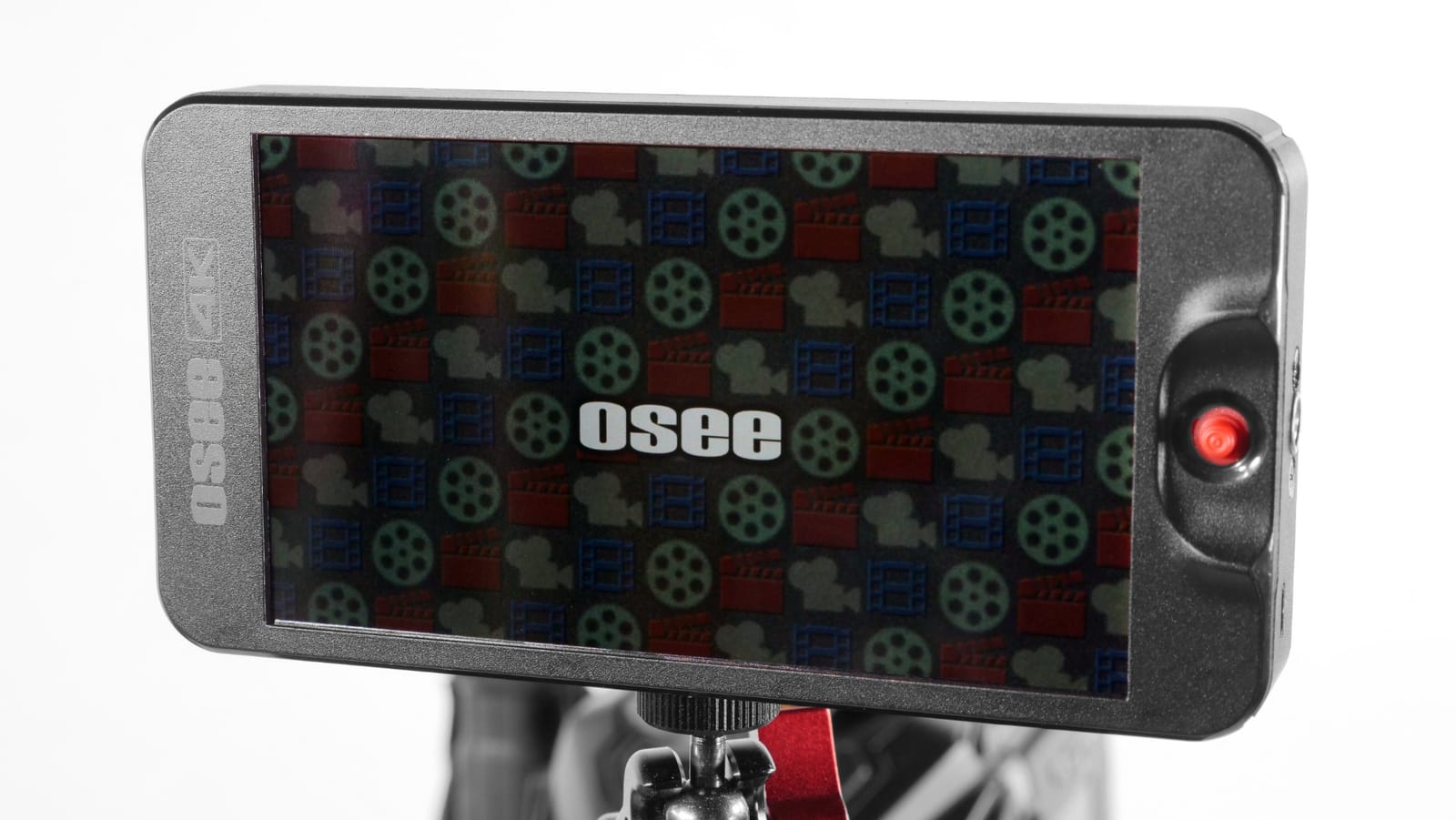
The T5+ is the pick for anyone who treats exposure as a repeatable process rather than a judgement call. Its false color system is customizable with camera-specific presets for clipping and tone positions, and the LOG and HDR processing handles de-log on common Log curves alongside PQ and HLG.
What makes that practical is the eight MySets workflow with joystick quick-switching. You build an exposure layout, a focus layout and a Log preview layout, then recall them with a single stick movement rather than rebuilding the screen between setups. The screen auto-rotates on flip, which suits vertical shooting.
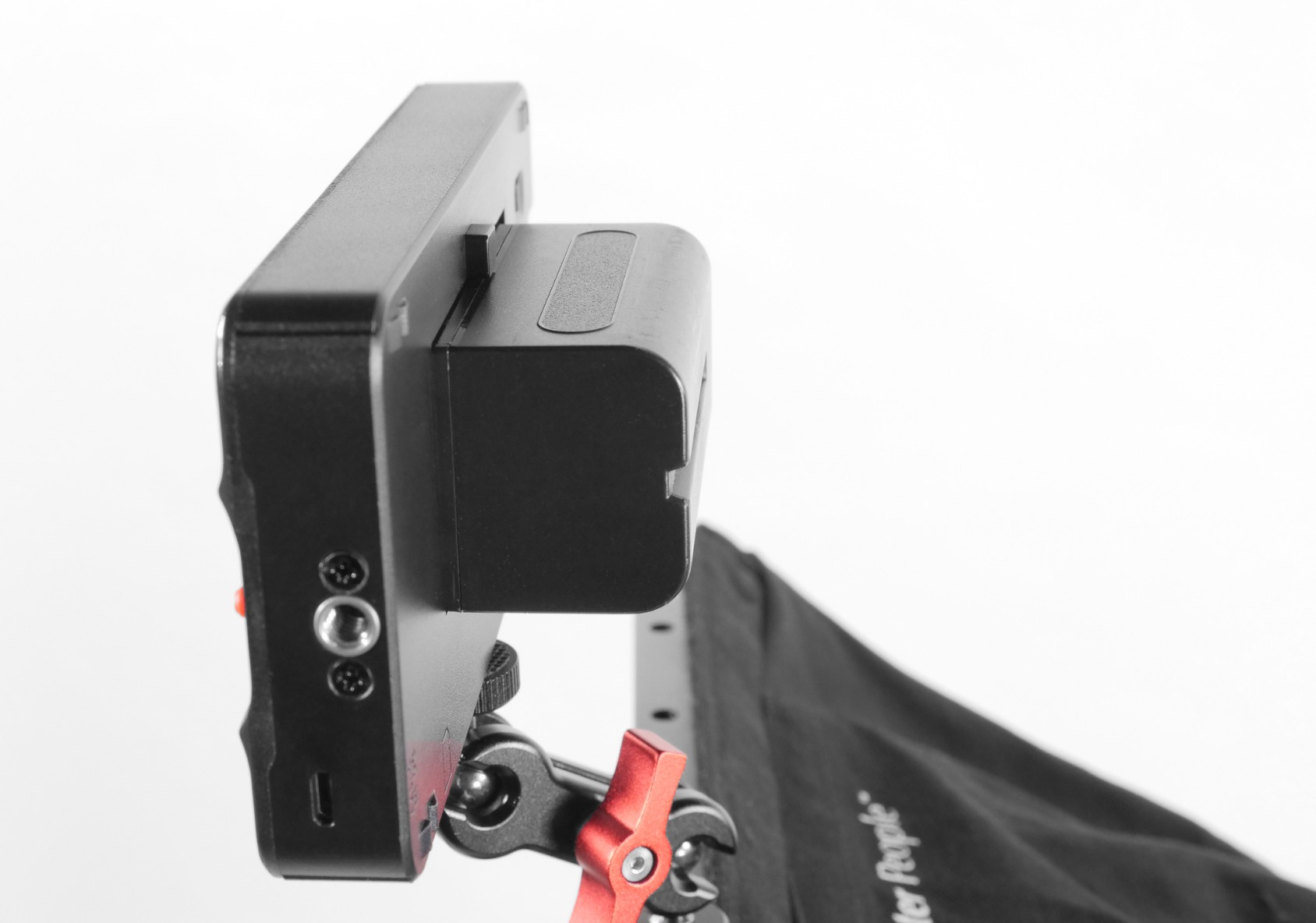
Basic monitoring is all present: waveform, histogram and vector on one page, peaking, 3D LUT upload from SD with intensity adjustment, 1000 nits on a 1920×1080 LCD showing 1.06 billion colors, and 170-degree viewing angles. The joystick is preferred by many owners over both button-only and touch interfaces.
Owners discussing the Osee line in videography communities point to it as a sensible first-monitor choice, and the T5+ keeps that reputation with a wider tool set than earlier versions.
Who the osee T5+ suits best
It suits shooters who work in variable light and want exposure readings they can repeat on every setup, plus anyone shooting Log who wants a de-log preview without leaving the monitor.
It also suits operators who dislike touchscreens, because the joystick is fast and it works with gloves on a cold location shoot.
Where owners report trouble
No battery is included, and the DC camera power output uses a non-standard 4mm barrel rather than the common 5.5mm, so finding a dummy battery cable takes extra work. Its placement next to the HDMI port also makes for a tight fit on a crowded rig.
Build quality reads as plasticky to some owners, the included cables are short and cheap, and switching from live view to playback takes around ten seconds. Some buyers report color banding, and the bracket is not perfectly square.
10. Atomos Ninja 5.2 inch Monitor-Recorder – Records ProRes From Your Camera
Atomos Ninja 5.2″ 4K HDMI Recording Monitor
5.2 inch 1080p
1000 nits
ProRes and DNxHD
HDMI SDI NDI
Pros
- Records 4Kp60 ProRes DNxHD and H.265 plus 6Kp30 ProRes RAW
- 12G-SDI input alongside HDMI
- Wireless monitoring through Atomos Connect and RemoteView
- 210 grams
Cons
- Runs hot and drains batteries quickly
- SSD batteries and adapters are separate purchases
- ProRes RAW activation problems reported
The Ninja is the only monitor here that records. It encodes the same feed it displays to an SSD in Apple ProRes, Avid DNxHD or H.265, and up to 6Kp30 in ProRes RAW, which means an internal-recording camera that compresses heavily can send out a clean copy instead.
Connectivity is the strongest on the list: HDMI, 12G-SDI and NDI on a 5.2 inch 1920×1080 display rated at 1000 nits. AtomOS 11 handles the interface, with RecordAssist, PlayBackAssist, ARRI false color, EL Zone exposure overlays and SegmentPro for tracking a moving subject.
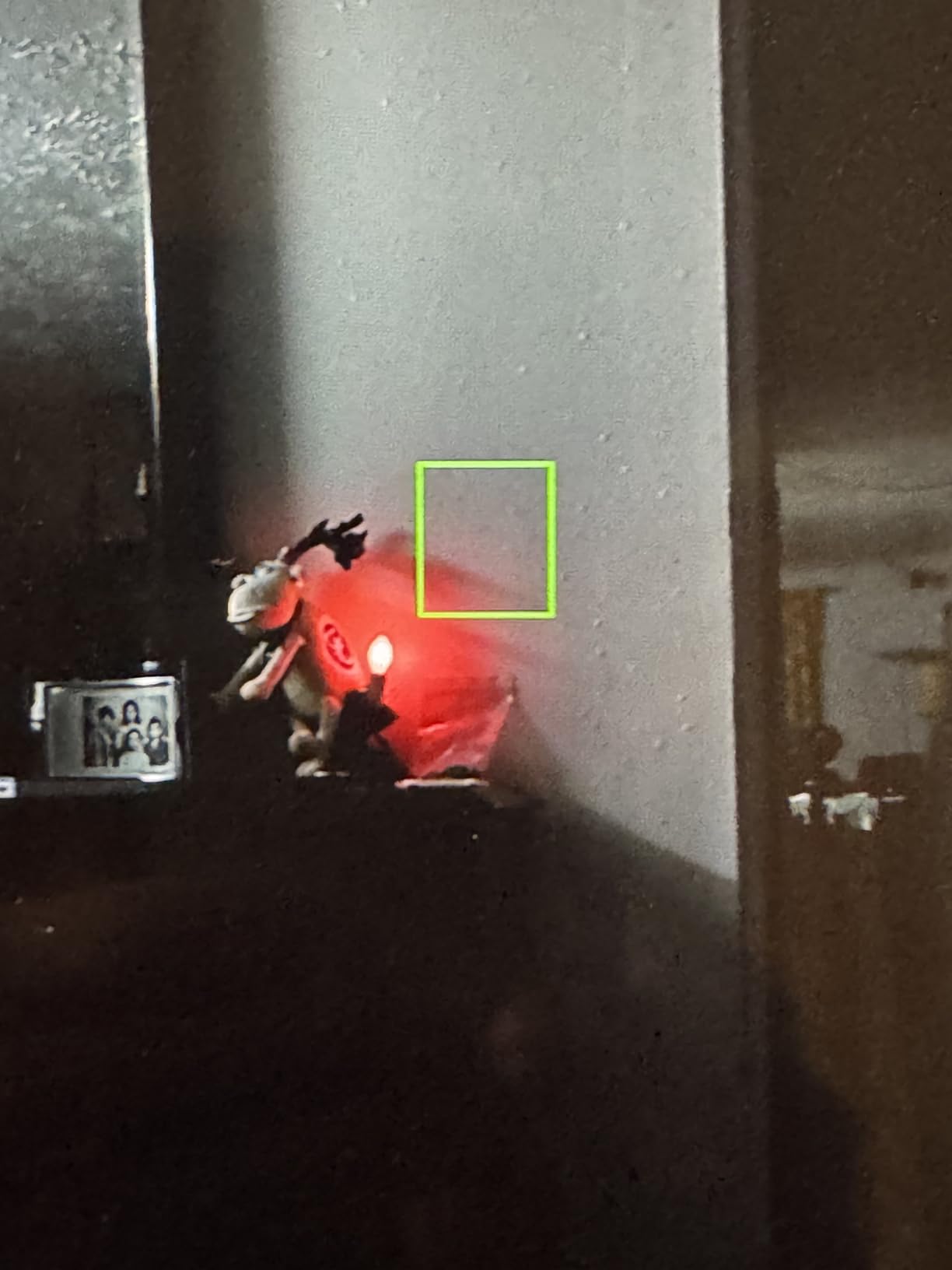
At 210 grams it is light for what it does, and the wireless monitoring through Atomos Connect and RemoteView lets a director or a focus puller watch from another position without a full video village. For interview and documentary work that flexibility is the argument.
The catch is that this is a full system. A monitor, an SSD, batteries and adapters are four separate things to own, carry and keep compatible, and none of the monitoring-only models on this list ask for that.
Who the Atomos Ninja suits best
It suits shooters whose camera’s internal codec is the weak link, or who want a ProRes or ProRes RAW copy for editing without bouncing a drive overnight. Cinema cameras with an SDI out pair with it directly.
It also suits small crews that want director monitoring over Wi-Fi without renting a dedicated wireless system.
Where owners report trouble
Heat and power draw are the defining complaints. Owners report the unit running hot and consuming batteries quickly, and the fans can be audible on a quiet take. Budget spare cells.
Some buyers also report ProRes RAW activation issues and describe Atomos customer care as unhelpful when that happens, so check the feature works for your camera before you rely on it. It records everything visible on screen, including focus overlays, so clean up your display before you roll. The 94-review sample is the thinnest here, and its 4.1 average is the lowest in the group.
How We Picked These 10 Field Monitors
Every model here was scored against the same five criteria, in this order of weight. First, brightness in nits, because an unreadable screen fails at its only job. Second, the monitoring toolkit, since peaking and false color only matter if they are actually there. Third, input and output options, so the monitor fits the camera you already own. Fourth, power flexibility, which decides what goes in the bag. Fifth, weight, which decides whether the rig stays balanced.
Alongside the specifications we read owner reports closely, because reliability data does not exist anywhere else. The failure themes that came up repeatedly across brands were HDMI ports loosening after heavy daily use, bundled micro HDMI cables breaking, out-of-box quality control problems, and units running hot in extended use. Where a theme appeared more than once for a model, we have said so in that section rather than burying it.
We also weighted review counts. A 4.4 average from a handful of buyers tells you far less than a 4.2 from a few thousand, and any model here with fewer than 300 reviews is flagged in its section. Three of the ten fall into that group.
How to Choose a Field Monitor for Video Shooting
Brightness in nits is the first filter
Under about 600 nits, treat a monitor as an indoor and open-shade tool. From 1000 nits it handles overcast daylight and dappled shade. At 1600 nits and above you can face open sun, which is the difference between shooting a take and squinting at one.
Two details matter more than the number. A matte or anti-glare finish beats a glossy one outdoors regardless of rating, and a sunshade adds more usable contrast than a jump in nits. Both the FEELWORLD F5 Prox and the VILTROX DC-550 pair high brightness with anti-reflective surfaces.
5 inch or 7 inch: pick for the rig
Five-inch monitors are lighter and fit a small cage or a gimbal without disturbing your payload. Seven-inch panels are materially easier to read waveform and judge focus, and they still mount on a full rig if your counterweight is set correctly.
The Portkeys PT6 at 0.37 pounds and the ANDYCINE A6 V2 at 200 grams are the practical picks for handheld work. The NEEWER F100 at 13 ounces is the lightest 7 inch option in this roundup.
HDMI or SDI: the cable question that ruins shoots
HDMI carries a clean video signal and works over a short cable, typically under 3 metres for full reliability, and every mirrorless body in common use has it. SDI carries a professional signal over much longer runs on coax, and it is what cinema bodies and broadcast cameras output.
Most compact rigs need HDMI only. If you are running a long cable down a dolly, working in a multi-camera setup, or pulling a feed from a cinema camera with an SDI out, the Atomos Ninja is the only model here with 12G-SDI.
Power options decide your battery bag
Most models take Sony NP-F cells, and the osee T5+ adds Canon LP-E6 for anyone already carrying Canon packs. The FEELWORLD P6XL goes the other way with a built-in 3300mAh cell and no bay at all, and the VILTROX DC-550 and FEELWORLD FW759 PRO both accept USB-C so a power bank becomes a legitimate backup.
A DC 8V output can power the camera from the same pack, which cuts a cable from the rig. The NEEWER F700, the ANDYCINE A6 V2 and the osee T5+ offer it, though the osee uses a non-standard 4mm barrel.
Monitoring tools you will actually use
Focus peaking and a waveform are the two that change how you shoot. Peaking draws an outline on high-contrast edges so you can find exact focus, and a luma or RGB waveform tells you where your exposure actually sits rather than how the LCD feels about it.
False color is the fastest way to judge exposure zones, and the osee T5+ is the most configurable in this group. Zebras warn before you clip a channel, LUT preview shows your Log transform on set, and a vectorscope confirms your saturation is where you want it. Every model here has waveform, false color and peaking; LUT support is where the cheaper screens thin out.
Field monitor or monitor-recorder
A monitor shows you the image. A monitor-recorder also encodes it to a drive, which gives you a ProRes or DNxHD copy you can grade directly, or a safe recording when the camera’s internal codec is weak. That second capability is worth a lot when the camera’s internal recorder is the weak link in your workflow.
It also costs more, runs hotter, and needs storage and batteries on top. If you are monitoring a camera that records good internal files, the monitoring-only models here are the better value.
Connecting a monitor to your camera in six steps
First, set the camera to a clean HDMI output with no overlays, at 1080p 59.94 or 1080p 30 if the monitor cannot accept your 4K signal. Second, confirm the monitor supports the resolution and frame rate the camera is sending, since a mismatch is the most common cause of a black screen.
Third, power the monitor first, then the camera, so the source is live when the display wakes. Fourth, connect with a proper HDMI cable and leave strain relief on the connector, because most disconnects are cable movement rather than a fault.
Fifth, turn off any brightness or auto-backlight features that shift the image, and set a fixed color temperature, so the monitor and camera agree. Sixth, if you need a feed onward, use the loop-out port rather than an HDMI splitter, and confirm the receiving device accepts the same signal. For long runs or multi-camera work, move up to SDI rather than pushing an HDMI cable further.
One more practical note on rigging: whatever the monitor weighs, the balance point changes when you add it. Re-balance the rig on a proper support, the kind covered in our shooting rests guide, rather than carrying the imbalance into a handheld take. For fixed-position work, our shooting benches guide covers platforms that hold a monitor at a consistent eye line without a tripod.
Frequently Asked Questions
Is IPS or OLED better for video editing?
For on-set monitoring, IPS is the standard because it runs cool, costs far less, and has no burn-in risk when a static UI sits on screen all day. OLED wins on contrast and black level, which matters when grading, but it is a desktop format rather than a field format. Most of the monitors here are IPS or LCD. If your priority is grading accuracy rather than daylight use, read our guide to monitors for video editing instead.
What is the best monitor for video production?
For a general-purpose video production monitor, the VILTROX DC-550 at 5.5 inches offers the strongest balance: 1200 nits, an anti-glare touchscreen, 4K HDMI in and out, a headphone jack, and a battery in the box. For a first field monitor the NEEWER F100 is the safer buy because of its long owner track record. For direct sun, the NEEWER F700 is the only one rated high enough.
How bright should a field monitor be for outdoor use?
Around 1000 nits handles overcast daylight and open shade. For direct sun you want 1600 nits or more, and the NEEWER F700 at 2000 nits is the only model in this roundup rated that high. Below 600 nits, treat the screen as an indoor tool and rely on a sunshade. A matte or anti-glare finish matters as much as the number once you are outdoors.
Can a camera flip-out screen replace a field monitor?
No, not in daylight and not for focus pulling. Camera flip-out LCDs are typically 3 inches and around 400 to 500 nits, which is unreadable in direct sun, and the small size makes it hard to judge a soft edge on a manual-focus lens. They are fine for framing in controlled interiors. If you shoot wide open with autofocus indoors, you may never need a field monitor at all.
Why does my HDMI keep turning on and off?
Almost always it is the cable moving, not the monitor failing. Check the connector is fully seated and add strain relief so a bumped cage cannot lever it out. Swap the cable, and avoid micro-HDMI adapters, which are a common source of signal dropouts. If the run is long or the rig gets handled, moving to SDI removes the problem entirely. Tightening the monitor mount also stops the port being levered.
Should I buy a field monitor or a monitor-recorder?
Buy a monitor-recorder only if your camera’s internal recording is the weak link in your workflow, or if you want a ProRes copy you can grade without bouncing a drive. A monitor shows the image and nothing more, costs less, runs cooler, and needs no storage. For most solo shooters and small crews the monitoring-only models are the better value, and the Atomos Ninja is the option when external recording is the priority.
The Best Field Monitors for Video Shooting in 2026: What We Would Buy
Our pick for the best field monitors for video shooting is the NEEWER F100. It is not the brightest screen here and it does not record anything, but at 13 ounces with 2734 owner reports behind it, it is the one we would put on a rig and still trust five years later. That reliability, not the specification, is what earns the recommendation.
Buy the NEEWER F700 instead if you shoot outdoors, because 2000 nits is the only rating on this list that survives direct sun. Buy the VILTROX DC-550 if you want the strongest mid-size specification, and buy the Atomos Ninja only when external recording is the point of the purchase rather than a bonus.
Whichever you choose, check the camera output first. Every model here takes HDMI, and only one takes SDI, so buying for the cable rather than the screen is how people end up with a monitor they cannot use.