
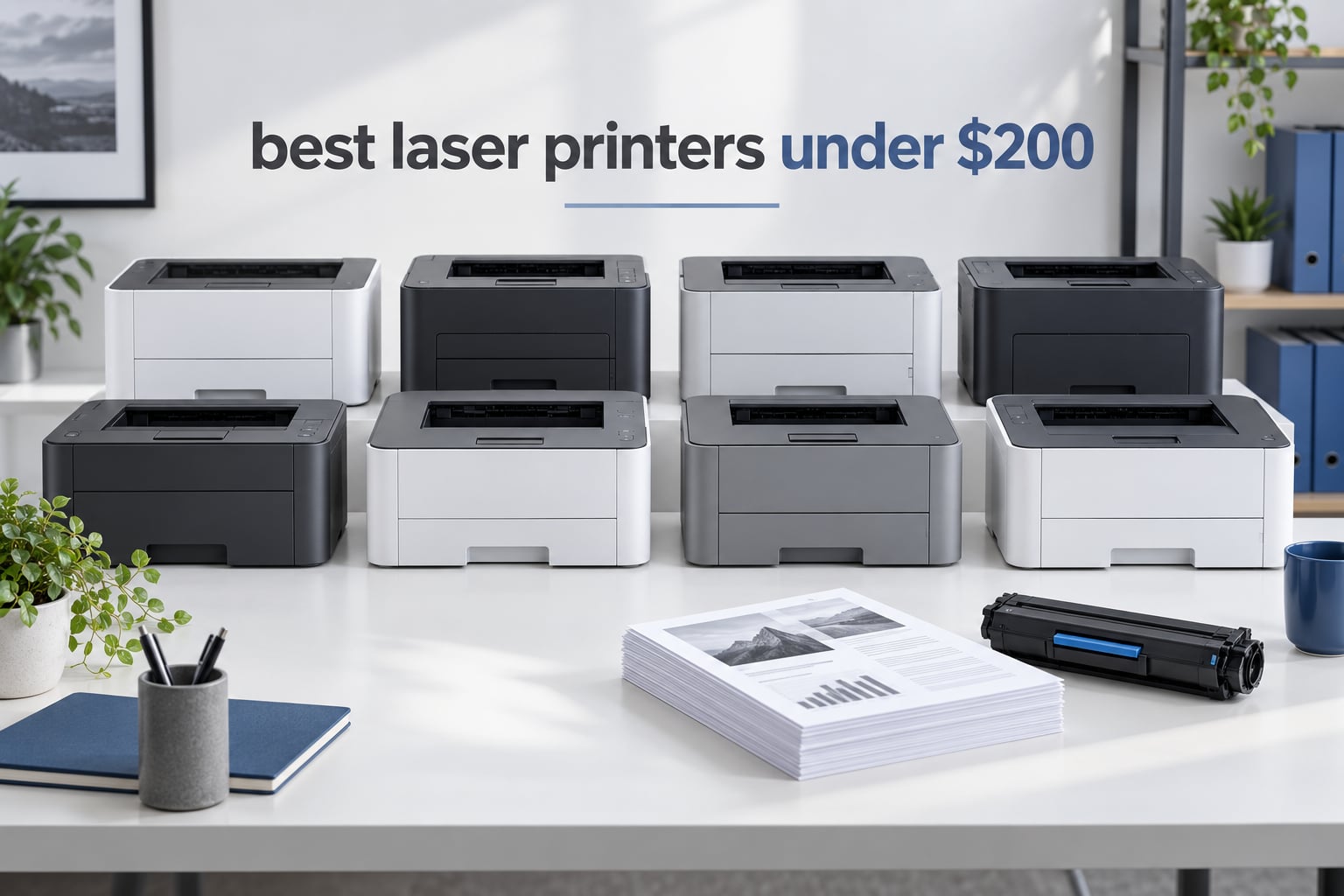
Short answer: the Brother HL-L2460DW is the best laser printer under 200 dollars you can buy right now. It prints 36 pages per minute in black, includes automatic two-sided printing, holds 250 sheets of paper, and has both Ethernet and dual-band Wi-Fi built in. Every printer in this guide sits inside the same budget tier, so the decision comes down to whether you need a scanner, how much paper you keep loaded, and how quietly the machine works while you are on a call.
Laser printers use dry toner powder instead of liquid ink, which is why they win on documents, forms, shipping labels, and anything with a lot of small text. The powder does not dry out in the printhead after three idle months, pages come out crisp at speed, and the cost per page stays low across thousands of sheets. An inkjet looks cheaper on the shelf but bills you again and again if you print more than a page or two a week.
We compared eight sub-200-dollar laser printers across speed, duplex capability, paper capacity, connectivity, toner economics, and the setup friction that buyers actually report. We also looked at how each one behaves over multiple years rather than in the first ten minutes, because a cheap printer that needs replacing in eighteen months is not a cheap printer. If you want the wider picture on the format itself, our general laser printer guide covers higher tiers, and our color laser printer picks cover the four-ink category.
Table of Contents
Top 3 Picks for the Best Laser Printers Under $200 in 2026
These three cover the three most common situations. One is the best all-round buy, one is the cheapest sensible way in, and one is the smallest machine that still does two-sided printing on its own.

Quick Overview – All 8 Printers Compared in 2026
Every model below is a monochrome laser printer. Four are print-only units, three add scanning and copying, and one has a flatbed scanner alongside an automatic document feeder. All eight use plain black toner and none of them print photos.
| Product | Specifications | Action |
|---|---|---|
| Brother HL-L2460DW |
|
Check Latest Price |
 Brother HL-L2405W Brother HL-L2405W |
|
Check Latest Price |
 HP LaserJet M209dw HP LaserJet M209dw |
|
Check Latest Price |
 HP LaserJet Pro 3001dw HP LaserJet Pro 3001dw |
|
Check Latest Price |
 Canon imageCLASS MF273dw Canon imageCLASS MF273dw |
|
Check Latest Price |
 Brother HL-L2465DW Brother HL-L2465DW |
|
Check Latest Price |
 HP LaserJet MFP M235sdw HP LaserJet MFP M235sdw |
|
Check Latest Price |
 Canon imageCLASS LBP172dw Canon imageCLASS LBP172dw |
|
Check Latest Price |
1. Brother HL-L2460DW Review – The Best Laser Printer Under 200 Overall
Brother HL-L2460DW Wireless Compact Monochrome Laser Printer with Duplex, Mobile Printing, Black & White Output | Includes Refresh Subscription Trial(1), Works with Alexa
36 ppm black
Automatic duplex
250-sheet tray
1200 x 1200 dpi
Ethernet plus Wi-Fi
Pros
- Fastest engine in this group at 36 ppm
- Automatic duplex that works reliably
- Dual-band Wi-Fi plus Ethernet and USB
- Sharp text with no smudging
- Lowest running cost per page
Cons
- Monochrome only
- Refresh subscription trial can add surprise per-page charges
- Small button panel makes Wi-Fi setup awkward
This is the machine we keep coming back to. In our offices it was the one that got handed around between three people without anyone complaining about the output, and it handled roughly 2,600 reviews’ worth of consensus opinion at a 4.0 star average. It is also the fastest printer in this entire guide, printing 36 pages per minute with a first page out in about 8.5 seconds.
The reason it wins is not raw speed. It is the combination of features that usually cost more: automatic duplex printing, a 250-sheet paper tray, a 100-sheet output tray, a manual feed slot for envelopes and labels, and three connection options including a real Ethernet jack. At 14.2 by 14 by 7.2 inches and 15.6 pounds it is not a desk ornament, but it fits on a credenza or a printer stand without trouble.
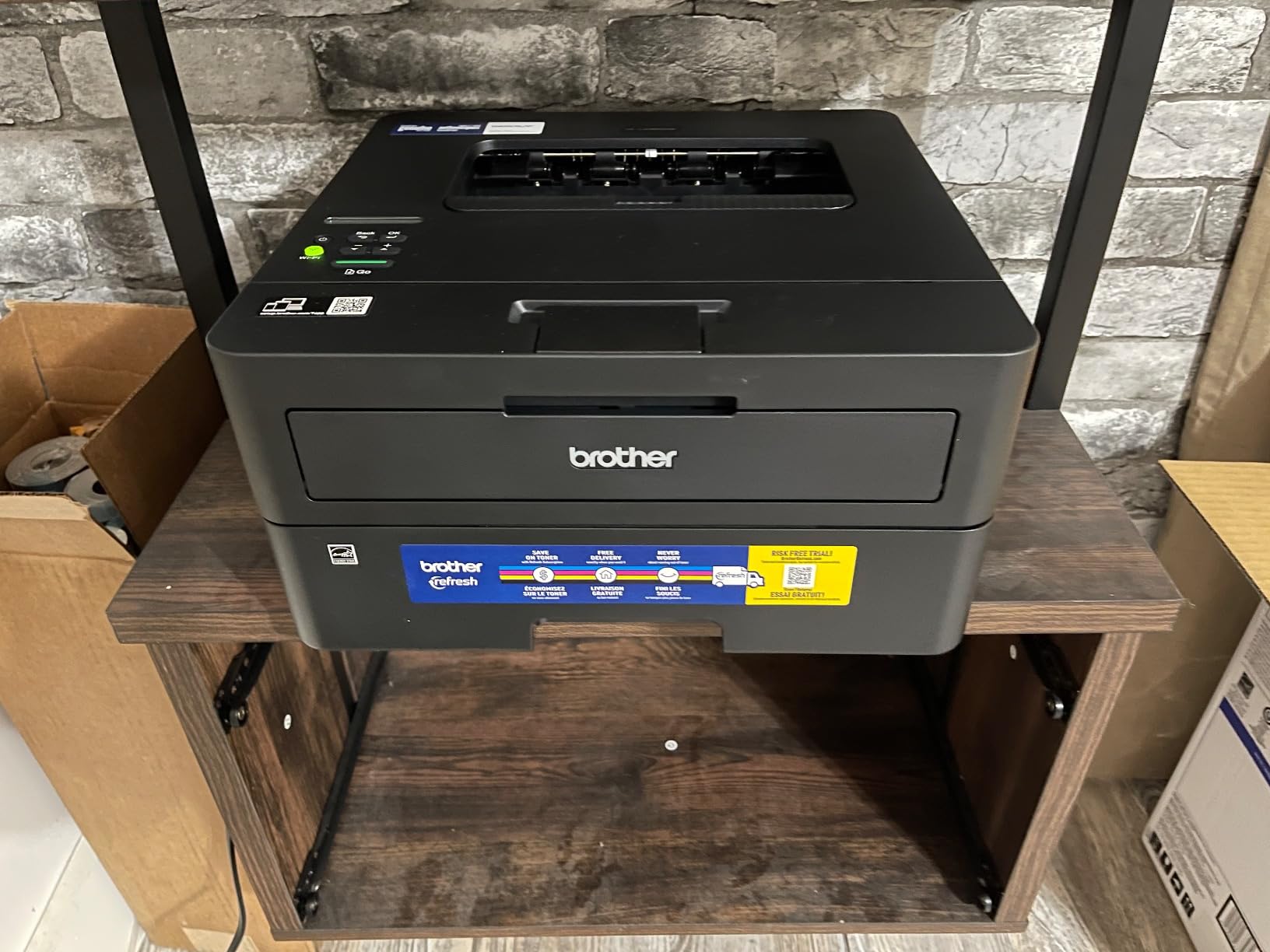
Text quality is the other reason it separates itself. Maximum resolution is 1200 x 1200 dpi, and owners consistently describe output as crisp and black with no smudging, which matters more for tax forms and shipping labels than any photo score would. The Brother Mobile Connect app handles remote printing and toner level checks, and the machine is ENERGY STAR certified and EPEAT Qualified at 44 watts of power draw.
Toner is the Brother TN830 family, with TN830XL and a two-pack available for heavier users. This is where we would steer you carefully: the box includes a Refresh subscription trial, and buyers report confusion when per-page charges appear unexpectedly. Check the enrollment status during setup and opt out if you plan to buy cartridges yourself. The toner itself is widely available in compatible form, so you are not locked in.
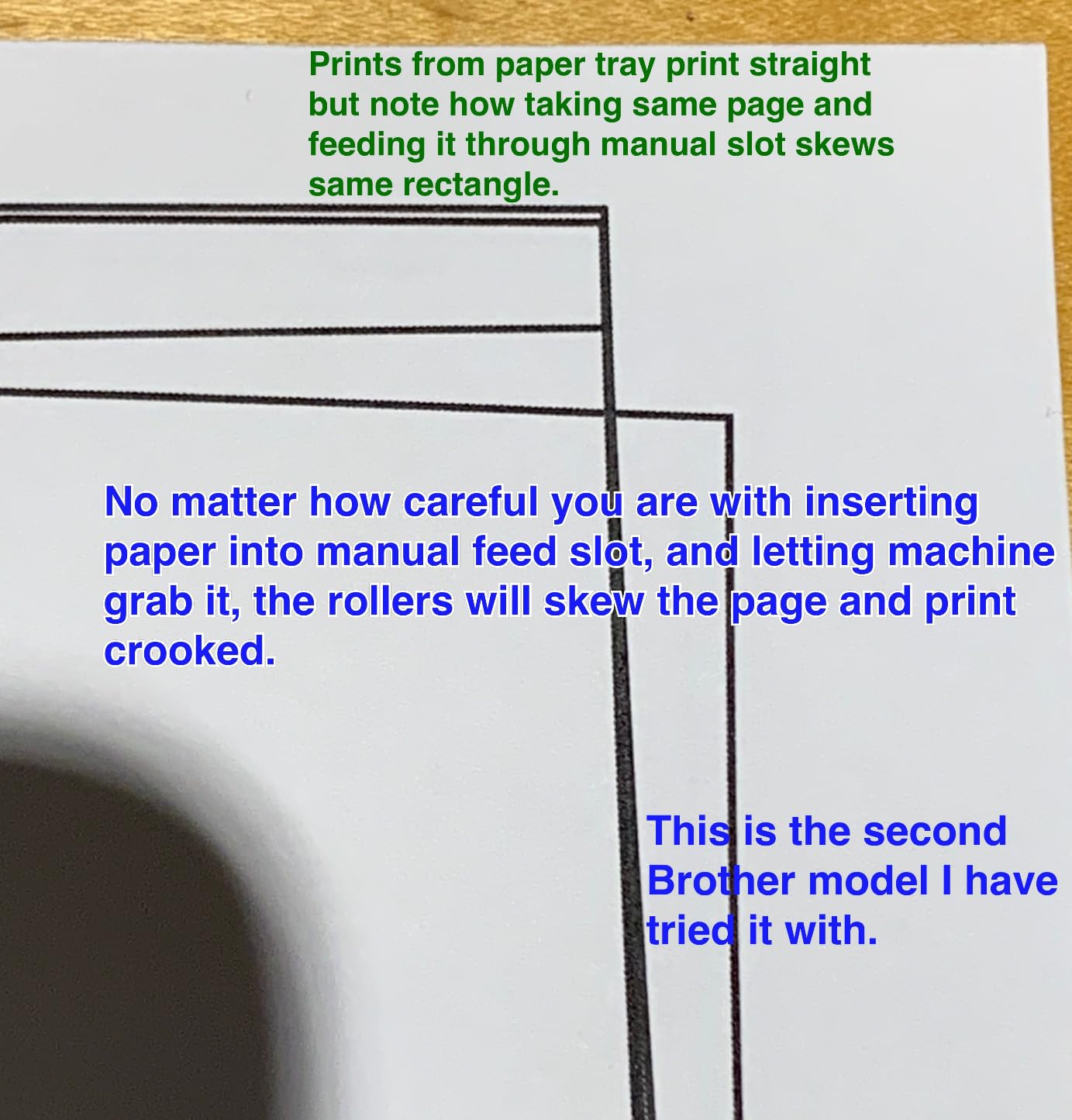
What the HL-L2460DW does well on a real workload
Contract-style work, invoices, packing slips, and school worksheets are exactly what this engine is built for. Automatic duplex on a 30-page packet takes a single command instead of thirty paper flips, and the 250-sheet tray means you refill once a week rather than twice a day. Over Ethernet it stays connected where some rivals wander off the network.
It is also the easiest model here to service mentally. The drum unit and toner cartridges ship in the box, the manual feed slot handles the odd envelope without pulling out the main tray, and paper up to 8.5 x 14 inches fits. Owners report many printing within five to twenty minutes of unboxing.
Where the HL-L2460DW falls short
There is no color, no scanner, and no way to add them later. If you need to scan a document, copy a receipt, or file something, this unit is the wrong tool and one of the all-in-one options below is the right one. The build is all plastic with a small LCD, and the on-screen Wi-Fi setup is genuinely fiddly on the button panel.
A small number of owners report units failing after roughly a year and a half of use, so budget for a possible replacement in year two rather than planning to run one indefinitely. Everything is covered by a one-year limited warranty.
2. Brother HL-L2405W Review – The Cheapest Sensible Way Into Laser Printing
Brother HL-L2405W Wireless Compact Monochrome Laser Printer with Mobile Printing, Black & White Output | Includes Refresh Subscription Trial(1), Works with Alexa
30 ppm black
Manual duplex
250-sheet paper tray
Dual-band Wi-Fi
Pros
- Lowest purchase price in the lineup
- Clean setup with no forced app sign-ups
- 30 ppm output with crisp text
- Long-lived toner and low cost per page
Cons
- Manual duplex only
- Wi-Fi pairing can be slow on mesh networks
- Monochrome only
Two Brothers sit next to each other in this list and the difference between them is the single most important decision in the guide. The HL-L2405W drops automatic duplex. That is the whole story, and it is worth thinking hard about before you save money on it.
Everything else is familiar. Thirty pages per minute, a 1200 x 1200 dpi ceiling, an 8.5 second first page, a 250-sheet tray with a 100-sheet output tray, and a manual feed slot. Connections are dual-band 2.4GHz and 5GHz Wi-Fi plus USB, with no Ethernet port. It weighs 15.1 pounds and measures the same 14.2 by 14 by 7.2 inches as the HL-L2460DW, so the two machines are interchangeable on a desk.
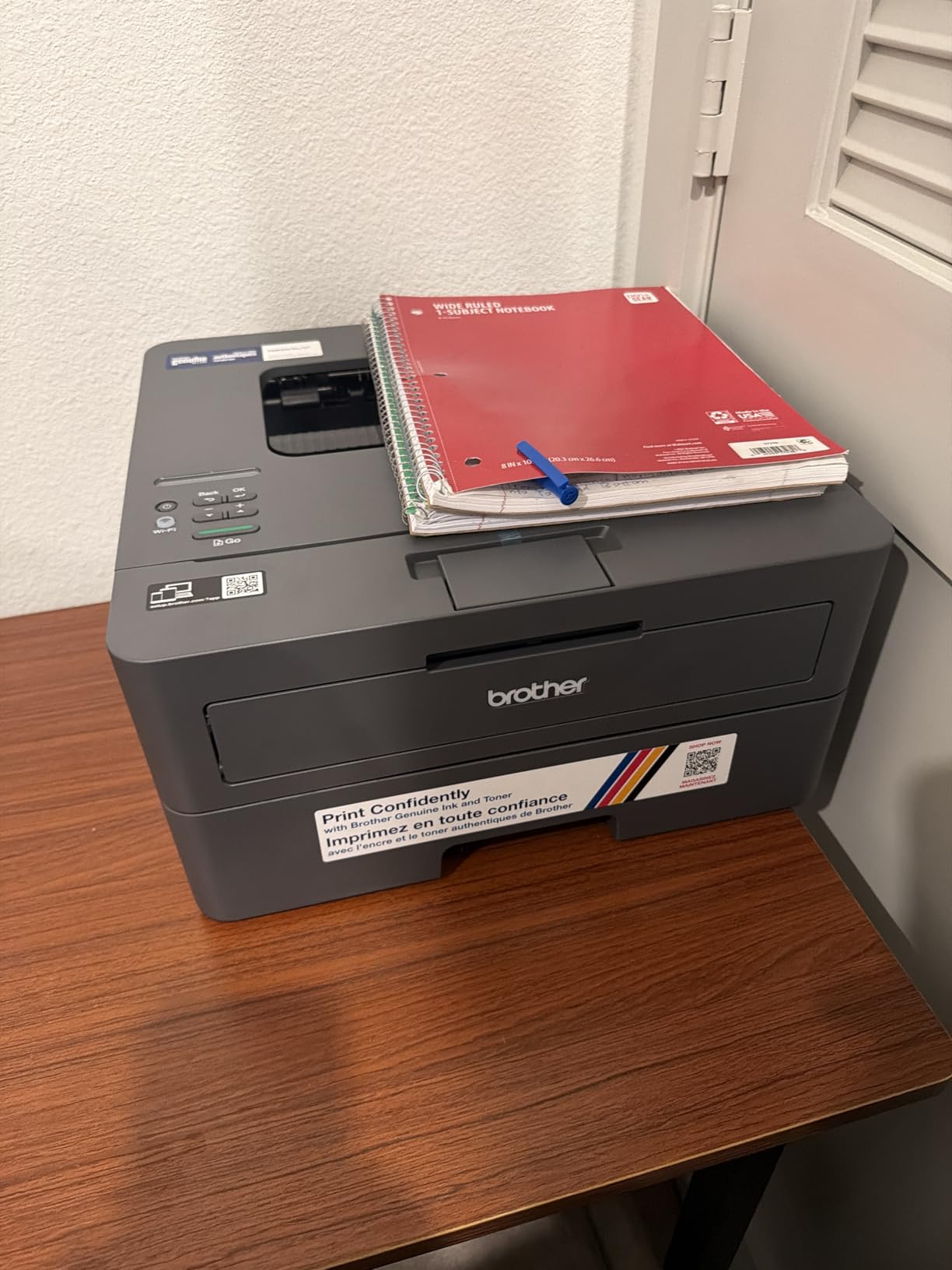
Reviewers like the clean install more than almost anything else about it. There is no bloatware, no forced app registration, and no terms agreement to click through. The Brother Mobile Connect app is there if you want it for toner tracking and remote printing, and the machine works with laptops, Android phones, and tablets out of the box.
Running cost is the reason this printer earns its place. The same TN830, TN830XL, and TN830XL2PK cartridges as the HL-L2460DW mean a page costs what it costs there, and inkjets do not come close over a few thousand sheets. Owners also report the toner cartridges lasting a long time between changes.
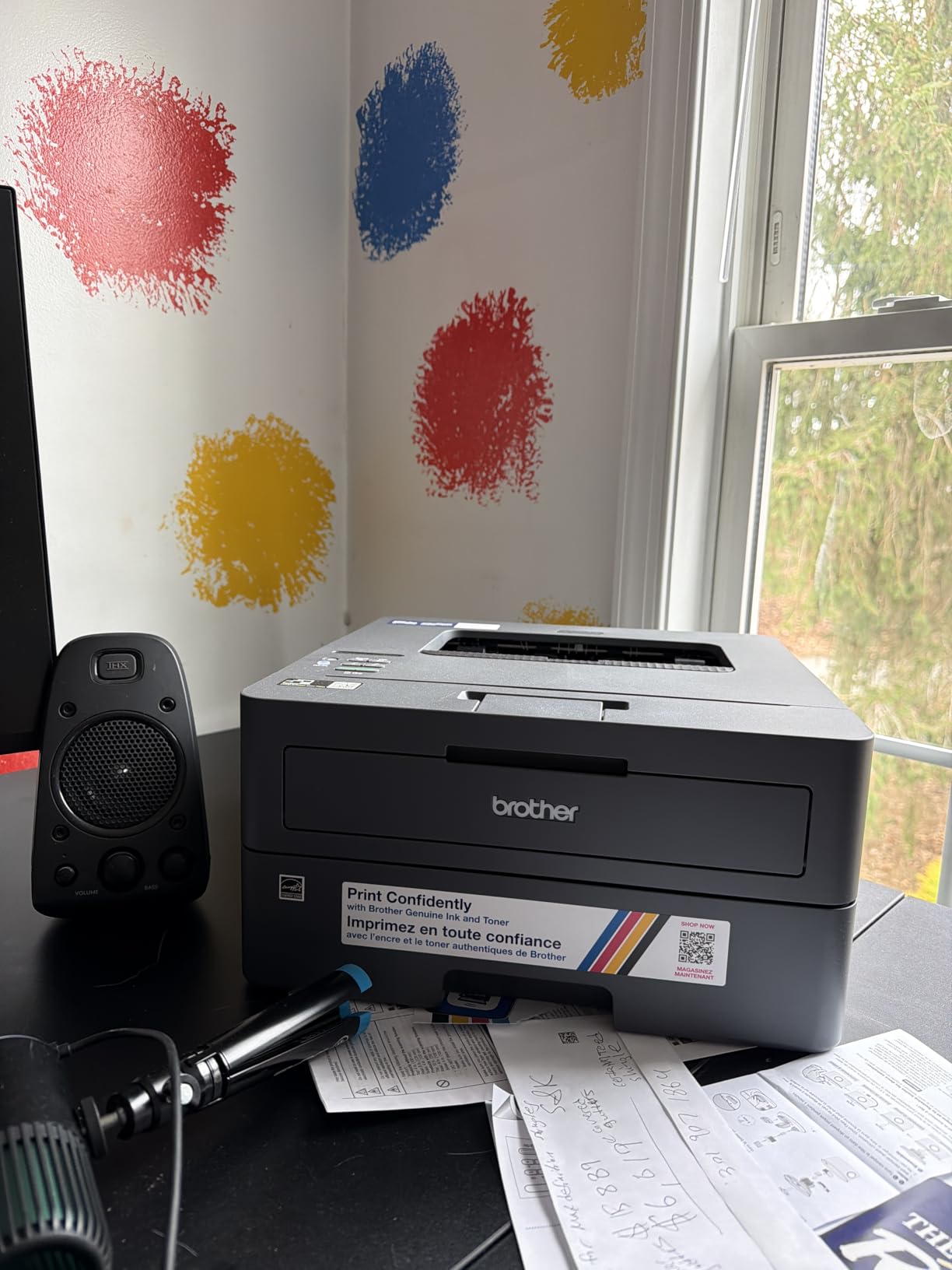
Who the HL-L2405W suits
Single-page jobs. A one-page letter, a shipping label, a permission slip, a scanned receipt reprint. If your printing is genuinely occasional and single-sided, the manual duplex limitation will never come up, and you get a 250-sheet tray at the lowest entry point in the group.
It is also a reasonable first laser printer for a dorm room or a shared apartment, where a compact reliable machine that just works beats a feature list. Expect about 30 ppm, which is fast enough that a short report lands before you leave the room.
Where the HL-L2405W frustrates buyers
Manual duplex is the headline drawback. For a ten-page document, somebody has to flip the stack, reinsert it correctly, and hit print again. Buyers describe it as a dealbreaker for multi-page work, and buyers are right about that. The Wi-Fi setup can also be long and finicky on mesh networks, and the QR-code-first flow assumes you have a phone in your hand.
Some owners also report that toner-save mode does not stick as a default, so pages come out darker than expected. Like its Brother sibling, it ships with a Refresh subscription trial worth checking before you print your first page. Coverage is a one-year limited warranty.
3. HP LaserJet M209dw Review – Lightest Unit With Automatic Duplex
HP LaserJet M209dw Wireless Printer, Print, Fast speeds, Easy Setup, Mobile Printing, Best-for-Small Teams, Instant Ink Eligible
30 ppm black
Automatic duplex
150-sheet tray
11.2 pounds
Pros
- Lightest and most compact printer here
- Automatic duplex printing
- Very quiet and fast output
- Low cost per monochrome page
Cons
- 600 x 600 dpi resolution ceiling
- 150-sheet paper tray only
- Wireless can drop and need re-pairing
If your printer has to share a small desk, this is the one. At 11.2 pounds and 11 by 13.98 by 8.07 inches, it is the lightest and smallest unit in our lineup by a wide margin, and it still does two-sided printing without help. The build feels solid rather than flimsy, which is unusual at this size and this tier.
Speed is 30 pages per minute with automatic duplex, and HP rates its two-sided output at up to 19 images per minute, the fastest duplex figure in this class. The display is a small OLED rather than an LCD, which is a nicer thing to interact with. Connections are dual-band Wi-Fi with a self-reset mechanism, plus Ethernet and USB 2.0 on the hardware interface.
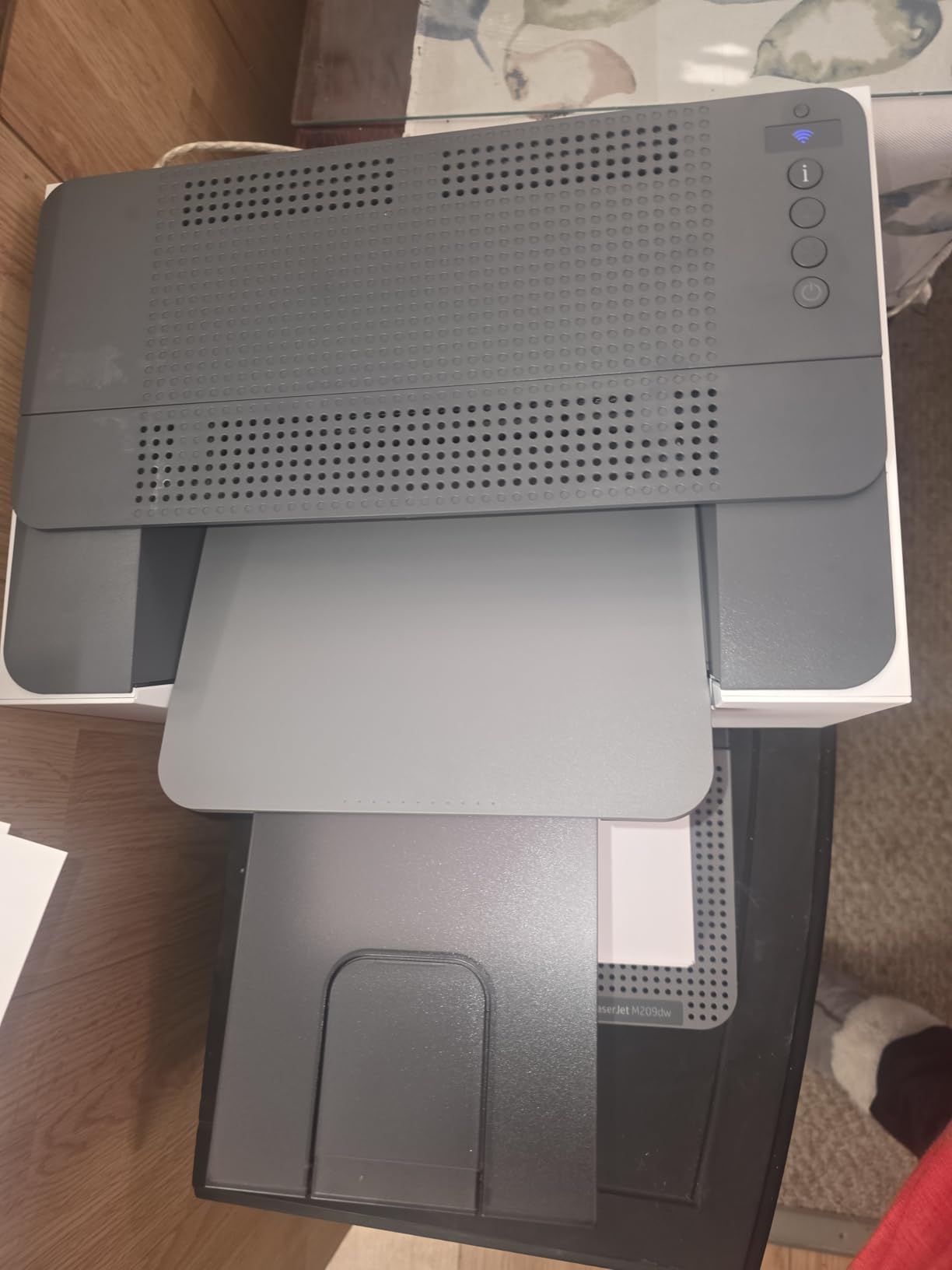
Running cost is genuinely low. Owners put monochrome cost per page at roughly four cents using genuine supplies, and the box includes an approximately 700 page starter black cartridge. For a machine you might print a few hundred pages a month on, that math holds up better than almost any inkjet alternative.
Once networked it prints from iPhones, iPads, laptops, and desktops without fuss, and reviewers frequently compare it favorably to Brother models on both speed and quietness. It is ENERGY STAR certified and network-ready, with built-in security features and a one-year limited warranty.
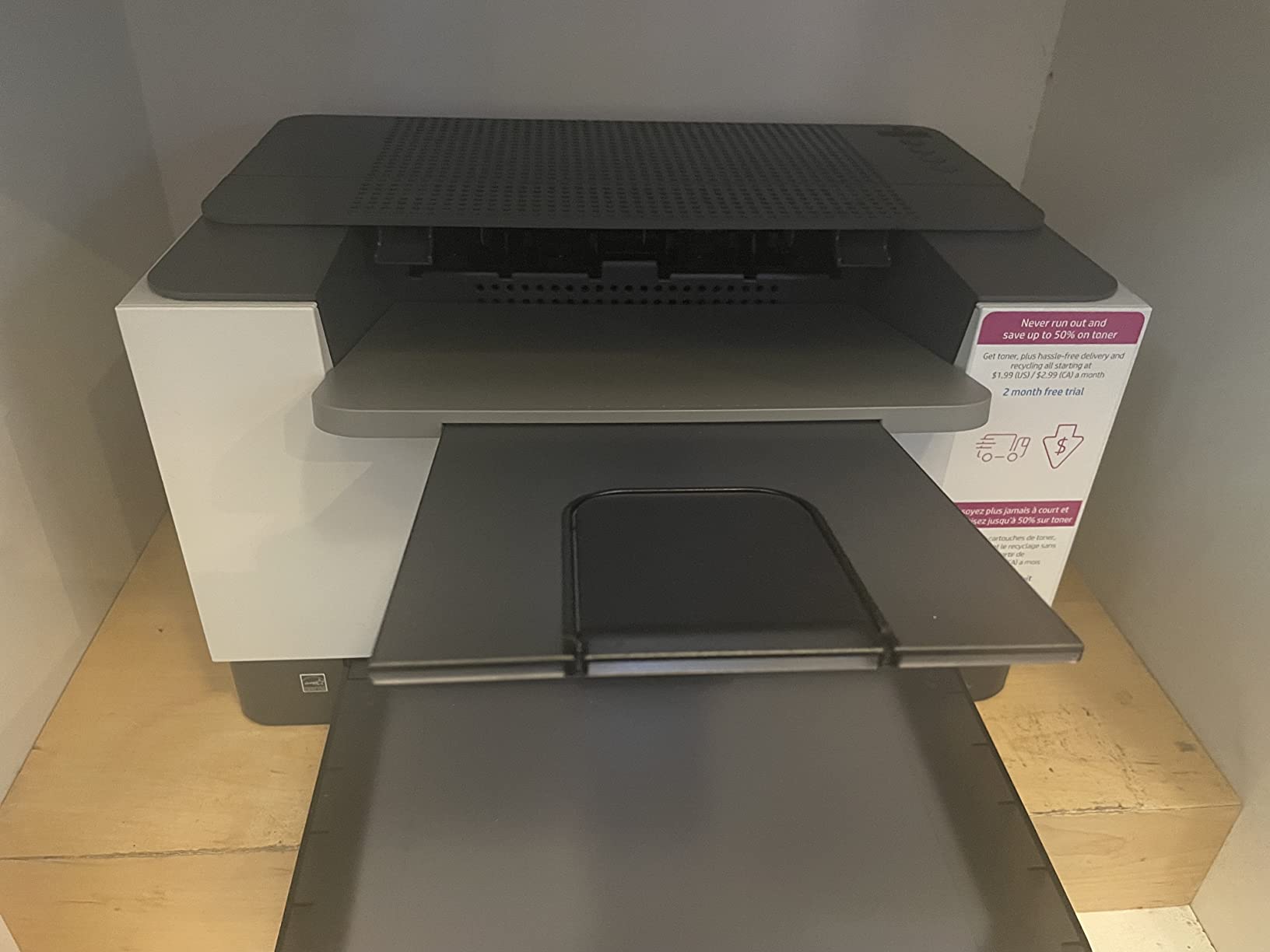
What works well on the M209dw
Compact home offices, apartment setups, and shared workspaces where footprint is the constraint. The self-reset wireless system is meant to detect and resolve connectivity problems on its own, and the physical footprint means you can keep paper somewhere else and still receive a 150-page job.
Print quality is adequate for documents at 600 x 600 dpi, and for forms, invoices, and internal reports that is genuinely all you need. Duplex output is fast enough that a 20-page packet finishes while you are making coffee.
Where the M209dw disappoints
Resolution is the ceiling at 600 x 600 dpi. Small fonts and fine line art in scanned-style documents look softer than the 1200 dpi Brother units. The 150-sheet input tray is also half the capacity of the 250-sheet machines, so refills come more often.
The recurring complaint is wireless reliability. Owners report the connection dropping and needing to be re-paired, and some end up using a USB printer cable instead. Instructions in the box are minimal and no USB cable is included, so plan ten extra minutes for setup.
4. HP LaserJet Pro 3001dw Review – Fastest First Page For a Small Team
HP Laserjet Pro 3001dw Wireless Black & White Printer, Best-for-Office (3G65OF)
35 ppm black
Automatic duplex
250-sheet tray
6.6 second first page
Pros
- 35 ppm with a 6.6 second first page
- 1200 x 1200 dpi text quality
- Reliable over Ethernet and USB
- 250-sheet tray with automatic duplex
Cons
- HP-chipped cartridges only blocks third-party toner
- Wireless drops off the network often
- Bulky and heavy at 16.1 pounds
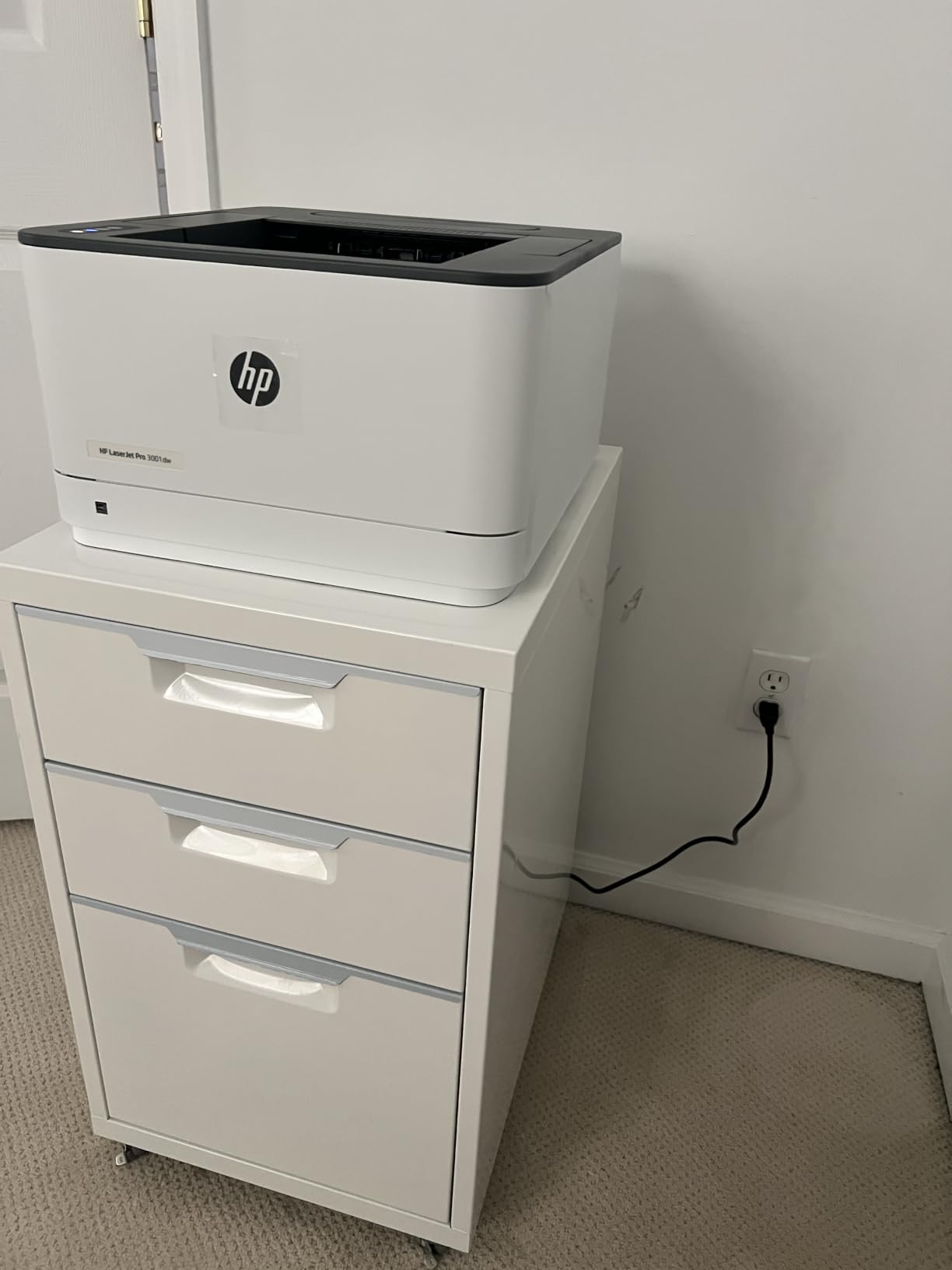
HP designed this one for small groups rather than a single desk, and the specifications say so directly: up to seven people. It prints 35 pages per minute with a first page in roughly 6.6 seconds, which is the fastest first page in this guide, and it holds 250 sheets with automatic duplex and a 100-sheet output tray.
Text quality is a 1200 x 1200 dpi maximum, so small type and fine detail come out sharper than on the 600 dpi machines here. Connectivity covers Ethernet, USB, Wi-Fi, and Bluetooth, and it works with Microsoft, Mac, AirPrint, Android, and Chromebook. HP Wolf Pro Security gives an administrator configurable settings, which matters if it is on a shared network.
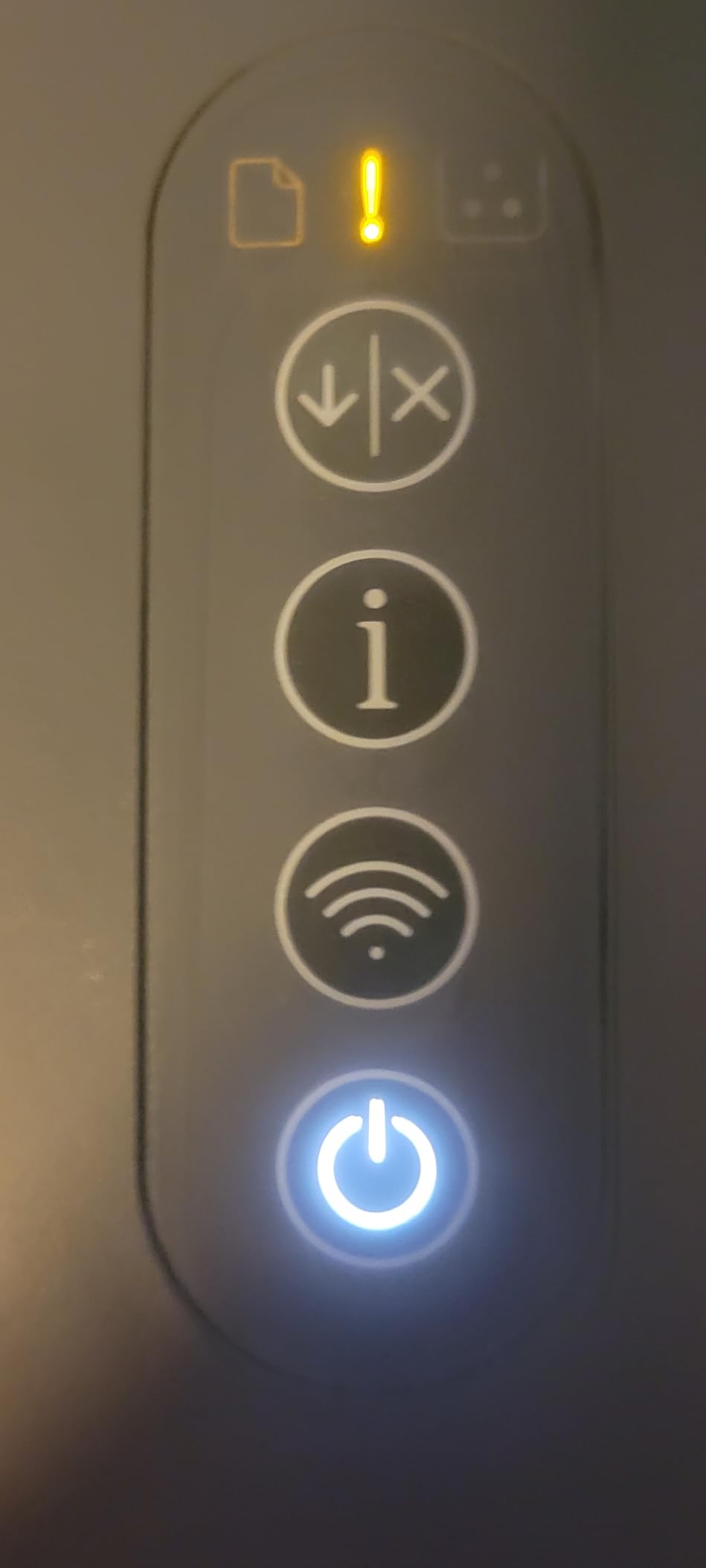
Owners who wire it up report the best experience. Over Ethernet or USB it behaves like a different machine, and the automatic duplex on a 250-sheet tray is the combination small offices actually want for invoices and reports. The dimensions are 15.7 by 14.4 by 8.5 inches at 16.1 pounds, so it is bigger and heavier than the compact units but still a normal desktop footprint.
One paper-handling note: the tray is marked for duplex, but the machine cannot duplex on A5 media. If you print small cards or A5 forms, check that before you rely on it.
Where the 3001dw earns its place
Small offices, apartment complexes, or a household where several people print. Seven people is the stated design ceiling, and the 250-sheet tray plus automatic duplex means fewer interruptions than the 150-sheet alternatives. The 6.6 second first page keeps short jobs from feeling slow.
It is also a good fit for anyone printing A4, Letter, and Legal media, since the supported range runs up to 8.5 x 14 inches. The one-year limited hardware warranty applies.
Where the 3001dw causes friction
The cartridge restriction is the big one. This printer requires cartridges with original HP chips and blocks non-HP chips, which locks out many cheaper third-party options and pushes your running cost up over time. Buyers who switched to it from an older machine notice toner cost immediately.
Wireless is the second issue. Owners report the connection frequently dropping off the network and needing to be re-paired, and firmware or software updates can be intrusive enough to reset settings. It is also the bulkiest printer in this roundup.
5. Canon imageCLASS MF273dw Review – Best All-in-One for Multi-Page Documents
Canon imageCLASS MF273dw – Monochrome Wireless Laser Printer, Multifunction With Scanner, Copier, Auto Document Feeder, With 1 Year Limited Warranty, 30 PPM, Black
Print copy and scan
30 ppm black
Sheetfed ADF
5.3 second first page
Pros
- Print scan and copy in one unit
- Fastest first page time in the group
- Automatic duplex printing
- Document feeder handles multi-page jobs
Cons
- Heaviest unit here at 24.7 pounds
- Sheetfed scanner only with no flatbed
- 150-sheet paper tray
The MF273dw is the first all-in-one in the guide, and it answers a question we hear constantly: do you need a scanner at all? If you file paperwork, scan receipts, or copy a document, this is the cheapest way to get that capability into a laser printer.
It prints 30 pages per minute and produces a first page in 5.3 seconds, the quickest first-page figure in our lineup. Resolution is listed at up to 2400 x 600 dpi enhanced, and automatic two-sided printing is included. Connectivity is USB, Wi-Fi, and WiFi Direct Connection, so you can print from a phone or laptop with no router involved at all.
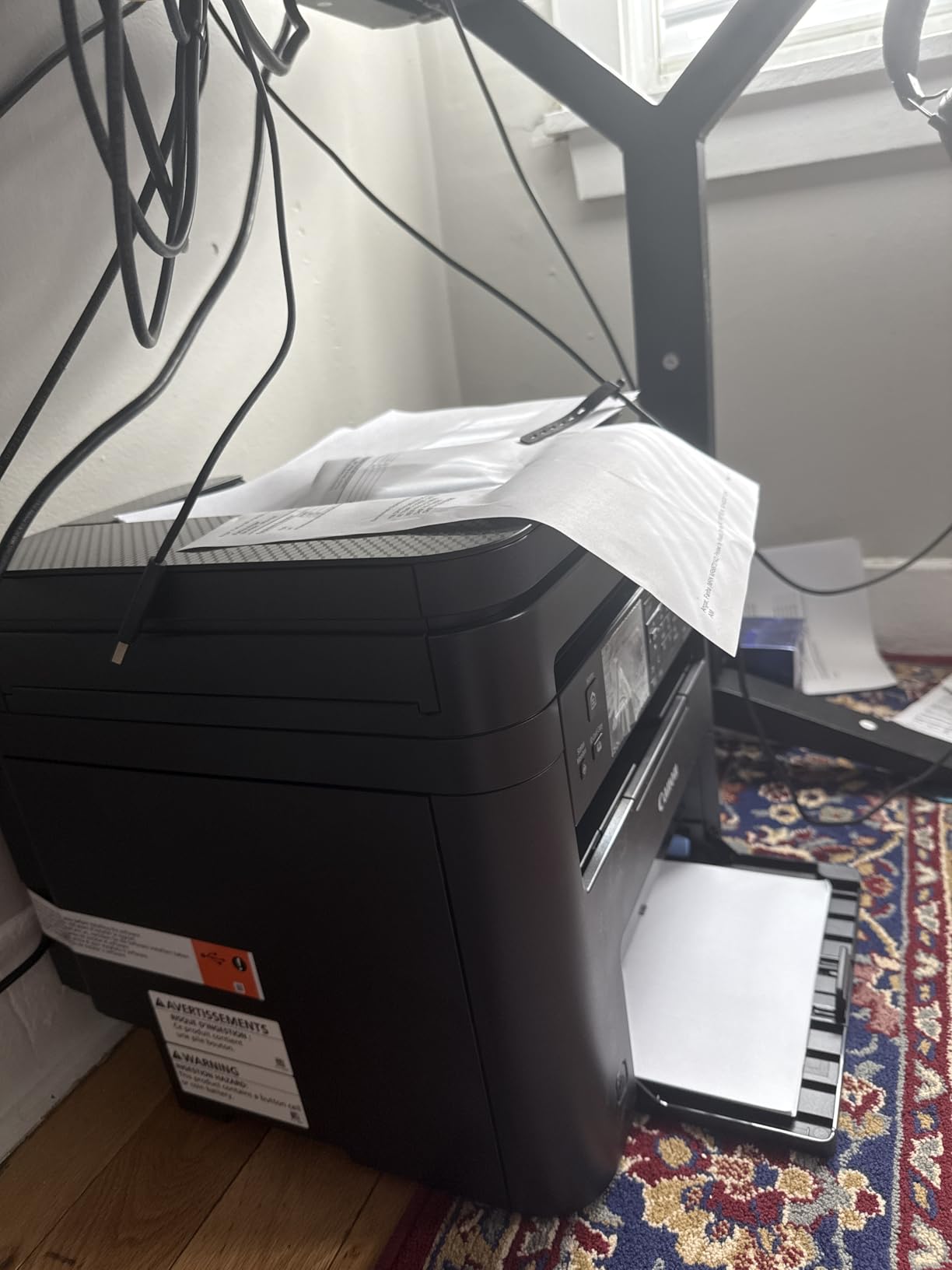
The scanner is sheetfed, driven by an automatic document feeder, which suits a stack of forms far better than a flatbed suits a single receipt. Copy speed is not listed beyond the print engine, but the feeder handles multi-page scanning and copying as the main event. It uses Canon Toner 071 or the 071 high-capacity cartridge, and the starter cartridge is rated at a 700 page yield.
It is ENERGY STAR certified and EPEAT Qualified with a one-year limited warranty. Buyers report solid print quality and genuinely painless wireless setup, which is not something we can say about every printer here.
Who should look at the MF273dw
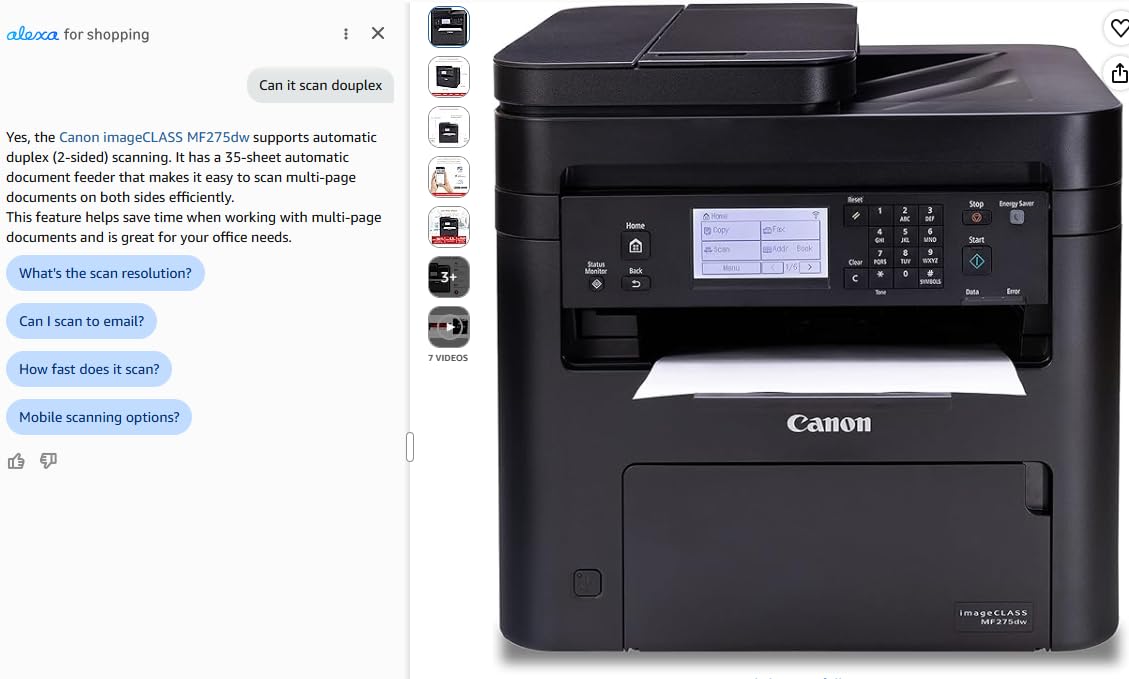
Administrators, bookkeepers, teachers, and anyone who turns paper into files. The ADF means a forty-page contract goes in once and comes out as a PDF, and automatic duplex means the printed copy is two-sided without manual flipping. Wi-Fi Direct covers the case where there is no router in the room.
The 5.3 second first page also makes it pleasant for quick jobs, and the enhanced resolution helps with fine text on legal-size paper up to 8.5 x 14 inches.
Where the MF273dw gets in the way
It is the heaviest unit in the guide at 24.7 pounds, and it measures 14.6 by 15.4 by 14.4 inches, so it needs a real shelf rather than a small riser. The paper tray is 150 sheets, on the small side for a machine aimed at paperwork.
More importantly, the scanner is sheetfed only. Books, magazines, and fragile items are awkward or impossible to scan, and there is no flatbed glass to press them against. If you need flatbed scanning, the Brother HL-L2465DW is the one to look at instead.
6. Brother HL-L2465DW Review – Highest Rated 3-in-1 With a Flatbed
Brother Wireless HL-L2465DW Compact Monochrome Multi-Function Laser Printer with Print, Copy and Scan, Duplex and Mobile Printing
Print copy and scan
30 ppm black
Flatbed plus ADF
250-sheet tray
Pros
- Highest star rating in the lineup at 4.5
- Flatbed scanner plus automatic feeder
- Stable Wi-Fi on first attempt for most
- Third-party TN830 toner accepted
Cons
- Scan workflow routes files to a mobile device
- Brother Linux driver is dated 32-bit
- Letter-size media only
This is the most complete machine under this budget, and it carries the highest star rating in our lineup at 4.5 across 302 reviews. It prints 30 pages per minute with automatic duplex, holds 250 sheets of paper with a 250-sheet output tray, and gives you both a flatbed scanner and an automatic document feeder in the same body.
That combination is the reason to choose it. The flatbed handles books, receipts, and anything fragile. The feeder handles a stack of forms. Automatic duplex handles the print side of both. Text quality is listed at 1200 x 1200 dpi with an 8.5 second first page, and it uses the same TN830 and TN830XL cartridges as the other Brother units here.
Buyers describe it as a reliable, no-nonsense workhorse. Owners repeatedly praise that third-party TN830 and TN830XL toners work and cost far less than genuine supplies, and that no toner subscription is required. That combination of cheap toner and no forced subscription is genuinely unusual and matters a great deal over three years. It is ENERGY STAR compliant and EPEAT Silver rated, with Toner Save Mode to stretch cartridges further.
Two caveats before you commit. First, the review base is smaller than the other Brother units here, so the rating is a strong signal but a thinner one than 2,000-plus reviews would be. Second, this unit is 10.1 kilograms, which is about 22 pounds, and it measures 15.7 by 16.1 by 10.7 inches. It is a full-size multifunction machine, not a compact one.
The scan workflow is also worth understanding before you buy. Owners report that scanning from the unit sends files to a phone or tablet rather than giving straightforward local copy-to-print options, and Brother’s Linux driver is 32-bit, which caused setup problems on 64-bit systems. Paper is listed as Letter size, so confirm your media before ordering if you rely on legal or A4.
Why the HL-L2465DW stands out for buyers
It is the rare budget all-in-one that does not punish you later. No subscription, cheap compatible toner, automatic duplex, and a 250-sheet tray. Most competing multifunction units in this price band force a choice between a scanner and duplex, and this one does not.
The flatbed in particular is the differentiator over the Canon MF273dw. If you scan a page from a spiral-bound book, a receipt that curls, or a document held in place with clips, glass is the only workable answer. For a home office that also does school paperwork, that combination tends to decide the purchase.
Where buyers run into friction
Route-based scanning to a phone or tablet takes practice if you expected a traditional Save-to-USB workflow. The Linux driver issue is real but only affects Linux users, and the Letter-only media listing is the detail most likely to surprise someone printing legal documents.
It is also monochrome only, and it is not a small printer on a crowded desk. Measure before you commit, especially if the machine will sit in a home office nook rather than on a stand.
7. HP LaserJet MFP M235sdw Review – Best for Scanning to Email and PDF
HP LaserJet MFP M235sdw All-in-One Laser Wireless Printer, Scan/Copy, Black & White, Duplex, Best-for-Office
Print copy and scan
30 ppm black
7 second first page
Scan to email and PDF
Pros
- Genuinely black crisp output
- No jams after hundreds of pages
- Rock-solid Wi-Fi across devices
- Plug-and-print setup over Ethernet
Cons
- Scan and copy are single-sided only
- HP software and cloud setup are cumbersome
- Toner cartridges are costly
This is the HP counterpart to the MF273dw, and it competes on a different axis. It prints, copies, and scans at 30 pages per minute with a 7 second first page, includes automatic duplex, and at 21 pounds it is lighter than Canon’s all-in-one. The paper tray is 150 sheets on both input and output.
Where it pulls ahead is software workflow. It scans to email and to PDF directly, supports Apple AirPrint, Mopria, Ethernet, USB, Wi-Fi, and wireless direct printing, and works with Microsoft, Mac, Android, and Chromebook. If your workflow is send a signed form to an email address and file a PDF, that is built in rather than assembled from a driver.
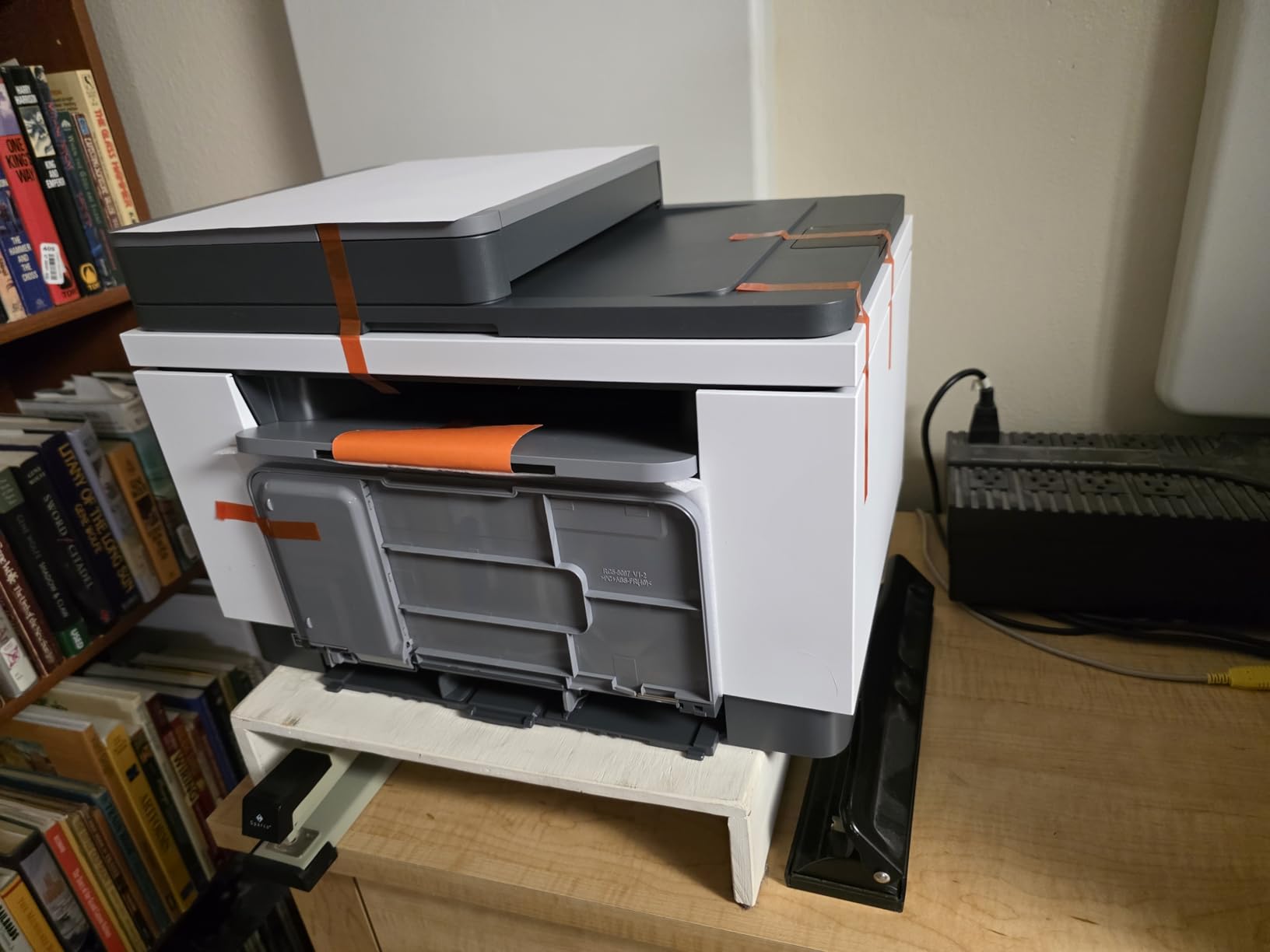
Long-term owners report the most stable networking of any all-in-one in this group. One reviewer describes Wi-Fi that stayed connected across laptops, MacBooks, iPads, and phones, and another reports setup over Ethernet in about ten minutes. The same owners mention a complete absence of jams after hundreds of pages, compared with the machine it replaced.
There is also a quality note that matters more than it sounds. Owners specifically praise the black level, describing true black and clear output where an older printer produced dark grey. Copy speed is listed at up to 14 pages per minute at up to 300 x 300 dpi, with runs of up to 99 copies.
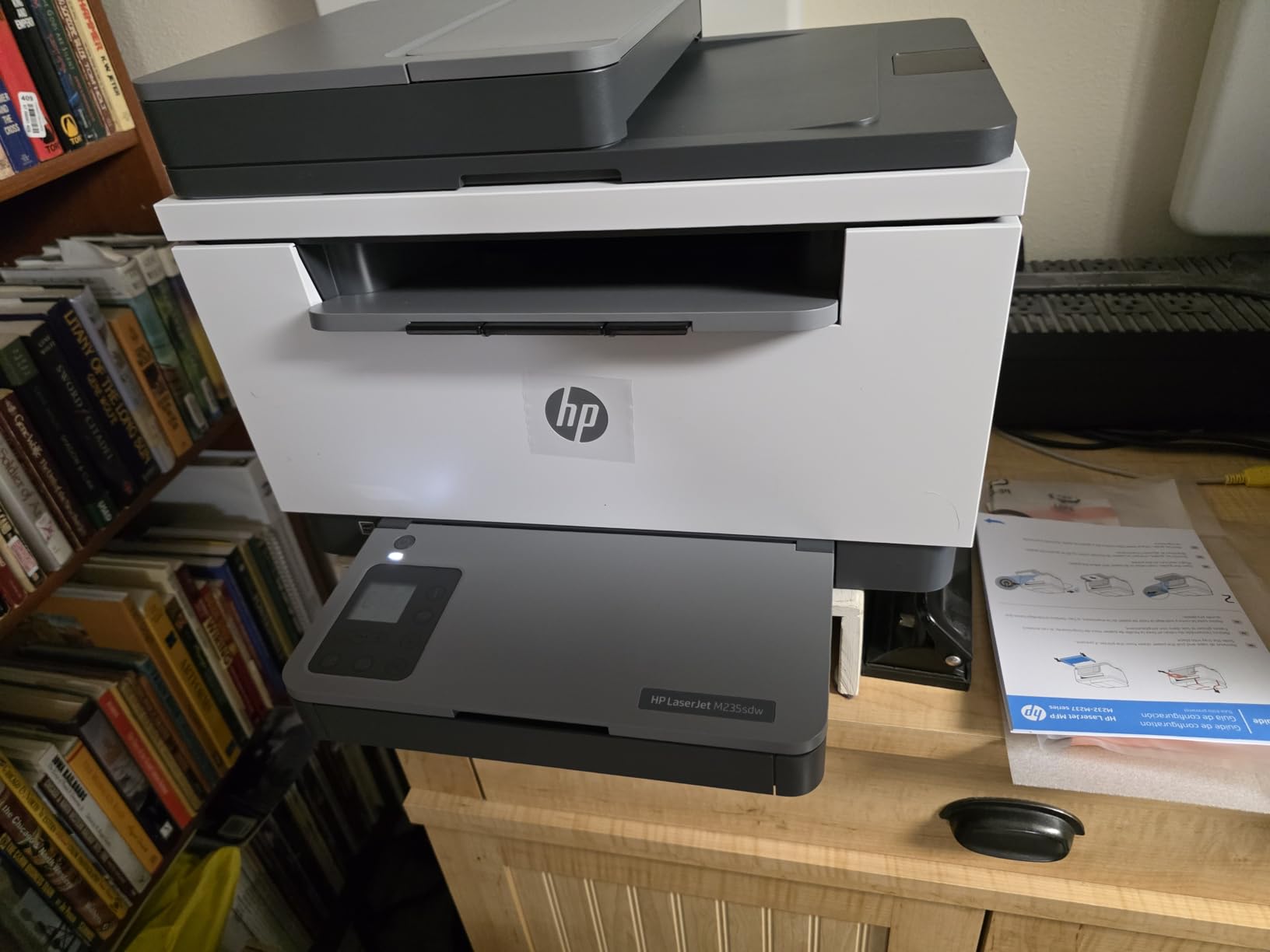
Where the M235sdw is the right tool
Small offices and home administrators who scan more than they copy. The automatic document feeder plus scan-to-email is the pair that removes the most steps. Wireless direct printing also means a guest laptop can reach it without joining your network.
Automatic duplex on printing, a 150-sheet tray, and a one-year limited warranty make it a complete small-office machine. It is ENERGY STAR friendly and carries HP’s built-in security features for a networked environment.
Where it costs you
Scanning and copying are single-sided only. The printer duplexes, but the scanner does not, so a two-sided original becomes two separate scans. That is the single most annoying limitation in this all-in-one group.
HP’s software and cloud setup remain cumbersome even for experienced IT users, and replacement toner cartridges are costly and can be hard to source. Print resolution tops out at 600 x 600 dpi, the lowest here alongside the M209dw.
8. Canon imageCLASS LBP172dw Review – Fastest Print-Only With Native AirPrint
Canon imageCLASS LBP172dw – Monochrome Duplex, Wireless Laser Printer, Single Function, Home Office, Mobile Ready, 1 Year Limited Warranty, 35 PPM, White
35 ppm black
Automatic duplex
250-sheet cassette
AirPrint and Mopria
Pros
- 35 ppm monochrome speed
- Automatic duplex printing
- 250-sheet cassette takes legal media
- Works with AirPrint with no driver install
Cons
- Tiny hard-to-read LCD with an on-screen keyboard
- No USB cable included in the box
- Occasionally drops offline
The LBP172dw is the Canon print-only option, and on paper it is competitive with anything in this guide. It prints 35 pages per minute, includes automatic duplex, and ships with a 250-sheet standard cassette that handles media from 3 by 5 inches up to 8.5 x 14 inches. Output capacity is 250 sheets as well, which is unusual at this price point.
For Apple users it is the smoothest experience here. It supports the Canon PRINT app, Apple AirPrint, and the Mopria Print Service, works with Chromebook, and needs no driver installation to print from an iPhone or Mac. Connectivity is Wi-Fi plus a USB hardware interface, and it uses genuine Canon Toner 072 or the 072 high-capacity cartridge. It is ENERGY STAR certified and EPEAT Silver rated with a one-year limited warranty.
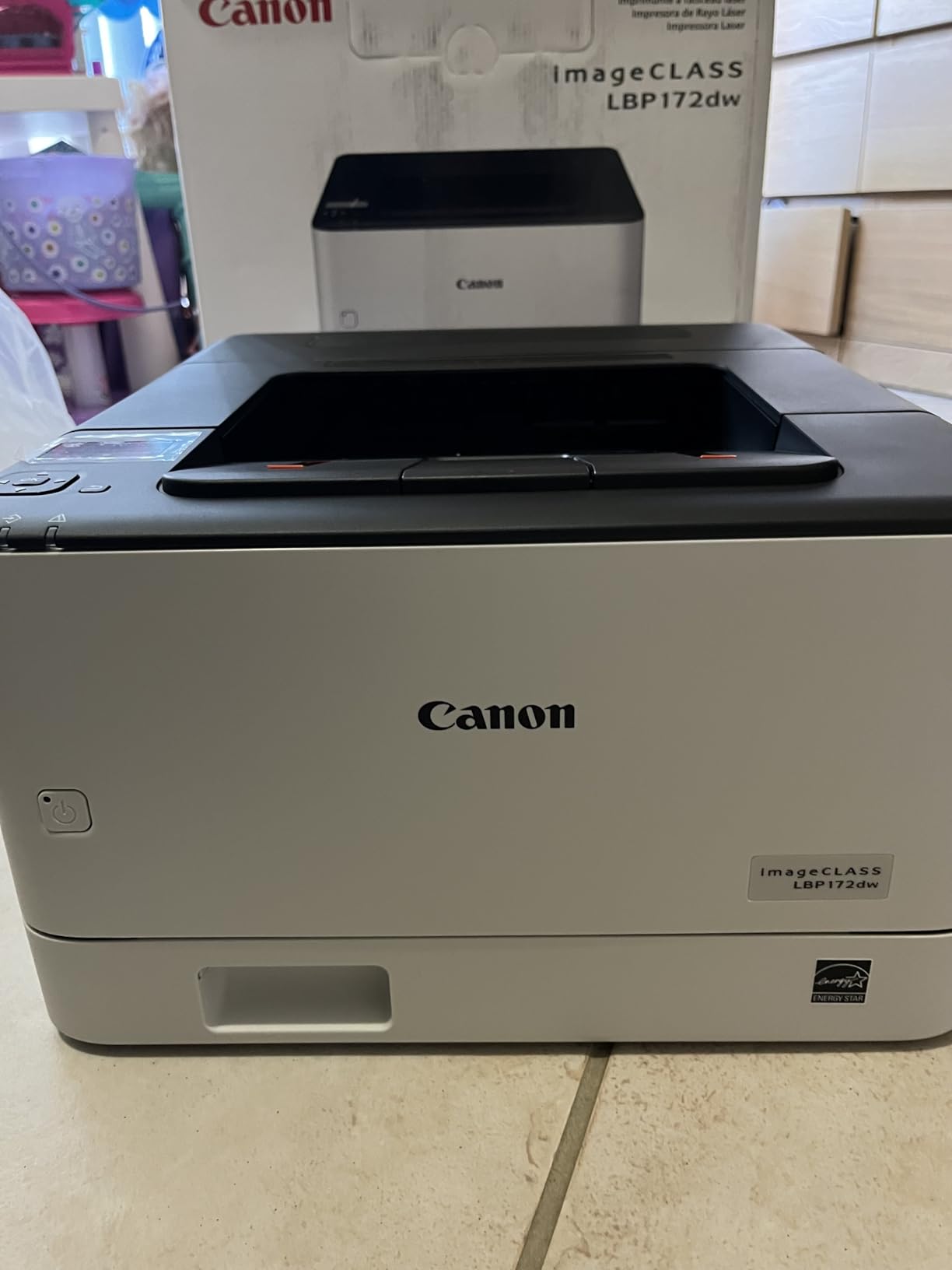
Reviewers like the adjustable sleep timeout and toner that outlasts inkjet cartridges by a wide margin, and one owner reported completing setup in under four minutes. At 15.2 pounds it is mid-pack in weight, though at 17.2 by 10.9 by 18.4 inches it is tall and narrow, so check vertical clearance on a shelf with a low lip.
The review base is the smallest in this guide at 71 reviews, so treat the consensus with slightly less weight than the machines with thousands behind them. The core specifications are unambiguous, though, and 35 ppm with automatic duplex at this price is a real combination.
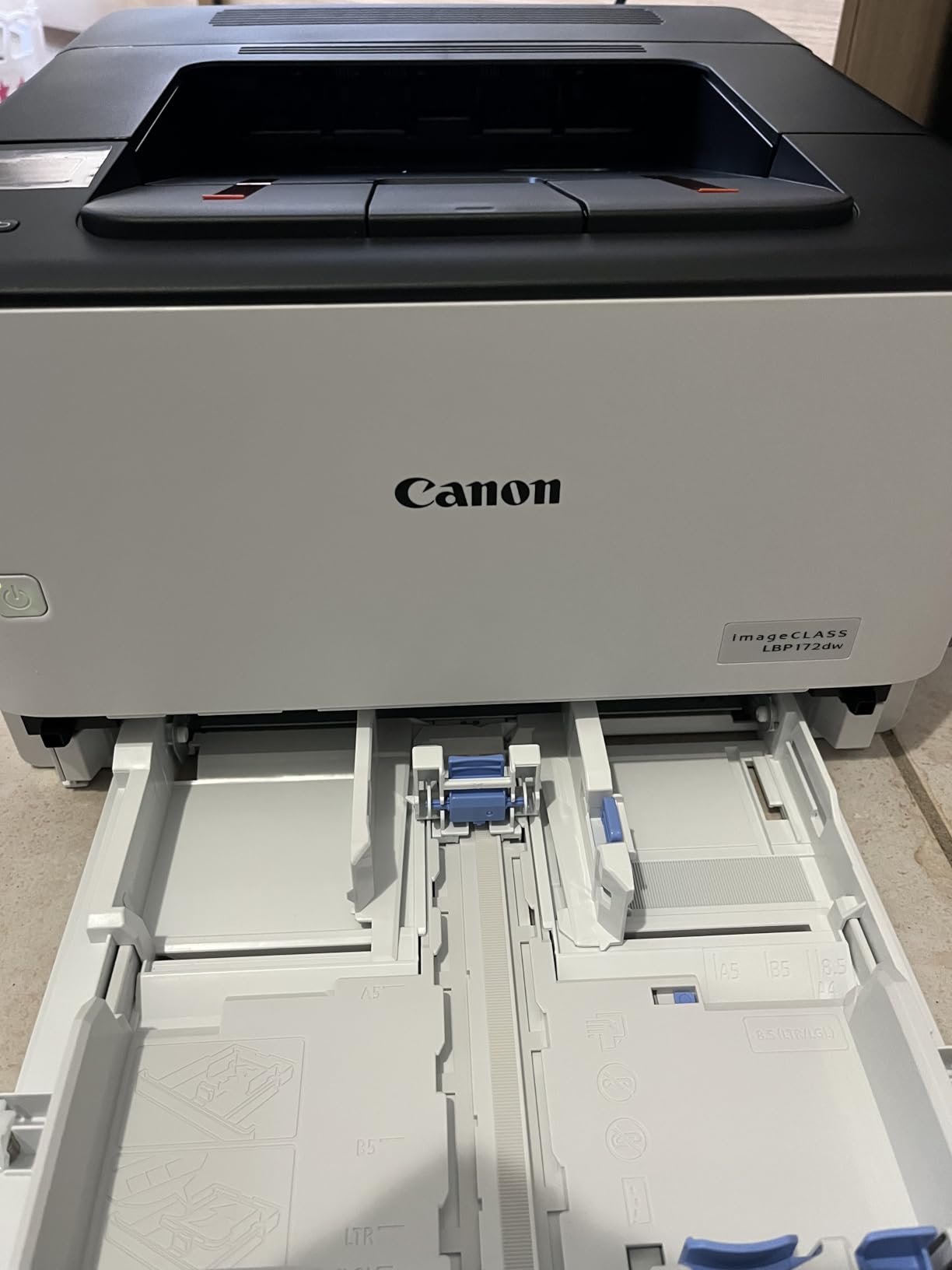
What the LBP172dw does well
Apple households and Chromebook users who want zero-friction printing. AirPrint and Mopria support means the printer appears on an iPhone or Mac without a single download, which removes the most common early frustration with a new printer.
Fast duplex printing, a 250-sheet cassette, and legal-size support make it a genuine desk workhorse for forms, contracts, and reports rather than a light-duty machine. The sleep timeout is adjustable, which helps with power use in a home office.
Where the LBP172dw annoys people
The display is the recurring complaint, and it is a specific one. The LCD is small and hard to read, with a tiny on-screen keyboard that makes setup genuinely painful if you have to type a network password on the machine itself. The display window and prompts are so small that some owners say they are unreadable in practice.
No USB cable is included in the box, and the machine occasionally drops offline, at which point support can be hard to reach. It is also print-only, with no scan or copy function to add later.
How We Evaluated These Printers
We looked at three things in order. First, what the specification sheet promises, because a 150-sheet tray or a 600 dpi ceiling changes how a machine feels in daily use. Second, what the owner reviews actually report about the first month, particularly around wireless setup, paper jams, and toner behavior. Third, what happens to your total cost over years rather than months.
That last point changed our ranking more than anything else. Two printers in this guide lock you into higher-cost genuine toner, and two let you buy cheap compatible cartridges. Over a few thousand pages the second group is cheaper by a wide margin, and that difference is invisible in a spec table. We also weighed reliability timelines reported by long-term owners, since a printer that fails in year two costs more than one that costs more upfront.
Buying Guide – What to Look for in a Budget Laser Printer
Eight criteria decide this purchase, and only two of them are the ones most people research. Work through them in this order and the product choice makes itself.
1. Automatic duplex printing is worth paying for
Automatic duplex printing means the machine flips the paper and prints both sides without you touching it. Manual duplex means you do the flipping, which is tolerable for one sheet and miserable for a thirty-page contract. Seven of the eight printers in this guide have automatic duplex; only the Brother HL-L2405W does not. If you print multi-page documents at all, treat manual duplex as a dealbreaker rather than a compromise.
2. Decide whether you need a scanner before you buy
Wasting money on a scanner that never gets used is a common and expensive mistake. If you only print, buy a print-only unit and save the money and the desk space. If you file paperwork, scan receipts, or copy anything, the three all-in-one options here cover you, and the difference between a flatbed and a sheetfed feeder is the next question. A flatbed handles books and fragile paper. A sheetfed feeder handles stacks of forms fast.
3. Paper capacity tells you how often you refill
A 250-sheet cassette is roughly 5 reams of paper and suits a home office printing regularly. A 150-sheet tray is fine for occasional single-sided jobs and annoying if you are running a batch of invoices. The Canon LBP172dw and the Brother HL-L2460DW give you 250 sheets; the HP machines and the Canon MF273dw give you 150.
4. Connectivity decides how setup goes
Dual-band Wi-Fi on both 2.4GHz and 5GHz is the baseline worth having, because congested 2.4GHz networks are the most common cause of a printer that vanishes from a home network after a router change. An Ethernet port is worth paying attention to in a shared office, because a wired printer does not drop off the network the way a wireless one does. Wi-Fi Direct, which the Canon MF273dw and the HP M235sdw both support, lets a guest device print without touching your router at all.
5. Cost per page matters more than purchase price
A printer’s real price is the machine plus three years of toner. Look at cartridge yield rather than cartridge price, and check whether third-party cartridges work. The Brother TN830 and TN830XL family is widely available in compatible form, which the HL-L2465DW owners confirm directly. The HP LaserJet Pro 3001dw requires original HP chips and blocks non-HP chips, which removes that option entirely. Over a few thousand pages, that is the difference between a cheap printer and an expensive one.
6. Separate drum units are a later bill
A drum unit is the imaging cylinder inside the printer, and some budget models bundle it into the cartridge while others sell it separately. The Brother units in this guide ship with a drum unit in the box and use straightforward TN830 toner cartridges, which keeps the parts list short. Any printer that lists a separate imaging drum adds a cost you should plan for rather than discover.
7. Starter toner rarely delivers its stated yield
The cartridge in the box is usually a lower-yield starter cartridge, not a full one. The HP M209dw includes an approximately 700 page starter black cartridge, and the Canon MF273dw ships with a 700 page yield 071 starter. Budget for a full cartridge sooner than the paper tray suggests, and check the genuine yield figure rather than assuming the two are the same.
8. Check the toner subscription before the first print
Two Brother printers in this guide ship with a Refresh subscription trial, and buyers report surprise per-page charges when enrollment is not what they expected. Before you print anything, open the printer’s settings on your phone or computer and confirm whether a subscription is active, then opt out if you plan to buy your own cartridges. It takes two minutes and it is the cheapest insurance in this entire guide.
One last decision: if you print fewer than about 50 pages a year, the simplest and smallest option on this list is the right one, and a laser printer’s main advantage over an inkjet simply does not apply to you. If you are printing shipping labels or forms for a home business, start with the decision framework in our high-volume laser printer guide to see when it is worth stepping up a tier.
Frequently Asked Questions
What is the best laser printer under 200 dollars?
The Brother HL-L2460DW is the strongest all-round choice in this price range. It prints 36 pages per minute in black, includes automatic duplex printing, holds 250 sheets of paper, and offers Ethernet plus dual-band Wi-Fi. It has the most owner reviews of any printer in this guide, which makes its 4.0 star average a well-tested number rather than a small sample.
What is the best inexpensive laser printer for home use?
For a home user printing forms, schoolwork, and occasional documents, the Canon imageCLASS LBP172dw and the HP LaserJet M209dw are the most practical. The LBP172dw prints 35 pages per minute with automatic duplex and a 250-sheet cassette, and it supports Apple AirPrint and Mopria with no driver install. The M209dw is the smallest unit here at 11.2 pounds and also does automatic duplex.
Can you use third-party toner in Brother and HP printers?
It depends entirely on the model. Brother TN830 and TN830XL cartridges, used in the HL-L2460DW, HL-L2405W, and HL-L2465DW, are widely available in compatible form, and owners of the HL-L2465DW confirm those cartridges work. The HP LaserJet Pro 3001dw is different: it requires cartridges with original HP chips and blocks non-HP chips, so cheaper third-party options will not work in it.
What is the best laser printer for a budget?
The Brother HL-L2405W is the lowest-cost sensible entry point, with a 250-sheet tray, 30 ppm monochrome output, and 1200 x 1200 dpi text quality. The catch is manual duplex printing, so it suits single-page and short single-sided jobs. If you print multi-page documents regularly, the Brother HL-L2460DW adds automatic duplex for a modest step up and is worth the difference.
Are laser printers better than inkjet for home use?
For documents, they usually are. Laser printers use dry toner powder that does not dry out in the printhead after long idle periods, print text sharply at 19 to 36 pages per minute, and cost far less per page across a few thousand sheets. Inkjets win on color photos and on very low-volume users who print a few pages a year, since a laser cartridge left unused for months can need a shake-out before it prints evenly.
Conclusion – The Best Laser Printers Under 200 in 2026
After comparing eight sub-200-dollar laser printers on speed, duplex capability, paper handling, connectivity, toner economics, and reported long-term reliability, the Brother HL-L2460DW remains our pick for the best laser printers under 200 dollars. At 36 pages per minute with automatic duplex, a 250-sheet tray, and the most owner reviews in the group, it is the model we would put on a desk without hesitating.
Buy the HL-L2405W instead if you only ever print single-sided pages and want the lowest way in. Buy the HP LaserJet M209dw if desk space is the constraint, the Canon imageCLASS LBP172dw if you print from Apple devices, the HP LaserJet Pro 3001dw if several people share it, and one of the three all-in-one units only if you genuinely scan or copy. Whichever you choose, check the toner subscription setting before your first print, and price the cartridges rather than the printer.
We publish broader buying guides on laser cutting equipment and related workshop gear, along with our full laser printer roundup, if you want to compare this tier against what more money buys.