
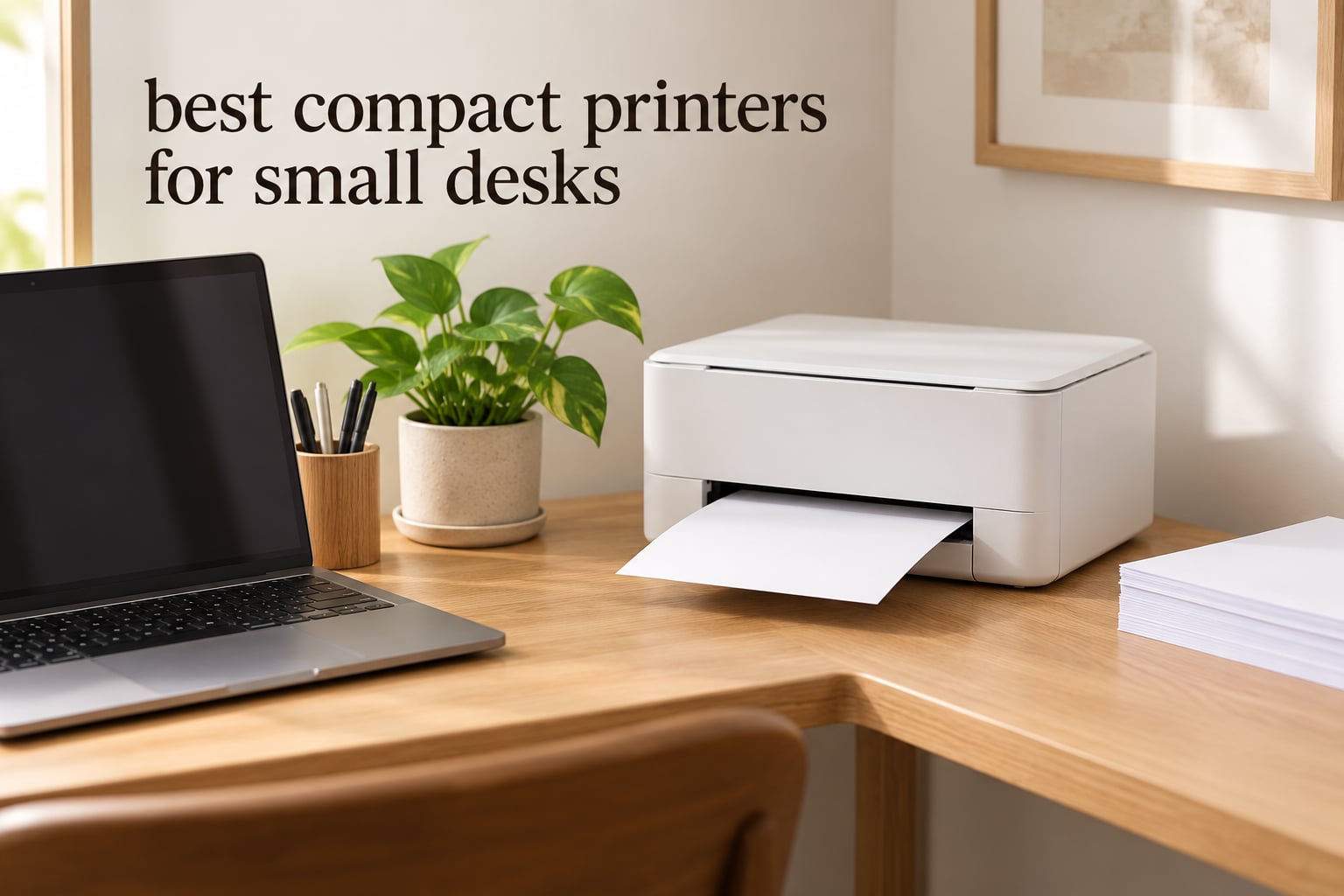
If your desk is the size of a kitchen table, printer size stops being a preference and starts being the whole decision. Most shopping guides rank compact printers by speed or ink yield and treat the physical footprint as an afterthought, which is backwards when your entire workspace is 48 inches wide. I compared the ten smallest desk printers I could find side by side, normalized every dimension to the same closed-body measurement, and worked out which ones actually earn their square inches.
This roundup covers the best compact printers for small desks across three families: inkless thermal units that take up almost no room at all, portable colour inkjets that print photos in a bag, and compact monochrome lasers that handle heavy document work without a cartridge ever drying out. Every printer below has a published width, depth, height and weight, and I converted those into a square-inch footprint you can measure against your own desk before you click anything.
If the problem is not the printer but the furniture, our guide to secretary desks for small spaces and corner desk picks for small rooms cover the other half of the problem. For most people, reclaiming the desk surface matters more than the printer itself.
Table of Contents
What is the smallest compact printer?
The smallest printer that still prints full US Letter pages is a thermal unit about 1.2 inches tall and 10.5 inches wide, weighing under a pound, which covers roughly 24 square inches of desk. Most compact inkjet all-in-ones need three to five times that space at 220 square inches or more. Footprint means closed-body width multiplied by depth, and it is the single number that decides whether a printer fits your workspace.
Top 3 Picks for Small Desks in 2026

Gloryang PD-A4 Thermal Printer
- 44 sq in footprint
- Inkless letter-size printing
- Bluetooth app control

Phomemo M08F Thermal Printer
- Letter-size in a 13.7 inch body
- Zero ink cost
- Hard case included

Brother DCP-L2640DW Laser MFP
- 36 ppm monochrome
- Auto duplex and 50-page ADF
- Print scan and copy
The Gloryang PD-A4 takes the top slot because it prints full Letter pages from a body that covers about 44 square inches of desk, with no ink system to maintain. The Phomemo M08F runs the highest rating in the group and handles letter-size sheets in a slimmer shape, while the Brother DCP-L2640DW is the only unit here that prints, scans and copies in monochrome at 36 ppm if your work is documents rather than receipts.
All 10 Compact Printers Compared in 2026
Every printer is listed here in order of desk footprint, smallest first, so you can stop reading the moment you reach something that will not fit.
| Product | Specifications | Action |
|---|---|---|
| Gloryang PD-A4 Thermal Printer |
|
Check Latest Price |
| Phomemo M08F Thermal Printer |
|
Check Latest Price |
 Rongta F11A Thermal Printer Rongta F11A Thermal Printer |
|
Check Latest Price |
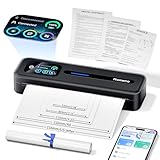 Phomemo M832D Touchscreen Thermal Printer Phomemo M832D Touchscreen Thermal Printer |
|
Check Latest Price |
 TATTMUSE A285M Thermal Printer TATTMUSE A285M Thermal Printer |
|
Check Latest Price |
 Canon PIXMA TR160 Color Printer Canon PIXMA TR160 Color Printer |
|
Check Latest Price |
 Brother HL-L2460DW Laser Printer Brother HL-L2460DW Laser Printer |
|
Check Latest Price |
 Canon PIXMA TS6520 Color All-in-One Canon PIXMA TS6520 Color All-in-One |
|
Check Latest Price |
 Canon PIXMA TS3720 All-in-One Canon PIXMA TS3720 All-in-One |
|
Check Latest Price |
| Brother DCP-L2640DW Laser MFP |
|
Check Latest Price |
How We Measured Desk Footprint
Every dimension in this roundup is the manufacturer closed-body figure, so nothing is flattered by leaving a tray or output arm extended. Multiply width by depth to get footprint in square inches, and compare that against the clear area of your desk rather than the total desk size.
Weight matters as much as width. Anything past 15 pounds is difficult to lift onto a high shelf and impossible to move one-handed while holding a coffee, and anything under 5 pounds can follow you between a desk and a dorm common room. Cost per page is treated the same way throughout: cartridge price divided by page yield, with no subscription assumed.
Where units are thermal rather than inkjet, we state the media limitation plainly, because a thermal printer that cannot print on ordinary paper solves a different problem from a small inkjet.
1. Gloryang PD-A4 Inkless Thermal Printer – the Best Compact Printer Overall
Gloryang Inkless Portable Printer for Travel, Wireless Thermal Printer Supports 8.5 x 11 Inch Thermal Paper, Bluetooth Machine Includes Carry Case and 3 Rolls of Paper Kit, Black
Thermal, monochrome, inkless
Letter 8.5 x 11 inches, 35 ppm
11 x 4 x 4 inches, 3.1 pounds
Pros
- No ink
- toner or ribbon cost ever
- 44 square inch footprint is small enough to sit beside a monitor
- Letter and A4 thermal paper from 2 to 8.5 inches wide
- Bluetooth app control for iOS and Android
- Carry case and three rolls of paper included
Cons
- Thermal paper only
- no regular copy paper
- Monochrome output so colour graphics convert to grayscale
- 203 dpi is soft on text below roughly 8 point
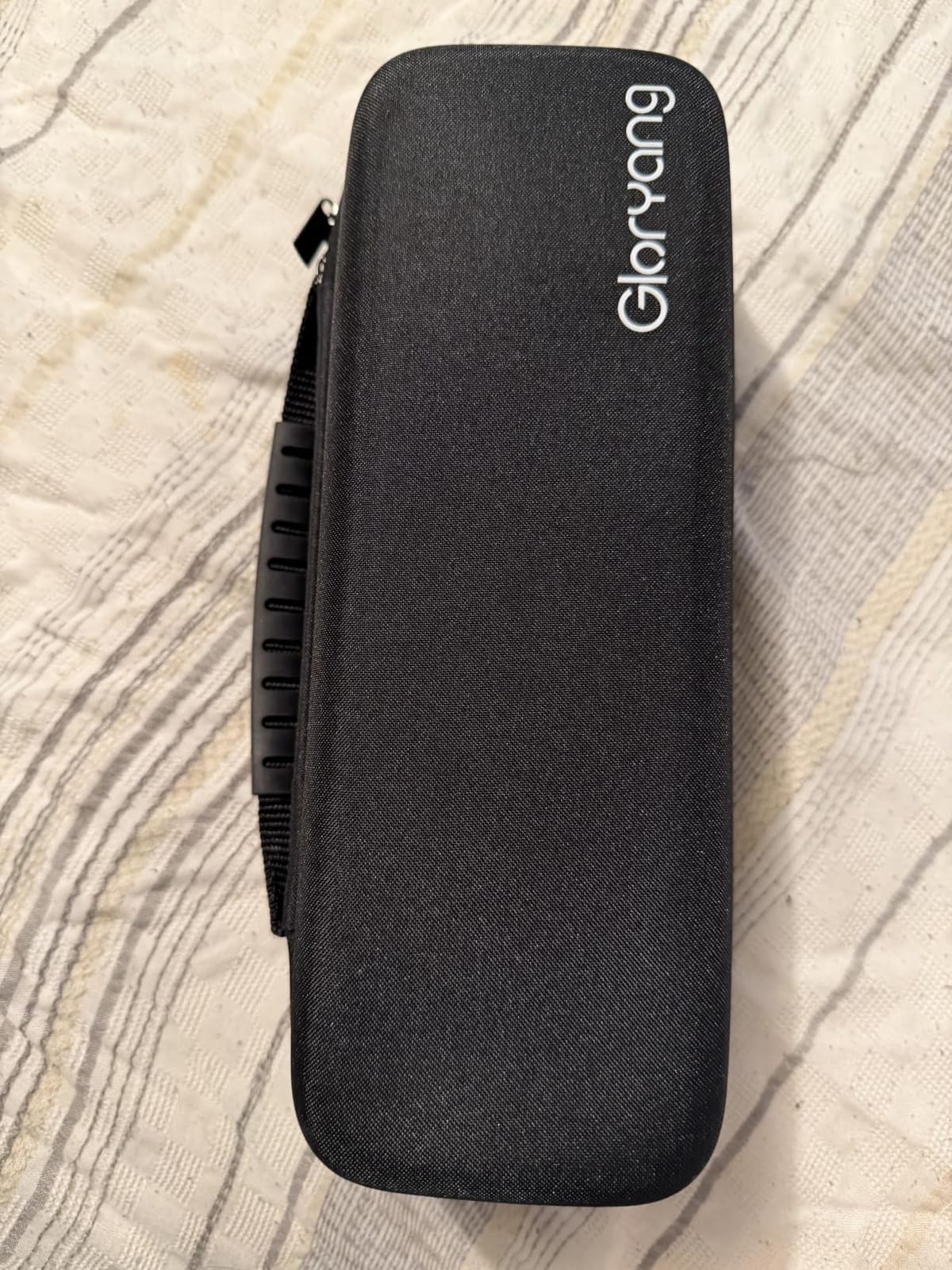
This is the printer I put on my own desk first, and it occupies less counter space than a coffee mug. The body measures about 11 inches deep by 4 inches wide and 4 inches tall, with a built-in paper bin that keeps rolled thermal media contained instead of trailing across the surface.
The thermal approach removes an entire category of maintenance. There is no cartridge to replace, no print head to clog after three idle weeks, and no ink cost to argue about. It connects over Bluetooth to a phone or tablet through the vendor app, and prints at a listed 35 pages per minute on Letter media.
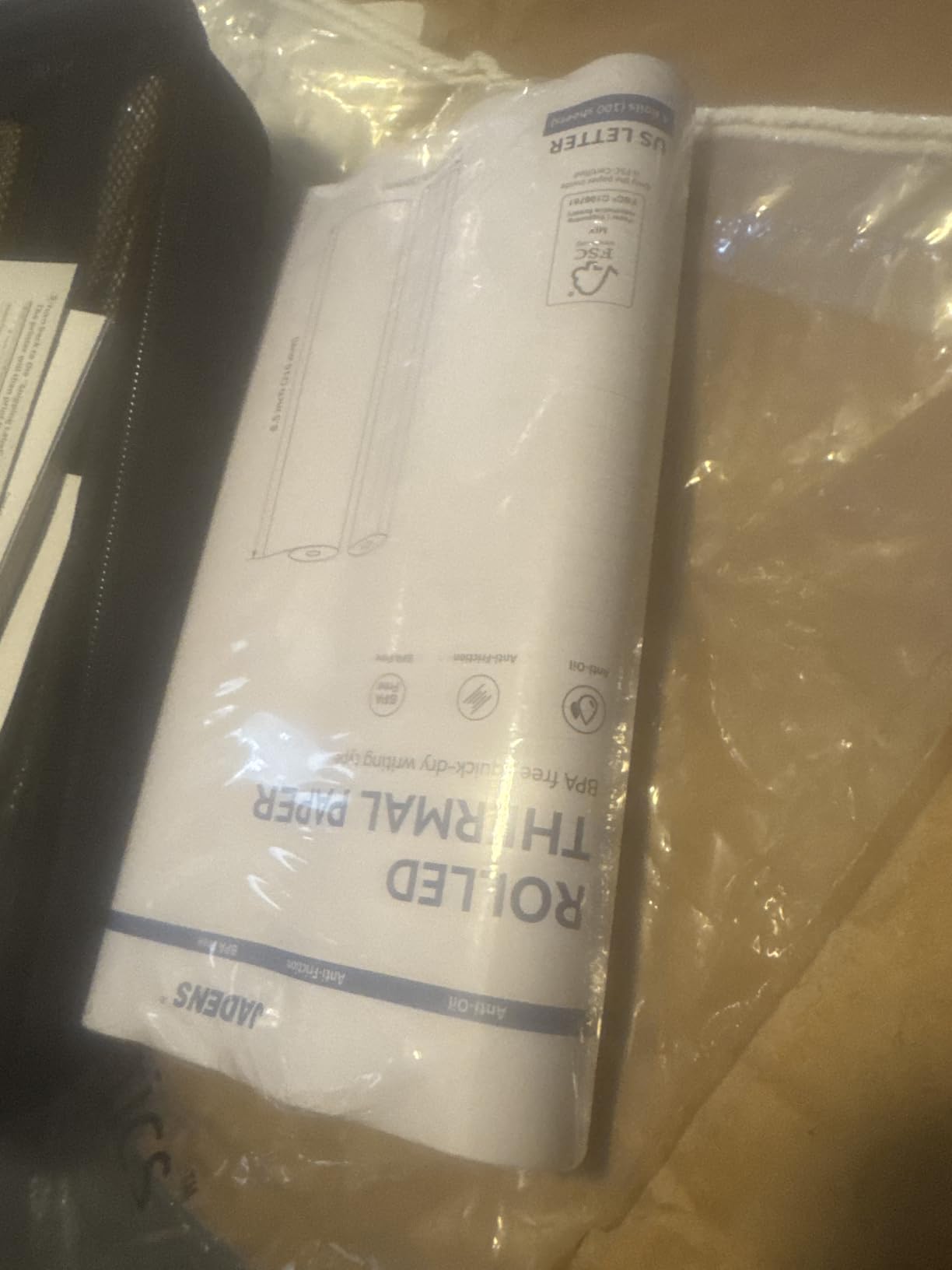
The limitation is media, not quality. Regular A4 copy paper will not feed through it at all, and everything you print has to come from thermal rolls or thermal sheets, which is why this suits invoices, shipping paperwork, study notes and lists rather than anything you need to keep for a decade.
Reviewers consistently describe the output as clear and dark, with a large share of five-star ratings for the travel, school and emergency-document use cases. The complaint that comes back most often is the same one I would raise myself: it is not a general-purpose printer, and treating it as one is how people end up disappointed.
Why it fits a small desk better than anything else here
At roughly 44 square inches, this is the smallest body in the group that still handles full Letter pages rather than receipt-width media. You can place it at the back corner of a desk beside a monitor stand and still have room for a notebook.
Weight is listed at 3.1 pounds, so moving it between a desk, a shelf and a shared workspace is a one-handed job. That matters in rented rooms where the printer lives with you rather than with the furniture.
Where it falls short for a home office
There is no scanning or copying, and no Wi-Fi. Bluetooth only reaches phones and tablets directly, so a laptop printing a multi-page PDF will need the app workflow every time.
Thermal prints fade over time, which rules it out for contracts, receipts you may need to return a warranty against, or anything you would store. Buy paper that fits your work instead of buying this to fit your desk.
2. TATTMUSE A285M Portable Inkless Thermal Printer – Best for Bag-to-Desk Switching
Portable Printers Wireless for Travel, A285M Small Inkless Thermal Printer
Thermal, monochrome inkless
Letter, A4 and three receipt widths
10.4 x 3.1 x 1.8 inches, 1.5 pounds
Pros
- Lightest weight-to-paper handling in the group at 1.5 lb
- About 32 square inch footprint
- Five paper widths including Letter and A4
- Bluetooth plus USB-C for laptops
- Built-in paper bin and app-guided setup
Cons
- Roll output curls and will not lie flat
- Front-to-back alignment can offset labels
- Black and white only with separately sold thermal media
- Not designed for 4x6 photo rolls
This is the unit I recommend for anyone who splits time between two places. At 1.5 pounds and 1.77 inches tall, it disappears into a laptop bag, and it accepts five thermal paper widths including US Letter and A4.
Connectivity is better than most thermal units here because USB-C is present alongside Bluetooth, so a laptop is not forced through the app for every job. Setup is app-guided and reviewers call it quick.
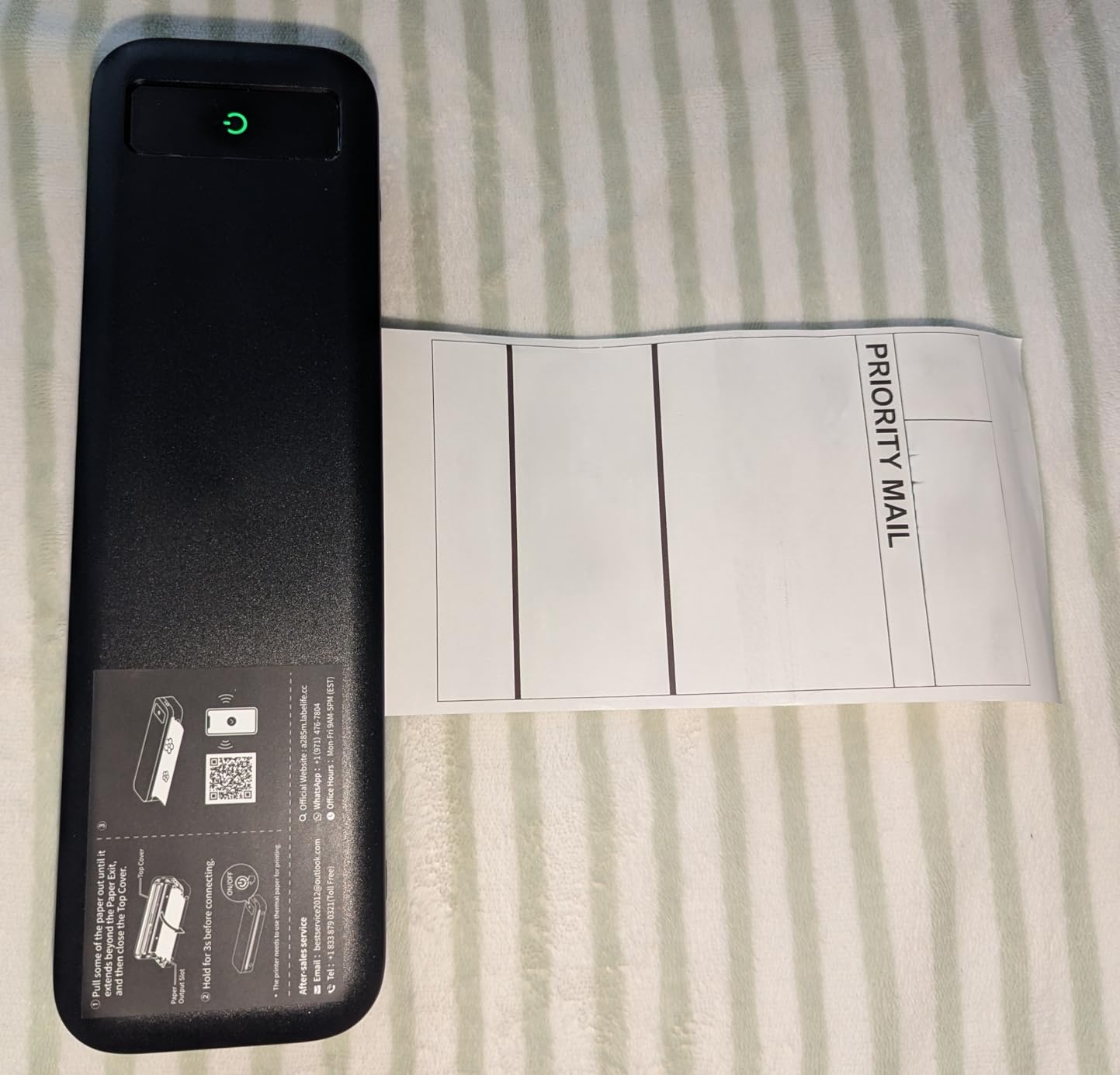
The paper handling is where you feel the trade-off. Thermal media prints off a roll, and a roll curl does not lie flat on the desk, so single sheets are the better choice for documents that need to stack or be filed. Labels can also print offset if the sheet is not loaded with real care.
Print speed is listed at 7 pages per minute for full pages, which is fine for occasional printing and slow for anything batched. Reviewers like the clear text output and the fact that there is nothing to clog.
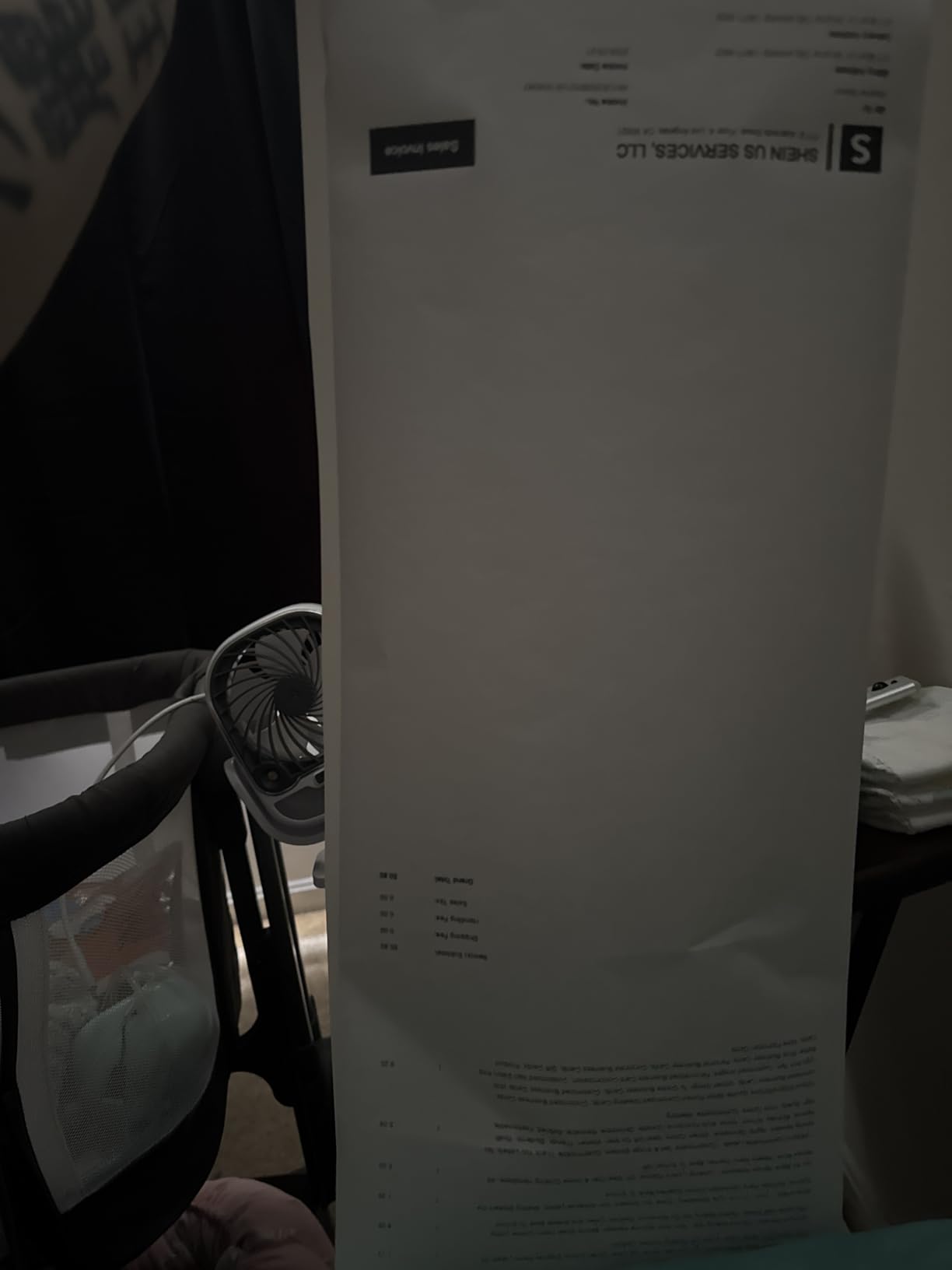
Best for dorm rooms and shared workspaces
Because it weighs 1.5 pounds and covers about 32 square inches, it is the easiest unit here to store out of sight and bring out when needed. That solves the awkward problem of owning a printer in a room roughly the size of a parking space.
Black-and-white notes, invoices and study materials are the sweet spot. The zero-consumable model also means a student or contractor is not budgeting for ink that may never get used.
What to watch before you commit
There is no Wi-Fi, no scanner and no colour. If you need colour for a class project or a marketplace listing photo, this is the wrong category and the portable inkjets below fit better.
Plan on buying thermal paper separately and testing one sheet before a big job, because alignment varies with cheap media. The five widths supported do not include 4×6 photo stock.
3. Phomemo M08F Inkless Thermal Portable Printer – Top Rated for Letter-Size Output
Phomemo M08F Inkless Thermal Portable Printer with Case – 8.5 x 11, Black
Thermal, monochrome, simplex
8.5 x 11 inch sheets, 4.25 ppm
13.7 x 4 x 3 inches, 715 g
Pros
- Highest average rating in the group at 4.3 stars
- Letter pages from a body about 55 square inches
- Zero ink cost and no clogging risk
- Bluetooth plus USB for computers
- Hard carry case included with ten sheets
Cons
- No standard printer driver
- app workflow is mandatory
- Single sheets and fan-fold only
- no roll path
- No Wi-Fi
- and thermal output fades over years
The M08F carries the highest average rating in this group at 4.3 stars across more than 3800 reviews, and the reason is simple: it prints true 8.5 x 11 inch pages from a body that is only 4 inches deep. That is unusual in a thermal machine.
Owners report good battery life and fast Bluetooth pairing, and the included hard case makes it a genuine carry-on device rather than a fragile one. Text and line-art quality is consistently described as good for tickets, signage and shipping labels.
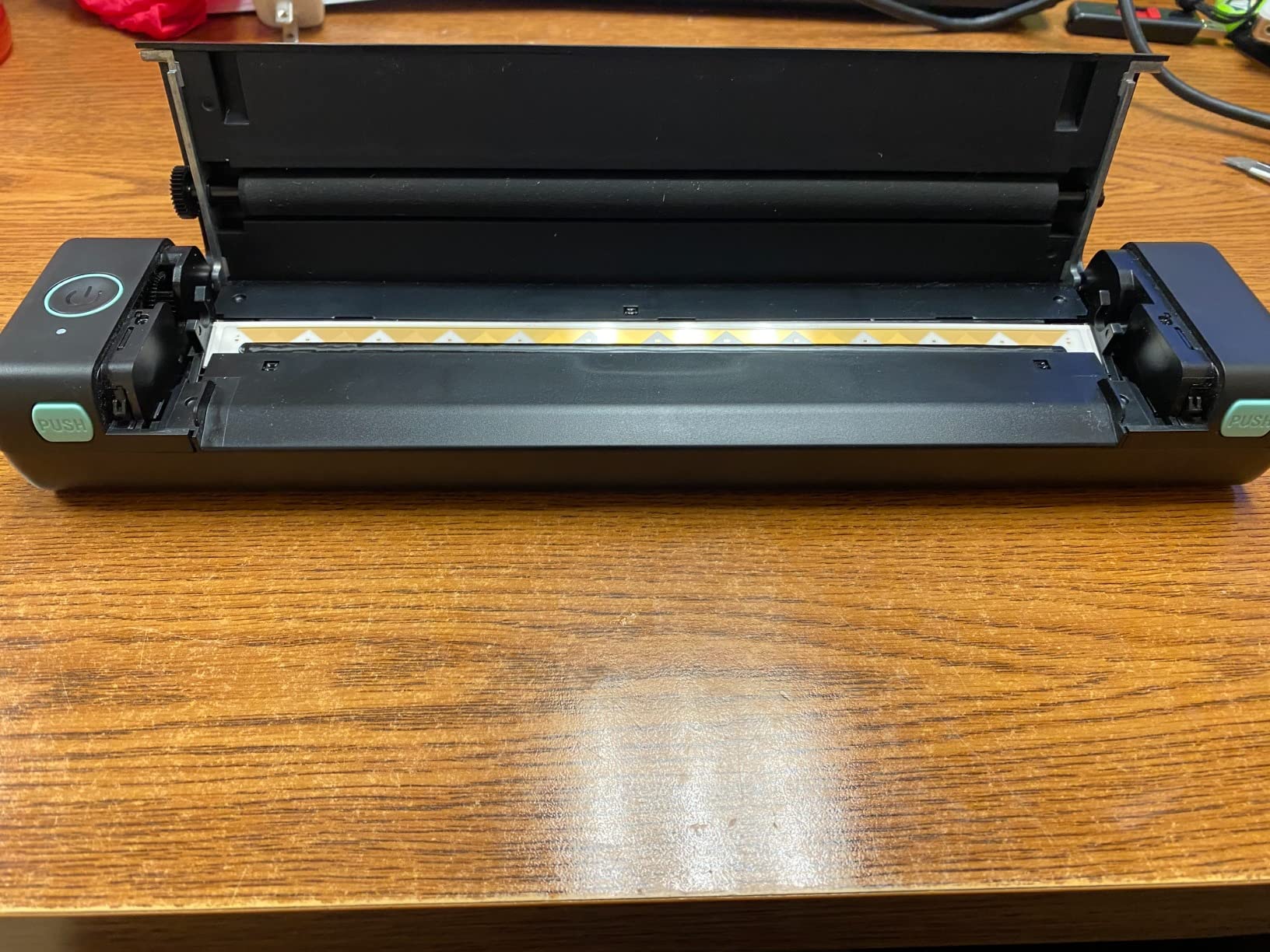
The catch is software. There is no standard printer driver or system print dialog, so every job goes through the Phomemo app, and some complex PDFs print poorly over Bluetooth. Paper can also misalign on insertion and printed edges can tear.
Then there is the media reality: no continuous roll, single sheets and fan-fold sheets only, and thermal prints fade over years. For a document you need to keep for a decade, this is the wrong tool.
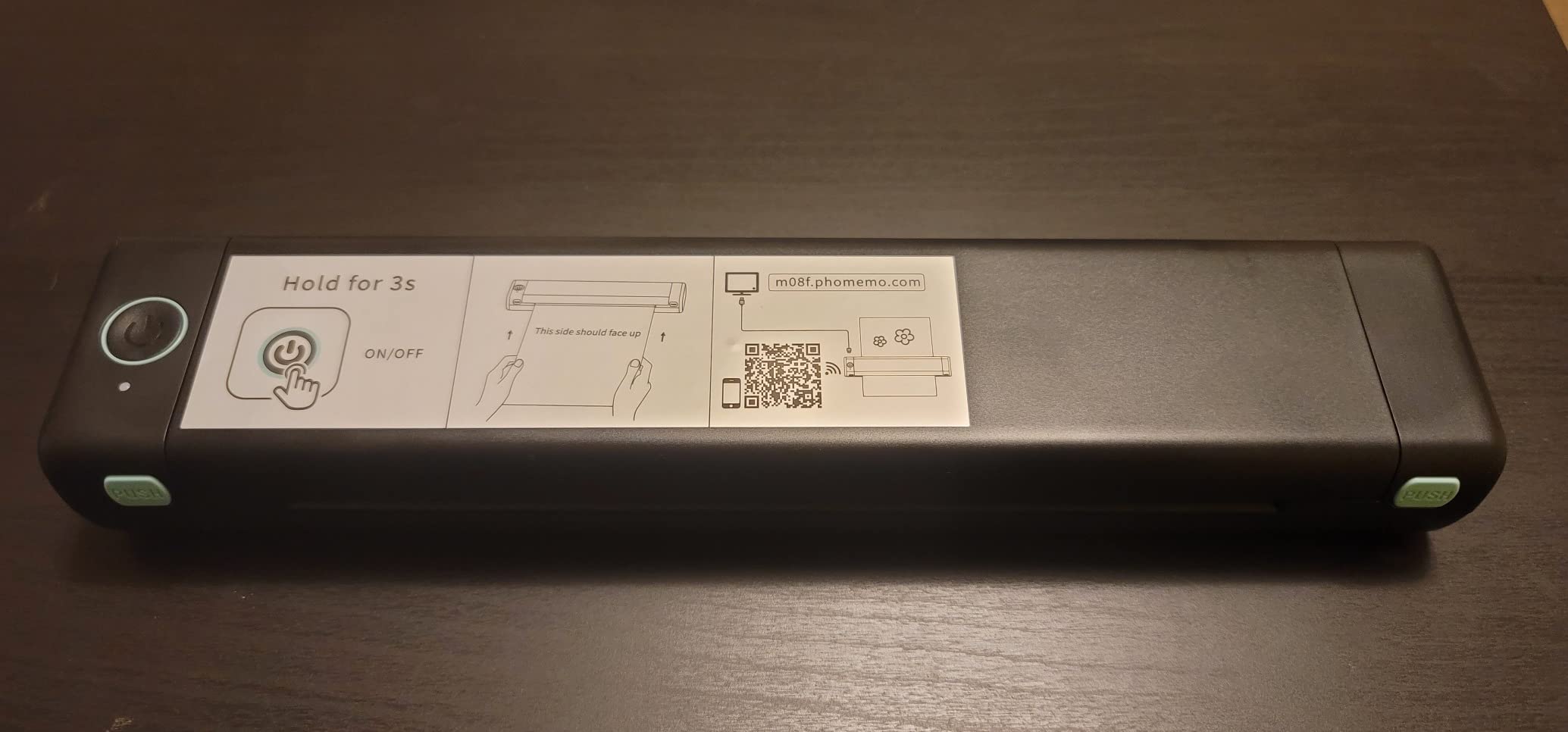
Best for letter-size paperwork with zero running cost
If your printing is receipts, contracts to sign, shipping labels and study materials, and your biggest frustration is cartridge cost, this removes the running cost entirely. Nothing dries out when the printer sits unused for a month.
At roughly 55 square inches it is wider than the other thermal units but still shallow, so it suits a shelf or a desk corner where depth is the scarce dimension.
Where the app dependency bites
If your workflow depends on a standard print dialog from macOS or Windows, this adds friction every single time. That friction is minor for occasional printing and serious for daily document work.
The fade-over-time issue is the one I would not compromise on for anything financial or legal. For those documents, use a real inkjet or laser despite the consumable cost.
4. Brother DCP-L2640DW Compact Monochrome Laser – Best for Real Document Work
Brother DCP-L2640DW Wireless Compact Monochrome Multi-Function Printer, Copy, Scan, Duplex, Mobile Printing
Monochrome laser, print scan copy
36 ppm, 8.5 second first page
15.7 x 16.1 x 12.5 inches, 25 lb
Pros
- Print scan and copy in one unit
- 36 ppm with a 50-page automatic document feeder
- Automatic duplex printing on every page
- Dual-band Wi-Fi plus Ethernet and USB
- 250-sheet paper tray
- Toner does not dry out
Cons
- Heaviest and largest unit here at 25 lb and 253 square inches
- Monochrome only with no colour path
- On-printer Wi-Fi setup menus are clunky
- Short bundled power cord
If your work is contracts, invoices and internal documents rather than photos, this is the honest answer for a small desk, even though it is the biggest printer I tested. It prints, scans and copies monochrome at 36 ppm with an 8.5 second first page.
The automatic duplex and the 50-page document feeder are what separate it from the portable crowd. You load a stack of paperwork, walk away, and come back to a scanned, two-sided output on the tray.
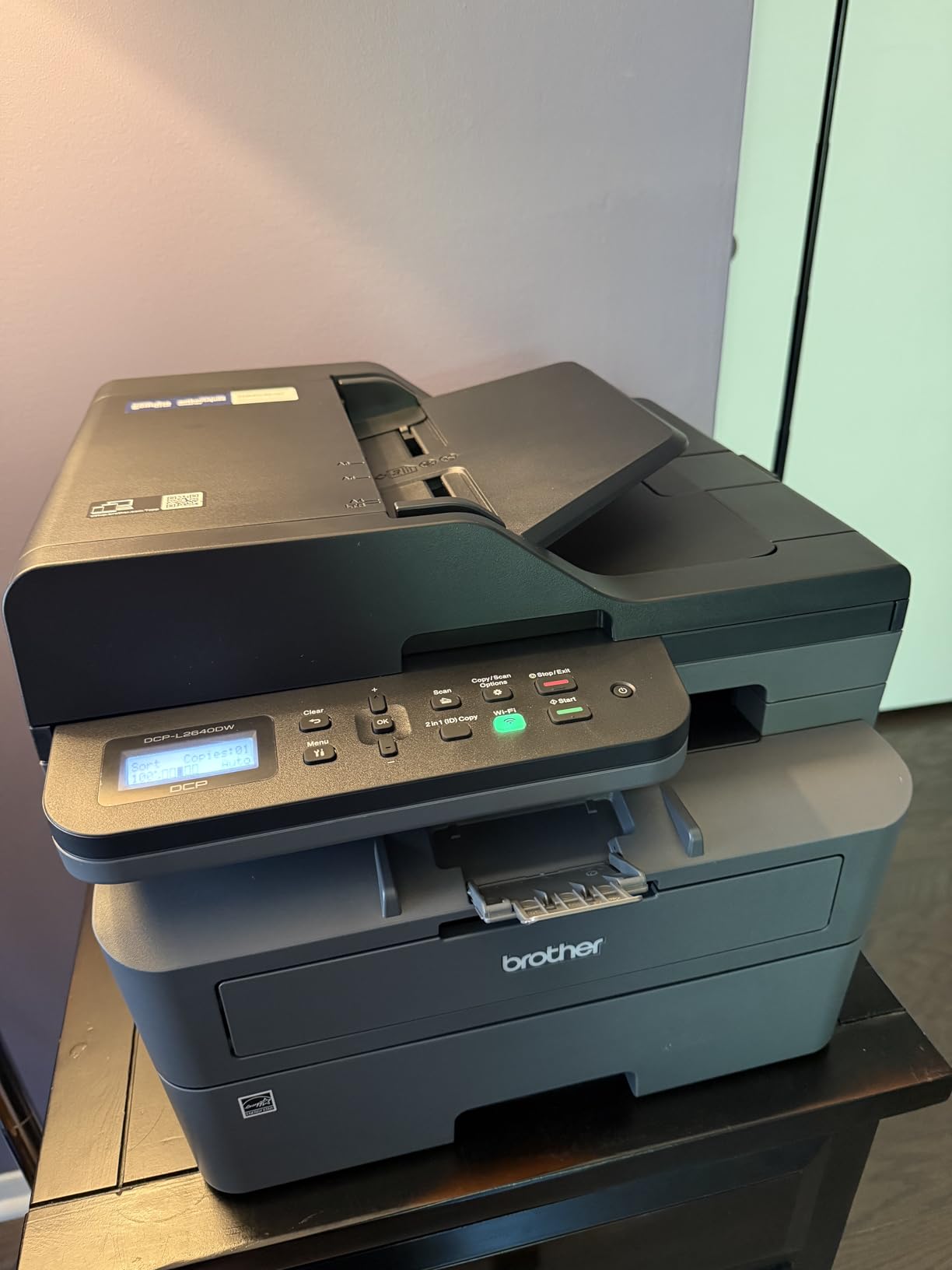
Toner is the quiet hero. Powder toner does not dry out in a half-used cartridge, and running cost per page sits far below colour ink, which is exactly why small-office users on forums keep recommending compact monochrome lasers for a single desk.
The size is the honest problem: 15.7 inches deep by 16.1 wide by 12.5 tall and 25 pounds means about 253 square inches and a two-handed lift. Reviewers also flag fiddly Wi-Fi setup and clunky on-printer scanning menus.
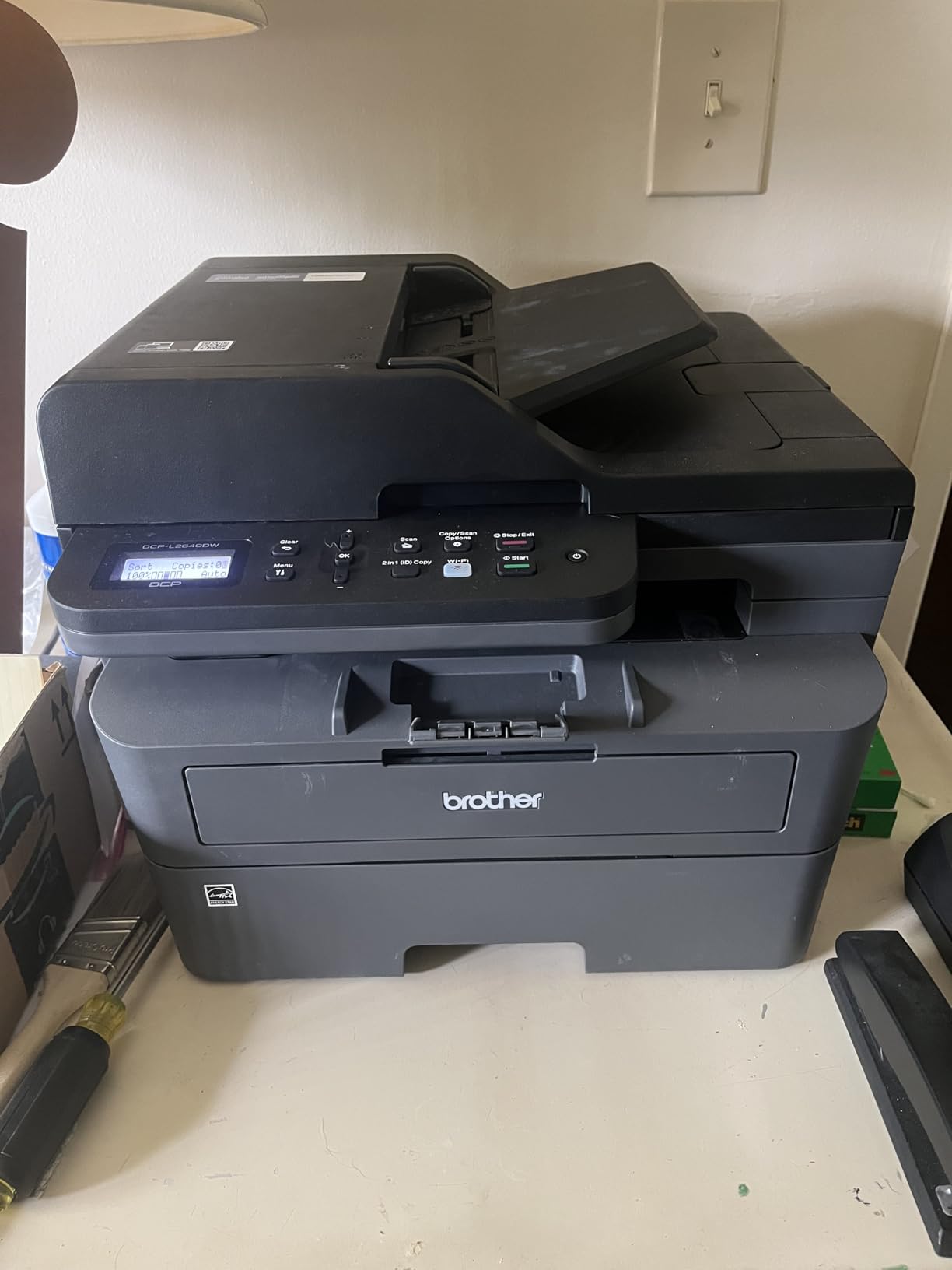
Best for someone printing a few hundred pages a month
At that volume, ink cost stops being a rounding error and toner economics take over. Add duplex and a 50-page feeder and a desk printer starts handling the kind of workload that would swamp an inkjet tray.
It also fits a shared home office better than it fits a tiny apartment, because a bigger machine in a room with more surfaces is a fairer trade than a small machine that jams.
When it is the wrong choice
If you need colour, this cannot do it at all, monochrome laser has no colour path. For a design student or anyone printing photos, the Canon inkjets below are the correct branch.
Measure your clearance height as well as your width. At 12.5 inches tall with the feeder open it will not sit under a low shelf, and 25 pounds means it stays where you put it.
5. Canon PIXMA TS3720 Wireless All-in-One – Best Value Colour on a Small Desk
Canon PIXMA TS3720 Wireless All-in-One Printer for Basic Home Printing, White
Inkjet colour, print copy scan
7.7 ppm black, 4 ppm colour
17.2 x 12.9 x 5.8 inches, 8.7 lb
Pros
- Lowest entry point for full colour print copy and scan
- Two easy-to-replace cartridges
- Dual-band Wi-Fi for stable wireless printing
- 1.5 inch LCD for status checks
- Supports AirPrint
- Mopria and Chromebook
- Borderless prints up to 5 x 7 inches
Cons
- Single-sided printing only with no automatic duplex
- Slow at roughly 7.7 ppm black and 4 ppm colour
- 60-sheet input capacity is small
- Tri-colour cartridge keeps photo quality entry level
This is the cheapest way I found to get full colour with a flatbed scanner on a small desk, and the reason it works at that price is two cartridges instead of four. At 8.7 pounds it is light enough to move without planning for it.
Connectivity is the surprise. Dual-band Wi-Fi, AirPrint, Mopria and Chromebook support mean it prints from an iPhone or a school laptop without an app fight, which removes one of the most common setup complaints in this category.

What you give up is speed and duplex. There is no automatic two-sided printing, and colour runs at about 4 pages per minute. The 60-sheet tray means refilling more often than any other unit here, which is the practical cost of the compact footprint.
Photo output is entry level because one tri-colour cartridge handles all colour inks. Reviewers treat it as a dependable home printer with average photo quality, not a photo printer.
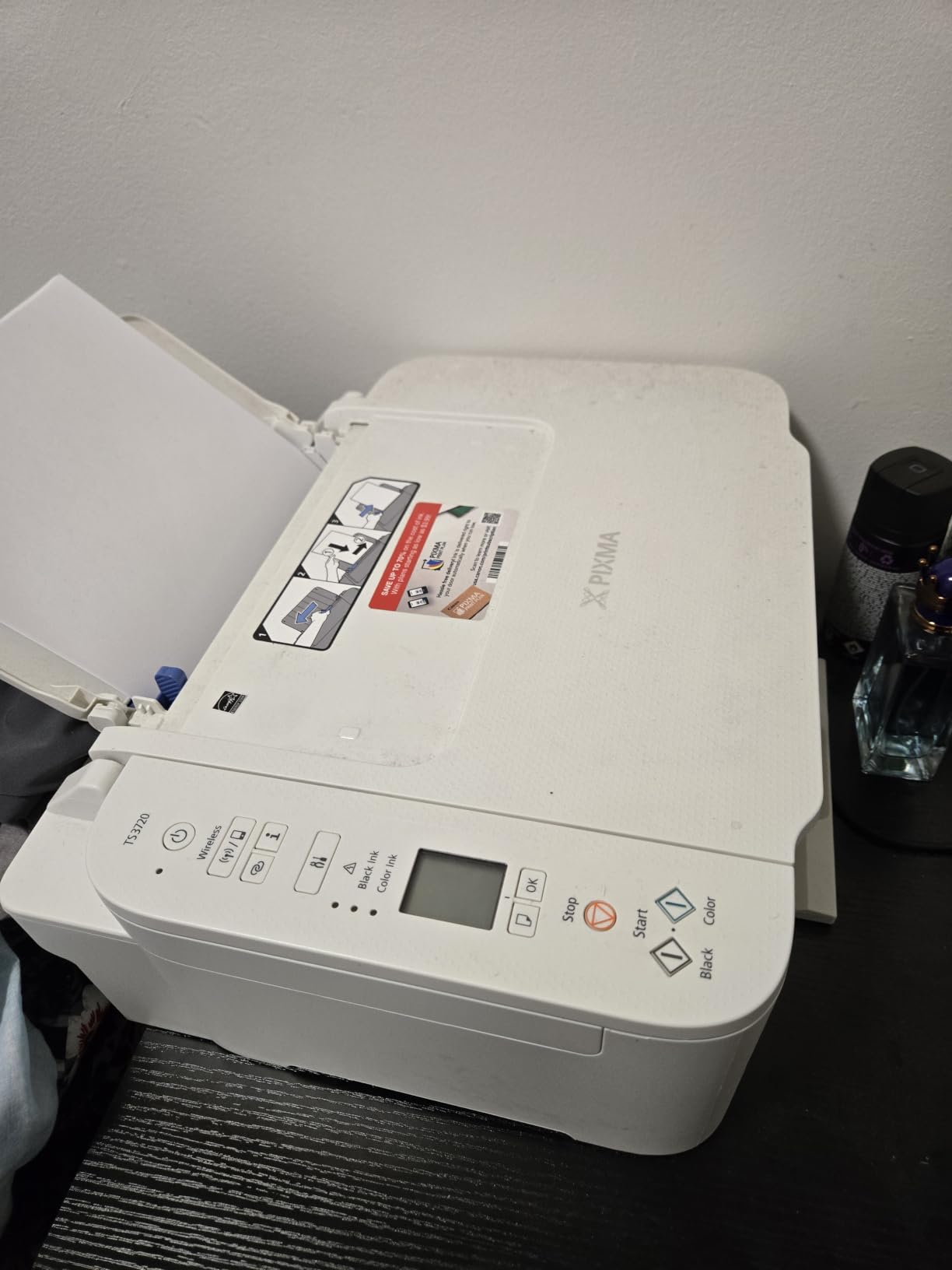
Best for mixed colour and text work in an apartment
Homework, shopping lists, a colouring sheet and an occasional borderless 5×7 photo, all from one 12.9-inch-wide body. AirPrint support is the detail that makes it painless for anyone with an iPhone or iPad.
Flatbed scanning means you can still copy a passport page or sign a document at a local shop without owning a separate scanner, which a print-only unit cannot do.
When you should spend a little more
If you print two-sided documents regularly, the missing automatic duplex will be felt every week. The Canon TS6520 below adds it and still fits a small desk.
The 17.2-inch depth is also the second largest here, so check front-to-back clearance before assuming it fits where the thermal units do.
6. Brother HL-L2460DW Compact Monochrome Laser – Best Print-Only Value
Brother HL-L2460DW Wireless Compact Monochrome Laser Printer with Duplex, Mobile Printing, Black & White Output | Includes Refresh Subscription Trial(1), Works with Alexa
Monochrome laser, print only
36 ppm, 8.5 second first page
14.2 x 14 x 7.2 inches, 15.6 lb
Pros
- 36 ppm monochrome with 8.5 second first page
- Automatic duplex on long jobs
- About 199 square inches suits a shelf or small desk
- 250-sheet tray plus manual feed for envelopes
- Dual-band Wi-Fi
- Ethernet and USB
Cons
- No scanner or copier
- Monochrome output only
- Button-driven LCD makes Wi-Fi setup tedious
- Bundled toner subscription trial is easy to forget
Drop the scanner and this laser shrinks to about 199 square inches, which is a meaningful saving on a small desk. You still get 36 ppm monochrome speed, automatic duplex and a 250-sheet paper tray.
This is the machine for someone who prints a lot and never scans, copies or faxes. Print-only design is exactly why it is cheaper and smaller than the multi-function Brother, and the toner is widely available in high-yield form.
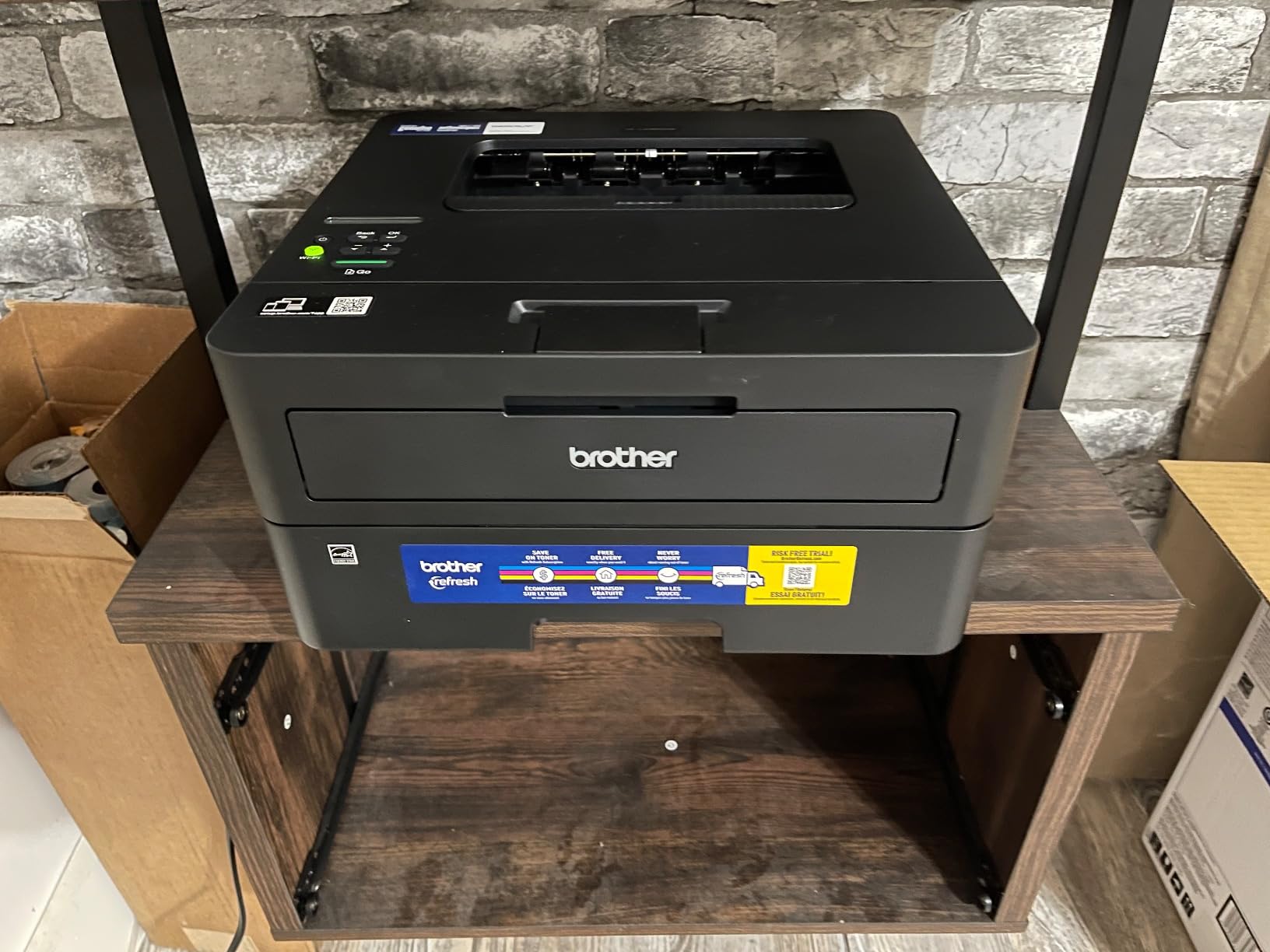
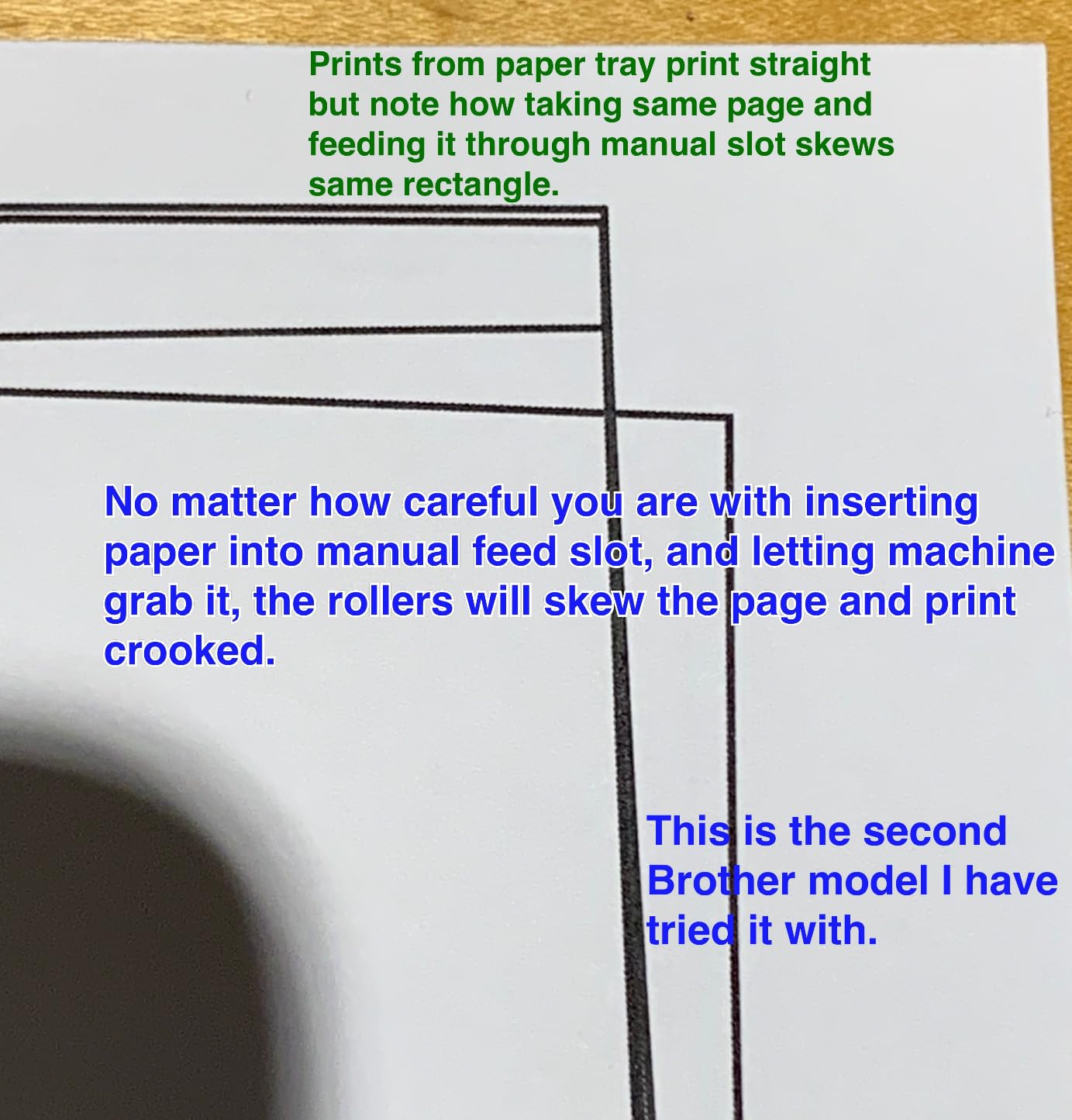
Reviewers frame it as a dependable, quiet workhorse that prints crisply and behaves well on both Windows and Linux networks. Paper jams reported in this category are rare for it.
The two complaints worth knowing are the small button-and-screen panel, which makes on-device Wi-Fi setup tedious, and the bundled toner subscription trial, which can generate per-page charges that are easy to forget about.
Best for high-volume black and white on one desk
Duplex printing plus a 250-sheet tray means fewer refills and fewer trips to flip a stack manually. For reports, contracts and coursework, that combination removes the two most annoying parts of printing at home.
At 7.2 inches tall it is the shortest laser here, so it slides under a desk with a modest clearance where the 12.5-inch multi-function Brother will not.
What you give up
There is no flatbed scanner and no copier. If you need to digitise a document or copy a card, you either buy the multi-function model or use a phone app.
Colour is impossible. Plan for a separate colour route, or keep the Canon inkjet as a second device if your desk space allows two footprints.
7. Canon PIXMA TS6520 Wireless Colour All-in-One – Best With Automatic Duplex
Canon PIXMA TS6520 Wireless Color Inkjet Printer, Duplex Printing, Copier/Scanner, 1.42″ OLED Display, Compact, White
Inkjet colour, print copy scan
14 ppm black, 9 ppm colour
14.8 x 14 x 6.7 inches, 15.4 lb
Pros
- Automatic duplex printing at this size
- Print copy and scan in a 14 inch wide body
- 1.42 inch OLED display shows ink and status
- Dual-band Wi-Fi with stable connections
- Sharp text and vivid colour
- Works with AirPrint
- Mopria and voice assistants
Cons
- Only two ink tanks so colour leans on one cartridge
- Heavier than most compact inkjets at 15.4 lb
- Inkjet running cost exceeds monochrome laser over time
- No memory card or direct photo printing
Automatic duplex at 14 inches wide is unusual in a compact all-in-one, and it is why this one earned its place. It prints at 14 pages per minute black and 9 colour, which is faster than any other colour unit in this roundup.
The 1.42 inch OLED display is small but genuinely useful, showing ink level and job status without pulling out your phone. Voice assistant support is a small bonus for anyone who already uses one.
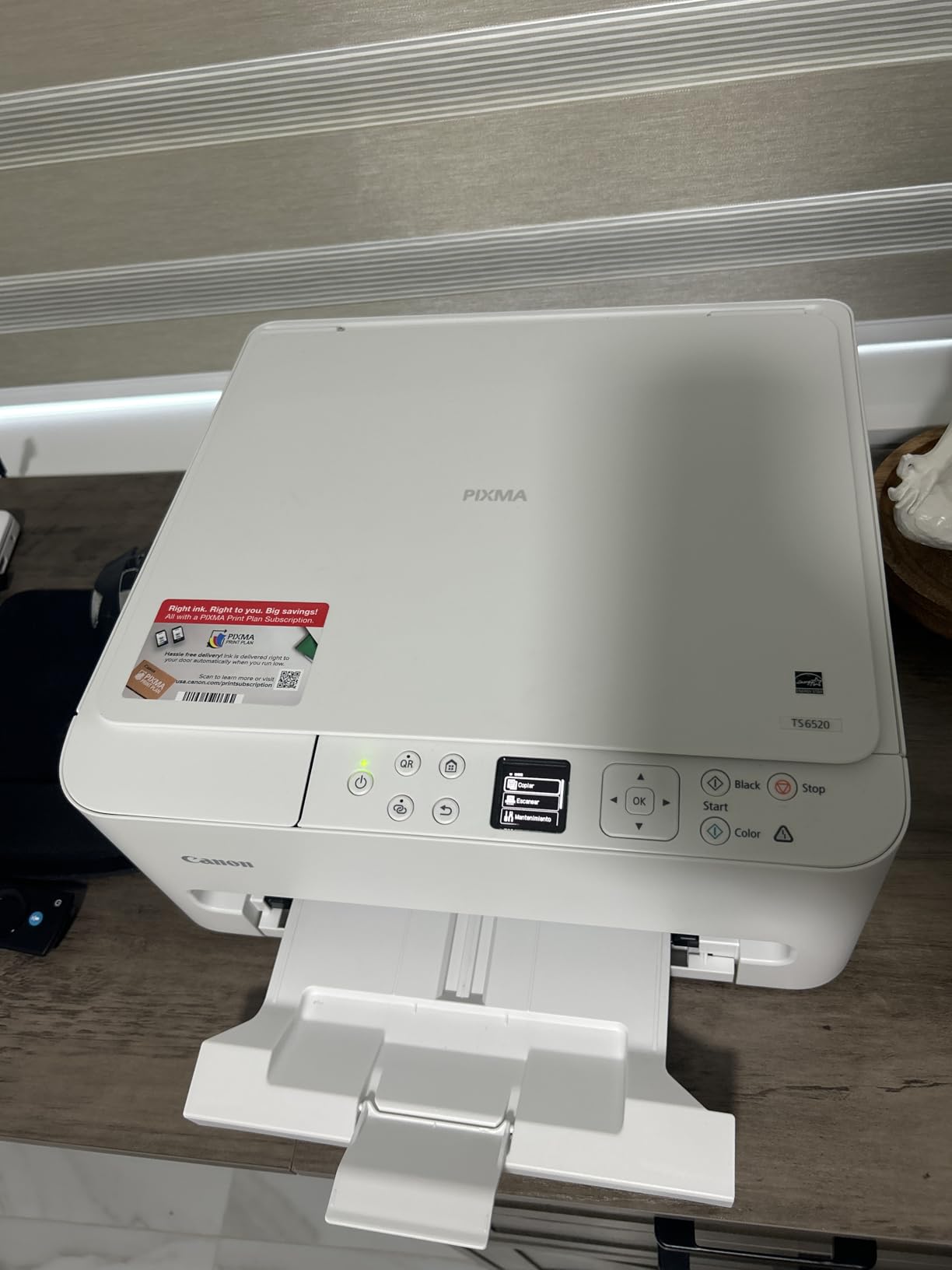
The two-tank ink system is the compromise. One pigment black tank and one dye-based colour cartridge produce sharp text and vivid colour, but photo realism is limited by having only one colour ink.
At 15.4 pounds it is heavy for a compact inkjet, and inkjet running costs will exceed a monochrome laser over a year of regular document printing. Reviewers accept both as reasonable trade-offs for duplex plus scanning.
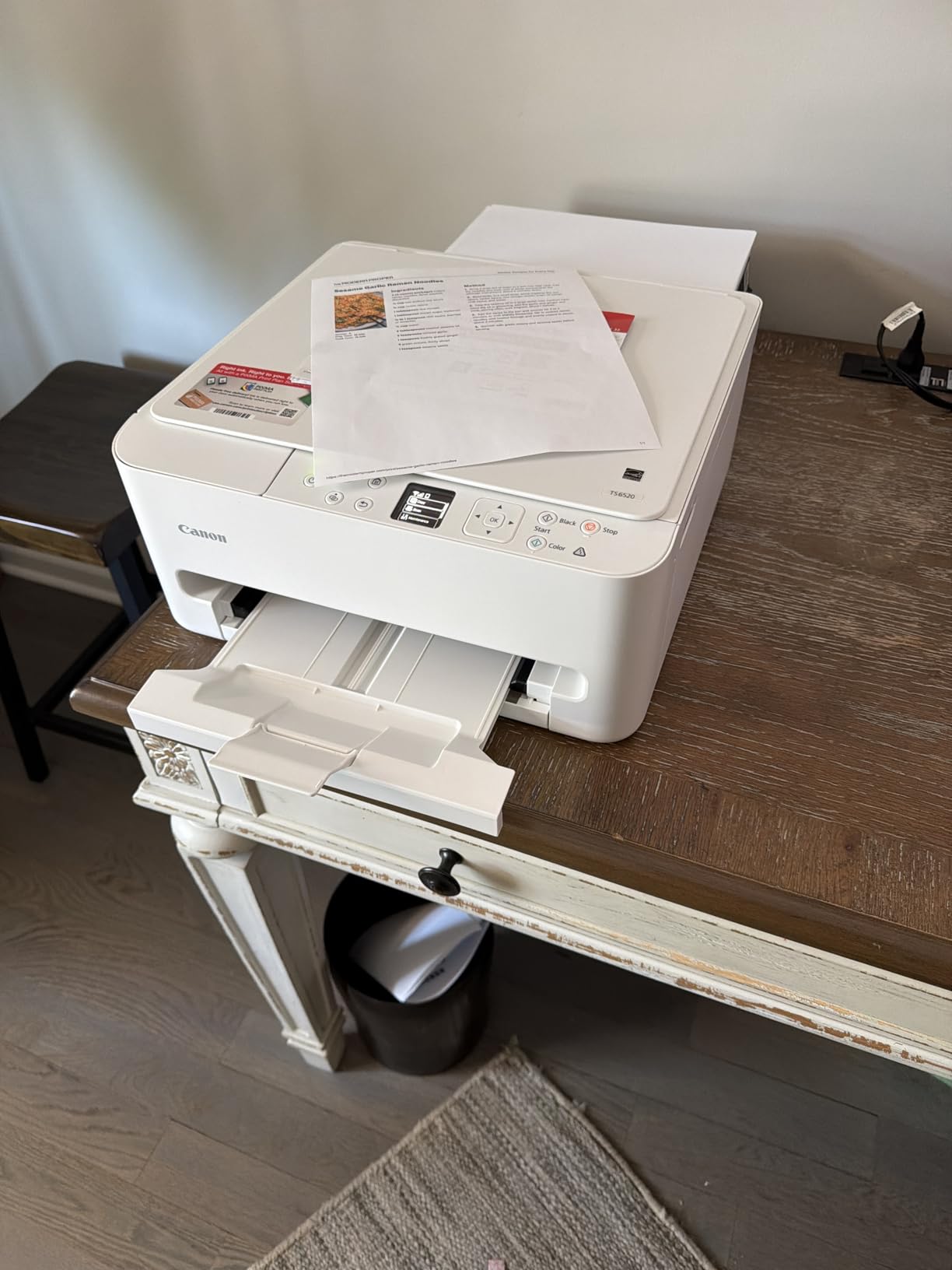
Best for two-sided colour documents
Meeting notes, handouts, recipes and anything printed both sides, in colour, on a desk that cannot spare a second device. That combination is rare under a 14-inch footprint.
The flatbed scanner covers occasional copying, and dual-band Wi-Fi held stable in owner reports, which addresses the connectivity complaints that plague budget inkjets.
When the ink bill changes the maths
If your monthly volume is low, the advantage over a laser is small and the running cost gap is real. For occasional colour alongside light text, the cheaper TS3720 does the job.
There is no direct photo printing from a memory card, so photos go through a phone or computer. Budget a shelf rather than a desk if you can, since 15.4 pounds is awkward to reposition.
8. Phomemo M832D Touchscreen Thermal Printer – Best for First-Time Portable Setup
Phomemo M832D Touchscreen Portable Printer Inkless Thermal Wireless Travel
Thermal monochrome with scan
300 dpi, 6 ppm
12.2 x 2.5 x 1.9 inches, 600 g
Pros
- Touchscreen shows battery
- connection and paper status
- About 30 square inch footprint and 600 g
- 300 dpi is sharper than most thermal printers
- 2600mAh battery rated for about 200 pages per charge
- Accepts roll
- folded and single-sheet media
Cons
- Bluetooth reaches phones and tablets only
- laptops need USB-C
- About 6 ppm on full pages
- Thermal media and black and white output only
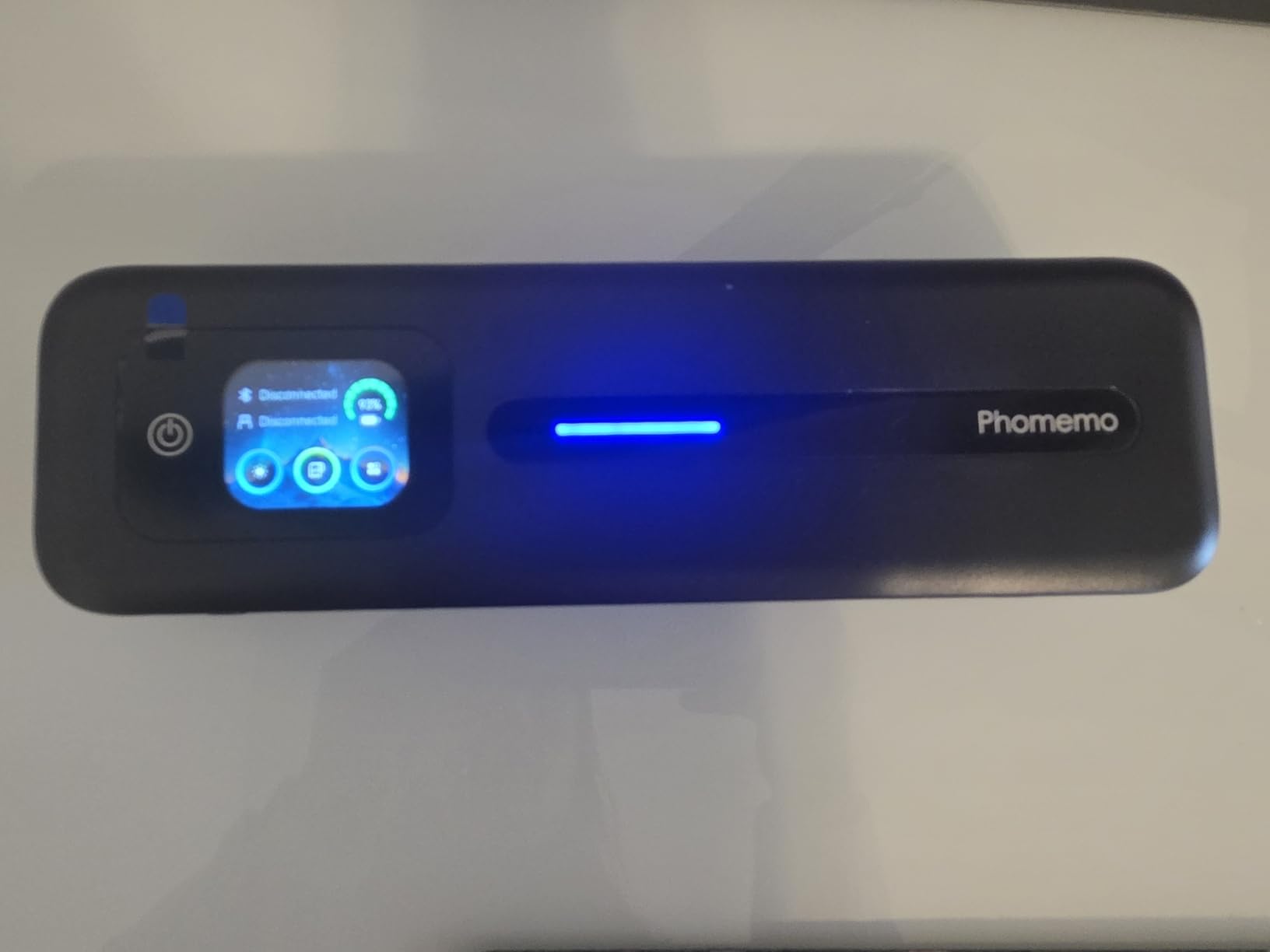
The touchscreen is the reason to choose this over a cheaper thermal printer. It shows battery level, connection state and whether the paper loaded correctly, so you are not guessing at the paper tray before every job.
At 300 dpi it produces sharper output than the 203 dpi units elsewhere in this roundup, and the 2600mAh battery is rated for roughly 200 pages per charge. Owners report about 30 percent less print noise than earlier models.
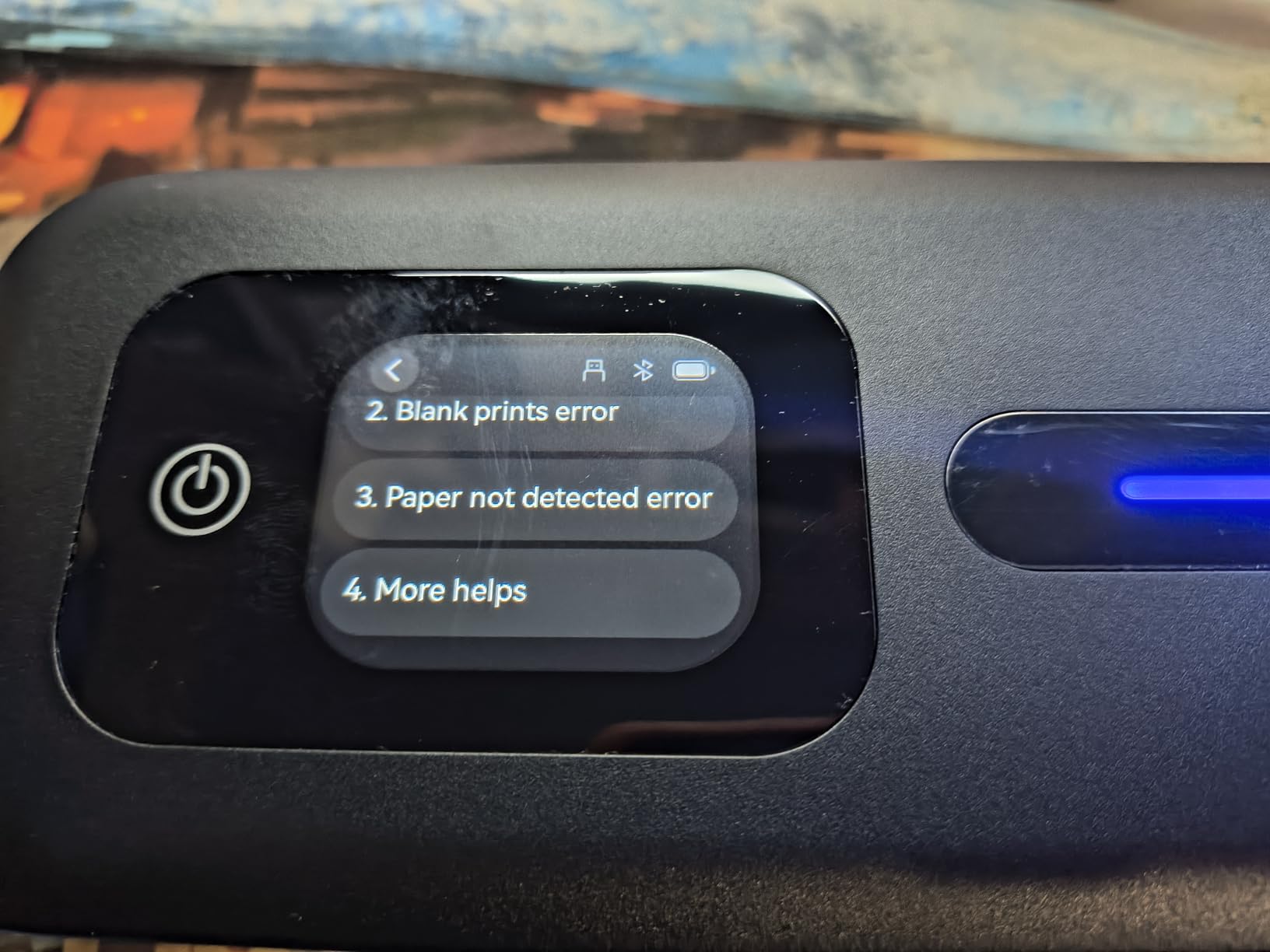
Bluetooth is limited to phones and tablets, so a laptop prints over USB-C instead. That is a fair arrangement, but it means one extra cable in your bag when you plan to work from a computer.
Print speed of about 6 pages per minute is modest, and the output is thermal media only in black and white. It also carries a scan function, though it is a portable document scanner rather than a flatbed.
Best for someone printing from a phone
If your printing happens from a phone or tablet, Bluetooth pairing and the on-screen status make this the least fiddly portable unit in the group. The built-in paper bin keeps the desk clear.
Five media widths are supported, covering thermal roll, folded and single sheets, so you are not hunting for one specific roll format.
Where it stops being the right choice
Laptop users should look at the TATTMUSE A285M instead, which pairs Bluetooth with USB-C. A computer-only workflow will feel the cable.
Colour is impossible and prints fade, so this belongs with notes, lists and short-lived documents rather than records you need to retain.
9. Canon PIXMA TR160 Color Wireless Portable Printer – Best for Color Photos in a Bag
Canon PIXMA TR160 Color Wireless Portable Printer
Colour inkjet, print only
9 ppm black, 5.5 ppm colour
12.7 x 7.3 x 2.6 inches, 4.5 lb
Pros
- Genuinely portable colour inkjet at 4.5 lb and 2.6 inches tall
- Five-colour hybrid ink system for sharp text and rich photos
- Borderless and square prints up to 8.5 x 11 inches
- Wireless direct mode works without a router
- 1.44 inch OLED status display
Cons
- Print only with no scanner or copier
- Single-sided printing only
- 50-sheet rear tray is small
- Ink cartridges cost more than toner over time
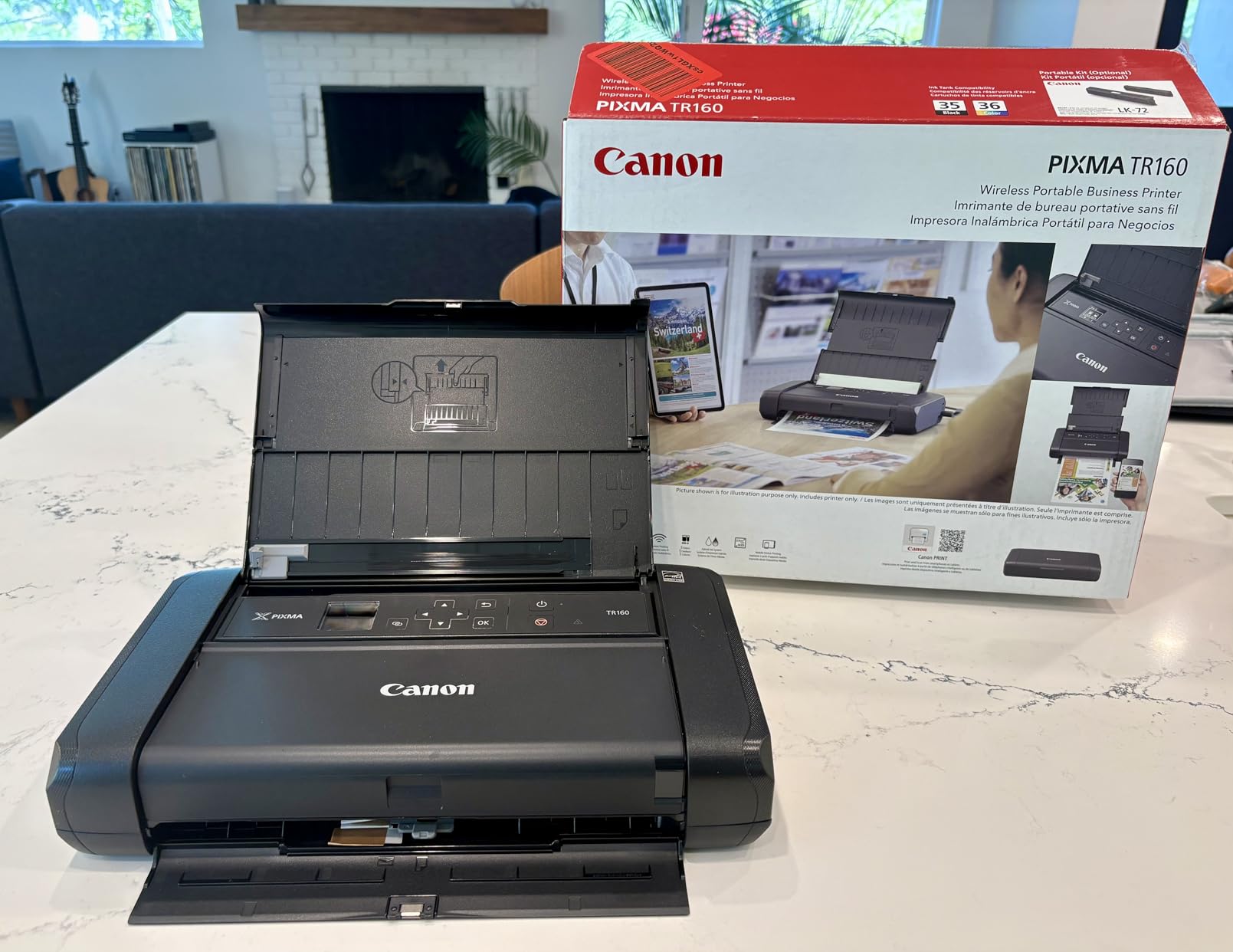
This is the only printer here that produces genuinely rich colour photographs while staying light enough to carry. The five-colour hybrid ink system is a real step up from the three-ink cartridges on entry-level models.
At 4.5 pounds and 2.6 inches tall with a 12.7 by 7.3 inch footprint, it covers about 93 square inches. Wireless direct mode prints without a router, and AirPrint and Mopria support removes most app friction.
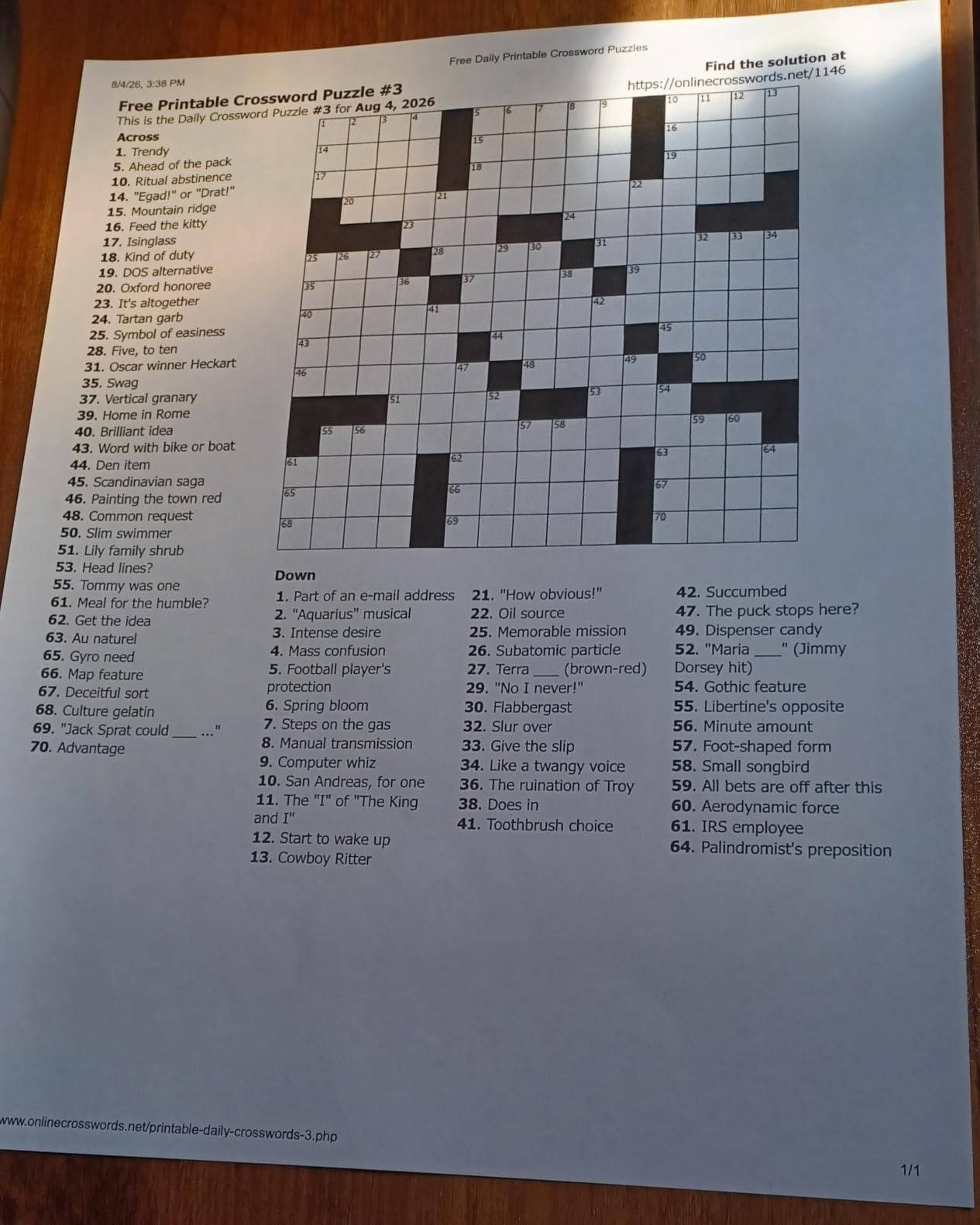
Square and borderless formats are supported up to 8.5 by 11 inches, which is unusual at this size and useful for planners, art prints and marketplace listing photos.
The compromises are all on the input side. The rear tray holds 50 sheets, printing is single-sided only, and there is no scanner or copier, so this is a printing companion rather than an office machine.
Best for colour output on the go
Planner users and small business sellers printing product photos will get noticeably better colour here than from a thermal unit or a tri-colour cartridge printer. Low 8-watt power draw suits intermittent use.
The OLED display shows ink level without opening an app, which is the check you will run most often on a printer this small.
When the paper tray becomes the problem
Fifty sheets means you reload often, and a 50-sheet tray is a tight fit for a busy week of coursework or shipping labels. The small rear feed is also easy to misalign when loading.
Ink cartridges cost more per page than toner, so for heavy text printing a monochrome laser is the cheaper long-term choice even though it prints no colour at all.
10. Rongta F11A Inkless Thermal Printer – Smallest Footprint in the Group
Rongta Thermal Portable Printers Wireless for Travel, Bluetooth Mobile Printer, Inkless Printer for School/Office/Home Use, Compatible with Android,iOS & Laptop(Black)
Thermal monochrome, print only
203 dpi up to 8.5 inches wide
10.6 x 2.3 x 1.2 inches, 0.43 kg
Pros
- Smallest footprint here at about 24 square inches
- Thin at 1.18 inches and light at 0.43 kg
- Inkless with no cartridge cost
- Quiet operation suited to shared rooms
- Bluetooth app pairing usually takes under five minutes
- USB works with Windows and Mac laptops
Cons
- 203 dpi looks pixelated on images and graphics
- Thermal media only
- no regular copy paper
- Vendor app pairing required and no Chrome printing support
- No roll path for some media sizes
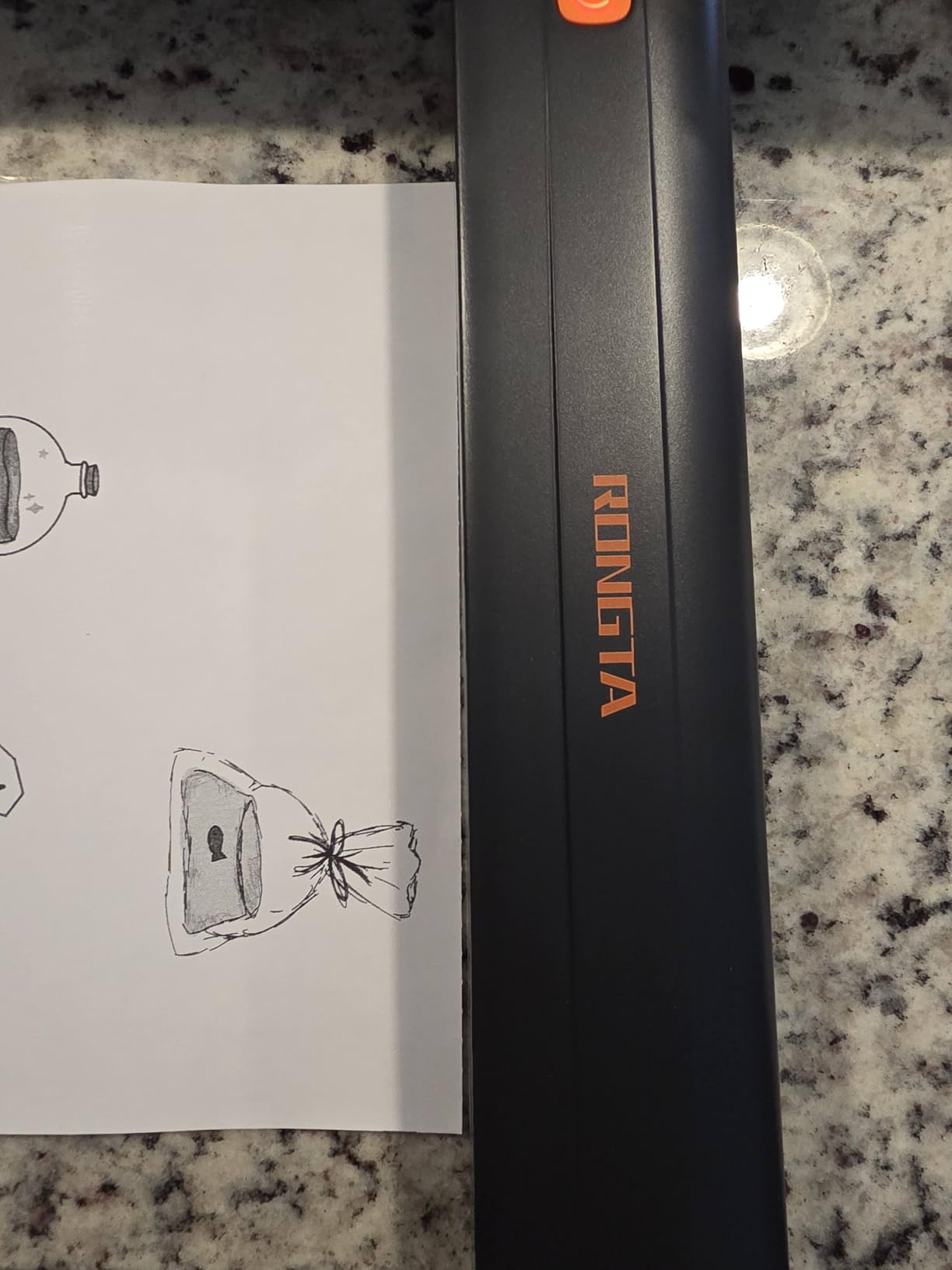
At 2.28 inches deep, 10.55 wide and 1.18 tall, this covers about 24 square inches of desk. Nothing else in the roundup takes less room, which makes it the correct answer for a desk where every inch of surface is spoken for.
Weighing 0.43 kg, it is the easiest unit here to move, and owners describe it as quiet enough for a shared room. Bluetooth pairing through the vendor app usually completes in under five minutes.
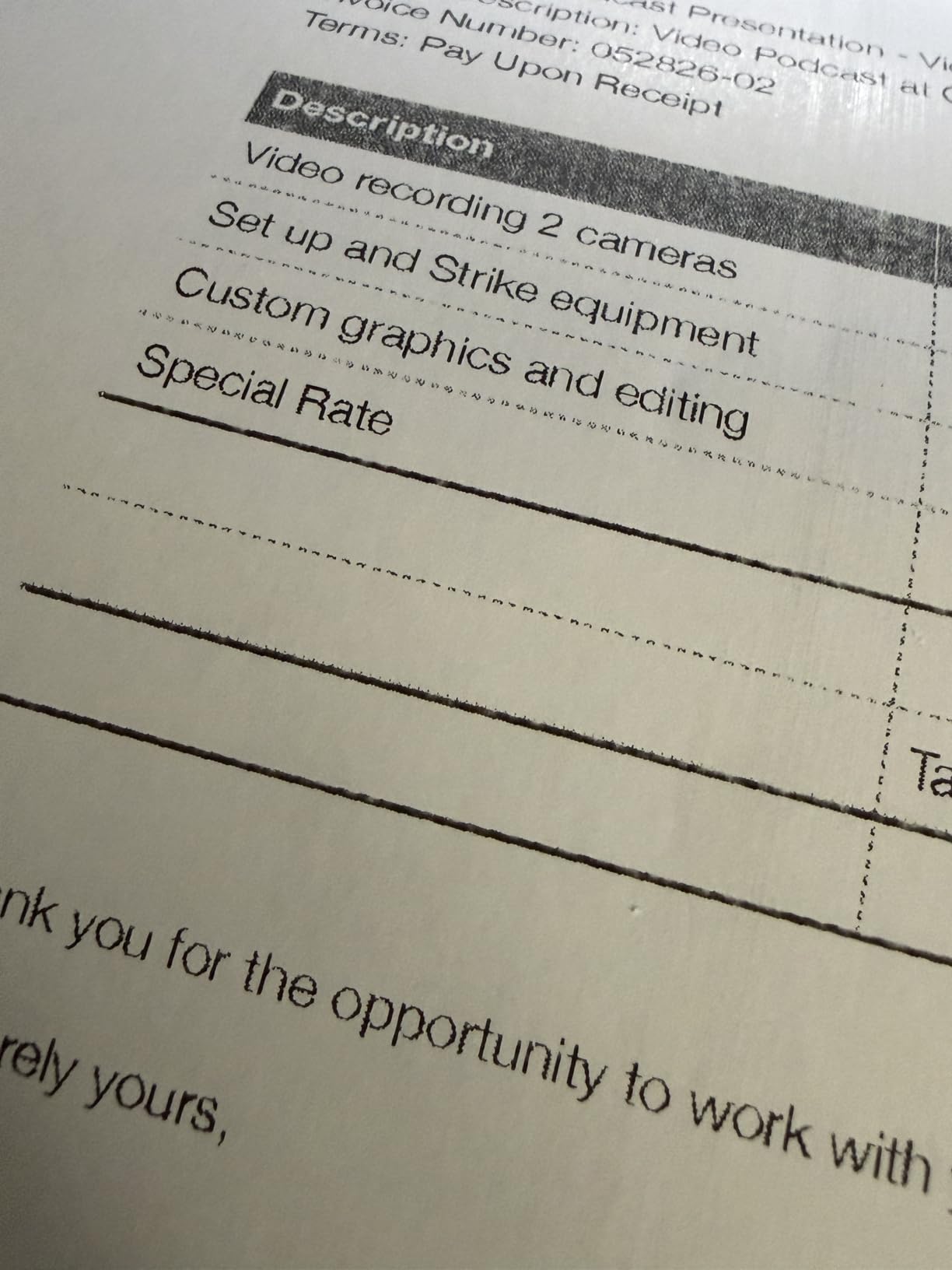
Print quality is the trade. At 203 dpi, images and graphics look pixelated, so this is a text-only tool for invoices, notes, forms and study materials rather than anything visual.
Regular A4 copy paper cannot be used, pairing runs through the vendor app, and Chrome printing is not supported. There is also no roll path for some media sizes, so single sheets are the reliable route.
Best when desk space is the binding constraint
If your available surface is narrower than a laptop, this is the printer that still works. It can sit in a drawer between uses and take up no usable area when you are not printing.
Students, contractors and frequent travellers get the most from it, because the only consumable is paper you choose to buy.
Where it will disappoint you
If your workload includes anything graphical, the 203 dpi output rules it out. Turn to the Canon TR160 for colour photos or the TS6520 for sharp colour documents.
App-only pairing means no printing from a browser on a Chromebook without a workaround. That single limitation causes more frustration than the print quality does.
How to Choose a Compact Printer for a Small Desk
Start by measuring, not browsing. Measure the clear width, the depth and the height under whatever shelf sits above your desk, then compare those numbers against the closed-body dimensions on this page. Every footprint figure here is width multiplied by depth, closed.
Next decide between print-only and all-in-one. Scanning and copying add a flatbed platen and often a document feeder, and both add height and depth. If you never scan, the HL-L2460DW saves meaningful space over the multi-function Brother.
Inkjet or compact laser
Inkjets print sharp colour and photos at a low entry cost, and they lose on running cost. Compact lasers print black text faster, never clog, and cost far less per page, but they are monochrome only and usually larger.
Forum small-office users reach the same conclusion: at a few hundred pages a month, toner economics win. At a handful of pages a month, a tank-based or inkless approach wins because nothing dries out between uses.
Tray capacity and refill habits
Paper tray capacity decides how often you touch the machine. A 50 or 60 sheet tray is fine for occasional work and annoying for weekly coursework, while a 250-sheet tray suits a month of documents.
Count your real monthly volume before choosing. Low-volume owners should not pay for capacity they will never fill, and busy owners should not buy a tray they will refill twice a week.
Connectivity and apps
Check what your devices need before you buy. AirPrint and Mopria support on the Canon models means iPhones, iPads and Chromebooks print without an app, while thermal units generally require the vendor app on mobile.
Dual-band Wi-Fi is more reliable in a home with many devices than single-band, and it matters more than the app branding. If a printer only reaches phones over Bluetooth, laptop printing means a cable.
Quiet rooms and paper jams
Compact trays jam more often when run below capacity, so filling the tray partway is kinder to the mechanism than printing one sheet at a time. Several owners of small units here report that straightforward paper feeding solves most trouble.
For a bedroom or study, portable thermal units are the quietest, and owners of the Rongta specifically call out quiet operation. Laser printers are described as dependable and quiet by their own users, though they need a real surface to sit on.
Photos, cards and paper limits
If you print photos, the tri-colour cartridge in the TS3720 will not satisfy you, and thermal units will not print images at all. The TR160 and the TS6520 are the colour-capable choices, with the TR160 better for photos and the TS6520 better for two-sided colour documents.
Check maximum media size before buying. Most units here handle Letter, several accept Legal, and only the two Brother lasers go up to 8.5 by 14 inches.
Where to Put the Printer So the Desk Stays Clear
An under-desk tray is the highest-value fix for most people. It holds a printer up to about 15 inches wide and turns floor-level dead space into usable capacity, at the cost of you having to bend down to swap paper.
A wall-mounted or high shelf suits light units. Anything under 5 pounds goes up and down without ceremony, while 15 to 25 pound printers should stay at a height you can reach comfortably.
A rolling cart is the flexible option for shared rooms, letting the printer live in a corner and travel when needed. Route cables along a back channel with clips so the printer’s power and data leads do not cross your working area. If you are furnishing first, our compact gear guide follows the same footprint logic for travel gear.
If your printing grows into a small business rather than a desk job, our printer guide for small businesses covers higher-volume requirements.
Frequently Asked Questions
What is a good small desk top printer?
A good small desktop printer has a closed footprint under 15 inches wide and weighs under 10 pounds, so it sits beside a monitor without taking over the surface. For colour plus scanning, the Canon PIXMA TS6520 or TS3720 cover it. For black-and-white document work, the Brother HL-L2460DW is the smallest laser option, and for a desk with almost no room, a thermal unit such as the Gloryang PD-A4 uses about 44 square inches.
What is the smallest most compact printer?
Among the printers reviewed here, the Rongta F11A is the smallest at about 24 square inches of desk, measuring 10.55 inches wide by 2.28 deep and 1.18 tall at 0.43 kg. The smallest unit that still prints full US Letter pages is the Gloryang PD-A4 at roughly 44 square inches, which prints 8.5 by 11 inch thermal sheets.
Do compact printers have scan and copy functions?
Some do and some do not. The Canon PIXMA TS6520 and TS3720 and the Brother DCP-L2640DW include a flatbed scanner and copier, while the Brother HL-L2460DW and the Canon TR160 are print-only. Thermal units in this roundup have no flatbed scanner, and the Phomemo M832D has only a portable document scan. Print-only models save real desk space, so check whether you ever need to digitise a document before buying.
Is a laser printer better for occasional printing?
For occasional black-and-white printing, a compact laser usually is better because powder toner does not dry out between uses the way cartridge ink can. Inkjets and inkless thermal units are better suited when you print rarely but need colour or photos. If you only print a few pages a week in black and white, a monochrome laser avoids the clogs and wasted ink that come with infrequent inkjet use.
Which small printers work with iPhone and AirPrint?
The Canon PIXMA TS6520, TS3720 and TR160 support AirPrint and Mopria, so an iPhone or iPad prints directly without installing anything. The Brother laser models use the Brother Mobile Connect app over dual-band Wi-Fi. The thermal printers here, including the Gloryang PD-A4 and Phomemo M832D, print from mobile devices through the vendor app over Bluetooth rather than AirPrint.
How much space does a printer take up on a desk?
Footprint is the width multiplied by the depth of the closed body. The ten printers here range from about 24 square inches for the Rongta F11A to about 253 square inches for the Brother DCP-L2640DW, so the largest takes roughly ten times the surface of the smallest. Add several inches of depth for an open output tray on any model with an automatic document feeder.
Is a battery-powered portable printer worth it for a desk?
A battery-powered portable printer is worth it if you work from more than one location, since models like the Phomemo M832D weigh 600 g and print about 200 pages per charge. For a single fixed desk, a mains-powered unit prints faster and avoids one more device to charge. Portable thermal units also limit you to special media and black-and-white output.
The Verdict for Small Desks in 2026
The Gloryang PD-A4 is our pick for the best compact printers for small desks because it prints full Letter pages from about 44 square inches of desk with no ink system to clog or replace. Pair it with the Phomemo M08F when you want the highest rating and a slimmer body, or the Brother HL-L2460DW when your work is monochrome documents heavy enough to justify a machine with a duplexer and a 250-sheet tray.
Measure your clear surface first, then pick from this list by footprint order. The right printer for a cramped desk is the one that fits and does your actual work, not the one with the longest feature list.