
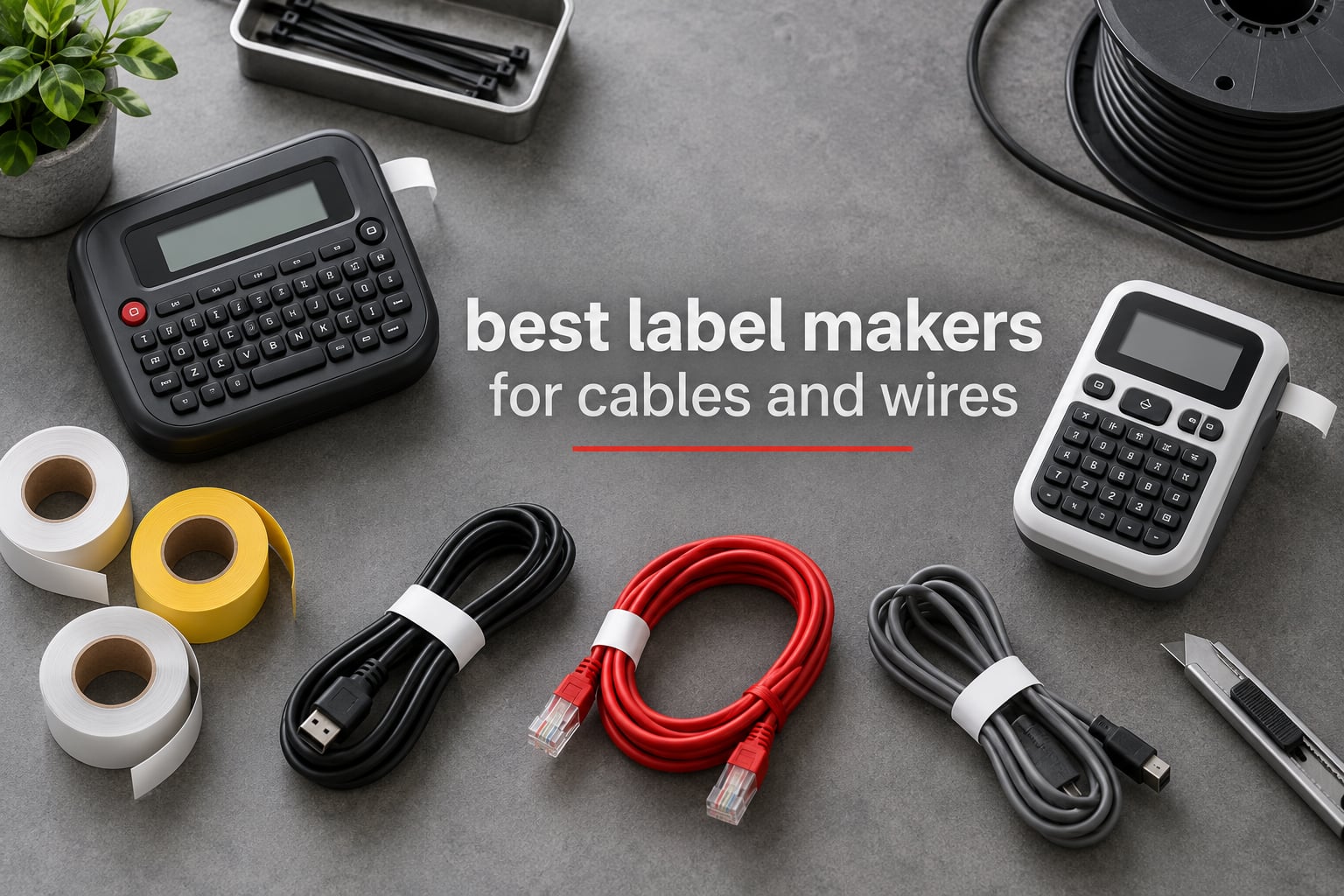
Most cable labels do not fail because the printer is bad. They fail because the adhesive gave up, the print faded in a warm cabinet, or the tape peeled off a curved jacket after six months of handling. That is why the best label makers for cables and wires are judged less on how crisp the first sample looks and more on what the label is still doing a year later.
We spent several weeks working through twelve machines that cover the full range, from pocket Bluetooth printers for a home media cabinet to handheld industrial models used by electricians and network techs. Along the way we printed, wrapped, flagged and heat-shrunk labels on everything from thin control wire to thick power cable, then tracked which labels survived handling, moisture and heat.
If you want the short version, the NIIMBOT D110 is the best all-round pick for most people, while electricians labelling panels and network techs labelling patch cords will want a machine with dedicated cable keys, such as the Brother P-touch Pro or the DYMO RhinoPRO 5200. If you are still choosing tape and machines for storage bins rather than wires, our guide to the best label printers covers the wider format range.
Table of Contents
Top 3 Label Makers for Cables and Wires in 2026


Brother P-touch Cube Plus
- Prints up to 24mm wide
- Bluetooth and USB
- Phone and PC software
- TZe tapes

Brother P-touch Pro
- Cable wrap and flag keys
- Graphical LCD preview
- Laminated TZe tape
- 3.5mm to 12mm widths
All 12 Label Makers Compared Side by Side
| Product | Specifications | Action |
|---|---|---|
| NIIMBOT D110 |
|
Check Latest Price |
| Brother P-touch Cube Plus |
|
Check Latest Price |
| Brother P-touch Pro |
|
Check Latest Price |
 Brady M210 Brady M210 |
|
Check Latest Price |
 DYMO RhinoPRO 5200 DYMO RhinoPRO 5200 |
|
Check Latest Price |
 DYMO Rhino 4200 DYMO Rhino 4200 |
|
Check Latest Price |
 SUPVAN G15M SUPVAN G15M |
|
Check Latest Price |
 Brother PT-E110 Brother PT-E110 |
|
Check Latest Price |
 NIIMBOT M2 NIIMBOT M2 |
|
Check Latest Price |
 VolenGo Cable Label Maker VolenGo Cable Label Maker |
|
Check Latest Price |
 VolenGo Heat-Shrink Label Maker VolenGo Heat-Shrink Label Maker |
|
Check Latest Price |
 NIIMBOT N1 NIIMBOT N1 |
|
Check Latest Price |
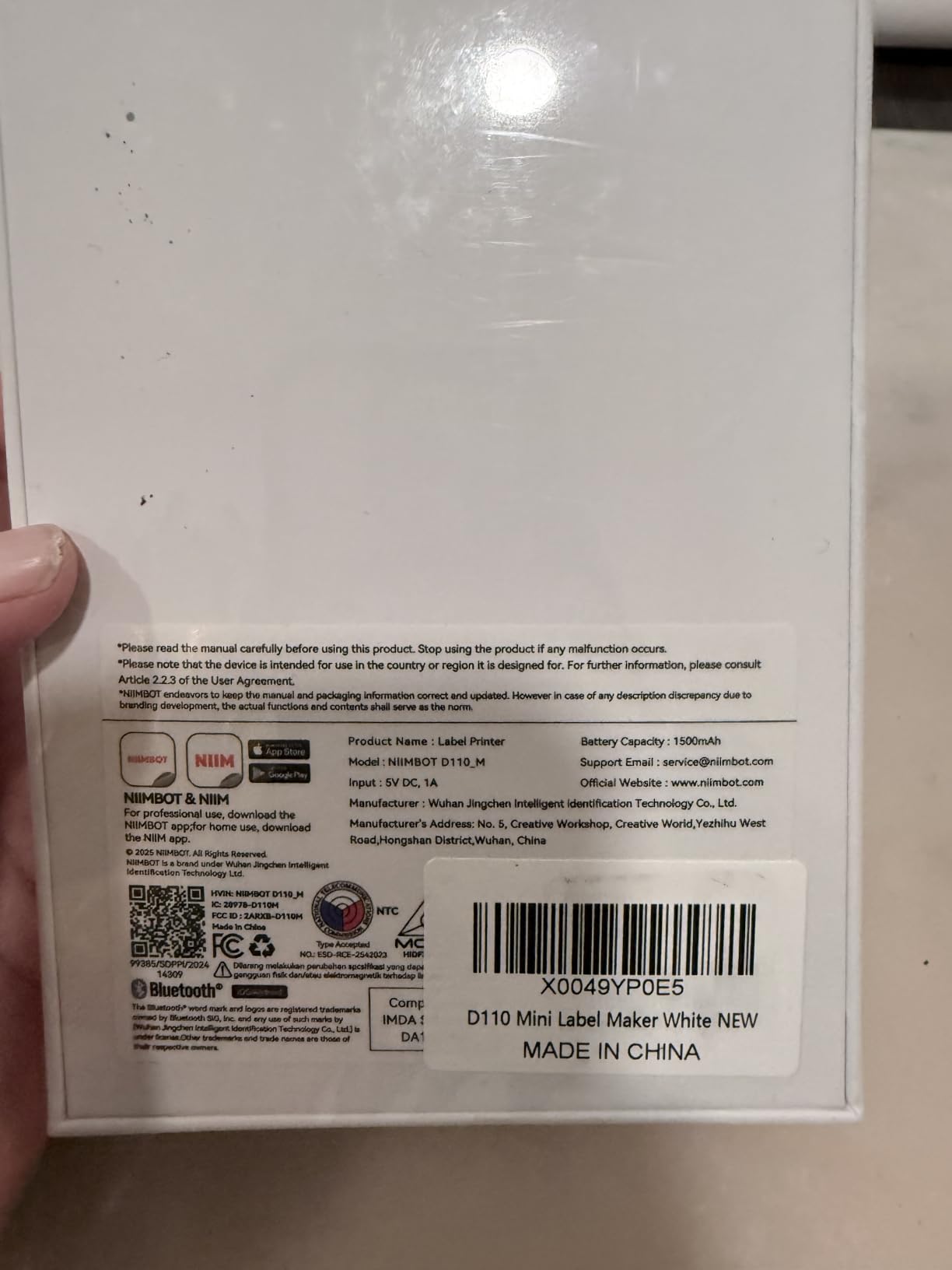
1. NIIMBOT D110 Mini Label Maker – Best All-Round Pick for Home Cable Tidy-Ups
NIIMBOT D110 Upgrade Mini Label Maker, Bluetooth Thermal Printer for Daily
203 DPI direct thermal
12mm max label width
Bluetooth app only
149 g
Pros
- Pocket-sized at 149 g
- Fast Bluetooth pairing
- Clear print with no ink or toner
- Recharges by Type-C in 2 hours
- Handles a batch of identical labels in one go
Cons
- Smartphone only
- no computer connection
- Monochrome black text on coloured tape
- 12mm width limits wrap labelling
- Some app icons cost extra
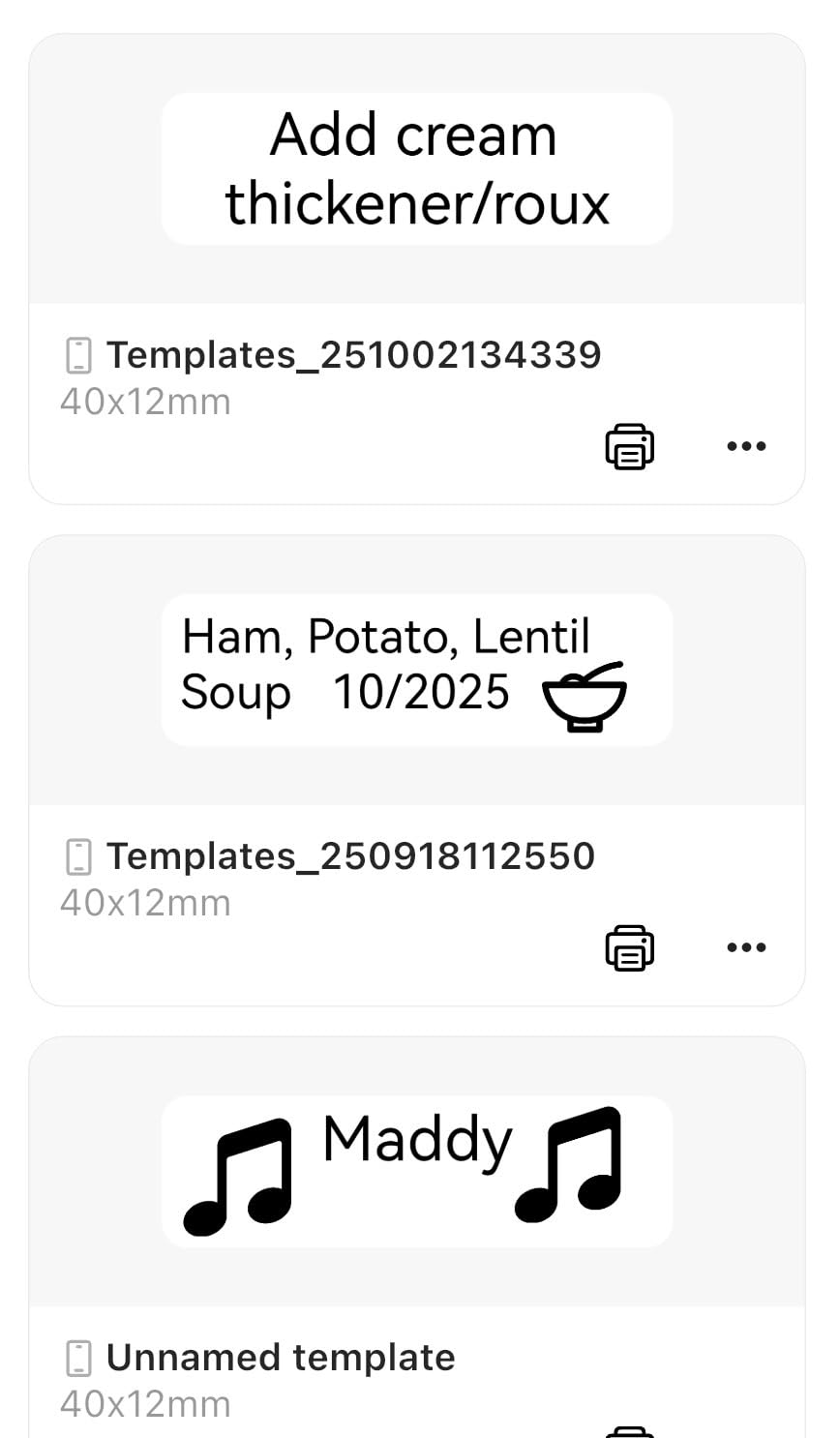
I used the D110 for the least glamorous cable job of all: a media cabinet behind a television with eleven leads of similar black jacket going to four different devices. The app paired in seconds, and I printed a set of short wrap labels naming what each lead actually did rather than which port it occupied.
The output is genuinely crisp at 203 DPI, and for short identifiers that is all you need. The tape the machine uses is waterproof and oil-proof, which matters more than it sounds for cables that live near a power strip or a window.
At 149 g and roughly the footprint of a deck of cards, it disappears into a tool bag. Battery life was never an issue in our testing because a full charge took about two hours over USB-C and then simply was not something I had to think about again.
The batch printing function is the feature I did not expect to use and now rely on. I set a number range once and produced twenty labels in a single run, which is far faster than tapping out twenty similar strings one at a time.
What this machine handles well
The D110 suits short descriptive labels: which HDMI lead feeds which device, which USB cable belongs to the printer, which Ethernet run goes to the office. It also does a respectable job on small power leads and internal PC wiring where the label is small and the cable is easy to reach.
If your workflow is app-first and you are labelling from a phone anyway, the mobile app is straightforward and label auto-recognition means you rarely have to tell the machine what tape is loaded.
Where it falls short
There is no computer connection. If your labelling list lives in a spreadsheet and you want to push a whole rack of ports from it, you will be typing by hand on the phone instead.
The 12mm ceiling is the real constraint. Wrap-style cable labels need width, and anything narrower than that makes a wrap label cling badly around a round jacket. Reviewers also note that a monochrome print means colour choices are limited to black text on coloured tape backgrounds.
2. Brother P-touch Cube Plus PT-P710BT – Best for Phone and Computer Workflows
Brother P-touch CUBE Plus Bluetooth Label Maker (PT-P710BT), Black
Prints to 24mm wide
180 x 360 DPI
Bluetooth plus USB
1.4 lb
Pros
- Prints much wider labels than pocket models
- Three software options for phone and desktop
- Large TZe tape range including specialty finishes
- Pre-built home and office templates
- Built-in rechargeable battery
Cons
- No built-in keyboard
- so every job starts in an app
- Not built around wrap-style cable modes
- 180 DPI is modest next to 300 DPI rivals
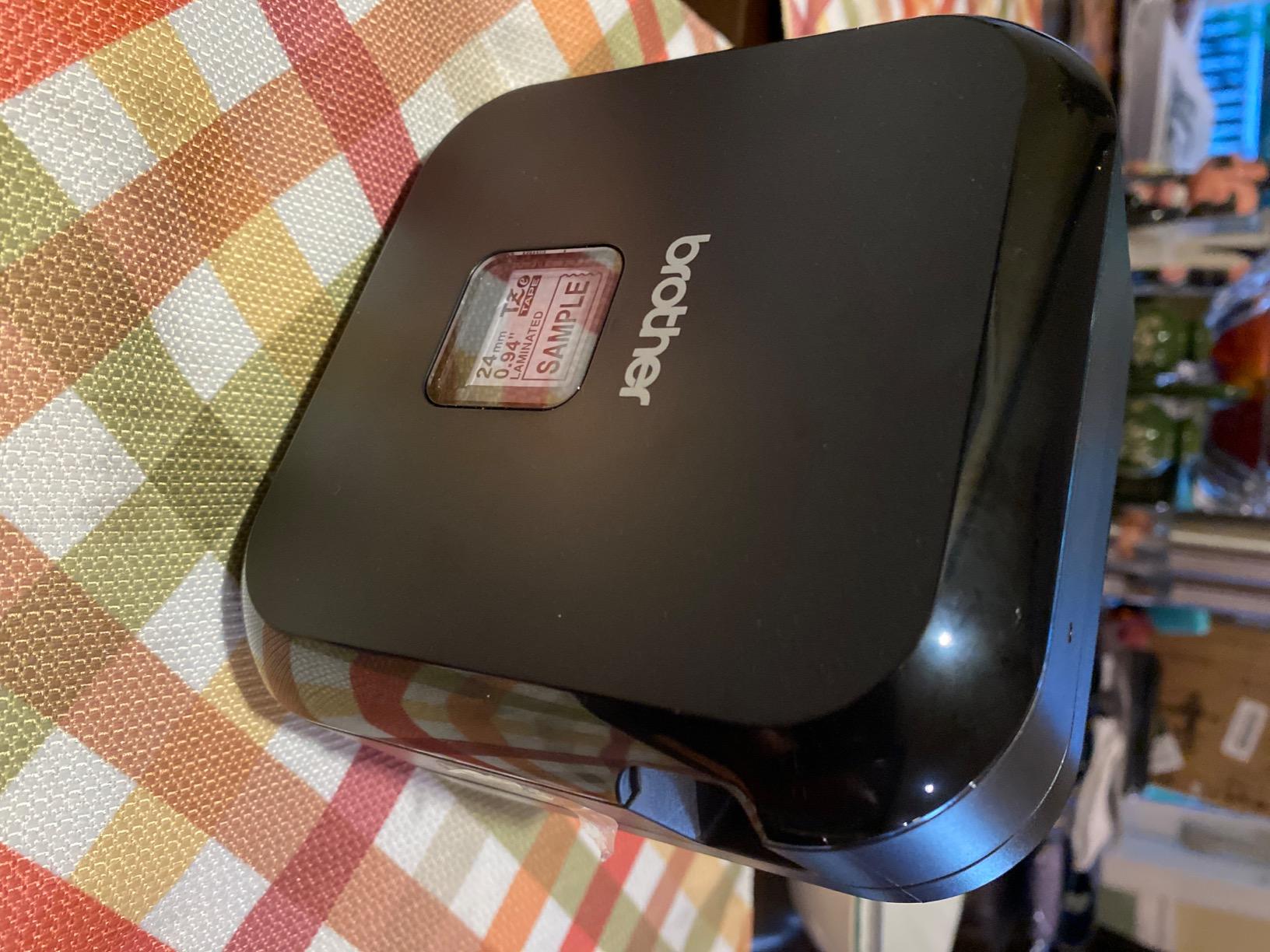
This was the machine I reached for whenever a labelling task stopped being a quick mark and became a small project. Editing the same label on the phone, then again on a laptop, works exactly as advertised, and the P-touch Editor software on desktop handles longer text blocks better than any app-only workflow I have used.
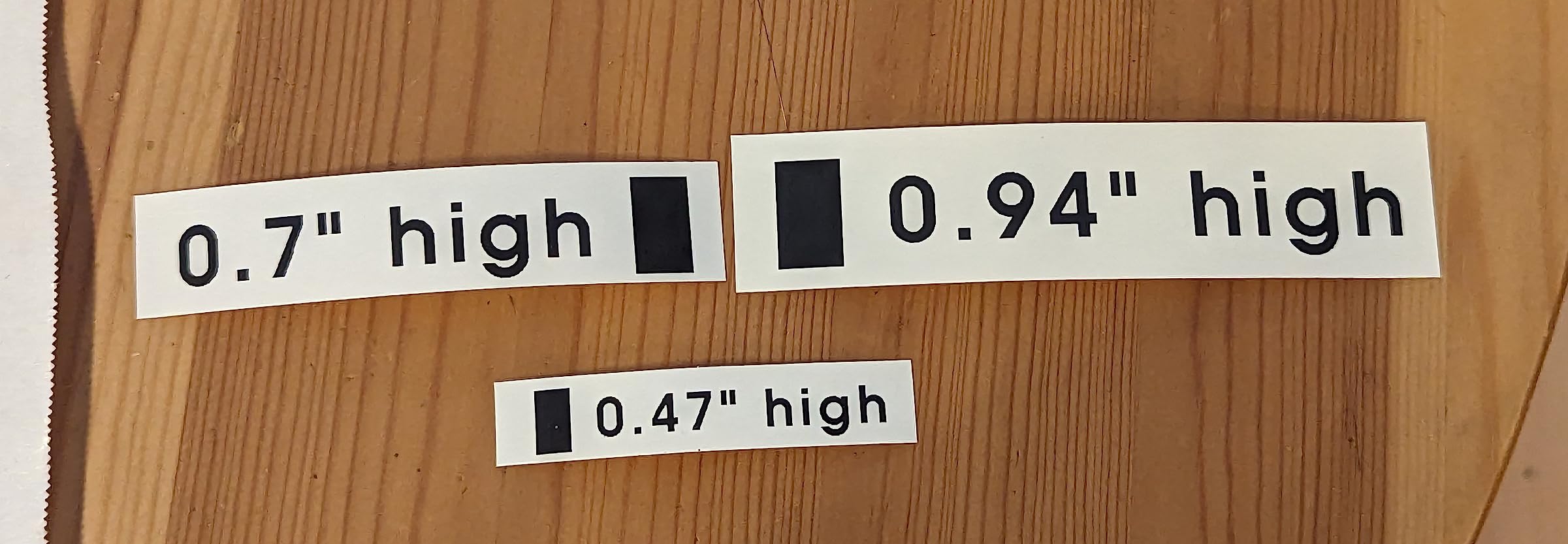
The 24mm width is the headline advantage for cable work. A 24mm label wraps around a thicker cable without its ends lifting, and it also gives room for a two-line identifier with a port number underneath the device name.
Print resolution of 180 x 360 DPI is fine for text and simple symbols. It is not the machine you would choose for tiny serial numbers, and it will not match the fine detail of a 300 DPI unit, but on a jacket under a desk or behind a rack the difference is academic.
At 1.4 pounds with a built-in lithium-ion battery, it is genuinely portable. I moved it between the office and a client’s equipment room without thinking about charging.
What this machine handles well
This is the pick when the label list comes from somewhere other than your own head. Editing on a desktop, then printing over Bluetooth, covers the case where a network manager has a hundred port names in a file and wants them on tape that day.
The template library is also a quiet advantage. Instead of designing a cable tag from a blank page each time, you start from a house, office or retail layout and edit the fields.
Where it falls short
There is no keyboard on the machine. Every job begins with the app, and for someone who labels wires constantly rather than occasionally, that extra step adds up over a working day.
The absence of dedicated cable wrap and flag modes means you size labels manually. Reviewers also point out that the 180 DPI figure is lower than several competitors in this roundup, which shows on fine print and dense symbol sets.
3. Brother P-touch Pro PTH111 – Best for Electrical Identification Keys
Brother Genuine P-touch PTH111 P-Touch Pro Label Maker
One-touch cable wrap and flag keys
Graphical LCD preview
3.5mm to 12mm TZe tape
14.08 oz
Pros
- Dedicated keys for cable wrap
- flag and faceplate labels
- Preview screen catches mistakes before waste
- Output is laminated so it resists abrasion and grime
- Light handheld body with wrist strap
- 300-plus symbol library for electrical marks
Cons
- Wastes tape on the first label of every run
- Label chaining fails on flag-style labels
- Runs on six AAA batteries rather than a rechargeable pack
- Text limited to two lines
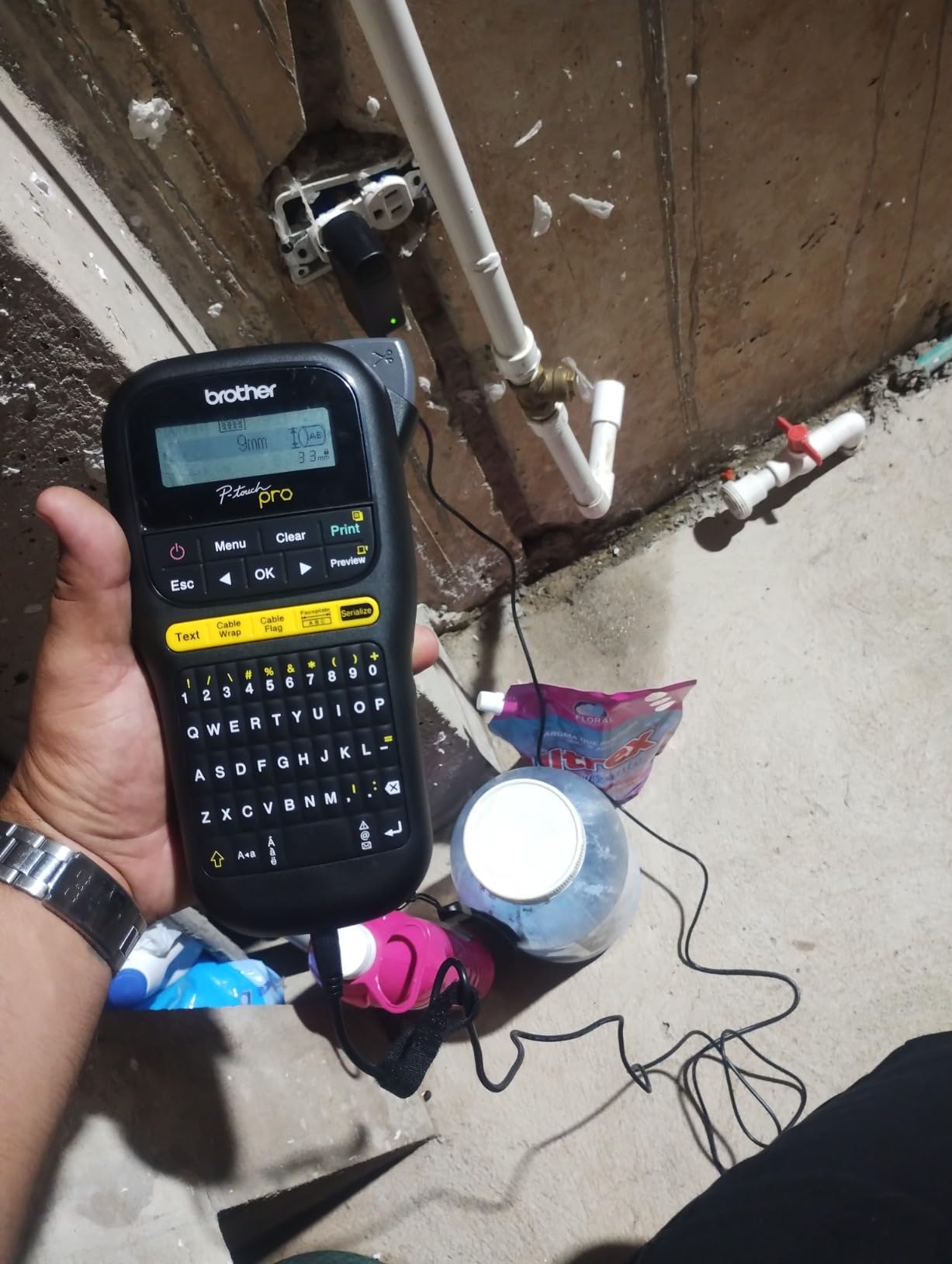
The P-touch Pro is the first machine in this roundup that treats cable labelling as the main job rather than a secondary mode. Cable wrap, cable flag and faceplate each get a dedicated key, so a wrap label is two button presses away rather than a menu dive.
The graphical LCD previews the label before it prints. On a job where you are cutting tape to length on the spot, seeing the text laid out first prevents the classic failure of printing twelve identical labels with one character missing.
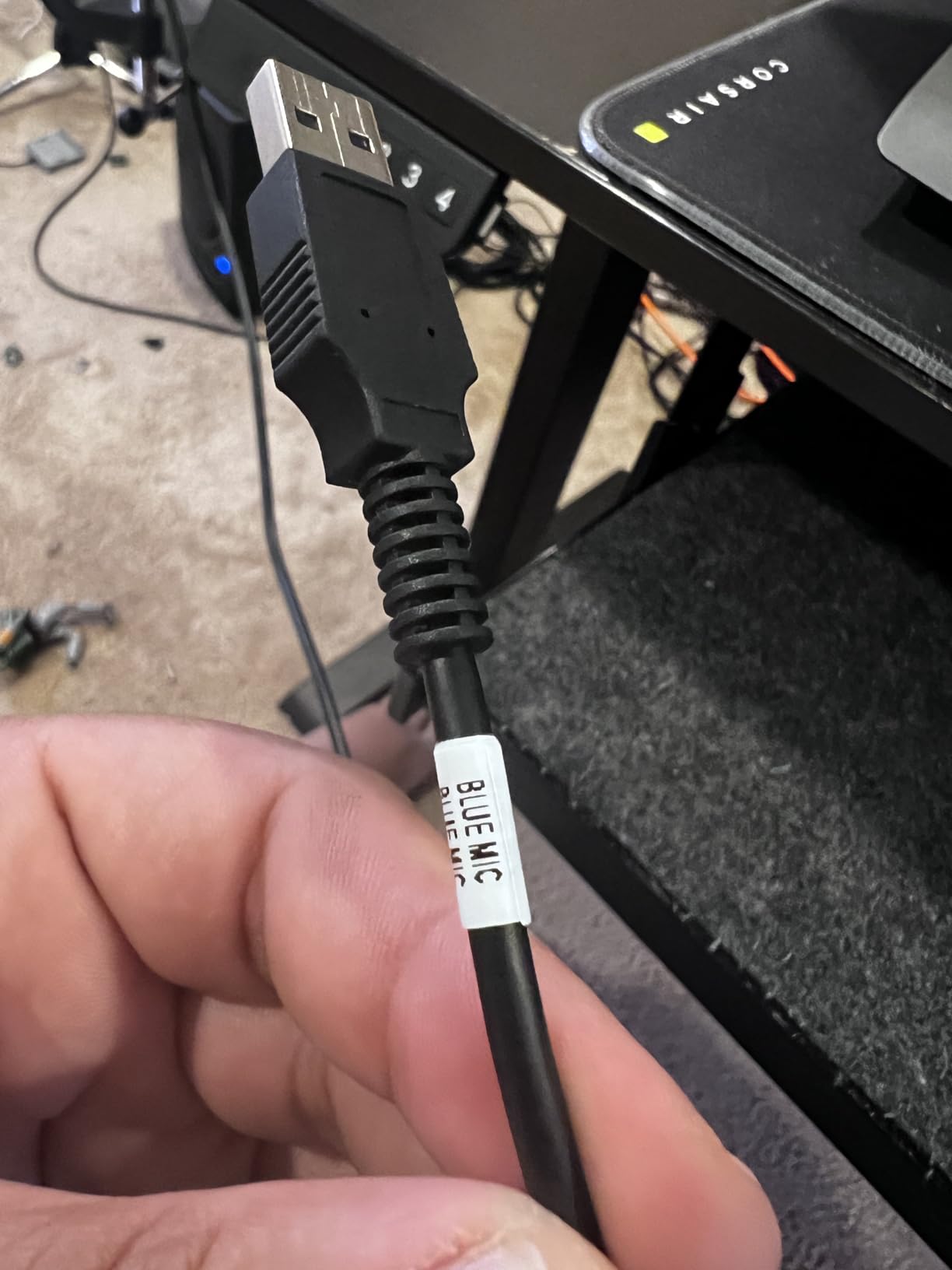
Output is laminated TZe tape, and the lamination is what separates this from a basic direct thermal label. Laminated stock holds up to scratches, fingerprints and the general handling that cables in a plant room or under a desk take.
Four tape widths are supported, from 3.5mm up to 12mm, and the narrow sizes are the ones worth having. Thin conductor identification needs narrow tape, and having the small widths in the same machine avoids the awkwardness of changing cartridges.
What this machine handles well
Panel work, boat wiring, control cabinets and structured cabling in a small office are all comfortable territory. The symbol library covers the electrical marks you reach for regularly, which saves hunting through menus for ground and phase indicators.
On electrician forums, Brother machines come up repeatedly as the pick for simplicity, and this model is the clearest expression of that. The layout is understandable within a few minutes of picking it up.
Where it falls short
The first label of each run comes out wasted while the machine calibrates tape position. Across a long session that adds up, and it is the single complaint that appears most often in owner reviews.
Two lines of text is the ceiling, chaining does not work with flag labels, and the power source is six AAA batteries. Professionals who like the output often wish the machine had a rechargeable pack like the industrial models do.
4. Brady M210 Handheld Label Maker – Best for Field Use on Job Sites
BRADY M210 HANDHELD LABEL MAKER
Drop resistant to 6 feet
203 DPI
0.75 inch max media
Bluetooth and USB
Pros
- Rugged drop-resistant build for site work
- Uses the widely available M-21 cartridge range
- Compact enough to work one-handed in a panel
- Runs up to 50 copies per run
- Strong review history in the safety label category
Cons
- Maximum label width is only 0.75 inch
- Editing leans on the smartphone app
- Slower than desktop thermal printers
Professionals who move between sites tend to reach for a machine that can be dropped without consequence, and the Brady M210 is built for that. It is rated resistant to falls from six feet, which is not a marketing figure pulled from nowhere in a lab, it is the kind of spec that matters when the tool lives in a van.
The bigger story is cartridge compatibility. M-21 series cartridges are used across a wide range of industrial printers, so consumables are easy to source and there is no lock-in to a single machine when a job needs a different media width.
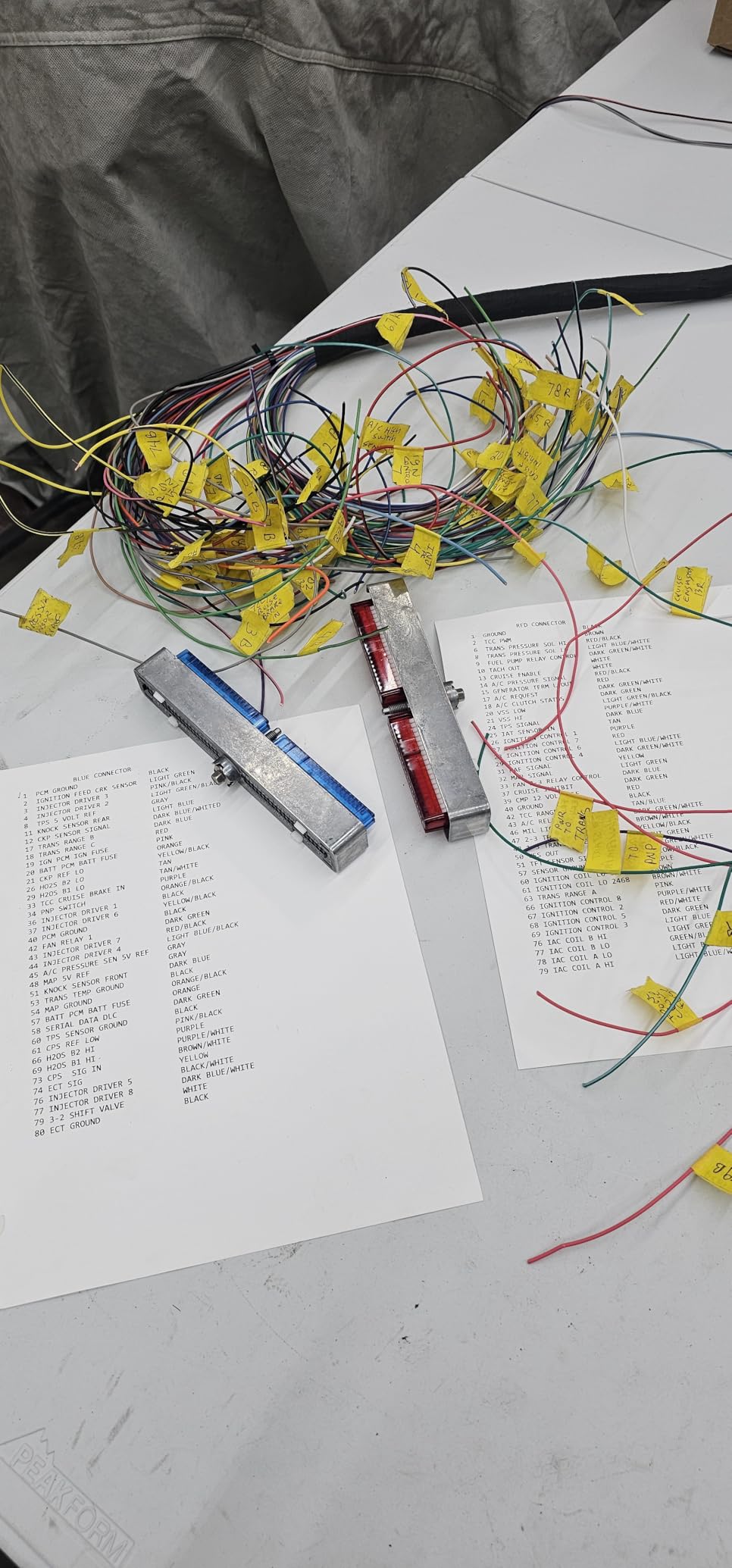
The LCD gives you a legible readout of what is loaded, and Bluetooth with USB means you can edit on a phone at the panel or on a laptop in the office depending on where the work is.
Runs of up to 50 copies at a time are supported, which is the sort of feature that matters when a project needs the same identifier on every conductor in a cabinet.
What this machine handles well
Maintenance walkthroughs, panel modifications and any labelling where the work happens away from a desk. The hand-held form factor matters in a tight enclosure, where a benchtop machine simply will not fit next to your knees.
It also handles the full range of industrial label media within its width limit, which means wire identification, component tags and asset labels can all come from the same tool.
Where it falls short
The 0.75 inch maximum width is the headline limitation. Any label that needs to wrap fully around a thick cable or carry three lines of text is out of reach, and you will feel that on larger power feeders.
Full editing is app-driven, and print speed trails a desktop thermal printer when you are producing a large batch rather than a single identification.
5. DYMO RhinoPRO 5200 – Best for Repetitive Cable and Patch Panel Work
DYMO Industrial Label Maker & Carry-Case RhinoPRO 5200 Label Maker, for Job Sites and Heavy-Duty Labeling Jobs, Prints Fast, Includes 2 Rolls of DYMO Industrial Vinyl Labels
300 x 300 DPI
Meets ANSI and TIA/EIA-606-A
Code 39 and Code 128
Hot keys for wraps and flags
Pros
- Hot keys cover wraps
- flags
- patch panels and 110 blocks
- Meets ANSI and TIA/EIA-606-A labelling standards
- Barcode support on labels up to 3/4 inch wide
- Rugged body with rechargeable battery plus AA fallback
- Adjustable display contrast for bright or dark rooms
Cons
- Non-QWERTY keyboard takes time to learn
- Fixed gap between labels wastes tape
- No superscript capability
- Included vinyl rolls draw complaints on adhesion
Where the DYMO RhinoPRO 5200 really earns its place is repetition. When you are labelling forty patch cords in the same format, the one-touch hot keys for wraps, flags and patch panels turn each cable into a couple of key presses, and the whole job moves much faster than typing each label individually.
It meets ANSI and TIA/EIA-606-A labelling standards, which is more than a hobby feature. In a building where someone else has to interpret your labels six months later, working inside a recognised standard means the identifier actually makes sense to them.
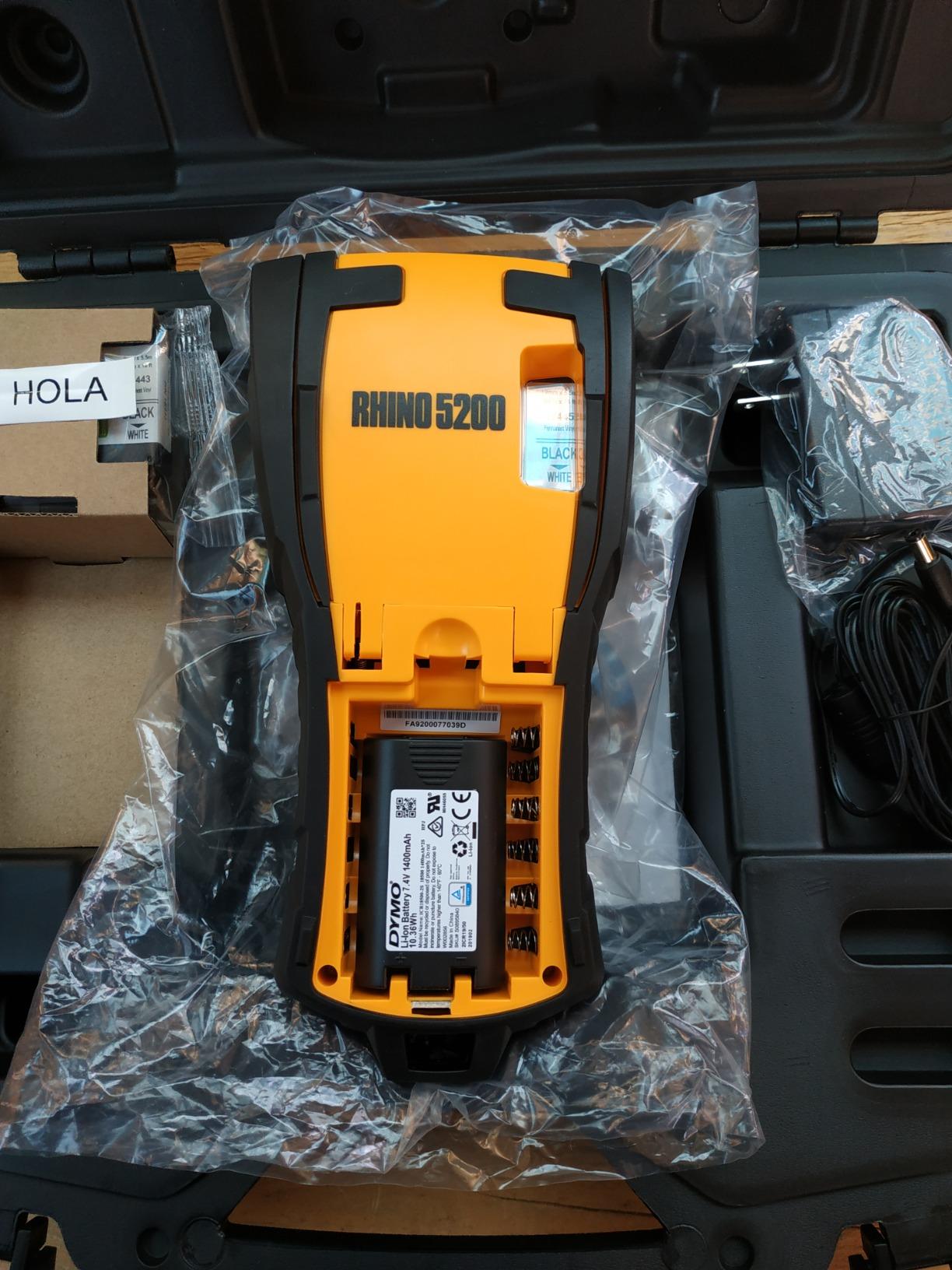
Barcode printing is supported on labels up to three-quarters of an inch wide, including Code 39 and Code 128, so asset and equipment tags can be scanned later without a separate process.
Power is flexible: a rechargeable lithium-ion pack for normal use, with AA batteries as a fallback when the pack is flat and there is no socket nearby.
What this machine handles well
Structured cabling, patch panels, 110 blocks and electrical panels in an industrial or commercial setting. It is one of the machines electricians name most often when asked what they use on site, and the hot keys are the reason.
If your labels need to include a barcode and a text identifier on the same piece of tape, this handles it in a single print. Very few machines in this price bracket do both well.
Where it falls short
The keyboard is not QWERTY, and the symbol interface takes practice. Owners consistently flag this as the steepest part of the learning curve, and it is real, particularly for anyone who types a lot of alphanumeric identifiers.
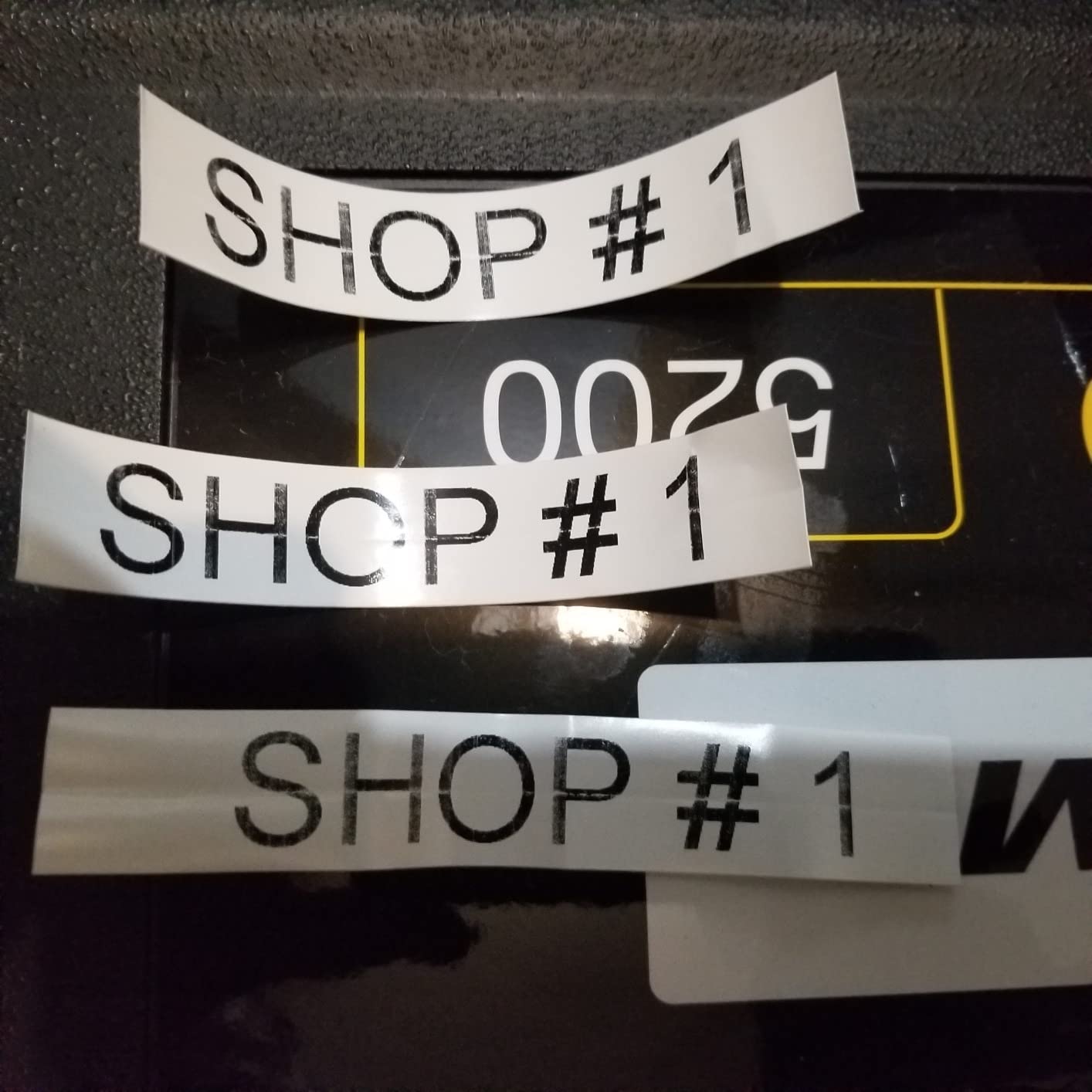
The gap between printed labels cannot be reduced, so every label carries a fixed amount of unused tape. Some users also report weaker adhesion on the vinyl rolls included in the box, which is worth checking on your cable jacket before committing to a big roll.
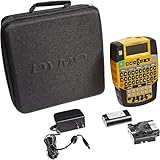
6. DYMO Rhino 4200 – Best for Heat-Shrink and Fibre Work
DYMO Rhino 4200 Industrial Label Maker Carry Case Kit with 1 Roll of 1/2″ All-Purpose Vinyl Labels, Black on White
Prints directly on heat-shrink tubes
300 DPI
QWERTY keyboard
Backlit screen
Pros
- Prints straight onto heat-shrink tubes
- Computer-style QWERTY keyboard is easy to learn
- Backlit display works in plant rooms and dark racks
- Stores up to 99 custom label formats
- Handles four label widths from 1/4 to 3/4 inch
Cons
- Fixed tape waste between labels with no adjustment
- Some hazard symbol sets are not stored on the machine
- Occasional print artifacts on flexible wire tape
- Carry case is bulky
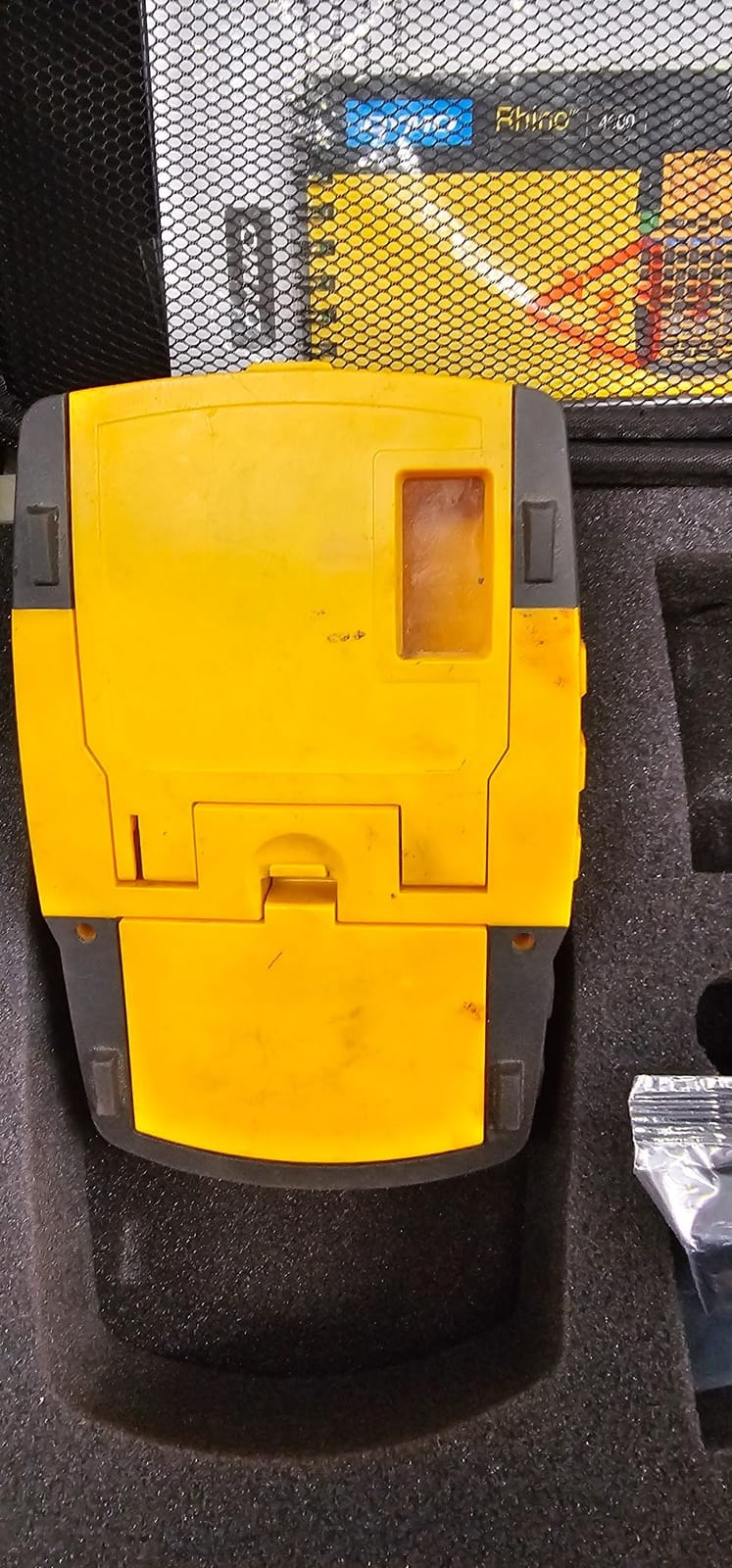
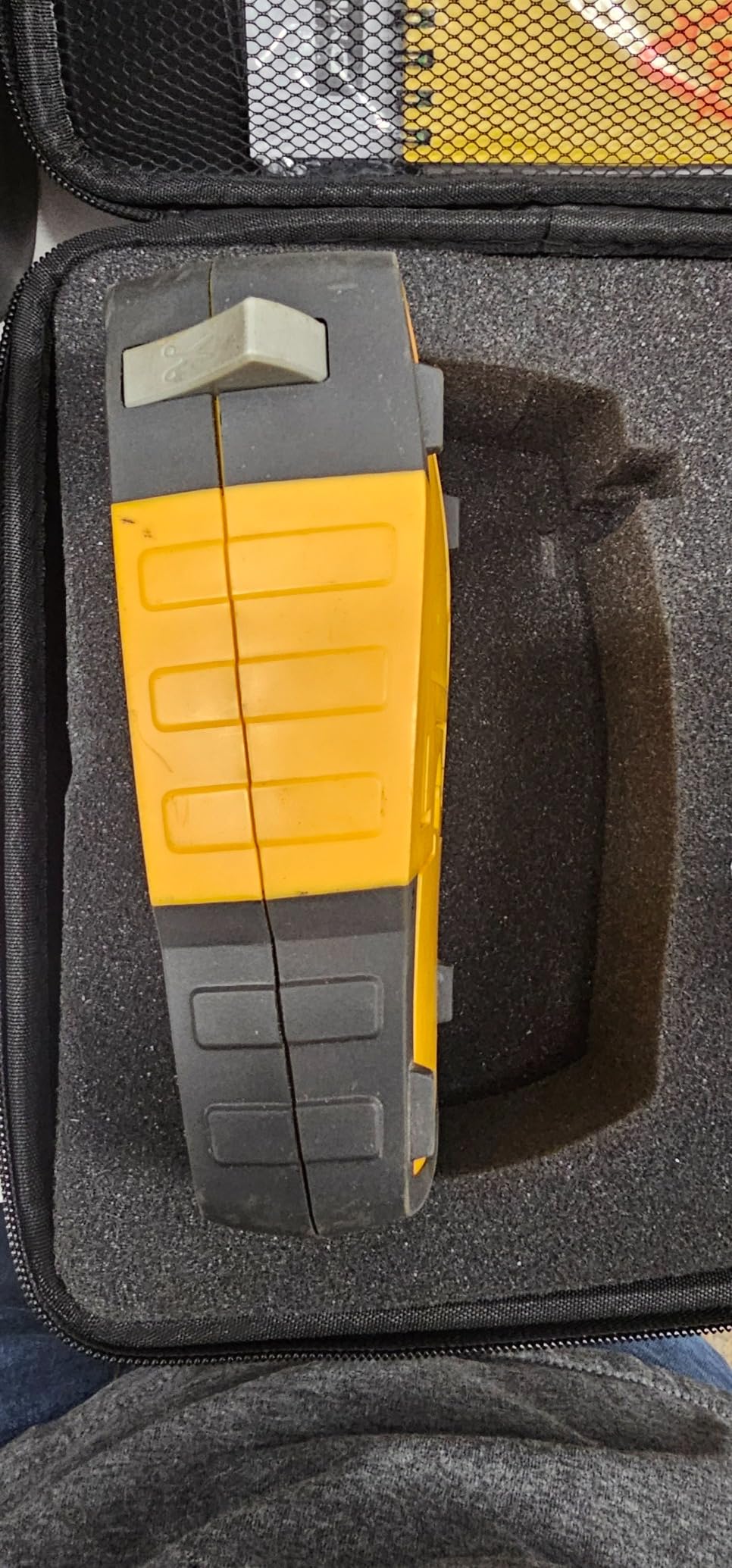
Heat-shrink printing is the feature that separates this model from almost everything else in the roundup. The label is printed directly onto the tube and then shrunk down around the fibre or conductor, so it becomes part of the cable rather than something stuck to the surface of it. There is no adhesive to fail and nothing to peel off later.
Technology integrators on the r/lowvoltage forum specifically call out the Rhino 4200 for cable work, noting that it handles shrink tube labels when possible and wrap-around labels for everything else. That combination, one machine covering both label families, is the reason it keeps showing up in recommendations.
The QWERTY keyboard is a genuine improvement over the layouts used on other Rhino models. Typing a port name like SW-01-A14 goes quickly instead of turning into a hunt through the character map.
The backlit screen earns its place in an equipment room with the lights off, which is exactly when you are trying to trace a single cable among forty identical ones.
What this machine handles well
Fibre optic runs, network cabling in an equipment room and any job where the label must survive being handled, bent and pulled through a conduit. Third-party tapes also work reliably, so you are not locked to original cartridges.
Owners report units lasting years with the rechargeable battery intact, which changes the maths considerably when you compare it to a battery-powered alternative replaced every few months.
Where it falls short
Tape waste between labels is fixed and cannot be adjusted, so short identifiers still consume more media than they need to. Some standard hazard symbols are not stored on the machine and have to be loaded separately.
There are occasional print artifacts across the split backing of flexible wire tape, and the carry case adds bulk to a bag that already has a lot in it.
7. SUPVAN G15M Mini – Best Budget Route to Heat-Shrink Labelling
SUPVAN G15M Mini Portable Label Maker Machine with Heat Shrink Tube
Thermal transfer at 203 DPI
Prints on heat-shrink tubes
0.19 inch minimal margins
1200 mAh battery
Pros
- One of the few compact machines that prints directly on heat-shrink tubes
- Supports heat-shrink
- continuous and fixed labels in one device
- Minimal margins cut wasted media
- Up to 3 months of use per charge
- Two-year manufacturer warranty
Cons
- 203 DPI is below 300 DPI models
- Only 12mm maximum label width
- Higher share of one-star reviews than the industrial models
- Included shrink tube is short at 2m
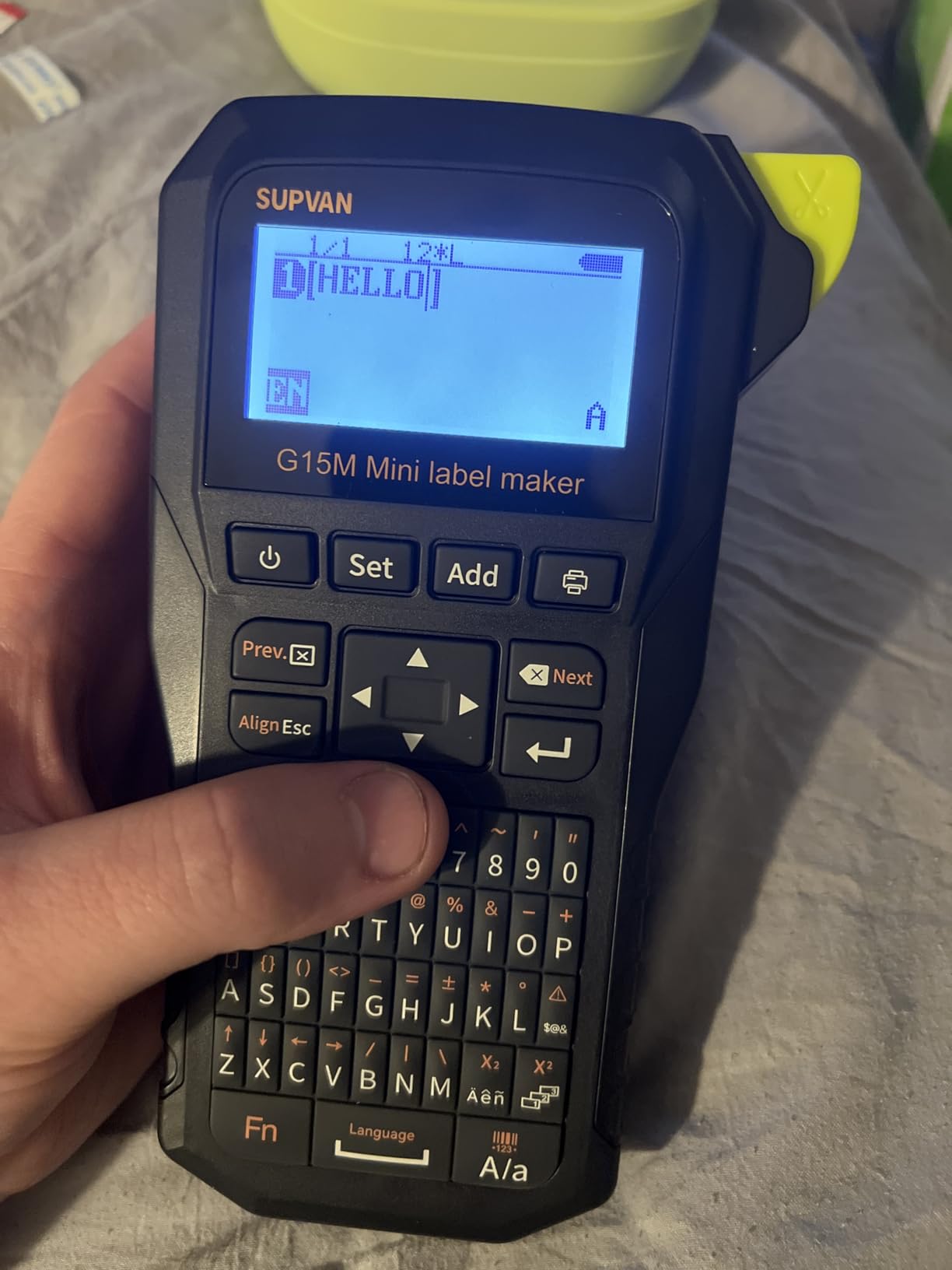
The G15M answers a question the cheaper pocket machines do not: can a compact machine print on heat-shrink tubing? It can, and it also handles continuous labels, fixed-size labels and cable labels without a media swap that leaves you guessing.
Because it is thermal transfer rather than direct thermal, the printed characters are fused with a ribbon and will not fade in a warm cabinet or smear under a thumb. For a cable run that sits near a heat source, that difference decides whether the label is still readable in two years.
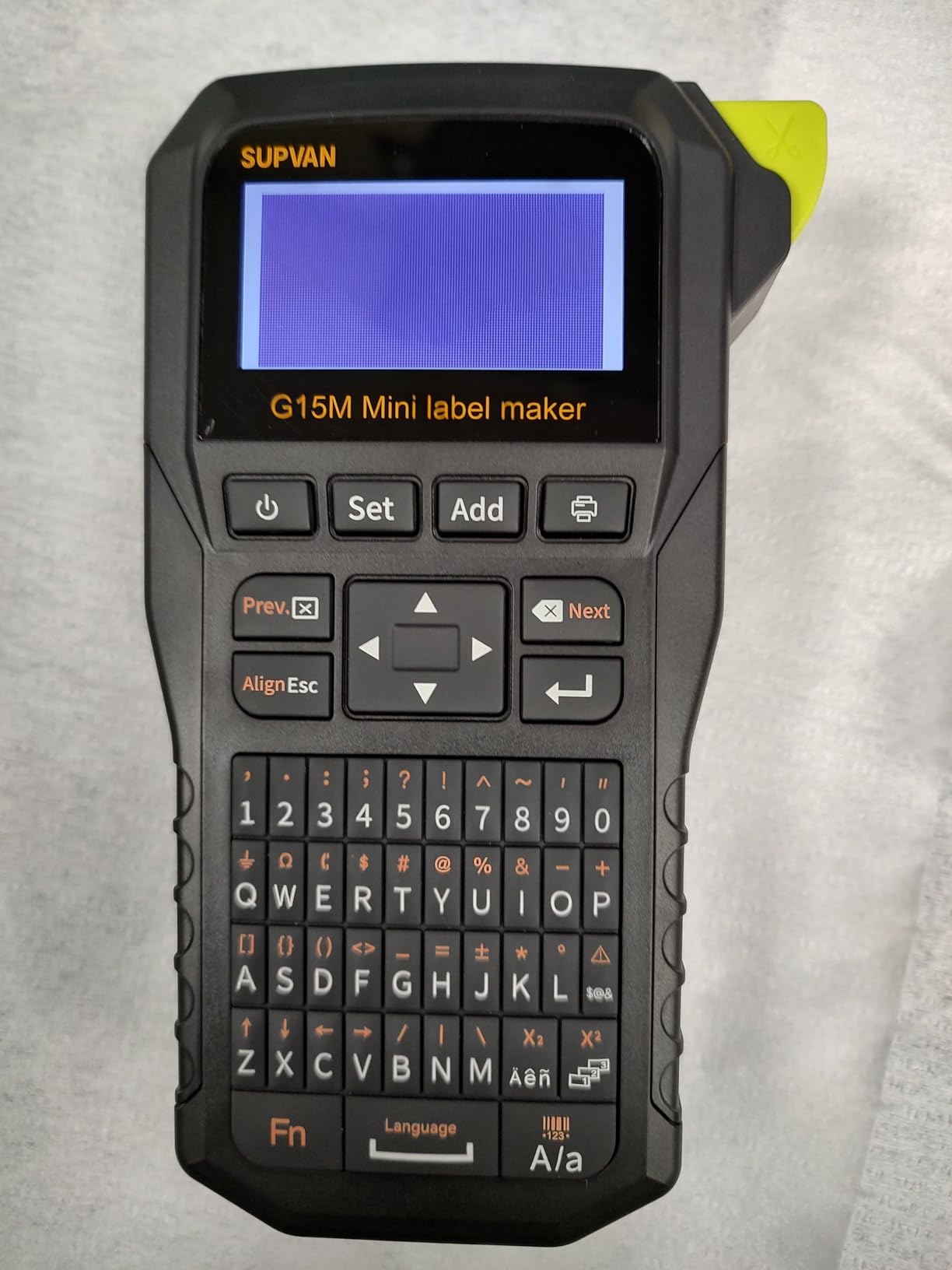
The minimal margin of 0.19 inch is the detail I appreciate most. On short wire identifiers the gap between printed areas is where most of the waste comes from, and this machine keeps it small.
A 1200 mAh battery is claimed to run up to three months per charge, and the UV, heat and water resistance rating on the output is generous for a machine at this level.
What this machine handles well
Hobby electronics builds, small control panels, speaker and loom wiring, and any project where you want a permanent marker on a thin conductor without an adhesive label curling off. The nine font sizes and 400-plus icons cover most identifiers without hunting.
Multi-colour printing across up to four lines is possible on supported media, which broadens what you can put on a wire beyond a serial number.
Where it falls short
At 203 DPI, fine detail is softer than a 300 DPI machine produces, and small symbols can look rough up close. The 12mm width limit is the same constraint the pocket models carry.
Satisfaction is more mixed than the industrial units, with a noticeably higher share of one-star reviews. Expect the machine to do the job, but expect the finish to be a step below the professional models.
8. Brother PT-E110 Industrial Handheld Kit – Best for Boats, Switches and One-Off Jobs
Brother PTE110 Industrial Handheld Label Printer Kit
Three quick application keys
Four TZe sizes from 3.5 to 12mm
Hard case and wrist strap
2.9 lb
Pros
- Cable wrap
- cable flag and faceplate keys simplify the work
- Laminated tape gives a professional finish
- Hard carry case and safety wrist strap included
- Prints serialized strips of labels
- Two-year limited exchange warranty
Cons
- Heavy tape waste on every print
- Screen is not backlit
- Wrap mode struggles on 12 to 18 gauge wire
- Left-justified text only
- Keys are tight for large fingers
The PT-E110 is the kit version of the Brother cable labelling range, and the hard case plus wrist strap make it a sensible choice for anyone who labels in awkward positions. A wrist strap is not a luxury when you are both holding a cable and operating a machine with one hand.
It shares the same quick application keys as the larger Pro model, so cable wrap, cable flag and faceplate labels are one press away. The laminated tape output is what makes the results look finished rather than temporary.
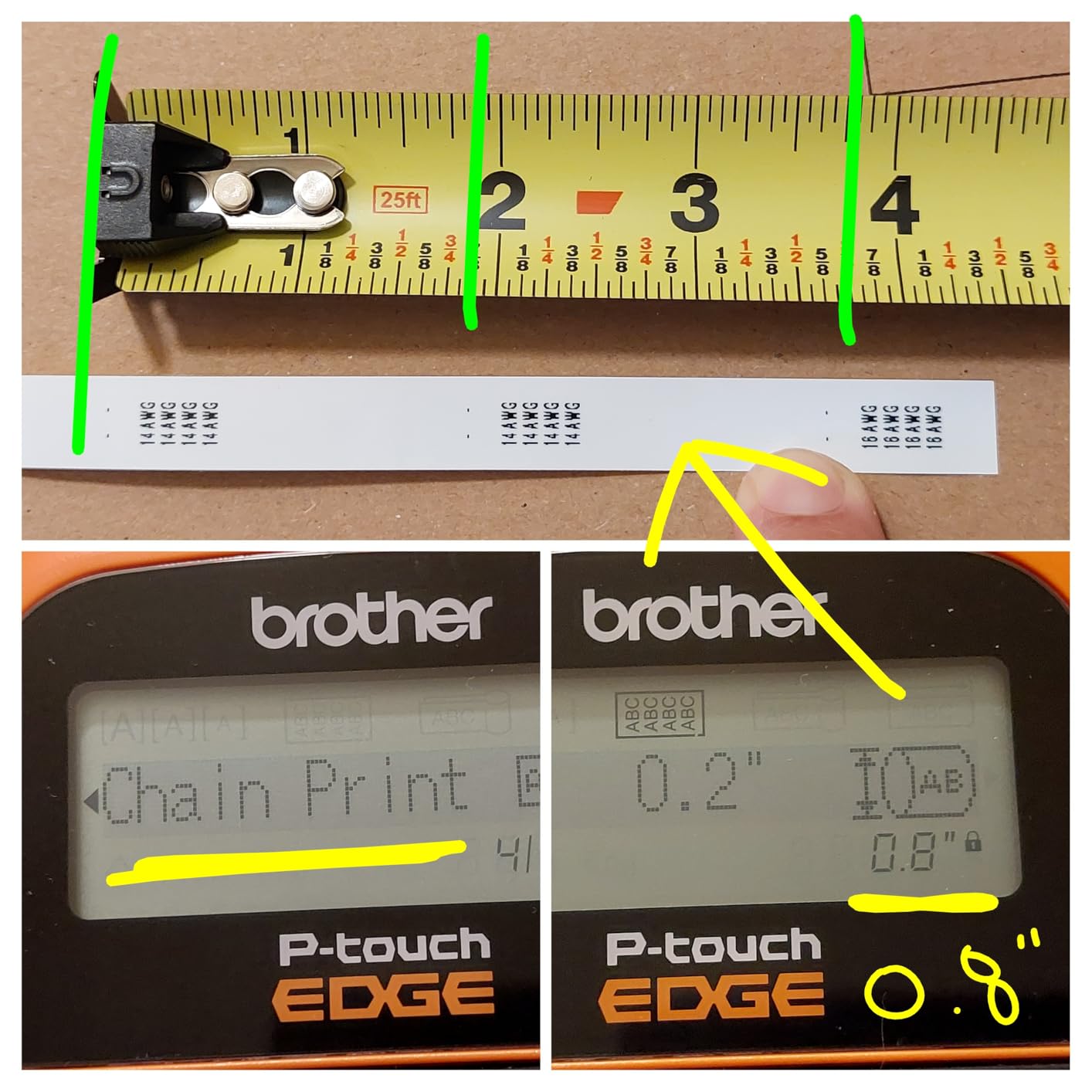
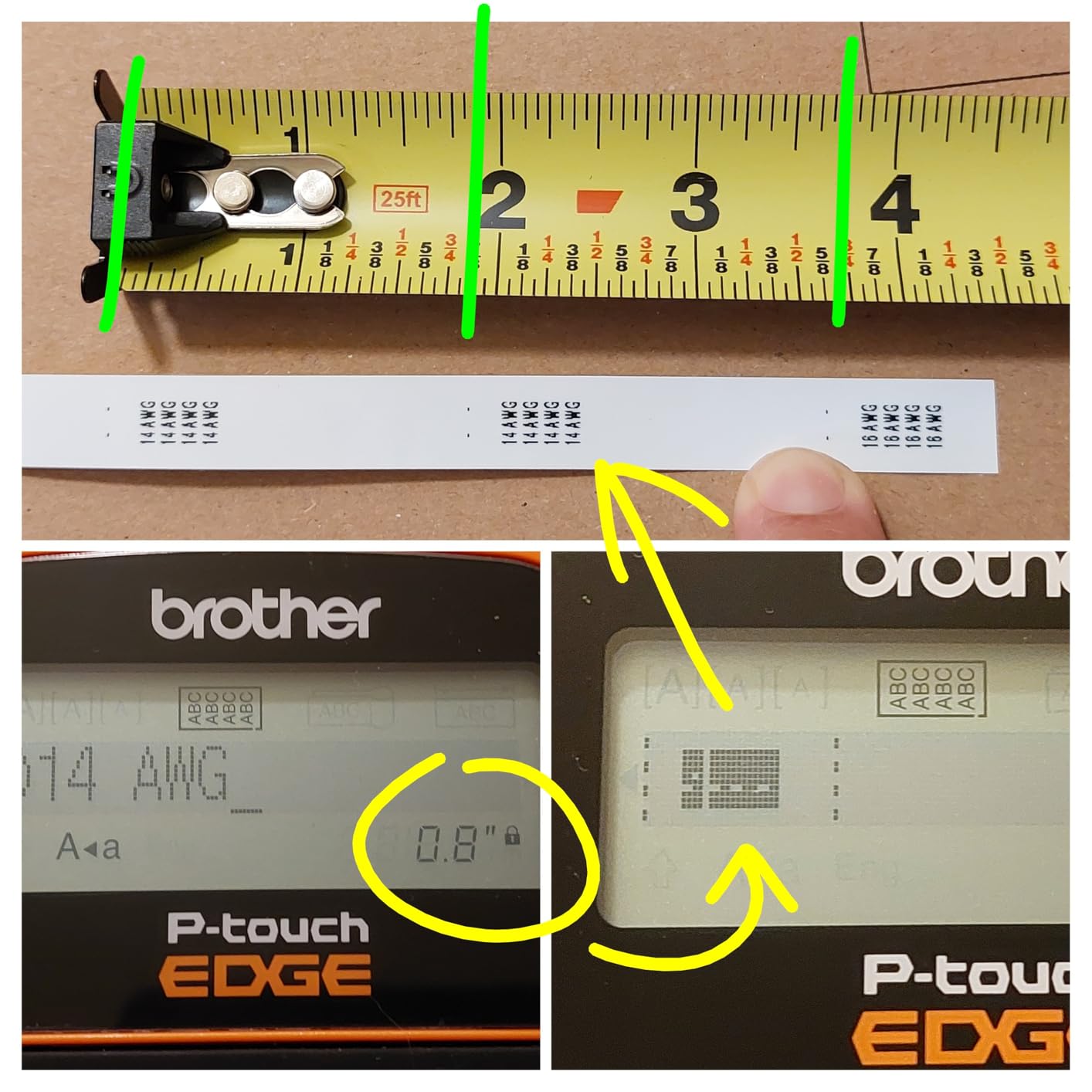
Serialized strip printing is useful when you need a numbered sequence of conductors, for example twenty identical gauges on a run that goes from one panel to another.
Four TZe sizes from 3.5mm to 12mm cover most conductor work, and the two-year limited exchange warranty is a stronger commitment than several alternatives carry.
What this machine handles well
Boat wiring, switch plates, thermostat loops and home structured cabling. The case means it lives in a van or a drawer without the tapes rattling loose, and the laminated labels survive the damp conditions boats and utility rooms present.
For occasional users who want professional-looking results without a large industrial machine, it hits the right balance.
Where it falls short
Tape waste is the most common complaint and it is consistent across reviews, as it is across this family of machines. The screen is not backlit, so dark working conditions make it harder to read.
Wrap mode performs poorly on 12 to 18 gauge wire, text is justified to the margin only, and six AAA batteries mean you should keep a spare set in the case. Reviewers also find the keys hard to press with larger fingers.
9. NIIMBOT M2 Thermal Transfer Printer – Best for Colour Codes and Batch Printing
NIIMBOT M2 Label Maker with Tape 2Inch Thermal Transfer Label Printer, Blue
300 x 300 DPI thermal transfer
20-50mm print width
Colour ribbon support
Two-year warranty
Pros
- 300 DPI output stays sharp on small text and QR codes
- Labels are waterproof
- oil-proof and scratch-resistant
- 20-50mm width handles cable and equipment tags alike
- Works from both the phone app and a PC
- Automatic consumable detection and rewind
Cons
- Only takes M2-series media
- standard B-series tapes will not work
- Colour ribbon sold separately
- In-app cutter can be unreliable
The M2 is where the M-series approach starts to make sense for cable work. At 300 DPI with a print width running from 20mm to 50mm, it produces the kind of output you would expect from a small office printer rather than a novelty label tool.
Thermal transfer output here is rated waterproof, oil-proof and scratch-resistant. On our test labels the print survived handling and moisture without lifting at the edges, which is where direct thermal labels on the same cable type tend to give up first.
Colour ribbon support is unusual in this category and it matters for anyone who uses a colour coding scheme to separate power, data and voice runs. One ribbon covers three label rolls, so the cost per colour label stays reasonable at volume.
Batch printing of identical or different labels, plus automatic consumable recognition and automatic rewind, cut down the two errors that cost time most often: loading the wrong media and printing blank.
What this machine handles well
Equipment racks, AV installations and asset labelling where the label carries more than a name. QR codes print cleanly at this resolution, which turns a cable identifier into something you can scan from a phone.
It handles up to ten phones over Bluetooth and PC editing through a data cable, so it works as a personal tool or as a shared device in a small office.
Where it falls short
The closed media system is the main compromise. Only M2-series labels and ribbons work, so standard B-series thermal tapes are useless here, and existing stock at another site will not transfer.
The colour ribbon has to be bought separately, the app takes some getting used to for detailed custom layouts, and the in-app cutting component is reported as unreliable on some runs.
10. VolenGo Cable Label Maker with 4 Tapes – Best Low-Cost Route to a Backlit Screen
Label Maker Machine with 4 Tapes, Wire Label Maker Waterproof-Labels
203 DPI on 12mm tape
Backlit LCD
Three cable labelling modes
Four tapes included
Pros
- Backlit display is rare at this level and useful in dark spaces
- Three dedicated cable labelling modes simplify the workflow
- Laminated 12mm tapes resist water
- oil and abrasion
- Bundled with four tapes plus a spare cutting holder
- Large font and symbol library
Cons
- Thinnest review base in the roundup
- No manufacturer warranty
- Limited to 12mm label width
- 203 DPI output is soft on fine text
A backlit screen sounds like a small thing until you are labelling in a dark equipment cupboard. This machine includes one at 291 grams, and for anyone working in a plant room or behind a rack, that single feature is often the deciding factor.
Three dedicated cable labelling modes are built in, so wire and cable identification does not require navigating a general settings menu. The laminated 12mm tapes it prints on are described as resistant to water, oil, abrasion and temperature extremes.
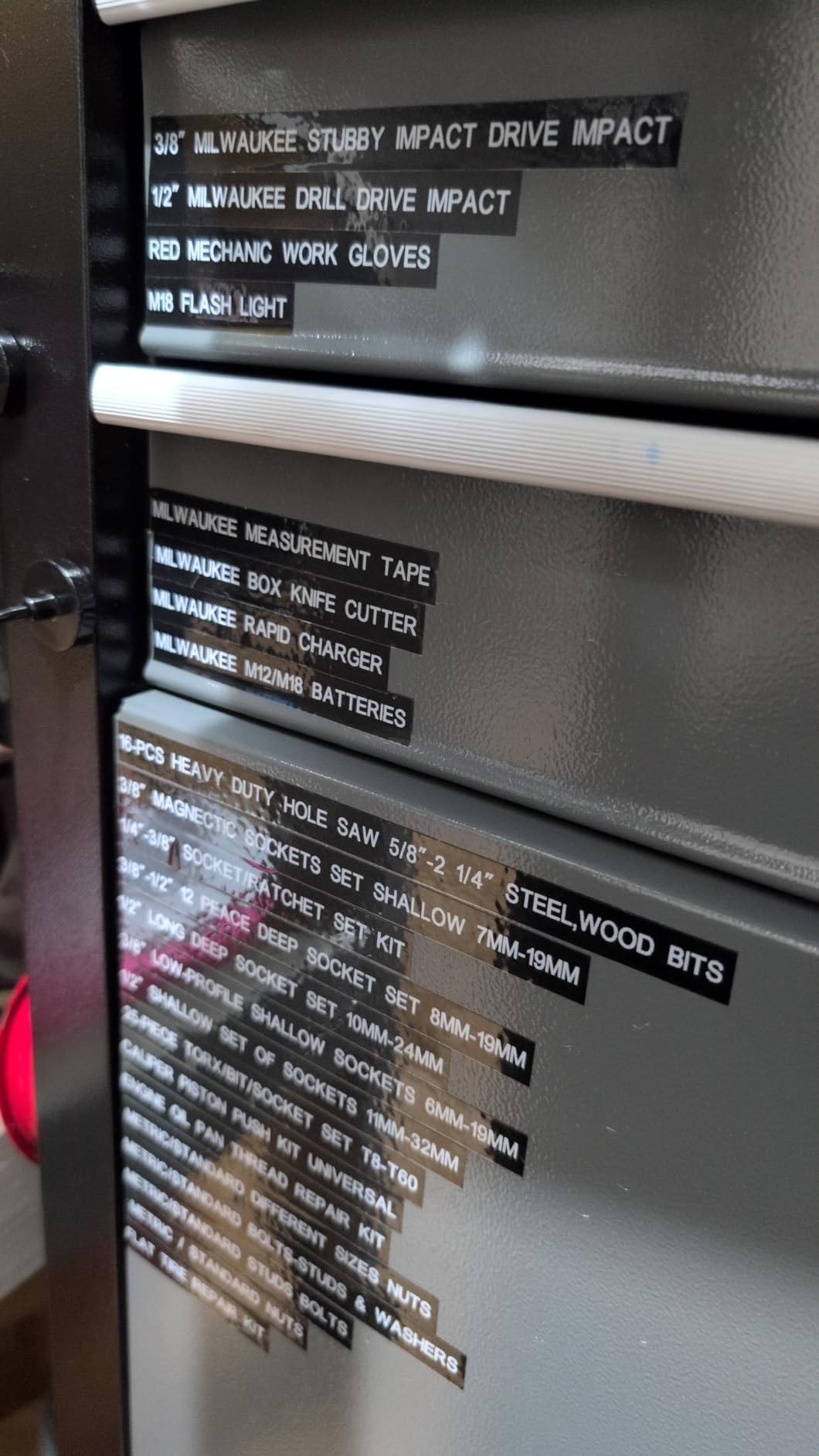
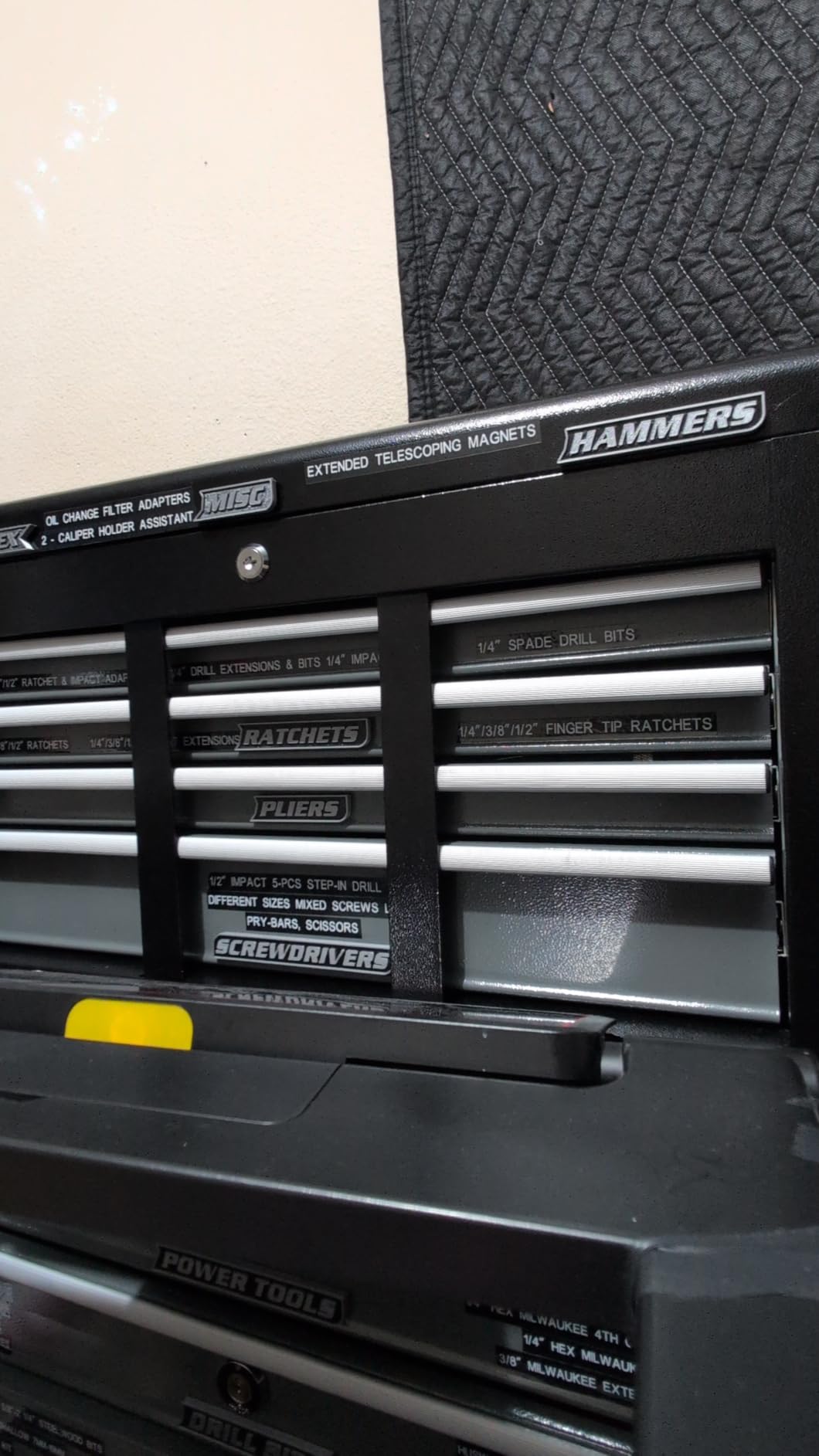
The box includes four 12mm by 8m laminated tapes and a replacement cutting holder. That is enough media to learn the machine on without a second purchase, and the spare cutter holder covers the part that wears first.
Sixteen fonts, 100 frames and 800 symbols give plenty of scope for marking breakers, conductors and equipment without needing anything exotic.
What this machine handles well
Home cable organisation, small business networking kits and workshop labelling where you want laminated output and a readable screen without moving up to an industrial model. It suits a first serious label maker rather than a specialist one.
Because it is a handheld unit with its own screen, there is no phone to charge and no app to open when you just need one label in a hurry.
Where it falls short
The review base is the thinnest in this roundup at 135 ratings, which means less long-term evidence about reliability than the industrial models have behind them.
There is no manufacturer warranty, the width is capped at 12mm, and 203 DPI leaves fine print looking soft. Owners report a meaningful share of problems, so it is a reasonable tool rather than a dependable long-term investment.
11. VolenGo Heat-Shrink Label Maker – Best for Heat-Shrink with Barcode Shortcuts
Label Maker Machine with-Tape, Heat Shrink Label Maker Waterproof-Labels
Prints on 2:1 heat-shrink tube
Tape rated 300V and 125C
QWERTY keyboard
180 x 180 DPI
Pros
- Prints directly on heat-shrink tube rated for electrical work
- One-touch shortcuts for wraps
- flags
- Code 39 and Code 128
- Fixed-length and breaker label keys
- QWERTY keyboard instead of an awkward layout
- Reduces margins to print 20 labels at a time
Cons
- Lowest average rating in the roundup
- Heavy tape waste on short labels
- Occasional mirrored prints that need a full reset
- First label of a run often prints blank
- Confusing menus and hard-to-read documentation
On paper this machine covers the right ground. It prints on heat-shrink tube with a 2:1 shrink ratio, the tape is rated 300V and 125 degrees, and there are one-touch keys for wire wraps, flags, Code 39 and Code 128 barcodes, fixed lengths and breaker labels.
The QWERTY keyboard is also a genuine plus. Some industrial machines force you through a character map to enter anything beyond plain letters, and that gets old fast when you are logging panel references all afternoon.
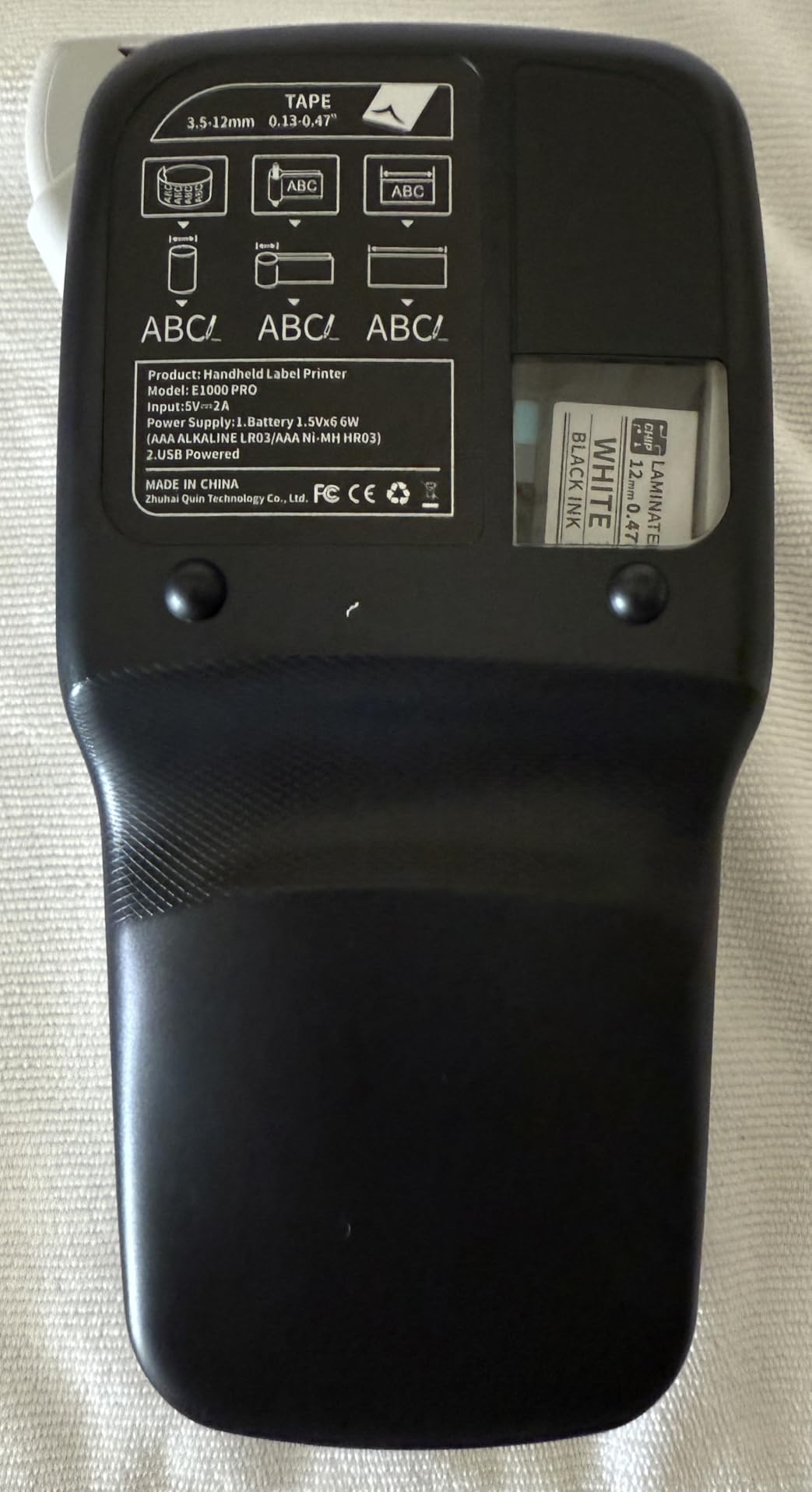
It runs from six AAA batteries or the included USB-C cable, which means you can keep printing through a long session at a bench rather than stopping when cells run low.
The bundled shrink tube is described as fitting snugly on network cable, and the reduced-margin mode genuinely cuts media use compared with a standard print run.
What this machine handles well
The hardware is capable: barcode generation, breaker labelling and permanent heat-shrink identification on conductors are all handled by a single handheld unit. For anyone who needs those specific capabilities on a budget, the specification is genuinely attractive.
Voltage and temperature ratings on the shrink tube make it appropriate for identification work around live equipment, where a generic adhesive label would not be.
Where it falls short
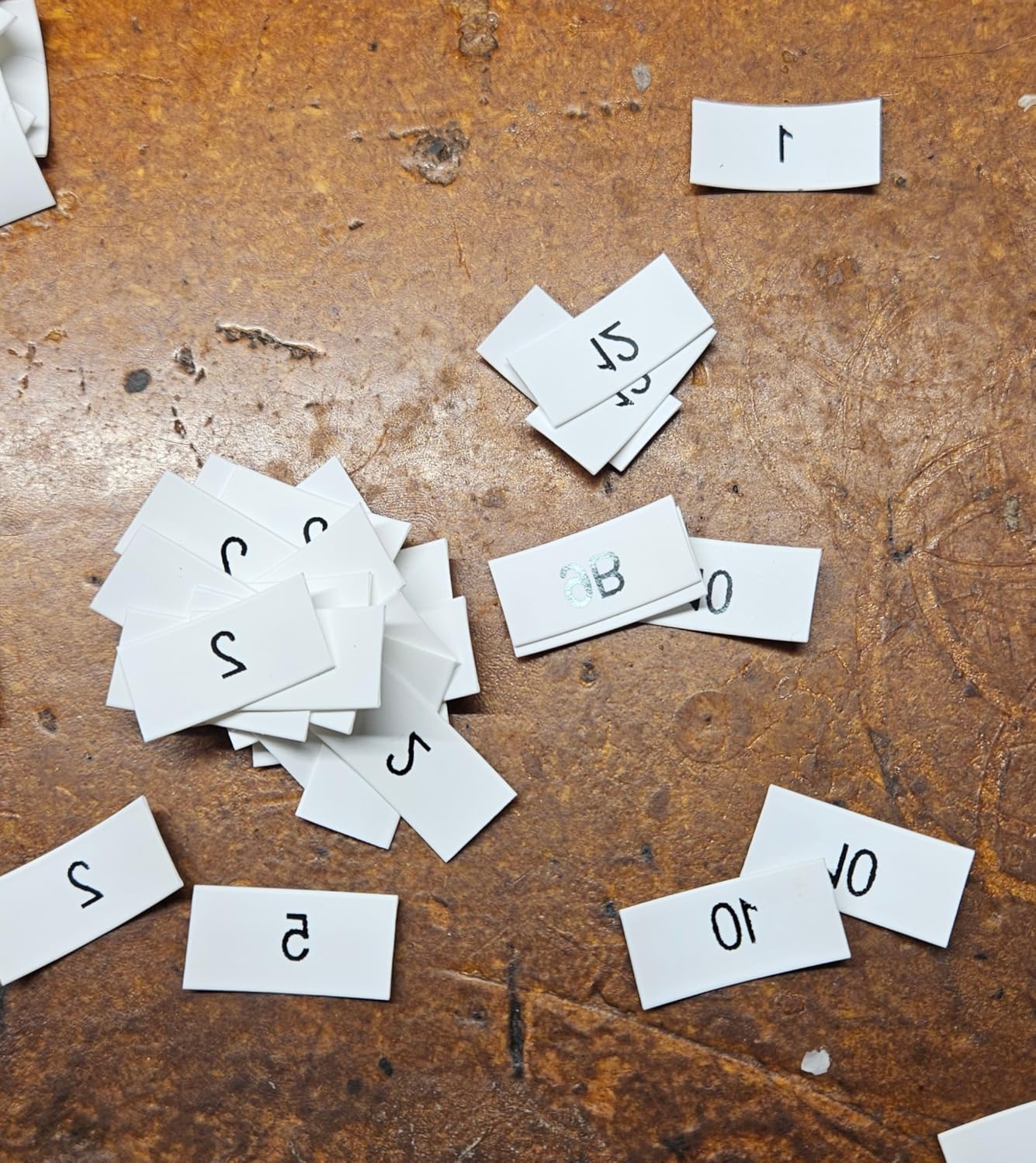
Software reliability is the issue, and it is a consistent one across reviews. The first label of a run often prints blank, so requested copies come out short, and unexpected mirrored prints can appear mid-run and require pulling the battery and tape to reset.
It has the lowest average rating in this group, tape waste is heavy on short labels regardless of settings, the menus and documentation are confusing, and there is no manufacturer warranty to fall back on when something goes wrong.
12. NIIMBOT N1 Portable Thermal Transfer Printer – Best for Excel-Driven Labelling on the Move
NIIMBOT N1 Label Maker with Tape, Portable Bluetooth Label Printer, White
203 DPI thermal transfer
Excel import and QR codes
40 pages per minute
Rechargeable
Pros
- Thermal transfer output is wear
- scratch and temperature resistant
- Alignment is correct out of the box
- Five colour ribbons and 20-plus paper types
- App handles barcodes
- QR codes
- tables and Excel import
- Strong battery life and a compact 308 g body
Cons
- Consumable cassettes are sealed and cannot be refilled
- Consumable cost is high for the volume it prints
- App asks for repeated logins for some functions
- No continuous or repeated pattern printing on satin ribbon
The N1 is the pocket-sized option for people who have outgrown app-only direct thermal but do not need a benchtop printer. Thermal transfer at 203 dpi gives you output that resists water, wear and scratching, which is the main reason to move up from a pocket model.
The app is the reason this one stands out. It handles barcodes, QR codes, tables, logos, images, Excel import, scanning and voice recording, so you can build a batch of identifiers from a spreadsheet on your phone instead of typing each one.
Alignment came out correct with no adjustment needed, which sounds unremarkable until you have spent time correcting a machine that consistently prints a few millimetres out. Print speed of 40 pages per minute is fast for something this size.
At 308 grams with a built-in rechargeable battery and USB-C charging, it fits in a tool bag and runs for weeks between charges in our use.
What this machine handles well
Cable and bin labelling away from a desk, temporary site labelling, and anyone who keeps a list of identifiers in a phone or laptop. Excel import turns a list of twenty ports into twenty printed labels in one pass.
Five colour ribbon options and more than twenty paper types give it more variety than most compact machines, and the RFID identification on cassettes prevents the wrong roll being loaded mid-job.
Where it falls short
The cassettes are sealed and cannot be refilled or reused, so the consumable cost per label stays relatively high once you get past the included roll. That matters most for heavy users.
Some functions demand repeated logins in the app, continuous and repeated pattern printing do not work on satin ribbon, and there is a small amount of alignment waste at the start of each run.
How to Label Cables and Wires: A Five-Step Method
This is the workflow we use whether the machine is a professional handheld or a pocket Bluetooth printer, and it works at home just as well as it does on a job site.
Work out the identifier before you power anything on. Write down the naming scheme first. Port-and-panel style codes, or device and function, both work. The important part is that the same cable carries the same label at both ends.
Clean the cable surface and let it settle. Wipe off dust and oil with a dry cloth and leave the jacket for a few minutes. Adhesive applied to a warm, greasy or dusty jacket is the single most common reason labels let go later.
Print two labels for every cable. One for each end, printed at the same moment. Pre-printed numbers that do not match at the far end of the run cost more time than the printing did.
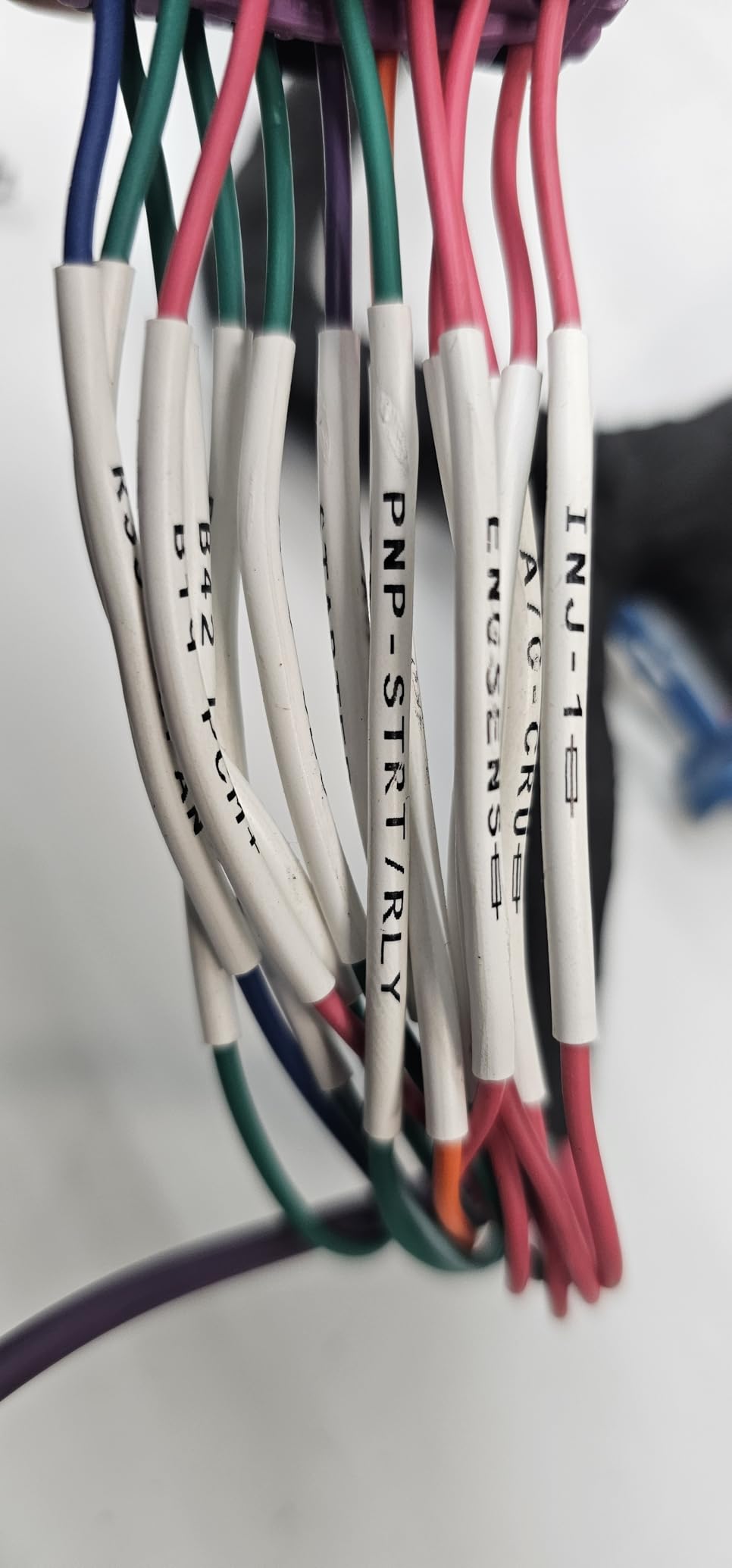
Wrap or flag, not stick, where the cable is round and permanent. Wrap-around labels spiral onto the jacket so the ends do not lift. Heat-shrink printing goes on before the tube is pulled down, which makes it part of the cable itself.
Stretch-test a sample before you commit. Pull firmly on one printed label. If it lifts or the print scratches off, change the tape width or the media type rather than labelling the whole run.
The step most people skip is the last one. A twenty-second test on a spare offcut tells you whether the adhesive suits this jacket material, and it is far cheaper than redoing forty cables.
How to Choose a Label Maker for Cables and Wires
Decide between adhesive and permanent identification first. If the cable will be worked on repeatedly or moved between devices, adhesive tape is right. If it is a fixed run that will not be disturbed, heat-shrink tubing lasts longer because nothing is left to peel off. Not every machine in this roundup supports shrink tube, so check that before you decide on your media.
Match the width to the cable. A label wider than the cable can wrap around it. A label much narrower than the cable will bridge across the curve and its ends will lift within weeks. Most machines here top out at 12mm, which suits individual conductors, while the wider printers cover power cable and thicker looms.
Understand the print technology before you buy. Direct thermal, used by the D110 and the Brother Cube Plus, heats a chemical coating on the label. There is no ribbon to replace and nothing to jam, but the output fades with heat, sunlight and solvent exposure over time. Thermal transfer, used by the M2, the N1, the SUPVAN G15M and the VolenGo heat-shrink model, pushes a ribbon onto the label, which costs more per label and produces output that holds up to oil, abrasion and UV far longer. Indoor storage labels can live with direct thermal. Cables in a plant room, a vehicle or a rooftop run should get thermal transfer or heat-shrink.
Look for cable-specific modes rather than general features. A wrap key, a flag key and a serialized strip option save more time than any resolution increase. The Brother P-touch Pro, the PT-E110 and both DYMO Rhinos have dedicated cable keys; the pocket Bluetooth machines expect you to size and space each label yourself.
Decide how the text gets in. Machines with a built-in keyboard are faster for repeated manual entry. Machines controlled by phone or desktop software win when the label list comes from a spreadsheet, a patch schedule or a barcode database, which is the normal case in a server room.
Budget for media, not just the machine. Consumables dominate the cost of ownership over a few years. Sealed cassettes, proprietary cartridges and specialised industrial media all raise the cost per label compared with a standard tape refill, and a model that wastes tape on the lead label of every run quietly increases that figure. Factor in replacement tapes before choosing, and check that third-party media works if you want to avoid proprietary stock.
Check the battery and the screen. Rechargeable packs beat six-cell battery carriers over a year of regular use. A backlit display matters more than most spec sheets suggest if you work in dark cabinets or plant rooms, and it is a genuine reason to pick the backlit VolenGo model.
For anyone building a broader toolkit rather than a single cable job, our roundups on the best label makers for home organization and the best button makers cover the neighbouring tools that share the same small-format approach.
Frequently Asked Questions
What is the best printer for cable labeling?
The DYMO Rhino 4200 is the strongest all-round cable labeler here, because it prints directly onto heat-shrink tubing as well as wrap and flag labels, has a QWERTY keyboard and a backlit screen. For lighter or home use, the NIIMBOT D110 is the easiest way in.
What label maker do electricians use?
Electricians most often choose machines with dedicated cable keys and rugged bodies. The Brady M210 is drop resistant and uses widely available M-21 cartridges, while the Brother P-touch Pro and PT-E110 have one-touch cable wrap, flag and faceplate keys. For repetitive panel and patch panel work, the DYMO RhinoPRO 5200 has hot keys for every cable format.
What is the best way to label cables at home?
Print two identical labels for every cable, apply them to a clean surface, and stretch-test one before you label the whole run. Use wrap-around labels rather than flat adhesive on round cable, since flat labels bridge the curve and their ends lift within weeks.
Which network cable label maker is the best?
For network and fibre work, the DYMO Rhino 4200 is the best fit because it prints on heat-shrink tubing for permanent fibre identification and handles wrap and flag labels for patch cords. The RhinoPRO 5200 covers larger patch panel runs with hot keys and TIA/EIA-606-A compliant output.
Difference between thermal transfer and direct thermal label maker
Direct thermal heats a chemical coating on the label itself, so there is no ribbon to buy or replace. Thermal transfer pushes a ribbon onto the label, which costs more per label but produces output that resists fading, oil, abrasion and UV. Use direct thermal for indoor storage labels and thermal transfer for cables in heat, moisture or outdoor positions.
Are these label makers worth it for occasional cable labelling?
They are, provided you pick a machine with built-in cable modes rather than a general purpose printer. Occasional users benefit most from the Brother P-touch Pro and PT-E110, which cover cable wrap, flag and faceplate labels with laminated output at a modest price.
The Verdict for 2026
The NIIMBOT D110 is our pick for the best label makers for cables and wires overall, because it covers short cable identification cleanly, weighs almost nothing and prints a batch in seconds. Electricians and low-voltage installers should look at the Brother P-touch Pro or the Brady M210 for dedicated cable keys and a rugged body, and anyone labelling network or fibre runs should start with the DYMO Rhino 4200 for its heat-shrink printing.
Whichever you choose, test a single label on your actual cable jacket before the full run, and print two labels per cable so both ends match. That habit matters more than any spec on the box.