
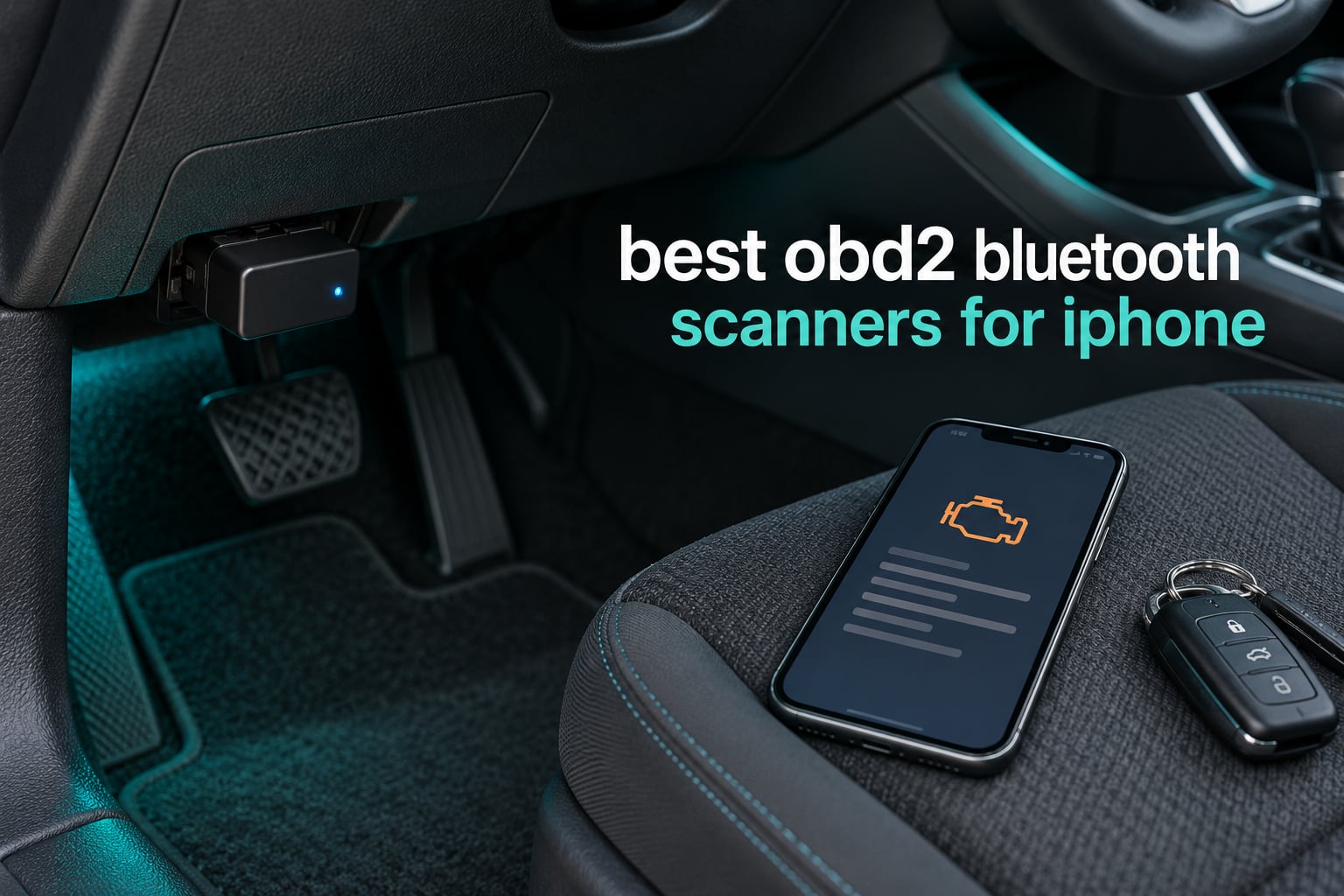
Quick answer: The BlueDriver OBD2 Scanner is the best OBD2 Bluetooth scanner for iPhone in 2026 because it pairs over Bluetooth Low Energy, reads engine, ABS, SRS, airbag, TPMS and transmission codes, and never asks you for a subscription. If you only need generic engine codes, the Veepeak OBDCheck BLE costs a fraction of that and works with a long list of third-party apps.
Most people buying an OBD2 adapter for their iPhone do not need a handheld scan tool with a cable. A dongle the size of a deck of cards plugs into the diagnostic port under your dashboard, pairs with an app on your phone over Bluetooth Low Energy, and pulls the same stored trouble codes a shop would read in the first five minutes of a diagnostic. For most weekend mechanics that is the entire job.
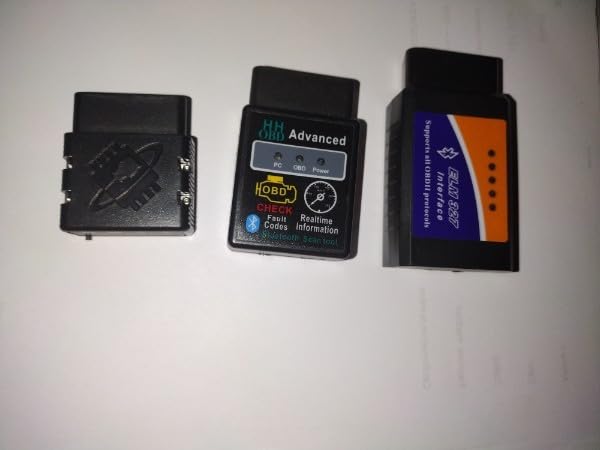
The catch is that nearly every cheap dongle on a marketplace listing is built for classic Bluetooth, which iOS does not allow to talk to third-party accessories. So before any product list, one rule: your iPhone needs a Bluetooth Low Energy (BLE) adapter, version 4.0 or newer. Anything that says only “Bluetooth” on the box is a coin flip, and most are a loss.
We went through the ten adapters below with an eye on the four things that actually decide whether an iPhone owner is happy six months later: whether it is BLE, which modules it reads beyond the engine, whether the app is free and locked to one brand, and whether it can be left in the port without flattening the 12V battery. Our broader coverage of handheld and dongle scanners lives in our guide to the best OBD2 scanners.
The one thing to check before you buy anything: if the listing does not say Bluetooth Low Energy, BLE 4.0 or BLE 5.x anywhere, it will not pair with an iPhone. That includes the large family of ELM327 clone dongles that advertise smartphone support while running classic Bluetooth 2.0. Some of them even appear in the iOS Bluetooth settings list and then never connect, which is the most common way people lose an evening and end up returning a dongle that works perfectly on someone else’s phone.
Table of Contents
Top 3 Bluetooth OBD2 Scanners for iPhone in 2026

BlueDriver OBD2 Scanner
- Reads ABS
- SRS
- TPMS and transmission codes
- Technician-verified fix reports matched to VIN
- No subscription
- free app updates

OBDLink MX+
- Recommended adapter for FORScan and BimmerCode
- Enhanced OEM support for Ford
- GM and Toyota
- More live parameters including ABS
- SRS and TPMS

FIXD Bluetooth OBD2 Scanner
- Plain-English explanations of trouble codes
- Scans 39000+ known issues
- Multi-vehicle profiles with mileage reminders
All 10 Scanners at a Glance in 2026
| Product | Specifications | Action |
|---|---|---|
| BlueDriver OBD2 Scanner |
|
Check Latest Price |
| FIXD Bluetooth OBD2 Scanner |
|
Check Latest Price |
 Veepeak OBDCheck BLE Veepeak OBDCheck BLE |
|
Check Latest Price |
| OBDLink MX+ |
|
Check Latest Price |
 Vgate iCar Pro BLE 4.0 Vgate iCar Pro BLE 4.0 |
|
Check Latest Price |
 ANCEL BD310 ANCEL BD310 |
|
Check Latest Price |
 Vgate vLinker MC+ Vgate vLinker MC+ |
|
Check Latest Price |
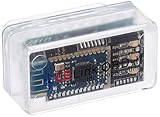 LELink BLE OBD-II Tool LELink BLE OBD-II Tool |
|
Check Latest Price |
 Innova 1000 Innova 1000 |
|
Check Latest Price |
 UMEIJA Bluetooth 5.4 Scanner UMEIJA Bluetooth 5.4 Scanner |
|
Check Latest Price |
1. BlueDriver OBD2 Scanner – Best Overall for iPhone With No Subscription
BlueDriver OBD2 Scanner Bluetooth, No Subscription, ABS SRS TPMS
BLE wireless to iOS and Android
Engine, ABS, SRS, TPMS and transmission codes
Verified fix reports matched to VIN
Pros
- Widest code coverage of any dongle here including ABS
- SRS and TPMS
- Technician-verified repair reports matched to your VIN
- No subscription and free app updates
- Solid coverage across GM
- Ford
- Toyota
- Honda
- BMW
- Mercedes and VW
Cons
- Most expensive dongle in this group
- Covers North American gas vehicles from 1996 onward only
I have had a BlueDriver in the glove box of more than one car and it is still the tool I reach for first. It is a small dongle about the size of a lighter, it pairs to the iPhone over BLE without any PIN dance, and the app lays out codes in plain language instead of raw P-codes. When a check engine light comes on, the first screen tells you which system flagged the fault and what the likely causes are.
What separates it from everything else in this roundup is module coverage. It reads and clears engine, ABS, SRS, airbag, TPMS and transmission codes from one scan. On a car with a brake light and an airbag light both on, a generic dongle will tell you nothing at all, while this one hands you both modules’ codes in a single pass. That single feature is why it wins for most owners who are not spending the whole weekend on a lift.
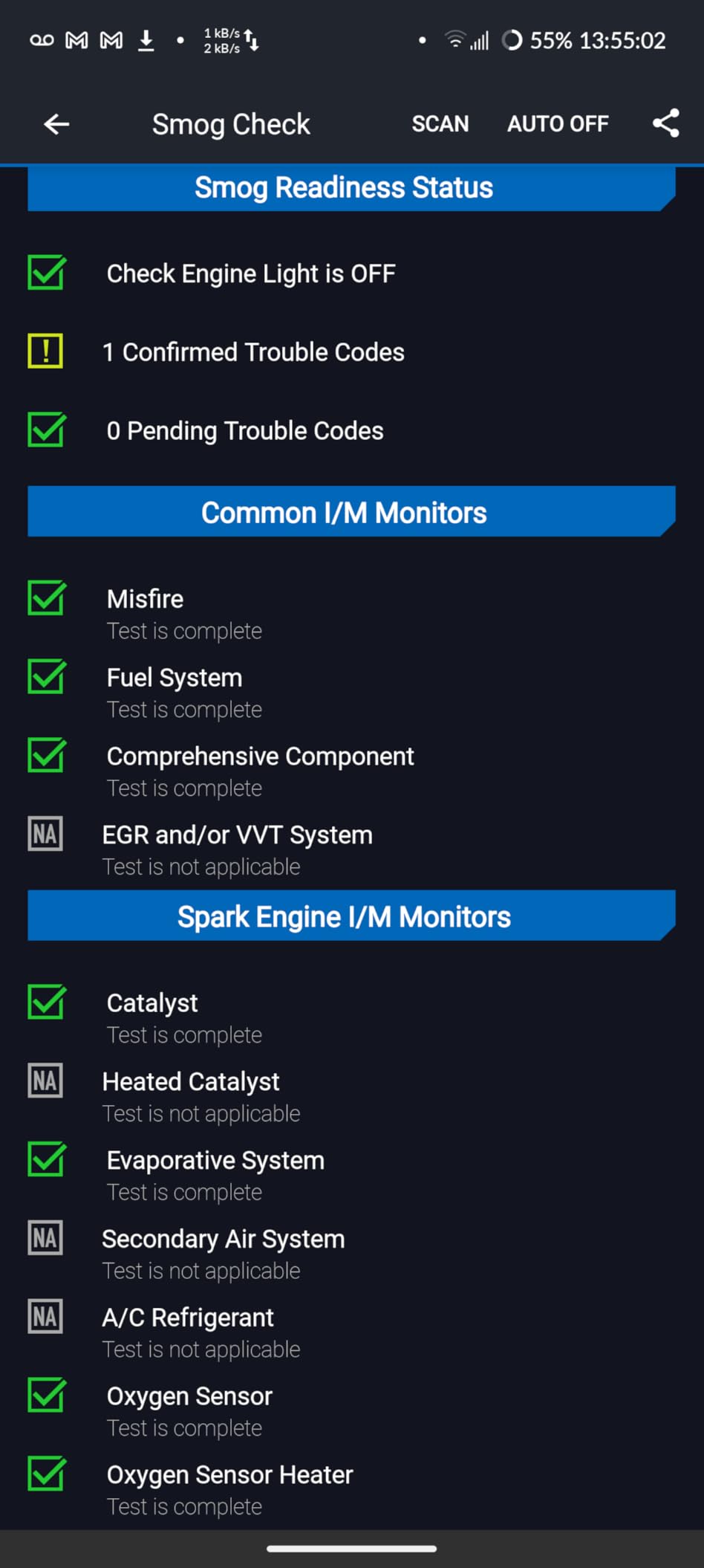
Technical coverage runs across GM, Ford, Stellantis, Toyota, Honda, Nissan, Mazda, Subaru, Hyundai, Mercedes-Benz, BMW and VW. You get live data monitoring, freeze frame capture, smog readiness monitors and Mode 6 test results, and the app updates for free with no account to create.
Is the BlueDriver worth the extra money over a 30 dollar dongle?
If you own one car, drive it, and the only light you expect to see is a check engine light, a budget dongle answers the same question in the same amount of time. The gap opens the moment you have a second vehicle, or a car with an ABS or TPMS light, or you want a repair suggestion instead of a bare code.
What will the BlueDriver not do?
It has no bidirectional active testing and no service reset functions, so you cannot command a fuel pump test or retract an electronic parking brake with it. Coverage is limited to gas vehicles from 1996 onward sold in North America, which rules out many diesels and most hybrids and EVs.
2. OBDLink MX+ – Best Premium Adapter for FORScan, BimmerCode and Coding Work
OBDLink MX+ OBD2 Bluetooth Scanner for iPhone, Android, and Windows
BLE to iOS, Android and Windows
Recommended adapter for FORScan and BimmerCode
Enhanced OEM support across nine makes
Pros
- Highest average rating of any adapter here at 4.6
- Most widely recommended adapter for FORScan and BimmerCode
- Enhanced OEM coverage for Ford
- GM
- Toyota
- Honda and Mazda
- Delivers more live parameters including ABS
- SRS and TPMS
Cons
- Costs about as much as a BlueDriver with no subscription
- The strongest apps such as FORScan need a separate paid license
The OBDLink MX+ is the enthusiast and professional pick. Out of everything here it has the highest average rating from buyers, and it is the adapter that shows up again and again in BMW, Ford and enthusiast-owner discussions when someone asks what hardware to pair with FORScan or BimmerCode. It connects over BLE to iOS, Android and Windows from the same dongle.
Where it beats cheaper hardware is protocol depth. It carries enhanced OEM support for Ford, GM, Mazda, Nissan and Infiniti, Toyota and Lexus, Honda, Hyundai and Kia, and it returns more live parameters, including ABS, SRS and TPMS channels, than a typical dongle. That extra throughput is what makes coding sessions feel fast rather than like a watch-the-progress-bar exercise.
Protection features matter more than people give credit for. Over-voltage and battery drain protection are built in, and the included firmware updates keep the protocol handling current as cars change. The box also carries a compatibility troubleshooting guide, which is worth reading before a VAG or a Ford purchase.
In practice the trade is simple: you are paying for hardware that serious apps trust. If your only plan is to clear a check engine light, that capability is overkill. If you intend to run BimmerCode, FORScan or Carista, this is the one most owners end up recommending.
Is the OBDLink MX+ worth its cost for a beginner?
Probably not on day one. The apps that unlock its potential have a learning curve, and most of them are paid. If you are still learning what a fuel trims readout means, start with something simpler and upgrade when you hit the wall.
What should you budget for alongside it?
Plan on at least one paid app license. Owners consistently note that the hardware purchase is usually paired with a subscription to a specialist app, and the total over several years is meaningfully higher than a no-subscription dongle. Over-voltage and battery drain protection do reduce the risk of leaving it plugged in, but pulling it out after a scan is still the habit we recommend.
3. Veepeak OBDCheck BLE – Best for Third-Party Apps and Generic Codes
Veepeak OBDCheck BLE Bluetooth OBD II Scanner for iOS & Android, Car Wireless Check Engine Light Code Reader Diagnostic Tool
Bluetooth LE for iOS and Android
Engine codes, freeze frame, I/M readiness, live data
Works with Torque, Car Scanner, BimmerCode
Pros
- Excellent value for generic OBD2 reading and live data
- Very consistent 4.5 average across 24000+ reviews
- Connects from inside the app with no PIN
- Works with a long list of third-party iOS apps
Cons
- No ABS
- SRS
- TPMS
- oil reset or service reset functions
- Requires you to buy a separate app
- Not compatible with Carly
- MHD or xHP
The Veepeak OBDCheck BLE keeps coming up as the sensible default, and it is the dongle we see named most often in owner forums when someone asks for a reliable cheap reader that works on an iPhone. It ships with a mini carrying case and instructions, and it connects over Bluetooth LE rather than Wi-Fi.
Functionally it is a generic OBD2 tool. It reads and clears check engine codes, captures freeze frame data, shows I/M readiness monitors and streams live sensor data, on most 1996 and newer US cars and light trucks. It ships with the scanner only, so you choose the app, and that flexibility is the point: it works with Car Scanner ELM OBD2, Torque, OBDFusion, BimmerCode, BimmerLink, OBD JScan and Dr. Prius.
Pairing on iOS is straightforward once you know the rule, and Veepeak states it plainly: connect from inside the app, not from the iPhone Bluetooth menu. The dongle uses a BLE connection that the app establishes, so hunting for it in Settings is a dead end that wastes an evening.
Know what you are giving up before you buy. There is no ABS, SRS, oil light or service reset support, no injector coding, no EPB reset and no ABS bleeding or relearn. It also will not run MS-CAN in FORScan or AlfaOBD, and some vehicle-specific app features stop at pre-2008 model years.
Which app should you pair with the Veepeak OBDCheck BLE?
Start with Car Scanner ELM OBD2 or OBDFusion for everyday code work, both free or low cost and both stable with this adapter. BMW owners who want coding rather than just codes get more out of BimmerCode or BimmerLink from the same dongle.
Which apps will not work with it?
Carly, MHD, xHP and ProTool are outside its reach, and bootmod3 is out for the same reason. If one of those is the reason you are shopping, you want an open adapter with MS-CAN support instead, such as the OBDLink MX+ or the vLinker MC+, and you should expect the relevant app to be paid.
4. FIXD Bluetooth OBD2 Scanner – Best Value for Non-Technical Owners
FIXD Bluetooth OBD2 Scanner – Car Diagnostic Check Engine Code Reader
Universal fit for iOS and Android
Plain-English explanations instead of raw codes
Small dongle that can stay hidden under the dash
Pros
- Low entry price with a large review base
- Plain-language explanations for non-mechanics
- Multi-car support with mileage-based reminders
- Compact sensor can stay plugged in and out of sight
Cons
- Lowest average rating here at 4.1 with a one-star share
- Repair recommendations and cost estimates sit behind a paid tier
- Not the deepest option for raw sensor data
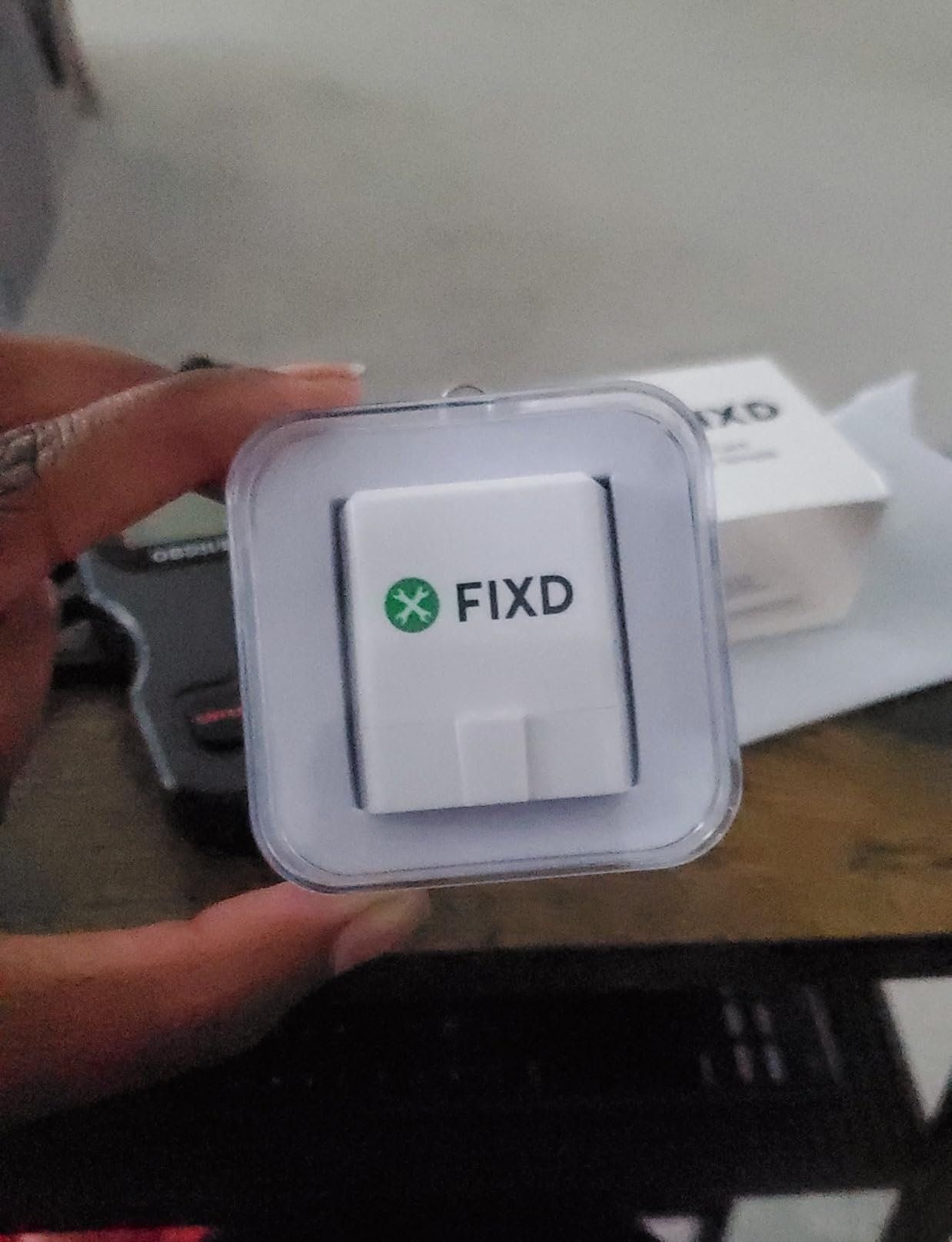
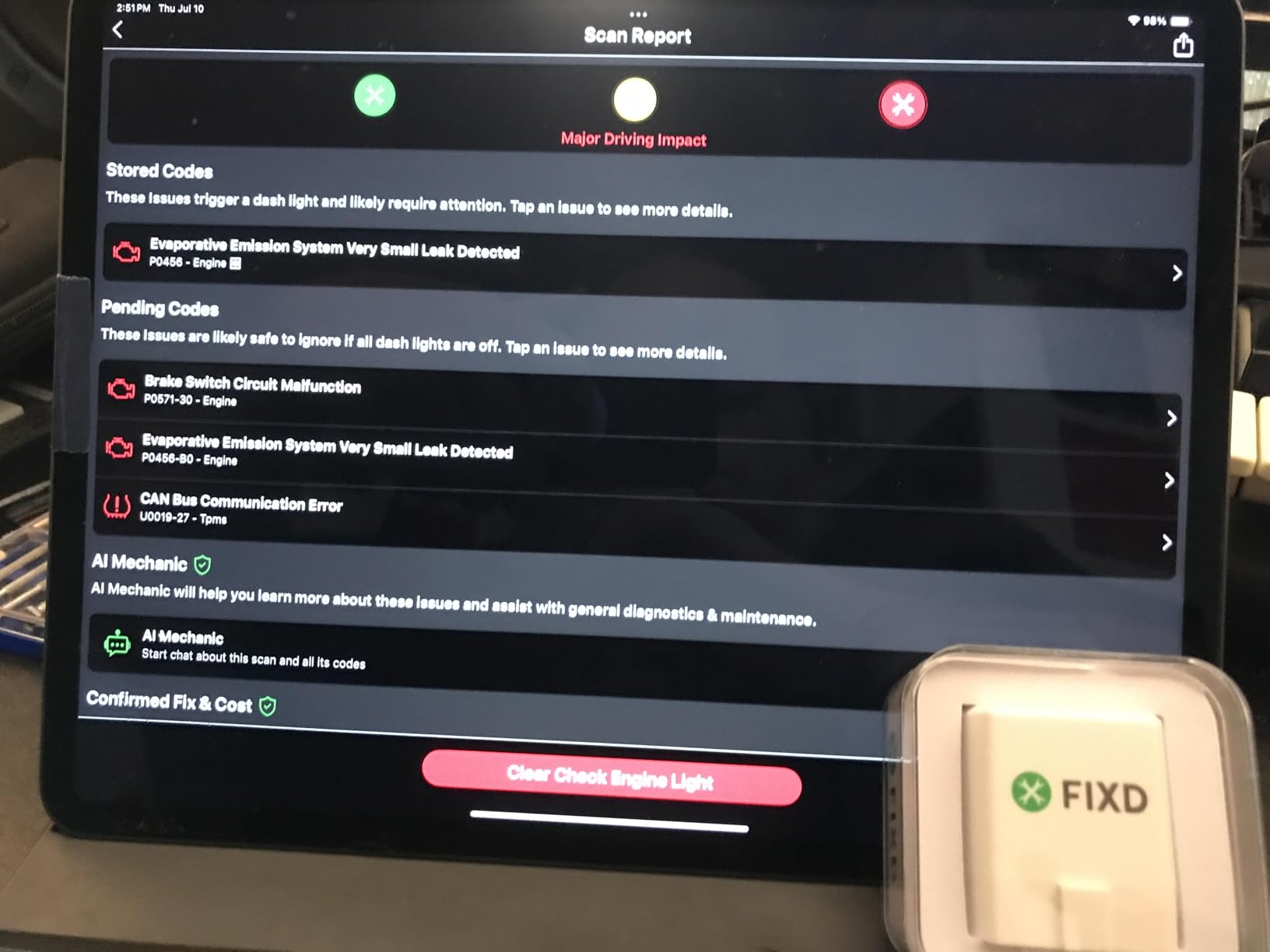
FIXD is built for the person who does not want to learn what a P0420 is. The app presents fault codes as plain-English explanations with likely causes, severity alerts for critical faults and maintenance reminders, and it scans against more than 39,000 known issues across thousands of vehicles. For someone whose check engine light came on on a road trip, that framing matters more than raw protocol coverage.
The hardware itself is tiny, about the weight of a few coins, and it can be tucked behind the dash and left connected so a scan is one tap away next time. Multi-vehicle management lets you keep profiles for several cars with mileage-based service reminders and shareable reports, which is handy for a household with more than one vehicle.
Coverage is sensible for a general tool: 1996 and newer gasoline and hybrid vehicles, plus 2006 and newer diesel. The Bluetooth connection to iPhone and Android is fast, and the free tier includes unlimited scans with the code explanations.
The complaint that shows up most often in reviews is where the line sits between free and Premium. Repair recommendations, cost estimates and live mechanic support are the optional paid tier, and that split is where a lot of the one-star feedback comes from. Advanced capability also varies by make and model, so a feature you read about on a VAG may not exist on your car.
Is FIXD good for someone who does not know cars?
Yes, that is exactly who it is aimed at. The explanations read like advice rather than a manual, severity alerts tell you whether to keep driving or stop, and the app keeps a service history per vehicle. If you want to know what a code means before you pay anyone to look at it, this is the fastest path.
What will the paid tier add, and is it needed?
The Premium tier adds repair recommendations, cost estimates and access to live mechanic support. You do not need it to read and clear codes, but the free version is thin on guidance about what to do next. Owners who subscribe are generally buying the answer, not the diagnosis, since the hardware delivers the diagnosis either way.
5. Vgate iCar Pro BLE 4.0 – Best for Low Current Draw and Leaving It Plugged In
Vgate iCar Pro Bluetooth 4.0 (BLE) OBD2 Fault Code Reader OBDII Code Scanner Car Check Engine Light for iOS/Android
BLE 4.0 for iOS, Android and Windows
Auto-sleep drawing as little as 3mA
No manual pairing needed on iOS
Pros
- Pairs almost instantly with OBD JScan
- Car Scanner and Carista
- Low power draw with auto-sleep and auto-wake
- Firmware updates through the phone app or a PC
- Two-year manufacturer warranty
Cons
- Standard OBD2 functions only with no ABS
- SRS or TPMS
- MS-CAN protocol is not supported
- Not compatible with BimmerCode
- Blue status LED can be distracting
The Vgate iCar Pro is the pick if you plan to leave the adapter in the port. It uses auto-sleep and auto-wake and draws as little as 3mA in sleep mode, which is the number that decides whether an overnight parking job leaves you with a car that starts. Several owners pair it with OBD JScan or Car Scanner and report that it has saved them a shop visit for a code read.
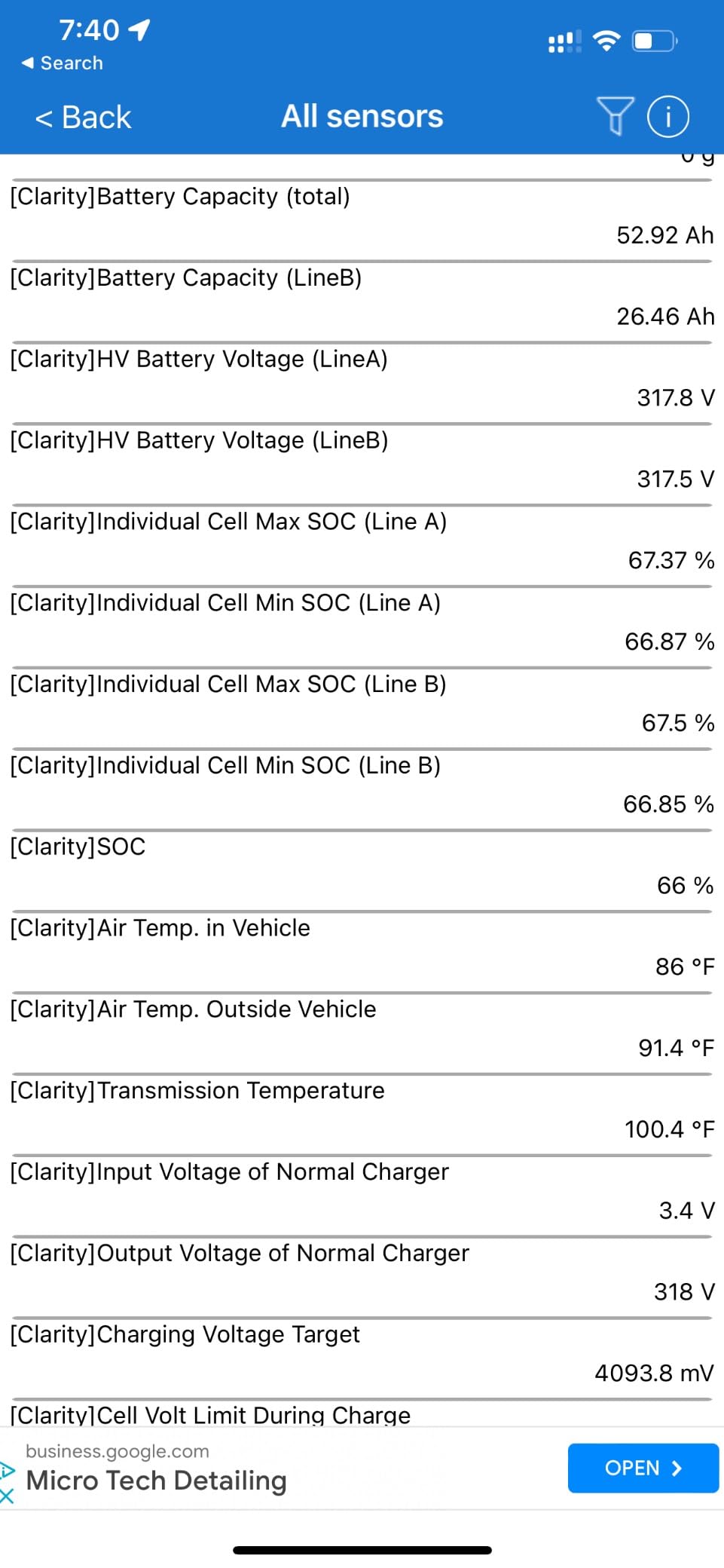
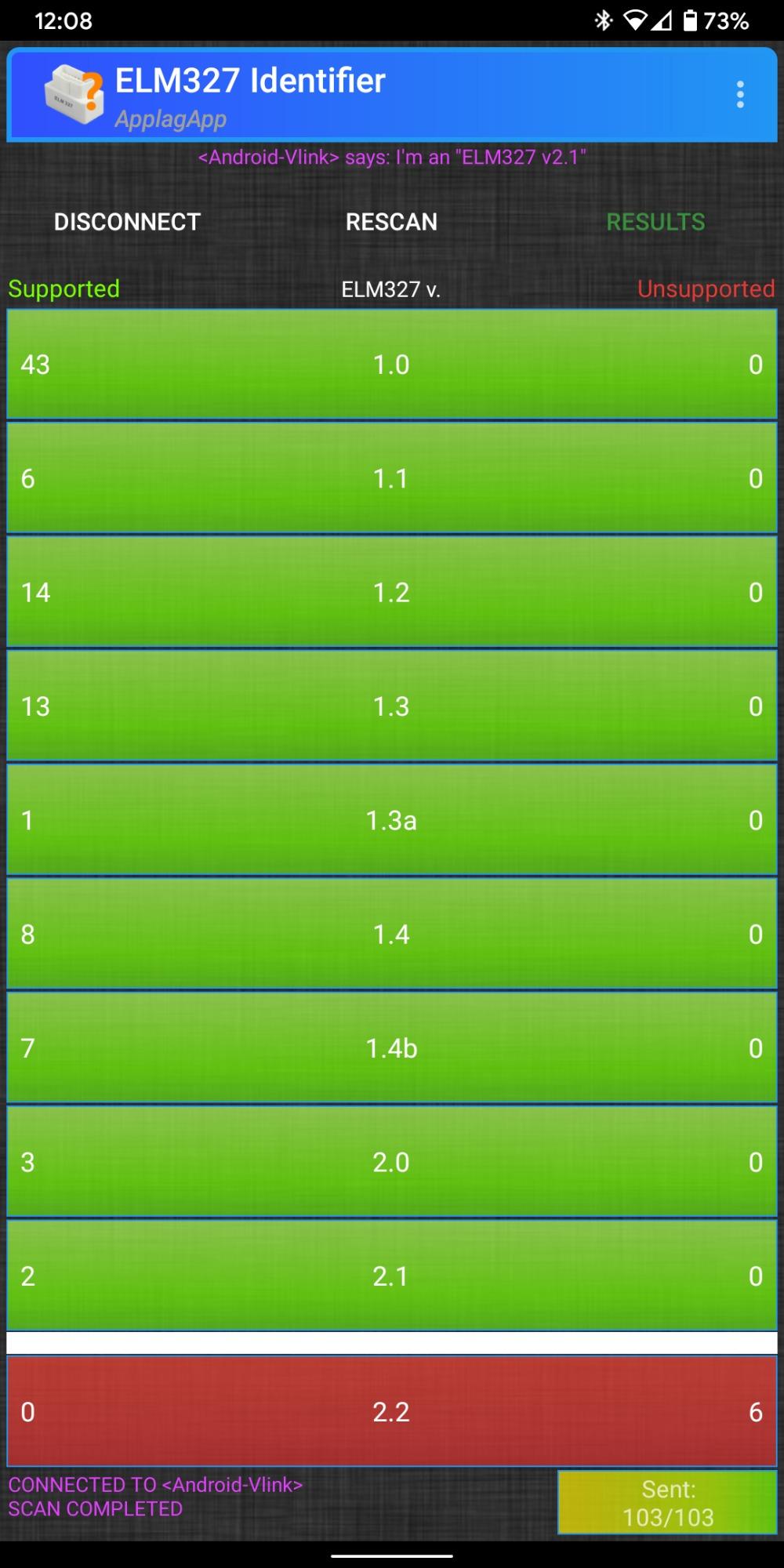
On iOS it needs no manual pairing at all, which removes the single most common stumbling block for iPhone owners. Android users pair to a device named Android-Vlink with PIN 1234, so check the variant before buying: the iOS, Android and Windows build is the one you want, and the same product family also includes a classic Bluetooth version that is Android and Windows only.
It covers 12V gasoline vehicles from 1996 onward plus light-duty diesel up to 6.5 tons from 1996, and not 24V diesel. Firmware upgrades run through a phone app or from a Windows PC, and LED indicators show power, communication and Bluetooth connection state. It works with Torque, Car Scanner ELM327, OBDFusion, OBD JScan and Dr. Prius.
The honest limit is coverage. This is standard OBD2 only: no ABS, no SRS, no TPMS, and no MS-CAN protocol, which rules it out for Ford and GM coding work. BimmerCode compatibility is also absent, which BMW owners sometimes want.
Can you leave this plugged in overnight without draining the battery?
Auto-sleep at about 3mA is what makes that a realistic question to ask, and it is the reason this dongle ranks where it does. We still pull it out after a scan as a habit, but owners who keep it installed report no battery trouble. Nothing in this group is designed to run for weeks at a time.
Which variant do you actually need?
Make sure the listing is the BLE 4.0 iOS, Android and Windows build. The BT3.0 variant in this same family is classic Bluetooth and will not connect to an iPhone. The blue Bluetooth LED flashes continuously once connected, which some owners find distracting at night.
6. ANCEL BD310 – Best Screen-First Scanner With Battery Monitoring
ANCEL BD310 Bluetooth OBD2 Scanner, 2-in-1 Car Diagnostic Scan Tool & Code Reader with App, Battery Test, Trip Analysis, Performance Test, for iPhone & Android, All 1996+ Vehicles
2 inch built-in screen plus Bluetooth app
Real-time battery voltage monitoring
All 10 OBDII modes for 1996+ vehicles
Pros
- Read and clear codes without a phone at all
- Real-time battery voltage catches charging faults
- I/M readiness checks avoid wasted emissions trips
- Free lifetime app updates with no subscription
Cons
- Does not clear ABS
- SRS or transmission codes
- Cabled power and a bulkier body than a dongle
- Lower review volume than the leaders
The ANCEL BD310 does something none of the dongles do: it has a screen. It is a two-in-one unit, so you can plug it in and read and clear check engine codes on its own 2 inch display with no phone involved, or pair it over Bluetooth to the ANCEL app for battery, trip and performance analysis. If you want a scanner that works when your phone battery does not, this is the one.
The battery monitoring is the feature we found most useful day to day. It reports real-time battery voltage and running charging system checks, which catches a failing alternator or a tired battery before it strands you. The free app adds a performance test, trip analysis and acceleration and braking monitoring, and it includes free lifetime updates with no subscription.

It supports all 10 OBDII modes on 1996 and newer cars, SUVs and light trucks, and it handles I/M readiness checks so you can confirm you are ready for an emissions test rather than queueing twice. HUD mode mirrors speed, RPM and voltage onto the windshield or your phone, which is a nice touch when you are driving and watching a sensor.
The trade-offs are physical. It is a cabled unit at 80g with a longer body than a dongle, so it does not tuck away under the dash as neatly. It also does not clear ABS, SRS or transmission codes, which puts it in the engine-only tier despite the extra hardware. Its review base is also the second thinnest here.
Do you still need the app with the ANCEL BD310?
No, and that is the point. The built-in screen handles code reading and clearing on its own. The app earns its place only when you want battery voltage history, trip analysis and the HUD readout, and those features are free.
Is it worth buying over a dongle for iPhone users?
Choose it if you leave the scanner in the car permanently or want a tool that stands alone. It also carries a one-year warranty, and the software side has no subscription attached. If you only ever pair a phone, a dongle is smaller and cheaper for the same engine-level job.
7. Vgate vLinker MC+ – Best for Ford MS-CAN and GM SW-CAN Work
Vgate vLinker MC+ Bluetooth OBD2 Car Scan Tool for iOS, Android, Windows
BLE 4.0 for iPhone, iPad, Android and Windows
MS-CAN and SW-CAN plus five standard protocols
ELM327, ELM329 and STN command sets
Pros
- Adds MS-CAN and SW-CAN that most budget dongles lack
- iOS support the original vLinker MC never had
- High data throughput suits coding apps
- 24mA running current with 3mA sleep mode
Cons
- Costs more than entry-level dongles without full OEM enhanced diagnostics
- Firmware upgrades require contacting the manufacturer
- Lowest but one review base in this roundup
The vLinker MC+ exists because the original vLinker MC had no iOS support at all. This version fixes that and adds the two proprietary bus protocols that matter if you own a Ford or a GM: MS-CAN alongside SW-CAN, on top of all five standard OBD2 protocols. That combination is what opens up brand-specific work in FORScan and AlfaOBD, and it is also why coding apps run fast on it.
It accepts ELM327, ELM329 and STN command sets, which widens the software options considerably, and it handles iPhone, iPad, Android and Windows from a single unit. Running current is 24mA with a 3mA intelligent sleep mode, and the body is compact enough not to interfere with legroom on a long drive.
Owners using it for coding on an iPhone point to the data throughput as the main reason they bought it, along with the low idle draw. As with the iCar Pro, check the variant listing before you buy: the older vLinker MC BT3.0 is Android and Windows only, and the BLE 4.0 build is the one that includes iOS.
Be realistic about the ceiling. This adapter does not deliver the full OEM enhanced diagnostics that the OBDLink MX+ does, so if your goal is deep bidirectional work on a specific module rather than faster data on the proprietary buses, the premium adapter is still the better buy. Firmware upgrades also mean contacting the manufacturer rather than updating from an app.
Do I need MS-CAN and SW-CAN for a Ford or a GM?
You need them for brand-specific tasks: FORScan module identification on Ford, GM SW-CAN work, and coding routines that never appear on the standard OBD2 bus. If you only need engine codes and live data on those vehicles, a generic BLE dongle handles the job and you can skip this price step.
Is the higher cost justified?
Only if your software plan includes those buses. The hardware is more capable than entry-level dongles but stops short of full OEM enhanced diagnostics, so it sits in the middle. Owners describe it as harder to justify when you only need generic engine codes, which is a fair description of the trade.
8. LELink BLE OBD-II Tool – Best for Configurable Auto On/Off and Zero-Power Standby
LELink Bluetooth Low Energy BLE OBD-II OBD2 Car Diagnostic Tool for iPhone/iPod/iPad and Android. New: Configurable Auto On/Off
BLE with no pairing needed on LE devices
Configurable auto on/off with zero-power standby
Works on OBD-II and EOBD vehicles worldwide
Pros
- Zero-power standby plus configurable auto on and off
- No pairing step on LE devices which removes the main iOS hurdle
- Unusually long list of compatible third-party apps
- Worldwide OBD-II and EOBD coverage
Cons
- Generic OBD2 level diagnostics with no ABS or SRS
- Lower review volume at around 1240 reviews
- Passcode protection is an extra step some owners disable
LELink built its selling point around power. You can configure auto on and auto off behaviour yourself, and when the tool is asleep it sits in zero-power standby with optional passcode protection. That is the feature owners name when they explain leaving the adapter plugged in between scans, and it is unusual in this category.
Connection is the other headline. It is a Bluetooth Low Energy device that requires no pairing at all on LE hardware, which removes the most common iOS frustration. It works on iPhone, iPad and Android, and it covers OBD-II and EOBD compliant vehicles sold worldwide, so it is one of the few options here with sensible coverage outside North America.
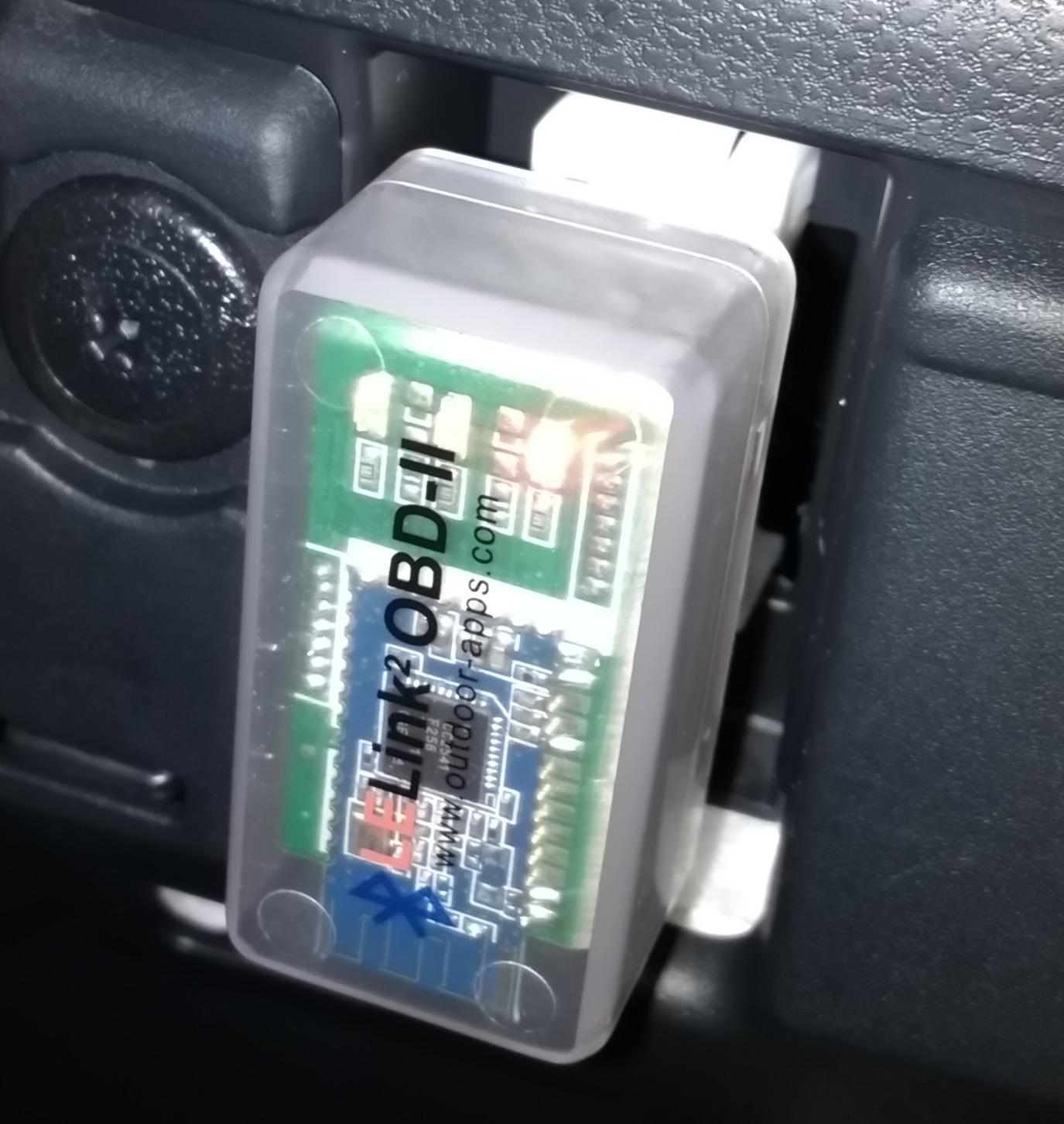
The app list is long for a dongle in this bracket. It works with the free Engine Link LE and LELink Scanner apps, plus Torque, Car Scanner, LeafSpy Pro, OBDFusion, ezOBD, Dyno Chart, OBD Auto Doctor and OBD Master Pro. At 31g and roughly the size of a matchbox, it is also the lightest unit we looked at.
Diagnostics stay at the generic OBD2 level: fault codes, live data, performance and sensor readings, with no ABS, SRS or manufacturer-specific coverage. The review base is on the thin side at roughly 1,240, so treat owner feedback as indicative rather than conclusive.
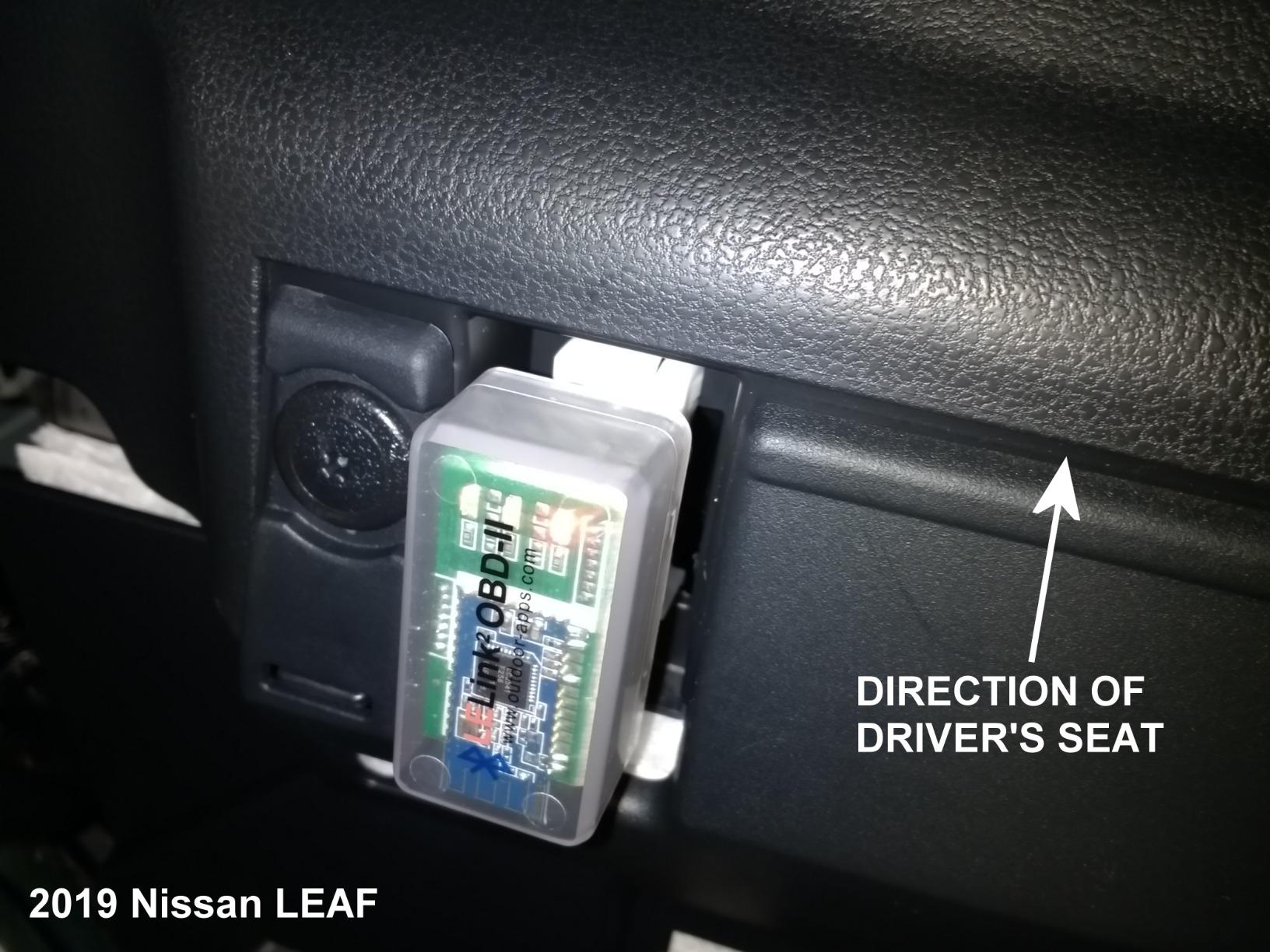
What does zero-power standby actually mean for your battery?
It means the adapter stops drawing meaningfully once the car is off, so you can install it permanently without planning a removal schedule. Set the auto on and auto off behaviour to match how you drive and it wakes when you need it. We still pull dongles out after long parking, but this is the one built with that habit in mind.
Who should look elsewhere?
If you need ABS, SRS or TPMS codes, or you want bidirectional testing and service resets, this is the wrong tier. Also note that passcode protection is optional and a few owners switch it off for convenience, which leaves the adapter reachable by any nearby BLE device when it is powered.
9. Innova 1000 – Best Engine, ABS and SRS Coverage Without a Subscription
Innova 1000 Bluetooth OBD2 Scanner for iPhone & Android – Predict Car Problems Before They Happen – No Subscriptions – Detect Check Engine, ABS, SRS Issues for Cars 1996+
Bluetooth diagnostics for engine, ABS and SRS
RepairSolutions2 app with verified fixes
Compatible with most 1996+ cars, trucks and SUVs
Pros
- Covers engine
- ABS and SRS rather than engine codes only
- No subscription with verified fixes and cost estimates included
- Light and portable for a home garage or roadside use
- Broad 1996 and newer compatibility
Cons
- Smallest review base here at 438 reviews
- Coverage varies by make
- model and year so check before buying
- One-year limited warranty
Innova is a long-established name in scan tools, and the 1000 brings that brand’s coverage down into a Bluetooth dongle. It reads data from the engine, ABS and SRS systems, which is a genuine step above a generic code reader, and the RepairSolutions2 app hands back verified fixes, parts recommendations and cost estimates with no subscription attached.
For real-time engine performance data and emissions readiness checks it behaves like a standard OBD2 tool, and it works with most 1996 and newer cars, trucks and SUVs. It is light and small enough to live in a glove box or a toolbox rather than a drawer, which suits roadside use.
What to check before you commit is coverage. It varies by make, model and year, and Innova publishes a coverage checker for exactly this reason. If your vehicle is listed, ABS and SRS coverage is a genuine advantage; if it is not, you are paying for a tool that behaves like a mid-range generic reader.
The sample size is the other caution. With 438 reviews at a 4.4 average, the feedback is positive on module coverage and the absence of a subscription, but it is thin enough that a fault reported once could be a pattern or could be a single unit. It carries a one-year limited warranty.
Is ABS and SRS coverage worth checking your vehicle for first?
Yes. If your car is covered, this is one of the few dongles in this price range that can tell you why a brake or airbag light is on without a shop. Run the coverage checker with your year, make and model before ordering and the decision becomes straightforward.
What are you giving up compared with the BlueDriver?
Innova does not offer the same breadth of module coverage. There is no TPMS or transmission code reading listed, and there is no verified-fix depth across the wider make range. You also carry a one-year limited warranty and a much smaller owner base, both of which matter if you want support continuity over several vehicles.
10. UMEIJA Bluetooth 5.4 Scanner – Budget Pick With a Dedicated Charting App
OBD2 Scanner Diagnostic Tool, Car Scanner for iOS & Android, Bluetooth 5.4
Bluetooth 5.4 for iOS, Android and Windows
9 protocols with DTC read, clear and VIN retrieval
Free OBD Home app with charted data
Pros
- Lowest cost in this roundup with 3200+ reviews behind it
- Bluetooth 5.4 pairs quickly and reliably with iPhone
- Free dedicated app with intuitive charted data views
- Broad make coverage across Japanese
- American and European brands
Cons
- Works only with the OBD Home app
- No ABS
- SRS or TPMS coverage
- 90-day warranty is the shortest here
The UMEIJA sits at the bottom of the price range and, unusually for that, it is a Bluetooth 5.4 device rather than a classic Bluetooth dongle. That matters on iPhone: connections are quick and stable, and iOS users only need to switch Bluetooth on. You plug it in and open the app.
It supports 9 protocols with DTC reading and clearing, emission readiness, check engine light turn-off, monitor reset and VIN retrieval, plus freeze frame, sensor data, streaming and diagnostic reports. The free OBD Home app charts coolant temperature, RPM, speed and module voltage in a way that is genuinely readable, and it runs in nine languages including English, German, Spanish, French, Italian, Portuguese and Chinese.
Coverage is broad on paper, over 96% of makes from 1996 onward including Toyota, Honda, Chevrolet, Ford, Mercedes-Benz, Jeep, BMW, Porsche, Subaru, Nissan, VW and Lexus. That breadth refers to generic OBD2 functions across those makes, not enhanced brand diagnostics.
The limitation that defines it is the closed ecosystem. It pairs with the OBD Home app only, so BimmerCode, FORScan, Carista and Torque are all off the table. There is no ABS, SRS or TPMS coverage, and the warranty runs 90 days, the shortest of the group. Clear a code only after the underlying fault is repaired, as with any scanner.
Is a 90-day warranty a reason to skip it?
It is a fair question, and it is the strongest argument against. A short warranty on a device you plug into a 12V socket is a thin margin for comfort. If you can accept that, the pairing speed and the free charting app are good value; if you cannot, the Veepeak is the better-supported budget option.
When is the app lock-in a real problem?
It becomes one the moment you want to do more than read engine codes. BMW coding, Ford module work with FORScan, VAG routines with Carista and Japanese-brand tools such as OBD JScan all need an adapter that exposes more protocols and accepts third-party apps. For daily engine monitoring, OBD Home does the job.
How to Connect an OBD2 Scanner to Your iPhone
Pairing is where most iPhone owners get stuck, and the fix is almost always the same: you connect inside the app, not from the iOS Bluetooth settings menu. BLE adapters do not appear as normal Bluetooth devices, so searching for them in Settings wastes time that feels like a hardware fault.
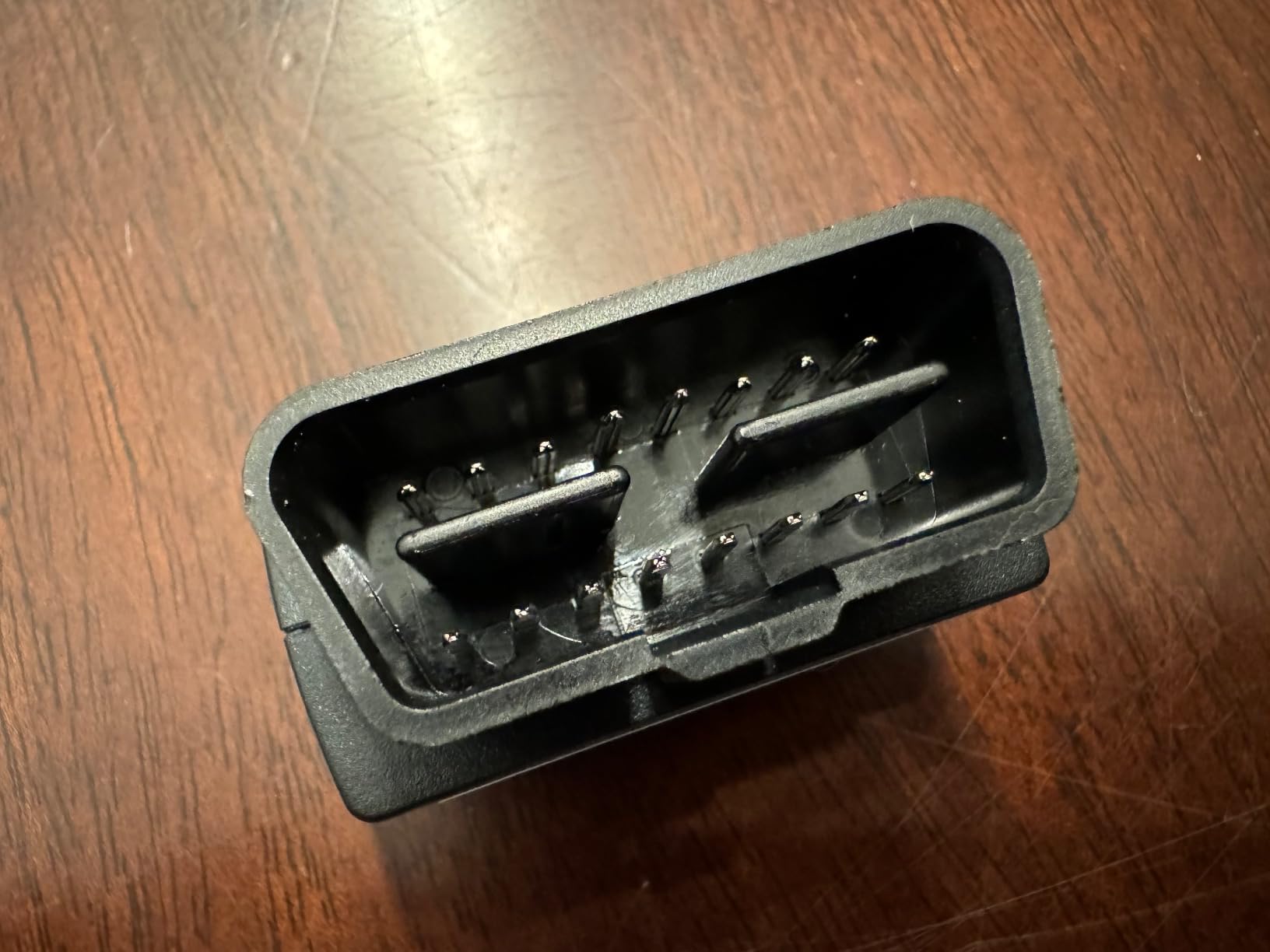
Find your OBD-II port. It is a 16-pin socket, usually under the dashboard on the driver’s side, near the steering column or the centre console.
Turn the ignition to on or start the engine. A dark ignition means many cars will not power the port or will refuse to talk over it, and you will think the dongle is broken.
Plug the adapter in fully and wait for the status LED to stop blinking, which means it has powered up.
Open the app that came with the adapter, or the third-party app you intend to use, before touching any iOS settings.
Select the vehicle profile, then pick your adapter from the app’s connection list. The app establishes the BLE link itself.
Run a full scan first rather than a quick code read, then read the freeze frame and clear the code only once the fault is fixed.
Unplug the adapter when you are done, especially before long parking, unless the model has proven sleep behaviour.
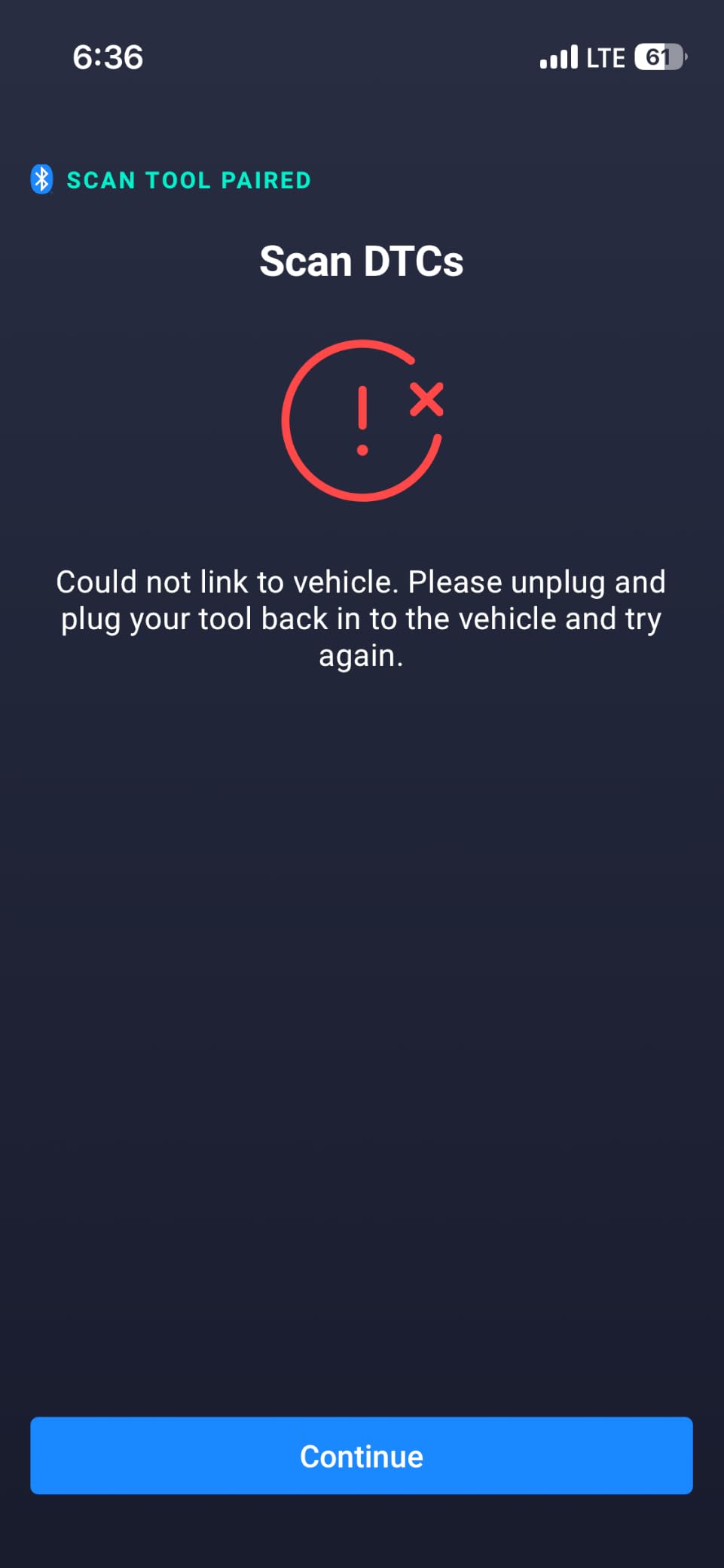
If the adapter never appears in the app, check that the version you bought is a BLE build rather than a classic Bluetooth one, and confirm the app is the one designed for your adapter. Torque, Carly, MHD and xHP will not accept every dongle even when the dongle is genuine, so app compatibility matters as much as hardware.
How to Choose an OBD2 Scanner for iPhone in 2026
Start with connectivity, because nothing else matters if the adapter cannot talk to your phone. You need Bluetooth Low Energy 4.0 or newer, and you should treat a listing that says only “Bluetooth wireless” as a warning rather than a feature. Classic Bluetooth 2.0 and 3.0 dongles, which includes the large ELM327 clone family and several Vgate variants in the same product line, will never pair with iOS no matter what the product page claims. Listings that describe a scanner as incompatible with iOS are being unusually honest, and that is worth respecting.
Second, decide whether you need engine codes only or full-system coverage. A generic OBD2 reader handles the powertrain, check engine light, freeze frame data, live data, I/M readiness monitors and VIN retrieval. Full-system tools add ABS, SRS, TPMS and transmission modules, which is what you need when a brake, airbag or tire pressure light is on. The BlueDriver and the Innova 1000 both reach beyond the engine in this roundup; the Veepeak, the Vgate iCar Pro, the LELink and the UMEIJA do not.
Third, look at bidirectional control and service resets. Bidirectional means the scanner can command a component to act, not just read it, and it is what powers active component tests, injector coding, electronic parking brake retraction, ABS bleeding, throttle adaptation, DPF regeneration and steering angle sensor resets. None of the ten dongles here offer a broad bidirectional feature set, so if your work depends on service resets you are looking at a handheld tool from our broader OBD2 scanner guide rather than a phone dongle.
Fourth, run the subscription maths before you buy. BlueDriver and the Innova 1000 have no subscription at all, with free app updates. FIXD has a free tier and an optional paid tier for repair recommendations, cost estimates and live mechanic support. The OBDLink MX+ hardware usually pairs with at least one paid specialist app, and FORScan is the usual example. Over three years that recurring cost can exceed the price difference between a budget dongle and a no-subscription mid-tier tool, which is why we treat the paid-app route as a five-year decision rather than a one-off.
Fifth, check app lock-in. BlueDriver is closed to its own app, and the UMEIJA is closed to OBD Home. The Veepeak OBDCheck BLE, the Vgate iCar Pro, the Vgate vLinker MC+ and the LELink are open and work with the wider iOS app ecosystem: Car Scanner ELM OBD2, OBDFusion, Torque Pro, BimmerCode, BimmerLink, OBD JScan, Dr. Prius, Carista, FORScan and AlfaOBD. Open hardware is what lets you change software as your skills grow.
Sixth, confirm vehicle coverage against your actual car. All of these work with 1996 and newer OBD2-compliant vehicles, which is the federal US standard year and the practical floor. The Vgate iCar Pro covers 12V gasoline vehicles from 1996 plus light-duty diesel up to 6.5 tons, and not 24V diesel. FIXD covers gasoline and hybrid from 1996 and diesel from 2006. The LELink works with both OBD-II and EOBD vehicles worldwide. Hybrid and EV owners should read the coverage lines carefully rather than assuming, since a hybrid’s engine and battery systems report through different modules.
Seventh, look at current draw if you plan to leave the dongle installed. The Vgate iCar Pro sleeps at about 3mA, the vLinker MC+ runs at 24mA with a 3mA sleep mode, and the LELink offers a configurable zero-power standby. The OBDLink MX+ adds over-voltage and battery drain protection. Even with sleep behaviour, our habit is to pull the adapter out after a scan, and that habit costs nothing.
Best OBD2 Scanner Apps for iPhone
The scanner is the protocol bridge. The app is where the features live, and choosing a locked-in app or an open one changes what a dongle can ever do. These are the iOS apps that come up most often when owners ask what to pair with an adapter.
Car Scanner ELM OBD2 is the broadest free starting point. It reads and clears codes, graphs live data, shows freeze frame and readiness monitors, and it is stable with budget BLE dongles including the Veepeak, the Vgate iCar Pro and the LELink. It is the first app we install on a new phone.
OBDFusion is the one for people who want raw sensor data. It supports extended modes and gives you far more PIDs, custom gauges and logging capability than the free apps, which matters when you are chasing an intermittent fault or watching fuel trims and oxygen sensor voltage.
Torque Pro is the long-standing favourite for live data logging and custom dashboards, and it works with most open adapters in this roundup. BimmerCode is the BMW and MINI standard for coding, and it needs an adapter it explicitly supports, such as the OBDLink MX+, the Veepeak or the LELink, but not the Vgate iCar Pro. BimmerLink covers newer BMW models with more modern protocol support.
OBD JScan is popular with Jeep and Chrysler owners for coding work, and Dr. Prius has long been the reference for hybrid and EV battery and system data. For brand-specific depth, FORScan is the reference for Ford, Carista for VAG, and both expect an adapter with the right protocol support and a paid licence. Carly covers several European brands, and it will not work with a Veepeak, so check adapter support before buying for it.
ANCEL comes with the BD310 and adds battery, trip and performance analysis for free. The practical rule: pick an open adapter first, then choose apps freely. Pick a closed one and you accept whatever the bundled app does for the life of the device.
Frequently Asked Questions
Will any Bluetooth OBD2 scanner work with my iPhone?
Only the ones built on Bluetooth Low Energy. iOS does not let third-party apps talk to accessories over classic Bluetooth, so an adapter must specify BLE 4.0 or newer. Most ELM327 clones, the BAFX units and the OBDLink LX run classic Bluetooth and will never pair with an iPhone, whatever the listing claims.
What is the best OBD2 scanner app for iPhone?
Car Scanner ELM OBD2 is the best all-round starting app because it is free, reads and clears codes, graphs live data and works with the widest range of budget BLE dongles. Choose OBDFusion for deeper sensor data, BimmerCode for BMW and MINI coding, FORScan for Ford, and Carista for VAG. Carly requires a specific adapter and will not work with a Veepeak.
What is the best OBD2 scanner for iPhone overall?
The BlueDriver is the best OBD2 scanner for iPhone overall because it reads engine, ABS, SRS, airbag, TPMS and transmission codes over Bluetooth Low Energy and never charges a subscription. OBDLink MX+ is the strongest alternative for coding and FORScan or BimmerCode work, and the Veepeak OBDCheck BLE is the best budget generic reader.
Are Bluetooth OBD2 scanners actually any good?
Yes for engine and generic full-system work. A good BLE dongle will read and clear check engine codes, show freeze frame data and live sensor values, and check I/M readiness, which covers the majority of what a shop does in its first ten minutes. They fall short on bidirectional active tests and deep service resets, where a handheld tool is still ahead.
Do I need a subscription for a Bluetooth OBD2 scanner?
It depends on the brand. BlueDriver and the Innova 1000 have no subscription and ship with free app updates. FIXD has a free tier with an optional paid tier for repair recommendations and cost estimates. Open adapters such as the OBDLink MX+ usually pair with a paid specialist app, so include that in a five-year cost comparison rather than comparing hardware alone.
Can a Bluetooth OBD2 scanner drain my car battery?
A scan will not, but leaving a dongle plugged in for weeks can. Models with auto-sleep matter: the Vgate iCar Pro sleeps at about 3mA, the vLinker MC+ draws 24mA running and 3mA asleep, and the LELink offers a configurable zero-power standby. As a habit, unplug the adapter when you finish, especially before long trips.
Which OBD2 Scanner Should You Buy for iPhone?
The best OBD2 Bluetooth scanner for iPhone in 2026 is the BlueDriver, and it earns that place on three things at once: Bluetooth Low Energy pairing that just works, module coverage that reaches ABS, SRS, TPMS and transmission rather than stopping at the engine, and a one-time purchase with no subscription. For most owners it removes the two failure modes that ruin cheap dongles, the missing BLE radio and the engine-only coverage.
Spend less if your needs are narrower. The Veepeak OBDCheck BLE is the best budget generic reader and stays open to third-party apps, while the UMEIJA goes lower still on a Bluetooth 5.4 connection but locks you to one app. Spend more, or add an app licence, if you intend to work on brands rather than dashboards: the OBDLink MX+ is the adapter FORScan, BimmerCode and Carista owners end up with.
Whichever you pick, confirm it is a BLE build before you pay, connect from inside the app rather than the iOS Bluetooth menu, and unplug it when the scan is finished. Our full run-down of the wider scanner market is in the site’s best OBD2 scanners guide.