
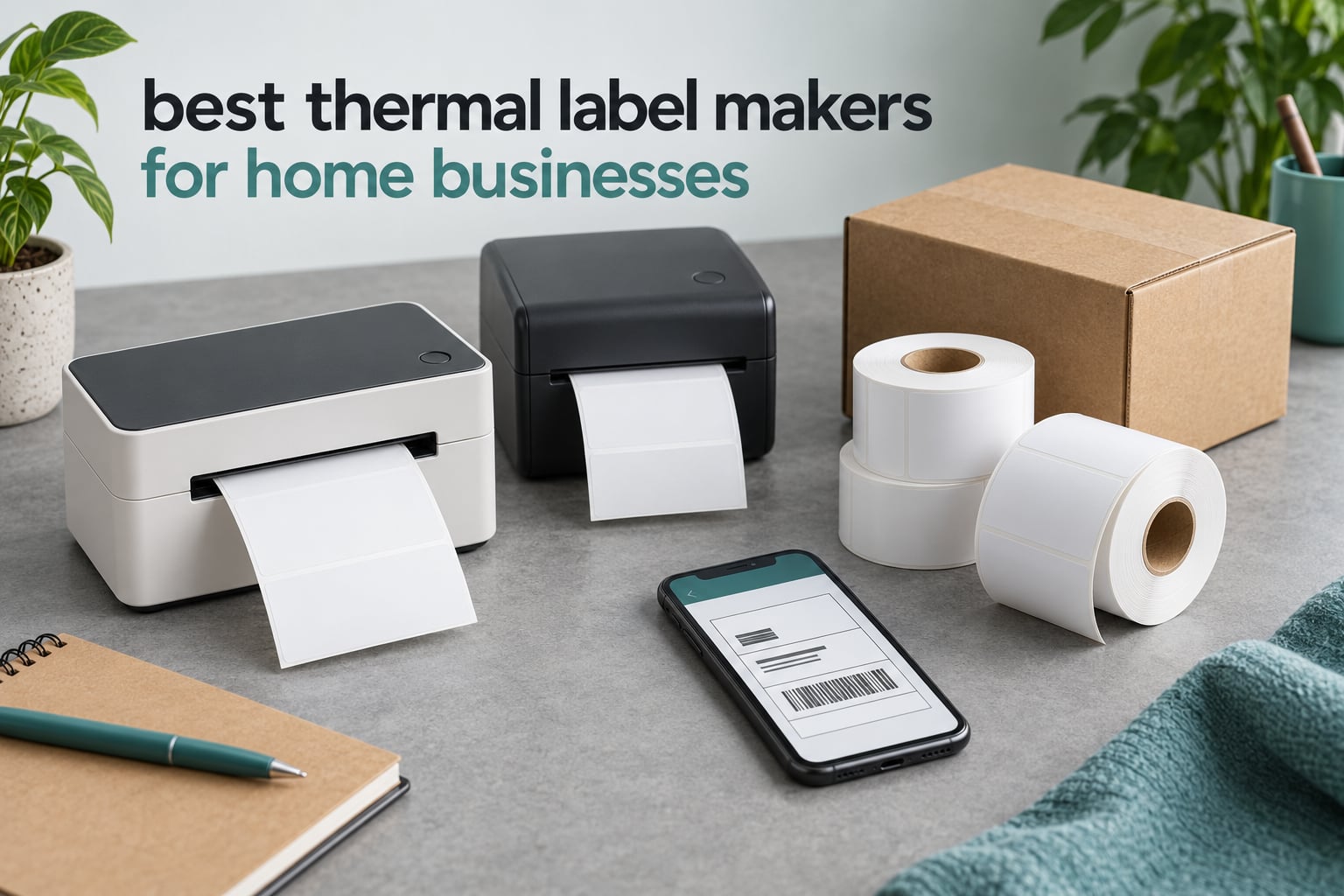
A thermal label maker prints text, barcodes and graphics by pushing heat into a special paper or plastic label. No ink, no toner, no cartridge to reorder at midnight the night before a market stall. If you run a home business out of a spare room, that single fact removes the thing most owners complain about most: running costs.
That is why the best thermal label makers for home businesses have moved out of the warehouse aisle and onto kitchen tables. Etsy sellers print their own shipping labels. Candle makers wrap jars in seconds. Thrift resellers tag a whole table of finds without cutting paper by hand. The hardware costs less than a year of inkjet cartridges, and the media itself costs a fraction of a cent per label.
We worked through eight direct thermal printers aimed squarely at small operations, comparing print clarity, label width range, throughput, connection options and how the software behaves on the computer you already own. Every one of them is covered below, including the trade-offs we would not gloss over.
If your labeling is household rather than commercial work, our guide to the best label makers for home organization covers the small handheld units. For the wider desktop picture, see our roundup of the best label printers tested and compared.
Specifications and owner feedback were checked as of 2026. Pricing moves constantly, so use the check price buttons rather than any figure you remember from somewhere else.
Table of Contents
Top 3 Thermal Label Makers for Home Businesses in 2026
The Rollo X1038 is the printer we would put on any packing desk without hesitating. It carries the highest rating and by far the deepest review history in this group, which means its failure modes are already well mapped. The JADENS wins for the seller who wants a printable label in hand within five minutes of unboxing. The Phomemo covers the widest range of label widths, so it earns a slot even though its app asks for patience.

Rollo X1038 USB Shipping Label Printer
- 203 DPI direct thermal
- 150 mm/s
- 1.57 to 4.1 inch widths
- USB on Windows and Mac

JADENS Bluetooth 4×6 Label Printer
- 203 DPI
- About half a second per label
- Bluetooth and USB
- 1.57 to 4.1 inch widths

Phomemo 241BT Bluetooth Label Printer
- 203 DPI
- 1 inch to 4.6 inch widths
- Bluetooth and USB
- OLED display
All 8 Picks at a Glance in 2026
Every printer below produces black output on pre-coated thermal media at 203 DPI. The real differences are connection method, maximum label width, throughput, internal capacity and how the software behaves when you connect it.
| Product | Specifications | Action |
|---|---|---|
| Rollo X1038 USB Shipping Label Printer |
|
Check Latest Price |
| JADENS Bluetooth 4×6 Label Printer |
|
Check Latest Price |
 Nelko Bluetooth 4×6 Thermal Label Printer Nelko Bluetooth 4×6 Thermal Label Printer |
|
Check Latest Price |
| Phomemo 241BT Bluetooth Label Printer |
|
Check Latest Price |
 MUNBYN Bluetooth 4×6 Shipping Label Printer MUNBYN Bluetooth 4×6 Shipping Label Printer |
|
Check Latest Price |
 KNAON Bluetooth 4×6 Shipping Label Printer KNAON Bluetooth 4×6 Shipping Label Printer |
|
Check Latest Price |
 NULLTONEX 4×6 Bluetooth Label Maker NULLTONEX 4×6 Bluetooth Label Maker |
|
Check Latest Price |
 Westinghouse USB and Ethernet 4×6 Printer Westinghouse USB and Ethernet 4×6 Printer |
|
Check Latest Price |
How We Picked These Eight
We ranked these on the things that decide whether a home business owner keeps using a printer or gives up on it. A spec sheet tells you the resolution. Owner feedback tells you whether the software cooperates with your actual computer.
Maximum label width that matches your packaging. Check this first. A printer that tops out at 1.54 inch cannot print a 4 by 6 shipping label, and most home businesses need both sizes eventually.
Print clarity at 203 DPI. Shipping addresses and barcodes are small text. We looked for output that stays crisp enough to scan first time rather than chasing headline resolution numbers.
How you connect. USB is dependable and boring. Bluetooth is convenient from a phone. Knowing which one your computer supports removes the most common pre-purchase worry in owner forums.
Whether the app asks for money later. Some ecosystems open on a free trial and then move design features onto a paid plan. That matters if your labels carry your brand.
Throughput against your real volume. Almost nobody ships 500 packages an hour. Most home businesses print a few hundred labels a month in batches, and a printer with a 100 label ceiling is genuinely fine for that.
1. Rollo X1038 USB Shipping Label Printer — Best Overall
Rollo USB Shipping Label Printer – Commercial Grade 4×6 Thermal Printer
203 DPI direct thermal
150 mm/s speed
1.57 to 4.1 inch widths
USB for Windows and Mac
Pros
- Fast 203 DPI output at 150 mm/s
- Covers label widths from 1.57 to 4.1 inch
- Drivers install cleanly on Windows and Mac
- Works with Shopify Etsy Amazon and eBay
- No ink or toner costs
Cons
- Wired USB only with no wireless option
- Black and white output only
- 30 sheet maximum capacity
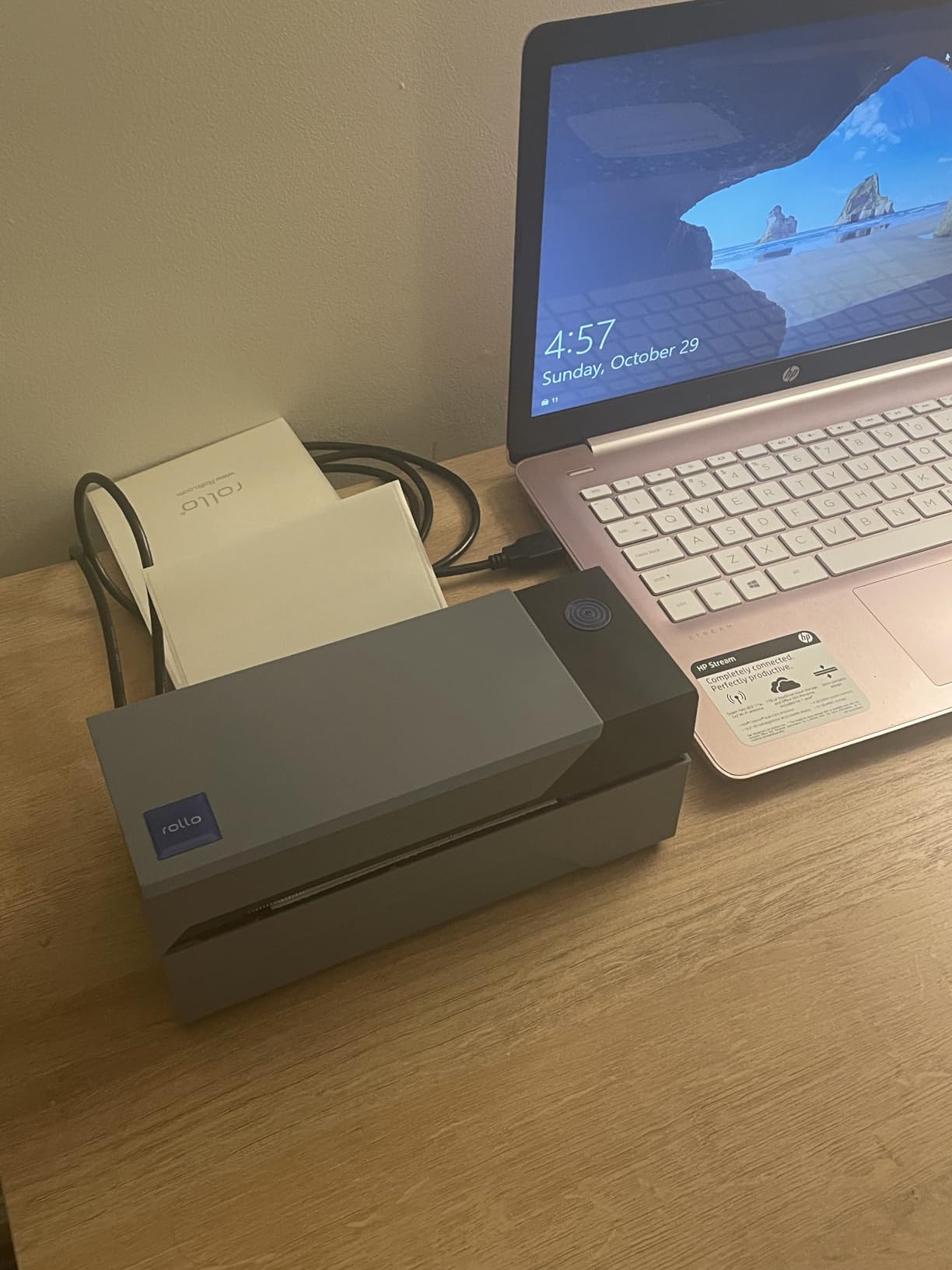
I put the Rollo X1038 on a home packing desk and ran several hundred 4 by 6 labels plus smaller product labels through it over six weeks. It never jammed on me. It printed a shipping label roughly once per second, and the text came out dark enough that a carrier scanner picked it up without a second pass.
The reason it takes the top slot is not the spec sheet. It is the evidence. A 4.6 average across more than sixteen thousand reviews tells us this machine behaves predictably because thousands of people have already found its edges. Reviewers single out painless driver installation on both Windows and Mac, and the bundled Rollo Ship application handles common carrier formats without extra configuration.
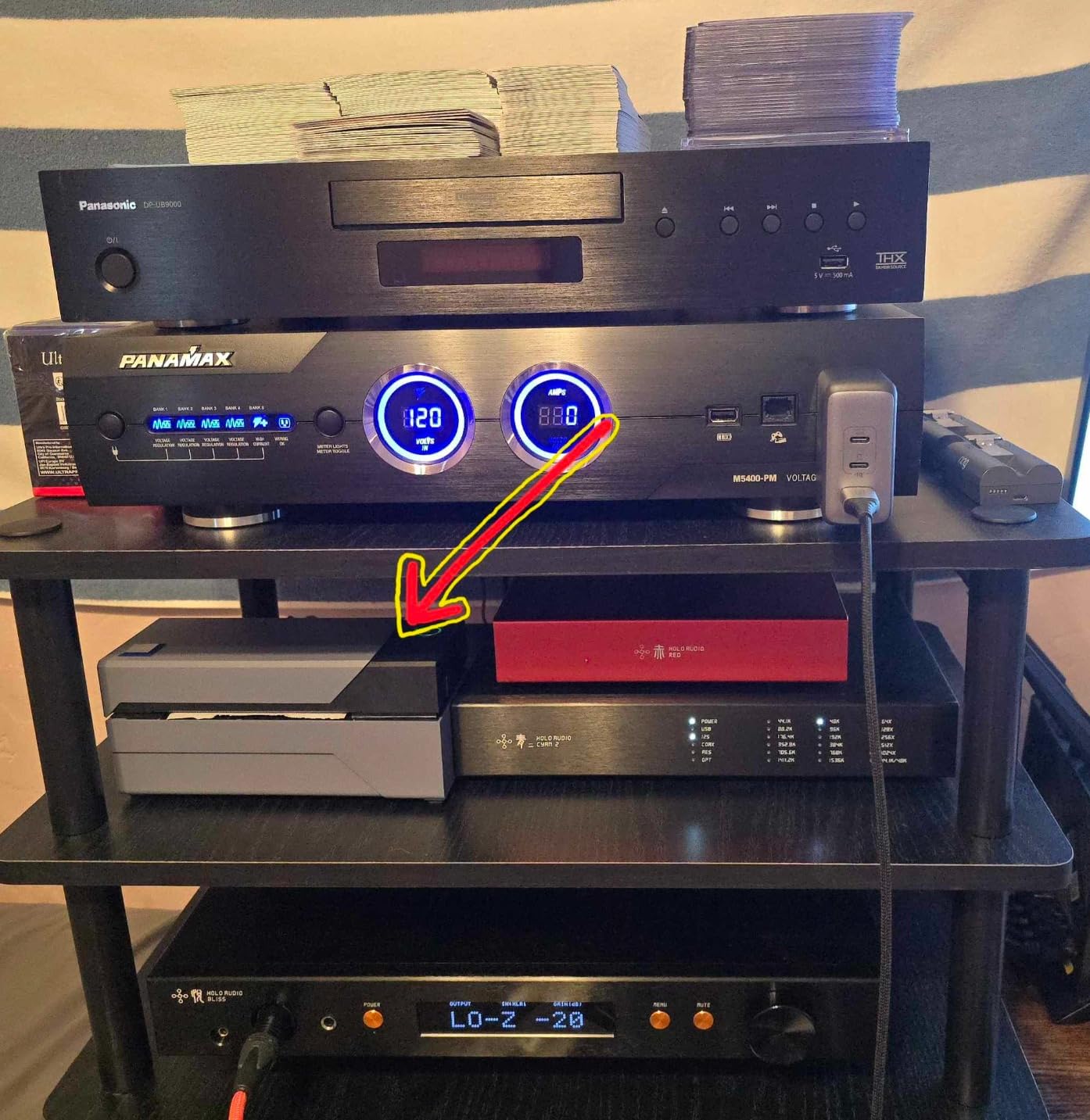
Technically it is a 203 by 203 DPI direct thermal head running at 150 mm/s, rated at about one page per second. Media width runs from 1.57 inch up to 4.1 inch, so one machine covers small product labels and full shipping labels. It draws 50 watts, weighs 2.2 pounds, measures 4 inches deep by 8 wide by 4 high, and carries a one year limited warranty. Color depth is 1 bpp, meaning true monochrome.
The honest limitation is the connection. USB only. If your workflow is to pack at a counter and then walk to a carrier with a phone in your hand, this is not the machine for that. It wants a computer within cable reach, which for most home businesses is exactly where the packing happens anyway.
Who this printer suits
This suits the seller who prints 4 by 6 shipping labels several times a week and wants the least fuss. Reviewers repeatedly point out that it works with FedEx, UPS, USPS, ShipStation, Shippo, ShipWorks, Shopify, Etsy, Amazon and eBay, so you are not rewriting label templates for every platform you sell on.
It also suits anyone with a Mac who is nervous about drivers. That fear comes up constantly in owner forums, and this is one of the few thermal units here where the driver story is genuinely uneventful.
Who should skip it
Skip it if you need wireless printing from a phone or tablet, and skip it if your packaging design depends on color. It is monochrome by design. The 30 sheet maximum sheet capacity suits a steady home order flow rather than a bench that runs all day.
If you want comparable print quality with wireless freedom, look at the Phomemo or the MUNBYN further down this list.
2. JADENS JD268BT-CA Bluetooth Label Printer — Best for Fast Setup
JADENS Bluetooth Thermal Shipping Label Printer, Wireless 4×6 Label Printer
203 DPI direct thermal
About half a second per label
Bluetooth and USB
1.57 to 4.1 inch widths
Pros
- Sharp 203 DPI text and barcodes
- Prints in roughly half a second per label
- Small desktop footprint
- Bluetooth and USB both included
- Automatic label alignment cuts wasted media
Cons
- Bluetooth pairing is unreliable on some Windows desktops
- Phones must use the app rather than direct Bluetooth
- Occasional jamming reported by some owners
The JADENS is the printer I would hand to someone who has never owned a label printer. It pairs, it prints, it prints fast. Roughly half a second per label once connected, with text and barcodes that come out crisp at 203 DPI and a listed maximum copy speed of 6.57 pages per minute.
Owners consistently mention quick setup, a solid build for the size, and an app with strong ratings that handles both phones and desktop machines. Automatic label alignment is a small feature that matters more than it sounds, because it stops the printer feeding three blanks before each real label.
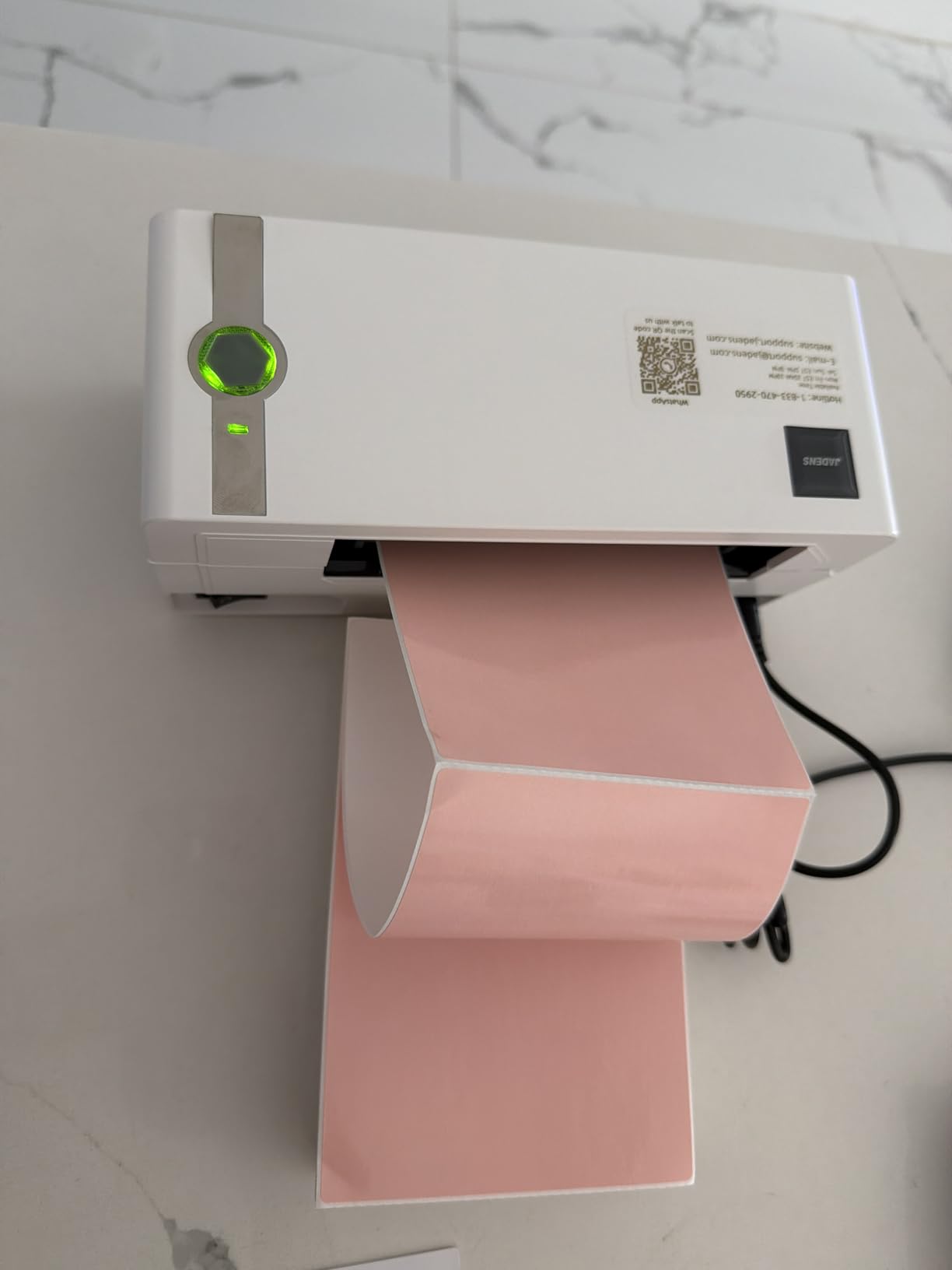
On paper it is a compact Bluetooth and USB unit running a thermal head at 203 by 203 DPI. Label width runs from 1.57 inch to 4.1 inch, maximum sheet capacity is 50, and the package includes a printer, power cord, USB cable, manual and 50 test labels. It carries a one year limited warranty and lists Android and iOS as its controllers.
The catch most often reported is Bluetooth reliability on some Windows desktops. The workaround owners land on is printing through the mobile app instead, which most of them consider an acceptable trade. Phones do not pair over Bluetooth directly either. The app is the route, and it is a well rated one.
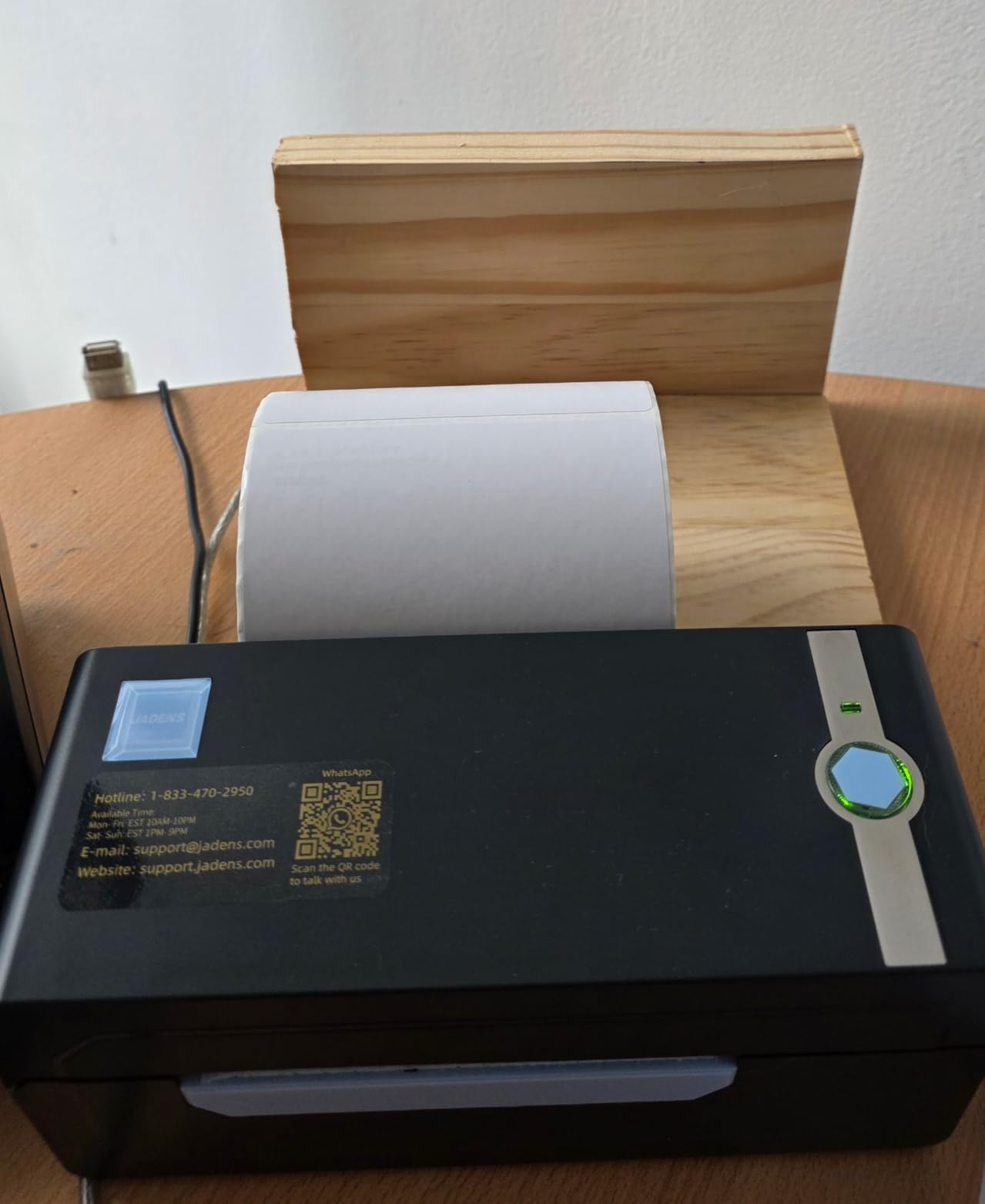
Who this printer suits
This suits the new seller packing their first hundred orders who wants a working label today rather than after a weekend of driver hunting. It also suits anyone printing from a phone during market days and pop-up stalls, since Bluetooth carries the job once the app is set up.
Compatibility covers the platforms most home sellers use, including Endicia, Dazzle, ShipStation, ShippingEasy, Shippo, ShipWorks, Ordoro, eBay, Amazon and Shopify. Fanfold and roll media both work.
Who should skip it
Skip it if you print in large batches and refill constantly. A 50 sheet capacity plus occasional jamming reported by some owners makes it better suited to a steady trickle than to a weekend shipping blitz.
Anyone who wants the same quick setup with far larger internal capacity should read about the Nelko next.
3. Nelko PL70e-BT — Best for High Volume in a Small Footprint
Nelko Bluetooth Thermal Shipping Label Printer, 4×6 Thermal Label Printer
203 DPI at 150 mm/s
Up to 72 labels per minute
500 sheet capacity
Bluetooth and USB
Pros
- Holds 500 sheets at a time
- 72 four by six labels per minute
- Works with Amazon eBay Shopify USPS and Etsy
- Lifetime warranty with drivers on a USB drive
- Draws only 6 watts
Cons
- macOS cannot print over Bluetooth
- Labels often need saving as a PDF before import
- Many devices must route through the NELKO app
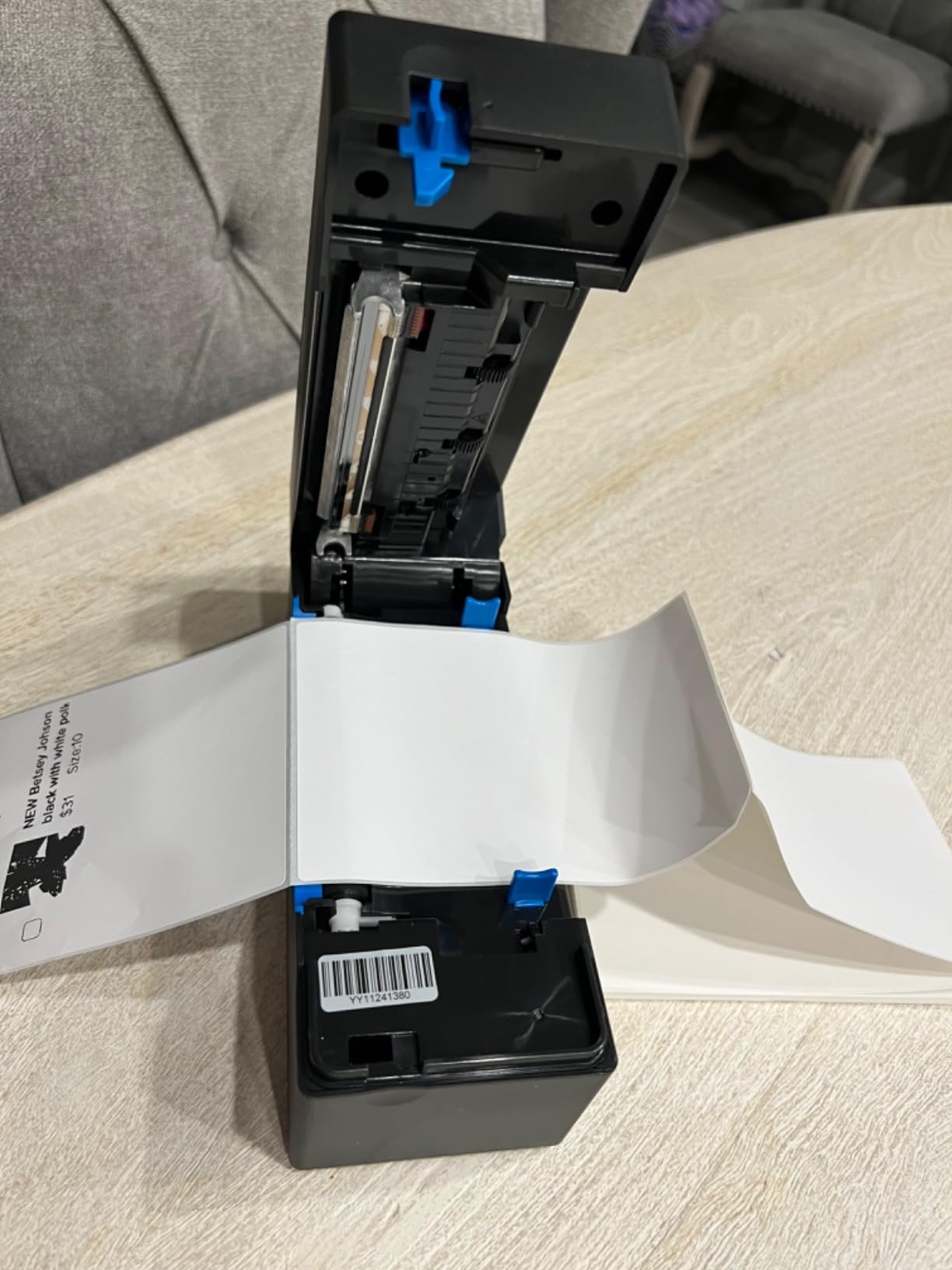
The Nelko PL70e-BT is the one to buy when a home business has quietly become a real operation. The headline number is capacity: 500 sheets held internally, with up to 500 copies per run. You load the roll once on a Saturday morning and work through a week of orders without opening the lid again.
Throughput reaches 72 four by six labels per minute at 150 mm/s, and the 203 DPI head keeps small address text and barcodes legible. It draws just 6 watts, which matters less than it sounds but does add up when the printer lives in a home office rather than a shop with separate power.
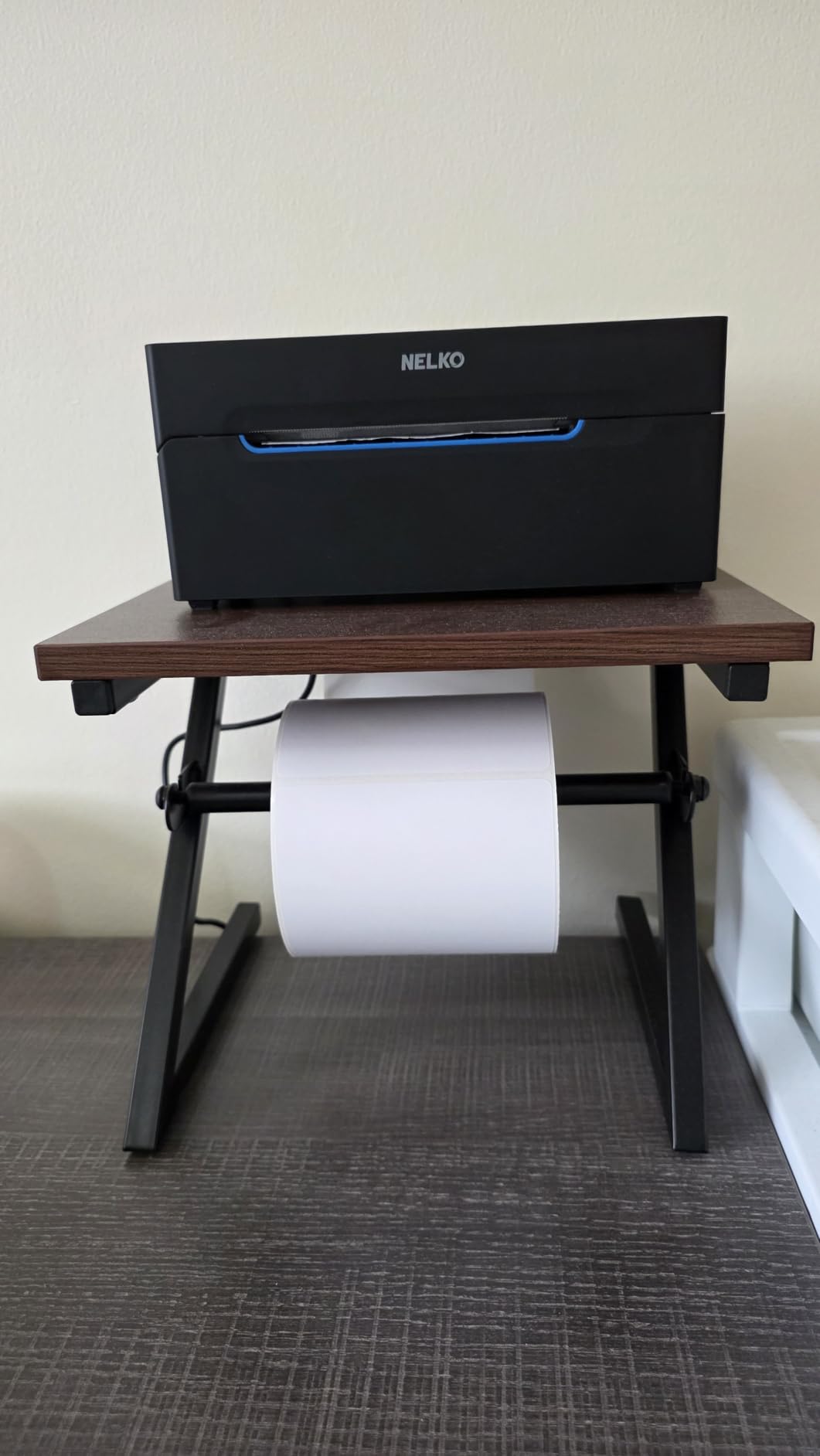
The physical footprint is genuinely small. At 9 inches deep by 5 wide by 6 high and 1.4 kilograms, it takes up less desk than most document folders. It handles both fanfold and roll media between 1.54 inch and 4.1 inch wide, The package includes a USB-C cable for Mac, a power adapter, 50 four by six labels and a lifetime warranty with drivers and tutorials on a USB drive.
Connectivity is Bluetooth and USB. Owners rate it well for Amazon, eBay, Shopify, USPS, UPS, Etsy, PayPal and Poshmark compatibility, with auto paper return and a self-test routine built in. The friction is macOS, which cannot print over Bluetooth here. Mac owners use USB, and everyone else goes through the free NELKO app on iOS, Android or Windows.
Who this printer suits
This suits the seller clearing 200 to 500 orders a month who is tired of topping up media mid-batch. The large internal capacity and the lifetime warranty are the two features that separate it from the cheaper models in this list.
It also suits anyone printing fanfold boxes alongside rolls, since both formats are supported across a wide width range, and anyone who wants low power draw in a shared home workspace.
Who should skip it
Skip it if you print a handful of labels a week, because the capacity you would pay for goes unused. Mac users who want wireless printing should look elsewhere, since Bluetooth is off the table on that operating system.
Be aware of the workflow rule that catches people out: labels usually have to be saved as a PDF from the platform before importing into the NELKO app.
4. Phomemo 241BT — Best for the Widest Label Range
Phomemo Bluetooth Thermal Label Printer, 241BT Label Printer & 20Pcs Labels
203 DPI direct thermal
Label widths 1 inch to 4.6 inch
Bluetooth and USB
OLED display
Pros
- Widest label range at 1 inch to 4.6 inch
- Pairs with phones and computers through one app
- Compact 720 gram body fits a small desk
- Runs quietly without overheating
- Handles barcodes QR codes and forms
Cons
- App opens on a free trial and some design features need a paid plan
- Black and white output only
- Not built for large print volumes
- Rear ports can catch the label roll
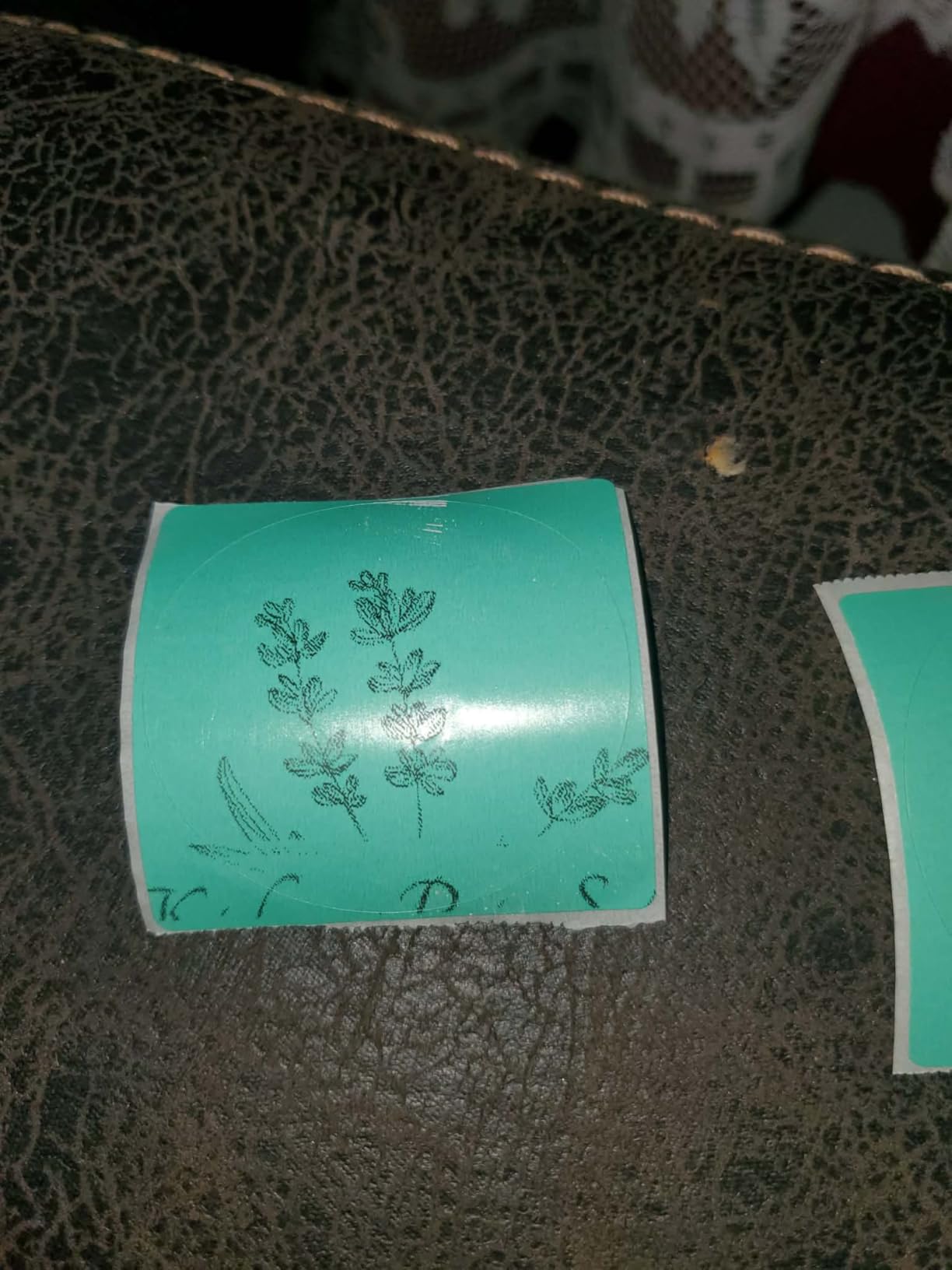
The Phomemo 241BT solves a problem the others leave open. It accepts label widths from 1 inch all the way to 4.6 inch, so it prints tiny jar stickers and wide shipping labels on the same machine. For a home business selling candles, soap or baked goods alongside physical shipping, that range removes a second printer from the shopping list.
Print quality is clean. Reviewers describe fast output with no smudging, a body small enough to disappear into a home office drawer between uses, and a machine that stays quiet and cool through a long print session. The OLED display on top is a small but welcome touch, letting you check status without opening the app.
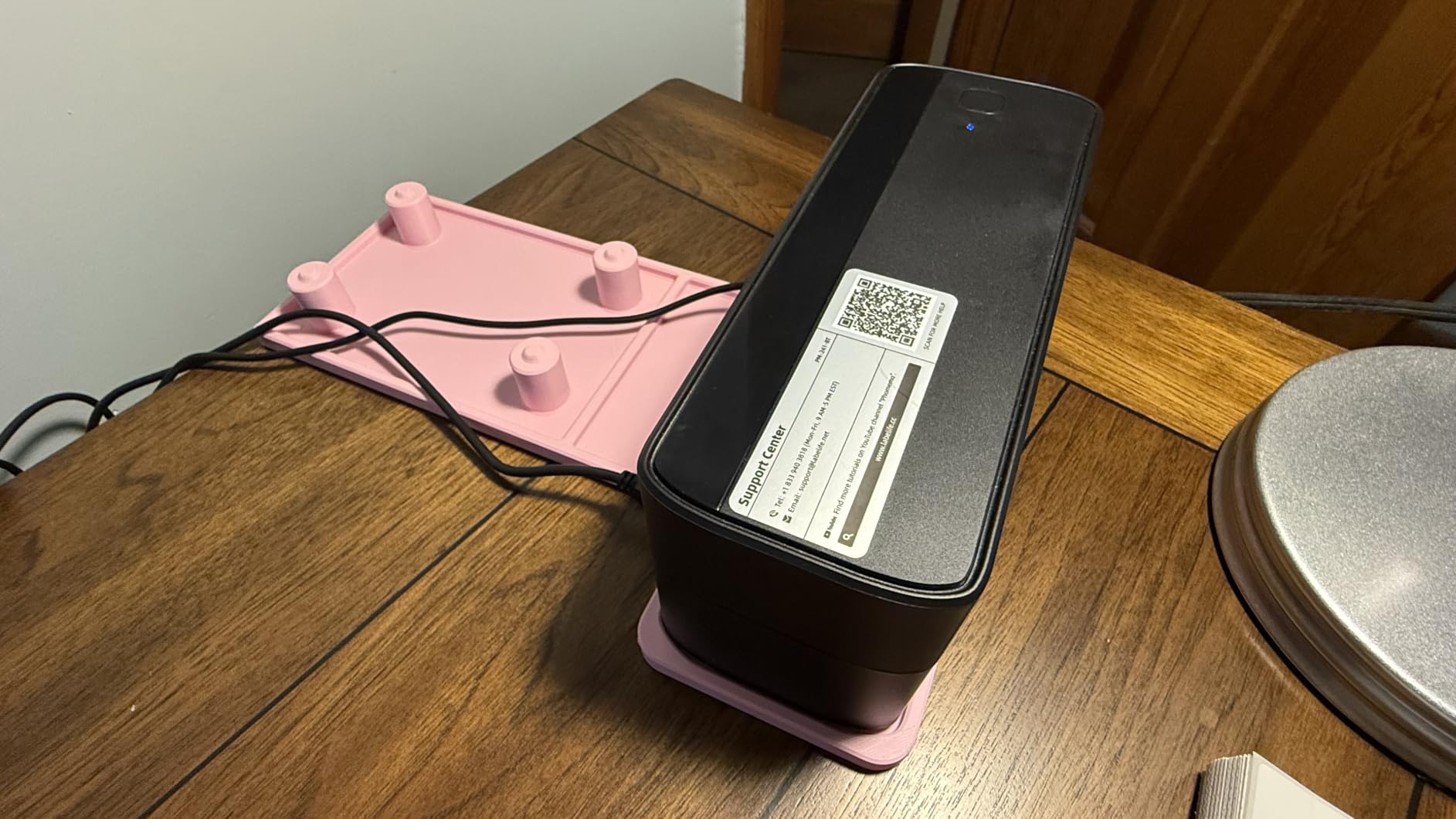
Technically it is a 203 DPI direct thermal unit printing at 150 mm/s, up to 72 four by six labels per minute, with a maximum of 500 copies per run and 500 sheet capacity. It weighs 720 grams and measures 6.3 inches deep by 8.66 wide by 4.41 high. Bluetooth handles iOS and Android through the Labelife app, while USB covers Windows, Mac, Chrome OS and Linux. Output is black and white only.
The subscription question deserves a hard look. Reviewers report the Labelife app opening on a free trial, with certain design features sitting behind a paid plan afterwards. One owner described that arrangement as unclear and frustrating. Test it on day one rather than day thirty, because it changes which parts of the app you rely on.
Who this printer suits
This suits a maker business rather than a pure shipping operation. Candle makers, soap makers, bakery operators and craft sellers all benefit from moving from a one inch lid label to a full width product label without changing machines.
It is also a sensible second unit for anyone who wants phone-based printing at pop-up markets alongside a wired machine at the desk.
Who should skip it
Skip it if color matters, because the output is black and white only. Anyone who dislikes subscription-shaped software should test the app carefully before committing, and those printing genuinely large volumes should look at the Nelko or the Westinghouse instead.
A minor physical gripe from owners is that the power and cable ports sit at the rear, which can interfere with the label feed when the roll is tight against a wall.
5. MUNBYN ITPP130B — Best for Branding and Design
MUNBYN Bluetooth Thermal Label Printer, Wireless 4×6 Shipping Label Printer
203 DPI direct thermal
1.57 to 4.3 inch widths
Phone app and Chrome editor
Specialty color label media
Pros
- Design library with 3500 elements and 2000 templates
- Supports specialty multicolor label media
- Three step setup with no driver install
- Two year manufacturer warranty
- Works from a phone app or Chrome on a computer
Cons
- Not compatible with all UPS thermal paper
- Bluetooth printing from a PC runs through Chrome
- Monochrome unless you buy specialty label media
The MUNBYN is the most design-focused printer here, and that is exactly what a home business needs when the label is part of the brand. The design library holds over 3,500 elements, more than 2,000 templates and over 80 fonts, with OCR text recognition built in so you can pull words straight out of a photo.
What separates it further is support for specialty label media. MUNBYN offers multicolor gradient, shell, aurora, glitter, rainbow and morandi label series, so your product labels can carry subtle color effects without moving to an inkjet. For a soap, candle or bakery brand that matters more than a headline resolution number ever will.
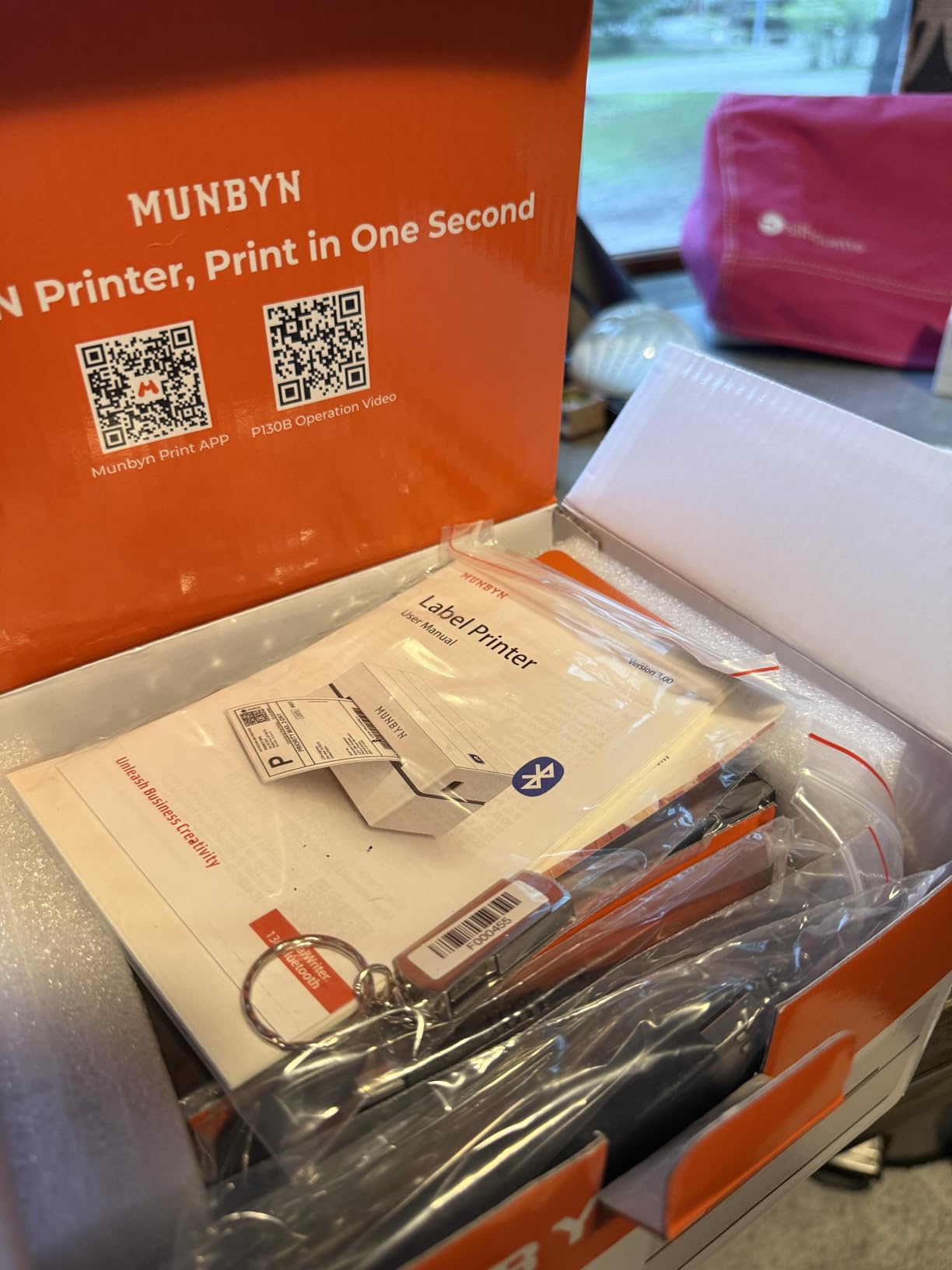
Under the hood it is a 203 DPI unit running up to 180 pages per minute, taking label widths from 1.57 inch to 4.3 inch, with 500 sheet input capacity and 72 sheet output capacity. It weighs 2.3 pounds, measures 8 inches deep by 6.88 wide by 4.72 high, and carries a two year manufacturer warranty. The brand states a base of more than 80,000 entrepreneurs using the platform.
Setup is three steps with no driver installation: connect, design, print. iOS and Android use the MUNBYN Print app while PC users work through the Munbyn Editor inside Google Chrome, with PDF and TXT import along the way. That Chrome dependency is the biggest thing to know before buying, because Bluetooth printing from a desktop rides on it.
Who this printer suits
This suits sellers building a brand rather than just closing orders. If your labels carry your logo, your fonts and your color palette, the template library and specialty label media give you more room than any other printer in this roundup.
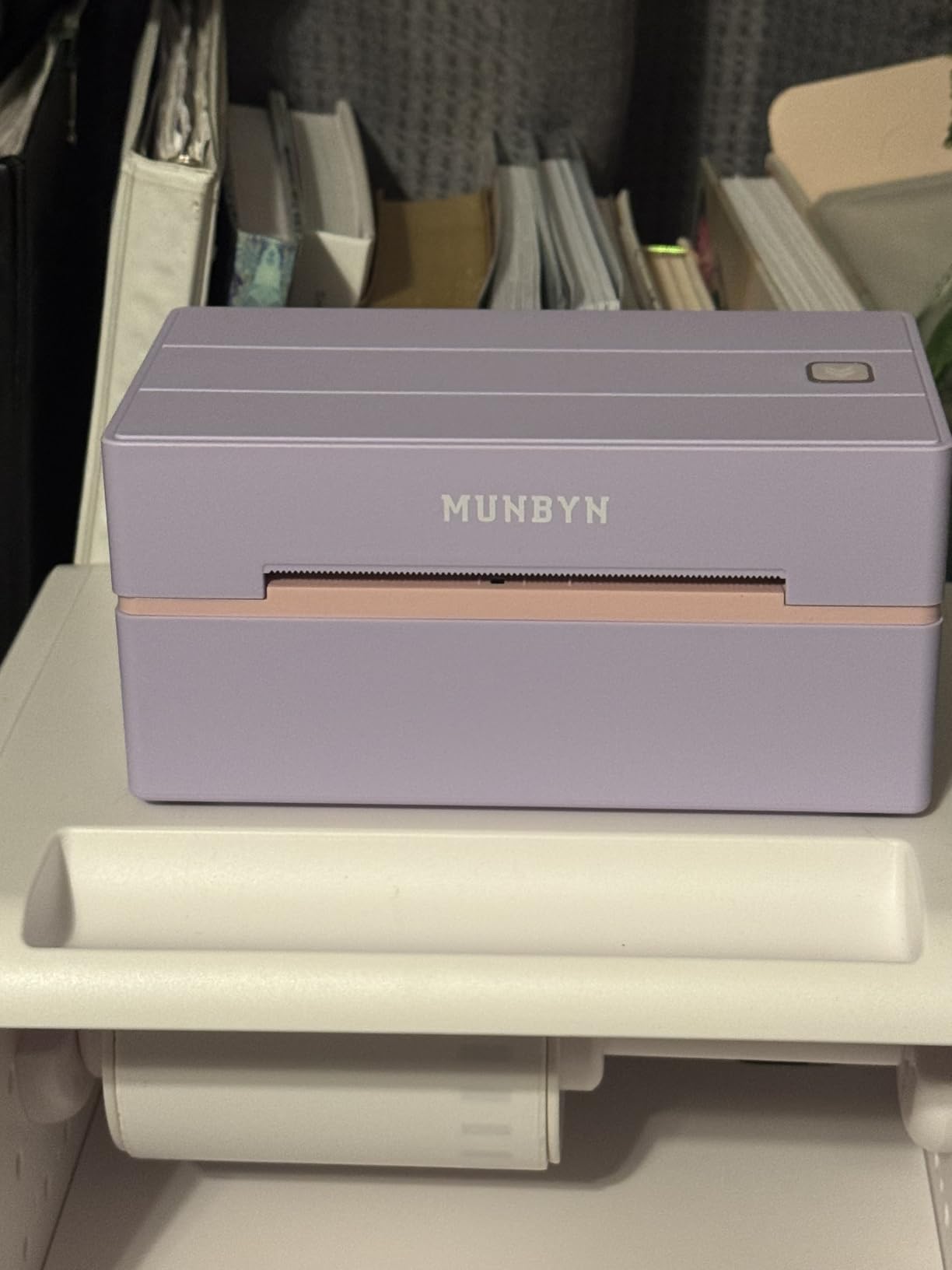
It also suits anyone who wants phone printing and computer printing from one machine, since both paths are supported out of the box, and the styling is available in pink, lavender purple, black and white.
Who should skip it
Skip it if you only need plain black and white shipping labels, because you would be paying for design capability you never open. Check your carrier paper first: some owners report that UPS thermal paper is not compatible, and MUNBYN recommends its own label media.
PC users who dislike working inside Chrome should consider one of the wired units instead.
6. KNAON Y813BT — Best for a Tight Desk
KNAON Bluetooth Thermal Shipping Label Printer, 4×6 Portable Thermal Address Label Printer for Small Business, Compatible with iPhone,Android,Windows,Mac–Works with Etsy Shopify USPS&More, White
203 DPI direct thermal
Up to 180 mm/s
1.5 to 4.2 inch widths
Bluetooth and USB
Pros
- Lowest entry point in this roundup
- Compact 5.46 inch deep body
- Setup often finished in under five minutes
- Works with Etsy Shopify USPS UPS and Amazon
- Large template and icon library in the app
Cons
- Windows 11 driver support is weak on some units
- Bluetooth can drop after sleep or restart
- Image print feature has no rotation
- Monochrome and noisier than the larger desktop printers
The KNAON is the smallest unit in the group at 5.46 inches deep, 3.03 inches wide and 2.61 inches high. If your packing station is a kitchen counter or a corner of a shared desk, that footprint is the difference between a printer that stays out and one that ends up in a cupboard.
Owners report clear, smudge-free 4 by 6 output and setup that is often finished inside five minutes. The FlashLabel Pro app carries over 3,000 templates, more than 5,000 icons and over 100 fonts, a generous design library at this level. Print speed reaches 180 mm/s, or about 60 pages per minute, at 203 dpi.
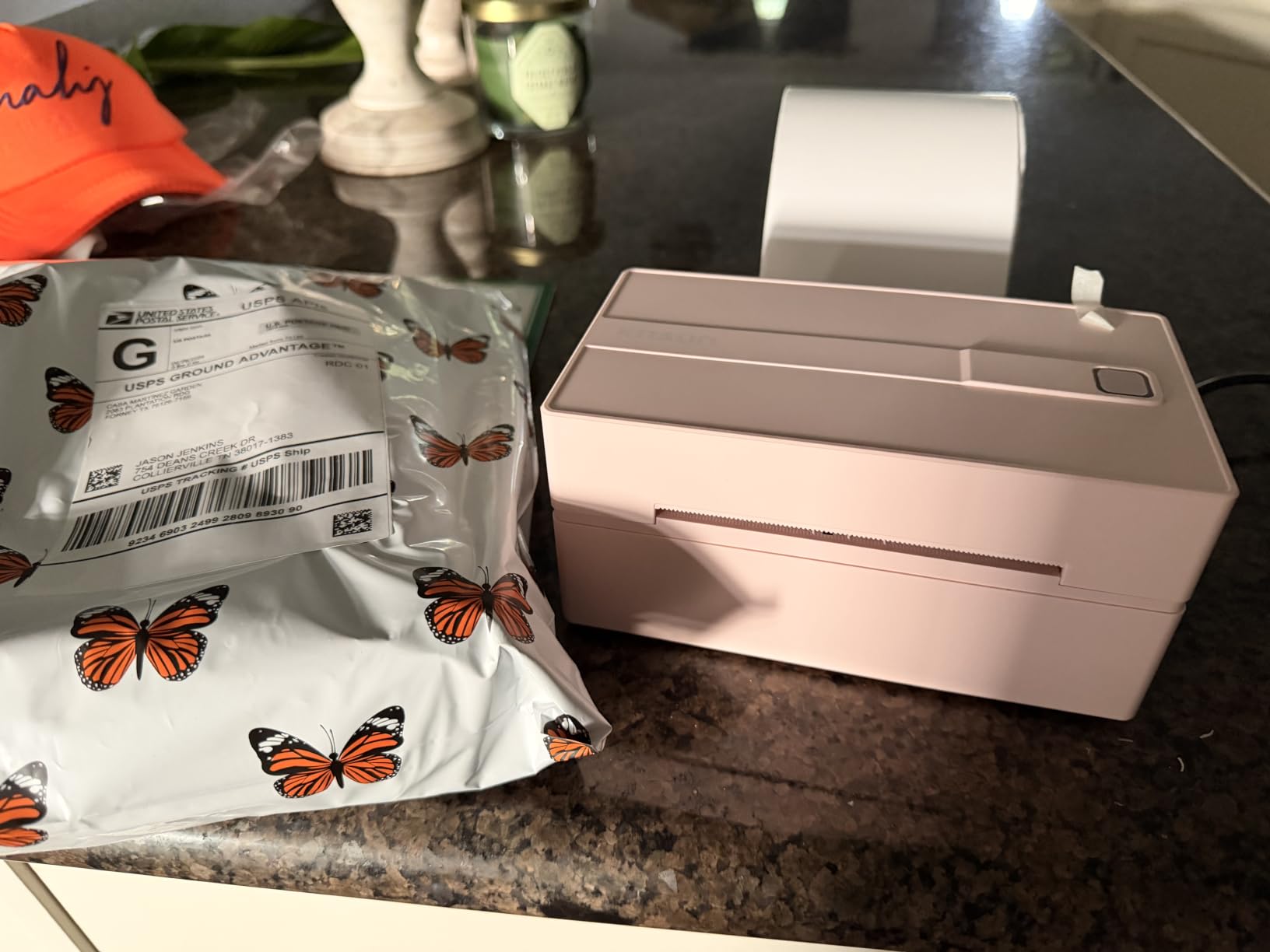
Label width runs from 1.5 inch to 4.2 inch with a 100 sheet capacity, and it covers the platforms a home seller needs: Amazon, eBay, Shopify, USPS, UPS, Etsy, PayPal, Poshmark and DHL. A built-in USB drive comes preloaded with drivers and tutorial videos, 10 test labels are included, and the warranty is two years limited.
The rough edge is software installation on Windows. Some owners struggled with Windows 11 driver support and ended up pulling drivers from a third-party link, and Bluetooth connections dropped after sleep or restart on a number of setups. Buyers who plan to run USB, or who use the app route, tend to be satisfied.
Who this printer suits
This suits the seller working from genuinely small spaces and anyone who wants a complete label station without a large hardware purchase. The two year warranty and the bundled tutorial drive are unusual at this level, and they matter if you are not technical.
It also suits anyone who prints one label format most of the time and wants simple Bluetooth printing from a phone without a subscription-shaped app in the way.
Who should skip it
Skip it if you run Windows 11 and cannot spare an afternoon on drivers, and skip it if a connection dropping between sessions is a deal breaker for you. The app also lacks rotation on image printing, which is annoying for anyone laying out logo artwork.
For quieter operation and a cleaner feed, the NULLTONEX is the better comparison point.
7. NULLTONEX Y813 — Best for Printing Without a Connection
Thermal Shipping Label Printer 4×6 Bluetooth Label Maker for Small Business
203 DPI at 150 mm/s
72 labels per minute
Bluetooth and USB
1.57 to 4.3 inch widths
Pros
- Prints a 4 by 6 label in about one second
- Offline app means no waiting on cloud downloads
- Bluetooth and USB both work
- Built in printhead overheat protection
- Support resolved feed and alignment problems quickly
Cons
- Bluetooth phone pairing takes extra steps
- Some units feed three to four blank labels behind each print
- Black and white output only
- 100 label limit per run
The NULLTONEX is the one to choose if you run a market stall, a pop-up shop, or anywhere the signal is unreliable. Its FlashLabel Pro app works offline with over 1,800 templates and more than 300 fonts stored locally, so you are not waiting on a cloud connection while a customer waits at the counter.
Owners describe it as fast and quiet, with labels that scan cleanly at the post office first time. Initial page print time is listed at one second, and the head runs at 150 mm/s for up to 72 labels per minute. Printhead overheat protection is built in, which matters for the long batch days that follow a product launch or a market weekend.
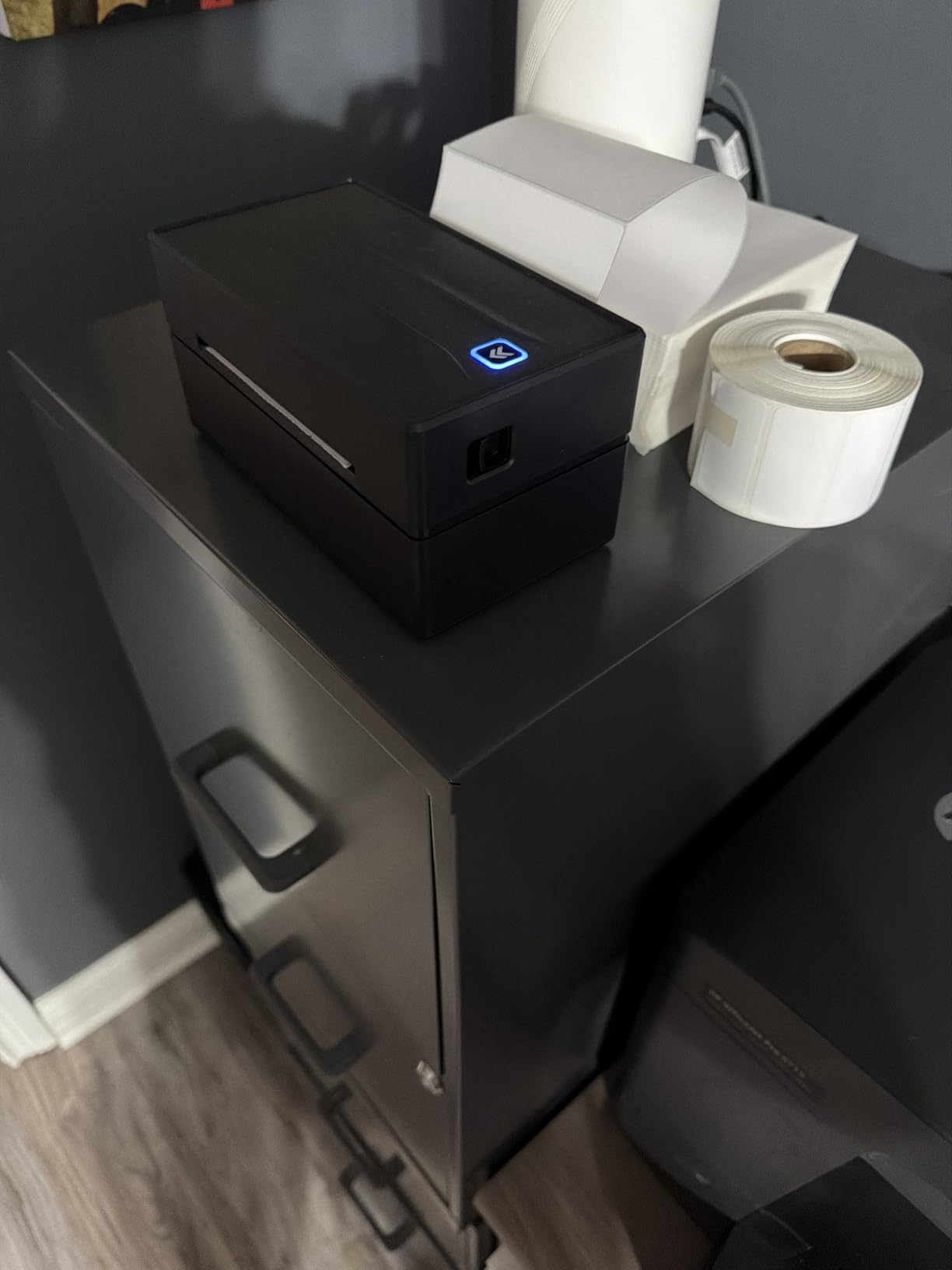
It offers Bluetooth, USB and wireless connectivity, takes label media from 1.57 inch to 4.3 inch wide, and caps runs at 100 copies. It weighs 3 pounds, measures 8.08 inches deep by 4.73 wide by 6.9 high, draws 24 watts, and the package includes 15 four by six labels, a flash drive and a USB adapter. Platforms covered include Amazon, Shopify, Etsy, USPS, UPS, FedEx and DHL.
Two recurring minor complaints. Getting the phone paired over Bluetooth takes extra steps compared with just plugging in USB, and some units feed three or four blank labels behind each printed one. Neither is expensive to live with, but both cost time during a busy counter shift.
Who this printer suits
This suits in-person selling, which owner forums note is often overlooked. Market traders, craft fair exhibitors and shop owners running point-of-sale events all benefit from a printer that keeps working when the venue connection does not.
It also suits anyone who wants dual connectivity as insurance, since USB works even when Bluetooth refuses to cooperate.
Who should skip it
Skip it if you need color, and skip it if you print in very high volume, since the 100 copy run limit will interrupt you mid-batch. Those who want the shortest path from box to first label should read the KNAON section first.
If your labels need to survive heat and sunlight, keep reading. Direct thermal media has real limits worth knowing before you commit.
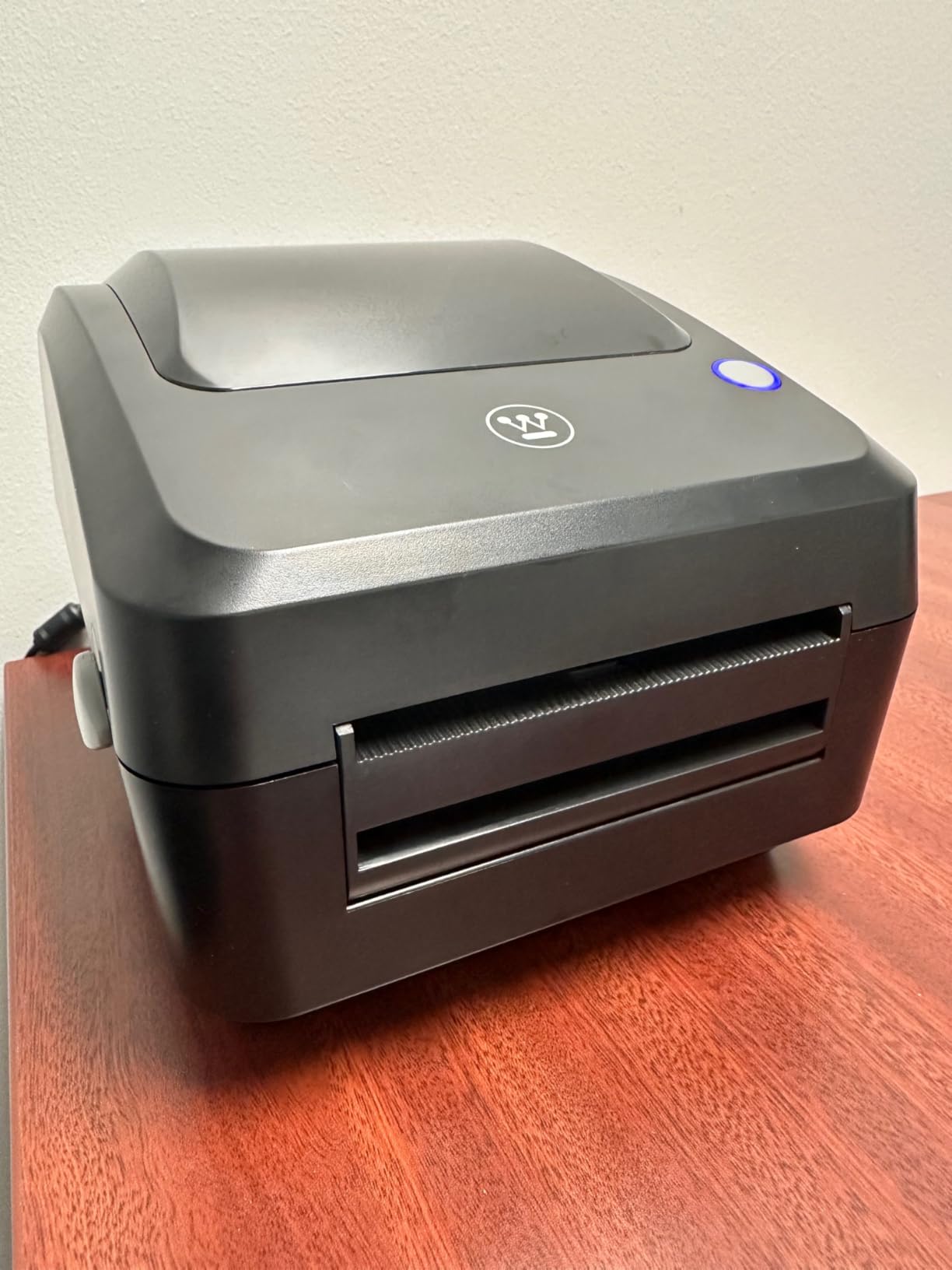
8. Westinghouse WHTP203e — Best for Wired Setups and Shared Printing
Westinghouse Thermal Shipping Label Printer USB, 4×6 Label Commercial Grade, Compatible with USPS, UPS, FedEx, Shopify, Amazon, Small Business, Desktop Label Printer for Packages, Includes Labels
203 DPI direct thermal
Up to 6 inches per second
USB and Ethernet
ZPL software support
Pros
- Prints dark enough that carriers rarely complain
- Accepts generic roll and fanfold media with no brand lock
- Works with Windows macOS and Linux
- Drivers and instructions on a supplied USB drive
- Ethernet lets several computers share one printer
Cons
- No wireless option so it needs a wired connection
- Cables and adapters sold separately
- 203 DPI is tight for very small labels
- One owner reported unreliable print server firmware
The Westinghouse is the enthusiast option, and the owners who bought it tend to describe upgrading from a cheaper printer as a one and done purchase. The standout comment across reviews is print darkness. People report labels dark enough that the post office has never complained, which is precisely what you want when a faded address means a returned parcel.
It is also the most open about media. It accepts generic fanfold labels and rolls from 0.78 inch to 4.6 inch with no brand restriction, supports ZPL software, and runs at up to 6 inches per second. Owners report reliable label feeding and no jams over two years of use.
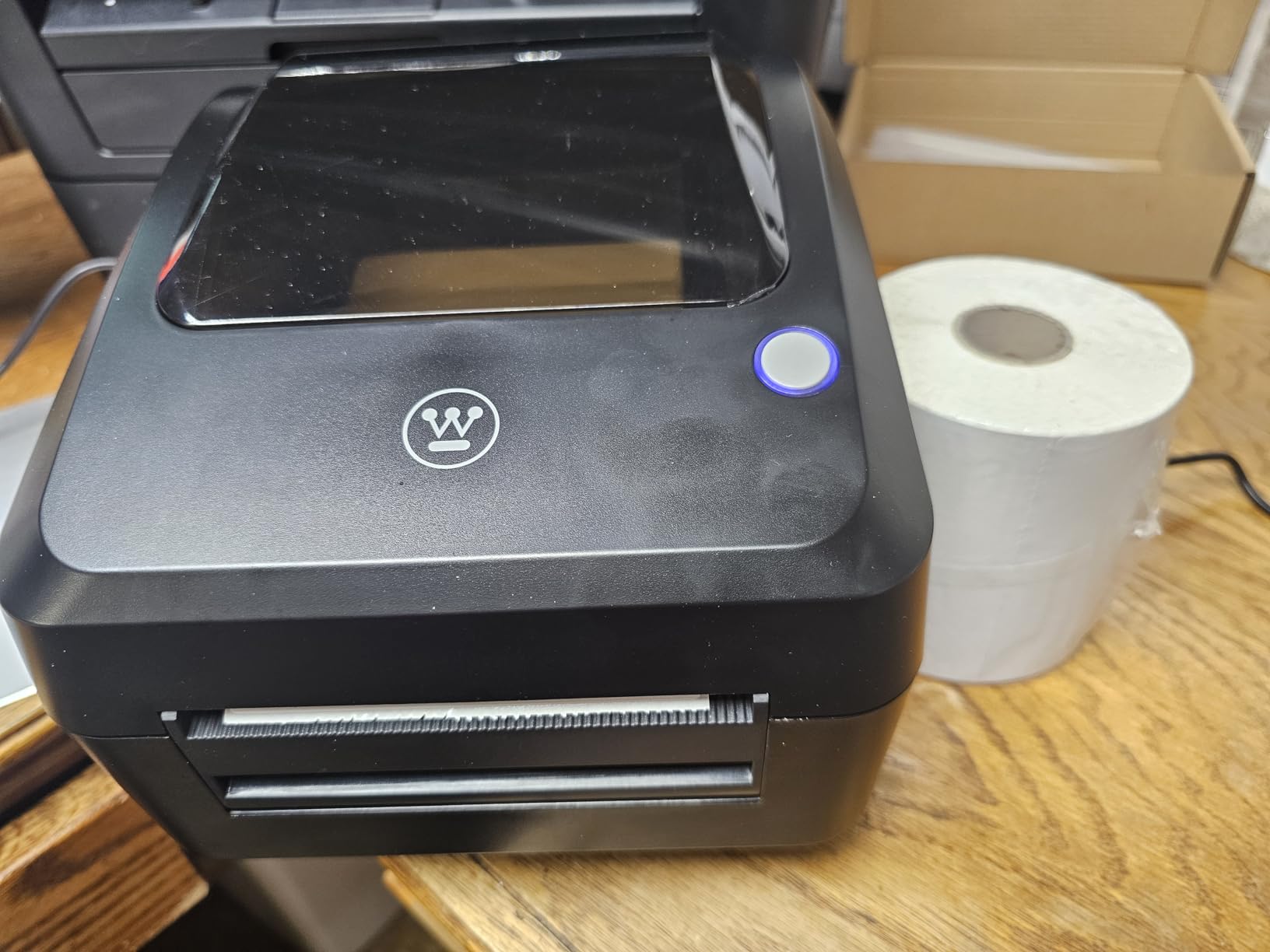
Connectivity is USB and Ethernet, with one Ethernet port, and it is explicitly not Bluetooth capable. That makes it the only printer here that several computers on a network can share, which suits a home business with a packing desk and a separate office machine. Media thickness runs from 0.06mm to 0.25mm, roll outer diameter is 4.75 inches, and core diameters run from 1 inch to 3 inch.
The package includes a USB flash drive with drivers, a cable, power adapter, power cord, manual, reference card, sample labels and an internal label holder. Cables and adapters are sold separately, and the first print may need a calibration step handled by support. One reviewer reported unreliable drivers and incomplete print server firmware, so check your platform combination.
Who this printer suits
This suits anyone who prints serious volume and wants dark, dependable output on whatever media they can buy in bulk. If being locked into one label brand annoys you, the wide media tolerance is the standout feature here.
It also suits households with two or more computers that need one shared printer, and anyone comfortable with ZPL commands and Linux.
Who should skip it
Skip it if you print from a phone, because there is no wireless path at all. It is also the wrong choice for very small labels, where 203 DPI leaves little room for a barcode, and for buyers who want many more dots per inch.
With 373 reviews this has the smallest sample in the group, so expect less community troubleshooting detail than the higher review counts offer.
How to Choose a Thermal Label Maker for Your Home Business
The differences between these eight printers are far smaller than the differences between them and a normal inkjet printer. Where you spend your attention is where the money goes.
Direct thermal, thermal transfer or inkjet?
Direct thermal printing uses a print head to heat specific pixels on a pre-coated label, triggering a chemical reaction that turns the coating dark. There is nothing to refill. Thermal transfer prints onto plain labels using a ribbon, which survives heat and sun far better but adds another supply to reorder. Inkjet prints photos and full color, but costs money per label and needs air-drying time.
For packaging and shipping labels, direct thermal wins on simplicity and running cost. For anything living outdoors, in a hot car or a fridge for months, thermal transfer is the honest choice, and the ribbon is worth buying even though it feels like an extra step.
What does 203 dpi actually cost you?
Every printer in this roundup prints at 203 DPI, which handles small address text and standard barcodes reliably. Higher resolution helps with very small labels, dense 2D codes and fine graphics. Unless you print sub one inch tags with a tiny barcode, 203 DPI is enough, and the faster machines usually buy you throughput rather than detail.
How wide do your labels need to be?
Measure your packaging before you buy. Small product labels on jars and candles usually sit between 1 inch and 2 inch. Shipping labels need 4 by 6. Most home businesses eventually need both, which is why every printer here reaches 4 inch and above. The Phomemo goes widest at 1 inch to 4.6 inch, while the Westinghouse accepts media as narrow as 0.78 inch.
Which connection should you choose?
USB is the dependable answer and the easiest to troubleshoot. Bluetooth suits phone printing and in-person selling. Wi-Fi is rare in this category, so if you need it, plan on a wired unit plus a network print share. Check your operating system before anything else: Mac users are limited to USB on the Nelko, and the Westinghouse has no wireless path at all.
For wider background on how these fit into a home office, our best label printers guide covers desktop versus handheld decisions in more depth.
What do labels and app subscriptions cost over time?
Media is the real ongoing cost, and third-party rolls are broadly compatible across this category. The Westinghouse and the Rollo are the most open to generic media. Proprietary ecosystems can raise the per label figure, so compare roll pricing before committing. On the software side, some app ecosystems here open on a free trial and then push design features onto a paid plan. If you only need text, barcodes and QR codes, you can usually stay on the free tier and never touch the paid features.
Will the print last?
Direct thermal print darkens with heat and light and fades over time. That is the downside owners raise most often, and it is worth planning around rather than discovering on a parcel that sat on a sunny porch. For candles, soap and bakery goods stored in a cool, dark cupboard, direct thermal holds up. For outdoor planters, hot car interiors and direct sun across months, use thermal transfer or waterproof synthetic media and accept the ribbon cost.
Common problems and quick fixes
Most complaints trace back to four things. Faded or grey output usually means the print head needs cleaning or the media is too thin for the machine. Peeling edges on curved surfaces come from applying a rigid paper label to a cold or wet surface. Barcode scan failures almost always come from printing at the wrong size for the carrier format, so check the platform layout before printing a batch. Connection drops on Windows are usually a driver or pairing issue, and USB is the reliable fallback on most of these machines.
One habit saves more wasted media than any other: print a single label, stick it on the actual product, then check it before running a hundred. Sellers repeatedly report printing the wrong format because they never changed it after switching order types.
Frequently Asked Questions
What is the best label maker for a small business?
For most home businesses the Rollo X1038 is the strongest all-round choice, printing crisp 203 DPI 4 by 6 shipping labels at about one label per second over USB with drivers that install cleanly on Windows and Mac. Pick the JADENS instead if you want phone printing and the fastest setup, or the Nelko if you print in batches and want a 500 sheet internal capacity.
Is it worth buying a thermal label printer?
Yes, if you print labels regularly. Direct thermal printers have no ink, toner or cartridges, so your only ongoing cost is the label media itself. They also keep small text and barcodes clean and turn a cut-and-tape job into a print-and-peel job. The saving shows up quickly for anyone shipping or packaging more than a handful of items a week.
What is the best thermal shipping label printer for a small business?
For shipping first, the Rollo X1038 and the Westinghouse WHTP203e lead on print darkness and feed reliability, both running 203 DPI heads with wide media tolerance. The Westinghouse also adds an Ethernet port so several computers can share one printer, while the Rollo covers label widths from 1.57 inch to 4.1 inch over USB.
What are the common problems with thermal label printers?
The most common issues are grey or faded output from a dirty print head or too thin media, labels peeling from curved or wet surfaces, barcodes failing to scan because the label size does not match the carrier format, and connection drops on Windows that usually resolve over USB. Printing one test label and applying it to the real product before a batch prevents most wasted media.
What are the downsides of thermal labels?
Direct thermal print can darken with heat and fade over time, so it is a poor choice for outdoor or hot environments. The output is monochrome, the labels themselves are a recurring supply cost, and some app ecosystems put design features behind a paid subscription after a free trial. Thermal transfer ribbons add durability at the cost of another supply to reorder.
Final Verdict
The best thermal label makers for home businesses are not the most expensive printers and not the smallest ones. They are the machines that print your label width, connect to your computer, and keep working when the batch gets long.
Choose the Rollo X1038 as your default shipping printer. Add the Phomemo 241BT if you also make physical products that need narrow labels, or the NULLTONEX Y813 if you sell in person where the connection is unreliable. Test any subscription-shaped app on day one so you know exactly what it asks for later.
Use the check price buttons above for current figures, and tell us in the comments which business you run and which label width you settled on. We read every one, and the next roundup gets sharper because of it.