
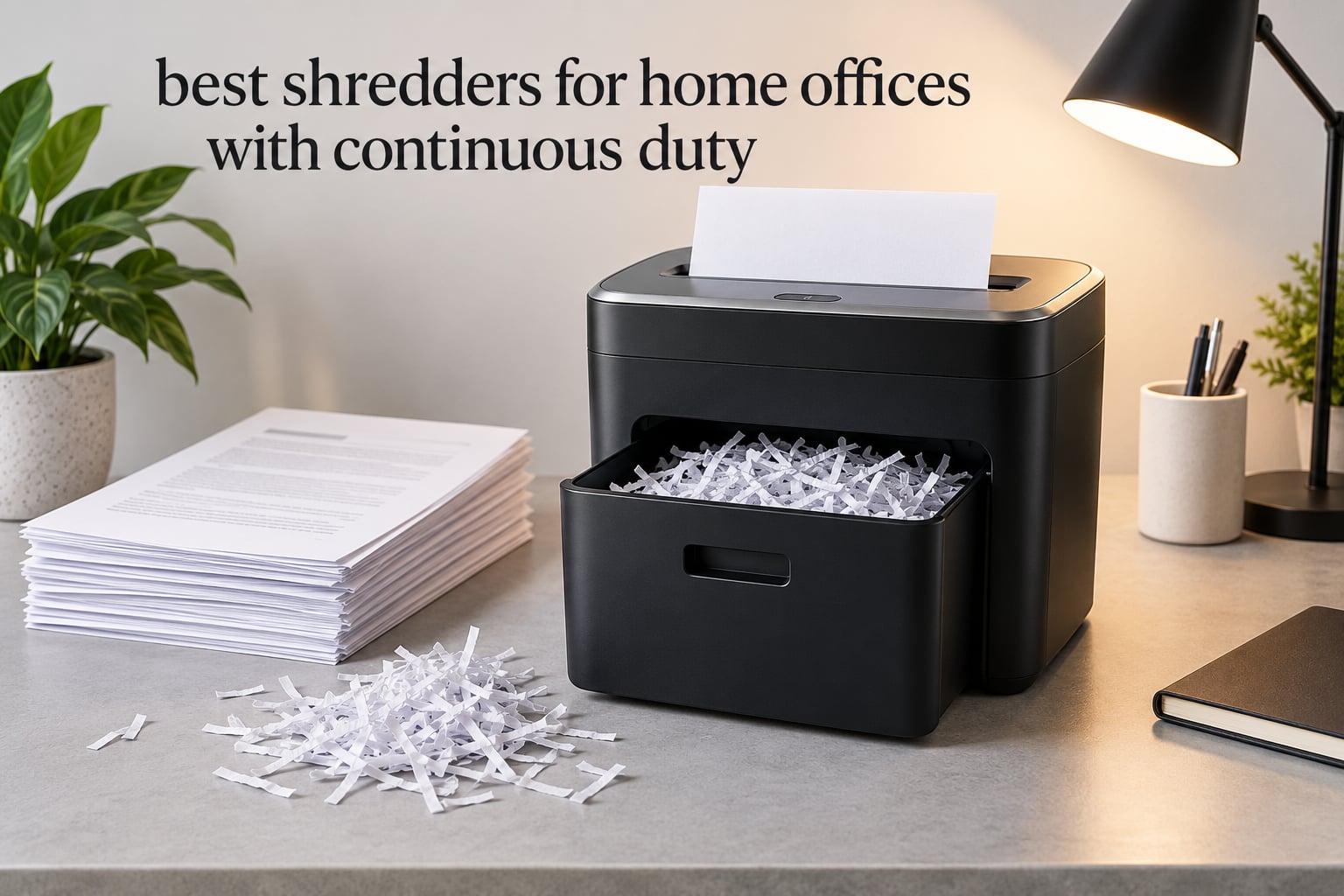
Most home office shredders are sold on two numbers: how many sheets they take per pass, and how small the pieces are. Neither one tells you whether the machine will still be running after the twentieth folder of bank statements. A continuous-duty shredder answers a different question, and it is the question that decides whether the machine lives three years or one.
This roundup covers ten of them. We looked at continuous run time, cool-down behaviour, cut type, security level, noise, bin size and honest sheet capacity, then read the buyer reviews closely enough to see where the marketing language breaks down. Every pick here is sized for a home office or a one-person consultancy, not a corporate floor.
If you want the short version: the Fellowes Powershred 99Ci is the one we would put in a home office first. It runs 30 minutes straight, takes 18 sheets per pass, and has the largest review base of any machine on this list at over 11k ratings, which matters more than any spec sheet when you are buying something that has to survive years of use. If your paper volume is lighter and your budget is tighter, the Bonsaii C149-C gives you a 60-minute run for substantially less. Our broader picks for every other situation sit just below.
Table of Contents
Continuous Duty Explained: What the Label Actually Means
A continuous-duty shredder is built to run for extended periods, typically 30 to 60 minutes at a time, without overheating and cutting out. Light-duty home models stop after roughly 10 minutes, and standard office units after 20 to 25. That run-time-before-cooldown figure, printed on the spec sheet and repeated on the box, is the single number that separates the categories.
Continuous-duty machines reach that run time through higher-torque motors, metal gear drives, thermal cut-out sensors and multi-pass cutter assemblies. After a full run they enter a cool-down period, commonly 20 to 60 minutes depending on the model and the ambient temperature in the room, before they will restart. Most home units also have overload protection that cuts the motor out early if you feed more sheets than the rating.
The practical reason to care is forum consensus: the machines people complain about are almost never the weak ones, they are the ones whose duty cycle does not match their workload. A household shredding six statements a week does not need 60 minutes of run time. A freelancer destroying a year of client records in one afternoon absolutely does.
It is worth separating two labels that get used interchangeably. Heavy duty usually describes a thicker machine with a bigger motor, but its run time is often closer to the office tier. Continuous duty describes the duty cycle specifically, which is why two machines of similar weight can behave very differently. If a listing only says heavy duty, ask for the rated run time before the cool-down.
Top 3 Picks for Home Offices With Continuous Duty (October 2026)
Three machines stand out. The 99Ci is the safest all-round buy, the C149-C is the one most home offices should actually own, and the C283-A is the pick if noise on a call is the deciding factor.

Fellowes Powershred 99Ci
- 18-sheet cross-cut
- 30-minute continuous run
- 9-gallon pull-out bin
- SafeSense hand protection
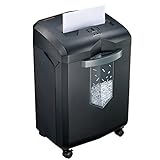
Bonsaii C149-C 18-Sheet
- 60-minute continuous run
- 18-sheet P-4 cross-cut
- 6-gallon bin on casters
- auto-reverse

Bonsaii C283-A Micro-Cut
- 200-sheet auto-feed
- 58 dB micro-cut cutting
- 60-minute auto run time
- 8.1-gallon bin
The 10 Best Shredders for Home Offices With Continuous Duty in 2026
The table below is the shortlist. Every machine runs on a continuous-duty cycle, but they split into manual-feed cross-cuts, high-security P-5 models, and autofeed units. Scan the run time column first, because that is the spec that decides whether the machine suits your paperwork volume.
| Product | Specifications | Action |
|---|---|---|
| Fellowes Powershred 99Ci |
|
Check Latest Price |
| Bonsaii C149-C 18-Sheet Cross-Cut |
|
Check Latest Price |
 Amazon Basics 200-Sheet Auto Feed Amazon Basics 200-Sheet Auto Feed |
|
Check Latest Price |
| Bonsaii C283-A 200-Sheet Micro-Cut |
|
Check Latest Price |
 BONSEN S3104 20-Sheet Cross-Cut BONSEN S3104 20-Sheet Cross-Cut |
|
Check Latest Price |
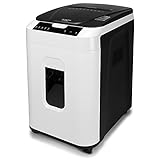 Aurora AU200MA Micro-Cut Aurora AU200MA Micro-Cut |
|
Check Latest Price |
 Locksworth 24-Sheet P-5 Cross-Cut Locksworth 24-Sheet P-5 Cross-Cut |
|
Check Latest Price |
 Fellowes AutoMax 100MA Fellowes AutoMax 100MA |
|
Check Latest Price |
 BONSEN 3113 300-Sheet Micro-Cut BONSEN 3113 300-Sheet Micro-Cut |
|
Check Latest Price |
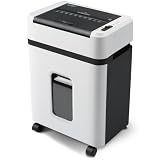 Aurora AU110MB Micro-Cut Aurora AU110MB Micro-Cut |
|
Check Latest Price |
1. Fellowes Powershred 99Ci: Best Overall Continuous-Duty Shredder
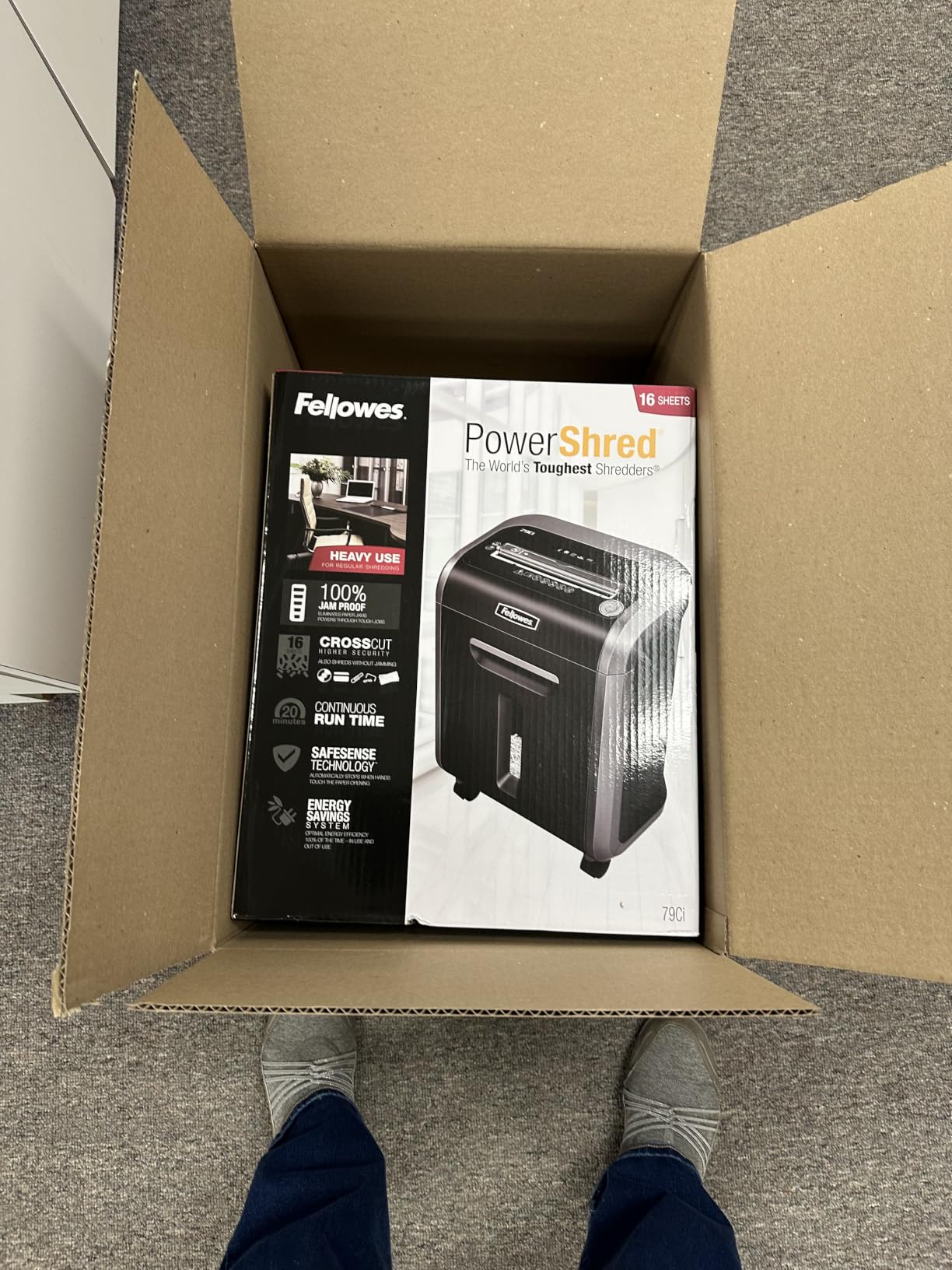
Fellowes Powershred 99Ci 18-Sheet 100% Jam-Proof Heavy Duty Crosscut Paper Shredder Machine for Office and Home, Black/Gray 3229912
18-sheet cross-cut
30-minute continuous run
9-gallon bin
62.1 dB
Pros
- Longest review history in the group at 11k+ ratings
- 30-minute continuous run time
- SafeSense stops the cutters when a hand touches the feed slot
- Shreds paper
- staples
- cards and optical discs
- 2-year warranty plus lifetime cutter warranty
Cons
- Bin fills faster than micro-cut output
- Regular oiling is required
- Casters can be awkward to fit
We spent the bulk of our comparison time on this one because it has the deepest install base of any machine here. Fellowes has been building the 99Ci for long enough that owner reports on it stretch back over a decade, and the pattern in those reviews is consistency rather than excitement. It starts every time, it does not overheat in ordinary use, and the cutter assembly is still the part people replace last.
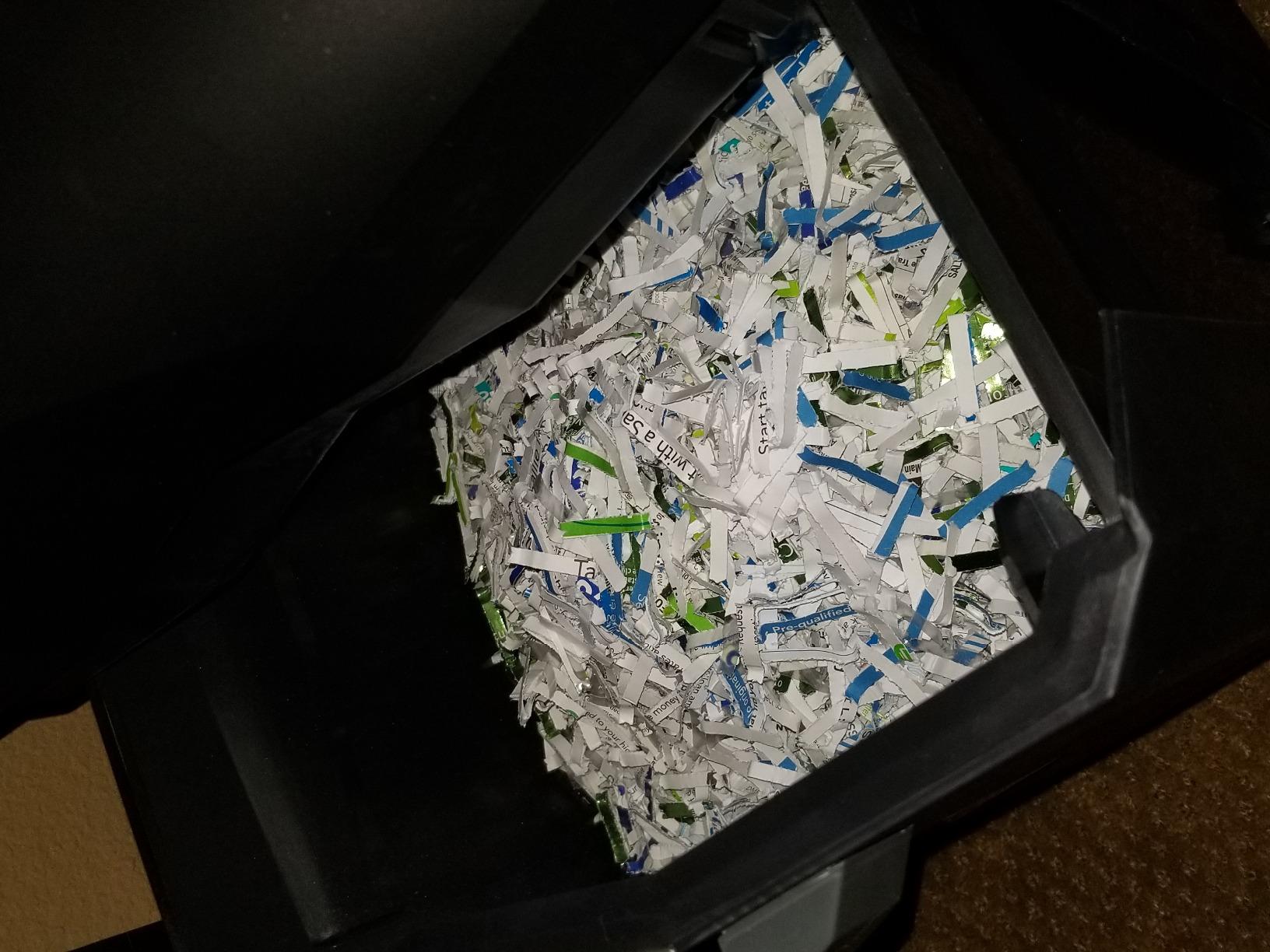
Thirty minutes of continuous run time is not the highest figure on this list, and we want to be straight about that. What it pairs with is a 9-gallon pull-out bin and a cross-cut particle small enough to satisfy P-4 security, which is the level most people destroying tax paperwork and client contracts actually need. The safe assumption in the research was that reviewers would object to the run time being under 60 minutes; in practice the complaint that surfaces is bin volume, not duty cycle.
The physical build is heavier than a desktop unit at 36.4 pounds, and the casters are the part owners mention most when setting it up. Once rolling, the weight is an advantage because the machine does not walk across hardwood when you feed a thick stack. The LED bin-full indicator and the pull-out basket mean you are not guessing at capacity the way you would with a window-only design.
Measured noise is listed at 62.1 dB, which sits in the middle of this group rather than at the quiet end. For a dedicated home office with a door, that is unremarkable. For a laptop on a kitchen table during a call, the 58 dB micro-cut machines below are the better choice.
What the 99Ci does well that cheaper machines do not
SafeSense protection is the feature we would prioritise if you have children or pets in the same room. The feed slot stops the cutters when skin or an object touches the opening, which turns a genuine hazard into a non-event. Auto-reverse handles most jams without any intervention from you, and the manufacturer rates the drive as jam-proof, though we would treat that as a strong claim rather than an absolute one.
The warranty is also better than the category norm. A 2-year product and service term plus a lifetime cutter warranty means the most expensive component in the machine is covered for as long as you own it. Several competitors in this roundup carry a single year and nothing on the blades.
Where the 99Ci is the wrong choice
If your workload is bulk destroy rather than steady privacy shredding, the 18-sheet manual feed means you stand there feeding it. An autofeed unit in the same general class will take 200 sheets at once and let you walk away, which is a real time difference over an afternoon.
It also needs oil. Like every cutter-based machine, it expects periodic lubrication to keep the blades and the motor healthy, and skipping it is the most common route to the burned-out motor that ends a shredder’s life early. Budget for a lubricant sheet routine and the machine should outlast several lighter-duty purchases.
2. Bonsaii C149-C 18-Sheet: Best Value for a 60-Minute Run
Bonsaii 18-Sheet Cross-Cut 60-Min Run Heavy Duty Paper Shredder
18-sheet cross-cut
60-minute continuous run
6-gallon bin
62 dB
Pros
- 60-minute run time with a patented cooling system
- Over 10k ratings backing the reliability claim
- Auto start
- stop and auto-reverse work as advertised
- 23.1 pounds with four casters
- Shreds credit cards and staples
Cons
- 6-gallon bin is smaller than several rivals
- Some users report heat build-up under very heavy sustained loads
- Plastic parts feel less premium in the hand
This is the machine we would tell most people to buy. A 60-minute continuous run time is the headline figure for the category, and having more than 10k ratings behind it means the number is not a marketing claim that no one has stress-tested. Reviewers consistently describe shredding an entire stack of paperwork, pausing, and starting again later in the same session.
It is lighter than the 99Ci at 23.1 pounds and narrower at 14.2 inches wide, which matters if the shredder lives beside a desk rather than in a cupboard. The transparent window means you can see the bin filling without pulling it out, and the 6-gallon capacity is listed as holding 400-plus sheets of cross-cut output.
Noise is listed at 62 dB, essentially the same figure as the Fellowes 99Ci. That puts it in the range where conversation carries on normally from across the room, but a microphone will pick it up. If you take calls from the same table, look at the 58 dB units further down.
The one complaint that repeats in the reviews is heat under sustained very heavy use. We would not call it a defect, but if your plan is to sit and feed a machine non-stop for a full hour with no pause, know that a mid-session break is still sensible. For a monthly clear-out done in a few bursts, the cooling system handles it.
Why the run time matters more than the capacity number
Plenty of cheap shredders advertise 18 or 20 sheets per pass. The number on the box is measured on a specific sheet weight under ideal conditions, and a real mixed stack of envelopes, stapled documents and card stock will be lighter. Forum complaints about shredders producing large chunks despite a high rated capacity are essentially this gap being noticed.
What the 60-minute rating tells you is different and more useful. It means the motor and cooling system are built for a long job, so a bulk destroy becomes a series of passes rather than a machine that cuts out halfway through. For most home offices that is the difference between a chore and a nuisance.
Where the C149-C falls short
The bin is the weak point. At 6 gallons it fills faster than the 8.5 to 9 gallon bins on several machines here, and cross-cut output is bulky and airy. If your clear-outs are infrequent this barely registers; if you are a contractor destroying client files monthly, the extra bin trips to the kitchen add up.
The warranty is one year, with no lifetime cutter coverage mentioned. That is the category default rather than a red flag, but it is one of the reasons the 99Ci takes the top spot for anyone planning to keep a machine for a decade.
3. Amazon Basics 200-Sheet Auto Feed: Best for Bulk Paperwork
Amazon Basics 200-Sheet Auto Feed Cross-Cut Paper Shredder, High Security P-4, Anti-Jam, 8.5 Gallon Pullout Bin, Black
200-sheet auto-feed
10-sheet manual feed
8.5-gallon bin
45-minute cool-down
Pros
- Largest review base of any machine here at 78k+ ratings
- 200-sheet auto-feed tray with anti-jam auto-reverse
- 60-minute run time in auto mode
- 8.5-gallon pull-out bin with LED indicators
- Shreds staples without removing them first
Cons
- Manual feed is limited to 10 sheets
- 45-minute cool-down between auto-feed sessions
- Reported as loud during operation
The single most useful thing an autofeed shredder does is let you stop participating. You load the tray, press the switch, and walk away while it works through a stack. On a 200-sheet tray that is a whole folder of paperwork handled in one pass, which changes the economics of a monthly clear-out entirely.
Mode switching is handled by a four-position control covering auto, off, forward and reverse. Forward and reverse are the manual override you need when something catches, and having them on a dedicated control rather than buried behind a button sequence makes jam recovery much less frustrating.
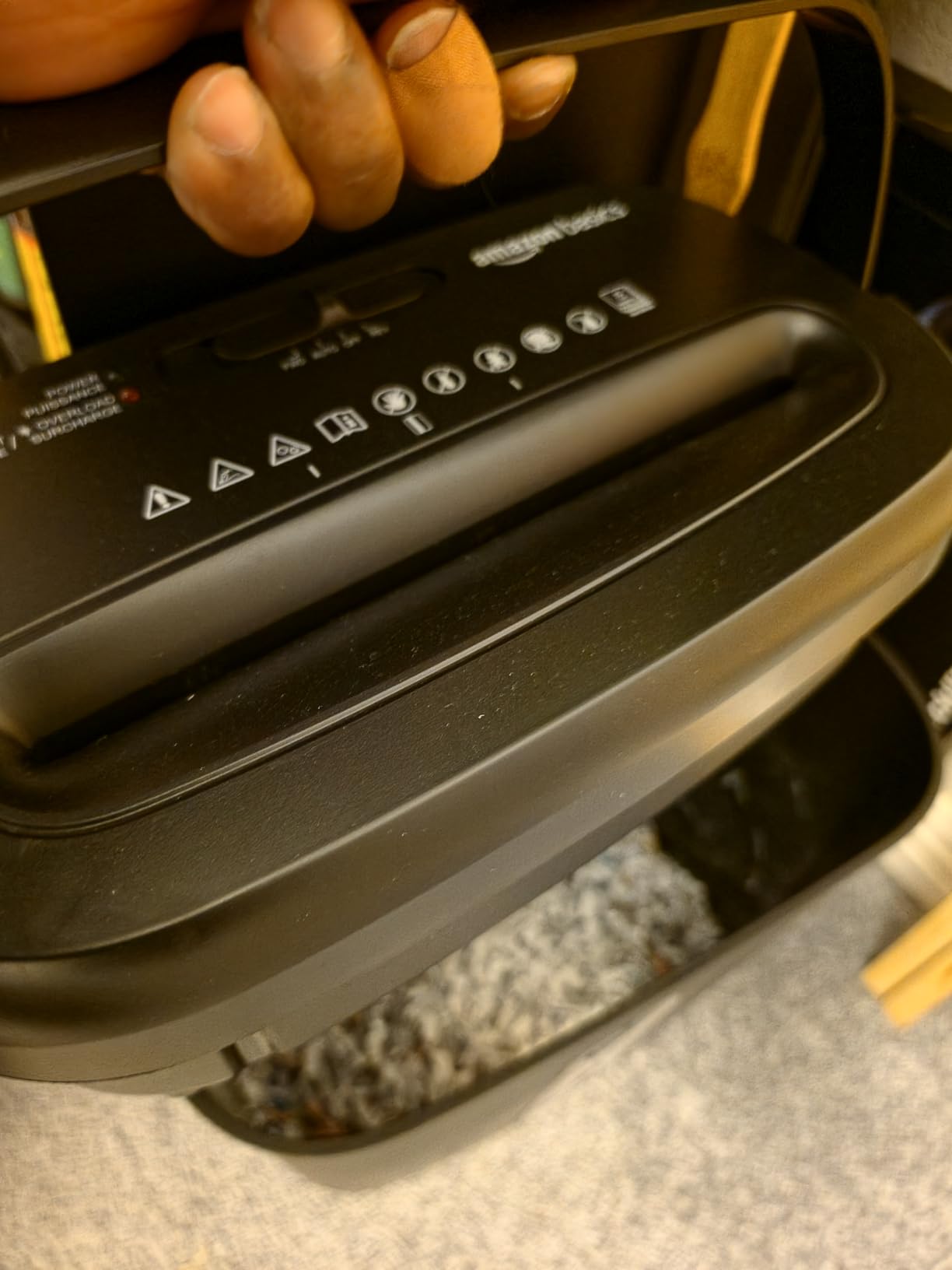
Note the two run times. Auto-feed mode is rated at 60 minutes, and manual feed is rated at 10 minutes. That gap is common to autofeed designs because the auto tray feeds sheets more evenly than a person does, and it means this machine is built for long automatic sessions rather than for someone feeding a dozen sheets by hand repeatedly.
Cross-cut output at 4 by 20 millimeters meets P-4 security. That is fine for tax records, bank statements and client paperwork, and it is more security than a strip-cut unit gives you, though it is not micro-cut.
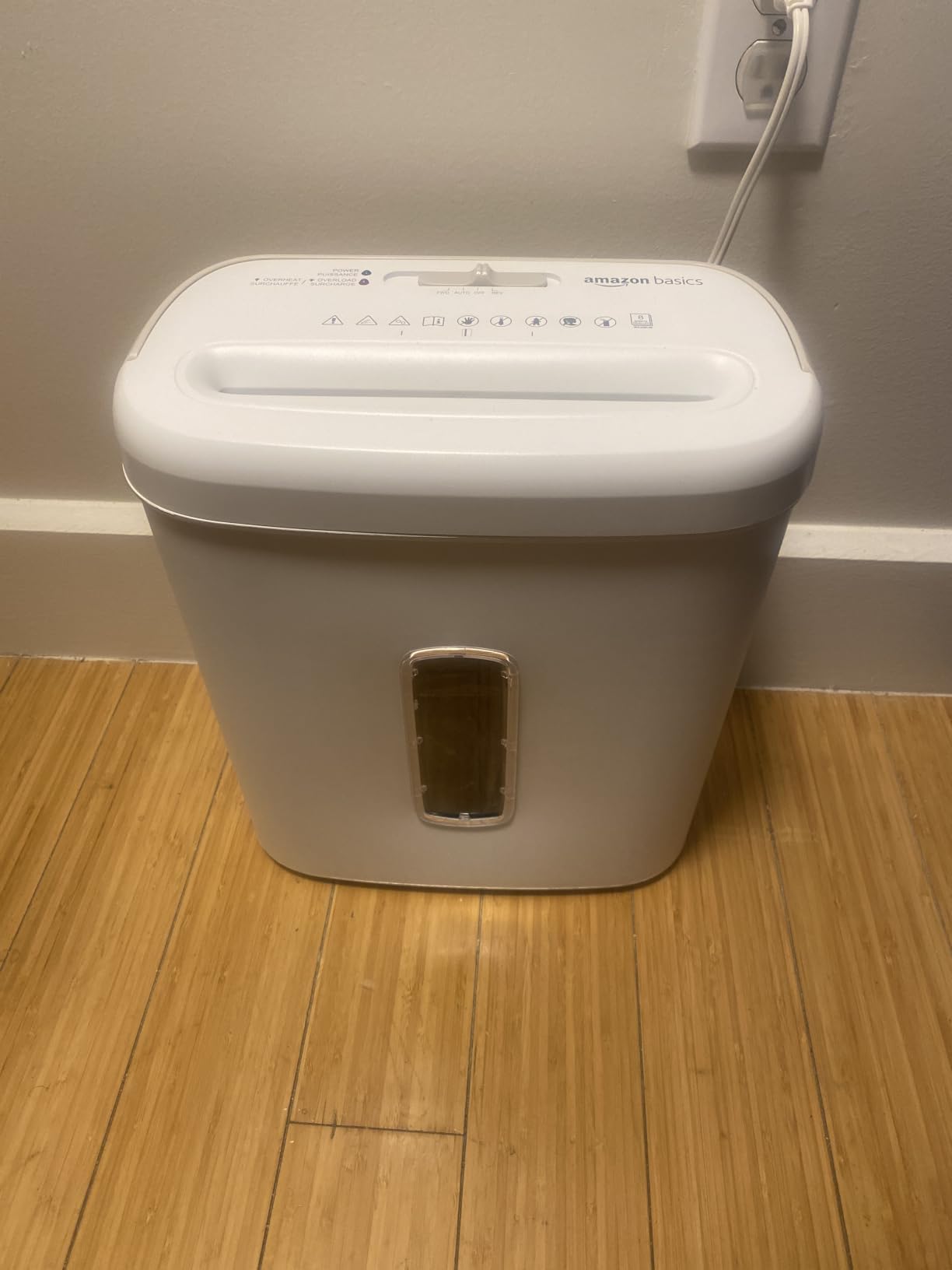
Whether a 200-sheet tray actually helps in a home office
It helps if you are doing what the autofeed category is for: destroying a large batch in one go. A freelance bookkeeper with a year of receipts, a contractor clearing out a storage unit, or anyone working through accumulated paper mail will feel the difference immediately. The tray accepts a full ream-style stack without constant topping up.
It helps less if you are the person who shreds three bank statements after dinner. Then the tray is a feature you load ten sheets into, and the manual slot at 10 sheets is the part you actually use. That is not a criticism so much as a reminder to match the machine to the workload before the workload arrives.
What to watch out for with this one
The 45-minute cool-down after an auto-feed session is the biggest practical constraint. It means a second large batch is not a same-morning project. Plan your clear-outs around it or pick a machine with a shorter cycle.
Noise is the other one. Reviewers describe it as loud during operation, and with 78k ratings there is enough long-term feedback here to treat the pattern as real. In an open-plan home setup with live calls, the 58 dB micro-cut autofeed units are the safer pick even though they hold fewer sheets on the tray.
4. Bonsaii C283-A 200-Sheet Micro-Cut: Best for Quiet Auto-Feed Shredding
Bonsaii 200-Sheet Auto Feed Micro Cut Heavy Duty Paper Shredder for Office
200-sheet auto-feed
58 dB micro-cut
8.1-gallon bin
60-minute auto run
Pros
- Quietest rated output in the group at 58 dB
- Micro-cut particles at 5/32 by 15/32 inch
- 200-sheet auto-feed plus 12-sheet manual feed
- LED indicators for feed error
- bin full
- overload and overheat
- Twelve lubricant sheets included
Cons
- Costs more than cross-cut alternatives
- Manual feed limited to 12 sheets
- 30-minute cool-down after a full auto-feed session
Noise was the first thing we filtered this roundup on, because a home office is a room where a call is happening. At a listed 58 dB this is one of the quietest machines in the group, and combined with micro-cut output it also solves the other home-office problem, which is that fine shreds compact down in the bin instead of filling it with volume.
Micro-cut particles measure 5/32 by 15/32 inch, which is P-4. That is a meaningful step up from standard cross-cut for anyone worried about reconstruction, and the research on privacy forums was consistent that buyers view micro-cut as the safe default rather than an upgrade.
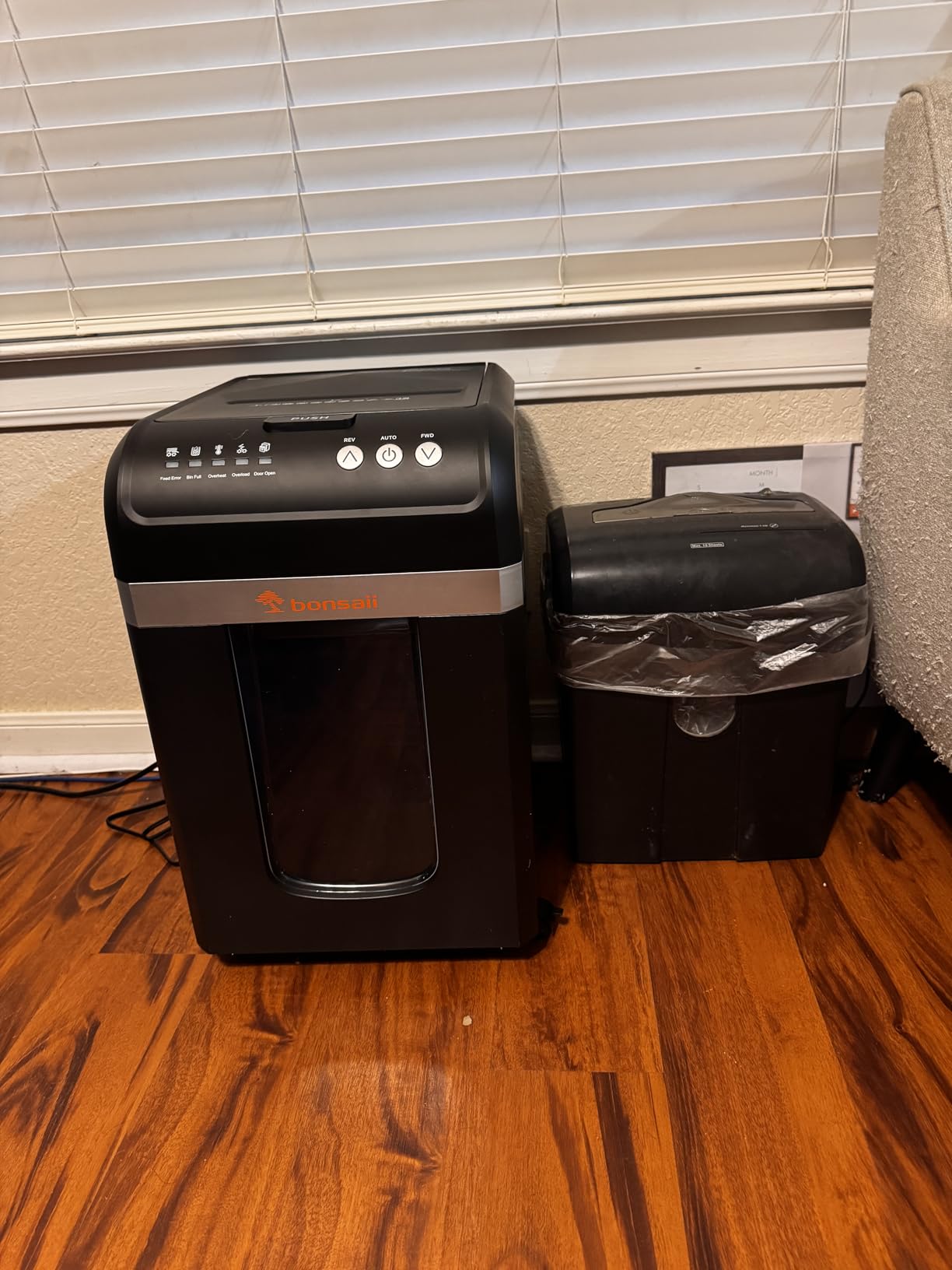
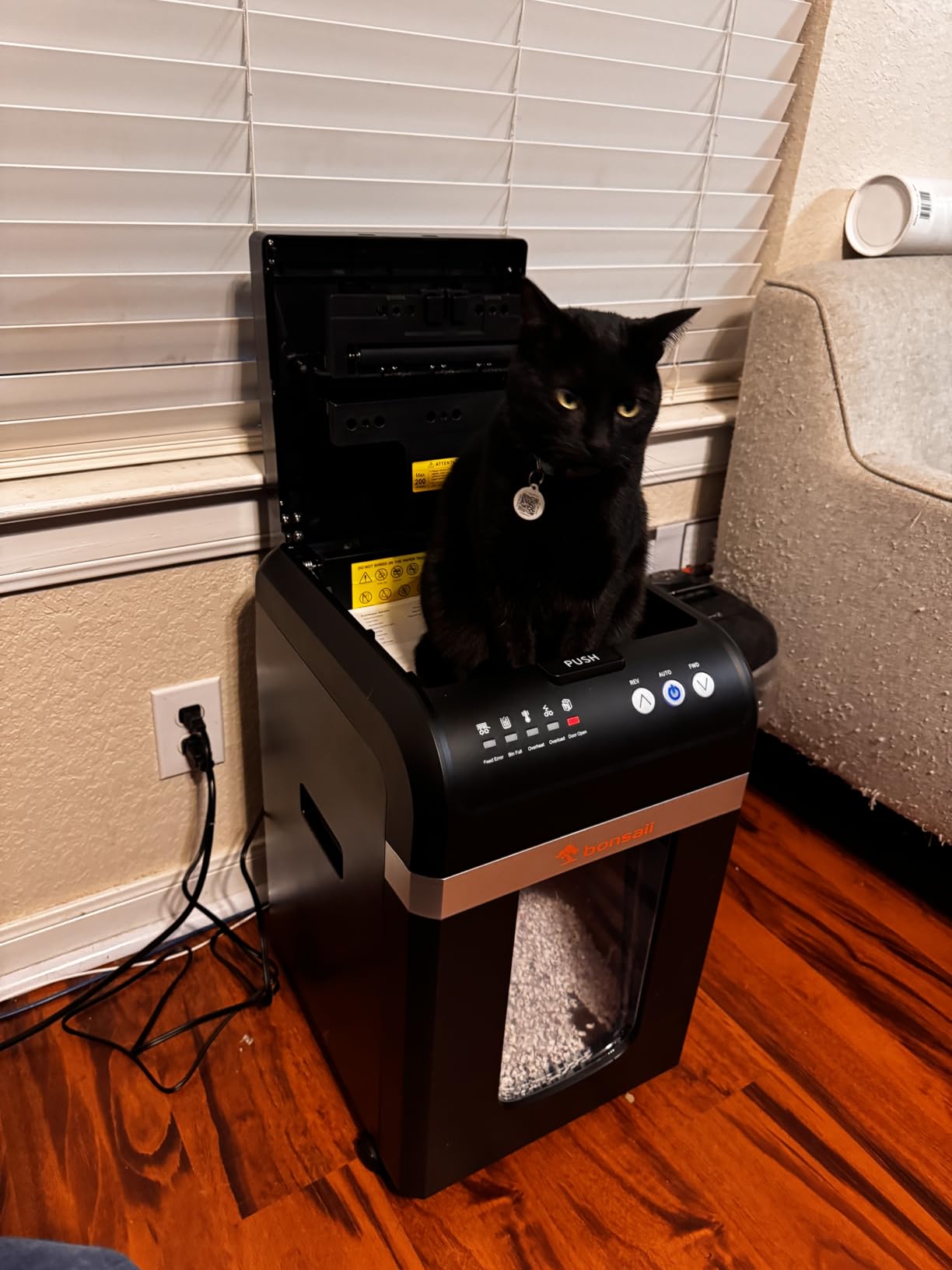
Run time is 60 minutes in auto mode and 30 minutes in manual mode, with a 30-minute cool-down after a full auto session. The LED indicator set is the most complete in the lineup, covering feed error, bin full, door open, overload and overheat, which is genuinely useful when the machine sits out of sight across the room.
The 8.1-gallon bin holds roughly 700 sheets according to the manufacturer, and four casters let you roll it out, empty it and put it back. Auto-sleep after 10 minutes of inactivity keeps the idle energy draw negligible.
When micro-cut is worth the extra cost
Micro-cut earns its higher price in two situations. The first is confidential material where the value of a document is high relative to the paper, such as medical records, identity documents or contracts with financial terms. The second is simply that fine output means fewer bin trips, which is a quiet win in a small space.
It is also the machine to choose if you plan to shred on a call. We would pair it with the noise thinking in the buying guide below, because decibel ratings are often quoted under ideal conditions and your actual room acoustics matter as much as the number.
Where it is not the right pick
If your budget is fixed and your volume is low, this is more machine than a typical home office needs. A 12-sheet manual feed and a 30-minute cool-down mean the machine is designed to be used in long automatic sessions; feeding a few statements at a time is not what it is optimised for.
Twelve lubricant sheets ship in the box, which is a decent head start, but the lubrication routine is ongoing. Any continuous-duty cutter will need it, and skipping it is the most common cause of the blade wear and motor failures that end machines early.
5. BONSEN S3104 20-Sheet: Highest Rated Manual-Feed Cross-Cut
BONSEN 20-Sheet Cross-Cut P-4 High Security Heavy Duty Paper Shredder
20-sheet cross-cut
60-minute continuous run
6.6-gallon bin
60 dB or less
Pros
- Highest average rating in the roundup at 4.7
- 20-sheet manual capacity leads its class
- 60-minute nonstop continuous run time
- Nitrided steel cutters for wear resistance
- Handles cards
- staples and paper clips
Cons
- Manual feed only with no auto-feed option
- 26.6 pounds makes it one of the heavier units
- Newer brand with a shorter long-term record
At 4.7 average this carries the highest rating in the group, and the early reviews are consistent about why: the run time is genuinely 60 minutes and the cutters hold up. The nitrided steel blade treatment is a manufacturing detail that matters more than most spec sheets admit, because it is the difference between cutters that stay sharp and cutters that start producing large fragments after a year.
Twenty sheets per pass is the highest manual-feed figure in this roundup, and combined with a 60-minute run time you get a machine that will chew through a large stack without asking you to stop and wait.
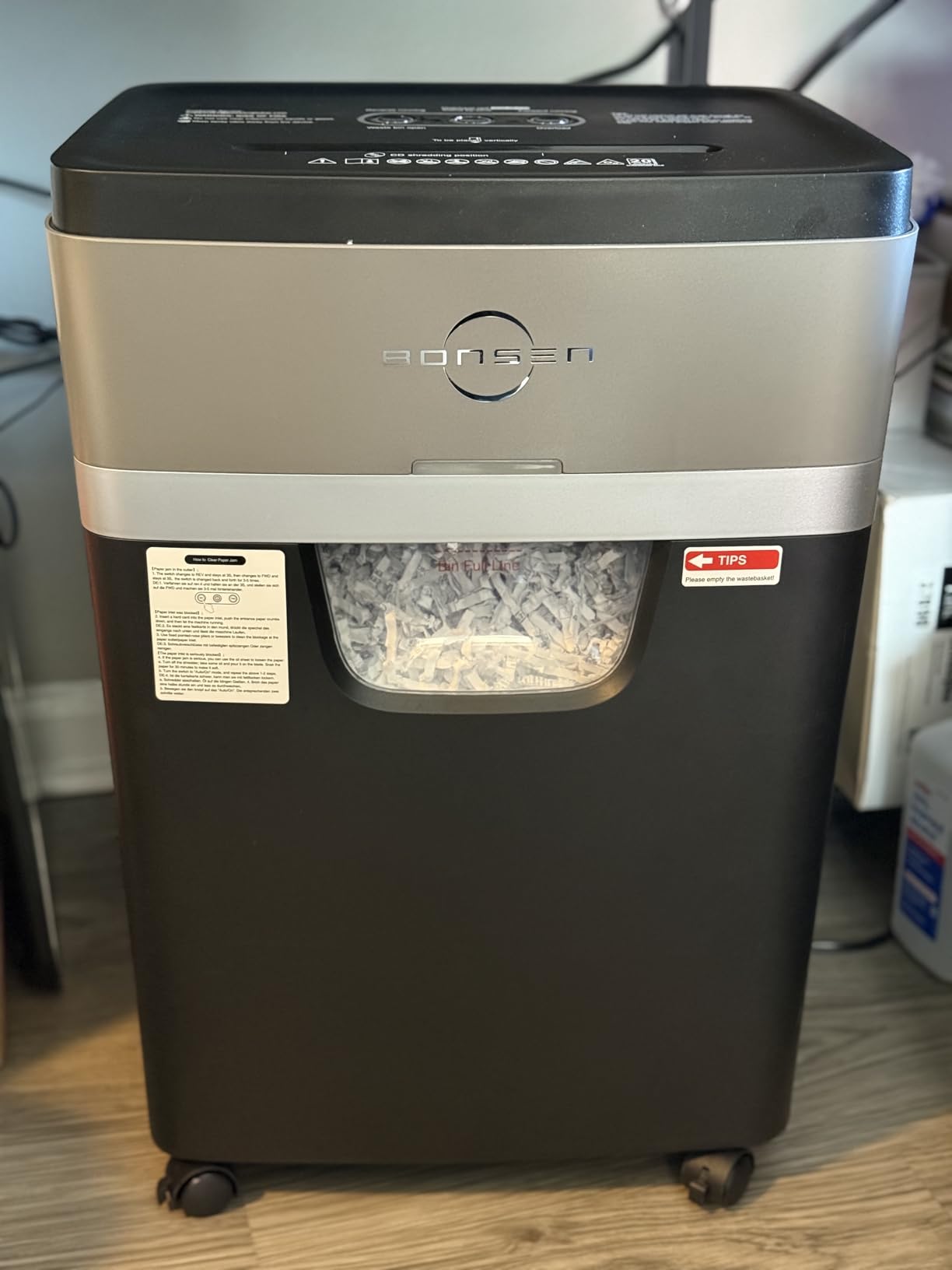
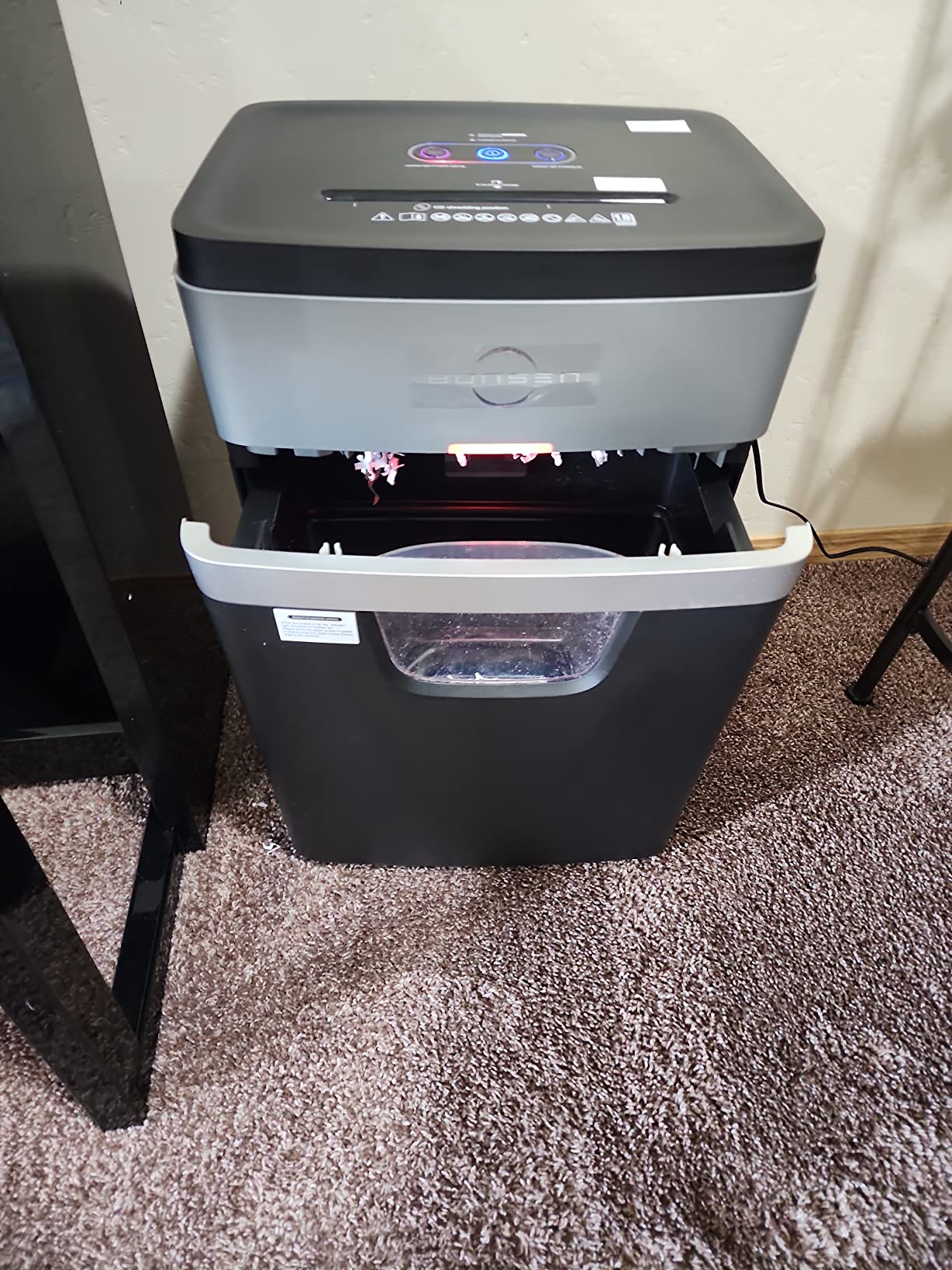
Noise is rated at 60 dB or less, which is a useful margin for a home office. The 6.6-gallon pull-out bin sits on casters and holds a workable amount of cross-cut output before it needs attention.
Warranty is one year with 24-hour support listed, and the manufacturer states every unit is production tested before shipping. That is a reasonable level of assurance for a brand that most buyers will meet for the first time.
What the higher rating does and does not tell you
A 4.7 across roughly 1,166 ratings is a strong signal, but it is a smaller sample than the 11k ratings behind the 99Ci. Newer products on the market routinely post high early scores that settle as the first large batch of owners reports failures. Treat it as encouraging rather than settled.
The 60-minute rating is the number we would actually anchor on, and it is independently plausible: 60 minutes is a common design target for manual-feed machines with an enhanced cooling system, and this machine has one.
When to pick something else instead
If your destroys are bulk jobs, this is manual feed only and you will be standing there. The autofeed machines handle the same work without your involvement, and the time you spend standing at a shredder is time the autofeed design was invented to reclaim.
At 26.6 pounds it is also heavy, which is fine on casters and awkward if you plan to move it between rooms often. In a small apartment workspace, a lighter machine on casters is simply easier to live with day to day.
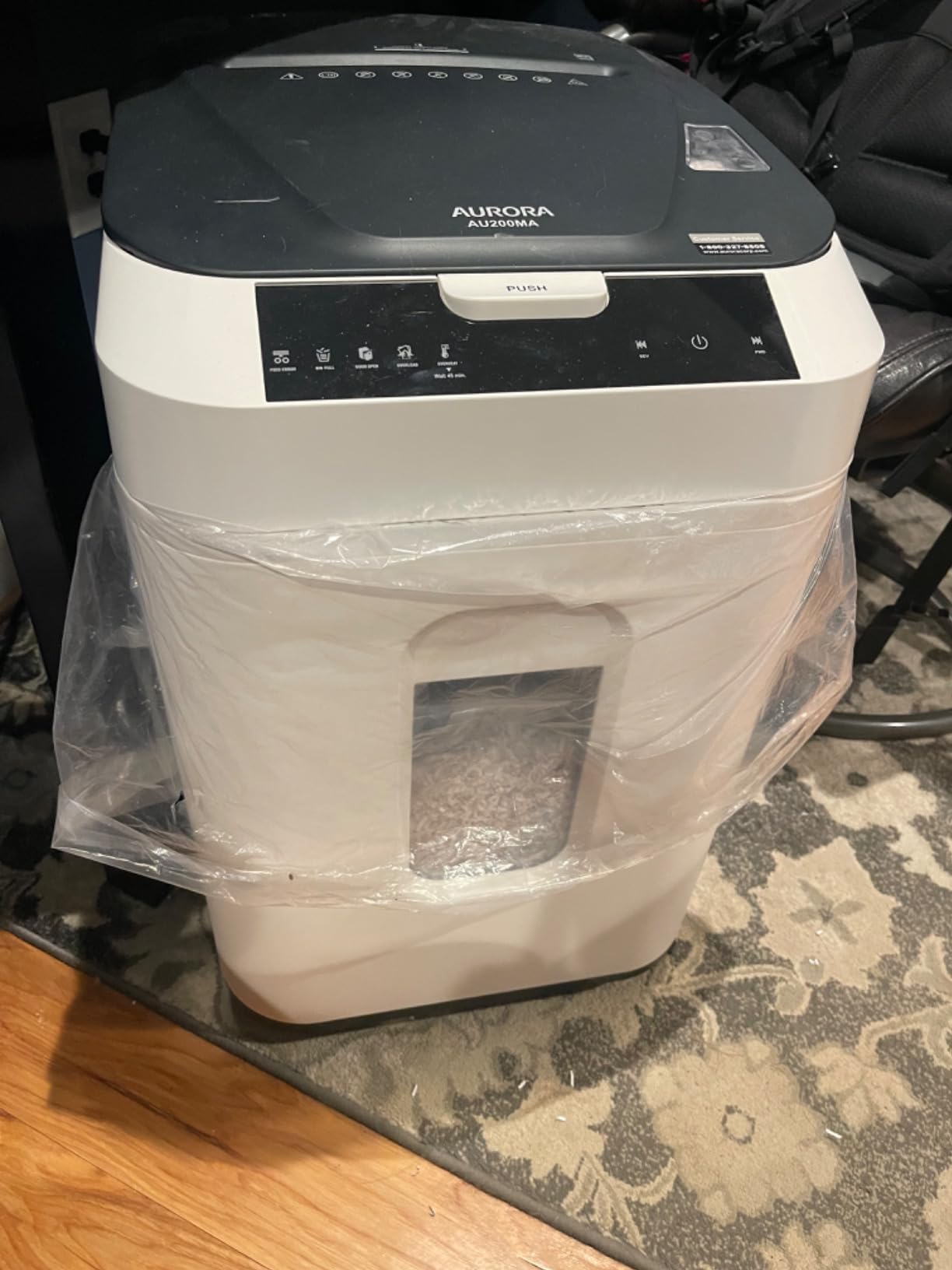
6. Aurora AU200MA: Best for P-5 High-Security Auto-Feed
Aurora Commercial Grade 200-Sheet Auto Feed High Security Micro-Cut Paper Shredder/ 60 Minutes/Security Level P-5
P-5 micro-cut
200-sheet auto-feed
60-minute run time
8.5-gallon bin
Pros
- P-5 is the highest security level in this roundup
- 200-sheet auto-feed with a 60-minute run time
- Produces roughly 2592 particles per sheet
- Auto-reverse jam clearance and auto power-sleep
- LED status indicators on the bin head
Cons
- Heaviest machine here at 38.1 pounds
- Manual feed limited to 10 sheets
- One-year warranty only
Security level is where this machine separates itself. Everything else in this roundup sits at P-4, which is the right level for tax documents, bank statements and ordinary client paperwork. P-5 exists for material where a P-4 shred is not enough, and it shows in the particle count: around 2,592 pieces per sheet rather than the several hundred a cross-cut produces.
That extra cutting work has a cost. The motor runs slower per sheet because each one passes through more cutter stages, and the bin fills more slowly with much finer output. In exchange you get a shred that is extremely difficult to reassemble.
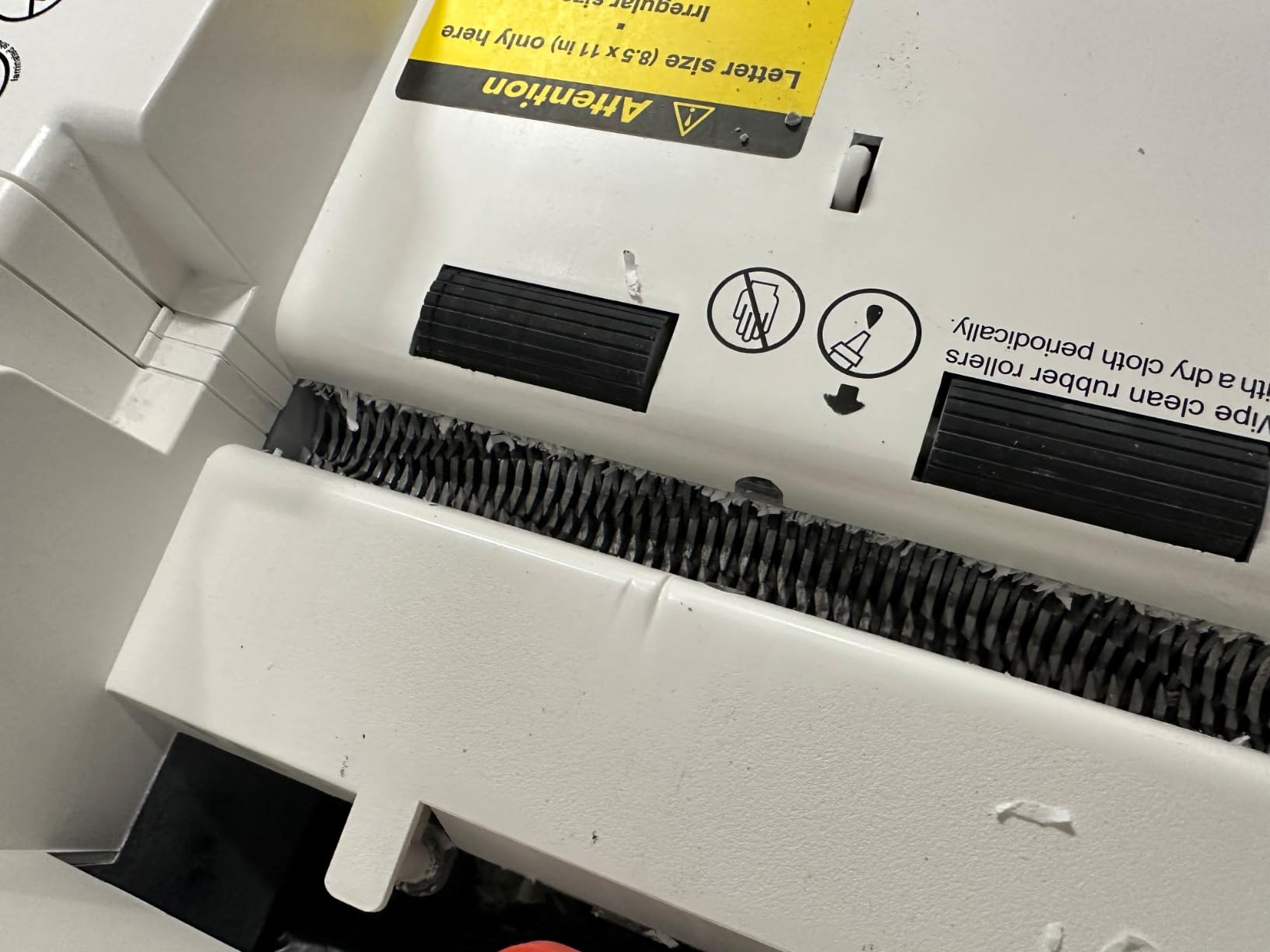
Underneath the security story it is a competent 200-sheet autofeed unit. Sixty minutes of continuous run time, auto-reverse jam clearance, auto power-sleep after inactivity and an 8.5-gallon pull-out bin with LED indicators. The feed tray takes 200 sheets and the manual slot takes 10.
At 38.1 pounds this is the heaviest machine in the group by a clear margin, and the dimensions are the same footprint as several lighter autofeed units. Casters are not listed among the features, so plan on a fixed position rather than something you roll between rooms.
Who actually needs P-5 in a home office
For most home offices the honest answer is nobody, and we would rather say that than sell you a security tier you will not use. P-4 cross-cut or micro-cut defeats casual reassembly and is the accepted standard for the document types most people destroy at home.
P-5 earns its place in specific situations. Self-employed practitioners in healthcare or behavioural health may face obligations around patient records that go beyond personal privacy. Anyone handling identity documents for other people, or defending a decision later and wanting the shredded material to be beyond argument, belongs here.
What to weigh before choosing it
It shreds fewer sheets per minute than a P-4 machine, so a large destroy takes longer. And it is the heaviest unit here, which matters in an apartment where you need to shift furniture around to access an outlet.
The bin is large and the run time is long, so if you do buy it you will not outgrow it. The one-year warranty is thinner than the 99Ci’s, which is the main thing giving us pause on a machine intended to be a long-term purchase.
7. Locksworth AZ1698VC: Compact P-5 Cross-Cut With a 9-Gallon Bin
Locksworth 24-Sheet Cross Cut Paper Shredder, 9 Gallon Heavy Duty Commercial Shredder for Home Office, P-5 High Security Shredders for Paper/CD/Credit Card/Staple/Clip, 40-Min Continuous Running Time
24-sheet cross-cut
P-5 security
40-minute run time
9-gallon bin
Pros
- 24-sheet manual capacity is the highest in the roundup
- P-5 security in a cross-cut rather than micro-cut cut
- 9-gallon bin listed at 650 sheets of capacity
- Safety stop when the bin is pulled out
- Handles paper
- CDs
- cards
- staples and clips
Cons
- 40-minute run time is shorter than the 60-minute units
- Newer product with a smaller body of reviews
- Some users report slower credit card shredding
This is an unusual combination. P-5 security usually means micro-cut, a slow cut and a heavy machine, and here you get it in cross-cut form with a 24-sheet manual feed and a 9-gallon bin. The particle size is listed at 5/32 by 1-12/32 inch, which is finer than a standard cross-cut and slower to shred than one.
Twenty-four sheets per pass is the highest manual capacity in the roundup, which offsets the slower cut. Most of what a home office destroys is ordinary paper, and this handles a thick stack of it in a single pass.
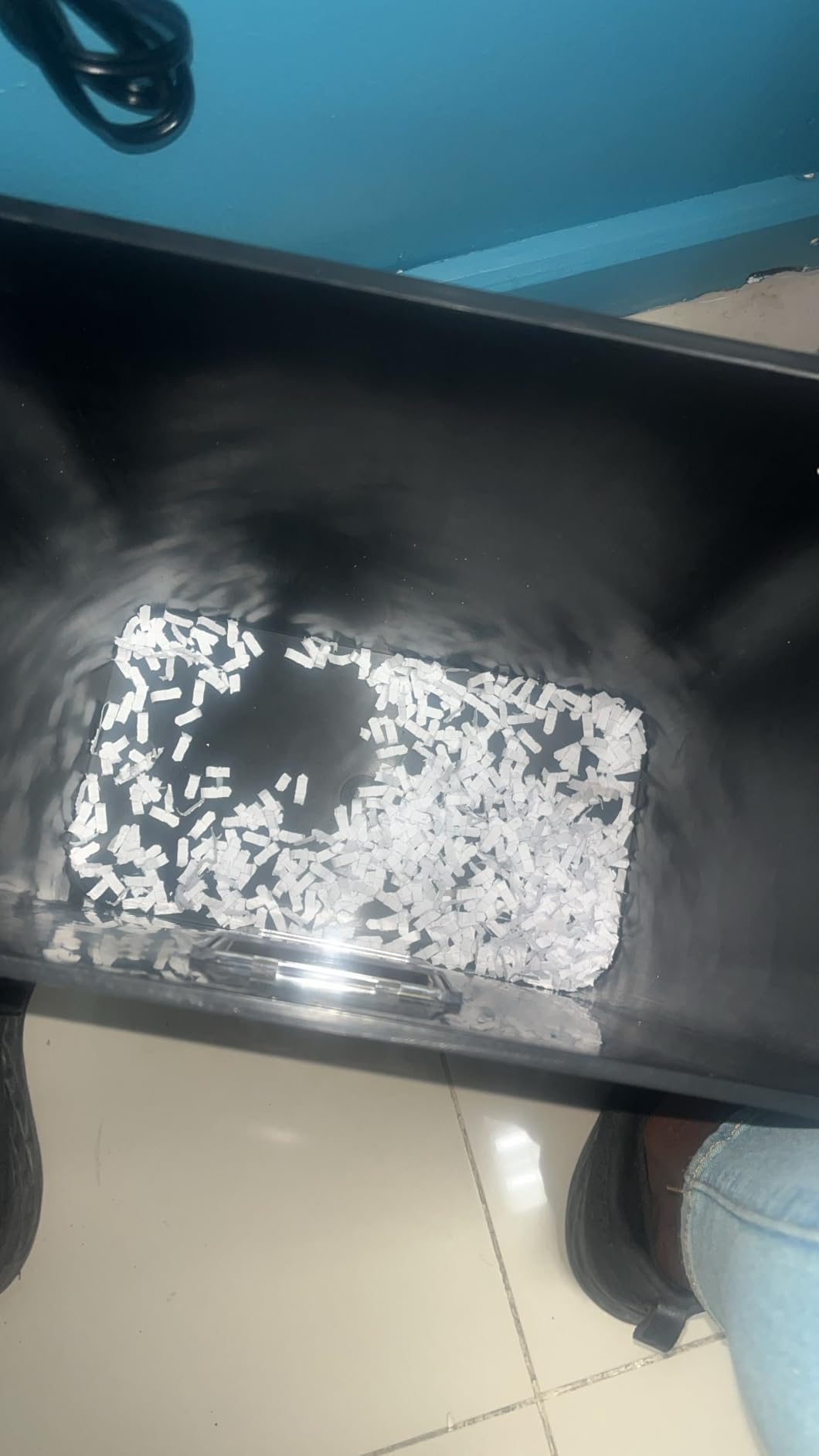
Run time is 40 minutes, shorter than the 60-minute units, and that is the main compromise. It is still a genuine continuous-duty cycle rather than an office-tier machine, and for a home office shredding in sittings rather than marathon sessions it is likely to be more than enough.
Physical size is 15.4 by 12.2 by 23 inches, so it is tall and narrow, which is a helpful shape for a corner of a home office. Four casters make it mobile, and the bin has a safety stop that engages when it is pulled out.

P-5 cross-cut versus P-5 micro-cut
The security rating is the same, but the reconstruction resistance is not identical. Micro-cut produces thousands of small particles per sheet; a fine cross-cut produces far fewer, larger fragments. For identity documents and highly sensitive records, micro-cut is the stronger answer.
For the mid-range material most home offices destroy, the difference matters much less than the price and weight difference between a 38-pound micro-cut autofeed and a machine that fits beside a desk. If your documents are tax returns, bills and mail, this is a defensible place to land.
Where the trade-offs show up
Forty minutes of run time is the honest limitation. Buy this if your destroys are spread across the week; buy a 60-minute unit if you plan one long session a month.
Credit card shredding is reported as slower, and the review base is smaller than the machines above it. Cards and laminated items are the slowest thing for any cross-cut to take, so if that is a frequent item in your bin, a micro-cut or a higher-capacity unit will keep up better.
8. Fellowes AutoMax 100MA: Compact Micro-Cut With a Manual Slot
Fellowes AutoMax 100MA 100-Sheet Micro-Cut Autofeed 2-in-1 Paper Shredder for Office/Small Office
100-sheet auto-feed
10-sheet manual feed
micro-cut P-4
4.5-gallon bin
Pros
- Feeds auto and manual at the same time
- Micro-cut P-4 output in a small footprint
- Auto-reverse for jam-free clearing
- Bin full sensor so you are not overfilling
- 19.4 pounds
- lighter than most autofeed units
Cons
- Run time is only 10 minutes auto and 7 minutes manual
- 75 dB is the loudest rating in the roundup
- 4.5-gallon bin fills quickly with micro-cut
The design idea here is a 2-in-1 machine that occupies the space of a small desktop unit. The 100-sheet auto-feed tray handles batch work, and a separate manual slot on the head takes cards, clips and single documents. Fellowes rates the two as able to run at the same time, which is a small thing that turns out to be useful in practice.
Micro-cut at P-4 means the security matches the heavy autofeed units while the footprint does not. At 13.4 by 9.8 inches it is narrow enough to sit beside a monitor rather than under a desk.
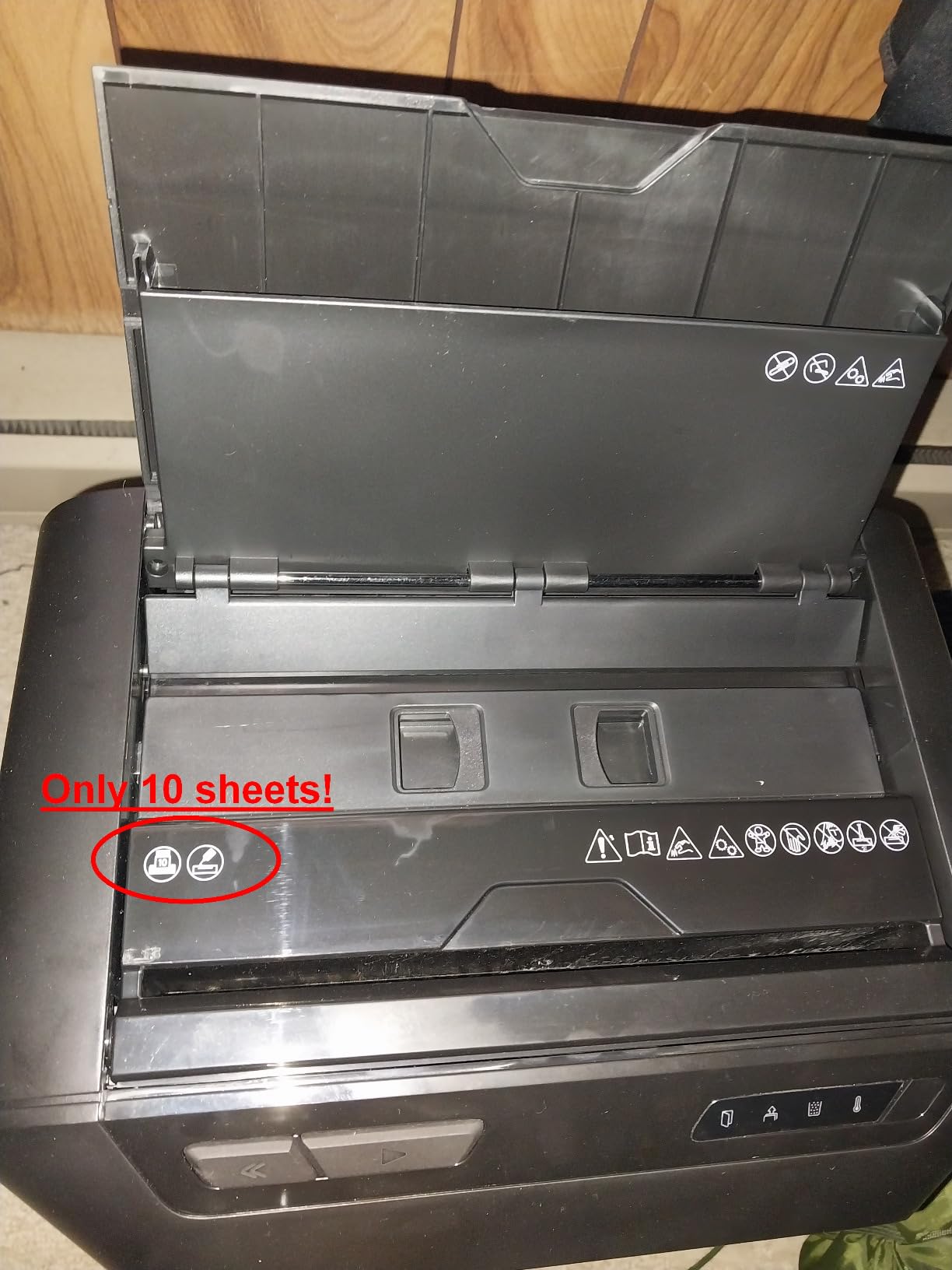
Here is the honest catch, and it is a significant one for a continuous-duty question: run time is 10 minutes in auto mode and 7 minutes in manual mode. That is office-tier duty cycle, not continuous. The product sits in this roundup because it is a Fellowes micro-cut autofeed that suits a specific home office, but it is not built for long sessions.
Noise is listed at 75 dB, the highest figure in the group, and we would expect that to be noticeable during a call. The 4.5-gallon bin is also the second smallest here, and micro-cut output compacts well, so it fills on volume more slowly than cross-cut but it still needs emptying regularly.
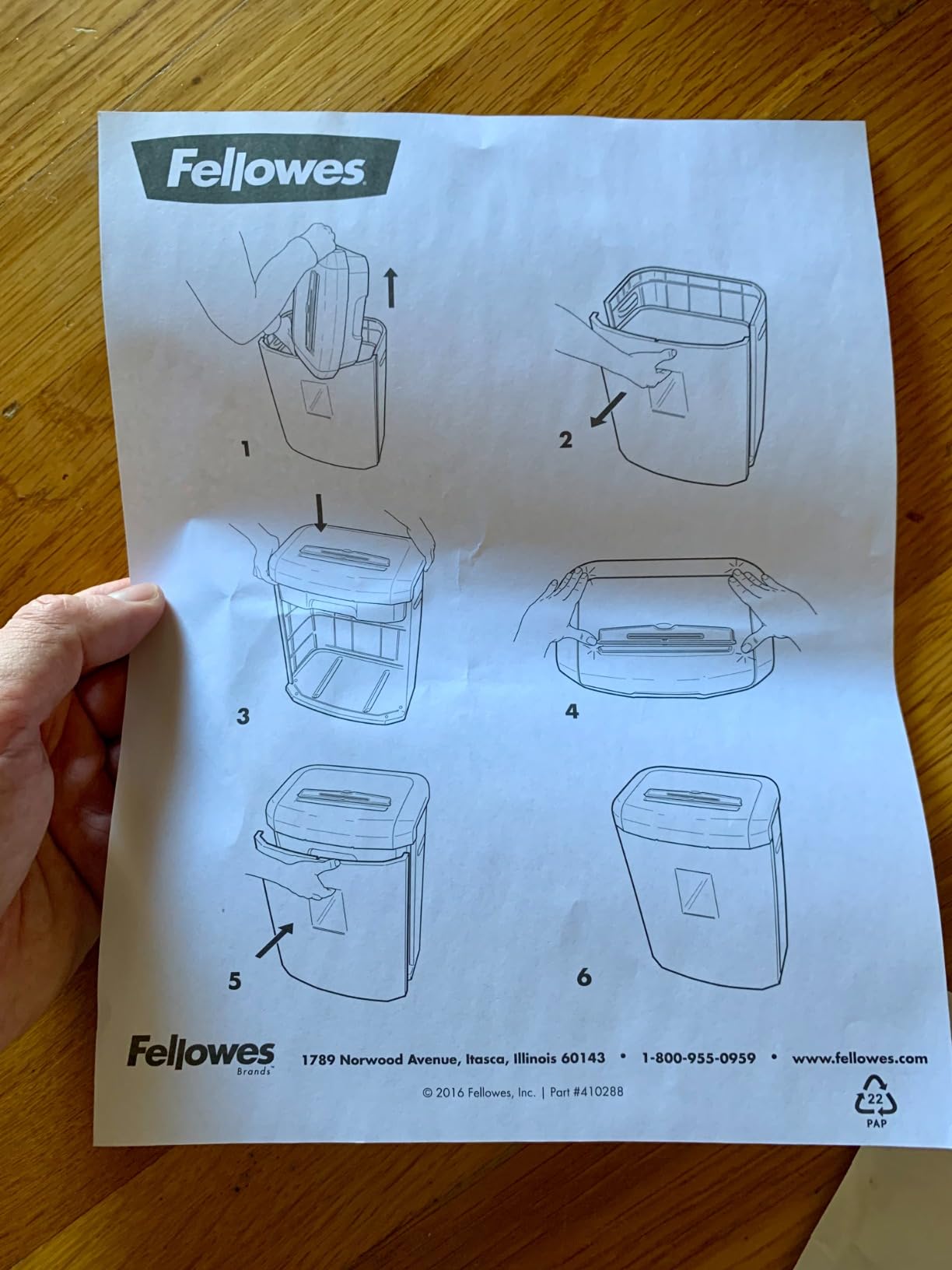
When simultaneous auto and manual feed earns its keep
It sounds minor until you use it. A single credit card or a folded page with a staple can be fed straight into the top slot while the tray is still working through a stack, rather than waiting for a batch to finish. For someone shredding a mixed pile of documents at a desk, that removes a queue.
It is also what makes this machine useful as a shared household device, where one person is shredding a statement while another feeds in a document.
Why the run time is the deciding factor
If your workload is steady weekly shredding of a handful of documents, the 100MA handles it well and the compact, quiet-enough footprint is a real advantage in a small space. If you have a clear-out planned, this is the wrong machine and a 30- or 60-minute unit will serve you better.
The 75 dB rating also makes it a poor choice for a home office where you take calls from the same desk. That is a scenario-specific limitation rather than a fault in the machine, but it is the reason it does not rank higher for this particular query.
9. BONSEN 3113 300-Sheet: The Largest Auto-Feed Tray in the Lineup
BONSEN 300-Sheet Auto Feed Micro Cut Heavy Duty Paper Shredder for Office
300-sheet auto-feed
micro-cut P-4
58 dB
8.1-gallon bin
Pros
- 300-sheet auto-feed tray is the largest in the roundup
- 60-minute auto run time
- 58 dB keeps it usable in a shared room
- Micro-cut P-4 particles at 5/32 by 15/32 inch
- Five LED indicators for feed error
- bin full
- door open
- overload and overheat
Cons
- Costs more than the smaller autofeed units
- Newer model with a moderate review base
- 12-sheet manual feed and 30-minute cool-down
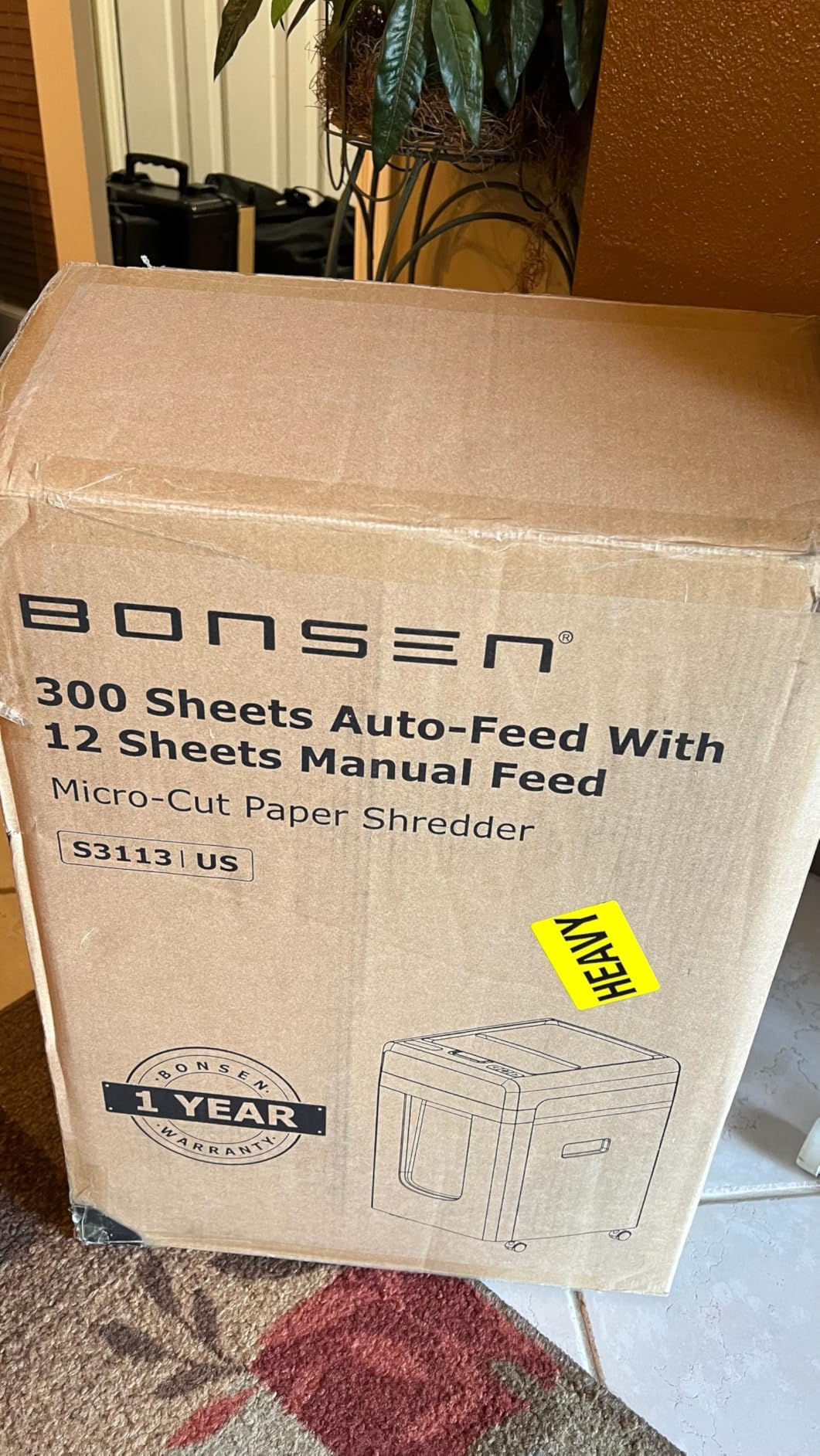
Everything about this machine is built around doing a lot in one pass. A 300-sheet auto-feed tray means you load it once and walk away, which is the difference between a shredder that helps and one that demands your time. The 60-minute auto run time means the tray empties before the duty cycle does.
Micro-cut P-4 output, 58 dB, and an 8.1-gallon bin on casters complete a combination we would not normally expect at this volume level. Most machines in the 300-sheet class are cross-cut and noticeably louder.
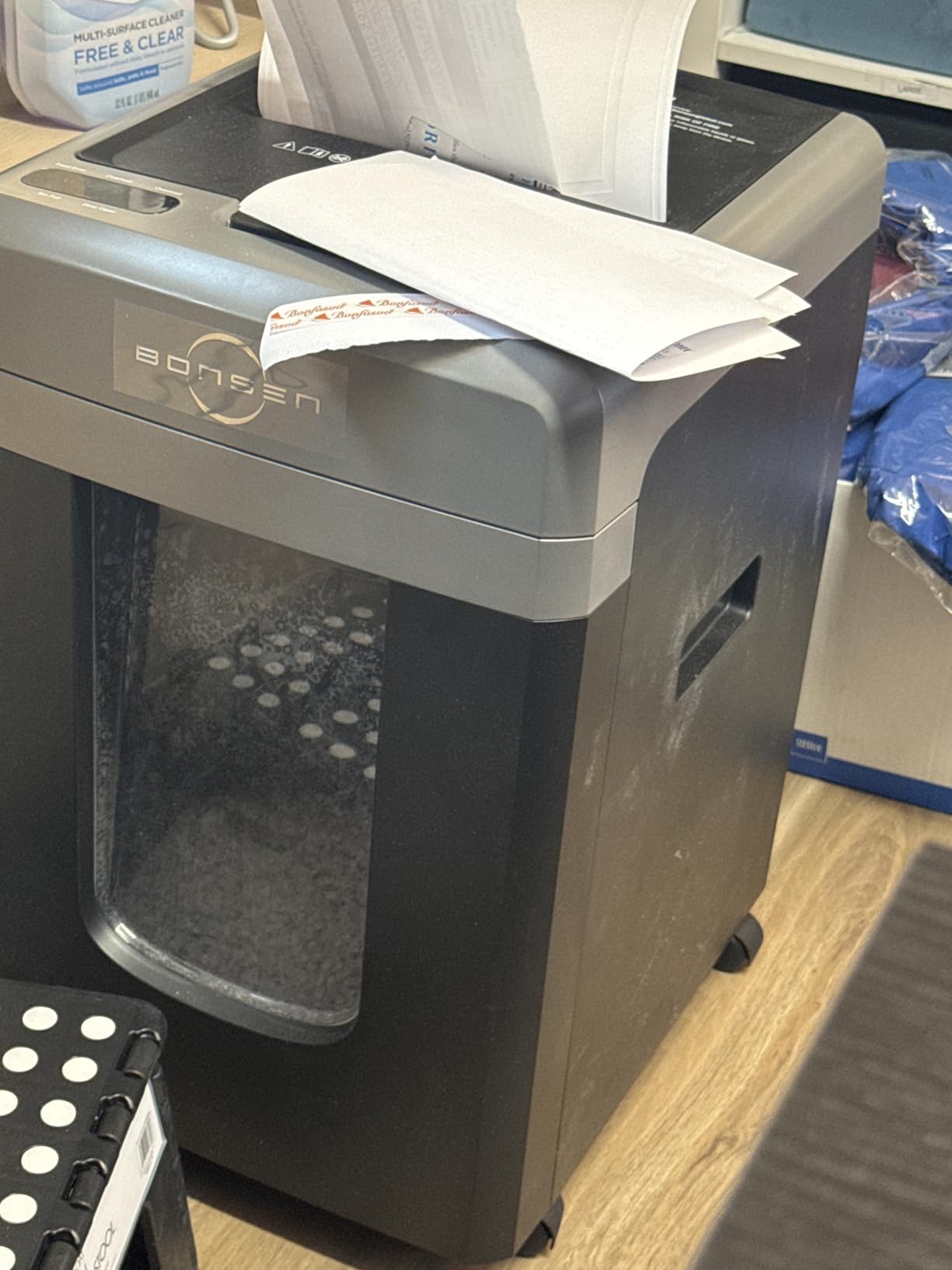
Auto-sleep after 10 minutes of inactivity keeps idle consumption down, and the five LED indicators give you a clear read on feed error, bin full, door open, overload and overheat. In practice those lights are what stop you from opening the head mid-shred.
Dimensions are 14.4 by 16.2 by 20.1 inches, which is compact for a 300-sheet unit, and at 33.5 pounds it moves on casters without being a two-person job.
Where a 300-sheet tray earns its size
The tray makes sense when you are clearing out years of accumulated paper: archived client files, a move, a business closing down, or the annual paperwork purge most self-employed people postpone. Loading a machine three times instead of twenty times is the entire value proposition.
It is also useful for a house share, a small co-working space or a home office that doubles as a base for a second worker, where one machine absorbing a shared pile is simpler than managing access to two.
The trade-offs of maximum capacity
Bigger tray, higher purchase cost. Manual feed is 12 sheets and there is a 30-minute cool-down after a full auto-feed session, so back-to-back maximum batches need a gap. And 300 sheets in the tray does not mean 300 sheets of output in the bin, so plan on emptying partway through a very large job.
The review base is moderate, which is normal for a newer model in this category. Everything here is a documented spec rather than an inference, so the risk is more about long-term durability reporting than about whether the machine does what it claims.
10. Aurora AU110MB: Lightweight Micro-Cut for Apartment Workspaces
Aurora High Security AU110MB 110-Sheet Auto Feed Micro-Cut Paper and Credit Card Shredder with 4 Gallon Pullout Basket / 30 Minutes/Security Level P-4 (White/Black)
110-sheet auto-feed
30-minute continuous run
4-gallon bin
17.4 pounds
Pros
- Lightest auto-feed machine here at 17.4 pounds
- Smallest footprint at 8.7 inches deep
- Micro-cut P-4 output
- 30-minute continuous run time
- LED indicators for feed error
- bin full
- door open
- overload and overheat
Cons
- 4-gallon bin is the smallest in the roundup
- 30-minute run time is below the 60-minute units
- Smaller review base on a newer model
Weight and footprint are the deciding numbers here. At 17.4 pounds and 8.7 inches deep, this is the machine you can lift with one arm, carry between a desk and a shelf, and place in a home office without reorganising the furniture. The heaviest machine in this roundup is more than twice the weight and does not move without casters.
A 110-sheet auto-feed tray with a 30-minute continuous run time covers the realistic home office case: monthly paperwork, a batch of scanned-and-discarded records, or a shared household’s mail.
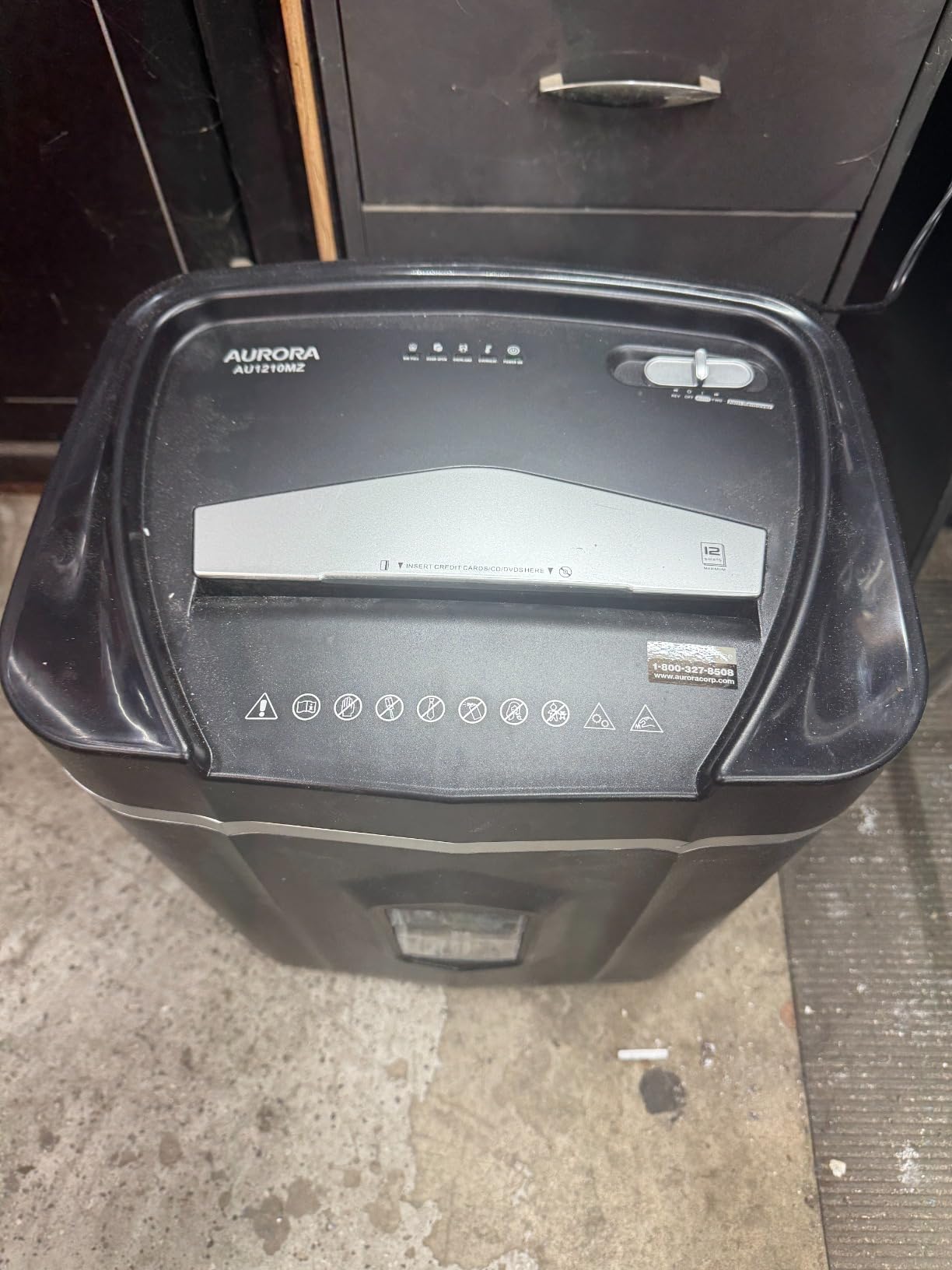
Micro-cut P-4 particles at 5/32 by 9/32 inch mean the security is at the top of the range despite the modest size, and the LED indicator set is comprehensive for a machine this compact. Overload protection and auto-reverse are both present, which are the two features that decide whether a small machine stays usable.
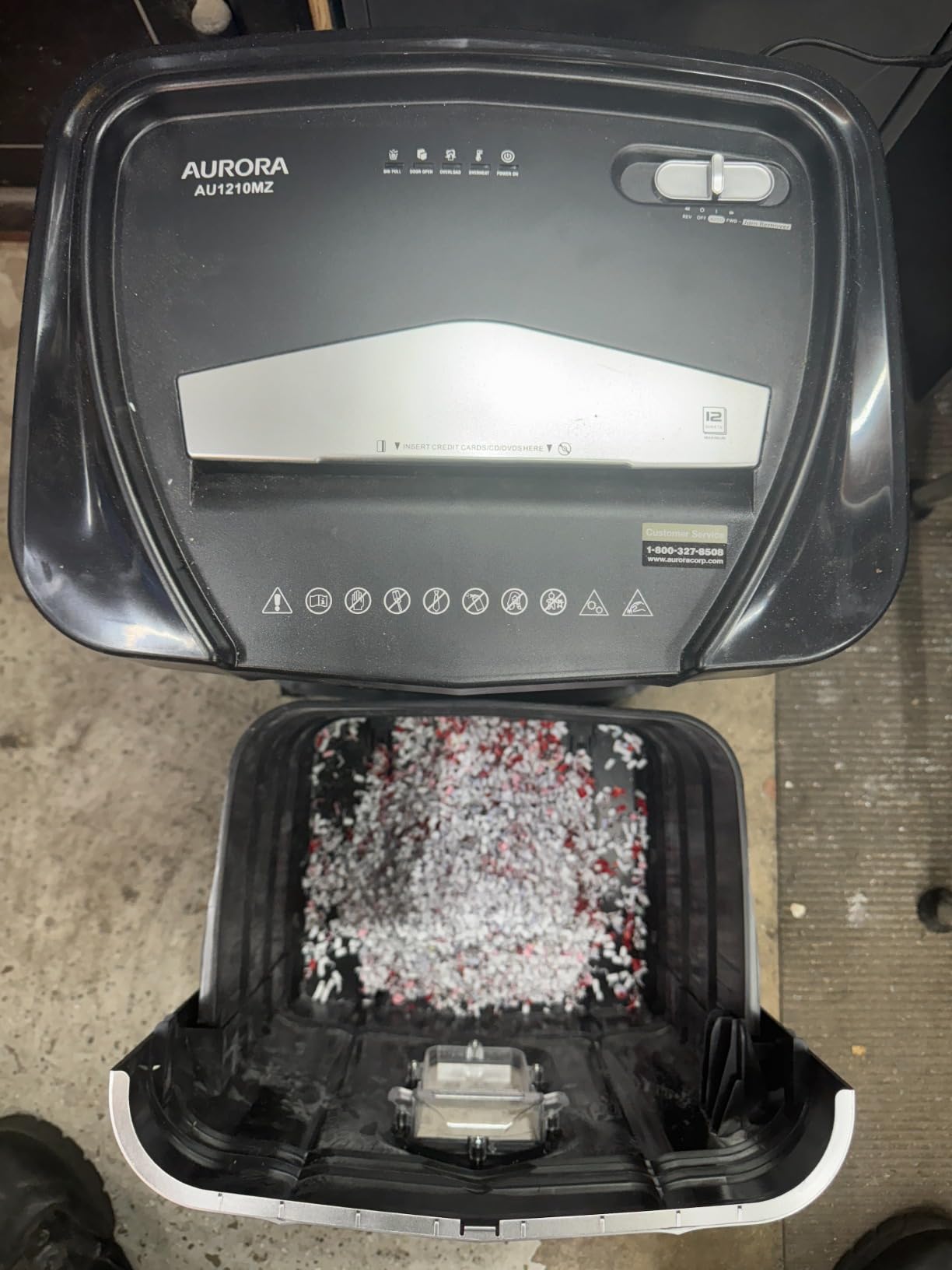
The 4-gallon pull-out bin has casters and is listed with a full set of status indicators. It is the smallest bin in the roundup, so it will need more frequent emptying than the 8.5-gallon units, though micro-cut output compacts well enough to soften that.
Why 30 minutes is the right number for most apartments
Thirty minutes of continuous run is a genuine continuous-duty cycle, and it is enough to destroy a substantial stack in one sitting. What it will not do is absorb several consecutive large batches without a pause, so the 60-minute machines win if your clear-outs are the main event.
For steady weekly shredding in a flat, a 30-minute cycle that resets quickly in a small room is often the more practical choice. A heavy machine in a small space is a heavy machine every time you need to move it.
Where the compromises bite
Four gallons is the smallest bin here, and a 4.6 rating on a smaller review base tells you the machine performs well rather than that it has been proven over a decade of ownership. Expect the usual first-year settling period on any new model.
If you are ever going to store a lot of documents before shredding, check your plan for the bin emptying cadence. A small bin plus a high volume of shredded output is the one combination that turns a pleasant monthly task into a weekly one.
Buying Guide: How to Choose a Continuous-Duty Shredder
How much shredding does a home office really do?
Most people over-buy, and forum discussion on this is consistent. Many households destroy a handful of bank statements a week, which a 10-minute office-tier machine handles indefinitely. The machines on this list earn their place only if your volume crosses a threshold, so it is worth doing the arithmetic before buying.
A few envelopes a week: around 20 to 40 sheets a week. A standard 10 to 15 sheet cross-cut or micro-cut unit is the right answer, and none of the ten machines here is necessary.
A steady month-end pile: roughly 100 to 250 sheets a week from billing, insurance mail and client paperwork. A manual-feed machine rated for 18 to 20 sheets per pass with a 20 to 30 minute run time covers this comfortably.
Monthly or quarterly clear-outs: 500 sheets or more in one sitting, or archived years of paperwork. This is where a 60-minute run time or a 110 to 300 sheet auto-feed tray genuinely earns its cost.
Shared household or small business base: unpredictable bursts plus steady trickle. Auto-feed is worth the premium here, because you will not always be the one standing at the machine.
For a steady month-end pile in a home office, the general home office shredder picks cover the mid tier well. For heavier archives, see also our heavy duty shredder guide.
Security levels decoded: DIN 66399 P-1 to P-7
Security levels come from the DIN 66399 standard, which grades shredders by particle size rather than by marketing language. The standard is worth knowing because the label tells you more than the word secure ever will.
P-1 to P-3: strip-cut and basic cross-cut. Adequate for low-risk material like junk mail. Reassembly is straightforward.
P-4: cross-cut, the practical default for home offices. Handles tax records, bank statements, contracts and general personal financial paperwork.
P-5: micro-cut or fine cross-cut. For medical records, identity documents and anything you would not want reconstructed in any circumstance.
P-6 and P-7: institutional-grade. For classified government and defence material. Not a home office consideration.
Micro-cut output is also more compact in the bin, so a micro-cut machine can go longer between empties than the gallon rating suggests. One caveat from the research worth repeating: some users destroy shredded output further, such as soaking it, before recycling, because they want certainty it cannot be reassembled. If that matters to you, micro-cut at P-5 is the machine that removes the question.
Noise in a home office: reading the decibel figure
Noise matters more in a home office than in a dedicated back room, because the room is also where your calls happen. The figure on the box is measured under lab conditions, so treat it as a ranking rather than an absolute.
58 dB and below: the quietest group here, workable in a shared room. The Bonsaii C283-A and the BONSEN 3113 both sit here.
Around 60 to 62 dB: conversation carries on across the room, but a laptop microphone will pick it up. The 99Ci, C149-C and BONSEN S3104 are in this band.
Above 70 dB: noticeably disruptive during a call. The Fellowes AutoMax 100MA is the clearest example of a machine that works well but is hard to use while talking.
Two things help more than the rating. Shredding a stack continuously is louder than shredding a few sheets, and micro-cut is generally quieter than cross-cut at the same volume because the cutters move through a finer pass. If you shred on calls, choose micro-cut and keep sessions short.
Jam prevention and what to do when it happens
Jams are the single most common complaint about any shredder, and the reason is usually feeding paper with a staple, clip or folded edge that snags the entry. Auto-reverse, which reverses the cutters to back the obstruction out, is the feature that resolves most of them and every machine in this roundup has some version of it.
When a shredder does jam, work through these steps in order rather than reaching for a tool.
Switch the machine to reverse and let the full reverse cycle complete. Pulling paper out mid-cycle is what turns a small jam into a torn one.
Cut the visible paper with scissors rather than pulling it. Never reach into the feed slot and never use a screwdriver, hairpin or pliers, because that damages the cutter and voids the warranty on most machines.
Use the manual override or the dedicated reverse control until the obstruction clears completely, then run the cutters empty for a few seconds.
Lubricate. A cutter that has been running dry is the most common root cause of repeat jams, and a lubricant sheet takes under a minute.
If the machine cuts out on overload, let it cool fully before restarting rather than immediately reloading. Repeated overload restarts are what shorten motor life.
Also worth separating out: autofeed machines jam on staples more often than manual-feed machines, because the tray feeds a whole stack at once and a single bent staple can catch several sheets together. If your documents are heavily stapled and you already own an autofeed, feed those individually through the manual slot.
Maintenance, footprint, and what not to shred
Lubrication is the habit that determines how long a continuous-duty machine lasts. Every product here needs periodic oiling to keep the blades clean and the motor cool, and machines that are skipped usually show it as slow cutting and overheating rather than sudden failure. Treat the lubricant sheets or oil included in the box as a starting supply, not a spare.
Bin size drives how often you empty it, and output type drives how fast it fills. Cross-cut shreds are bulky and airy, micro-cut shreds settle down, so two machines with the same gallon rating fill at very different rates. Allow for casters on anything over 25 pounds, and for a clear space in front of the head to lift it out.
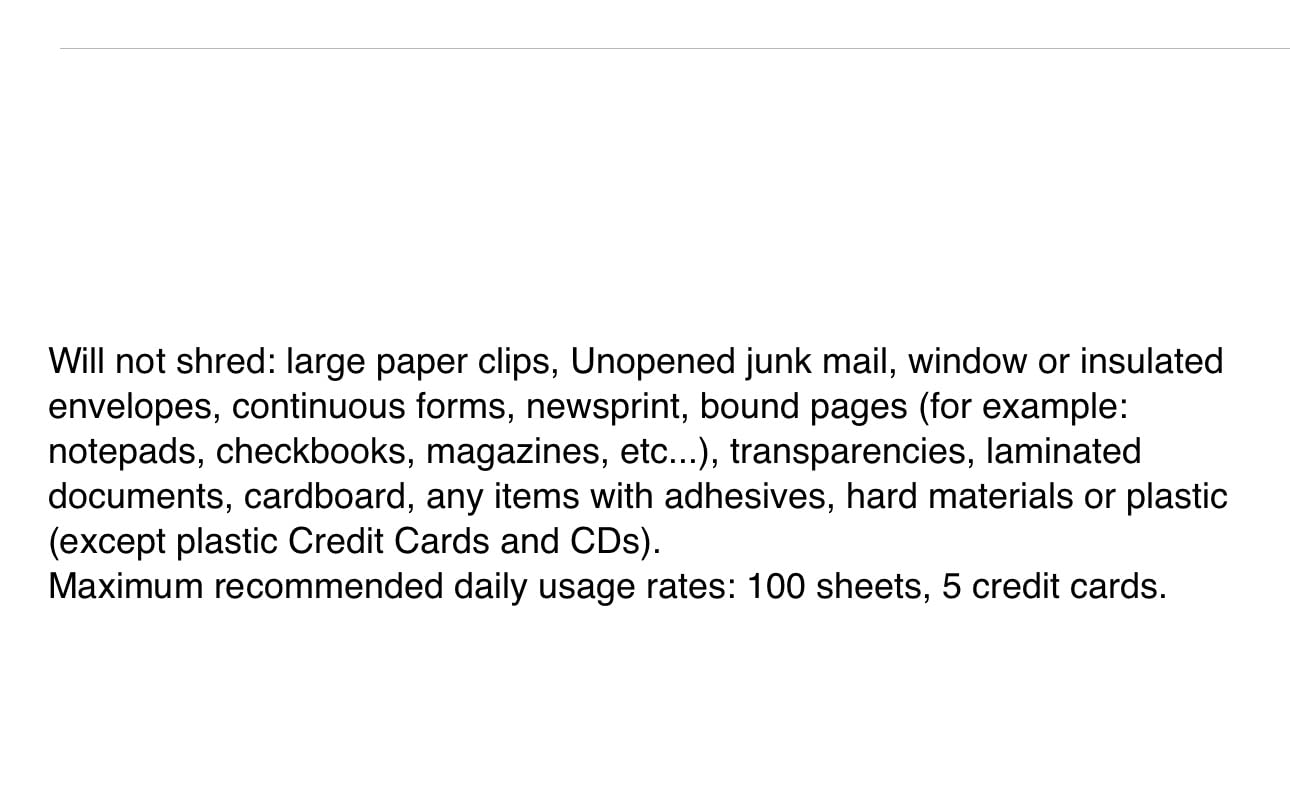
What you should not put through the machine matters too. Do not shred cardboard, since it wraps around the cutters and is a common cause of jams that need tools to clear. Avoid anything with a hard plastic edge. Optical discs and USB drives are only safe where the machine is specifically rated for them.
Most importantly, not every document should be destroyed at all. Keep originals you are legally required to retain, including tax records that fall under a retention period, and never destroy birth certificates, passports, wills, powers of attorney, marriage and divorce decrees, or anything covered by a legal hold. If a record might be needed to prove something years from now, retain a copy somewhere secure rather than trusting the shredder.
Finally, plan the space. A home office that also serves as a gym or a guest room needs a machine you can push under a desk on casters, which favours the 19-pound and 17-pound units over the 38-pound tier. And if you are still setting the room up, our home office desk guide covers the furniture side of the same footprint problem. For readers balancing shredding with wider health tracking at home, our continuous glucose monitor guide covers a different kind of continuous device.
Frequently Asked Questions
What is a continuous duty shredder?
A continuous-duty shredder is built with a motor, cooling system and blade assembly rated to run for 30 to 60 minutes at a time without overheating and cutting out. That separates it from light-duty home models that stop after about 10 minutes and standard office units that stop after 20 to 25 minutes. After a full run it needs a cool-down period, commonly 20 to 60 minutes, before it will restart.
How long does a paper shredder need to cool down?
Typically 20 to 60 minutes, depending on the machine and how warm the room is. Light-duty home units cool in about 10 to 15 minutes, standard office machines take 20 to 30 minutes, and continuous-duty and commercial units can need the full 60. Several models in this roundup specify a 30 to 45 minute cool-down after a full auto-feed session, and restarting early is the most common cause of a burned-out motor.
How many papers can you put in a shredder?
It depends on the duty class. Light-duty units handle up to about 50 sheets in a 10-minute run, standard office units up to around 250 sheets in a 25-minute run, and continuous-duty units can take 30 to 60 minutes of feeding. Per pass, expect 10 to 20 sheets on a manual-feed machine and 100 to 300 sheets on an auto-feed tray. Mixed stacks of envelopes, card stock and stapled pages weigh less than plain paper, so rated capacity is a ceiling rather than a promise.
Can commercial and continuous-duty shredders handle staples?
Yes, all ten machines here shred staples, paper clips and credit cards. What differs is how forgiving they are about it. Manual-feed cross-cut machines are more tolerant of stapled and clipped stacks because you control the thickness, while autofeed machines jam more often on staples because the tray feeds several sheets together. If you own an autofeed, feed stapled documents individually through the manual slot instead of stacking them in the tray.
What to do when a paper shredder jams?
Switch it to reverse and let the full reverse cycle finish. Cut the visible paper with scissors rather than pulling it, and never use a screwdriver or pliers, which damages the cutters and voids the warranty. Clear it fully with the manual override, run the cutters empty for a few seconds, then lubricate, since dry cutters are the usual cause of repeat jams. If it cut out on overload, let it cool fully before restarting.
What documents should you never destroy?
Never shred birth certificates, passports, Social Security cards, wills, powers of attorney, marriage or divorce decrees, or anything under a legal record-retention hold. Keep originals for any record you may need to prove later, including tax documents inside their retention period, and retain a secure copy instead. Shredding removes the evidence, and a document you cannot replace is far more expensive than the privacy protection is worth.
Is micro-cut better than cross-cut for home privacy?
Yes, and it is the safer default. Micro-cut produces thousands of small particles per sheet where a cross-cut produces far fewer, larger fragments, so reassembly is much harder. For most home offices either meets the P-4 level that tax records and bank statements need, but micro-cut is worth the extra cost for medical records and identity documents. It also runs quieter and packs into the bin more compactly, so it can go longer between empties.
Why are paper shredders so expensive?
Four things drive the cost. Motor thermal capacity for continuous duty, the quality and hardness of the blade steel, the security level, where higher levels mean more cutter passes and slower shredding for the same motor, and the overall build quality. Auto-feed mechanisms and casters add cost on top. That is why a micro-cut autofeed unit costs meaningfully more than a manual-feed cross-cut of the same sheet capacity.
The Verdict: Which Shredder Should You Buy?
Start with the Fellowes Powershred 99Ci. An 18-sheet cross-cut at P-4, a 30-minute continuous run, a 9-gallon bin, SafeSense protection and a 2-year warranty backed by lifetime cutter coverage, held up by more than 11k ratings. It is the pick we would put in a home office without hesitating, and it is the machine most likely to still be running in 2026.
If your paperwork is steady but not heavy, the Bonsaii C149-C gives you a 60-minute run time for less money and weighs less on casters. If your destroys are bulk jobs, the Amazon Basics 200-Sheet handles the volume without your attention, and the BONSEN 3113 triples the tray size. If you shred on calls, go micro-cut and stay under 60 dB with the Bonsaii C283-A. If you handle medical or identity documents, the Aurora AU200MA is the only P-5 option here.
And if your real volume is a few envelopes a week, save your money and buy the smaller machine. The best shredders for home offices with continuous duty are the ones whose duty cycle matches your paperwork, not the ones with the longest run times on the box.