
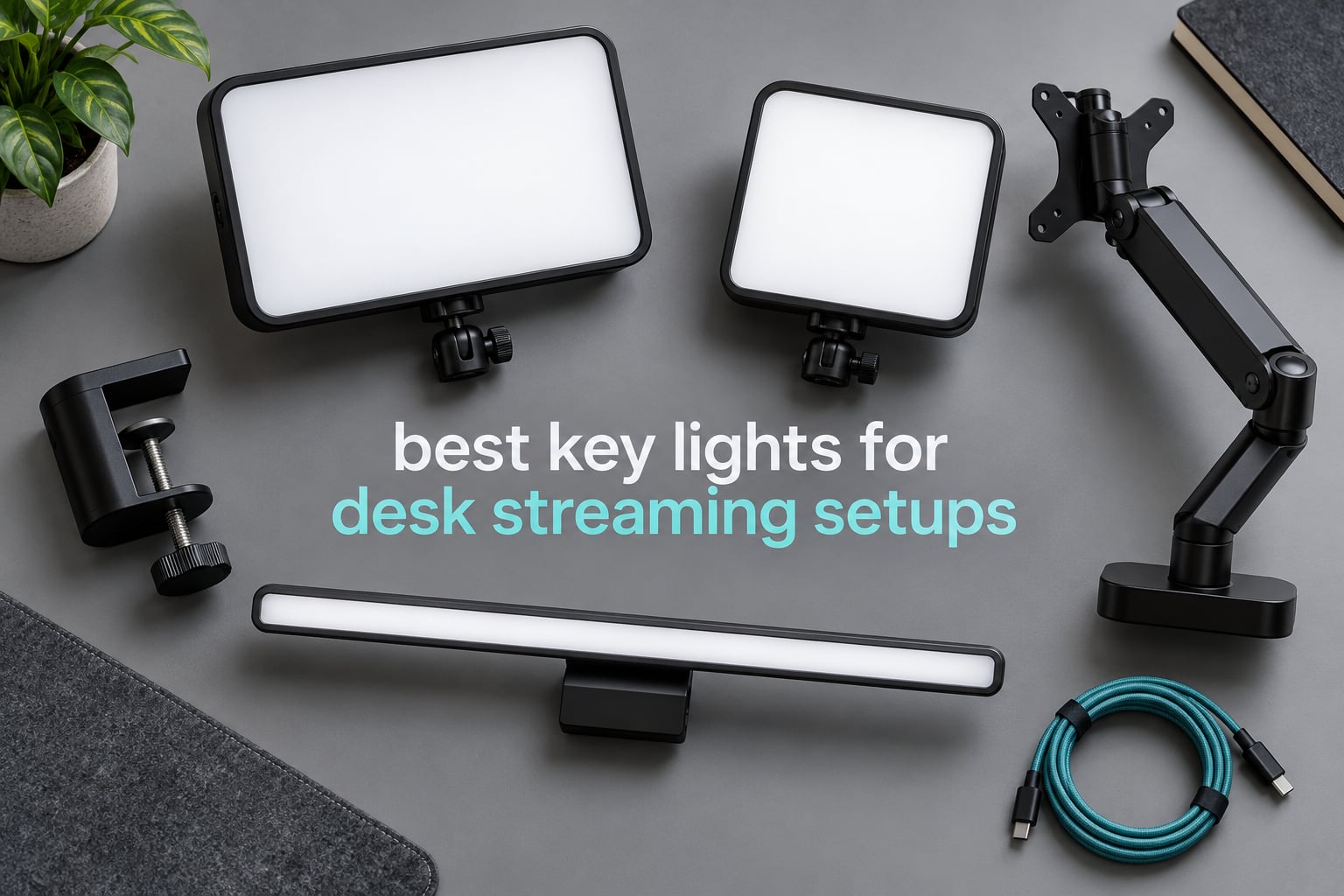
The best key light for a desk streaming setup is the Elgato Key Light: 2800 lumens of even, opal-diffused light, a 2900K-7000K range, a desk clamp that frees up your floor, and Wi-Fi plus Stream Deck control. It is the one light here that handles a dual-monitor desk, long streams and colour-critical work without compromise.
Most lighting roundups cover studio lights on tripods and pretend a desk is just a small studio. That misses the actual problem. On a desk you are working inside a few square feet of space, your monitor arm already owns the airspace above your keyboard, and your camera is close enough to your face that any hard shadow or blown highlight is obvious to everyone watching.
So this roundup is scoped to desk-bound key lights only: panels and bars that clamp to a desk edge, mount to a monitor, or sit on a short stand beside a display. I looked at twelve lights spanning roughly a ten-fold range in brightness and output style, from compact ring lights to edge-lit panels rated in the thousands of lux, and judged each one on three things a desk streamer actually feels: how it mounts, how it behaves after three hours, and whether your camera sensor can live with the output.
One correction before we start, because it comes up in almost every forum thread about this topic: fix your lighting before you upgrade your webcam. A better sensor cannot rescue a face lit from one side by a ceiling bulb. The community advice is consistent on that point, and so is our own experience — the same webcam under a single well-placed key light produces a sharper, cleaner image than a pricier camera under mixed room lighting.
If you are still building out the rest of the rig, our capture card roundup for streaming covers the other half of the signal chain, and our picks for monitor arms for ergonomic setups matter here too, because a good arm is what makes room for a light.
Table of Contents
Top 3 Best Key Lights for Desk Streaming Setups in 2026

Elgato Key Light
- 2800 lumens max output
- 2900K to 7000K bi-color
- CRI 97 opal glass panel
- Desk clamp mount with Wi-Fi app control

Logitech Litra Glow
- Up to 250 lumens output
- 2700K to 6500K TrueSoft
- 3-way monitor mount
- USB-C powered with G HUB app

RaLeno 9 inch LED Video Light
- 600 lux at 0.5m from 12W
- 2500K to 6500K dual knobs
- CRI 95+ with built-in battery
- Runs while charging over USB-C
Those three cover the realistic routes into a desk setup: a full-size panel with a proper stand for people who want broadcast output, a monitor-mounted bar for people with almost no desk space, and a battery-powered compact panel for people who move between a desk and a corner of a room.
The 12 Best Key Lights for Desk Streaming Setups at a Glance (October 2026)
| Product | Specifications | Action |
|---|---|---|
| Elgato Key Light |
|
Check Latest Price |
| Logitech Litra Glow |
|
Check Latest Price |
| RaLeno 9 inch LED Video Light |
|
Check Latest Price |
 NEEWER GL25B NEEWER GL25B |
|
Check Latest Price |
 Logitech G Litra Beam Logitech G Litra Beam |
|
Check Latest Price |
 NEEWER GL1 PRO NEEWER GL1 PRO |
|
Check Latest Price |
 GODOX ES45 GODOX ES45 |
|
Check Latest Price |
 amaran Verge amaran Verge |
|
Check Latest Price |
 GVM 10 inch Round Key Light GVM 10 inch Round Key Light |
|
Check Latest Price |
 DImotliyor Bi-Color C-Clamp Light DImotliyor Bi-Color C-Clamp Light |
|
Check Latest Price |
 Weilisi 10.2 inch Desk Ring Light Weilisi 10.2 inch Desk Ring Light |
|
Check Latest Price |
 UBeesize 10 inch Desk Ring Light UBeesize 10 inch Desk Ring Light |
|
Check Latest Price |
Two things stand out in that grid. Output is quoted three different ways across the twelve: lumens, lux at a stated distance, and LED counts, which is why the buying guide below spends time translating them. And mounting options narrow sharply once you add a second monitor, because three of these lights need a clear vertical pole in front of your desk.
1. Elgato Key Light – Best Key Light for Desk Streaming Overall
Elgato Key Light, Professional 2800 Lumens Studio Light
2800 lumens max
2900K-7000K
CRI 97
Desk clamp, 59 inch pole
Pros
- Even opal glass diffusion with no hotspots on camera
- Runs cool with 160 low-heat OSRAM LEDs
- Desk clamp pole frees up desk and floor space
- Wi-Fi app and Stream Deck control mid-stream
- Metal build feels durable
Cons
- Wi-Fi pairing can be finicky and hard to reconnect
- No physical dials when the app or network is unavailable
- Plastic ball head is light for constant adjustment
- Lowest dimming step is still fairly bright
This is the light I keep coming back to on desk rigs. The panel is a long horizontal bar rather than a square, which matters more than it sounds: a wide source wraps light around your face instead of blasting one cheek, so the shadow on the far side of your face is soft enough that most streamers never bother adding a fill.
Output is 2800 lumens at the top of the dimmer, spread across 160 OSRAM LEDs behind an opal glass face. In practice that is more than enough for a webcam at arm’s length in a normally lit room, and the panel does not get uncomfortably hot after a three-hour session.
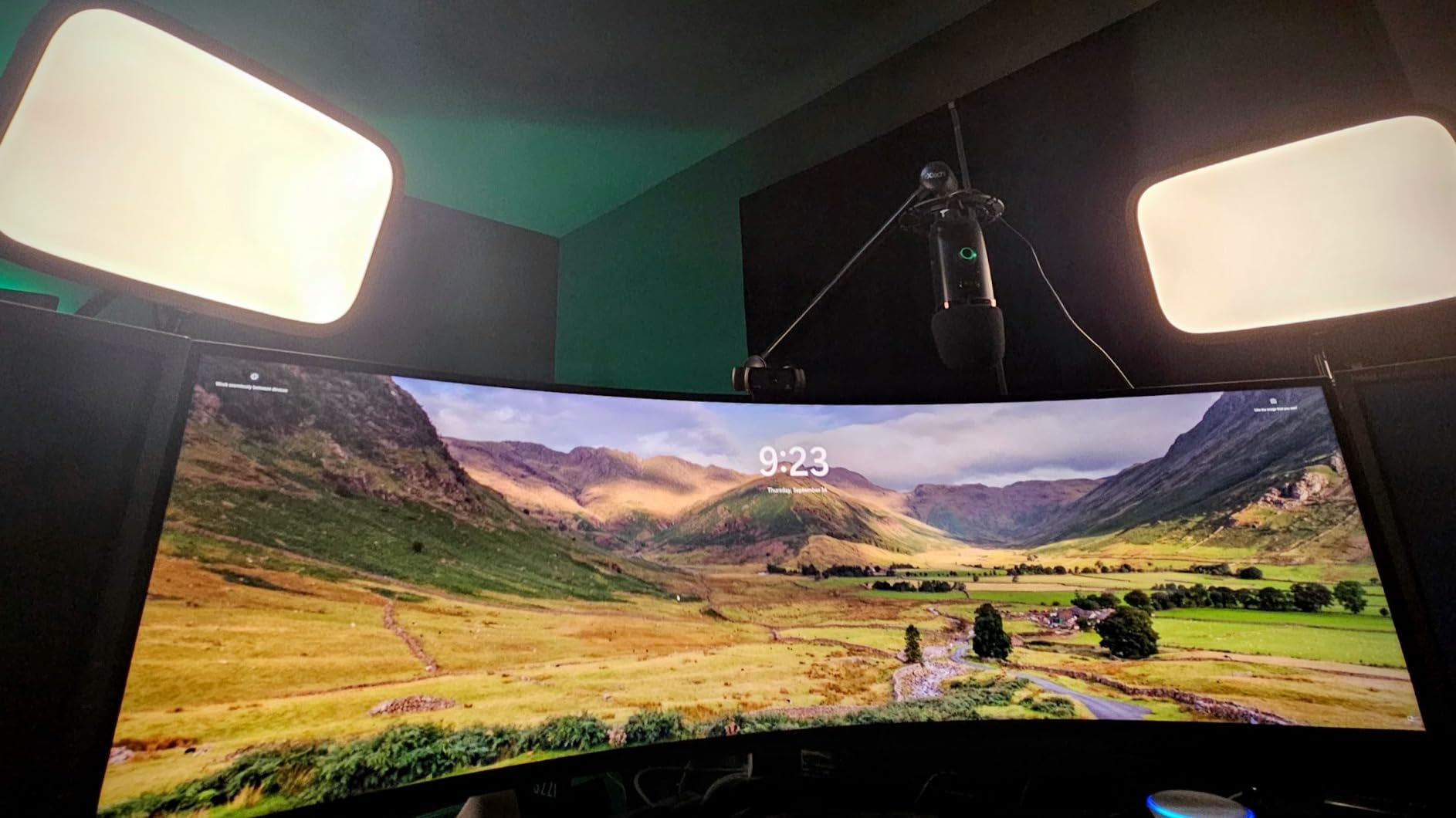
The mount is where this light justifies itself on a desk. It ships with a telescoping pole that clamps to the desk edge and extends to nearly 59 inches, so you can raise the light above your monitor without adding a floor stand that eats walking space in a small bedroom studio.
Control runs through a Wi-Fi app on your computer, and the panel pairs with Elgato’s Stream Deck, so a single button press during a stream can shift brightness and colour temperature without you touching the light. For a one-person show that saves real time.
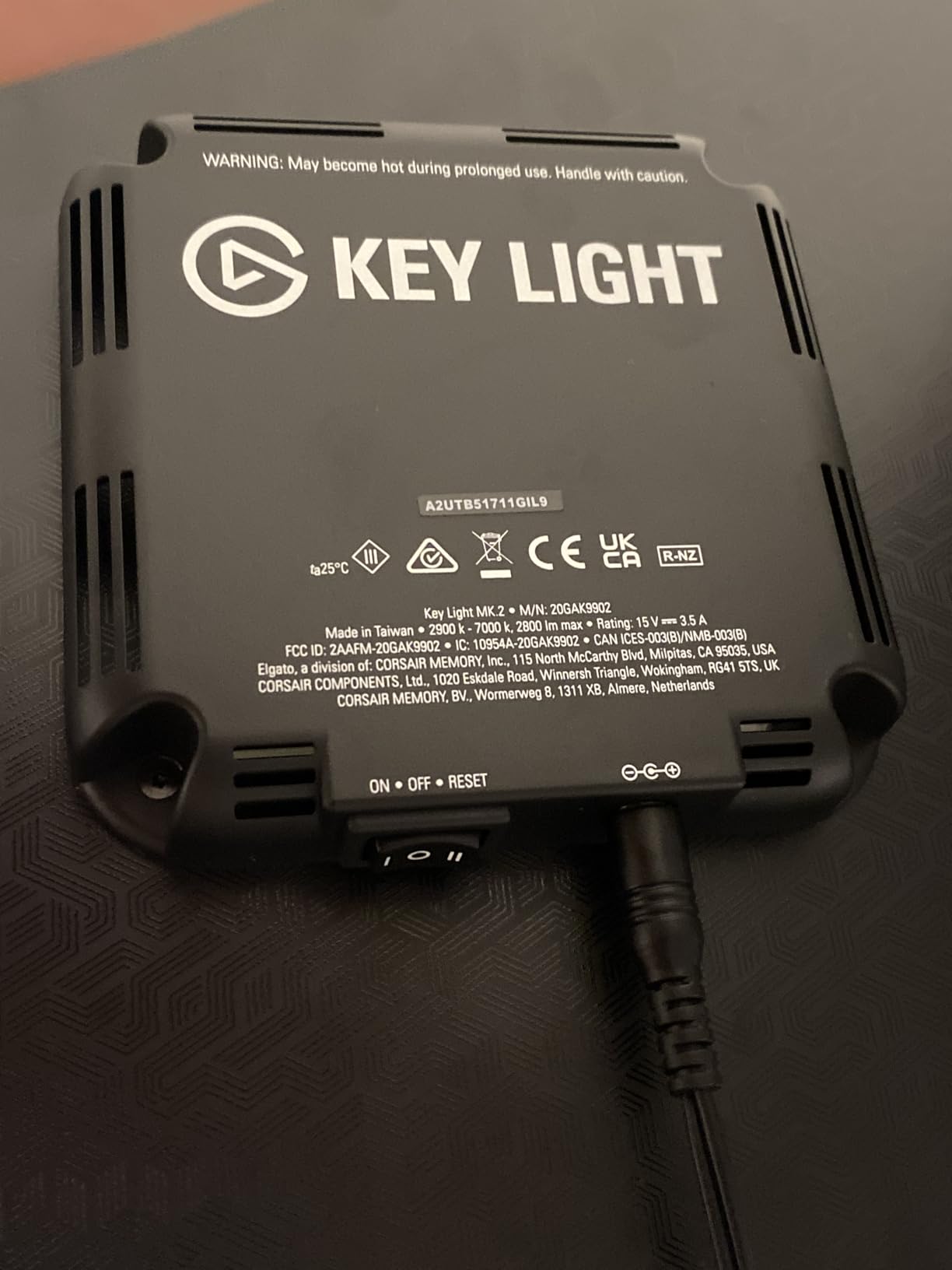
Is 2800 lumens too much for a home desk?
It is more than most desks need at full output, and several owners note the lowest dimming step is still brighter than they want at night. Set it around 20-30 percent for evening streaming and the diffusion still reads evenly across your face.
The bigger practical note is that there are no physical dials on the panel. If the Wi-Fi link drops mid-session, you are standing up and walking to your PC to fix it.
Should you pair it with a fill light?
Only if your room has genuinely low ambient light. In a room with a window or a ceiling light, the panel alone handles the face and adding a second light tends to flatten the image rather than improve it.
Streamers who want a second source usually go for the same light mounted on a second pole rather than a smaller panel, because matching output and colour temperature is what makes a two-light setup look intentional.
2. Logitech Litra Glow – Best Key Light That Mounts to Your Monitor
Logitech for Creators Litra Glow Premium LED Streaming Light – Graphite
Up to 250 lumens
2700K-6500K
TrueSoft LED
Monitor mount, USB-C
Pros
- Soft natural-toned light without harsh eye reflections
- Monitor mount keeps the desk clear of stands and clamps
- Unscrews from the mount to fit a standard tripod
- USB-C powered with good cable length and cord routing
- Five back buttons easy to find by feel
Cons
- Lowest brightness setting is still bright
- Monitor mount base is top-heavy on curved displays
- No built-in battery so it needs a USB port
- Back buttons are audible when adjusted on a call
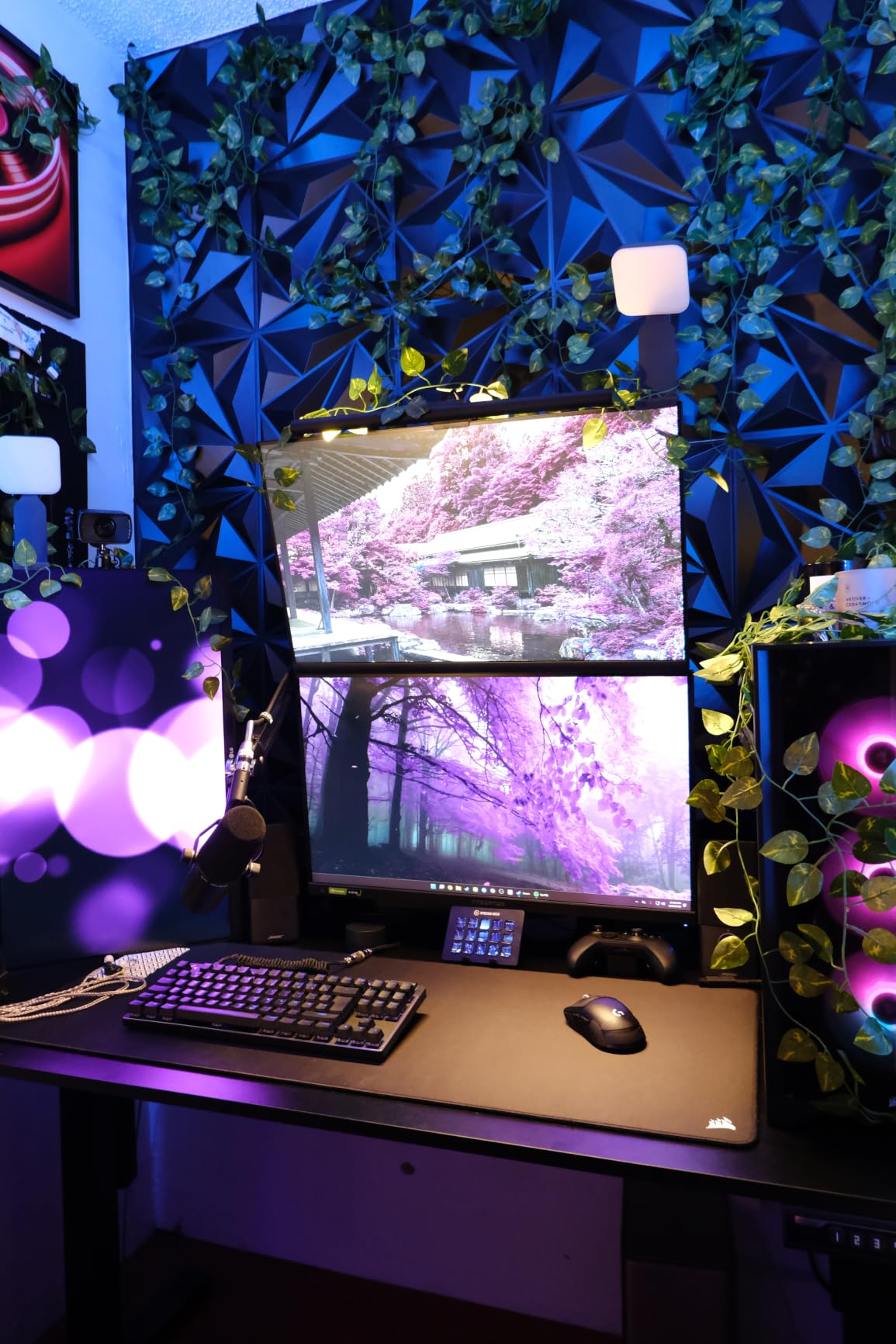
If your problem is desk space rather than light quality, this is the light that solves it. It attaches to the back of your monitor with a three-way mount that adjusts for height, tilt and rotation, so it sits above your screen without a clamp, a pole or a footprint on the desk surface.
The output is modest at up to 250 lumens, and that is the honest trade-off. It is a genuinely bright webcam light at two to three feet, but it will not light a room or overpower a window. Owners upgrading from ring lights tend to describe the change as flattering rather than powerful.
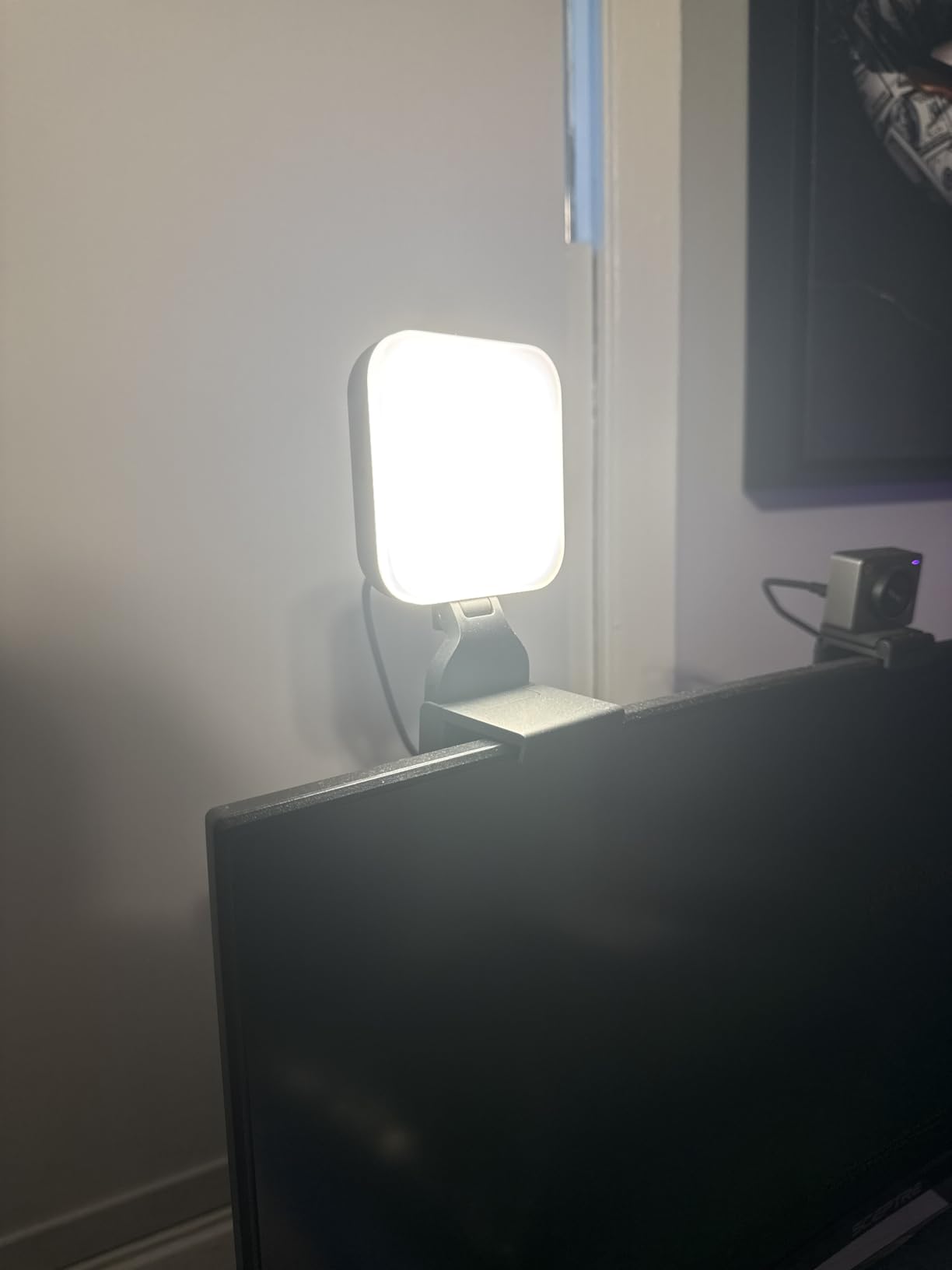
Colour temperature runs from 2700K to 6500K across five settings, with five brightness levels controlled by buttons on the back. Logitech’s TrueSoft LED is tuned for natural skin tones, and reviewers consistently mention that it avoids the hard specular reflections in eyes that glare-prone panels produce.
The light unscrews from the monitor bracket and takes a standard tripod thread, which turns it into a small off-desk light for a second setup in the room. Power is USB-C, and the included cable is long enough to reach a hub.
Will the monitor mount hold on a curved display?
That is the main reported complaint. The clip uses a light hollow plastic base and can creep downward on curved or strongly tilted screens, particularly with a heavier monitor. On a flat panel it holds position fine.
If your display is curved, the tripod thread is the safer route: mount a small arm or clamp light and skip the monitor bracket entirely.
Is 250 lumens enough for a bright room?
It is enough for an indoor desk lit by a monitor and a lamp. In a sunlit room with the window behind you, you will want something with a much higher ceiling, and no amount of dimming will fix an under-lit face.
Night streamers, which is most desk streaming, will find this light more than sufficient and easier on the eyes than a high-output panel at minimum brightness.
3. RaLeno 9 inch LED Video Light – Best Value Key Light with a Battery
RALENO 9″ LED Video Light, 2500K-6500K Camera Light with Desk Stand
600 lux at 0.5m
2500K-6500K
CRI 95+
4000mAh battery
Pros
- Built-in battery removes the power cord constraint
- Bright even panel with CRI 95+ for natural skin tones
- Dual rear knobs for brightness and colour temperature
- Operates while charging over USB or Type-C
- Light and thin enough for a camera bag
Cons
- Included ball head wobbles on a flash mount
- Charging cable is short at about 12 inches
- Can flicker at high output when the battery is low
- Battery runtime at full brightness is brief
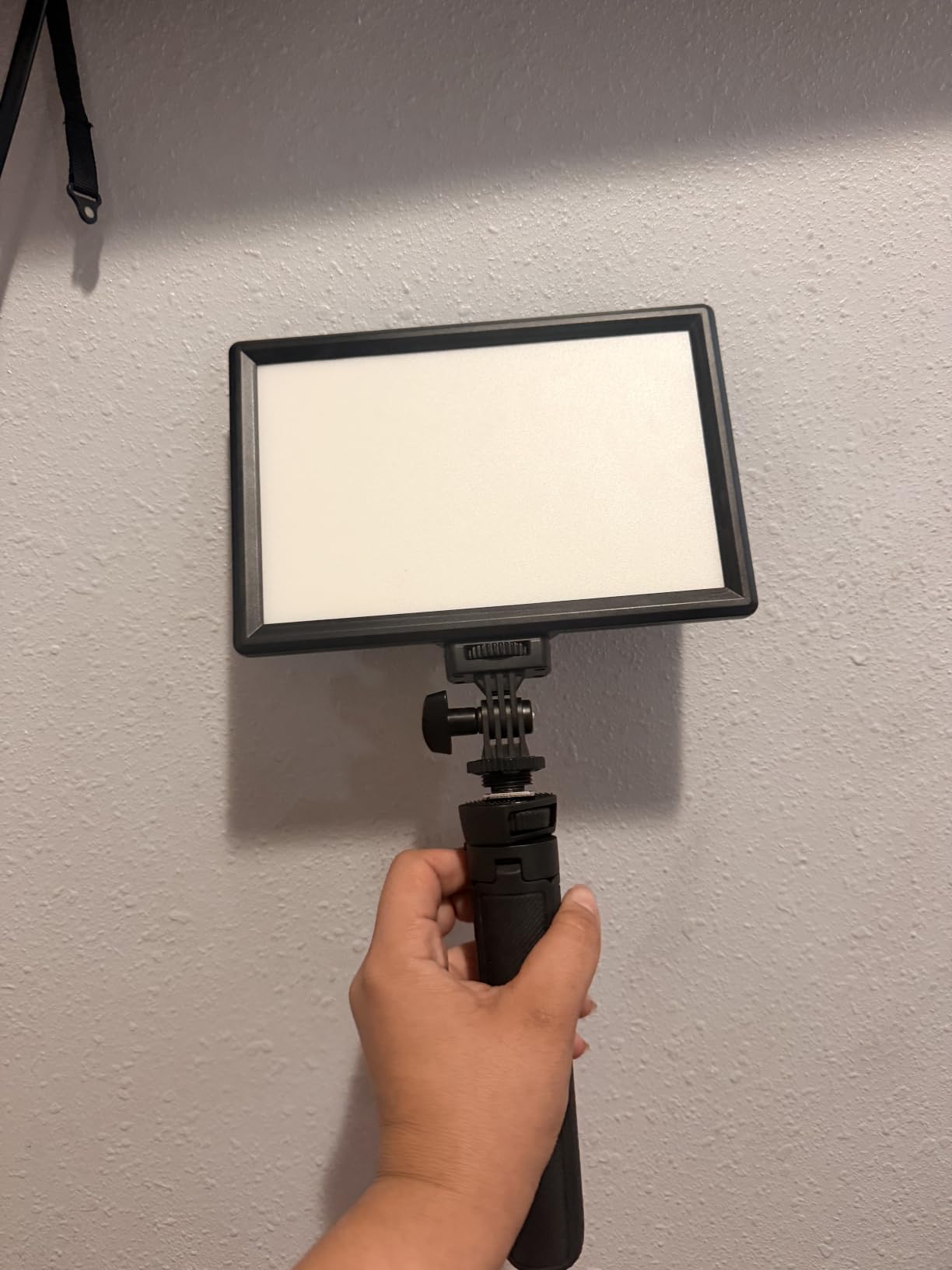
Most desk lights on this list are tied to a wall outlet. This one has a 4000mAh battery inside, so you can film a desk in a room that has no convenient socket, or move the light to a different angle without replugging anything mid-take.
At 12 watts it puts out 600 lux at half a metre across a 9 inch panel with four layers of diffusion. That is a modest but genuinely usable key-light figure for a webcam, and CRI 95+ keeps skin tones believable.
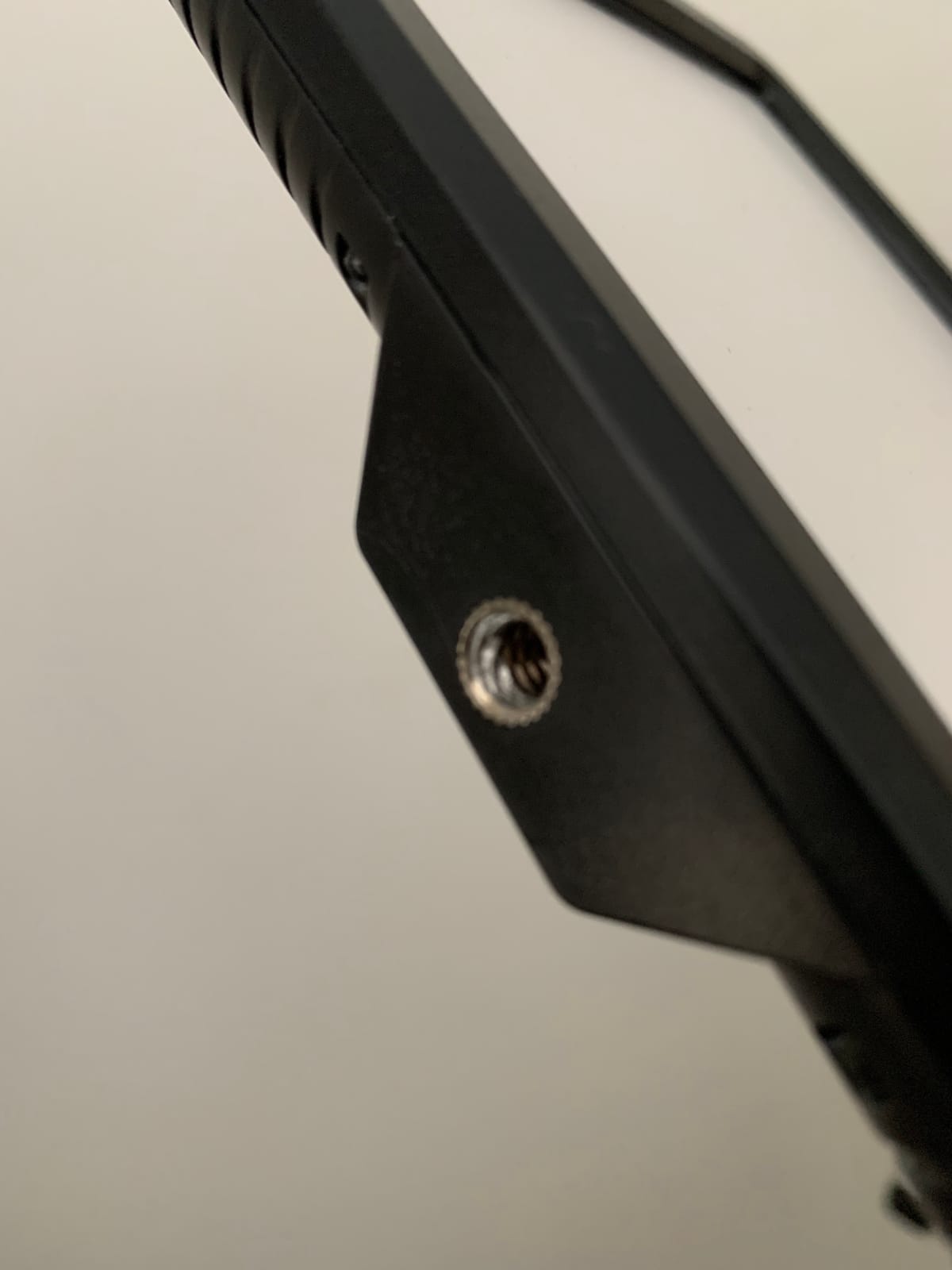
Both rear knobs are real controls: one for brightness from 0 to 100 percent in 1 percent increments, one for colour temperature from 2500K to 6500K. You do not need an app, which on a desk setup where you may already be running OBS and a Discord bridge is a genuine simplification.
It ships with a mini tripod that extends from about 3.7 to 7.1 inches and a cold shoe mount for putting the panel on a camera or a larger stand. You can also run it while it charges.
Is the battery practical for a long stream?
Rated runtime is around 80 minutes at full brightness, so it is not a marathon power source. Because it works while charging, the realistic pattern is battery for setup and short shoots, plugged in for the actual broadcast.
The other wrinkle is that at maximum output on a low battery, some owners report visible flicker. Keep it above 50 percent battery when you are recording.
Does it work as a camera light as well as a desk light?
Yes, and that is where the thin profile earns its place. The cold shoe takes it straight onto a mirrorless body or a small flash mount, which makes it a two-purpose light rather than a single-purpose desk accessory.
Just replace the included ball head if you plan to angle it regularly, since that is the part most likely to wobble.
4. NEEWER GL25B – Best Key Light for Colour Accuracy
NEEWER 25W 12.9″ Streaming Key Light with Desk Stand/2.4G Remote, GL25B
2300 lux at 0.5m
2900K-7000K
CRI 98+
Silent fanless
Pros
- Highest average rating in this group at 4.7 stars
- CRI 98+ renders skin tones accurately on camera
- Edge-lit diffusion produces soft light without glare
- Completely silent fanless operation suits audio recording
- 2.4G remote and PC or Mac app work without internet
Cons
- Remote and app add complexity versus onboard knobs
- Desk stand is a separate piece using desk edge space
- Corded power with no built-in battery
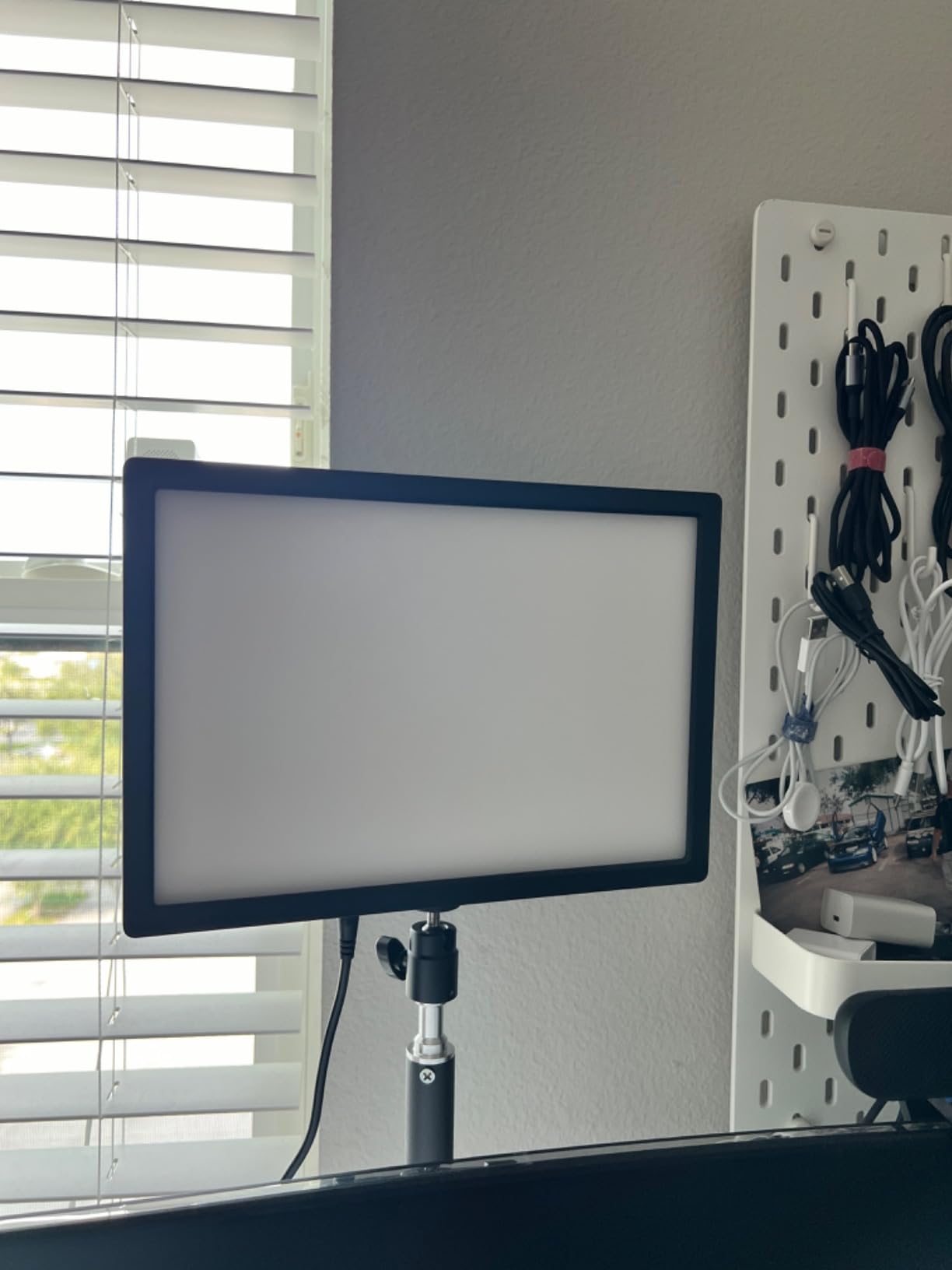
If your work is graded afterwards or you shoot anything where skin colour matters, the CRI number is the reason to look here. CRI 98+ from 2900K to 7000K is the highest colour rendering figure in this roundup, and it has the highest average rating at 4.7 stars.
The panel is 12.9 inches across with 176 LEDs behind a white diffuser, rated at 2300 lux at half a metre. On a desk that is a full-strength key light, not a supplement.
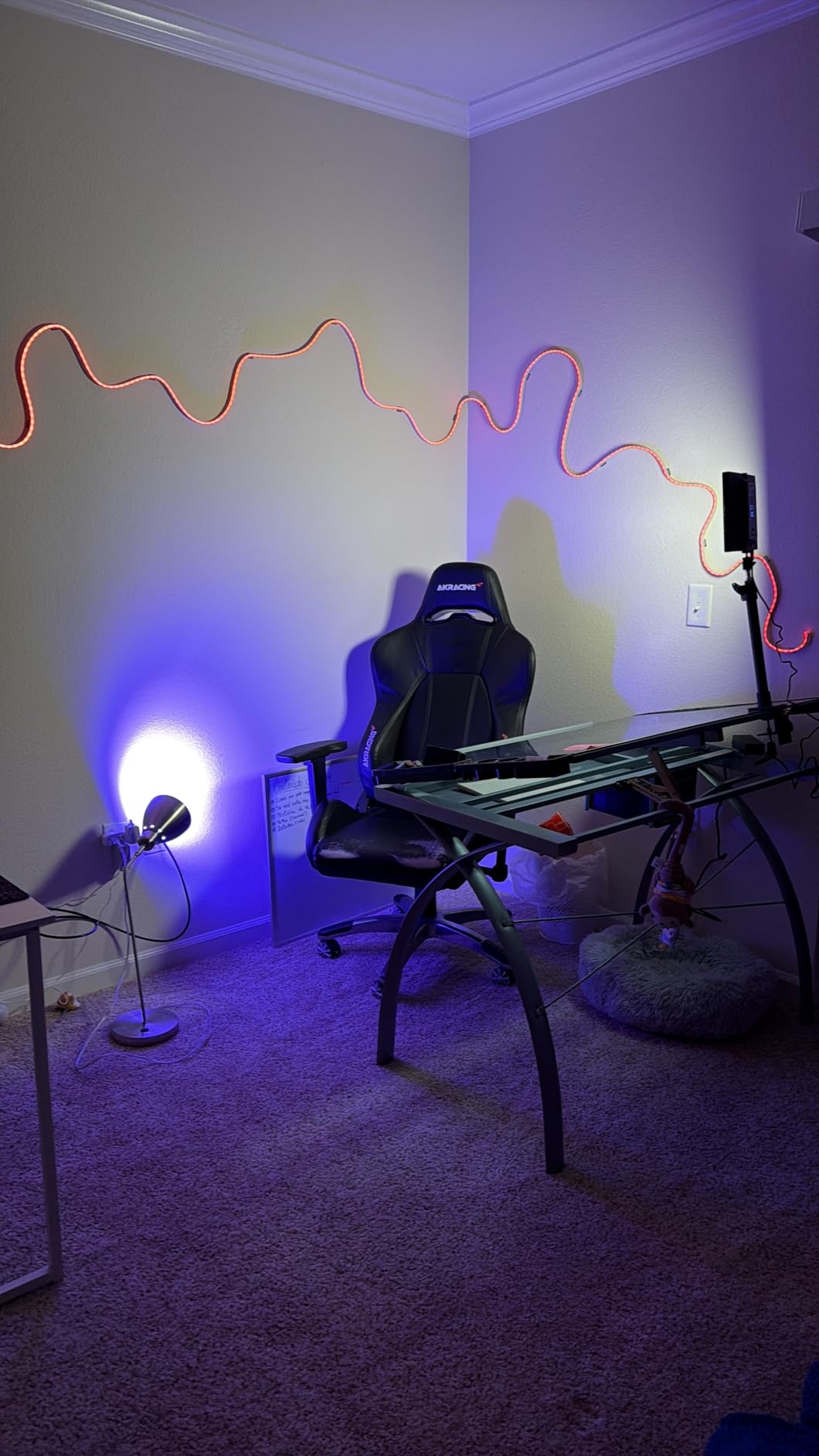
Control is the part that sets it apart from the budget panels. A 2.4G remote handles brightness and colour temperature without any network, and a removable USB transmitter in the panel’s USB port feeds the Neewer Control Center app on Windows and macOS. No Wi-Fi means no pairing drops mid-stream.
Cooling is entirely passive, with edge vents in a thermally conductive casing, so there is no fan noise to bleed into a microphone on a quiet desk.
Do you need the app if you have the remote?
No, and most single-camera streamers will never open it. The remote is the faster path for live changes; the app matters when you are grouping several NEEWER lights or saving looks you want to recall between sessions.
The trade-off is complexity. If you like one dial and one switch, this is more workflow than you need, and a simpler panel would serve you better.
Is 2300 lux overkill for a webcam?
Not at arm’s length, because you will run it well below maximum. The headroom is what lets you dim it for evening streams without losing shadow detail, which is where lower-output panels run out.
If your desk is in a small bedroom studio with no window, this is close to overkill, and a smaller panel would serve the same purpose with less heat nearby.
5. Logitech G Litra Beam – Best Key Light for the Tightest Desk
Logitech G Litra Beam Premium LED Gaming Light with TrueSoft – Graphite
Slim bar format
2700K-6500K
TrueSoft LED
G HUB presets
Pros
- Slim bar format fits where a full panel cannot
- Switches between upright and sideways orientation
- Quick physical brightness and warmth buttons
- Weighted base stays stable when bumped
- Software auto on-off tied to calls and cameras
Cons
- Bundled stand is bulky and hard to position
- Tilt adjustment on the arm is very stiff out of the box
- Body is mostly plastic rather than metal
- Maximum brightness falls short in sunlit rooms
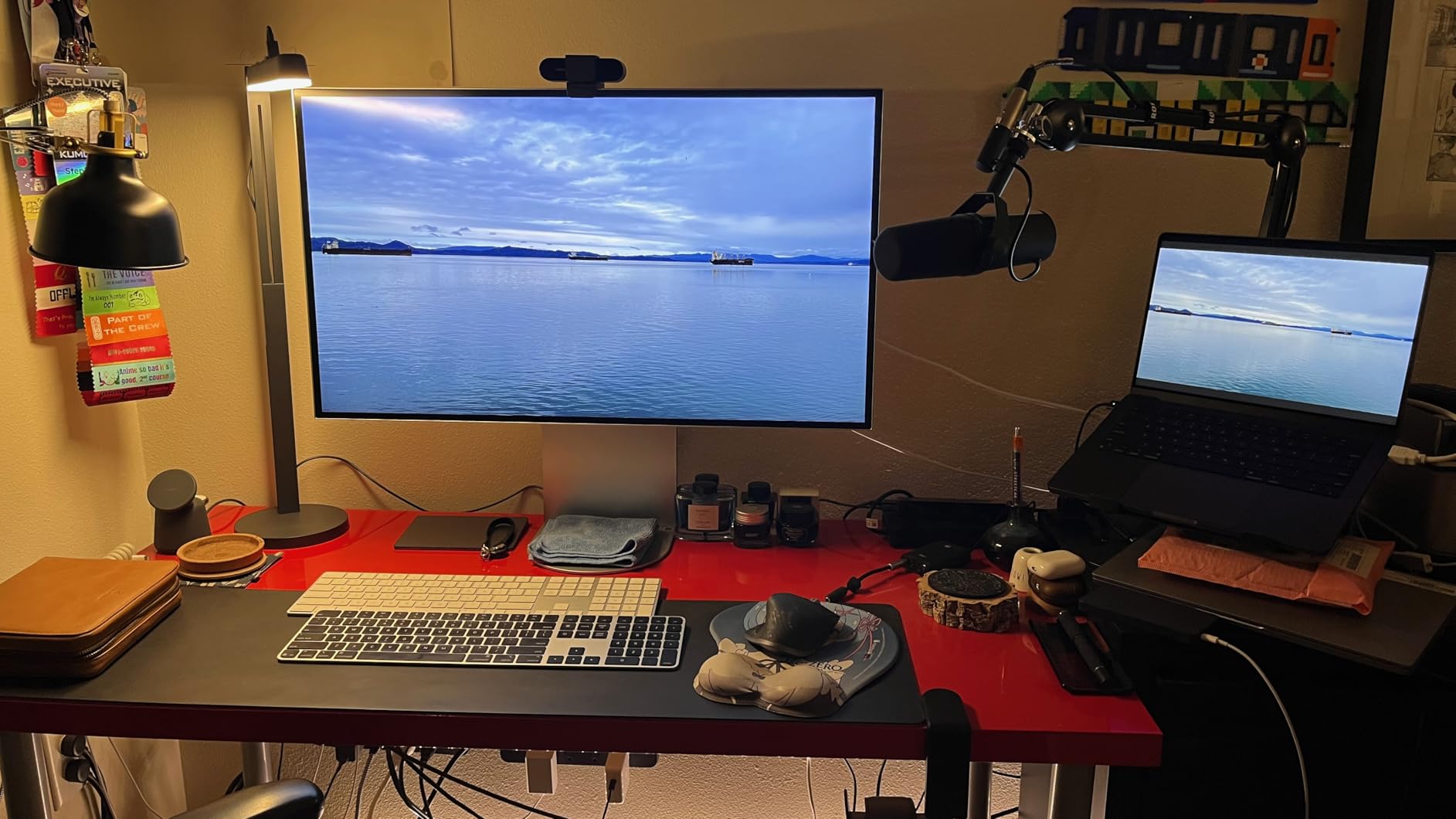
The Litra Beam solves a specific problem: a desk where a square panel simply will not fit. It is a slim bar you can stand beside a monitor, tuck under a shelf, or run horizontally along the back edge of the desk without stealing working surface.
Colour temperature runs 2700K to 6500K with on-board physical buttons, and presets can be pushed from G HUB over USB or Bluetooth. The buttons matter more than they sound, because you can dim mid-call without opening software.
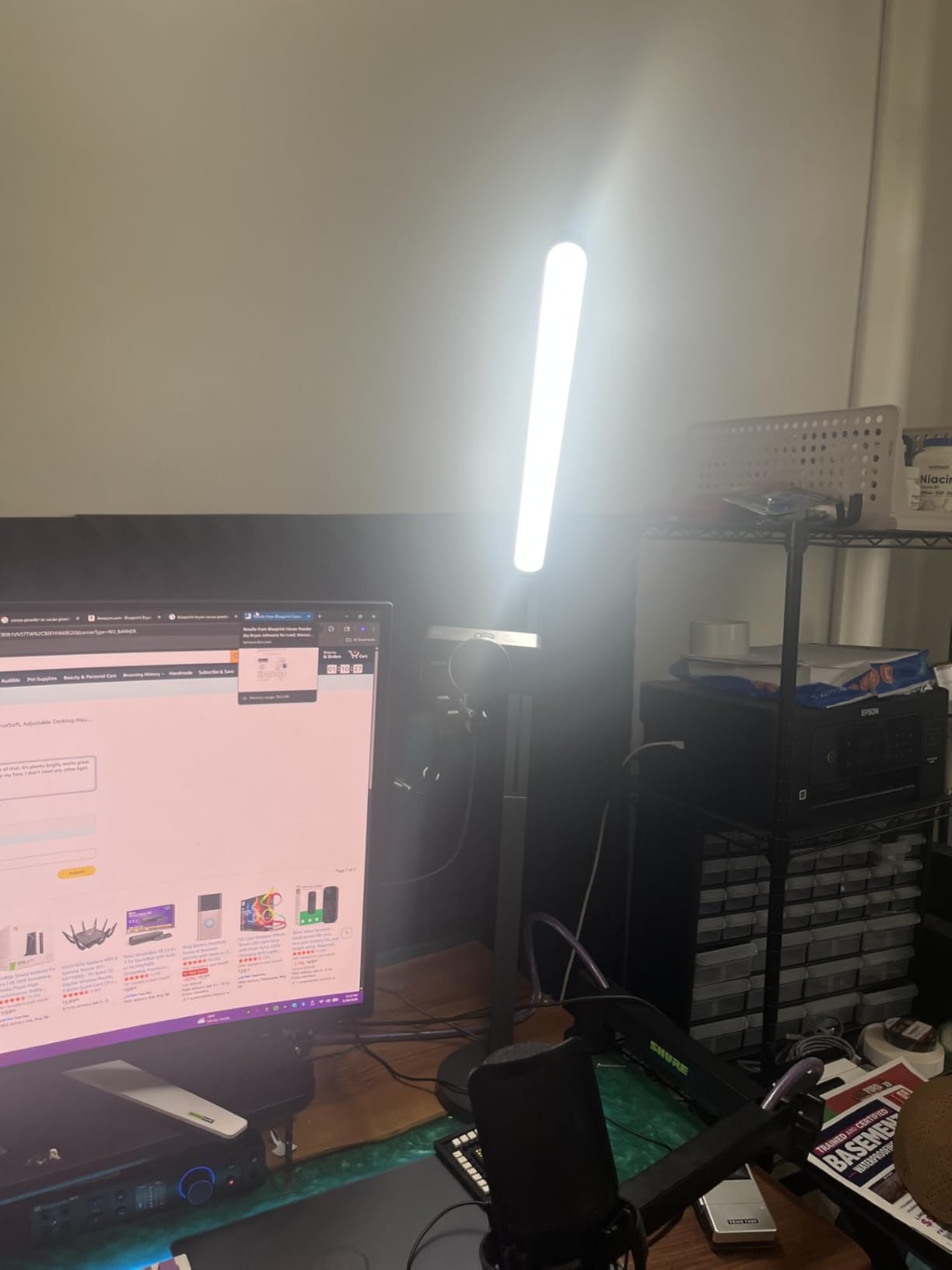
Orientation is switchable: the same unit works vertically for a face cam or horizontally as a desk wash for your keyboard and monitor. Reviewers who replaced a ring light with it usually mention the even, eye-friendly output as the reason they did not go back.
UL verification for all-day use is worth noting for anyone streaming four hours or more, since eye comfort over a long session is a real concern and not a marketing line.
Is the included stand usable as-is?
It is the weak point. Owners describe it as bulky, short and stiff to tilt, so most people replace it with a small arm or a boom mount using the standard tripod screw points on the light body.
Treating the stand as a temporary solution and budgeting for a proper mount is the common pattern. The mount points are standard, so almost anything will fit.
Can it replace a key light in a bright room?
Not comfortably. Several buyers report that maximum output is not enough in daylight or in a strongly lit room, which is a fair reason to pair it with a small fill rather than rely on it alone.
For evening and indoor streaming, which is where most desk setups live, it performs comfortably.
6. NEEWER GL1 PRO – Best Key Light for Stream Deck Control
NEEWER 15.5″ LED Streaming Key Light, Clamp on Desk Panel, GL1 PRO Black
4300 lux at 0.5m
CRI 97+ and TLCI 98+
2900K-7000K
Stream Deck plugin
Pros
- Highest light output here at 4300 lux at 0.5m
- CRI 97+ with TLCI 98+ for accurate colour
- Three connection options including 2.4G Wi-Fi and Bluetooth
- Direct Elgato Stream Deck control during a stream
- Silent fanless aluminium casing
- Clamp height range positions the panel at eye level
Cons
- Power button needs a three second hold to turn on
- Corded power with no built-in battery
- Stream Deck control needs an extra plugin installed
- Clamp takes desk edge space and needs a cable path
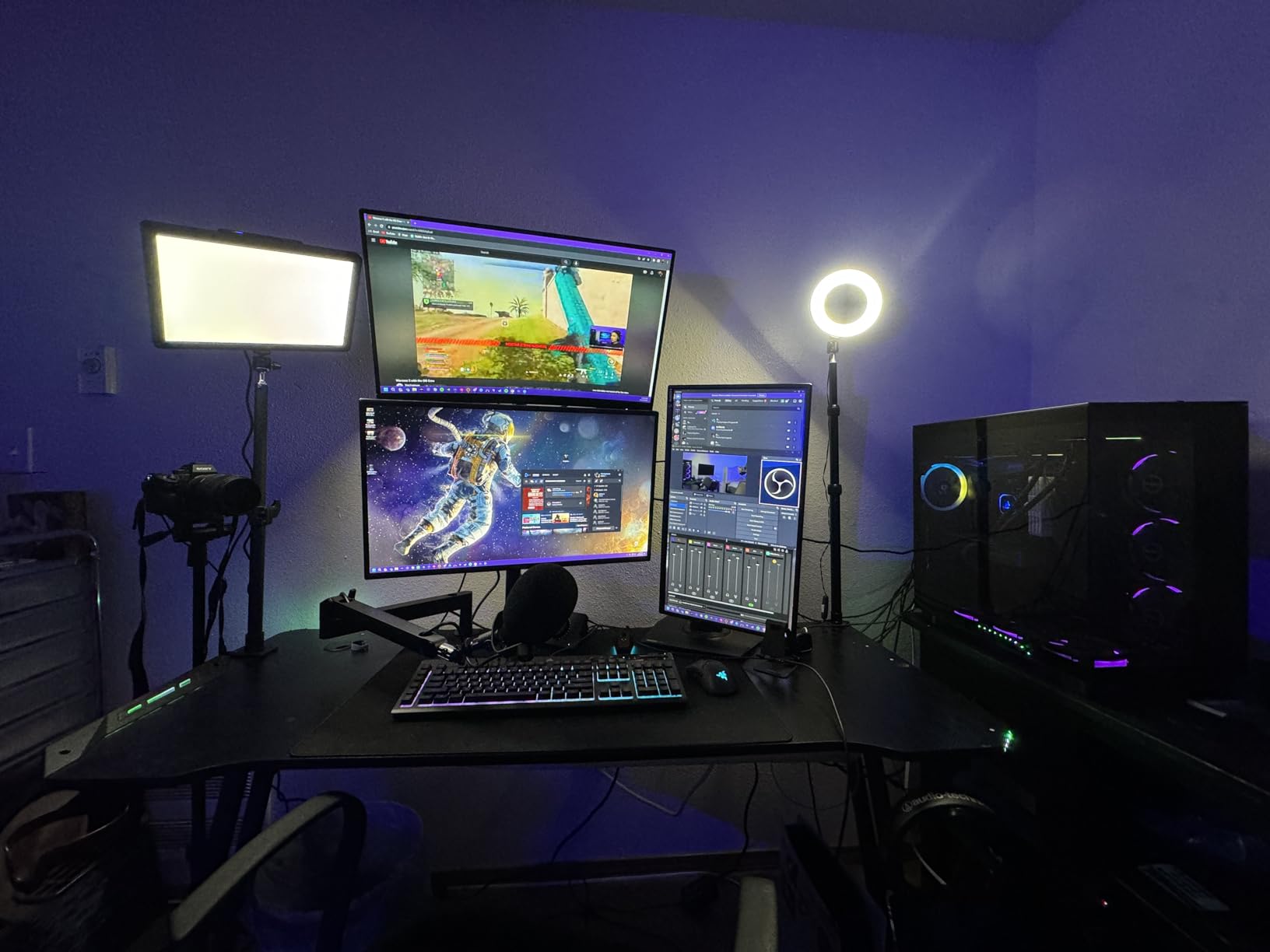
This is the highest-output light in the roundup at 4300 lux at half a metre, from a 15.5 inch edge-lit panel. That headroom is the whole argument: it means you can dim it to a level where your webcam exposure stops pumping without losing shadow detail on the far side of your face.
It also speaks to Stream Deck through the Neewer Control plugin, which matters for streamers who already run Deck-driven scene changes and want lighting to be one more controllable element rather than a manual adjustment.
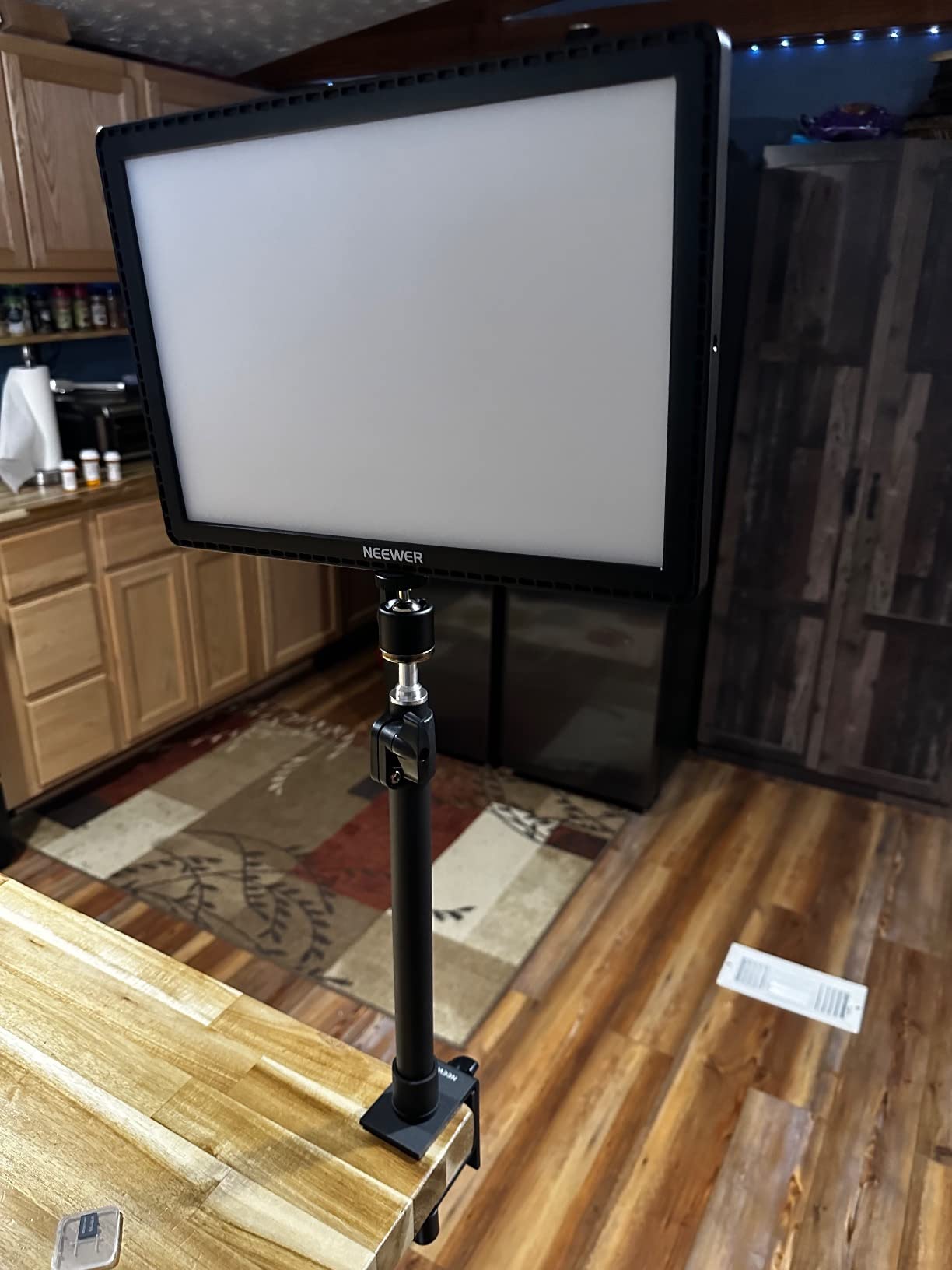
Colour accuracy is CRI 97+ with TLCI 98+, across 2900K to 7000K with 0-100 percent dimming. TLCI is the broadcast-oriented measure, so if you are grading footage the way a colourist would, this is one of the safest panels here.
The desk clamp fits desks from 0.4 to 3 inches thick with height adjustment from 13.8 to 23.6 inches, which is enough range to put the panel at eye level on most desks without a separate stand.
Is the Stream Deck plugin actually useful mid-stream?
Yes, if you already run a Deck. It turns brightness and colour temperature into single button presses, which is the difference between a visible adjustment and a visible pause while you reach for your mouse.
You have to install the plugin separately, which is the one step people miss. And note the three-second power button hold, which catches people out on their first setup.
Does the power budget suit a small bedroom studio?
At full output this is the brightest panel in the set, and it is corded, so it needs a socket within reach of the desk edge. In a small room where the camera is close to the wall, that is a real constraint.
Run it dimmed for actual streaming and the heat and power draw both drop well below the ceiling figures.
7. GODOX ES45 – Best Key Light for Long Streaming Sessions
Godox ES45 Desktop LED Key Light for Streaming&Video Calls, Soft Dimmable
Edge-lit OLED panel
2800K-6500K
Flicker-free
Magnetic 2.4G remote
Pros
- Soft diffusion with minimal harsh shadow on the face
- Flicker-free output designed for long sessions
- Magnetic remote docks to the panel and recharges itself
- 2.4G remote allows changes without reaching behind the light
- App supports multi-light channel grouping
Cons
- Highest one-star share here at about 8 percent
- Corded power with no built-in battery
- Remote needs line of sight to the panel
- Clamp limited to desks about 2 inches thick
The ES45 is the one I would look at first if your stream runs four hours or more, because flicker-free output is stated as a design goal rather than an afterthought. Banding from PWM dimming is the complaint that shows up most often with cheaper panels during long recordings.
The edge-lit OLED panel diffuses softly across the whole face, which is why owners describe it as low-fatigue. There is no hot centre and no hard falloff, so your eyes are not adjusting to a bright patch every few seconds.
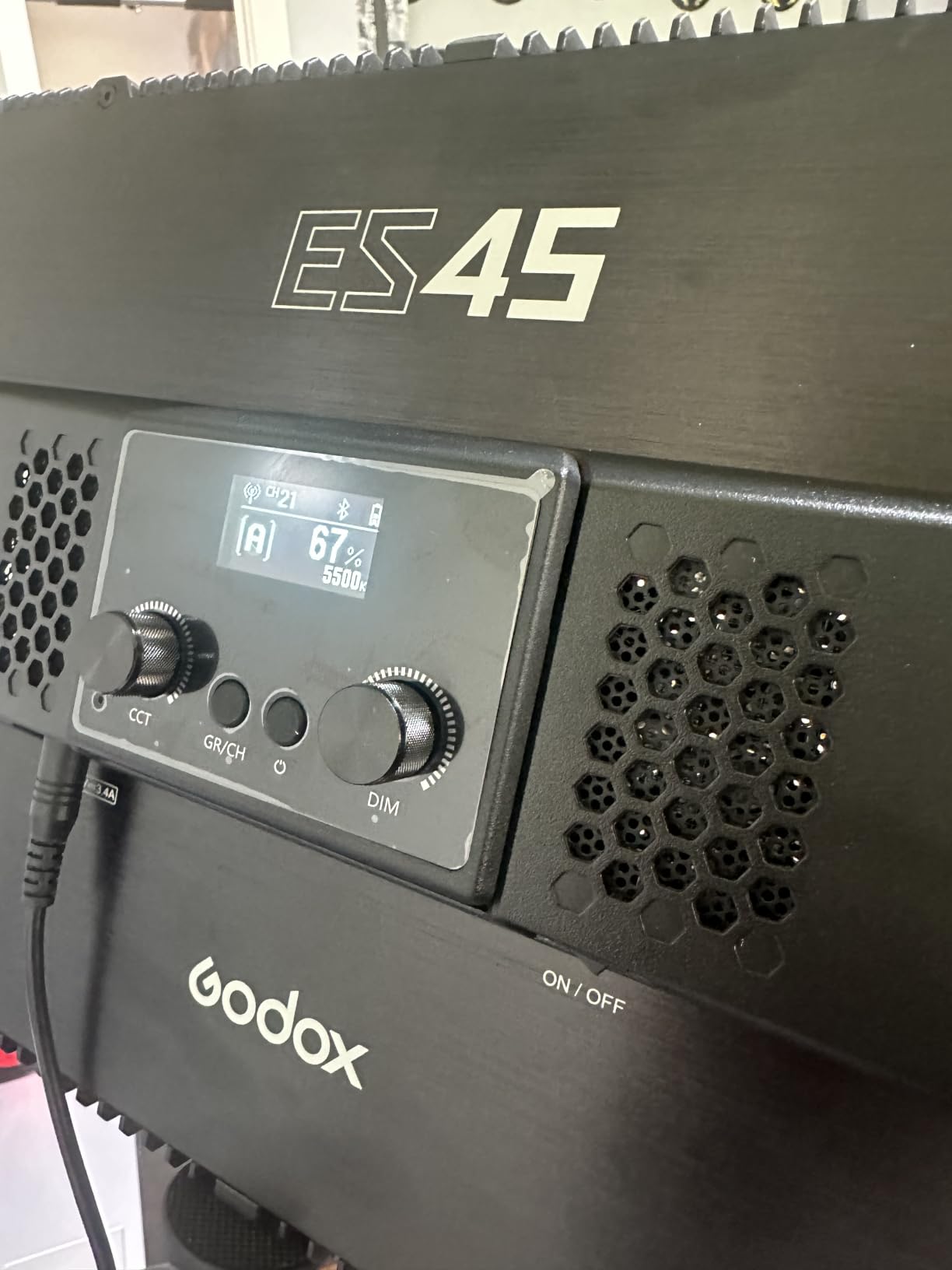
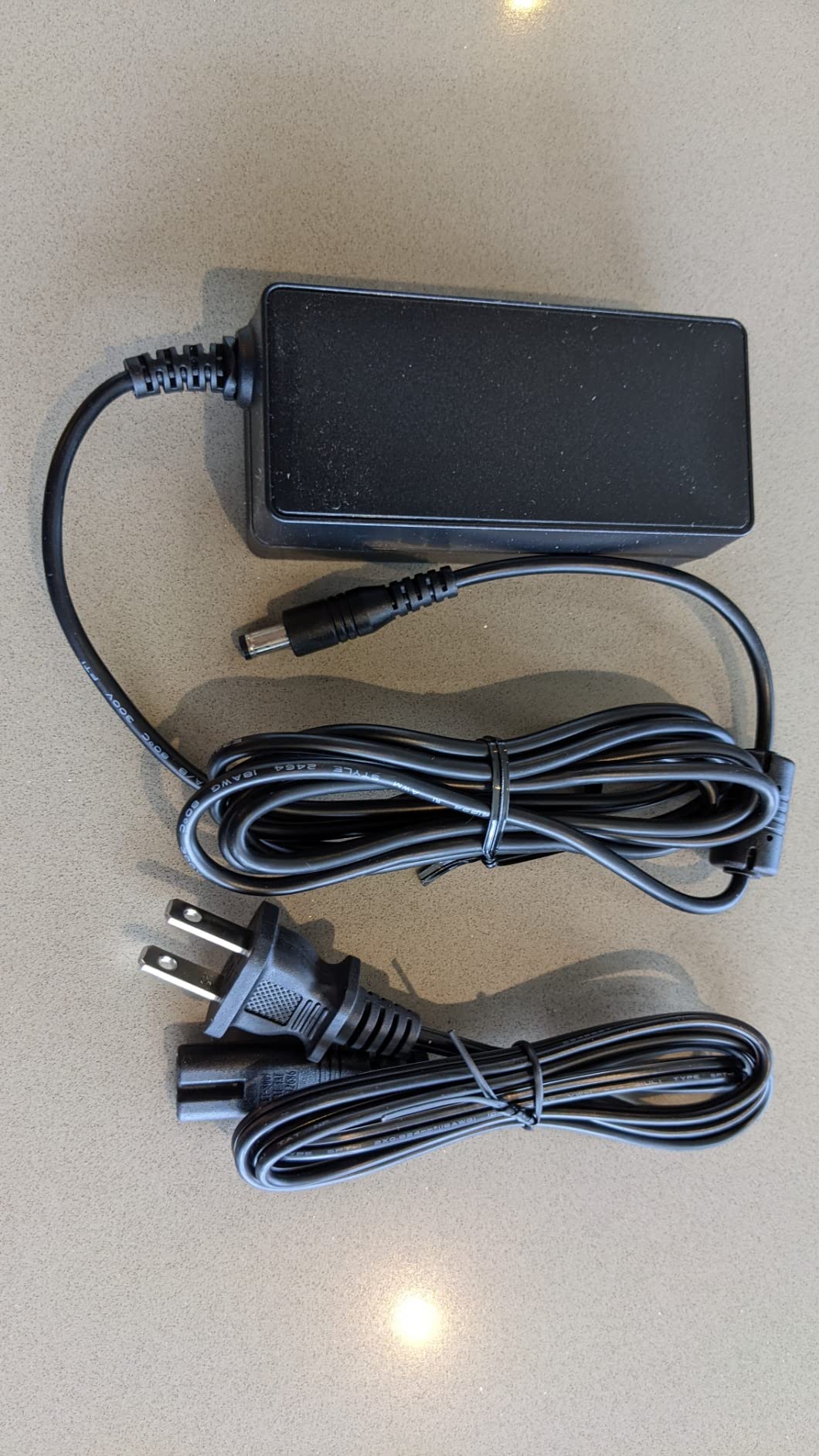
The remote is the detail I like most. It is magnetic and docks to the back of the panel, charging as it sits there, so there is no separate battery to lose and no button to hunt for when you are live.
Control also runs through the Godox Light app with channel and group pairing, so a two-light desk setup can be adjusted together rather than one panel at a time.
What does flicker-free actually mean for a stream?
It means the panel dims by reducing current rather than by chopping brightness rapidly. Panels that chop it can produce visible bands on camera, especially at higher shutter speeds and lower frame rates.
If you shoot at 60 frames per second this matters less than if you shoot at 30, but for anyone recording long-form at higher frame rates it removes a whole class of problem.
Is the 2.4G remote reliable through a desk?
It works, but it needs line of sight to the panel because it is a 2.4G remote rather than a Bluetooth one. If your monitor sits between you and the light, reach for the app instead.
Keep the panel on your camera side of the desk and the limitation rarely comes up.
8. amaran Verge – Best Key Light for a USB-C Desk Setup
amaran Verge Bi-Color Edge-lit Rectangular Panel,26W Soft LED Video Light
26W soft edge-lit
2700K-6500K
Front knobs
RG0 flicker-free
Pros
- Soft flattering light in a very compact footprint
- Front knobs adjust settings without reaching behind the panel
- App and Stream Deck plugin control for saved looks
- RG0 certified flicker-free low-glare output
- USB-C PD power removes bulky power bricks
Cons
- Desk stand and clamp are sold separately
- No colour temperature readout screen on the panel
- App experience is described as clunky
- Minimum brightness step is still bright
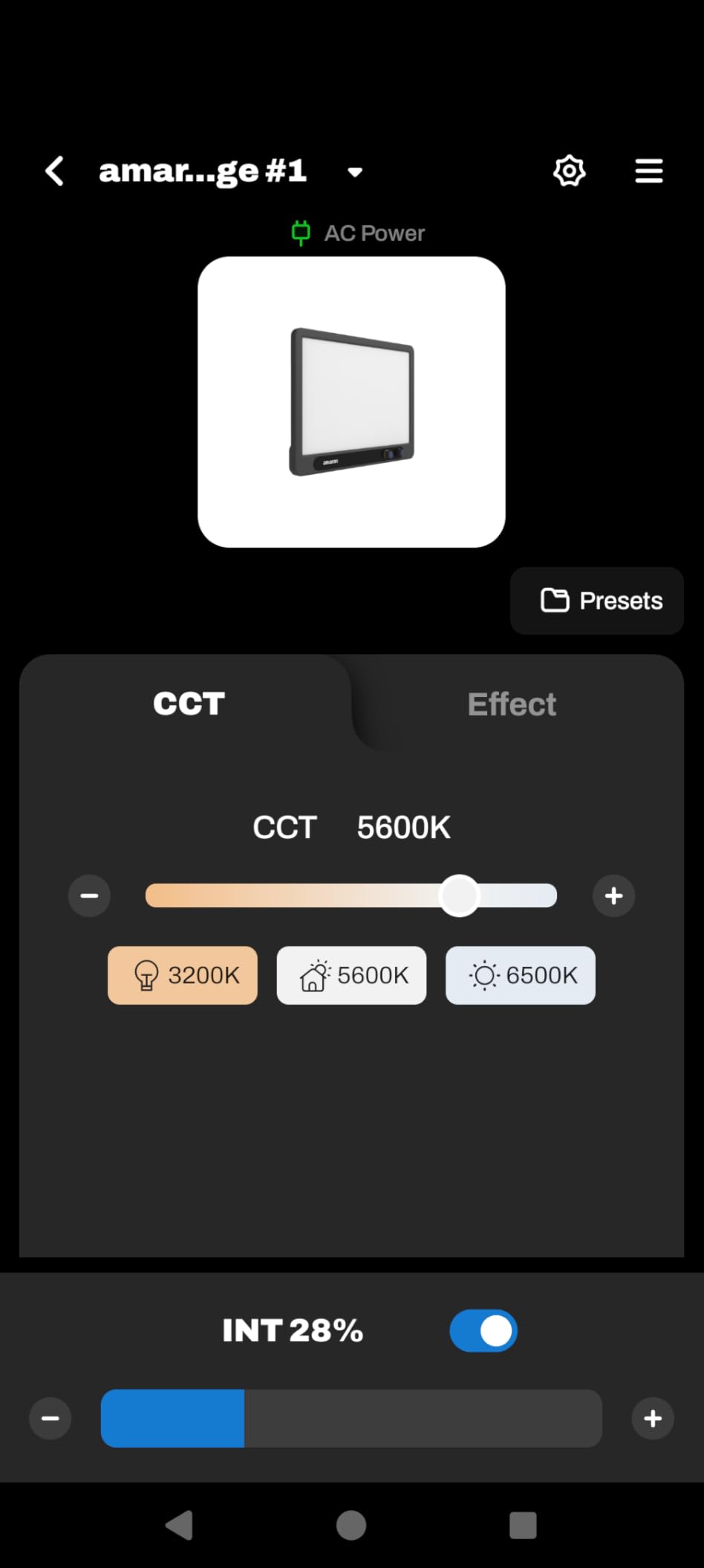
The Verge is built by Aputure and it shows in the details that matter on a desk. The two adjustment knobs face forward, next to a small menu screen, so you set brightness and colour temperature without reaching behind the panel and fumbling for it.
At 26 watts it is compact and soft, and it carries RG0 certification for flicker-free, low blue light output. That combination of eye comfort and flicker-free is not universal at this size.

Power is USB-C PD, so on a desk already running USB-C cables it is one socket instead of a power brick and a proprietary brick-shaped adapter. Cable clutter on a small desk is a real cost that most roundups ignore.
Control runs from the front knobs, the amaran desktop app, or a Stream Deck plugin. Owners also report it pairs well as the second light in a two-light talking-head setup.
What do I need to buy to mount it?
The panel itself has a 1/4-20 thread inside the Verge Lock mount, but the desk stand, desk clamp and stand adapter are all sold separately. Budget for one of them or bring your own arm.
That is the main reason it is not a first pick for a brand-new desk, though for anyone who already has a mount it is the cleanest option here.
Is it bright enough on its own?
For a webcam at desk distance, yes, with plenty of room to dim. It is not a room light, and it will not fight a window, but for the way most people stream it is more than sufficient.
The clunky app is the other friction point. The knobs mean you can ignore software entirely for daily use.
9. GVM 10 inch Round Key Light – Best Round Panel with a Readout
GVM Desk Mount LED Video Light, 10” Round Key Light with Built-in Diffuser and LCD Display, Bi-Color Professional Light for Game/Studio/Streaming/YouTube Video Shooting, APP Control CRI 97+
10 inch round panel
3200K-5600K
CRI 97+
LCD display
Pros
- Built-in diffuser gives ultra-soft even illumination
- CRI 97+ for accurate natural colour
- LCD shows every parameter for rear-panel adjustment
- Solid metal C-clamp with wide thickness range and 360 degree rotation
- NP-F battery option for location shooting
Cons
- Narrower 3200K to 5600K range than most panels
- NP-F batteries must be bought separately
- Bluetooth app adds a dependency when knobs would do
- Round housing is bulkier than a slim bar
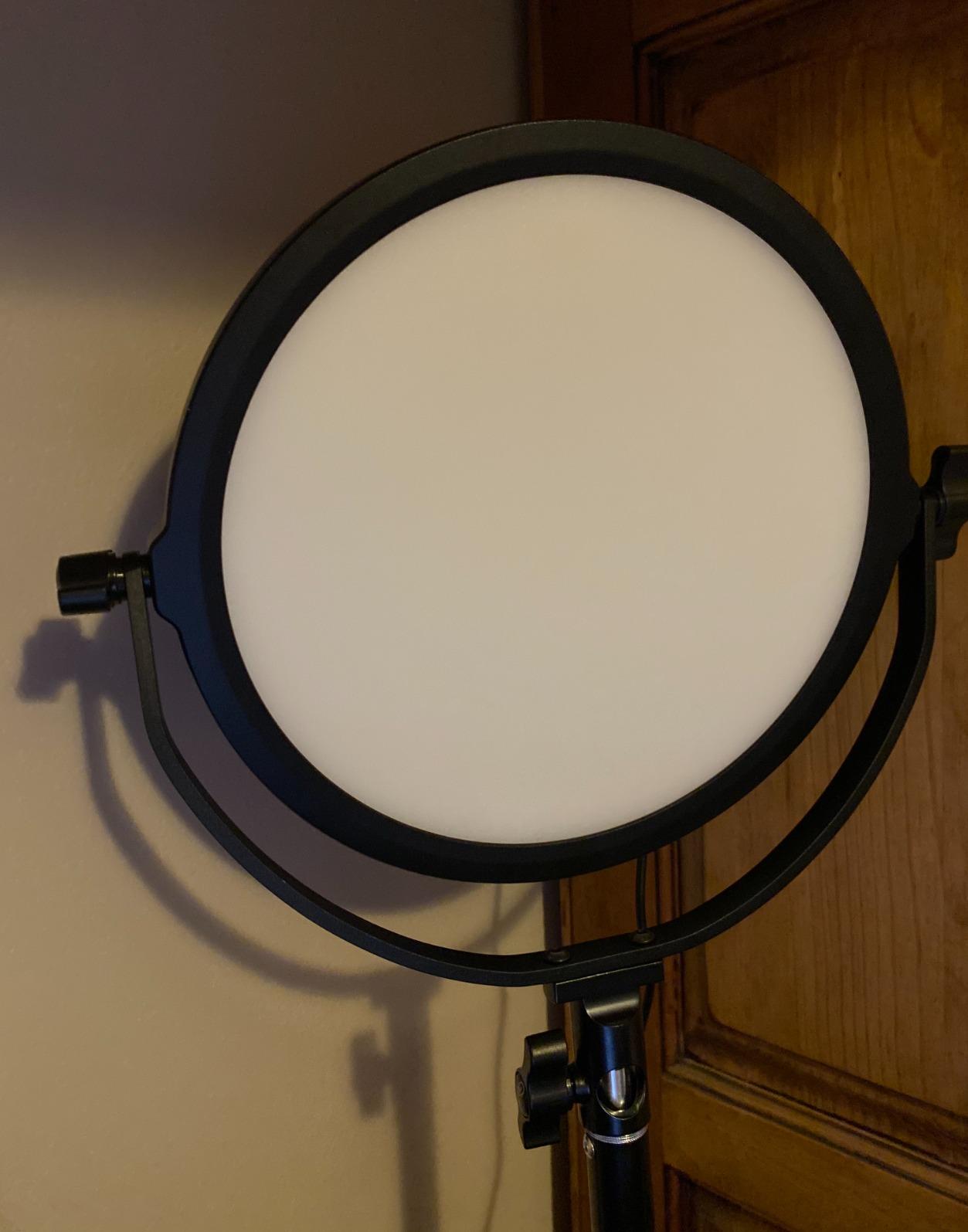
A round key light gives you a catchlight shape that reads differently from a bar, and for some creators that is the whole point. This one has a diffuser built into the face rather than a separate sheet to lose or replace.
The LCD readout is the detail that makes it easier to live with. Both knobs are on the back, which is exactly where you cannot see anything, and the screen tells you the current brightness and colour temperature.
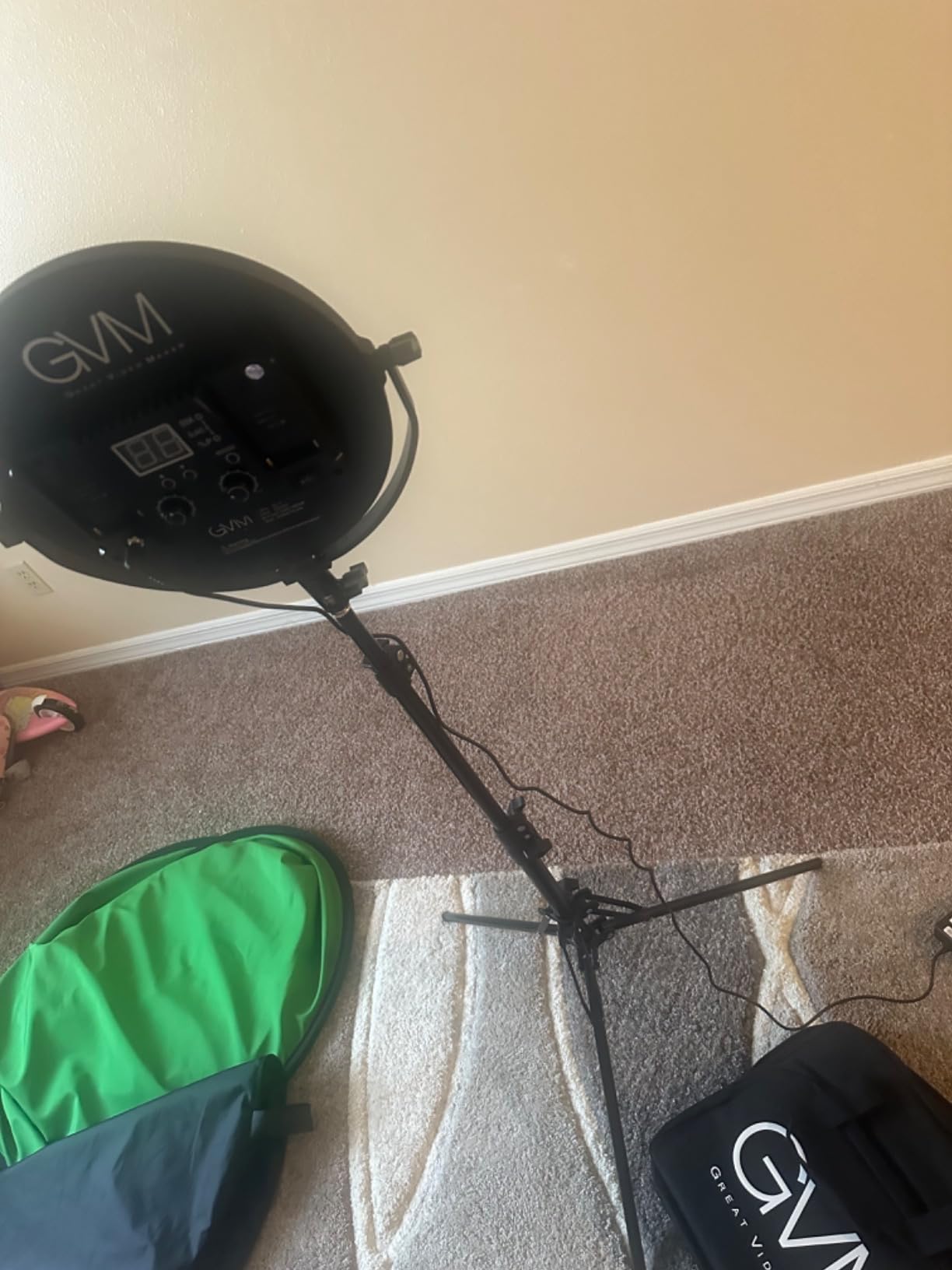
The metal C-clamp fits desks from 2 to 4 inches thick and adjusts from 14.7 to 24.6 inches with 360 degree rotation, so the range covers most desks including thicker laminate and wood tops.
It runs from the power adapter or two Sony NP-F batteries, which are not included, so treat the battery option as something you buy for location work rather than something you get out of the box.
How limiting is the 3200K to 5600K range?
It is the main compromise here. That range covers neutral daylight to warm indoor, but it cannot reach the cooler end of daylight that some windows produce, so you may fight your white balance on an overcast afternoon.
If your streaming happens in the evening, the range covers your needs well. Daytime desk work near a window is where it will frustrate you.
Do I need the Bluetooth app?
Not for daily use, and that is the honest read of the reviews. The knobs and LCD do everything you need; the app exists for saved settings and remote adjustment from your phone.
Owners who came from panels with rear dials generally appreciate being able to see the value rather than guessing.
10. DImotliyor Bi-Color C-Clamp Light – Best Key Light That Takes a Camera Mount
LED Desk Bi-Color Video Light, Key Light with C-Clamp Stand
240 LED beads
2700K-5700K
95Ra or higher
1/4-20 metal ball head
Pros
- Noticeably brighter than typical ring lights at full output
- Metal telescoping stand and C-clamp feel solid
- Remote changes brightness and temperature during a stream
- Adjustable beam angle with a 360 degree metal ball head
- Top mount accepts ring lights phones and DSLRs
Cons
- Light is harder rather than softer with visible hotspots
- Housing feels inexpensive against metal competitors
- Lowest setting still washes out some webcam exposures
- No presets so settings reset after power cycling
This is the one to consider if you shoot with a camera as well as a webcam. The top of the stand is a standard 1/4-20 screw with a metal ball head rated to 10 pounds, which means you can put a camera, a phone or even a small ring light up there instead of the panel.
Brightness is its strength. At full output it is noticeably brighter than the typical desktop ring light, and reviewers consistently frame it as the budget step up from ring lights rather than a side grade.
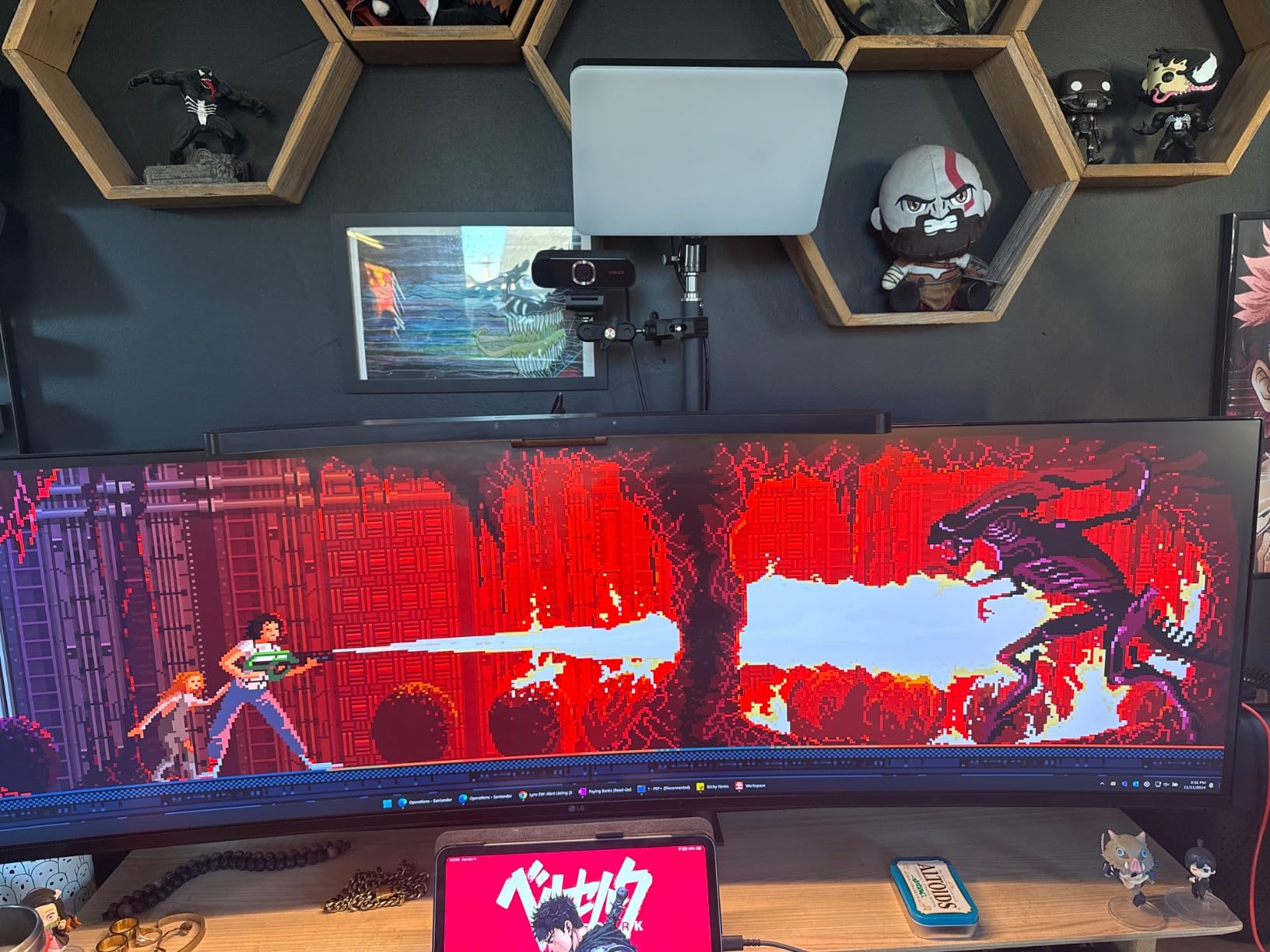
Control is by remote across a 10 metre range, dimming from 1 to 100 percent with colour temperature from 2700K to 5700K and 95Ra or higher rendering. One remote can drive several paired lights at once.
The C-clamp stand adjusts from 13.8 to 23.5 inches and handles desks from 0.4 to 4.7 inches thick with a non-slip mat, which is the widest desk range in the roundup.
How does the light quality compare to an edge-lit panel?
Harder. The 240-bead array points more like a bare source than an edge-lit panel, so you will see visible hotspots on your forehead and nose at close range where a diffused panel would not.
If your camera sits two to three feet away and you keep the output moderate, it is workable. Close-up face cam work is where the difference shows.
Why do settings reset every time?
There is no memory. Every setting resets to default when the light loses power, which means you re-dial brightness and colour temperature after any unplug or power cut.
Getting that right means leaving it permanently plugged in, which it must be anyway since there is no battery or USB option.
11. Weilisi 10.2 inch Desk Ring Light – Best Ring Light for a Desk
Weilisi 10.2″ Desk Ring Light with Stand, 360° Rotate Desk Lamps for Home Office with C-Clamp, Flexible Height Desk Light, Adjust Arm Ring Light for Desk, Podcast, Gaming, Recording, Zoom Lighting
10.2 inch edge-lit ring
10 brightness levels
3 colour modes
Metal C-clamp
Pros
- Uniform diffused light reduces shadows across the subject
- Metal C-clamp with non-slip silicone base protects the desk
- 360 degree ring rotation with 180 degree head tilt
- Telescoping pole reaches a useful height for laptop framing
- Three year warranty
Cons
- Ring form gives a circular catchlight instead of natural reflections
- Brightness and colour options are limited versus panel lights
- Shorter total height limits larger or standing setups
- Clamp jaw width is limited to about 2.34 inches
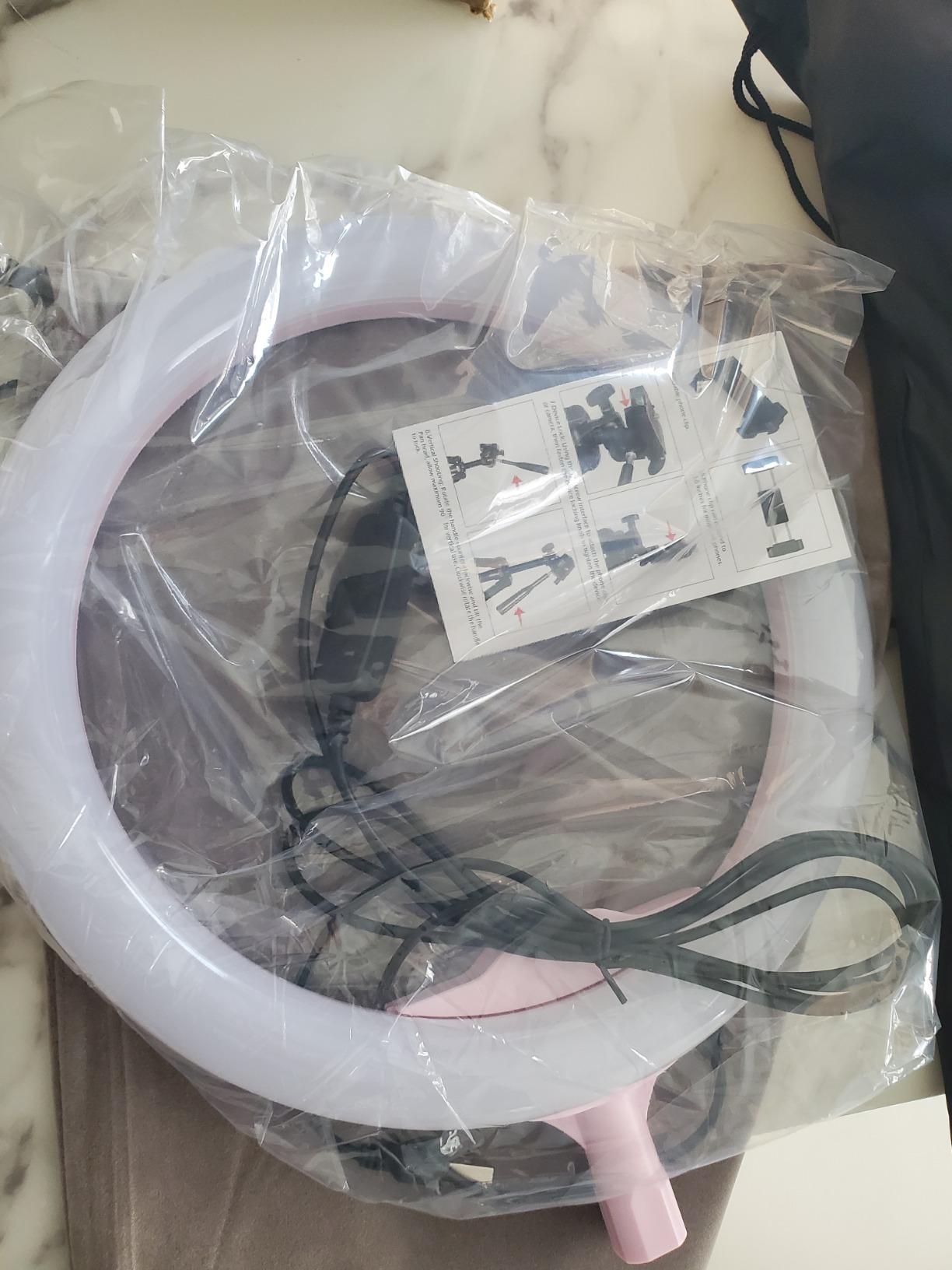
Ring lights still have a place, and this is a well-made one for a desk. The 10.2 inch full-screen ring is edge-lit, so the light arrives from the ring rather than from a cluster of LEDs pointed at your face, and it produces even illumination with fewer shadows than a cheap ring.
The mount is what separates it from the generic versions. It is a metal C-clamp with a non-slip silicone base rather than a plastic screw clamp, and the ring rotates 360 degrees with 180 degrees of head tilt on top.
Ten brightness levels and three colour temperatures is a narrow control set, and it is the honest limit of this class. You get usable exposure control but not the fine matching you would do with a bi-color panel.
The three year warranty stands out against the one year most products in this roundup carry, which matters for anything clamped to furniture for years at a time.
Are ring lights ever the right choice for streaming?
Yes, for close face cam work where you want strong, even light on the face with minimal equipment. What you give up is control, since three colour temperatures cannot be matched precisely to a changing room.
Forum consensus matches that: ring lights are fine for close work but concentrate light into a narrow angle, which is why most streamers move to a panel once they can.
Will the clamp fit my desk?
Check the jaw width first, because a maximum of about 2.34 inches excludes many thick desks and sit-stand frames. Most standard office desks are fine.
The silicone base is worth having regardless, since it stops the clamp marking a wooden surface over time.
12. UBeesize 10 inch Desk Ring Light – Best Budget Light for Video Calls and Fills
UBeesize 10″ Desk Ring Light with Stand, Multi-Angle Adjustable Arm with C-Clamp for Home Office, Streaming Light with Inline Control for Video Conference, Podcast, Gaming, Recording, Live Streams
10 inch side-lit ring
2000-2400 lm
10 brightness levels
Inline cord control
Pros
- Soft even side-lit light reduces harsh shadows and glare
- Compact desktop size that still lights a face evenly
- Sturdy stand and clamp set up quickly and hold position
- Non-slip silicone padding protects the desktop
- Inline control avoids reaching behind the light
Cons
- Light does not always power on on the first attempt
- Ring form produces a distinct circular reflection in the eyes
- AC power only with no battery operation
- Less bright than higher-output panel key lights
This one earns its place as a fill light and as a first lighting upgrade for people who do video calls and stream occasionally. On AC power it puts out 2000 to 2400 lumens from a 10 inch side-lit ring, which is a genuinely useful amount of light for a face at laptop distance.
The side-lighting arrangement is what keeps it soft. Instead of pointing emitters straight at you, the light wraps around the ring face, so you get fewer shadows under the chin and nose than a cheaper ring produces.
The inline cord control is the feature I would keep. Brightness and mode change from a control on the cable, so you can dim mid-call without touching the light or opening anything.
The metal C-clamp supports desktops up to 2.5 inches thick with non-slip silicone padding, and the telescoping stand extends to 13 inches. Bluetooth 4.0 is listed for phone control.

Should I use this as a key light or a fill?
As a fill, on the shadow side of your face at lower output than your key. Used alone it works, but the limited control set makes it harder to match a changing room.
For calls and hybrid working where the light just needs to be even and pleasant, it is more than sufficient, and owners regularly describe it as one of the better-made desk rings they have compared.
Is the circular catchlight a real problem?
It depends on your camera and how close you sit. A ring reflected in your eyes reads as a distinct circle, which some viewers notice and most do not, but it is the main reason people move to a panel.
The other common report is that it sometimes does not power on immediately and needs a second press, which is annoying rather than serious.
How to Choose a Key Light for a Desk Streaming Setup in 2026
Spec sheets for desk lights quote brightness in three incompatible ways: lumens, lux measured at a distance, and raw LED counts. None of those numbers mean anything until you translate them into the one question that matters, which is whether your face is correctly exposed at the distance your camera sits from you.
How bright should a streaming key light be?
Start from the light output you need at your actual shooting distance. A webcam typically sits 60 to 90 cm from your face, so a panel rated around 600 lux at half a metre is a workable key for close face cam work, while a panel rated in the thousands of lux gives you the headroom to dim without losing detail.
Headroom matters more than raw output. If a light is only just bright enough, you are forced to sit at its top setting, which flattens your skin tones and gives you nowhere to go when the room gets darker.
Close face cam work at arm’s length: 600 lux at 0.5 m is enough from a compact panel.
A camera 1.5 m back, or a bright room: you want the high-output panels in the 2300 to 4300 lux class.
Evening streaming in a dim room: almost any panel in this roundup works, and dimming matters more than output.
What color temperature and CRI mean for streaming
Colour temperature is measured in Kelvin, and lower numbers are warmer. For streaming, match the light to your room rather than picking a number that sounds impressive: roughly 4000K to 5600K for a neutral indoor look, and warmer settings only when your room is genuinely warm.
A wider Kelvin range gives you room to adapt. A 3200K to 5600K light cannot reach the cool daylight end that an overcast window produces, so you will fight your white balance at certain times of day.
CRI, the colour rendering index, measures how accurately a light reproduces colour compared with a reference source. Anything at CRI 95 or above renders skin tones believably; CRI 97+ is the point where the difference becomes visible on camera. Below 95, faces can look flat or slightly green regardless of how good the sensor is.
Lock white balance before you go live rather than leaving it on auto. Auto white balance hunting mid-stream causes visible brightness pumping as the camera compensates, and that is one of the complaints that shows up most often in creator communities.
How to mount a key light on a desk without losing space
Mounting is the decision that most affects whether a desk setup survives contact with daily work. Four approaches are common, and they trade space against flexibility.
Monitor mount: clips to the back of a display with no desk footprint at all. The Logitech Litra Glow is the clearest example, and it is the answer when your desk is already full.
Desk clamp: grips the desk edge with a pole, which is what most of these lights ship with. Check the maximum desk thickness, since ranges run from 0.4 inches to 4.7 inches.
C-clamp on a desk arm: the most flexible route, because an arm swings the light over your face and out of the way. Worth pairing with a good monitor arm to clear the airspace.
Short tabletop stand: least intrusive to install, easiest to knock. Fine for a webcam on a laptop lid.
Two practical notes from people who have done this many times. First, tall tripods crowd out desk space and fight dual-monitor arms, which is why none of the twelve here rely on a floor tripod. Second, route the power cable before you clamp the light, because adding a cable later usually means unclamping and re-clamping.
If your arm arrangement is the bottleneck, our roundup of monitor arms for ergonomic setups is worth reading before you settle on a light that cannot be positioned.
Key light vs fill light vs ring light vs RGB panel
A key light is your main source. It sits roughly 45 degrees to one side of your camera and slightly above eye level, so it defines your face and casts a shadow on the opposite side.
A fill light goes on the shadow side at roughly 50 to 70 percent of the key’s output. Its only job is to soften the shadow the key creates. If your key is wide and diffused, you often do not need one.
A ring light sits in front of you and wraps light around the subject, which is why it is a shortcut for even illumination with minimal gear. Its limitations are a narrow angle of coverage and a circular catchlight in the eyes.
An RGB panel is background and accent lighting. It sets mood and separates you from the wall behind you. It is not a key light, and treating it as one is the most common lighting mistake we see.
The short version: one well-placed key light plus ambient room light is enough to start, which is also the most common piece of advice in streaming communities.
Why your key light flickers on camera and how to fix it
Flicker on camera has a specific cause. Many budget panels dim brightness by pulsing the LED output rapidly, a method called PWM. Your eye sees the average brightness, but your camera shutter samples the pulse, and when your shutter speed is fast enough you capture part of the cycle. That is the banding or shimmer in your footage.
The fix follows directly from that. Use the 180-degree shutter rule: your shutter speed should be one over twice your frame rate. At 30 frames per second that is 1/60, at 60 frames it is 1/120, and at 24 frames it is 1/50.
Keep your shutter at or below the rule value rather than above it.
Raise brightness on the light instead of opening the camera aperture.
Turn off auto ISO so exposure changes do not introduce brightness pumping.
If banding persists, the light itself is PWM dimming, and only flicker-free panels or a slower shutter will fix it.
Key and fill pairings for a desk setup
Adding a second light is the most common desk streaming question in creator forums, and the useful answer is simpler than expected. Match colour temperature between the two lights, set the fill lower than the key, and place it on the shadow side.
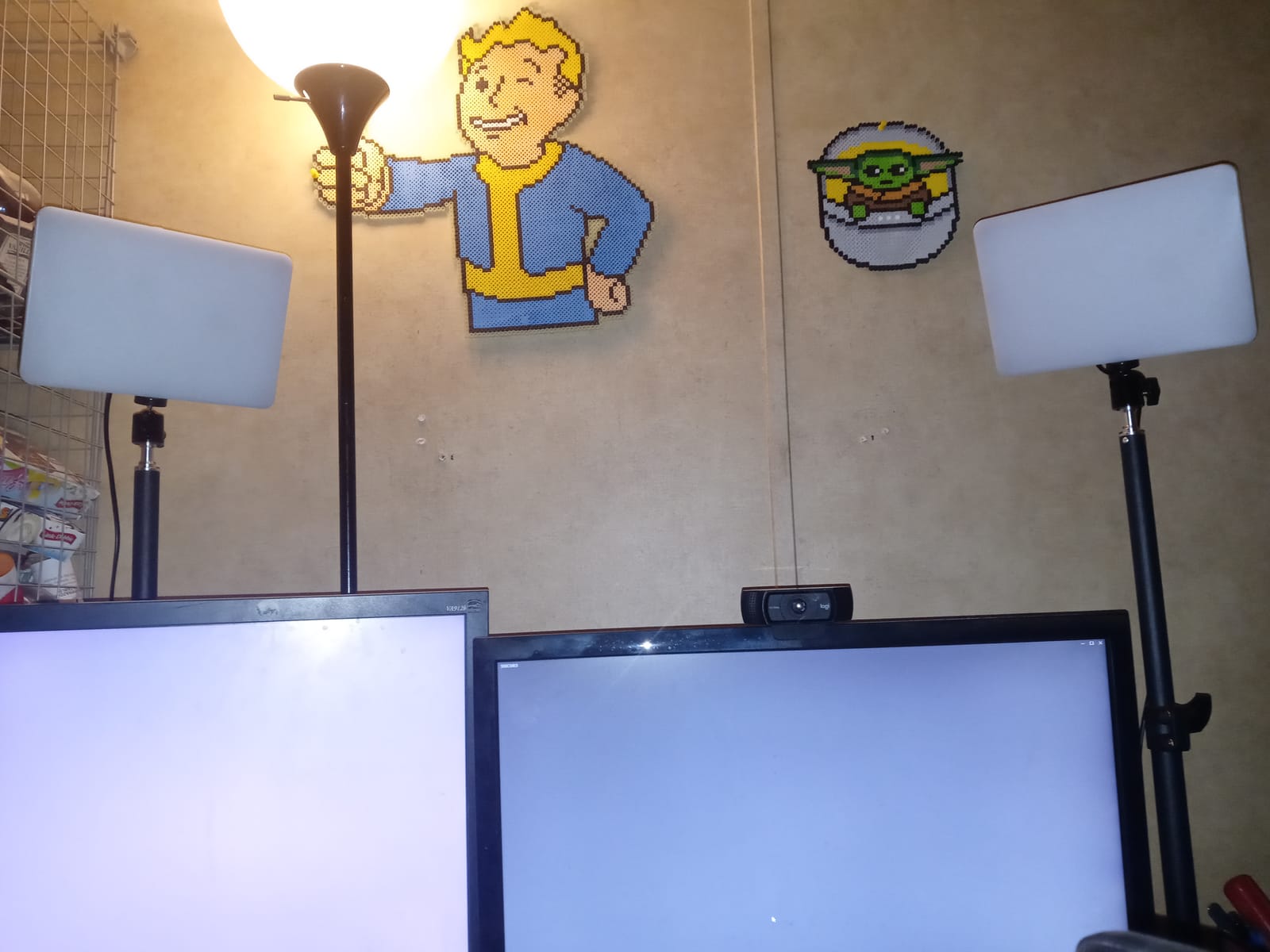
On a single desk, two lights on two clamp poles need roughly 200 cm of horizontal space between them to avoid reflections in your monitor. If you do not have that, a monitor-mounted fill bar is the compromise most people settle on.
Two low-output panels on small stands are regularly described in community threads as looking nearly as good as one high-output light for a fraction of the cost, which is the most common budget route into a two-light setup.
Frequently Asked Questions
What is the best desk light for streaming?
The Elgato Key Light is the best desk light for most streaming setups. It delivers 2800 lumens of even, opal-diffused light, a 2900K to 7000K range, CRI 97 colour accuracy and a desk clamp pole, plus Wi-Fi and Stream Deck control. If your desk has no room for a pole, the Logitech Litra Glow mounts directly to your monitor instead.
What is a good alternative to the Elgato key light?
The NEEWER GL1 PRO and the NEEWER GL25B are the closest alternatives, offering higher colour rendering and more connection options including 2.4G, Wi-Fi and Bluetooth. The GODOX ES45 is another strong option for flicker-free long sessions, and the amaran Verge works well if your desk is already USB-C based.
How bright should my streaming key light be?
For a webcam at 60 to 90 cm, a panel rated around 600 lux at half a metre is workable for close face cam work. For a camera further back or a bright room, choose a higher-output panel in the 2300 to 4300 lux range. Headroom matters more than peak output, because you want to be able to dim without losing shadow detail.
What color temperature is best for streaming?
Match the light to your room rather than chasing a specific number. Roughly 4000K to 5600K gives a neutral indoor look for most desk setups. Lock your camera white balance before streaming so exposure does not pump during the broadcast, and choose a light with a wide Kelvin range so you can adjust as daylight changes.
Can I mount a key light to my monitor arm?
Yes. Lights with a monitor mount, such as the Logitech Litra Glow, clip to the back of a display with height, tilt and rotation adjustment and take up no desk space at all. Alternatively, most panel lights use a standard 1/4-20 tripod thread, so a C-arm or boom arm can clamp to your desk and carry the light above your monitors.
Why is my key light flickering on camera?
Most budget panels dim using PWM, which pulses the LED output rapidly. Your eye averages it but your camera shutter can sample the pulse, producing banding. Follow the 180-degree shutter rule so shutter speed is one over twice your frame rate, turn off auto ISO, and raise brightness on the light instead of opening the aperture. Persistent banding means the light is PWM dimming and needs replacing.
Are ring lights better than key lights for streaming?
Neither is better in every case. A ring light gives very even illumination with minimal gear, which suits close face cam work, but it concentrates light into a narrow angle and leaves a circular catchlight in the eyes. An edge-lit panel key light gives more control over direction and colour temperature, which is why most streamers move to a panel once they can.
The Best Key Light for Your Desk Streaming Setup in 2026
The best key light for desk streaming setups in 2026 is the Elgato Key Light. Its 2800 lumens, CRI 97 opal diffusion and near-59-inch clamp pole handle a dual-monitor desk, a dark room and a four-hour session without you touching it once you set the level.
If your desk has no space for a pole, the Logitech Litra Glow mounts to your monitor and keeps the surface clear. If colour accuracy and control options matter most, the NEEWER GL25B and NEEWER GL1 PRO give you CRI 97 or better plus remote and app control without depending on Wi-Fi.
Whichever you pick, set the colour temperature to match your room, lock your camera white balance before you go live, and check your desk thickness against the clamp range before you buy. Start with one light, judge your exposure, and add a fill only when the shadow side of your face still bothers you. For the rest of the desk build, our gaming desk pad picks for large setups round out the surface underneath all of it.