
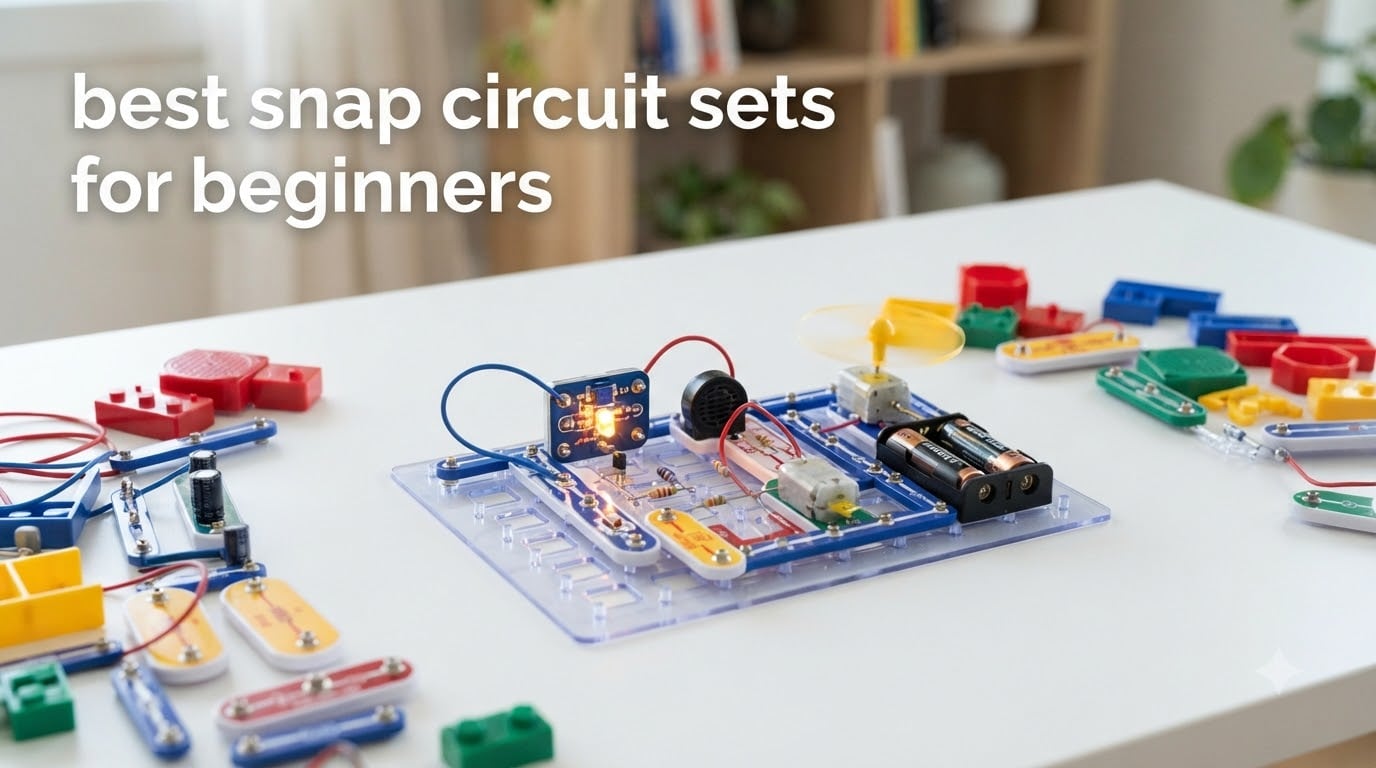
Short on the shortlist? The Snap Circuits Jr. SC-100 is the best snap circuit set for beginners overall, the Arcade SCA-200 is the best value for the money, and the Beginner SCB-20 is the right pick if your child is between five and nine and you want the gentlest possible start. Those three cover most families. The other five in this roundup go deeper on light, motion, 3D building, radio and flight.
Every Snap Circuits kit is a set of snap-together electronics building blocks. Children connect color-coded, numbered components to a plastic base grid to build working circuits without soldering. That grid stands in for a circuit board, and every module has metal contacts underneath, so pressing a piece into place closes a real electrical path. A finished chain of modules lights an LED, spins a motor or plays a sound exactly as a wired circuit would.
That last point is the whole reason these kits work. They turn an abstract idea, that electricity needs a complete loop, into something a child assembles, breaks apart and rebuilds. Parents on r/Parenting describe it the same way: the appeal is not the manual, it is that kids keep coming back to try their own circuits. One parent with children aged five and eight called it “one of the most popular toys in the house,” and a summer-camp counselor reported working with children from four to twelve.
Before the picks, an honesty note. Everything below is built from published manufacturer specifications, current ratings and review data, and live product listings. We do not claim hands-on lab testing. Where reviewers disagree with each other, we say so. If you want a broader beginner-gift shortlist, our guides to the best drones for beginners and the best drum sets for beginners follow the same spec-first approach.
Table of Contents
Top 3 Snap Circuit Sets for Beginners (October 2026)

Snap Circuits Jr. SC-100
- 100+ STEM projects
- 28 snap-together parts
- Full-color manual
- Ages 8+

Snap Circuits Arcade SCA-200
- 200+ projects
- 36-piece kit
- 20+ arcade games
- Spinning LED message writer

Snap Circuits Light SCL-175
- 175+ projects
- 55+ reusable parts
- Fiber-optic light show
- Color organ
Best Snap Circuit Sets for Beginners in 2026
Here is the shortlist at a glance. Ages, part counts and project counts come straight from the manufacturers’ own specifications, so you can see at a glance which kits actually deliver breadth and which deliver one strong theme.
| Product | Specifications | Action |
|---|---|---|
| Snap Circuits Jr. SC-100 |
|
Check Latest Price |
| Snap Circuits Light SCL-175 |
|
Check Latest Price |
| Snap Circuits Arcade SCA-200 |
|
Check Latest Price |
 Snap Circuits Motion SCM-165 Snap Circuits Motion SCM-165 |
|
Check Latest Price |
 Snap Circuits Beginner SCB-20 Snap Circuits Beginner SCB-20 |
|
Check Latest Price |
 Snap Circuits BRIC Structures Snap Circuits BRIC Structures |
|
Check Latest Price |
 Snap Circuits STEM Radio SCP12 Snap Circuits STEM Radio SCP12 |
|
Check Latest Price |
 Snap Circuits Flight Deck Snap Circuits Flight Deck |
|
Check Latest Price |
1. Snap Circuits Jr. SC-100 – The Best Snap Circuit Set for Beginners Overall
SNAP CIRCUITS Jr. SC-100 STEM Electronics Kit, 100+ Projects, Ages 8+
100+ STEM projects
28 snap-together parts
Full-color manual
12 x 9.5 x 1.75 inches
Pros
- No tools or soldering required
- Over 100 buildable projects with a full-color manual
- Award-winning kit from a long-established STEM brand
- The most reviewed kit in this roundup at nearly 30000 ratings
Cons
- Simpler builds get repetitive once the manual projects run out
- Manual pushes project-by-project following over open-ended design
This is the kit I recommend to anyone who asks me where to start. The SC-100 is Elenco’s core Snap Circuits Jr. set: 28 snap-together parts, a snap board and a full-color manual covering more than 100 buildable projects. Rated for ages eight and up, it is the balance point in the entire line, wide enough that a beginner has somewhere to go for a year and narrow enough that a nine-year-old is not handed something they cannot finish.
The proof is in the volume of feedback behind it. This kit sits at number one in Educational Science Kits and carries close to 30,000 ratings at 4.8 out of 5, by a wide margin the largest review base of anything in this roundup. When a toy has that many owners, the failure modes show up honestly, and the ones that surface here are mild: simpler builds feel repetitive once the book is finished, and the manual is written to be followed step by step rather than used as inspiration.
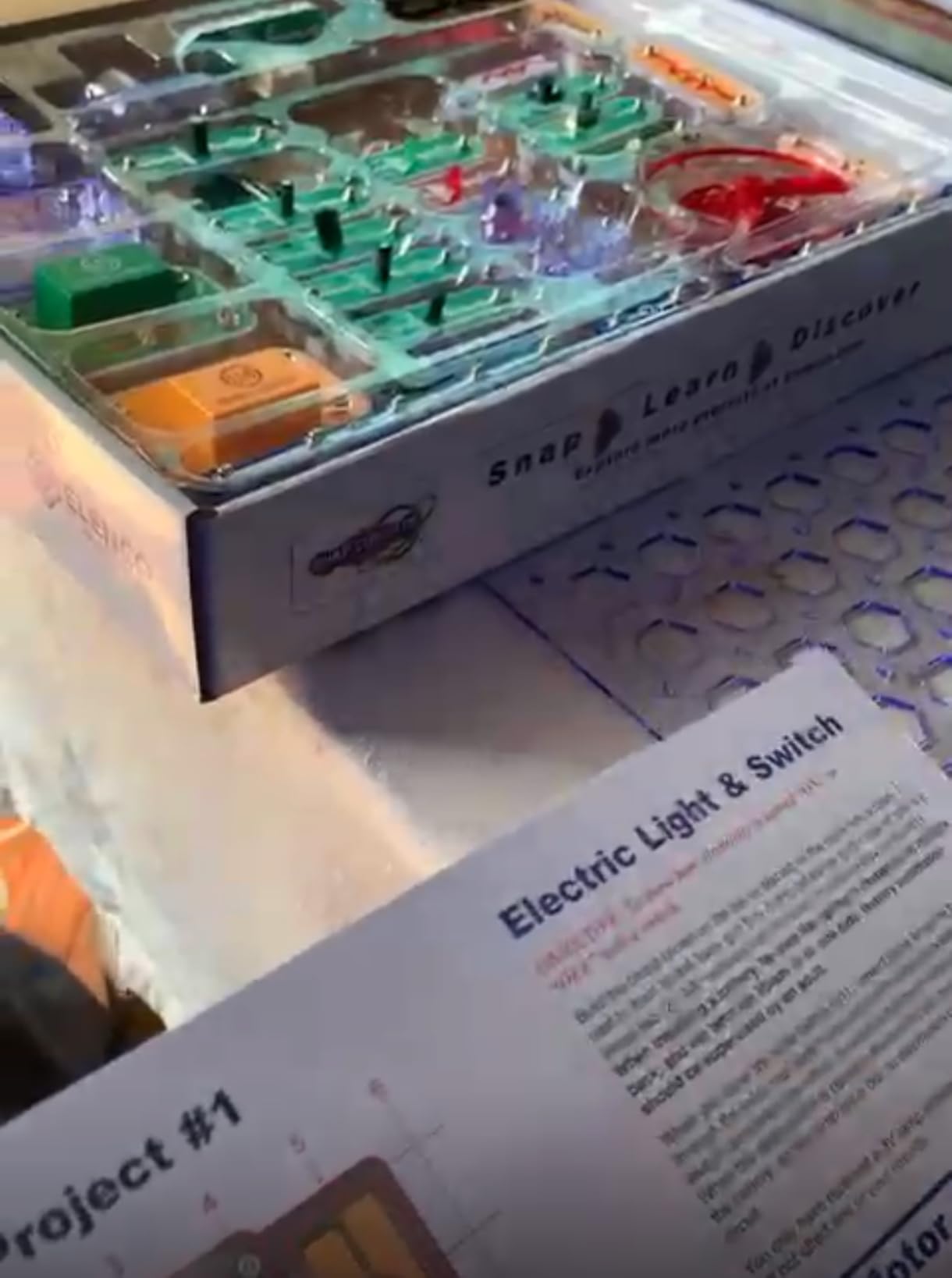
There is one oddity in the listing data worth mentioning, because it confuses buyers. The box is rated eight years and up, and the age range field even contains a stray “8-108” typo. Ignore it. What matters is that the projects escalate, so a strong seven-year-old with an adult alongside will get through it, and most eight-year-olds will cruise.
My honest caveat: the SC-100 teaches by guided project, not by open-ended design. If your child is the type who dismantles a toy to see what is inside rather than building what the manual says, this is still the right starter box, but plan to pair it with free-build time rather than expecting the manual to hold attention indefinitely.
Is the project count the real draw, or the part count?
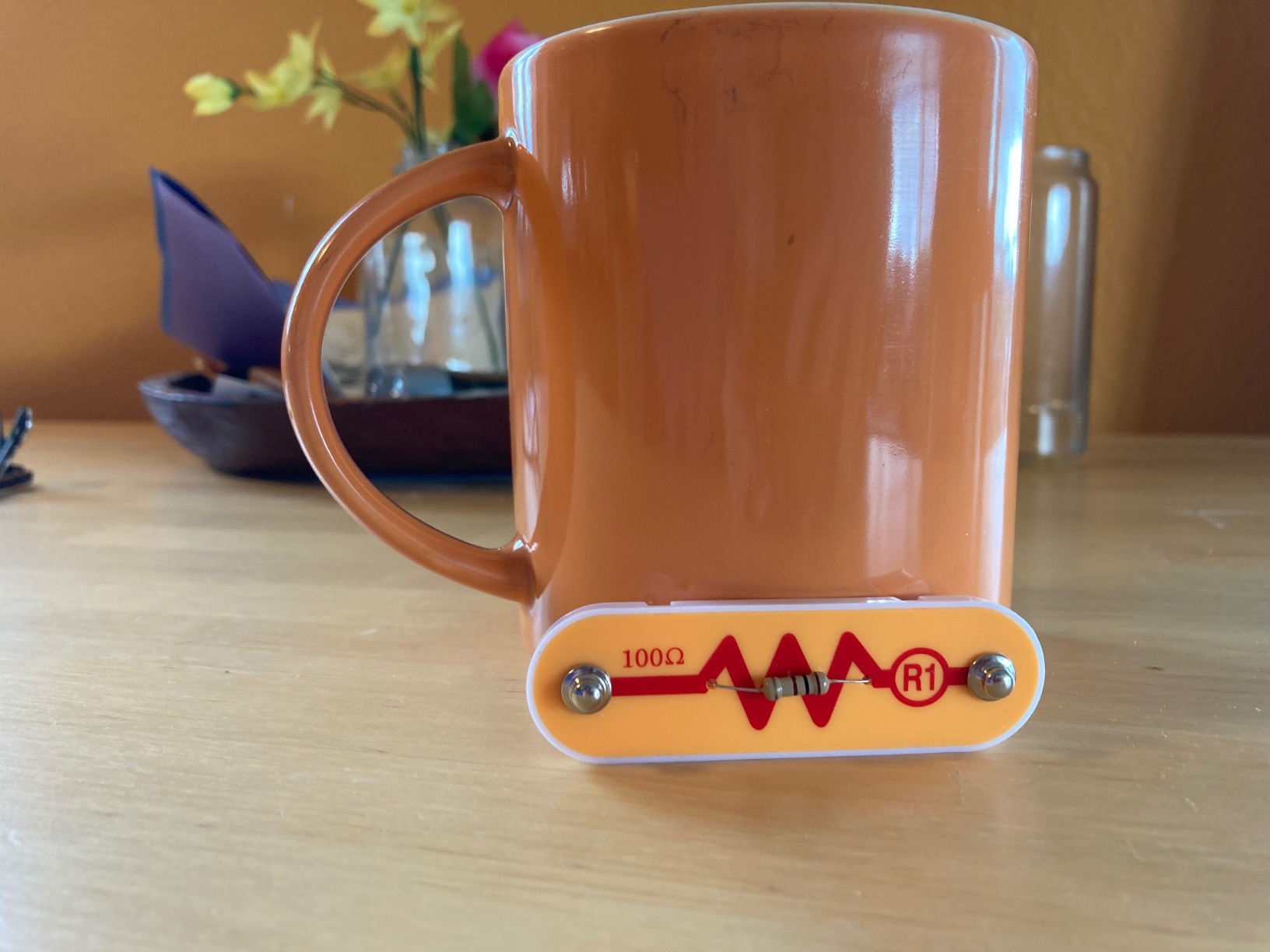
For a first kit, the project count is what keeps a child coming back, and 100-plus guided builds is a lot of runway. The 28 parts matter less than the number, because the same parts get recombined across the manual. A kit with 20 parts and 200 projects is a better beginner buy than a kit with 40 parts and 30 projects.
Who should skip it and buy something else?
Skip it if your child is under seven and working largely alone. The instructions assume a reader who can follow a multi-step diagram without constant narration, and the project difficulty ramps faster than the piece count suggests. For a child in that band, the Beginner SCB-20 further down is the calmer entry point, and it feeds straight into this kit later.
2. Snap Circuits Light SCL-175 – The Most Project-Rich Kit in the Line
SNAP CIRCUITS Light STEM Electronics Kit, 175+ Projects, Ages 8+
175+ projects
55+ reusable parts
Light and music focus
15.5 x 2.5 x 11.9 inches
Pros
- Largest project count in the beginner range
- Color organ runs from a phone or finger
- Fiber-optic light show responds to music
- 55+ reusable parts to mix and match
Cons
- Most expensive kit in this roundup
- Light and music projects need a phone or MP3 player for full effect
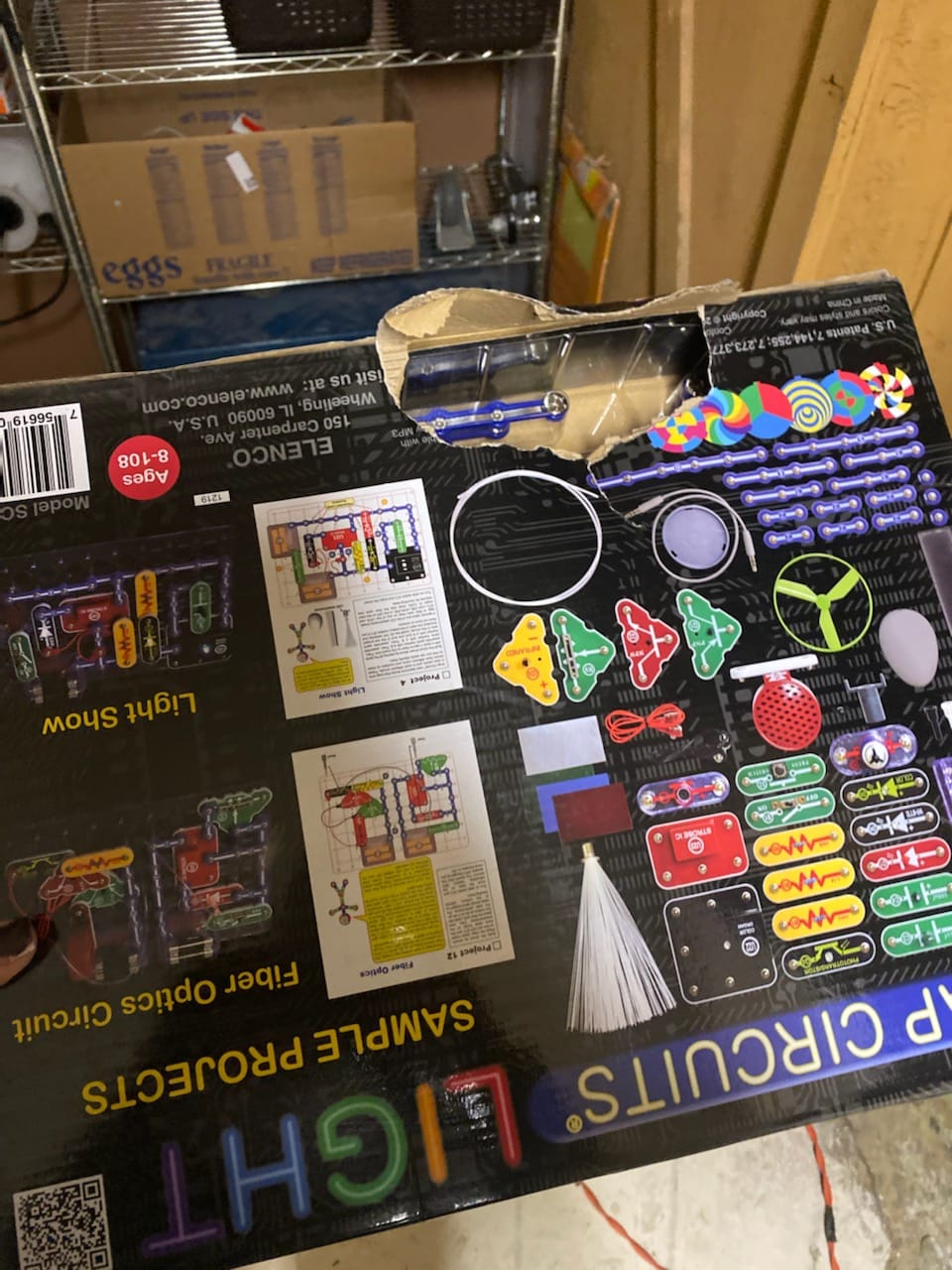
The SCL-175 is the kit to buy if the goal is hours of building rather than a first lesson. Owners consistently describe it as the most project-rich set in the Snap Circuits range, and at 4.8 stars across more than 4,000 ratings that view is well tested. Fifty-five-plus reusable parts support 175-plus projects, which is roughly double the SC-100’s project count on a kit that also carries a larger footprint in the box.
What separates it is theme. The centerpiece builds are a fiber-optic light show that changes to the beat of music playing from a smartphone, and a color organ driven by an MP3 player, your voice, or a finger tap. A strobe light and a spinning pattern project fill out the set. For a child who is responsive to cause and effect, watching a circuit react to a song is the moment the toy stops being a puzzle and becomes a thing they own.
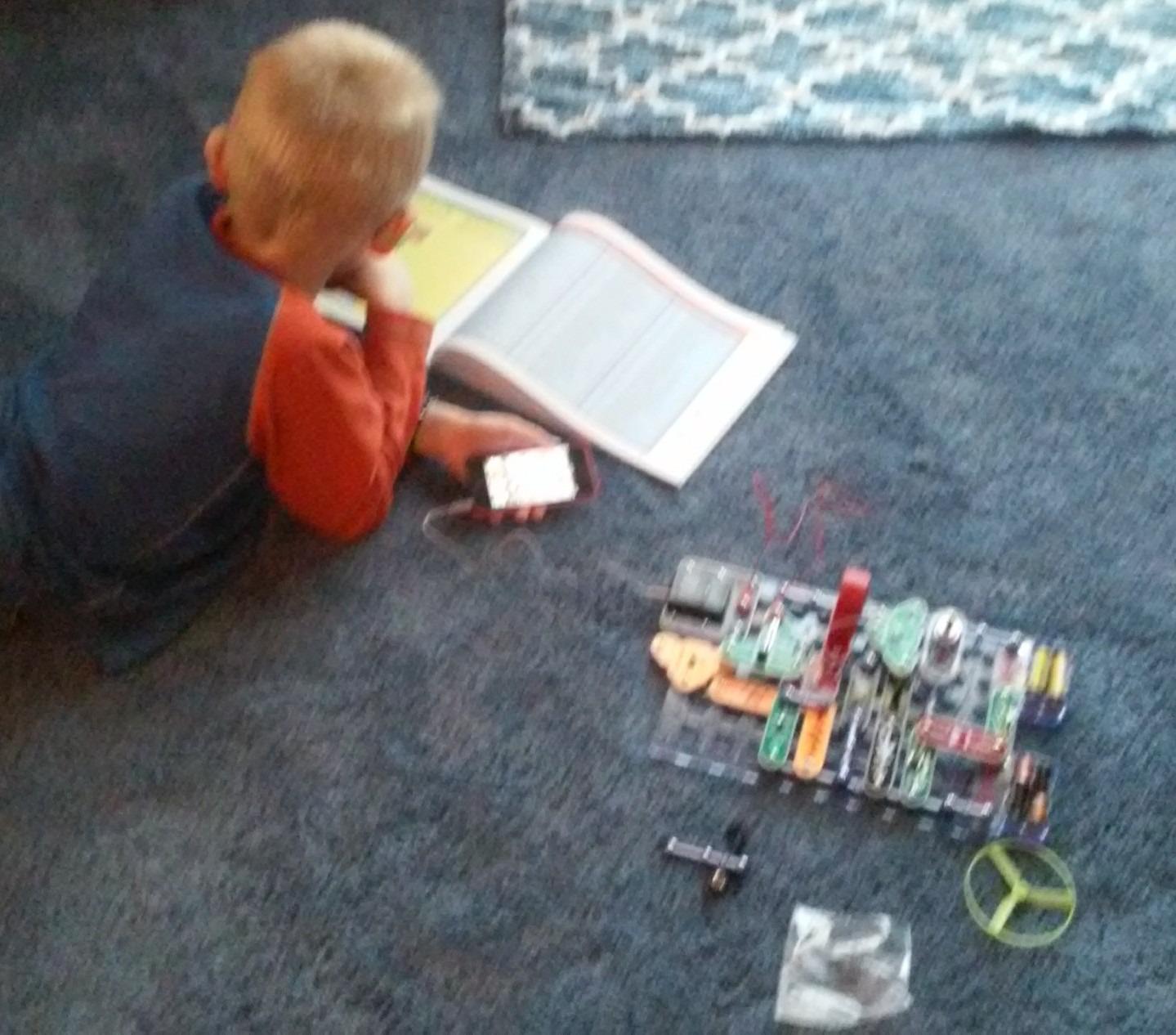
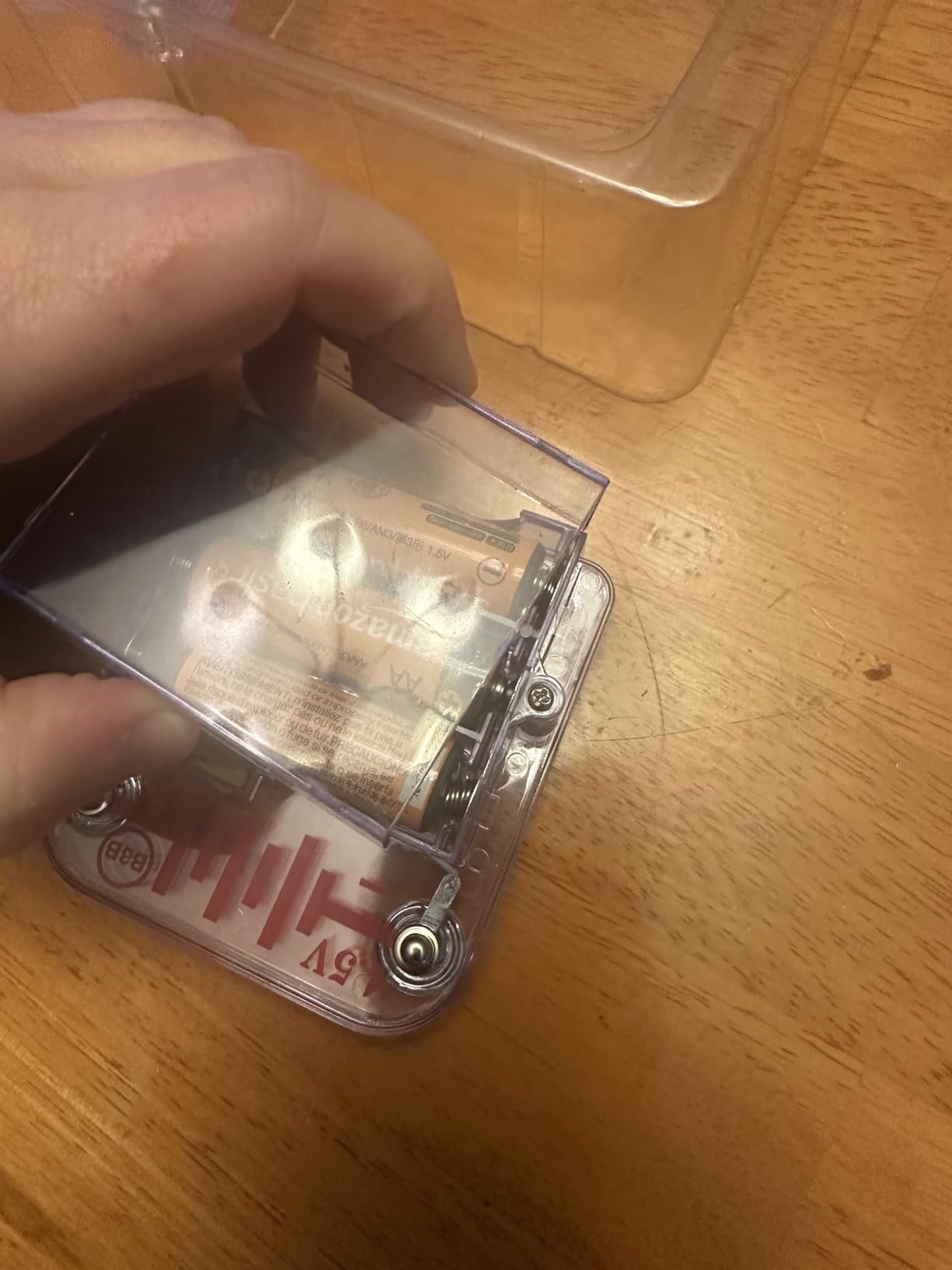
The catch is cost and dependence. This is the priciest kit in our roundup, and the flagship light and sound projects only reach full effect with a phone or music player alongside. Plan on buying AA batteries separately as well, since the kit runs on alkaline cells.
Is the extra project count worth the jump in price?
Yes, if your child is eight or older and already comfortable with a snap board. The jump is meaningful, so for a genuine first purchase the SC-100 gives a better return. But if the SC-100 is already in the house and getting flat, this is a large enough box to restart the interest rather than another small add-on.
What ages and interests suit this kit best?
It is rated for ages eight and up and it skews toward light and music, so a child drawn to sound, glow or performance will get more out of it than one who wants to understand a motor or a gear. If your child loves building but loses interest the moment a project requires careful placement, pick a themed kit with fewer, more dramatic builds instead.
3. Snap Circuits Arcade SCA-200 – The Best Value Pick
SNAP CIRCUITS Arcade SCA-200 STEM Electronics Kit for Kids Ages 8+
200+ projects
36 pieces
20+ arcade games
Spinning LED message writer
Pros
- 200-plus projects from a 36-piece kit
- Sound and light effects make builds feel like real games
- LED message writer lets kids write their own text
- Strong 4.8 rating across more than 3000 reviews
Cons
- Game-themed builds are less about open-ended circuit study
- Complex games take a steady sitting to finish
The Arcade SCA-200 is the pick if the word “beginner” in your head means an eight-year-old who has never built a circuit before. Thirty-six pieces produce more than 200 projects, including over 20 arcade-style games, and the kit carries a 4.8 rating from more than 3,300 reviews. The name is not marketing fluff: the builds are games, with sound effects and light effects that finish looking like real arcade cabinets.
What makes it good value is the ratio. Twenty-plus complete games from 36 components puts it ahead of kits with similar part counts and shorter manuals, and the projects reuse components in ways that feel like tricks rather than instructions. The spinning LED message writer is the standout: a child types text and watches it scroll, which is a genuinely different kind of payoff from lighting a bulb.
Reviewers report that the game focus is the whole point and the trade-off. Circuit experimentation takes a back seat to finishing games, and the more complex games need a quiet session rather than ten minutes of after-school time. One reviewer also noted that the longer builds can pull a child away from the simpler circuits, which is fine unless you wanted them practicing fundamentals.
Why is this the best value rather than the best kit?
It is the best balance of project count to part count, and that is what drives replay value. The reason it does not take the top spot is scope: the SC-100 is the more general-purpose teaching kit, covers more kinds of circuit, and carries a far larger review base, which is a better safety net for a first purchase.
Will it hold up if the child is not into games?
Partly. The non-game projects in the manual are solid, but a child with no interest in sound-and-light entertainment will treat this as just another circuit kit and get less than they would from the SC-100. Arcade is a theme, and themes only work when the theme lands.
4. Snap Circuits Motion SCM-165 – Best for Gears, Pulleys and Physics
SNAP CIRCUITS Motion STEM Electronics Kit for Kids Ages 8+
165+ projects
50+ parts
Gear ratios and pulleys
19.75 x 13.5 x 2.5 inches
Pros
- 165-plus motion and physics projects
- Real gear ratio and pulley lessons
- Projects include a motion detector and air fountain
- Individual replacement parts available from the manufacturer
Cons
- No spare hardware included
- Some electrical parts failed for one reviewer after heavy use
- Advanced builds benefit from adult help
The Motion SCM-165 is the most mechanically literate kit in the roundup. Fifty-plus parts support more than 165 projects, and unlike the other sets here, the emphasis is on motion: gear ratios, pulleys, a motion detector, a color-changing lighted fan, an air fountain and a propeller plane. Parents and grandparents reviewing this kit call it the best in the line for motion and physics, and report that kids return to it repeatedly rather than finishing it once.
That makes it a strong choice for a child whose interest is mechanical rather than purely electrical. The mechanical concepts are real, which means a child learns why a bigger gear turns slower, and that idea transfers to bicycles, gears and clocks later. The large color manual with simple directions does more work here than anywhere else in the range, because the projects are sequenced around a physical idea rather than a wiring trick.
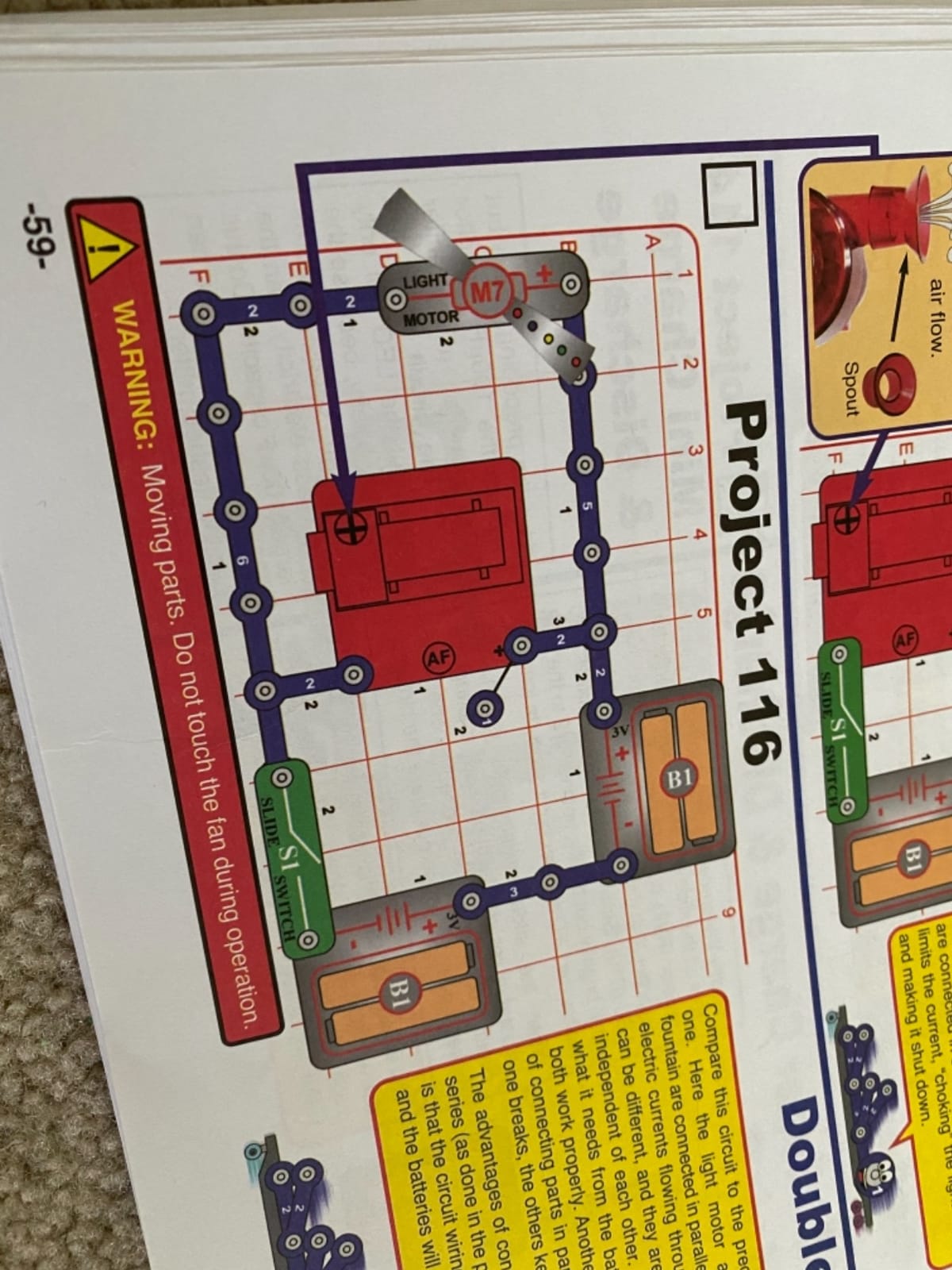
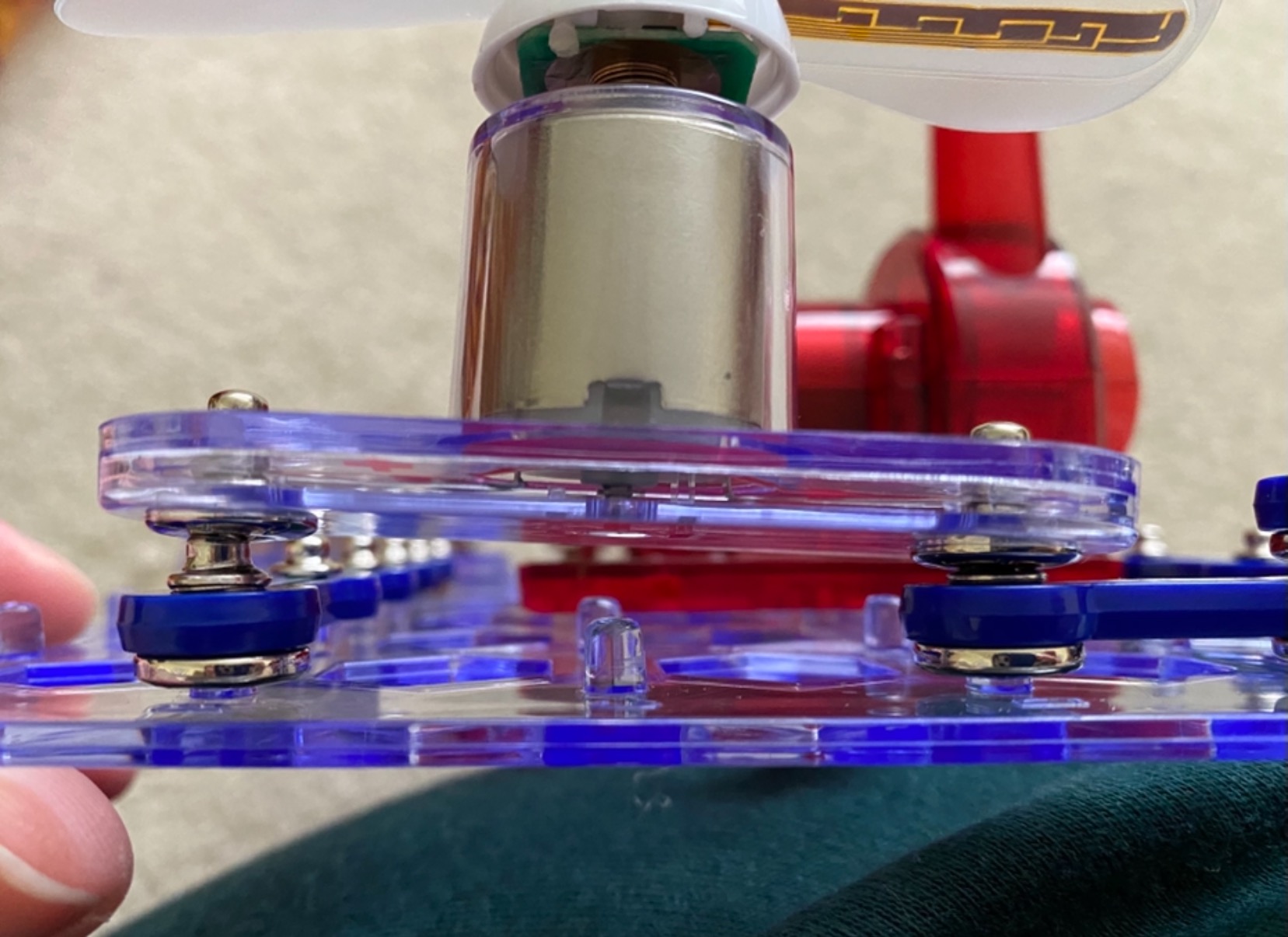
The practical drawback is spares. This kit ships with no spare hardware, and reviewers report that a stripped screw can stop a build cold. One reviewer also had a fan light stop working after heavy use, and the 90-day defect warranty is the shortest in this roundup. Replacement parts are available directly from the manufacturer, which softens the risk, but it is a real consideration for a kit you expect to keep for years.
Is this a first kit or a second kit?
It works as a first kit for an eight-year-old, but it is a better third. The projects assume a child who has already met a basic closed circuit, and the most satisfying builds, like the crawler and the moving propeller plane, genuinely benefit from a second pair of hands. Start here only if your child is mechanically curious and patient.
How much adult involvement does it need?
Expect to be nearby rather than hands-on. The manual’s simple directions let most kids run independently through the early projects, then ask for help on the builds with more moving pieces. Budget an extra set of small screws and a small screwdriver for reassembly, since that is the step reviewers most often flag.
5. Snap Circuits Beginner SCB-20 – Best for Ages Five to Nine
SNAP CIRCUITS Beginner SCB-20 STEM Electronics Toy for Kids Ages 5-9
21 projects
Childproofing features
Color-changing fan
11.7 x 2 x 7.4 inches
Pros
- Childproofing and simple diagrams make it the safest first kit
- Gentlest difficulty curve in the line
- Includes a lighted color-changing fan
- Strong 4.7 rating from more than 3500 reviews
Cons
- Only 21 projects so replay value is short
- Older children outgrow the simplicity quickly
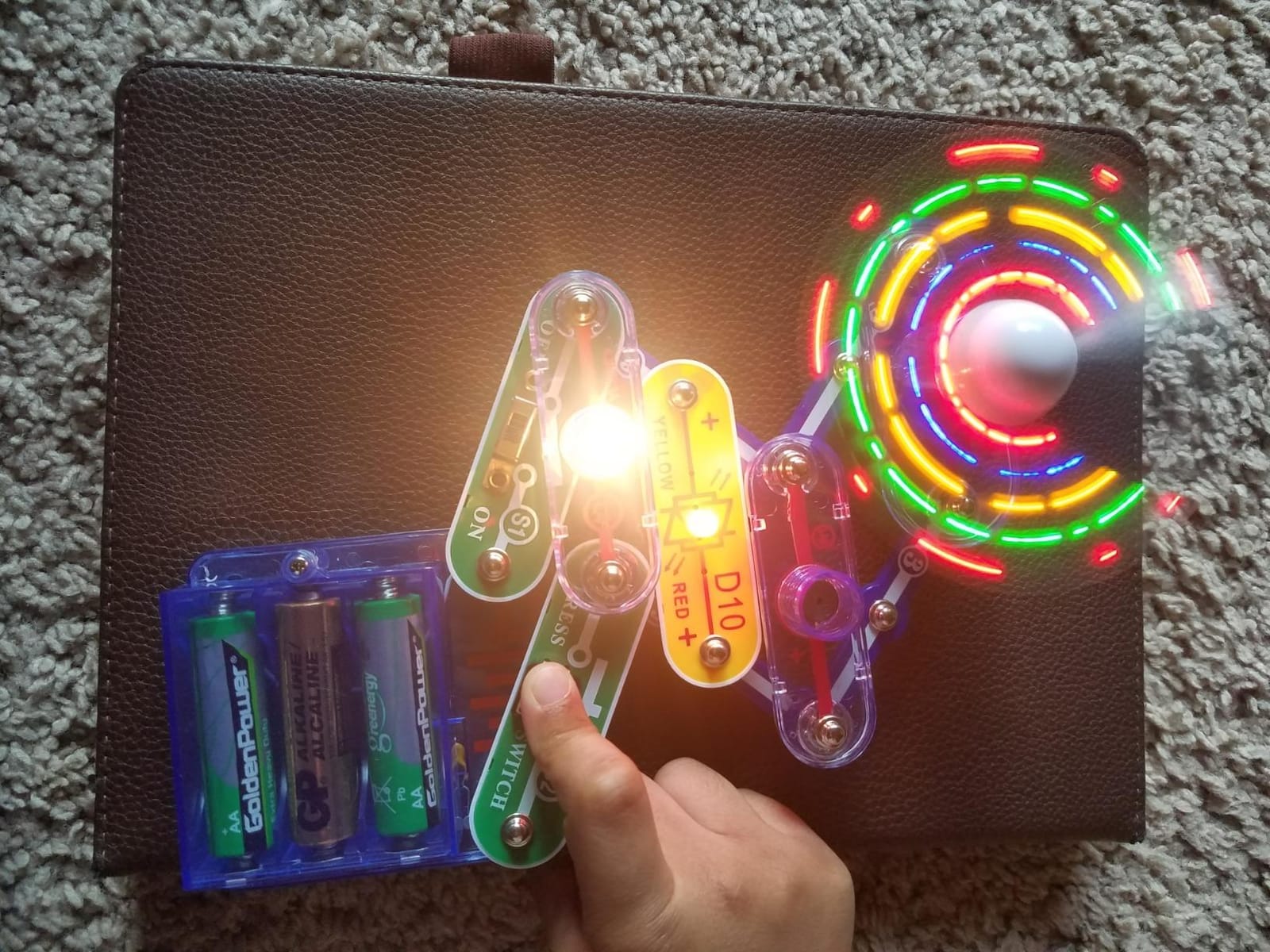
The Beginner SCB-20 is the kit for the youngest child in the room. It is rated five to nine years, includes extra childproofing features, and ships with a 21-project manual written in age-appropriate language alongside a lighted color-changing fan. Parents consistently name it as the ideal first Snap Circuits purchase, and the 4.7 rating from more than 3,500 reviews suggests they are not being polite about it.
What makes it work for small hands is the design, not the project count. The base board, modules and simplified diagrams reduce the ways a young child can go wrong, and the first builds progress from a simple closed circuit up to lighting something and making a sound. That progression is the actual lesson, and it is why 21 projects is enough here when a hundred would not be.
The limitation is obvious and worth stating plainly: 21 projects is a short runway, and older children outgrow the simplicity fast. Reviewers also flag that once the book is finished there is little left to explore, because the part count is small. For a five-year-old that is perfect. For a nine-year-old it is a gift that will be finished in a weekend.
Is it worth starting here and moving up later?
Yes, and this is the cheapest mistake to make in the category. Every Snap Circuits part snaps onto the same grid, so the modules in this box work inside a larger kit later. Start small if your child is five, then move up to the SC-100 or Arcade kit when they finish the book, and nothing is wasted.
What if the child is younger than five?
Below five, the frustration risk outweighs the benefit. The pieces are small, the reading load is real, and most children that age want to build the fan immediately rather than work through a sequence. Our beginner gear guide for snowboards covers the same question of matching equipment to a young child’s real ability rather than a printed age label.
6. Snap Circuits BRIC Structures – Best for 3D Building and Inventing
SNAP CIRCUITS BRIC Structures STEM Building & Electronics Kit, Ages 8+
130+ bricks
20 snap modules
75 snap-to-bric adapters
20+ projects
Pros
- Only kit here that blends building bricks with snap circuits
- 130-plus bricks and 75 adapters support open-ended invention
- Includes a brick remover tool for easy disassembly
- 4.7 rating from more than 2000 reviews
Cons
- Leans toward structures rather than circuit theory
- Smaller manual than the SC-100 or Motion kits
The BRIC Structures kit is the odd one out in this roundup, and that is exactly why it is worth knowing about. It is the only kit here that combines Snap Circuits modules with building bricks, using 75 snap-to-bric adapters to let a circuit mount onto a structure. The box holds 130-plus compatible bricks, 20 snap modules and a brick remover tool, supporting 20-plus engineering projects or whatever your child invents instead.
For a child who is a builder first and an electronics learner second, this format is more absorbing than a grid of modules. A circuit becomes a roof light on a house, a warning light on a tower, a working doorbell on a fort. Buyers rate it well for creative building and 3D structures, at 4.7 stars from more than 2,000 reviews, and call it good value.
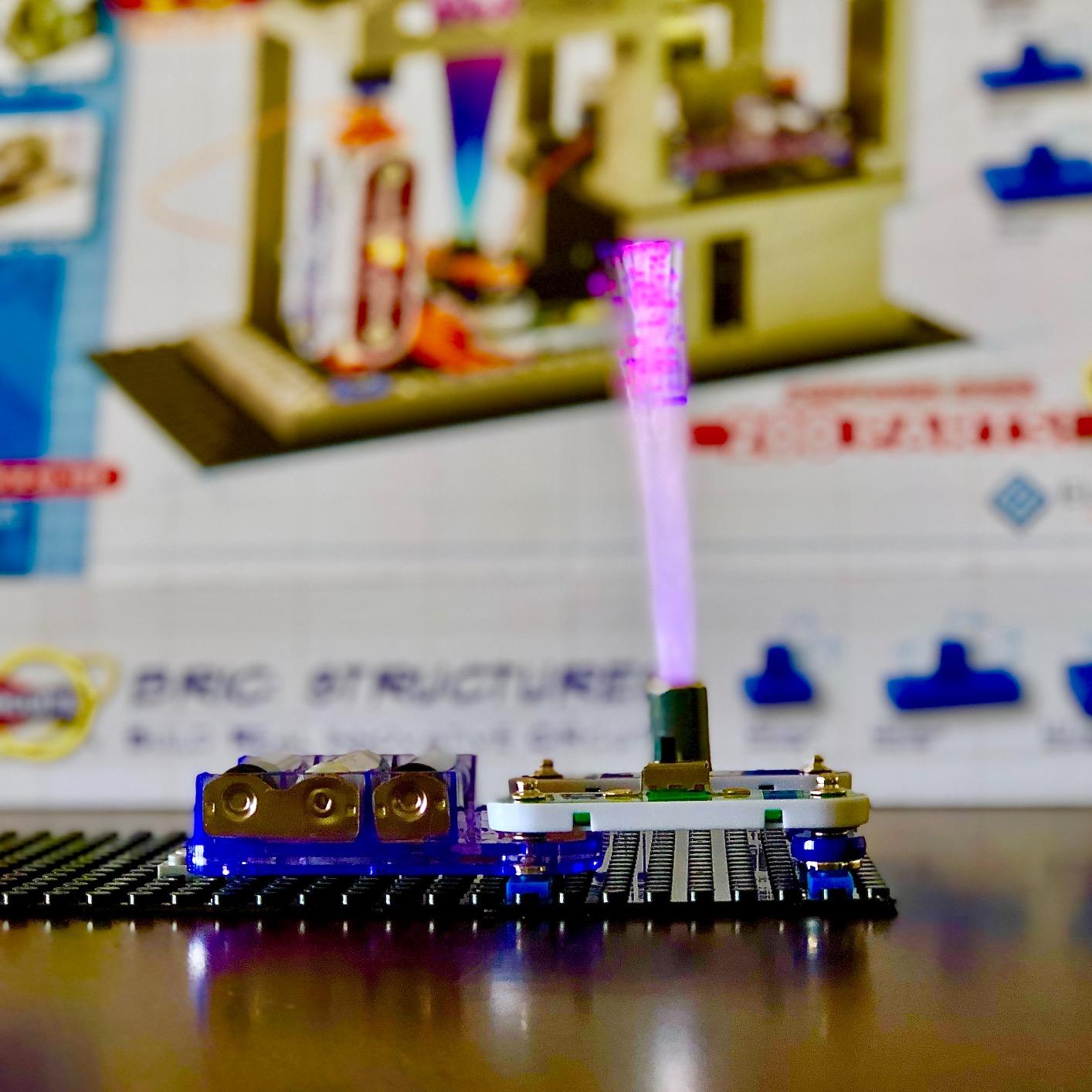
The honest framing from reviewers is that it complements a core circuit kit rather than replacing one. The focus is structures and 3D builds, not circuit theory, and the manual is smaller than those in the SC-100 or Motion kits. Rated eight to fifteen years, it suits a child who will invent rather than follow, and it needs three AA batteries. If your goal is to teach circuits, buy a circuit kit. If your goal is to stop the bricks from being a pile on the floor, this is the answer.

Does it mix with other Snap Circuits kits?
Yes. The snap modules are standard, so they work on the usual grid alongside parts from the SC-100 or the Arcade set. The bricks themselves are a separate system, so the structural pieces only make sense with this kit or its own expansions.
Is it a good first kit for a child who loves LEGO-style building?
It is, with one caveat. A child who thinks in structures will find the adapter system satisfying quickly, but the circuit side is thinner here than in the pure electronics kits, so this teaches less about electricity. Treat it as the creative supplement rather than the foundation.
7. Snap Circuits STEM Radio SCP12 – Best for a One-Afternoon Project
SNAP CIRCUITS STEM Radio Kit, Build an Electronic Radio, Kids Ages 8+
12 snap-together parts
Working FM radio
8 x 7.5 x 2.5 inches
3 AA batteries not included
Pros
- Produces a genuinely working FM radio with volume and tuning
- Fast to assemble and fun to rebuild repeatedly
- Small and portable
- Affordable standalone build
Cons
- Base board is flimsier than the larger kits
- Bonus circuit instructions are text-only
- Occasional reports of a defective part out of the box
The STEM Radio SCP12 is the smallest kit in this roundup at 12 parts, and it does one thing properly: it builds an FM radio that actually works, with adjustable volume and tuning. Families love that an afternoon of assembly produces something that keeps playing, and reviewers note that children finish it quickly and then take it apart and rebuild it repeatedly, which is the behaviour you want to encourage.
It is also the cheapest way to get a genuine finished object out of a snap-together kit, which makes it a good gift for a child with a specific interest in radio or audio. Being small, it is also the easiest to carry and store, and it slots in well as a weekend build alongside a larger kit rather than instead of one.
The criticisms are consistent across reviews. The base board is flimsier than those on the bigger kits, the instructions for the three bonus circuits are text-only and hard to follow, and a few buyers received a defective component. It also needs three AA batteries, which are not included, and carries no manufacturer warranty. A radio hobbyist posting on r/HamRadio put it more bluntly, describing the receiver as a single magic box rather than genuine radio circuitry, so buyers hoping for a real tuner lesson should temper expectations.
Is one project enough to justify the kit?
For a focused gift, yes. Twelve parts and a radio that works is a satisfying afternoon, and the rebuild-and-tweak loop is genuinely absorbing for older children. For a beginner who wants variety, no, since there is little here to explore once the radio is finished.
What should a buyer do before opening the box?
Buy three AA batteries, and photograph or download the instructions for the three bonus circuits before you build. Documentation for this line has been reduced over time, and the text-only bonus pages are the ones families most often cannot follow. Having a small screwdriver nearby helps with reassembly on the flimsier base board.
8. Snap Circuits Flight Deck – Best for Paper Airplanes and Air Pressure
SNAP CIRCUITS Flight Deck STEM Toy, Paper Airplane Launcher, Ages 8+
5 projects
12 x 8.5 x 2.5 inch box
Levitating ball demo
Batteries not included
Pros
- Five projects including a paper airplane launcher and a levitating ball
- Levitation experiment teaches air pressure memorably
- Kids can usually assemble it independently
- Smallest box in the roundup
Cons
- Airplane launcher launch distance underwhelms reviewers
- Only five projects
- Some buyers reported dead components out of the box
The Flight Deck kit is the smallest and lowest-rated product in this roundup, and it still earns its place for one specific child: the one who folds paper airplanes for fun. Five projects cover a paper airplane launcher, a flying saucer, a ball launcher, a spinning pattern wheel and a levitating ball. The levitation project, which demonstrates air pressure, is the one reviewers consistently single out as memorable.
What it does well is independence. The directions are straightforward enough that most children assemble it without an adult hovering, and that confidence-building moment is the real value at 4.5 stars from more than 600 reviews. The box is also the most compact here at 6.3 by 8.5 inches, and the theme, aerodynamics, is a good entry point for a child who has not yet shown interest in electronics.
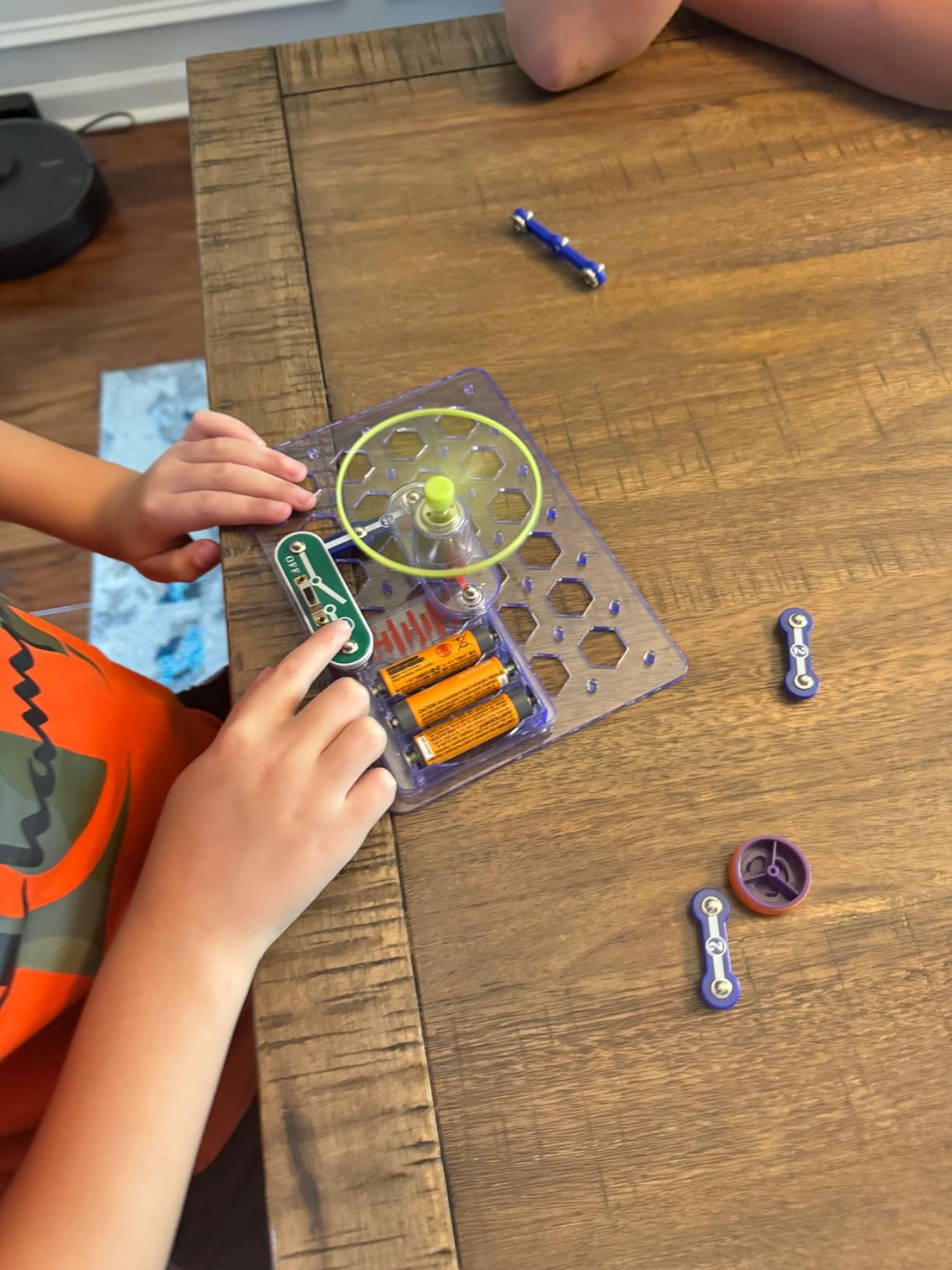
It also carries the clearest complaints. The airplane launcher, the project’s namesake, throws underwhelming distances for a steady stream of reviewers, and five projects is the fewest in the lineup by some distance. Several buyers reported multiple projects not working and a motor failure out of the box. Rated for ages eight and up, with batteries not included, it is a fun physics-themed side kit rather than a foundation.

Is five projects too few to justify a first kit?
For a first electronics kit, yes. There is not enough material here to sustain repeat play, and the single headline project disappoints a lot of buyers. It works as a second kit for a child who has already started with something broader and now wants the flight theme.
Does the levitation project need adult supervision?
Less than you would expect. The independent build is the most commonly praised feature, and the levitation demonstration is the part children repeat. Batteries are not included, so have a set ready, and keep the launcher pointed away from faces given how many reviewers found the throw underwhelming for its size.
How to Choose a Beginner Snap Circuit Kit
Four variables decide this purchase, and only four. Work through them in order and the model number almost picks itself.
What age is Snap Circuits right for?
Match the kit to the child’s age, then adjust for temperament. The rated band is a guide, not a gate, and the forum evidence shows real-world use running wider than the box: a camp counselor ran Snap Circuits with children from four to twelve, well past the five-to-eight band on the beginner kit. What genuinely changes with age is reading load, patience for a multi-step diagram, and how much supervision you want to provide.
Ages 4 to 5: Start with the Beginner SCB-20 and expect to build alongside them. Its childproofing and 21 gentle projects are why it is the youngest-rated kit in this roundup.
Ages 6 to 7: The SCB-20 again, if they are enthusiastic readers, or the SC-100 with an adult nearby. A bright seven-year-old will finish the beginner book in a weekend and ask for more.
Ages 8 to 9: The sweet spot, and the core of this list. The SC-100 is the default, the Arcade SCA-200 for a game-lover, the Motion SCM-165 for a mechanically curious child.
Ages 10 to 12: The Light SCL-175, the BRIC Structures kit or the Motion kit. At this age kids want complexity and physical builds more than they want another 20 guided projects.
Ages 13 and up: None of these are aimed at teenagers. Look at a soldering-based electronics kit instead.
Parts vs projects: the spec everyone misreads
Part count and project count are different things, and the confusion drives most bad purchases. Parts are the physical modules in the box. Projects are the guided builds in the manual, and the same handful of parts gets recombined dozens of times. The Beginner SCB-20 makes this obvious: 21 projects from a small part count, versus the Light kit’s 175-plus projects from 55-plus parts.
For replay value, judge by projects first and parts second. Two kits with the same part count can differ wildly in how long they last, and the one with more guided builds wins. The genuinely better signal, though, is what happens after the manual runs out. Reviewers who describe children inventing their own circuits, as parents on r/Parenting do, are describing the outcome these kits are capable of, and that depends more on the open-ended modules, switches, resistors and motors in the box than on the number printed on the front.
Beginner vs Jr. vs Light vs Motion: the tier explained
The confusion on this topic is real, because the names do not signal the differences. The Beginner SCB-20 is the youngest-rated and smallest kit, 21 projects for ages five to nine. Snap Circuits Jr. SC-100 is the standard entry kit, 100-plus projects for ages eight and up, and it is the one most beginners should buy. The Light SCL-175 is a 175-project specialist set built around light and music. The Motion SCM-165 is a 165-project specialist set built around gears, pulleys and physics. The Arcade SCA-200 is a 200-project set built around games.
Two practical notes. First, review volume is uneven across the line, and that tells you something: the SC-100 has close to 30,000 ratings, the Arcade and Light kits sit in the low thousands, while the Flight Deck and Radio kits sit in the hundreds. A thin review count is not a defect signal, but it means fewer owners have hit the problems you are reading about. Second, an observation from a radio hobbyist on r/HamRadio deserves repeating here: several modules, the FM receiver especially, are effectively sealed black boxes. The genuinely instructive parts are the LEDs, switches, resistors, capacitors and motors, because those show how a circuit actually works.
Do Snap Circuits kits work together?
Yes, and this is the most useful thing to know before you buy. Every Snap Circuits module snaps onto the same base grid, so parts from a small kit work inside a larger one. That is why buying the cheap starter box first is not a dead end, and why parents with children aged five and eight can share one set that both of them grow into. The same advice applies to the themed kits: modules from the Radio or Flight Deck kits mix freely with the big sets, while the BRIC kit’s structural bricks are a separate system.
One housekeeping point that saves arguments. Free downloadable project documentation has been reduced over time, so save or print the manuals for any kit you buy on the day it arrives. A r/HamRadio poster noted the change to downloadable explanations specifically, and it is a five-minute job that avoids a real frustration later.
Where to buy and what to check before you order
Retailers that consistently carry the line include Amazon, Target, Walmart, Michaels and Kohl’s, with Barnes and Noble also stocking it. For classrooms, homeschool families and anyone buying several sets, Jameco and Flinn Scientific both serve the education market and are worth a look for volume pricing. WSU Extension 4-H, a non-commercial source, describes the beginner tier as over 10 pieces creating over 20 different projects, starting from a simple closed circuit to lighting a bulb to making a sound, which matches the SCB-20 specifications.
Before ordering, check three things: the age rating against your child, whether batteries are included, and the review count. Battery needs vary widely here, from the Radio kit’s three AA cells that are not included, to the Motion kit’s four AA batteries, to the BRIC kit’s three. Every kit in this roundup needs batteries, so budget for them.
Frequently Asked Questions
Are Snap Circuits any good?
Yes, for the specific job of teaching a child that electricity needs a complete loop. Parents on r/Parenting describe them as a long-duration favorite rather than a one-week novelty, and a summer-camp counselor reports children from four to twelve building their own circuits with them. The honest limit is that some modules, like the FM radio, are sealed black boxes, so the teaching value sits in the LEDs, switches, resistors and motors rather than in every piece in the box.
What age is good for Snap Circuits?
Roughly ages 5 to 12, with the rated band on the box as the starting point. Ages 4 to 5 suit the Beginner SCB-20 with an adult alongside. Ages 6 to 7 fit the SCB-20 or the SC-100 with help. Ages 8 to 9 are the sweet spot for the SC-100, Arcade and Motion kits. Ages 10 to 12 are better served by the Light, BRIC or Motion sets. Children consistently stretch past their rated band, so treat the rating as a guide.
What is the difference between Snap Circuits Beginner and Jr.?
The Beginner SCB-20 is the youngest-rated kit at ages five to nine, with extra childproofing, 21 projects and a color-changing fan. Snap Circuits Jr. SC-100 is rated eight and up, with 28 snap-together parts, a snap board and more than 100 projects. The Beginner is a gentler, shorter on-ramp; the Jr. is the standard entry kit and the one most beginners should buy.
Do Snap Circuits kits work together?
Yes. Every Snap Circuits module snaps onto the same base grid, so parts from a small kit work inside a larger one, and themed kits like the Radio and Flight Deck mix freely with the big sets. That means a starter kit is not a dead end, and siblings at different ages can share one set. The one exception is the BRIC Structures kit, whose building bricks are a separate system from the snap modules.
Do you need batteries for Snap Circuits?
Yes, every kit in this roundup needs batteries, and they are not all included. The STEM Radio kit takes three AA cells that are not included, the Motion kit needs four AA batteries, the BRIC kit uses three, and the Flight Deck kit ships without batteries. The SC-100, Arcade, Light and Beginner kits run on alkaline batteries. Buy a set of AA cells with the kit.
The Bottom Line
The best snap circuit set for beginners is the Snap Circuits Jr. SC-100, because it balances part count, project count and a difficulty curve that works from about age eight, and because close to 30,000 ratings mean its weaknesses are already known and small. Buy the Arcade SCA-200 instead if your child is a game-lover, and the Beginner SCB-20 if they are five and just starting.
The upgrade path is simple, because every part snaps onto the same grid. Start at the tier that matches your child’s age, let them finish the manual, then move up or sideways. Check the current listing for each kit to see the latest specification details and ratings before you order.