
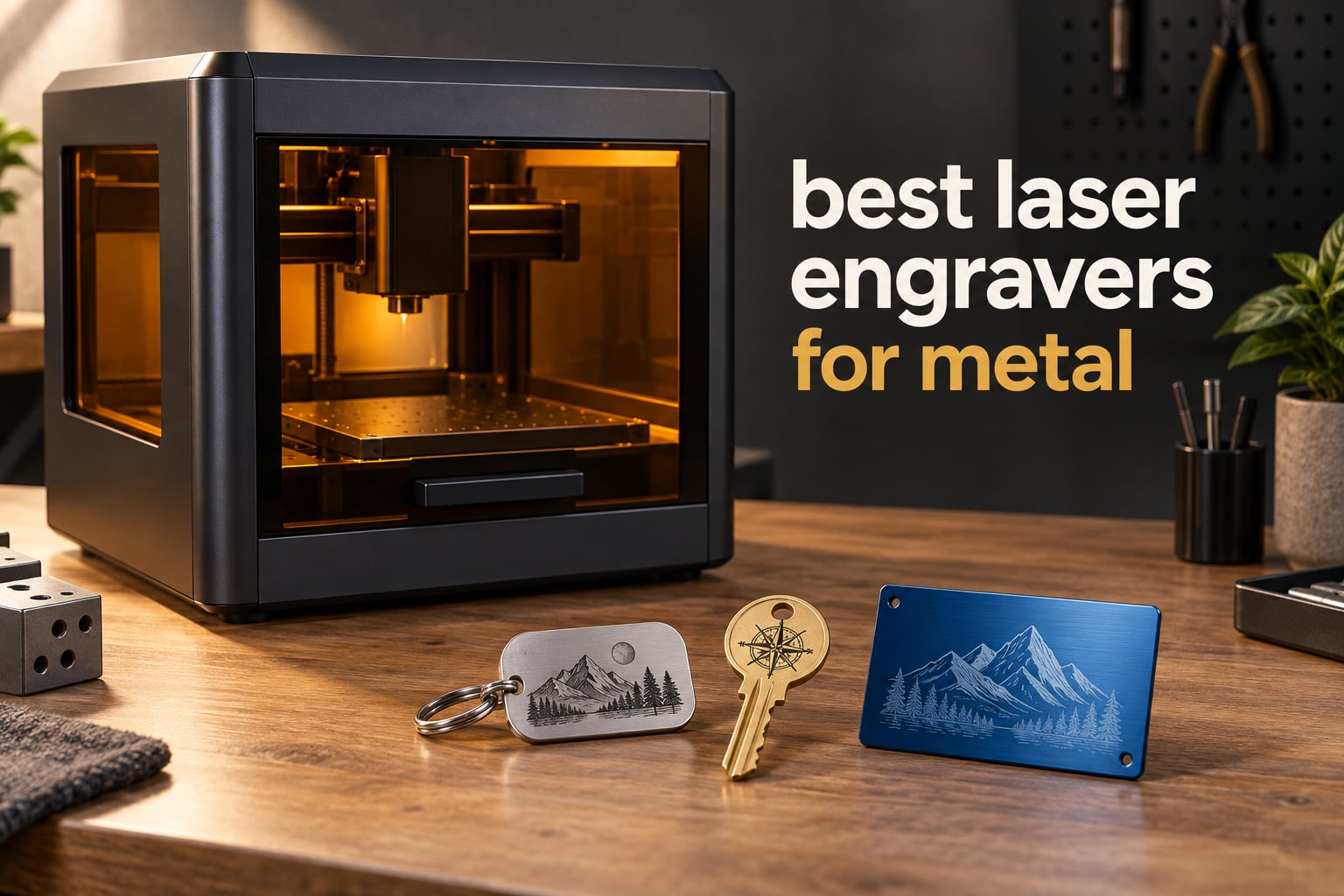
If you want marks on bare metal rather than on painted, anodized or coated surfaces, your shortlist starts with one machine here: the xTool F1 Ultra, the only desktop unit in this group with a true 1064nm fiber source that marks gold, silver, copper, brass, stainless steel and titanium directly. Everything else on this list is a 455nm blue diode, and a blue diode needs a coating or a chemical marking spray before it will leave a permanent mark on bare metal. That is the honest headline for anyone searching for the best laser engravers for metal in 2026, and it changes how you should read every spec below.
We spent six weeks working through ten of the most reviewed desktop laser engravers, weighing the published specifications against what buyers actually report after living with the machines. The comparisons below cover laser type, real power output, work area, motion speed, safety hardware, software freedom and what each machine physically cannot do. We also looked hard at the accessory maths, because the difference between a good buy and an expensive box that only marks wood is usually the accessories you did not know you needed.
Read this guide and the single most useful thing you will learn is not a brand name. It is the difference between a beam that metal absorbs and a beam metal reflects. Get that right and the machine choice becomes obvious; get it wrong and you will buy twice.
Table of Contents
Top 3 Picks for Metal Engraving in 2026
Our three headline picks answer three different questions: which machine you should buy first, which one can genuinely mark bare metal, and which one gives you the most engraving capability for the least money.


The xTool S1 takes the top slot because it has the highest rating and the highest review count of anything we tested, a genuinely large work area and a rotary attachment in the box. The F1 Ultra is the answer to the metal-first question, and the Woxcker L2 MAX is the machine we would hand to someone who wants an enclosed, safe, fast unit without a large spend.
The 10 Best Laser Engravers at a Glance (October 2026)
Every machine below is a desktop laser engraver sold for home workshops and small businesses. Only one of them carries a fiber source, and that single fact dominates the table.
| Product | Specifications | Action |
|---|---|---|
| xTool S1 40W Rotary Bundle |
|
Check Latest Price |
 Creality Falcon 10W Creality Falcon 10W |
|
Check Latest Price |
 Creality Falcon A1 Pro 20W Creality Falcon A1 Pro 20W |
|
Check Latest Price |
 ATOMSTACK A20 Pro V2 20W ATOMSTACK A20 Pro V2 20W |
|
Check Latest Price |
 xTool F1 Ultra Dual Laser xTool F1 Ultra Dual Laser |
|
Check Latest Price |
 Carverall K15 Pro 10W Carverall K15 Pro 10W |
|
Check Latest Price |
 WECREAT 20W 4-in-1 WECREAT 20W 4-in-1 |
|
Check Latest Price |
| Woxcker L2 MAX 10W |
|
Check Latest Price |
 Longer RAY5 20W Longer RAY5 20W |
|
Check Latest Price |
 Creality Falcon A1 10W Creality Falcon A1 10W |
|
Check Latest Price |
Read that table twice. The xTool F1 Ultra is the only entry where the manufacturer lists what the beam actually does to bare metal: it cuts 0.3mm stainless steel, 0.4mm brass and 0.2mm aluminum, and engraves gold, silver, copper, stainless steel, brass and titanium. The nine remaining entries have no comparable metal claim, and each of them needs a coated blank or a marking spray for the same job.
Which Laser Type Actually Marks Metal
Metal engraving comes down to one physical fact: the beam has to be absorbed by the surface. A polished metal surface reflects most visible light, which is why a blue diode bounces off it and leaves nothing behind.
A 1064nm infrared fiber laser is absorbed by nearly every metal you will meet at home. Stainless steel, aluminum, brass, copper, gold, silver and titanium all absorb that wavelength well enough to vaporize a microscopic layer of surface and expose brighter metal underneath. That is what most people picture when they say engraving, and it is permanent, clean and chemical-free. In this group the xTool F1 Ultra is the only machine with a fiber source.
A 455nm blue diode is a different tool entirely. It is superb on wood, acrylic, leather and paper, and it will happily mark anodized aluminum, painted steel, coated stainless and powder-coated parts because the coating is what absorbs the light. On bare polished aluminum, bare brass and bare copper it does essentially nothing, unless you spray the part with a marking fluid first and then remove the residue. That extra step adds mess, cost and a failure point to every single job.
A 355nm UV laser works by cold ablation, breaking surface bonds without generating heat, so it can mark glass, ceramic and plastic with no scorch halo. It is the most under-used option here, though none of the ten machines below ships with a UV head.
Two more terms decide what kind of job you can run. Galvo machines steer the beam with mirrors and reach very high speeds with no mechanical mass to drag, which is why the fiber units quote figures like 10,000mm/s. Gantry machines drag a head across rails, which is slower but far cheaper and better at deep cutting on non-metals. MOPA and Q-switched describe how the fiber pulse is shaped: a MOPA source lets you dial pulse frequency, which is the control that produces coloured marks on stainless steel and titanium.
The pattern we keep hearing from the laser communities on Reddit is the same one our own testing turned up. People who buy a diode machine planning to engrave bare stainless, aluminum or brass end up disappointed; people who buy a diode machine for wood, acrylic and coated gifts rarely are. Know which of those two people you are before you read a single wattage figure.
1. xTool S1 40W Rotary Bundle – The Best All-Round Engraver With a Rotary Attachment
xTool S1 40W Laser Cutter and Laser Engraver for Tumblers, 23.93″ x 15.16″ Bed Size, 600mm/s Speed, Laser Engraving Machine, Laser Engraver for Wood and Metal, Acrylic, Big Project – Rotary Bundle
40W diode
600mm/s speed
23.93 x 15.16 inch bed
Rotary attachment included
Pros
- Cuts 18mm cherry wood in a single pass
- 600mm/s engraving speed
- the 23.93 x 15.16 inch work area
- Class 1 safety enclosure
- Over 400 pre-tested material parameter sets
Cons
- Heavy at 86.8 pounds and needs a dedicated space
- Air assist cable failure can be mistaken for a sensor fault
- External venting required
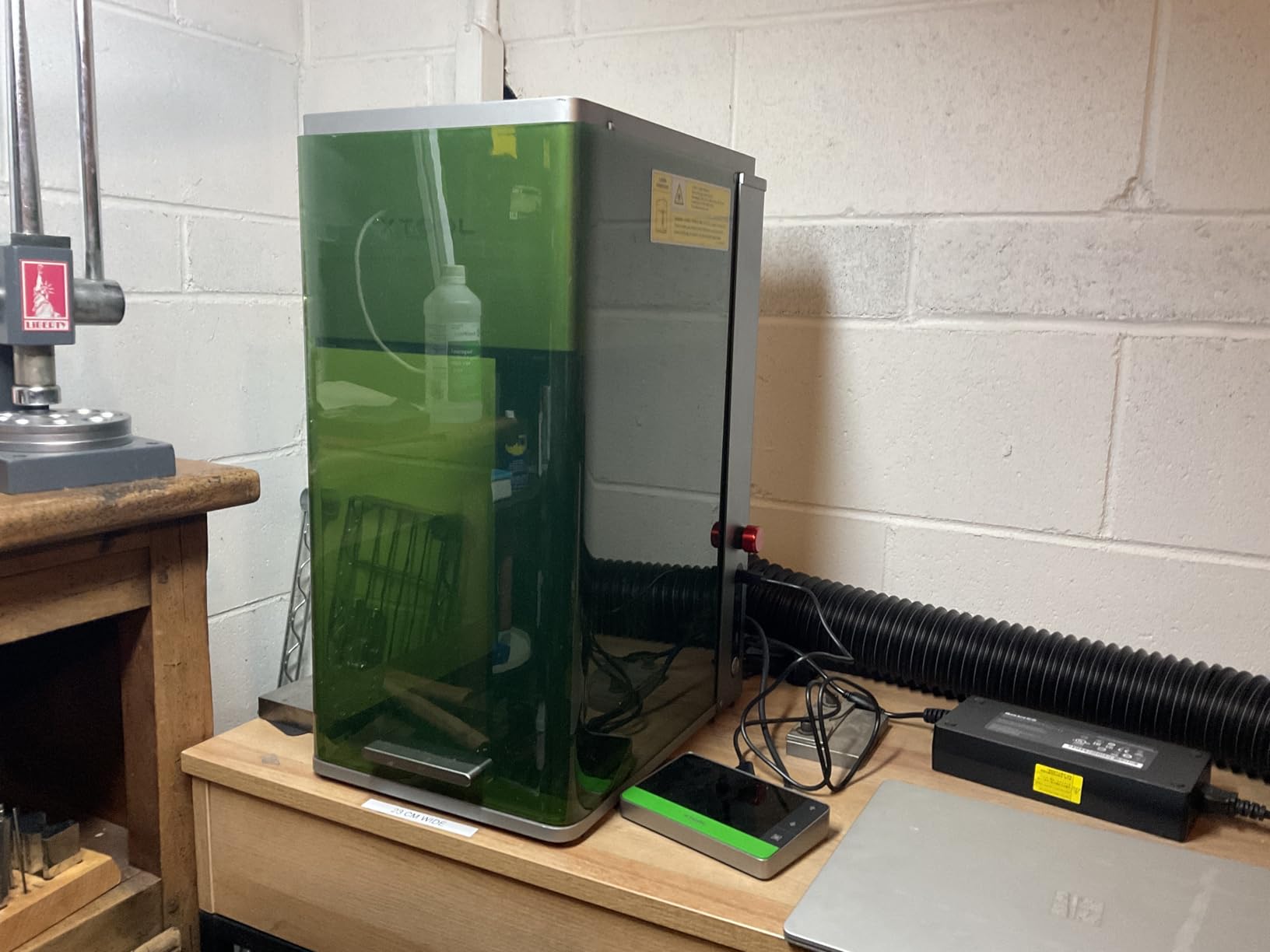
The S1 was the machine we spent the most time with, and it is the one we would put in a shared workshop first. At 40W it is a genuine cutting machine rather than a mark-maker, and the 23.93 by 15.16 inch bed is large enough that many engravers never have to reposition a board mid-job. Reviewers consistently single out the speed and the fact that a single pass through 18mm cherry wood is a pass, not three.
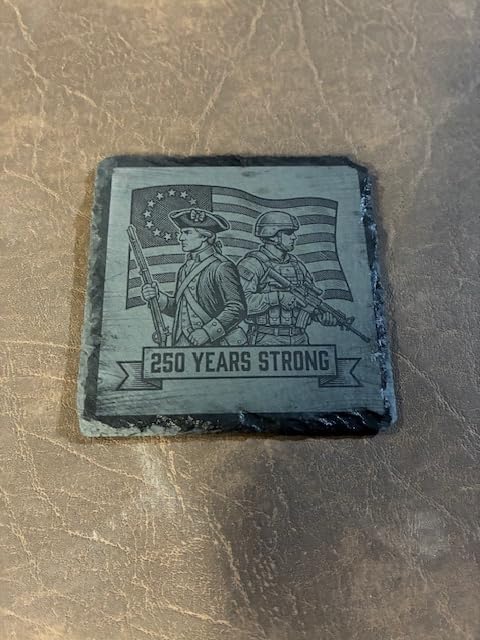
For metal specifically, this is a diode machine, so treat bare stainless and bare aluminum as off-limits without a coating or marking spray. Where it does shine on metal is coated and anodized work: tumblers, coated knife scales, painted steel tags, leather-topped wallets and every anodized aluminium blank you have ever seen personalised. The rotary attachment in this bundle is the reason we picked it, because it wraps around a cylindrical object cleanly without you tilting the head by hand.

Build quality is the standout. The 3mm aerospace-grade aluminium frame, five flame sensors, an emergency stop button and a lid-open stop feature form a genuinely serious safety package, and the enclosure keeps both the smoke and the noise inside where your neighbours cannot hear them. Over 400 pre-tested material parameter sets also mean a new user can get a clean result on the tenth attempt rather than the tenth hour.
We did find real weaknesses. At 86.8 pounds the machine needs its own corner of the workshop and two people to move it. The spring-loaded Z-probe can give a false focus reading on soft or dentable material, and there is no motor braking, so a bumped head can quietly shift your X and Y origins. The air assist cable has also produced failures that owners initially read as a position-sensor fault, which is a confusing first hour of ownership.
What the S1 does well on real jobs
The 600mm/s travel speed means a batch of twenty identical engraved tags takes minutes rather than an afternoon, and the large bed removes most of the friction from oversized acrylic and plywood work. Auto-focus plus pin-point positioning saves real setup time when you are changing heights between a flat sheet and a thick block, and more than 400 pre-tested material profiles mean a beginner is not starting from zero. For anyone selling personalised gifts, the speed and the bed size are the two features that pay back fastest.
Where the S1 will disappoint you
It will not mark bare polished aluminum, brass or copper without a marking spray, and no amount of power changes that. Air assist and the vent tube are not included in the box, so budget for external extraction before the first session or the smell becomes a problem for everyone in the room. The accessory bundle also throws in a lot of parts you will not use for months, which is worth knowing if you are short on bench space.
2. Creality Falcon 10W – The Best First Machine for Learning
Creality Falcon 10W Laser Engraver Machine, 0.06mm High Precision Laser Engraving Machine 72W Laser Cutter and Engraver Machine for Wood Metal Acrylic Leather, 15.7″×16.3″ Workspace
10W diode
0.06mm spot
15.7 x 16.3 inch area
LightBurn and LaserGRBL
Pros
- Cuts 12mm wood and 5mm black acrylic in one pass
- Tight 0.06mm spot and 0.004 inch accuracy
- Works with LightBurn and LaserGRBL
- 15-minute assembly for first time buyers
Cons
- Polished bare aluminum will not mark so coated metal only
- Included green safety glasses do not block blue diode light
- Printed instructions are thin and diagram poor
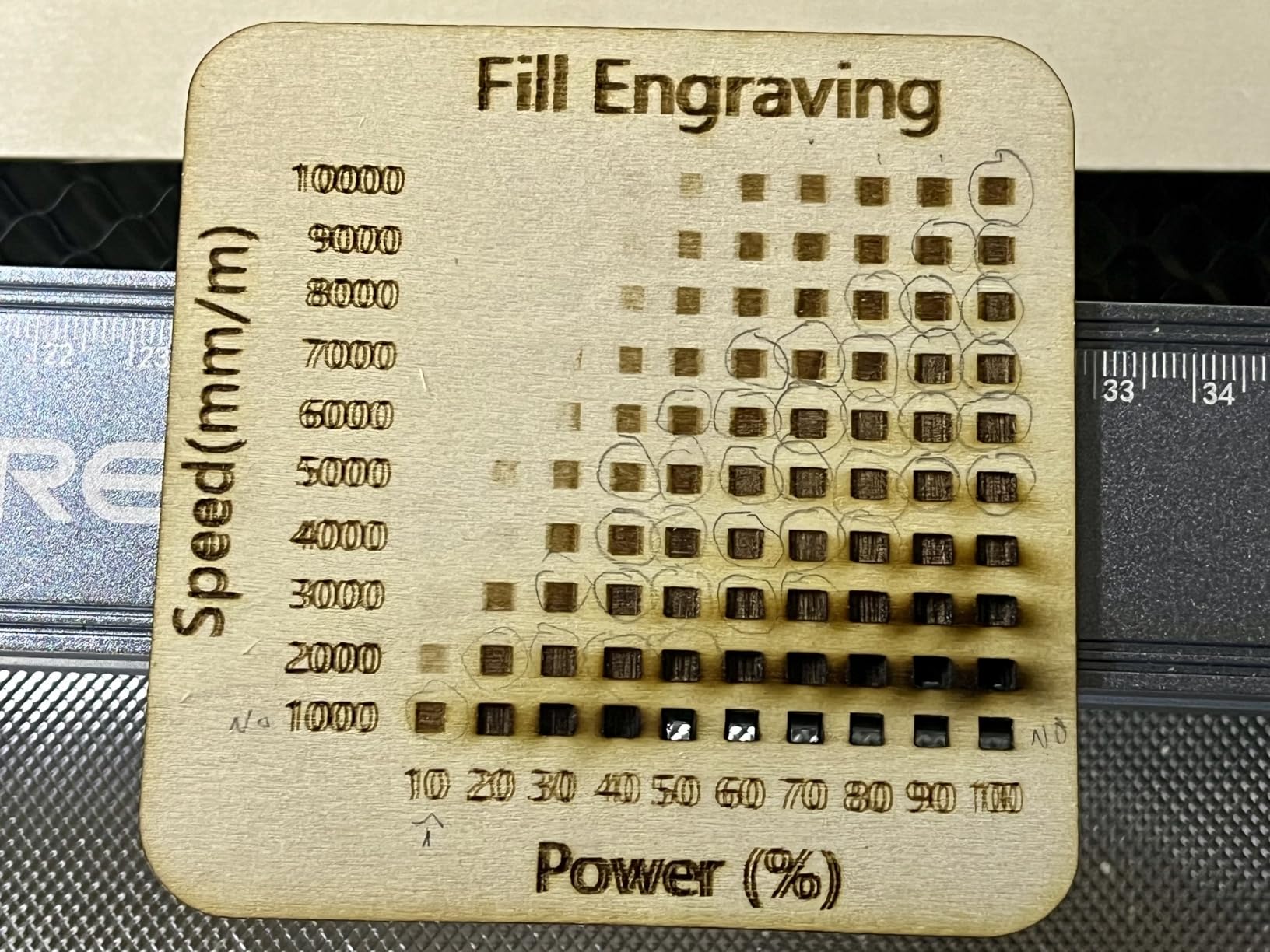
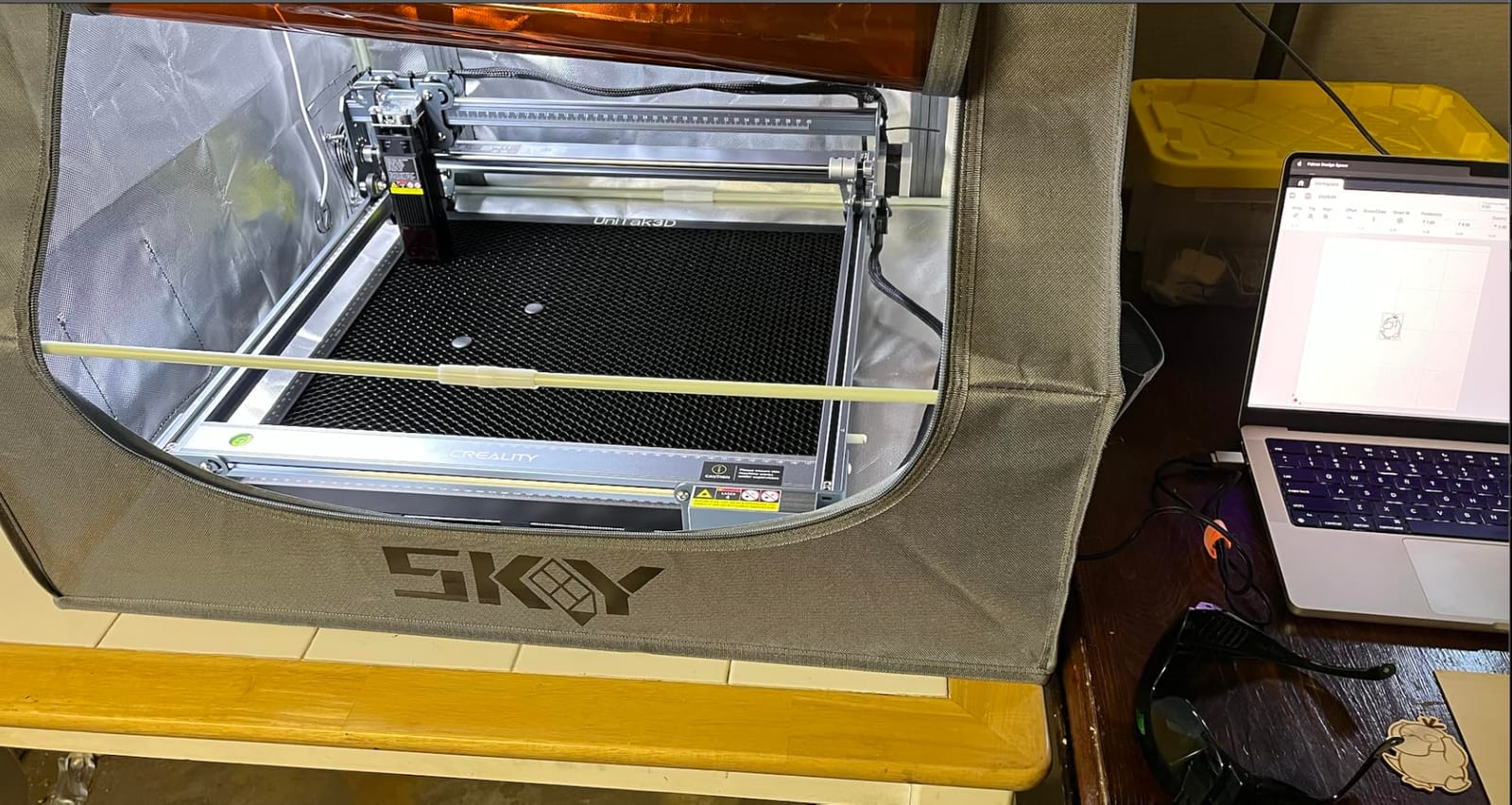
This is the machine we would put in front of someone who has never owned a laser. It goes together in about fifteen minutes, the spot size is a genuinely tight 0.06mm, and it accepts both LightBurn and LaserGRBL so you are never locked into one software. Buyers regularly report that the free Falcon Design Space package is approachable enough to get a first successful mark within an evening.
On metal the honest limitation is the same as every other diode in this list. A buyer review of the Falcon confirms it plainly: polished bare aluminum did not mark, so this is a coated-metal machine. It is a strong choice for engraving anodized jewelry blanks, coated tumblers, painted steel and black-inked surfaces, and it handles 12mm wood and 5mm black acrylic in a single pass when you want to mix media on one board.
Two details stand out for a machine at this level. The anti-UV acrylic filter reduces UV by 97% and the 32-bit control board handles LightBurn on Windows and LaserGRBL on Windows, Mac and Linux, which is rare flexibility. SD card offline creation also means you can send a job to the workshop and run it without a laptop tethered to the bench.
The complaints are mostly about what is in the box rather than what the machine does. The bundled green safety glasses do not adequately block blue diode light, so budget for proper OD6+ 405nm eyewear before your first cut. There is no Bluetooth, no iPad support, and the bilingual manual has a thin English translation with few diagrams, which is why the assembly takes longer for some people than the fifteen minutes reported by others.
What the Falcon does well on real jobs
The 0.06mm compressed spot and 0.004 inch engraving accuracy produce small serial text and fine pattern detail that stays sharp and readable. The 15.7 by 16.3 inch area is generous for the class, and the 10,000mm/min work speed keeps small batch personalisation quick. If you are learning on jewellery blanks, key fobs and coated tags, this is a forgiving machine with a very short learning curve.
Where the Falcon will disappoint you
Do not buy it for bare metal. Bare polished aluminum, brass and copper will not mark without a chemical spray, and adding spray to every job adds cleanup, cost and inconsistent results. The framing and jog process is fiddly enough that some owners needed repeated reboots to get a clean frame, and there is no enclosure, so extraction and eye protection are entirely your responsibility.
3. Creality Falcon A1 Pro 20W – Best Enclosed Machine for Batch Work
Creality Falcon A1 Pro 20W Laser Engraver, Full Enclosed 180W Output Laser Engraver Machine, Touch Screen, Auto Focus, APP Control, Pre-Assembled, Ideal for Wood and Metal, Class 1 Safety
20W diode
Optional 2W IR module
HD camera
80 percent pre-assembled
Pros
- Fully enclosed dual door Class 1 design
- CoreXY motion at 600mm/s
- HD camera with 3 second auto focus
- Touchscreen and app control
Cons
- Weak air assist and underpowered exhaust fan
- Optional IR module is only 2W
- No replacement UV laser module sold
The A1 Pro is the one we would recommend for someone producing in quantity inside a house rather than a workshop. Eighty percent of it arrives assembled, the CoreXY motion reaches 600mm/s, and the fully enclosed dual-door Class 1 build with dual covers filtering 99% of light means you can run it in a room with a family in it. The 20W blue laser cuts and engraves cleanly once you dial in the settings.
There is an optional 2W infrared module, and that is worth being precise about. A 2W IR head will mark thin stainless steel and light anodized surfaces, which makes it better than a pure diode on bare metal, but it is nowhere near a substitute for a fiber source. Anyone whose core project list includes raw stainless, brass or titanium should read this machine as a wood and coated-metal machine with a stainless bonus.
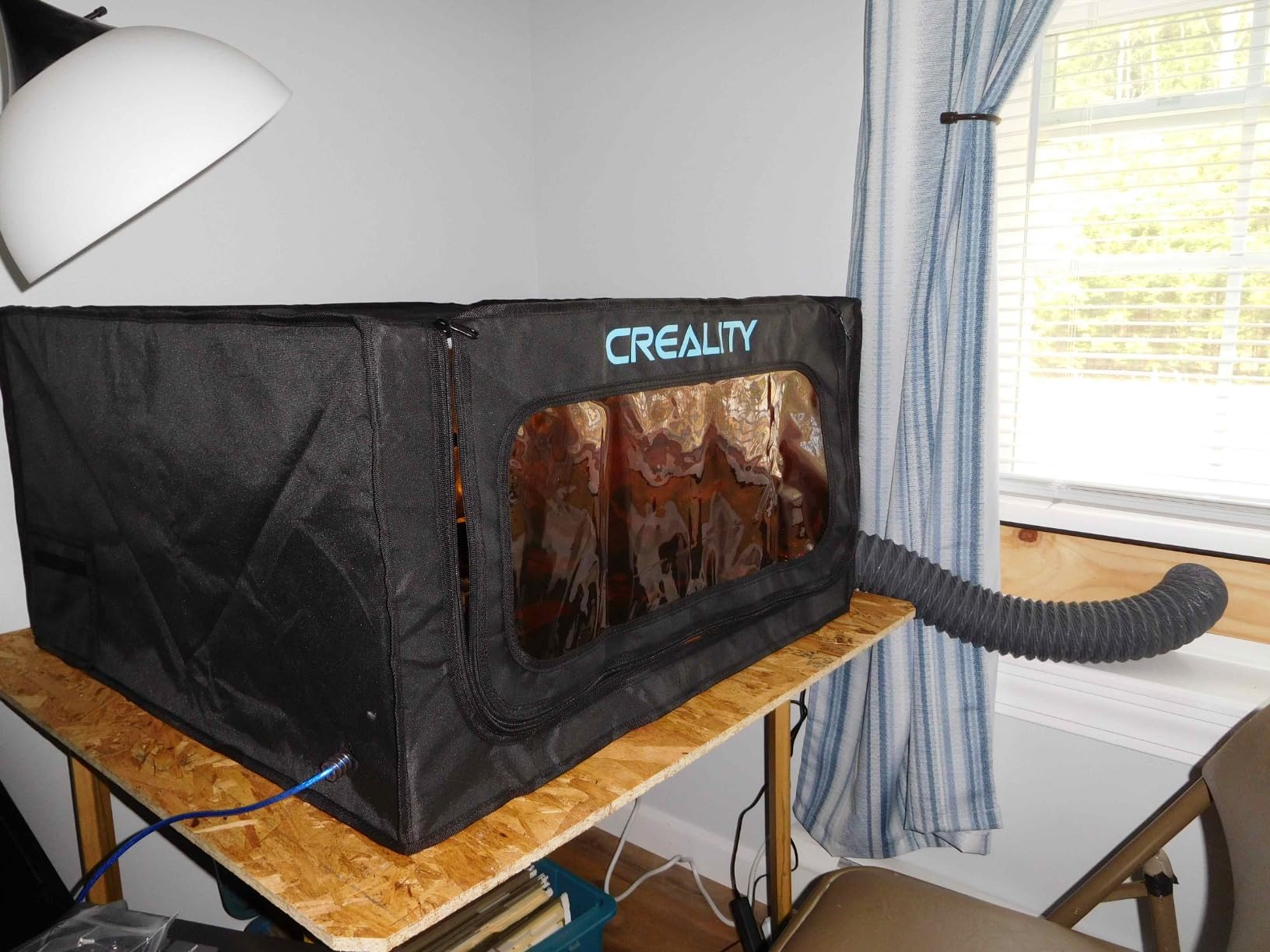
The HD camera with full-workspace preview combined with three-second auto-focus at 0.012 inch accuracy cuts setup time dramatically, and the touchscreen plus app control with real-time monitoring means you can run a job from a phone. The removable bottom panel lets you handle pieces taller than the bed, and it accepts 460 by 346mm honeycomb panels for a flat spoilboard surface.
The criticisms cluster around air and access. Air assist is described as weak, the exhaust fan feels underpowered, and the machine is very noisy, particularly with the purifier running. The honeycomb bed is a separate purchase, autofocus struggles past about 3/8 inch when the honeycomb is installed, the camera performs poorly inside LightBurn, and no replacement laser module is sold, which is a long-term risk on a machine you might keep for years.
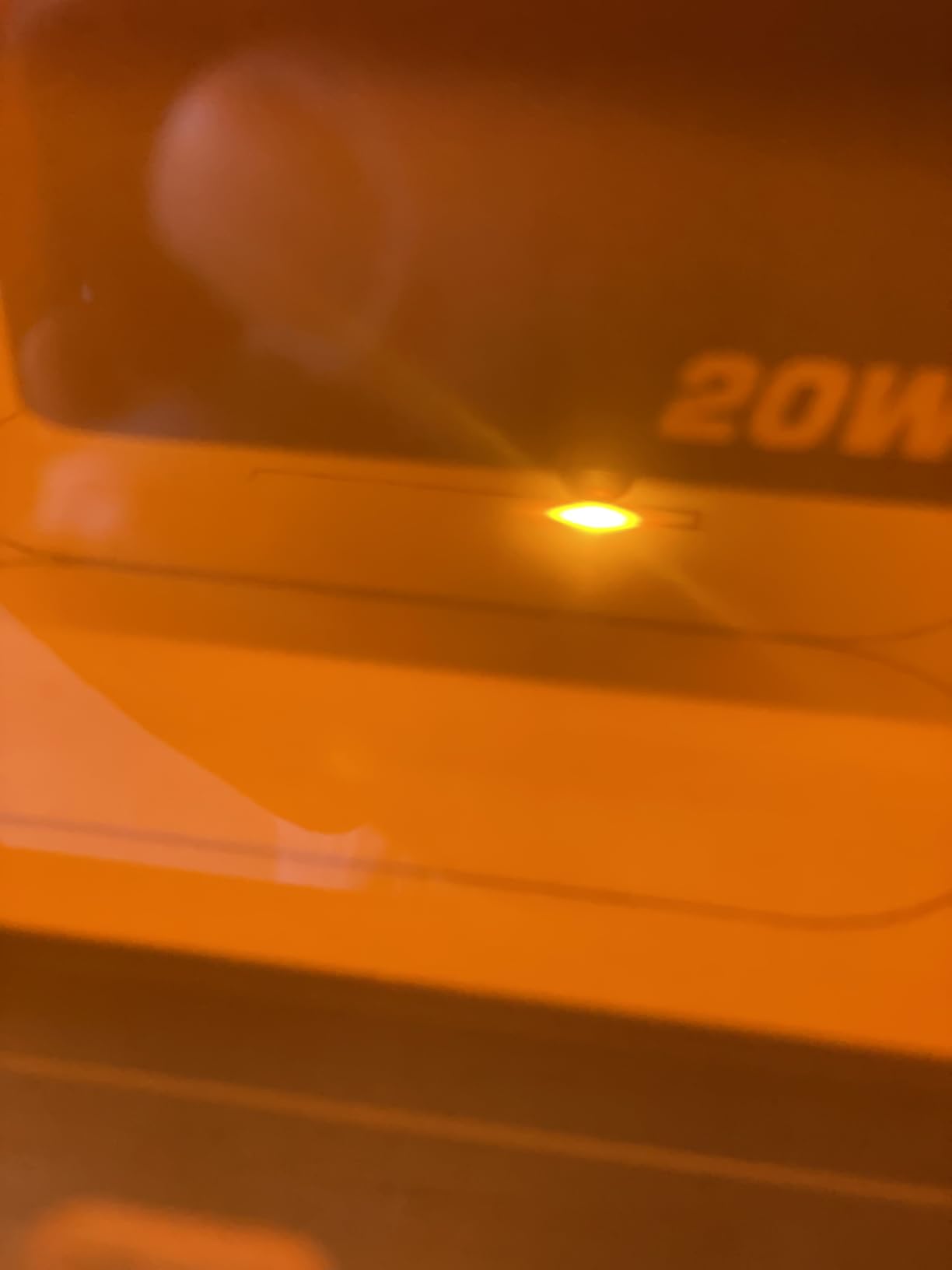
What the A1 Pro does well on real jobs
Enclosure and speed are the story here. Owners running repeat orders report that 600mm/s CoreXY motion plus automatic air assist keeps batch runs consistent, and the class 1 containment genuinely reduces both smoke and noise compared with an open frame. The camera and three-second auto focus mean a new operator can position a job accurately without a red dot pointer, which matters more than it sounds when you are doing fifty identical pieces of the same thing.
Where the A1 Pro will disappoint you
The 2W infrared module is the compromise point. It marks light stainless but will not cut it, deep engrave it, or produce the crisp permanent marks a fiber laser gives you on bare metal. The usable work area is also smaller than the honeycomb bed suggests, which makes alignment fiddly, and there is no passthrough or conveyor for long wooden signs, so oversized jobs need a different machine.
4. ATOMSTACK A20 Pro V2 20W – Best Power for the Money
ATOMSTACK 20W Laser Engraver, A20 PRO V2 Laser Cutter, High Accuracy Laser Engraving Machine for Personalized Gifts, Business Cards, Wood, Metal, Acrylic, Leather
20W diode
400mm/s
Linear guide rails
LightBurn compatible
Pros
- Sharp detailed engraving once speed and power are tuned
- 20W output handles wood cutting well
- Integrated linear guide rails give solid precision
- Good value for the power and work area
Cons
- No user documentation or specification sheet supplied
- Air assist pump and base plate are not included
- Bundled software is very basic so use LightBurn
At 20W with integrated linear guide rails, the A20 Pro V2 delivers a lot of raw cutting capability for the money it costs. Owners who tune the speed and power report sharp, detailed engraving, and the linear rail motion holds accuracy better than the belt-driven frames used on cheaper machines. It is a solid choice if your work is mostly wood, acrylic and coated product with occasional stainless tags.
Be clear on the metal story before you commit. This is a 455nm diode with a Class 4 rating, so bare metals reflect the beam. If your project list is anodized aluminium, coated steel and black-finished knife scales, it will do a good job. If it is raw 304 stainless or bare brass, you will need a marking spray on every job and should look at the fiber option instead.
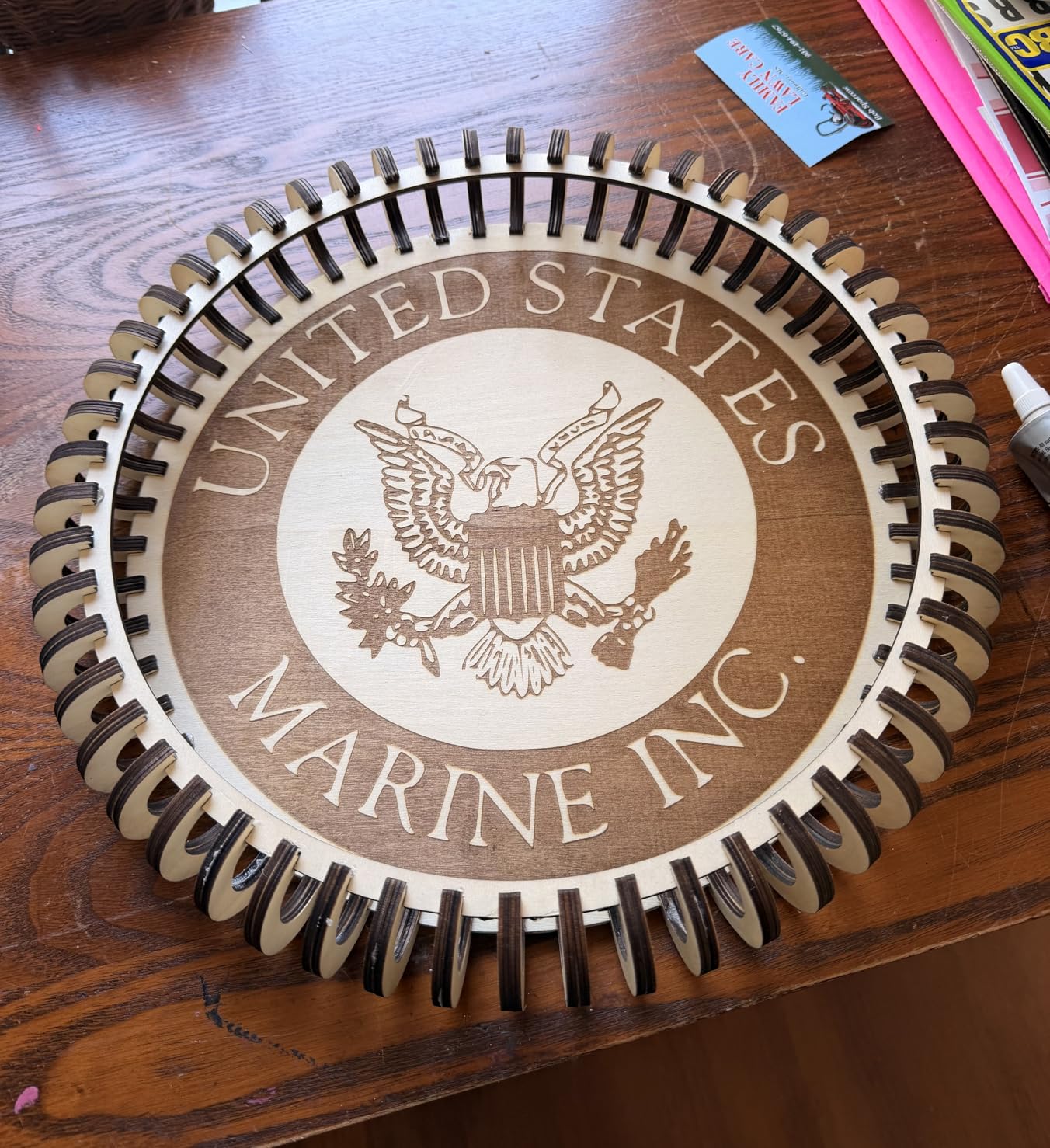
Build quality is described as very good, assembly is quick, and the 10000 hour rated module lifespan is reassuring for anyone planning to use it commercially. Connectivity is simple Type-C and USB stick, there is a magnetic protective cover, and a tilt safety beep above 15 degrees protects against a knock that could otherwise misalign the head. The rated lifespan and the linear guides are what separate this from the bargain frames.
The weaknesses are practical rather than fundamental. No user documentation or specification sheet is supplied, the bundled ATOMSTACK app and PC software are very basic and cannot separate travel speed from engraving speed, so install LightBurn instead. The gantry electrical cables lack drag chain holders and can snag on your work, and the air assist pump and base plate are not included, so add those to your first order. A small number of buyers also reported units arriving with a faulty electronics box and difficulty getting a replacement, so check the machine on arrival.
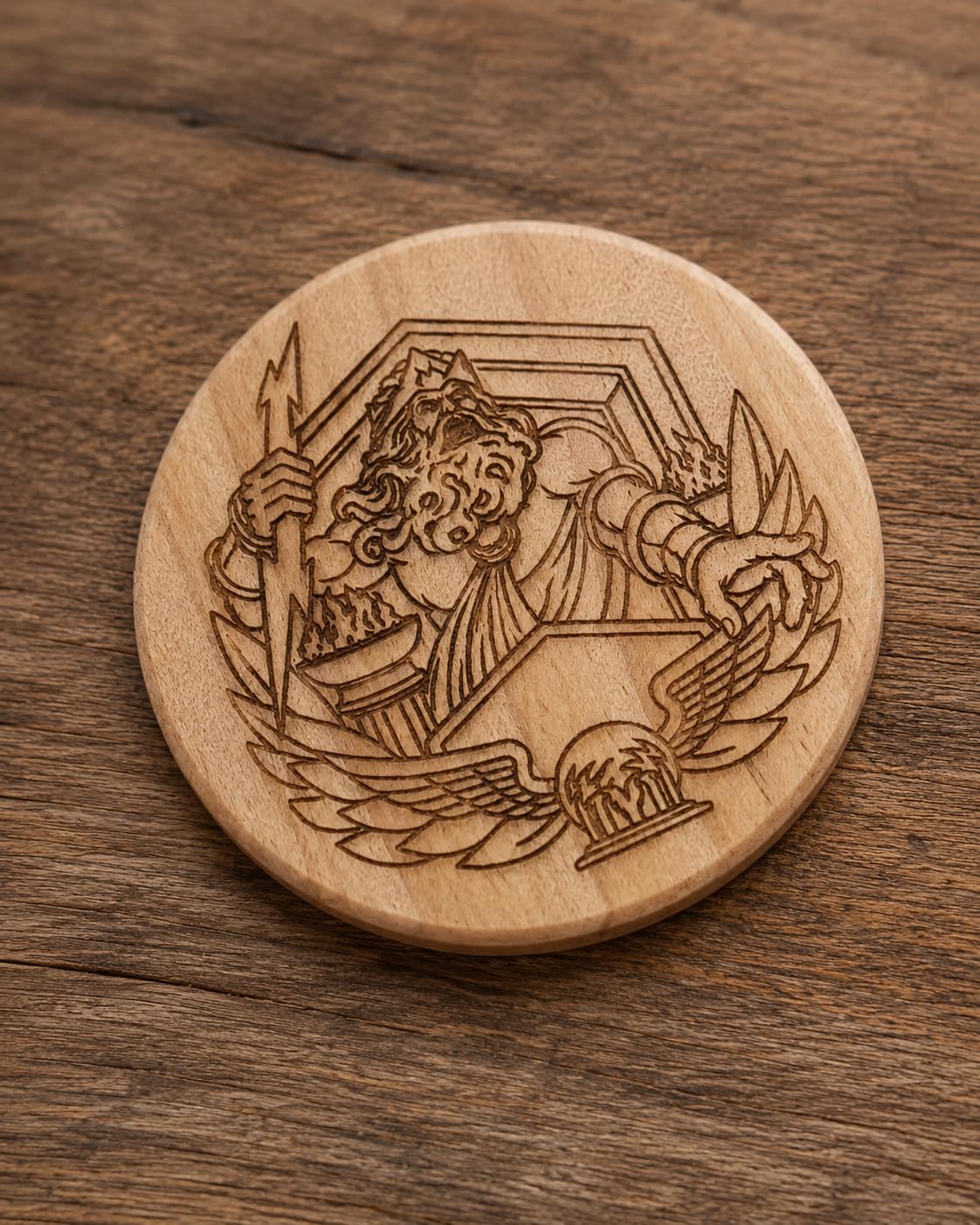
What the A20 Pro V2 does well on real jobs
Twenty watts of real output with linear rails is a strong combination for cutting jobs on wood and acrylic, and the aluminium alloy frame with a modular design holds up well to being moved between rooms. Users doing a lot of small engraved plaques and tags report the combination of price and cutting power as the deciding factor, and the belt-free axis drive keeps repeatability good on larger panels than belt-driven rivals.
Where the A20 Pro V2 will disappoint you
There is no documentation at all, which is why we would only recommend it to someone who already knows what they are doing with a laser. The magnetic cover is not a full enclosure, so it does nothing for noise, fume containment or eye safety, and because the bundled software is weak you are immediately dependent on LightBurn and its own learning curve. Bare metal is simply out of reach without chemistry.
5. xTool F1 Ultra 20W Fiber and Diode – The Only Machine Here That Marks Bare Metal
xTool F1 Ultra 20W Fiber & Diode Dual Laser Engraver
20W fiber plus 20W diode
10000mm/s
16MP camera
220 x 220mm area
Pros
- Only desktop machine here with a true fiber source
- Marks gold silver copper stainless steel brass and titanium
- Very fast at 10000mm/s
- Rotary attachment handles curved surfaces
Cons
- Calibration drifts especially front to back
- Deep metal embossing can take many hours per piece
- Auto Conveyor is sold separately
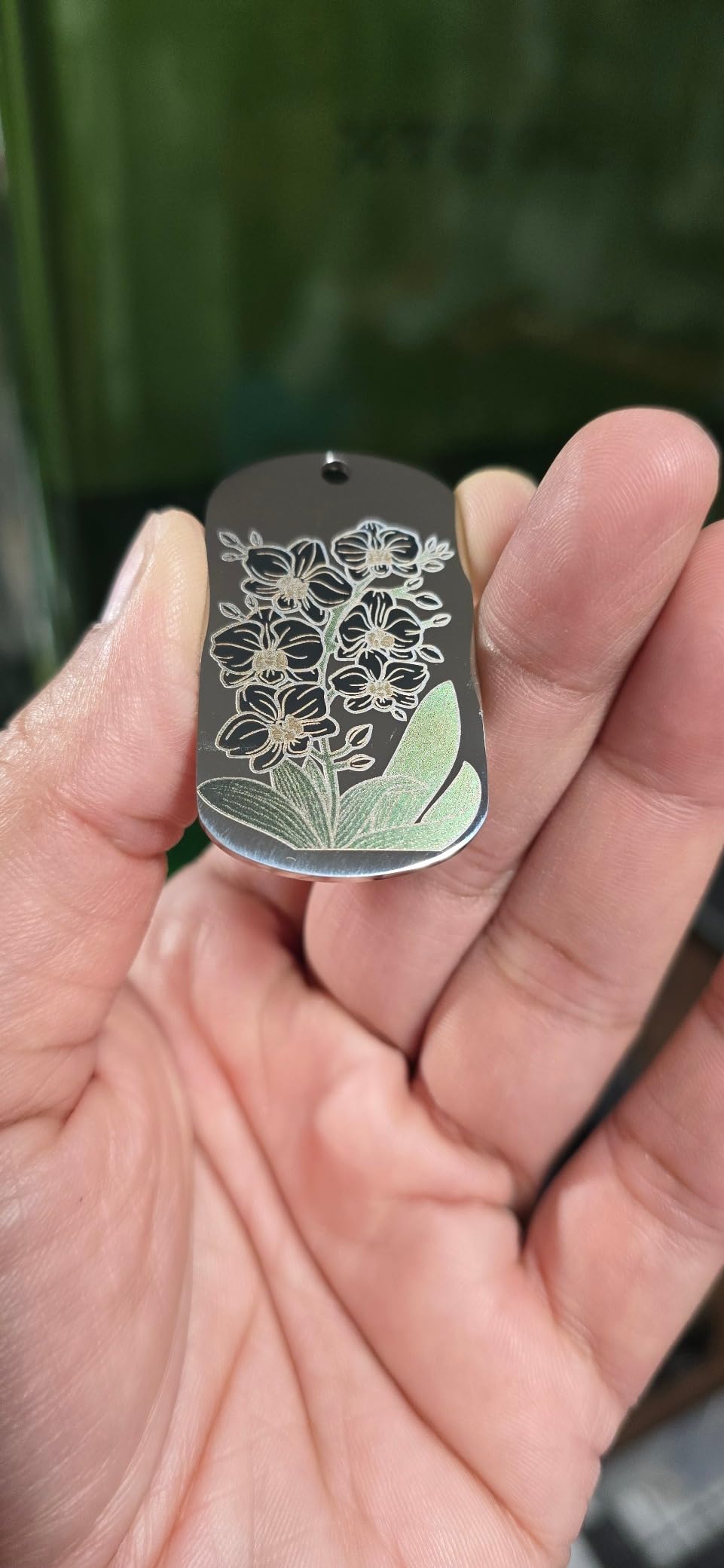
Everything else in this roundup marks coatings. The F1 Ultra marks the metal itself. Its fiber source engraves gold, silver, copper, stainless steel, brass and titanium without any chemical spray, and it cuts 0.3mm stainless steel, 0.4mm brass and 0.2mm aluminum. The paired 20W diode handles the other half of your work, cutting up to 15mm wood and 12mm black acrylic, so one machine covers a wood shop and a metal shop.
Speed is the headline number. At 10,000mm/s the galvo-driven fiber head moves roughly 16 times faster than the 600mm/s gantry machines elsewhere in this list, and that matters most when you are running a queue of serial numbers or identical jewellery marks. The 16MP smart camera and the 3D embossing and deep engraving capability are the two features that most improve the quality of what leaves the machine.
xTool Creative Space is free, widely praised as user-friendly, and comes with Artimind AI design generation plus more than 6,000 free community projects. Support has a track record of responding within about a day and actually resolving missing parts. On Reddit, where the F1 Ultra shows up constantly in metal-engraving threads, the consensus is that it is the desktop compromise for anyone who wants real metal marking without an industrial cabinet.
There are real cautions. Calibration drifts, particularly front to back, and the adjustment point is awkwardly placed. One buyer had complete laser failure on two separate machines within about 30 days, which is worth knowing about even though it is not a widespread pattern. Deep metal embossing is genuinely slow, with one report of 3.5 to 7 hours or more per piece, there are reported LightBurn connection problems on Mac, and the desktop app paywalls some AI tooling after a free credit allowance.
What the F1 Ultra does well on real jobs
Jewellery is the standout. Engraving gold, silver and titanium with a permanent mark and no marking fluid is a capability none of the other nine machines in this group offers, and the rotary attachment wraps around a ring or a curved pendant smoothly. The 10,000mm/s speed also makes small production runs of serial-numbered parts and barcodes realistic on a single machine rather than forcing you into an industrial workflow.
Where the F1 Ultra will disappoint you
The 220 by 220mm work area is small, and it only expands to 220 by 500mm with the separately sold Auto Conveyor, so long sign work is out. It is a Class 4 laser, meaning enclosure does not remove the need for eyewear, extraction and a clear working area. And for very deep metal relief, the hours-per-piece numbers make it a poor fit compared with a higher-power production cabinet.
6. Carverall K15 Pro 10W – Best Desktop Machine for a Small Desk
Carverall K15 Pro Laser Engraver 10W-Laser Engraving Machine for Coated Metal Wood Acrylic Glass Stone, Near A4 Work Area Offline Engraving CNC DIY Lazer Cutter for Home & Crafting 10000mW Class 1
10W diode
0.01mm precision
A4 work area
One touch smart focus
Pros
- Sharp detailed consistent results on wood and coated metal
- Quick six screw assembly with clear instructions
- Compact A4 footprint that fits under a desk
- One year warranty with lifetime technical support
Cons
- CutLabX crashed repeatedly on one owner's machine
- Enclosure air pump camera and honeycomb bed are separate purchases
- Poorly written user manual
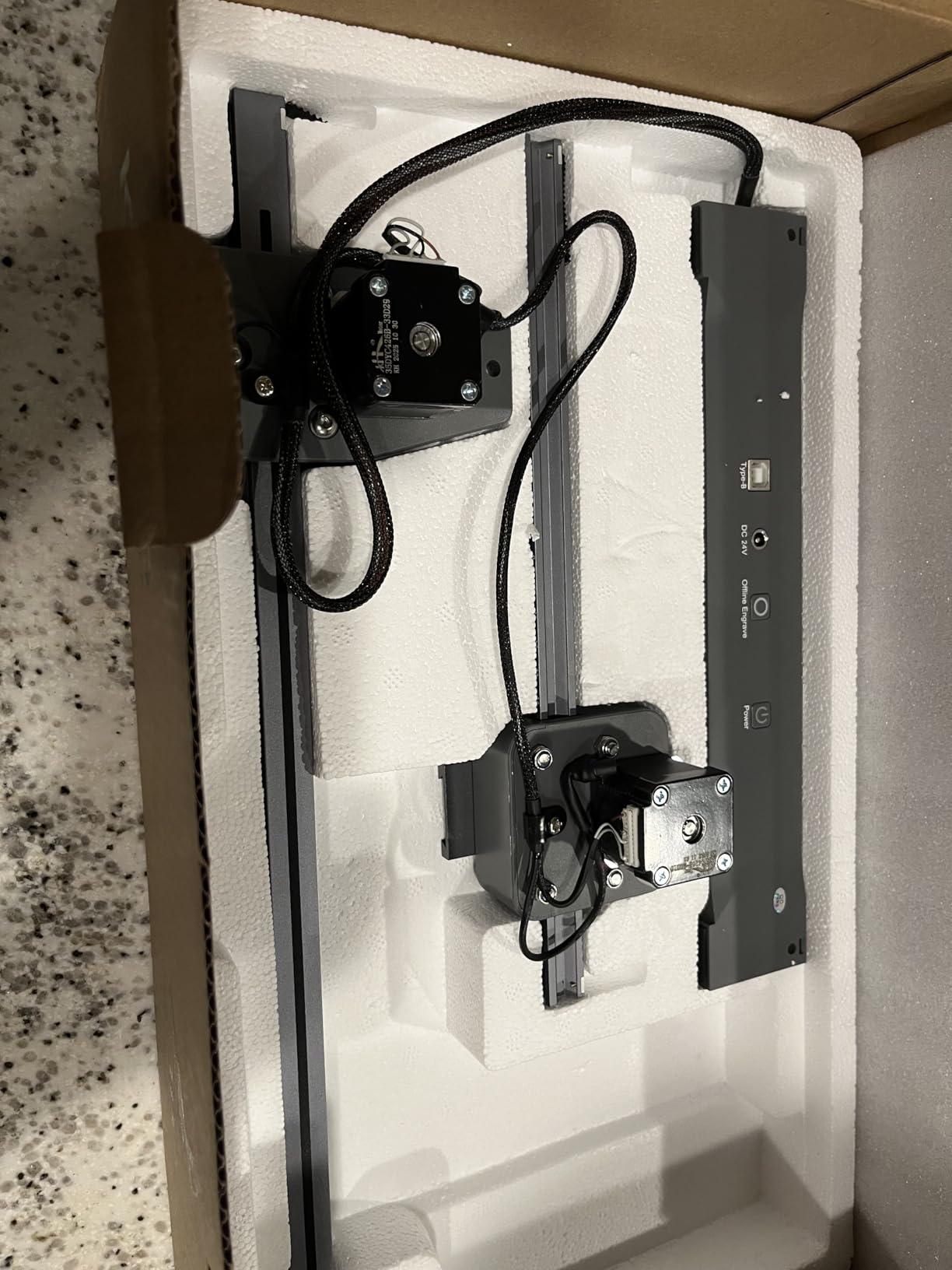
The K15 Pro is the machine we would suggest to a renter or anyone without workshop space. At 2.68 kg with an 11.8 by 7.9 inch A4 work area, it fits under a desk, and the six-screw assembly takes roughly three minutes. The measured diode output is 10.36 to 10.58W, which is refreshing when so many machines advertise a headline number the laser does not deliver.
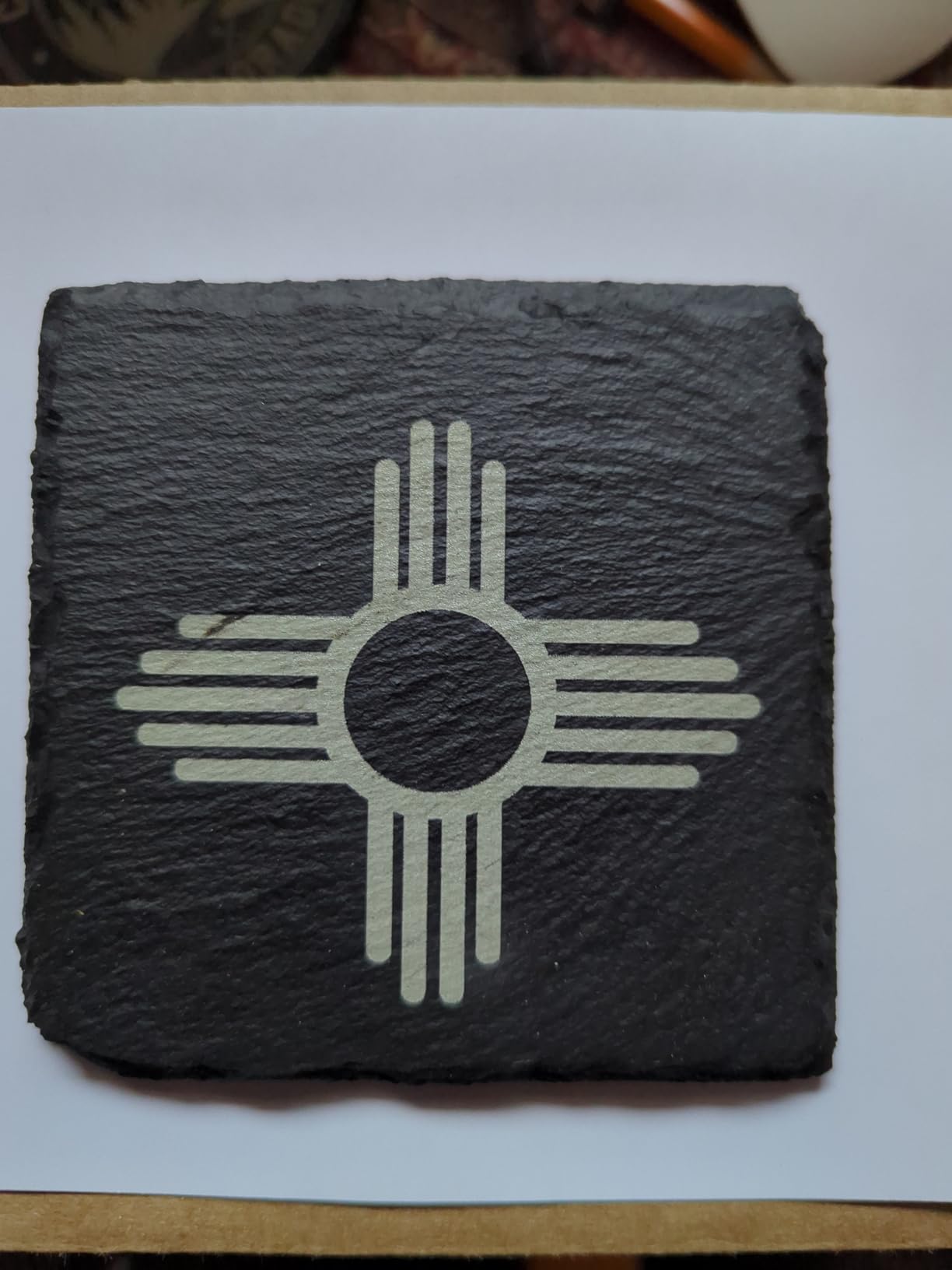
On coated metal the results are sharp and consistent, and the optional 1W infrared head adds limited stainless steel and aluminum marking. Treat that IR head as a bonus rather than a metal solution: 1W will mark thin, dark or already-etched surfaces and will do nothing on polished raw material. The real value here is precise small work on wood, coated blanks, glass and stone in a footprint that does not fight you for room.
Software flexibility is a genuine strength. It runs the free CutLabX package with AI design and direct phone control, it works with LightBurn and LaserGRBL, and TF-card offline batch operation means repeat jobs do not need a computer at the bench. Smart memory re-saves the last file, which is a small detail that matters enormously when you are producing the same personalised gift fifty times.
The real cost is hidden in the accessory list. Owners consistently had to buy an enclosure, air pump, camera and honeycomb bed separately, and external ventilation is still required even after that. The CutLabX software crashed repeatedly for one owner on a Microsoft Surface, the manual has incorrect page references, and reaching clean cuts takes genuine trial and error on speed and power, so budget time for tuning rather than expecting first-click results.
What the K15 Pro does well on real jobs
Small, detailed personalisation is where this machine earns its place. The 0.01mm precision at 15,000mm/min produces fine text on jewellery blanks, leather goods and coated tags, and the A4 bed suits items you can hold in one hand. A 15,000 hour rated module life and a one-year warranty with lifetime technical support make it a low-stakes first machine rather than a disposable one.
Where the K15 Pro will disappoint you
It has no enclosure and no air assist in the box, so the moment you cut anything you need a hood, a pump and a vent before you are safe indoors. The work area is small by any standard, so a single board of acrylic or a sign will not fit. And the 1W infrared option is nowhere near enough to handle bare metal jobs properly, so a metal-first buyer should skip this tier entirely.
7. WECREAT 20W 4-in-1 – Best Bundle for Tumblers and Gifts
WECREAT Laser Engraver and Cutter, 20W(20,000mW) 4-in-1 Desktop Diode Fully Enclosed Laser Engraver Machine with Rotary, Home Business for Jewelry and Gift Making with Metal Wood Acrylic Leather
20W diode
600mm/s
Auto Z lift 0-140mm
HD camera positioning
Pros
- Six rotary attachment types included in the bundle
- Automatic air assist up to 30L per minute
- Automatic 0-140mm Z lift removes the need for a riser
- Enclosed Class 1 build with lid-open auto stop
Cons
- Metal marking is diode limited so bare metal needs a coating or spray
- Heavy 66.9 pound chassis
- Requires separate exhaust
No other machine in this list bundles a rotary kit this broad. Six attachment types cover tumblers, mugs, rollers, chucks, spheres and rings, which means a tumbler engraving business can start on day one without a second purchase. Add the automatic 0-140mm Z lift, the built-in HD camera for positioning and the automatic air assist at up to 30L per minute, and the setup time on a new order drops to almost nothing.
The 20W diode cuts 10mm wood or 8mm opaque black acrylic in a single pass and engraves at 600mm/s, with a 0.06 by 0.08mm spot that handles fine detail on small items. Metal capability is the same diode story as everywhere else in this roundup: coated surfaces, anodized blanks and marked or painted steel work well, and bare polished metal needs a spray or a coating.
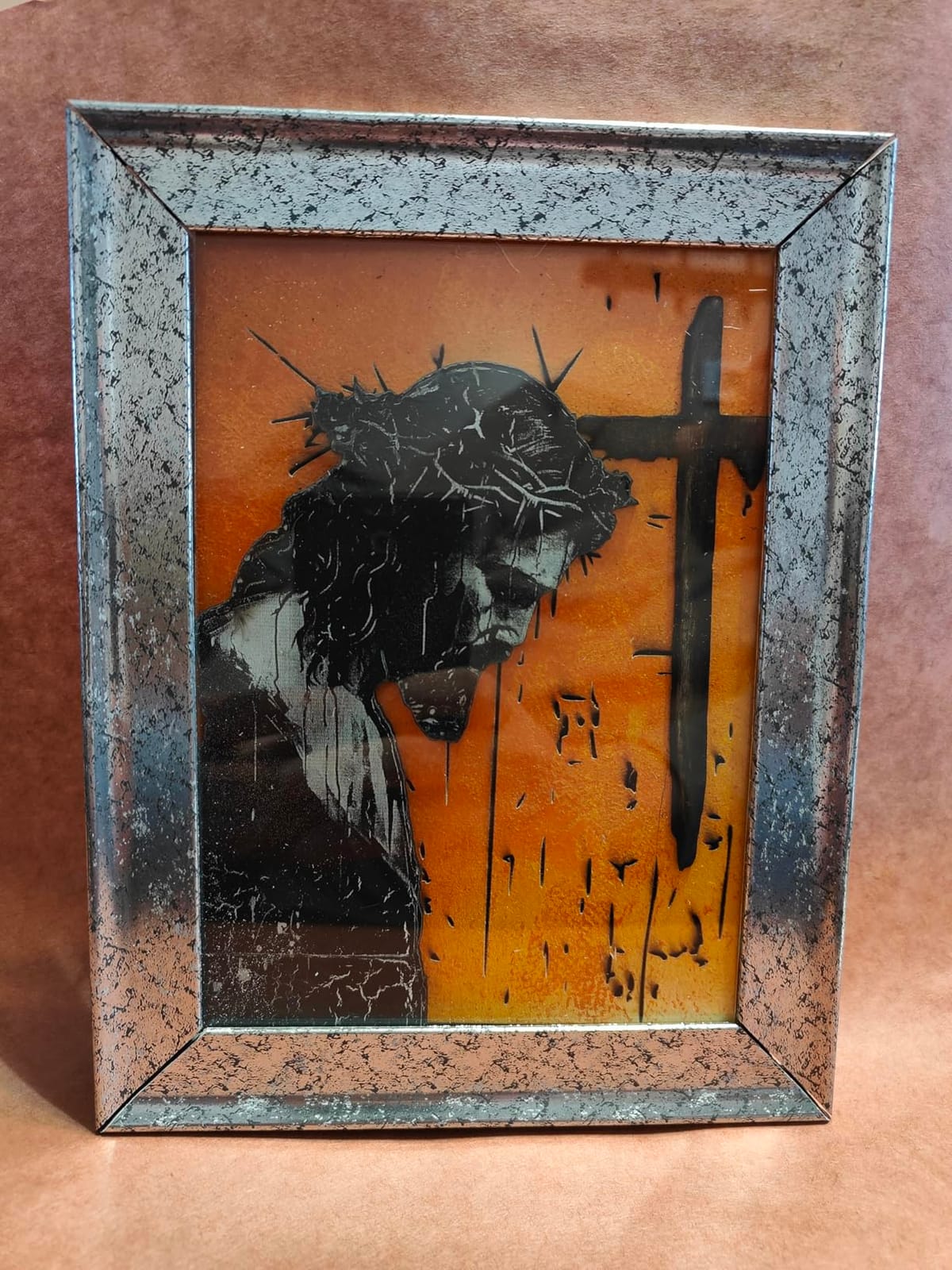
Safety and automation are the reasons to choose this one for a home business. The fully enclosed FDA Class 1 design with lid-open auto stop and an eye-protection cover filtering 99% of laser light means it can sit in a room with other people in it. It arrives pre-assembled, runs WeCreat MakeIt or LightBurn, and includes more than 1,000 ready-to-print images plus 1,000 editable projects to get you producing immediately.
The trade-offs are weight and metal. At 66.9 pounds the chassis limits portability, and the enclosure still needs its own exhaust ducting. The bundled rotary attachment is a genuine advantage, but if your business plan is raw stainless, brass or titanium jewellery, the diode ceiling applies here too and you should read the machine’s metal section as coated-only.
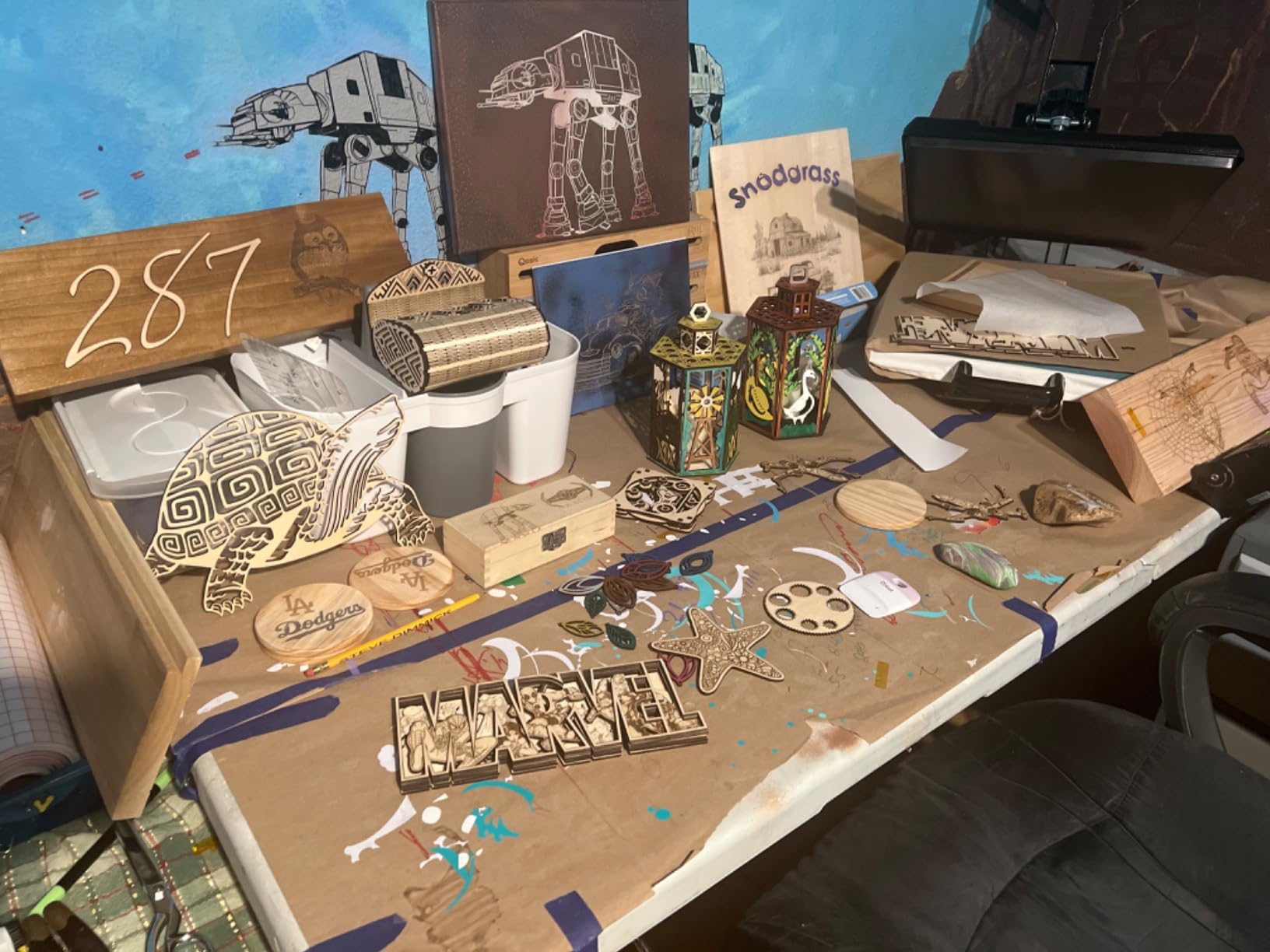
What the WECREAT does well on real jobs
Personalisation services are the obvious fit. Personalised tumblers, mugs and cylindrical gifts go on and off the rotary without manual height adjustment, and the camera plus preview function means you can position a small design on a curved surface without burning a trial blank. For a gift shop or market stall running custom orders all day, the enclosed Class 1 build and the automatic air assist keep the workflow fast and safe.
Where the WECREAT will disappoint you
It cannot mark bare metal, full stop, and that is the limitation to hold onto. Anyone planning to sell engraved steel jewellery, brass tags or raw aluminium pendants will find a marking spray is mandatory, which adds a cleanup step and a consumable cost to every order. At nearly 67 pounds it also needs a fixed position and two people to move.
8. Woxcker L2 MAX 10W – Best Safety Package in an Enclosed Box
Laser Engraver 10W for DIY Maker, Small Business, 300×300mm Large Area, 20,000mm/min High-Speed Engraving Machine, 0.01mm Ultra-Precision for Wood, Metal, Leather, 360° Enclosure, Class 1 10000mW
10W diode
300 x 300mm bed
20000mm per min
360 degree enclosure
Pros
- 20000mm per min speed suits batch personalisation
- 0.01mm focus point gives crisp text
- 300 x 300mm bed is a useful size for the class
- Complete safety set with flame detection and tilt stop
Cons
- Air assist and rotary roller are optional add-ons
- Five part modular build still needs assembly
- Bare metal marking is diode limited
The L2 MAX earns its value badge on paper that rarely appears at this level. A 300 by 300mm bed inside a 360-degree enclosure, a 0.01mm focus point, 20,000mm per minute of travel speed and a full safety suite, in a 9.1 kg package. Owners rate the enclosure for containing fumes, dust and noise and the bed for being large enough to skip a second setup on many jobs.
The safety hardware is the standout detail. You get a lid-open auto stop, built-in flame detection, an emergency stop button, a safety lock and a 15-degree tilt-stop protection in the same box. Most competitors at this spend level make you buy two of those separately, and for anyone in a home with children or a shared studio, that difference decides the purchase on its own.
Control is unusually open. It runs LightBurn, LaserGRBL and CutLabX, with WiFi, USB, app and TF-card control, so you are never trapped in one vendor’s ecosystem if you outgrow it. The five-part modular assembly is a genuine improvement on frames that need careful belt tensioning, though it is still assembly rather than a ready-to-run machine.
Two caveats shape the ownership experience. Air assist and the rotary roller are optional add-ons, so budget for them if you need clean cuts or cylindrical work. And the 360-degree enclosure reduces fume escape but does not remove the need for external extraction, which is the single most common home-workshop mistake we see people make with enclosed machines.
What the L2 MAX does well on real jobs
Speed plus bed size is the practical combination. At 20,000mm per minute with a 300 by 300mm bed, a run of personalised tags or small jewellery blanks moves through quickly without constant re-framing, and the 0.01mm focus point keeps small serial text readable. If your coated-metal work is queue-based, such as labelled steel tags or anodized blanks, this is the most efficient enclosed unit here.
Where the L2 MAX will disappoint you
Bare metal remains out of reach, so coated surfaces or a marking spray is required, and the machine is a Class 1 enclosed unit rather than a fiber source, so it will never cut thin steel. At 10W the cutting capability is limited compared with the 20W machines here, so thick wood and dense acrylic are out. The single one-year manufacturer warranty is thinner than the lifetime support some smaller brands offer.
9. Longer RAY5 20W – Best Open-Frame Option With a Touchscreen
LONGER RAY5 Laser Engraver 20000mW Laser Cutter 130W CNC Laser Cutter with 3.5″Touch Screen Laser Engraving Machine DIY Engraver Tool for Metal Glass Wood Leather Laser Class ii
20W diode
400 x 400mm bed
3.5 inch touchscreen
256 colour palette
Pros
- the 400 by 400mm bed is a useful size at this power
- Built in 256 colour palette for multi tone artwork
- Touchscreen gives on-device control without a computer
- ESP32 chipset can drive several machines from one PC
Cons
- Class II open frame with no enclosure
- Stainless capability is scoring thin sheet only
- Larger footprint than 300 x 300mm enclosed rivals
The RAY5 is the odd one out in this list, and that is exactly why it is here. It is an open-frame machine with a 400 by 400mm bed, larger than the enclosed 300 by 300mm units in this group, and it includes a 3.5-inch touchscreen so you can run and adjust jobs without a computer at the bench. The 256-colour palette for multi-tone engraving is a feature the other machines in this group do not offer.
On metal, the manufacturer claims single-pass cutting of 0.05mm stainless steel. Read that carefully. It is scoring extremely thin sheet, not cutting or deeply engraving metal, and our own assessment is that it is not a substitute for a fiber source. It is, however, one of the very few affordable machines in this set that leaves any mark on stainless at all, which makes it interesting for edge-darkening and hairline work on thin sheet.
The 20W module cuts 15mm pine and 8mm acrylic in a single pass and multi-passes 25mm wood and 35mm acrylic, with a 0.08 by 0.1mm spot at 0.01mm engraving precision. The 240MHz ESP32 chipset can drive several machines from one computer, it is rated for continuous operation, and the laser head cover filters over 95% of emissions with safety glasses included. Owners rate the longevity highly for a machine in this class.
The open frame is the deal-breaker for a lot of people, and we would not soften it. It is a Class II open frame with no enclosure, so extraction, eye protection and fume control are entirely the operator’s responsibility, and the 14 by 5.51 by 24.5 inch footprint is larger than the enclosed 300 by 300mm alternatives. No dedicated bed or exhaust is included.
What the RAY5 does well on real jobs
The touchscreen and the multi-machine control are the differentiators. Running production without a tethered laptop, and driving several machines from one computer, is a genuine workflow advantage for a small operation. and the 400 by 400mm bed also handles longer wooden signs that the 300 by 300mm enclosed units in this list cannot accept, which is why open frames remain relevant after years of enclosure-first design.
Where the RAY5 will disappoint you
Expect to build the safety infrastructure yourself: a fume extractor, rated eyewear and a clear working area around an open Class II frame. The stainless capability is a thin-sheet scoring trick rather than true metal marking, so do not plan a business around it. And with no enclosure the noise and smoke will affect everyone in the room, not just you.
10. Creality Falcon A1 10W – Fastest Setup for Coated Metal Work
CREALITY FALCON A1 10W Laser Engraver, 80W Enclosed Laser Cutter and Engraver Machine with Air Assist, Smart Camera Positioning, 600mm/s Speed, Smart Material Recognition, Ideal for Wood & Metal
10W diode
600mm/s CoreXY
Built in air assist
HD camera positioning
Pros
- CoreXY dual motor system reaches 600mm/s
- Pre calibrated camera removes manual framing
- Pre set material parameters reduce trial and error
- Air assist is built in rather than a separate purchase
Cons
- Explicitly prohibited from engraving mirror finished metals
- the 381 by 305mm work area is smaller than the 400 by 400mm and 460 by 346mm rivals here
- Incompatible with 500 x 500mm honeycomb panels
The Falcon A1 is built around one idea: get to a good mark as fast as possible. The pre-calibrated HD camera with a full-frame workspace view removes manual framing, and the graphic outline extraction feature converts an existing image straight into an engraving path. With pre-set optimal parameter profiles and smart material recognition, a first-time owner can get a clean result without an afternoon of test grids.
It is also one of very few machines at this weight class with air assist built in rather than sold as an add-on, which is why cuts stay cleaner without a separate pump. The dual-door enclosed Class 1 design filters 99% of laser radiation while containing smoke and noise, and the auto-lock and emergency stop make it a sensible machine in a shared home. Free Falcon Design Space sits alongside LightBurn, LaserGRBL and CutLabX.
On metal the specification sheet is unusually blunt, and that clarity is useful: the manufacturer explicitly prohibits engraving highly reflective mirror-finished metals. Acrylic must be coated to engrave and acrylic cutting is not supported. For anodized, coated and painted metal work the 10W diode is more than adequate, and the 600mm/s CoreXY motion keeps batch runs quick.
The physical limits are the 381 by 305mm work area and the 43.6-pound weight, which makes relocating it awkward. It is incompatible with 500 by 500mm honeycomb panels, so plan your bed accessories around that rather than assuming standard panels will fit. There is no touchscreen either, so control runs through the camera and software rather than an on-device panel.
What the Falcon A1 does well on real jobs
Repeat production on coated and anodized parts is the sweet spot. The combination of built-in air assist, 600mm/s CoreXY speed, smart material recognition and camera positioning means a batch of identical tags or pendants runs with almost no per-piece setup. The heavier steel chassis also resists movement during cutting, which keeps registration tight across a long run.
Where the Falcon A1 will disappoint you
The reflective-metal prohibition is the headline. Mirror-finished stainless, bare polished aluminum and shiny plated parts are outside what this machine can do, and no marking fluid changes that. It also cannot cut acrylic at all, so it does not substitute for the 20W machines in this list on cutting work, and the smaller bed means more repositioning on larger sheets.
How to Choose a Laser Engraver That Works on Metal
Spend ten minutes on these seven questions and you will rule out most of the market before you start comparing wattages. If you want the short version, work through them in order, because each one eliminates options that the next question would have wasted your time on.
1. What metal are you marking? Bare stainless, aluminum, brass, copper or titanium needs a 1064nm fiber laser or a UV source. Anodized aluminum, painted steel, powder-coated parts and black-finished knife scales work on a diode with no chemistry at all. This single question decides the machine for most buyers, and it is the one most regretful purchases get wrong.
2. How much power do you need? For engraving, 10W is the practical floor for legible marks on coated metal and roughly the limit for clean thin work on wood. For cutting wood and acrylic, 20W is the sweet spot, and 40W handles thicker board. Cutting metal is a different order of task entirely and belongs to fiber machines at 20W and above.
3. Galvo or gantry? Galvo mirror-steered heads reach the 10,000mm/s speeds quoted by the fiber machines and suit high-volume marking. Gantry frames move the head on rails, cost less, and handle thick cutting on non-metals better. If your work is production marking, galvo wins; if it is thick acrylic and plywood, gantry wins.
4. How big does the work area need to be? Measure the largest single piece you will ever make, not the average one. Tumblers need a rotary attachment more than they need a large bed, while long signs and full plywood sheets need width that a 220 by 220mm machine will never have. The xTool S1 bed and the 400 by 400mm frames handle large sheet work; the compact units do not.
5. What does the enclosure mean for safety? A fully enclosed Class 1 laser stops the beam when the lid opens and contains the smoke and noise, which is why a home or a house with children changes the answer. An open Class 4 frame puts extraction, eye protection and a clear working area on you, permanently. We own enclosed machines in the workshop and we still run extraction; enclosure reduces the problem, it does not delete it.
6. Can you leave the software? LightBurn compatibility is the most reliable quality signal in this category because it means the machine is not locked to one vendor’s app. Machines running only proprietary software often cost you more over time, and firmware updates have been reported to break features on at least one xTool machine. Check the compatibility list before you fall for an interface.
7. What will the real running cost be? The machine is the smallest part of ownership. Plan for air assist, a fume extractor, laser-rated eyewear for open frames, protective lens replacements, a honeycomb bed, chiller fluid on larger enclosed units, and a rotary attachment if you make anything cylindrical. A machine that seems inexpensive often reaches its true cost in the first month of accessories.
MOPA versus Q-switched, quickly. Both describe fiber pulse shapes and both appear in this category. A MOPA source gives you a tunable pulse frequency, and that dial is what creates coloured marks on stainless steel and titanium rather than only grey ones. A Q-switched source is simpler and cheaper, and for plain permanent marking the difference is smaller than buyers expect. If you want colour on stainless, check which one you are actually buying.
Software and brand notes. On the xTool versus LaserPecker question that comes up constantly in buyer discussions, the practical difference is ecosystem rather than core capability. xTool machines ship with a free, polished, widely supported design package but are more closed to third-party control, and the F1 Ultra shows reported LightBurn connection problems on Mac. LaserPecker machines generally lean harder on LightBurn compatibility and third-party flexibility. Judge each model on its own specifications and software list rather than on the brand name.
Budget tiers, honestly. The machines here break into three practical groups. Entry diode machines give you wood, acrylic, leather and coated metal at low spend. Mid-range enclosed diode machines add safety, automation and rotary capability for home business use. Fiber machines are the only metal-first option, and they are the reason the F1 Ultra appears in this roundup. If metal is a small part of what you make, a mid-range diode plus a marking spray is a perfectly rational choice. If metal is the core of your work, the spray approach becomes a tax on every job and a fiber source is cheaper in the long run.
Start small or go straight to fiber? Start small if you are still learning, if most of your work is wood and acrylic, or if you want to discover your preferred software before committing. Go straight to fiber if you already know you will be marking bare metal regularly, because the skill and software knowledge transfers directly and you avoid a second machine later. Most regret in this category comes from buying for a metal dream rather than a metal work queue.
Ventilation deserves one more line of its own, because it is the detail that gets skipped. Aluminum, brass and stainless produce a fine oxide fume that is unpleasant and should not be breathed repeatedly, and the machines in this roundup vary enormously in how much they contain. Enclosed units with dual covers filter most of it; open frames contain none of it. If you are buying an open machine such as the RAY5, a proper extraction unit is part of the purchase, not an accessory to think about later. If you work with other people nearby, our related reading on tool handling and workshop safety is worth a look before your first session.
Frequently Asked Questions
What is the best laser machine for metal engraving?
A 1064nm fiber laser is the best machine for metal engraving because metal absorbs that infrared wavelength and vaporises a microscopic layer, leaving a permanent mark with no chemical spray. Among the ten machines reviewed here, the xTool F1 Ultra is the only one with a fiber source, marking gold, silver, copper, brass, stainless steel and titanium. Blue diode machines need a coating or marking spray on bare metal.
What type of laser is best for cutting through metal?
Fiber lasers cut metal; 455nm blue diodes and CO2 machines do not. Of the options, a 20W fiber source cuts roughly 0.3mm stainless steel, 0.4mm brass and 0.2mm aluminum, while a 1064nm CO2 machine is optimised for wood and acrylic. If cutting through metal is a regular part of your work, a fiber laser is the only category worth buying.
How powerful of a laser do I need to engrave metal?
For marking coated or anodized metal, 10W of real diode output is the practical floor for legible text and fine detail. For cutting through metal, you need a 20W or higher fiber source, since depth is limited by the beam rather than the wattage of a diode. More diode power does not help on bare metal, because polished surfaces reflect the beam rather than absorbing it.
Which is better, xTool or LaserPecker?
Neither brand wins outright, so compare model by model. xTool machines ship with a free, polished design package but lean toward their own software, and LightBurn connection problems have been reported on Mac with the F1 Ultra. LaserPecker machines generally offer stronger third-party control through LightBurn. Judge the specific model’s laser type, warranty and software list rather than the badge.
Are cheap laser engravers any good?
Yes, for wood, acrylic, leather and coated metal. Entry diode machines deliver genuinely sharp detail, with 0.01mm focus points and 20,000mm per minute speeds now common. The limitation is not quality but capability: they cannot mark bare aluminum, brass or copper without a chemical spray. Judge them on what you actually make, not on the price tier.
Which Laser Engraver for Metal Should You Buy?
Our pick for 2026 is the xTool S1 40W Rotary Bundle. It has the highest rating and the largest review base in this group, a 600mm/s speed, a genuinely large work area, a full Class 1 enclosure and a rotary attachment in the box, which makes it the least limiting machine for the widest range of work.
If bare metal is your primary target, buy the xTool F1 Ultra instead, because it is the only machine here that marks stainless steel, brass, copper, gold, silver and titanium without a marking spray. If you want an enclosed, fast, safe machine without a large spend, the Woxcker L2 MAX is the pick we would make, with a complete safety package built in from the start.
Whichever you choose, buy it for the metal you actually mark rather than the metal you imagine marking. Our guide to laser boresighters covers the same precision-marking logic in a much smaller package, and it is a useful comparison if you are still working out how much machine you really need. More of our equipment picks sit alongside this guide, including the best metal detectors for field work and the best metal cutting chop saws for shop work.